How to Transform Your Photos into a Collectible Action Figure with AI?
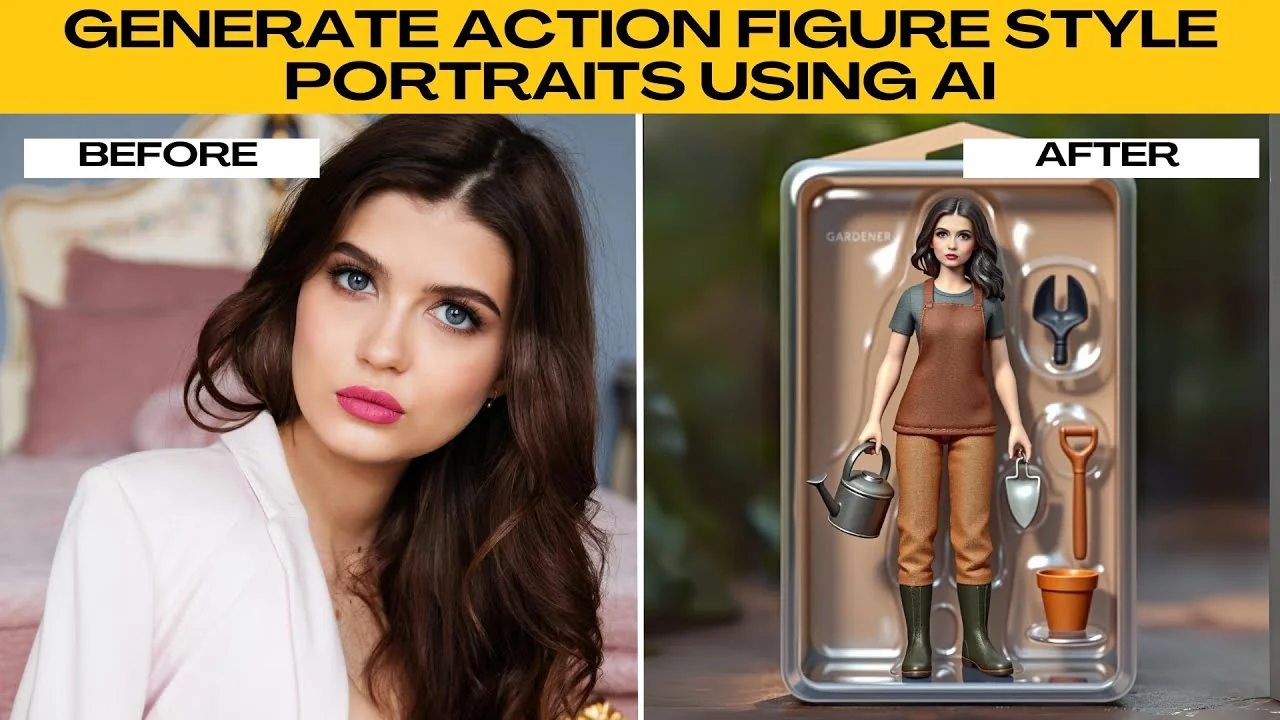
I will teach you how to generate action figure style portraits using AI. You might be making content for social media, designing a gamer profile picture, or just having fun. This walkthrough takes you from upload to download with practical tips along the way.
For another playful portrait style, try turning your images into emoji portraits.
Open the editor
Open your browser and go to Photos AI Artifacts. Here you can generate portraits in a wide variety of styles, including the action figure look.
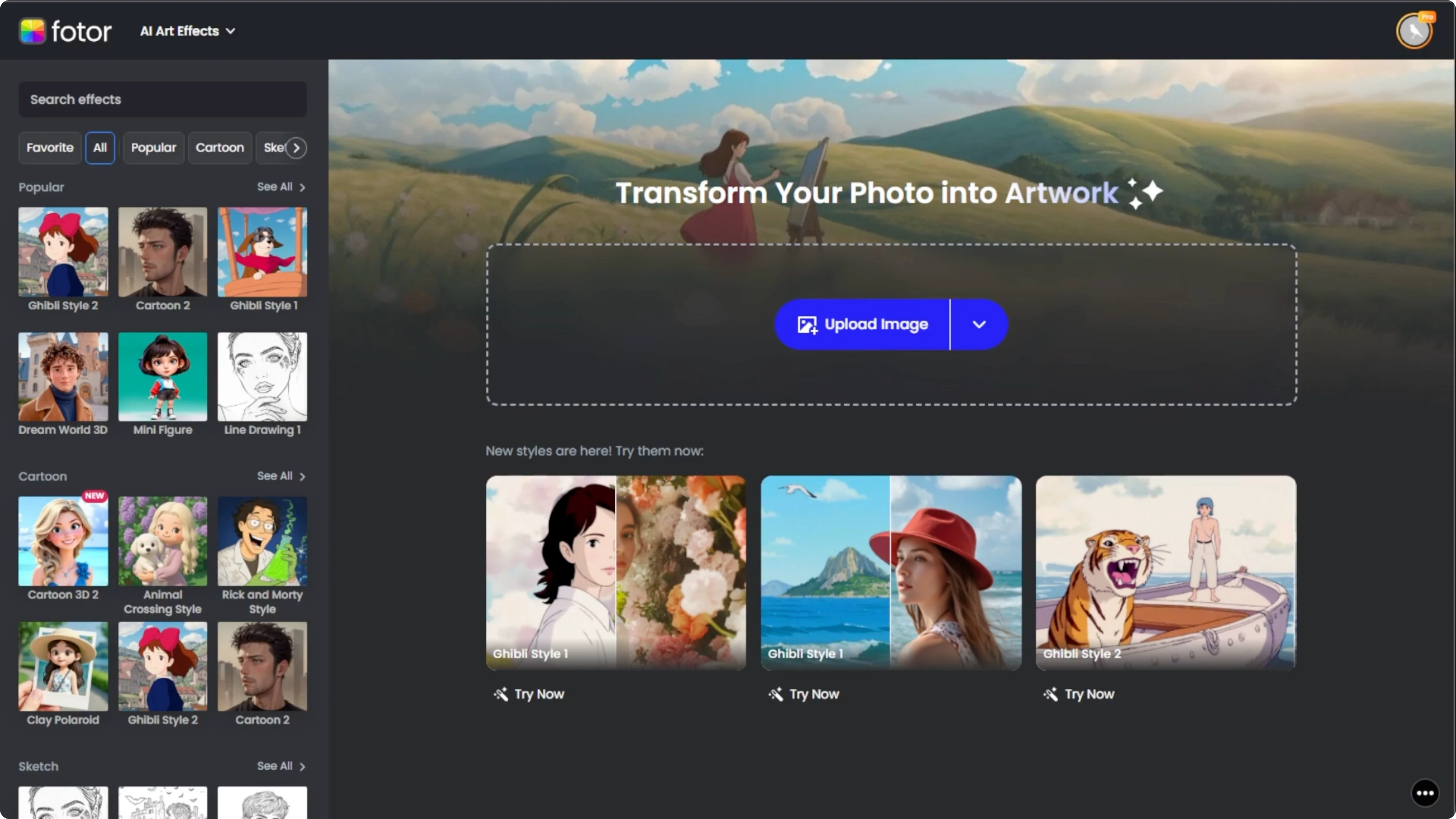
Upload your photo
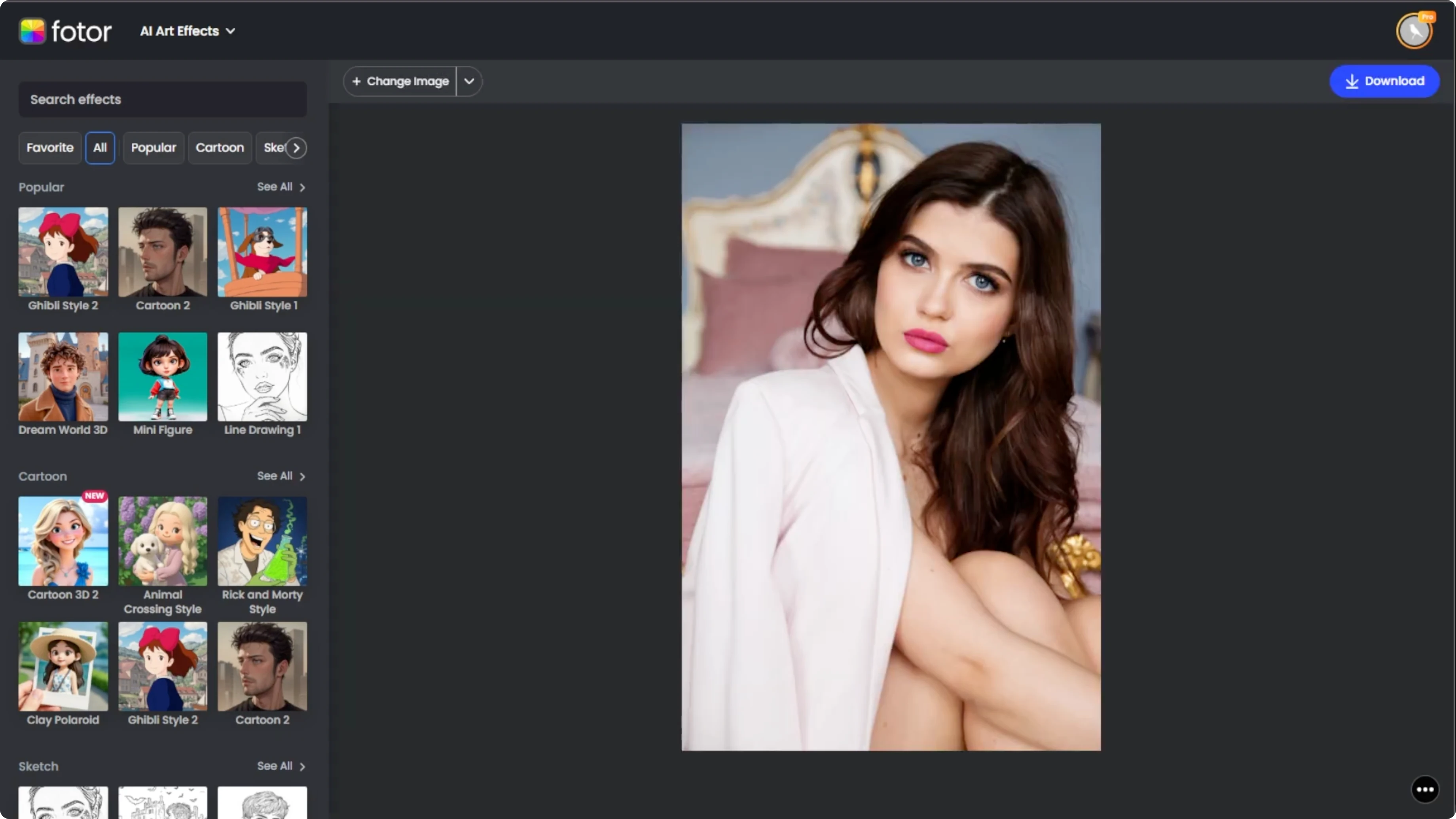
Click the Upload Image or drag and drop your image into the upload box. The uploaded image appears in the center of the editor. For best results, use a clear front-facing photo with minimal background clutter, and make sure your face and shoulders are visible for best AI recognition.
If you want to switch up your look first, you can change your hairstyle in photos using AI.
Choose the style
Look at the left-hand panel where you will find different artifact categories. Scroll to the Action Figure section to see multiple style presets under this category. Click any style to instantly preview how your uploaded photo looks in that art style.
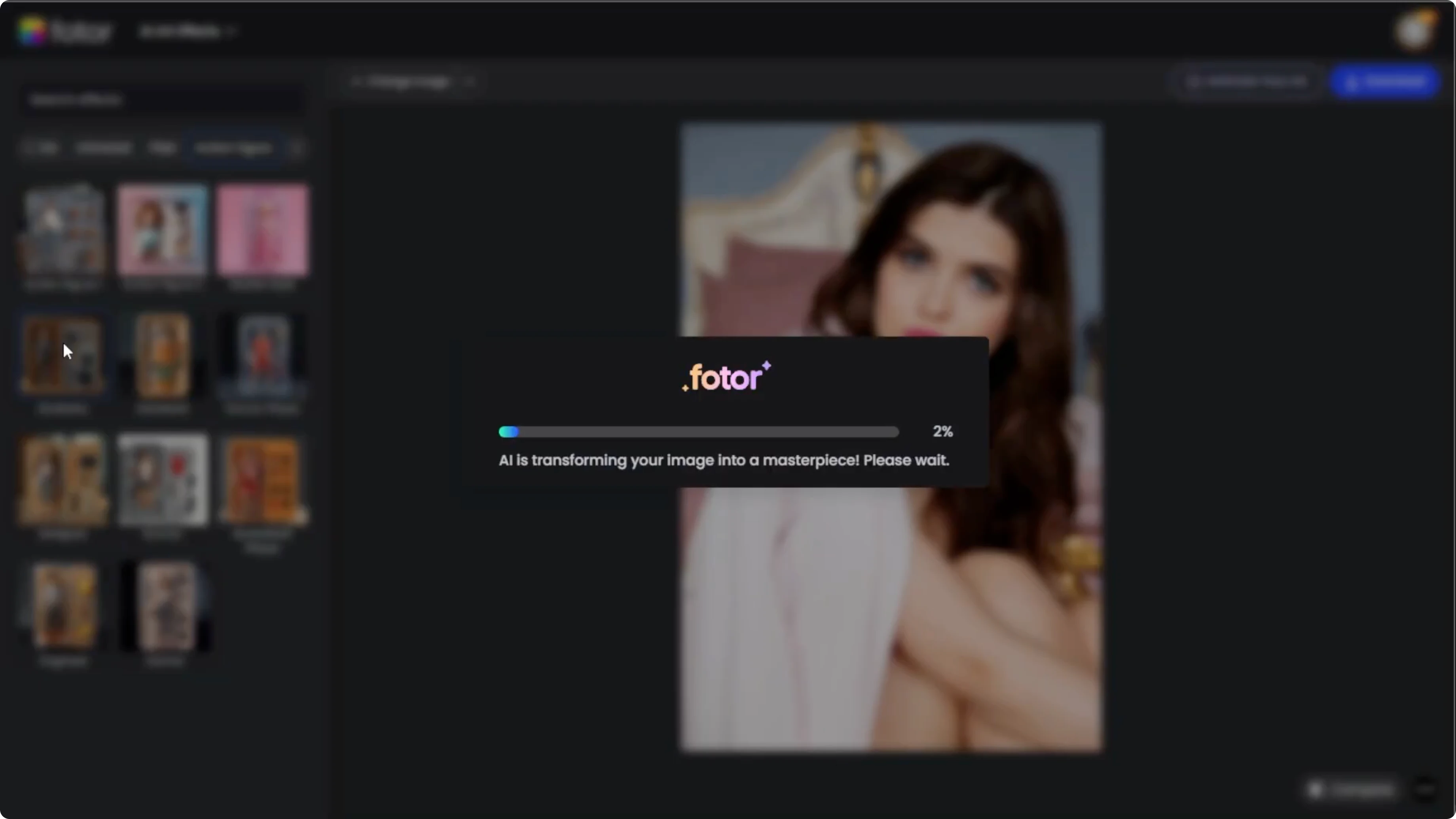
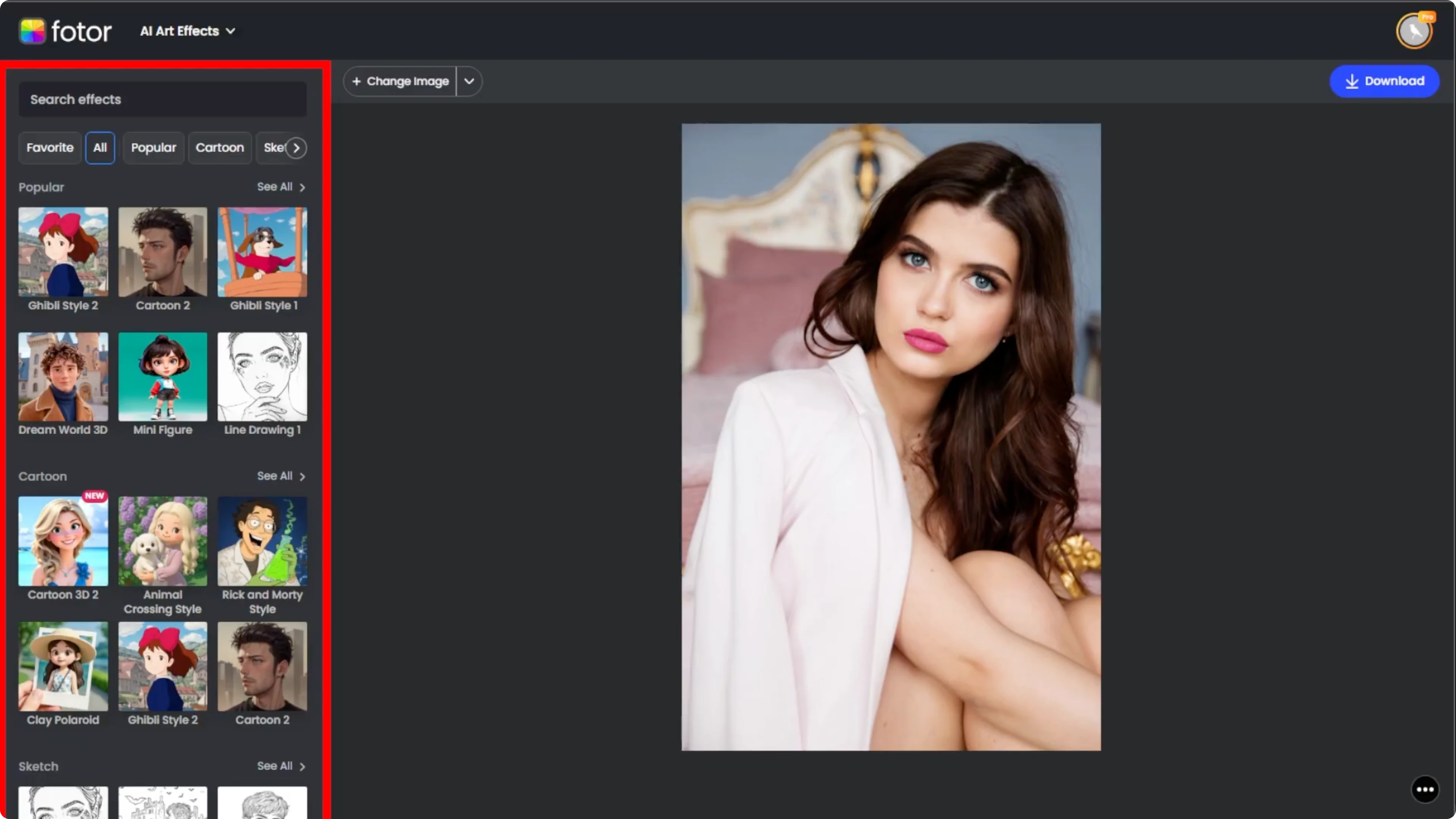
Wait about 10 seconds for the first render.
Preview and compare
After generation, preview your portrait in full. Click the Compare button at the bottom right to slide between the before and after versions. Use this to decide if the selected style matches the action figure aesthetic you have in mind.
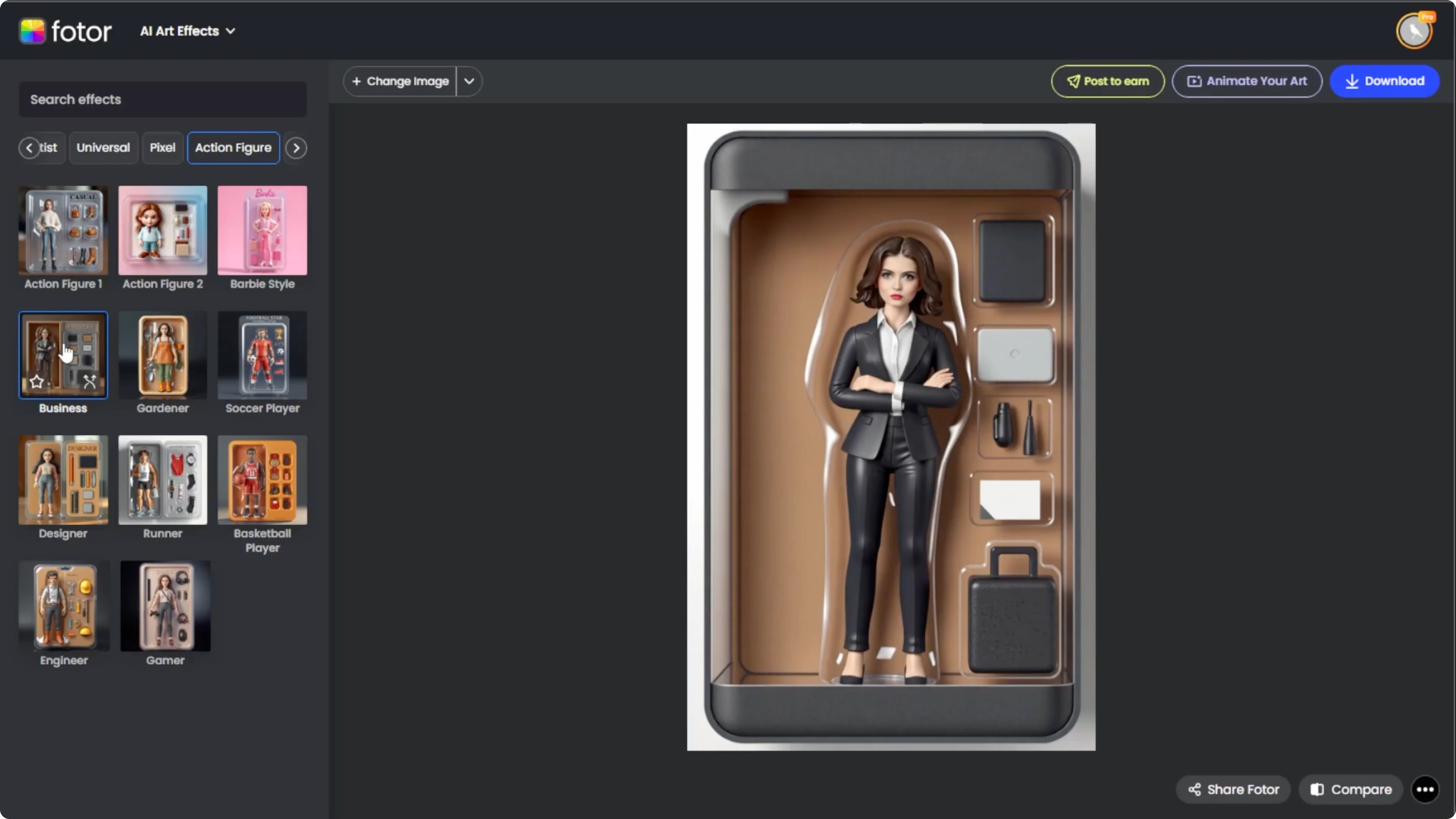
Refine the result
If you are not happy with the first result, click Regenerate on the selected style's thumbnail and Photo will create a new variation with a slightly different interpretation. Regenerate multiple times until you are satisfied with the look. If you want something different, click another effect in the Action Figure section to try a new theme.
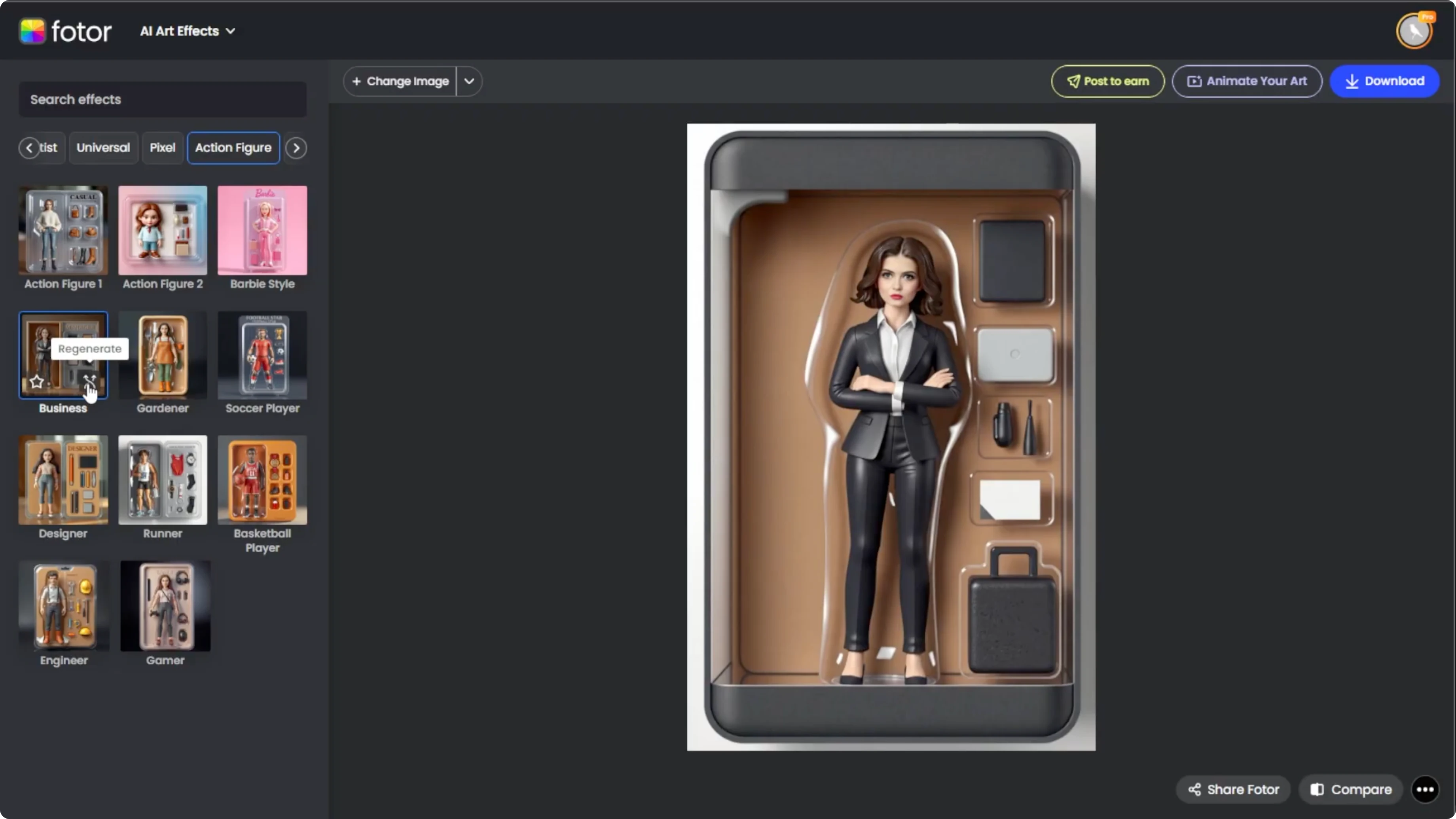
If you like creative scene changes, you can also convert daytime photos into night scenes using AI.
Download your portrait
Once you are happy with the generated image, click Download at the top right. Choose your file format and save the image to your device. Creating action figure portraits with AI is a fun and futuristic way to bring your photos to life and is surprisingly easy.
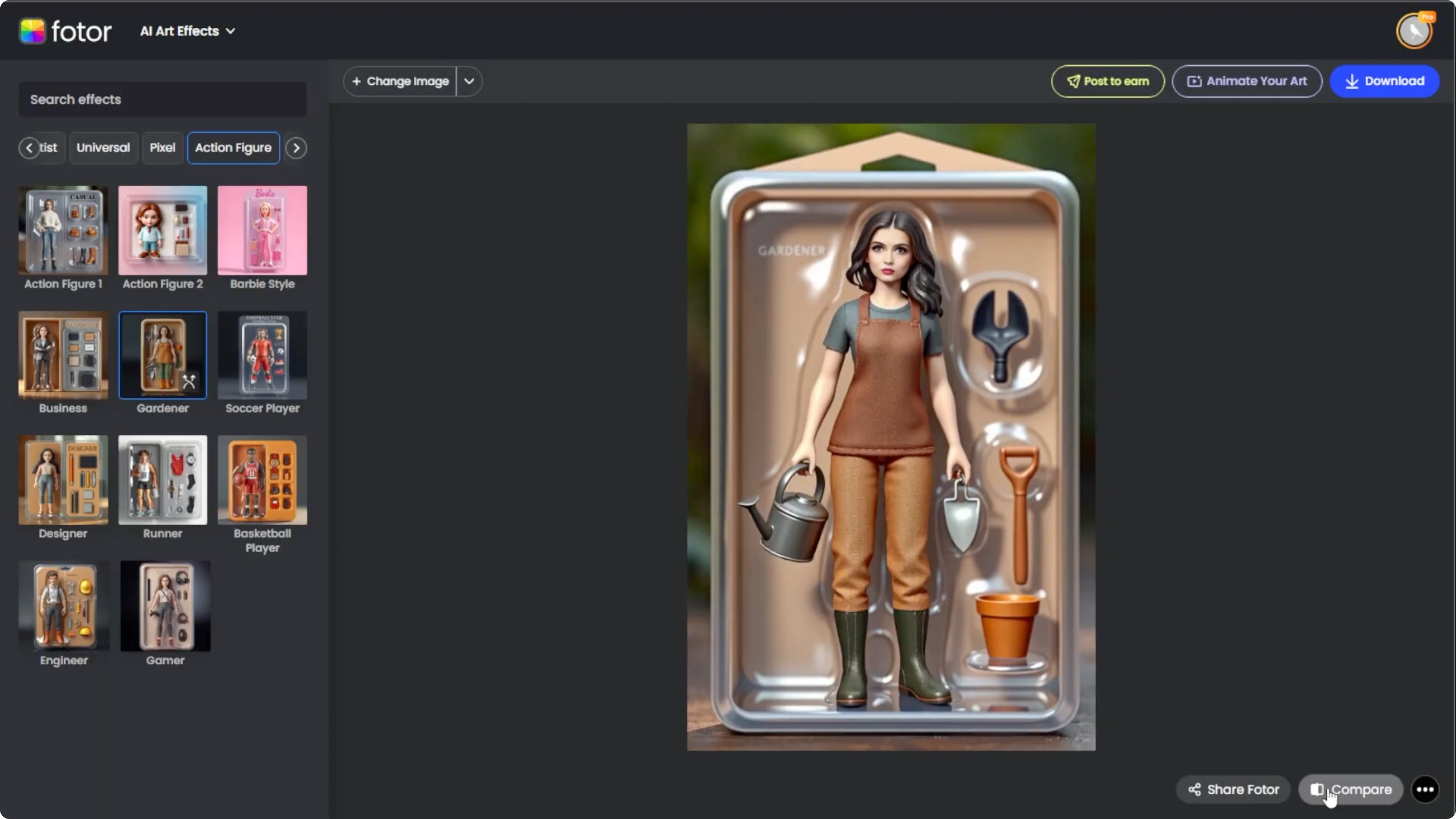
Final thoughts
Use a sharp, well-lit, front-facing photo for the most consistent results. Experiment with presets, compare views, and regenerate until the look feels right. Save your favorite version and enjoy your new action figure style portrait.
Recent Posts

How to Visualize Yourself as a Pixelized Character with AI?
How to Visualize Yourself as a Pixelized Character with AI?

How to Revive Faded Memories and Enhance Image Clarity with AI?
How to Revive Faded Memories and Enhance Image Clarity with AI?

How to Visualize Yourself as an Animal Crossing Character with AI?
How to Visualize Yourself as an Animal Crossing Character with AI?