How to Transform Your Photos into Personalized Emoji Style Portraits Using AI?
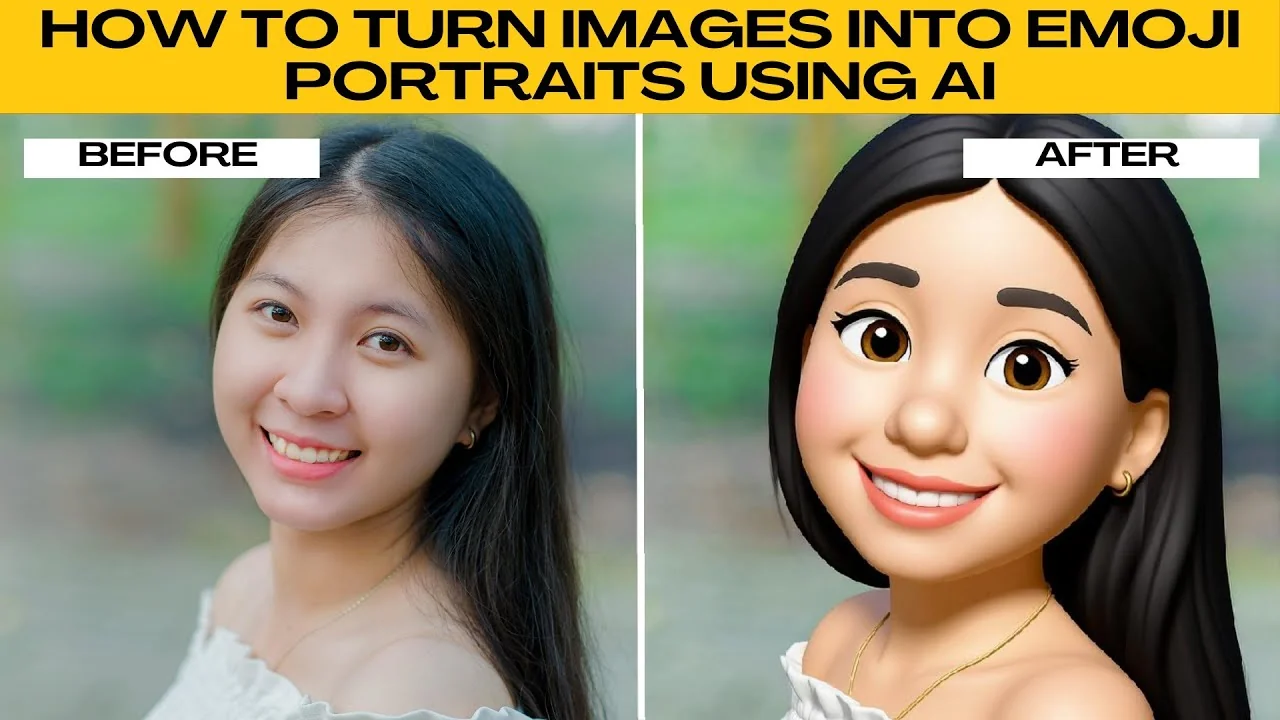
Emojis are one of the most popular ways to express emotions online. Thanks to AI artifacts, you can transform your own photos into personalized emoji style portraits.
PhotoR AI Artifacts runs directly in your browser, so you don't need to install any software.
Create your emoji portrait
Upload and choose style
Go to your browser and go to PhotoR AI Artifacts.
Click the upload button and select an image from your computer. For best results, use a clear photo with a single face and good lighting. This helps the AI create a cleaner emoji version.
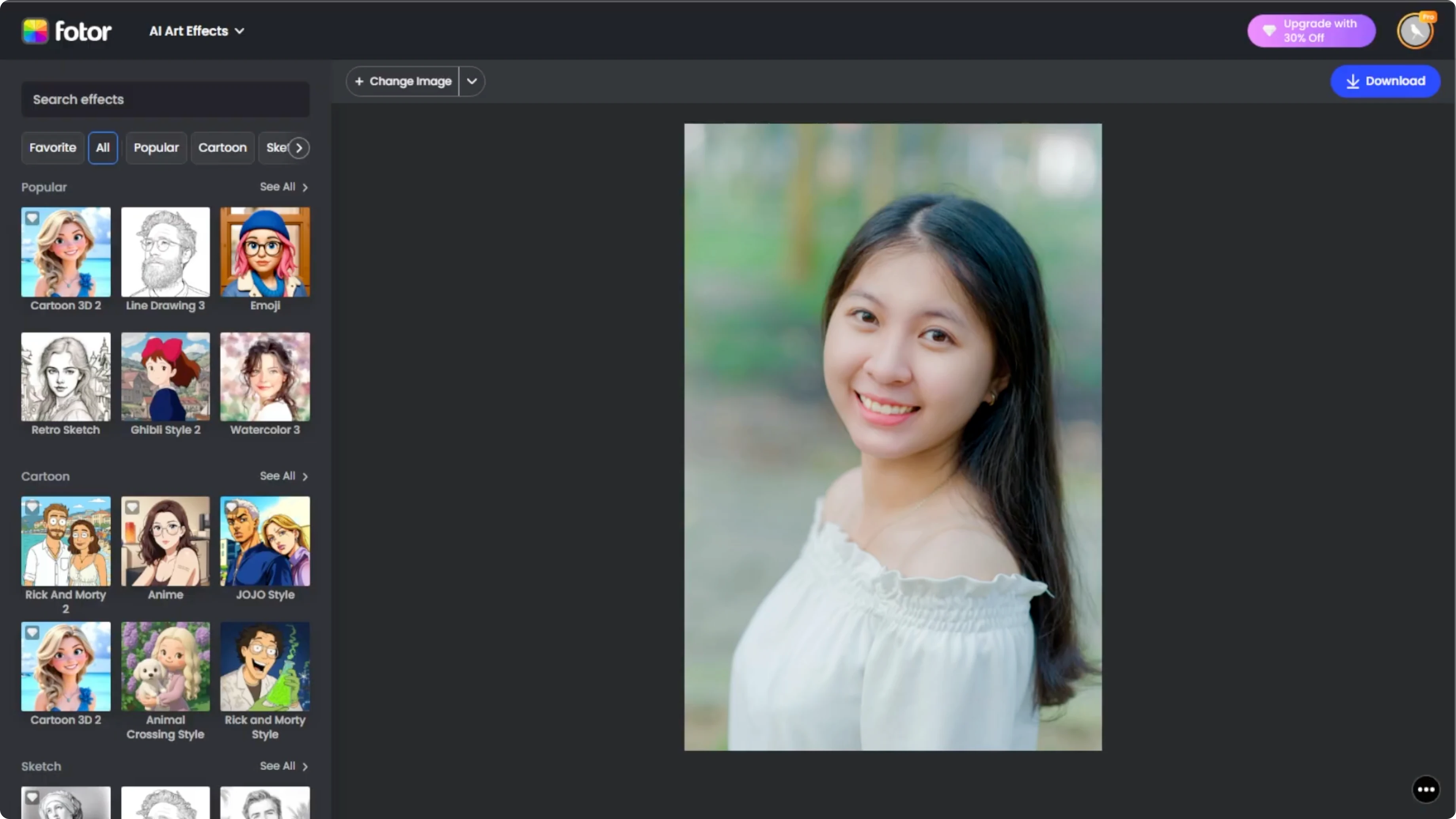
On the left panel, you will see many art styles. Scroll down to the popular section. Click the emoji option.
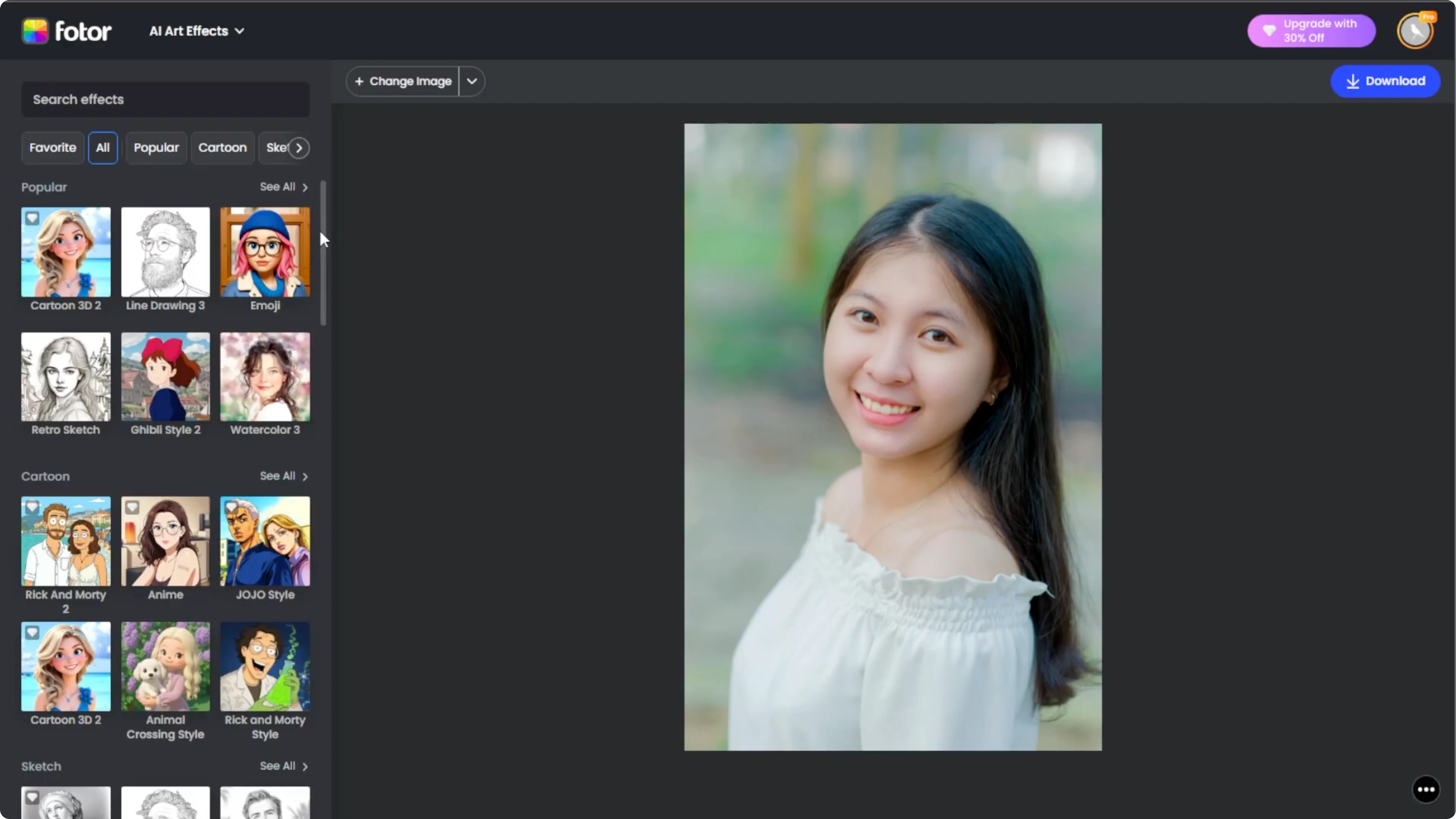
Refine the result
The AI instantly turns your uploaded image into a fun emoji style portrait.
At the bottom right, click the compare button. This shows your original photo next to the emoji version.
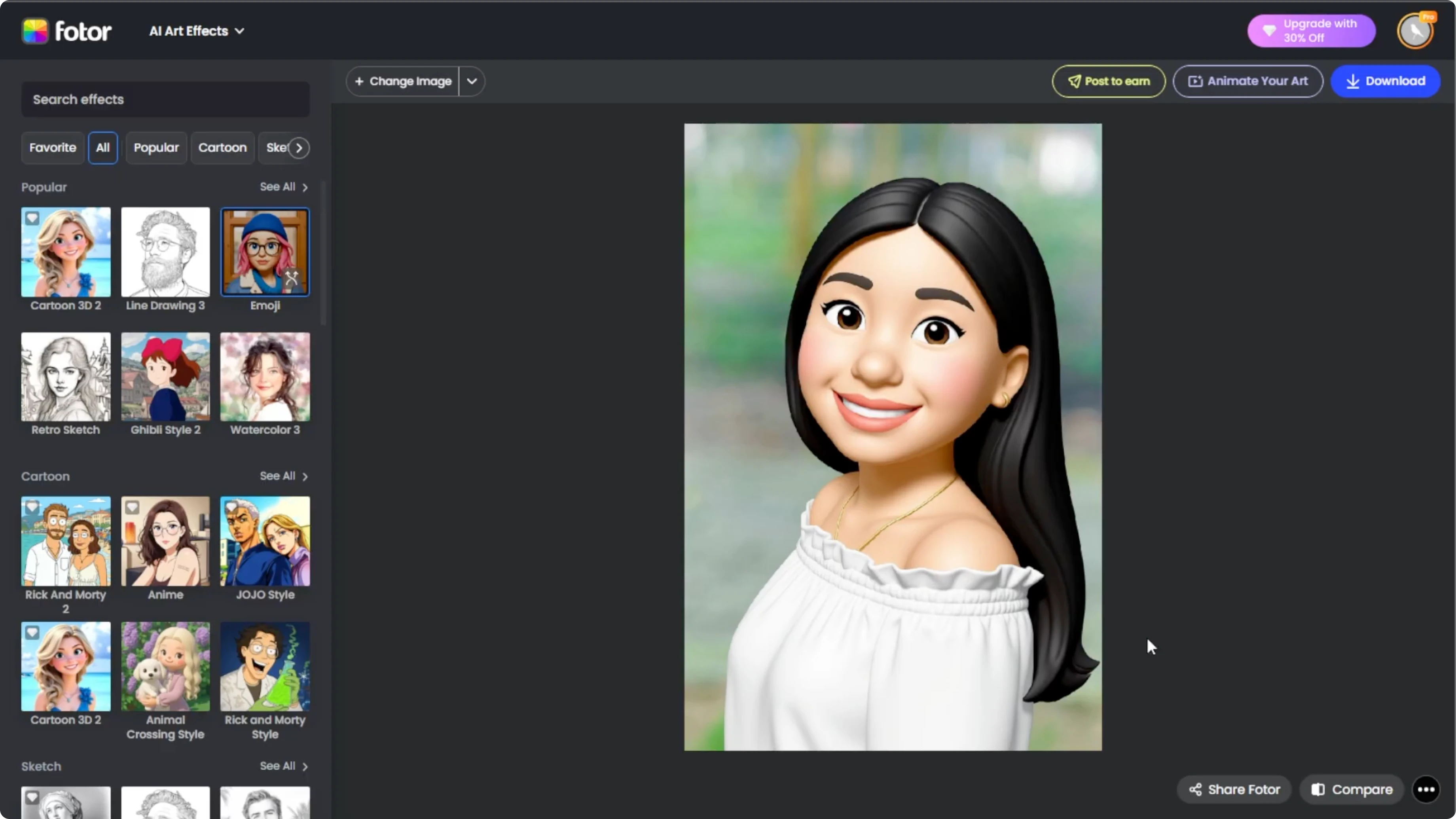
If you are not happy with the first try, you can easily adjust it. Hover over the emoji effect thumbnail, then click regenerate to let the AI create a new version. Each regeneration only takes about 10 seconds and gives you a slightly different result.
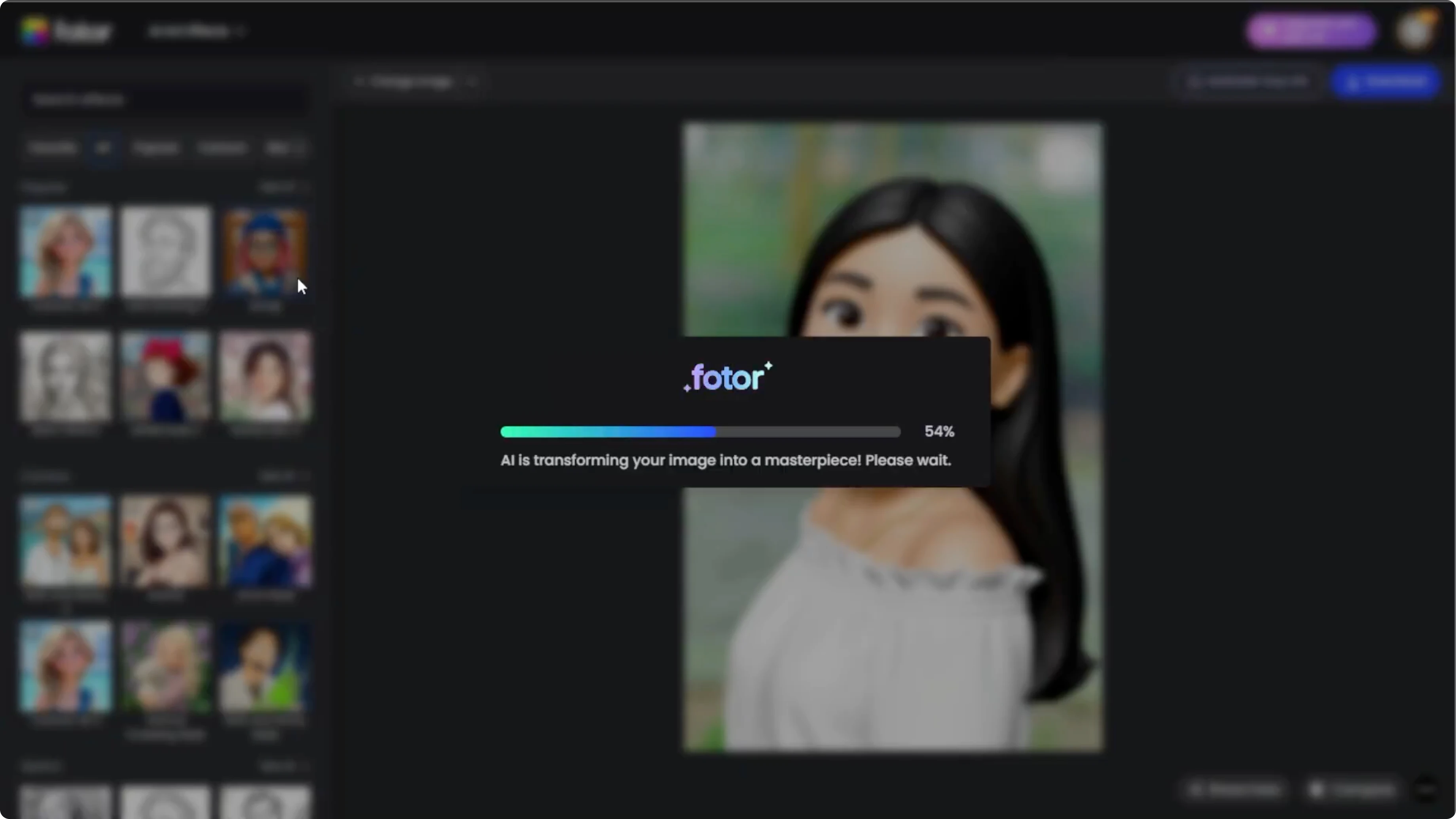
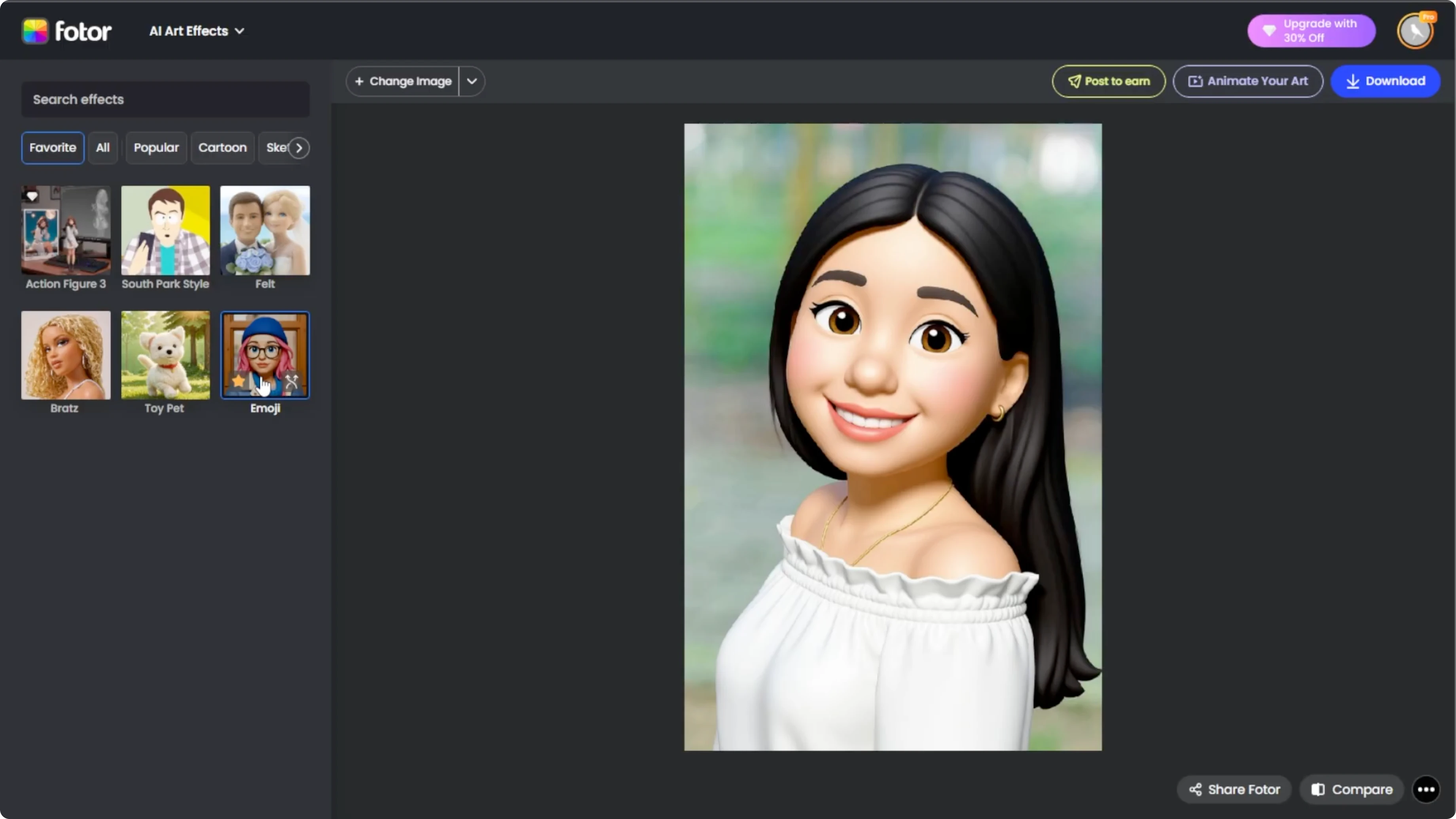
If you like this effect, click the star icon to save it to your favorites. You can quickly find it again in the favorites section.
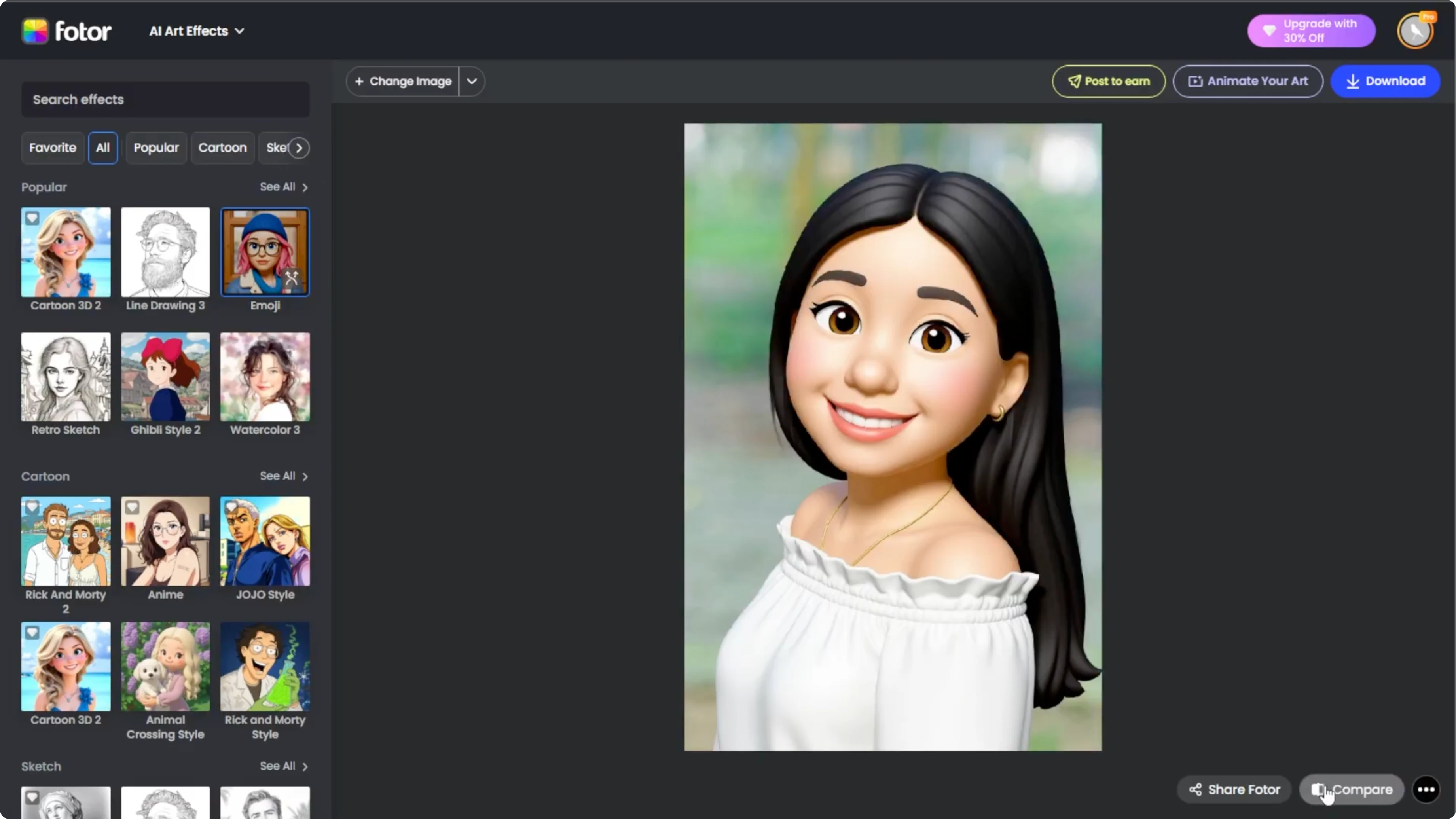
If you enjoy stylized looks, try turning yourself into a cartoon for a similar creative edit.
Save and share
When you are happy with the result, click the download button to save it to your computer.
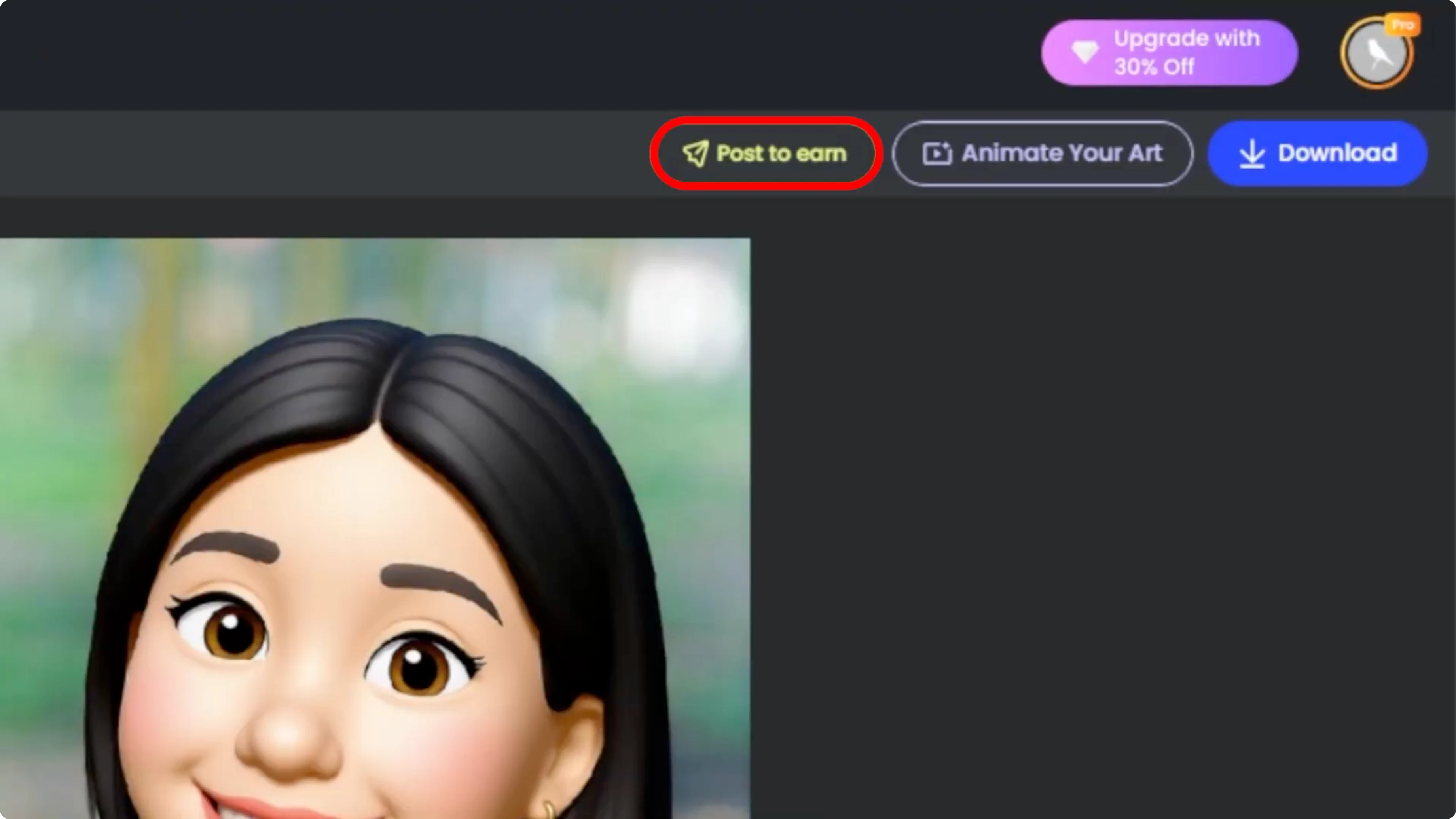
You also have extra options. Click post to earn to share your emoji portrait on PhotoR to earn photo coins, which can be cashed out. Click animate your art to turn your emoji into a short animated video using the AI video generator.
For another fun edit, explore changing your hairstyle in photos using AI tools.
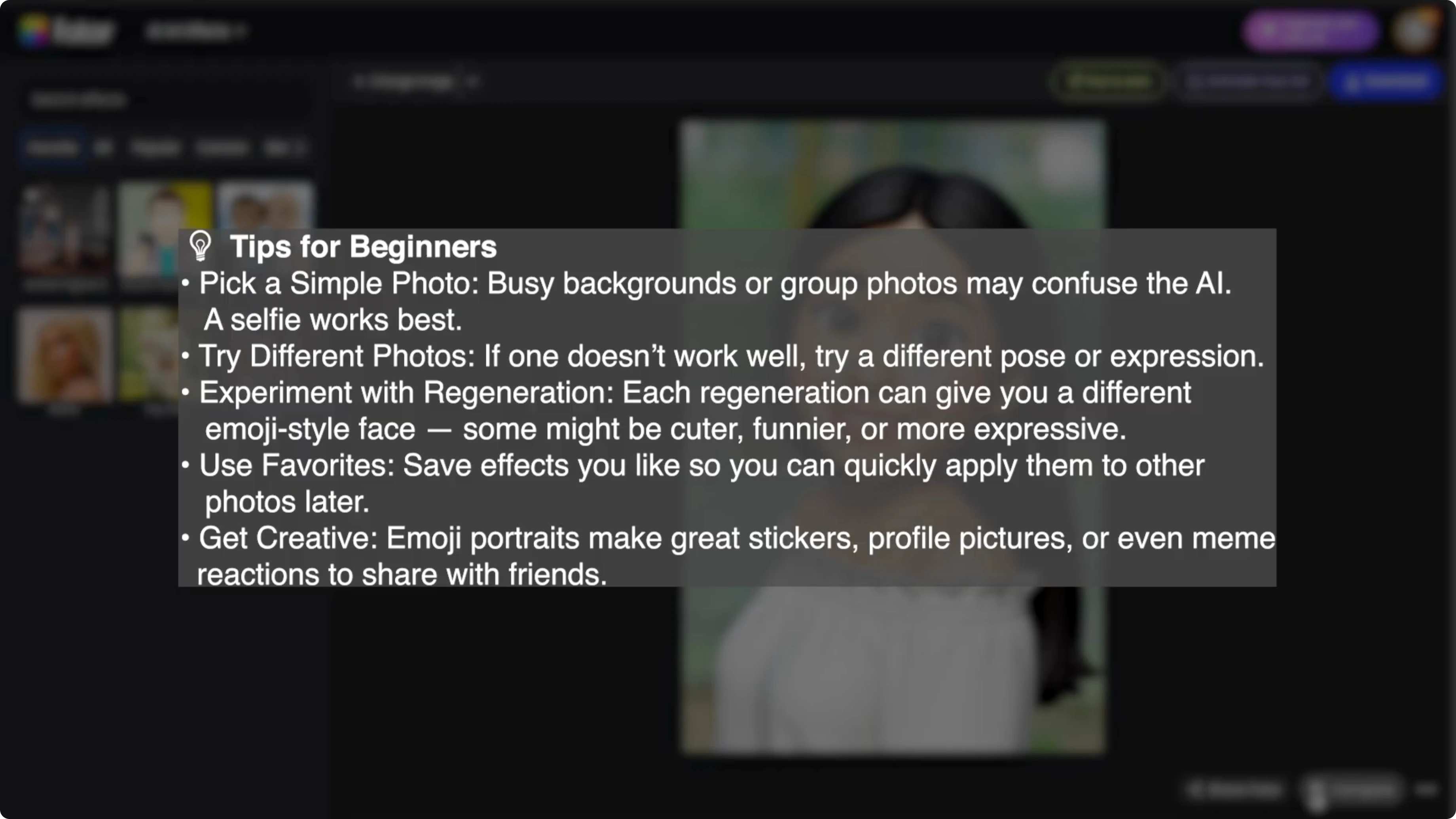
Tips for beginners
With just a few clicks, you can turn a regular photo into a personalized emoji self portrait using AI. No design experience needed.
Final thoughts
Emoji portraits are quick to create and easy to customize. Compare, regenerate, and favorite until you get a look you love, then download or animate your art.
If you want to try a different creative effect, see how to convert daytime photos into a night scene with AI.
Recent Posts

How to Visualize Yourself as a Pixelized Character with AI?
How to Visualize Yourself as a Pixelized Character with AI?

How to Revive Faded Memories and Enhance Image Clarity with AI?
How to Revive Faded Memories and Enhance Image Clarity with AI?

How to Visualize Yourself as an Animal Crossing Character with AI?
How to Visualize Yourself as an Animal Crossing Character with AI?