How to Visualize Yourself as an Animal Crossing Character with AI?
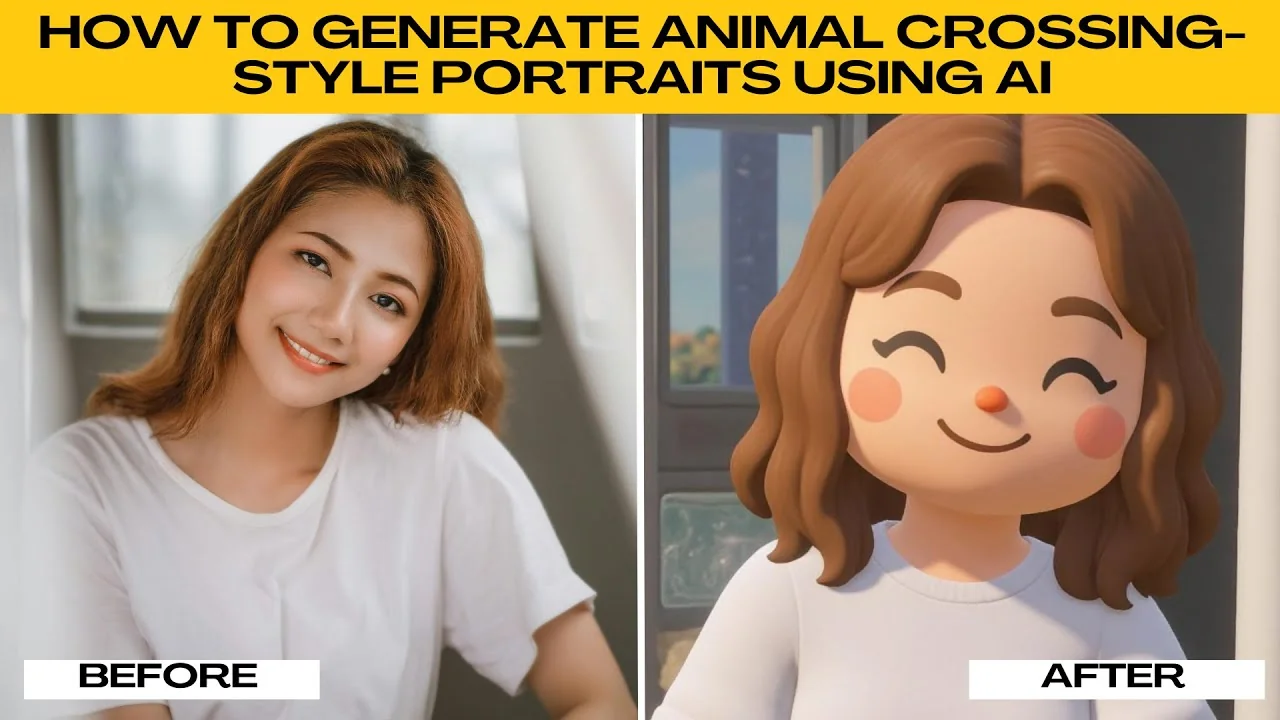
I will teach you how to generate Animal Crossing style portraits using AI. If you are a fan of the series or just want to cartoonize yourself in a charming way, this tutorial will walk you through the process from start to finish. No design skills needed.
Getting started
Go to photo AI artifacts.
Click the Upload Image button or drag and drop your photo into the editor.
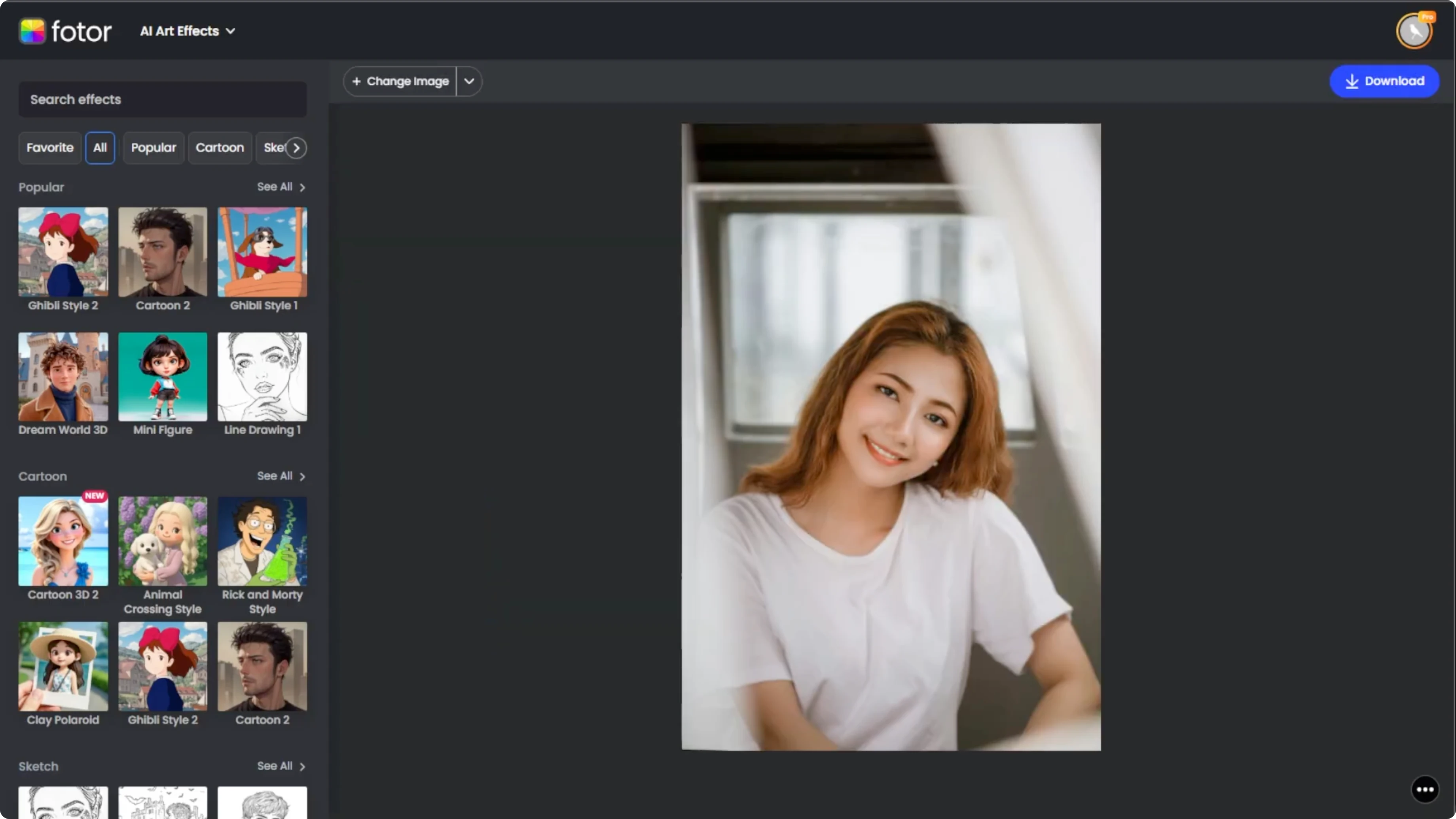
Choose a clear portrait photo, preferably with a simple background and good lighting for best results.
Find the effect
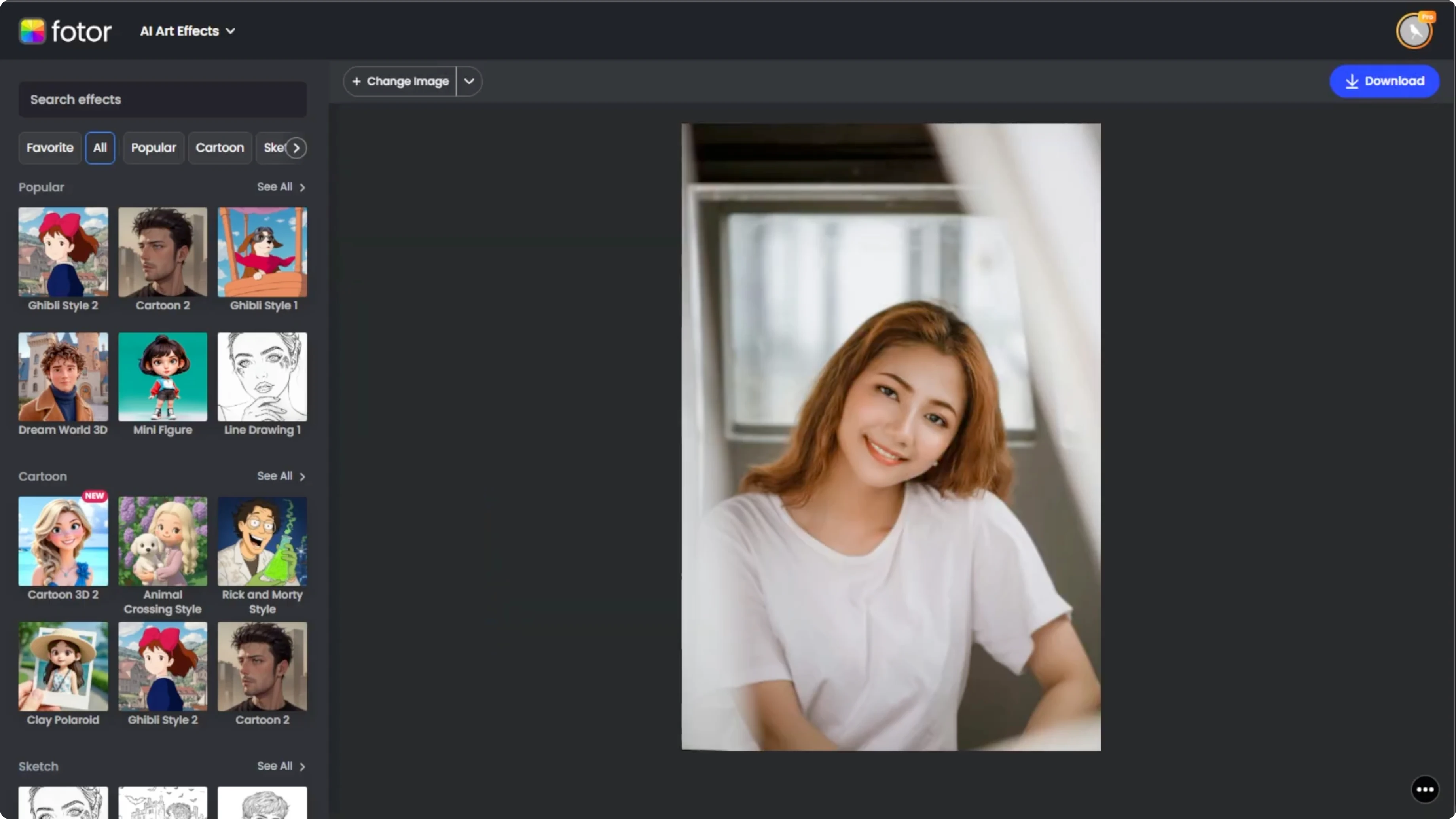
Find the Animal Crossing style effect.
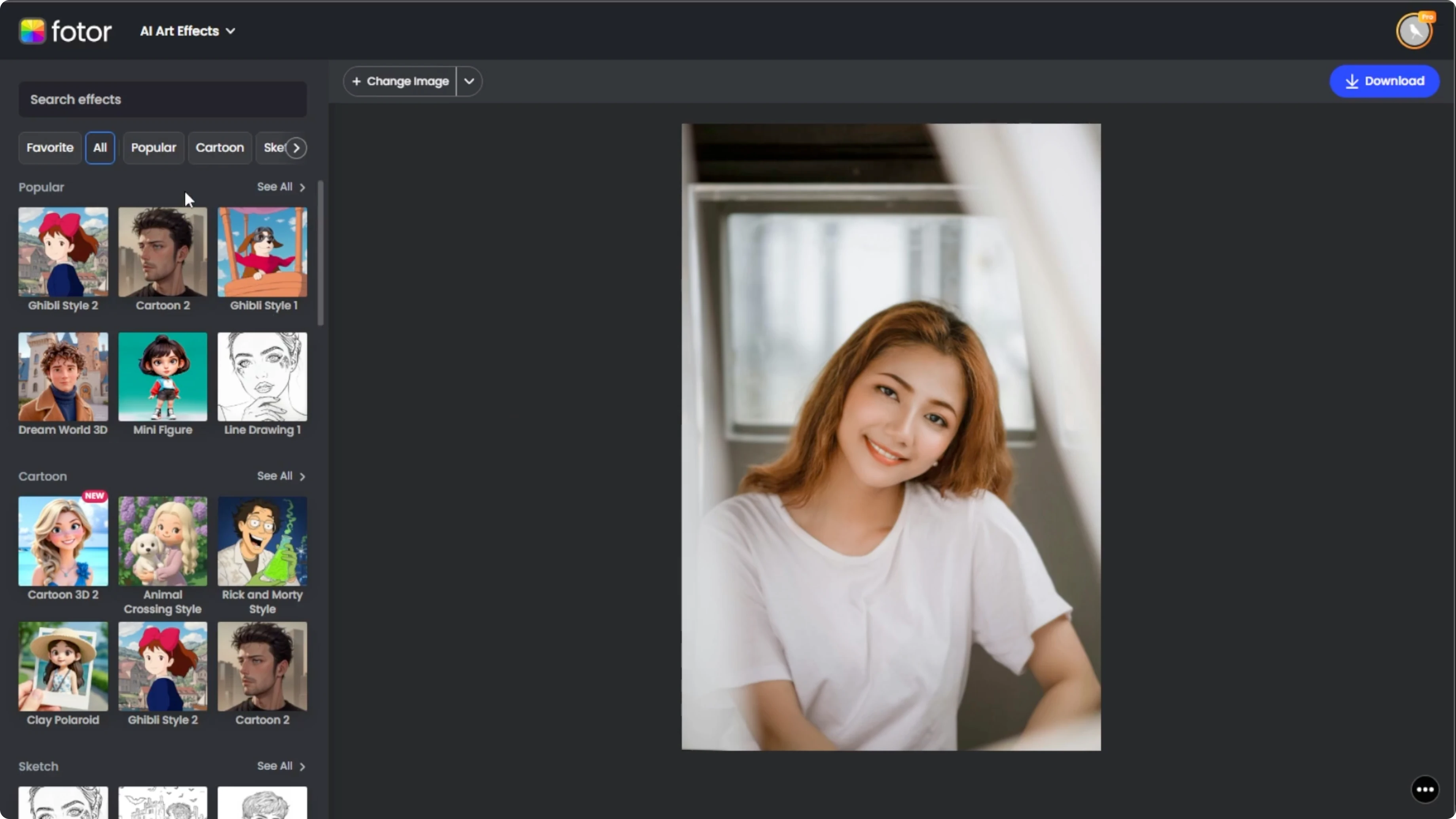
Once your image loads, look at the left panel.
Scroll through the art style categories or type Animal Crossing into the search bar, then click the Animal Crossing style thumbnail in the cartoon section.
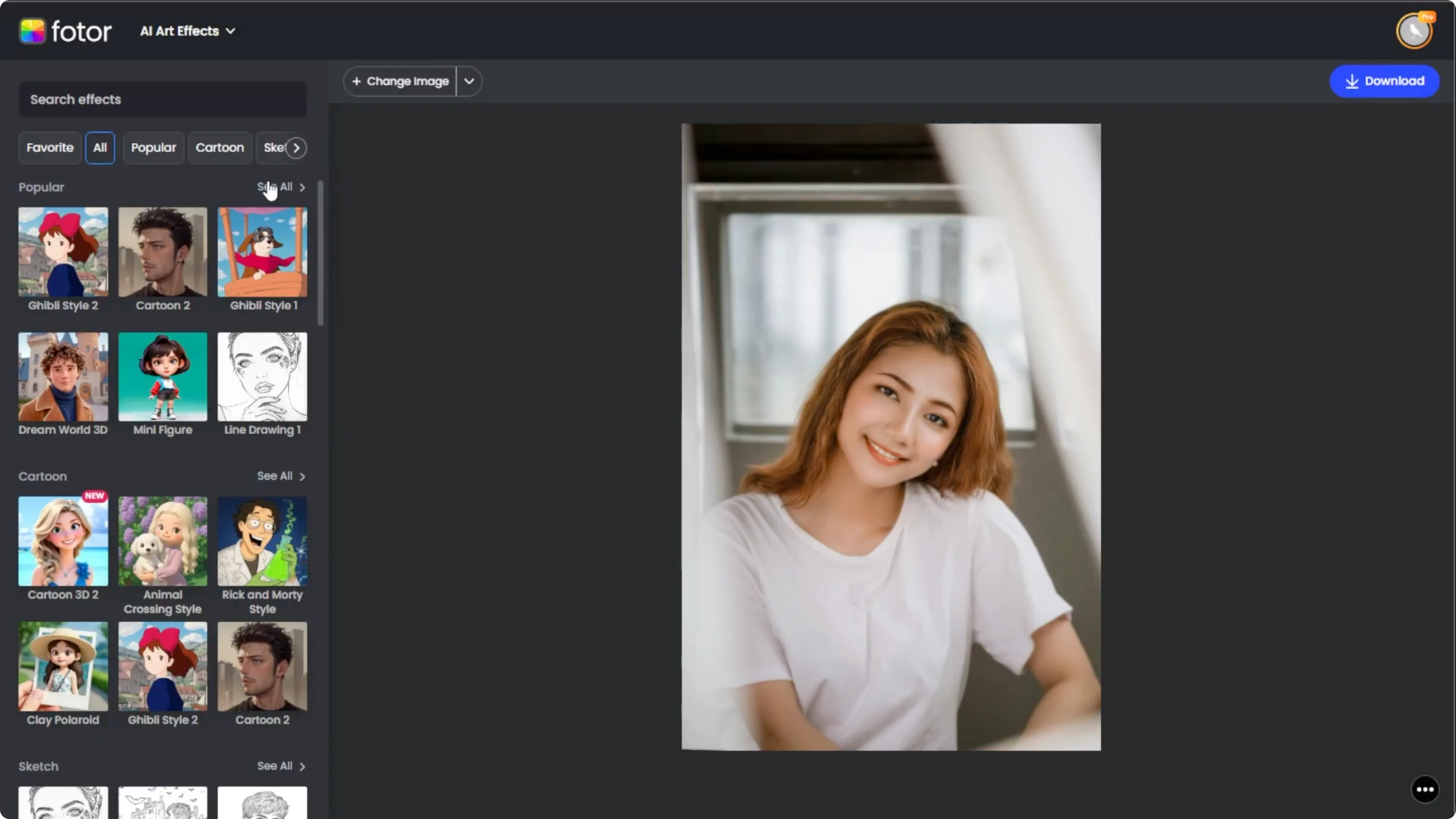
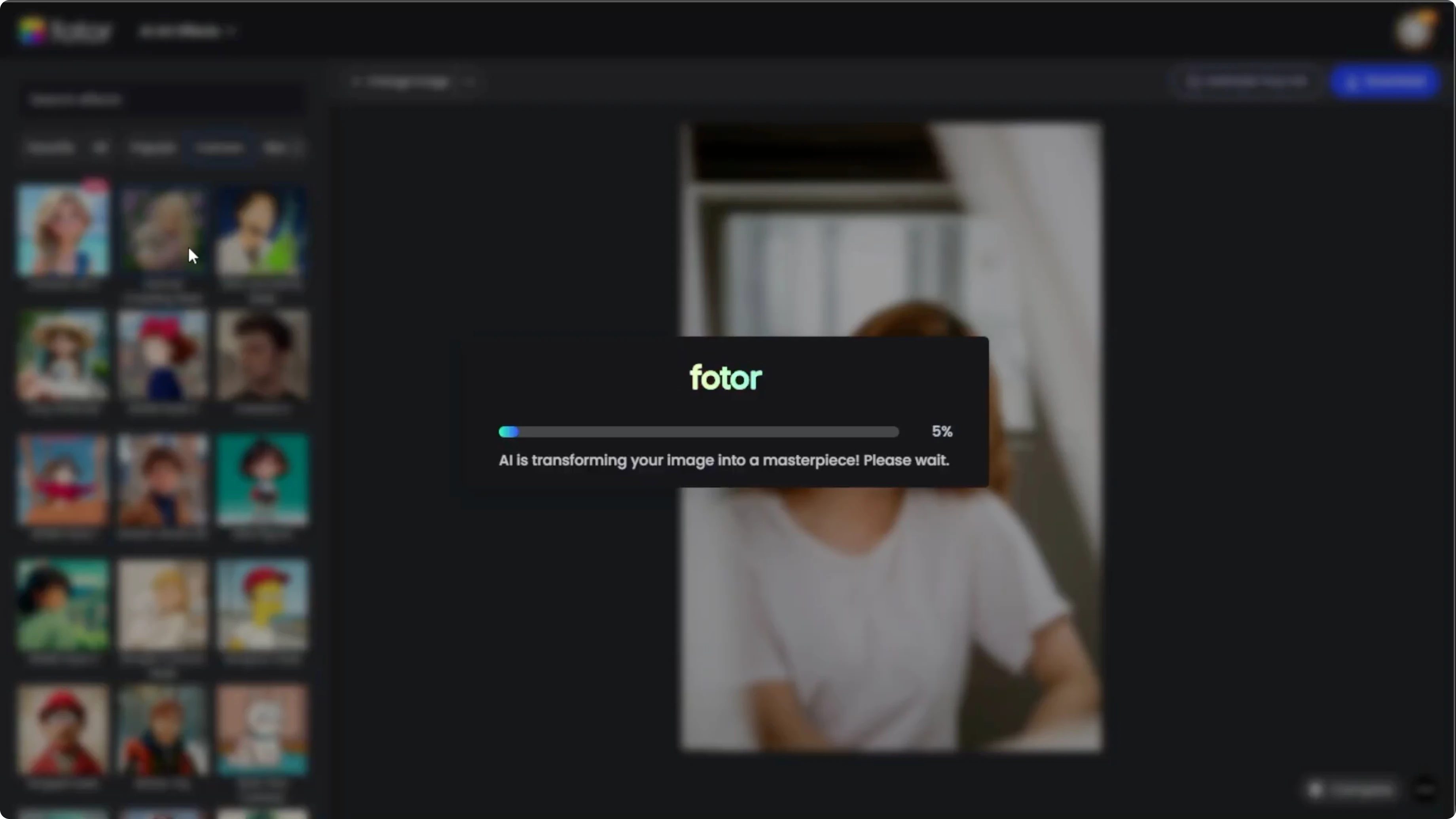
The AI will take a few seconds, usually 10 to 15 seconds, to apply the effect to your image.
More cartoon looks
For a broader set of cartoon transformations, check out our cartoon guide.
Compare and refine
Click the compare button at the bottom right to see the original versus the transformed image side by side.
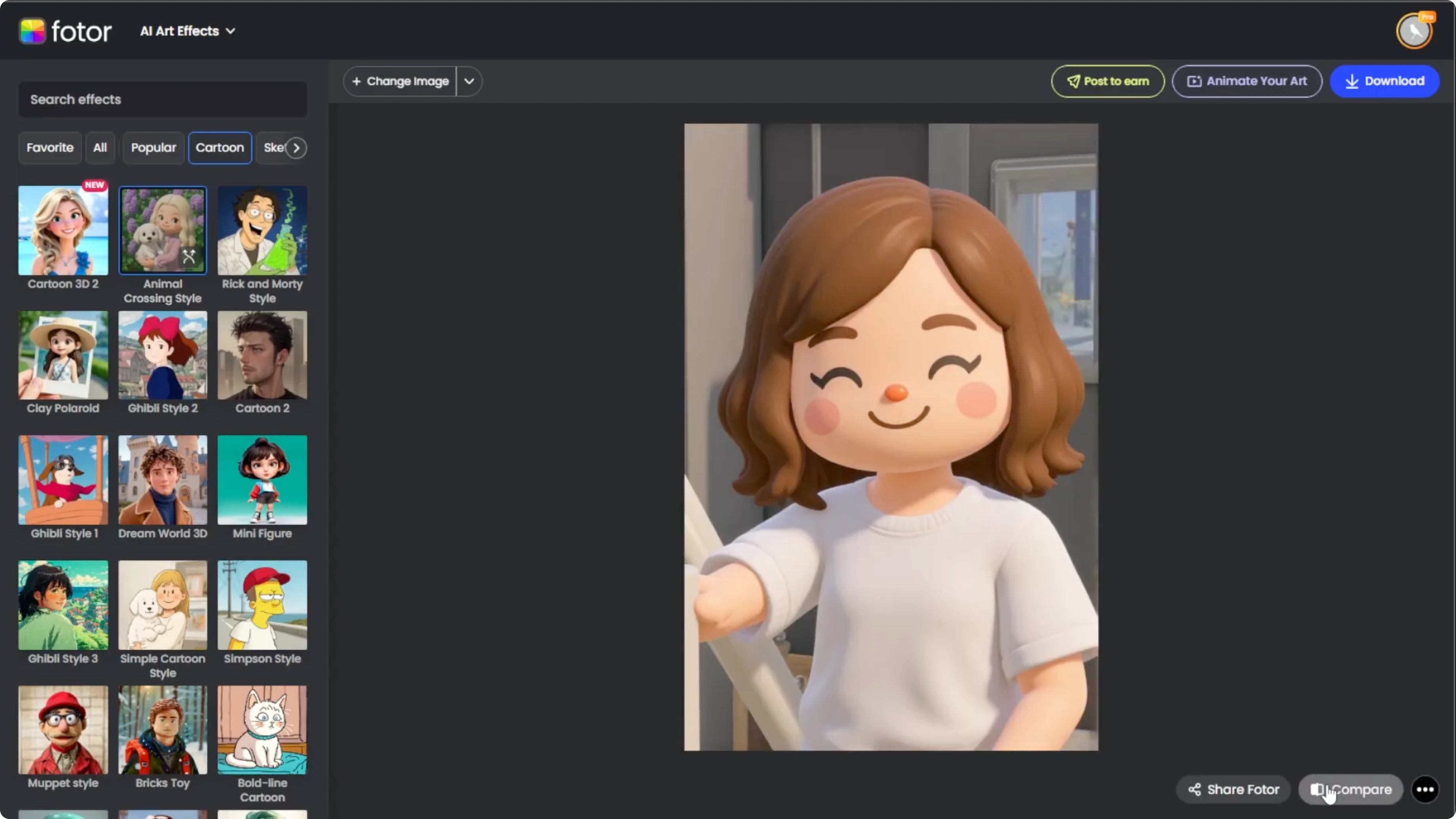
If the result does not look quite right, hover over the Animal Crossing effect thumbnail, then click the regenerate icon, and this will reapply the effect with slight variations.
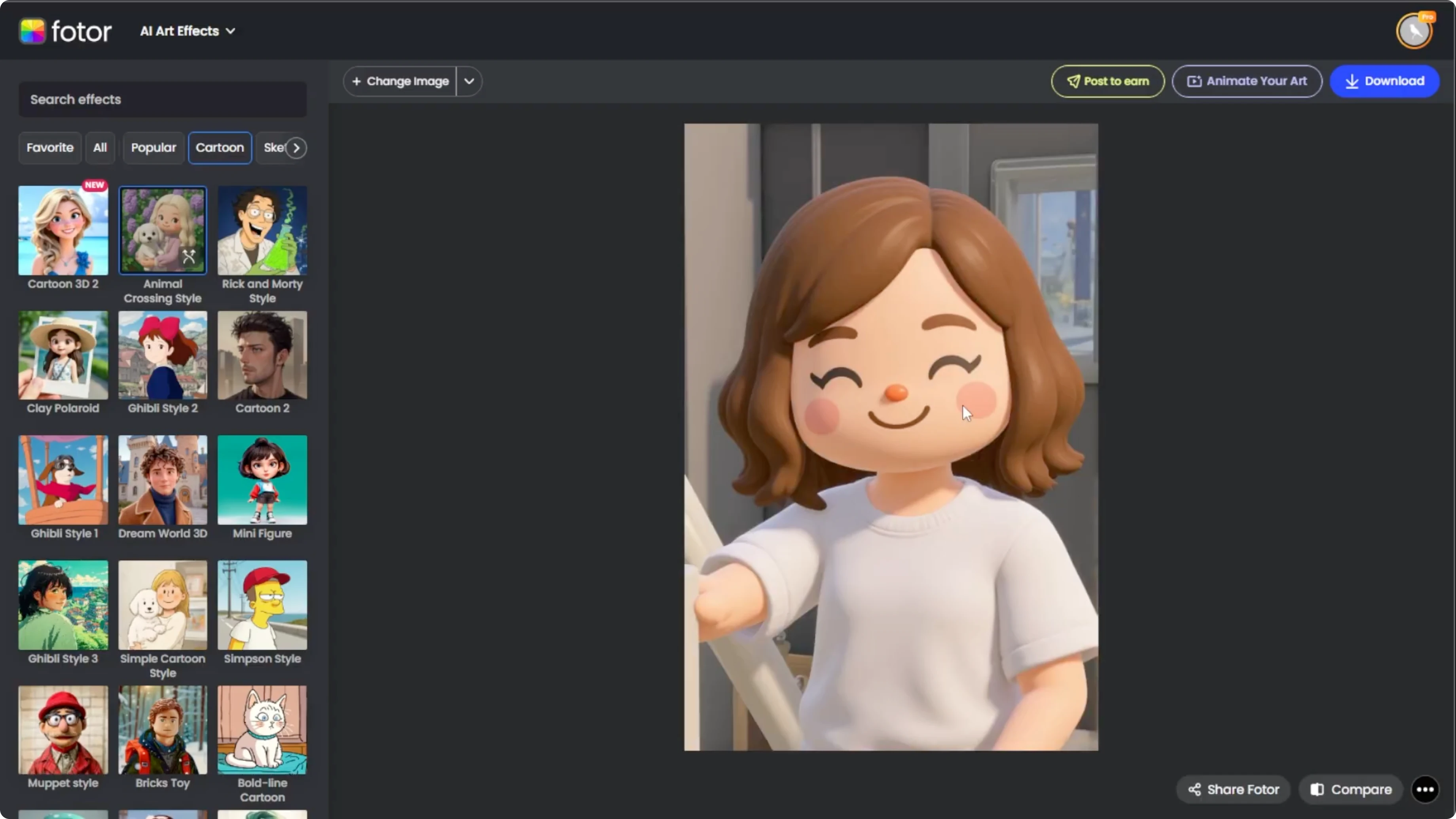
You can do this multiple times until you get a version you like. You can also try uploading a different photo with a more neutral expression or better lighting if you are not happy with multiple regenerations. For a fitness-style makeover, see how to make yourself look muscular.
Save your portrait
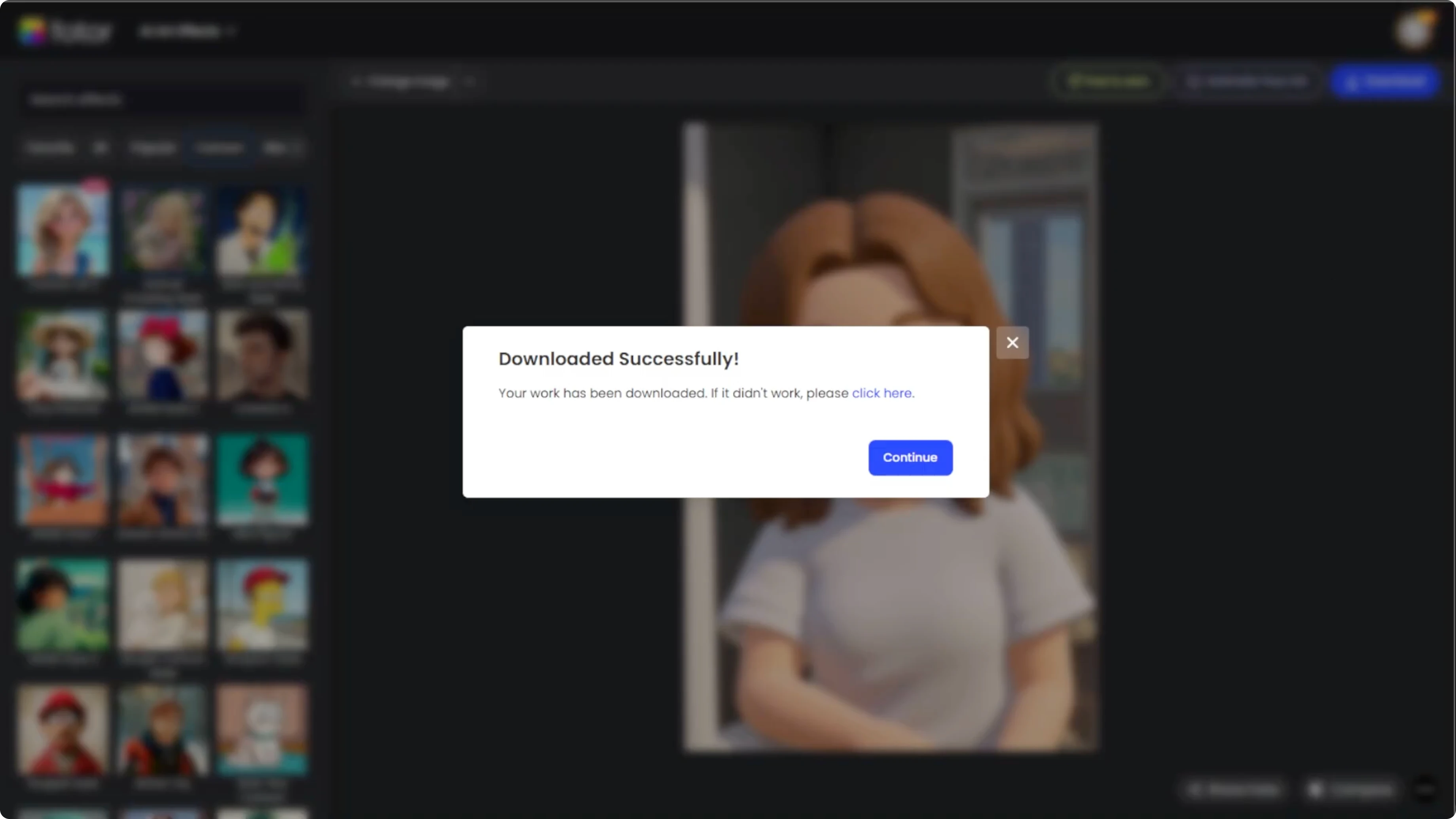
Click the download button at the top right to save your portrait.
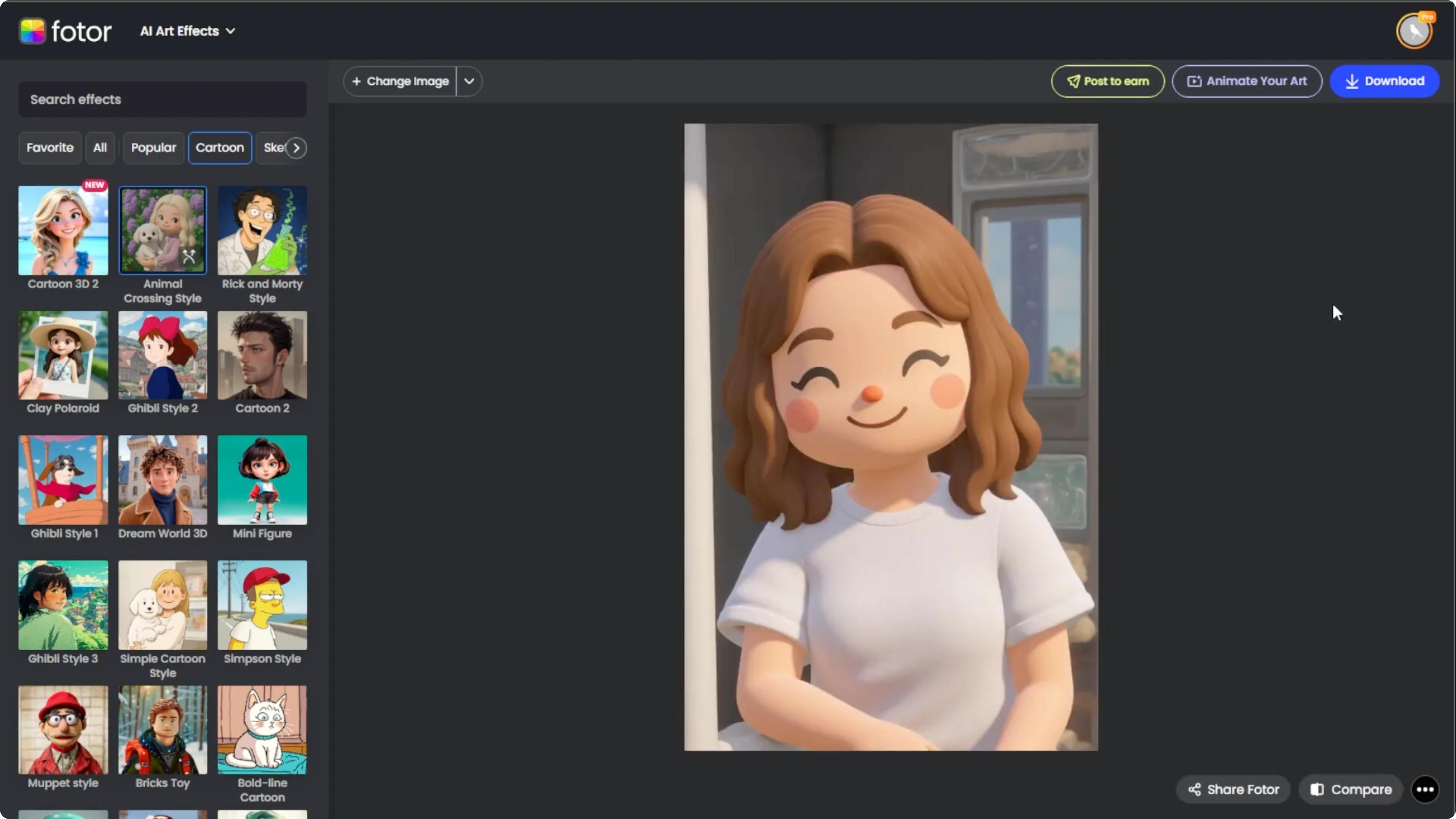
And you are done.
If you want a travel twist, try to place yourself at famous locations using AI.
Final thoughts
A clear portrait and good lighting give you the best results with this Animal Crossing style effect. Use compare and regenerate to fine tune the look until it feels right. Save your favorite version and enjoy your new character portrait.
Recent Posts
How to Visualize Yourself as a Pixelized Character with AI?
How to Visualize Yourself as a Pixelized Character with AI?
How to Revive Faded Memories and Enhance Image Clarity with AI?
How to Revive Faded Memories and Enhance Image Clarity with AI?
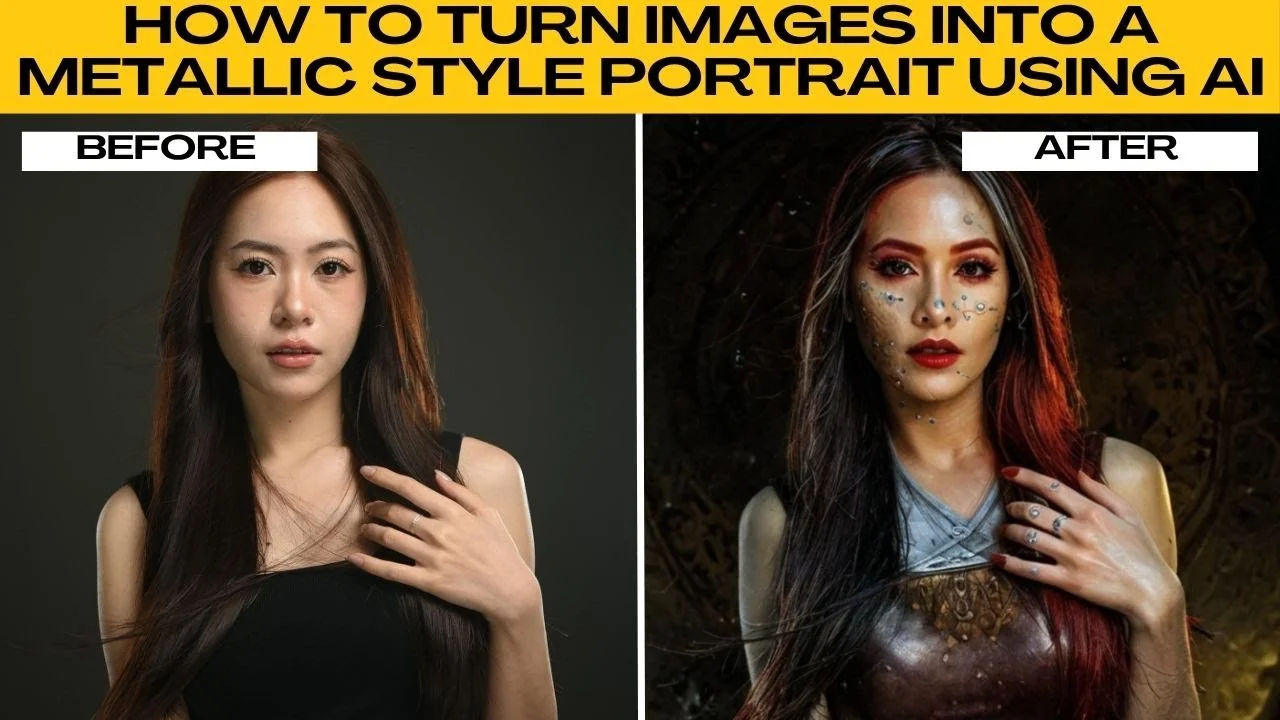
How to Turn Your Photos into a Radiant Metallic Masterpiece with AI?
How to Turn Your Photos into a Radiant Metallic Masterpiece with AI?