How to Virtually Travel and Place Yourself in Famous Landmarks with AI?

I will teach you how to place yourself in famous locations using AI. Ever dreamed of standing in front of the Eiffel Tower, walking through Times Square, or exploring the Colosseum, but have not had a chance to travel? AI can make it happen.
With just a few clicks, you can transform any photo to place yourself in iconic locations worldwide. For a broader walkthrough of AI photo edits, see this image editing guide.
Getting started
Setup
Open your browser. Go to ChatGPT. Log into your account or sign up for free if you do not have one.
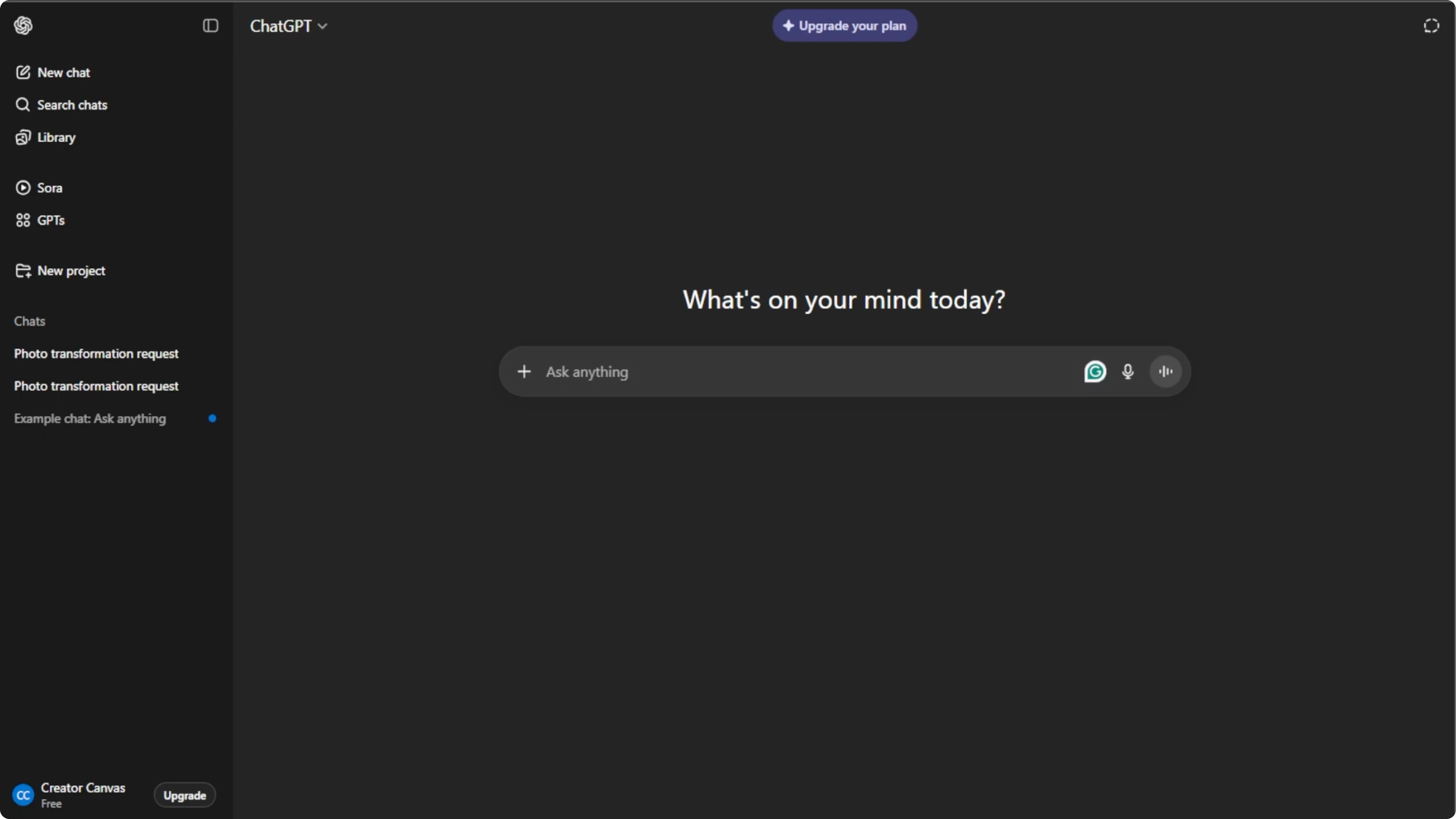
Switch to images
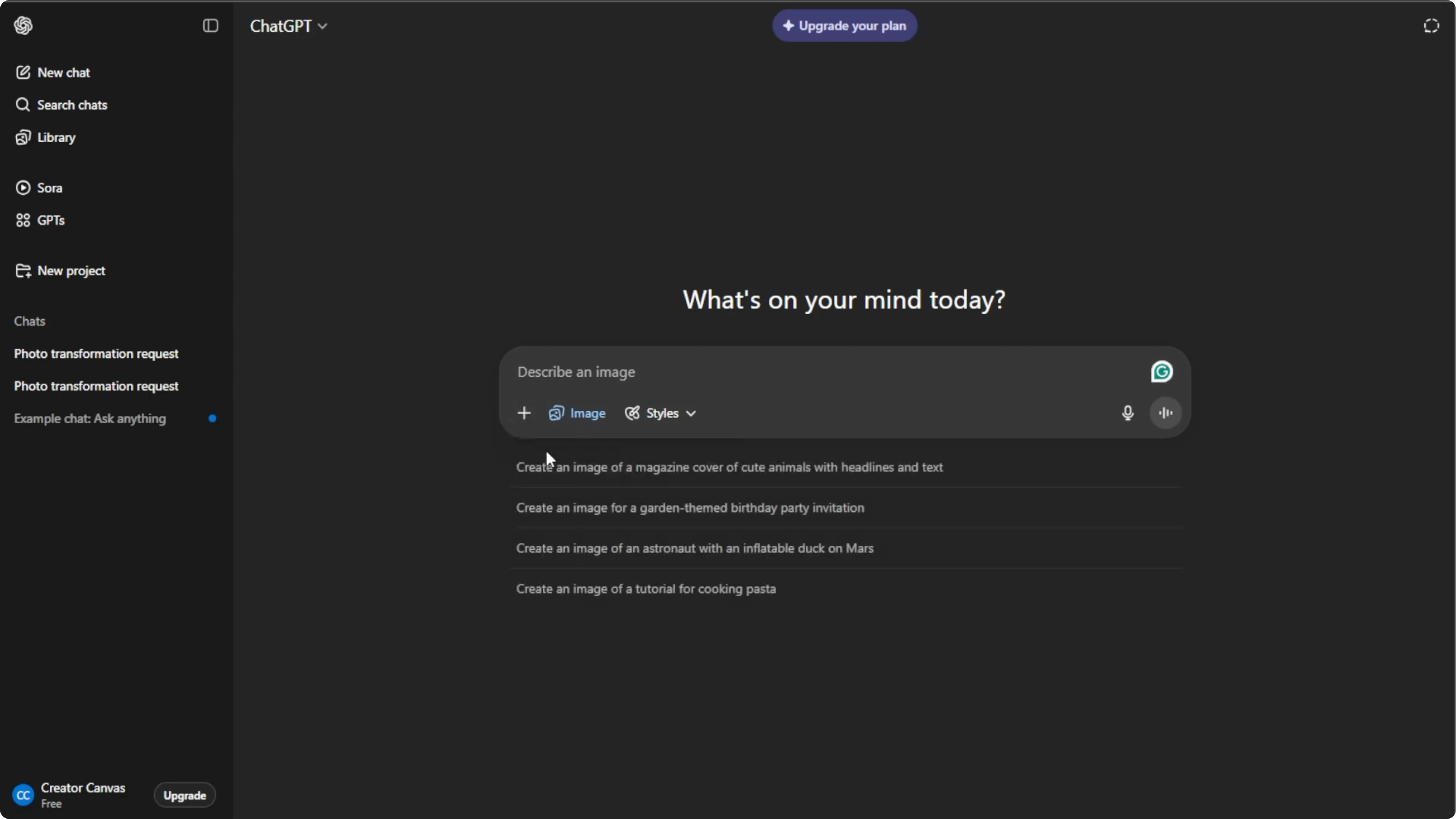
Click the plus icon in the prompt box. Select Create image to open the image generation mode. Click the plus icon again and select Add photos or files, or press Control U on your keyboard.

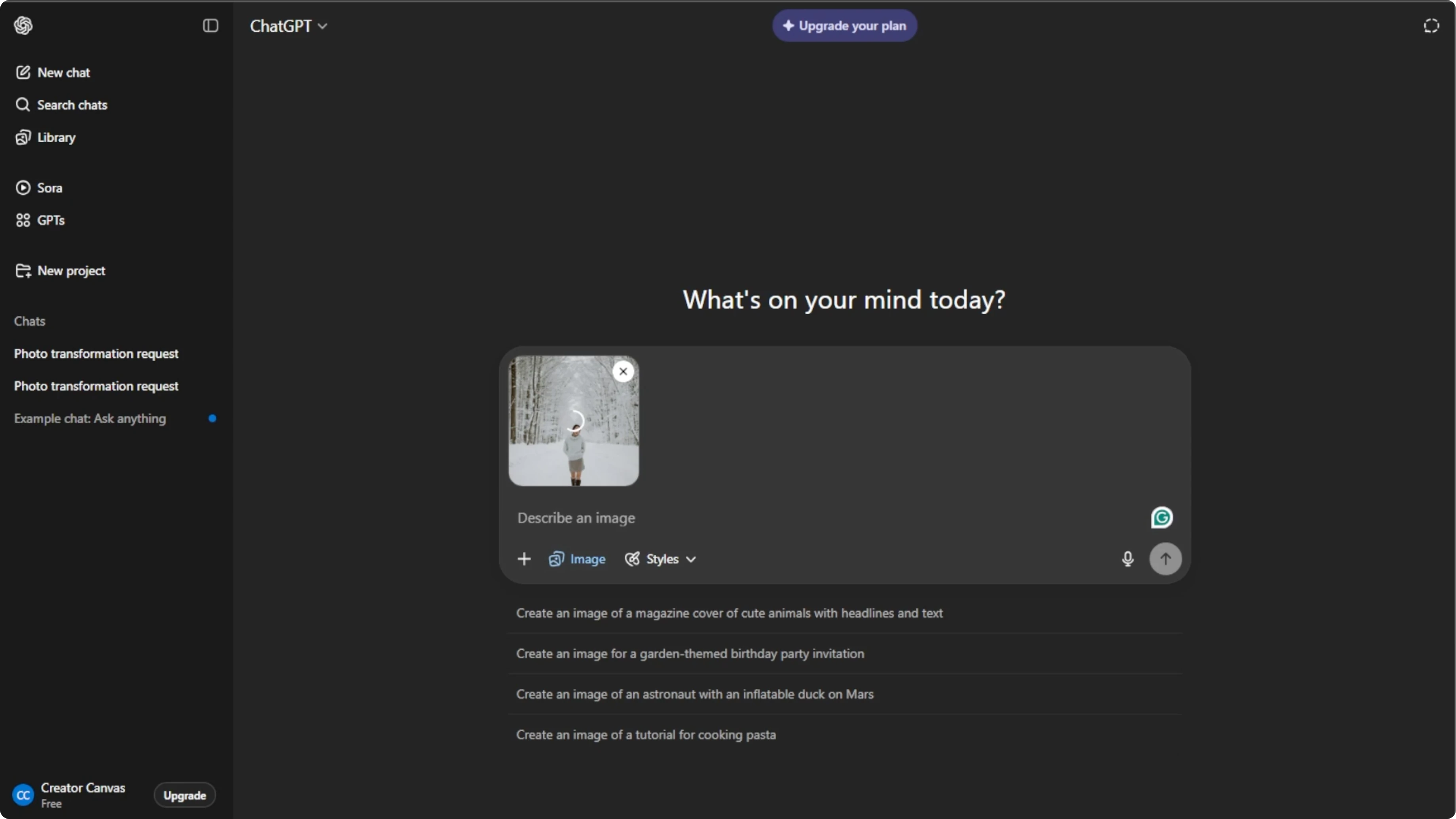
Choose your photo
Choose the image that you want to edit from your computer. Use a photo with a clear subject and uncluttered background for the best results.
Write the prompt
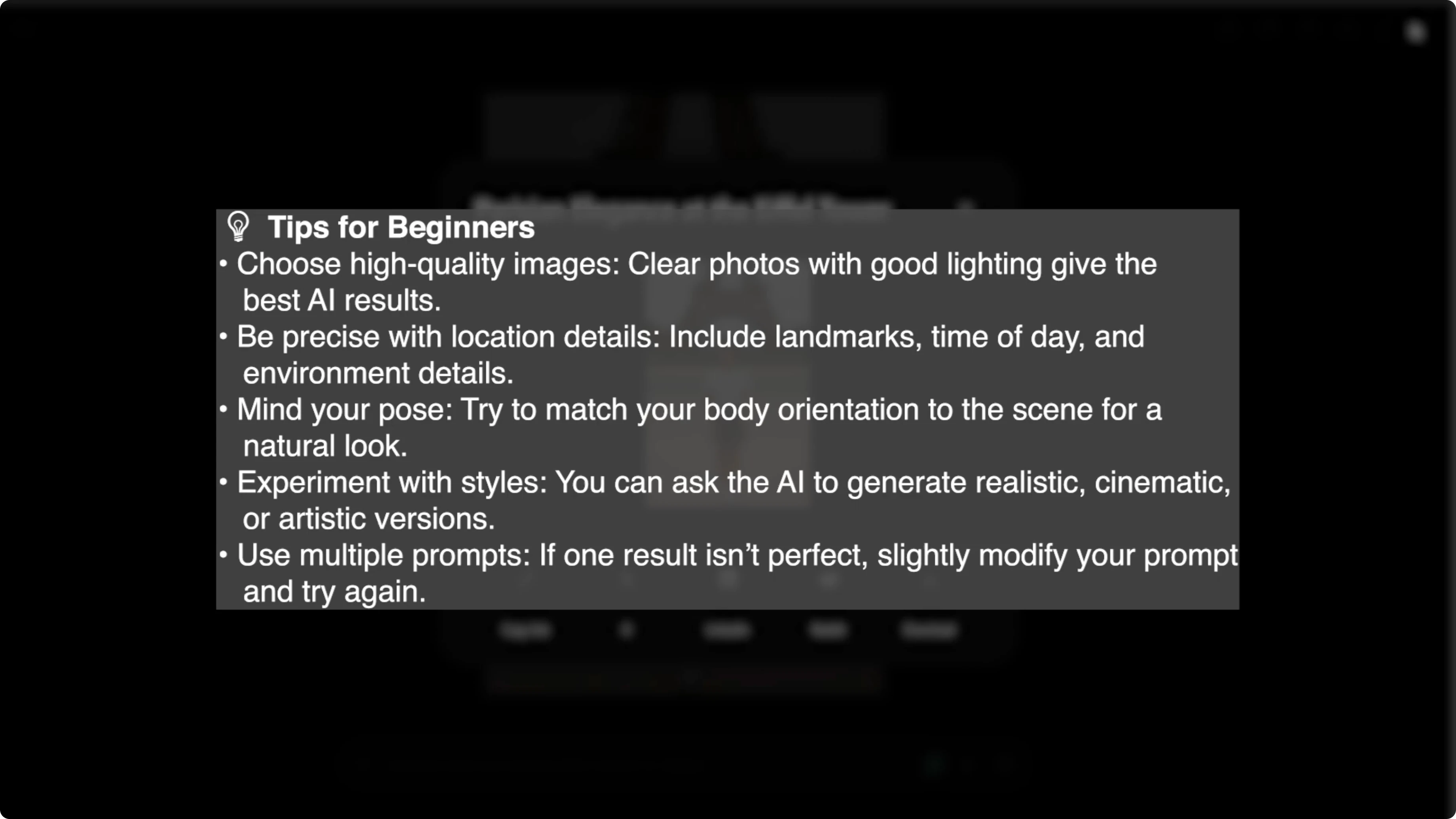
In the prompt box, describe exactly what you want the AI to do. Include the location, any outfit or pose changes, and specific details for realism. Be very specific about the location and even accessories to make the result look natural.
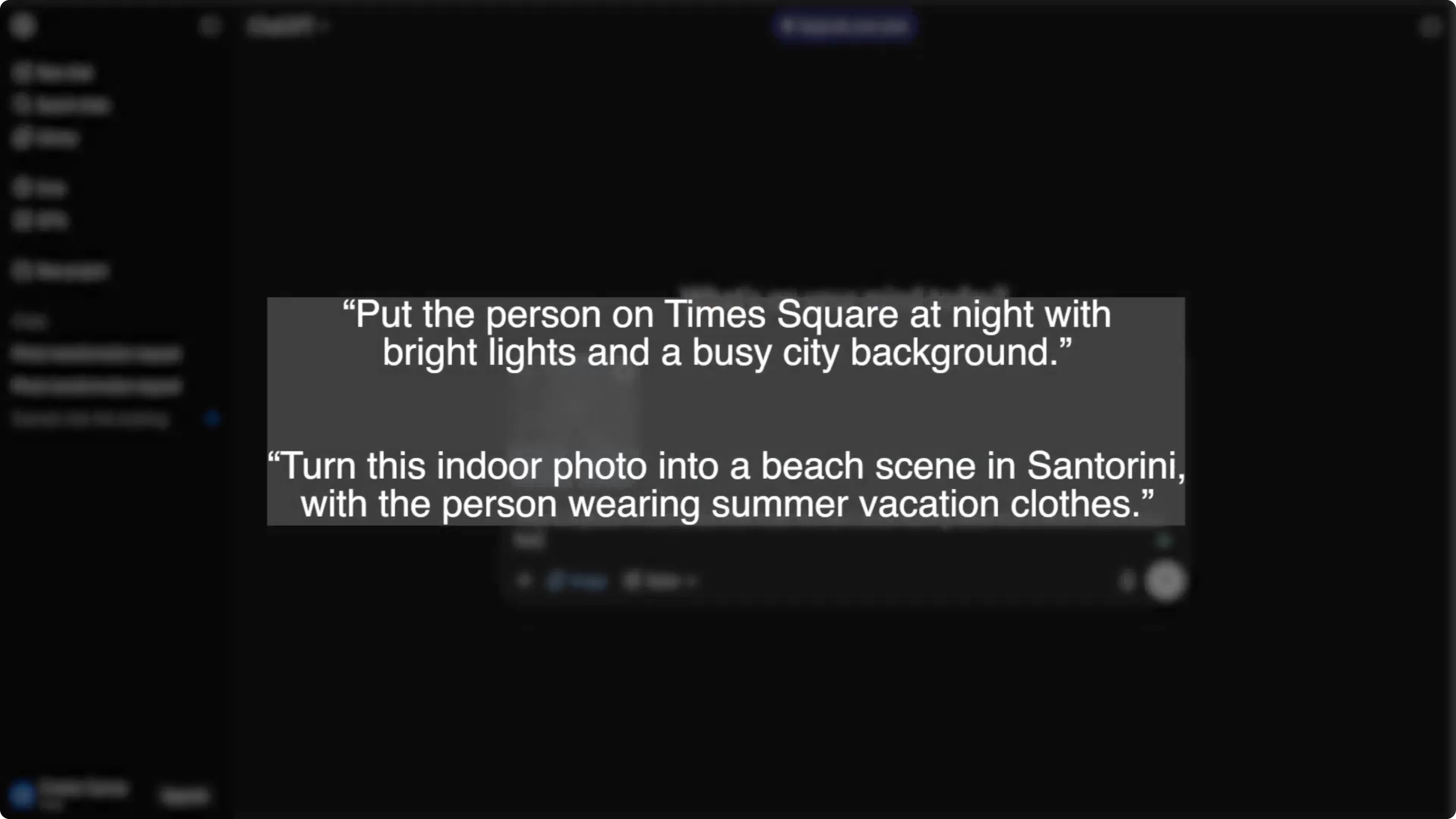
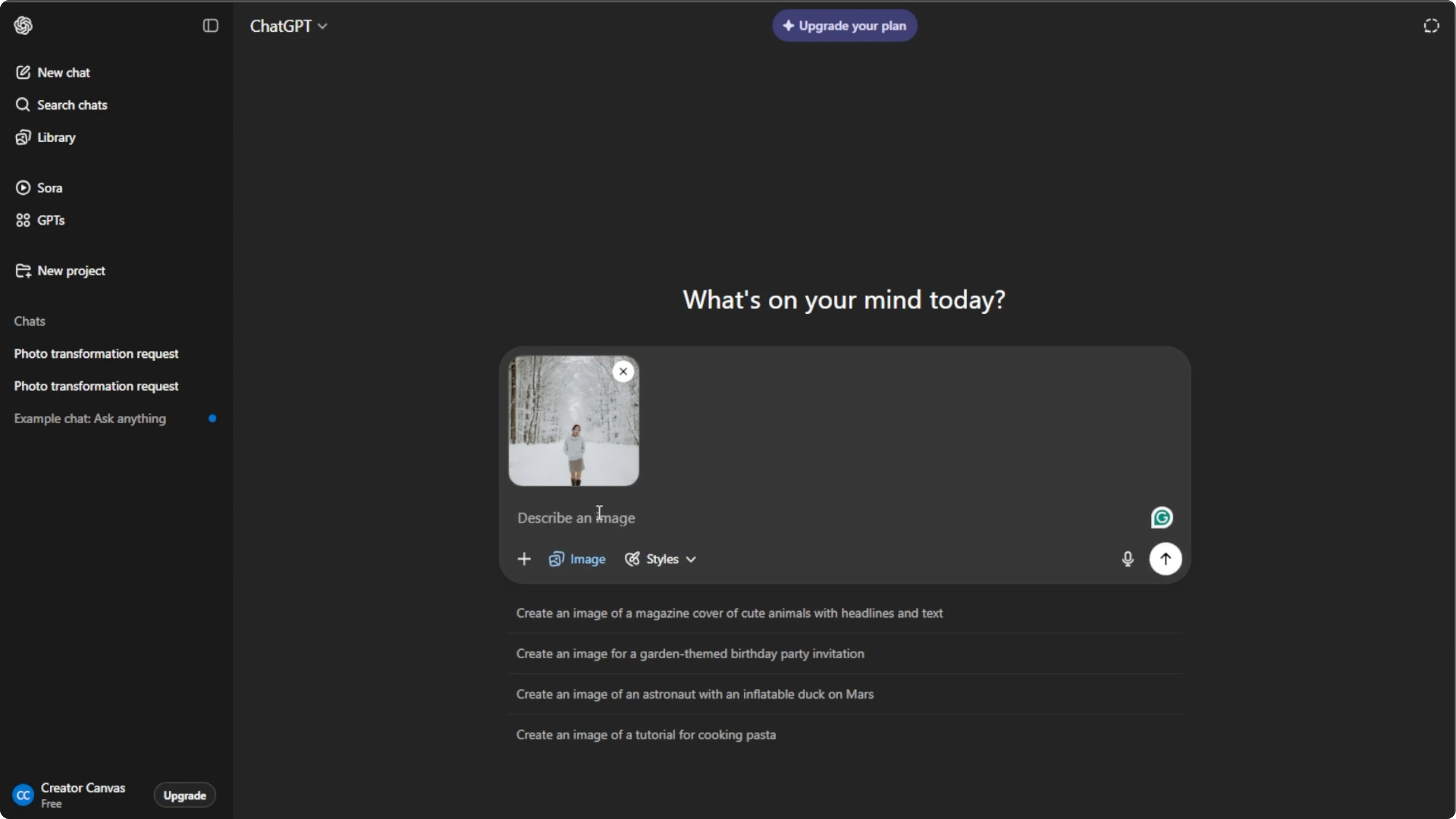
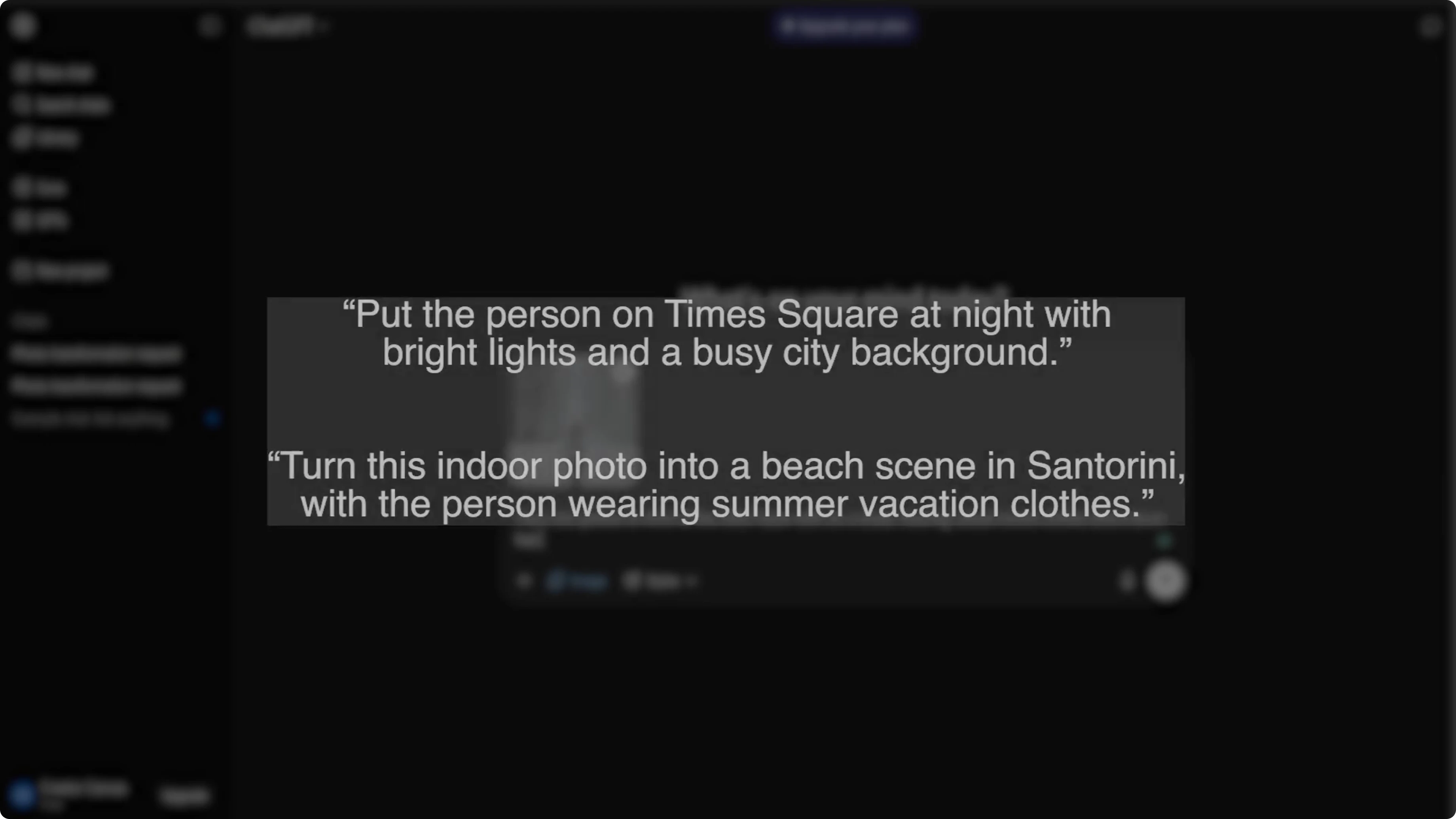
Prompt template:
Place me at [specific location and vantage point].
Keep my face and identity consistent with the uploaded photo.
Adjust pose to [pose details] and outfit to [outfit details].
Match lighting to [time of day and lighting cues], include [specific background elements], and ensure proportions look natural.
For body edits beyond location swaps, you can also make yourself look more muscular with AI.
Generate
Press Enter to let the AI process your instructions. Wait a few seconds for the AI to create your new image.
Refine
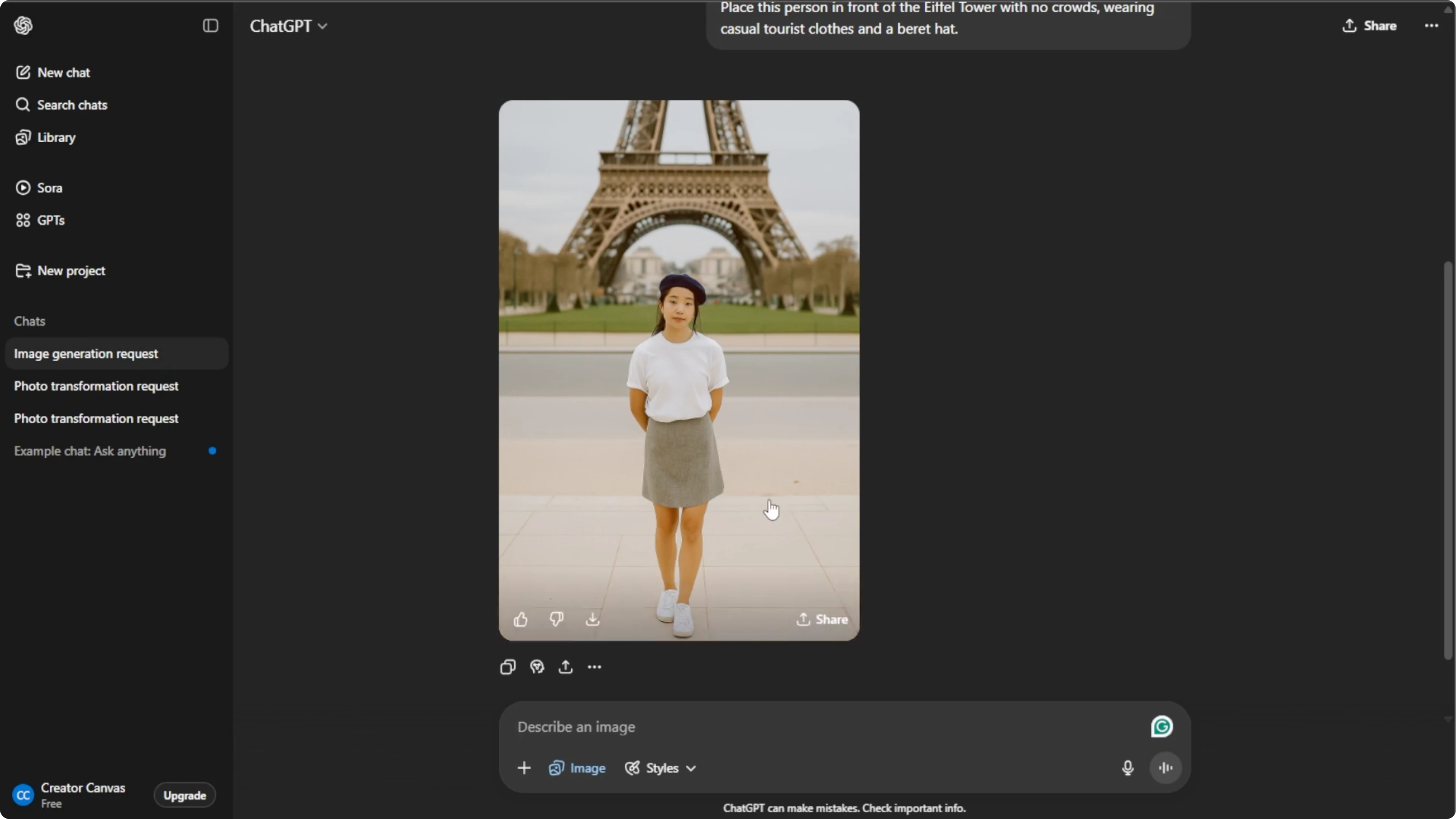
Do not worry if the first image is not perfect. You can regenerate or tweak your prompt for best results. Fine-tuning small details helps your photo look more realistic.
Save and share
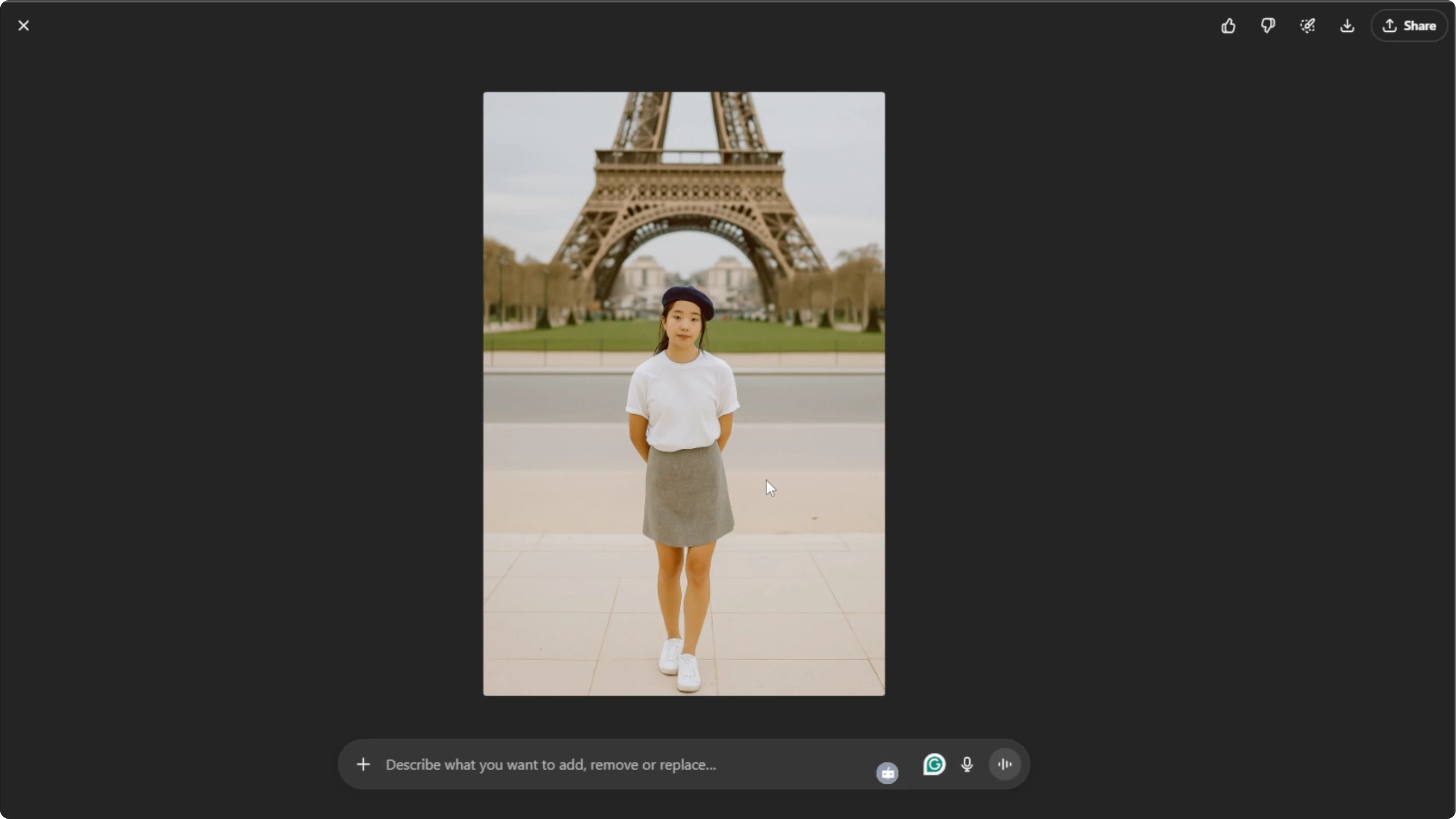
Once you are satisfied, hover over the image and click Download to save it to your computer. You can also click Share to post it directly to your social media.
For a creative twist on your portraits, try turning yourself into a cartoon with this cartoon transformation tutorial.
Final thoughts
With these steps, you can create stunning photos of yourself at famous locations worldwide, even from your living room. Clear subjects, precise prompts, and small refinements produce the most natural results. Specific details are the difference between a convincing scene and a generic edit.
Recent Posts

How to Visualize Yourself as a Pixelized Character with AI?
How to Visualize Yourself as a Pixelized Character with AI?

How to Revive Faded Memories and Enhance Image Clarity with AI?
How to Revive Faded Memories and Enhance Image Clarity with AI?

How to Visualize Yourself as an Animal Crossing Character with AI?
How to Visualize Yourself as an Animal Crossing Character with AI?