How to Visualize Yourself as a Pixelized Character with AI?
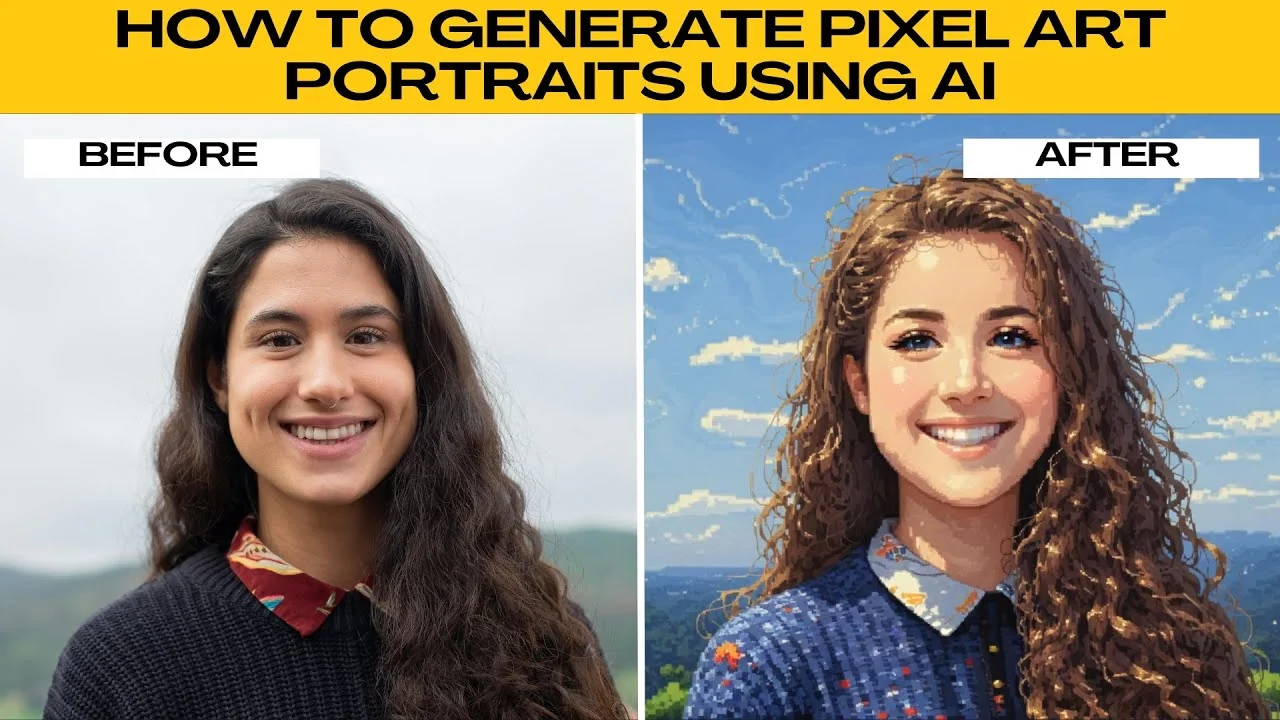
I will teach you how to generate pixel art portraits using AI. Pixel art is a retro aesthetic loved by gamers, artists, and nostalgia creatives. If you want to turn your selfie into a video game style character, make a unique profile picture, or design content with a pixel perfect vibe, Photos AI Artifacts makes it easy.
If you are exploring other fun edits, you can also make yourself look muscular using AI.
Prepare your photo
Upload
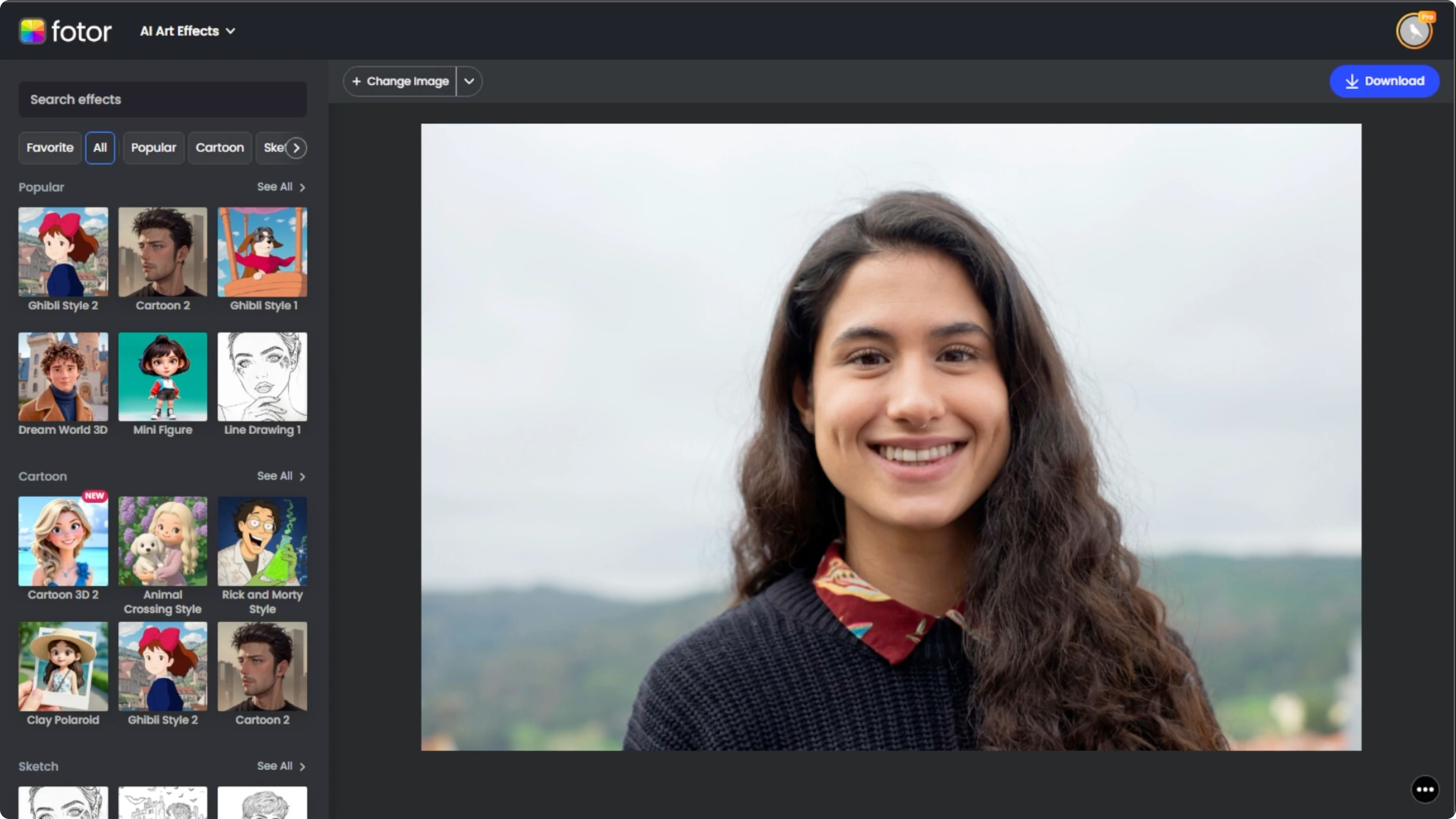
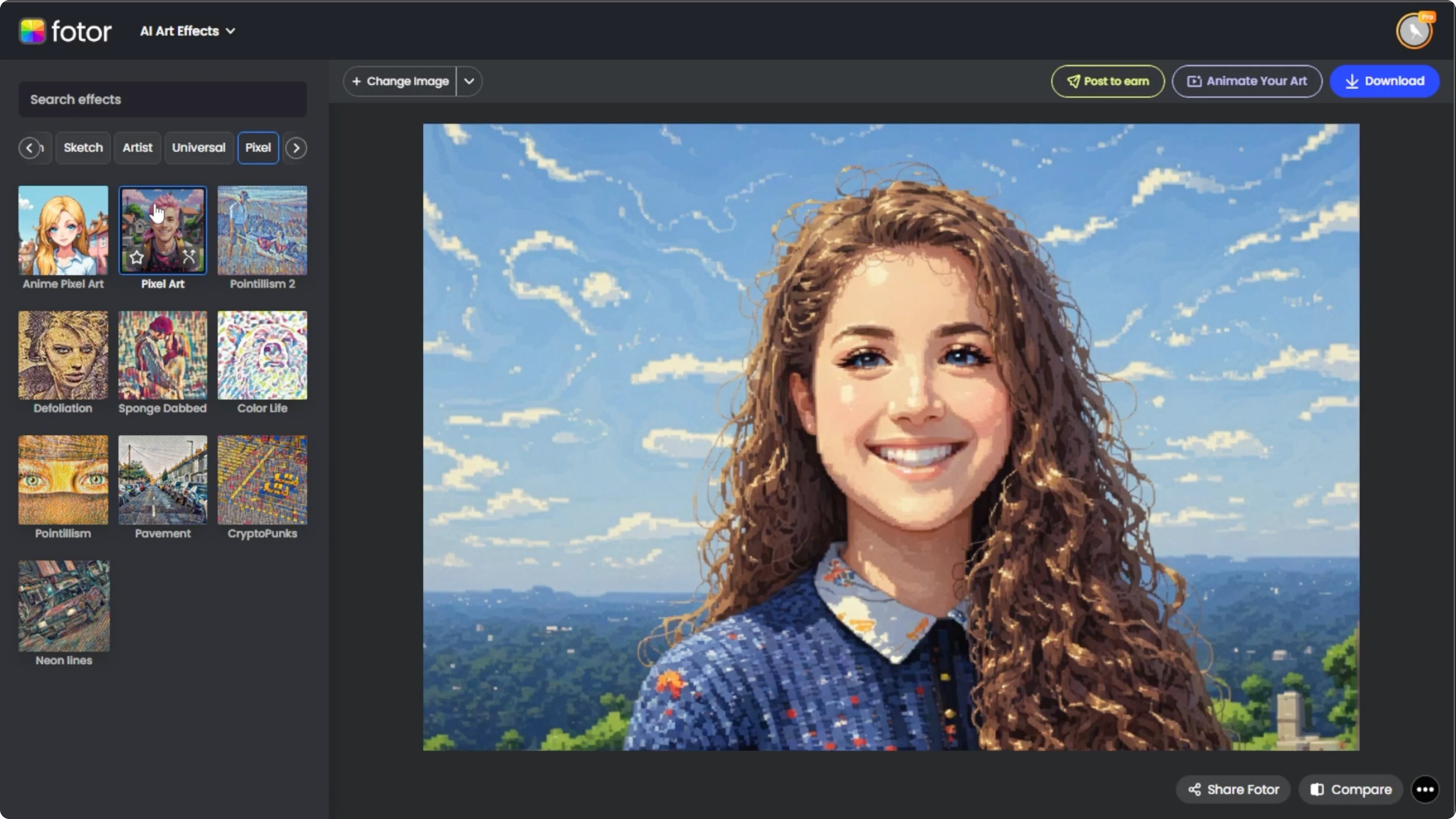
Open your browser and head over to Photos AI Artifacts. Click Upload Image or drag and drop your photo into the workspace. The uploaded image is displayed in the center of the editor.
Best results
Use a clear front facing portrait with good lighting, and avoid cluttered backgrounds or excessive shadows. Centered faces work best for pixel art conversion.
Choose pixel art
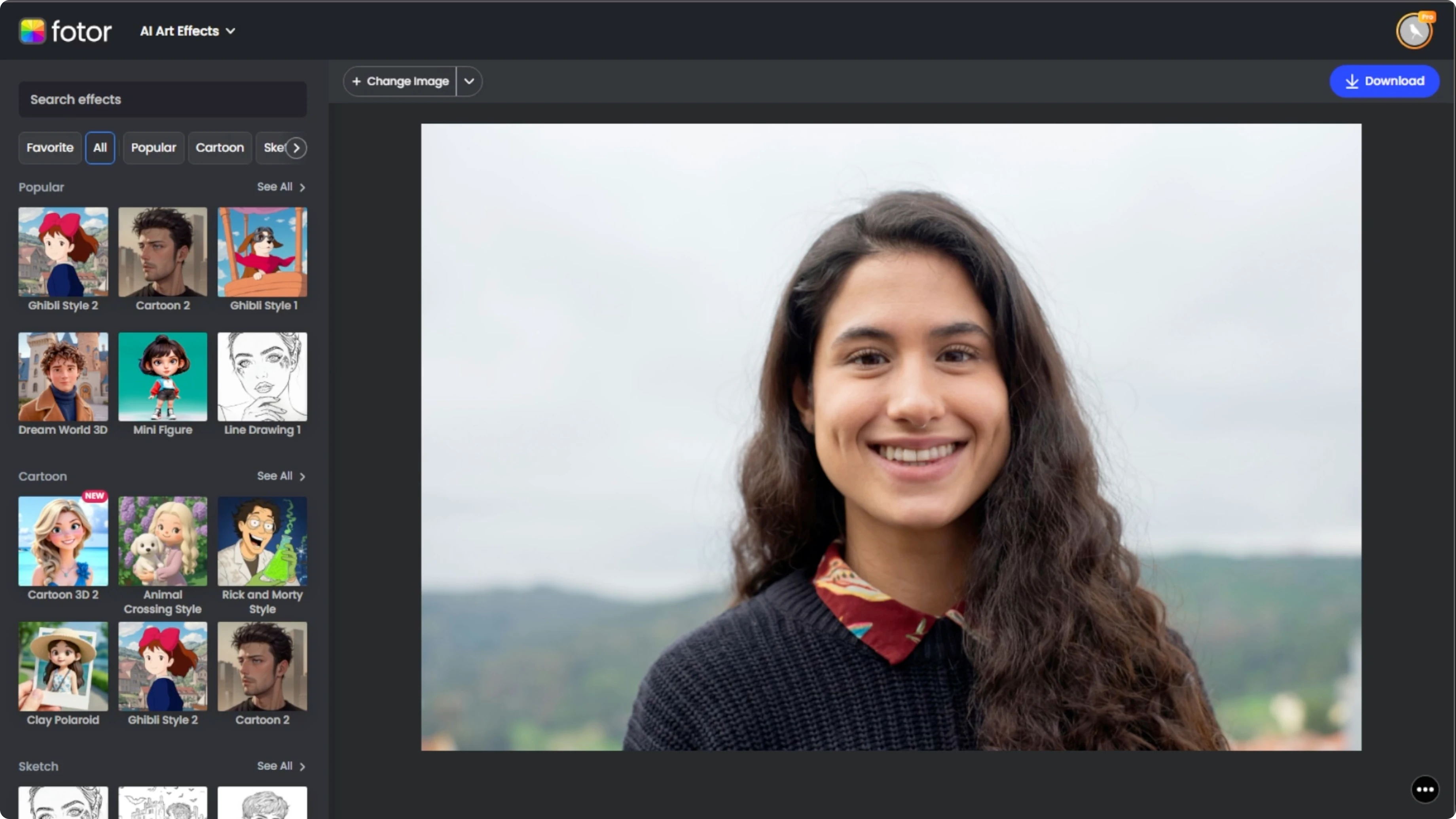
Go to the left panel and browse the available art styles. Scroll to the pixel category and click the Pixel Art effect to apply it to your photo. The AI begins transforming your image into a pixelated portrait, typically within 10 seconds, and for scene oriented transformations you can also see how to place yourself at famous locations using AI.
Compare and refine
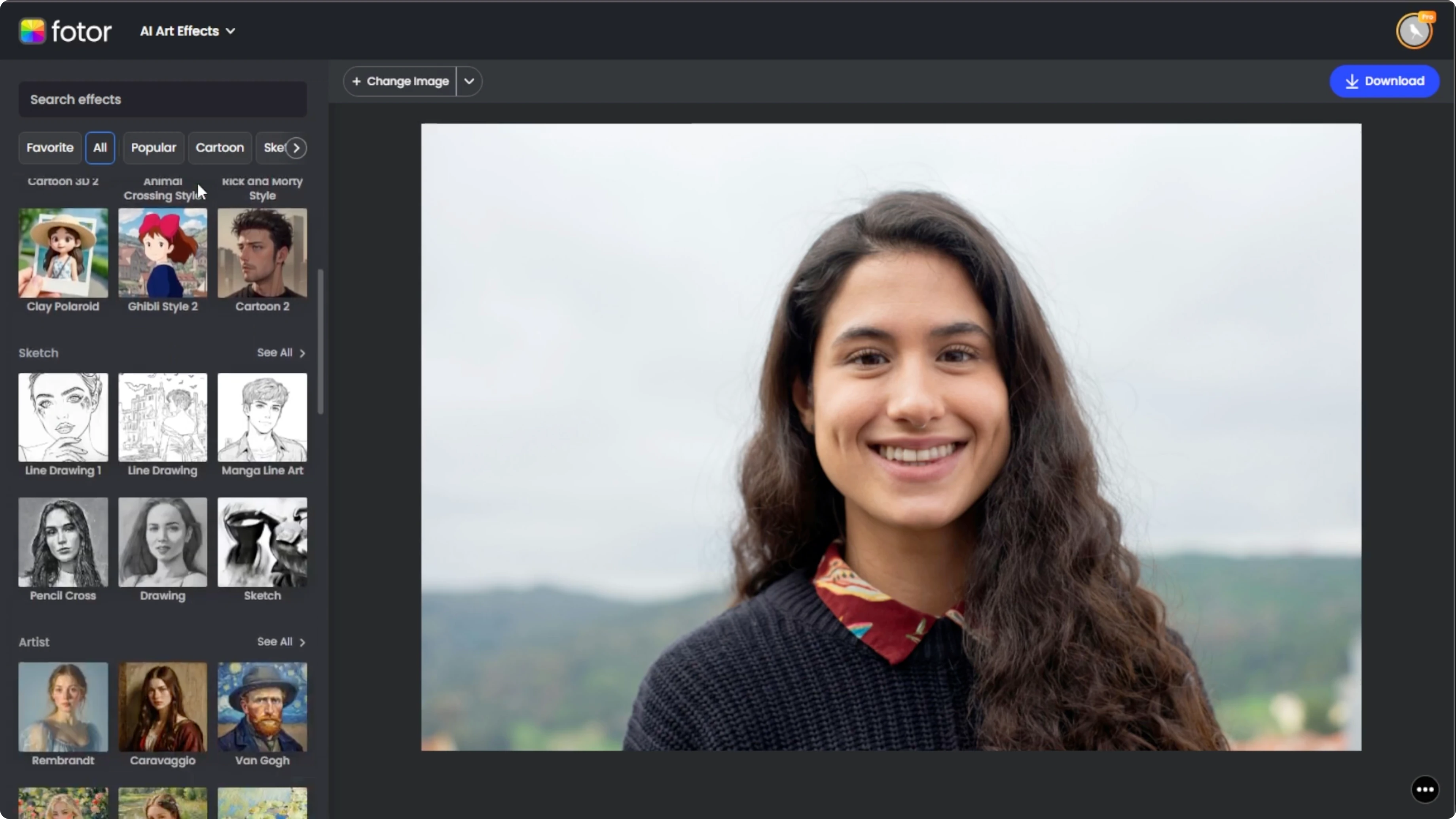
Click the Compare button at the bottom right corner. The effect gives your image a blocky digital look, similar to 8 bit or 16 bit art styles used in retro games.
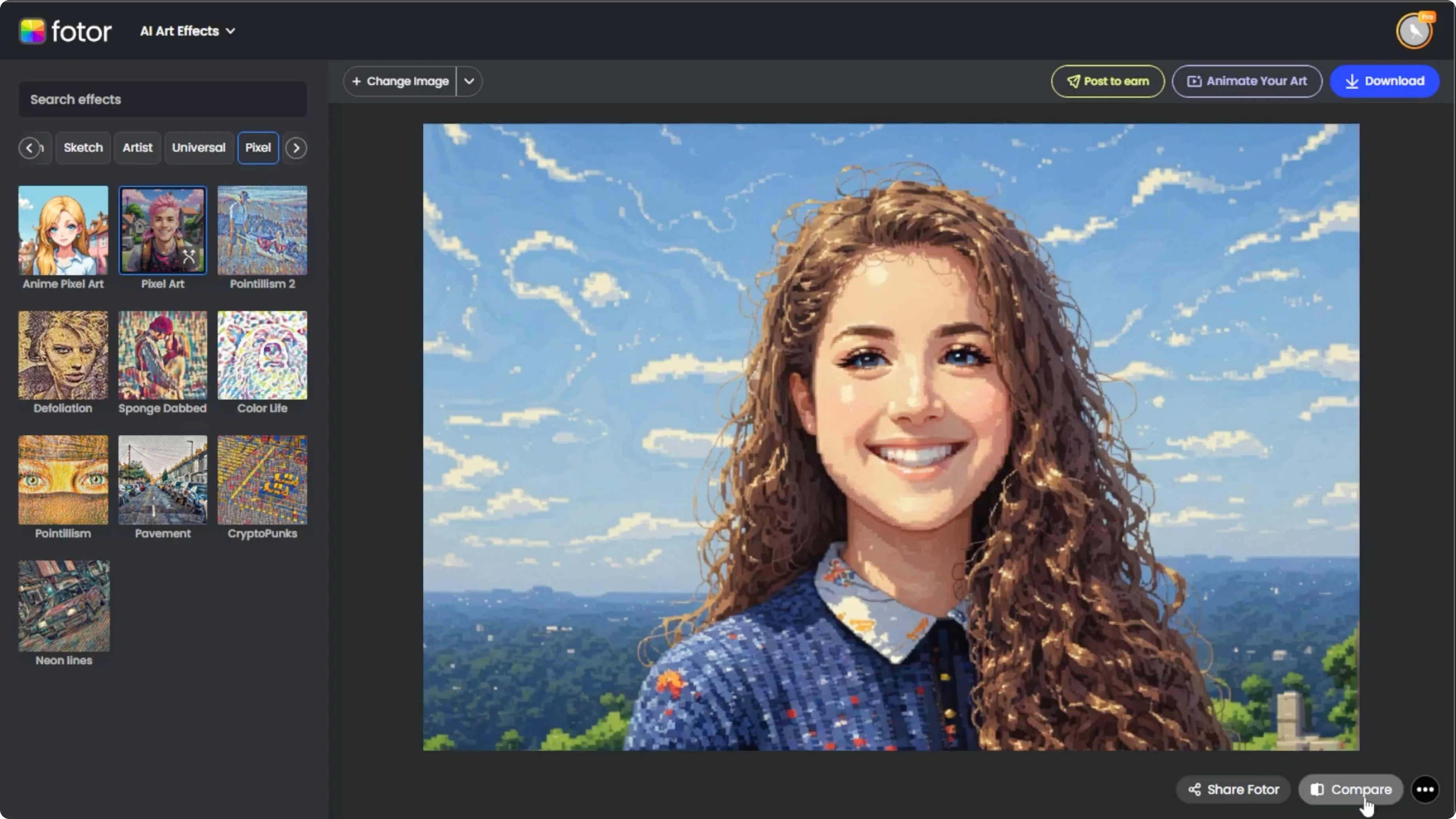
If the first result is not what you want, hover over the effect thumbnail and click Regenerate to create a new variation. Regenerate multiple times until you find a version that fits your aesthetic.
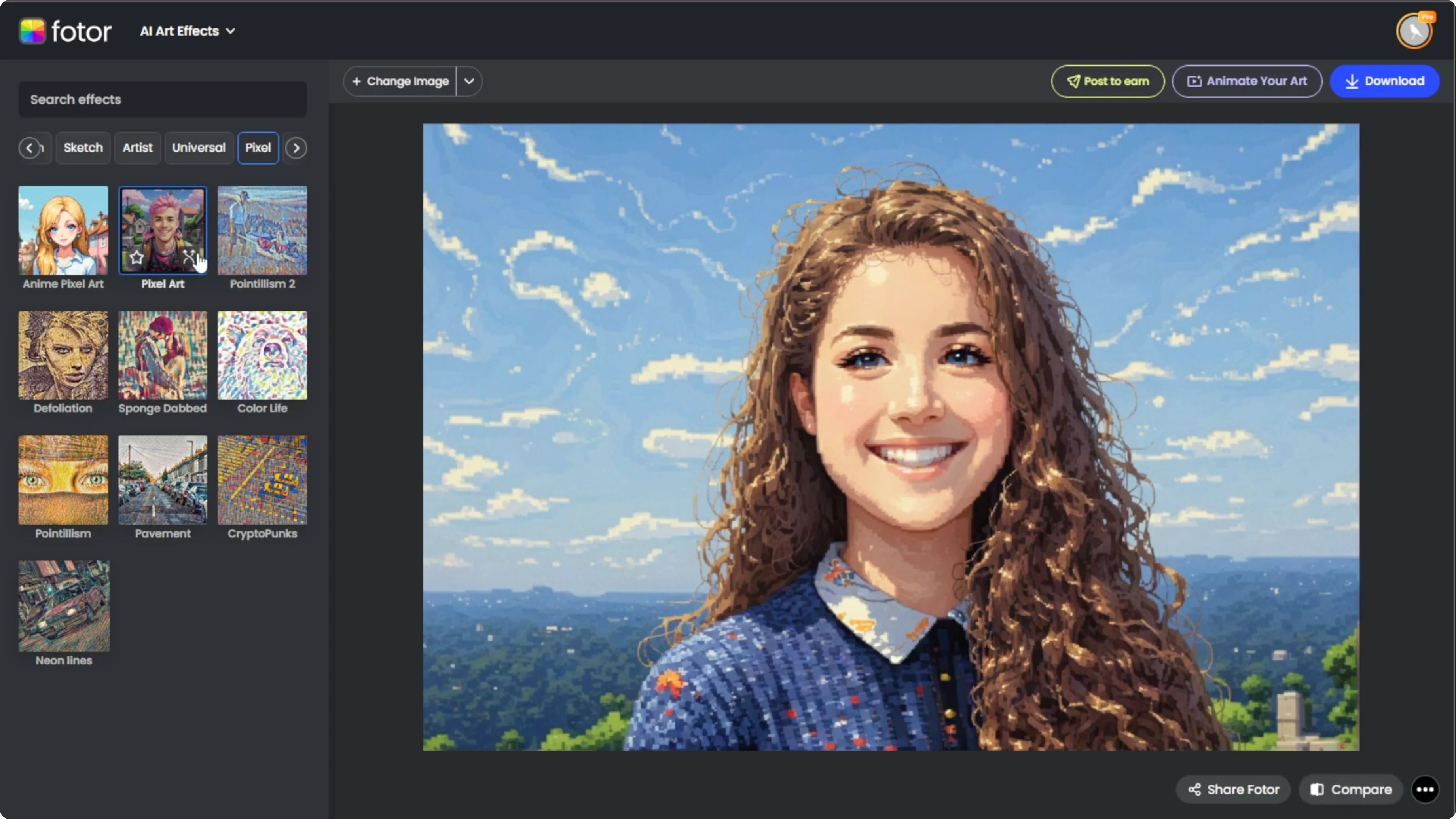
Anime pixel option
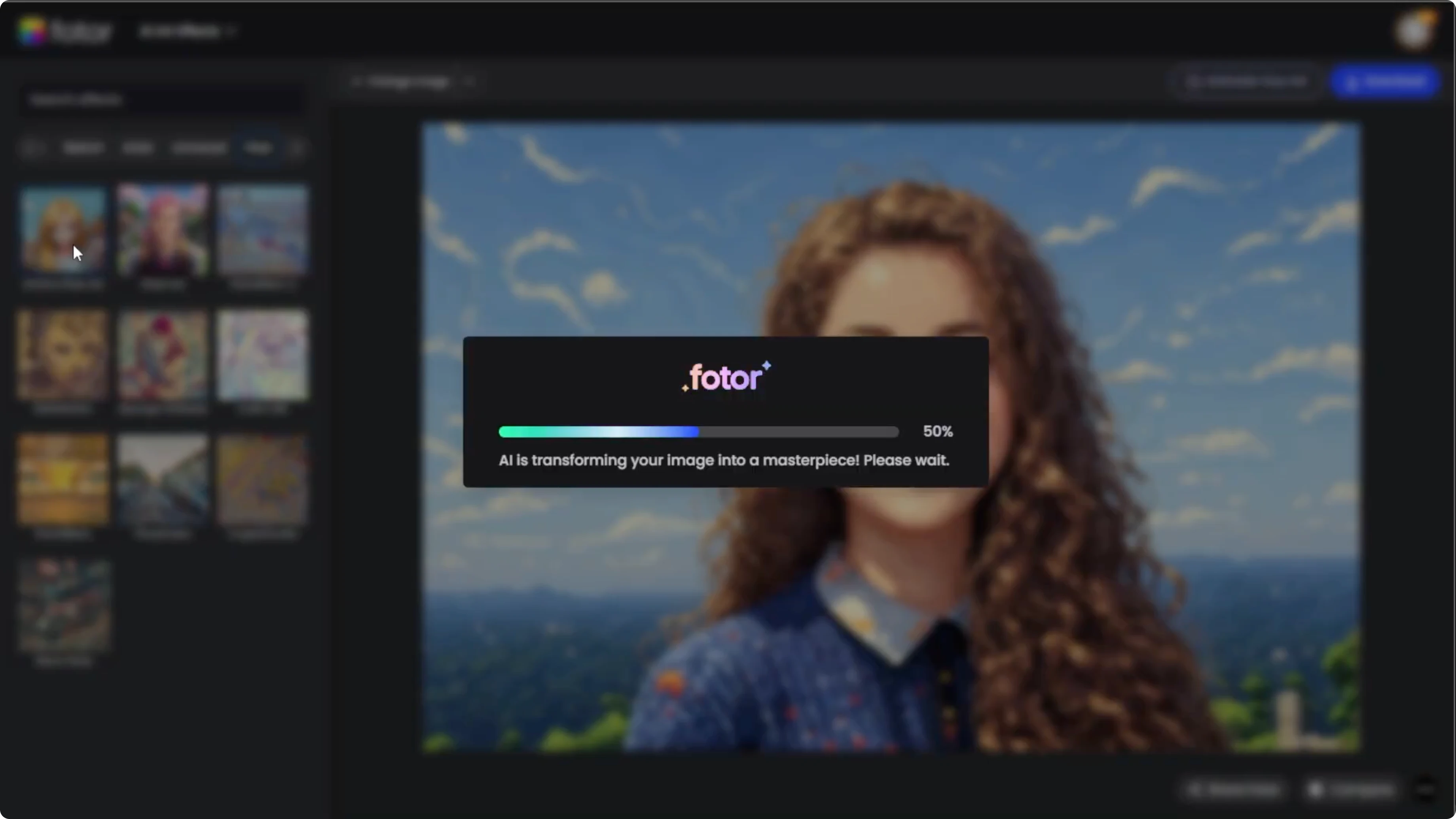
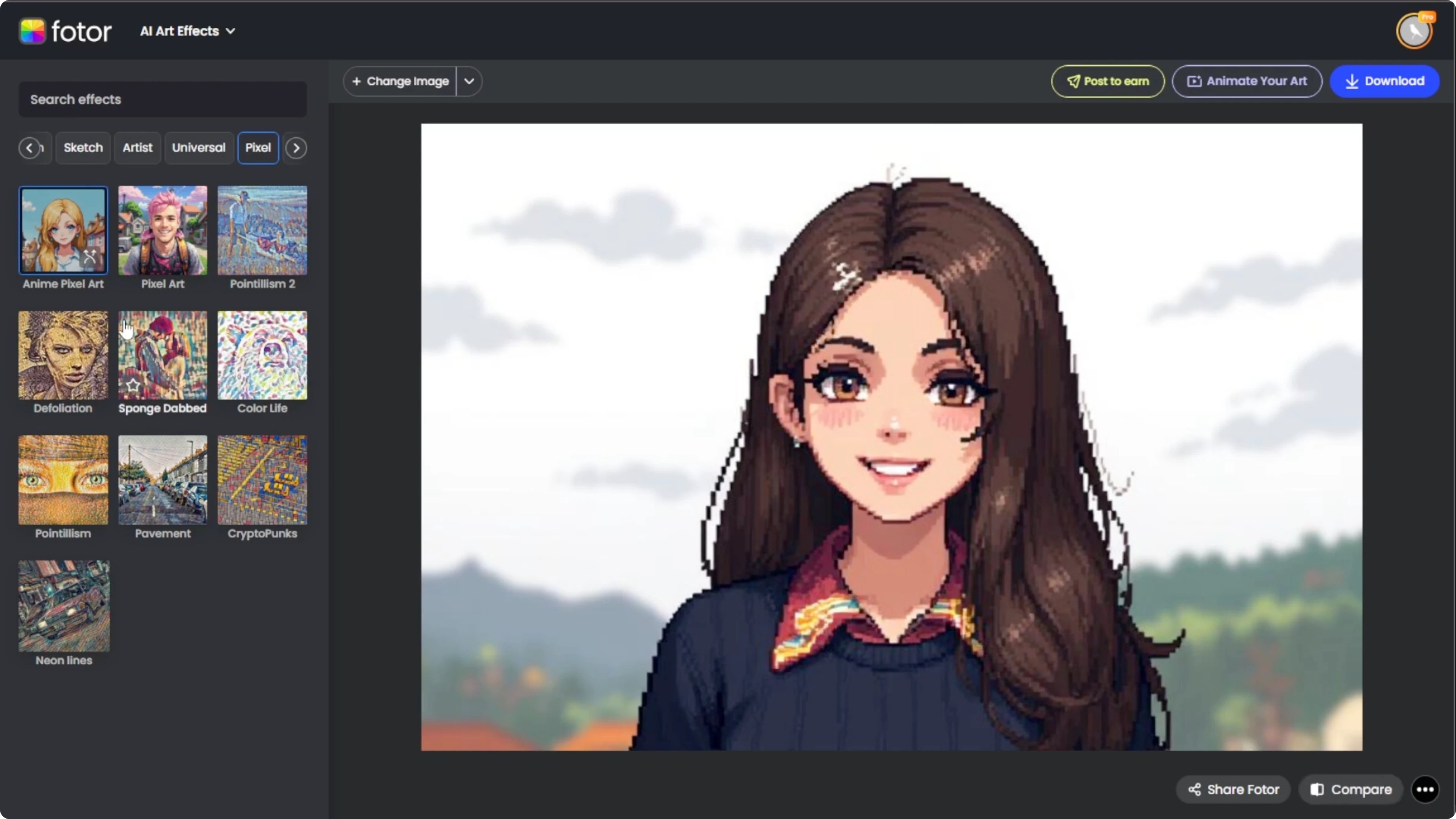
For a more stylized or expressive variation, try the Anime Pixel effect under the same category. Once you apply the effect, repeat the same steps. Compare, regenerate, and preview until you are satisfied.
This style adds anime inspired features while maintaining the pixelated look. If you want a non pixel toon look, see turning yourself into a cartoon.
Download
When you are happy with your pixel masterpiece, click the Download button at the top right corner. Save your image in JPG or PNG format.
In under a minute, you can transform a selfie or a pet photo into a nostalgic digital portrait straight out of an old school video game. Perfect for social media, stickers, avatars, or fun gifts.
Final thoughts
A clear front facing photo and the Pixel Art effect are all you need to create a punchy retro look. Compare results and regenerate until the style matches your taste, and try the Anime Pixel option if you want extra flair.
Recent Posts
How to Revive Faded Memories and Enhance Image Clarity with AI?
How to Revive Faded Memories and Enhance Image Clarity with AI?
How to Visualize Yourself as an Animal Crossing Character with AI?
How to Visualize Yourself as an Animal Crossing Character with AI?
How to Turn Your Photos into a Radiant Metallic Masterpiece with AI?
How to Turn Your Photos into a Radiant Metallic Masterpiece with AI?