How to Visualize Different Hairstyles and Hair Colors with AI?
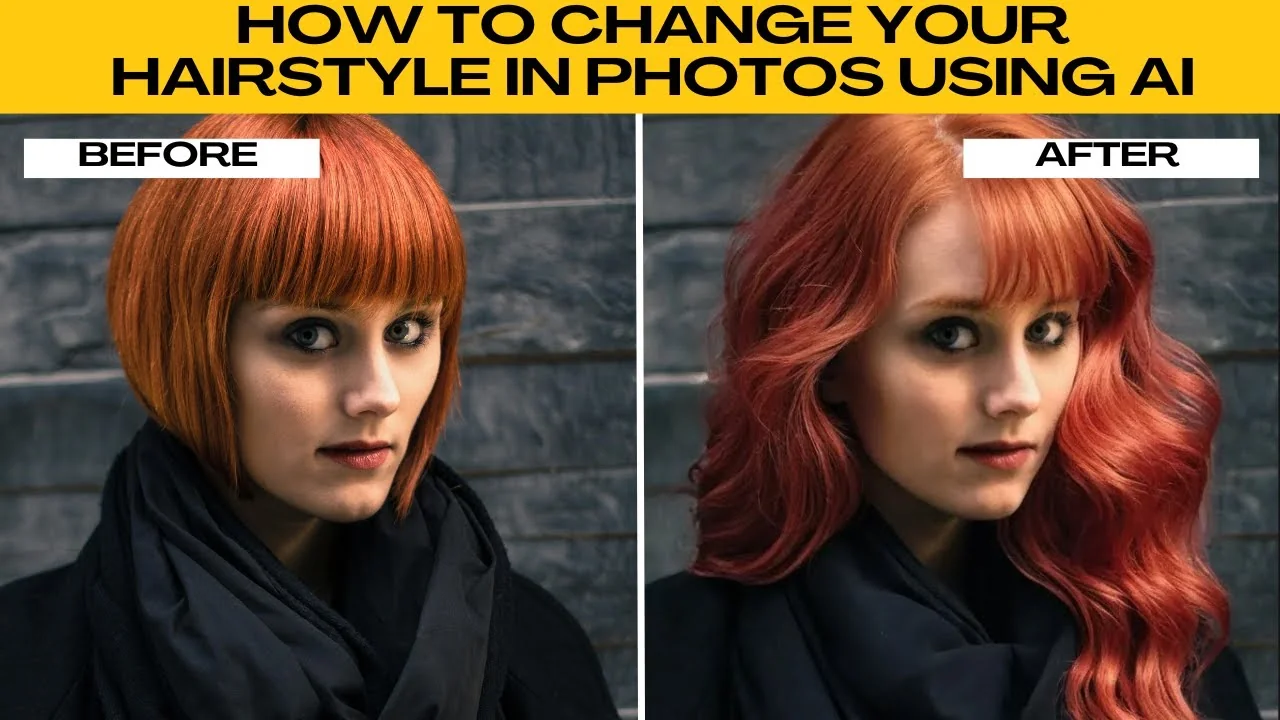
I will teach you how to change your hairstyle in photos using AI. If you are just curious or planning a style makeover, AIEASE makes it super easy to preview different hairstyles and hair colors using the power of AI. No need for Photoshop or editing skills.
For broader edits beyond hair, see our guide to image editing with Icedit AI.
Get started
Open your browser and head to the AIEASE hairstyle tool. Once you are on the page, you will see the option to either upload your own photo or try a free sample image provided by the site.
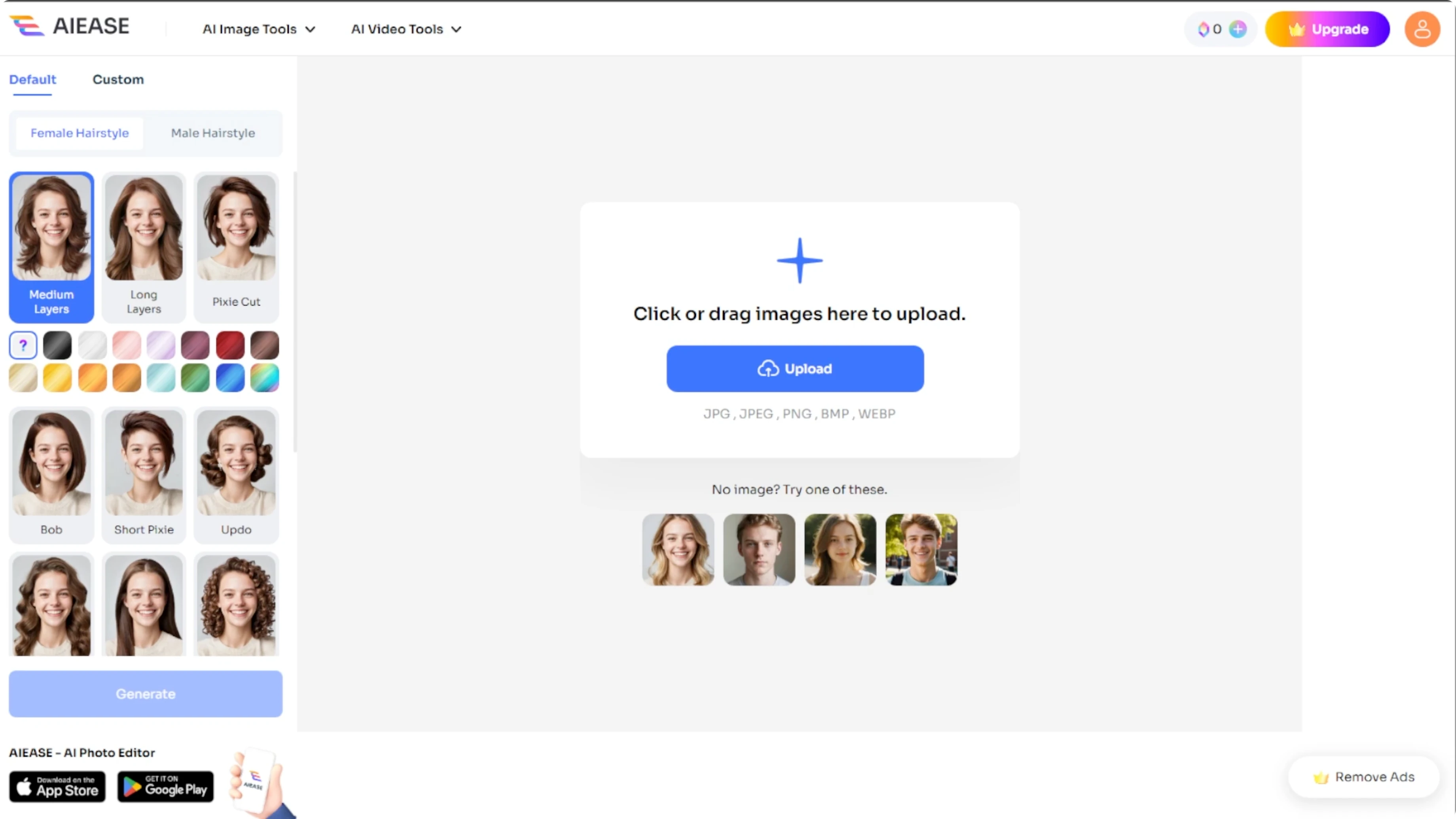
AIEASE supports the following file formats: JPG, JPEG, PNG, BMP, and WEBP.
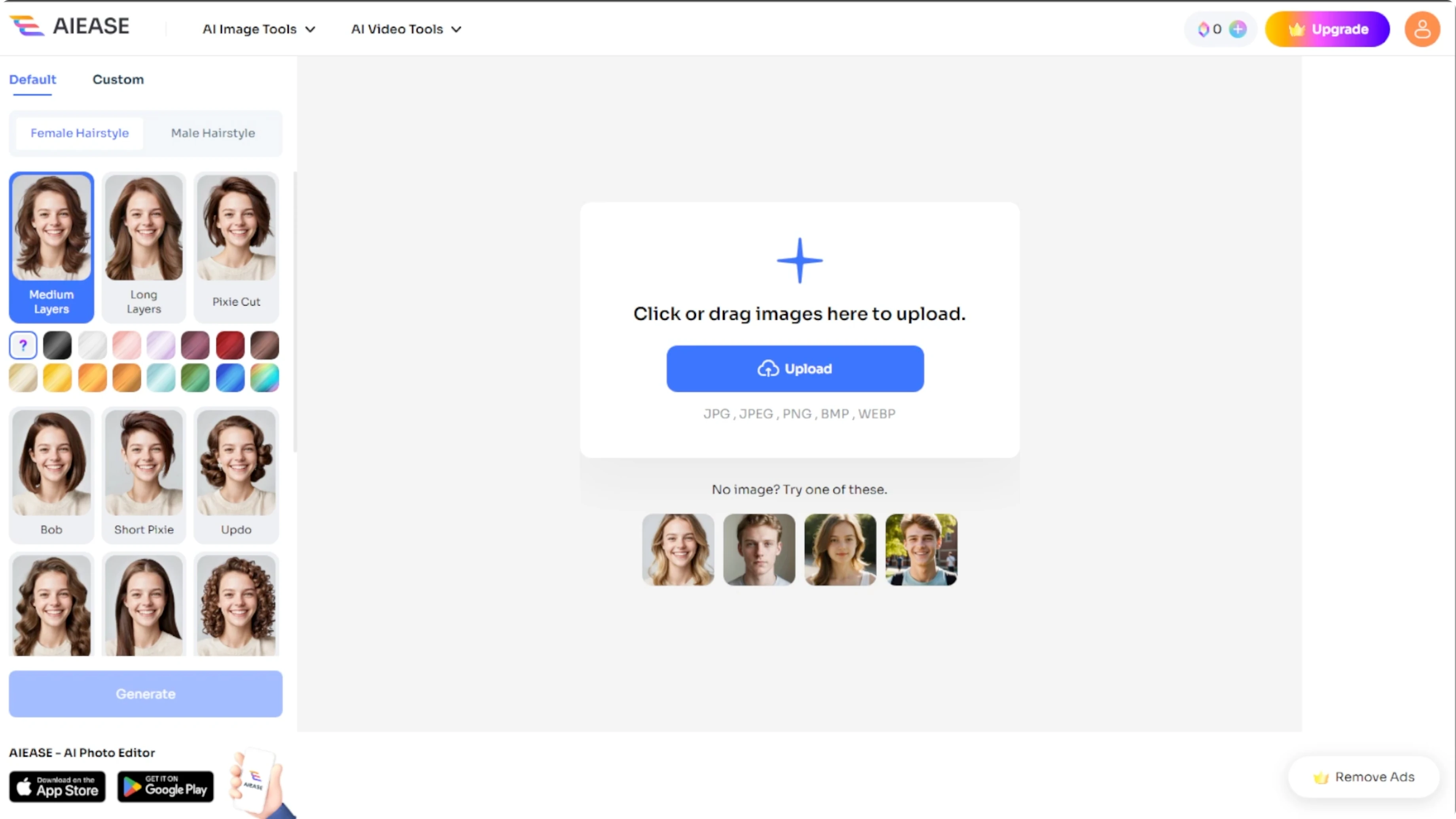
Upload tips
Click the upload button and select a clear front facing image with good lighting. The AI will handle the rest.
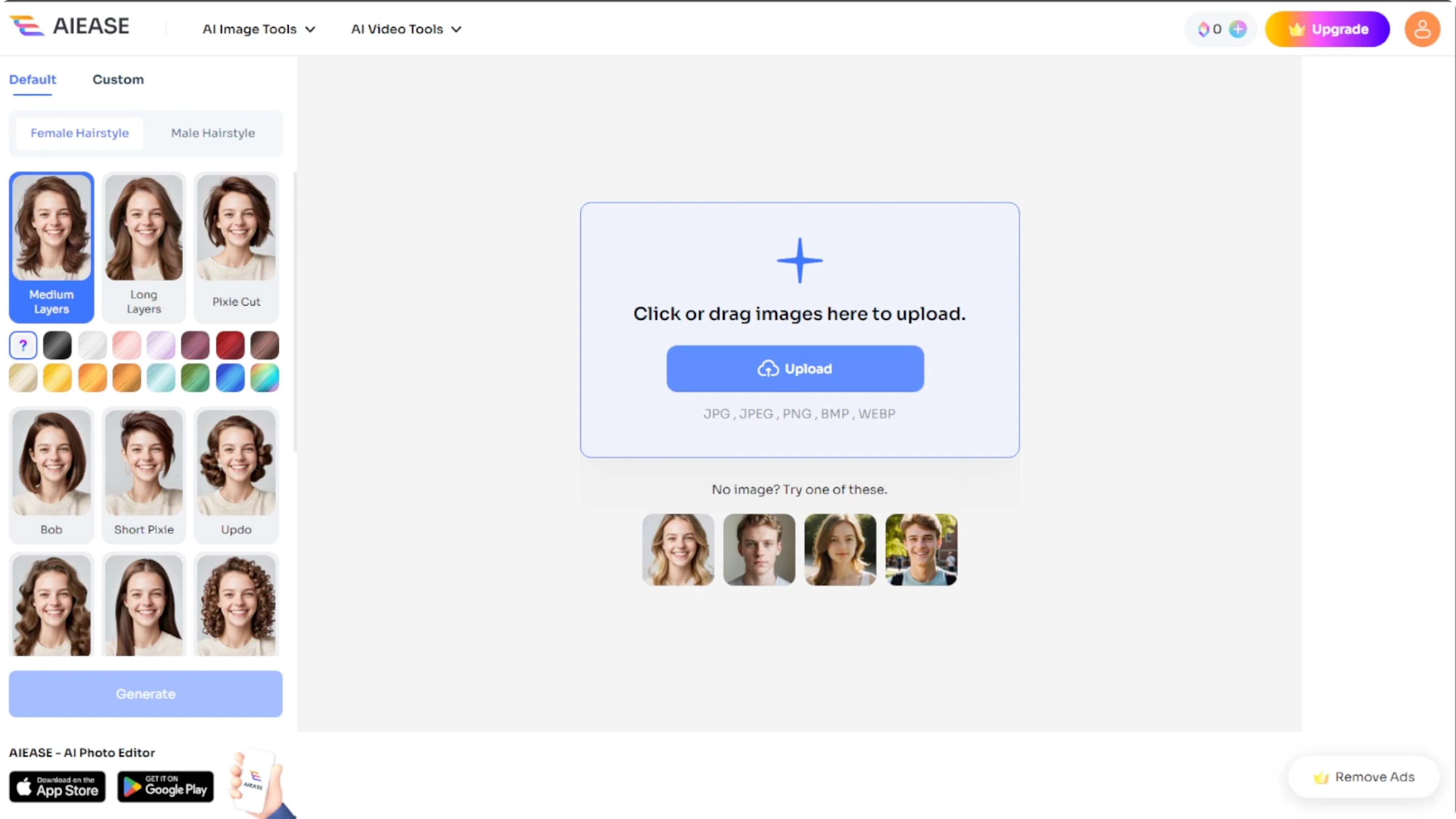
A bonus tip is avoiding hats or hairstyles that already cover the face. This helps the AI generate cleaner results.
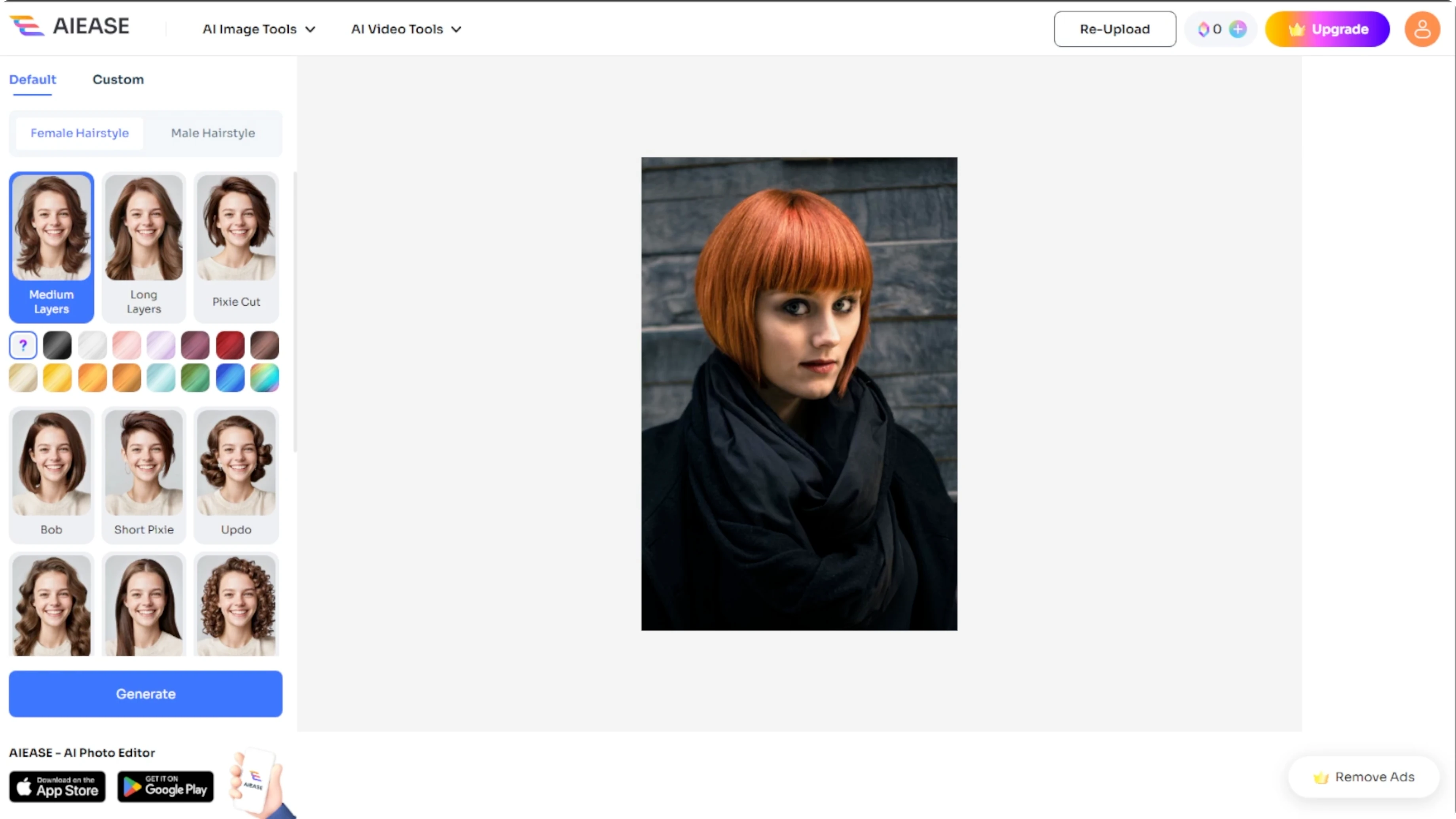
Style and color
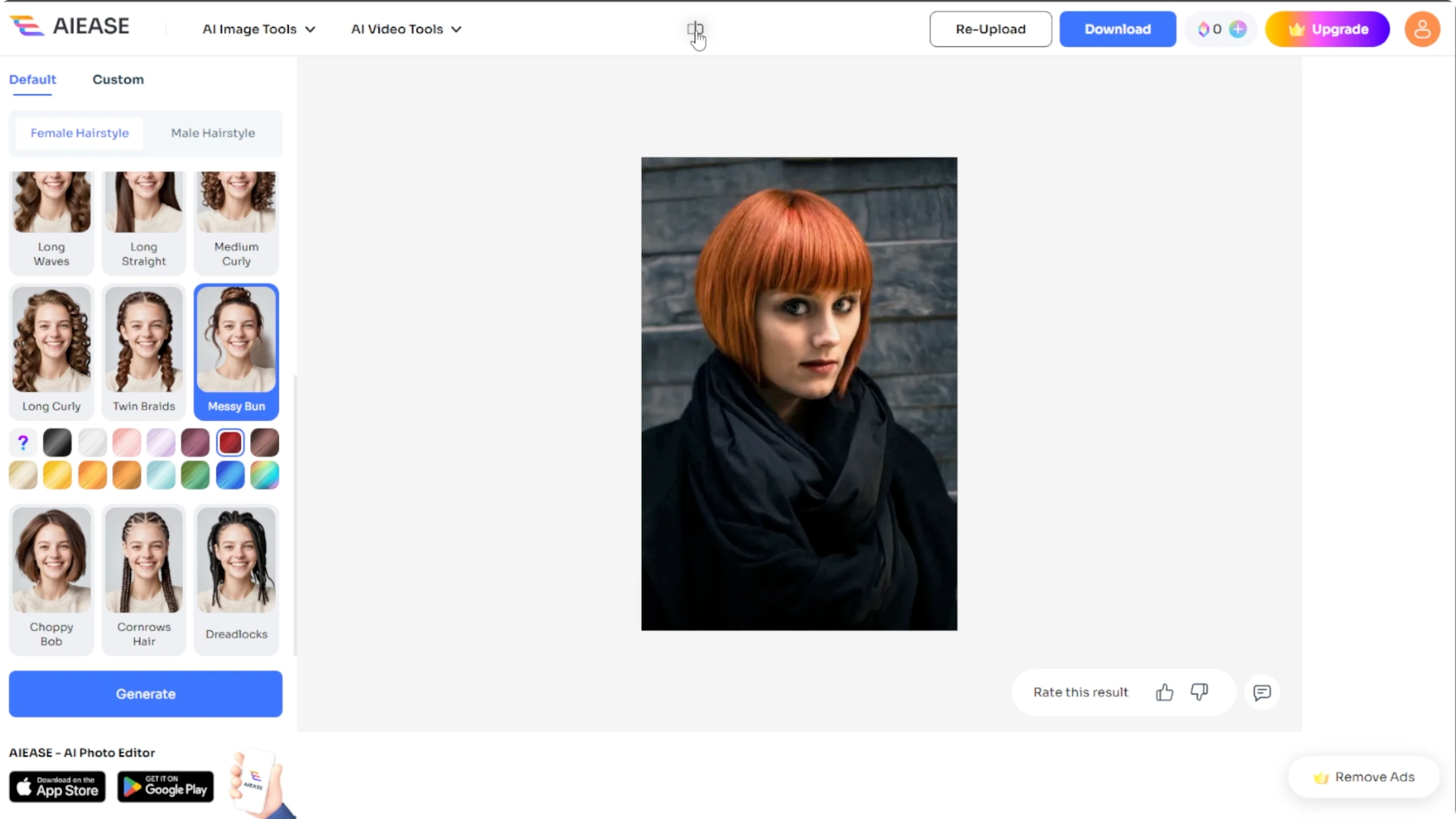
Once your image is uploaded, look at the left panel for style and color options. You can select from male or female hairstyles and click more to expand and view additional styles.
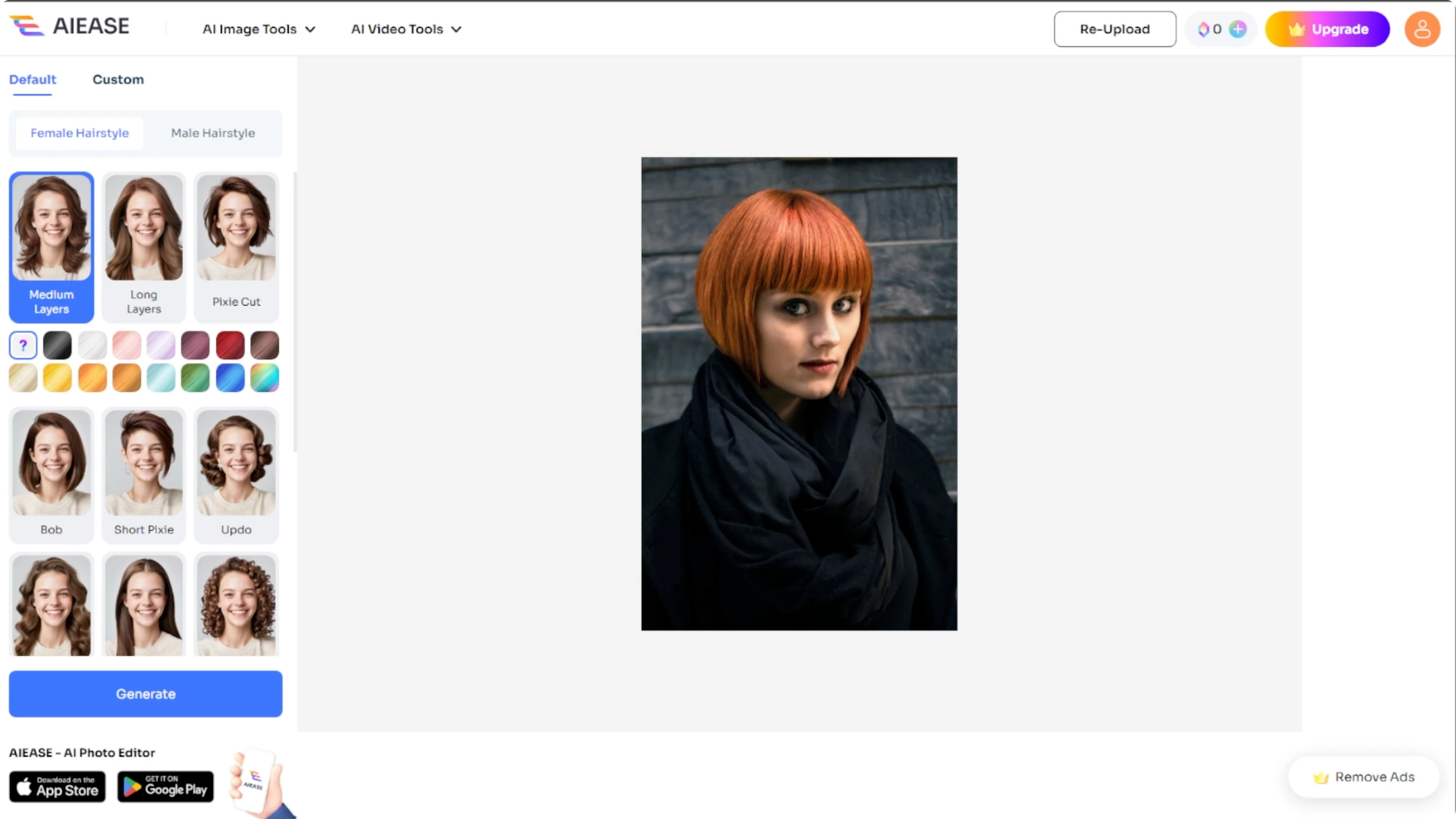
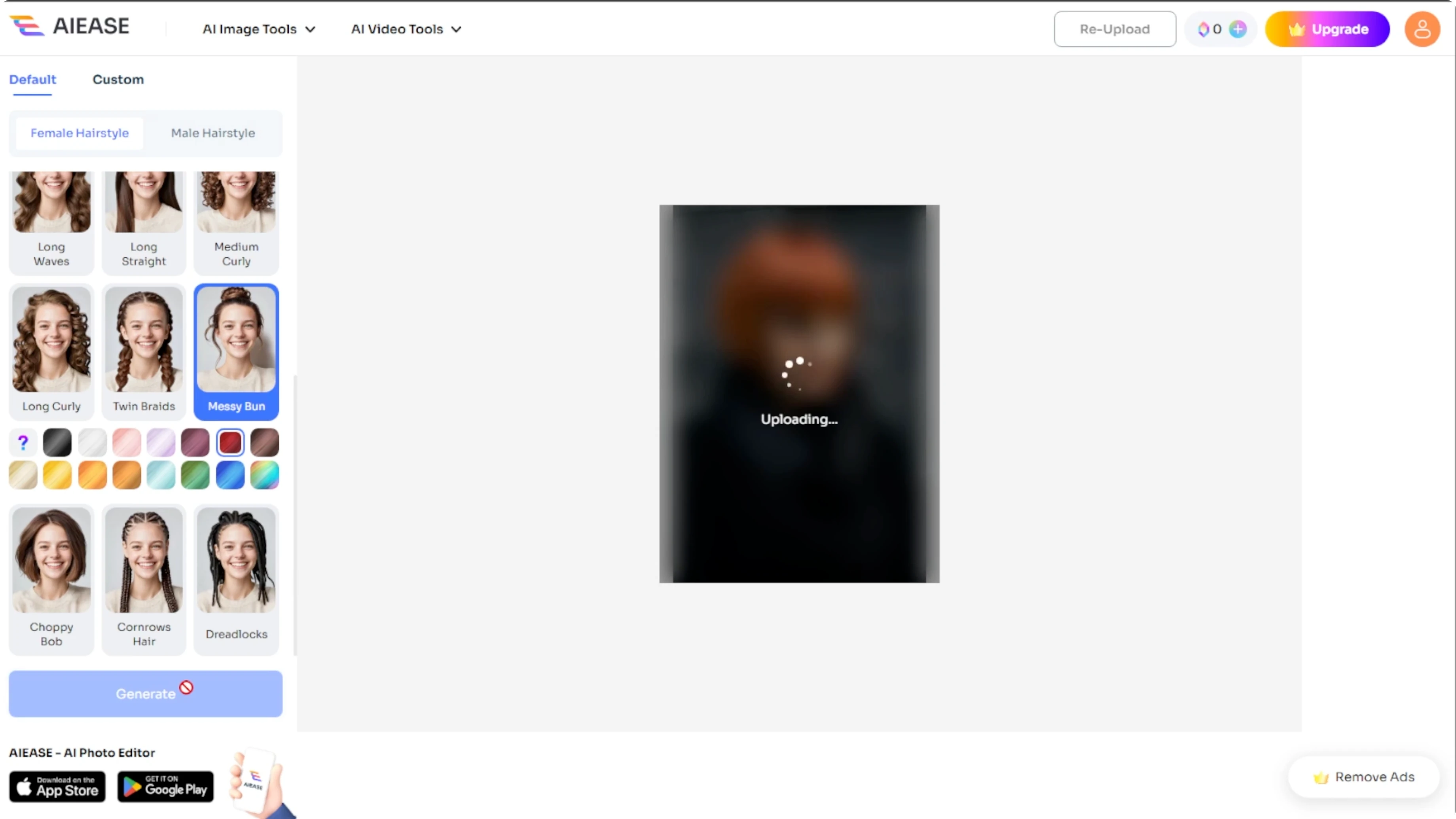
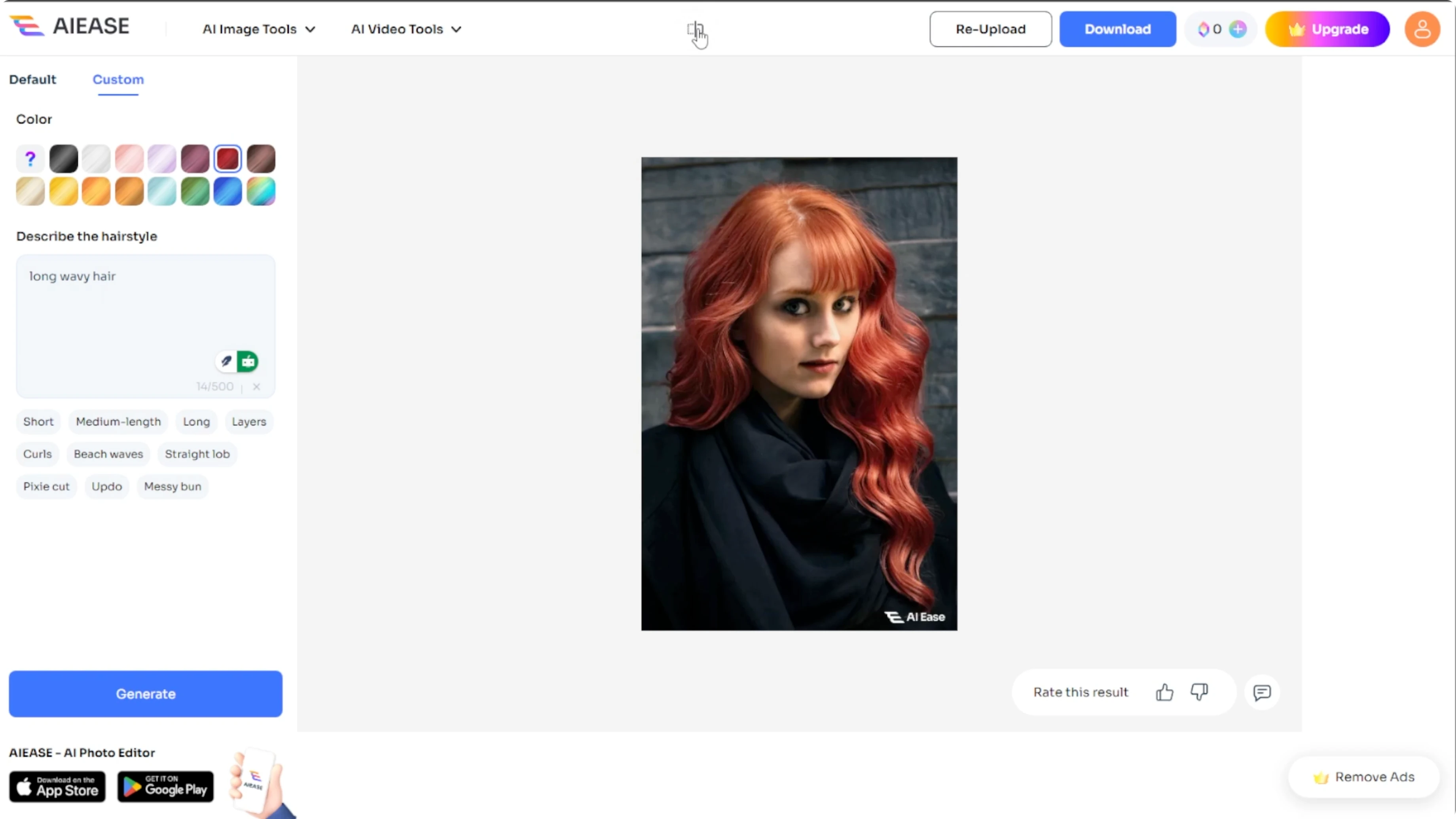
Then pick a hair color from the palette below. The hair color resets each time you choose a new hairstyle. After selecting the style and color that you want, click the generate button and wait about 10 seconds for the AI to apply the new look.
If you want a creative effect for photos, see how to add a cartoon effect in Canva.
Preview and compare
You will see your new hairstyle appear like magic. At the top panel, you will find a button labeled Before and After. Click and hold this button to see the original versus the edited photo, and re upload a new image if needed.
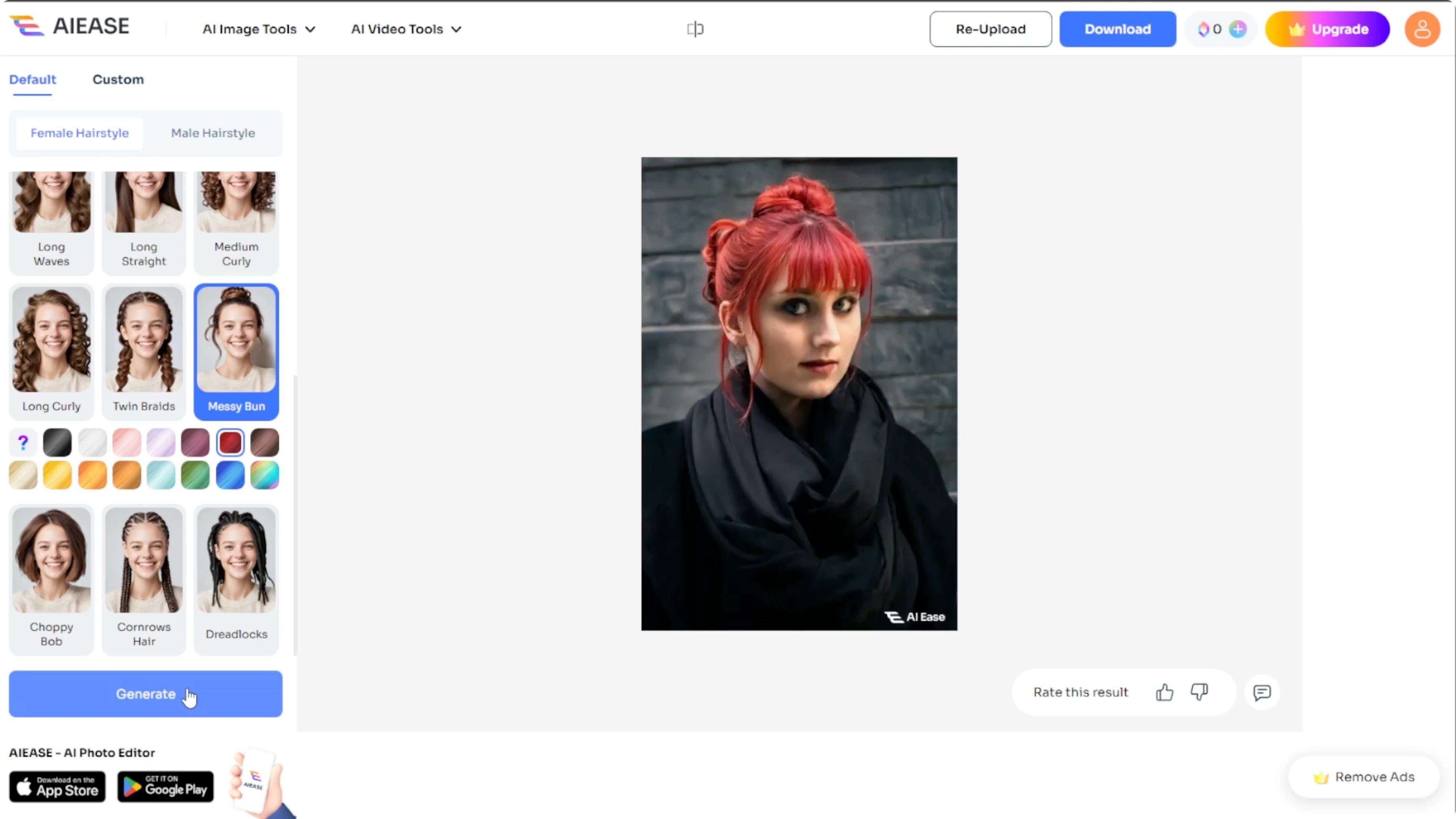
Limits and saving
You can only use the AI hairstyle tool for free once per day. After the first image is generated, you will need to upgrade your subscription to try more styles and regenerate results.
Once you are satisfied, click the Download button to save the image to your device.
Ideas to try
With AIEASE, experimenting with hairstyles has never been easier. If you are planning your next haircut or just having fun, this tool gives you realistic, fast results from the comfort of your home. It is a great way to see how you would look with bangs, curls, long hair, or even bold new colors.
For creative projects beyond photos, explore how to create AI generated videos in Canva.
Final thoughts
AIEASE makes it simple to try fresh hairstyles and colors without any editing experience. Upload a clear photo, pick a style and color, generate, then compare with Before and After and save your favorite look. Keep the daily limit in mind, and enjoy quick, realistic previews before your next cut or color.
Recent Posts

How to Visualize Yourself as a Pixelized Character with AI?
How to Visualize Yourself as a Pixelized Character with AI?

How to Revive Faded Memories and Enhance Image Clarity with AI?
How to Revive Faded Memories and Enhance Image Clarity with AI?

How to Visualize Yourself as an Animal Crossing Character with AI?
How to Visualize Yourself as an Animal Crossing Character with AI?