How to Transform Your Photos into Stylized JoJo Characters with AI?
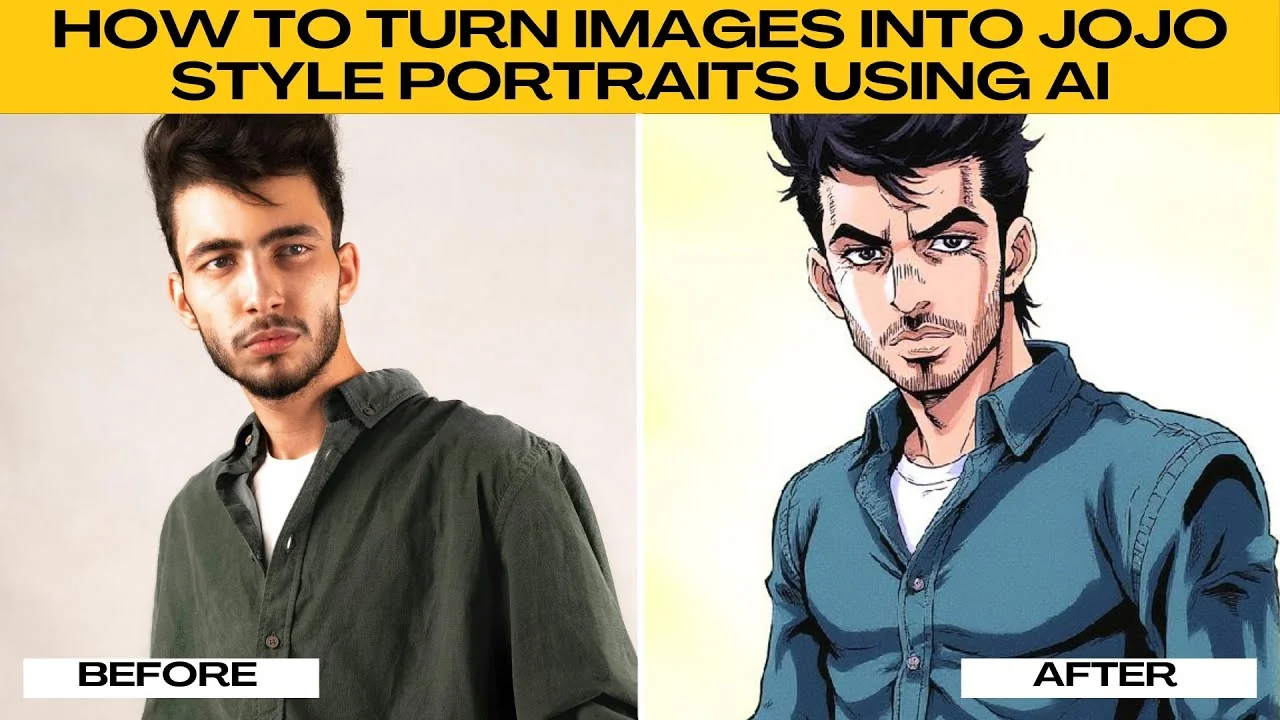
I will teach you how to turn images into JoJo style portraits using AI.
If you are a fan of JoJo's Bizarre Adventure, you have probably admired its bold dramatic art style with sharp lines, intense shadows, and colorful stylish characters. You do not need to be an illustrator to achieve that look.
With Photo AI Artifacts, you can transform your photo into a JoJo style portrait in just a few clicks.
Set up
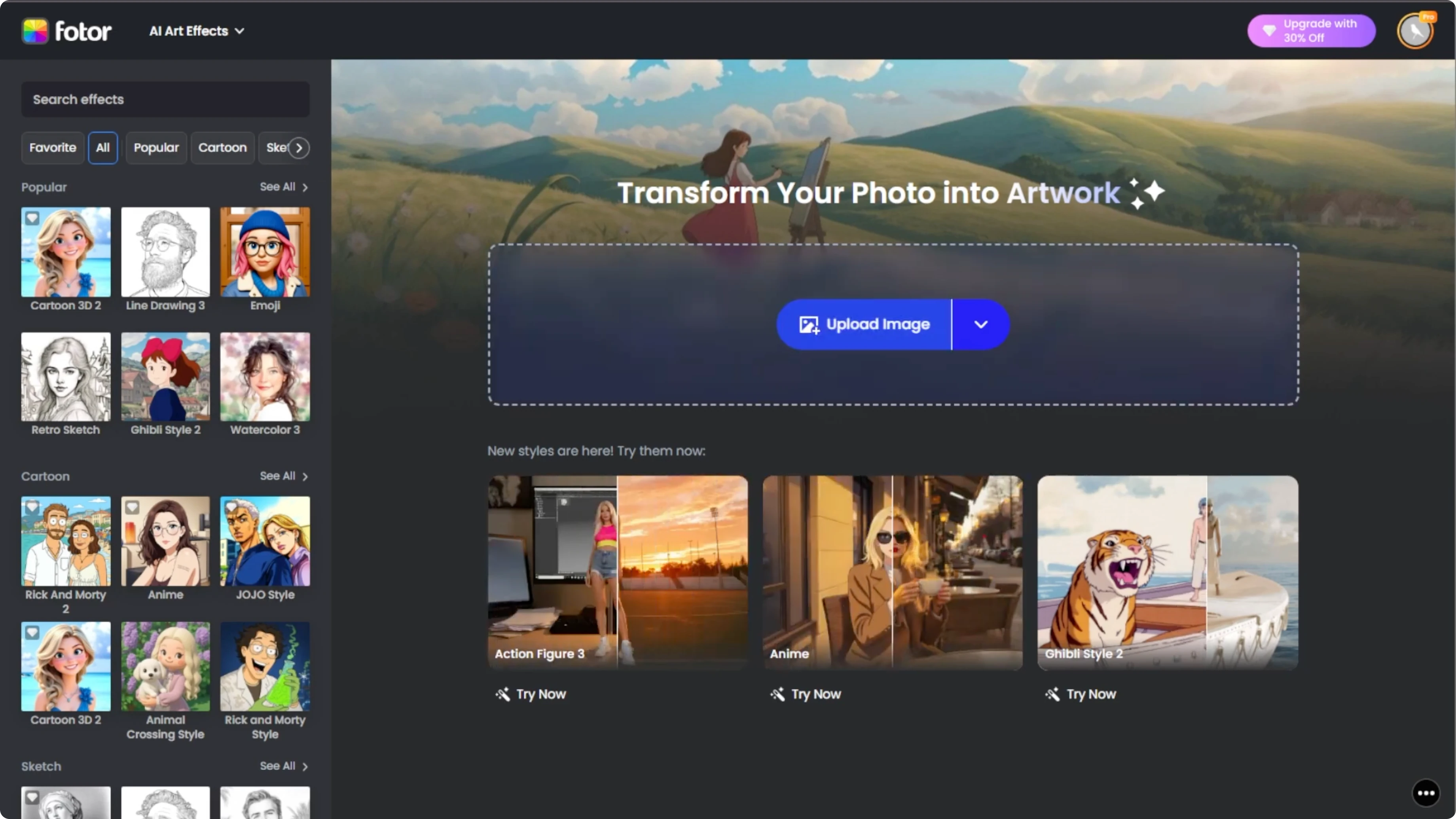
Open your browser and go to Photo AI Artifacts. The tool works online, so there is no need to install anything.
If you want to experiment with hair and overall look before styling it like JoJo, see this AI guide to change your hairstyle here Change your hairstyle with AI.
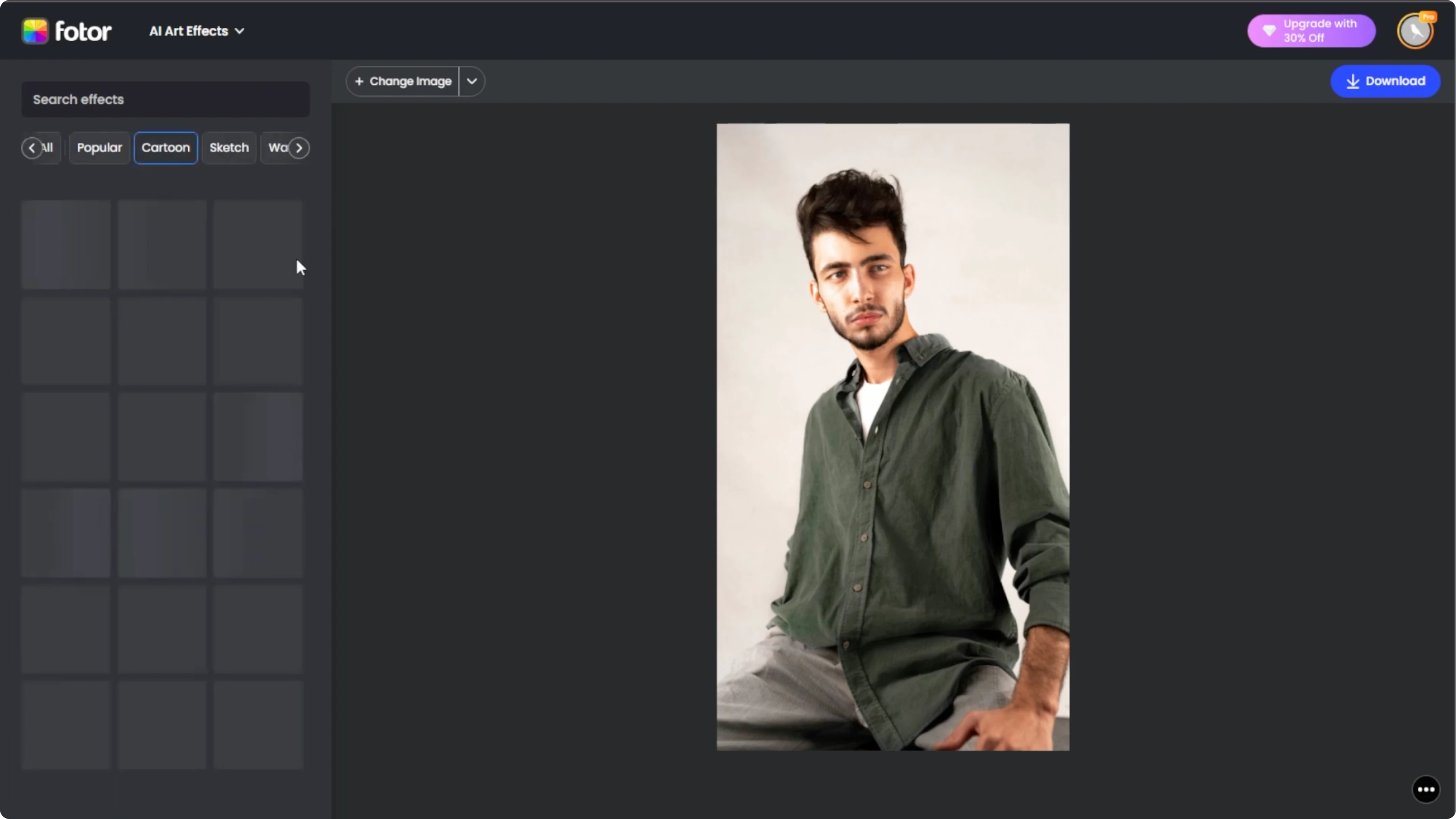
Upload your photo
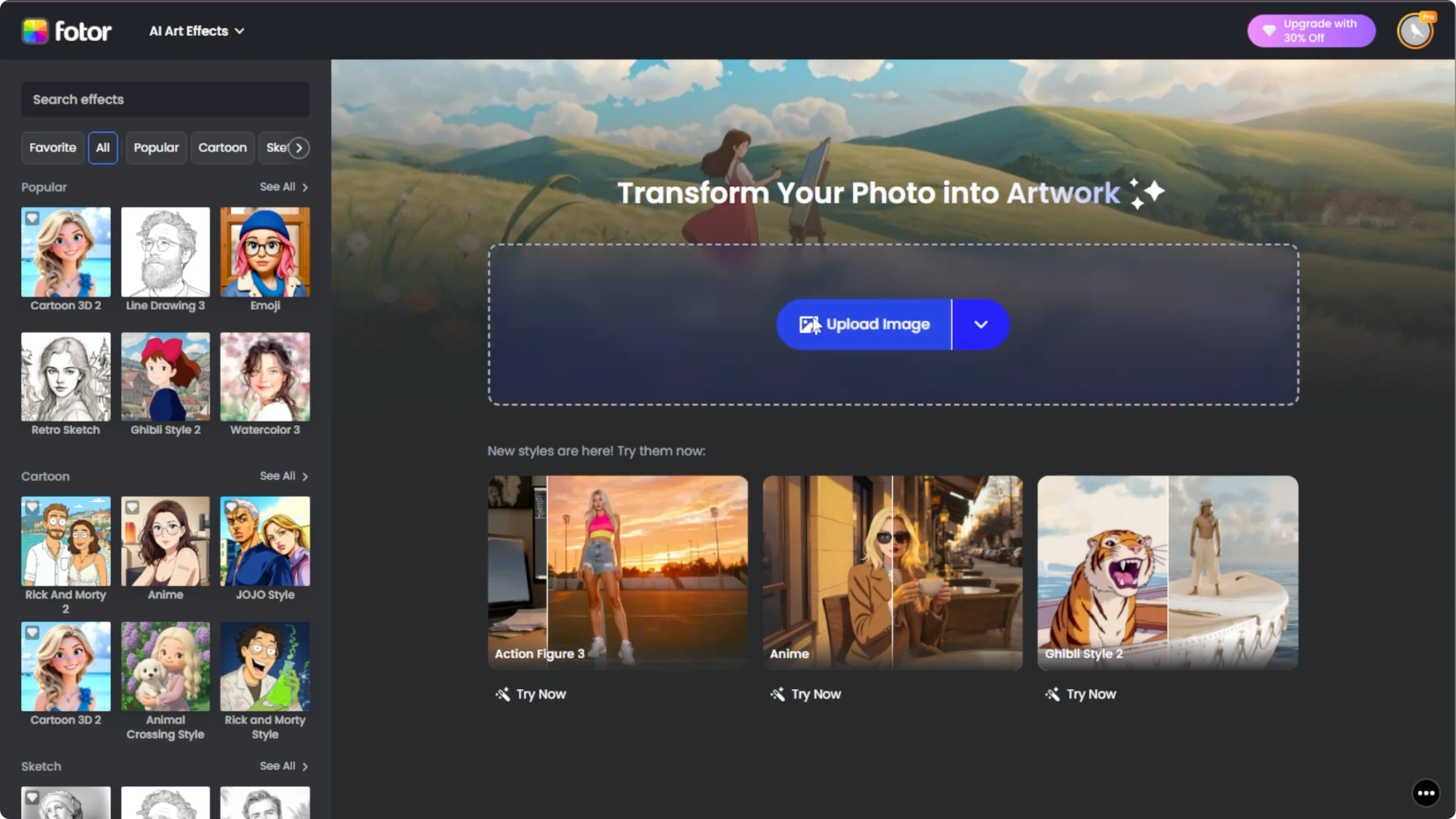
Click the Upload button and select the photo that you want to use. For best results, choose a clear portrait photo and make sure your face is well lit and visible.
Choose the style
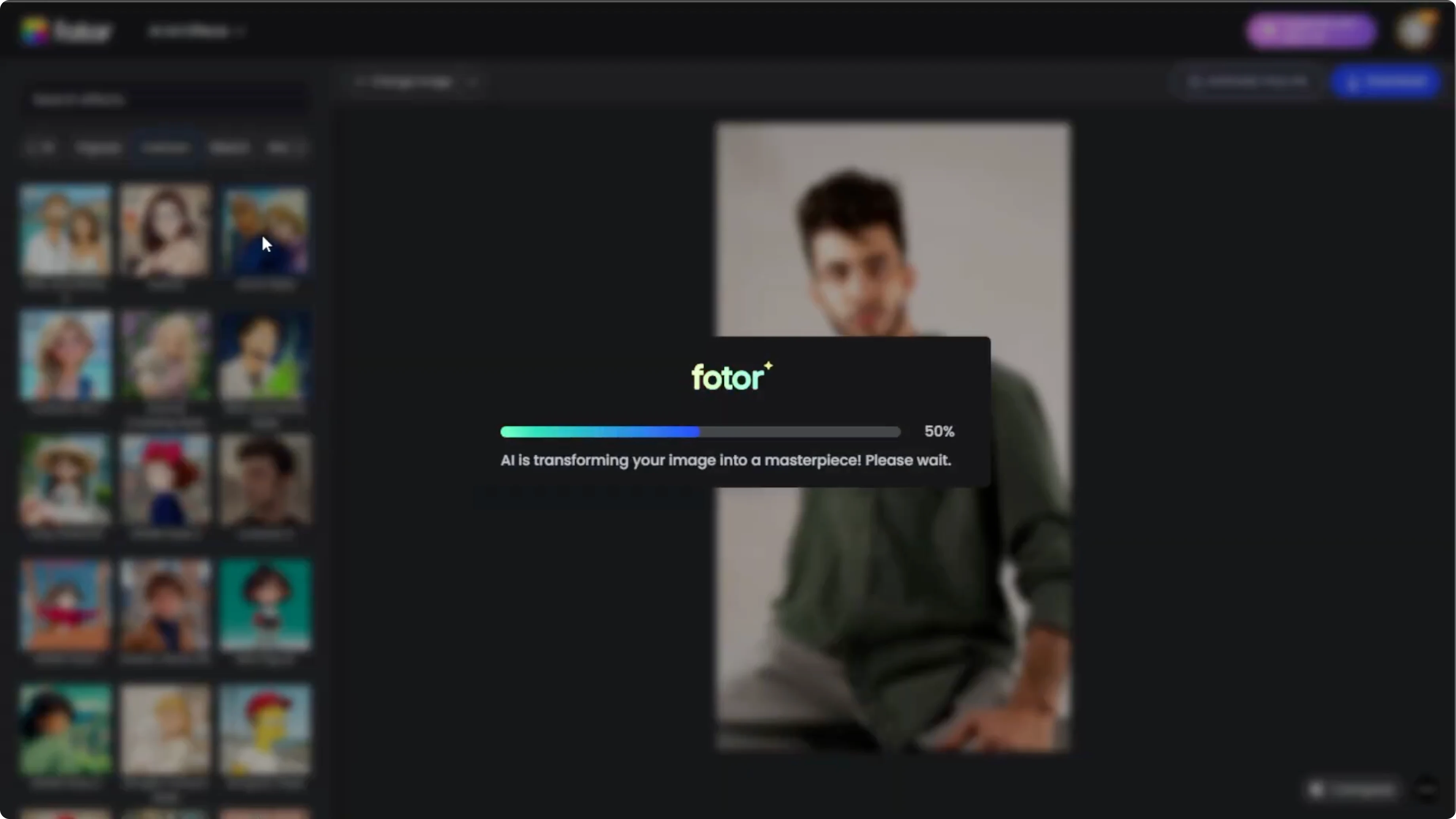
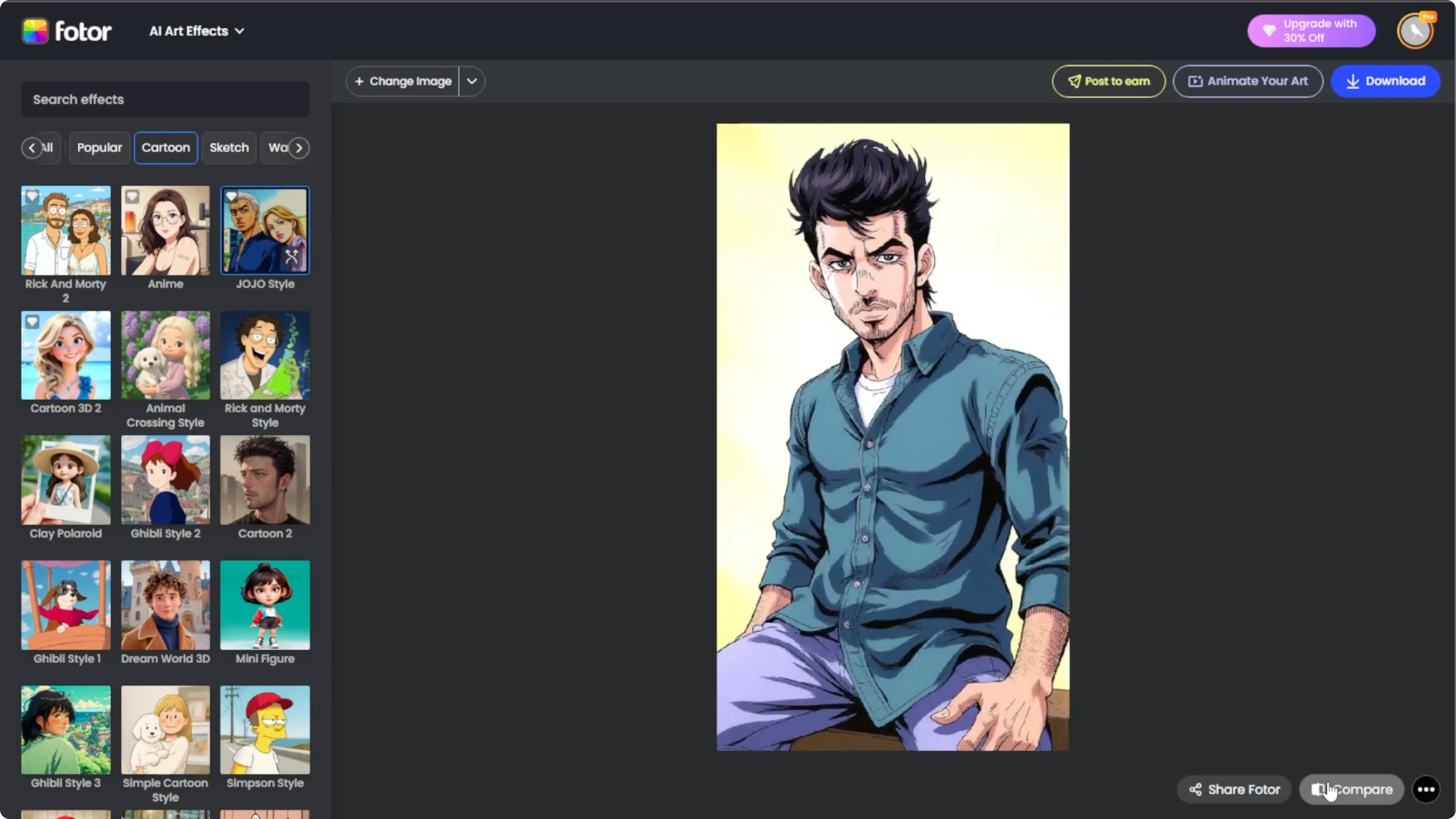
On the left panel, you will see a list of different art categories. Scroll down to the cartoon section and select the JoJo style option.
Watch as the AI transforms your photo into a JoJo inspired portrait with dramatic shading and anime style details.
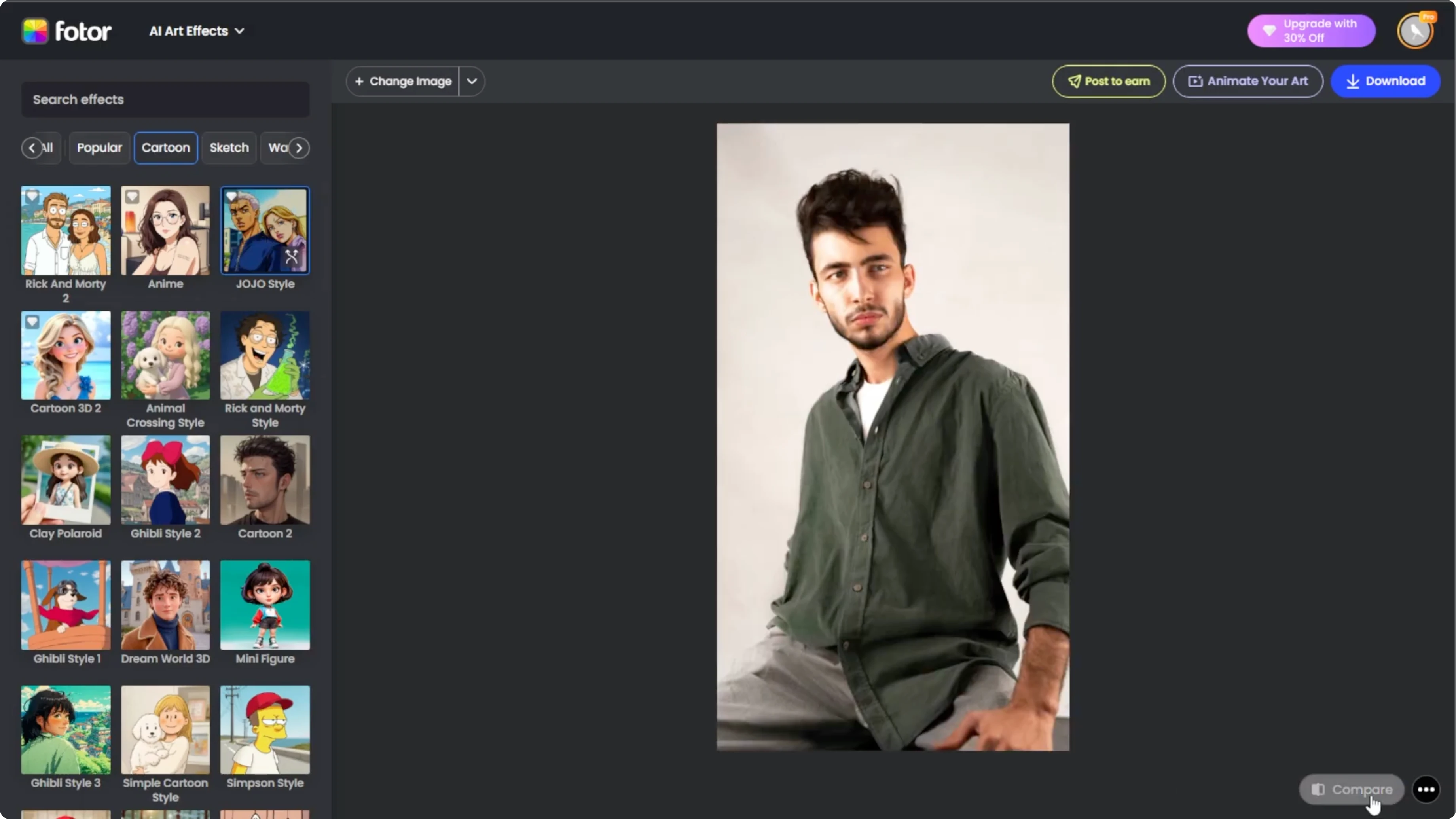
Compare and refine
Go to the bottom right and click the Compare button. This lets you see your original photo side by side with your JoJo style transformation.
If you are not satisfied with the result, click the Regenerate button on the effect thumbnail. Each new version takes about 10 seconds and may change the colors, shading, or style details.
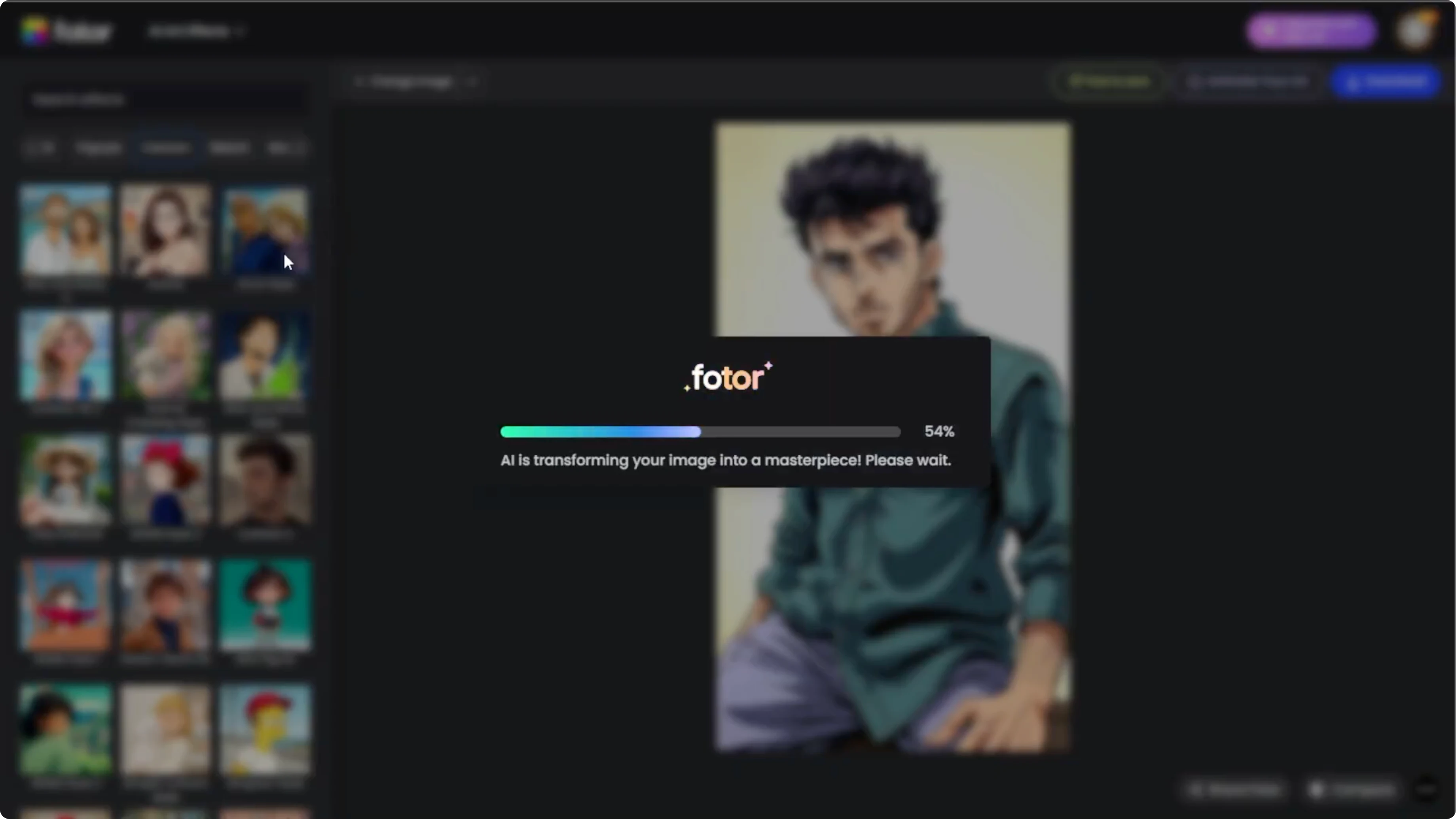
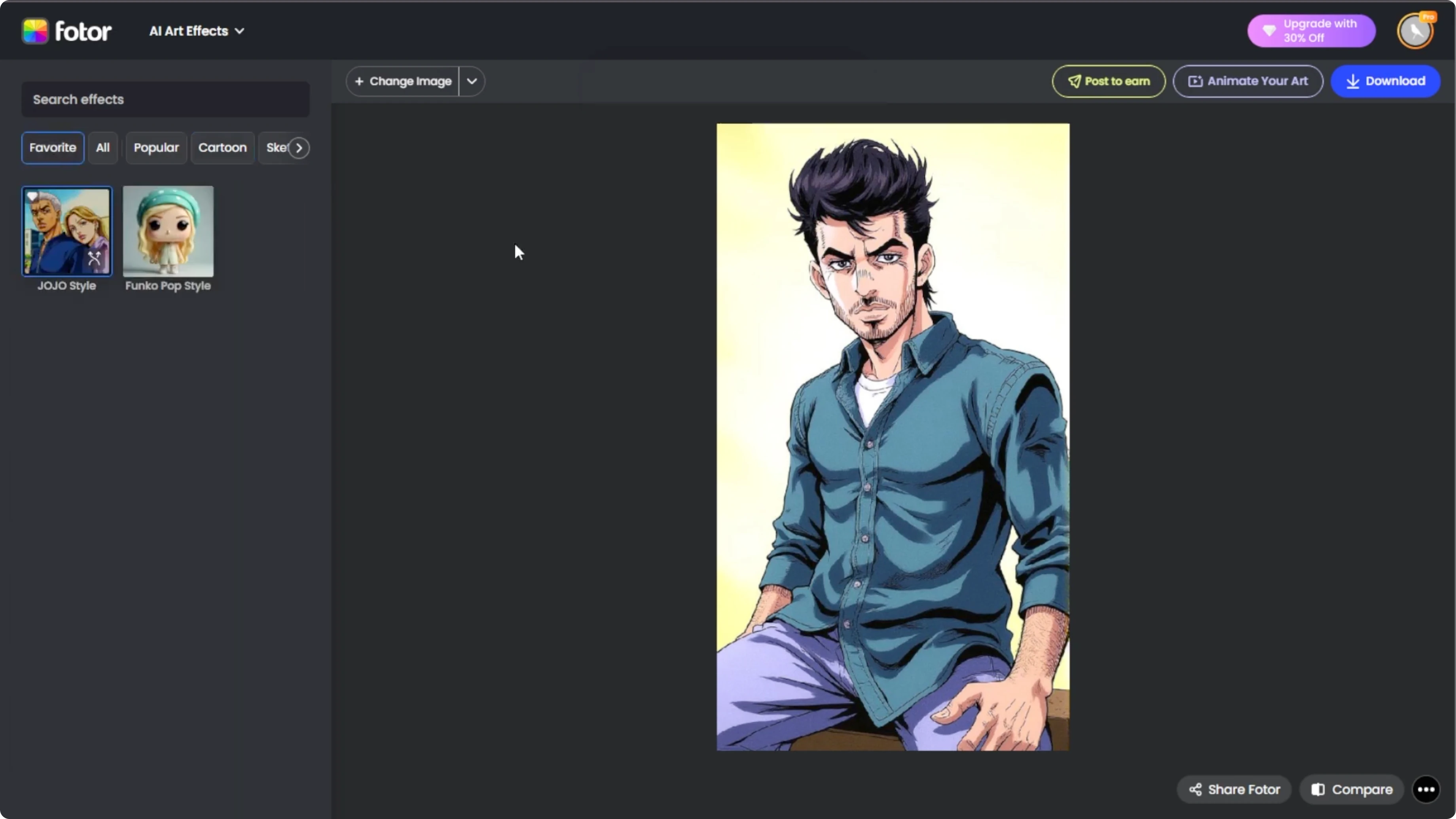
If you love this style, click the star icon to save it under Favorites for easy access next time.
If you want to push the mood further by changing lighting and time of day, check this guide on turning day photos into night scenes Convert photos from day to night with AI.
Save your portrait
Once you are happy with the result, click Download to save it to your computer.
Tips for beginners
With just a few clicks, you can turn yourself or your friends into a JoJo inspired character portrait using AI. It is fast, fun, and perfect for anime fans who want to see themselves in the world of JoJo's Bizarre Adventure.
If you prefer a playful look for social profiles, try making emoji portraits with this tutorial Turn your images into emoji portraits.
Final thoughts
You can create a striking JoJo style portrait by uploading a clear photo, selecting the JoJo style, comparing results, refining with regenerate, and downloading your favorite version. The key is good lighting, a clear face, and a few quick iterations. Enjoy transforming your photos into bold anime inspired art.
Recent Posts

How to Visualize Yourself as a Pixelized Character with AI?
How to Visualize Yourself as a Pixelized Character with AI?

How to Revive Faded Memories and Enhance Image Clarity with AI?
How to Revive Faded Memories and Enhance Image Clarity with AI?

How to Visualize Yourself as an Animal Crossing Character with AI?
How to Visualize Yourself as an Animal Crossing Character with AI?