How to Transform Your Photos into Funko Pop Style Characters with AI?
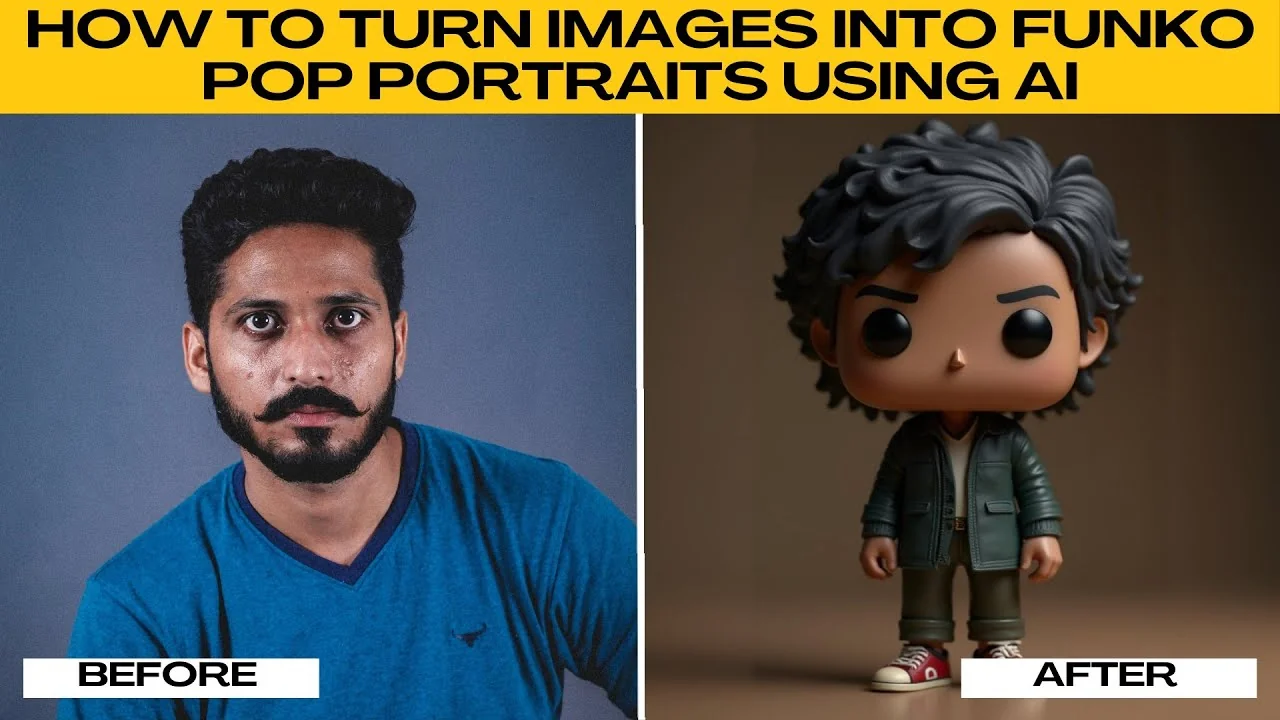
I will teach you how to turn images into a Funko Pop style portrait using AI. Funko Pop figures are known for their oversized heads, tiny bodies, and adorable cartoon-like style.
They have become collectibles worldwide, representing everything from superheroes to celebrities. With an AI art tool like Photo AI Art Effects, you can transform your own photo into a Funko Pop portrait in just a few clicks.
If you also want to experiment with your look, check out this quick guide on how to change your hairstyle in photos using AI.
The Funko Pop look
Expect a signature oversized head, simplified facial features, and a toy-like finish. The goal is a clean, cute, collectible-style portrait that still captures your likeness.
A clear photo helps the AI keep the essential details while simplifying shapes.
Get started
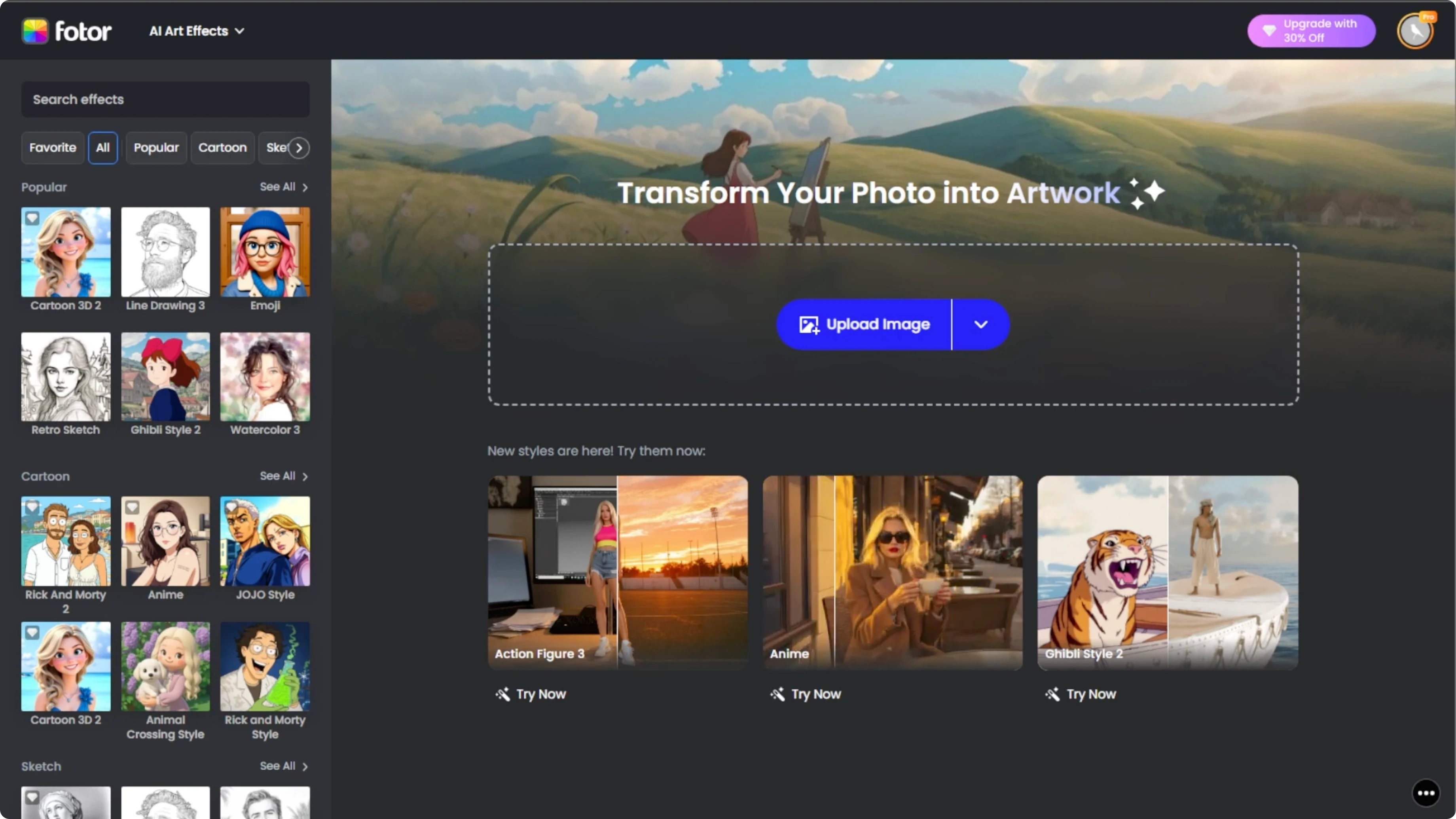
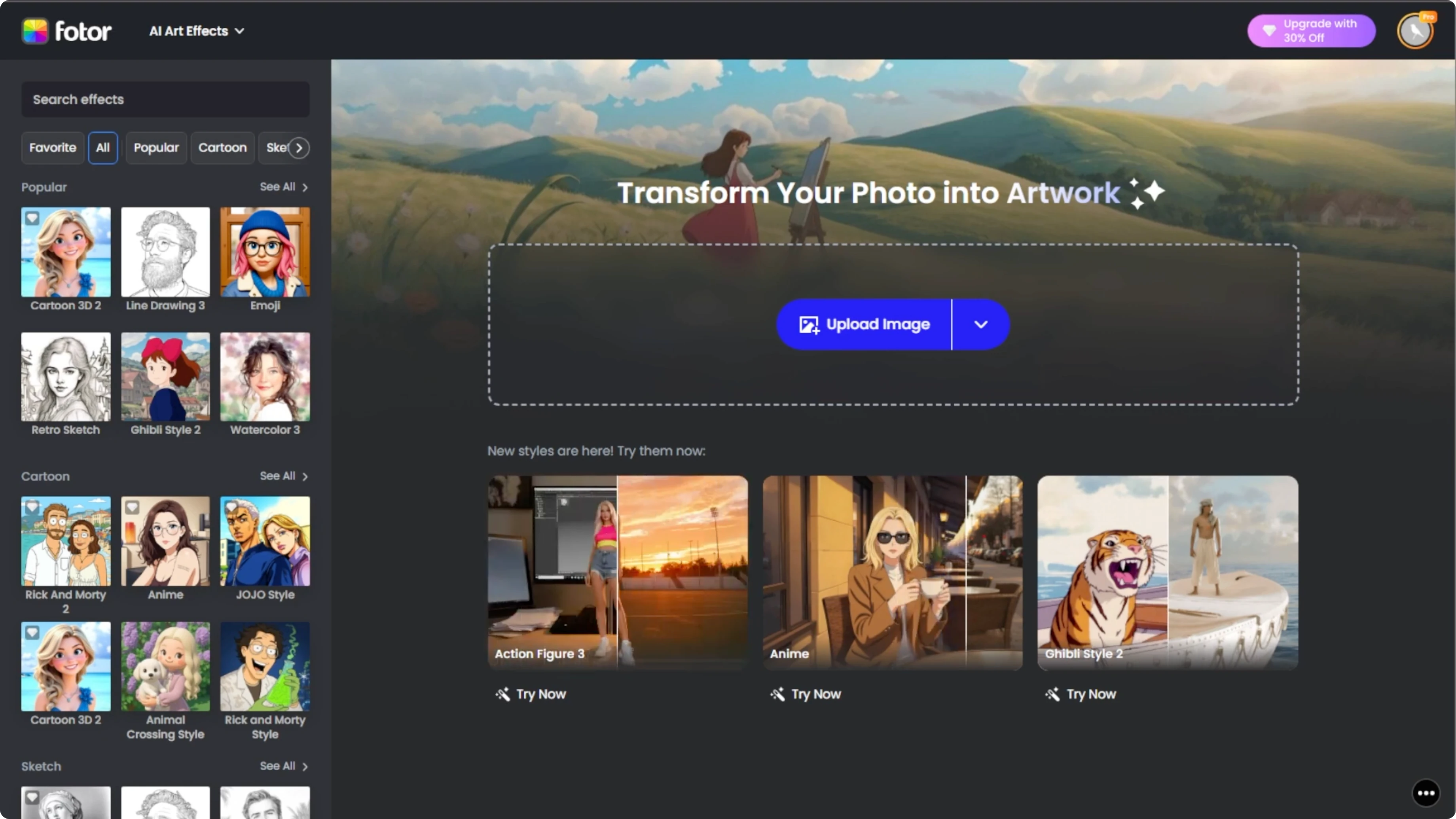
Open your browser and go to Photo AI Art Effects.
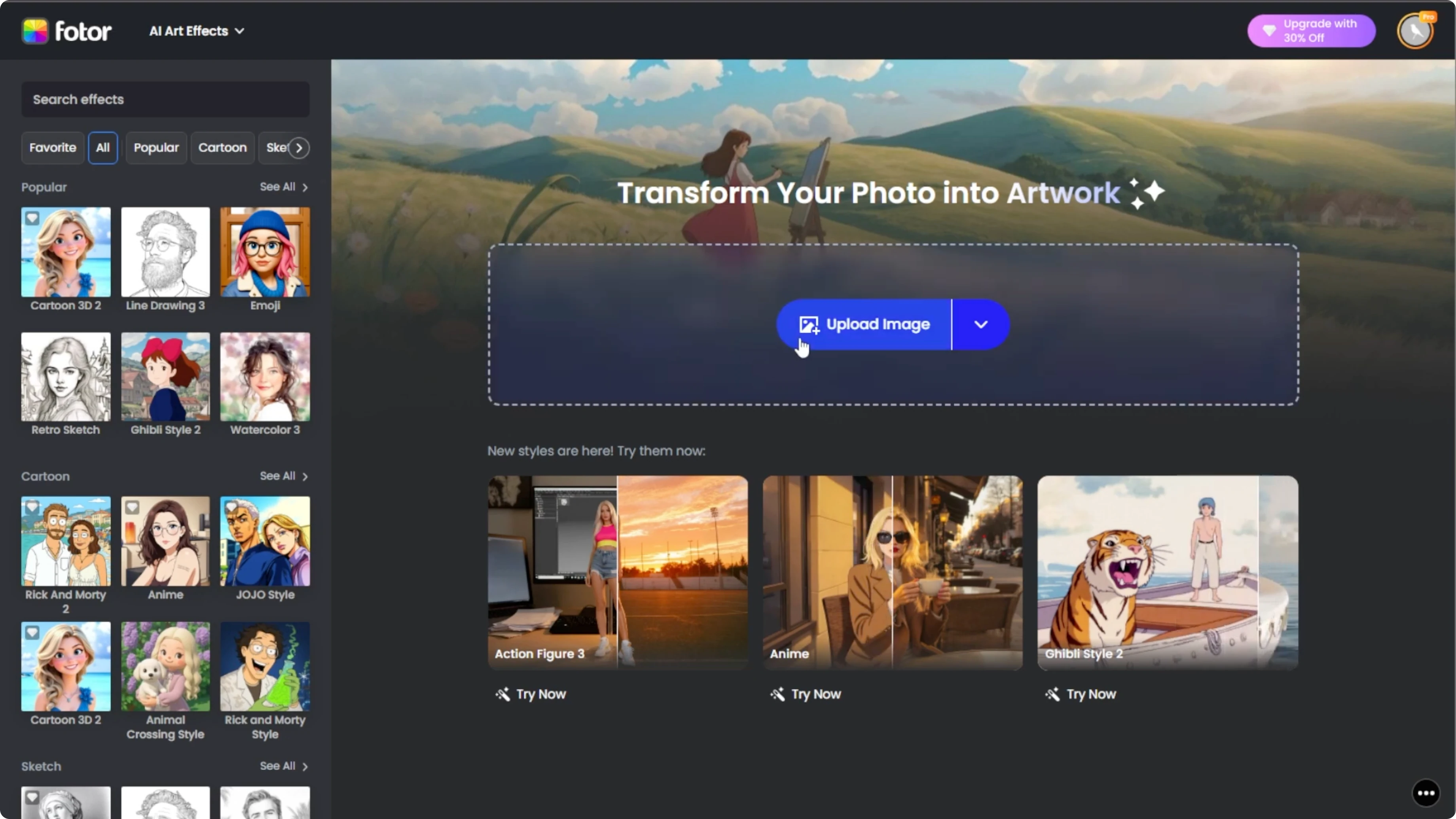
This tool runs online, so there is no need to install software.
Click the Upload button and choose the photo you want to edit from your computer.
For best results, use a clear portrait photo. Good lighting will help the AI capture details for your Funko Pop look.
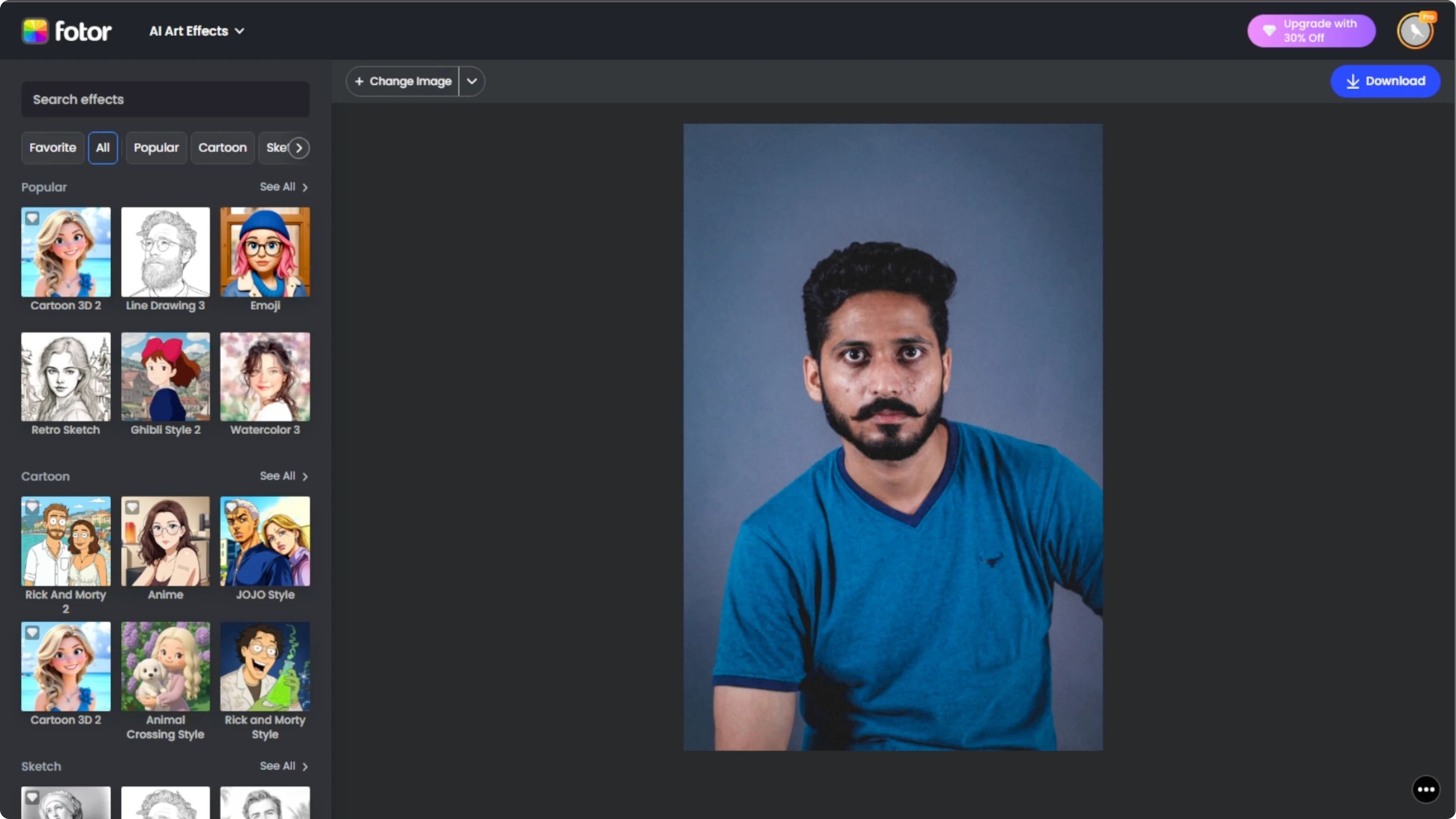
On the left panel, you will see a variety of styles.
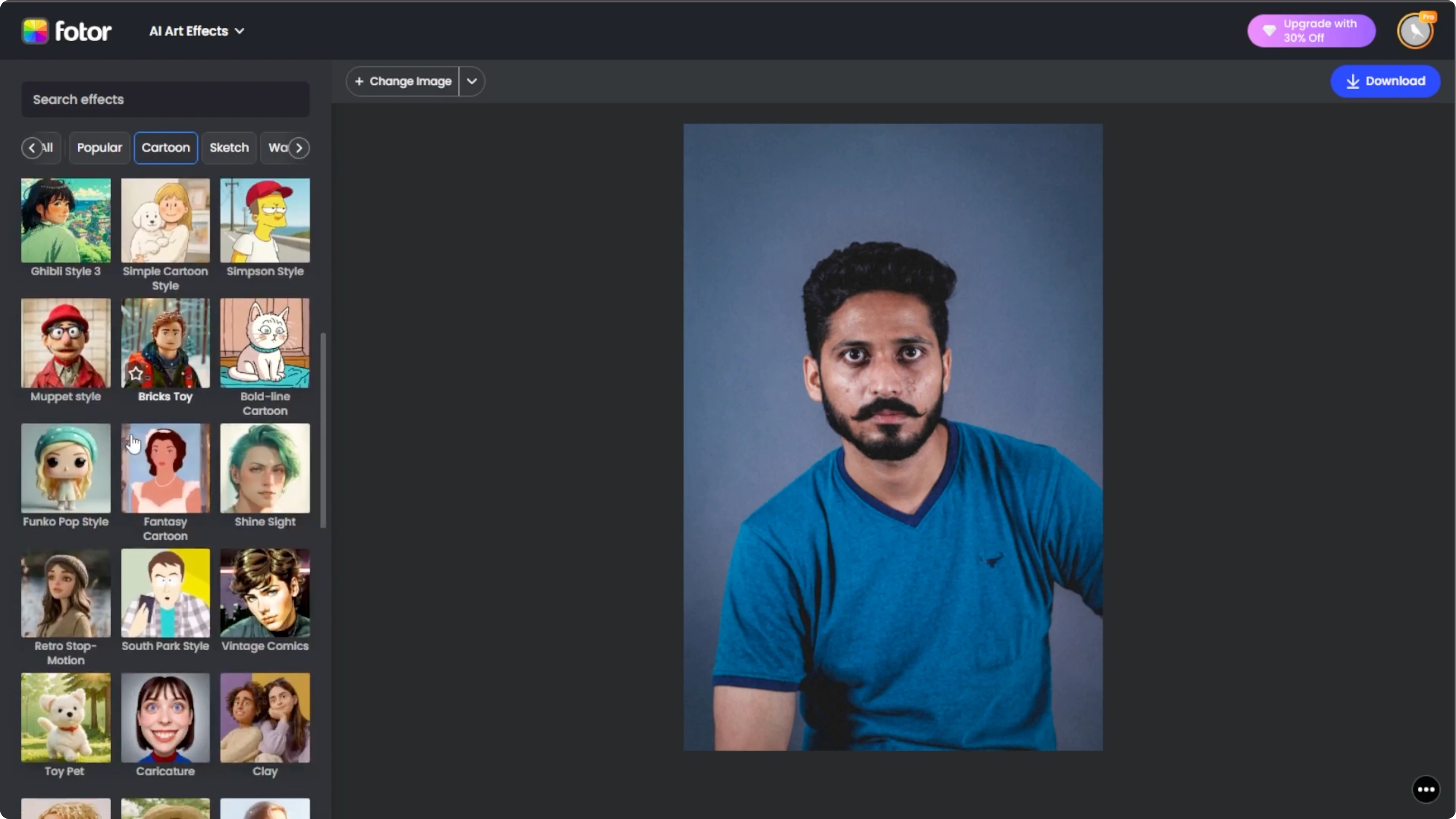
Scroll to the Cartoon section and click the Funko Pop option.
Watch as the AI transforms your photo into a Funko Pop style portrait with a signature oversized head and toy-like look.
Tune your result
Click the Compare button at the bottom right to view the original photo side by side with the Funko Pop version.
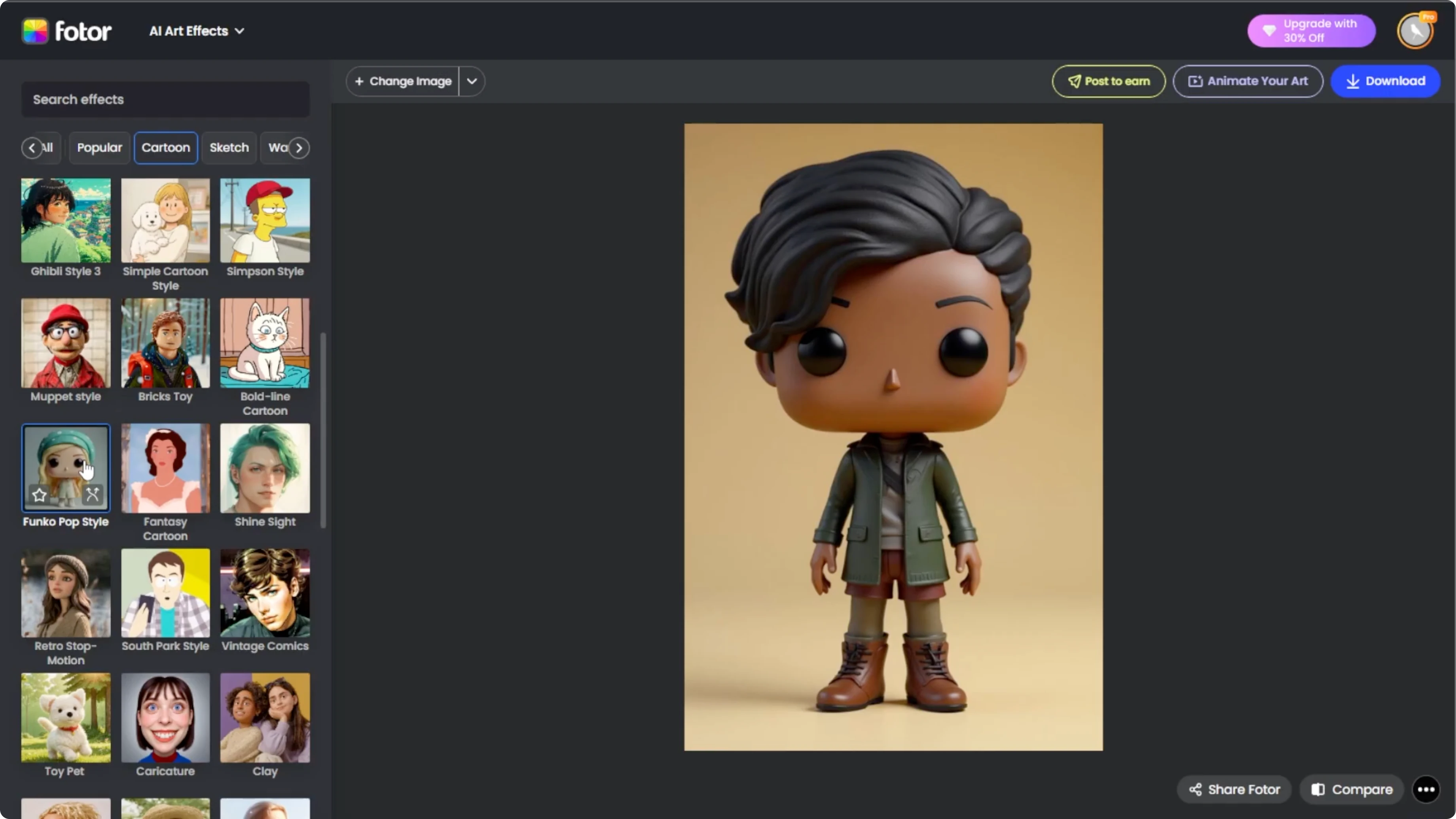
If the first result is not quite what you want, click Regenerate on the effect thumbnail. Each regeneration takes about 10 seconds and gives you slightly different versions.
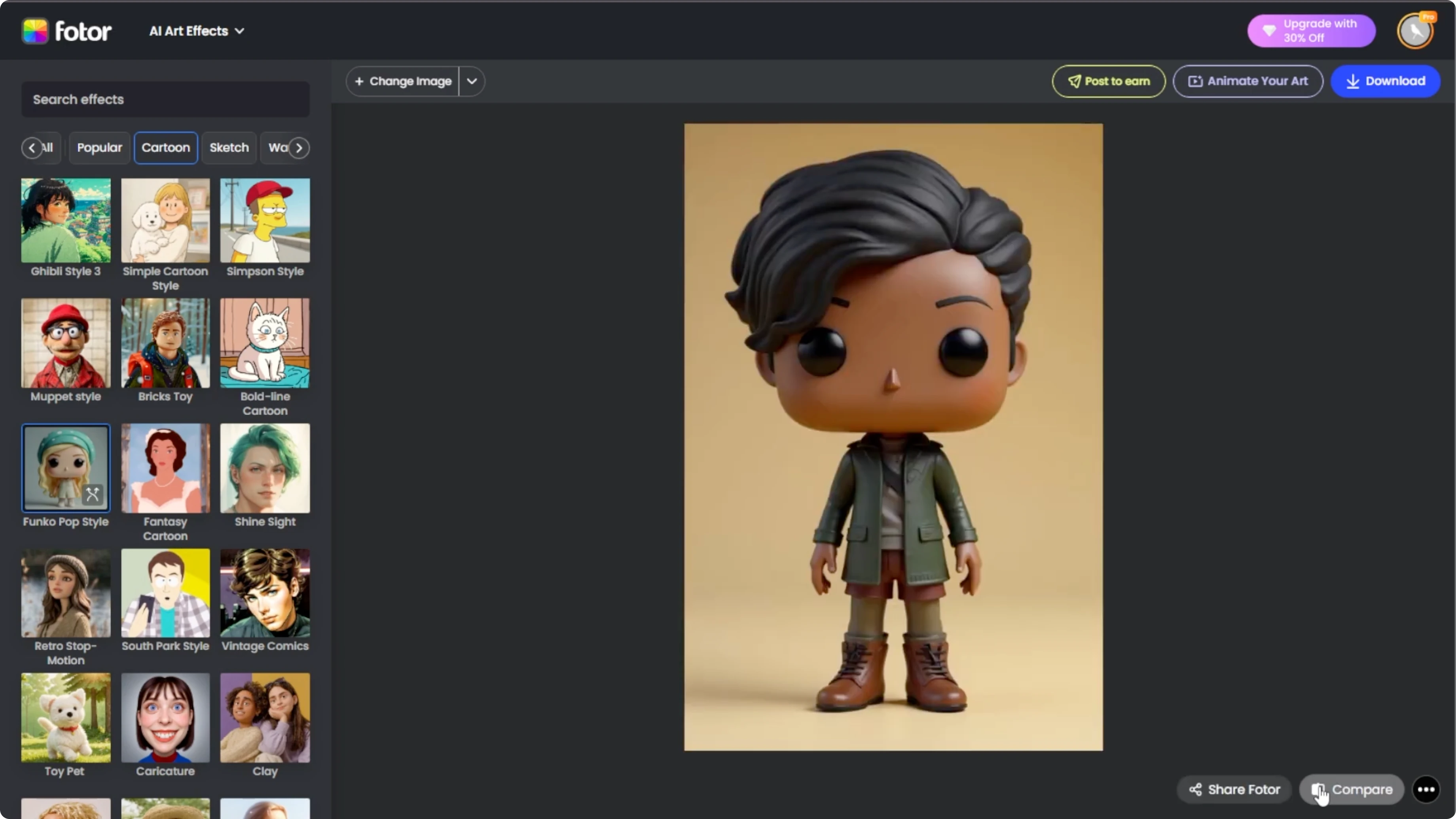
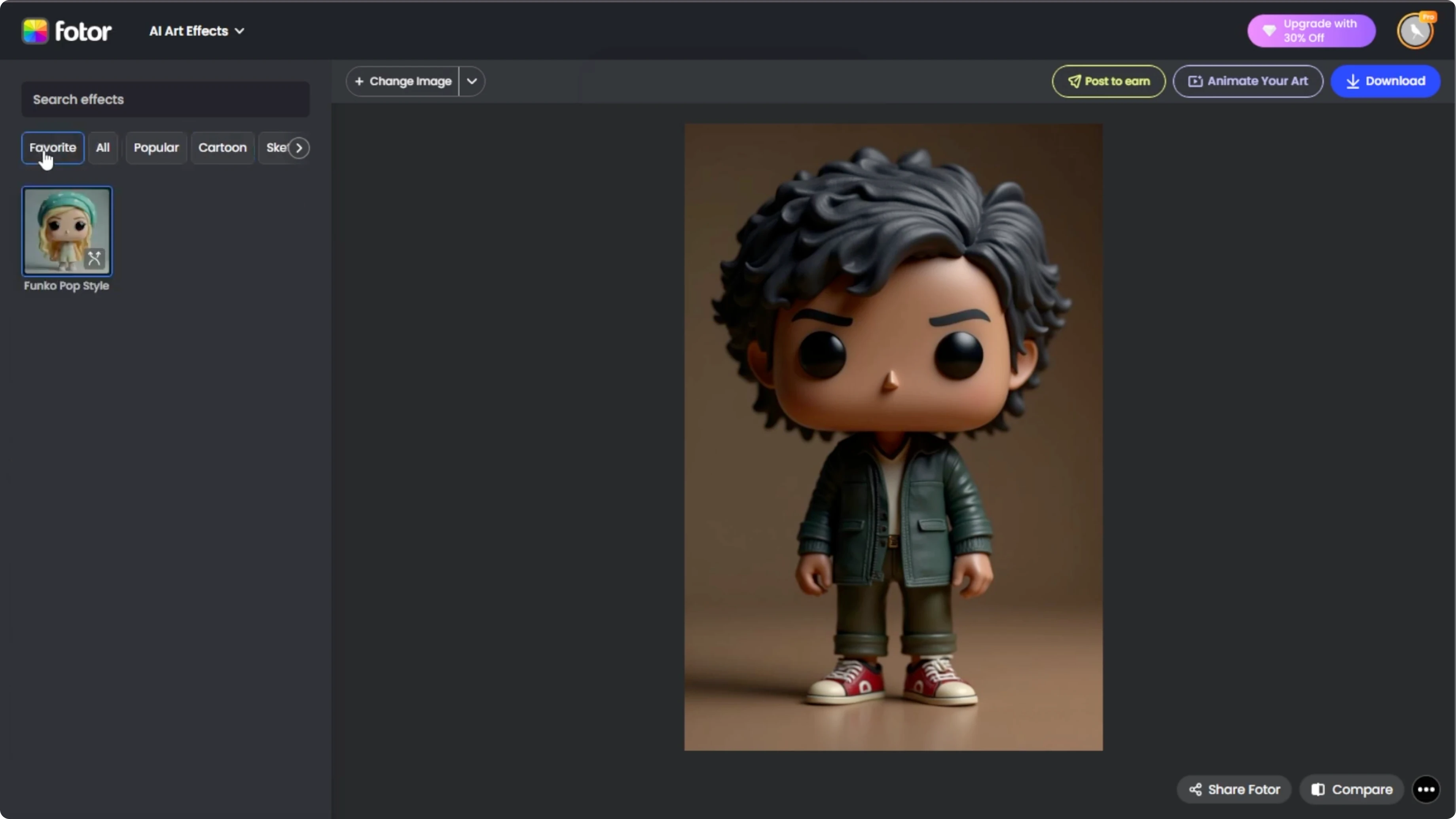
Click the Star icon to save the effect to your favorites for easy access later.
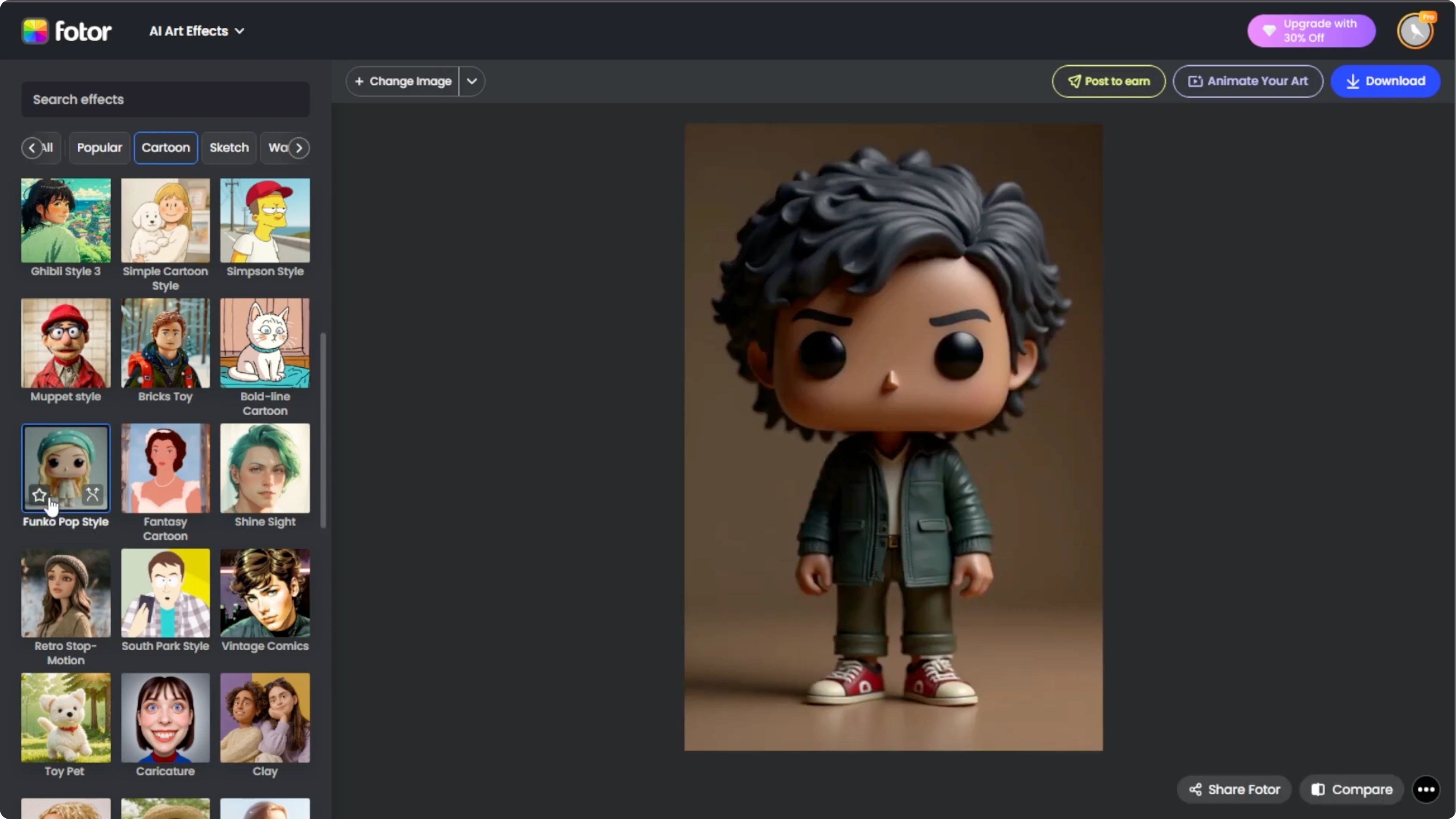
When you are satisfied, click Download to save your Funko Pop portrait to your computer.
If you enjoy stylized looks, you can also create a clean pencil-drawn result. Try this tutorial on turning a photo into a sketch style portrait.
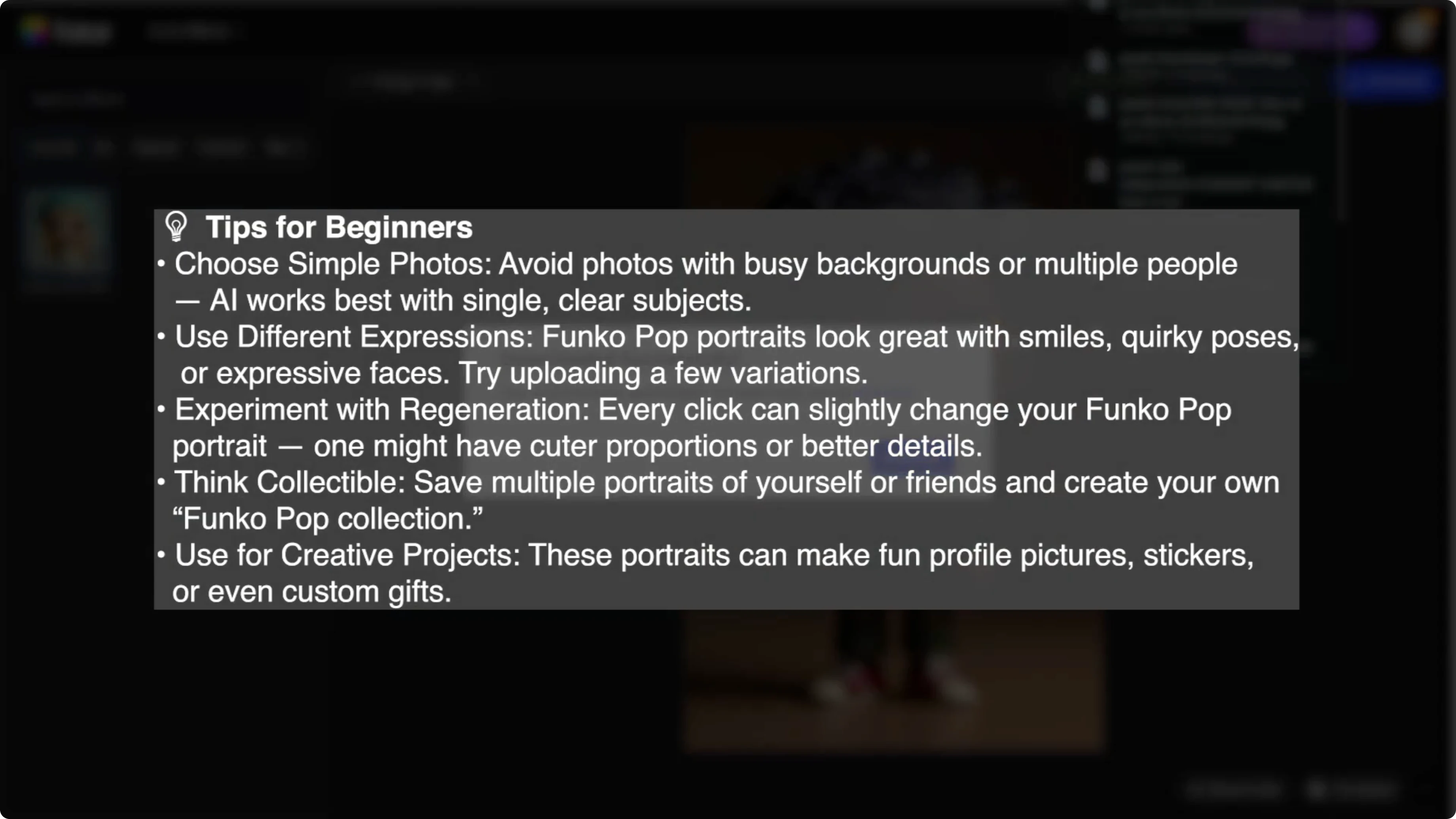
Tips for beginners
Use a centered head-and-shoulders photo to help the tool frame your face correctly. Avoid busy backgrounds that can distract from facial features.
In just a few minutes, you can turn any photo into a Funko Pop style portrait using AI. It is fun and a great way to create unique collectible-style art of yourself or your friends.
Want another creative effect for your gallery or profile? Try this quick walkthrough on how to convert daytime photos into night scenes with AI.
Final thoughts
Photo AI Art Effects makes it easy to create a Funko Pop style portrait that captures your personality. Upload a clear portrait, pick the Funko Pop style, compare, regenerate if needed, and download your favorite result.
Save the effect to favorites and experiment with different photos to build a playful collection.
Recent Posts

How to Visualize Yourself as a Pixelized Character with AI?
How to Visualize Yourself as a Pixelized Character with AI?

How to Revive Faded Memories and Enhance Image Clarity with AI?
How to Revive Faded Memories and Enhance Image Clarity with AI?

How to Visualize Yourself as an Animal Crossing Character with AI?
How to Visualize Yourself as an Animal Crossing Character with AI?