How to Make Three Color Gradient in Canva
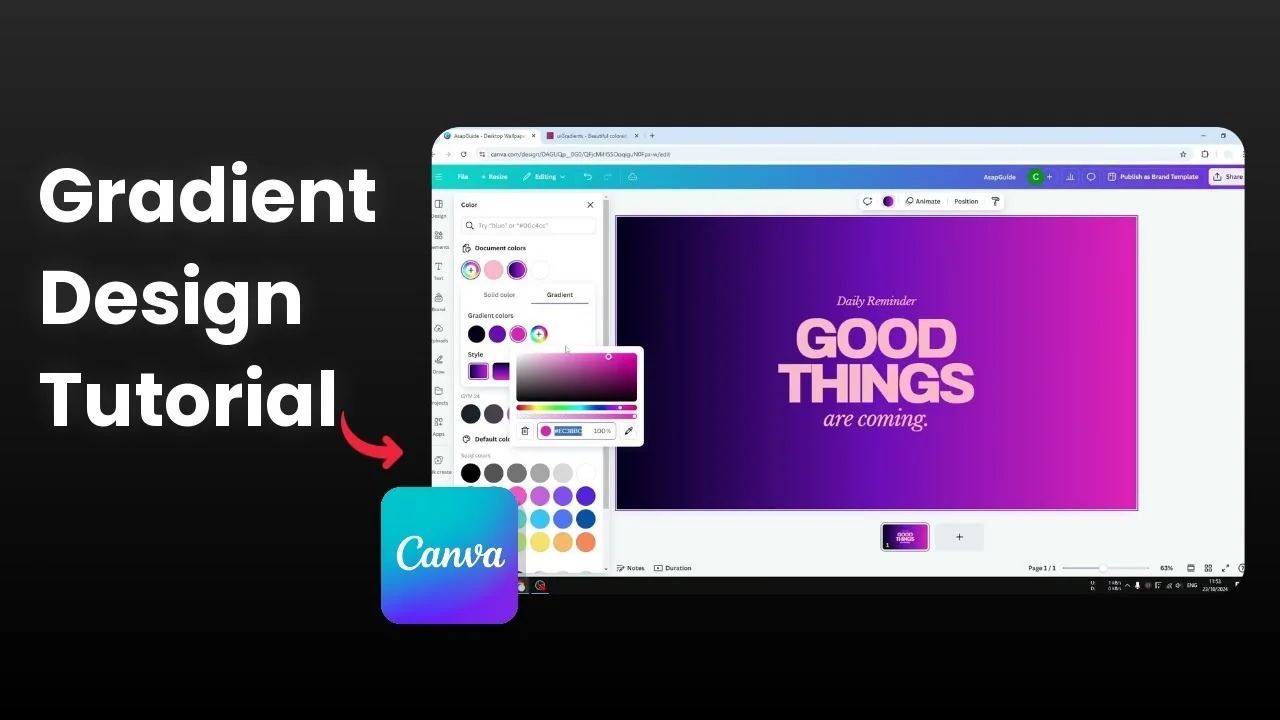
How do you create a three color gradient in Canva? You probably are familiar with a two color gradient, which is probably 90% of the time the type of gradient that you are using in Canva. But you can put more than two colors in your gradient design.
You could put three, four, five colors. Here is how you can get that. For extra ideas on styling, see these three color gradient tips.
Make Three Color Gradient in Canva
Select your object
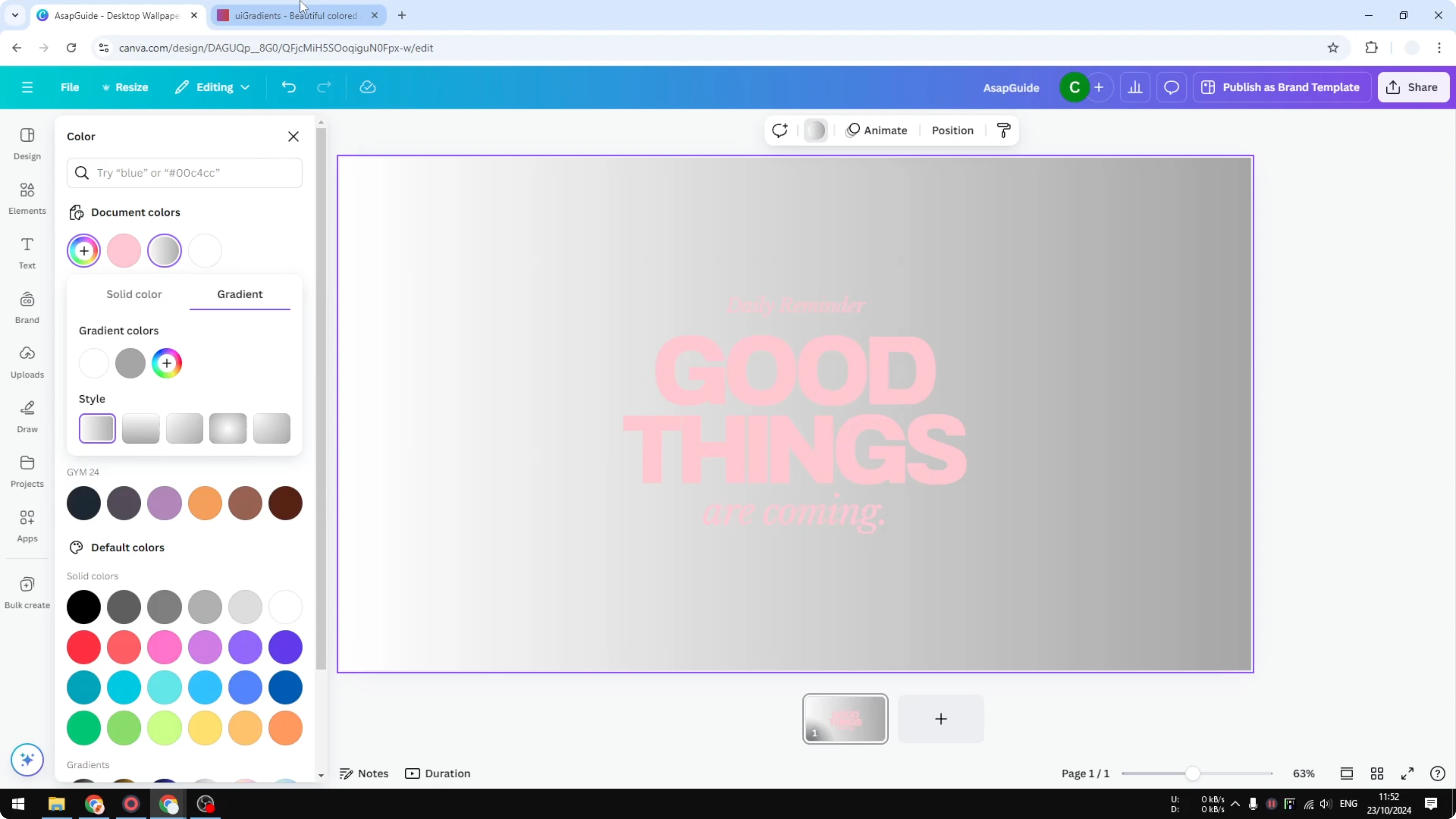
First you have to select an object that you want to change the color. I am going to apply a three color gradient for this background. Click the background and click Background color or click Color.
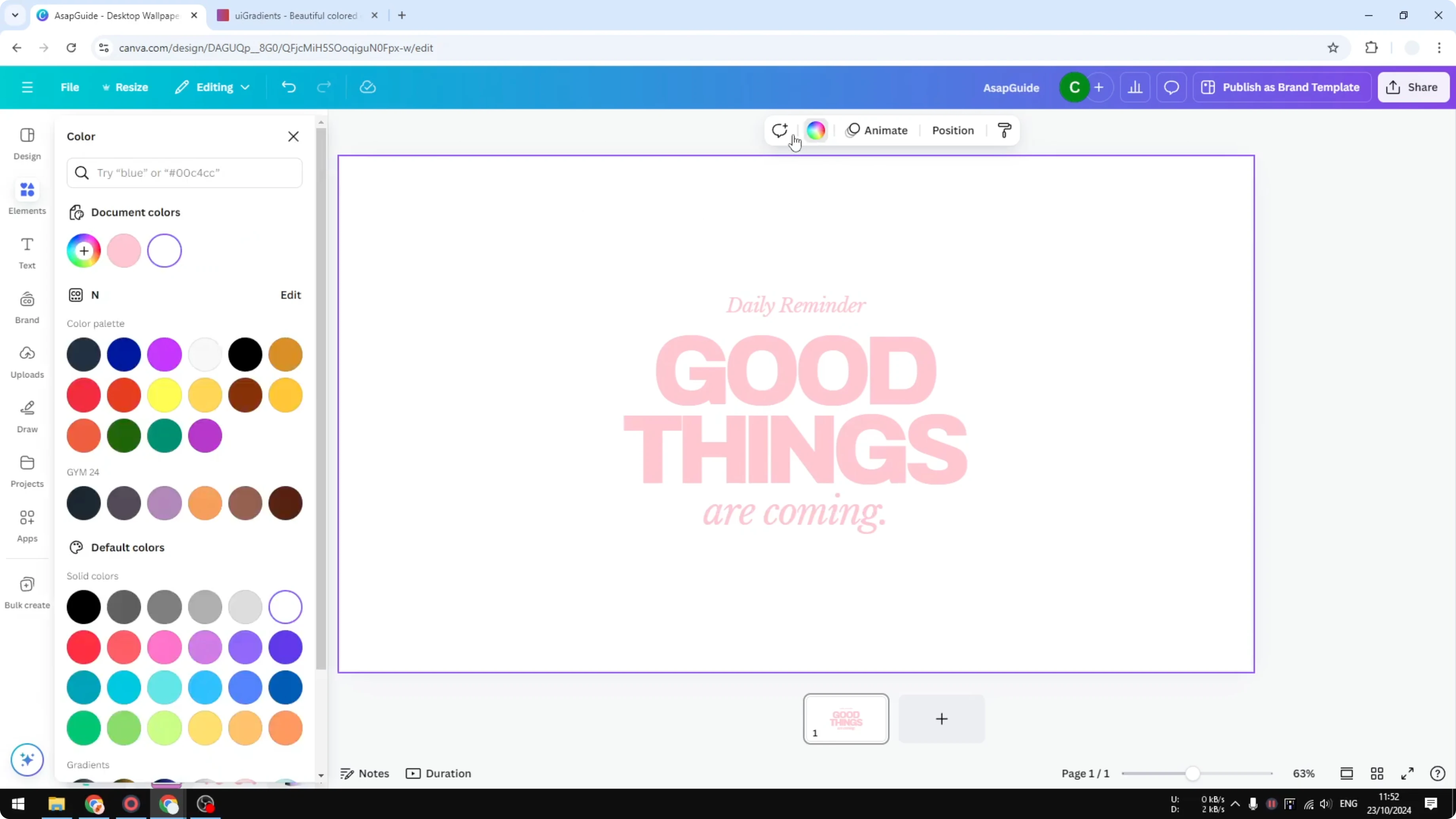
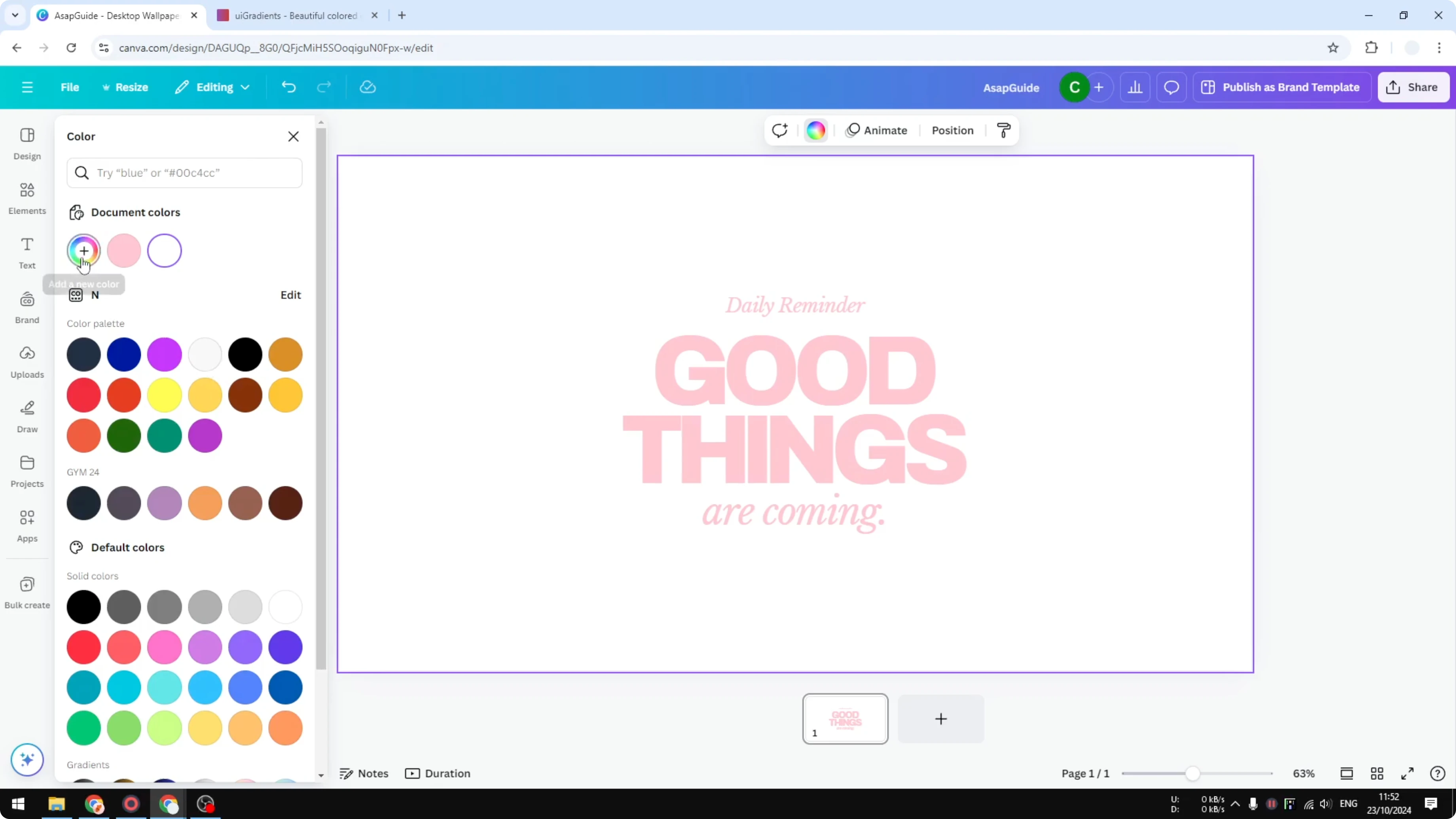
At the bottom you will see some gradient options. We are not going to use that. Click Add a new color, select Gradient, and now you can add color to it.
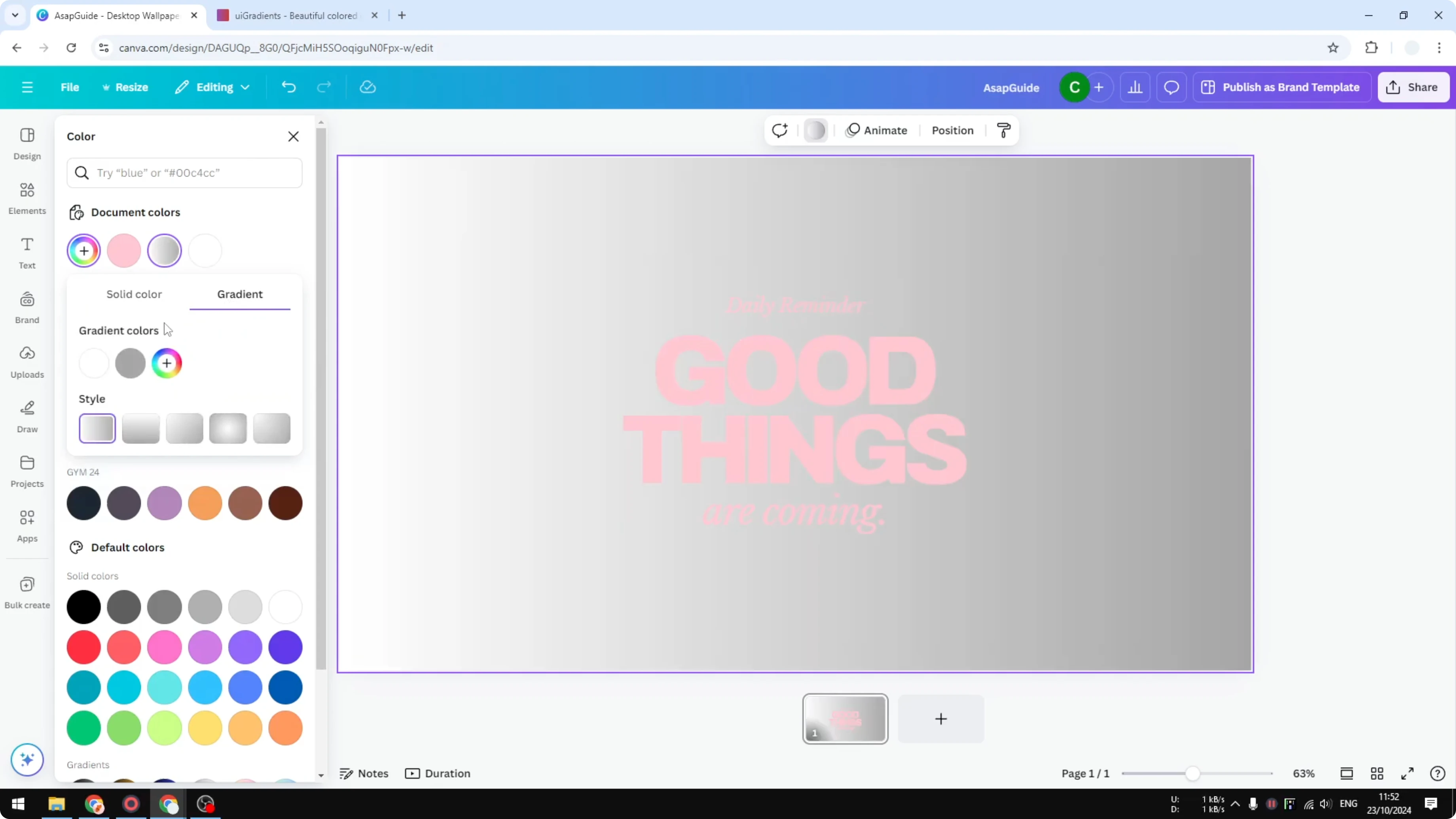
Choose colors
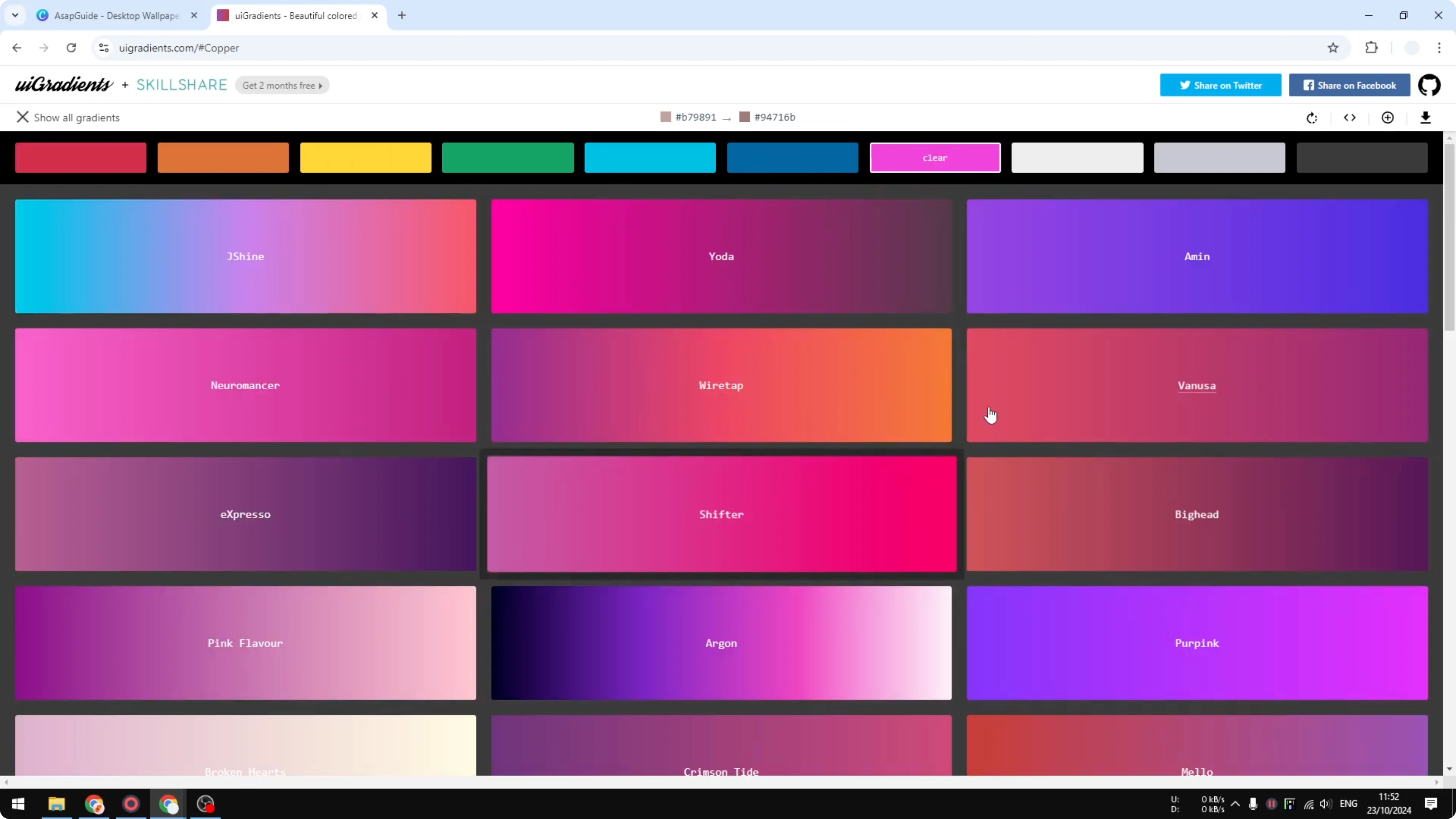
Before you add colors, I recommend picking colors that are appropriate for the gradient. If you do not know, you can go to a website like uig gradient dot com to find some really cool gradient colors that are going to look attractive for your design. There are many different options that you can try.
I am going to use this Argon color. I think it looks very attractive. It actually has four different colors.
If you want to build a coordinated set first, you can make a color palette in Canva and pull your stops from there.
Add each color stop
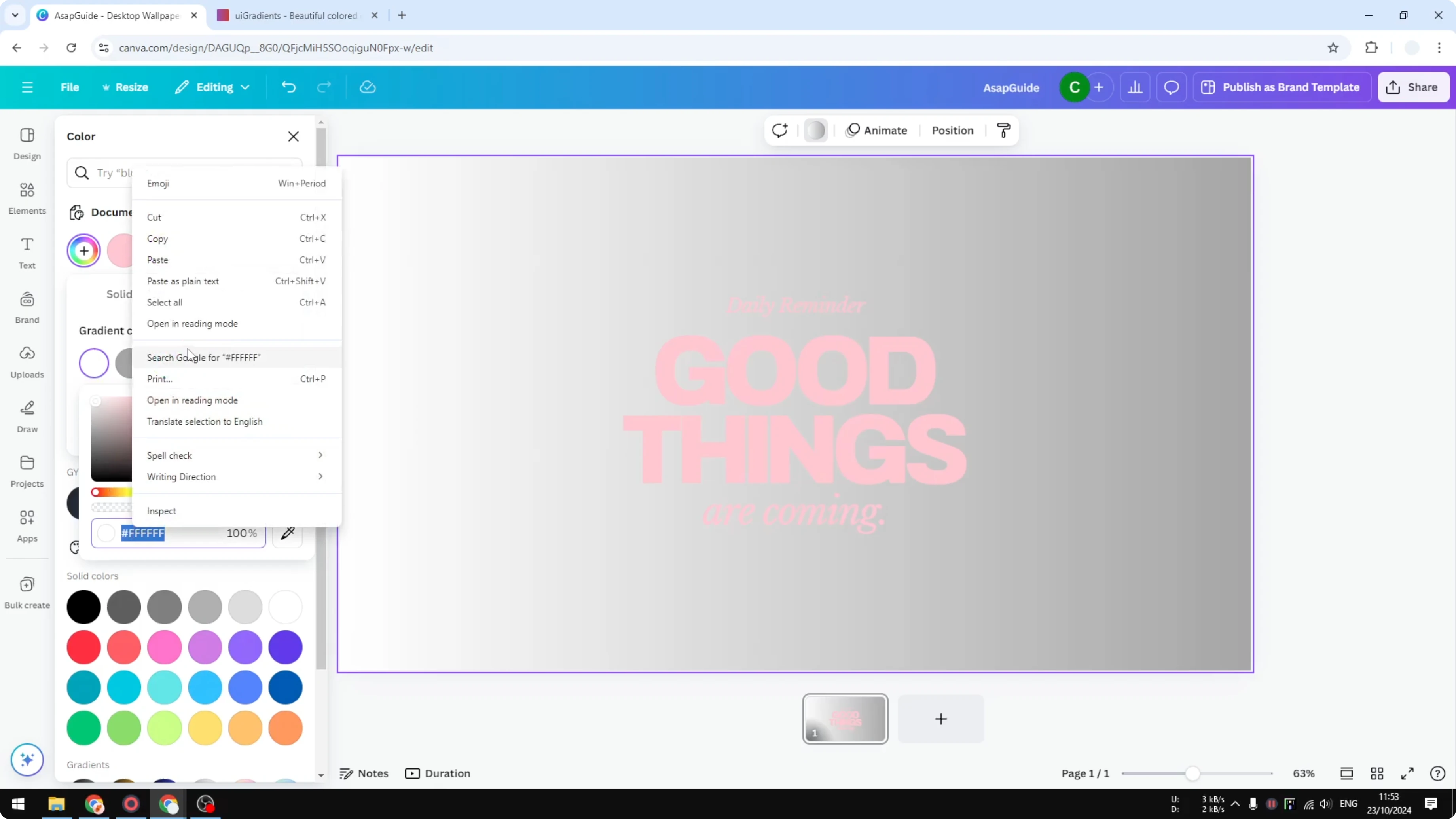
Click on it and go back to Canva. Paste the color code into the first section. Move on to the second color and do the same thing.
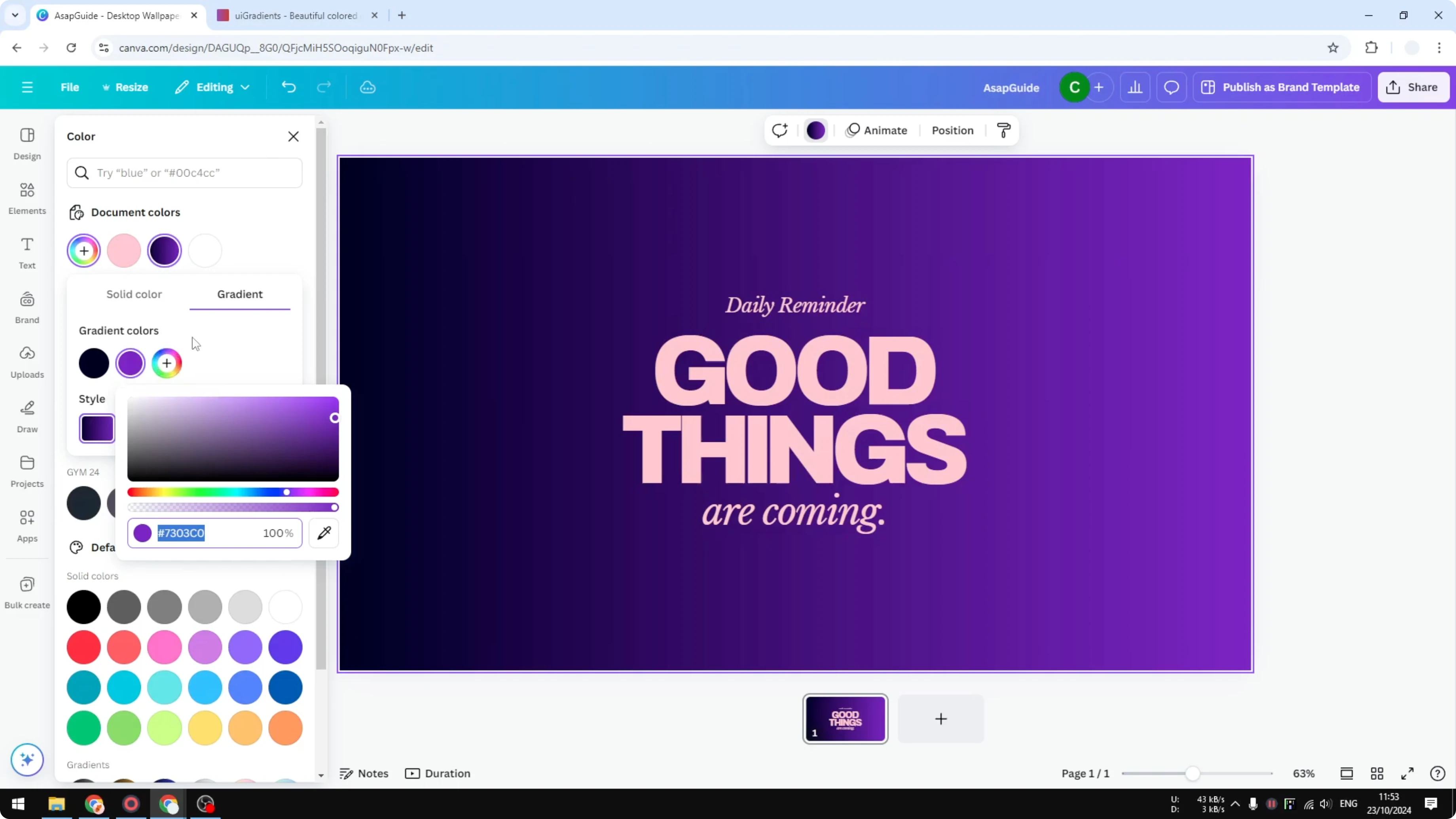
For the third section, click the button to add another gradient color and paste the color code again. Finally add the last color. There you go.
Adjust orientation and type
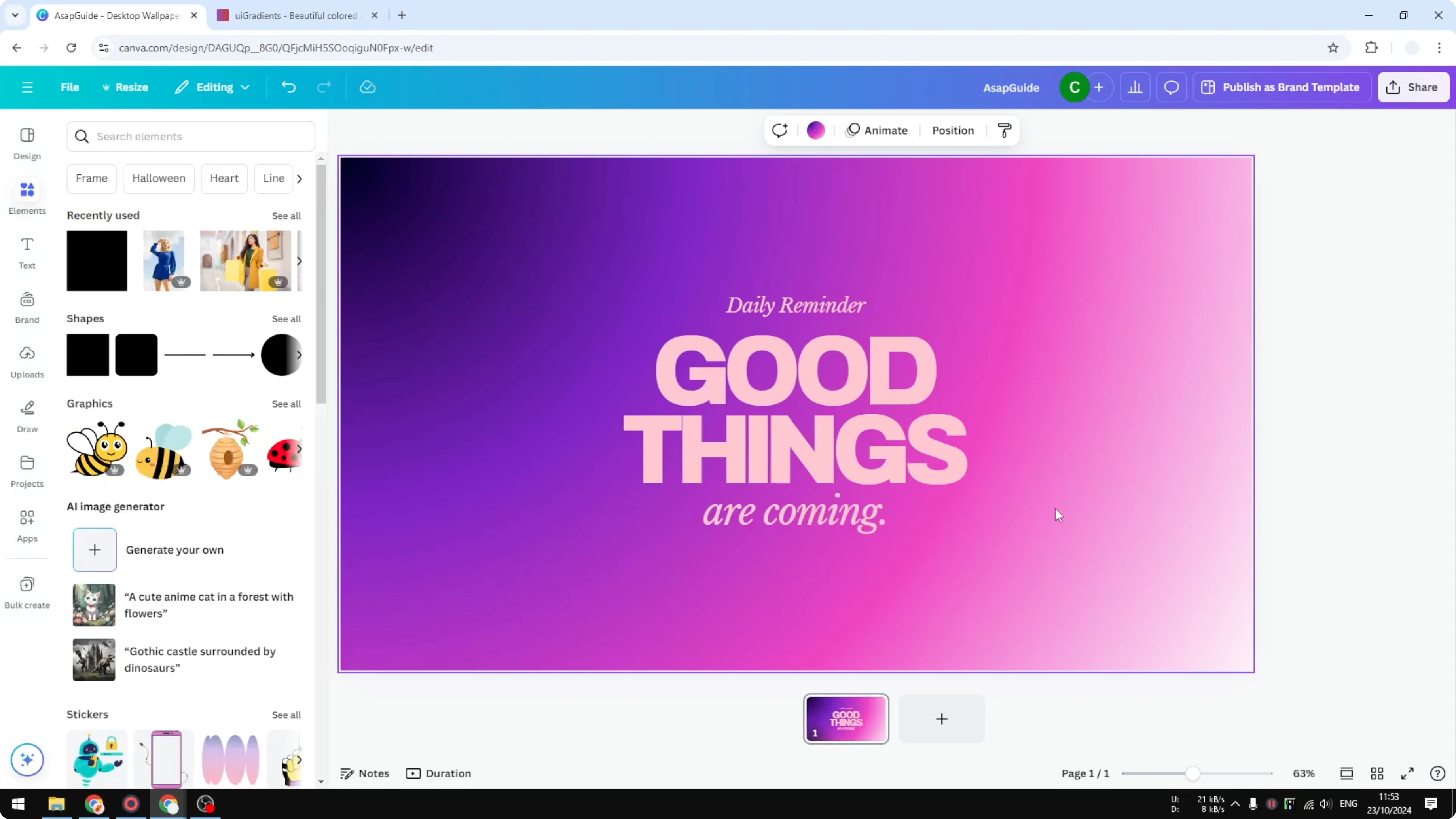
Of course this is not finished. You can actually use it and I think it looks pretty cool, but you have the option to change the orientation of the gradient color or the type of the gradient that you want to use. I think this looks really cool and very attractive.
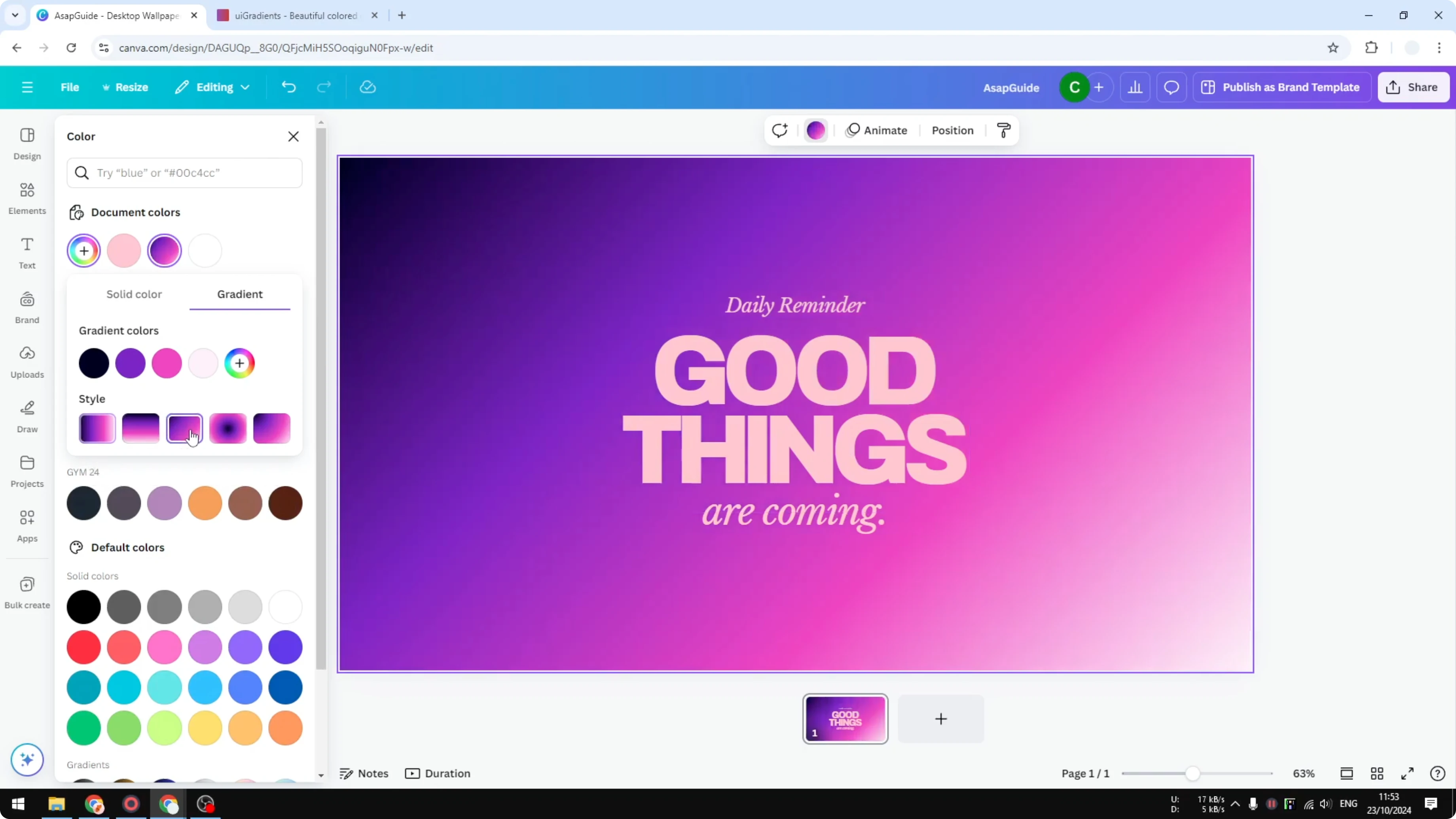
If you are starting from a plain fill, here is how to change a solid color to a gradient in Canva first.
Final thoughts
That is exactly how you can create a three color gradient or maybe even more in Canva. You can add three, four, or five colors and fine tune the orientation or type to match your design. Keep testing different color codes until it looks attractive for your project.
Recent Posts

How to Visualize Yourself as a Pixelized Character with AI?
How to Visualize Yourself as a Pixelized Character with AI?

How to Revive Faded Memories and Enhance Image Clarity with AI?
How to Revive Faded Memories and Enhance Image Clarity with AI?

How to Visualize Yourself as an Animal Crossing Character with AI?
How to Visualize Yourself as an Animal Crossing Character with AI?