How to Stretch Text in Canva
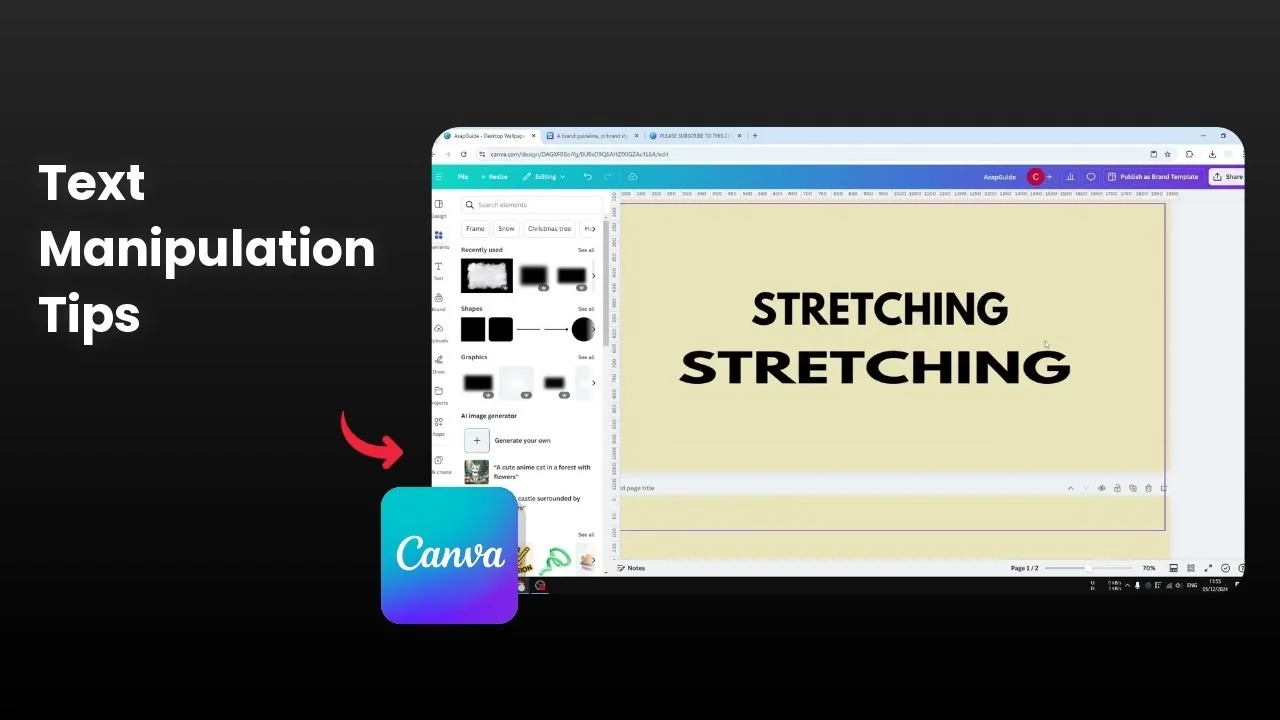
You cannot stretch a text box in Canva by dragging the left or right handle.
That only makes the text box bigger and it does not stretch the letters.
I want the letters to stretch like a rubber band to get that effect.
For a quick reference on this effect see this stretch text guide.
Stretch Text in Canva basics
I will show you how to stretch the text properly in Canva.
Stretch Text in Canva with spacing
An easier alternative is to increase letter spacing to mimic a stretch.
Select the text box then click Spacing and increase Letter spacing.
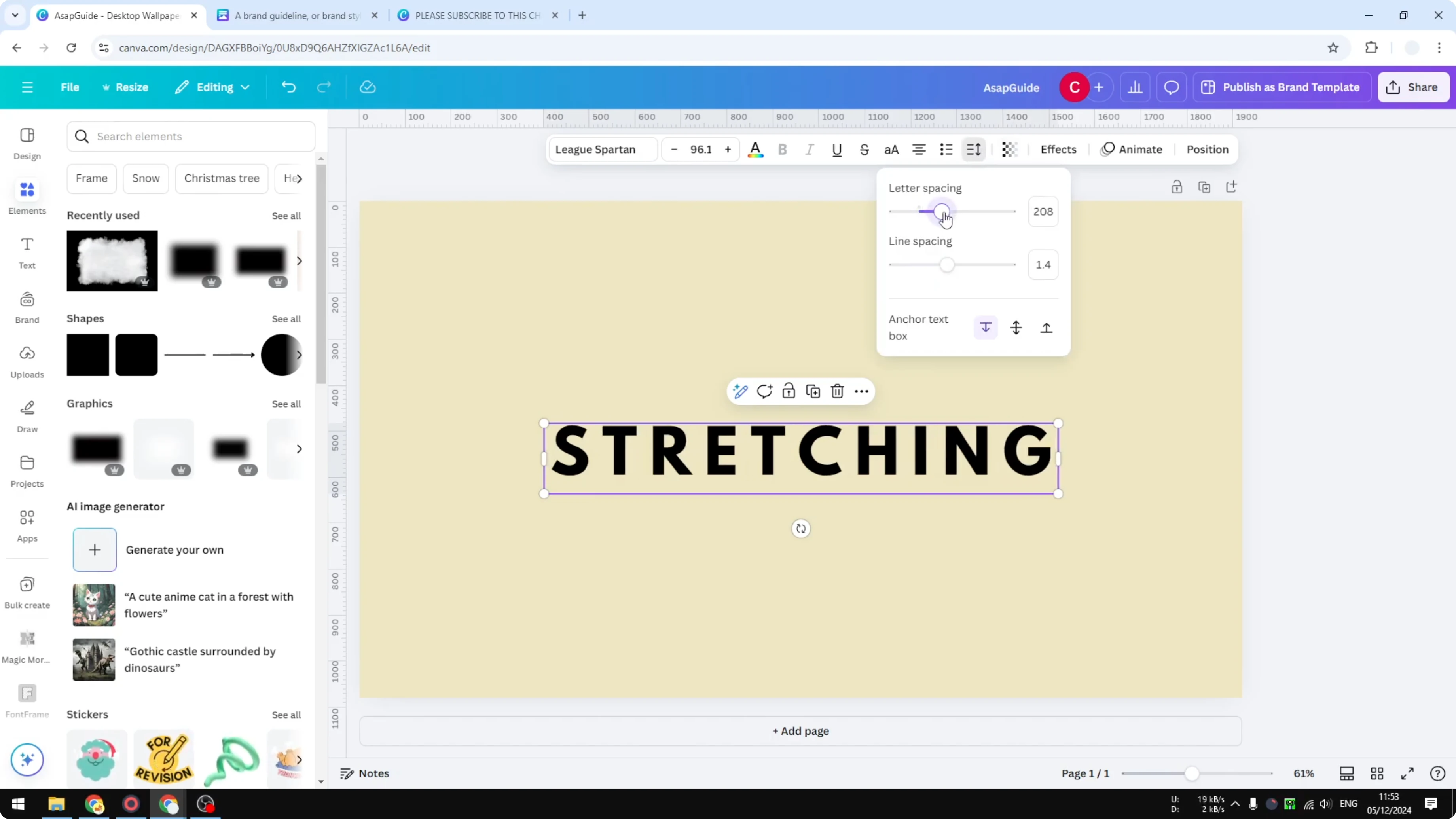
This does not stretch each letter and it only increases the gaps while making the text occupy more space.
Stretch Text in Canva using a PNG
Here is the method that actually stretches the letters.
Prepare the text for Stretch Text in Canva
Select your text and format it the way you want before exporting.
Make sure the size and style are final since you will turn it into an image.
Export as PNG for Stretch Text in Canva
Click Share then click Download.
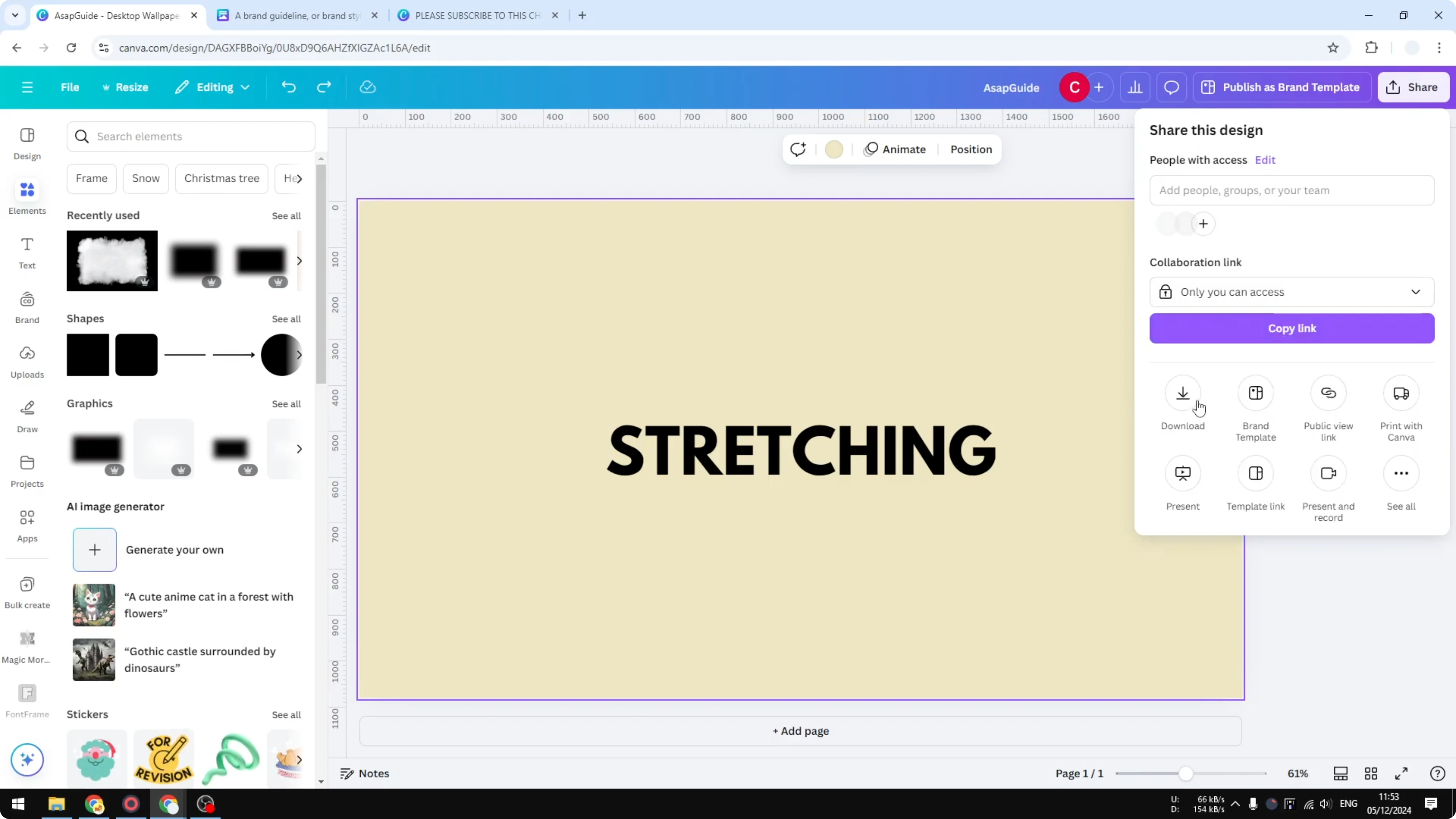
Set the File type to PNG.
Enable Transparent background.
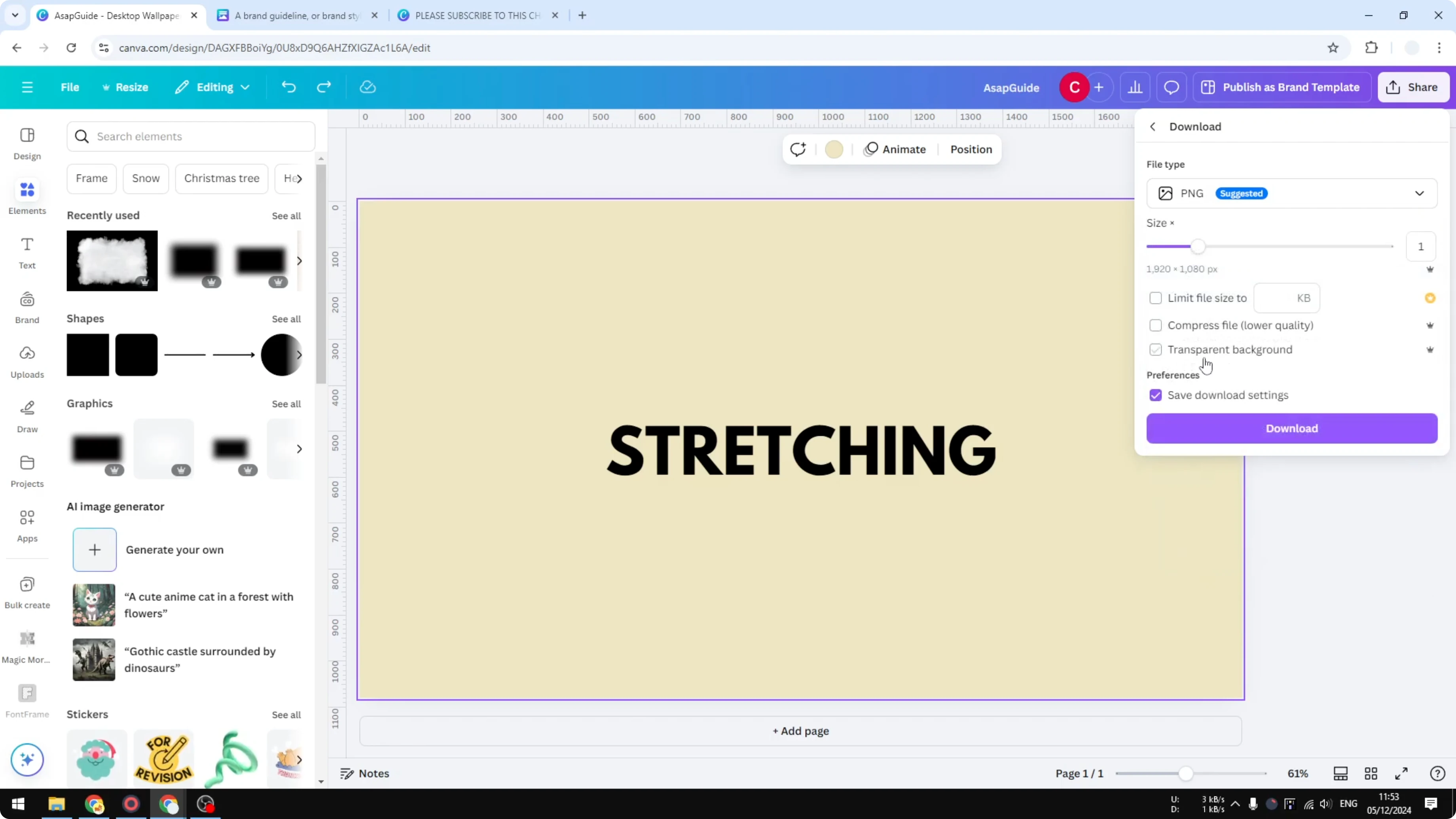
Click Download and wait for the export to finish.
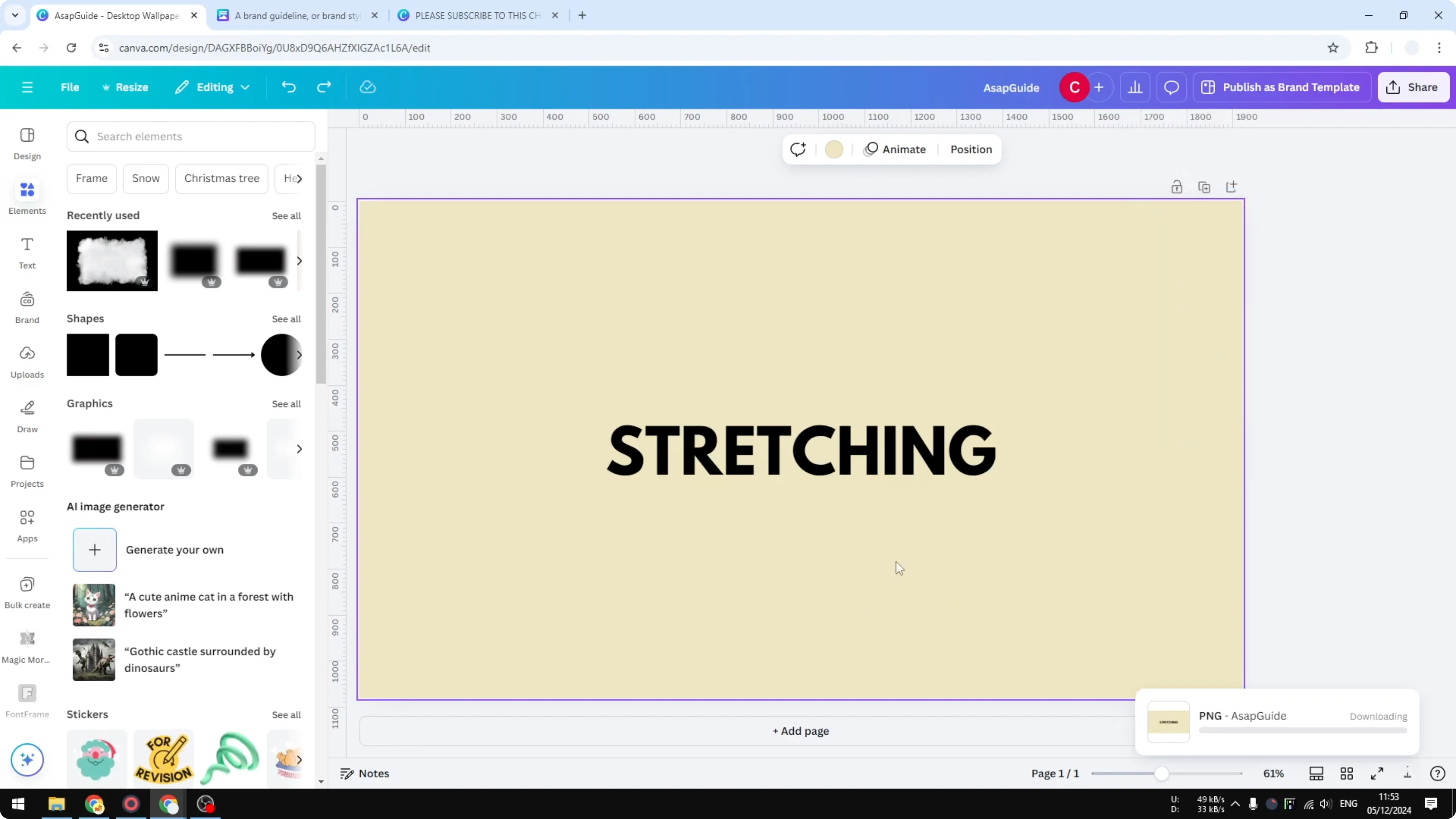
If you publish images later add helpful descriptions using this guide add alt text to pictures.
Upload and stretch for Stretch Text in Canva
Upload the exported PNG back into Canva.
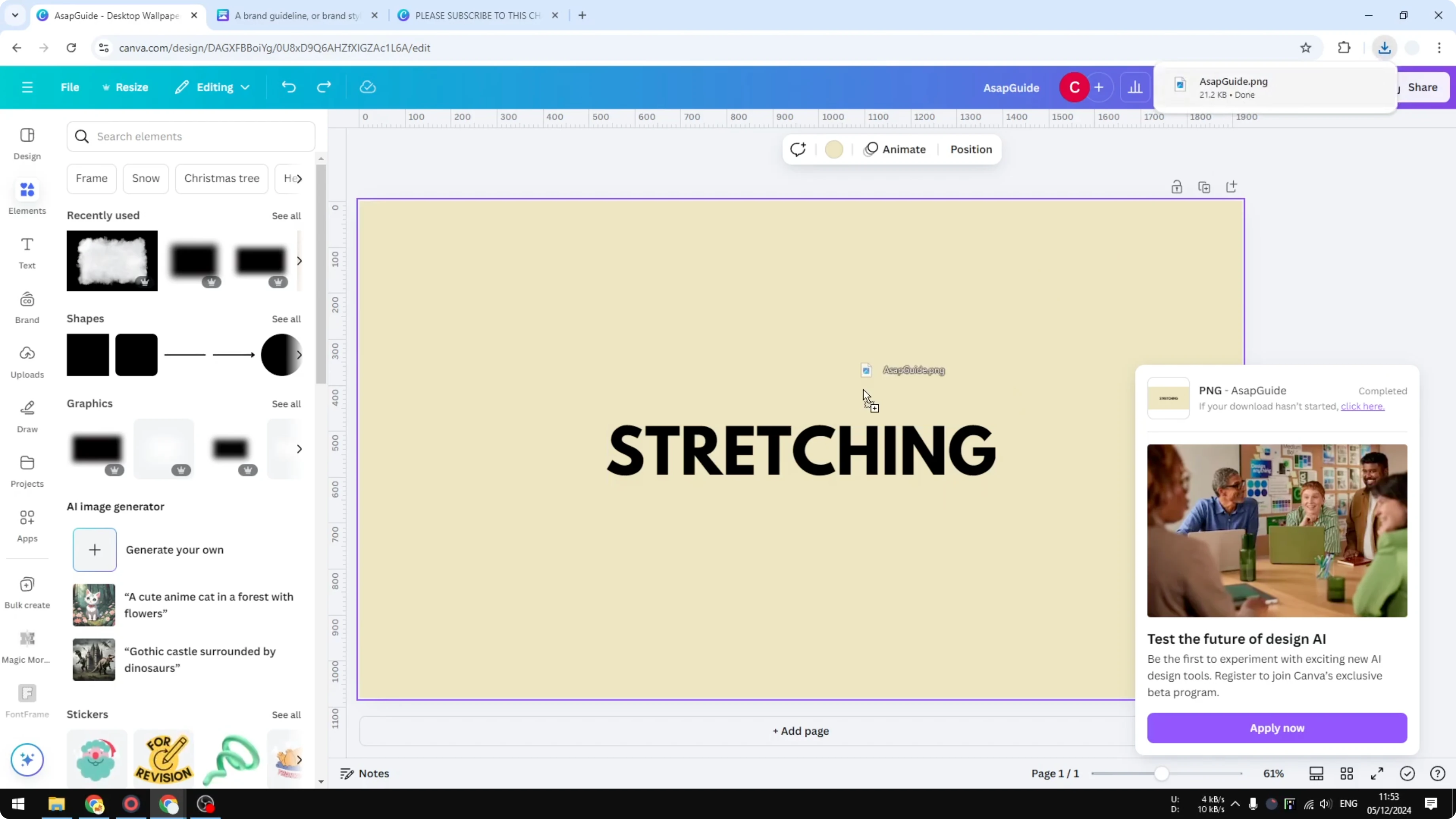
Place it on a new page or remove the original text if you prefer a clean workspace.
Resize the image to match your layout if needed.
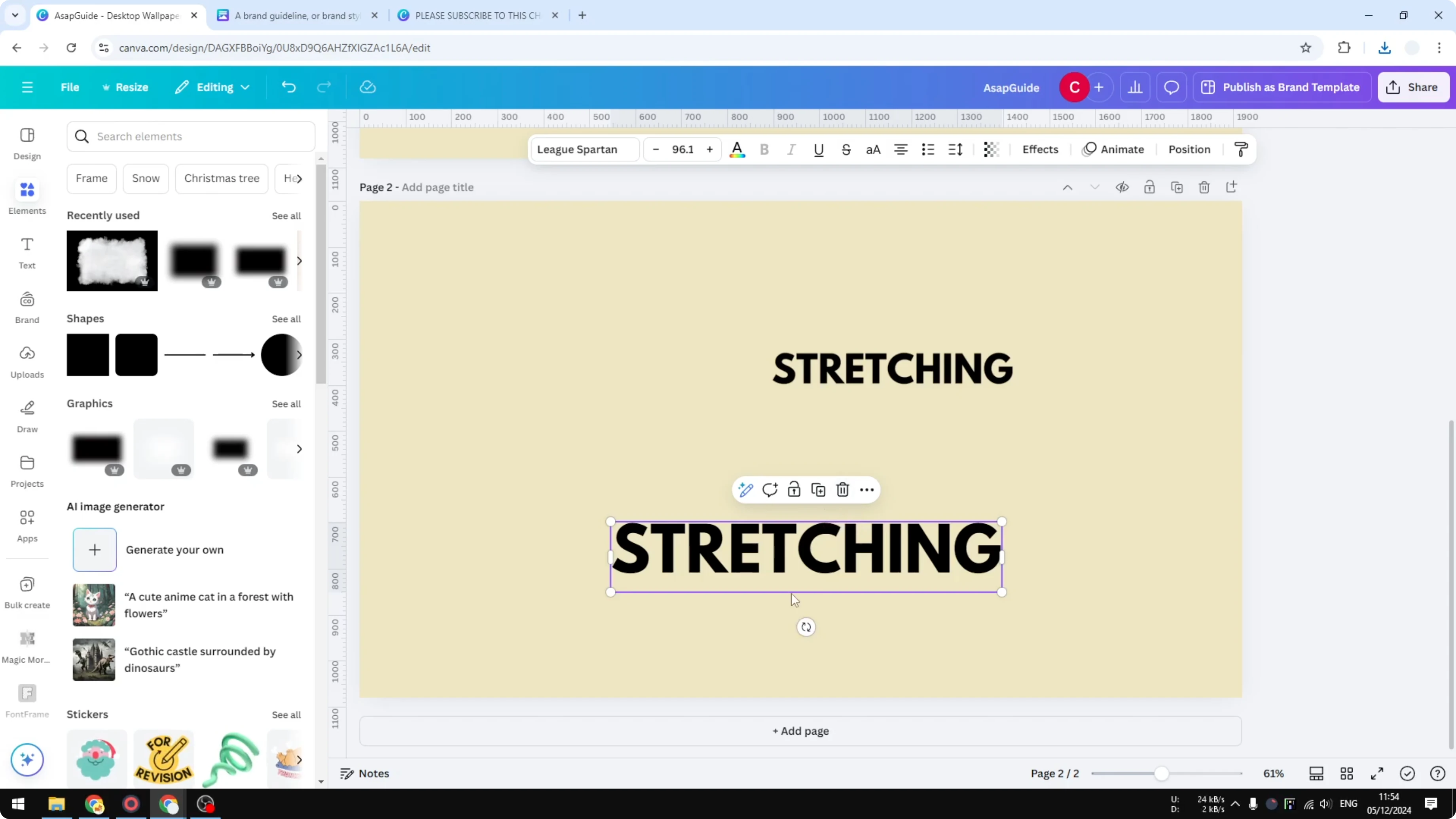
Double click the image to enter the editor.
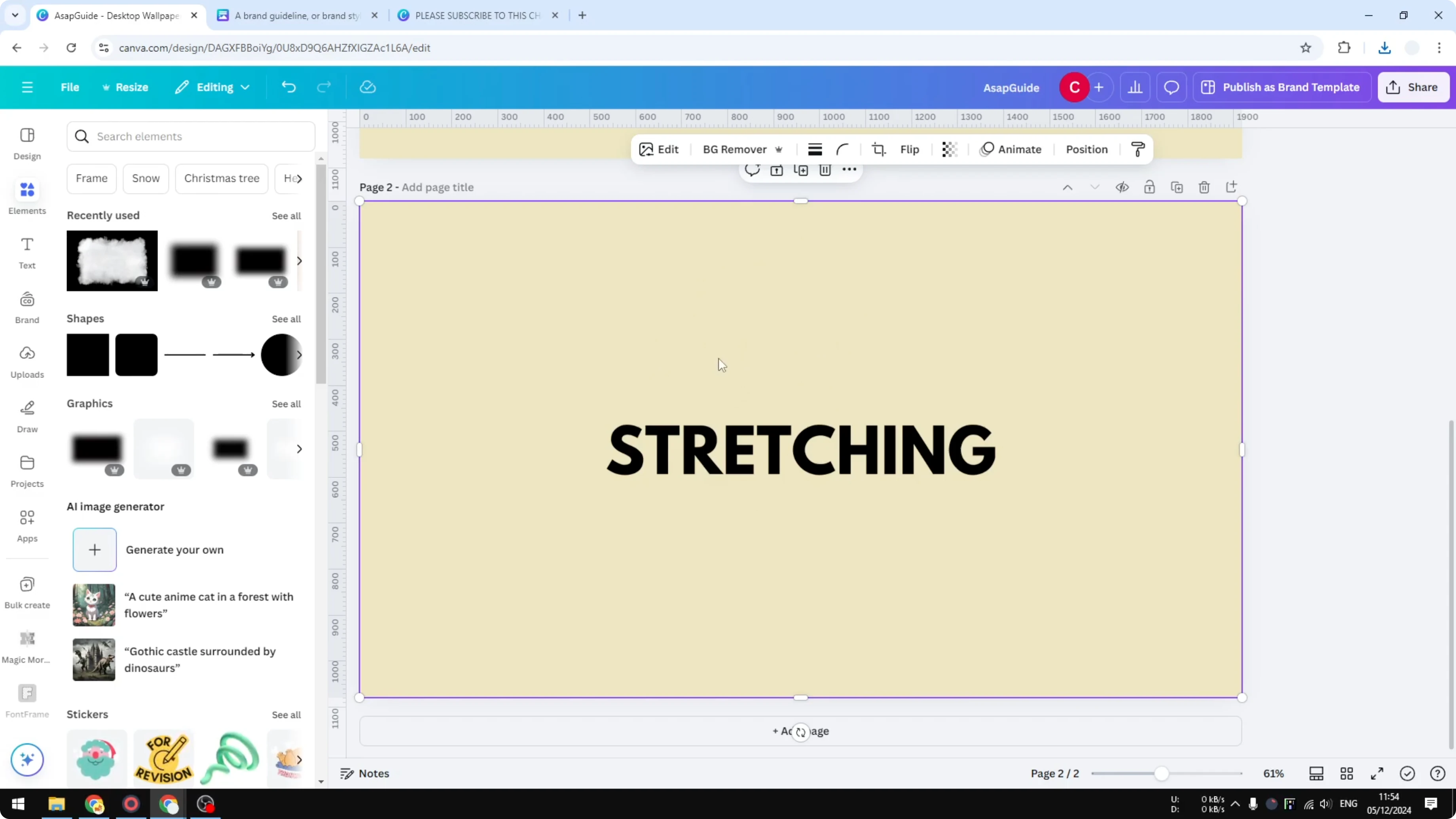
Hover over one of the four corner points.
Press and hold the Shift key and then click that point to stretch the picture.
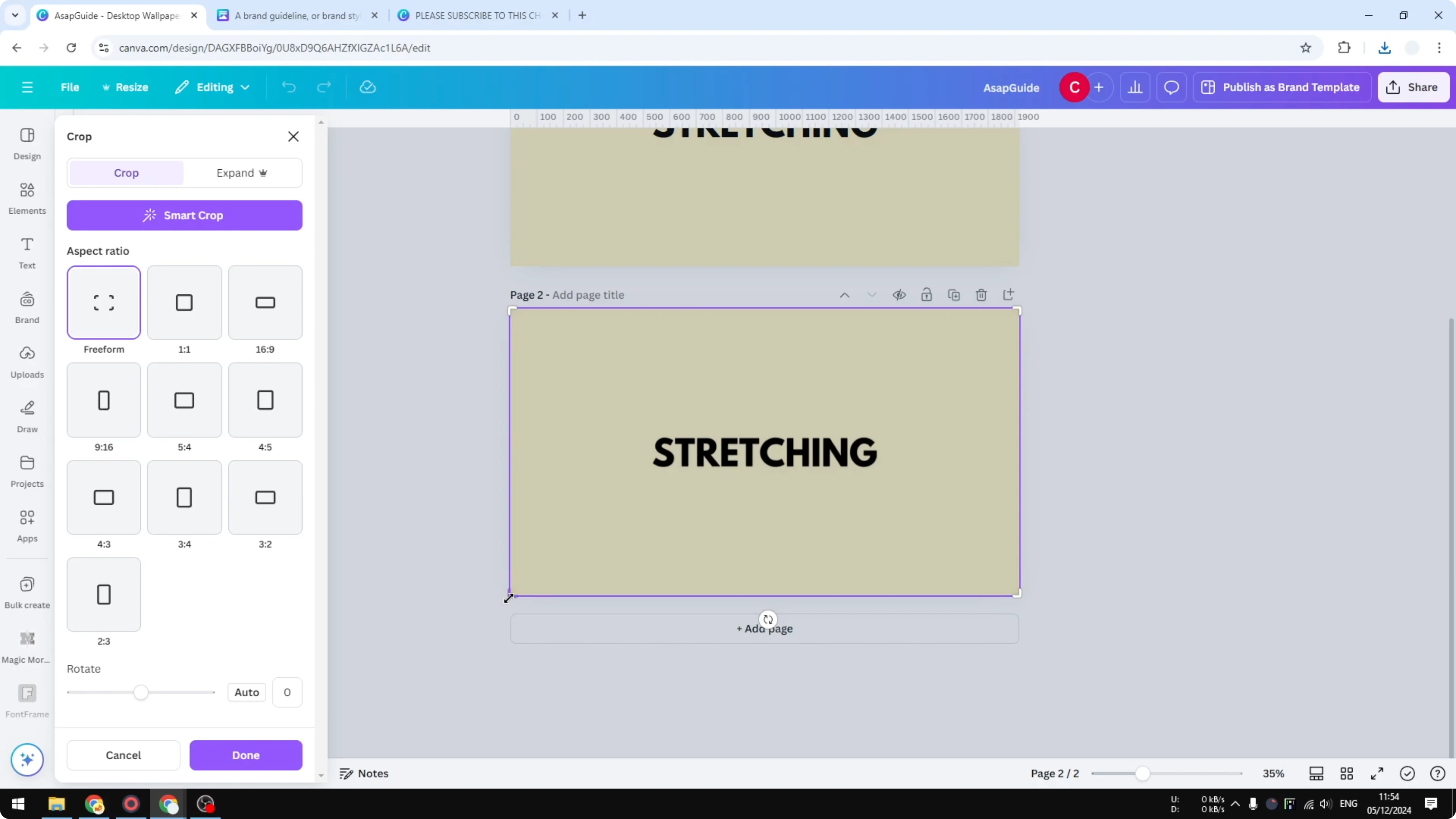
Repeat on the other side to finish the stretch.
If the Shift key is not required set the points to the maximum and click Done.
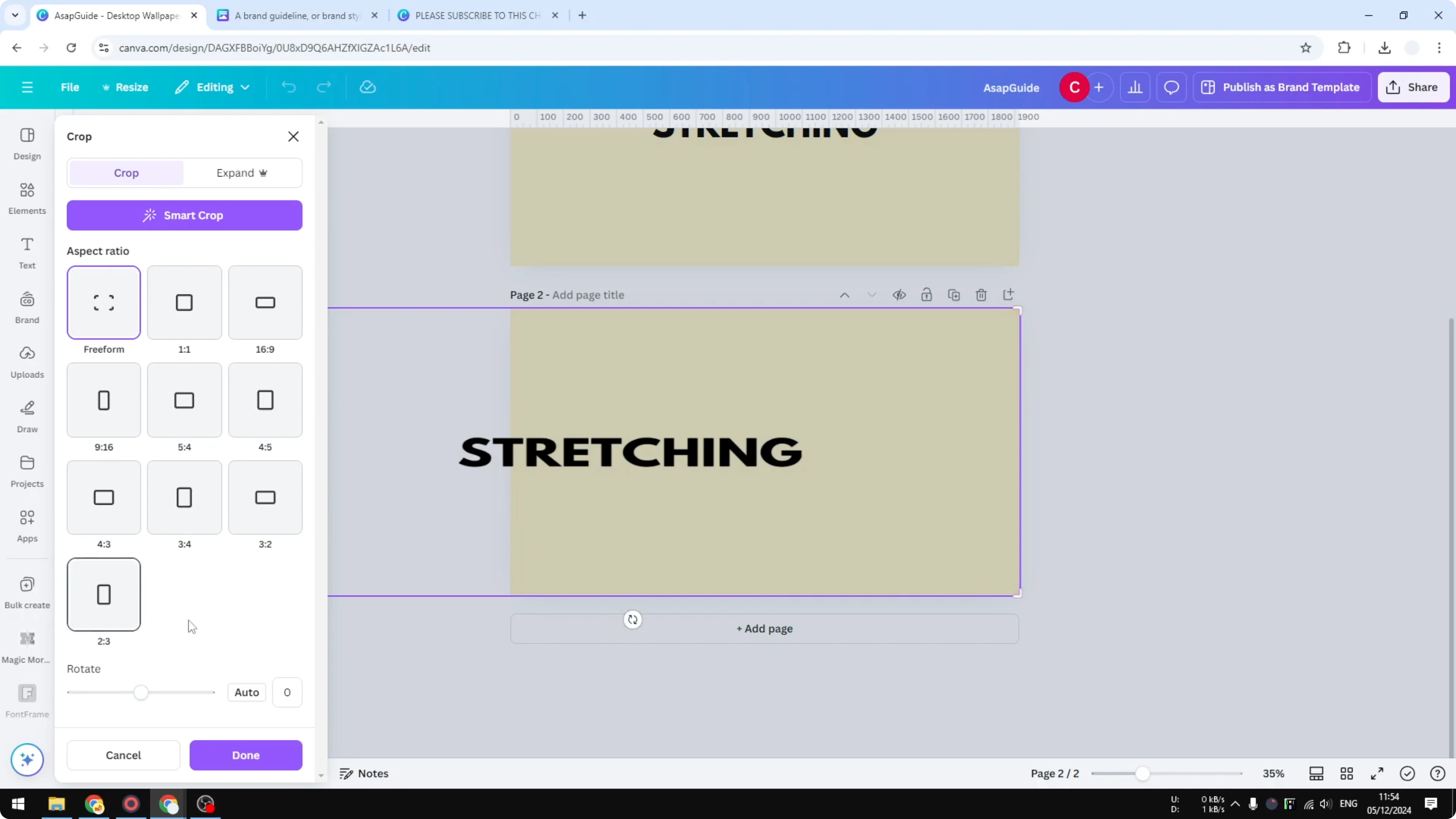
You will see the letters stretched across the width.
Read More: Add background text for bold layouts.
Compare the result in Stretch Text in Canva
Place the stretched image next to the original text to see the difference.
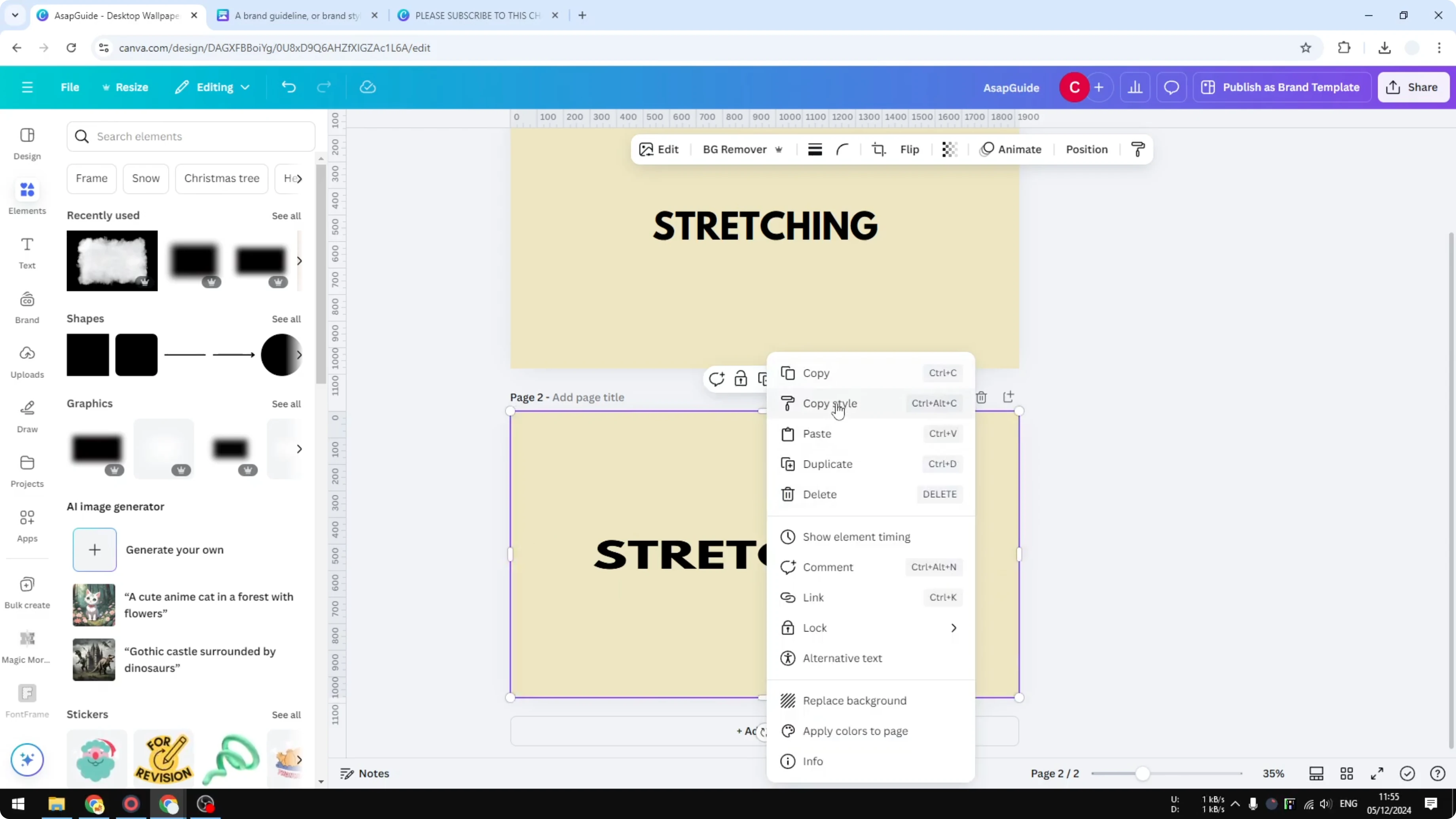
It is the same text but one is stretched as an image and the other is regular text.
Final thoughts on Stretch Text in Canva
Dragging the text box does not stretch letters and letter spacing only mimics the look.
For real stretching export the text as a PNG bring it back and stretch the image handles as shown.
This workflow gives you stretched letters in Canva with full control over how far you push the effect.
Recent Posts

How to Visualize Yourself as a Pixelized Character with AI?
How to Visualize Yourself as a Pixelized Character with AI?

How to Revive Faded Memories and Enhance Image Clarity with AI?
How to Revive Faded Memories and Enhance Image Clarity with AI?

How to Visualize Yourself as an Animal Crossing Character with AI?
How to Visualize Yourself as an Animal Crossing Character with AI?