How to Rotate an Image in a Frame in Canva
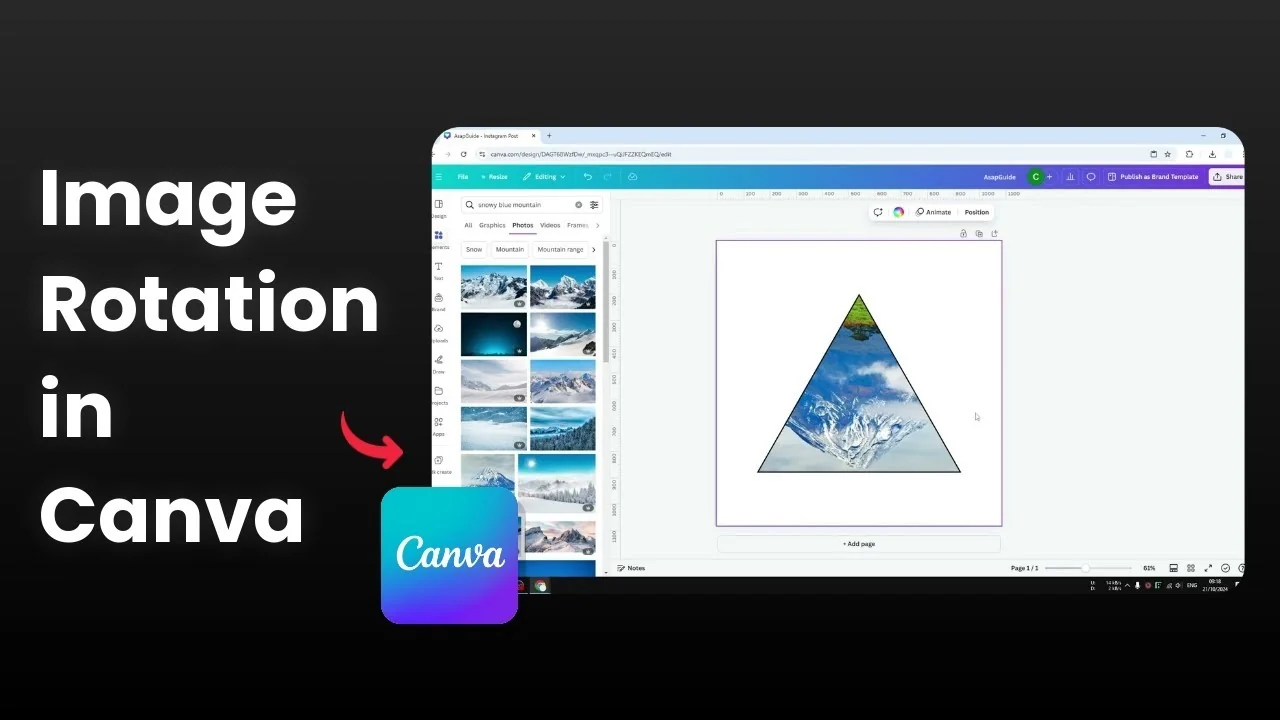
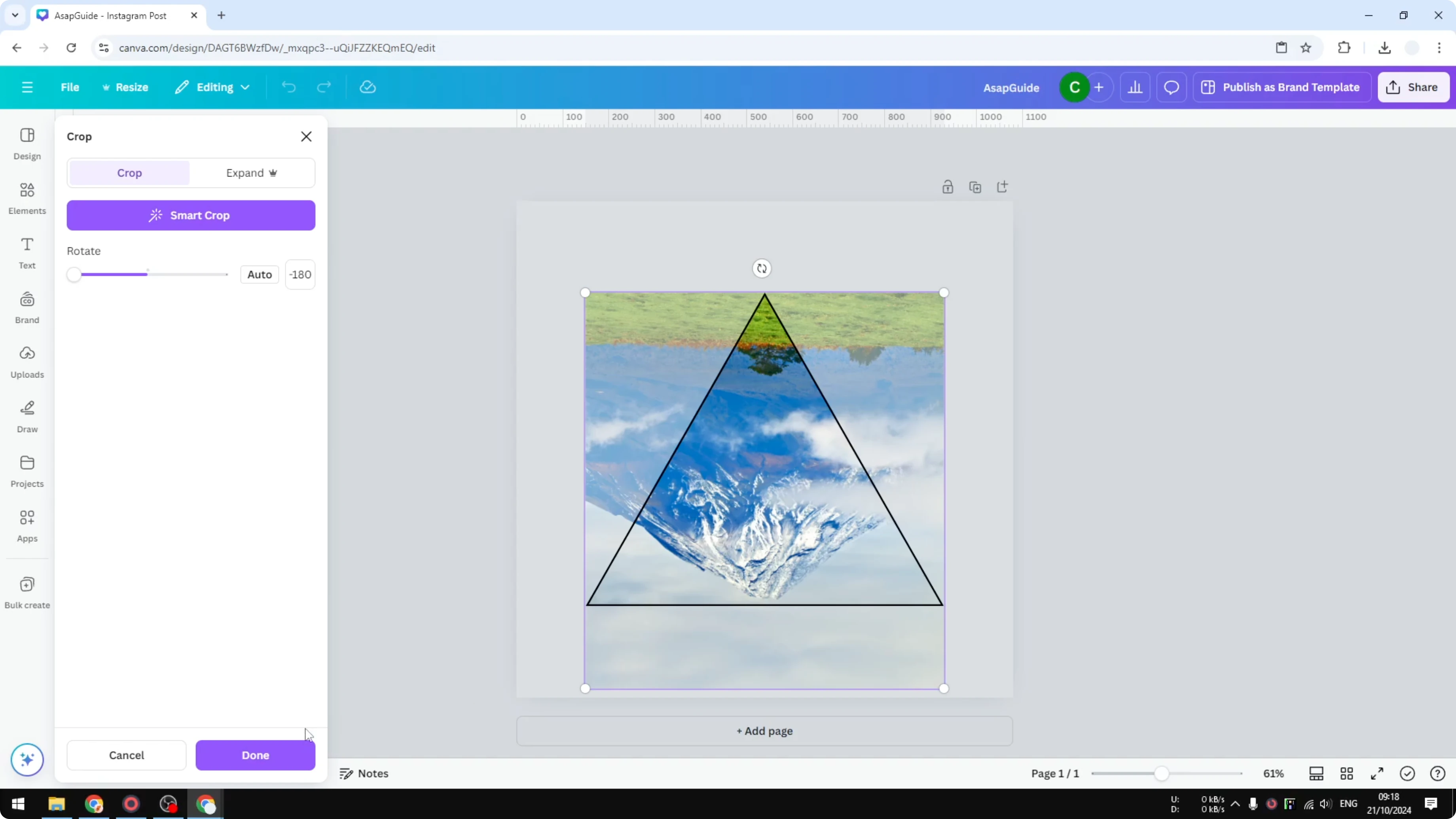
I will show you how to rotate a picture within a frame in Canva, not the frame but just the picture. I have a triangle frame, and I am not going to rotate it. The goal is to rotate the picture inside the frame.
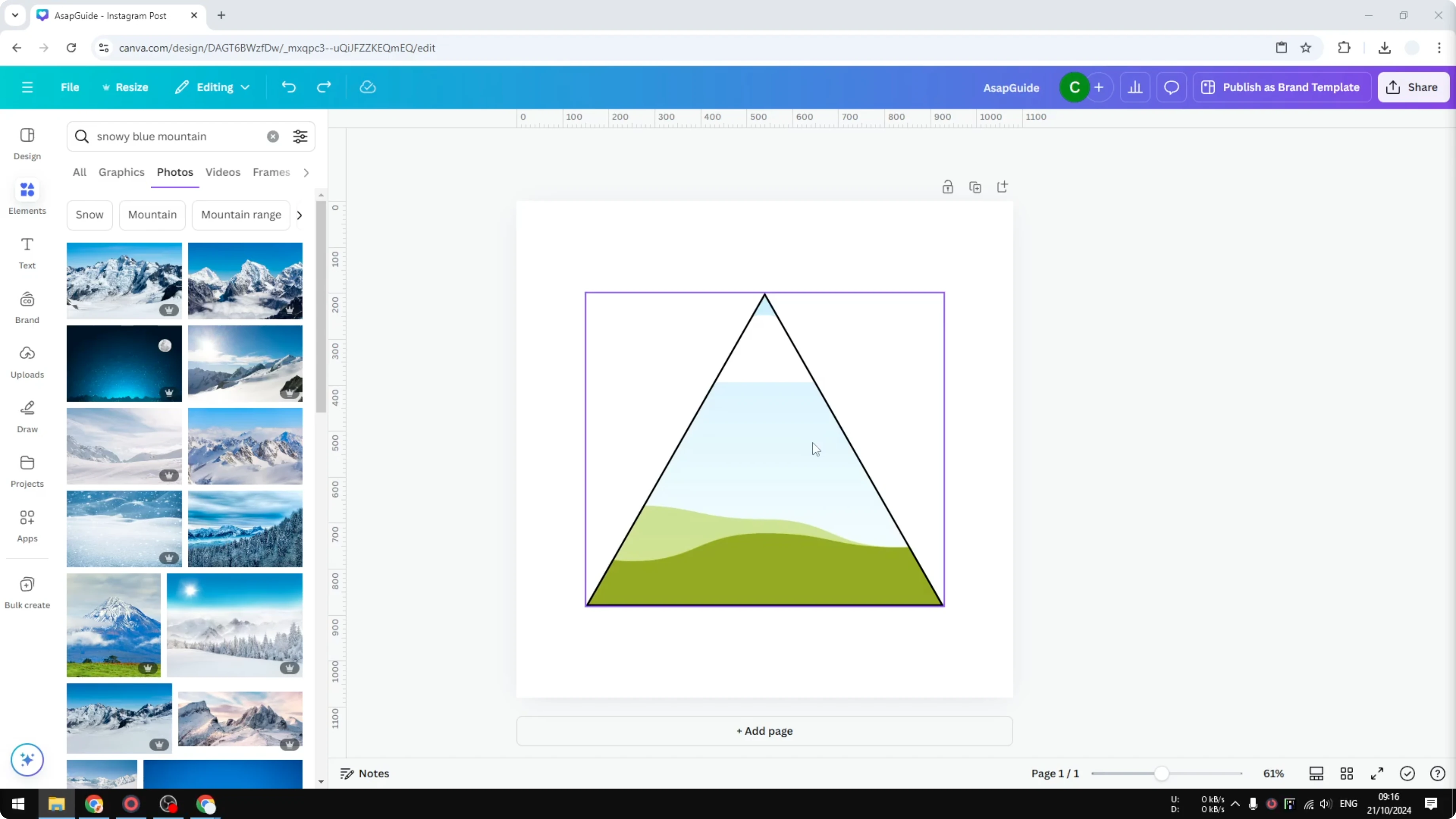
If you need a frame to start with, you can first add a rectangle frame and place your image inside it.
Rotate an Image in a Frame in Canva
Example setup
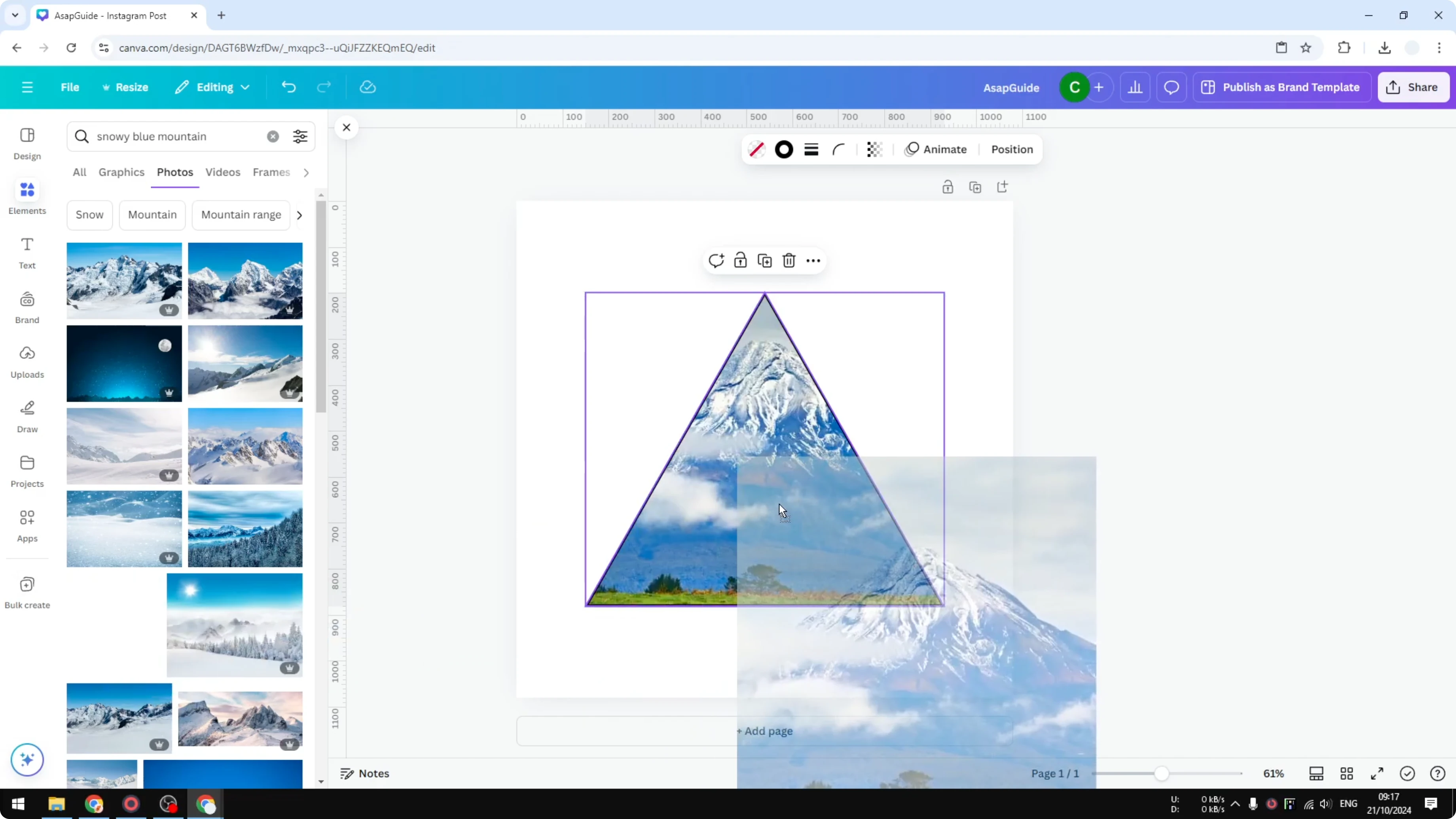
I am going to put this picture of a snowy mountain and rotate it. The frame stays in place, and I will only change the picture orientation.
Step-by-step rotation
Double click on the frame to open the cropping feature.
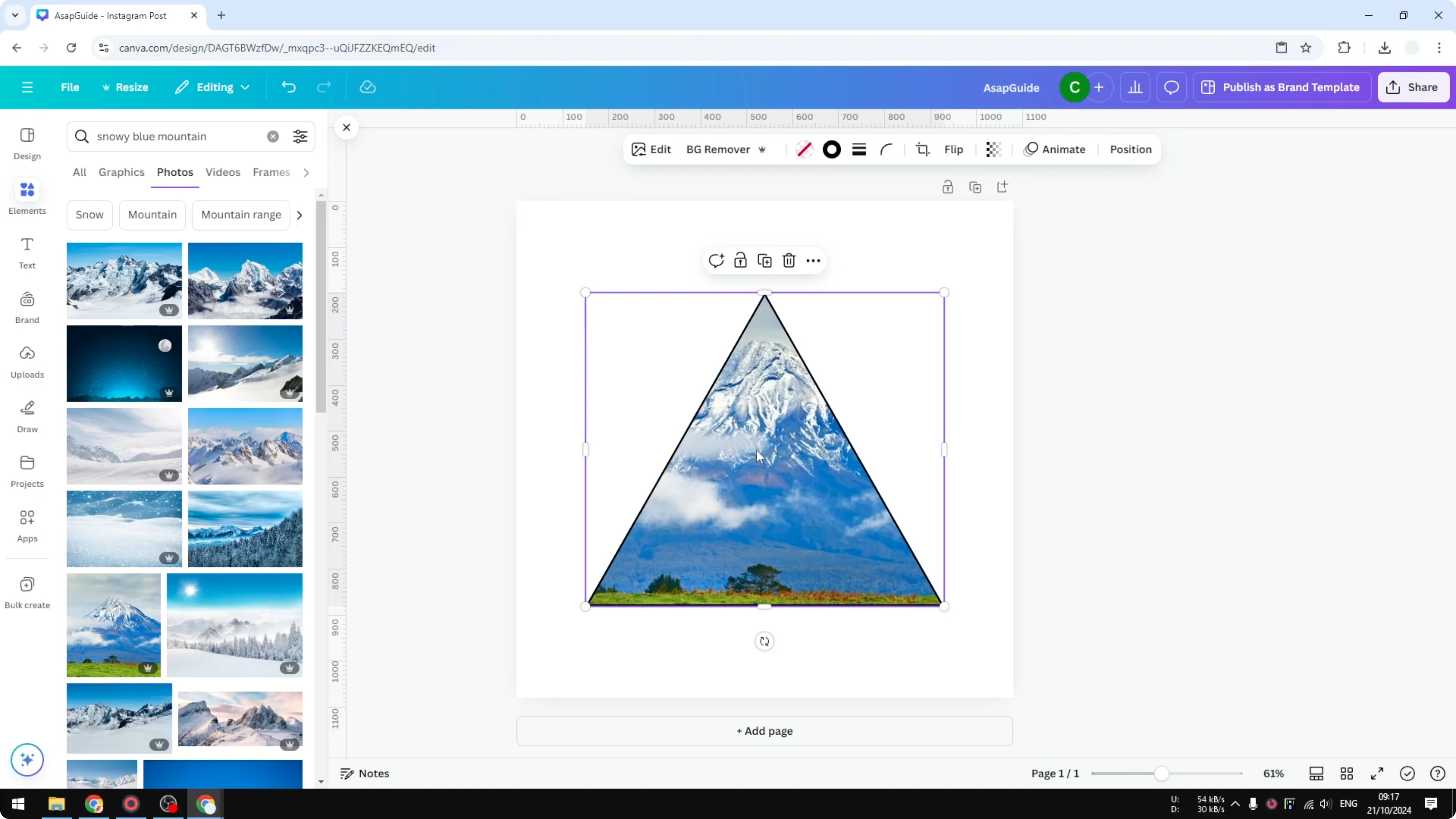
Look for the rotating icon on the image. Click and drag it to the right or to the left to rotate the picture within the frame while the frame does not move or change its rotation.
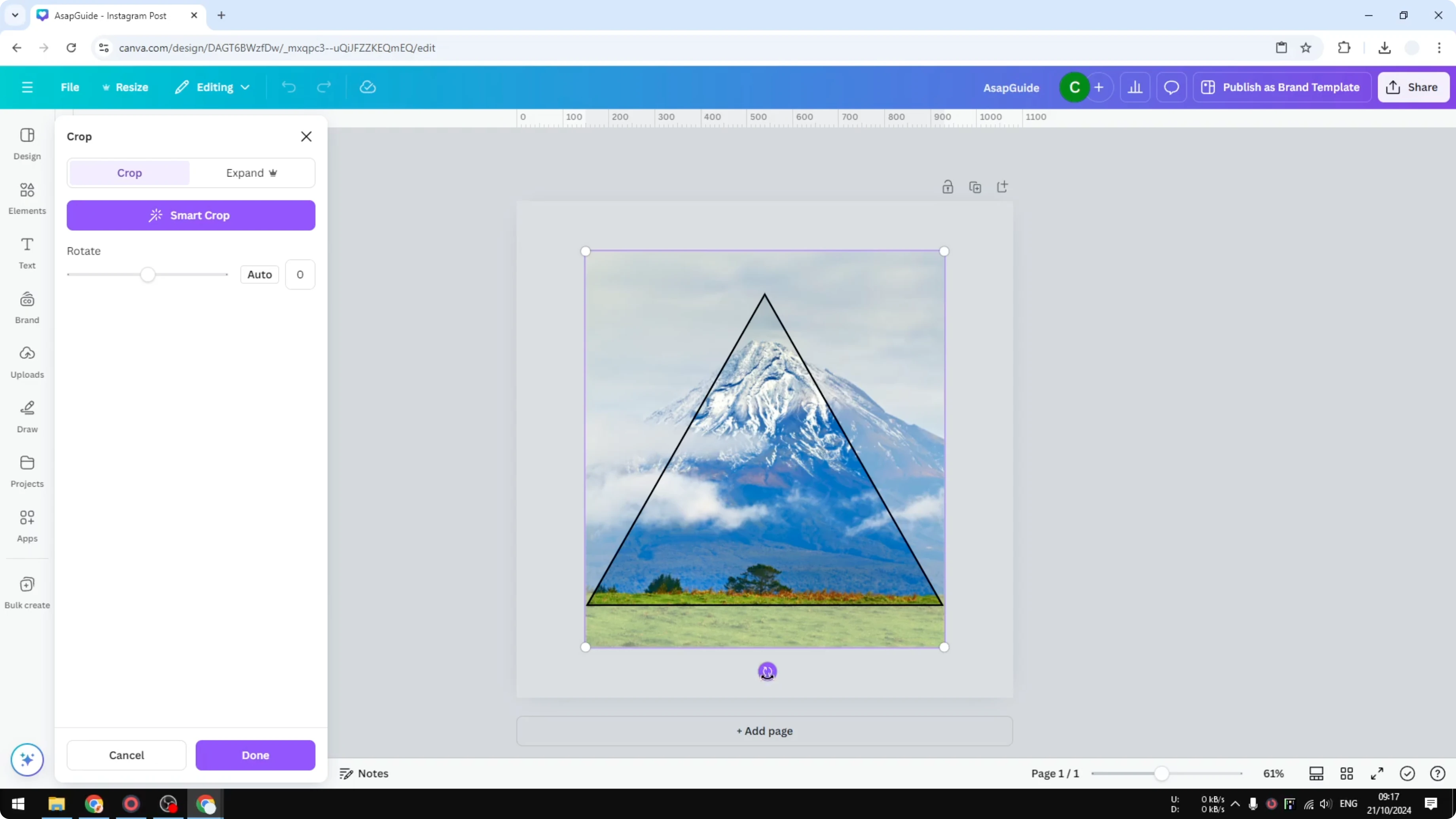
You can also use the left side menu to enter the angle of the image for a precise orientation.
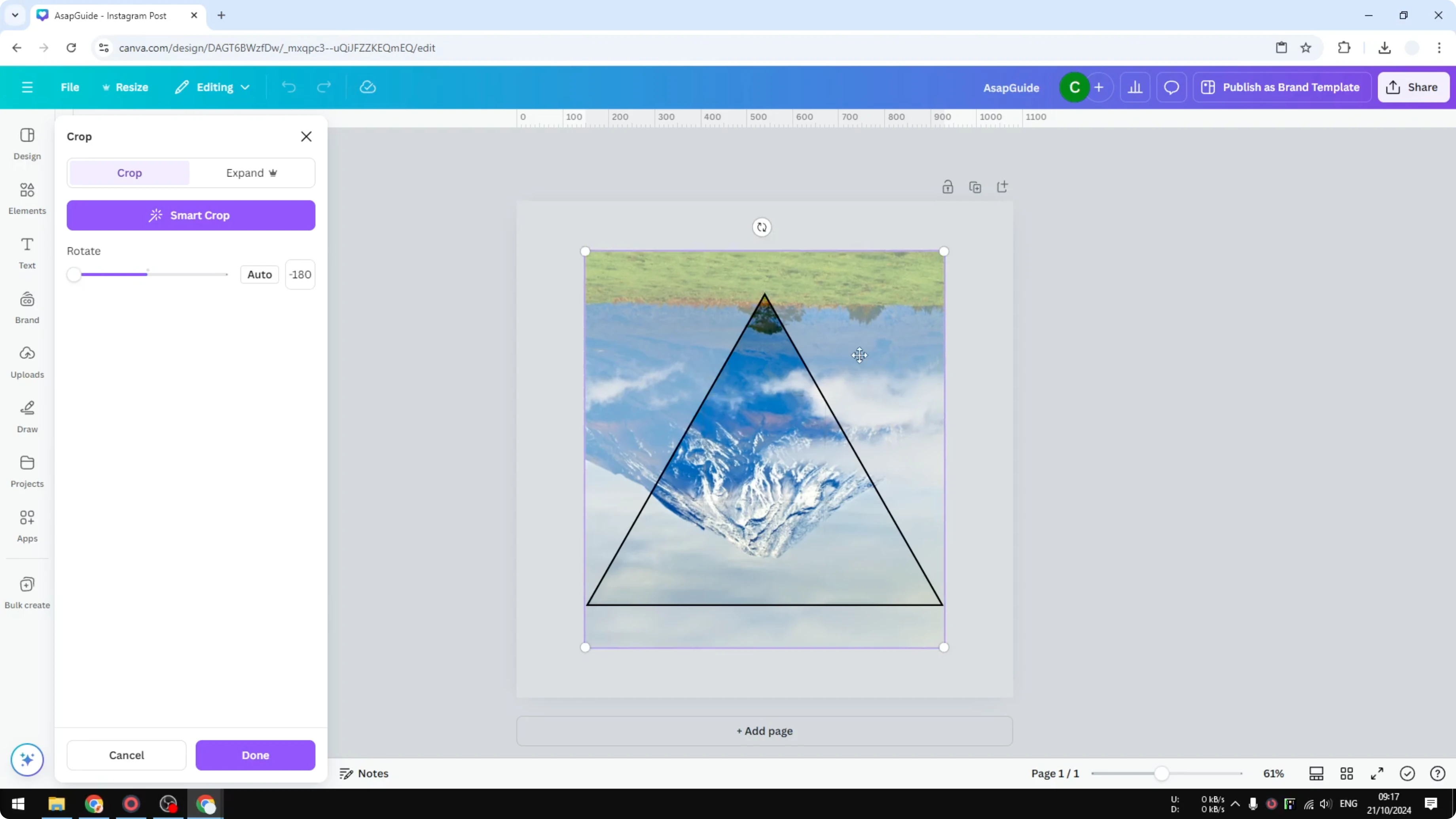
When you are done, click Done to apply the rotation. This is the result.
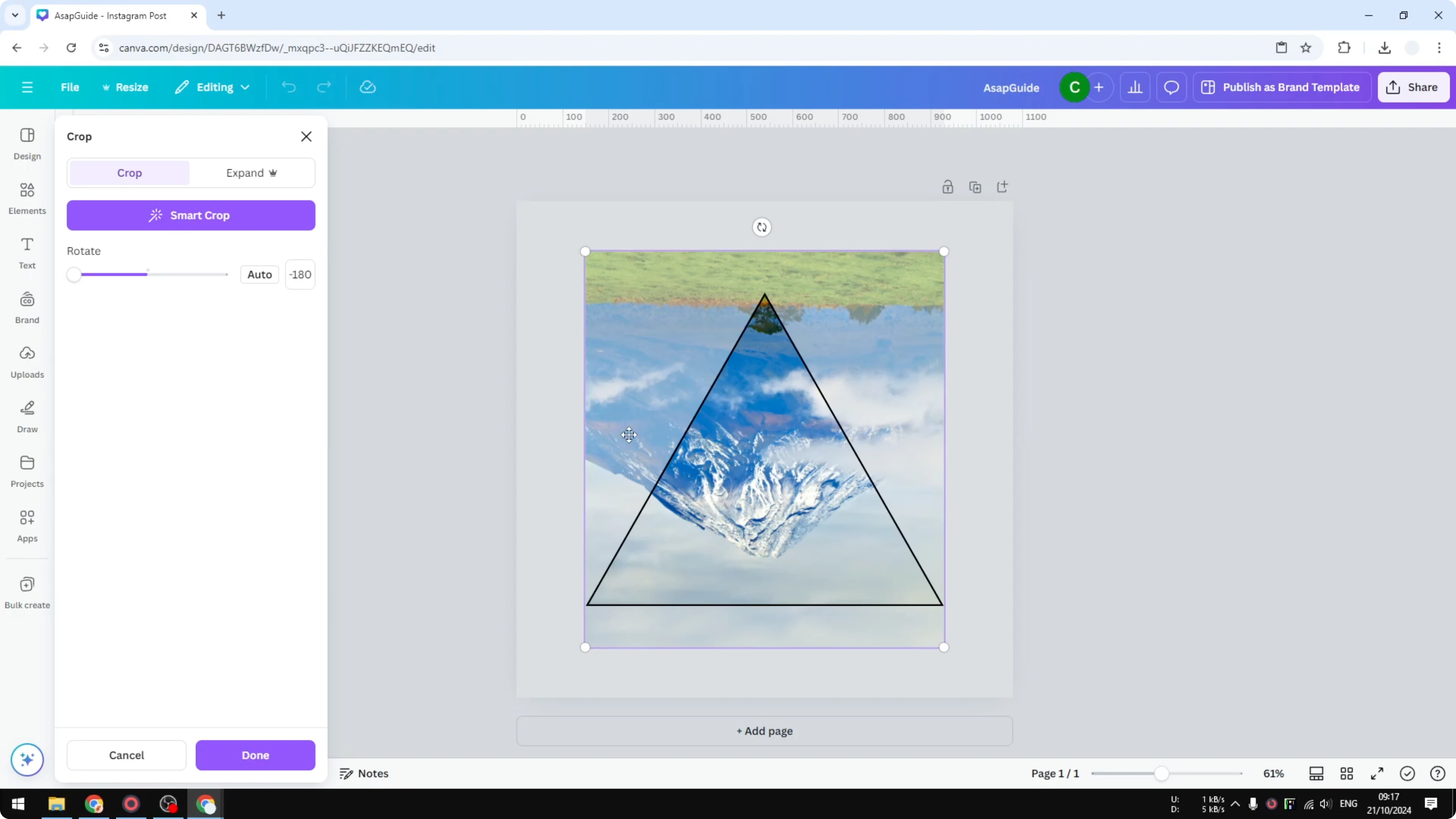
If the rotated photo looks a bit dark, you can brighten the image in Canva for a cleaner look.
Adjust and refine
You can always double click again to adjust the position or adjust the view within the frame. Fine tune the position until you get the result that you want.
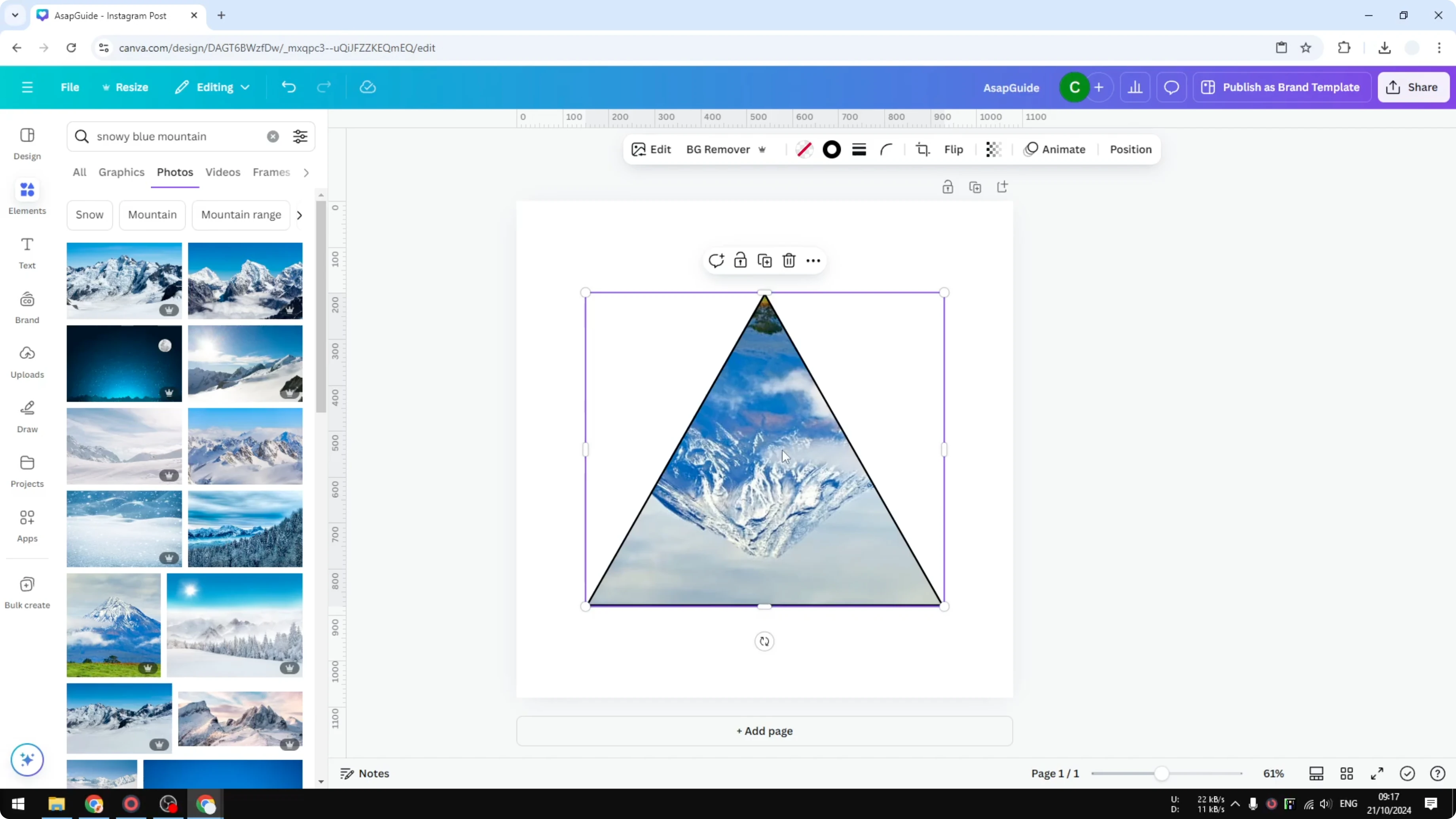
If you want a different look after rotating, you can change the color of the image in Canva to match your design.
Final Thoughts
Double click the frame, rotate the image with the rotation handle or by entering an angle, then click Done. The frame stays put while the picture rotates, and you can fine tune the position any time. This simple method gives you clean control over image orientation inside any frame.
Recent Posts

How to Visualize Yourself as a Pixelized Character with AI?
How to Visualize Yourself as a Pixelized Character with AI?

How to Revive Faded Memories and Enhance Image Clarity with AI?
How to Revive Faded Memories and Enhance Image Clarity with AI?

How to Visualize Yourself as an Animal Crossing Character with AI?
How to Visualize Yourself as an Animal Crossing Character with AI?