How to Add a Rectangle Frame in Canva Design
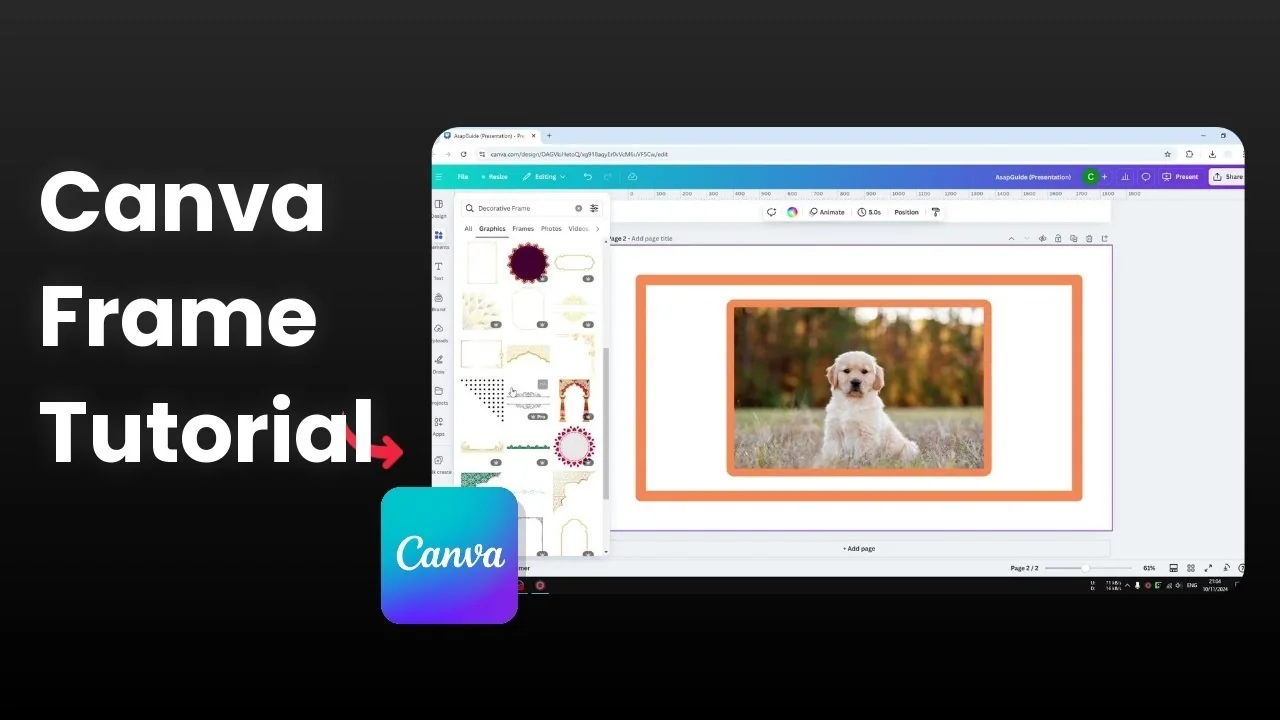
I’m going to show you how to add a rectangle frame to your Canva design, and I’ll walk through four simple methods. You can build the frame manually with lines, apply a border directly to an image, insert a decorative frame from Graphics, or use an app inside Canva.
Each approach gives you control over style, thickness, color, and corner options. Pick the one that fits your layout and workflow.
Add a Rectangle Frame in Canva Design with Lines
Go to Elements, search for Shapes, click See all, and insert a simple Line.
Change the color to something you like, for example orange.
Increase the line weight to around 40.
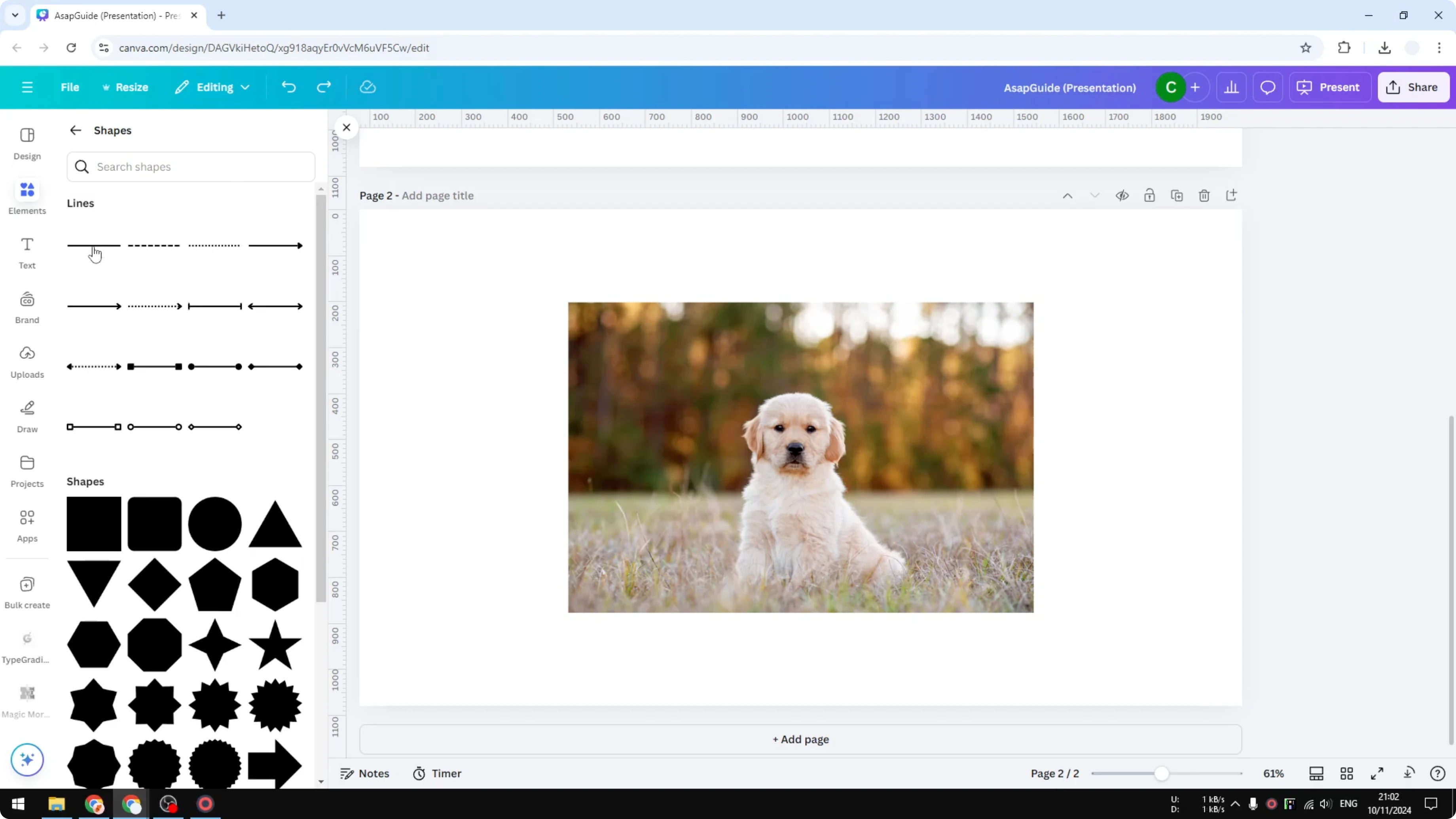
Switch the style if you prefer dots or dashes.
Enable rounded end points if you want softer corners.
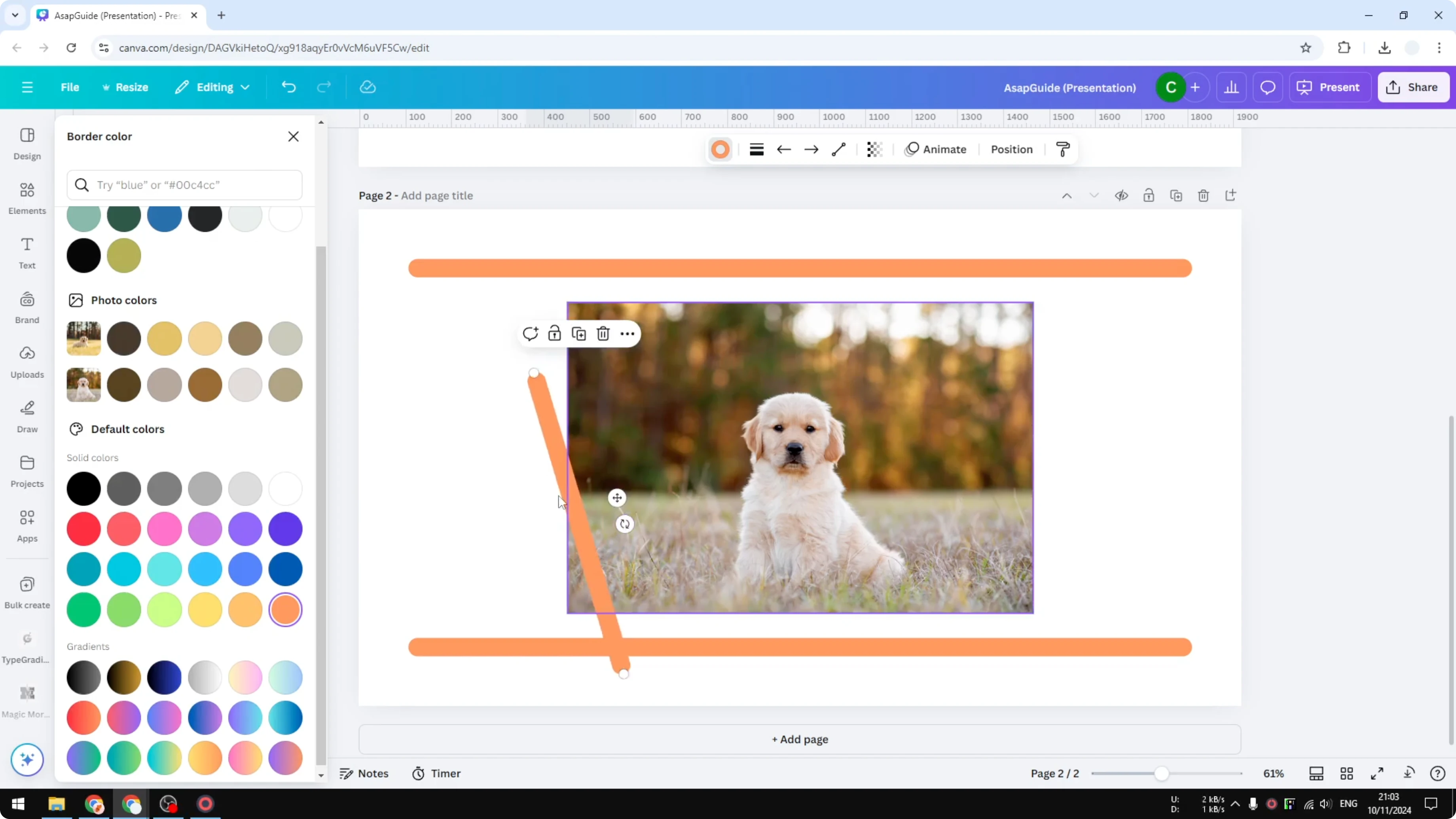
Position the first line at the top and stretch it to match your canvas width.
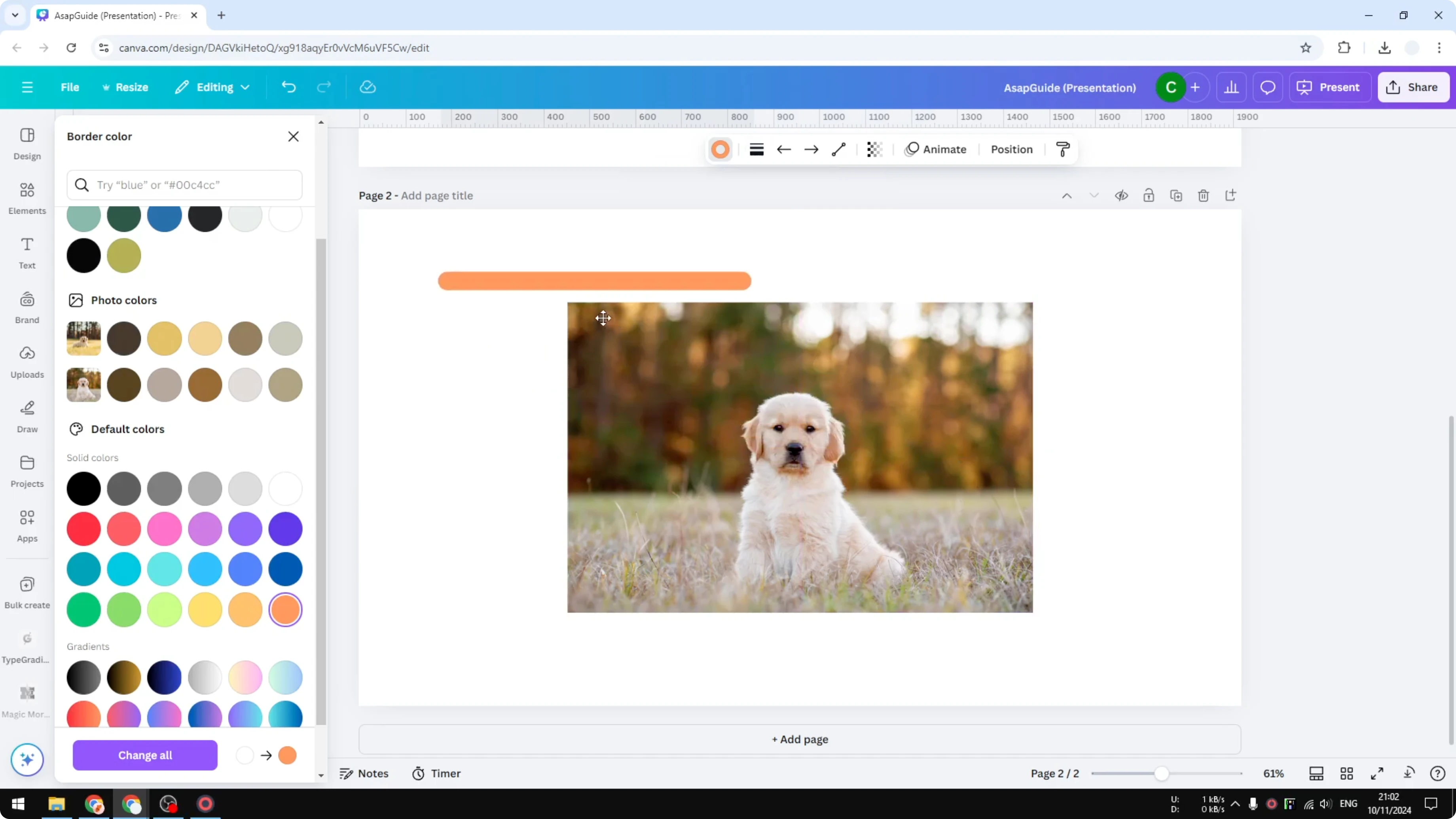
Duplicate the line for the bottom edge and place it there.
Duplicate again for the left side.
Rotate it to 90 degrees and align it on the left.
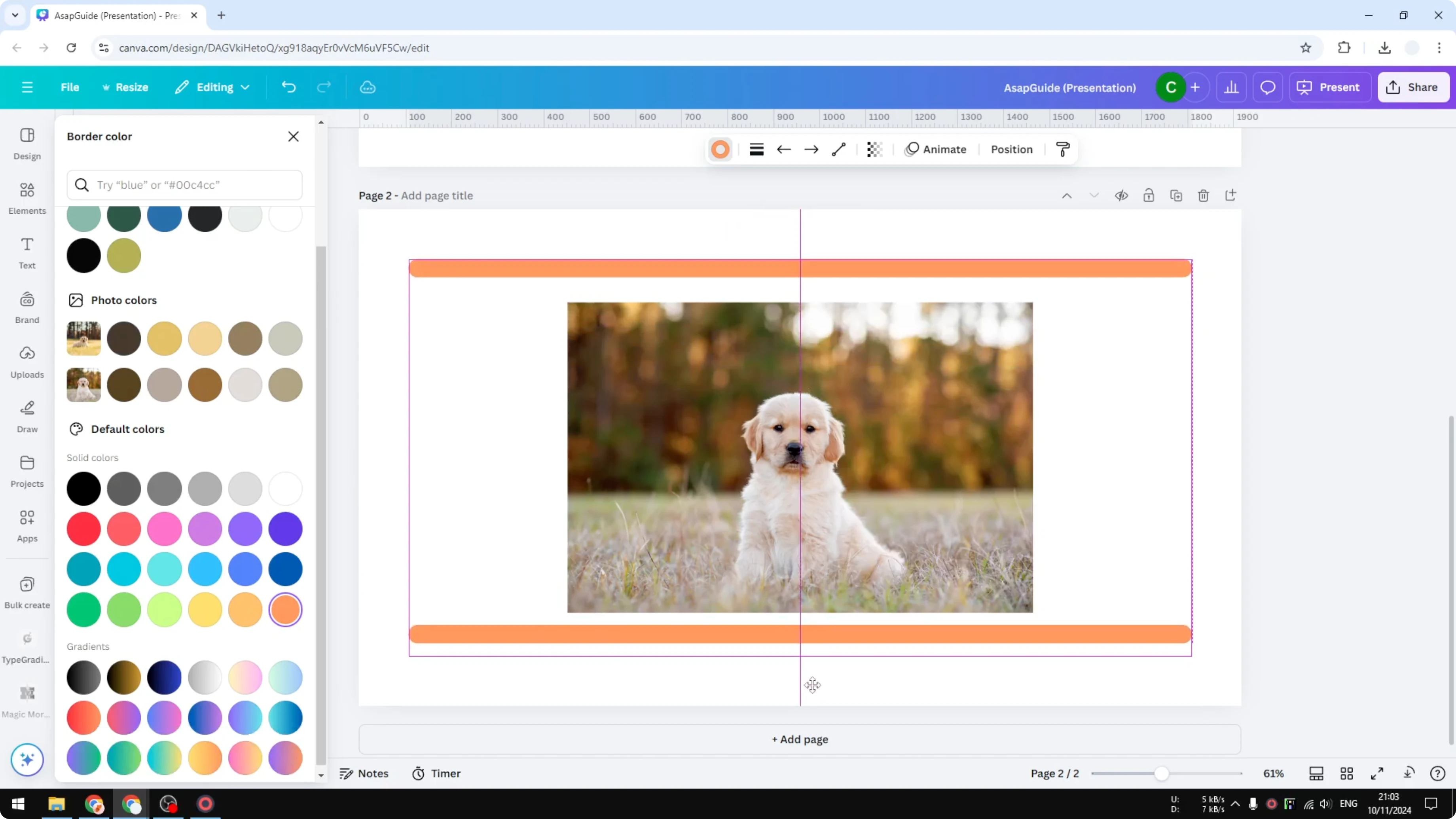
Duplicate that vertical line again for the right edge.
Align it on the right to complete the rectangle frame.
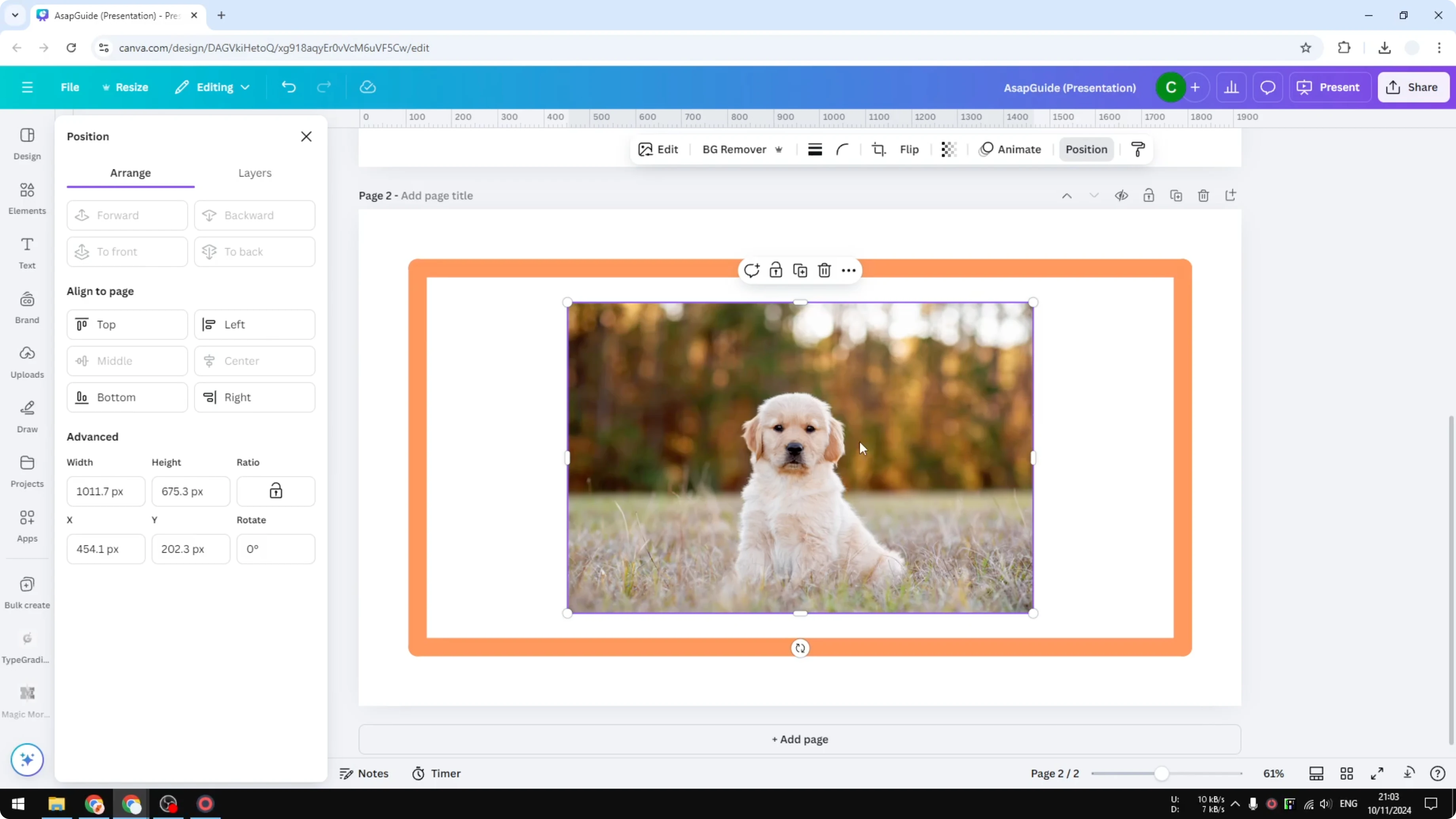
If rotation feels tricky, open Position, enter 90 degrees for precise orientation.
If you are framing text-heavy layouts too, learn how to add a border to a text box for consistent styling across your design.
Add a Rectangle Frame in Canva Design to an Image
Click the image you want to frame.
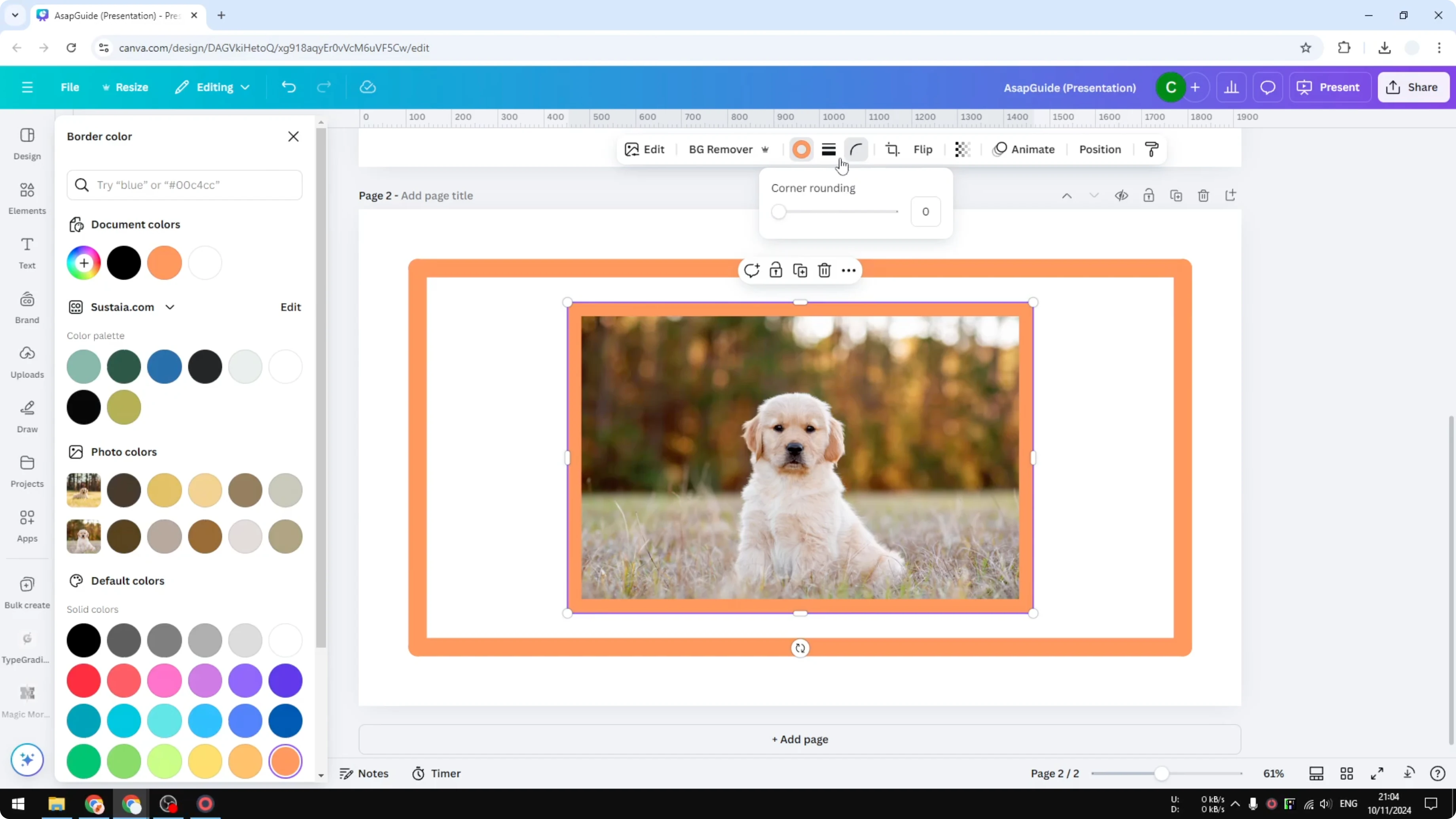
Click Border and increase the border weight, for example to 30.
Change the color to match your palette, such as orange.
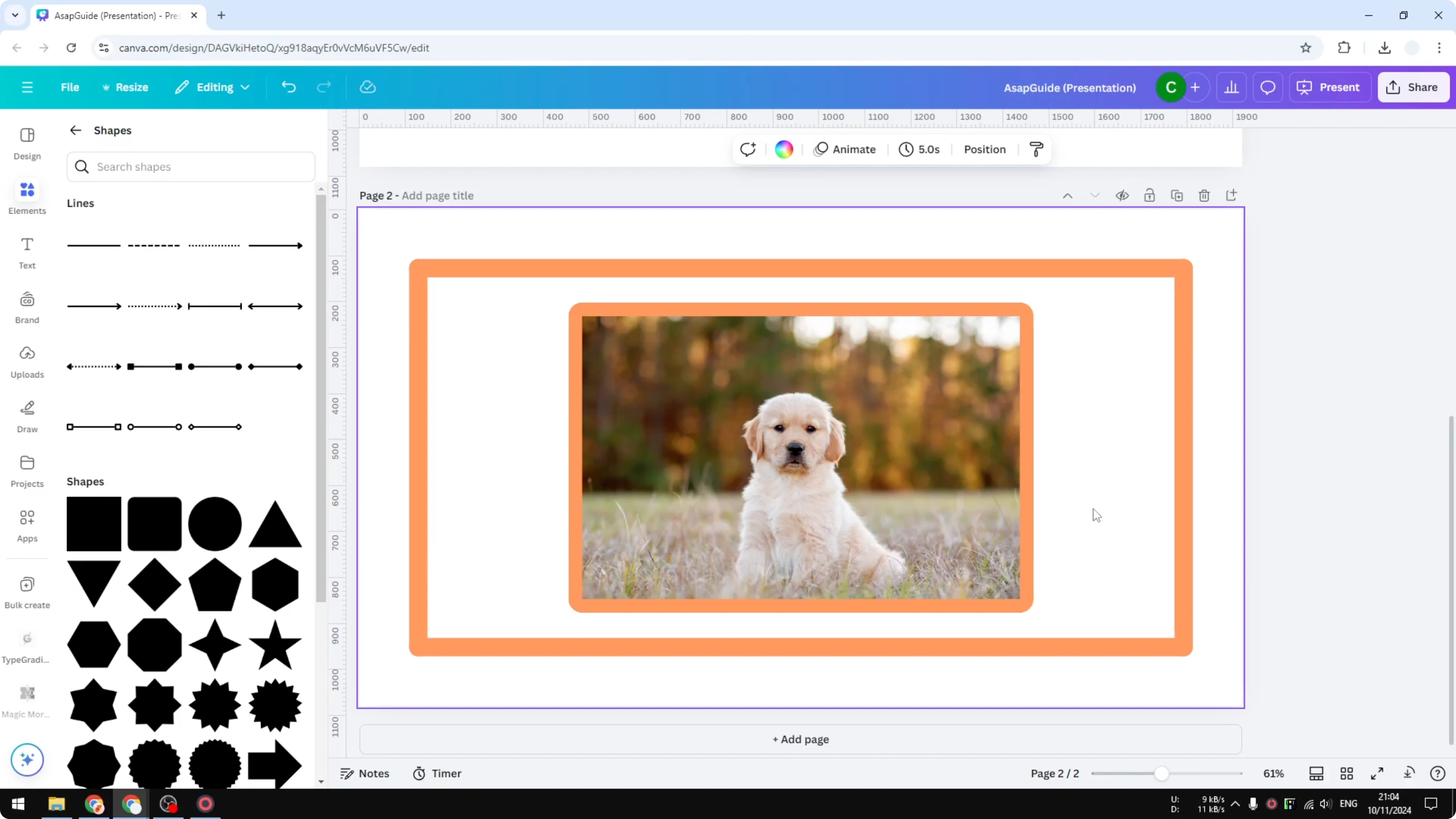
Adjust the corner roundness if you want a softer look.
Set it to around 30 for a pleasant curve.
This method applies the frame only to the selected image.
For bold typographic backdrops that pair well with framed images, see how to create background text in Canva.
Add a Rectangle Frame in Canva Design using Graphics
Go to Elements and search for “decorative frame.”
Include the word “frame” in your keyword to surface the right results.
Open the Graphics tab to browse different frame styles.
Insert a frame you like into your design.
Change the color, for example to white.
Rotate and resize the frame to fit your layout.
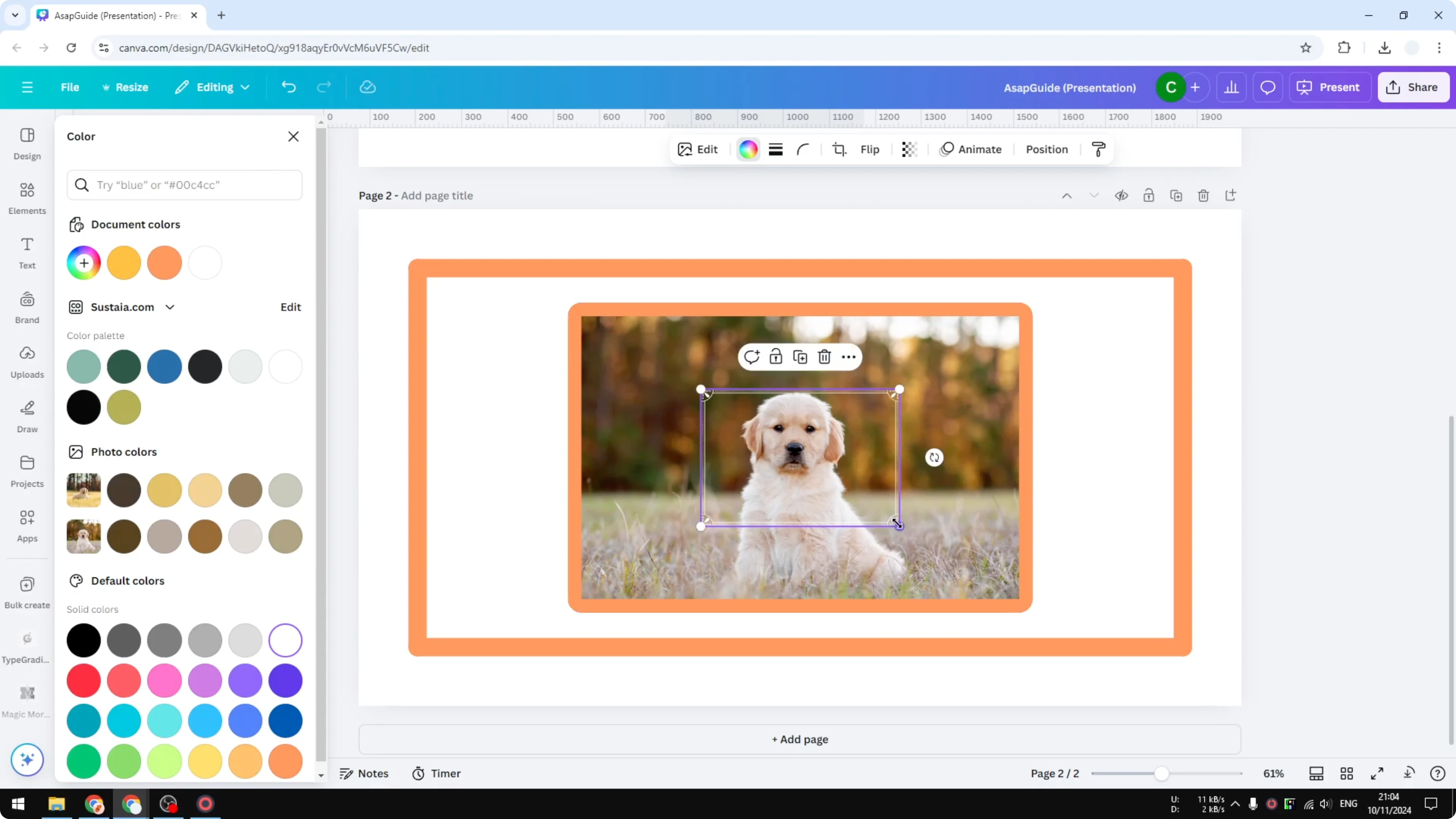
If you are enhancing photos inside the frame, you can also add a cartoon effect with Canva AI for a stylized look.
Add a Rectangle Frame in Canva Design with an App
Open Apps in Canva.
Search for an app like “Can Border,” open it, and preview the options.
Choose solid or dashed borders, then adjust the margin and thickness.
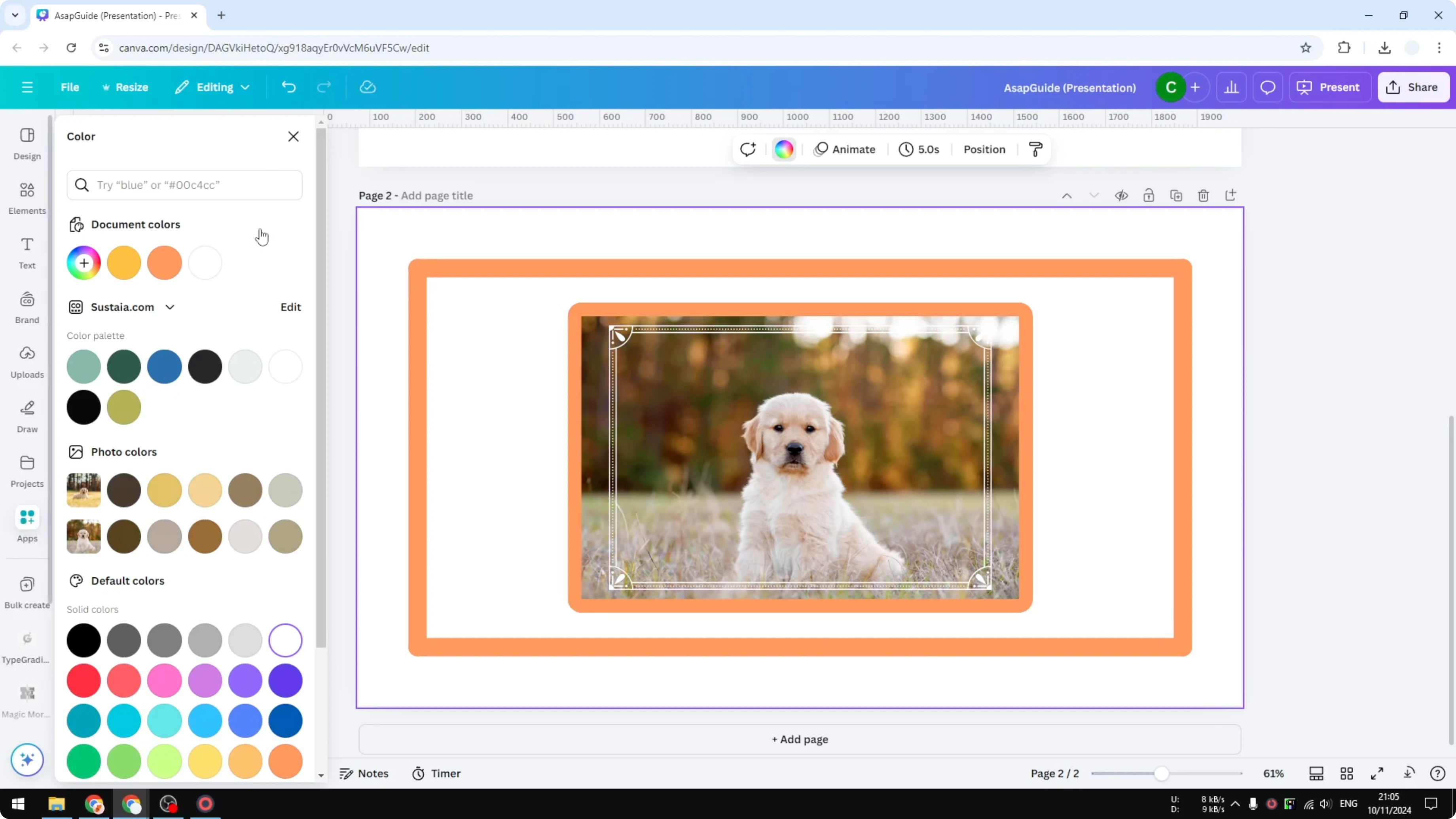
Pick a color, for example the default purple or another brand color.
When you are done, click Add to design.
The app will place the border on your page so you can position it as needed.
Final Thoughts
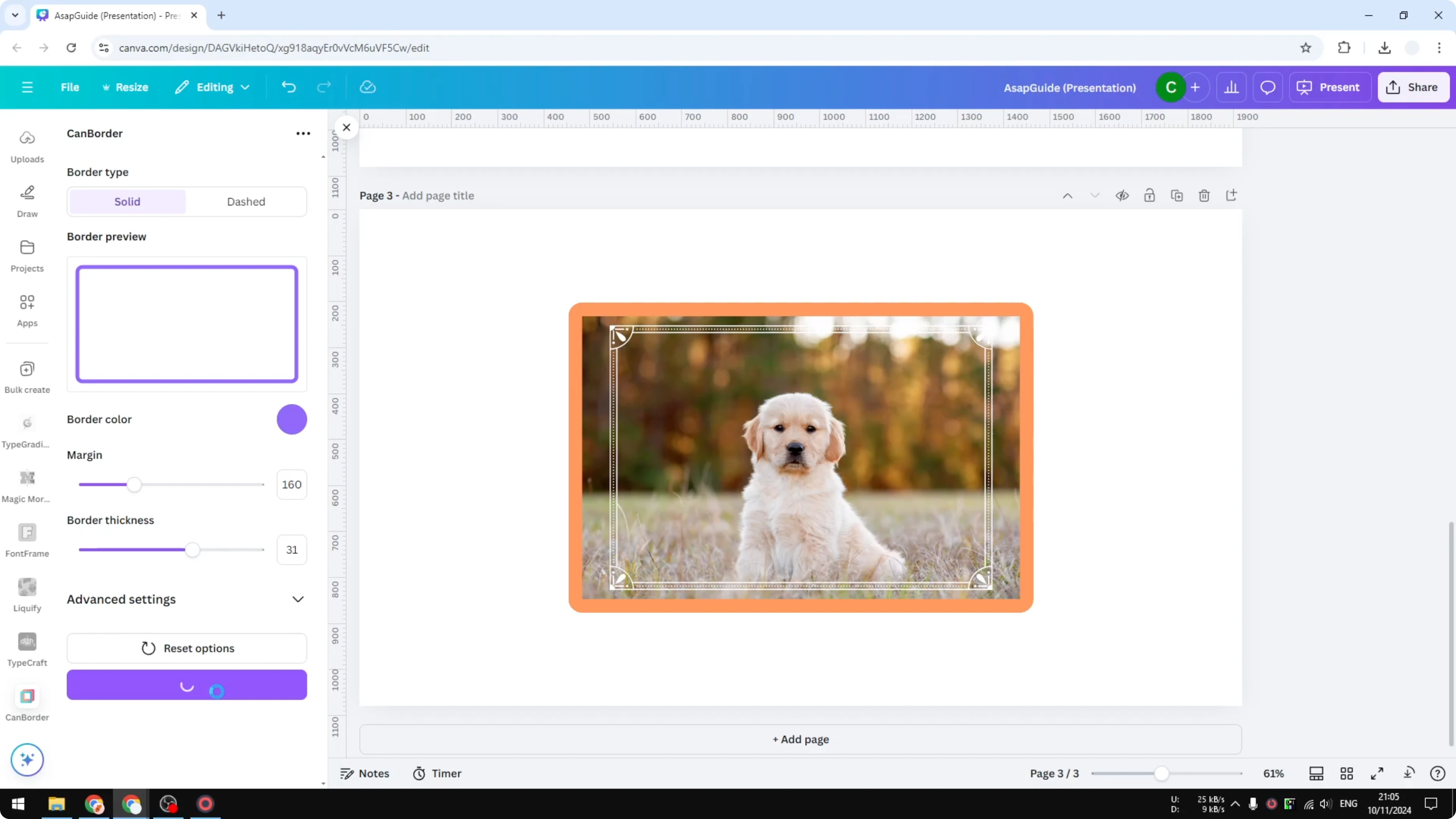
You can build a rectangle frame in Canva by drawing four lines, adding a border to an image, dropping in a decorative frame from Graphics, or using an app. Each method lets you control thickness, style, color, and corner details. Choose the one that matches your design and the level of precision you need.
Recent Posts

How to Visualize Yourself as a Pixelized Character with AI?
How to Visualize Yourself as a Pixelized Character with AI?

How to Revive Faded Memories and Enhance Image Clarity with AI?
How to Revive Faded Memories and Enhance Image Clarity with AI?

How to Visualize Yourself as an Animal Crossing Character with AI?
How to Visualize Yourself as an Animal Crossing Character with AI?