How to Review and Restore Older Versions of Canva Designs
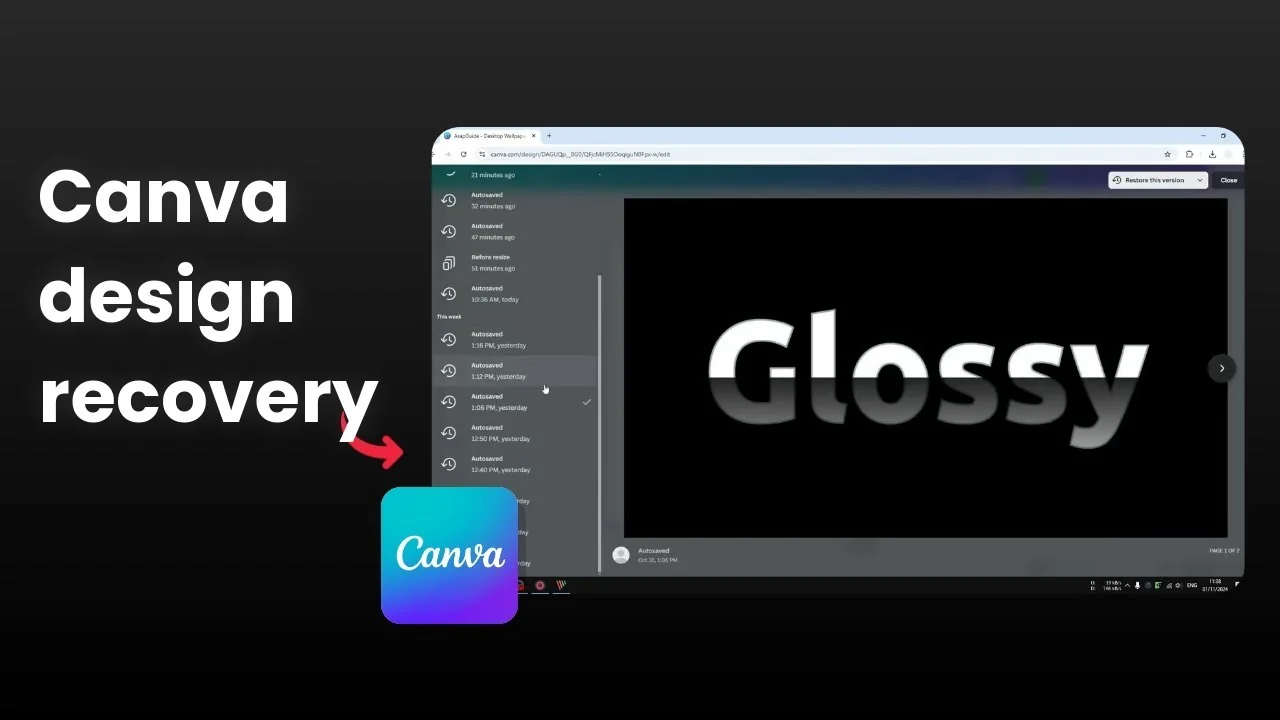
I will show you how you can restore the previous version of your document in Canva. Just like Google Docs or Microsoft Word, Canva saves multiple versions of your document. It allows you to go back in time and look at that version, and then you can restore that version of the document or your design.
Overview: Review and Restore Older Versions of Canva Designs
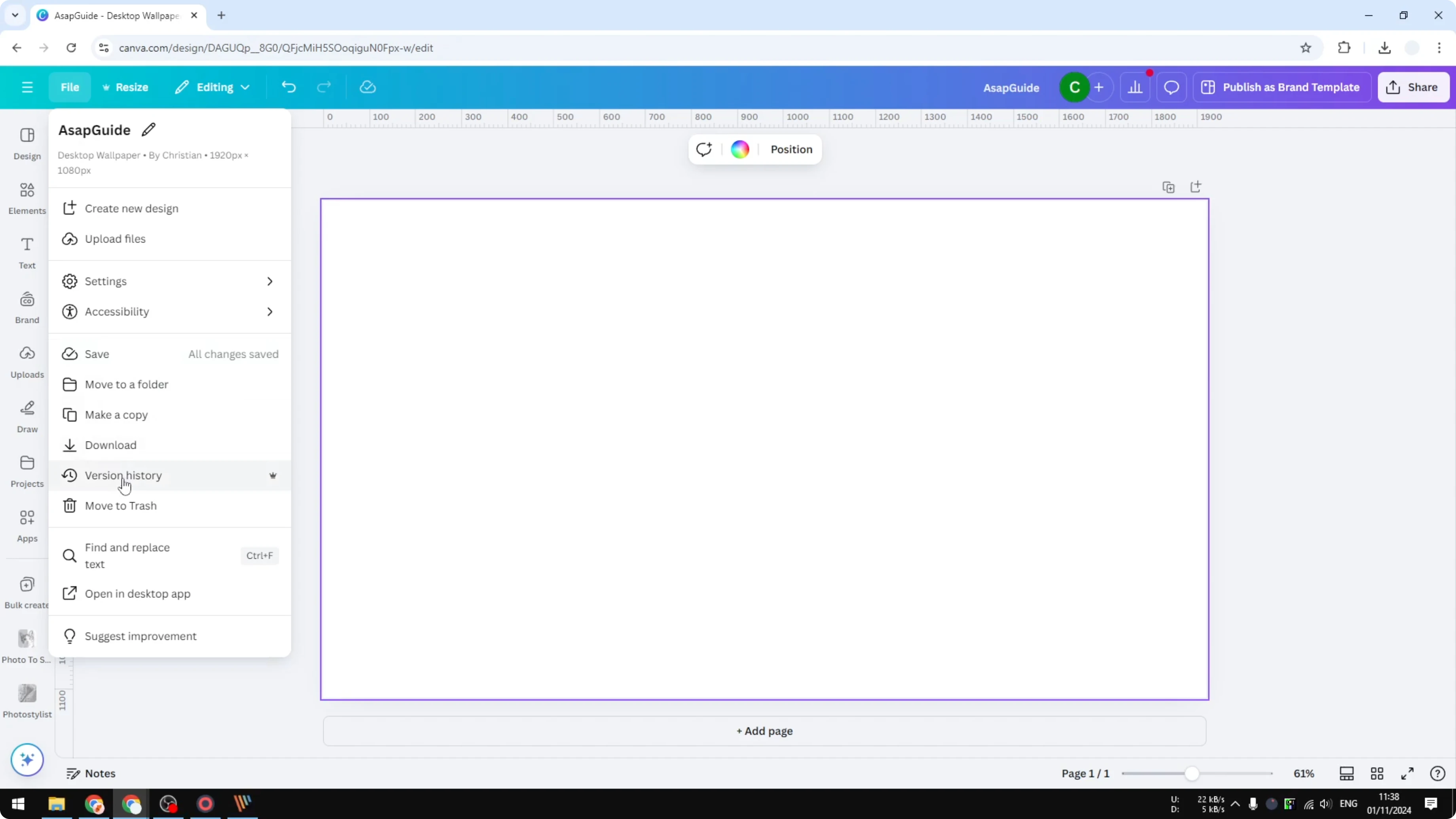
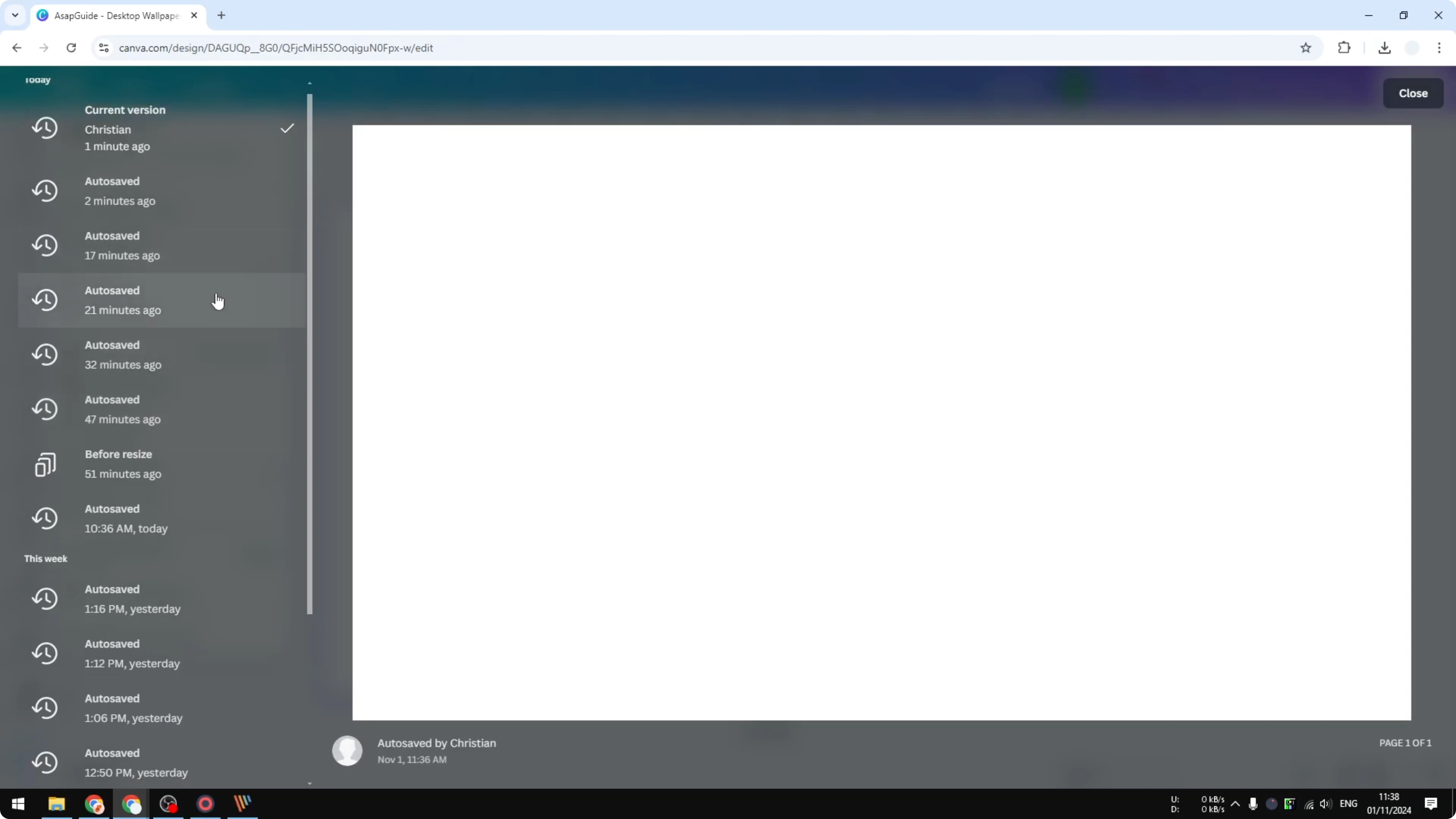
Open your design in Canva, go to File, and click Version history. This is where you can see changes that have been made to the document. You can scroll and see the time the design was saved.
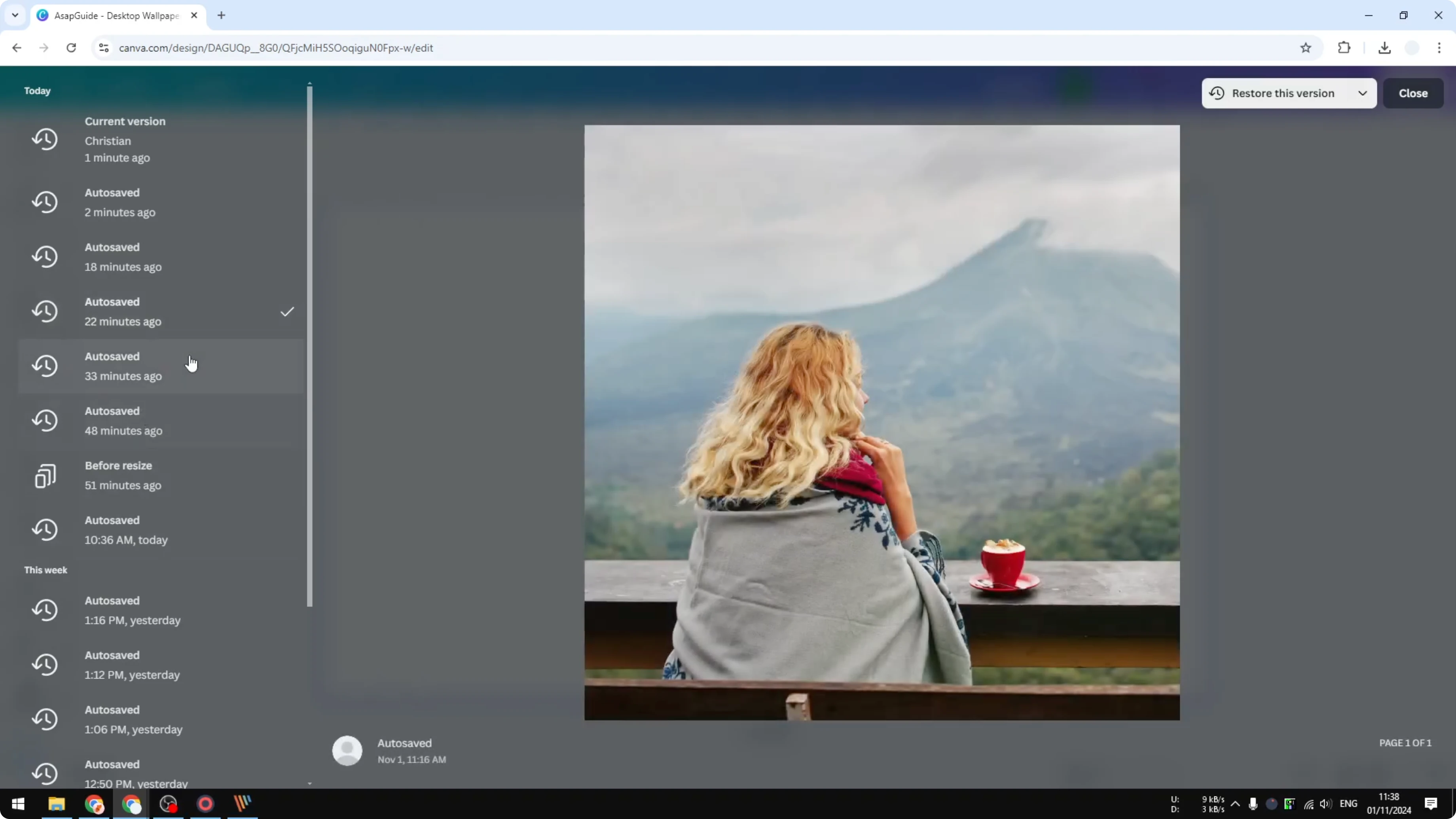
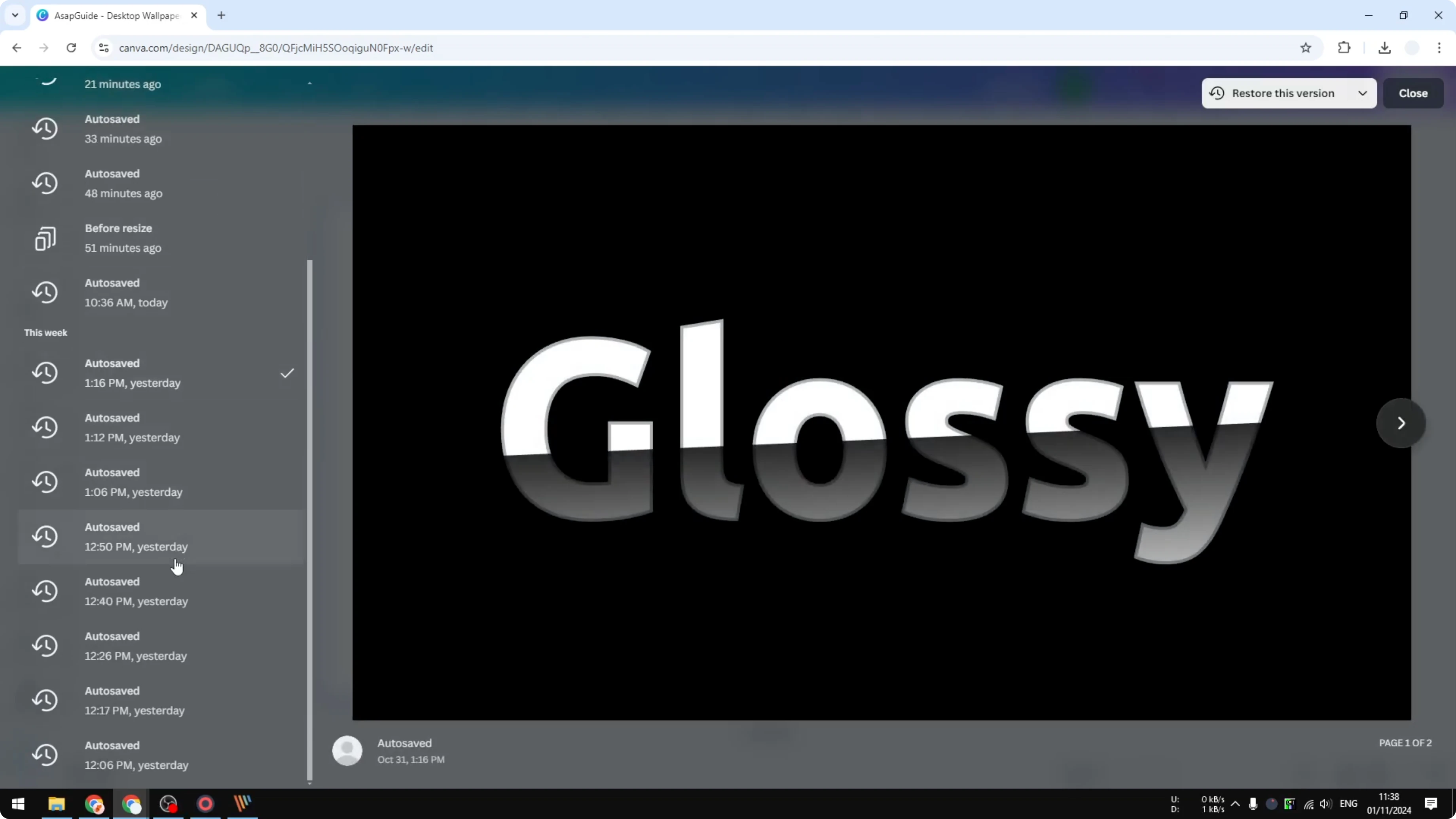
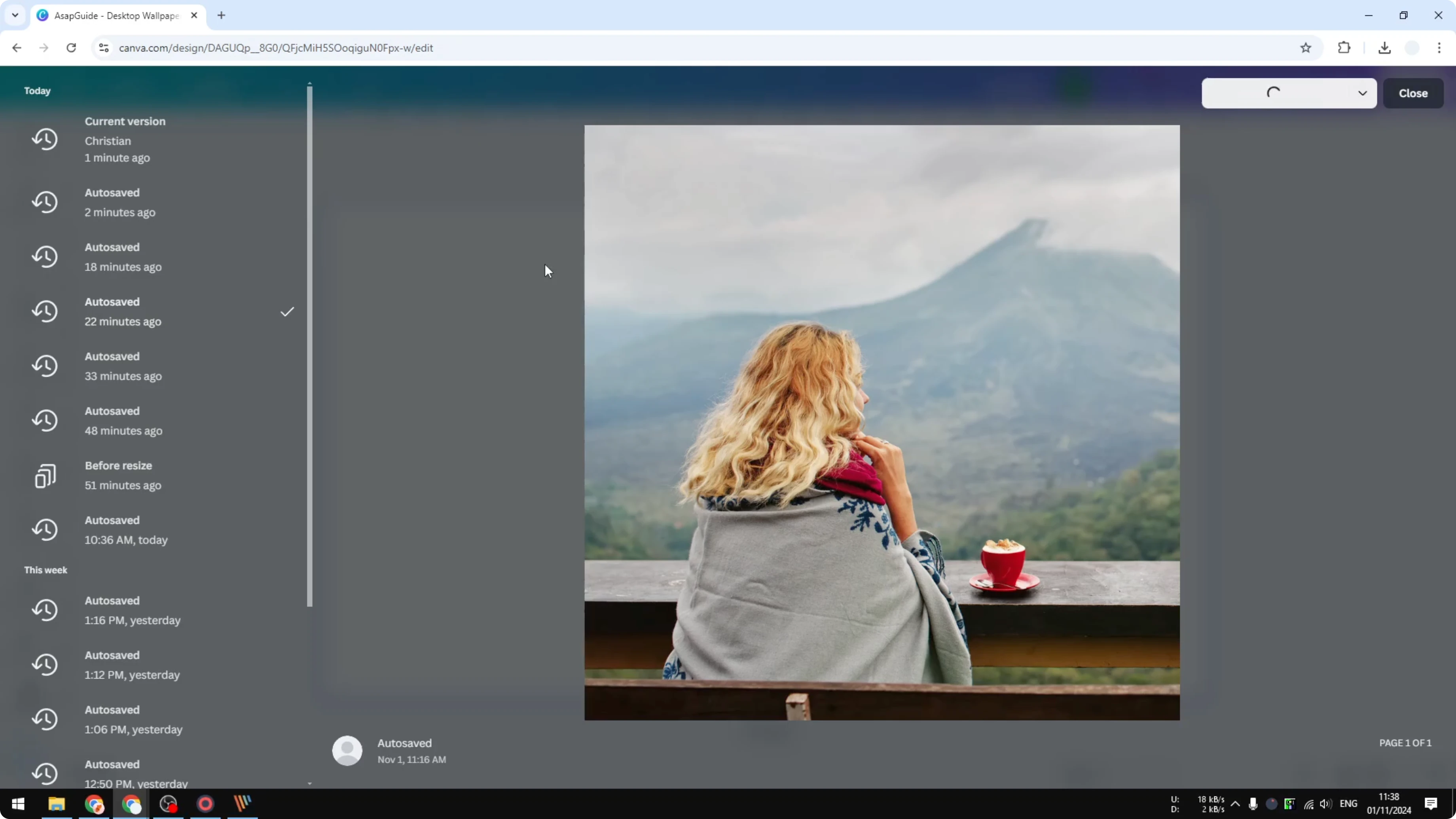
You can find the version of the document that you want to restore. Click any entry and Canva will show a preview of the document. When you're ready, click Restore this version.
For a detailed walkthrough, see this guide to reviewing and restoring older Canva designs.
Steps: Review and Restore Older Versions of Canva Designs
Open and locate
Open your design in Canva.
Go to File.
Click Version history.
Browse and preview
Scroll the list to see timestamps for saves.
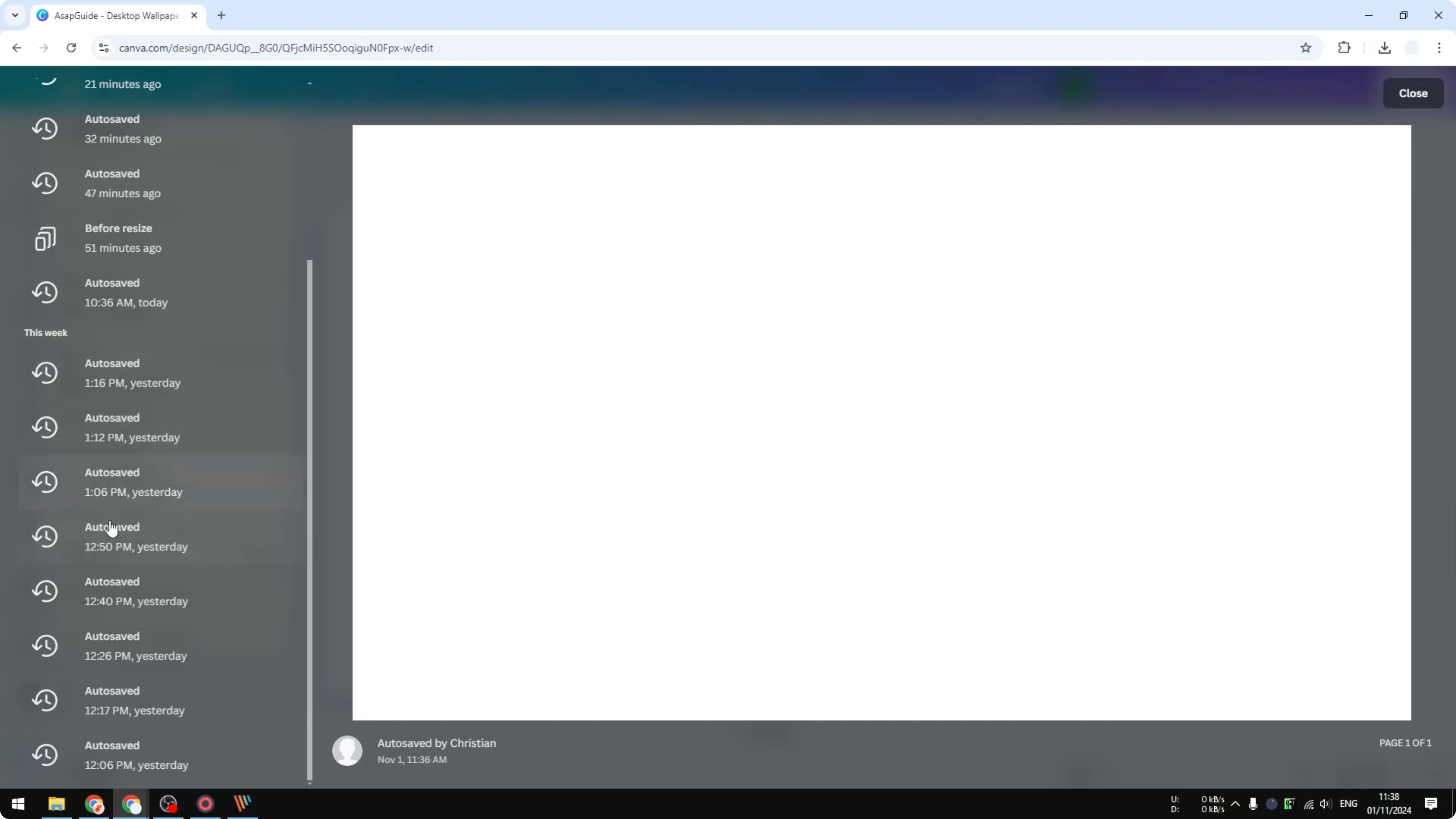
Click a version to view the preview.
Restore and continue
Click Restore this version to bring it back.
Start working on top of the restored design.
This works the same for projects like a 3D book cover in Canva.
Final Thoughts: Review and Restore Older Versions of Canva Designs
You can quickly view earlier states, preview the content, and restore the exact version you need. Version history makes it easy to correct changes and continue editing without starting over. If your restored design includes special characters, see how to add accent marks in Canva.
Recent Posts

How to Visualize Yourself as a Pixelized Character with AI?
How to Visualize Yourself as a Pixelized Character with AI?

How to Revive Faded Memories and Enhance Image Clarity with AI?
How to Revive Faded Memories and Enhance Image Clarity with AI?

How to Visualize Yourself as an Animal Crossing Character with AI?
How to Visualize Yourself as an Animal Crossing Character with AI?