How to Resize Canva Video for Instagram
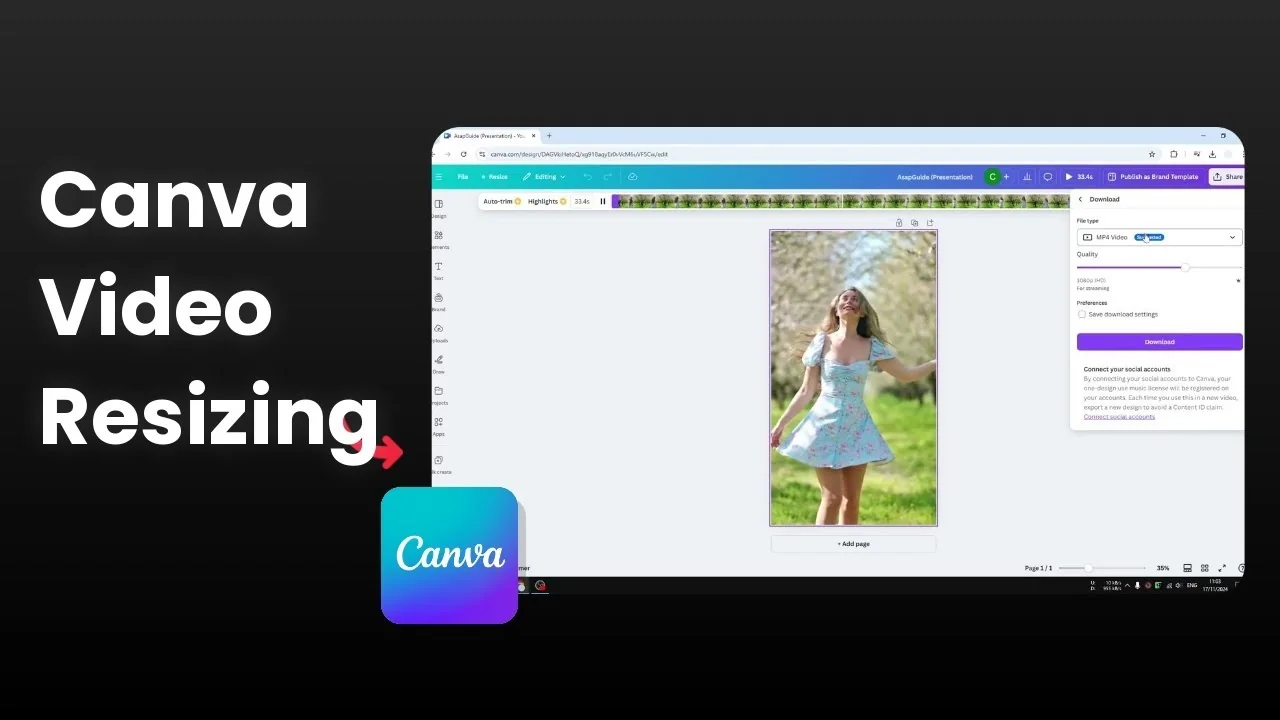
I want to resize a video in Canva from 16:9 to a vertical format that works for Instagram, TikTok, or WhatsApp. I have a clip where I only need the person in the middle and not the rest of the background.
Here is how I do it from start to finish with quick reframing and export.
Resize Canva Video for Instagram basics
Choose the right size
Use the 9:16 aspect ratio for a vertical canvas.
Open your 16:9 design in Canva and click Resize. Choose Instagram Story since it is vertical and fits the 9:16 format.
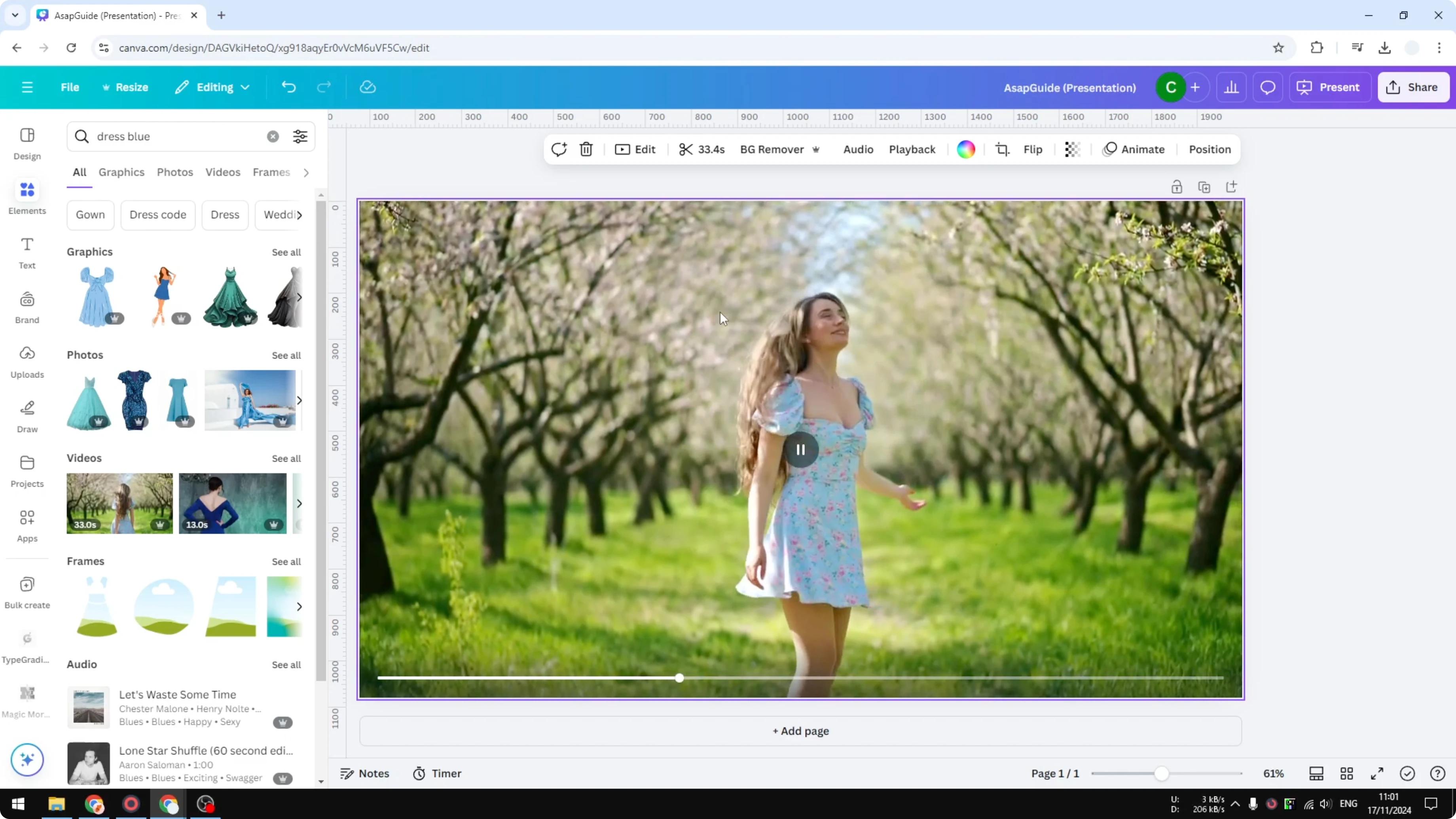
Click Resize and wait for Canva to process. It will open a new page with the vertical version.
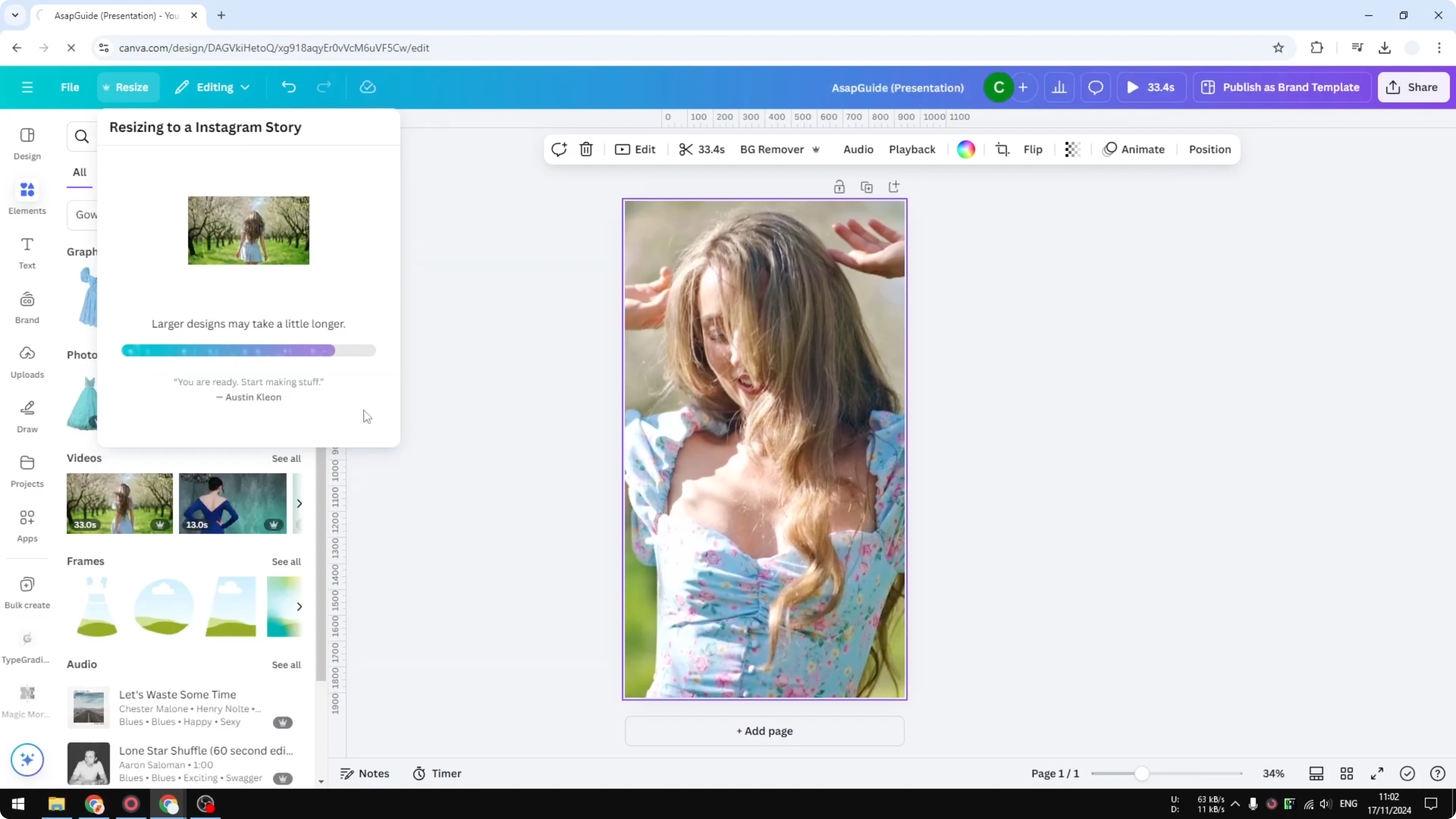
After Canva resizes
It usually looks pretty good right away because Canva places elements for you. The video is resized immediately and ready for fine tuning.
Read More: Add Watermark Canva Video
Reframe the subject for Resize Canva Video for Instagram
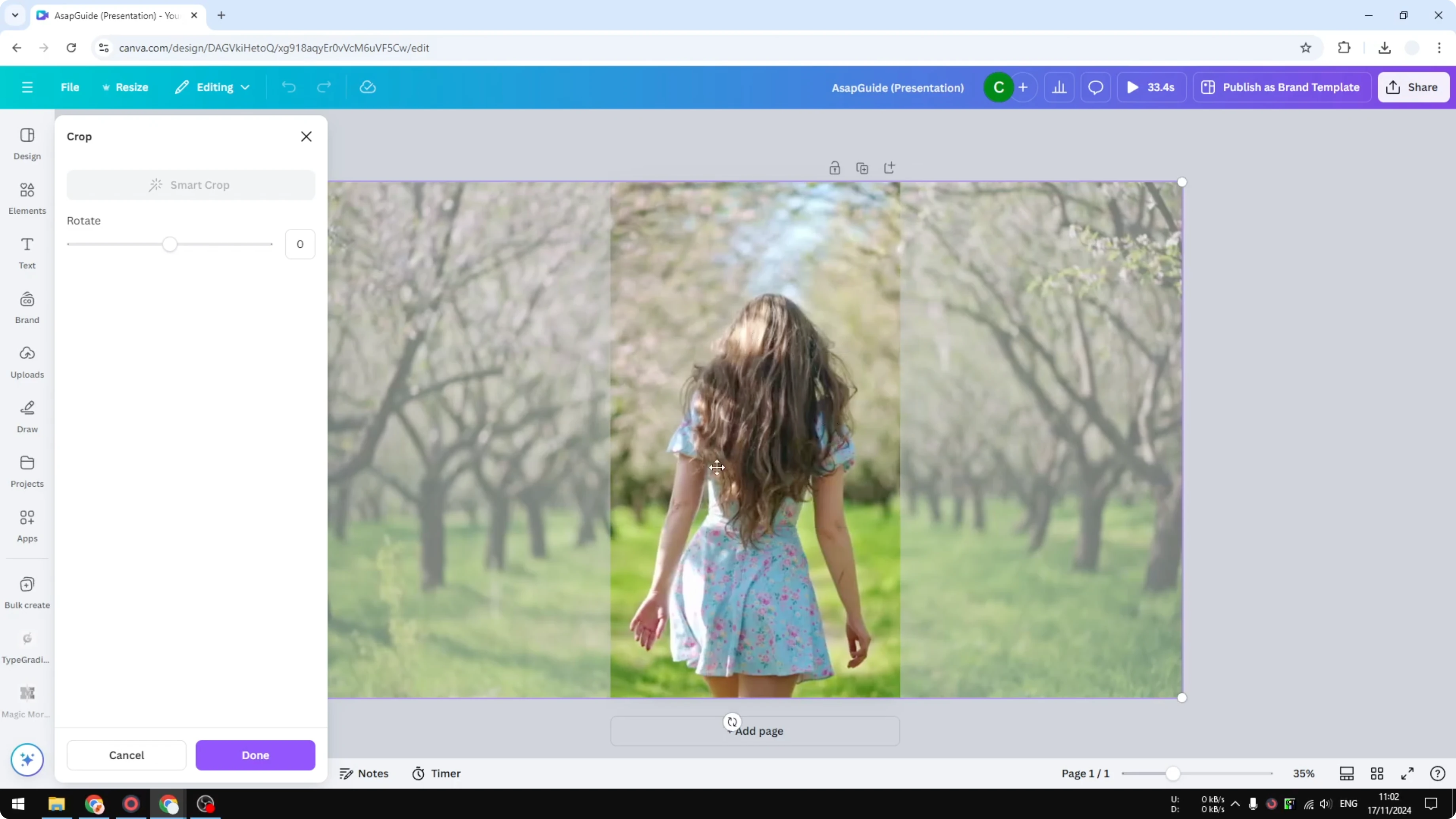
Double click the video on the vertical canvas to adjust the framing. Slide the clip left or right until the subject stays in the center.
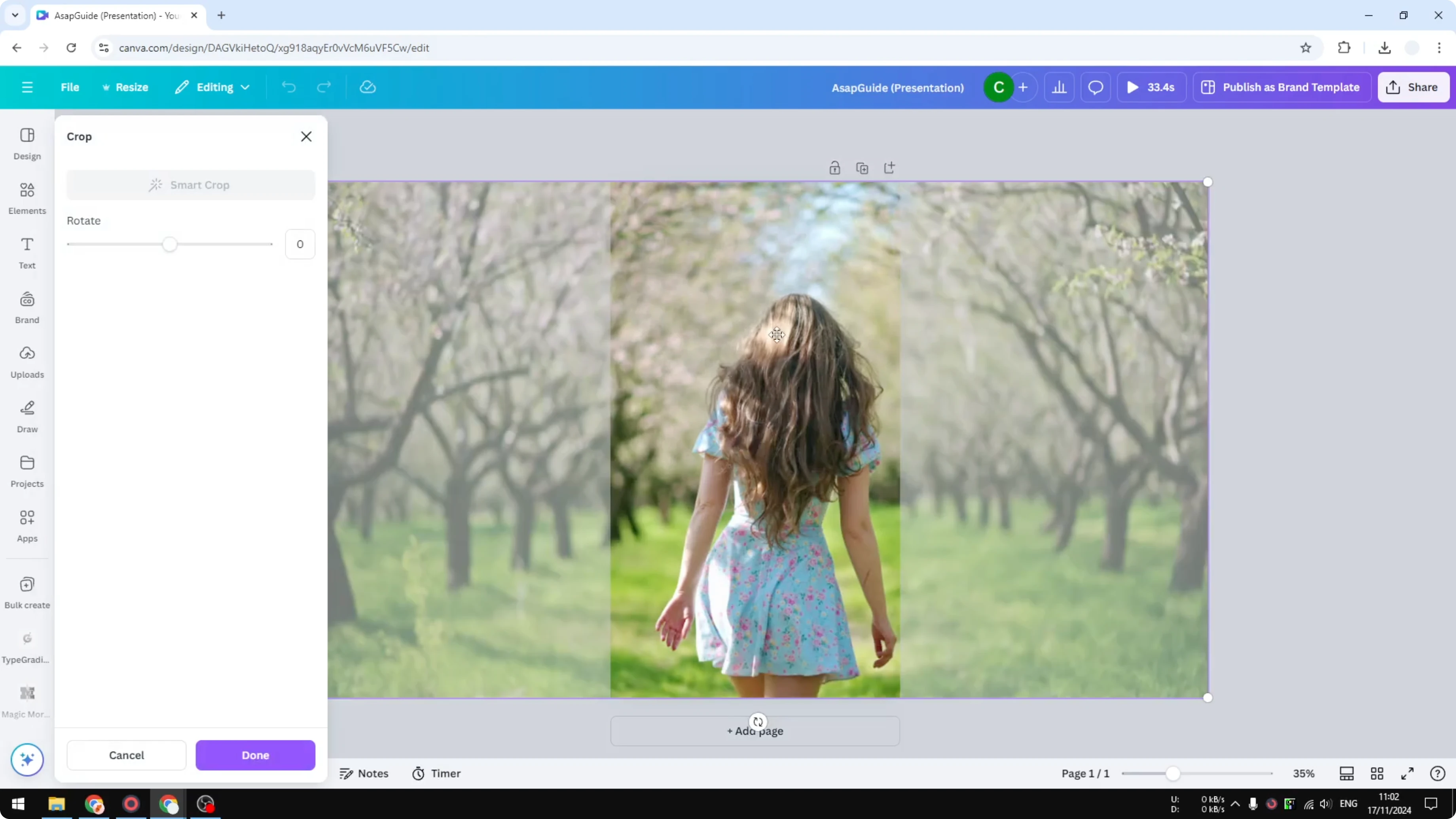
Click Done to apply the change and review the result. If you want a consistent look before exporting, you can add a filter in Canva.
Export and share for Resize Canva Video for Instagram
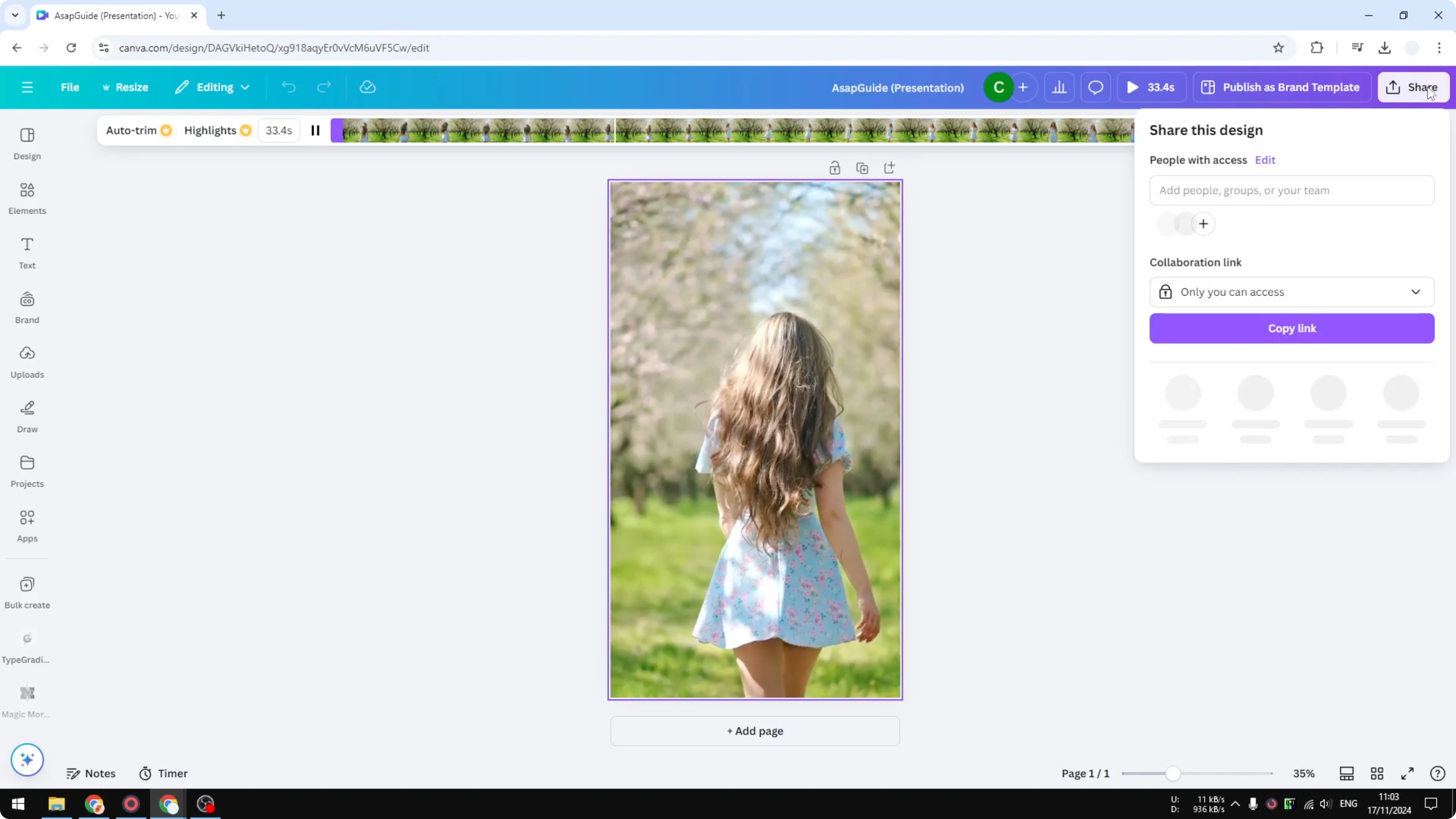
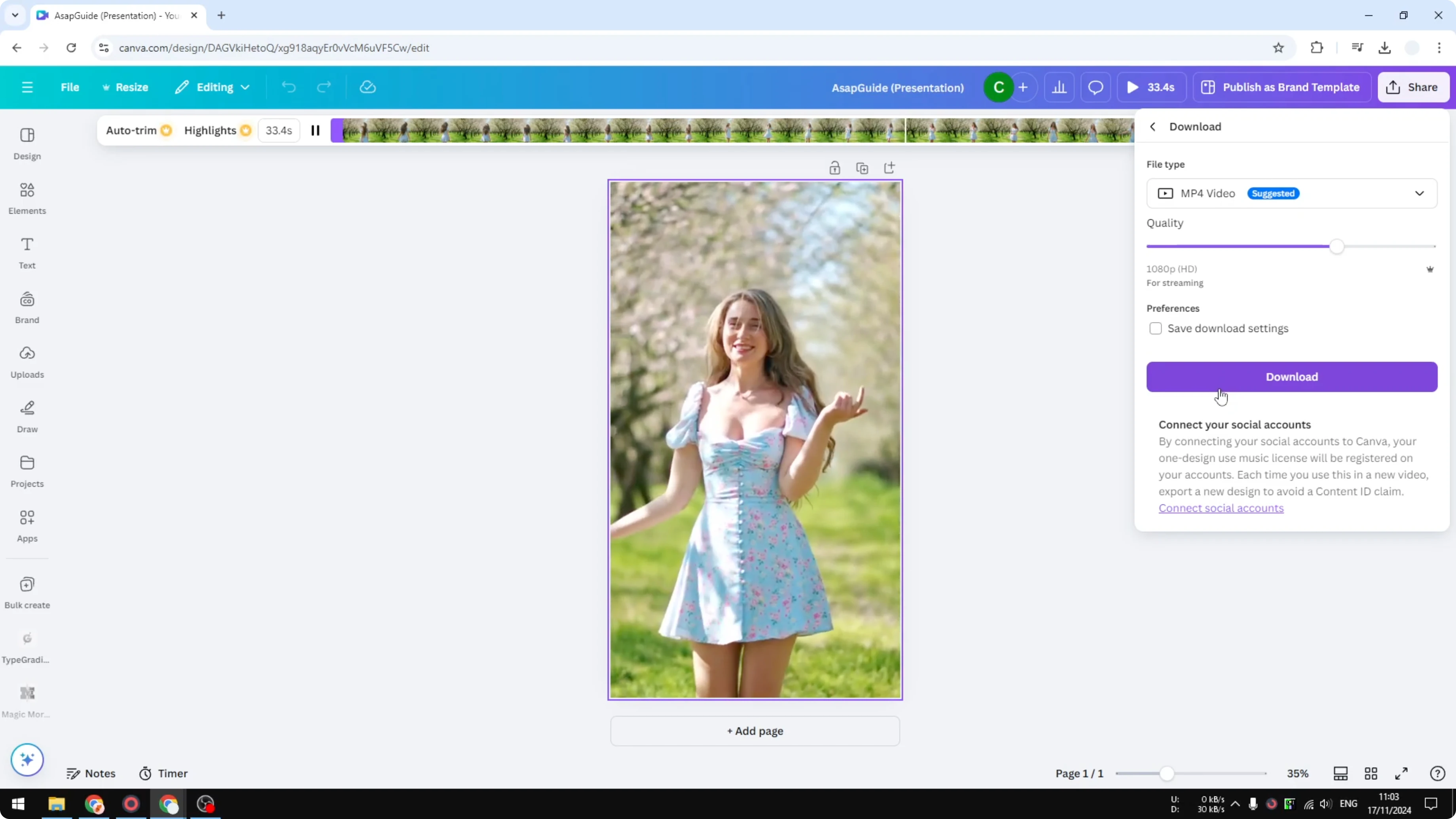
Share the video directly from Canva or download it to your device. Choose the format and quality you prefer.
If you want smoother cuts between clips, you can add transitions before exporting.
Final thoughts on Resize Canva Video for Instagram
Use a 9:16 canvas, pick Instagram Story, and let Canva handle the initial placement. Double click to reframe, click Done, and export. That is all you need to turn a wide video into a clean vertical post.
Recent Posts

How to Visualize Yourself as a Pixelized Character with AI?
How to Visualize Yourself as a Pixelized Character with AI?

How to Revive Faded Memories and Enhance Image Clarity with AI?
How to Revive Faded Memories and Enhance Image Clarity with AI?

How to Visualize Yourself as an Animal Crossing Character with AI?
How to Visualize Yourself as an Animal Crossing Character with AI?