How to Remove Unwanted Reflections and Glare from Photos with AI?
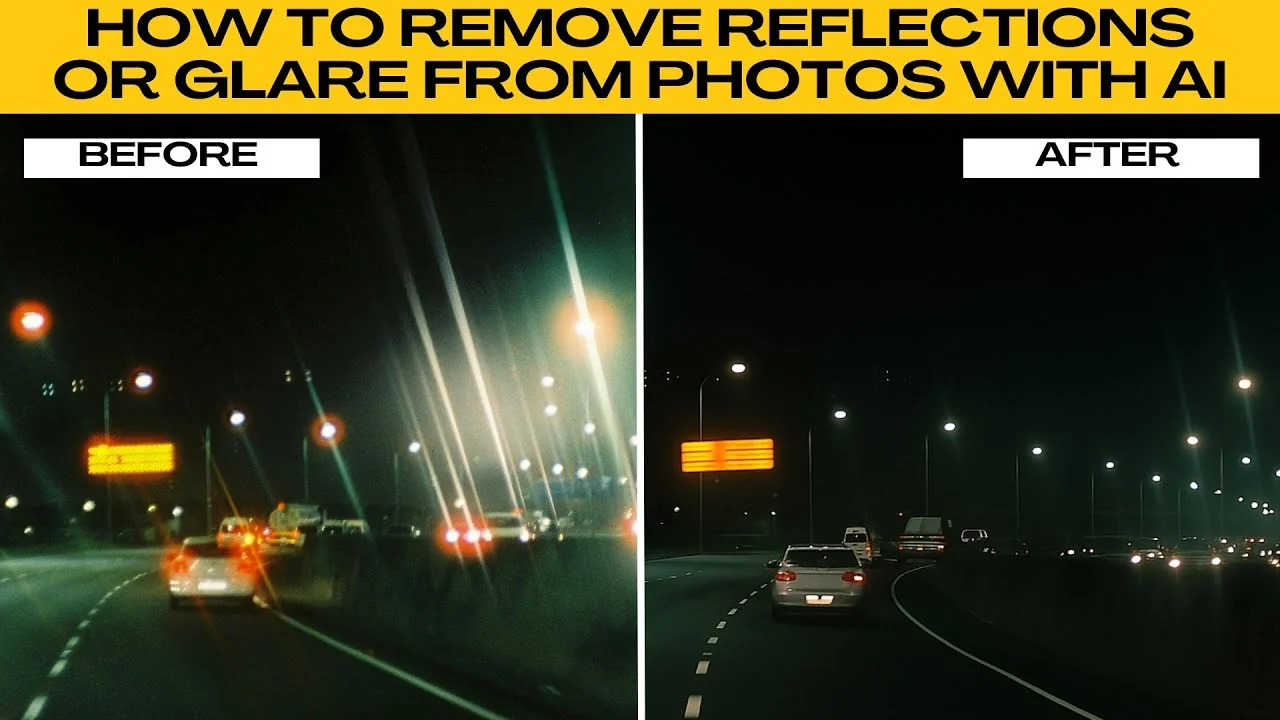
I will teach you how to remove reflections or glare from photos with AI.
Have you ever taken a great picture only to find annoying glare on glasses, shiny spots on skin, or distracting reflections on windows or cars. These issues are common in photography, but they can be frustrating to fix manually. The good news is you can use AI tools inside ChatGPT to remove reflections and glare quickly even if you have no photo editing experience.
If shadows are ruining portraits, see our AI guide to removing shadows from faces for a clean look.
Get started
Open your browser and go to ChatGPT. Log in with your account or create a free account.
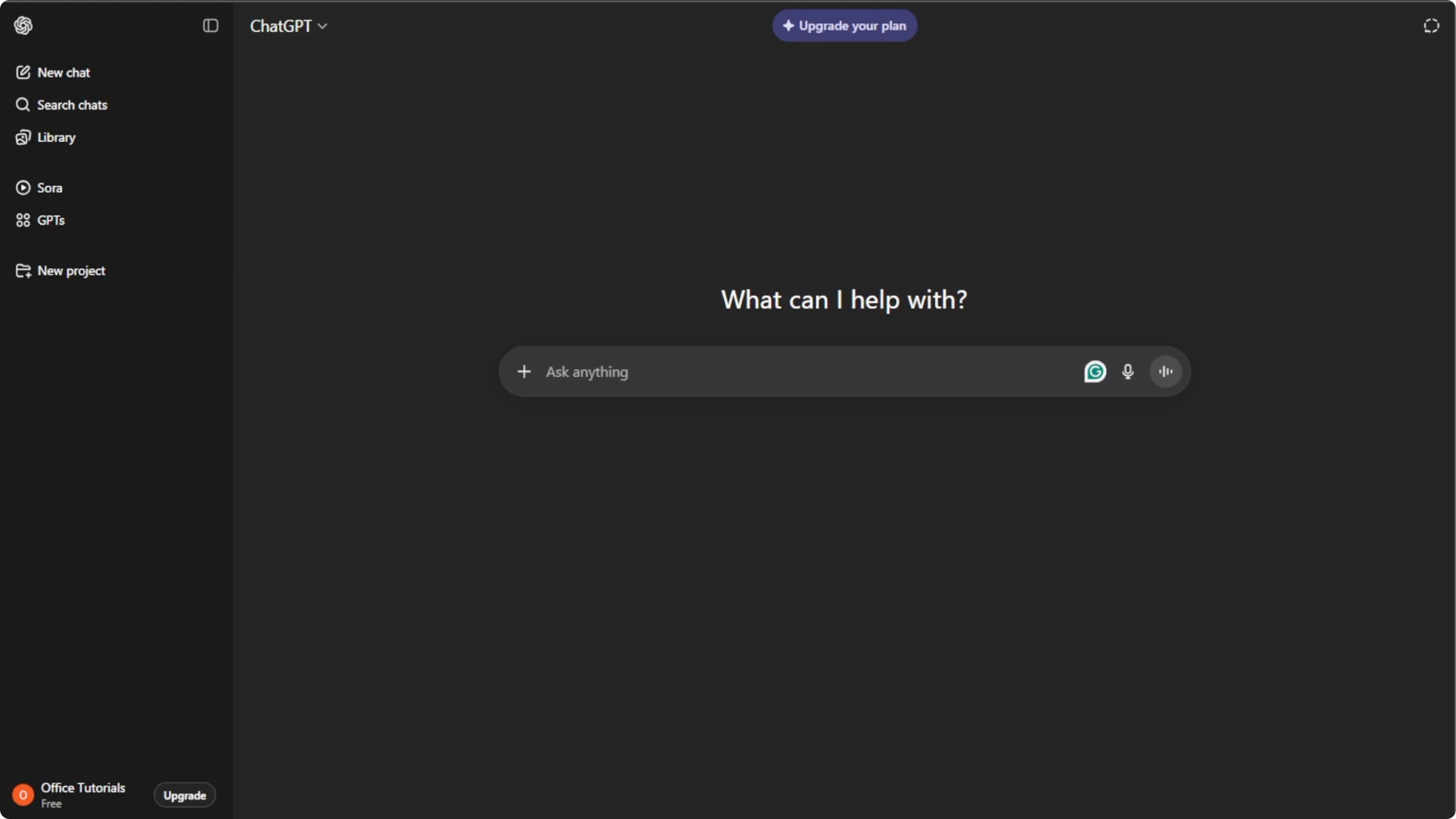
In the chat box, click the plus icon. Select create image to enable image editing mode.
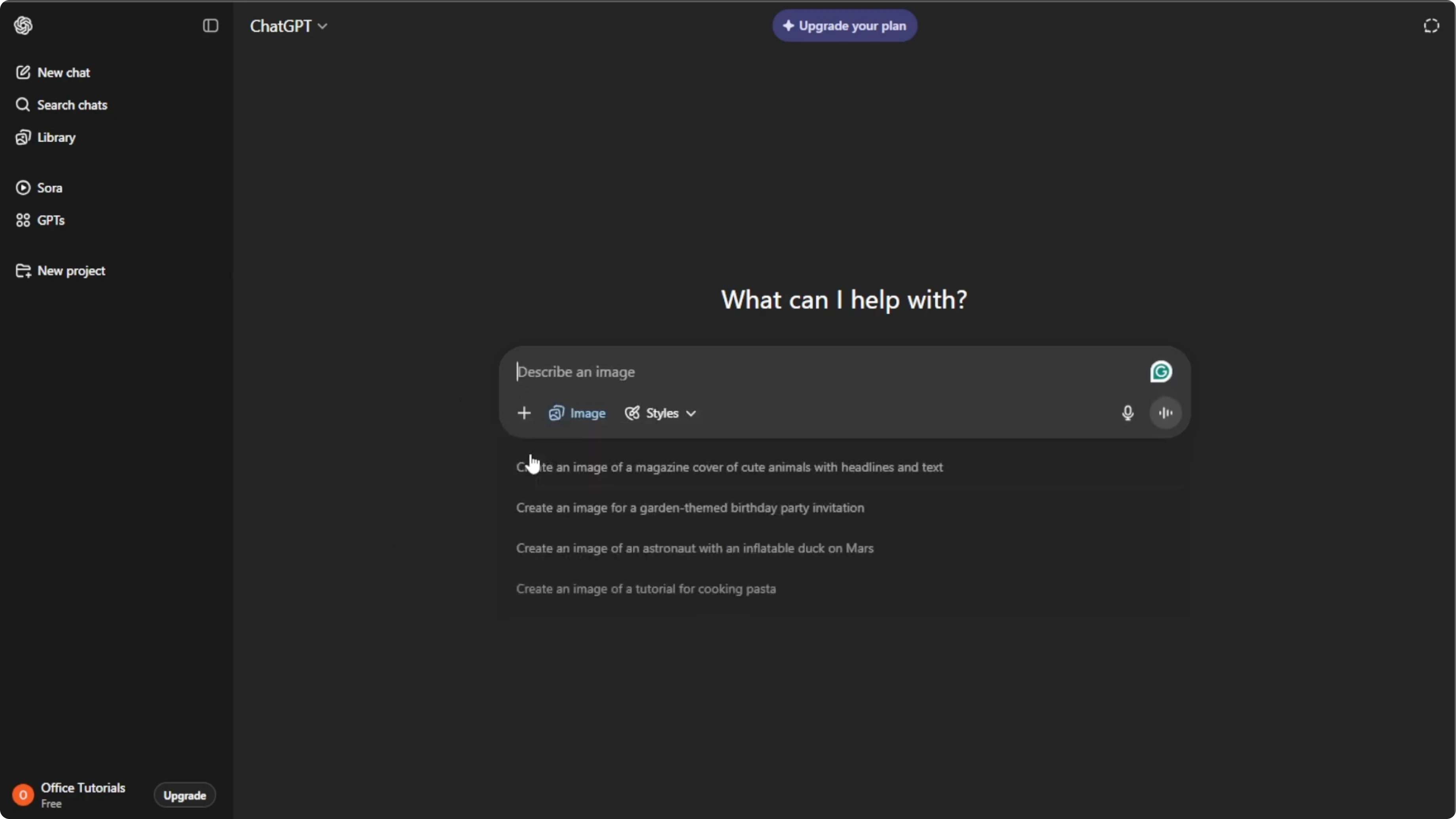
Click the plus icon again and select add photos or files, or press Control U on your keyboard. Choose the photo from your computer that has reflections or glare. Wait for the upload to finish.
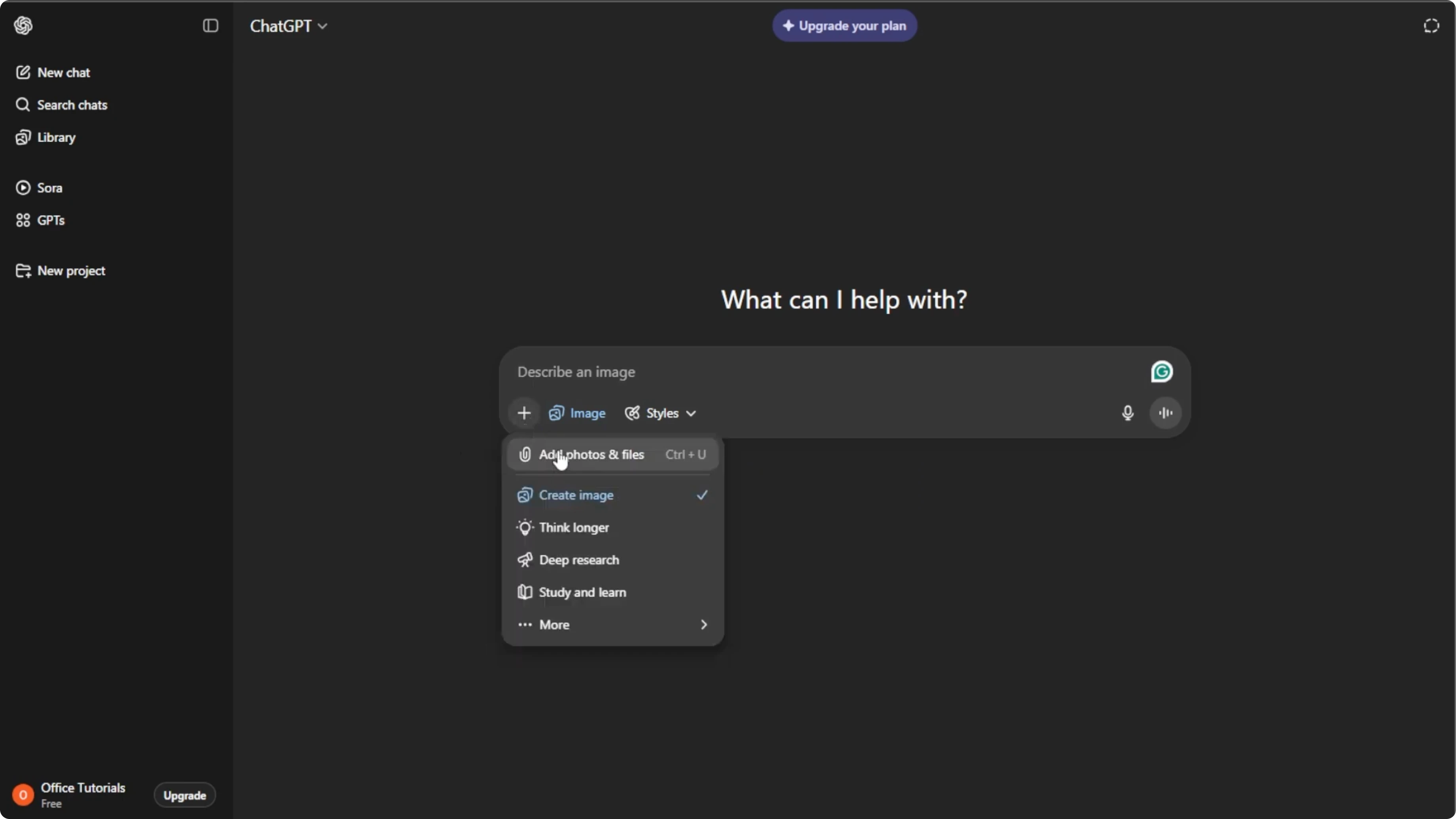
Describe the fix
In the text box, type a clear description of what you want the AI to fix. Be as specific as possible about where the glare is and what the final result should look like.
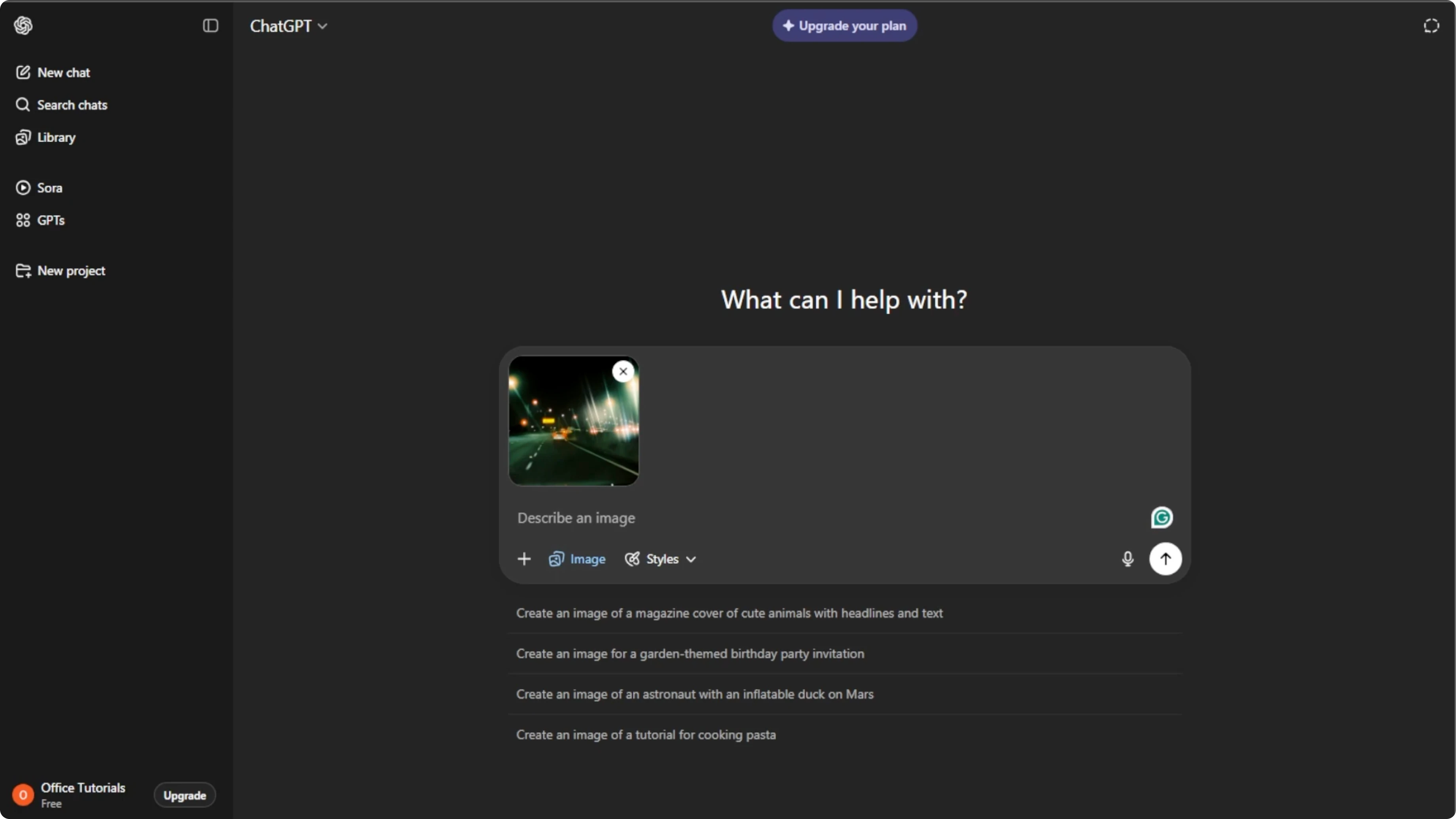
Remove glare from the subject’s eyeglasses while keeping the eyes sharp and natural. Preserve reflections in the room except on the lenses.
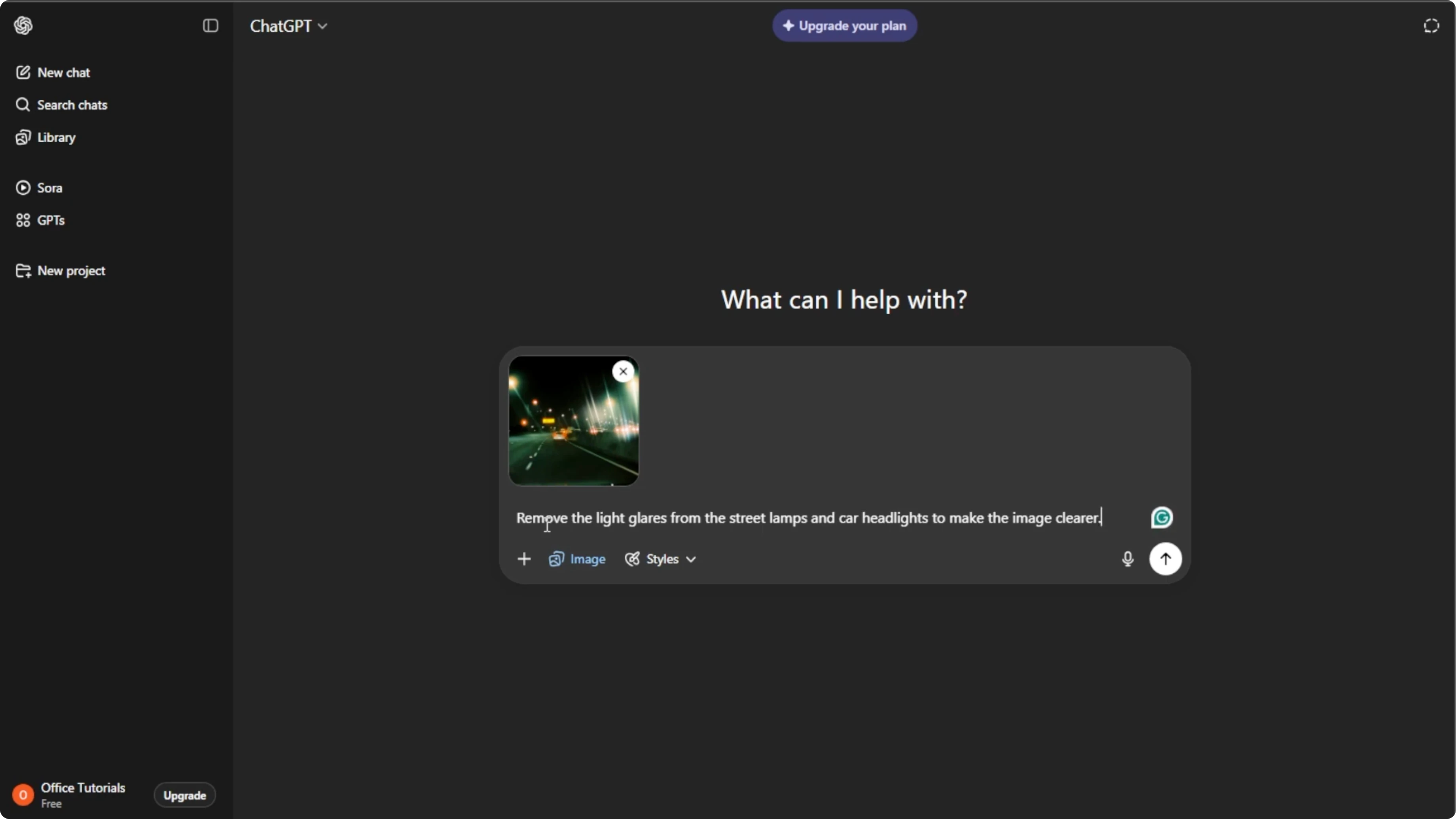
Reduce shiny hotspots on the forehead and nose. Match skin tone and texture to surrounding areas.
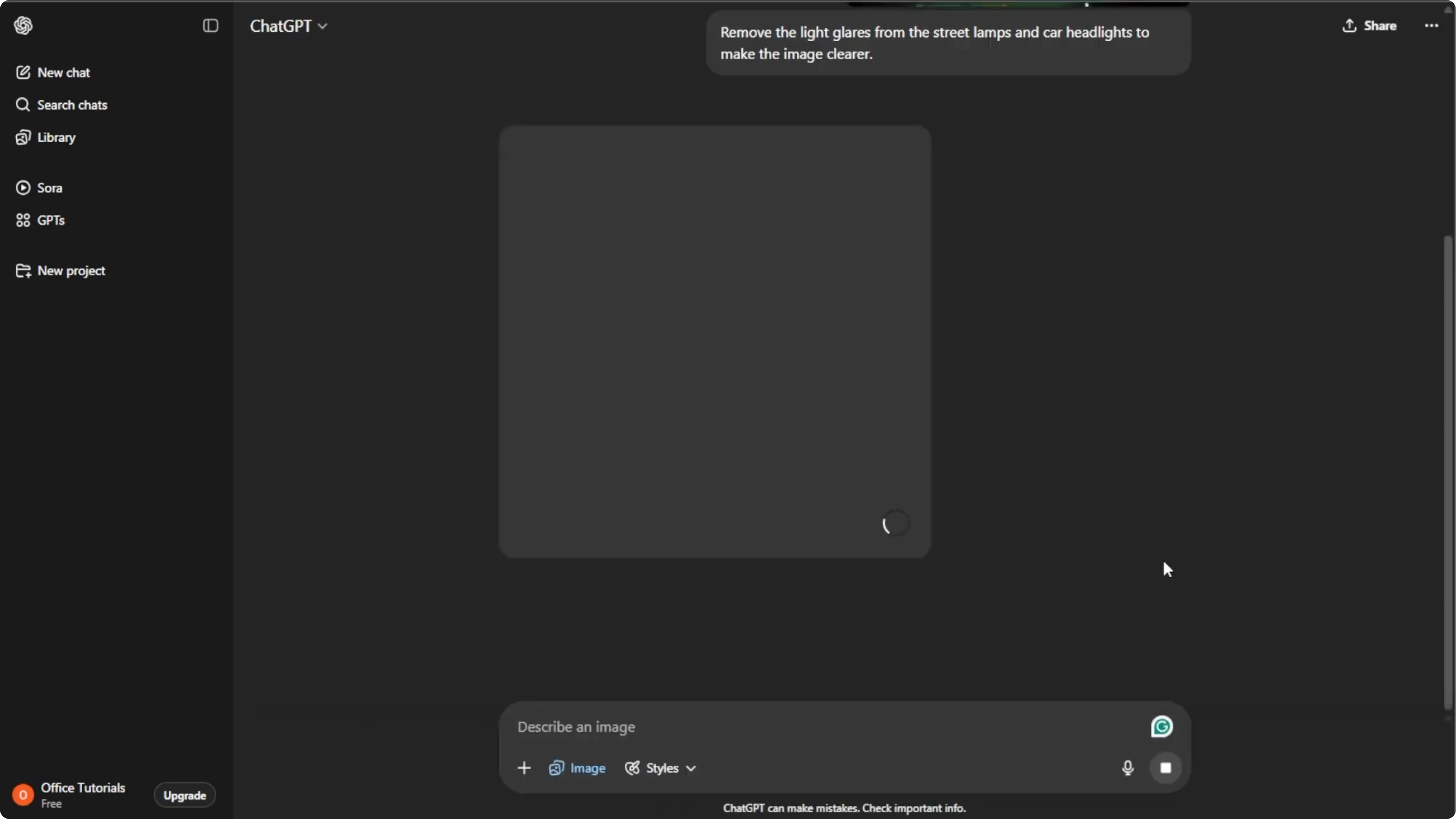
Remove the car window reflection on the left side. Keep the background and colors consistent with the original.
Remove window glare on the right cheek and soften specular highlights on the chin. Keep pores and fine details intact.
For video projects, you might also need clean visuals. Learn how to remove text from a video in Canva.
Generate the result
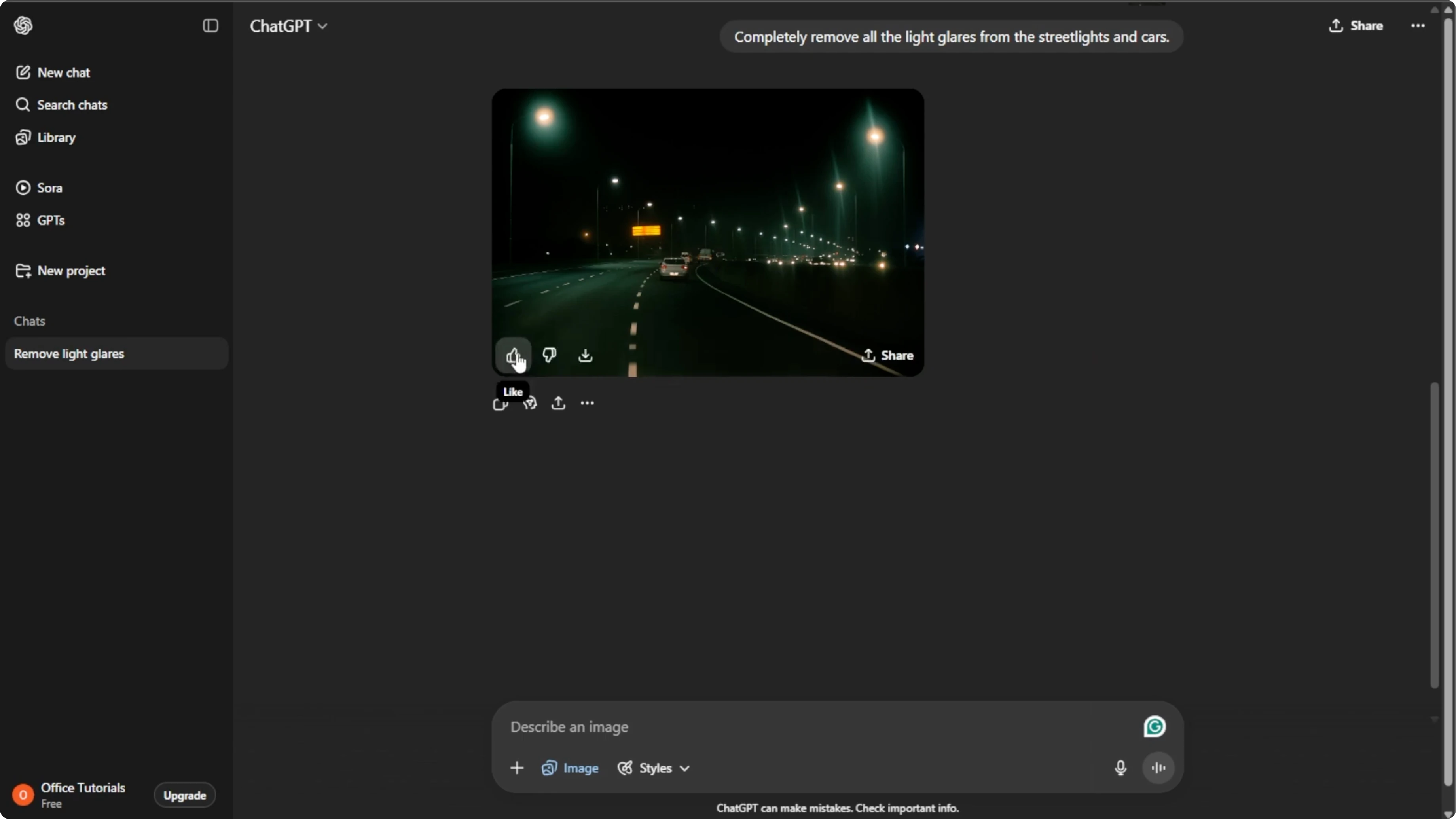
Press Enter after typing your prompt, and ChatGPT will process your request and generate a new image with the glare removed.
Refine the output
If the result is not quite right, click the generated image and type additional instructions. The AI will create a new improved version.
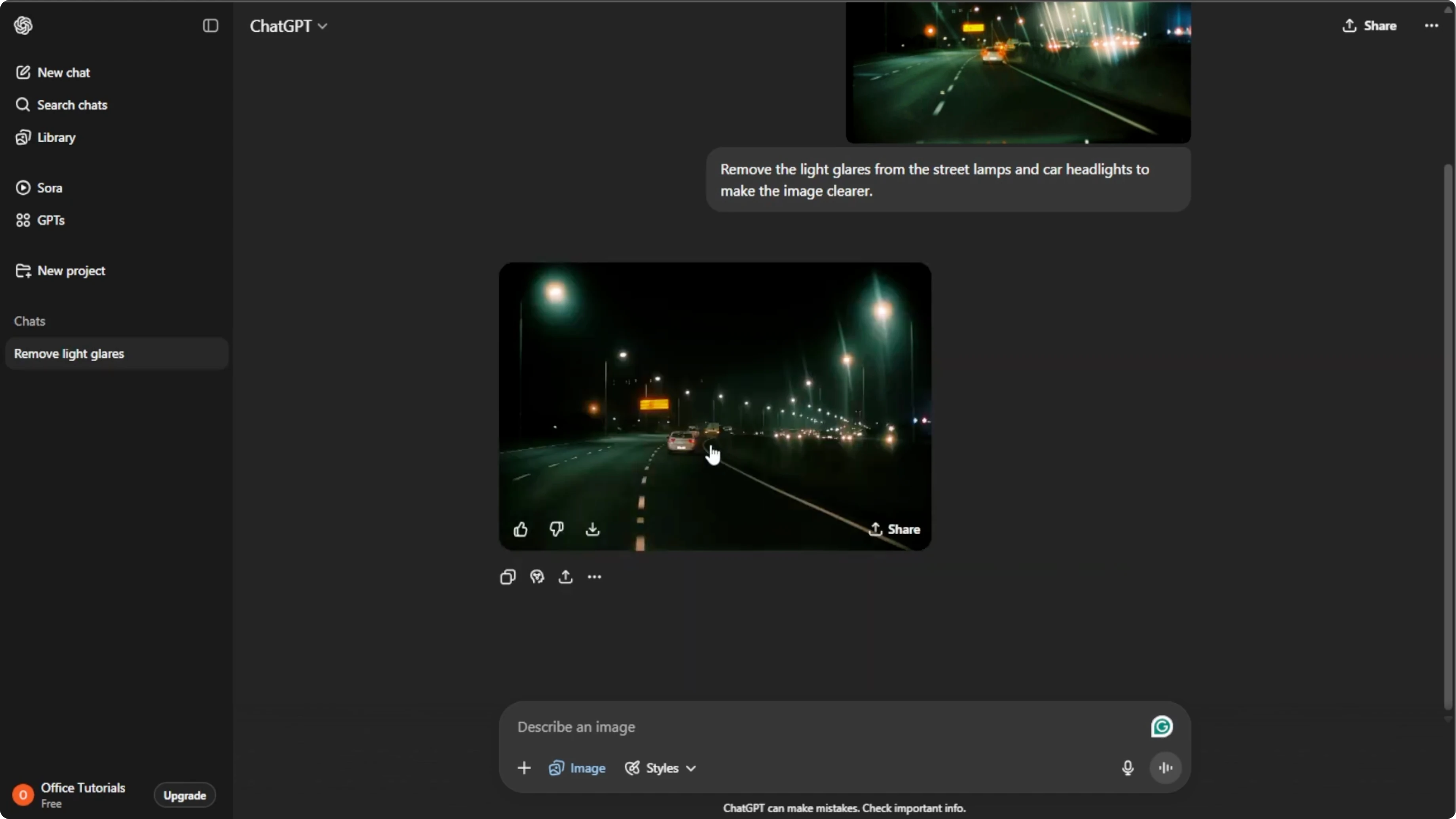
Save your image
Once you are satisfied, hover over the image and click the download button to save it to your computer.
If you want a creative follow up, you can also animate a face from a photo using AI for social posts or fun projects.
Final thoughts
You can quickly fix reflections and glare with ChatGPT’s image editing mode by uploading your photo, giving a specific prompt, and refining the result. No Photoshop skills required.
Recent Posts

How to Visualize Yourself as a Pixelized Character with AI?
How to Visualize Yourself as a Pixelized Character with AI?

How to Revive Faded Memories and Enhance Image Clarity with AI?
How to Revive Faded Memories and Enhance Image Clarity with AI?

How to Visualize Yourself as an Animal Crossing Character with AI?
How to Visualize Yourself as an Animal Crossing Character with AI?