How to Bring Still Portraits to Life and Animate Faces with AI?
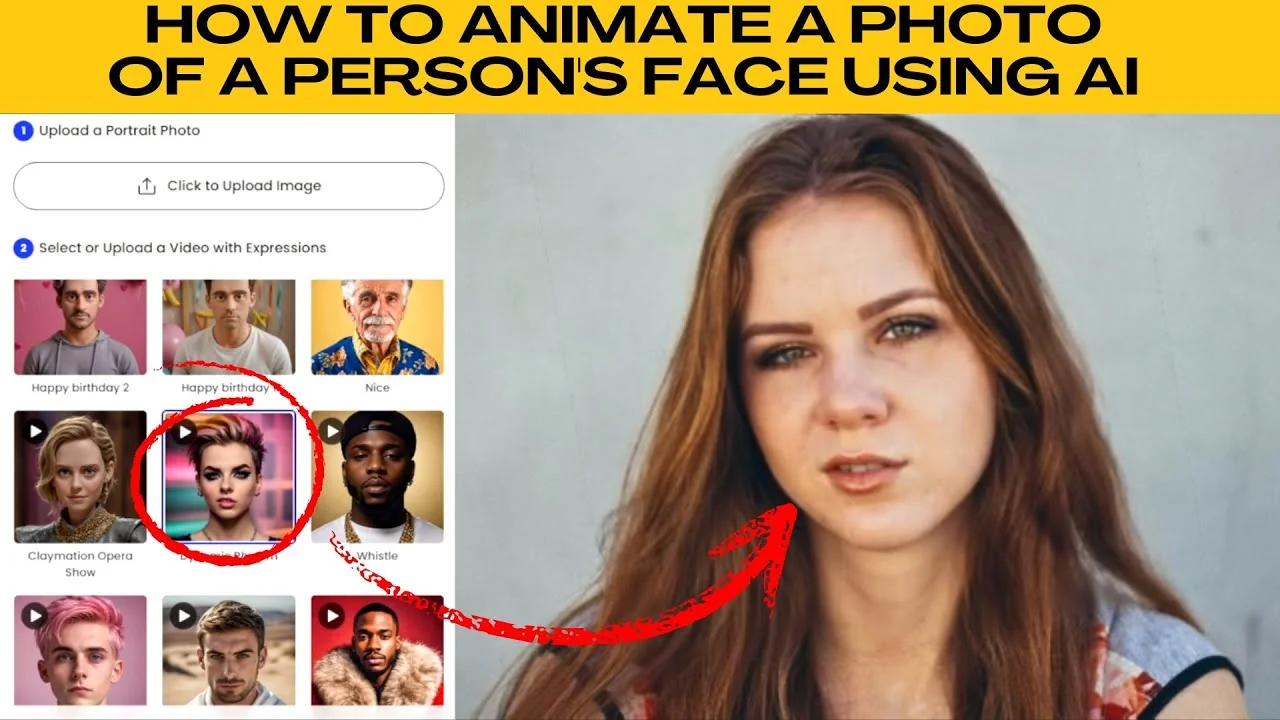
I will teach you how to animate a photo of a person's face using AI. The face mimic feature on Photo allows you to bring facial expressions and speech to any photo instantly. You can use it for fun social content, to add personality to profile photos, or just to try something new.
If you want to explore more face effects after this, take a look at this face morphing tutorial here morph two faces with AI.
Get started
Open your browser and visit Photo face mimic page. On the top right corner of the workspace, click the Upload image button. Choose a clear front facing photo from your computer.
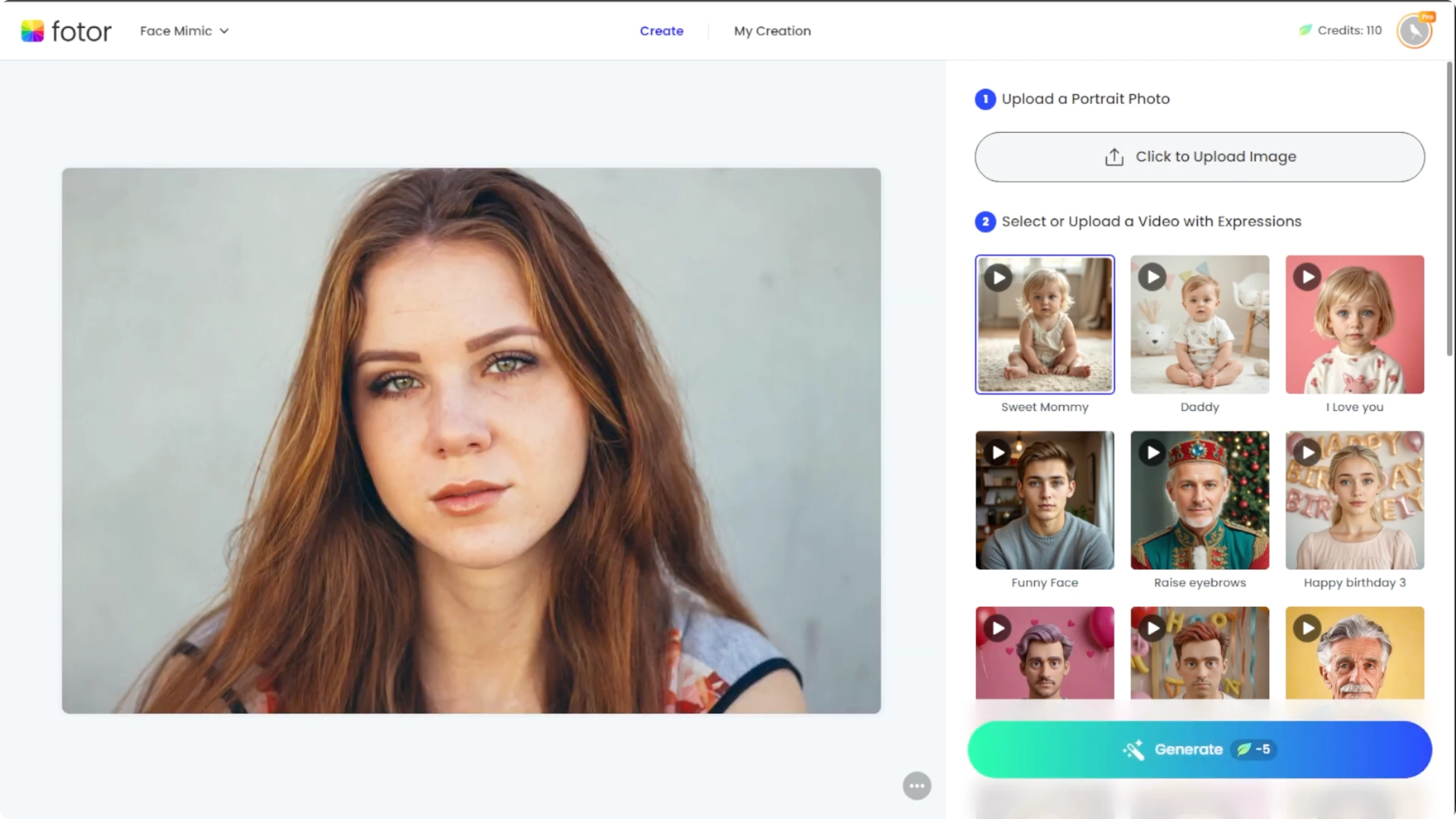
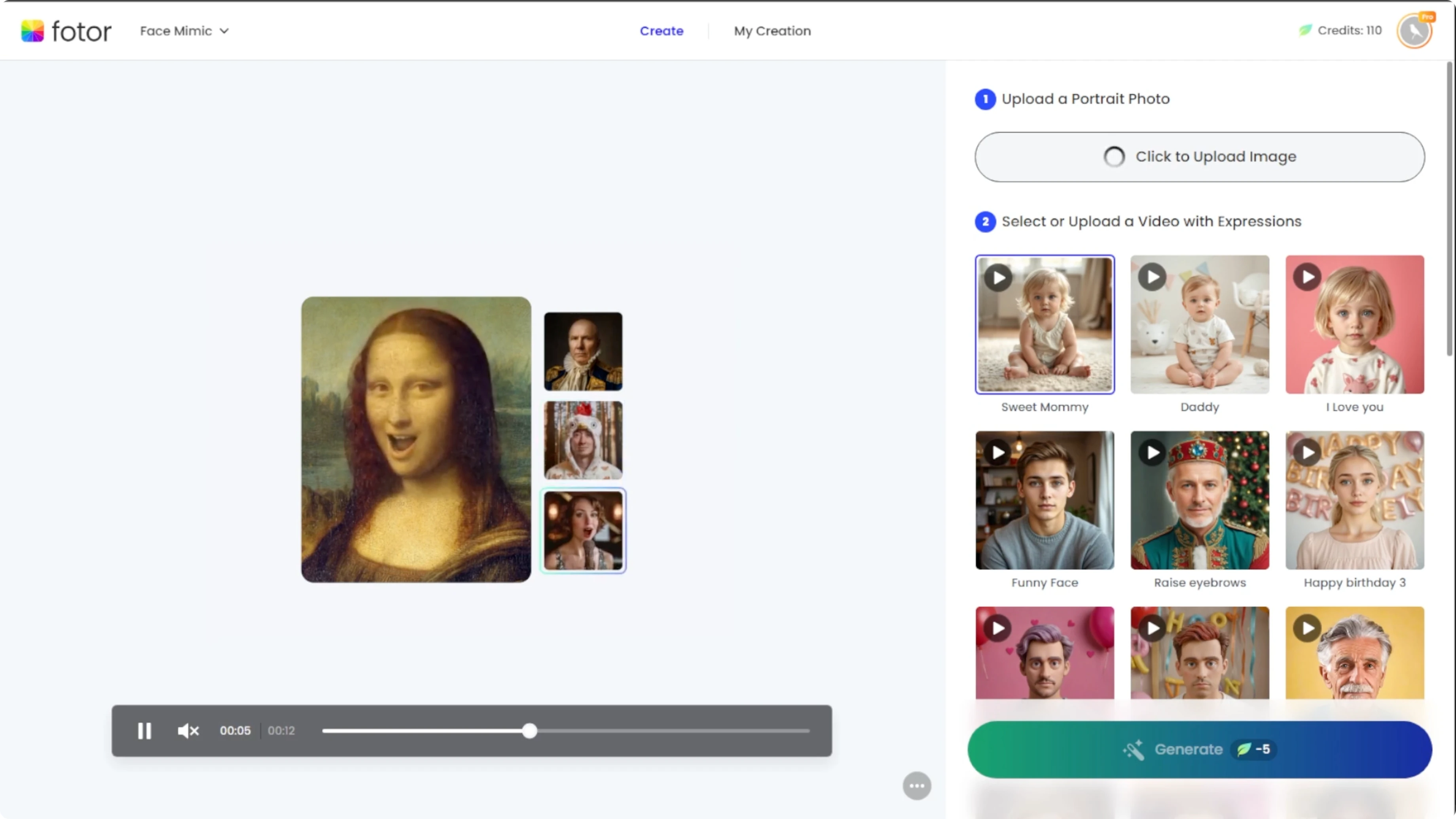
Avoid group photos, side profiles, or heavily obscured faces. These can produce poor alignment and odd mouth or eye movement. Clean backgrounds and sharp details work best.
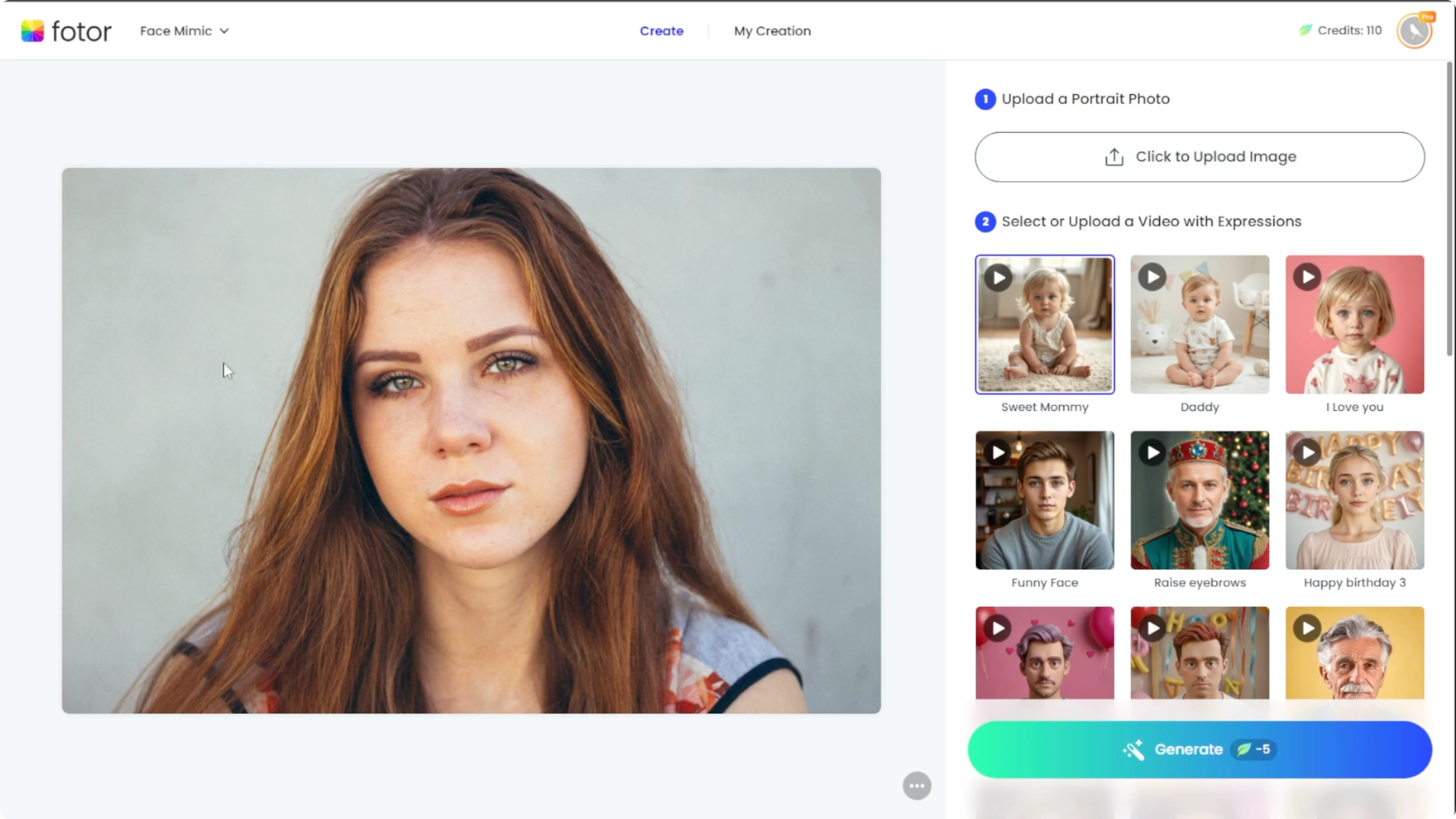
Pick an animation
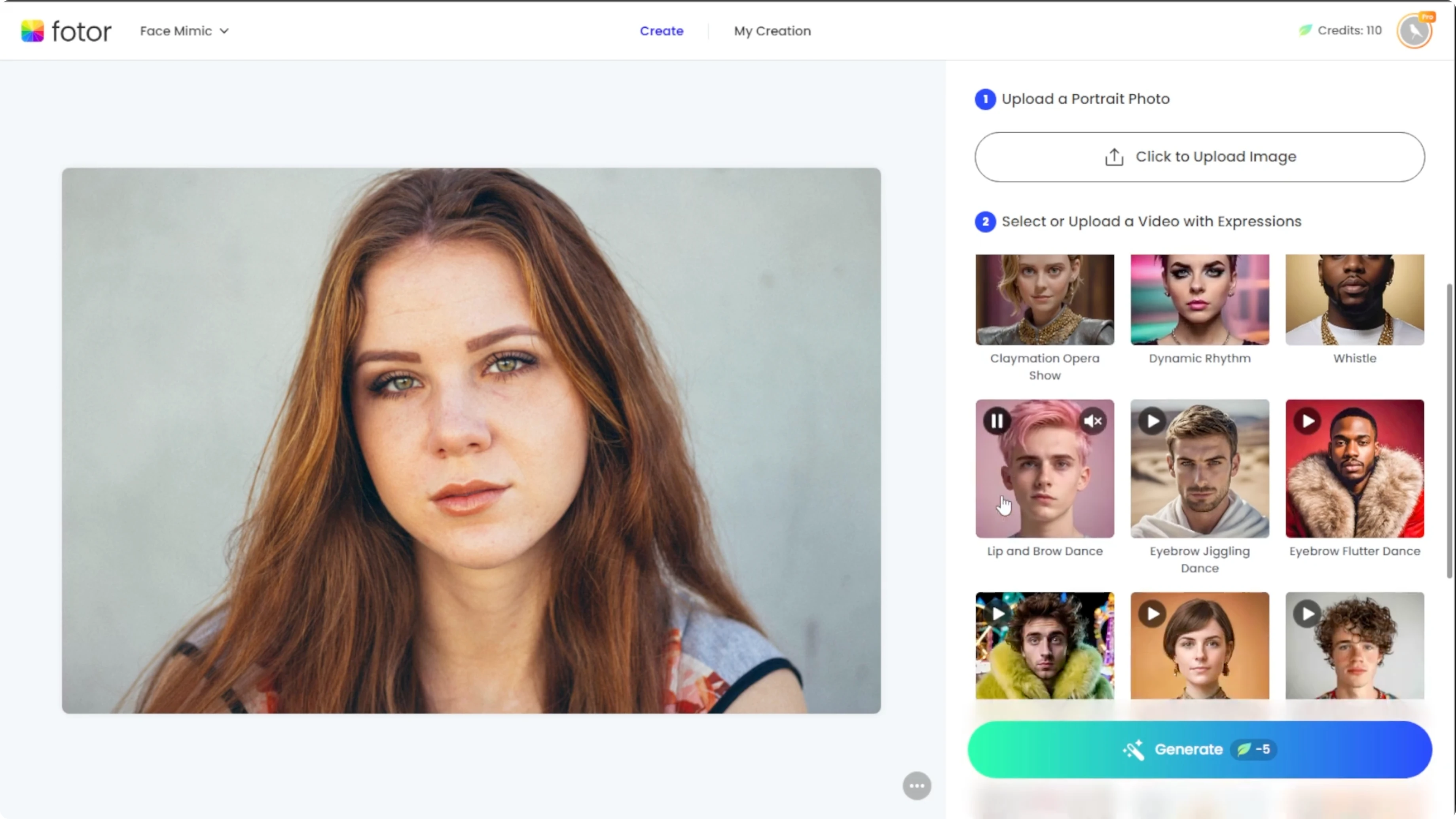
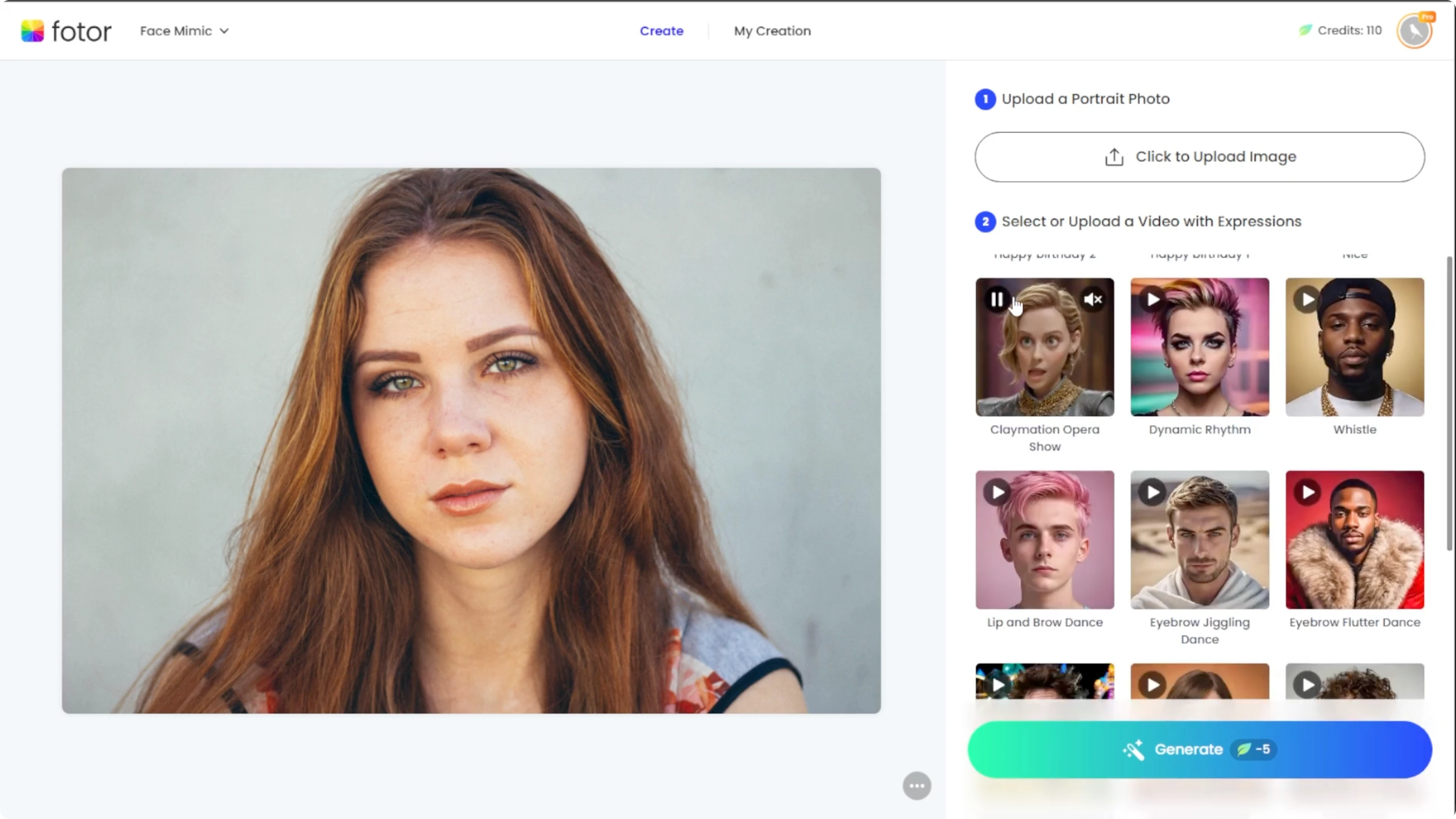
Below the workspace, Photo provides a variety of expression videos and voiceover samples. Scroll through the animation library and click any preview to view it. Some feature singing, talking, smiling, or dramatic expressions.
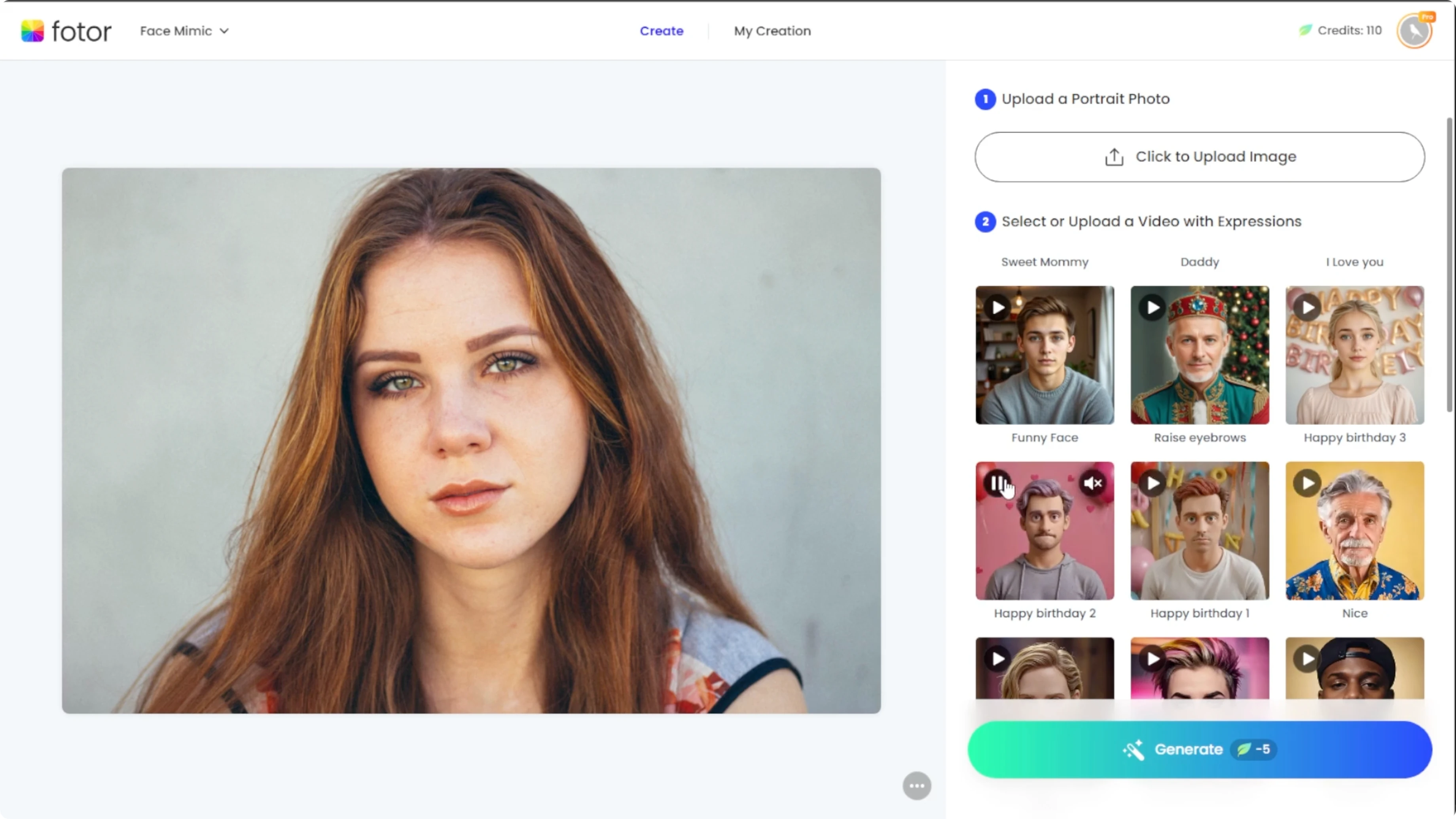
You can unmute the preview to hear the voice or music associated with each one. You can also upload your own audio or video for custom mimicry. This gives you control over tone and pacing.
If your source photo has strong shadows that affect facial features, see this quick guide on fixing lighting issues here remove shadows from faces with AI.
Generate and preview
Once your image and animation template are both selected, click the Generate button. Each animation costs five credits to generate. If you are new to Photo, you can activate a free trial to try this tool before subscribing.
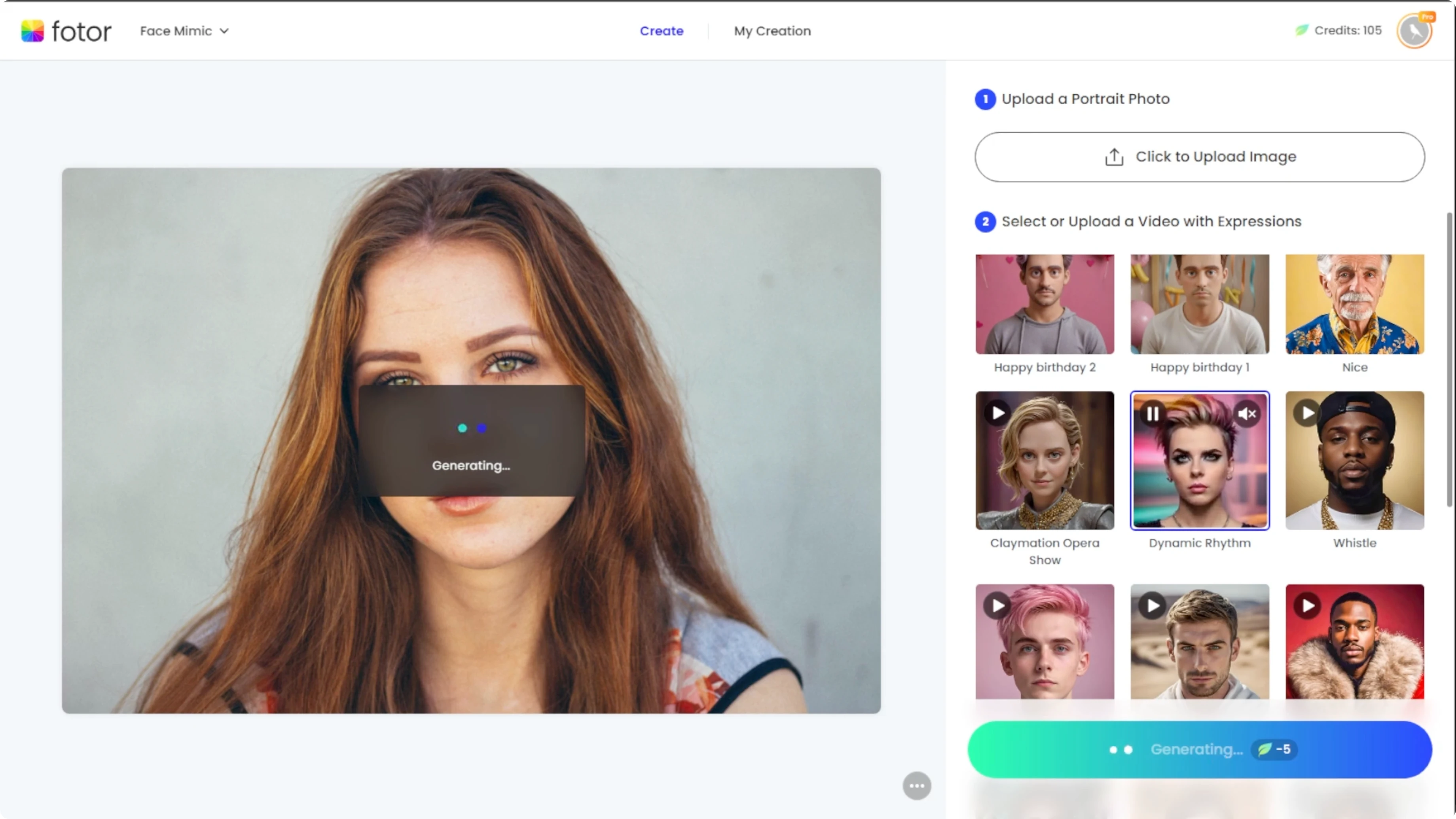
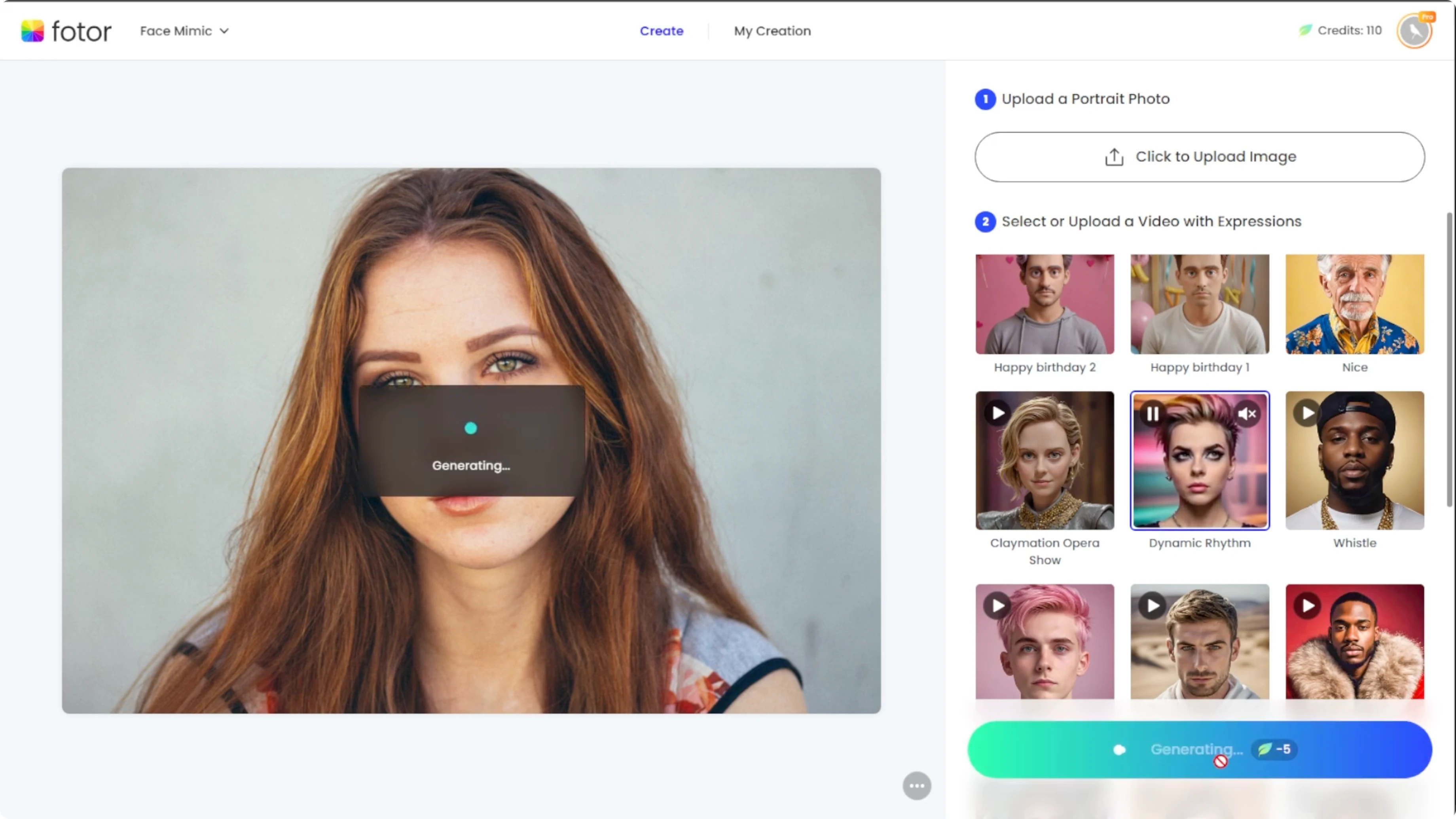
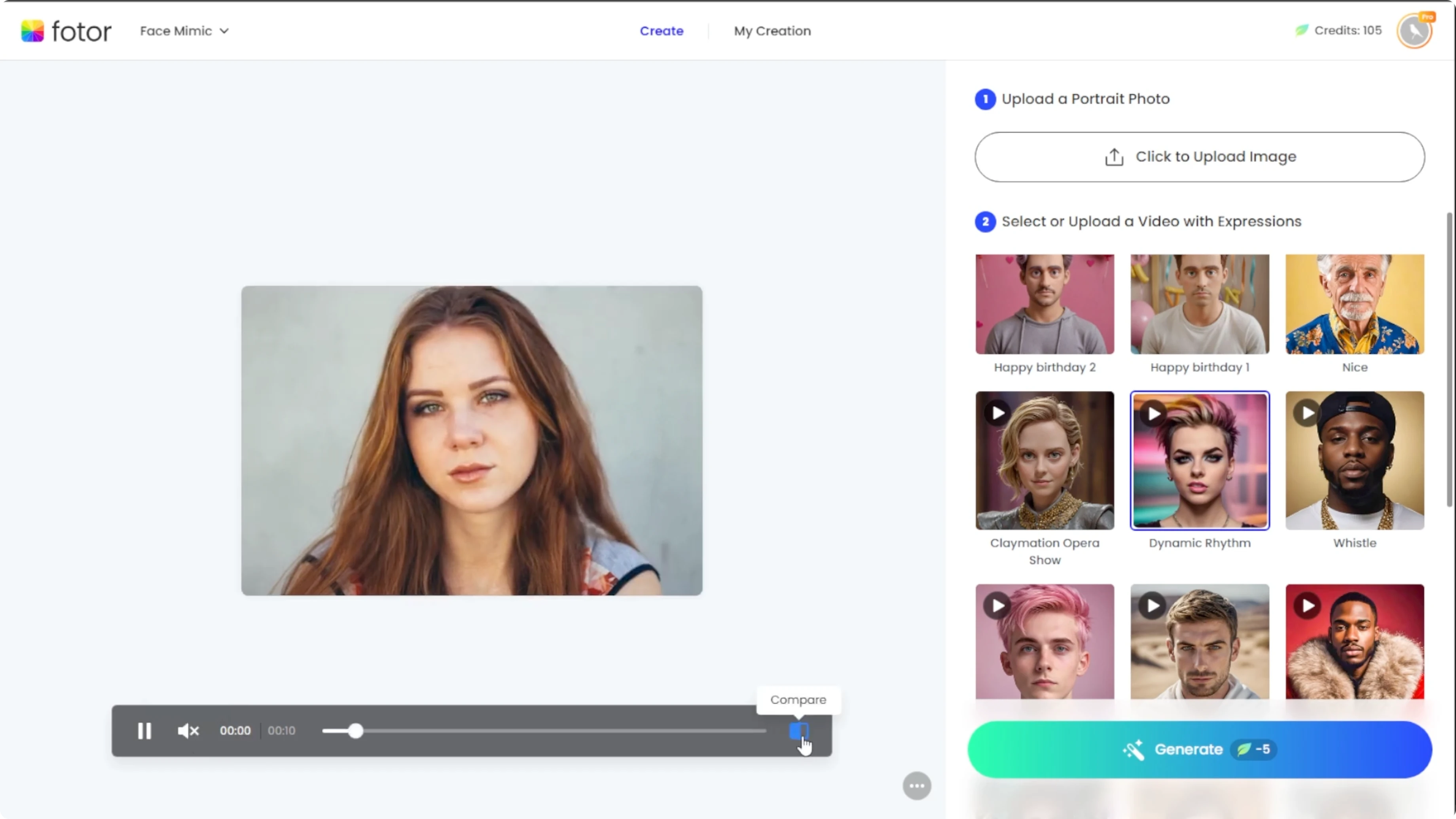
The generation process typically takes under 30 seconds. When the animation is ready, click the Compare button to toggle between the before and after. Unmute the video to hear the voice or sound included in the animation.
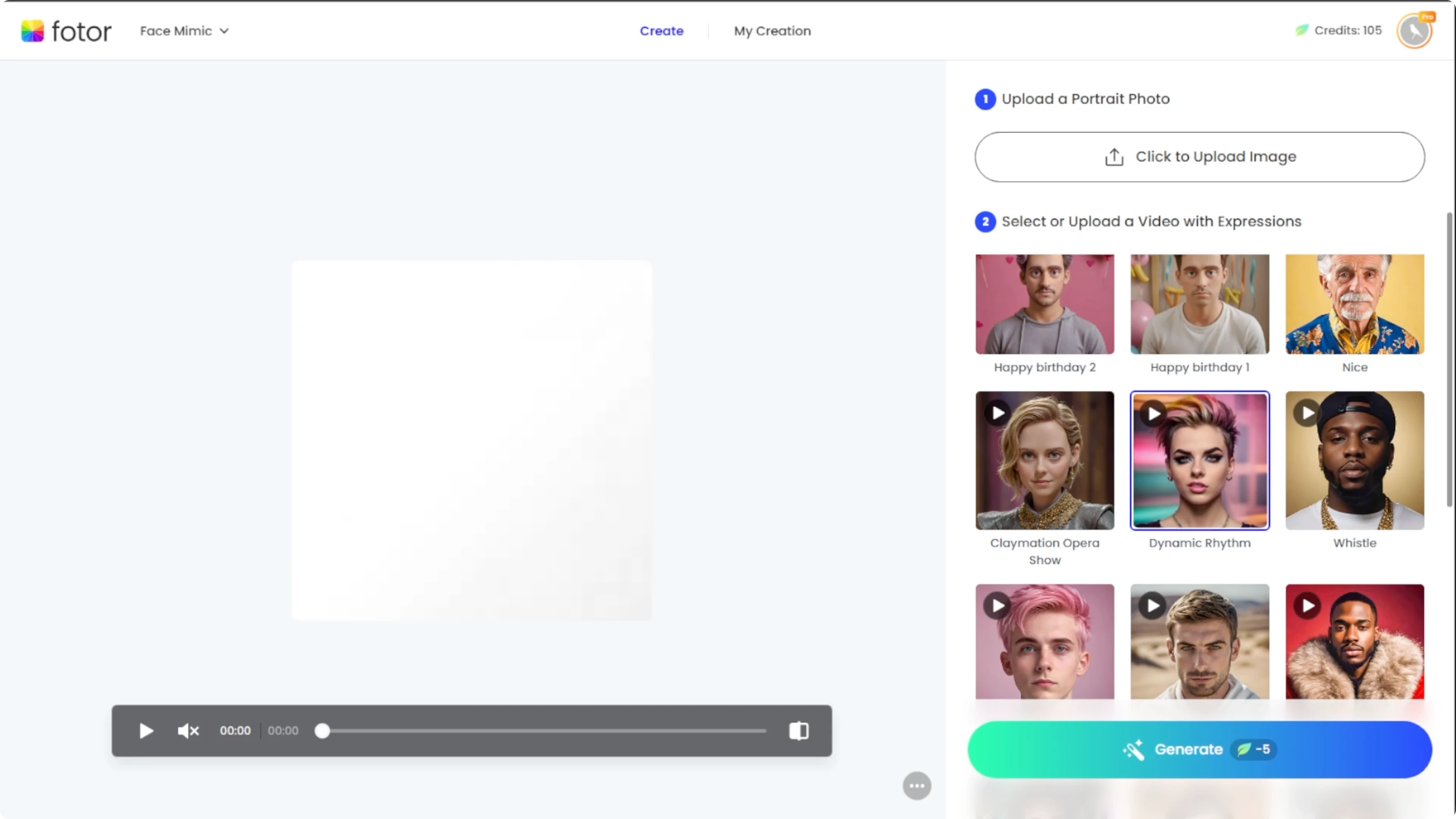
Save your result
The animated video will be available for 24 hours, so do not forget to save it. Click Download to save the video to your computer. Click Add to collection to save it to your Photo account for later.
For more editing and finishing touches on your images before animating, check this practical walkthrough here edit images with ICEdit AI.
Final thoughts
Photo face mimic makes it fast to add expressions and voice to a still portrait. Pick a clear front facing image, test a few templates, and preview with sound before saving. Remember to download within 24 hours and save a copy to your collection.
Recent Posts

How to Visualize Yourself as a Pixelized Character with AI?
How to Visualize Yourself as a Pixelized Character with AI?

How to Revive Faded Memories and Enhance Image Clarity with AI?
How to Revive Faded Memories and Enhance Image Clarity with AI?

How to Visualize Yourself as an Animal Crossing Character with AI?
How to Visualize Yourself as an Animal Crossing Character with AI?