How to Morph Two Faces Together Using AI?
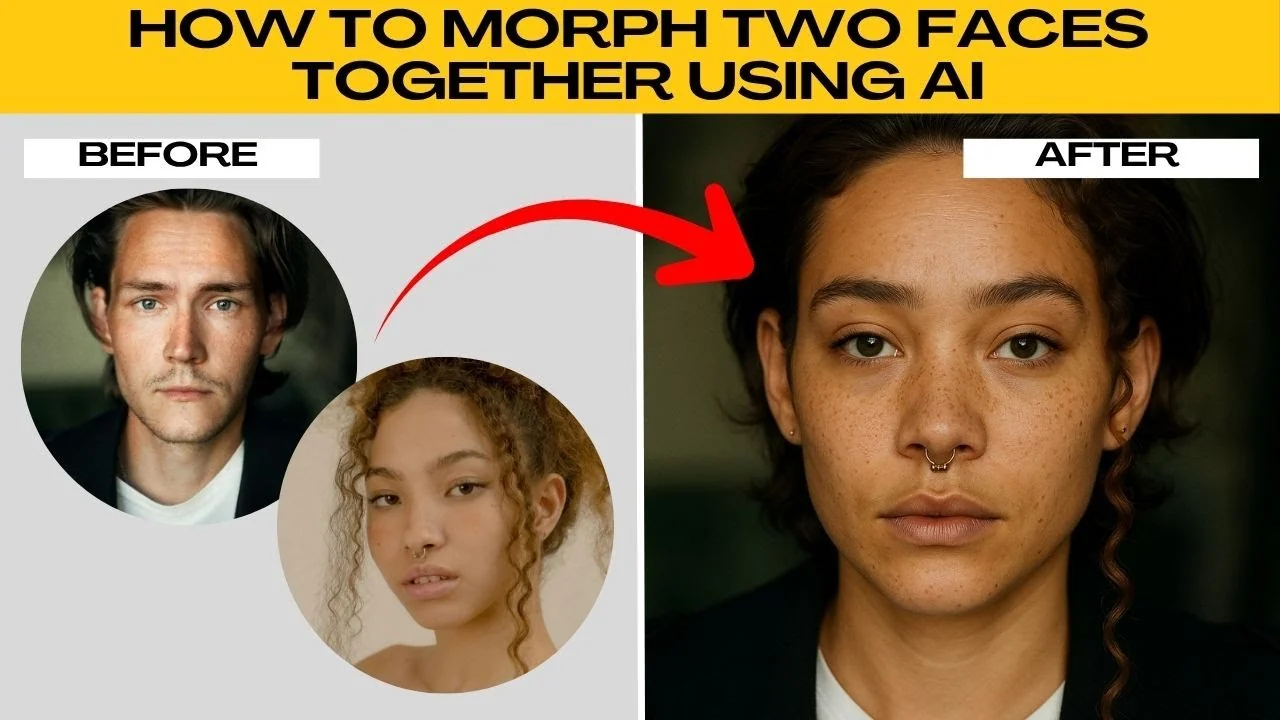
Face morphing is one of the coolest things that you can do with AI. It blends two different faces into a brand new one, almost like creating a digital hybrid person. This can be fun for creative projects, entertainment, or simply to see what two people might look like combined.

With AI, you don't need advanced Photoshop skills. The process is quick, simple, and beginner friendly. For broader editing ideas, see this practical image editing guide.
Get started
Open your browser, then go to ChatGPT. Sign in to your free account. In the chat prompt box, click the plus icon, then select create image to enable AI image editing mode.

Click the plus icon again. Select add photos or files or press the shortcut below. Then upload two clear photos of the face that you want to morph.
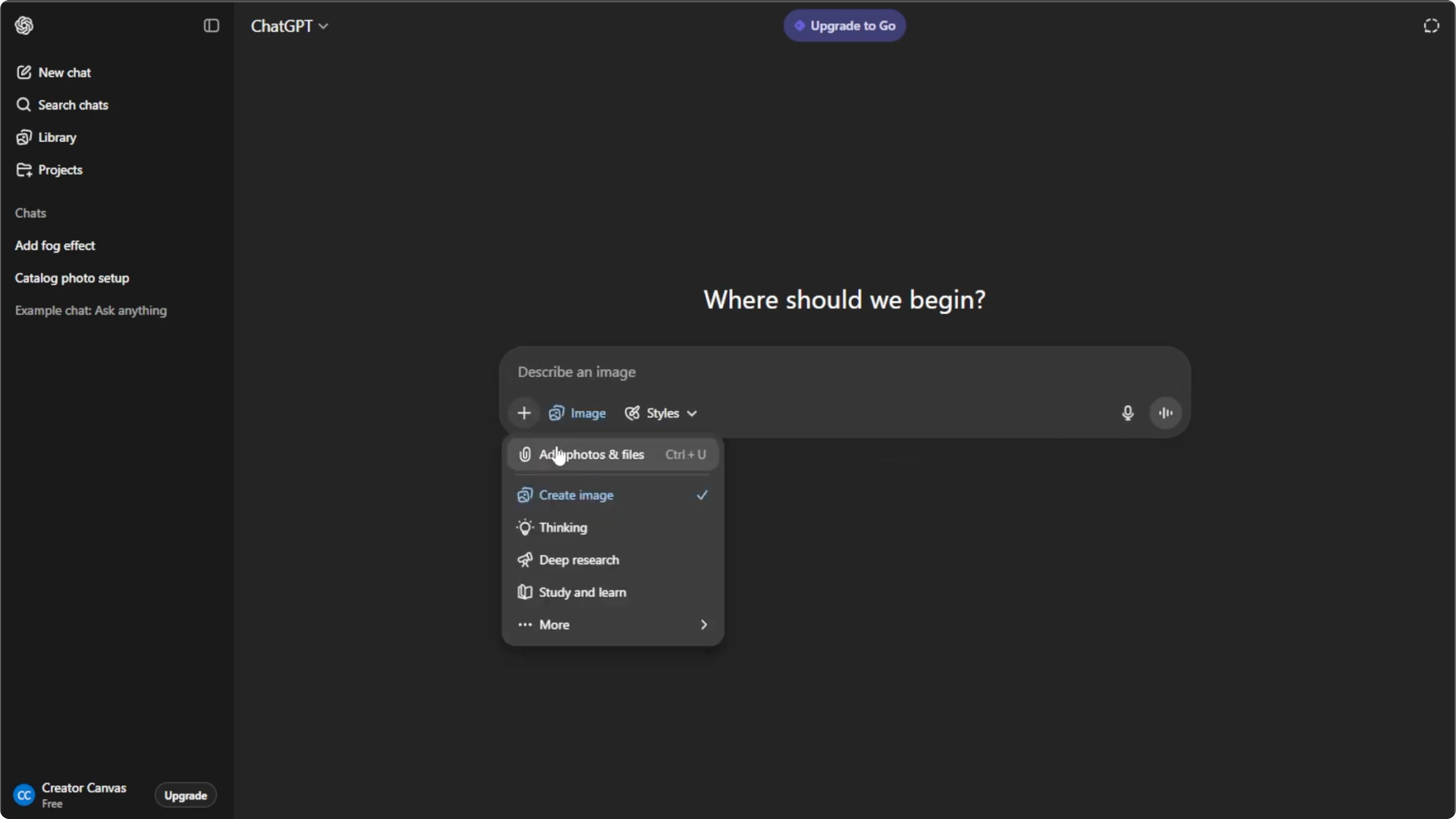
Shortcut: Ctrl+U
Choose the right photos
For best results, make sure both photos have faces that are front-facing, not turned or angled. Use images that are well lit with no heavy shadows. Pick photos that are close to the camera so the facial details are sharp.
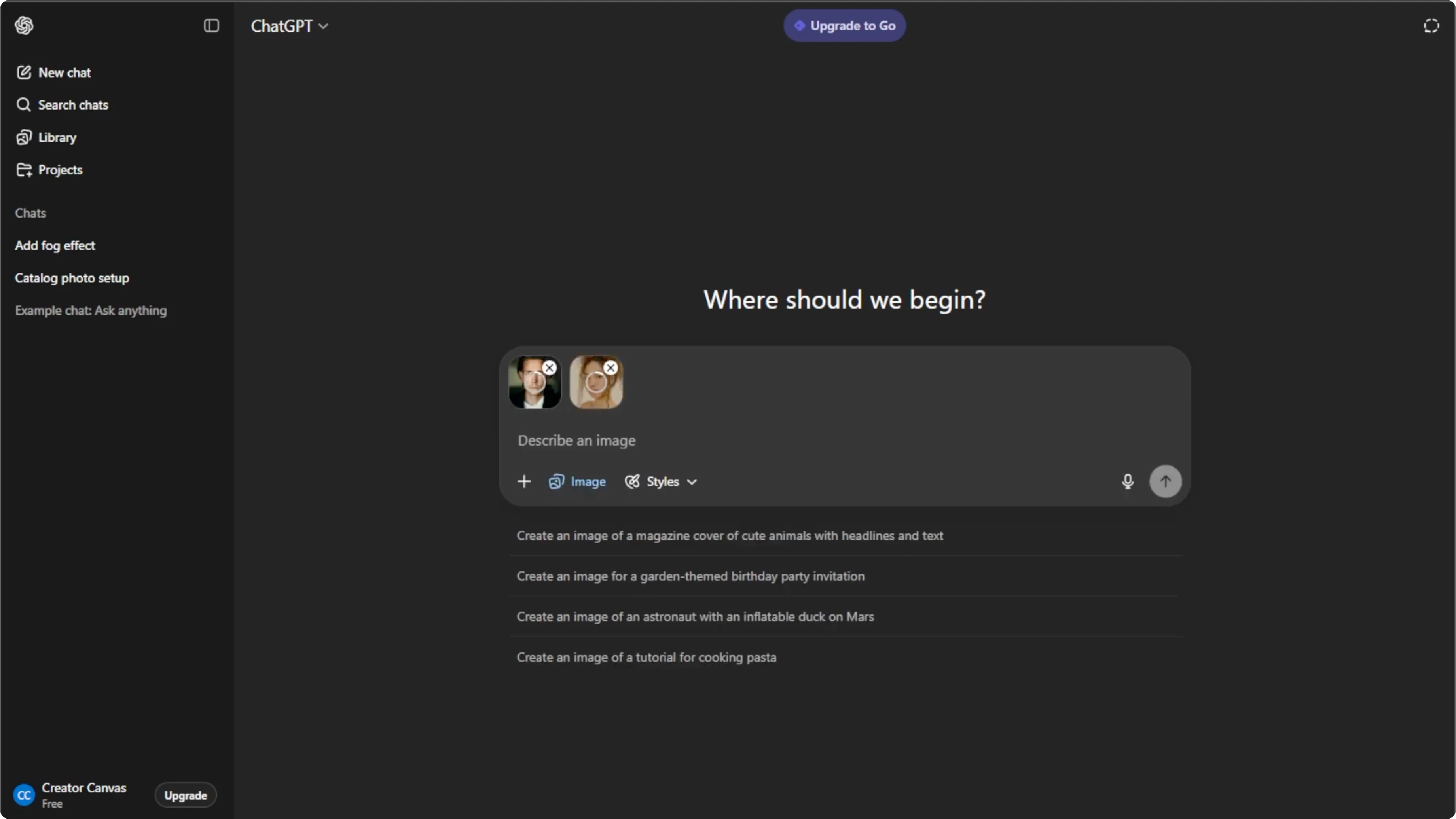
Guide the morph
This is where you tell the AI exactly how to combine the two faces. The more specific you are, the better the morph will look. To generate the image, hit enter and wait for the AI to process.
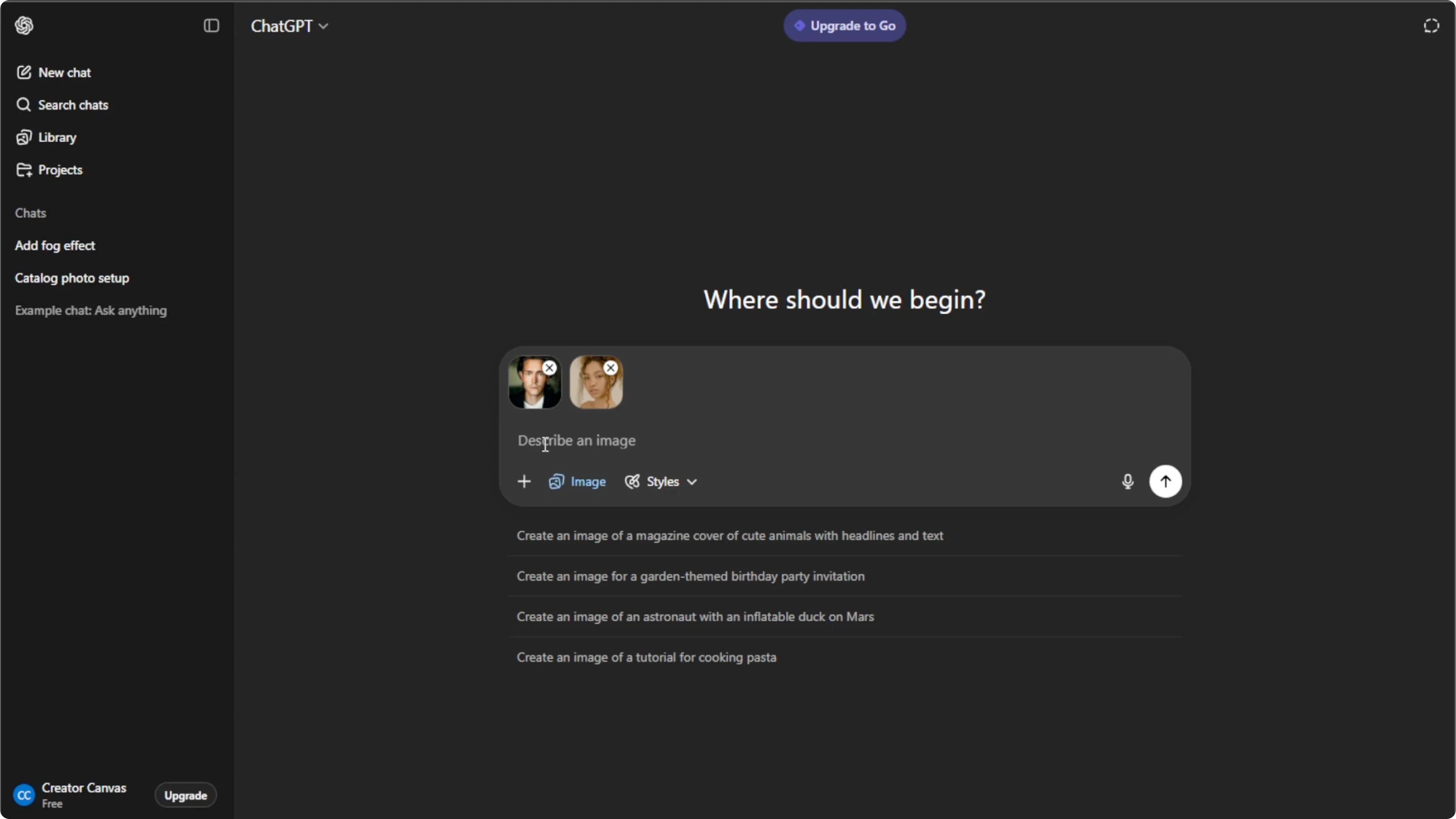
Within seconds, you'll see a brand new face created from the two uploads. You can also refine and adjust. For creative blends inside a design workflow, you can also blend two images in Canva with AI.
Refine the result
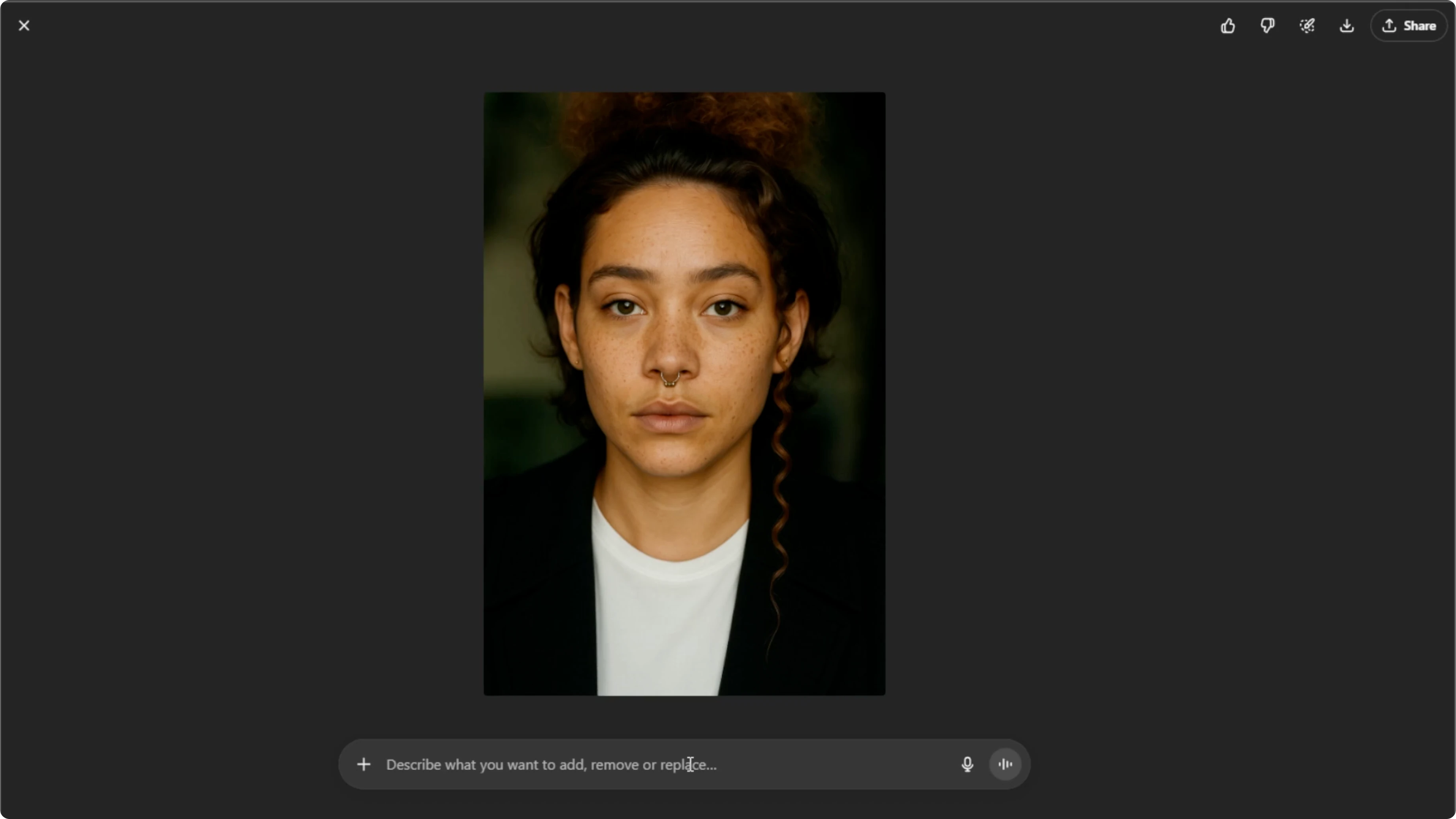
Click on the generated image to open the editing menu. Use the text box to give follow-up instructions. Keep refining until you're happy with the result.
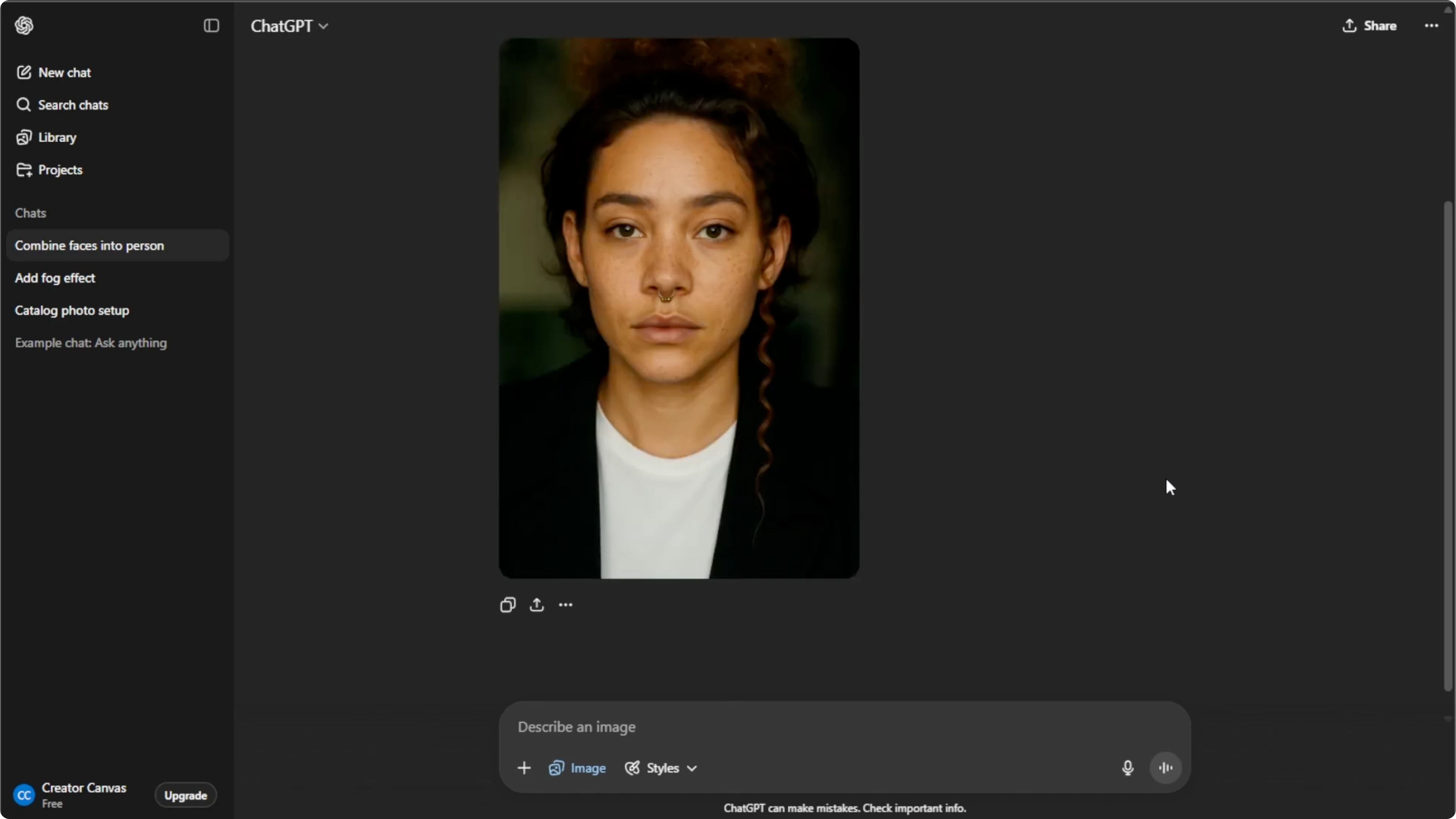
Free users can only regenerate up to five images per day. If you need unlimited morphs, consider upgrading your plan. Hover over the final morphed image, then click download to save it to your computer or click share to post it directly to your social media.
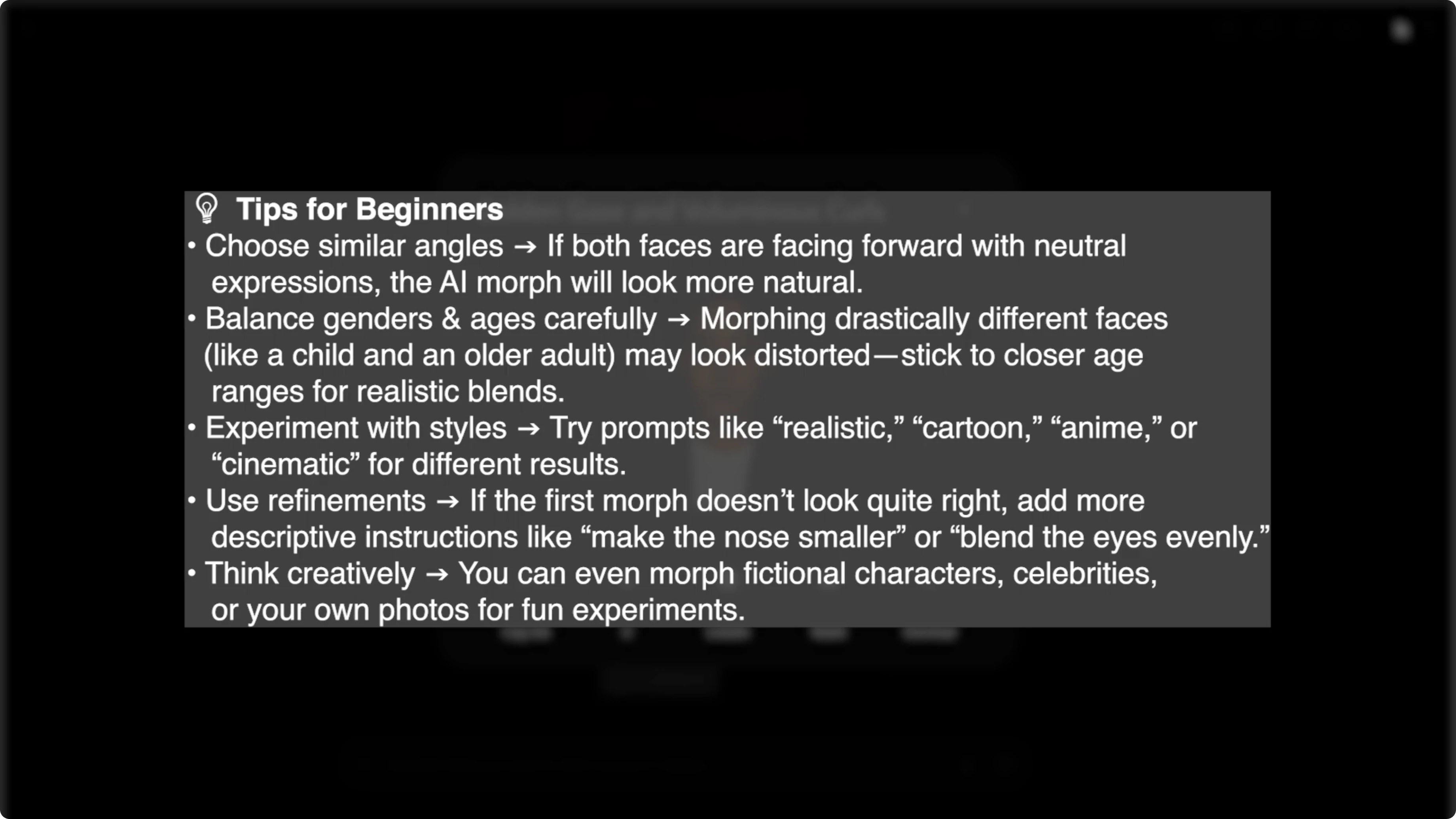
Tips for better results
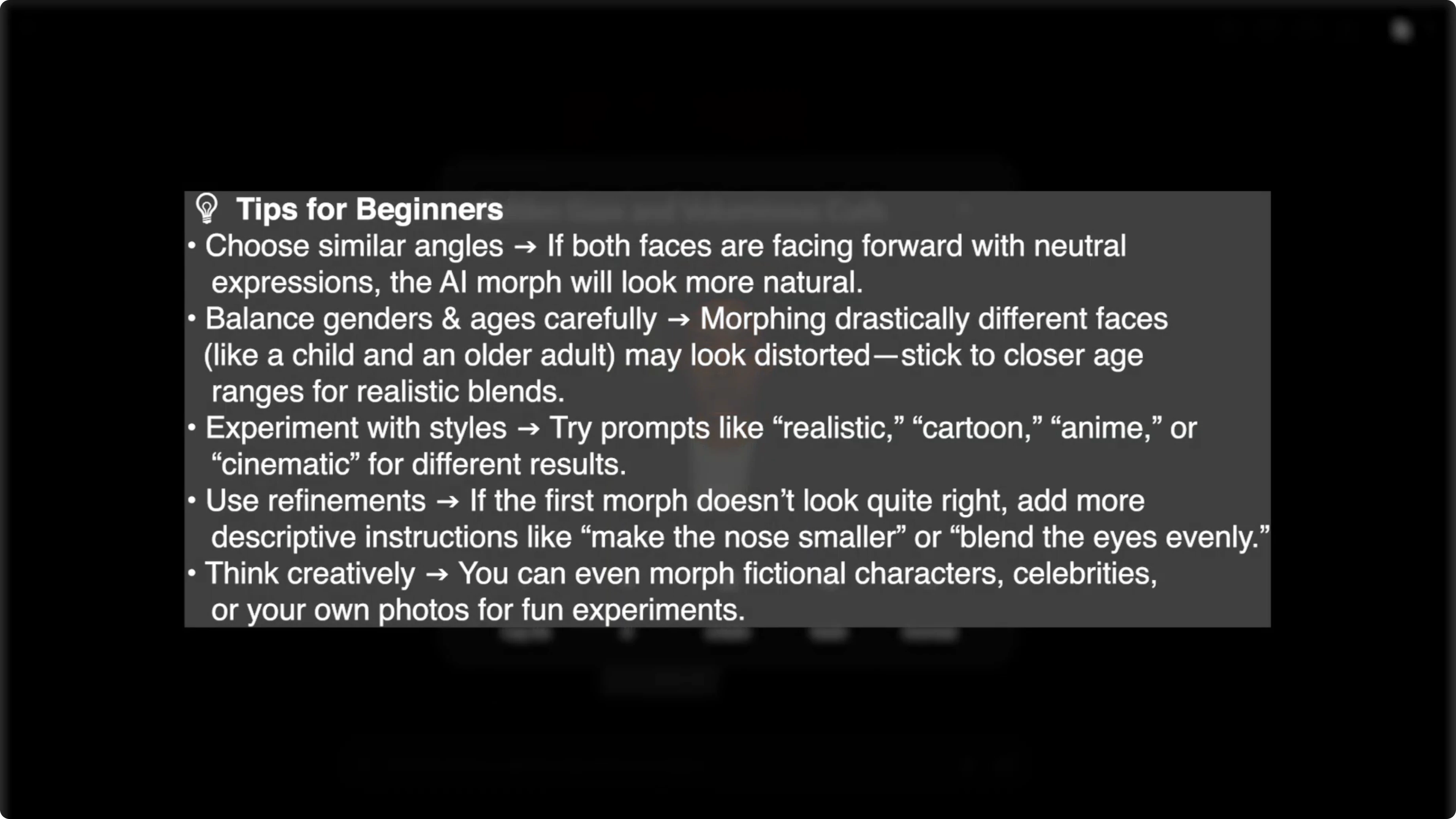
For best results, use faces that are centered, evenly lit, and sharp. Avoid heavy makeup, extreme angles, or busy backgrounds if they confuse the blend. With just a few clicks, you can create unique blended portraits that look like entirely new people.
Perfect for fun projects and creative inspiration. It is also a simple way to explore what AI can do with portraits. If you are editing video too, learn how to change a video background in Canva using AI.
Final thoughts
Face morphing blends the structure and features of two photos into a single new portrait. You control the outcome by choosing clean source images and giving precise follow-up instructions. Experiment, refine, and save your favorites for creative projects or just for fun.
Recent Posts

How to Visualize Yourself as a Pixelized Character with AI?
How to Visualize Yourself as a Pixelized Character with AI?

How to Revive Faded Memories and Enhance Image Clarity with AI?
How to Revive Faded Memories and Enhance Image Clarity with AI?

How to Visualize Yourself as an Animal Crossing Character with AI?
How to Visualize Yourself as an Animal Crossing Character with AI?