How to Generate a Professional Medical Headshot with AI
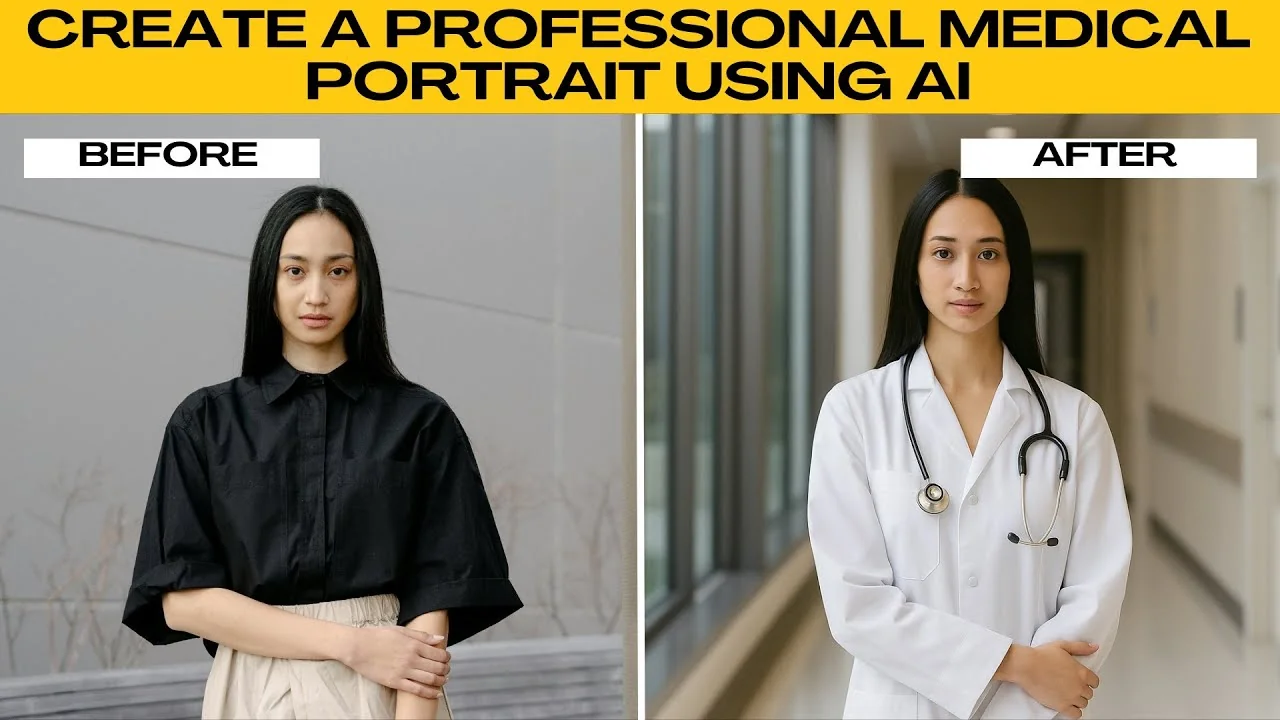
I will teach you how to create a professional portrait for the medical field using AI. AI can help transform a regular photo into a polished medical portrait. You might need a professional medical portrait for LinkedIn, your hospital profile, or marketing materials.
Start in ChatGPT
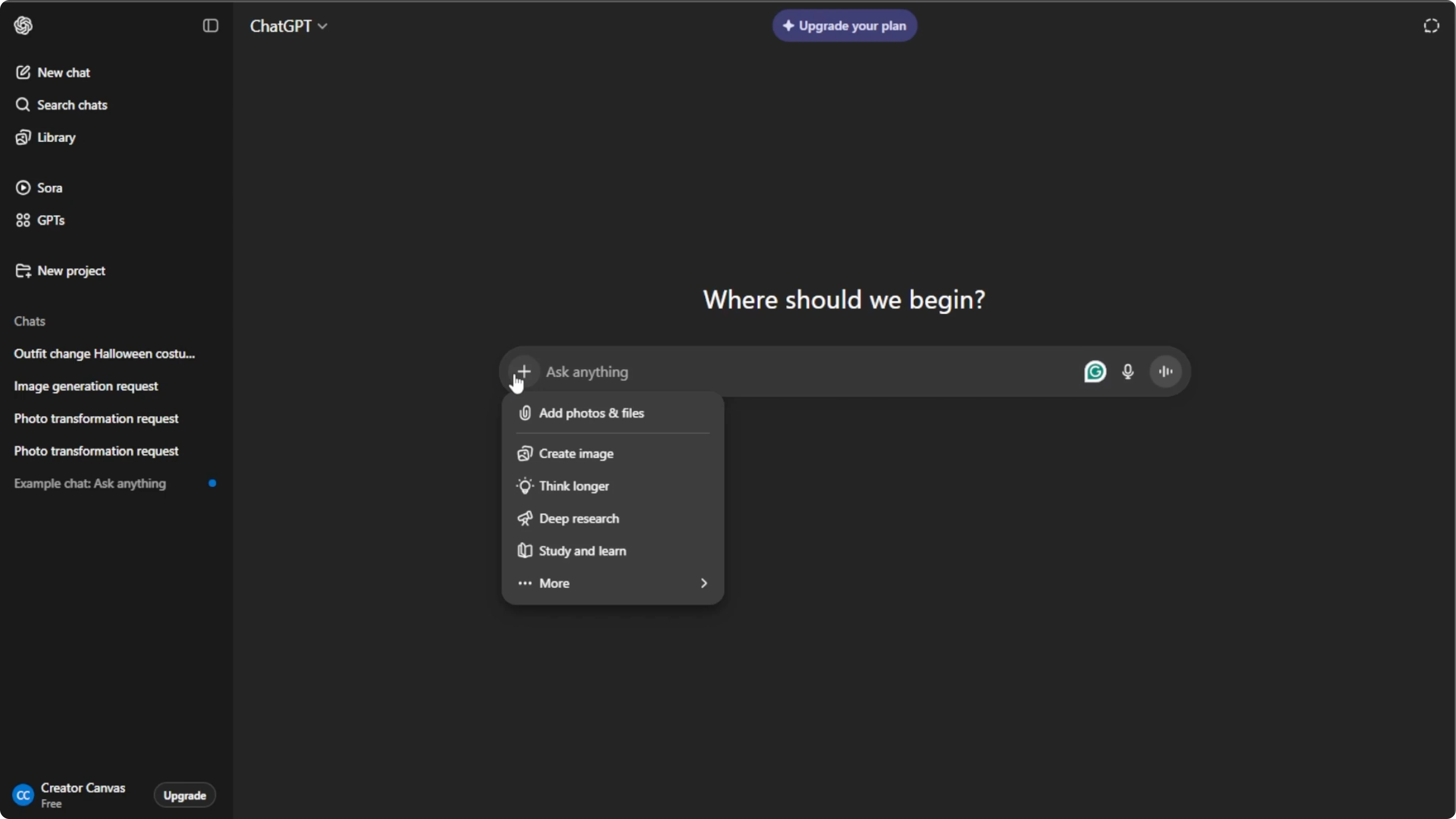
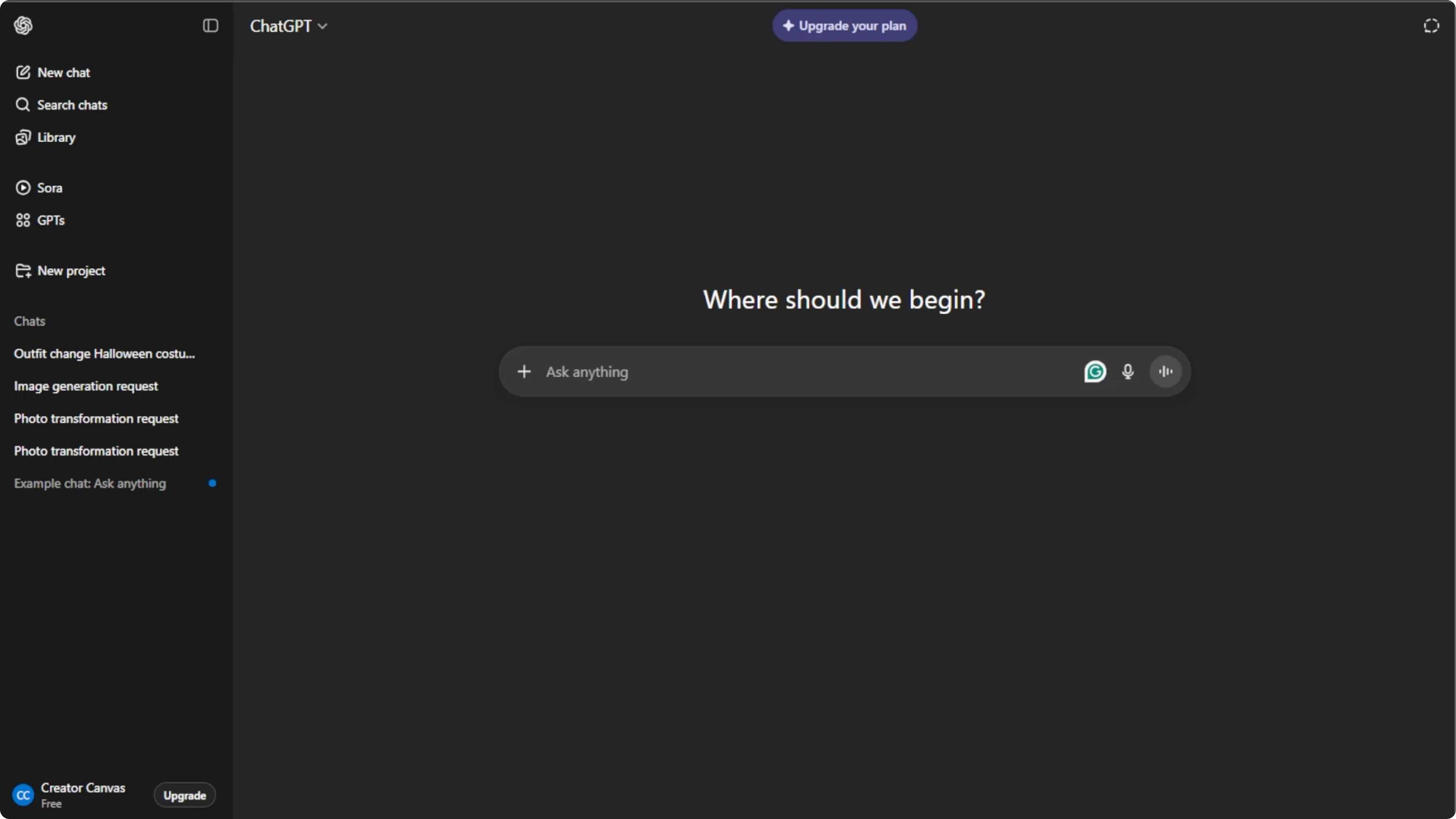
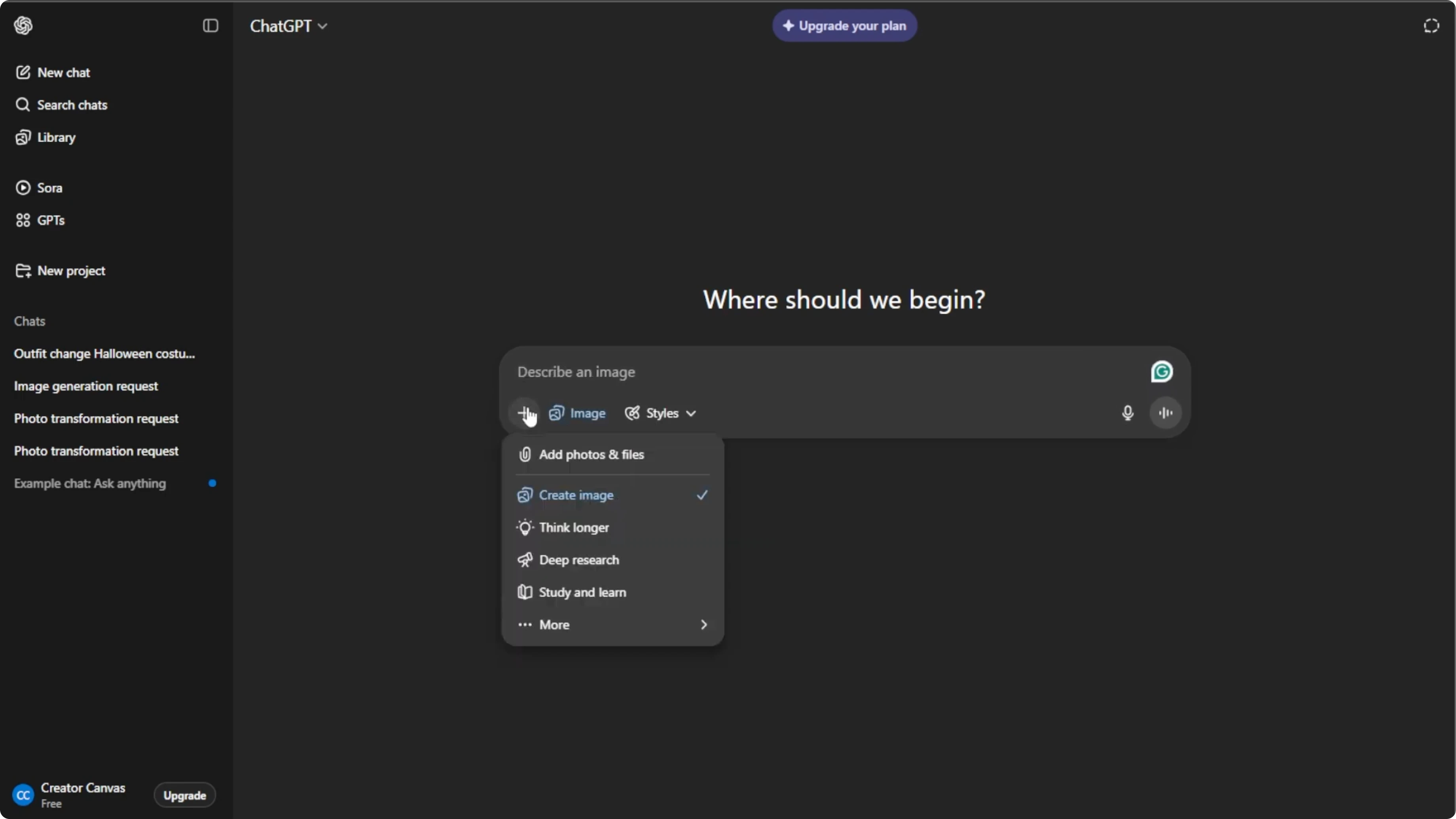
Open your browser and go to ChatGPT. Log in for free or sign up if you do not have an account. Click the plus icon in the prompt box, then select Create image to switch to image generation mode.
Read More: Generate Ai Images Canva
Upload your photo
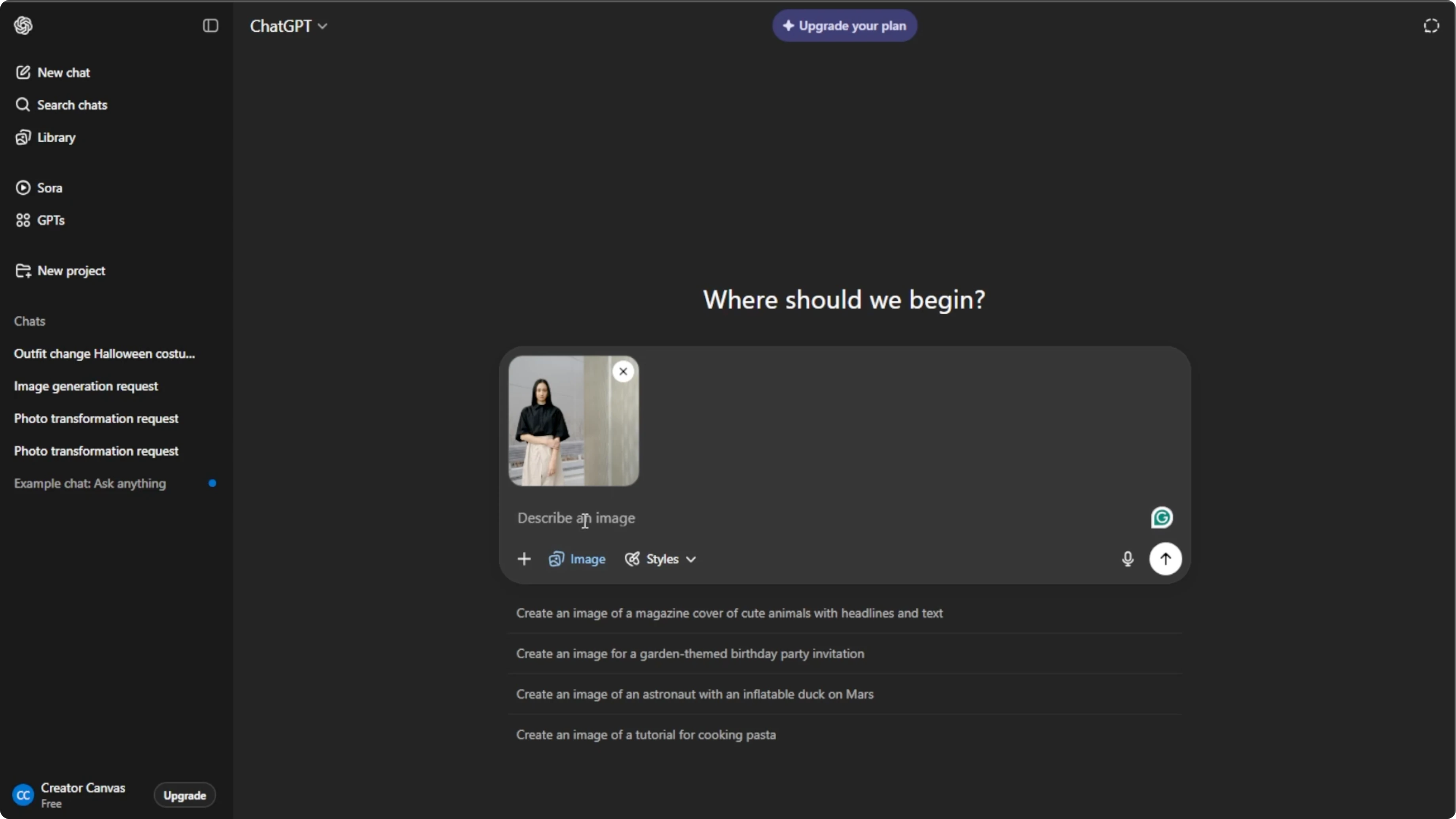
Click the plus icon again and choose Add photos or files, or press the keyboard shortcut. Select the photo you want to edit from your computer. A clear headshot with a simple background works best for professional portraits.
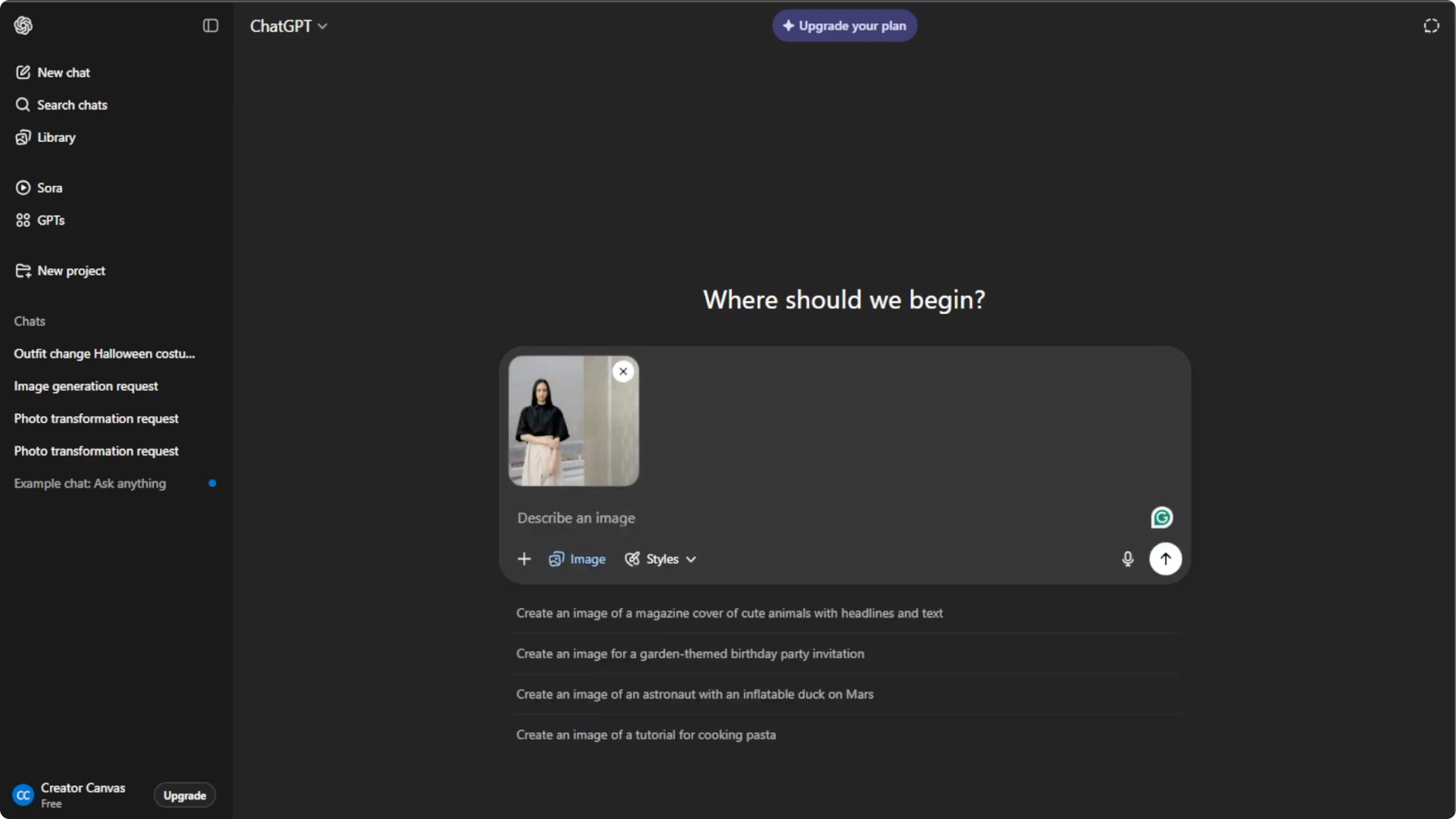
Windows: Ctrl+U
Mac: Command+U
Write a precise prompt
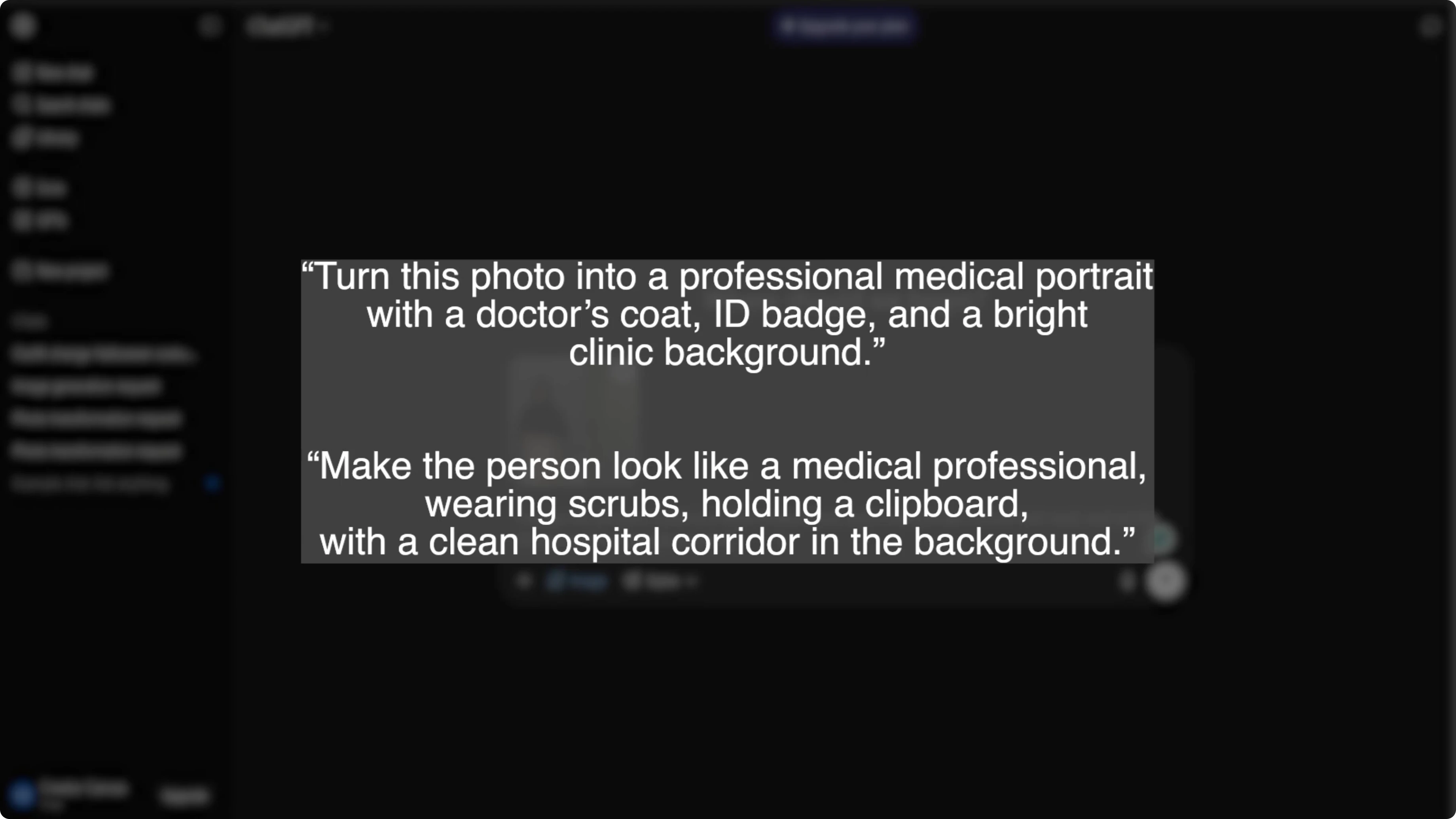
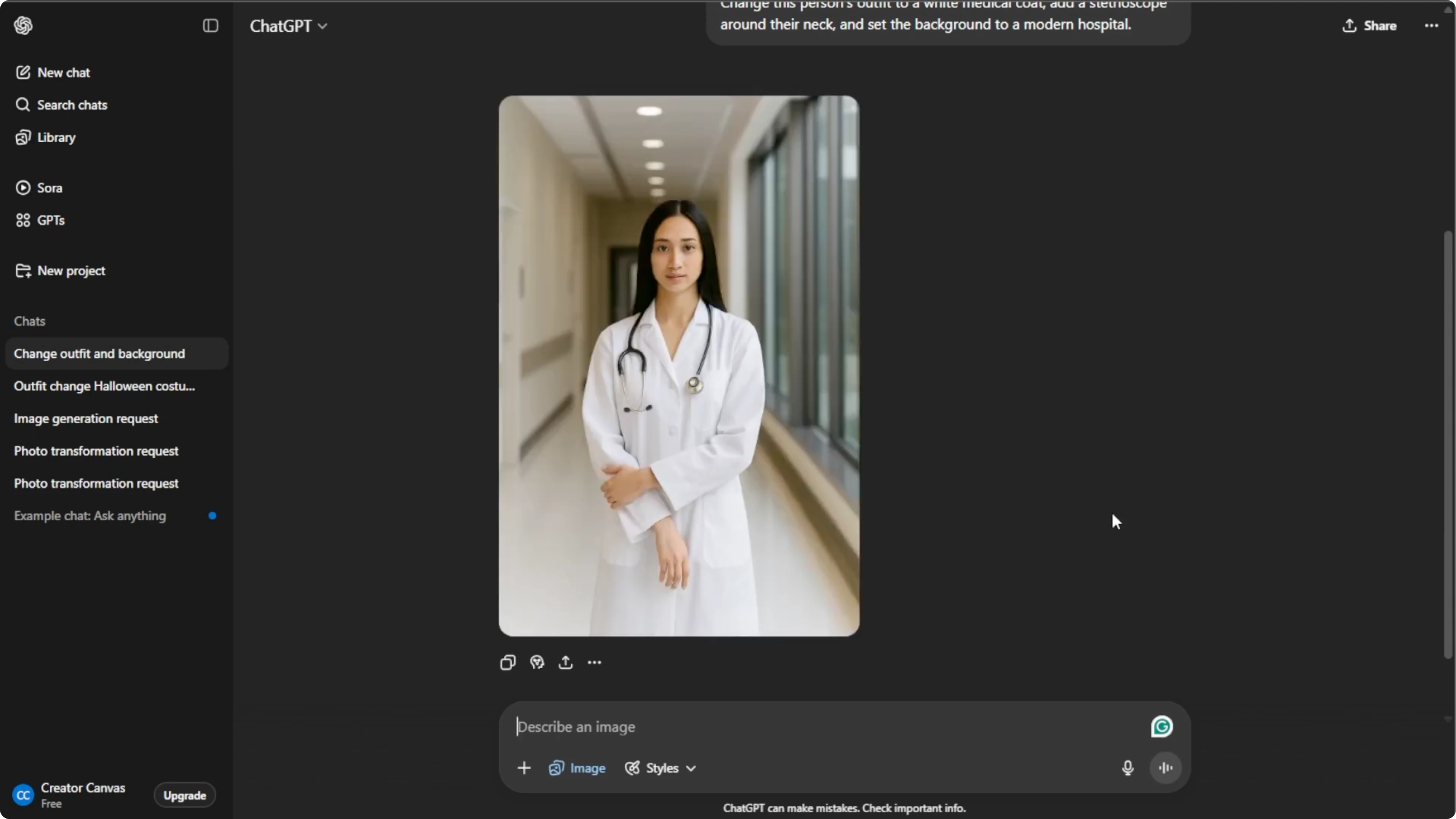
In the prompt box, describe exactly what you want the AI to do, and be specific about the clothing, accessories, pose, and background. Here are some good prompt examples. The more precise you are, the more realistic and professional the AI results will be.
Include details like lighting, accessories, and background settings.
Read More: Generate Food Photography Ai
Generate and refine
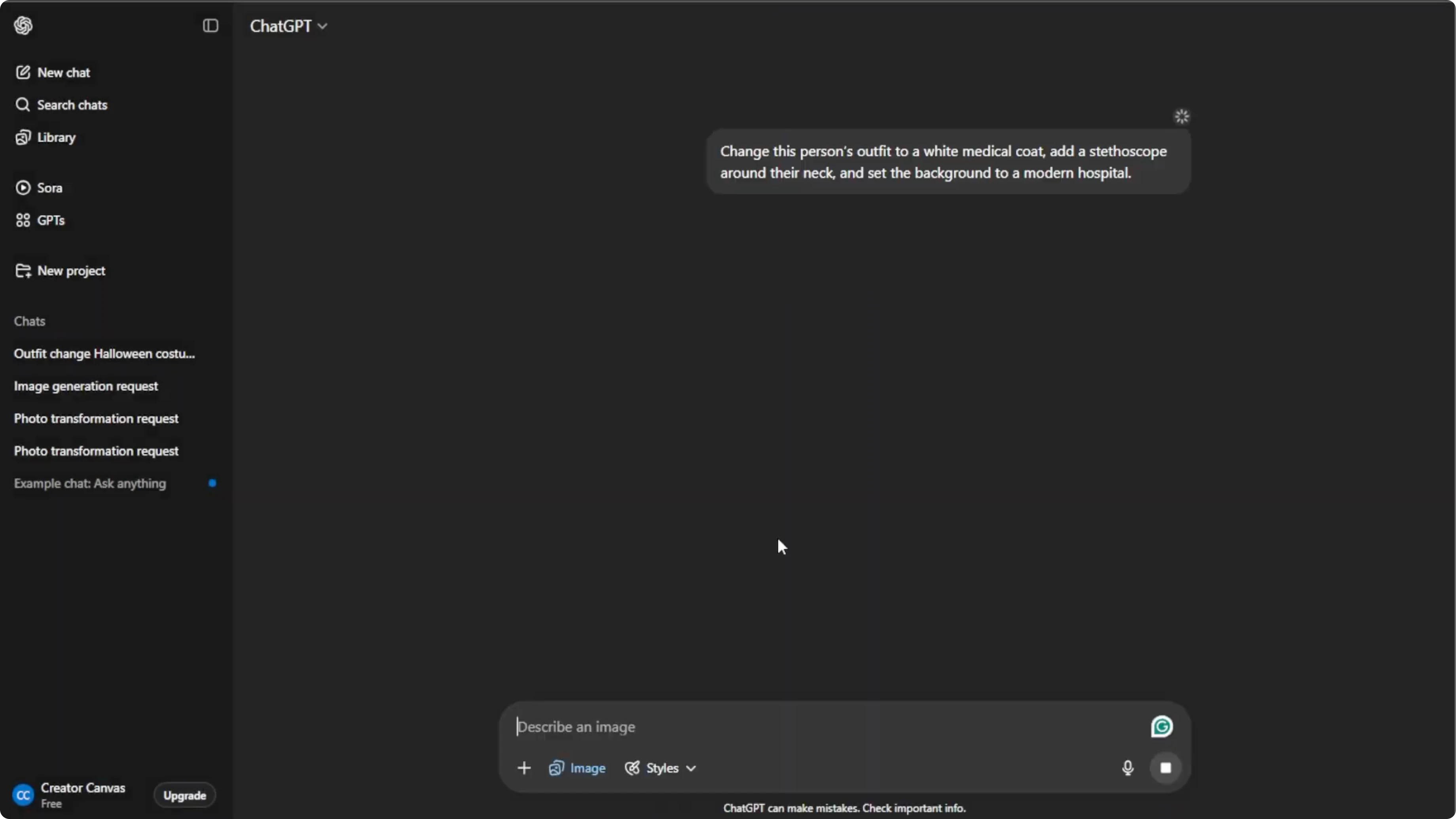
Press Enter to let the AI create your medical portrait. Wait a few seconds for the AI to generate your image. You can refine your prompt and regenerate until it looks professional.
Read More: How To Generate Fake Vacation Photo Using Ai
Save or share
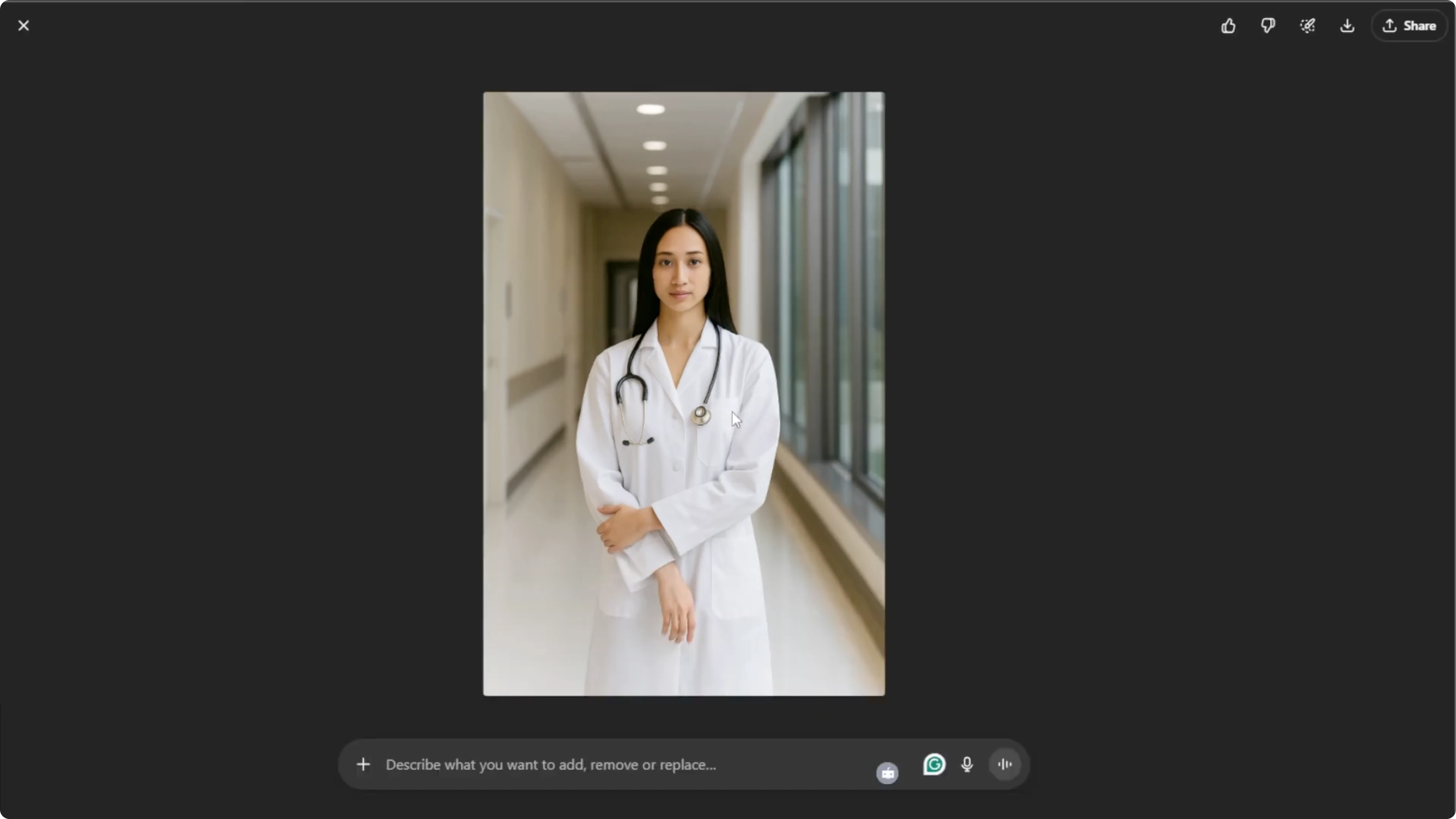
Once you are satisfied, hover over the image and click Download to save it to your computer. You can also click Share to post it directly to LinkedIn or social media.
Final thoughts
With these steps, you can create a polished professional medical portrait in minutes. Perfect for résumés, professional profiles, or promotional materials. Refine your prompt, regenerate as needed, and save the version that looks the most professional.
Recent Posts

How to Visualize Yourself as a Pixelized Character with AI?
How to Visualize Yourself as a Pixelized Character with AI?

How to Revive Faded Memories and Enhance Image Clarity with AI?
How to Revive Faded Memories and Enhance Image Clarity with AI?

How to Visualize Yourself as an Animal Crossing Character with AI?
How to Visualize Yourself as an Animal Crossing Character with AI?