How to Transform Your Photos into Playful Muppet-Style Portraits with AI?
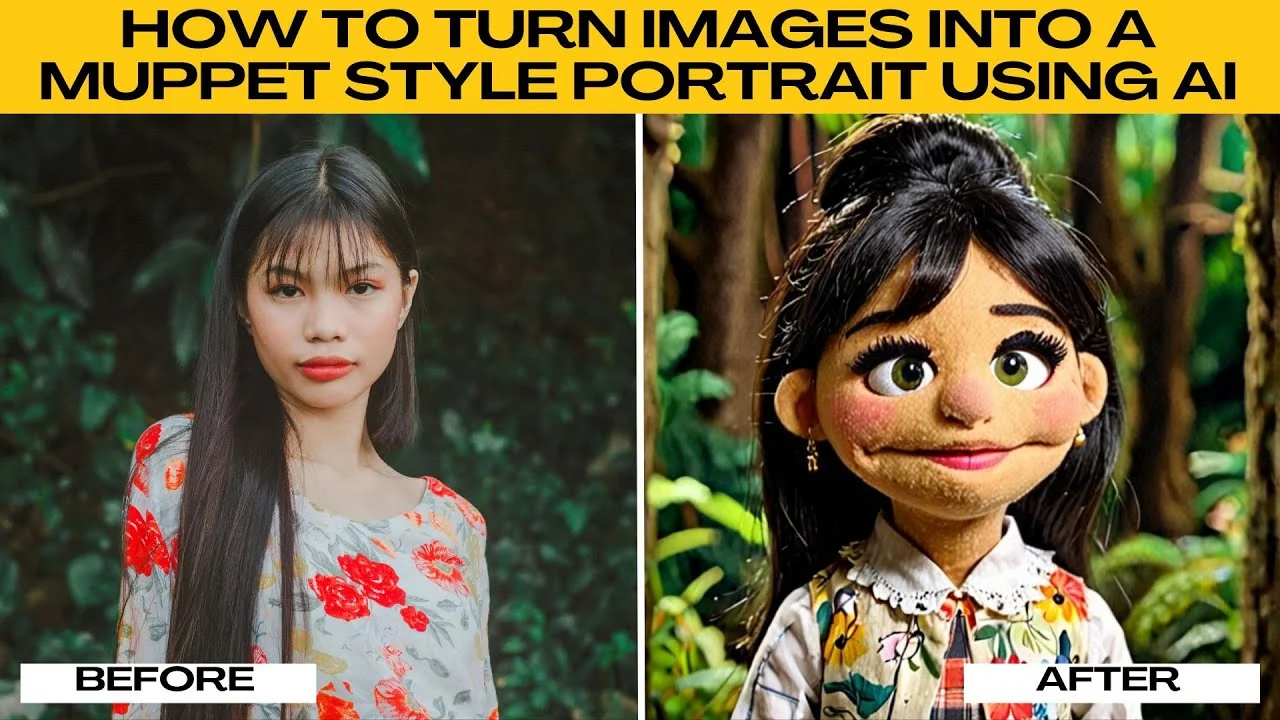
I will teach you how to turn an image into a Muppet style portrait using AI. If you have ever wondered what you would look like as a Muppet, complete with fuzzy textures, big googly eyes, and that iconic puppet like charm, you can make it happen with AI. Boour's AI artifact offers a fun Muppet style transformation that instantly turns your photo into a playful puppet inspired portrait. For another cartoon look, see how to create South Park style portraits for your photos.
Get started
Open your preferred browser and visit Photo AI Artifacts. No installation or complicated setup is required. Everything works online.
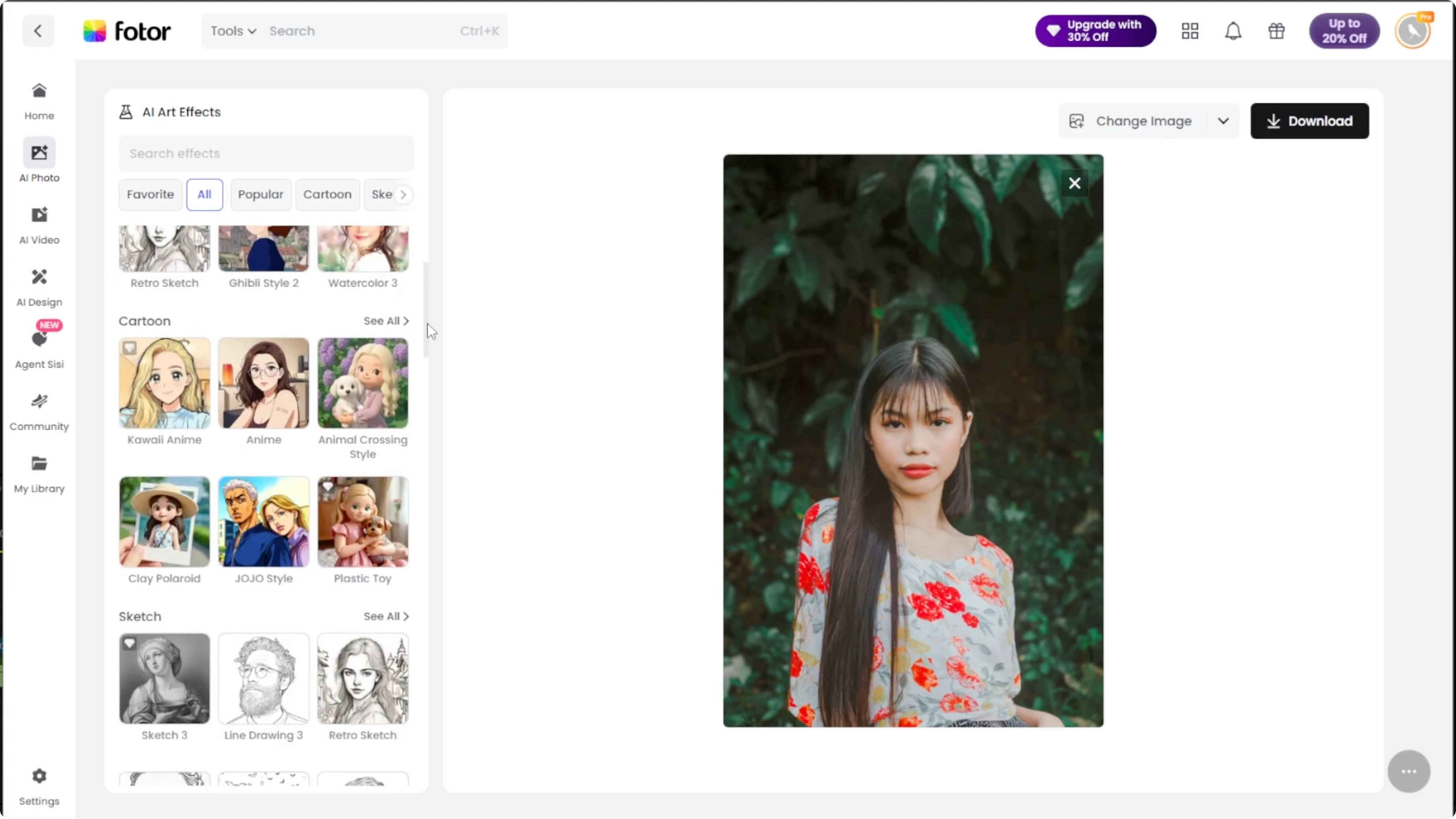
On the main page, click Upload image. Select a photo from your computer. Choose a portrait where your face is clear and well lit.
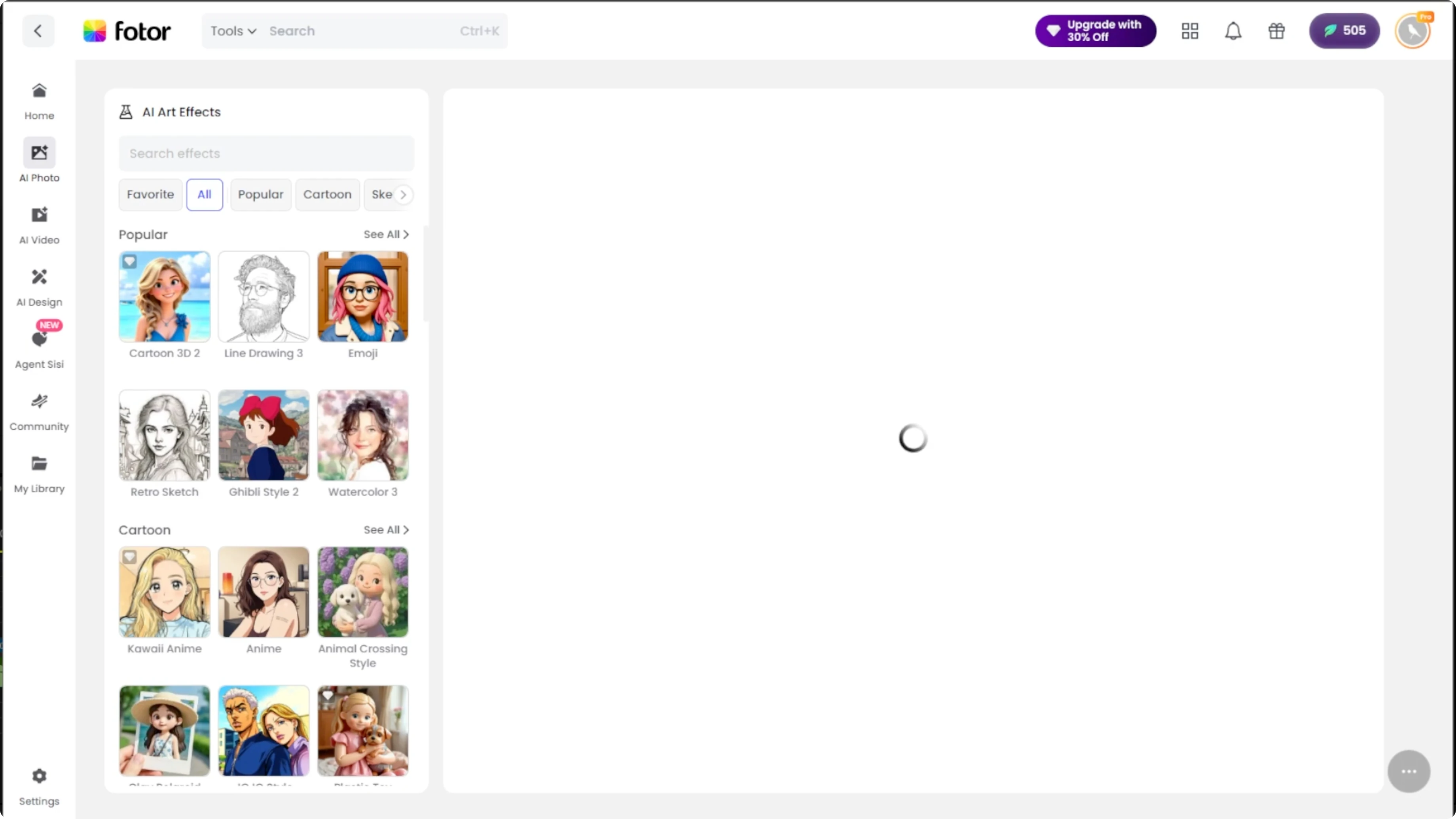
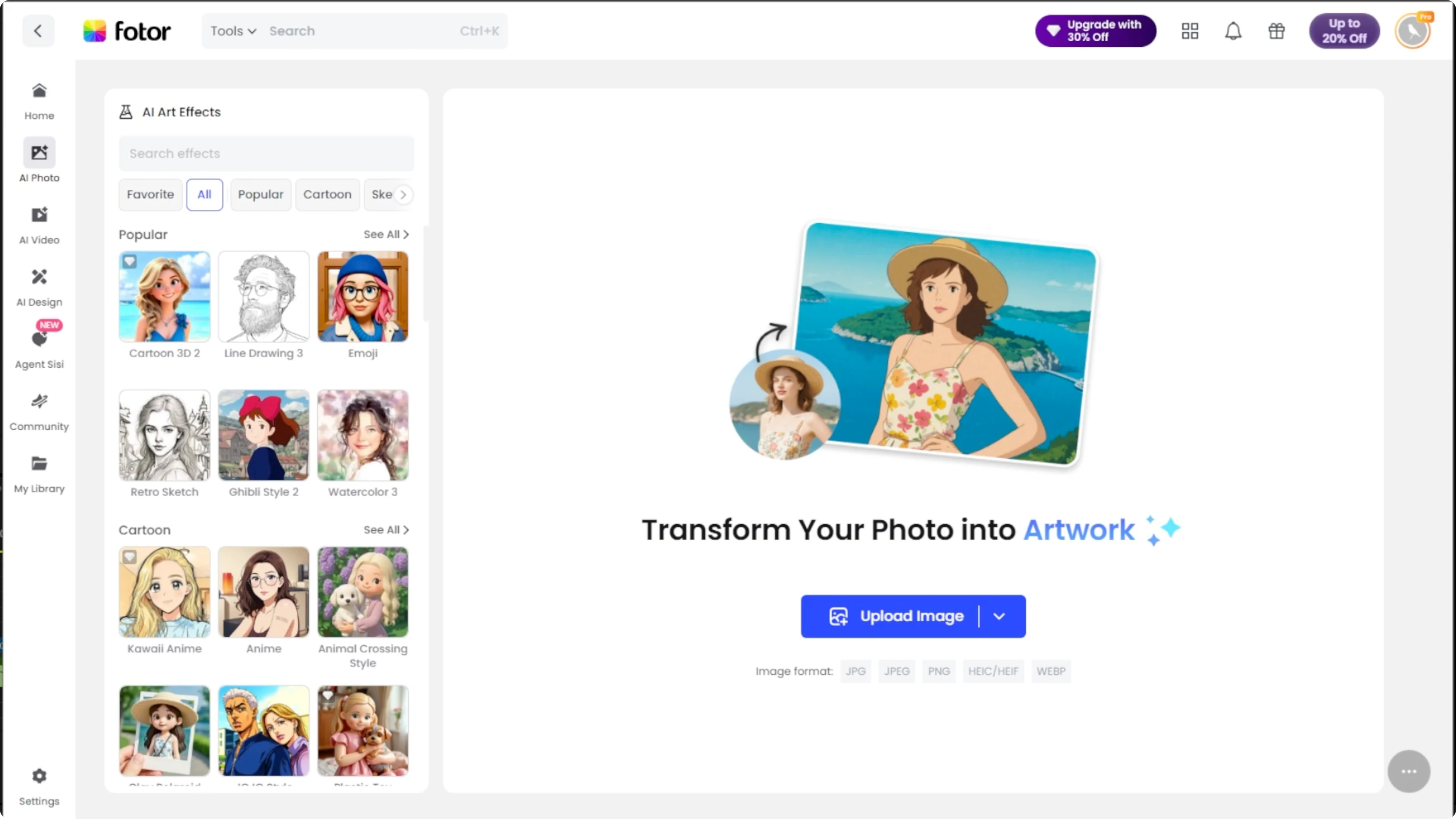
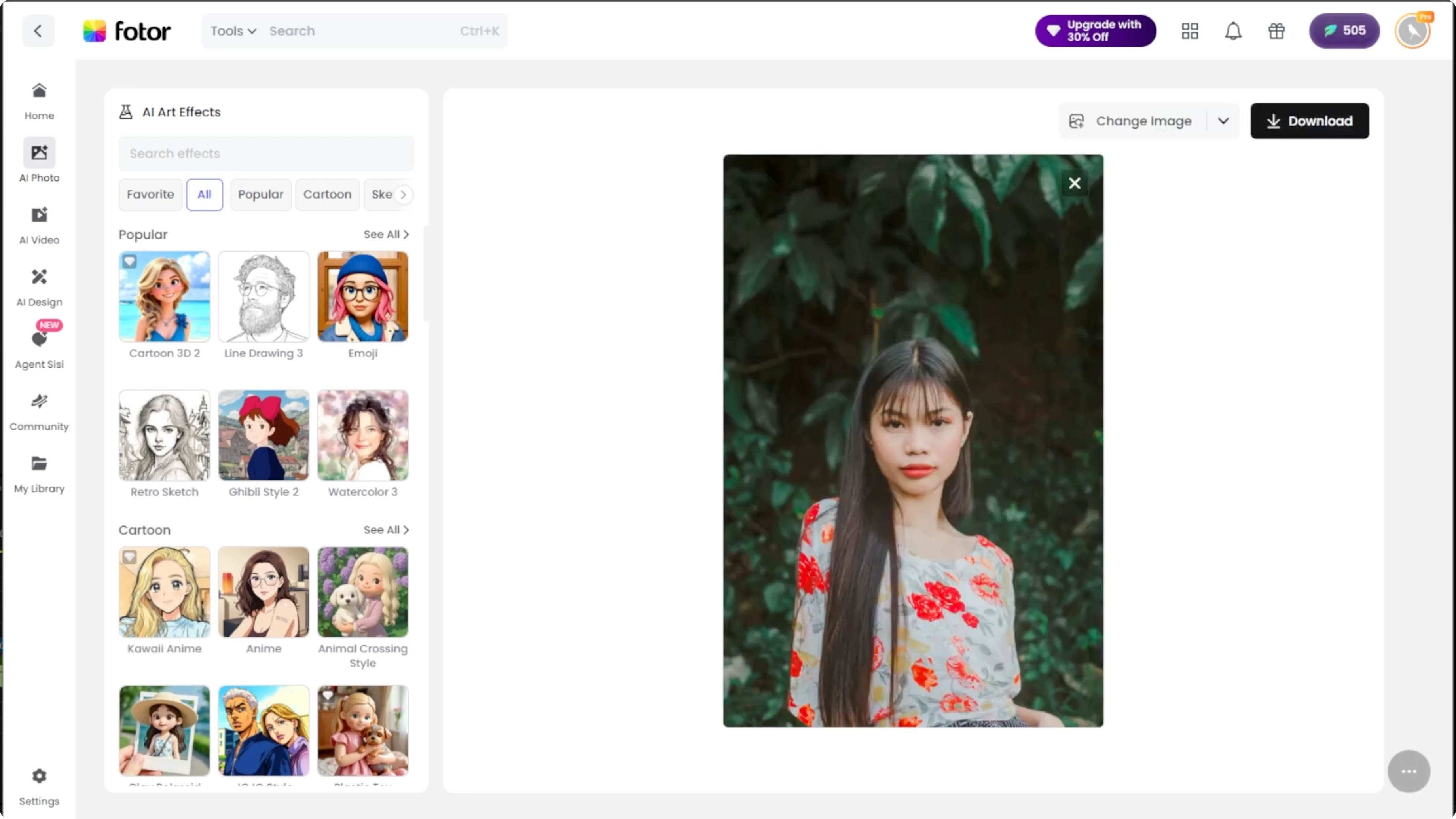
The Muppet effect works best with clean front facing shots. Once your photo appears in the editor, look at the left side panel where the art styles are categorized. Scroll to the cartoon section.
Apply the effect
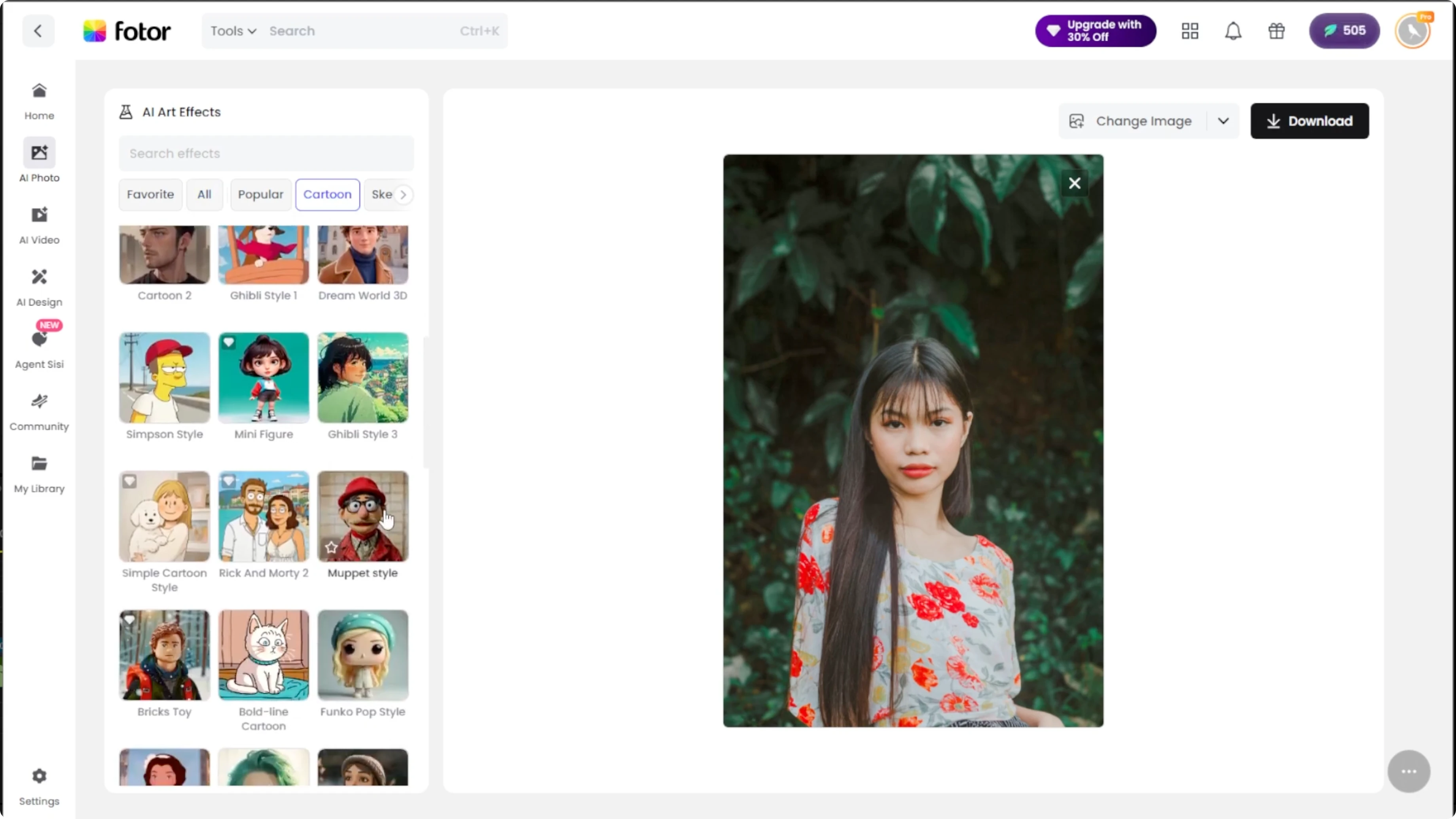
Select the Muppet option and the AI will begin processing your image. It transforms you into a fuzzy Muppet style character with textured felt skin, rounded features, and cheerful charm. To change your look further, try AI hairstyle changes that work well with stylized portraits.
Compare results
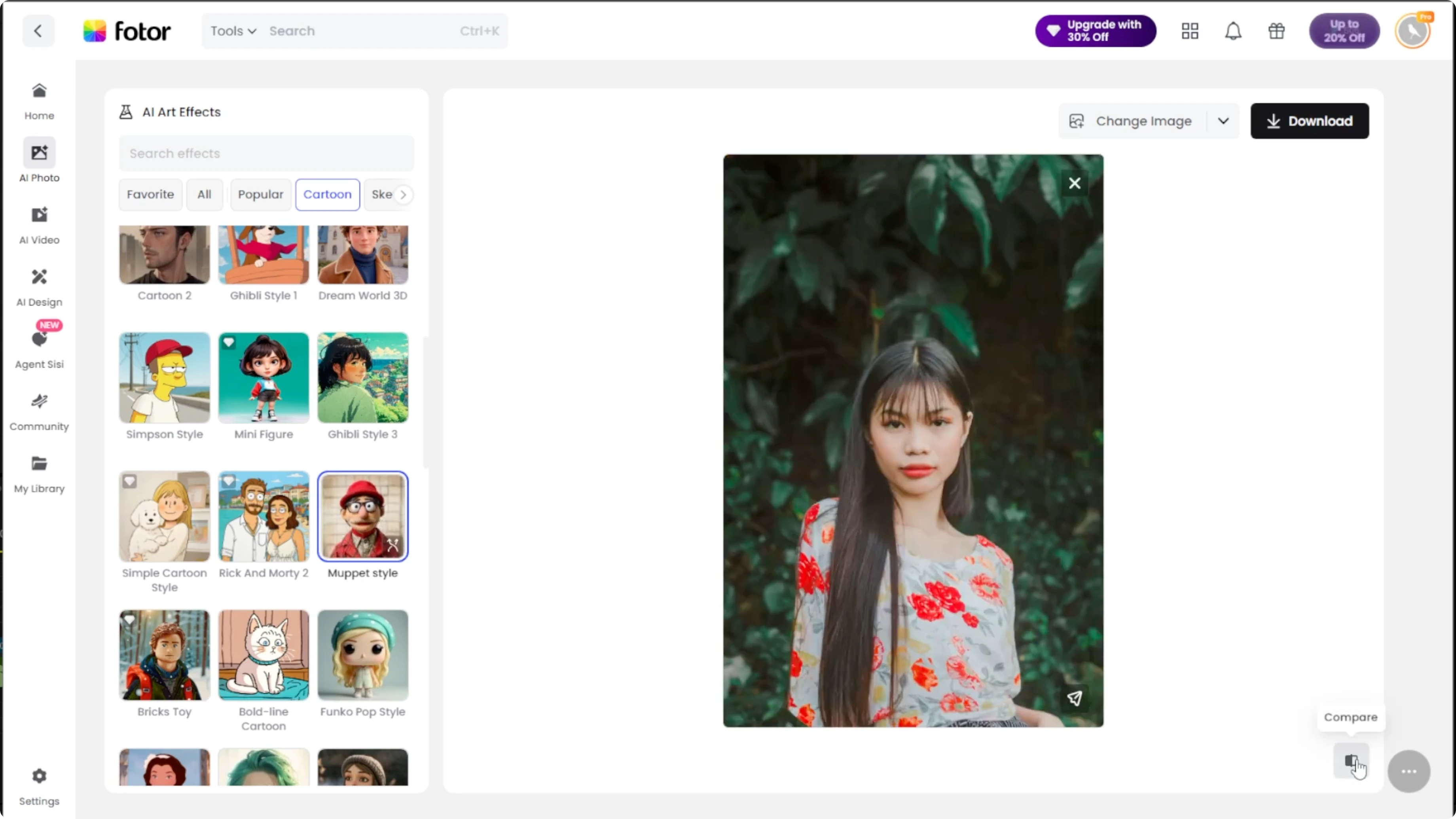
To instantly check the transformation, click Compare at the bottom right. This shows the original versus the Muppet version side by side. It is a quick way to see how much the AI changed your features.
Refine
If you are not fully satisfied with the first result, click Regenerate on the effect thumbnail. Each regeneration takes about 10 seconds. Every attempt gives you a new variation like different fuzzy textures, colors, or cartoon emphasis.
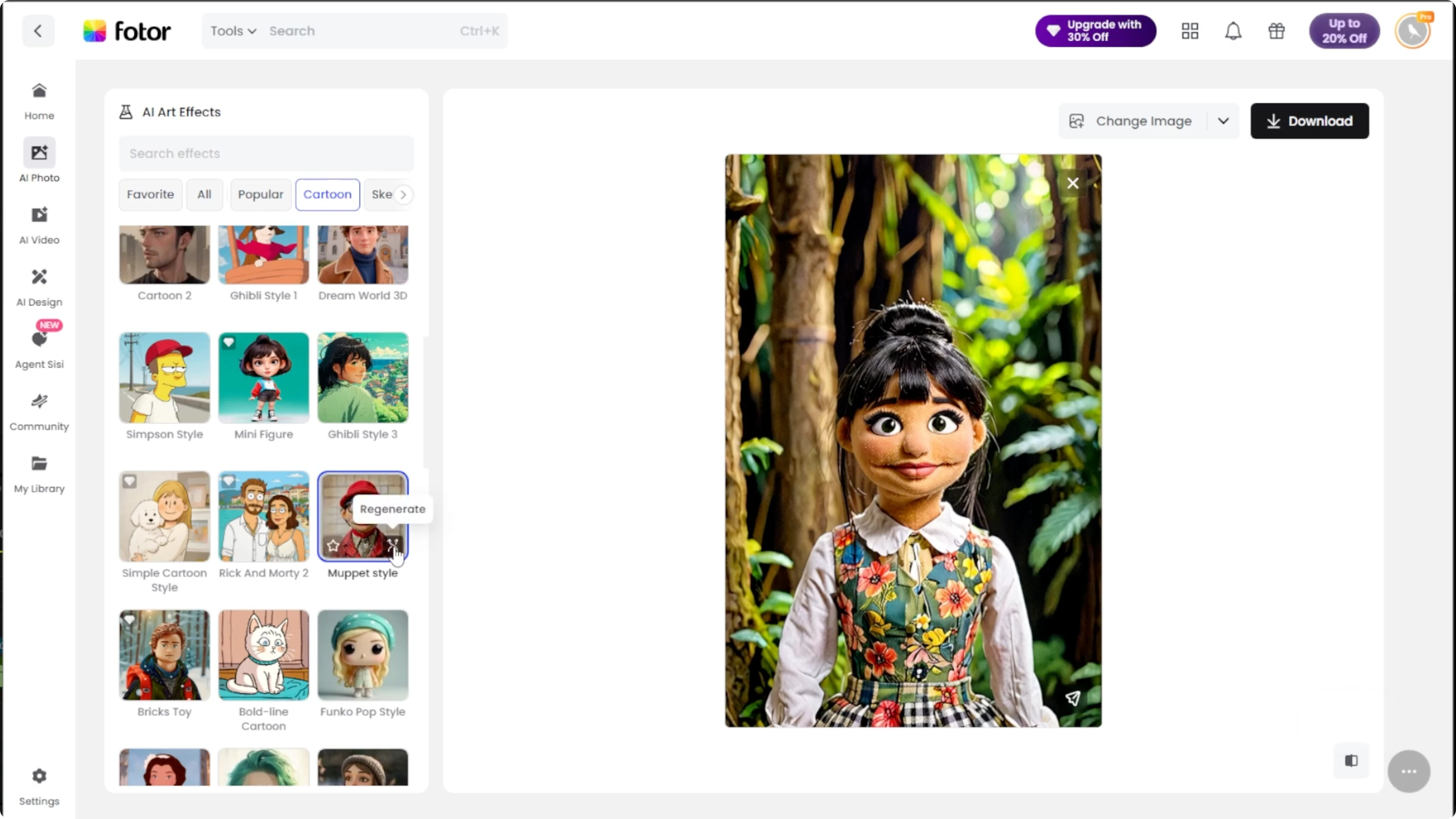
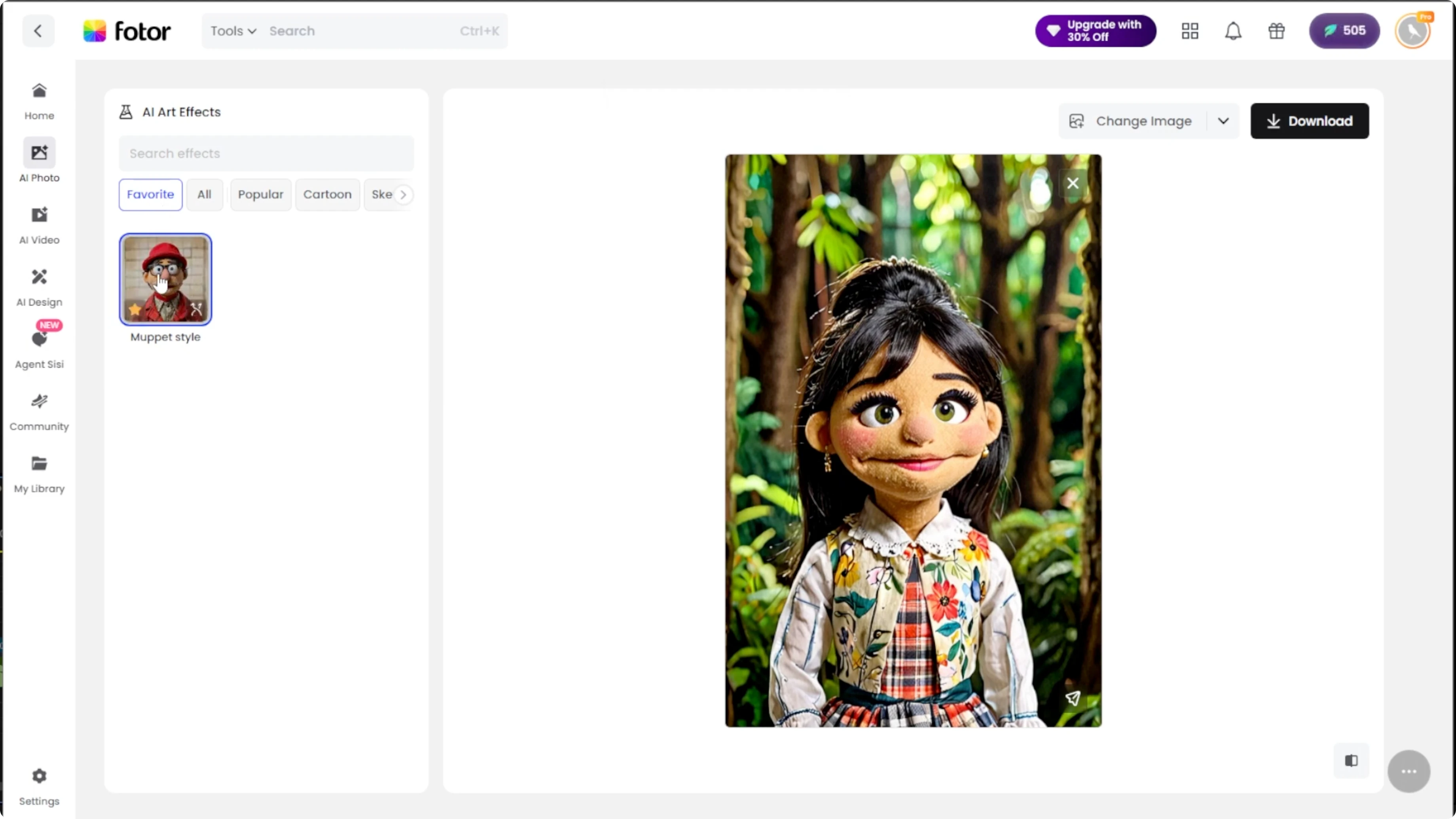
Try regenerating a few times until you find the perfect puppet version of yourself. If you plan to use this effect again, hover over the Muppet effect thumbnail. Click the star icon to add it to your favorites.
All saved effects appear in the Favorite section for quick access next time. Once you are happy with the final result, click Download to save it to your computer. For more creative edits, learn how to convert daytime photos into night scenes using AI.
Final thoughts
You can turn a clear portrait into a playful Muppet style character with just a few clicks. Use Compare, Regenerate, and Favorites to refine the look and keep your go to settings handy. Clean, front facing portraits yield the best results.
Recent Posts

How to Visualize Yourself as a Pixelized Character with AI?
How to Visualize Yourself as a Pixelized Character with AI?

How to Revive Faded Memories and Enhance Image Clarity with AI?
How to Revive Faded Memories and Enhance Image Clarity with AI?

How to Visualize Yourself as an Animal Crossing Character with AI?
How to Visualize Yourself as an Animal Crossing Character with AI?