How to Recreate Yourself as a South Park Character with AI?
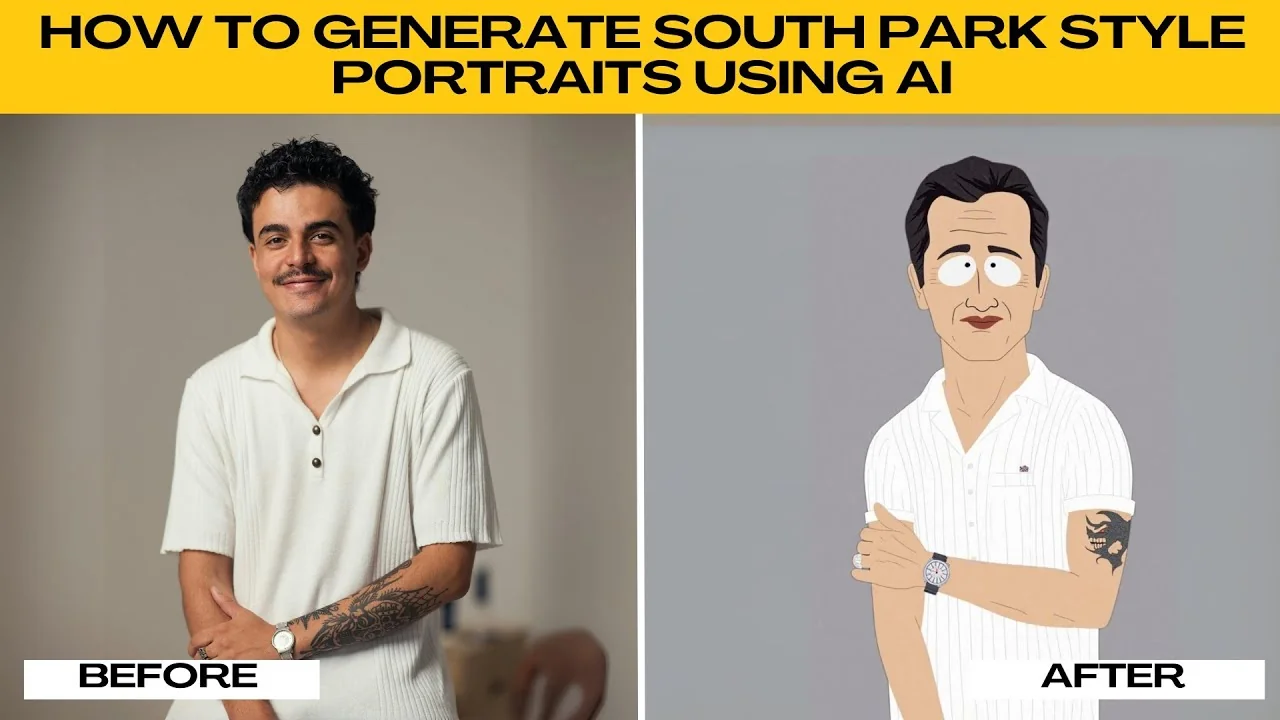
I will teach you how to generate South Park style portraits using AI. If you have ever wondered what you would look like in the quirky, flat, and iconic animation style of South Park, now is your chance to find out. Thanks to Photo's AI artifacts, you can instantly turn any photo into a South Park style cartoon with just a few clicks.
If you want other cartoon effects beyond this look, see this AI guide to turning yourself into a cartoon. It pairs well with the steps below.
Prepare your photo
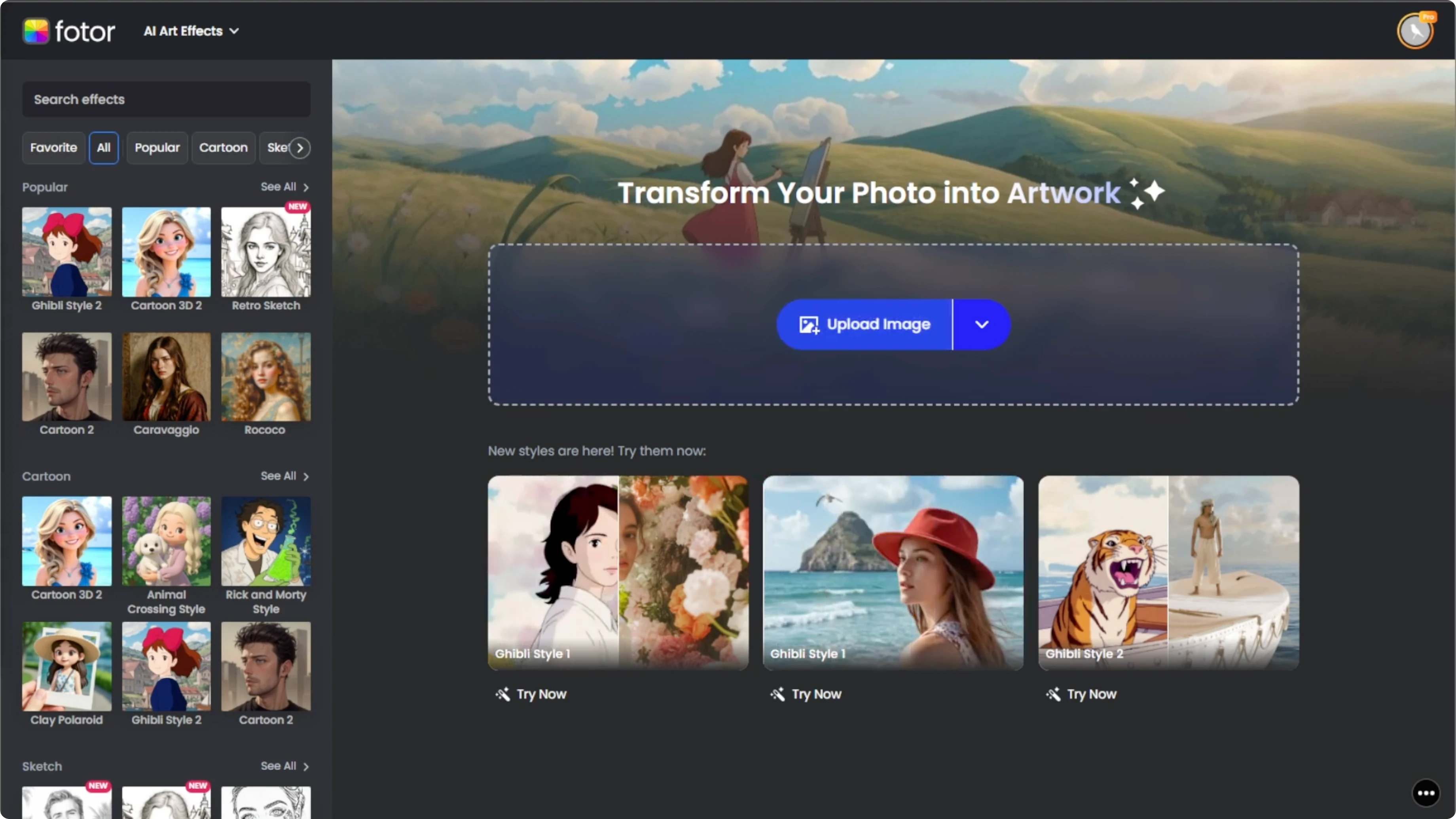
Open your browser and go to Photo AI artifacts. Then click the upload button or drag and drop your image into the workspace. Make sure to choose a clear front facing photo of yourself or someone else.
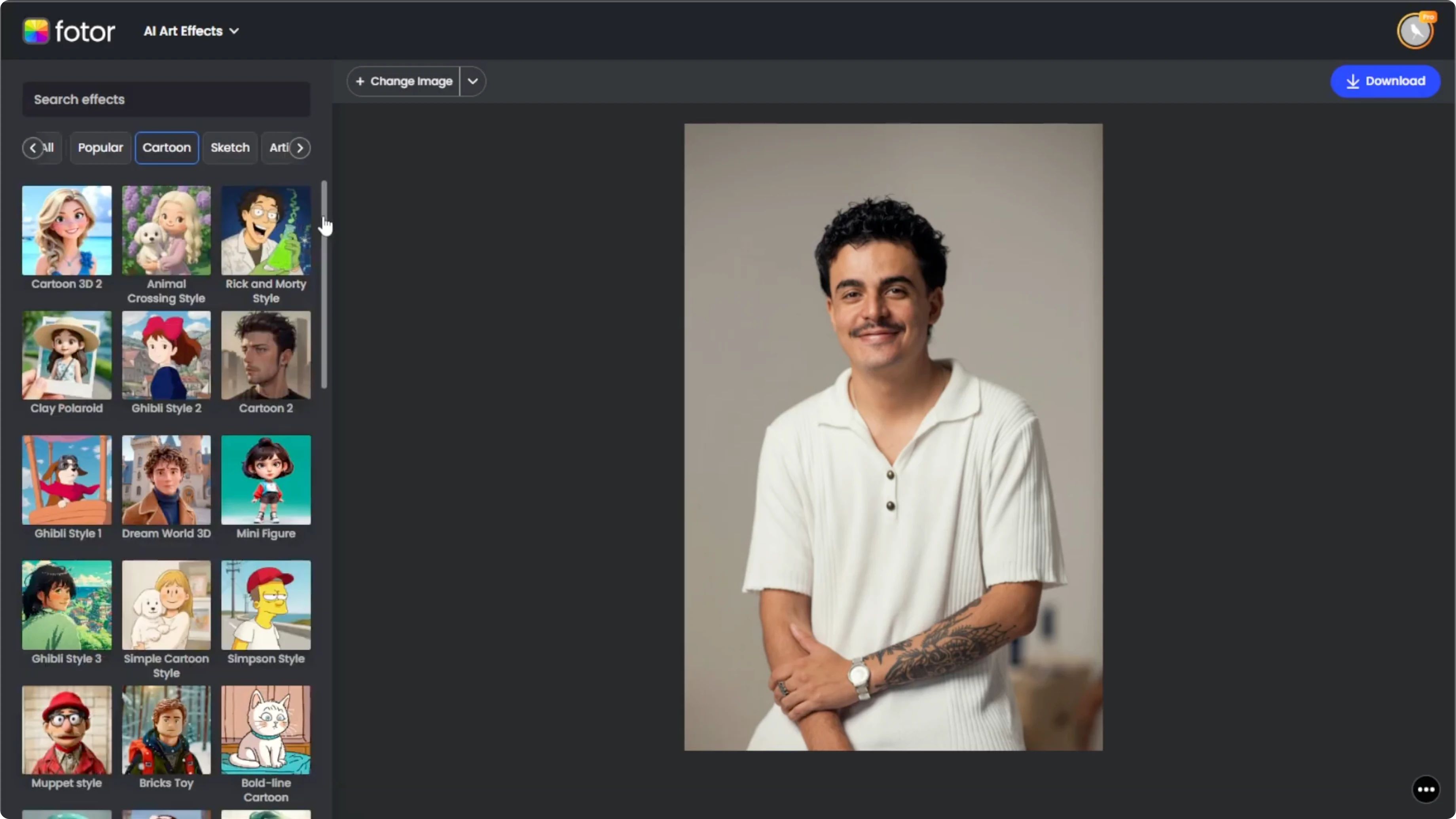
Avoid heavy shadows and anything blocking the face. This will help the AI generate more accurate facial features in South Park style.
Pick the style
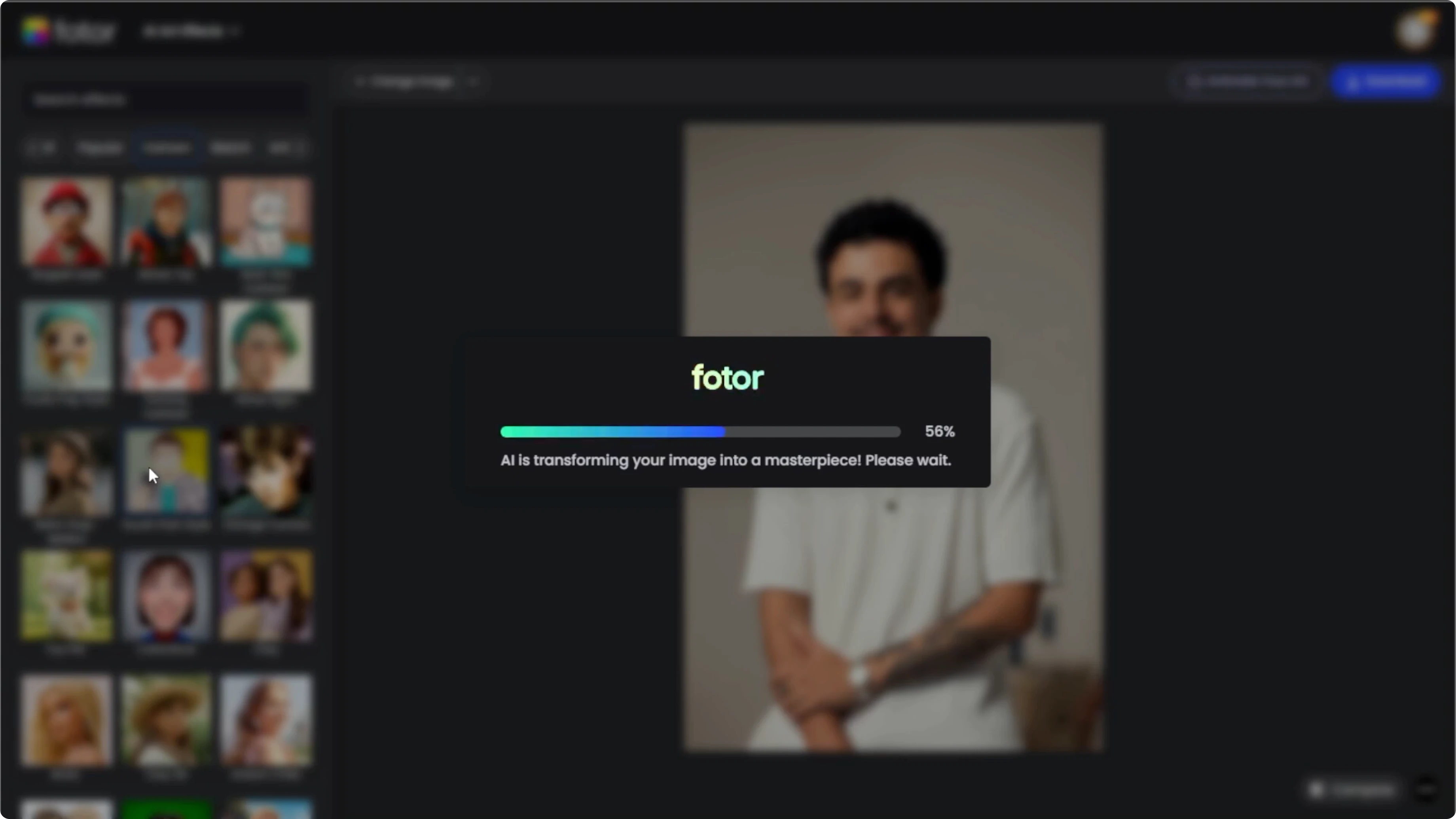
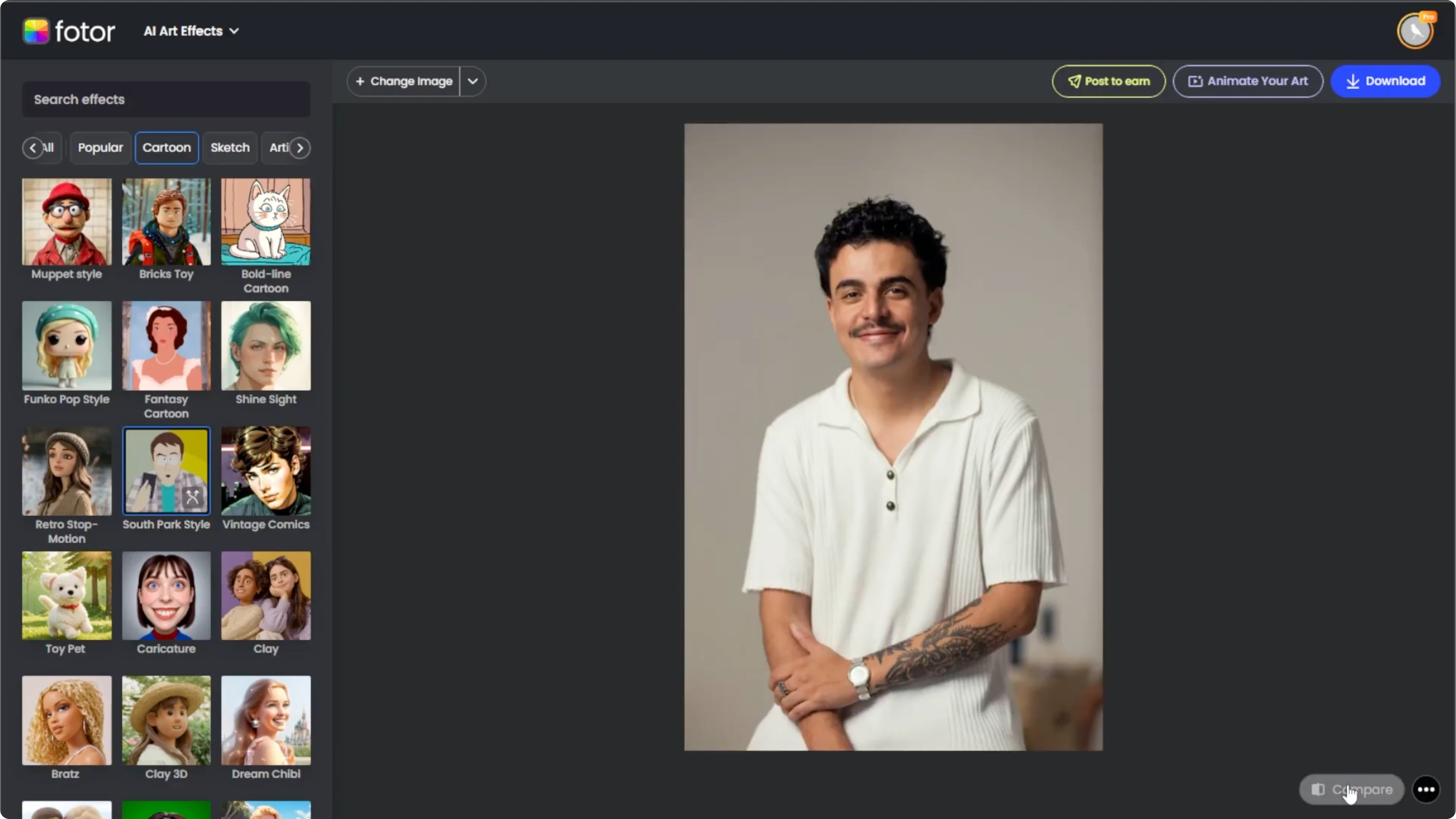
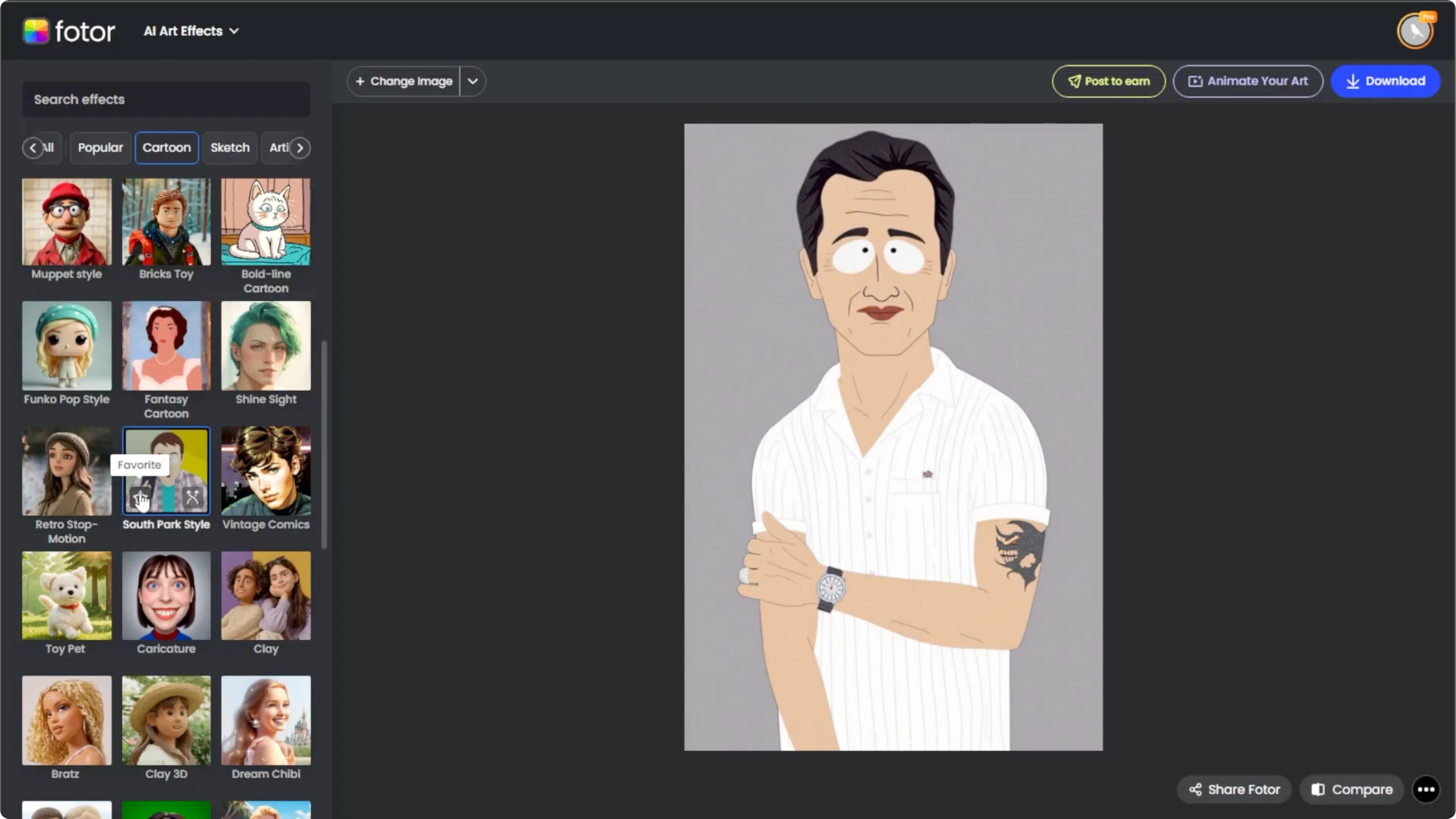
Once your image loads, look at the left hand panel where the art styles are grouped into sections. Scroll to the cartoon section. Click on the style labeled South Park style.
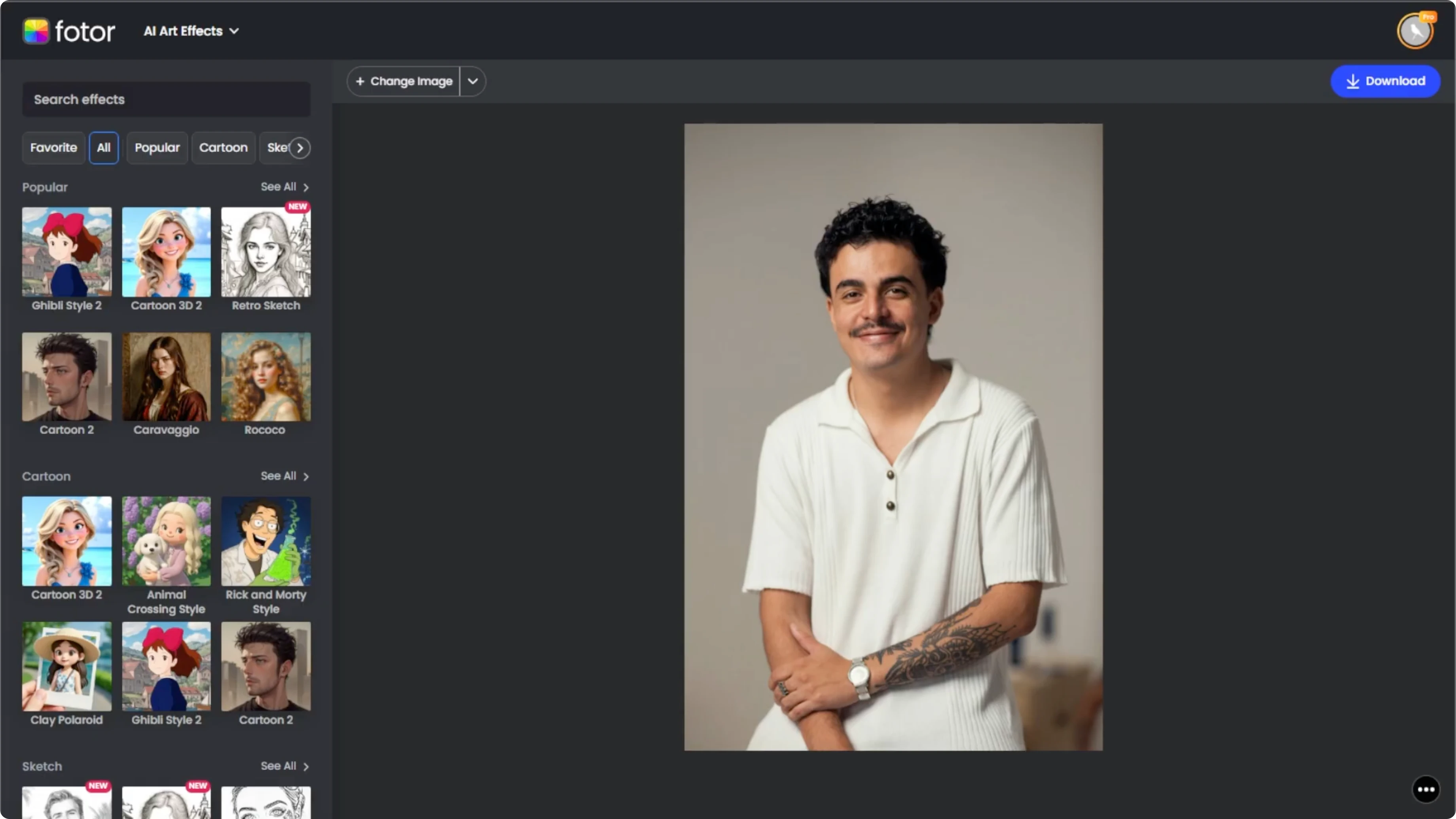
The AI will immediately get to work. Within about 10 seconds, you will see your image turned into a flat paper cutout style character. It comes with simple expressions and exaggerated cartoon features just like the characters from South Park.
Read More: How To Place Yourself At Famous Locations Using Ai
Review and adjust
It is time to review your AI generated cartoon. Click the Compare button at the bottom right corner to toggle between the original and the South Park version.
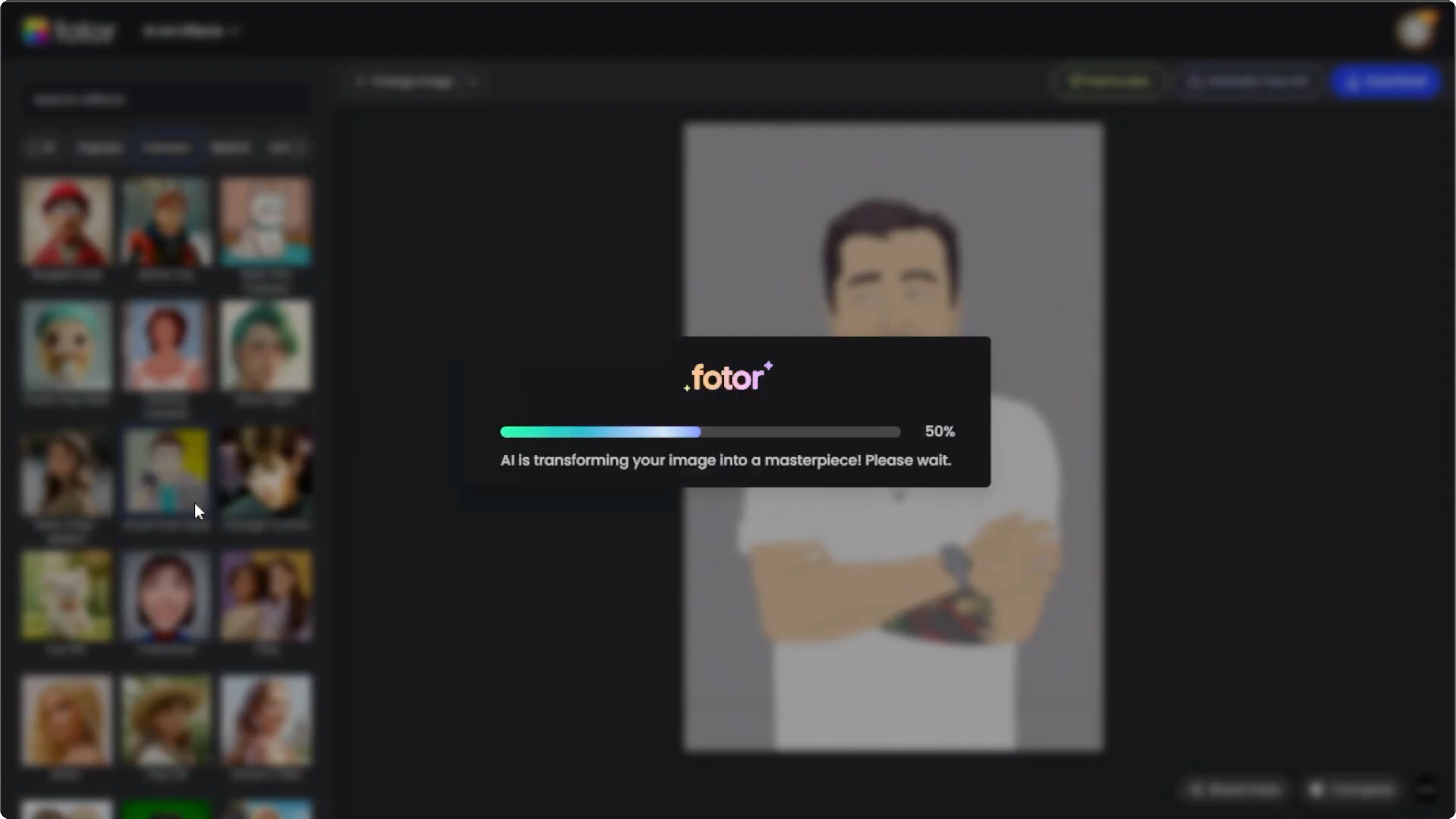
If you are not satisfied, click the Regenerate button on the effect thumbnail to generate a new version. Each one will be slightly different.
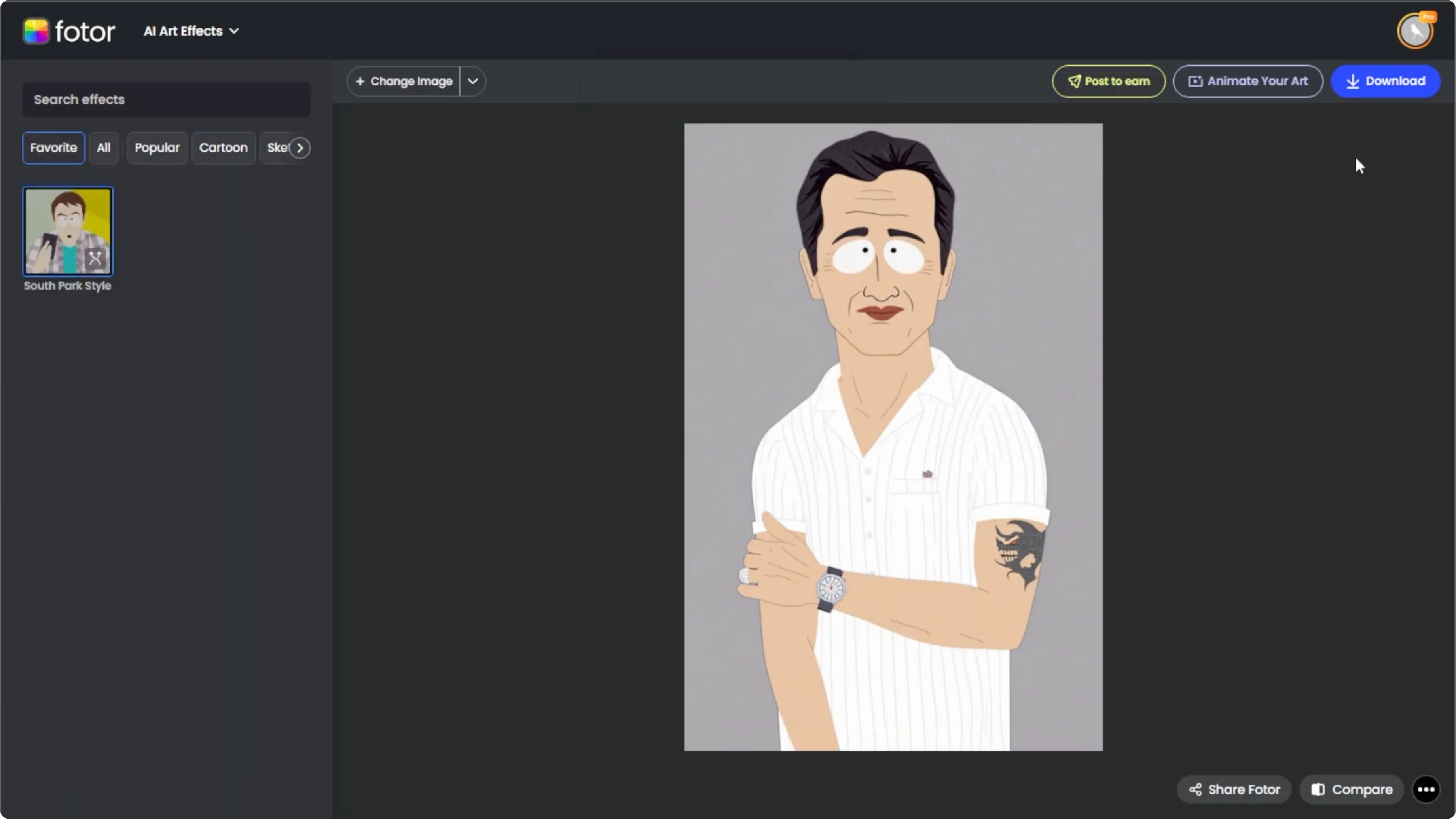
If you like the effect, hover over the effect thumbnail and click the star icon to add it to your favorites tab for quick access in the future.
Read More: How To Make Yourself Look Muscular Using Ai
Save your portrait
Once you are happy with the result, click the Download button to save it to your computer. You are done.
Final thoughts
Turning a photo into a South Park style portrait is fast and fun with Photo's AI artifacts. Use a clear front facing image, pick the South Park style, compare versions, and regenerate until it feels right. Save your favorite and come back to it anytime from your favorites tab.
Recent Posts

How to Visualize Yourself as a Pixelized Character with AI?
How to Visualize Yourself as a Pixelized Character with AI?

How to Revive Faded Memories and Enhance Image Clarity with AI?
How to Revive Faded Memories and Enhance Image Clarity with AI?

How to Visualize Yourself as an Animal Crossing Character with AI?
How to Visualize Yourself as an Animal Crossing Character with AI?