How to Motion Blur the Background of Any Photo Using AI?
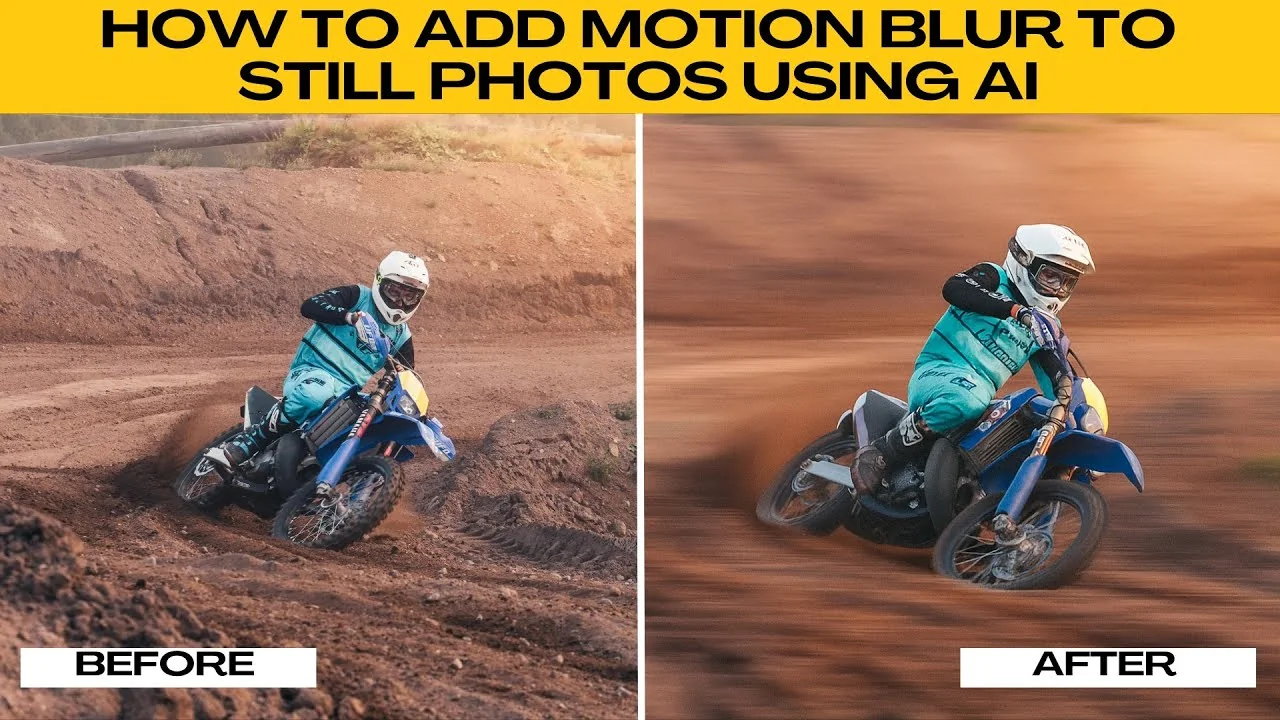
Adding motion blur can turn a still photo into a dynamic action packed image. You might want to simulate movement, create sports photography effects, or add artistic flare. AI makes it quick and easy.
Get set up
Open your browser. Go to Chat GPT. Log into your account for free or create a new one if needed.
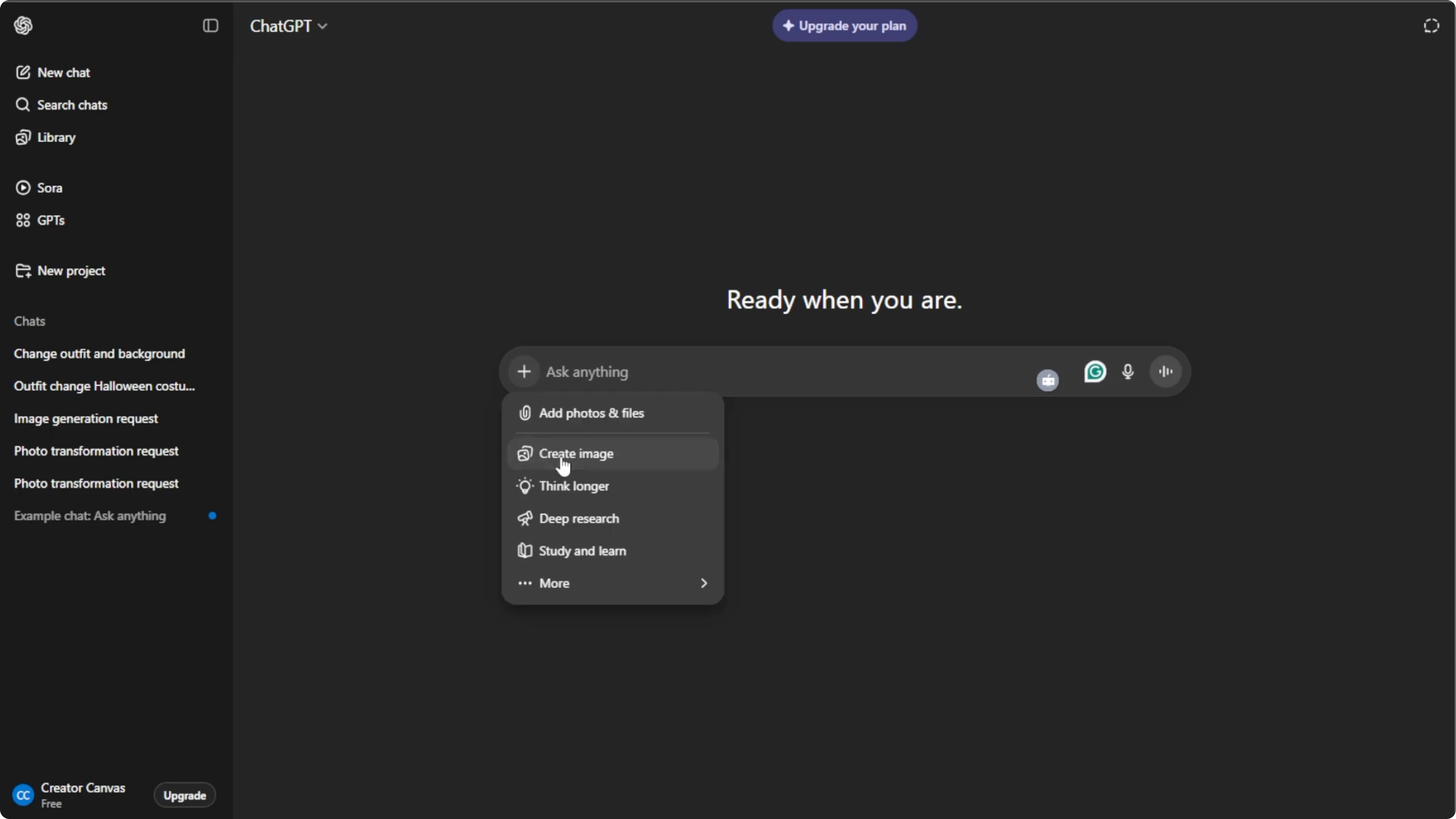
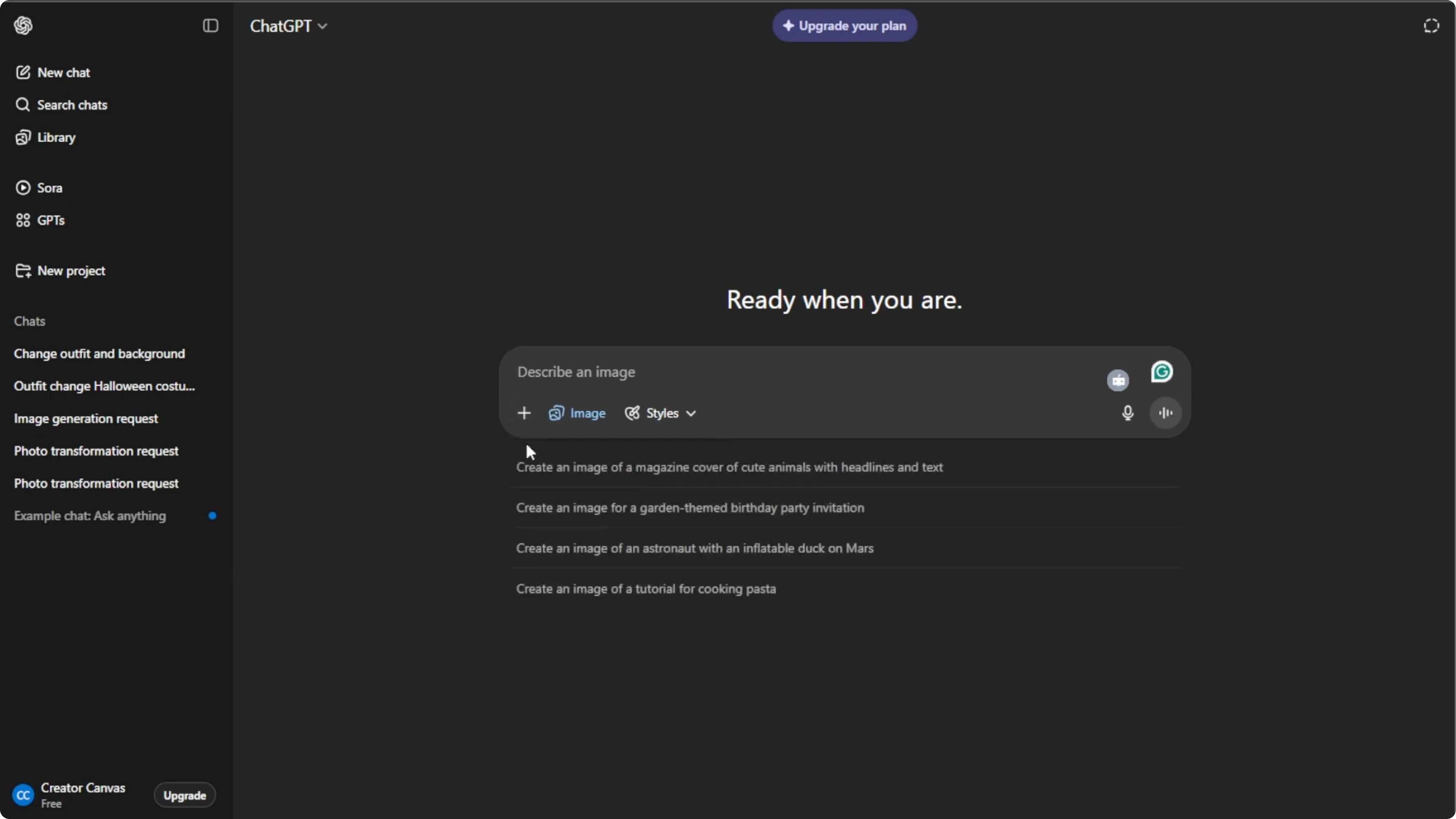
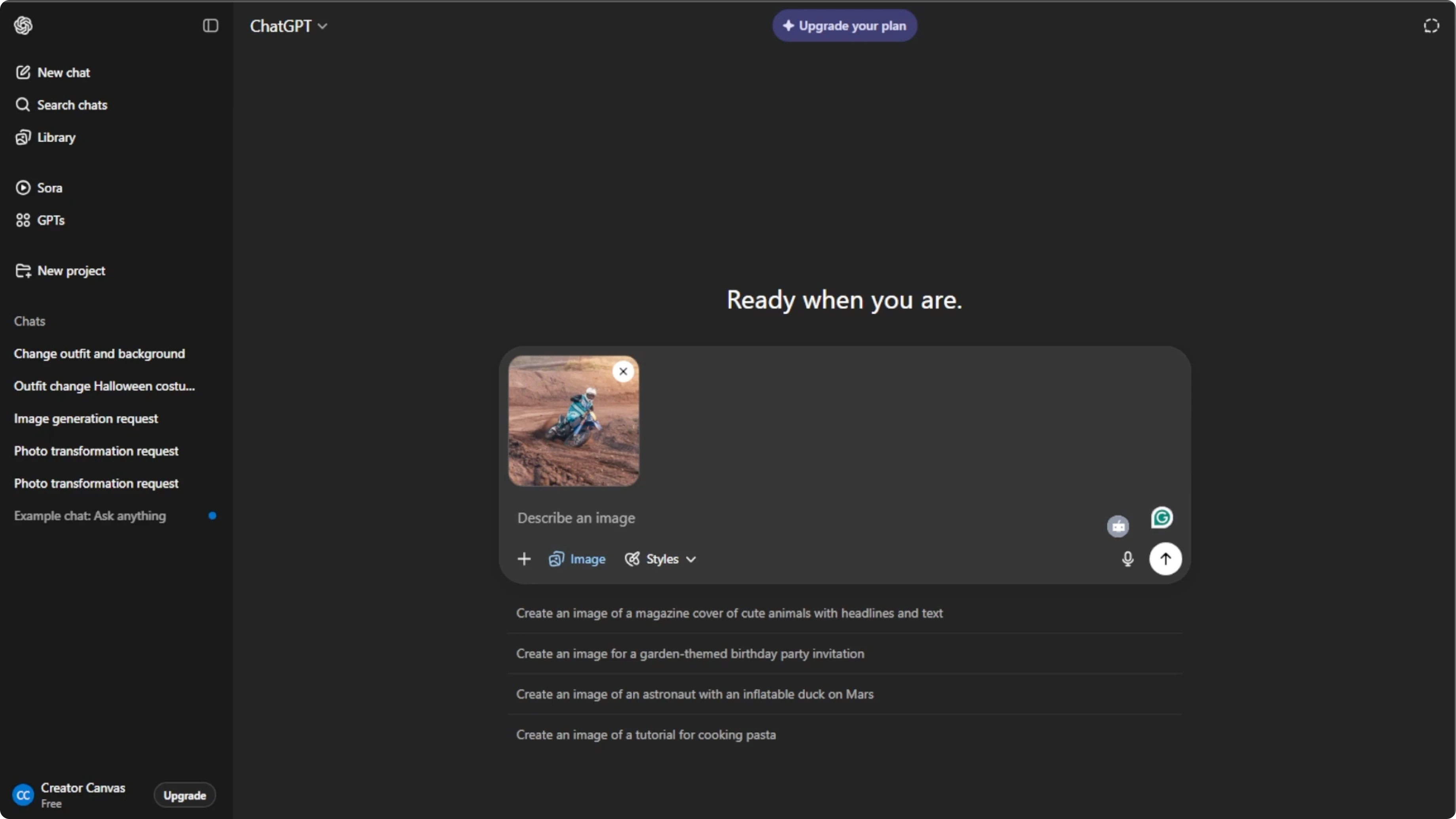
Click the plus icon in the prompt box. Select create image to switch to the AI image generation mode. Click the plus icon again.
Select add photos or files. You can also press Ctrl U or Command U on your keyboard as a shortcut. Choose the image from your computer that you want to add motion blur to.
Use clear photos of moving subjects for the best effect. Motion blur works particularly well on action shots, sport photos, or dynamic portraits.
Read More: How To Add Objects To Any Photo Using Ai Generative Fill
Describe the blur
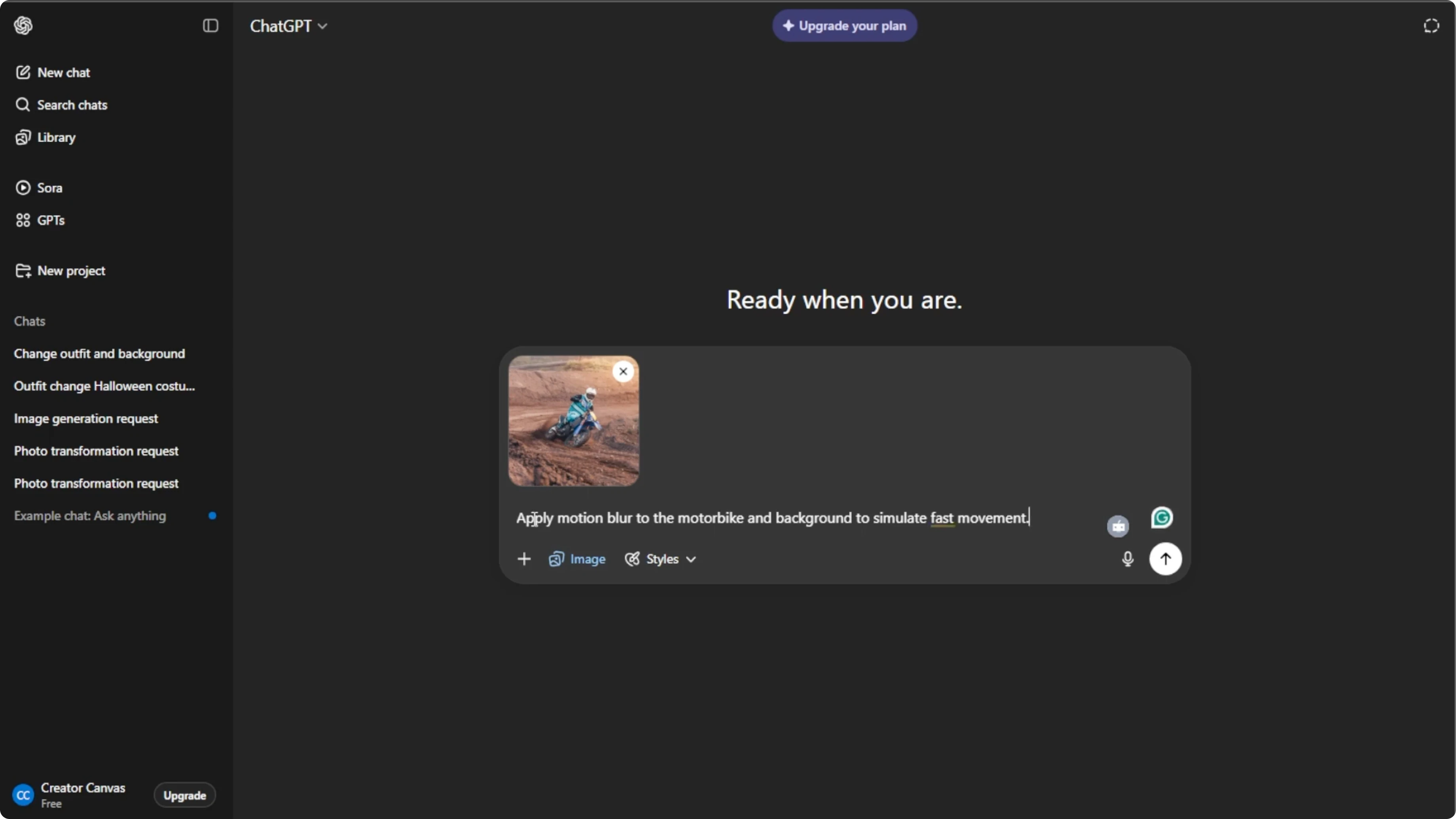
In the prompt box, describe exactly how you want the AI to apply motion blur. Include subject, direction, speed, and intensity. Be specific about the objects that you want blurred or the type of motion such as horizontal, vertical, or radial.
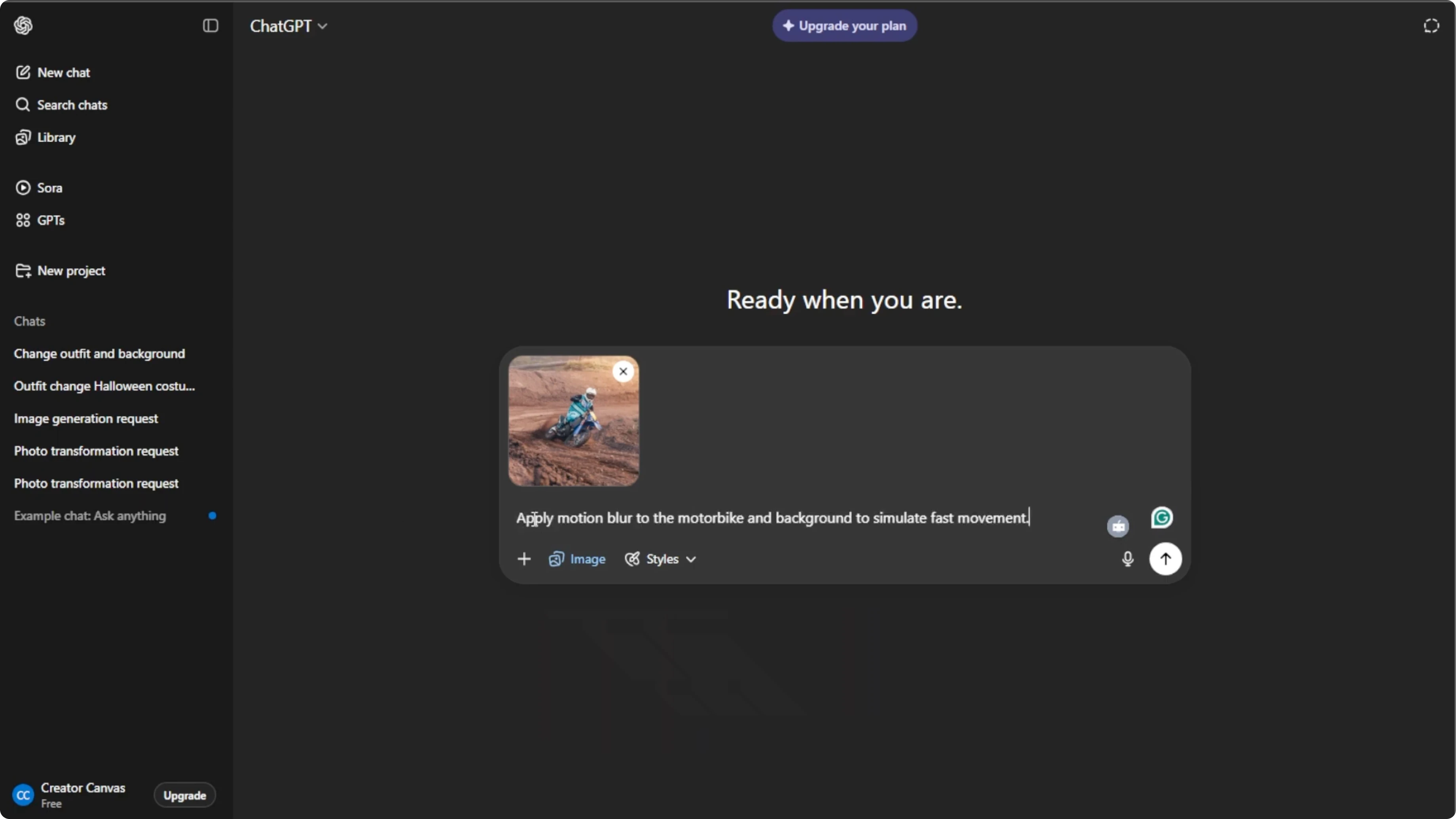
Use this simple prompt template to stay specific.
Apply motion blur to the subject: [describe the subject].
Direction: [horizontal | vertical | radial].
Speed: [slow | moderate | fast].
Intensity: [light | medium | strong].
Keep these areas sharp: [list any parts to remain in focus].
Read More: Add Fantasy Castle Background Photo Ai
Generate and refine
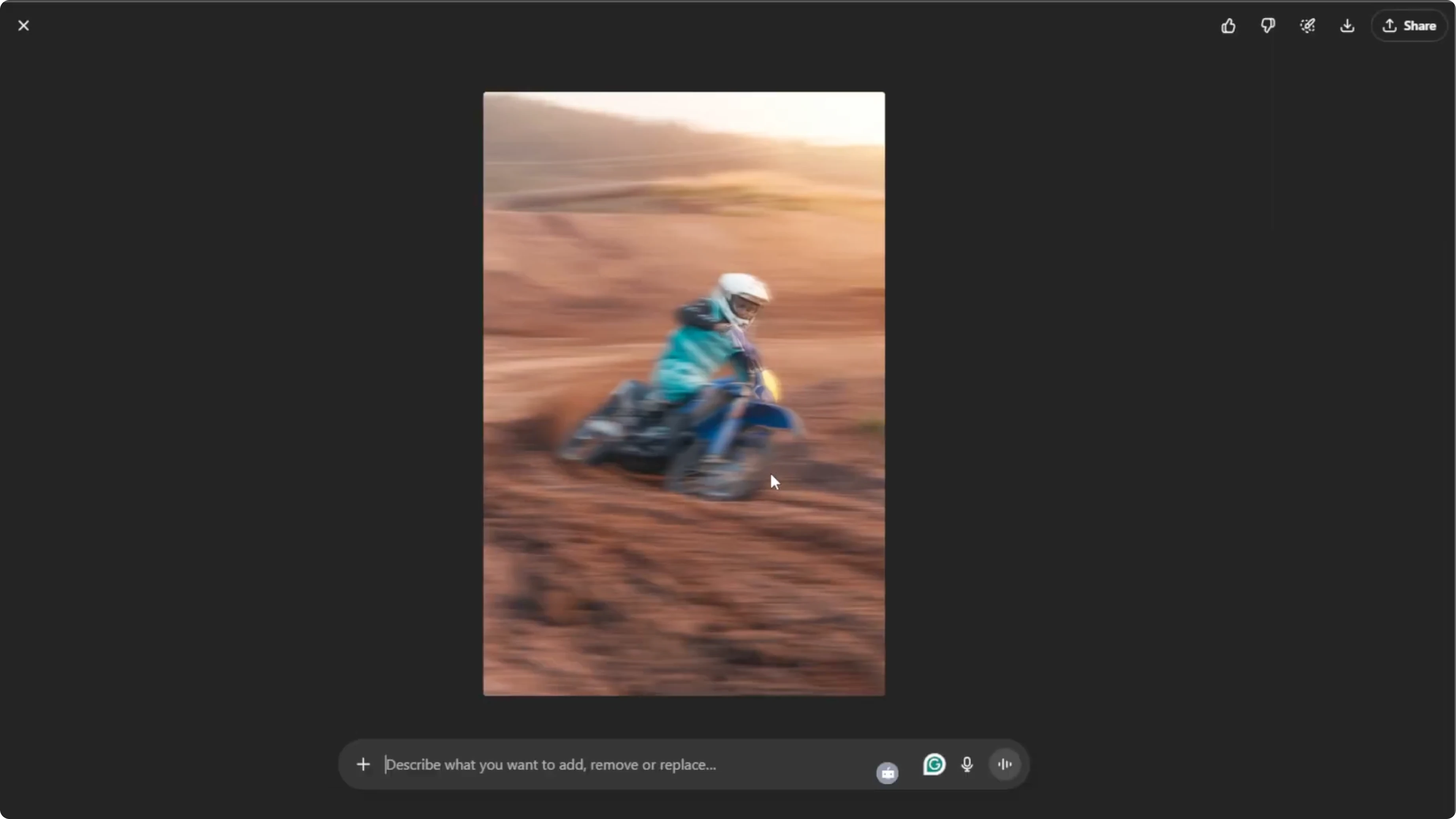
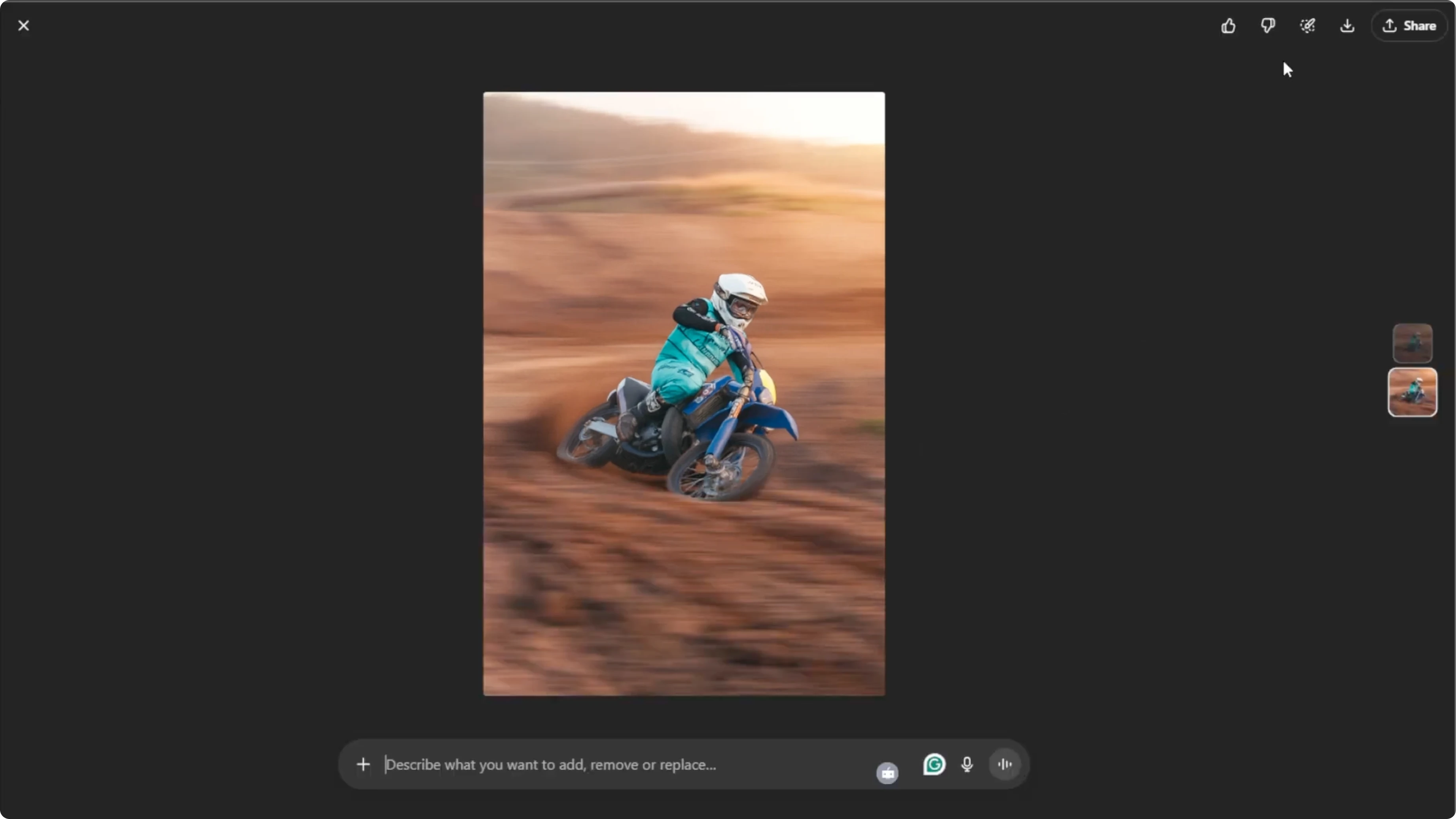
Press Enter to let the AI apply the motion blur effect. Wait for the AI to generate your updated image.
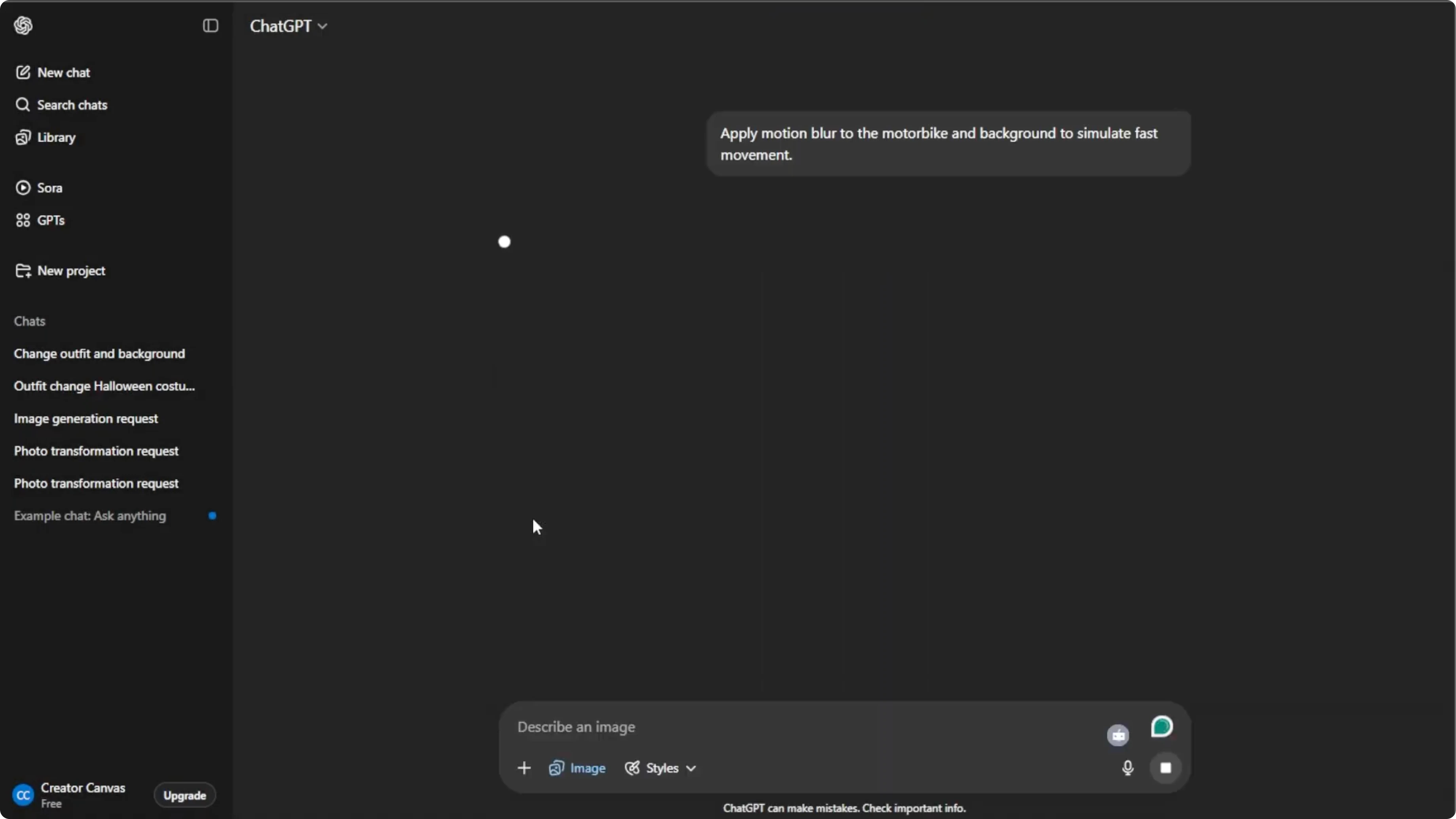
The first result may not always be perfect. Adjust your prompt to refine the blur effect until it looks realistic. Slight adjustments can make the motion blur effect look more natural or dramatic.
Save and share
Hover over the final image and click download to save it to your computer. You can also click share to post it directly to social media platforms.
Read More: How To Animate Face From Photo Using Ai
Final thoughts
With these steps, you can turn any static photo into a lively dynamic scene with realistic motion blur in just a few minutes. Be clear about subject, direction, speed, and intensity, then refine until it looks right.
Recent Posts

How to Visualize Yourself as a Pixelized Character with AI?
How to Visualize Yourself as a Pixelized Character with AI?

How to Revive Faded Memories and Enhance Image Clarity with AI?
How to Revive Faded Memories and Enhance Image Clarity with AI?

How to Visualize Yourself as an Animal Crossing Character with AI?
How to Visualize Yourself as an Animal Crossing Character with AI?