How to Get Metallic Colors in Canva
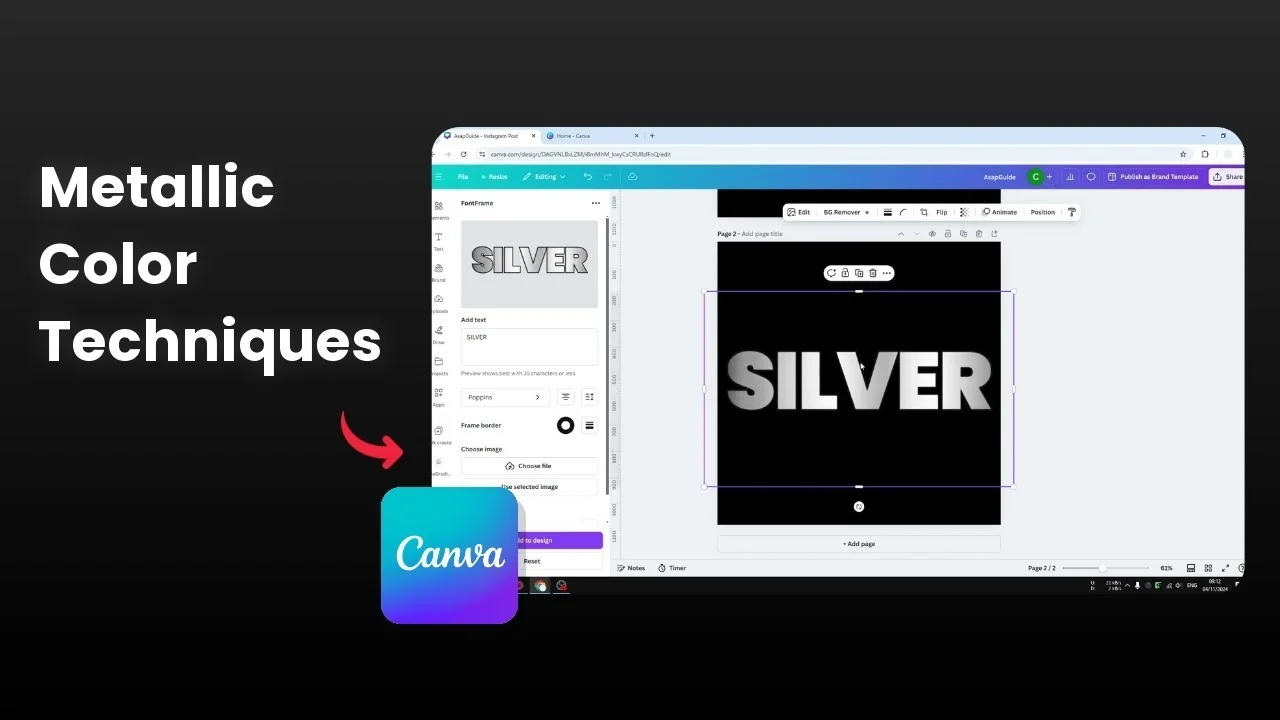
I am going to show you how you can add a metallic surface to text in Canva.
There are three methods, all using third party apps that are easy to use and available right inside Canva.
The first method gives the most enticing result and is easy to use.
Get Metallic Colors in Canva with Font Frame
Get Metallic Colors in Canva by adding a texture
Open a document in Canva.
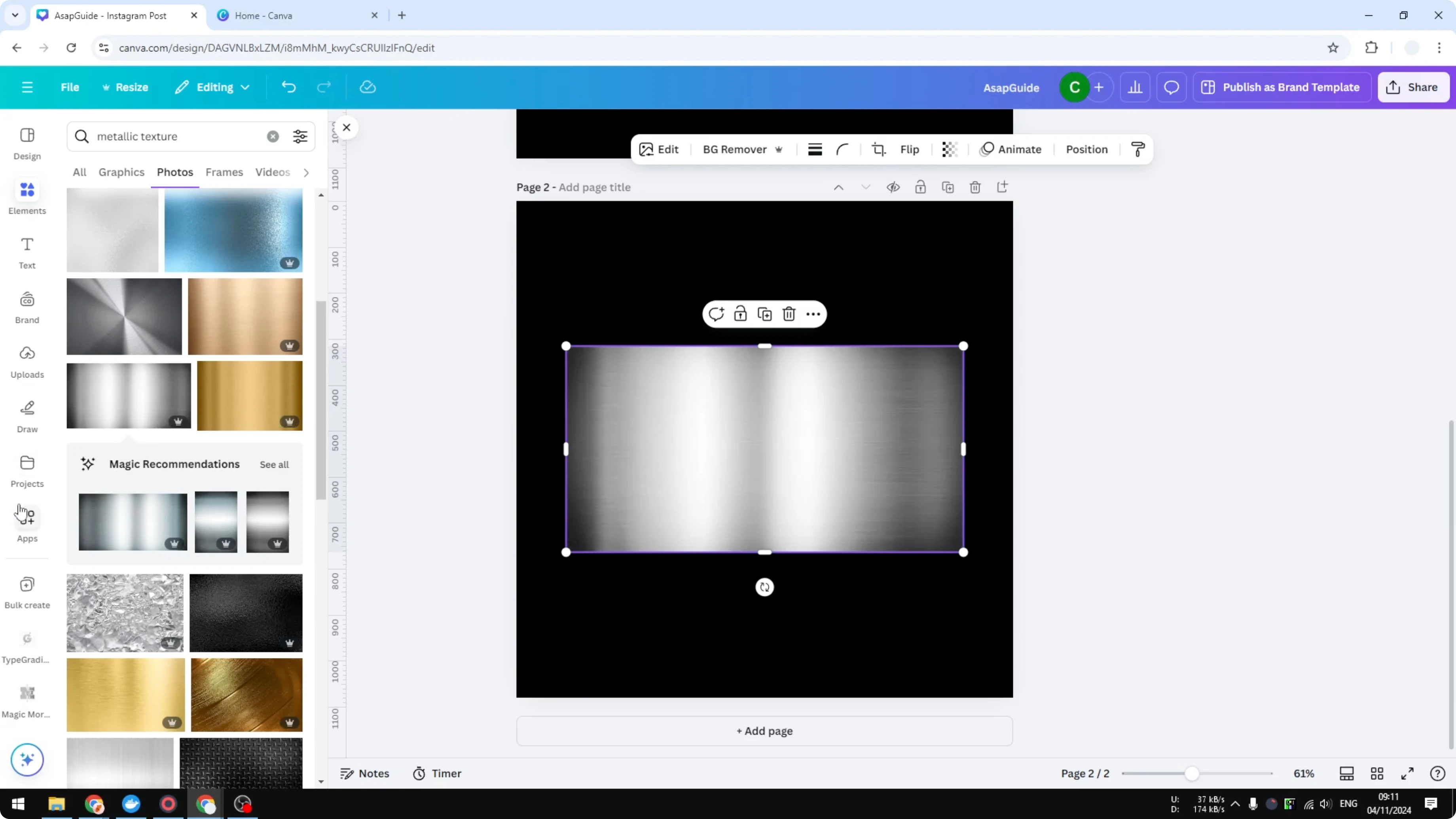
Go to Elements and search for metallic surface or metallic texture.
Insert a metallic texture photo into the document.
Get Metallic Colors in Canva using Font Frame
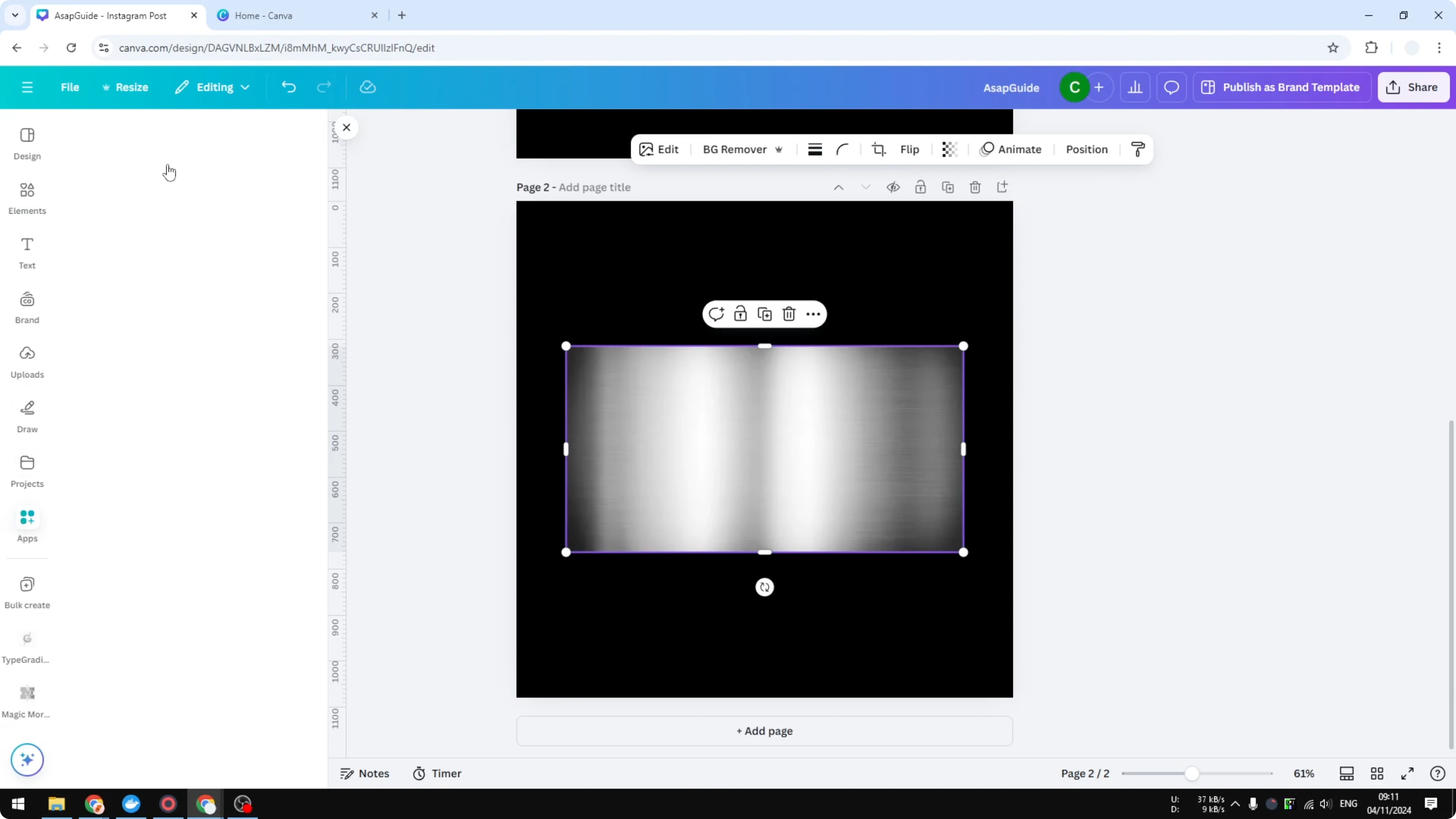
Go to Apps and search for Font Frame.
Open Font Frame, and install it if it is your first time.
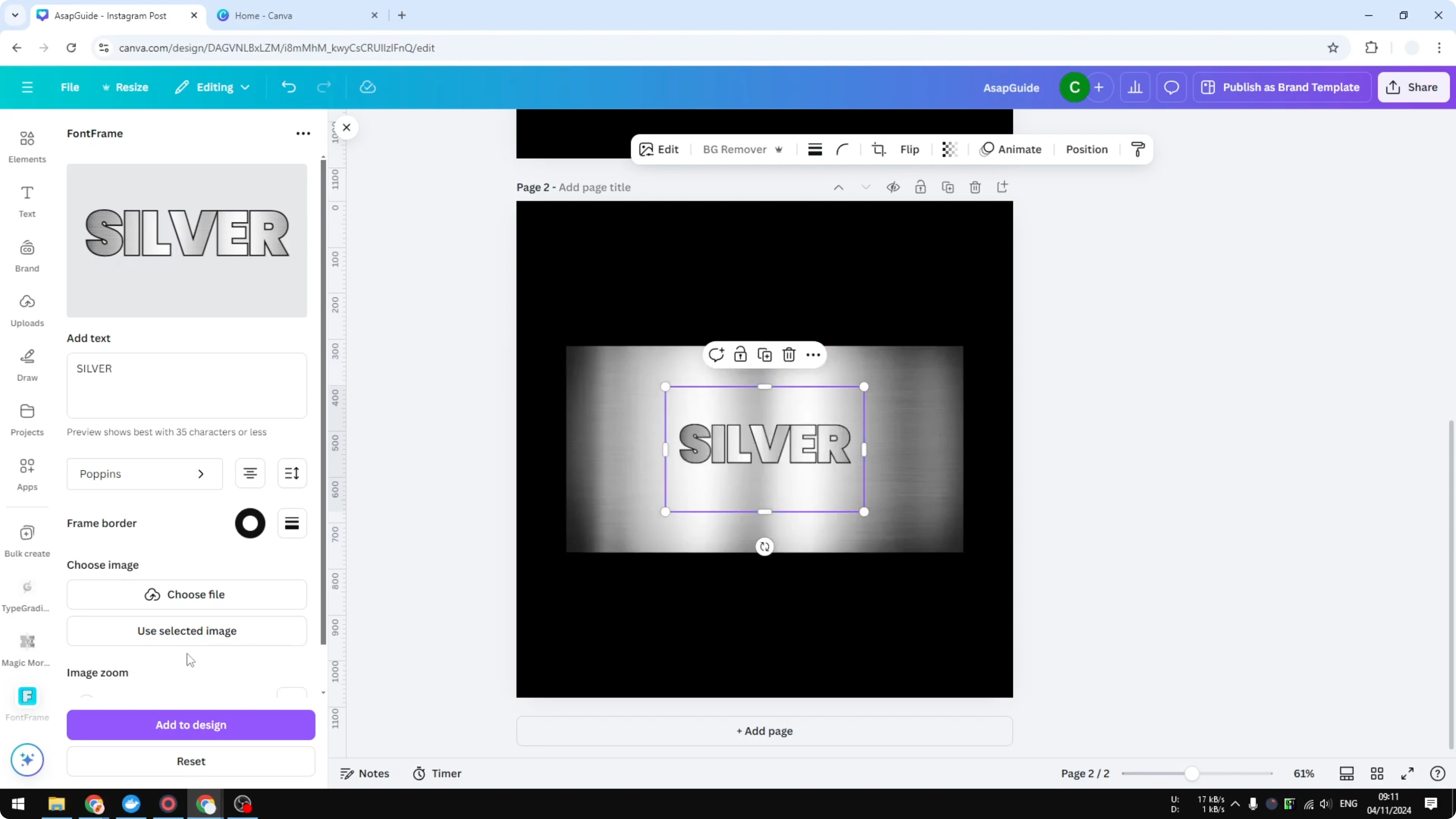
Type your text, for example I typed silver.
Select the font, alignment, spacing, and frame border thickness.
Choose the image you want to put into the text, and select the metallic texture you inserted.
Adjust the zoom to control which area of the image appears inside the text.
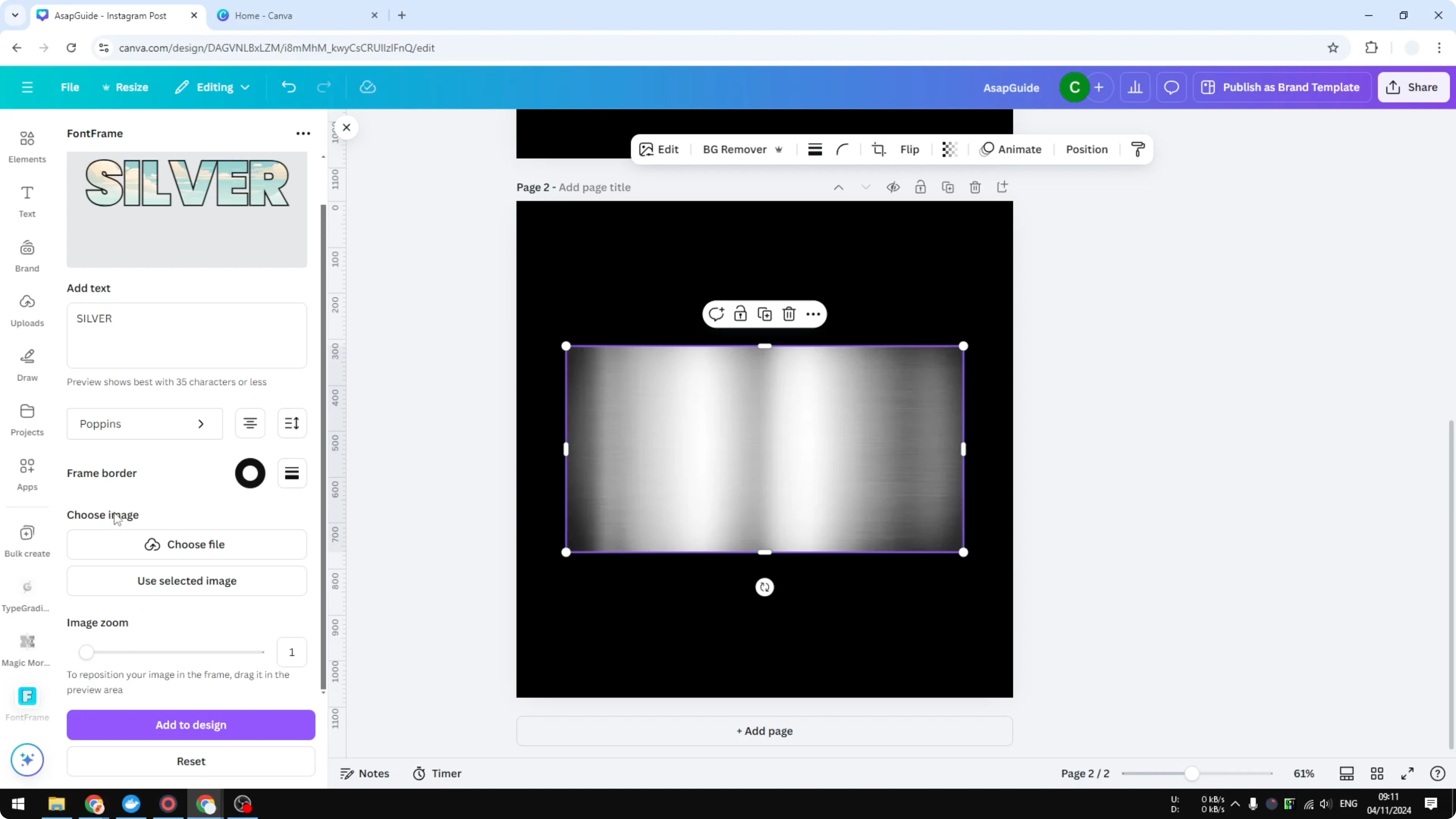
Click Add to design.
You get text with a metallic surface that looks realistic because it is based on a real metallic texture.
I think it looks pretty.
If you want images that match your palette, see how to find photos by brand colors in Canva.
Get Metallic Colors in Canva with Magic Morph
Get Metallic Colors in Canva by describing a style
Add a new page.
Add text and make it bigger.
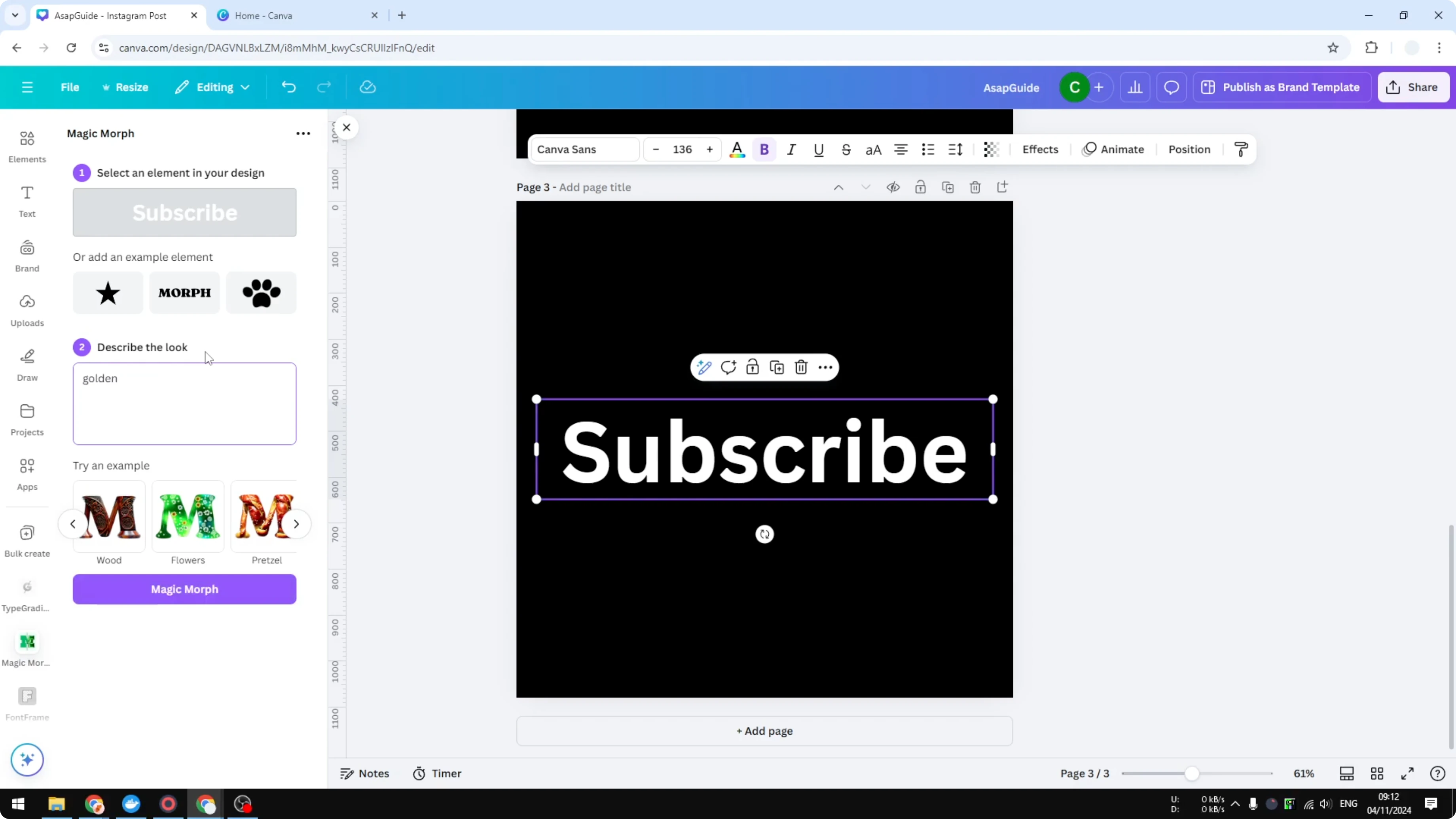
Go to Apps and open Magic Morph, which is created by Canva.
Enter a description like golden metal or golden surface.
Apply Magic Morph to the selected text box.
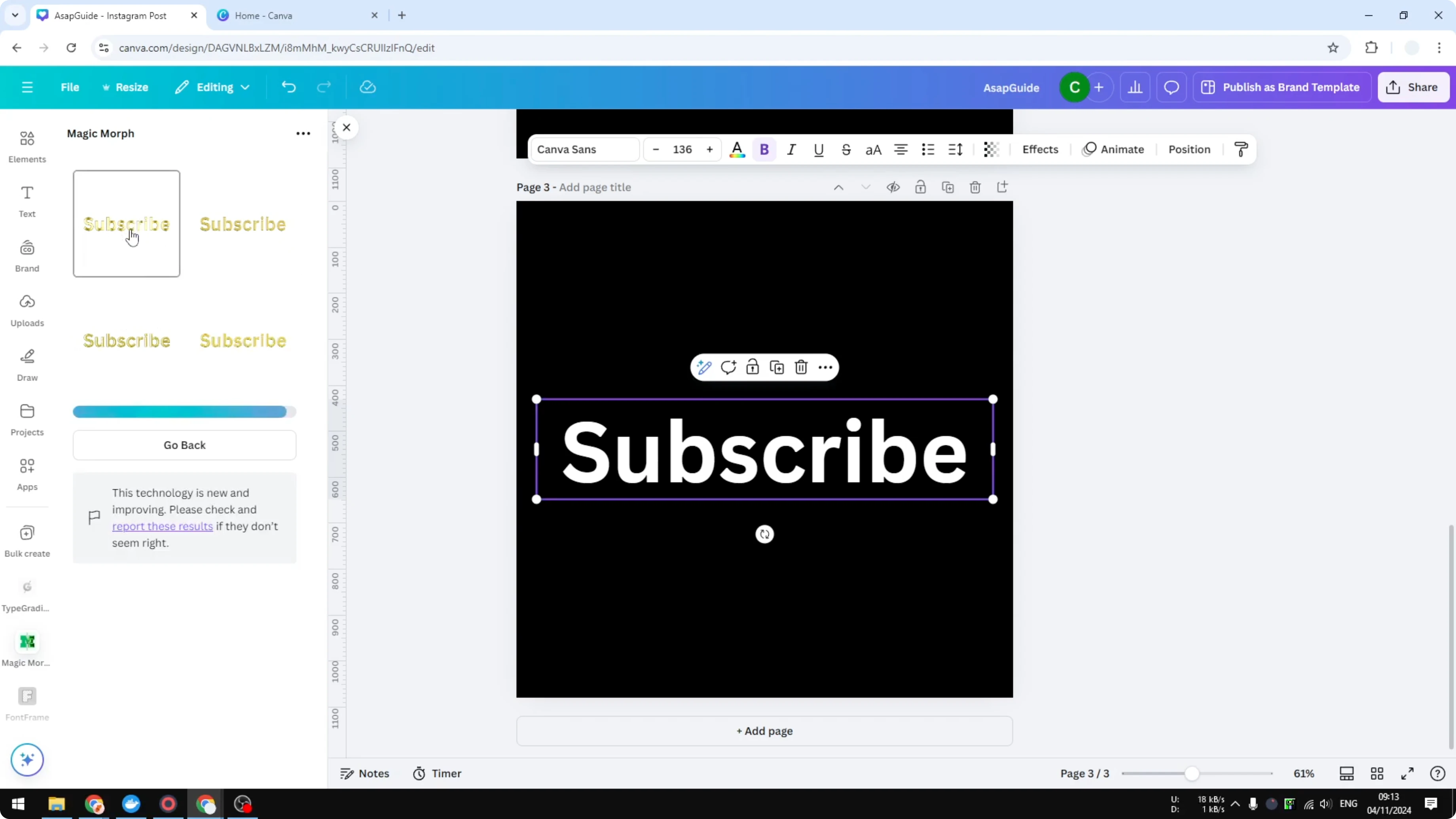
This process usually takes less than 20 seconds and it generates up to four different pictures.
Click any result to insert it into your document.
This text has a metallic golden texture, and it looks pretty good.
It is fast and gives you multiple styles to choose from.
If you want to keep text styles on brand, learn how to apply your brand colors to Canva templates.
Get Metallic Colors in Canva with Type Gradient
Get Metallic Colors in Canva by emulating metal with gradients
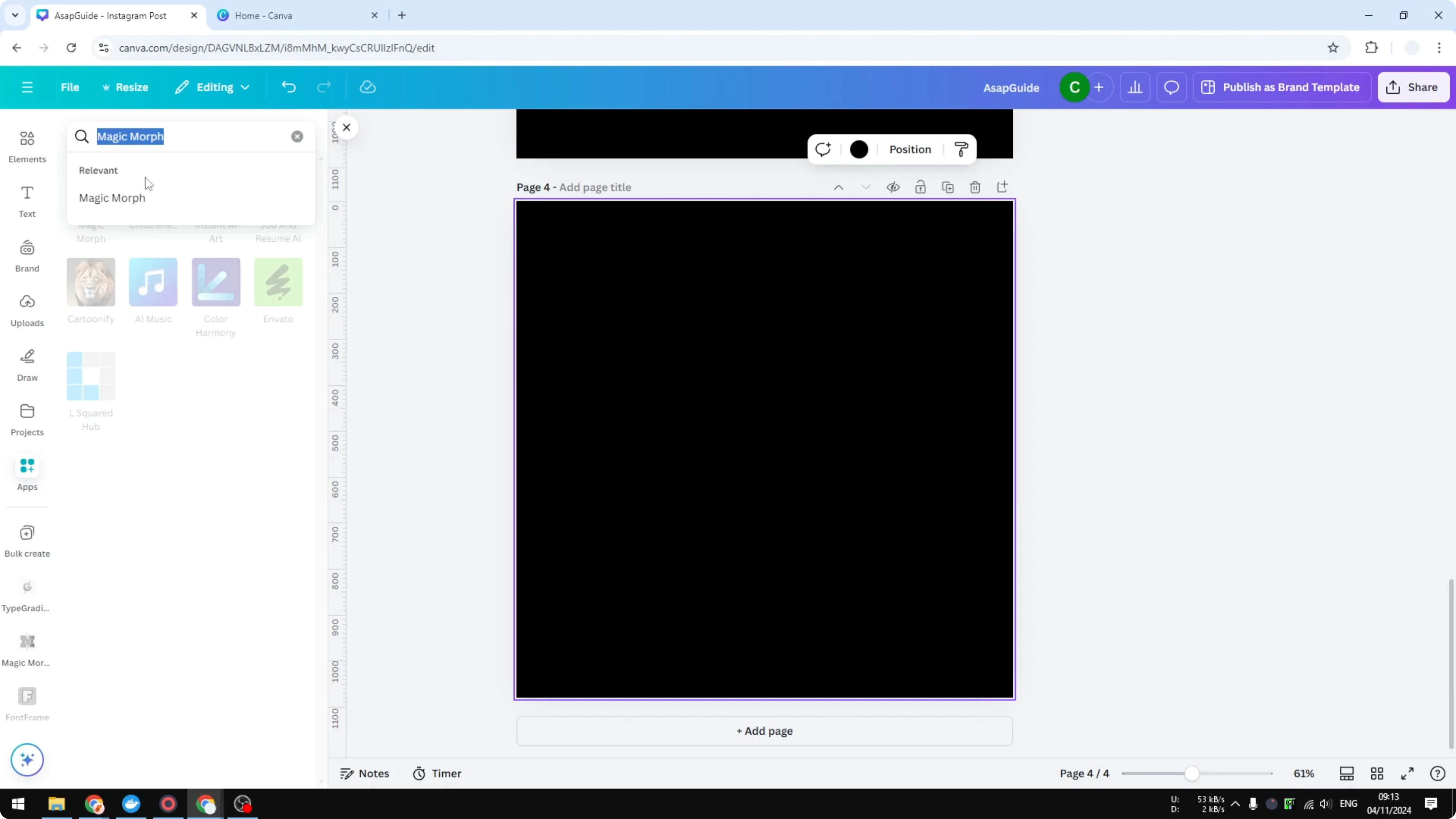
Add another page.
Go to Apps and open Type Gradient.
Edit the text if needed.
Metallic surfaces are really just a gradient of colors.
You often see bright, then dark, then bright again as the light shifts.
It is basically an alternation of colors.
Set colors to emulate silver by choosing white, a darker gray that reads as dark silver, and white again.
Add more control points if you want to refine the pattern.
Click Add to design.
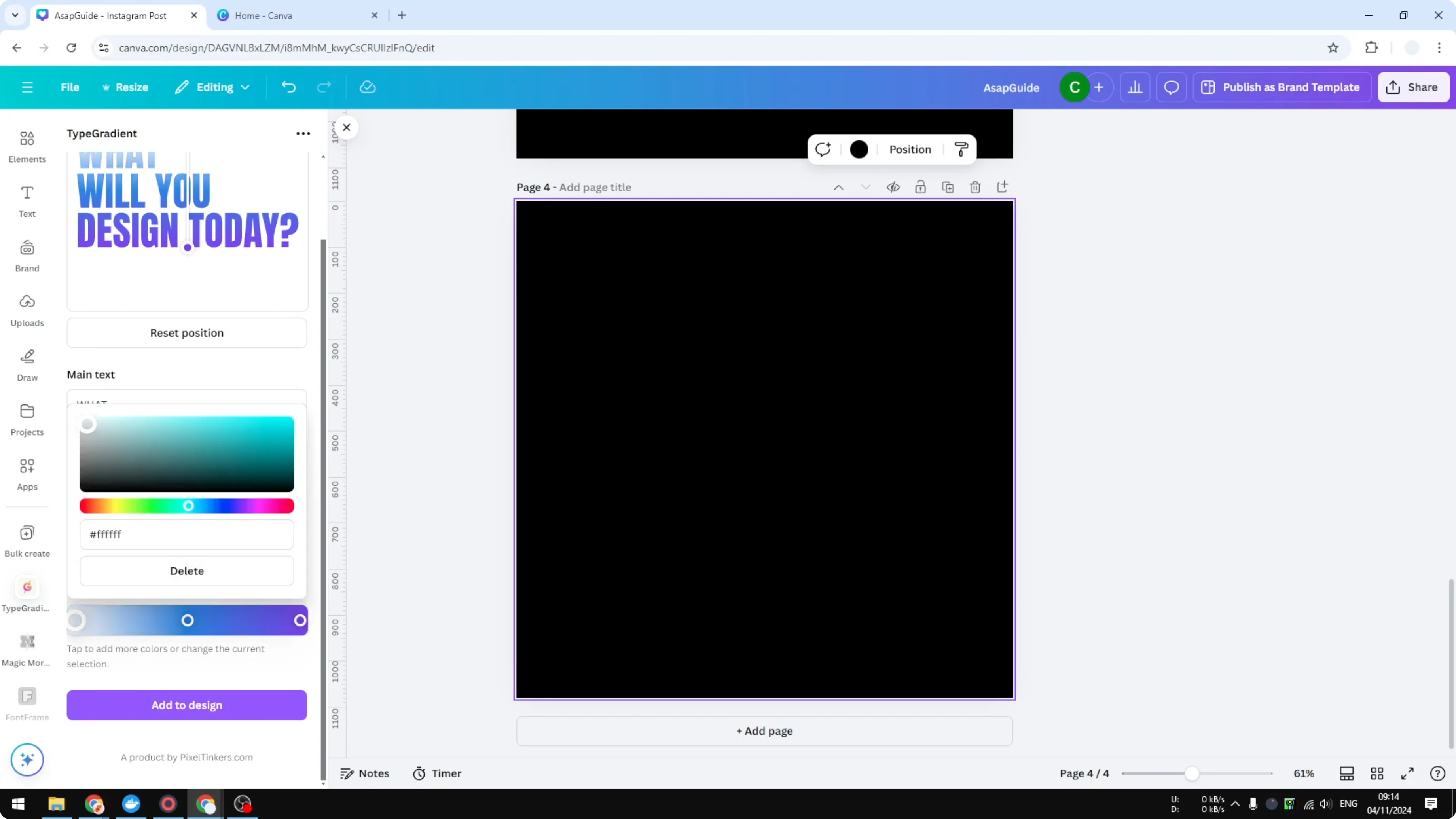
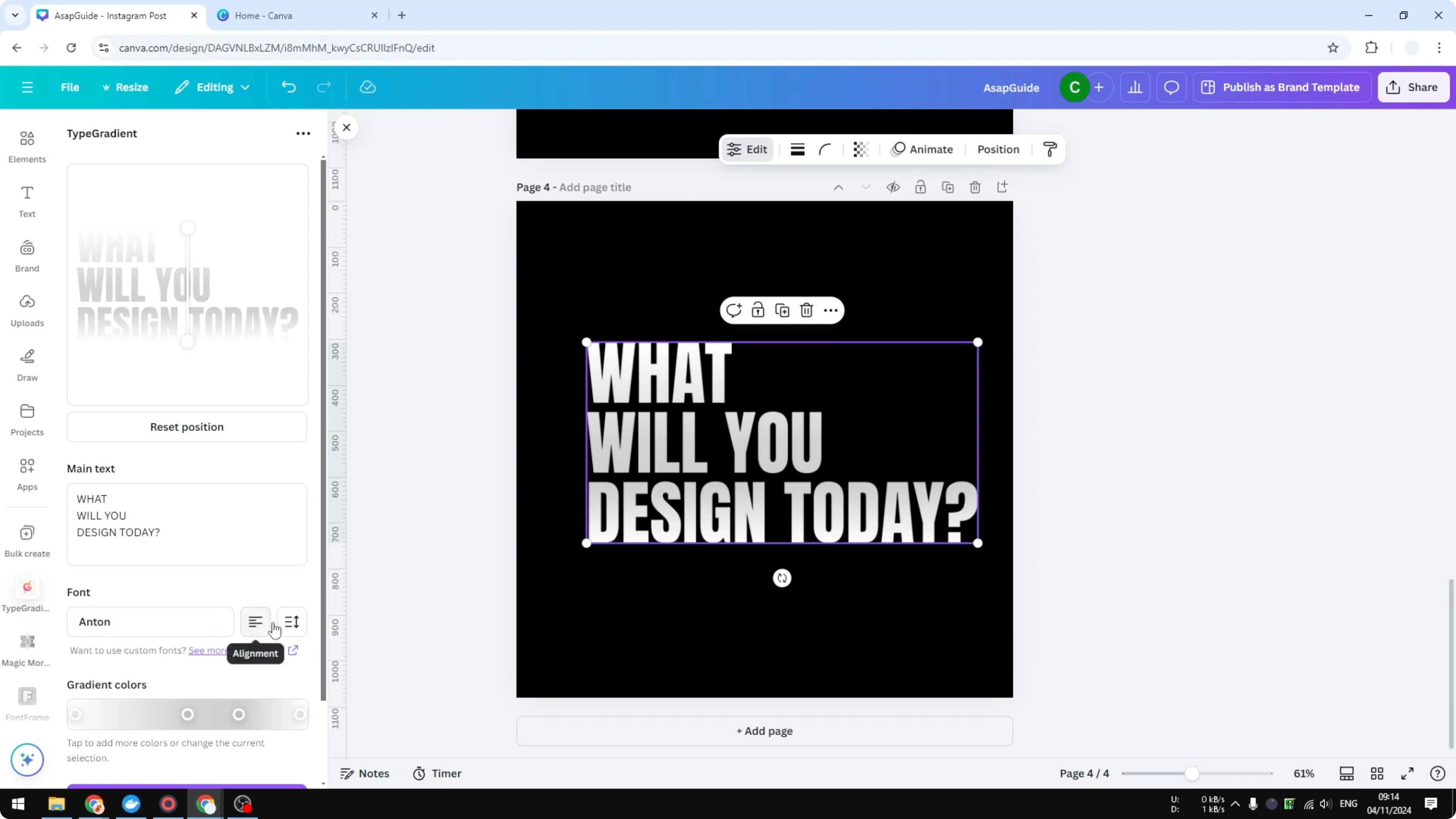
You can change the font, alignment, spacing, and the angle of the colors.
Update the element and adjust until the highlights sit where you want them.
This is not very realistic, but it is simple and people easily associate it with a metallic surface.
To fine tune the blend and highlights, see how to change gradient colors in Canva.
Final thoughts on Get Metallic Colors in Canva
You can get convincing metallic text in Canva with three approaches.
Fill text with a real metal texture using Font Frame, generate a styled result with Magic Morph, or emulate reflective metal using Type Gradient.
Pick the one that matches your time, control, and realism needs.
Recent Posts

How to Visualize Yourself as a Pixelized Character with AI?
How to Visualize Yourself as a Pixelized Character with AI?

How to Revive Faded Memories and Enhance Image Clarity with AI?
How to Revive Faded Memories and Enhance Image Clarity with AI?

How to Visualize Yourself as an Animal Crossing Character with AI?
How to Visualize Yourself as an Animal Crossing Character with AI?