How to Instantly Upscale Images and Enhance Quality with AI?
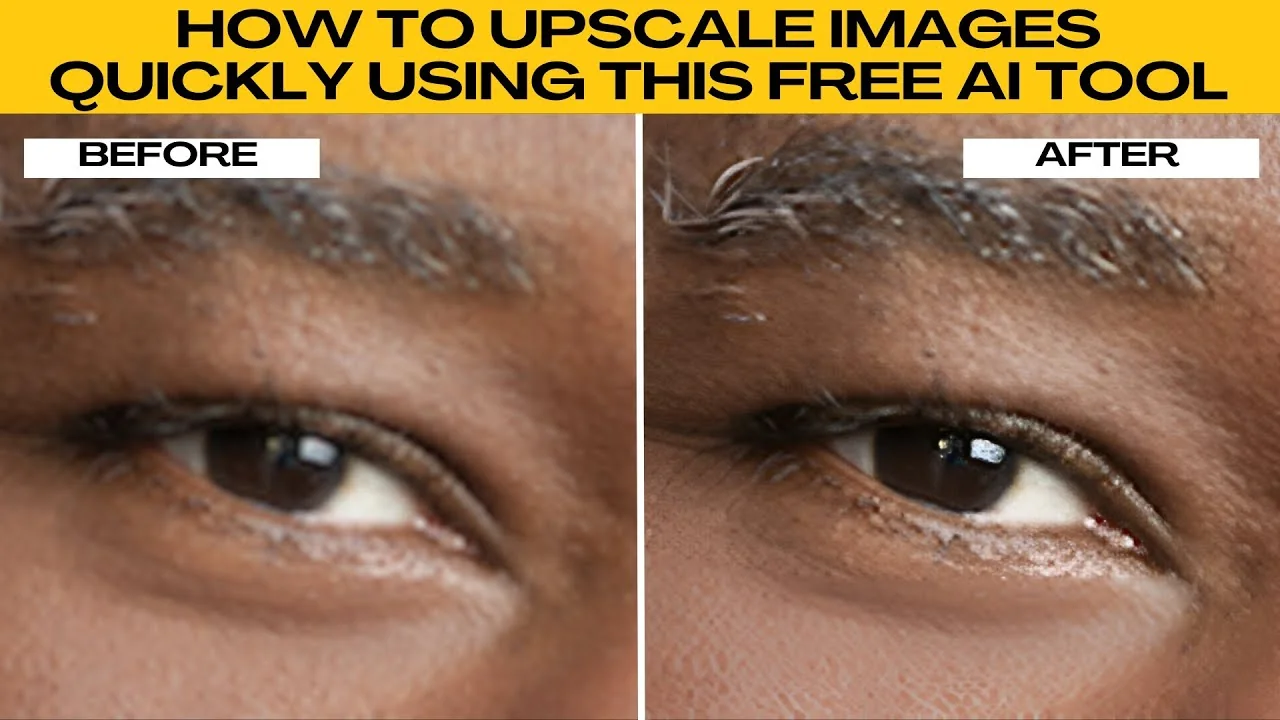
I will teach you how to upscale images quickly using a free AI tool. If you need to make your images sharper, clearer, or ready to print, you can use the Pixel Cut AI upscaler where you can boost image resolution instantly with no design experience needed.
Quick start
Open your browser and go to the Pixel Cut image upscaler.
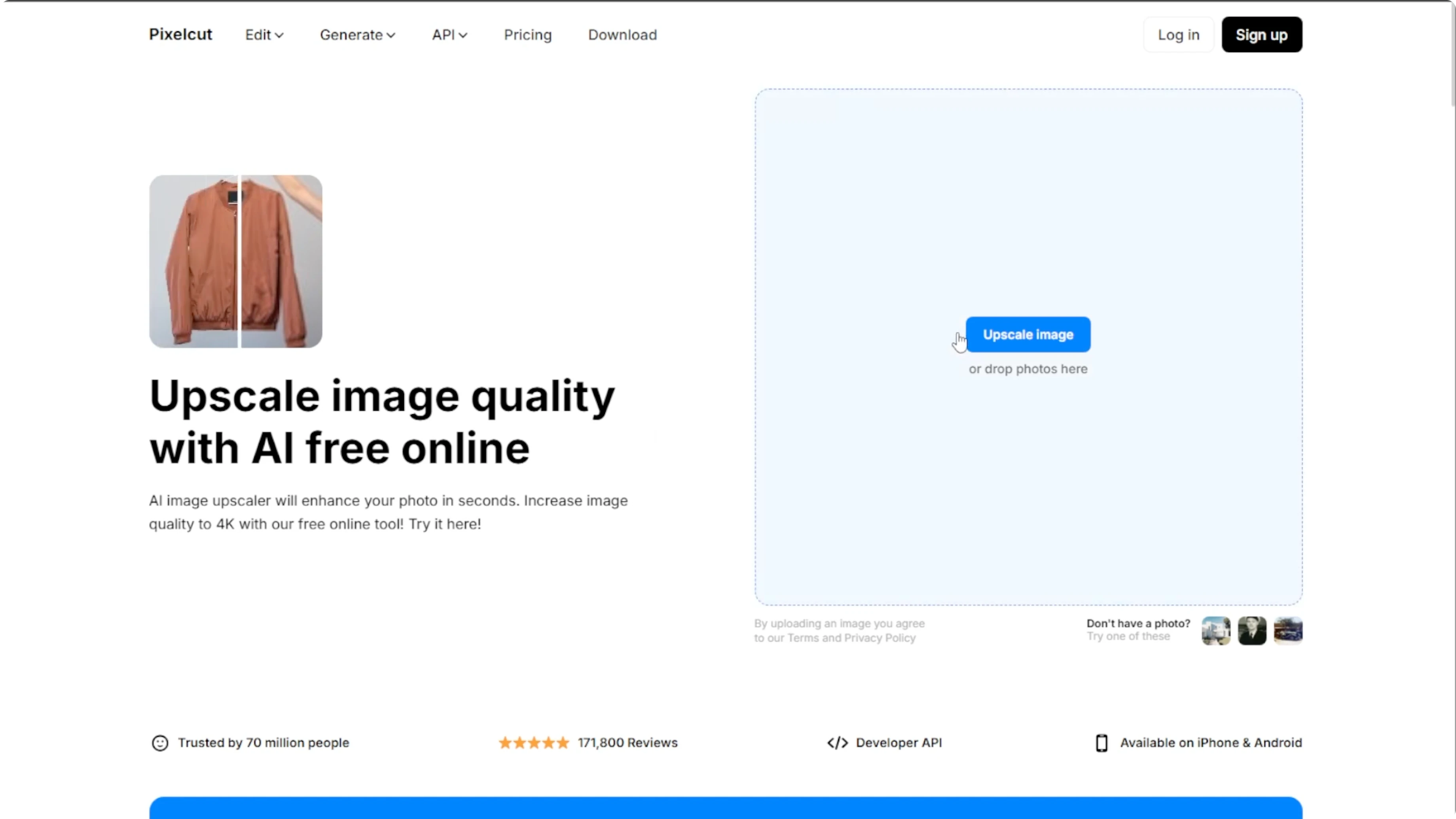
Click Upload to choose an image from your computer, or try one of the sample images provided to preview the tool's capabilities.
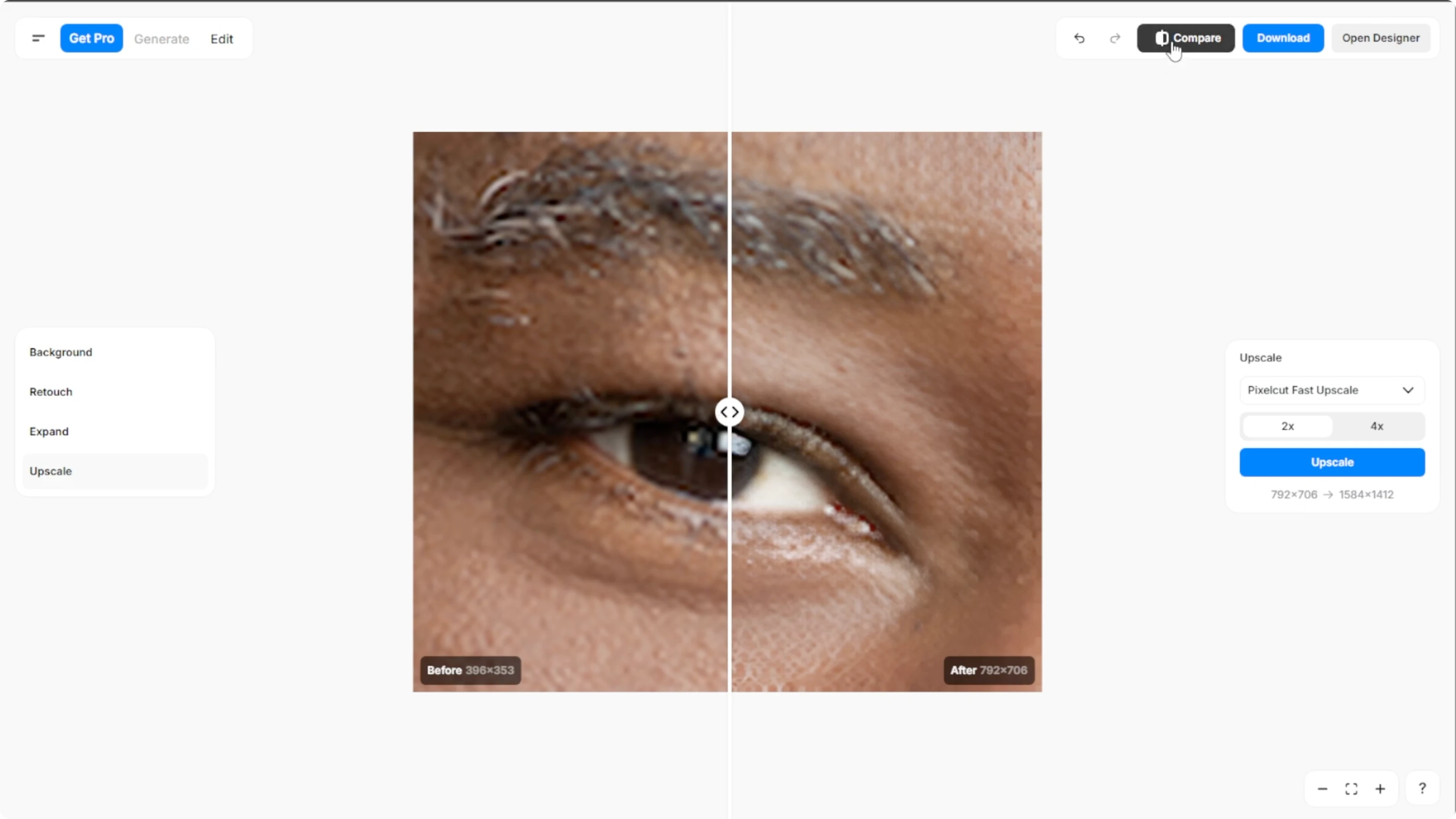
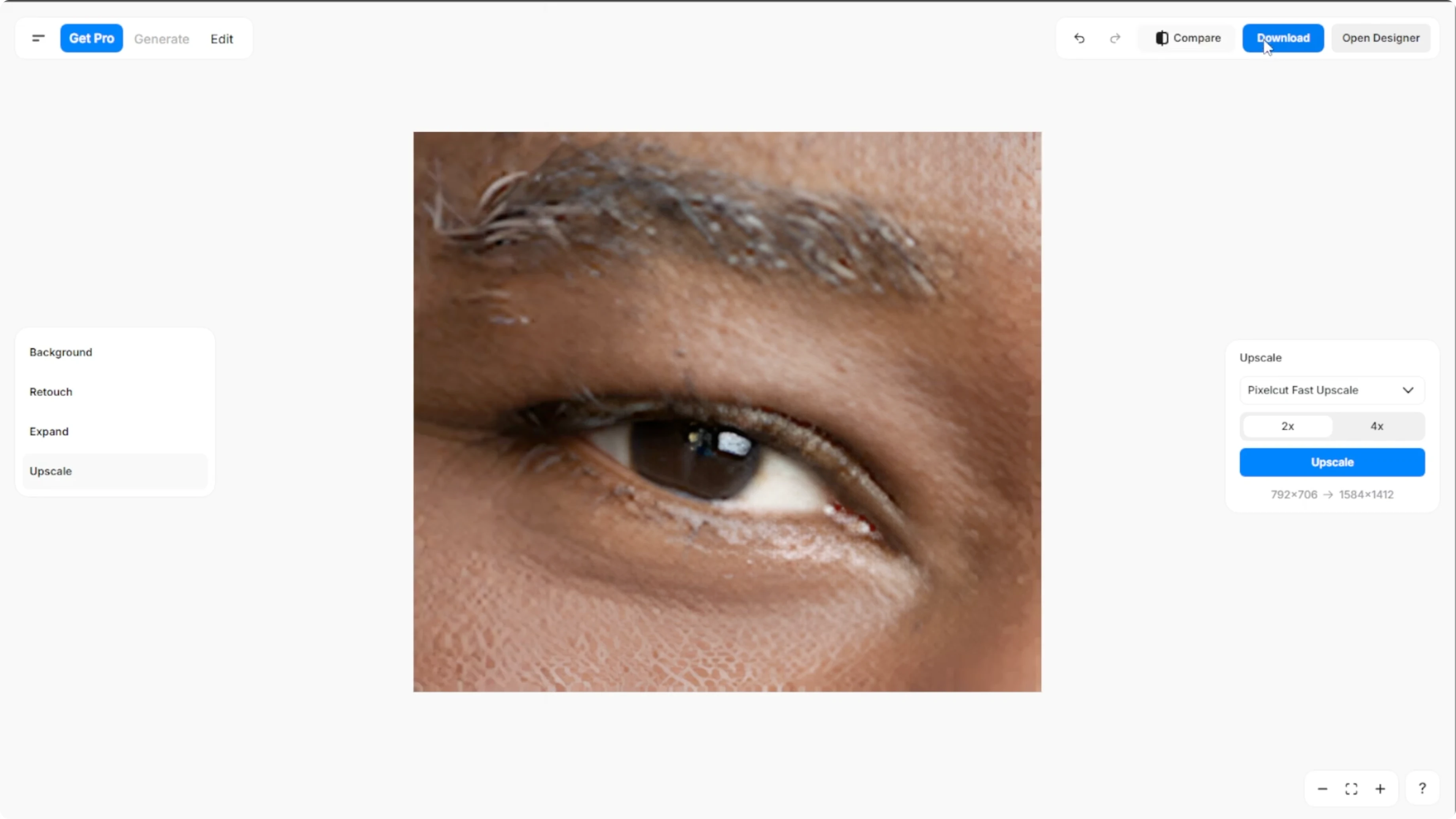
Once your image is uploaded, Pixel Cut will automatically upscale your image to two times using the Fast upscale option.
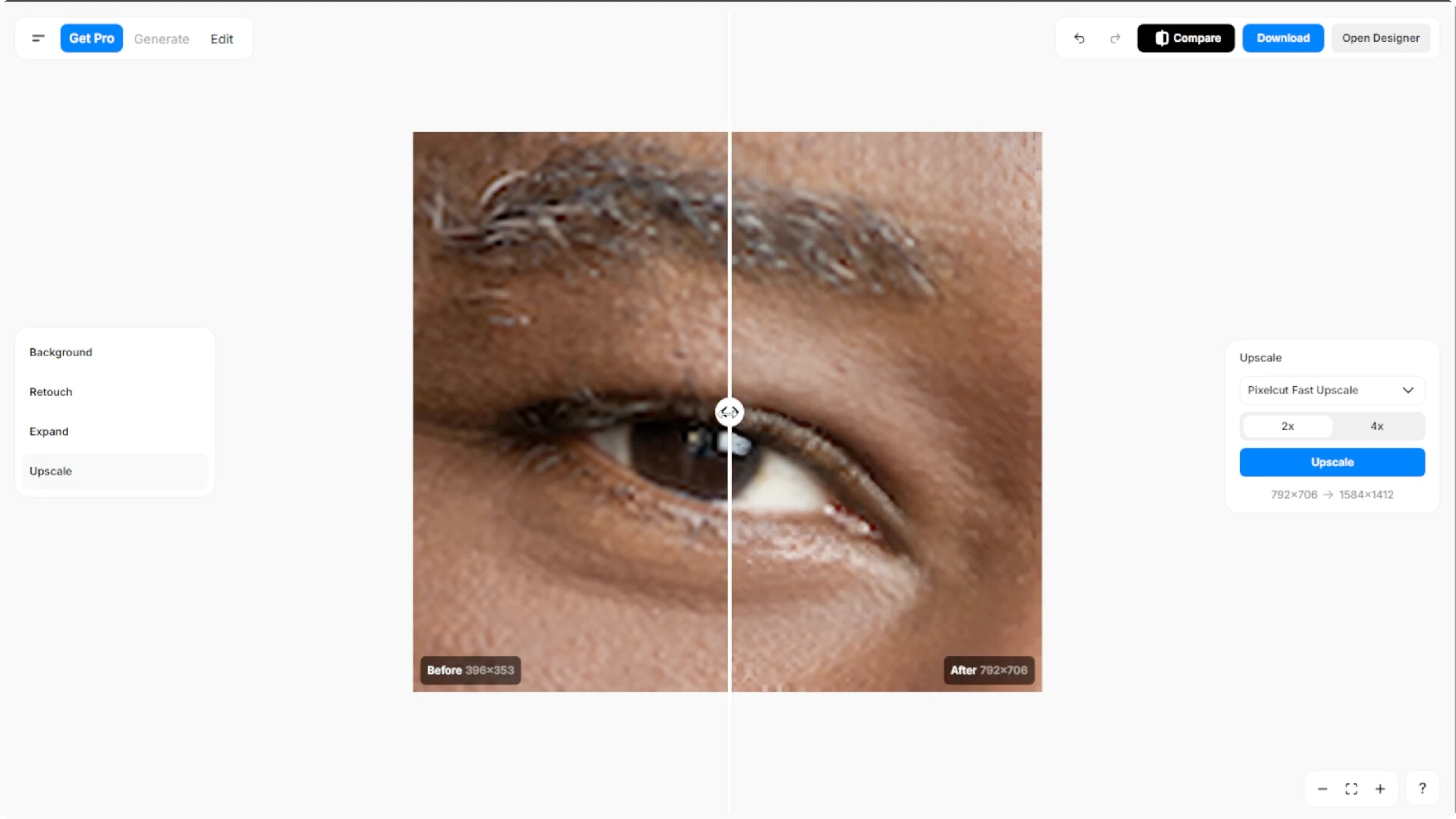
Click Compare at the top to view the before and after side by side.
Read More: Generate Ai Images Canva
Customize upscale
Choose a method
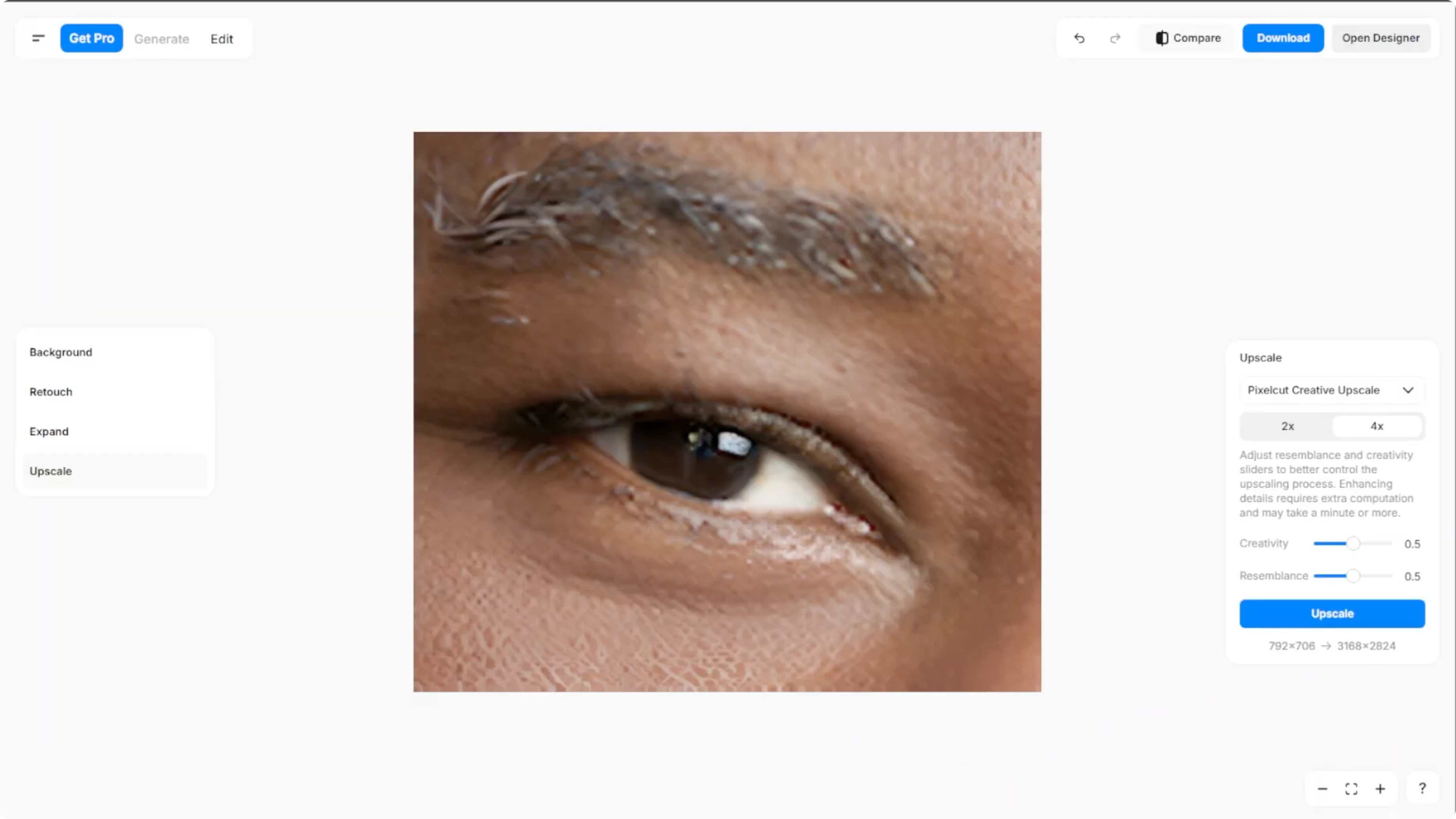
On the right panel, you can adjust the upscale method to either Fast upscale, which is the default, or Creative upscale.
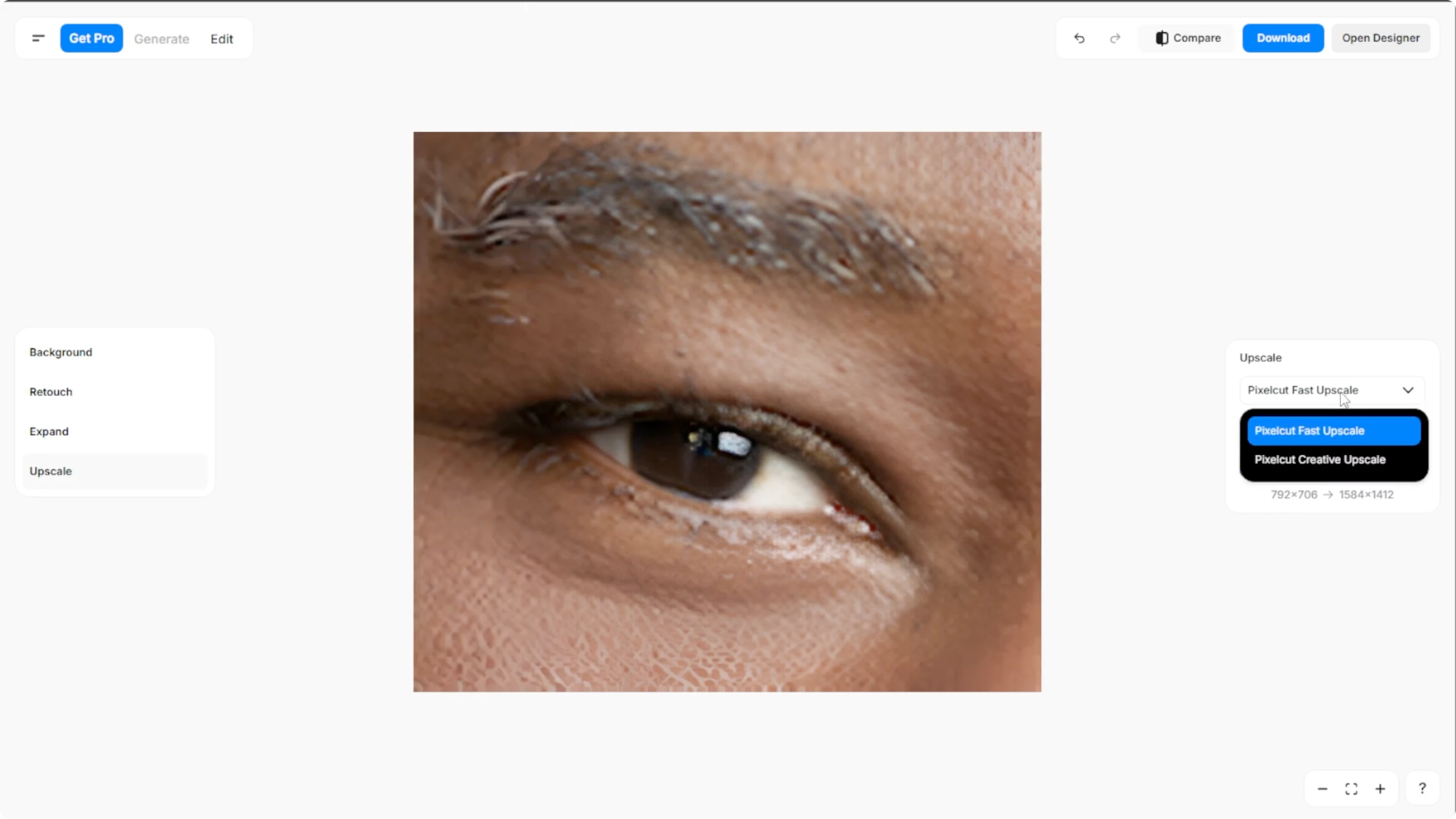
Fast upscale is quick and automatic, and it is ideal for basic enhancements.
Creative upscale is for more refined results.
Fine tune
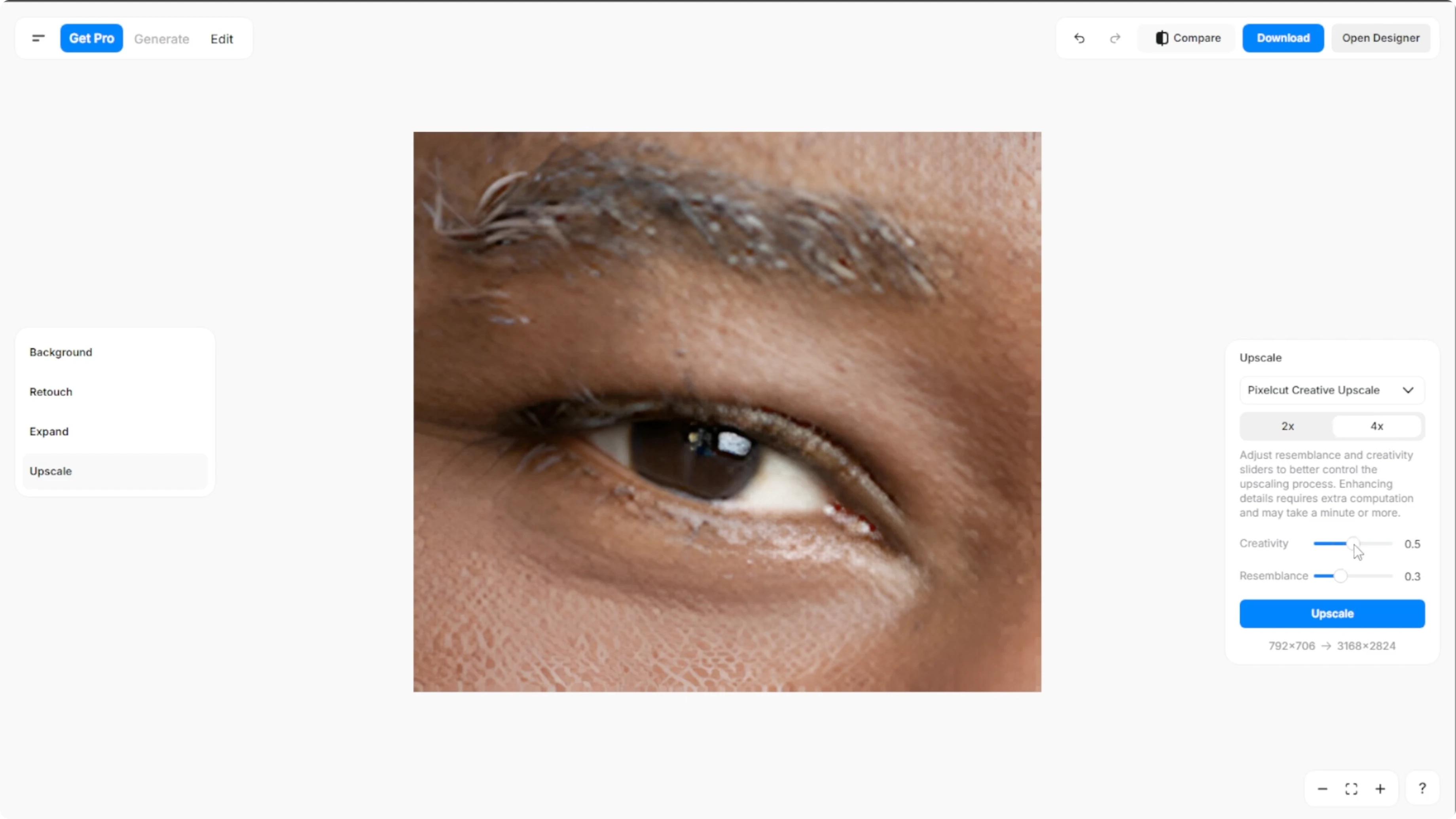
You can adjust the resemblance and creativity sliders and choose between two times or four times upscale.
Time and resolution
Creative upscaling may take a minute or more depending on your image.
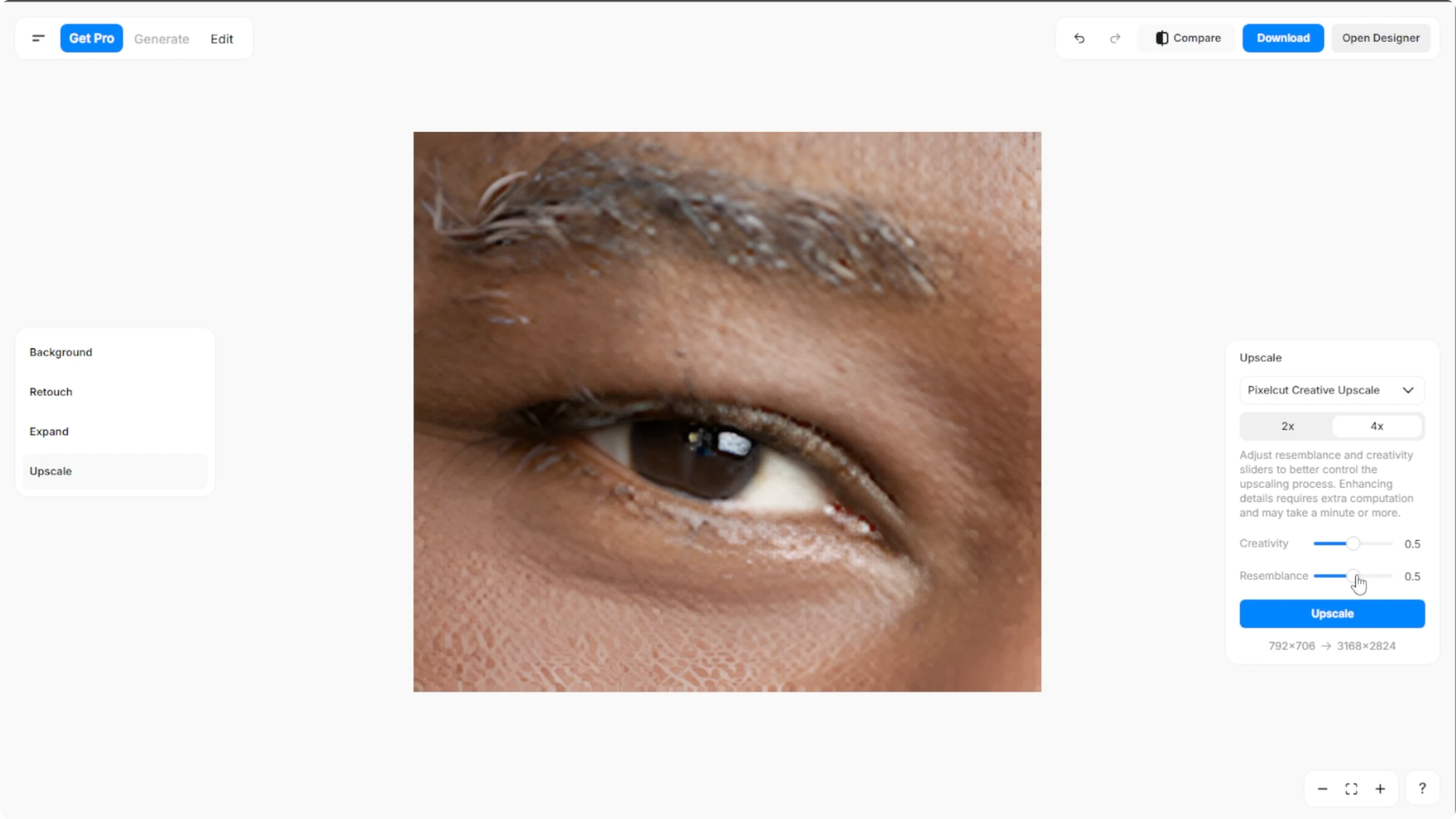
You will also see the resulting resolution displayed beneath the Upscale button.
Read More: How To Enhance Low Light Photos With Ai
Run the upscale
Once your settings are ready, click Upscale and let the AI do its work.
Enhance further
In the left panel, explore additional tools like remove background or replace it with solid colors, AI generated scenes, or your own image.
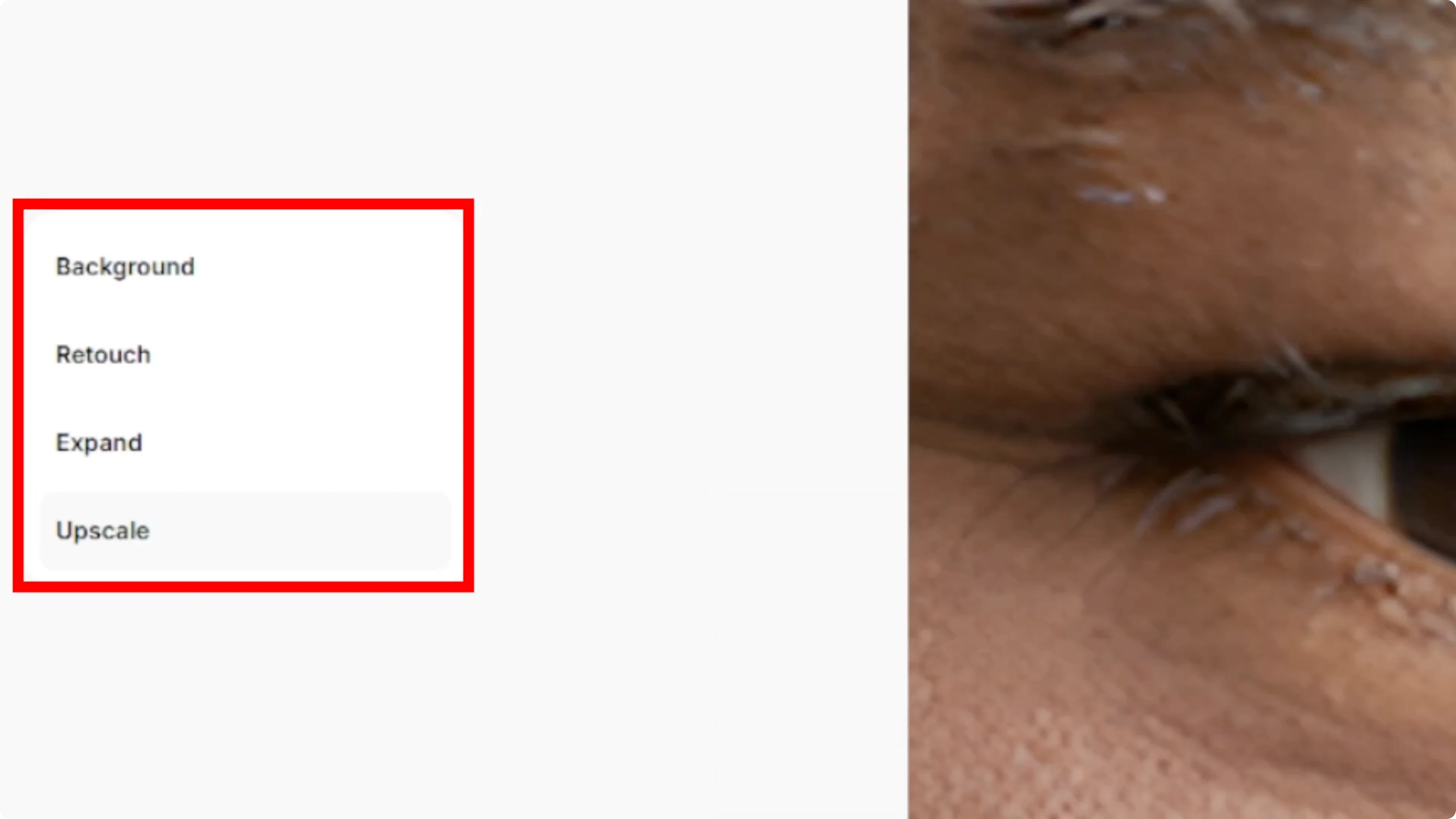
You can also add shadows, blur effects, or retouch details.
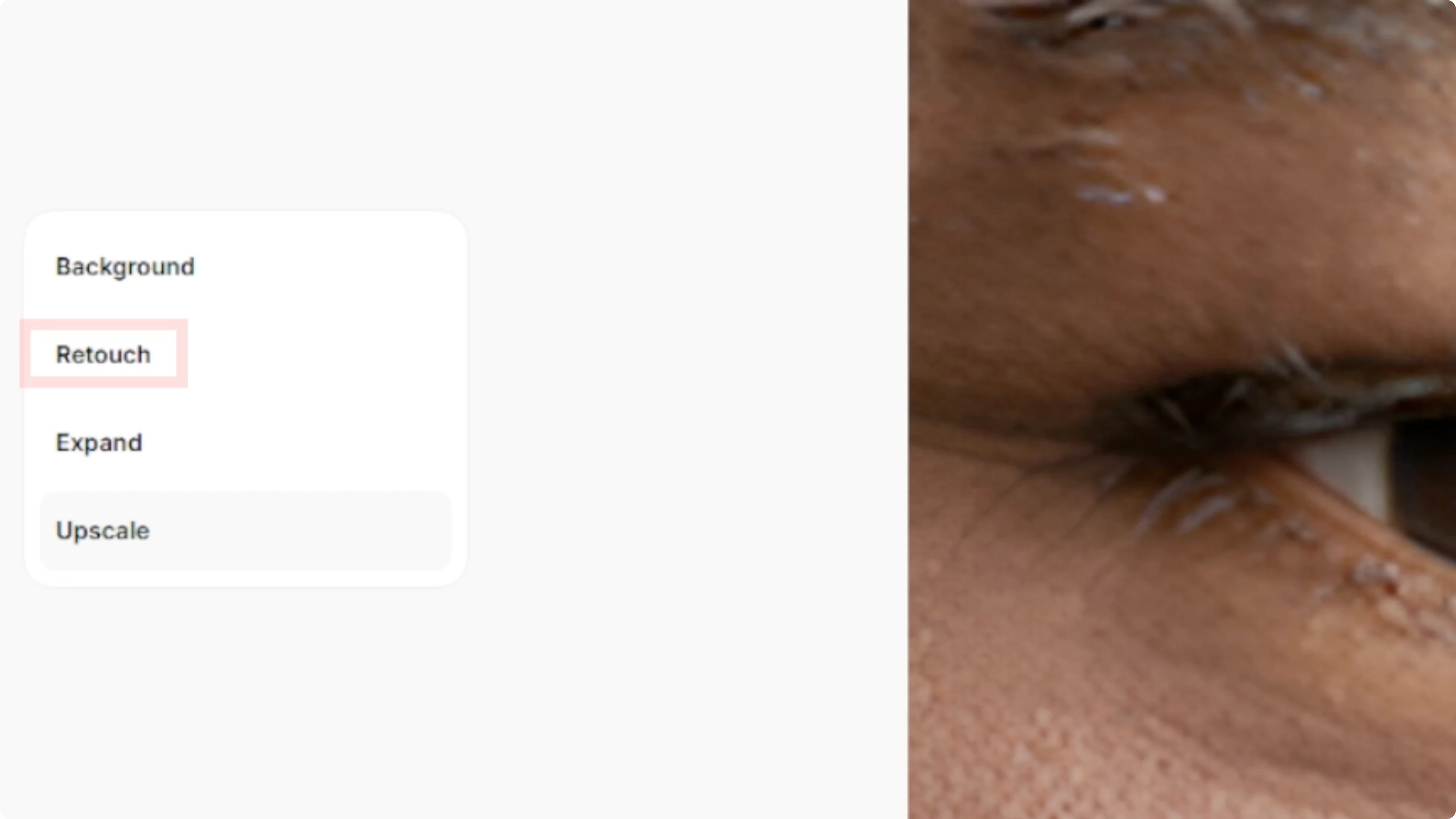
You can expand your image to fit new formats.
Read More: Blend Two Images Canva Ai
Export
When you are happy with the result, click Download to save your upscaled image to your computer.
Final thoughts
Pixel Cut AI upscaler makes it easy to boost resolution with fast defaults and creative controls when you need more polish. Adjust the method, tune the sliders, preview the result, and export a print-ready file in a few clicks.
Recent Posts

How to Visualize Yourself as a Pixelized Character with AI?
How to Visualize Yourself as a Pixelized Character with AI?

How to Revive Faded Memories and Enhance Image Clarity with AI?
How to Revive Faded Memories and Enhance Image Clarity with AI?

How to Visualize Yourself as an Animal Crossing Character with AI?
How to Visualize Yourself as an Animal Crossing Character with AI?