How to Transform Your Photos into 2D Video Game Portraits with AI?
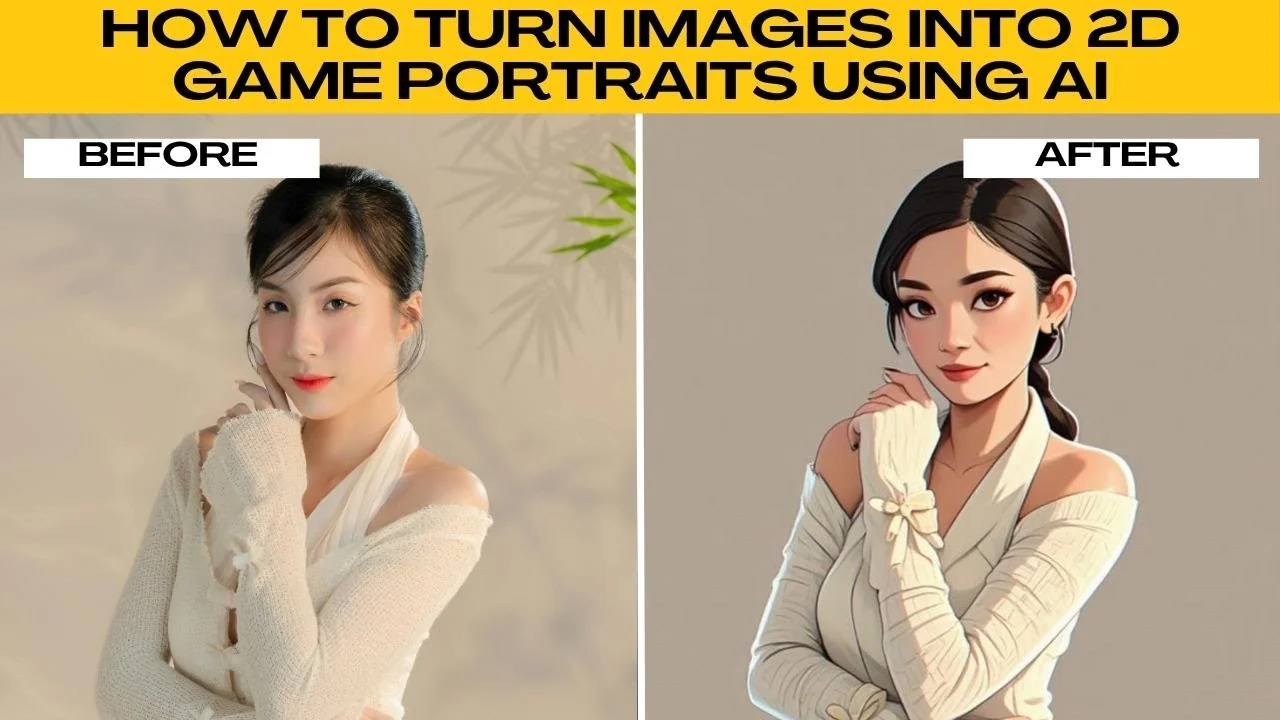
I will teach you how to turn images into 2D game portraits using AI.
Do you want to see yourself as a 2D game character like those in roleplay games, adventure quest, or anime inspired worlds. With AI tools like Photo AI Artifacts, you can instantly transform your regular photos into stylized 2D game portraits without needing any drawing skills or expensive design software. For another cartoon approach, check out how to create South Park style portraits.
Step by step
Prepare
Open your browser, then go to Photo AI Artifacts.
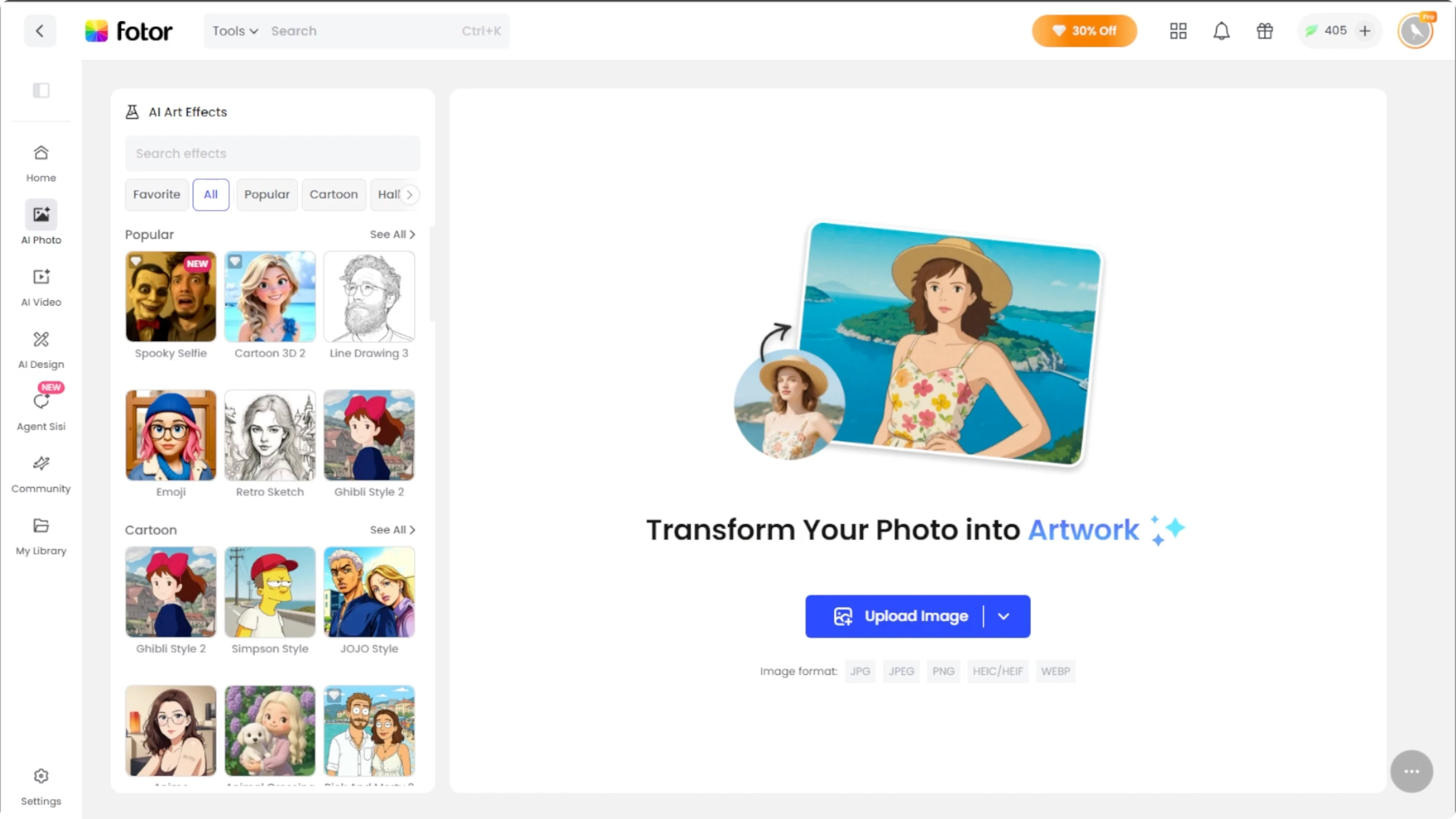
The tool runs directly online and needs no installation.
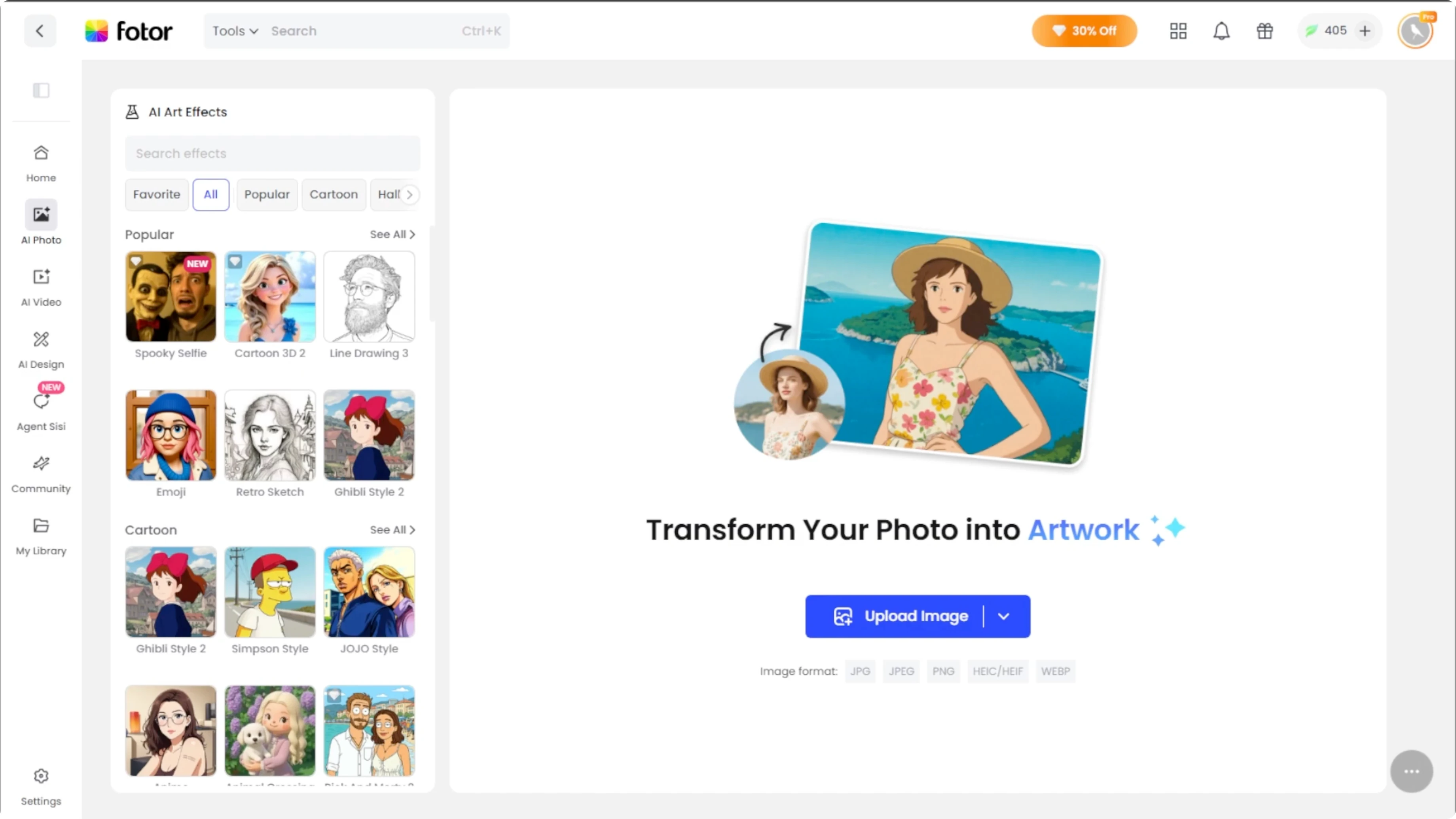
Click the Upload Image button, then select the photo that you want to transform.
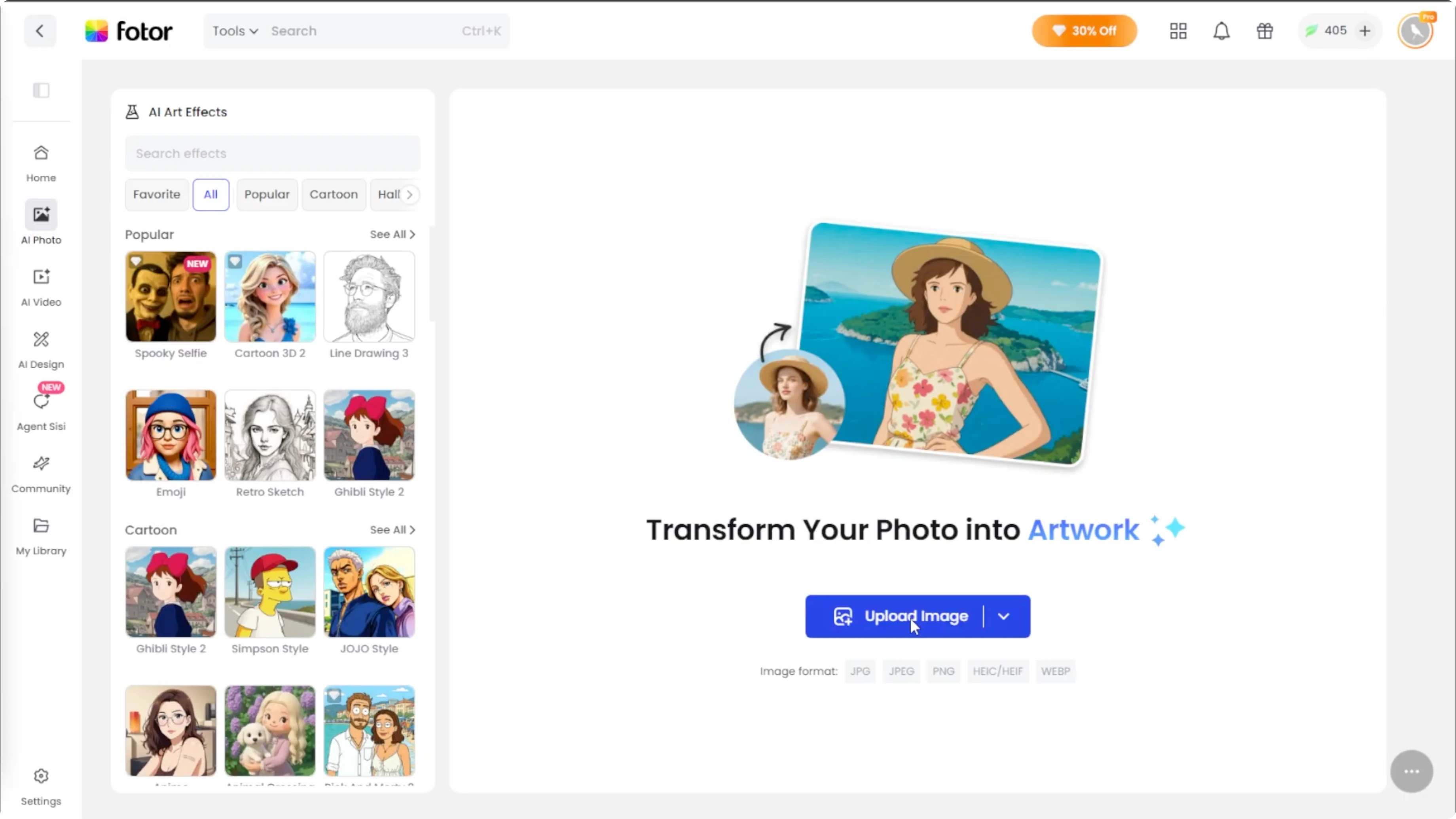
Best results come from clear front-facing photos, images with good lighting, and minimal background clutter.
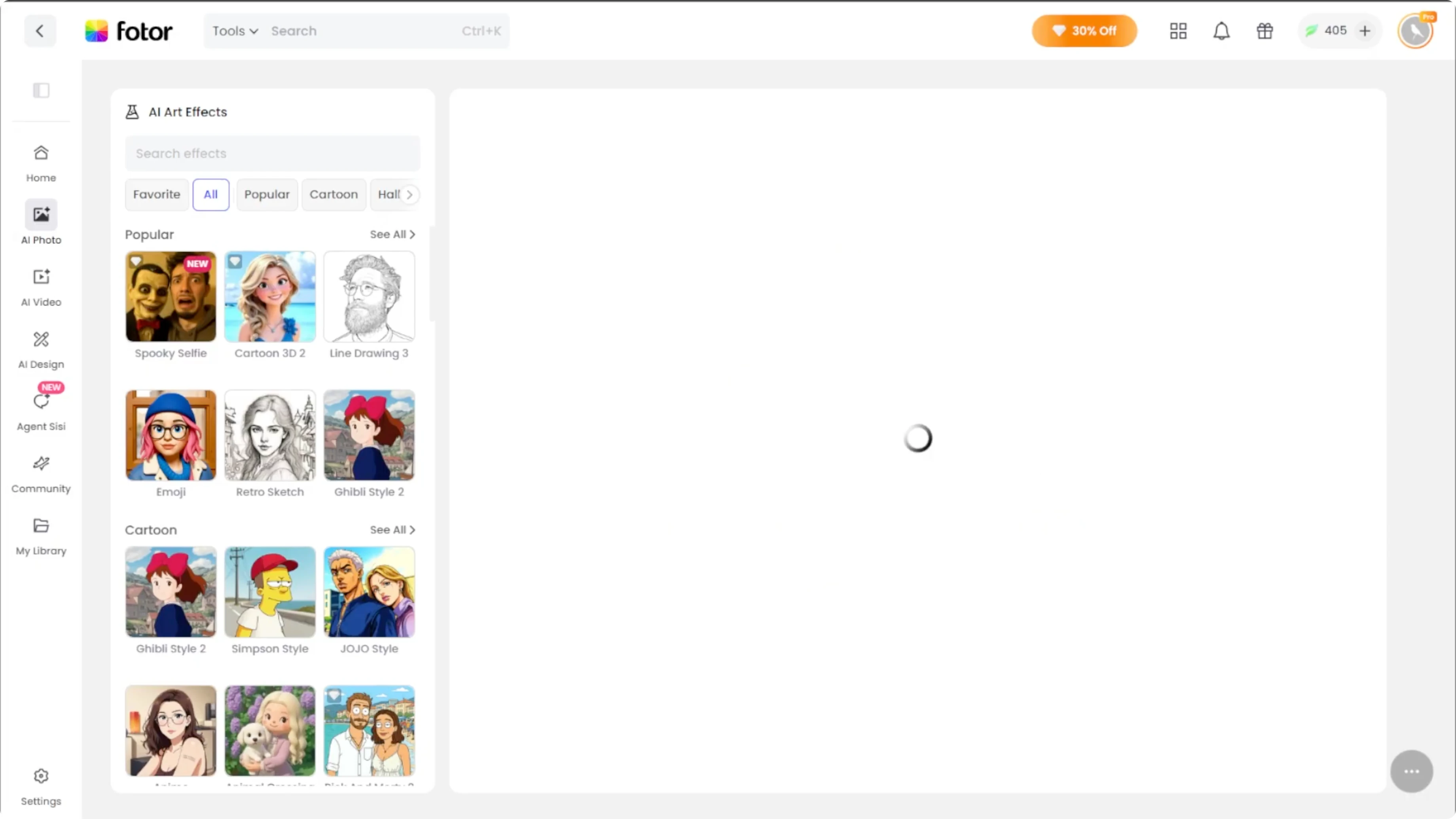
Apply style
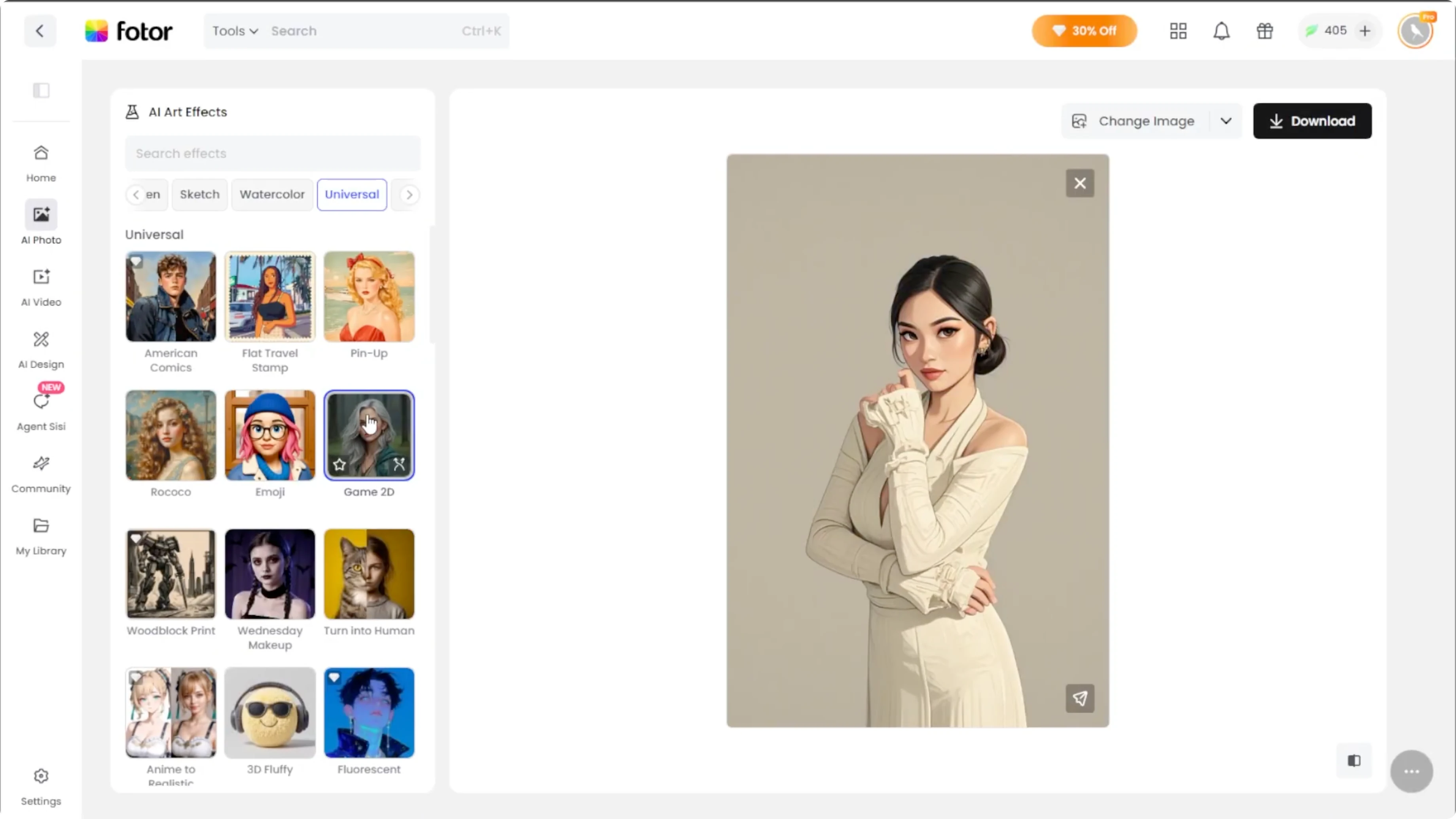
Look at the left panel where the AI art styles are listed.
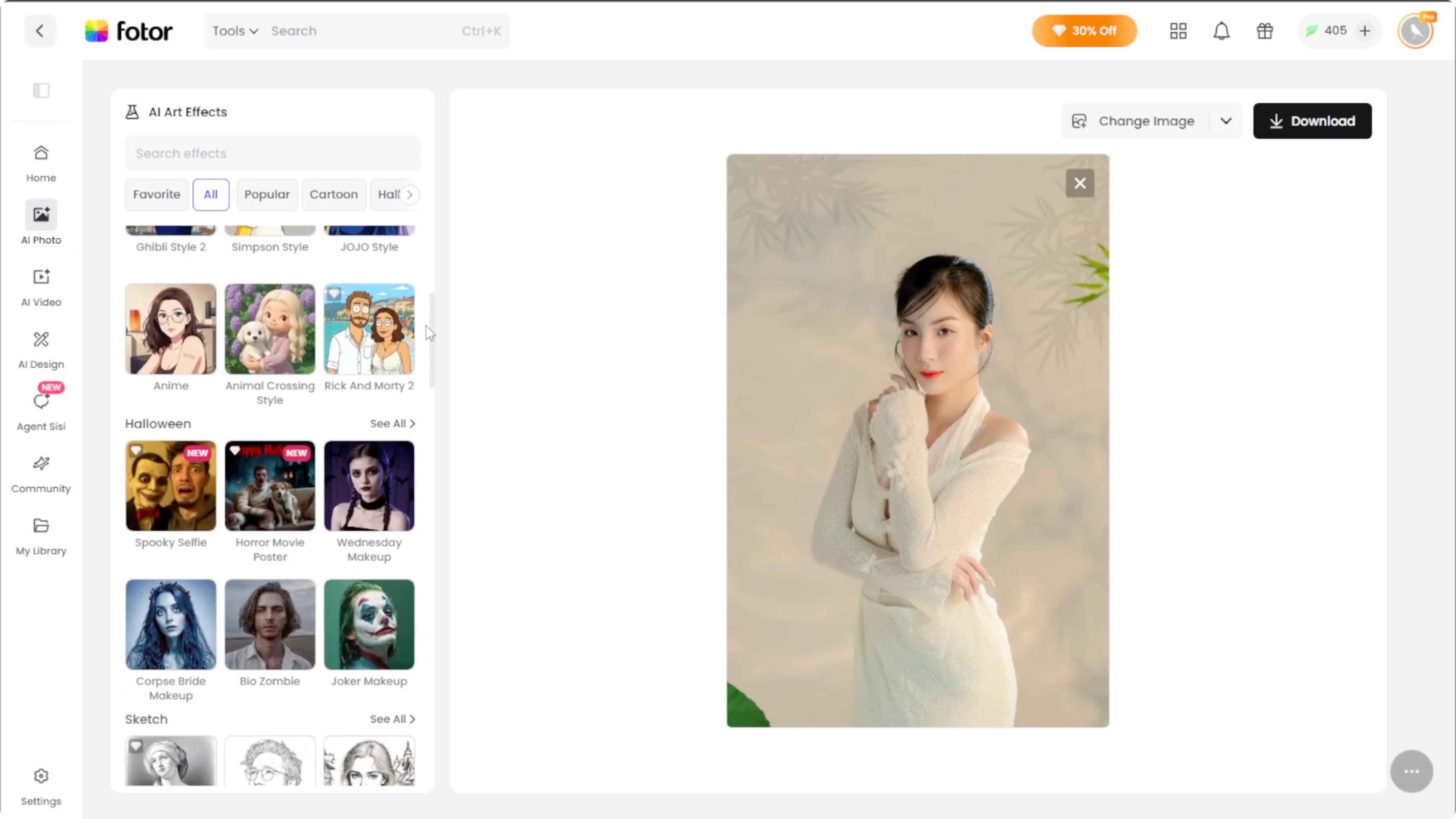
Scroll down to the universal section.
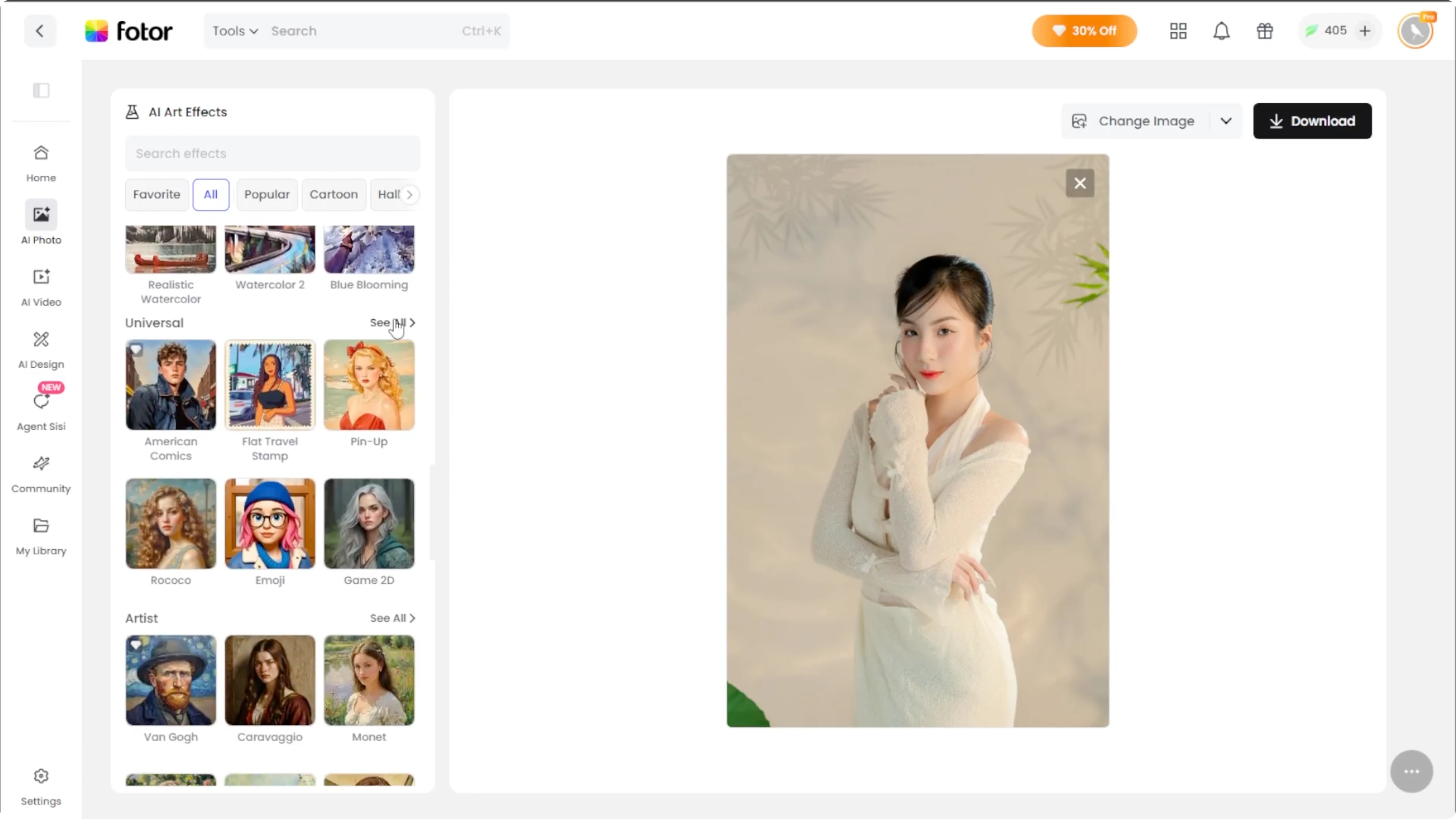
Select the Game 2D option.
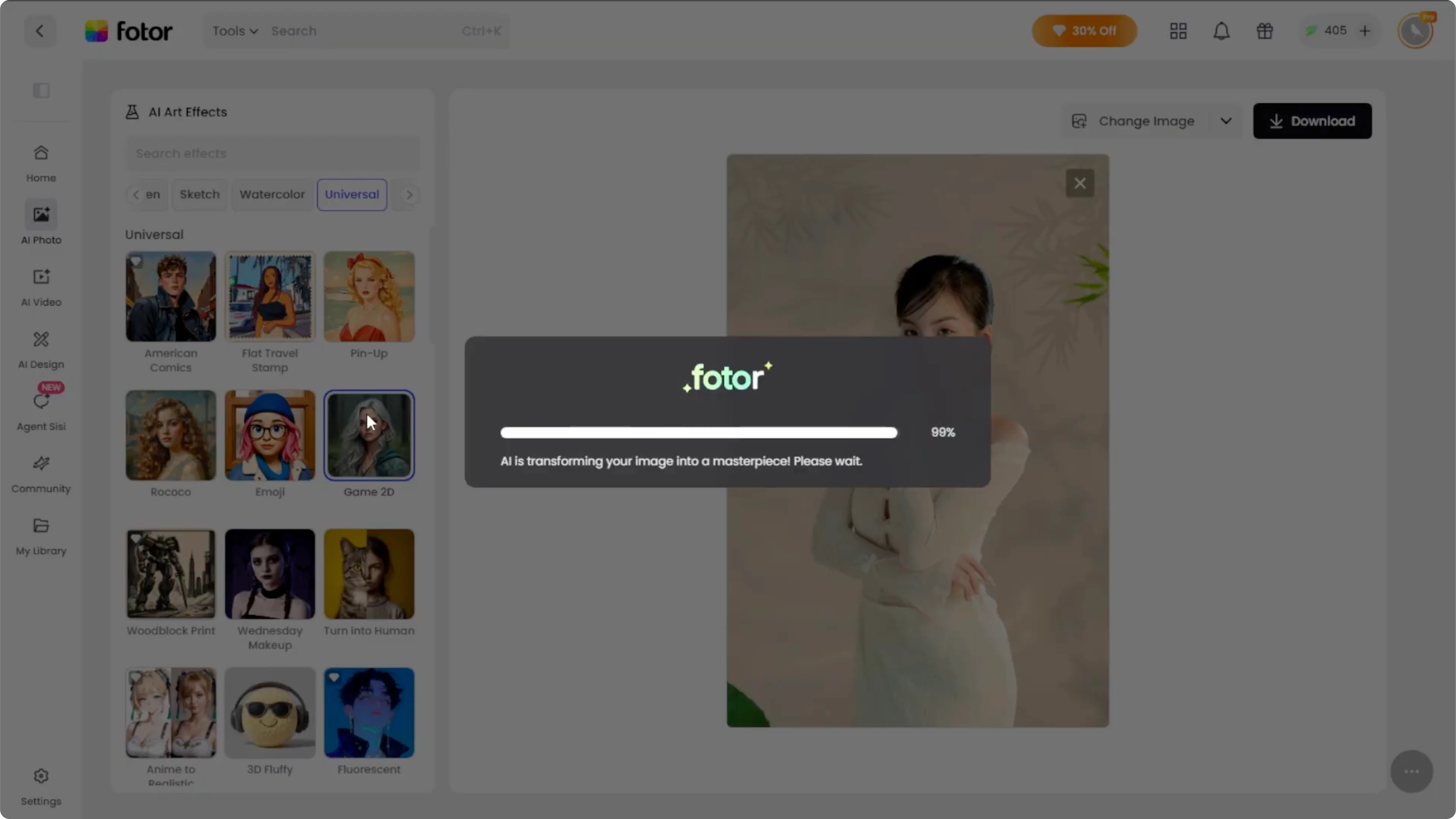
The tool automatically turns your image into a 2D game portrait.
Compare and refine
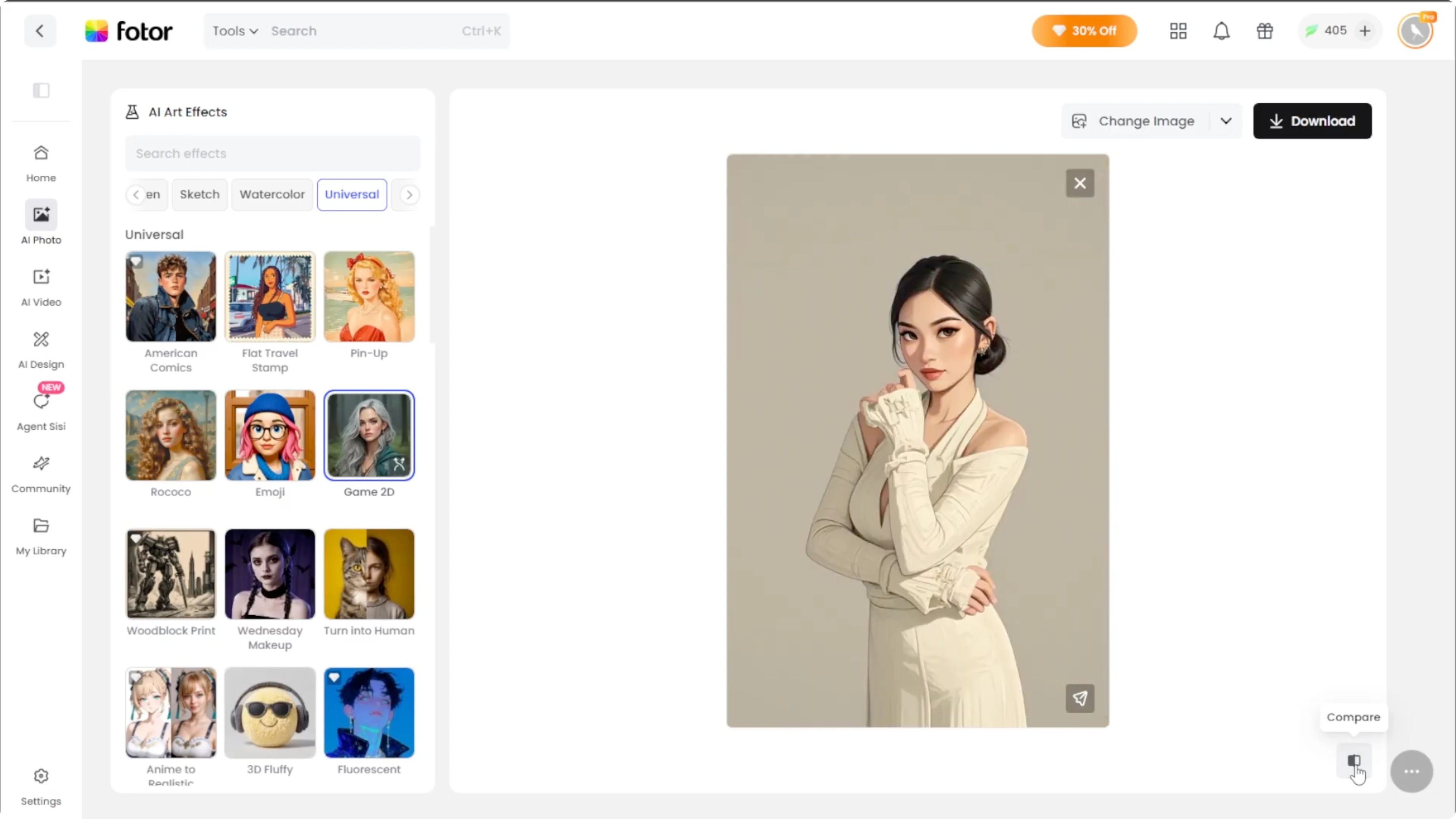
At the bottom right, click the Compare button to see your photo before and after.
If you are not completely happy with the result, click Regenerate on the effect thumbnail to try again.
Each regeneration takes about 10 seconds, and you may get different variations.
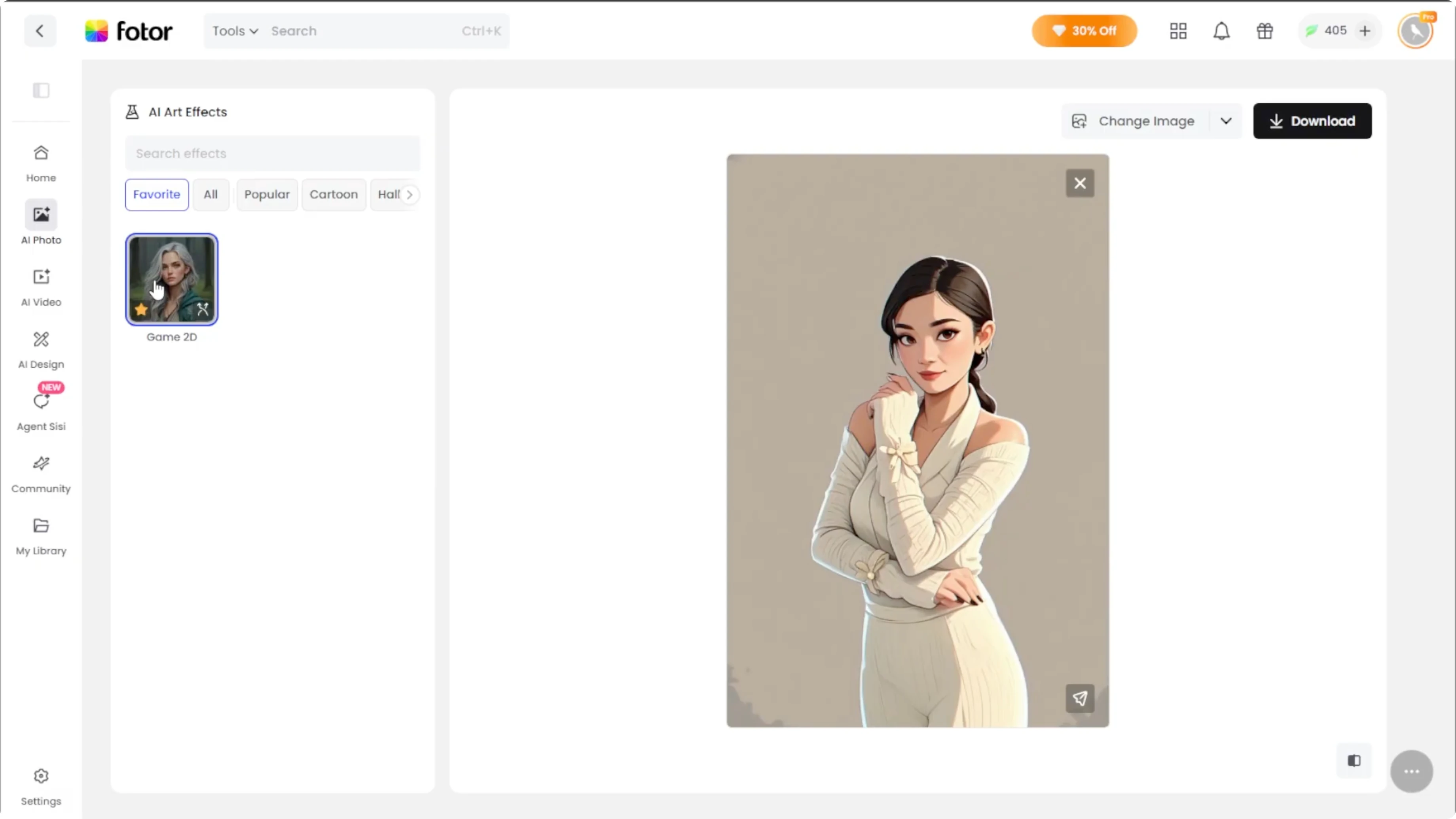
If you like the effect, hover over the effect thumbnail and click the star icon to add it to your favorites.
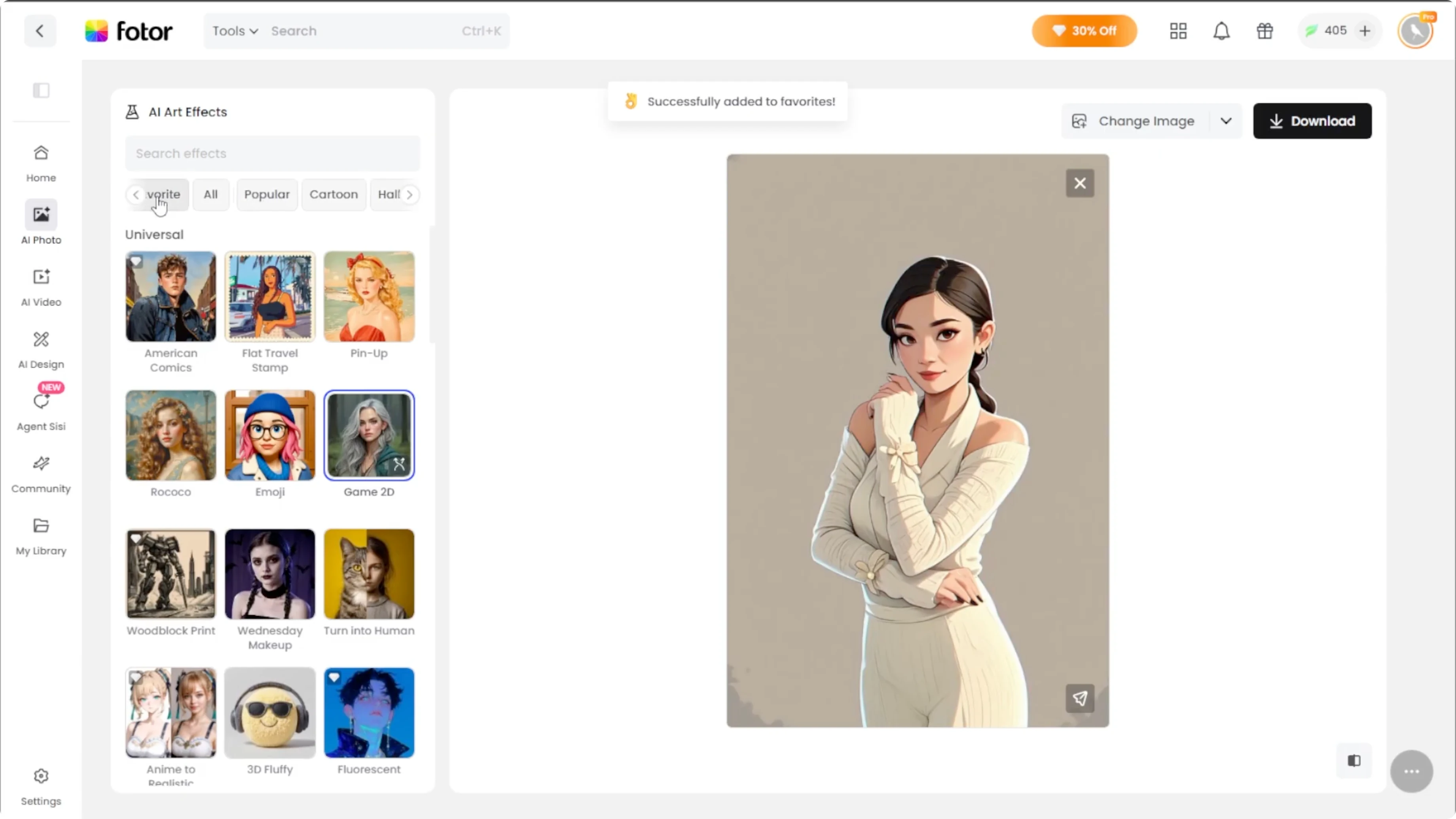
Later, you will find it quickly under the Favorites section without scrolling.
If you want to try different looks before you render the final portrait, you can change your hairstyle with AI and reupload the new photo.
Save and share
When you are satisfied with your portrait, click Download to save it to your computer.
Click Post to Earn to share your creation and collect Photo coins that can be cashed out later.
Click Animate Your Art to transform your 2D game portrait into an animated short video with Photo's AI video generator.
To shift the mood of your source photo before you start, try converting daytime photos into night scenes and then apply the 2D style.
Final thoughts
That is it. You have learned how to transform your photo into a 2D game portrait with Photo AI Artifacts.
In just a few steps, you can create a digital version of yourself.
You can create a digital version of yourself or your friends that looks like it belongs in a video game.
Recent Posts

How to Visualize Yourself as a Pixelized Character with AI?
How to Visualize Yourself as a Pixelized Character with AI?

How to Revive Faded Memories and Enhance Image Clarity with AI?
How to Revive Faded Memories and Enhance Image Clarity with AI?

How to Visualize Yourself as an Animal Crossing Character with AI?
How to Visualize Yourself as an Animal Crossing Character with AI?