How to Modify or Replace the Backdrop of Your Photos with AI?
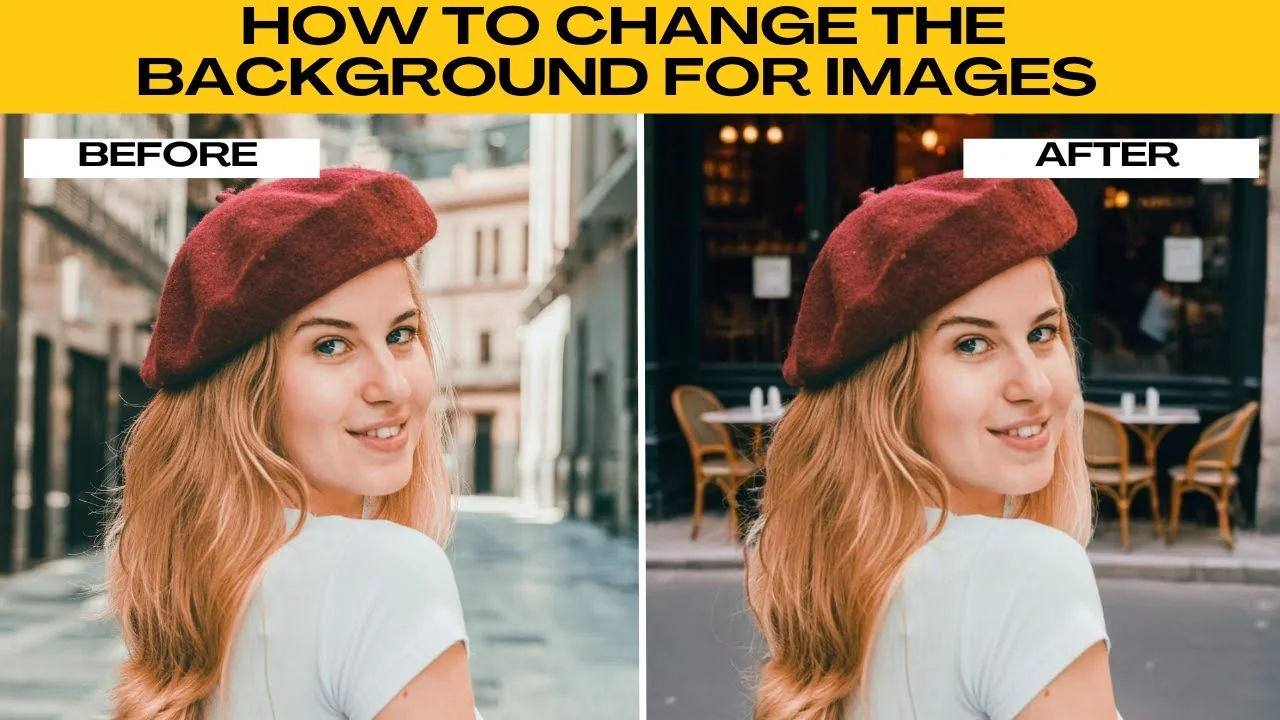
I will teach you how to change the background for images easily using AI.
You might be creating content, enhancing a portrait, or designing a promo image, and changing your background with AI is faster and easier than ever.
With AIE's AI background tool, you can choose from premade scenes or generate your own with just a prompt.
Get started
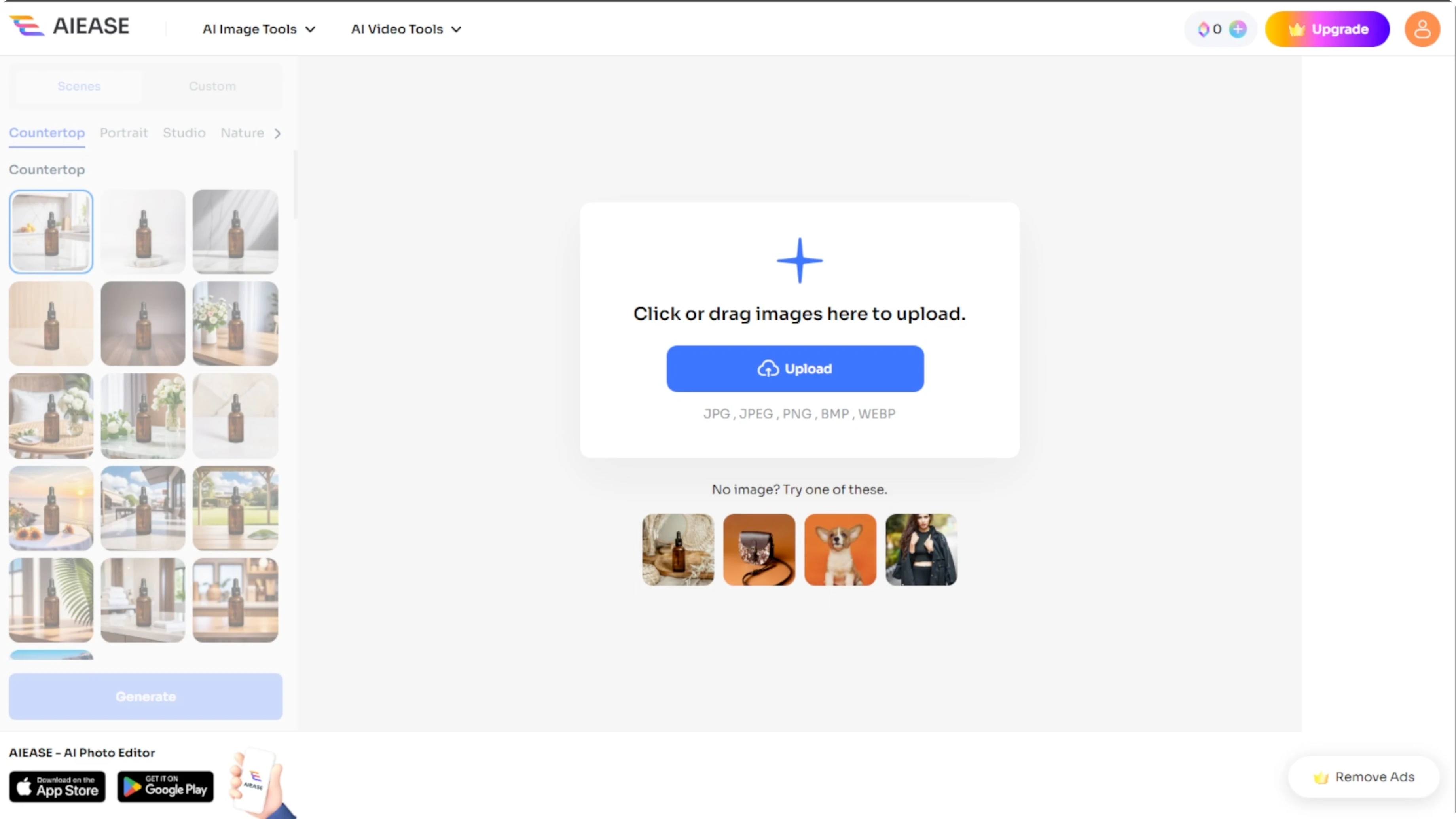
Open your browser and go to the AI background tool. On the homepage, you will see the option to upload your own image or choose from free sample images provided by the site. The supported file formats include JPEG, JPG, PNG, BMP, and WEBP.
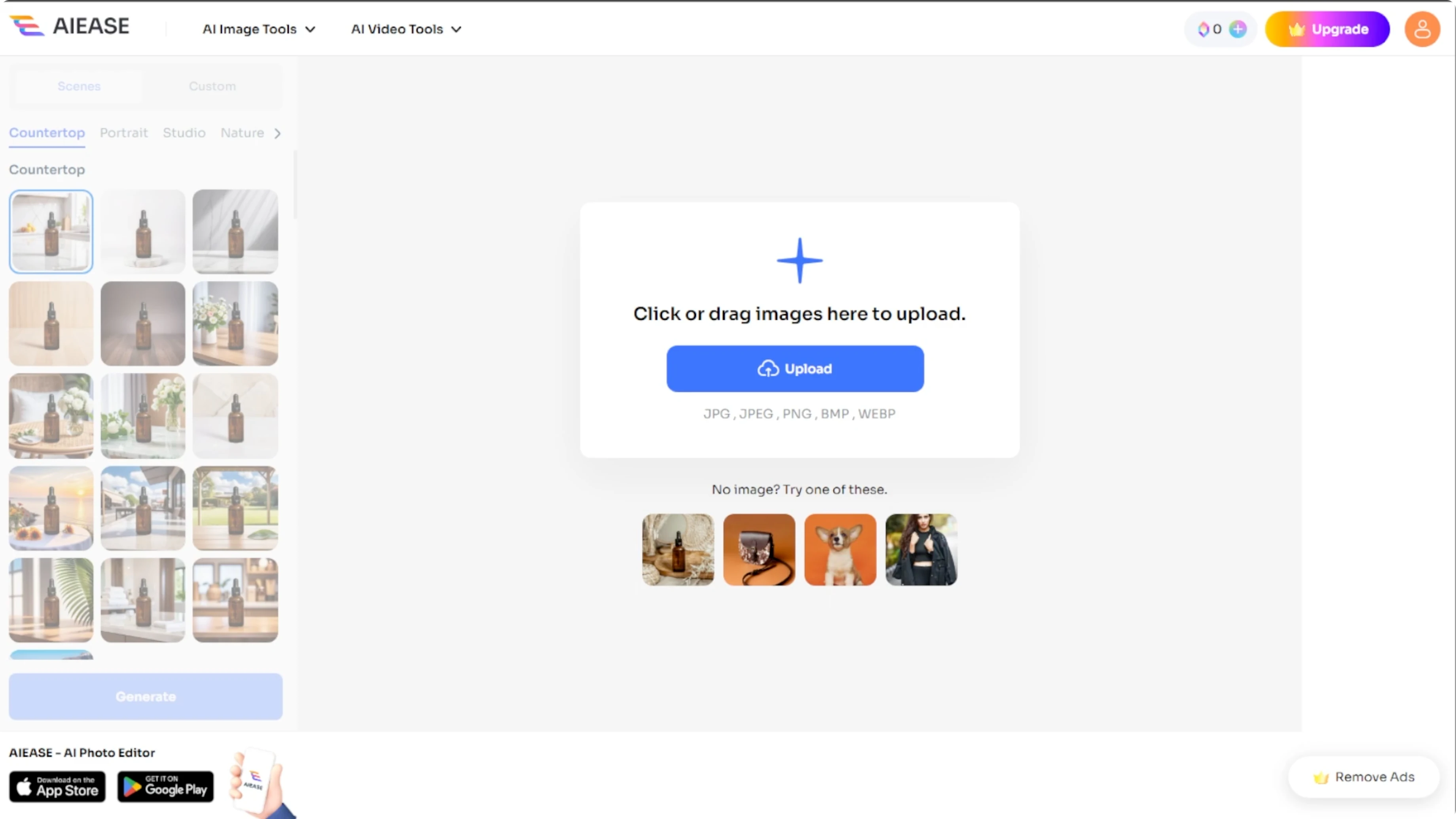
Click the upload button to choose a photo from your computer, or try one of the sample images to explore how the tool works. Once the upload is complete, your image will appear ready for background transformation.
Read More: How To Change Your Hairstyle In Photos Using Ai
Choose a scene
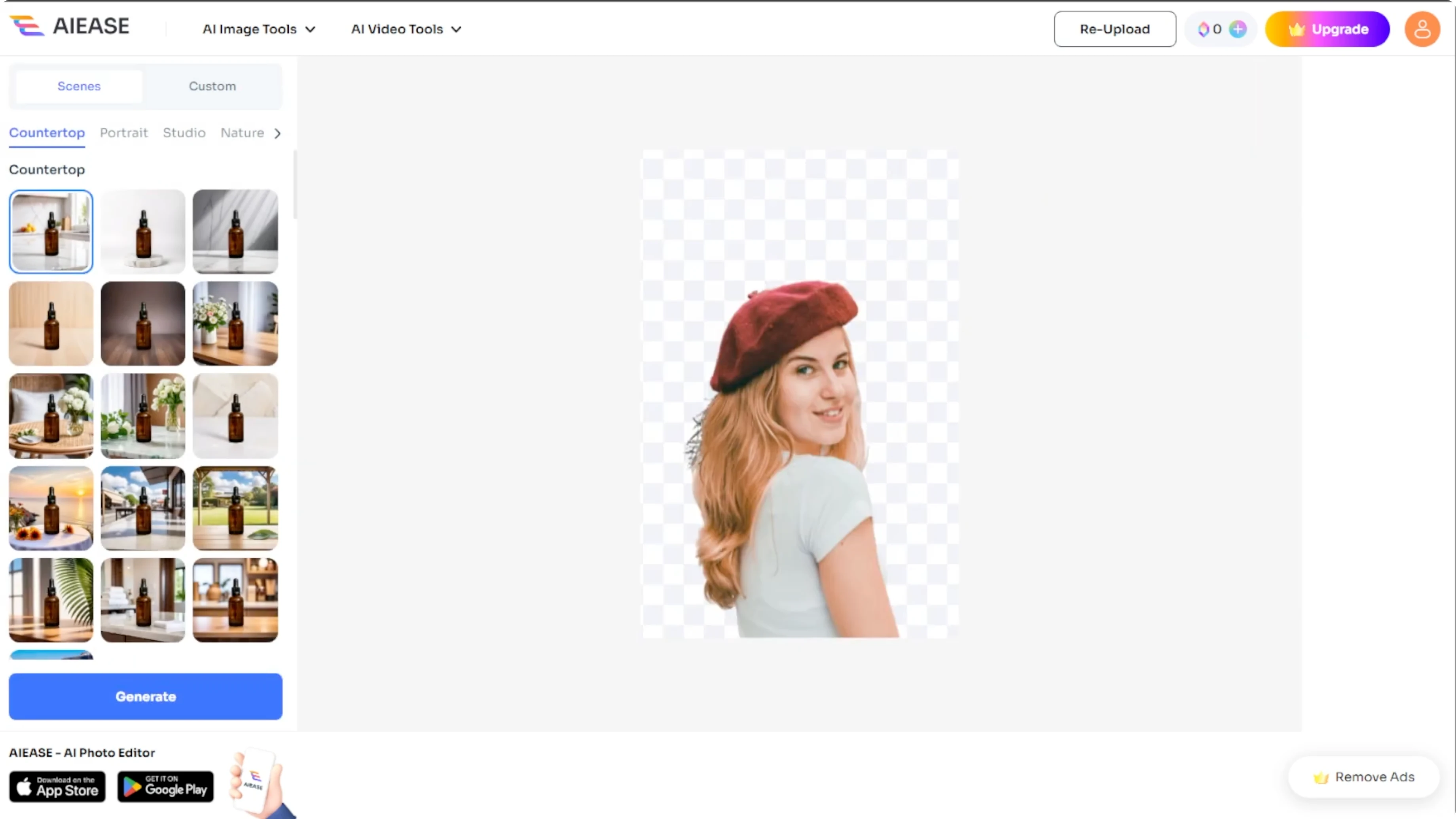
Choose between scene or custom backgrounds. On the left panel, select Scenes. You will find several categories.
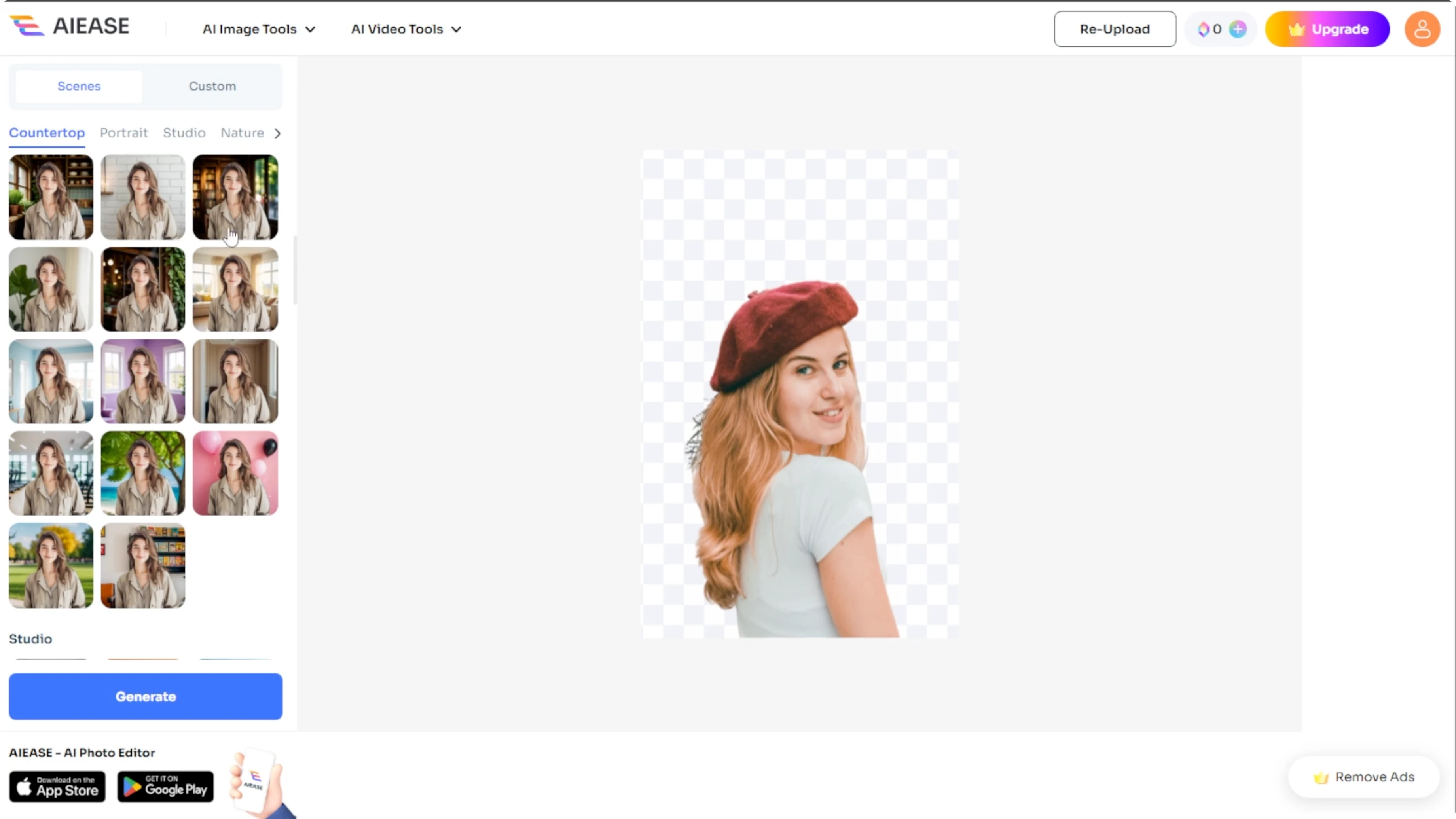
Click a category and browse the available backgrounds. Select one and click Generate. Your image will appear with a new background on the right panel.
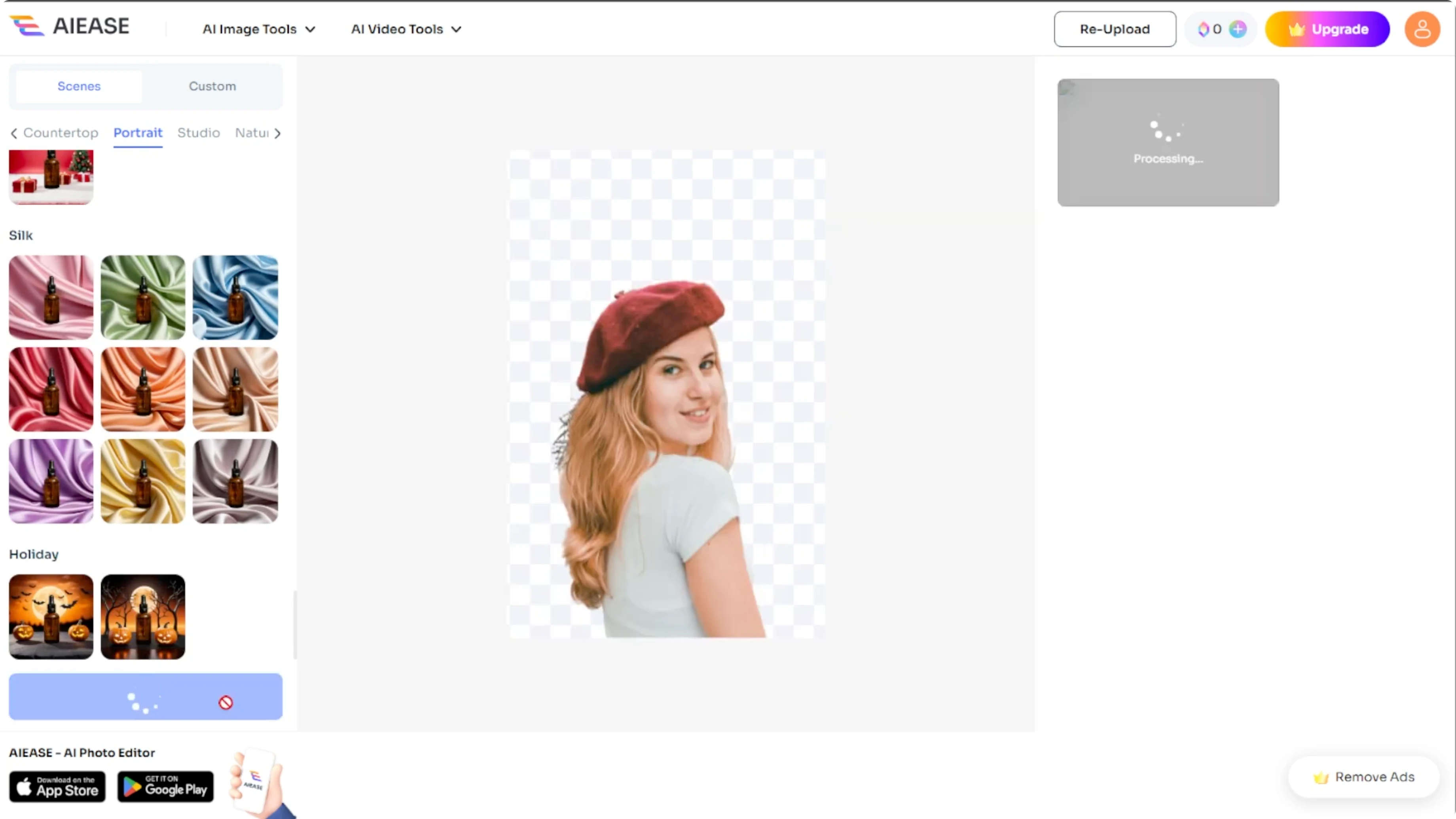
From here, you can download your image or delete it if you want to try again.
Read More: Turn Your Photos Into South Park Style Portraits Ai
Use a custom prompt
If you have a specific idea in mind, switch to the Custom tab on the left panel. Type a scene description in the text box. For example, sunset beach, space galaxy, or modern cafe background.
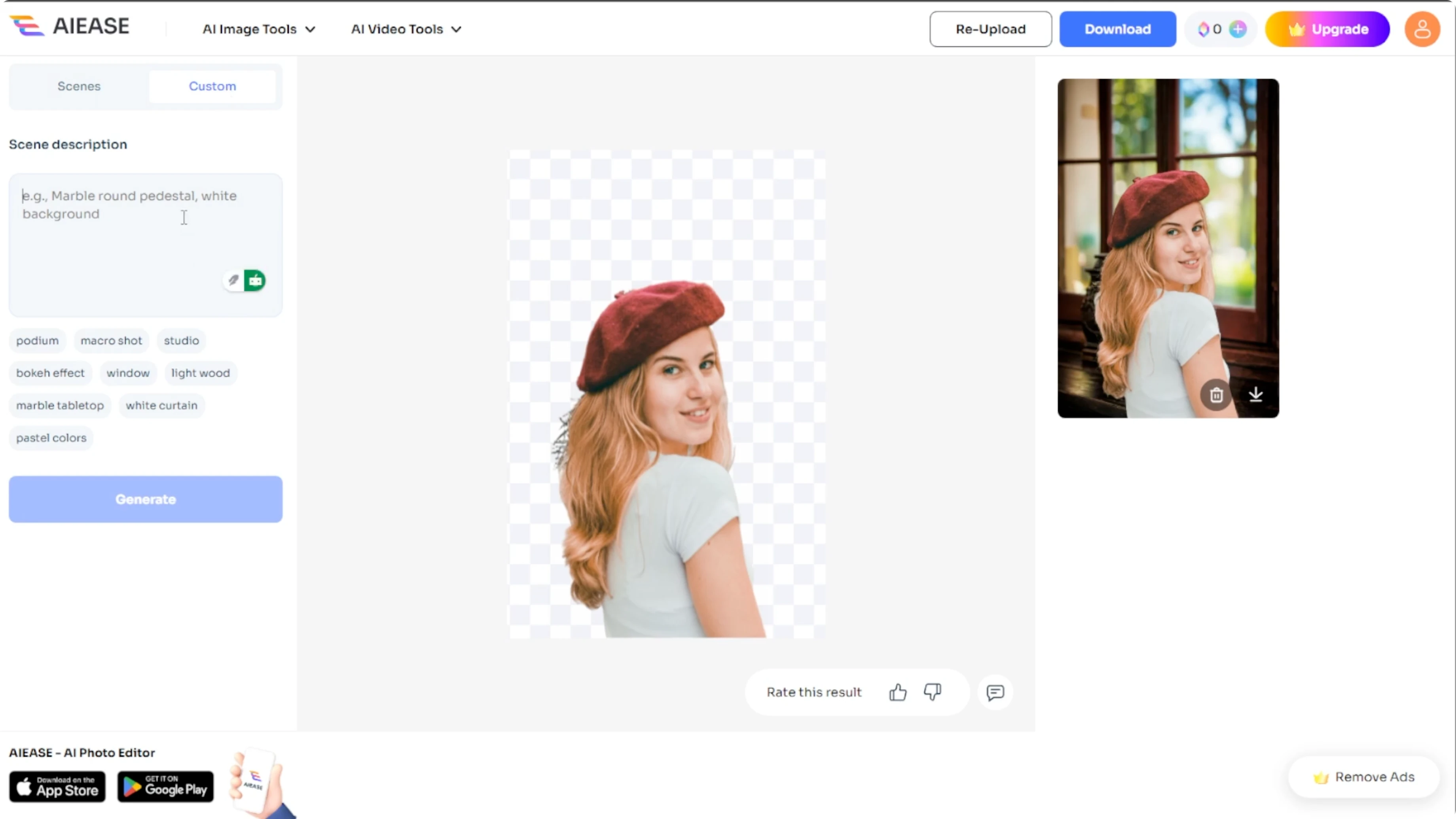
sunset beach with warm golden light
space galaxy with vibrant nebulae and stars
modern cafe interior with soft bokeh lights
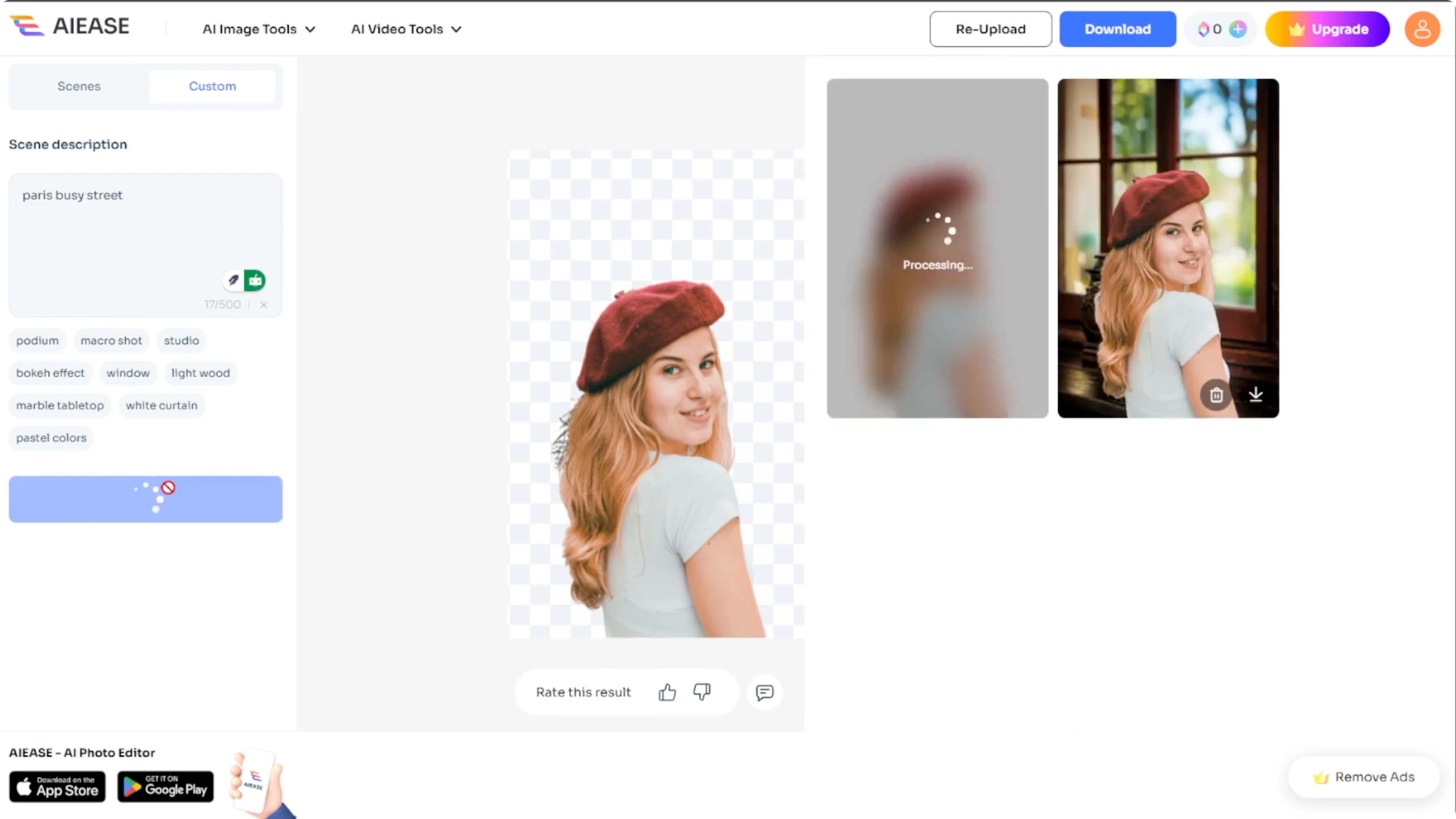
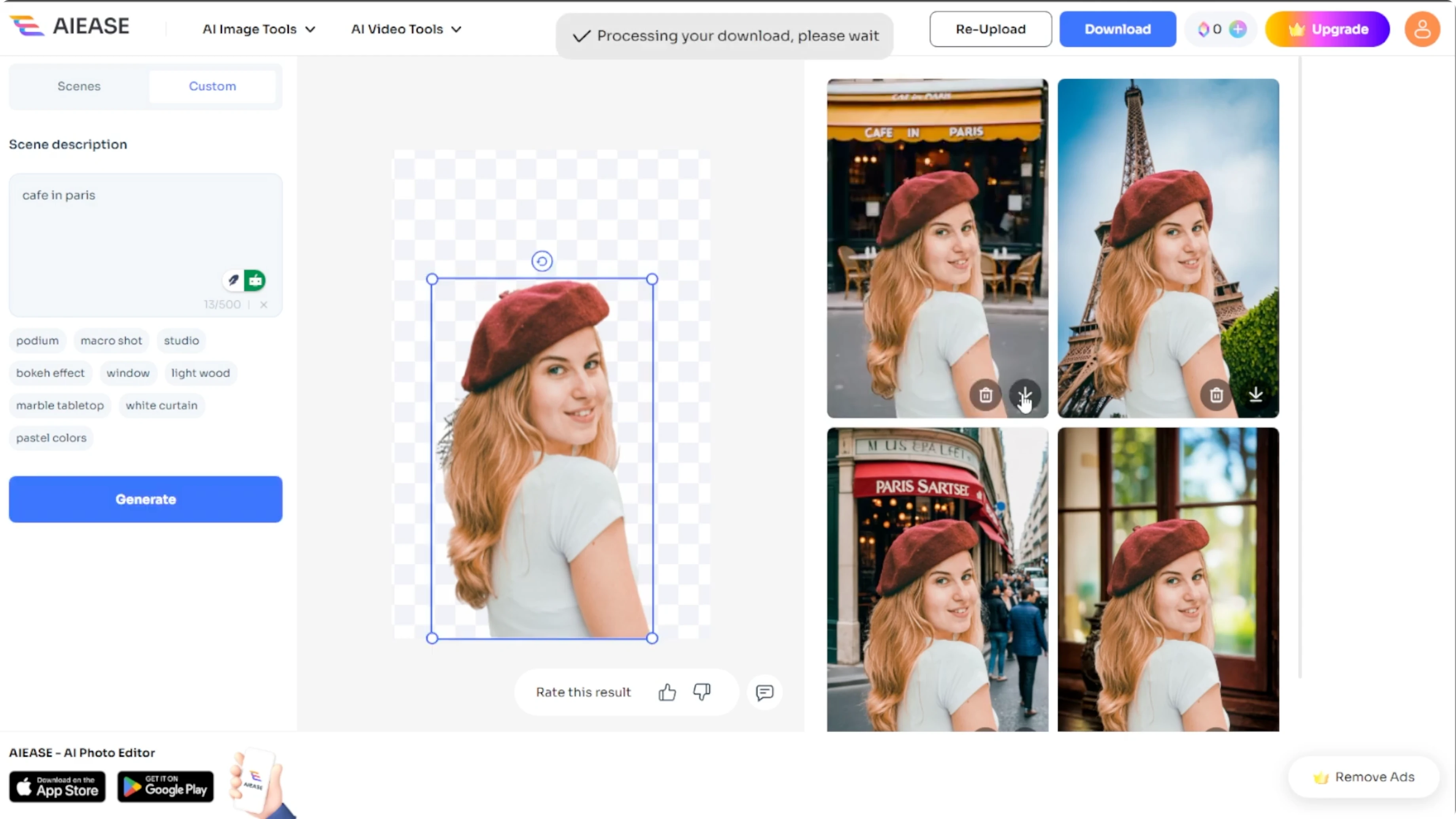
Click Generate and the AI will create a new background based on your description. It will appear on the right side with your original subject placed into the scene.
Read More: How To Convert Daytime Photos Into Night Scenes Using Ai
Swap and download
You can reupload a different image using the reupload option at the top of the page.
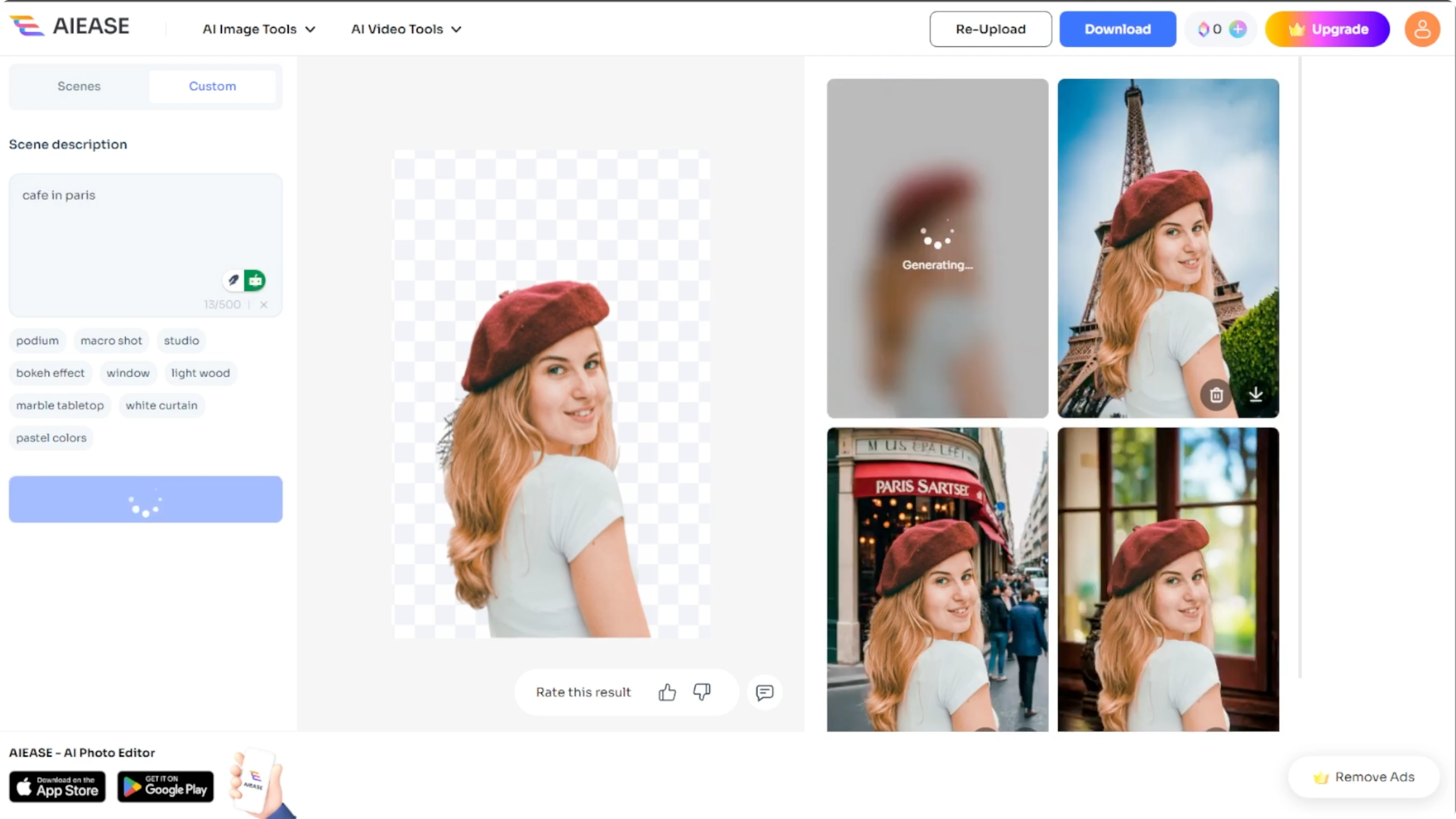
Once you are happy with the result, click Download to save the final image to your computer.
Final thoughts
You might be building a portfolio, editing social content, or simply experimenting, and AIE's AI background tool makes background swapping quick, fun, and professional in seconds.
Recent Posts

How to Visualize Yourself as a Pixelized Character with AI?
How to Visualize Yourself as a Pixelized Character with AI?

How to Revive Faded Memories and Enhance Image Clarity with AI?
How to Revive Faded Memories and Enhance Image Clarity with AI?

How to Visualize Yourself as an Animal Crossing Character with AI?
How to Visualize Yourself as an Animal Crossing Character with AI?