How to Recolors Clothes, Hair, and Other Objects with AI?
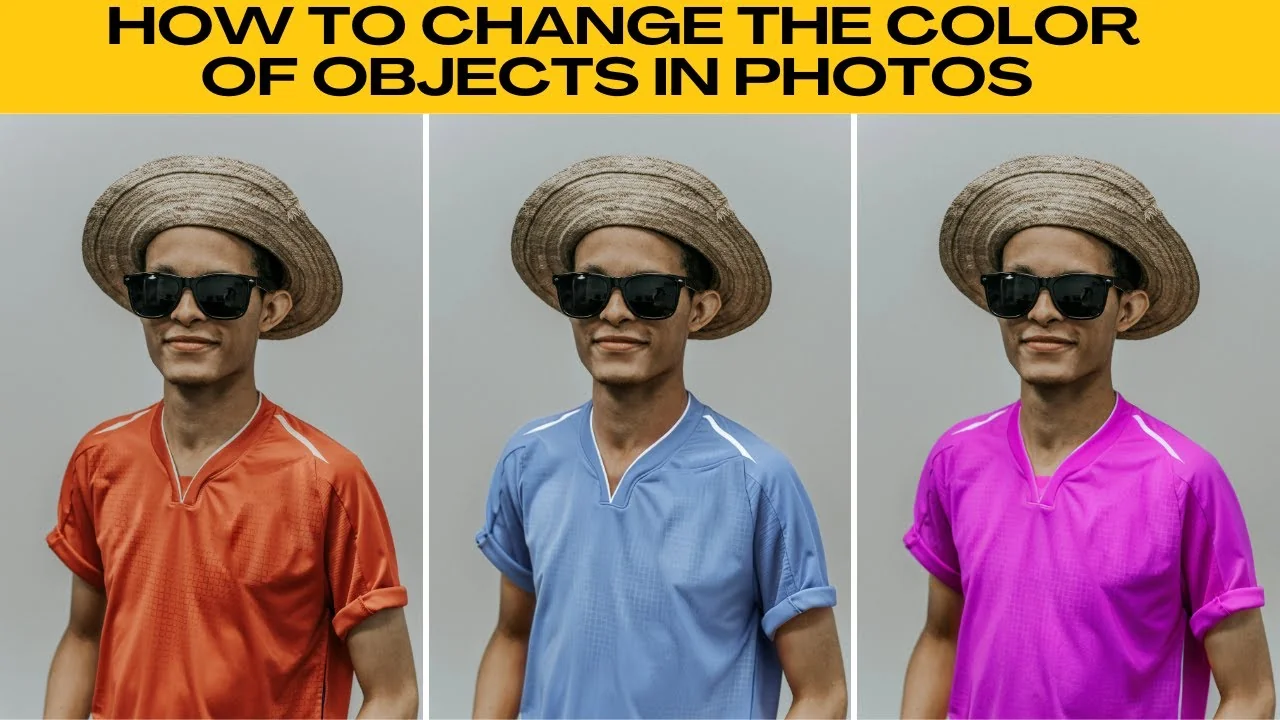
You can quickly change the color of any object in photos using AI. Recolor clothes, hair, or almost anything else in seconds without any design experience. This is perfect for fast edits that look clean and precise.
Changing the color of objects in your photos used to require hours of editing. With AIES, you can recolor clothes, hair, or just about anything else in seconds without any design experience. For hair focused experiments, try a quick style test with a facial hair try on to preview different looks.
Get started
Head to the free color tool.
Upload your image or choose one of the sample images.
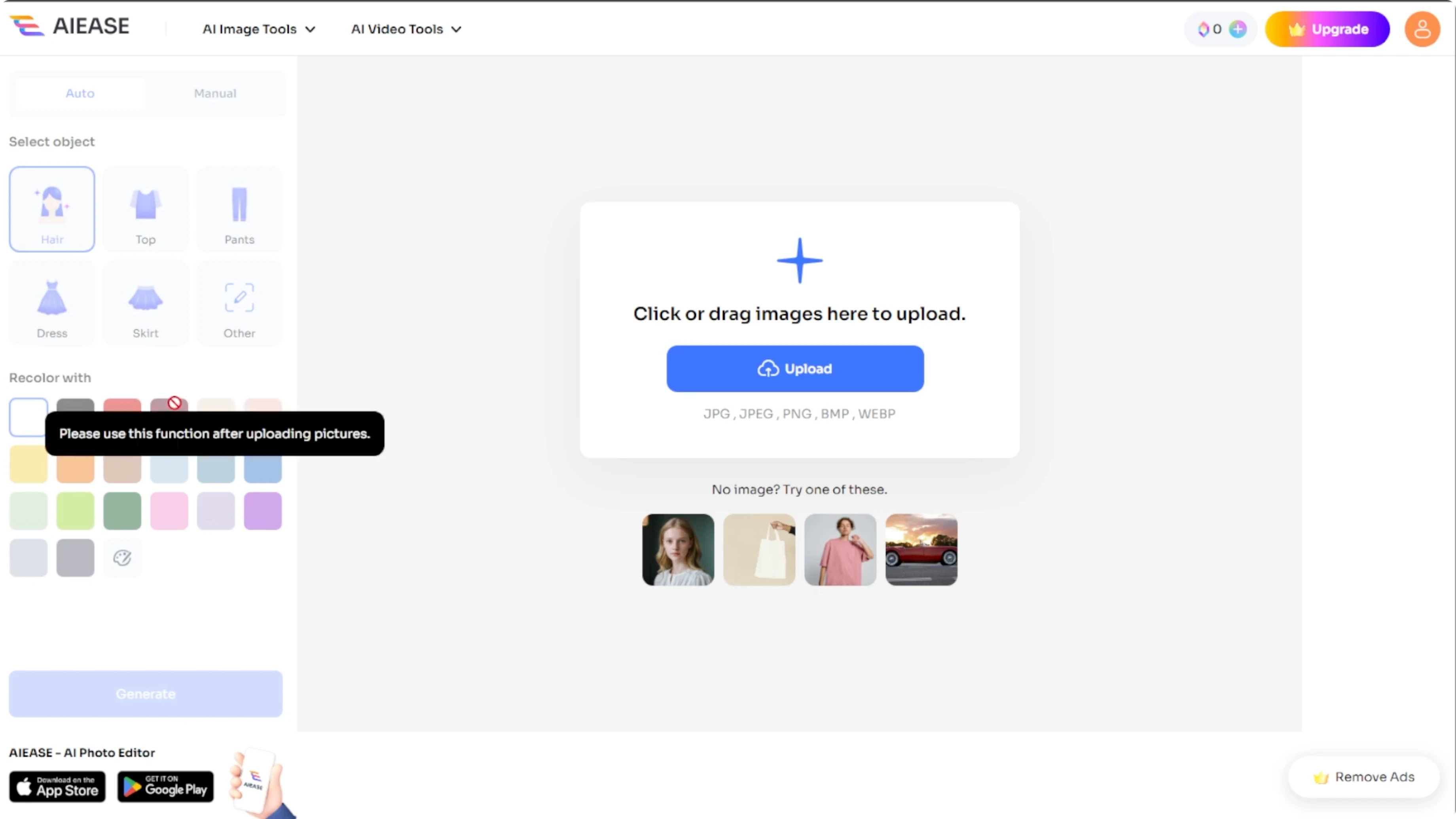
Look at the left panel to choose your method.
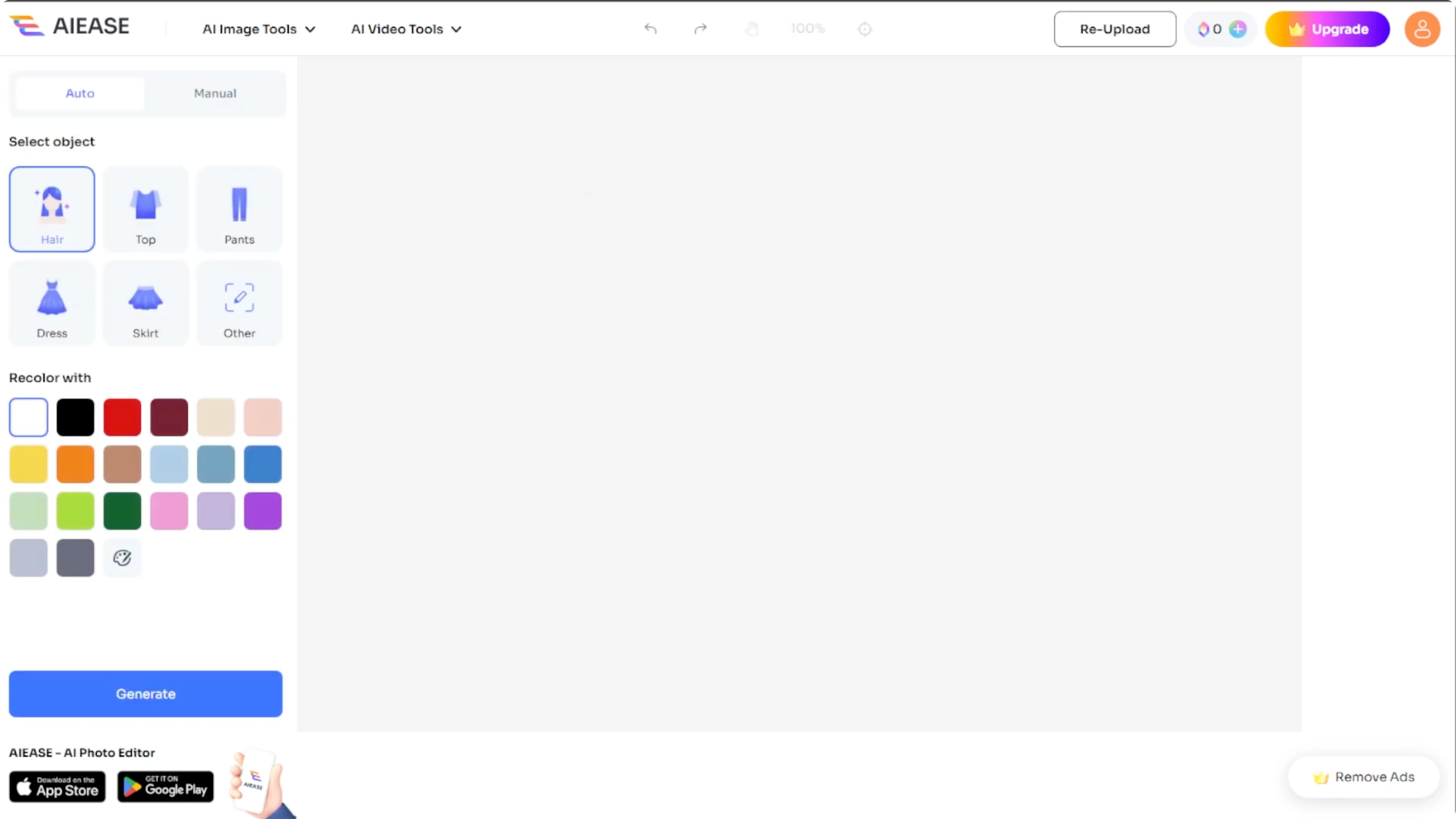
Auto mode
Select the object
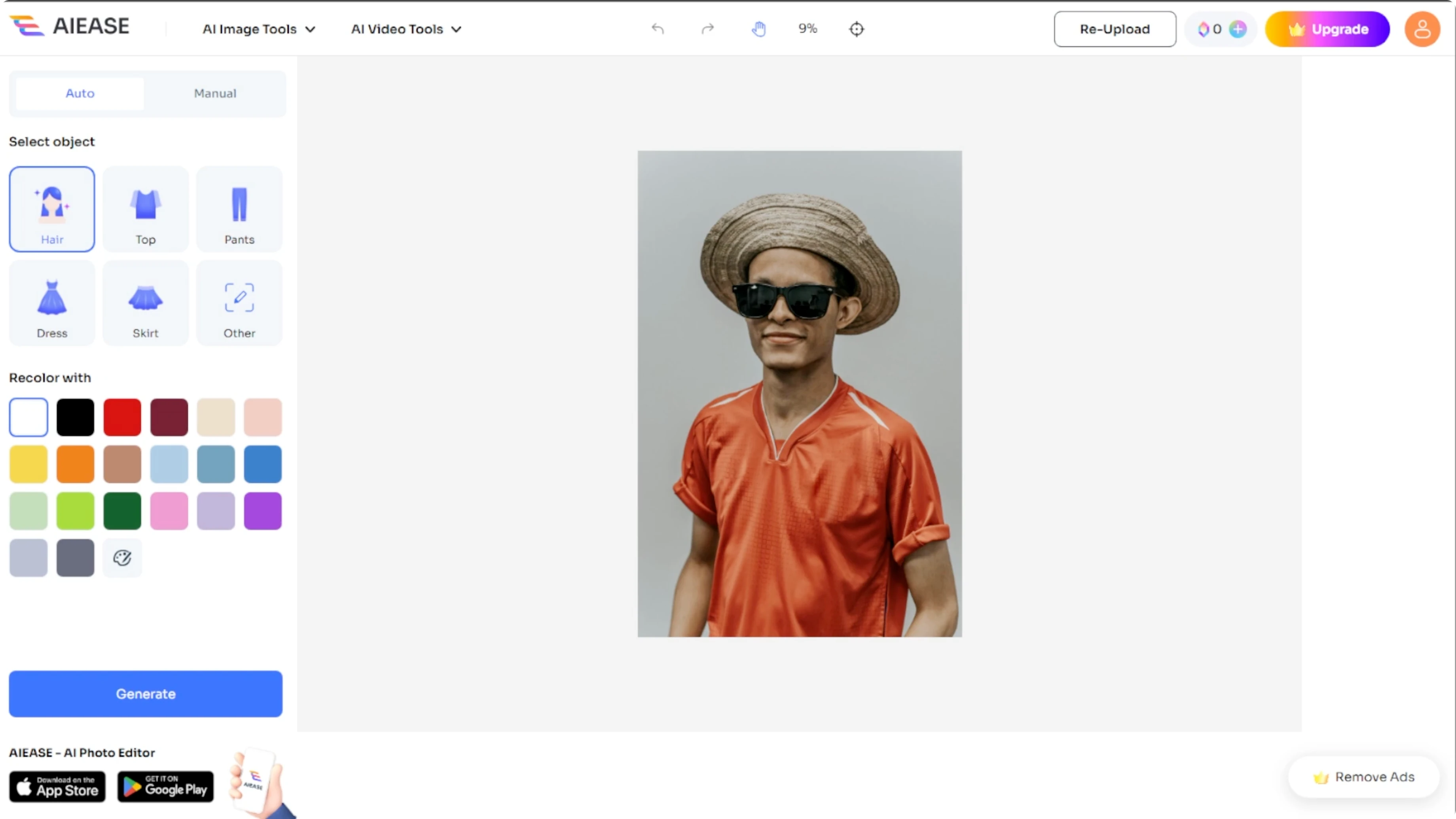
The auto mode is fast and easy.
Select a predefined category like hair, top, pants, dress, or skirt.
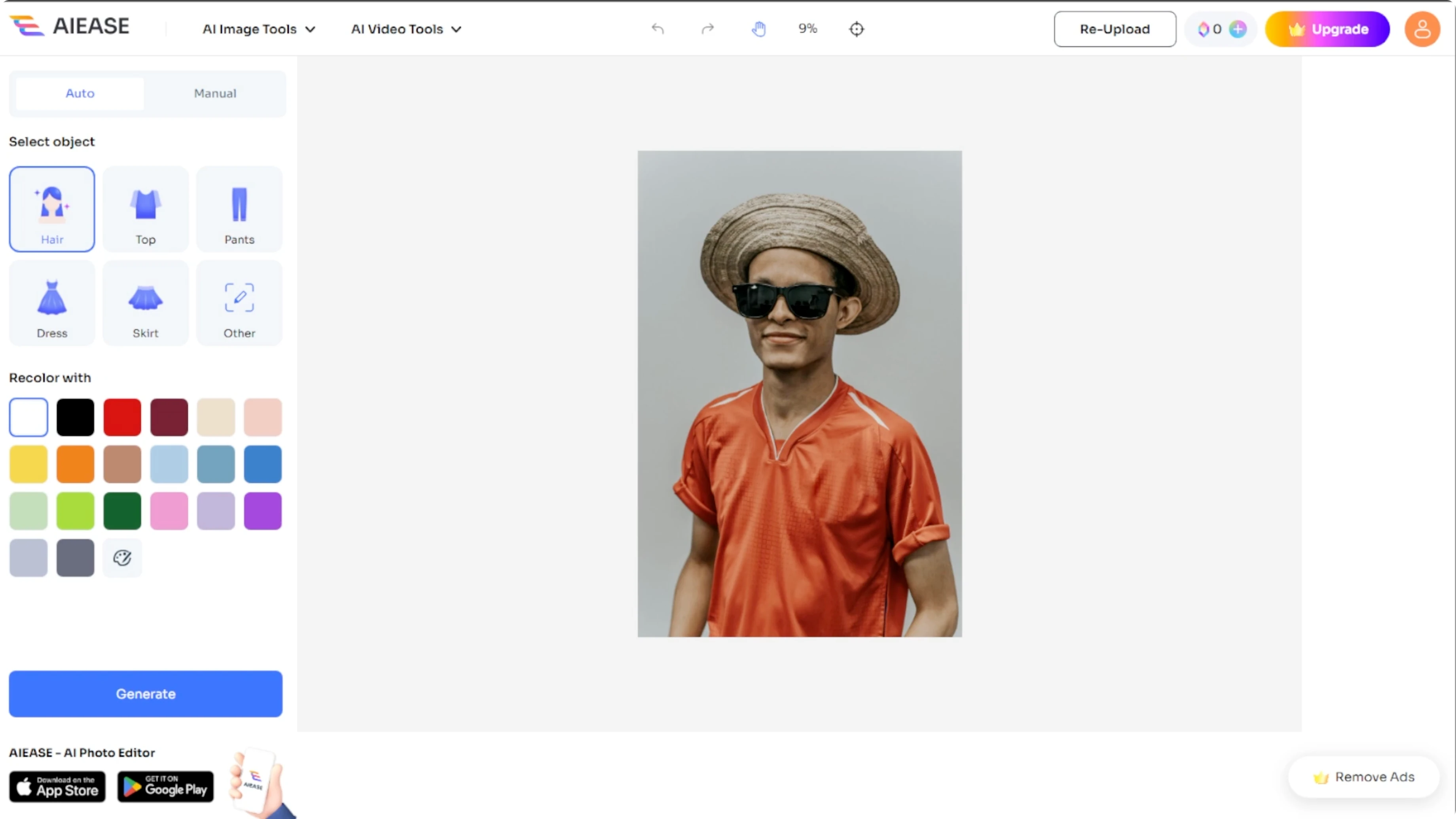
If your object is not listed, select other and type what you would like to recolor.
Choose a color
Pick a new color from the palette.
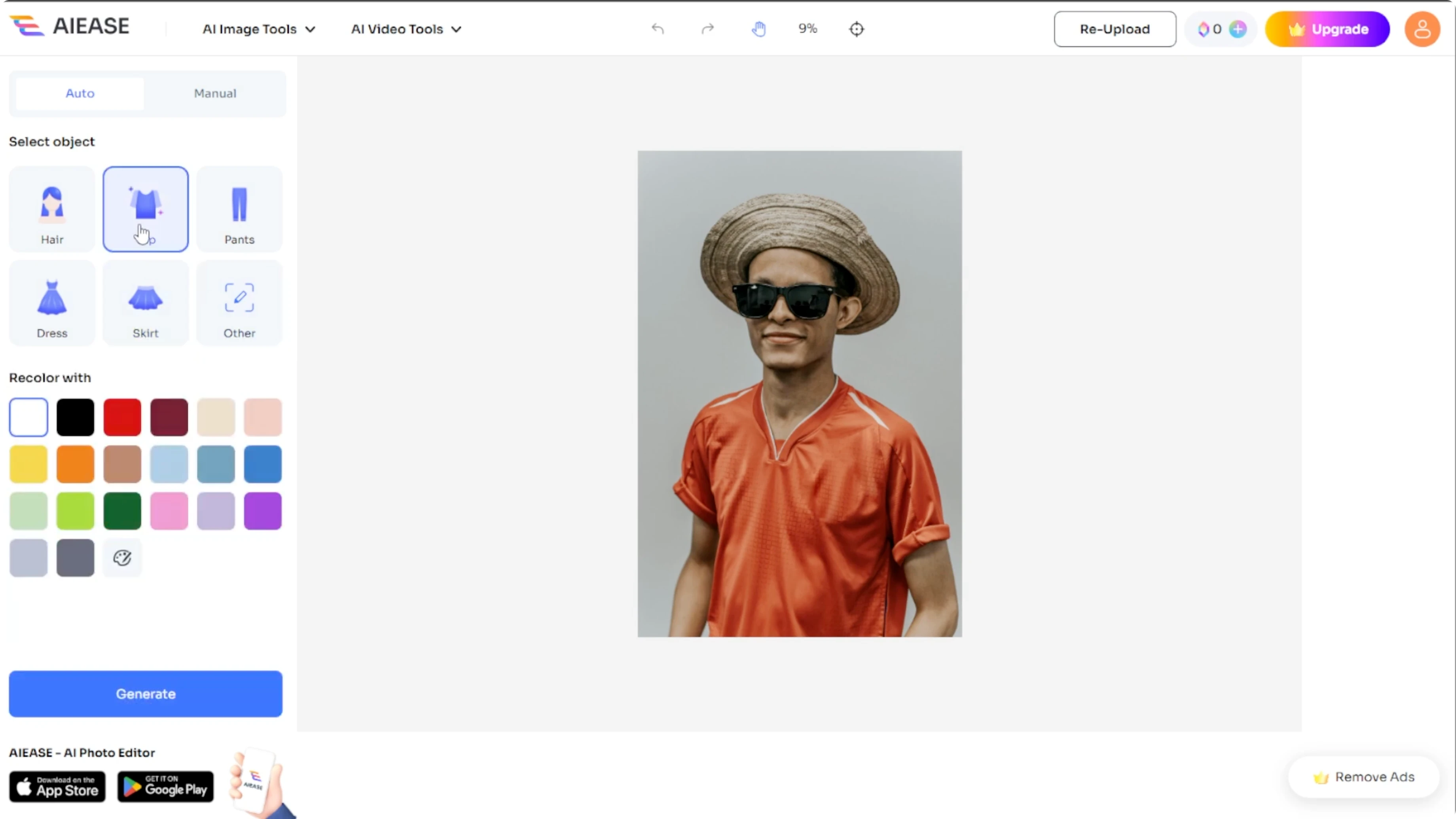
Choose the custom option and type your desired color.
You can also use a hex code.
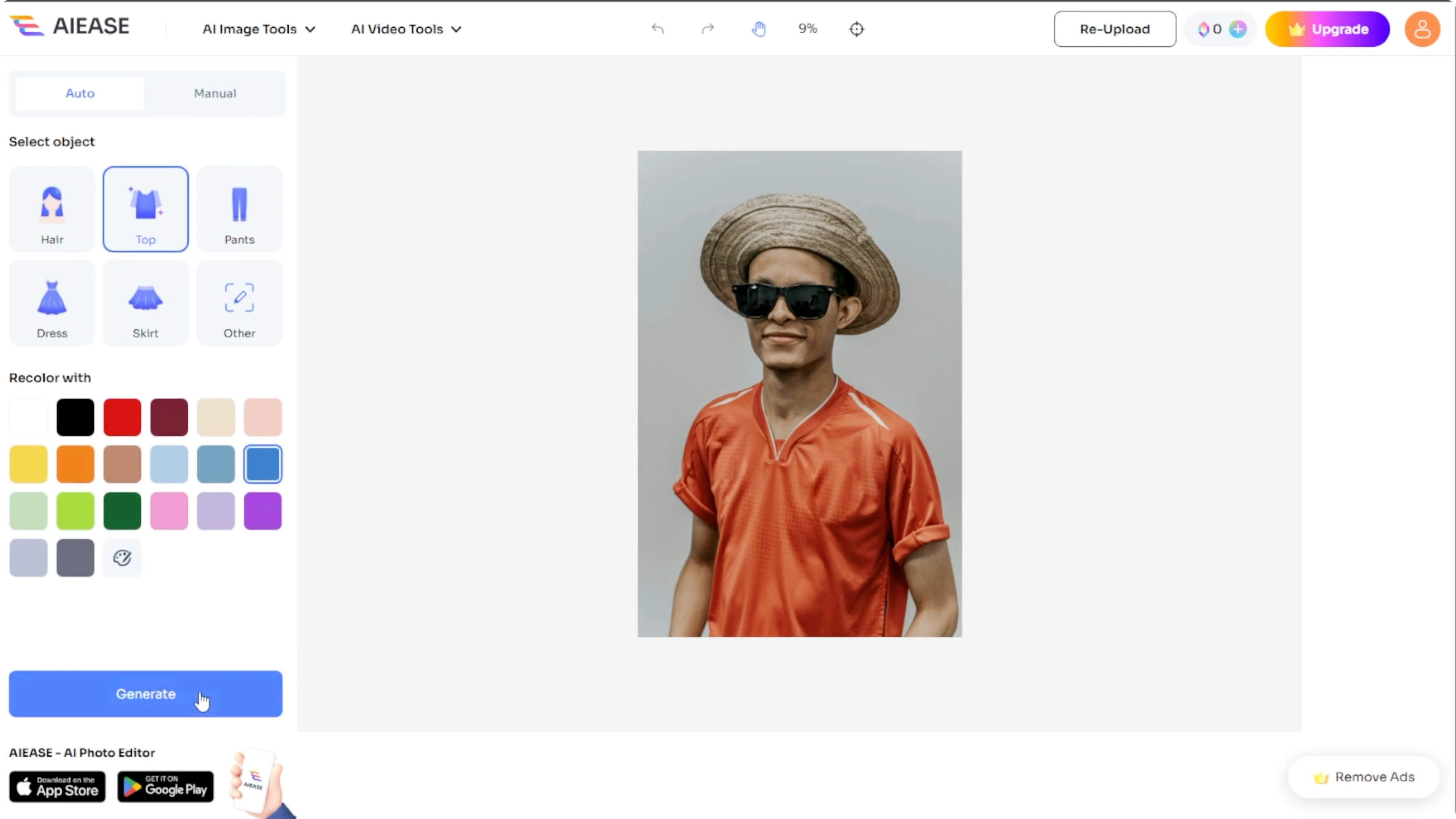
# Hex color examples you can paste
#FF0000  Red
#1E90FF  Blue toned example: #1E90FF
#00C853  Green
Generate
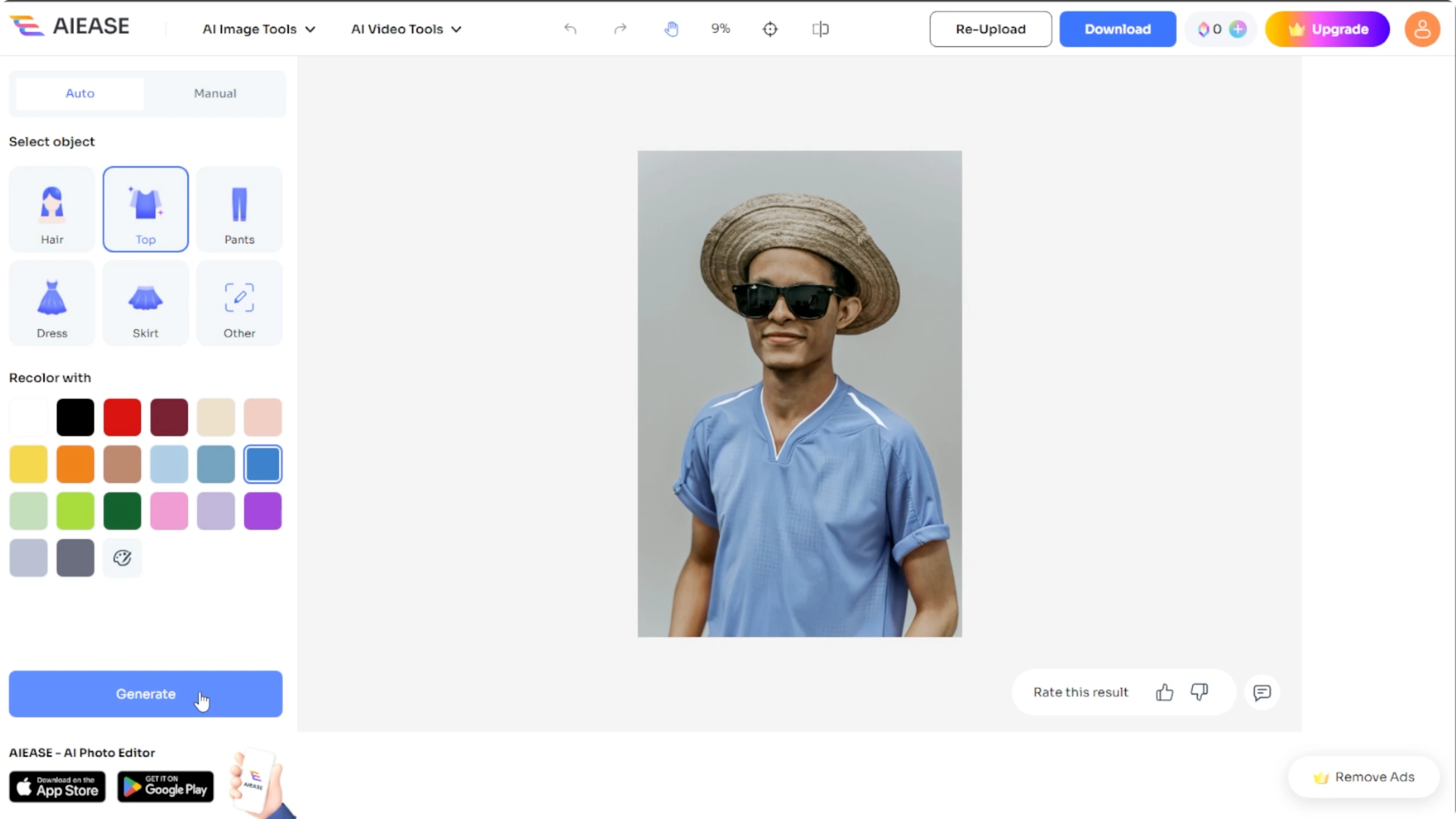
Click generate to apply the new color.
The process takes about 10 seconds to finish.
Manual mode
Make the selection
If you prefer more precision, switch to the manual mode.
Choose a selection tool like the brush, which is adjustable from 5 to 300 for accurate edges, or use the rectangle to click and drag over the object.
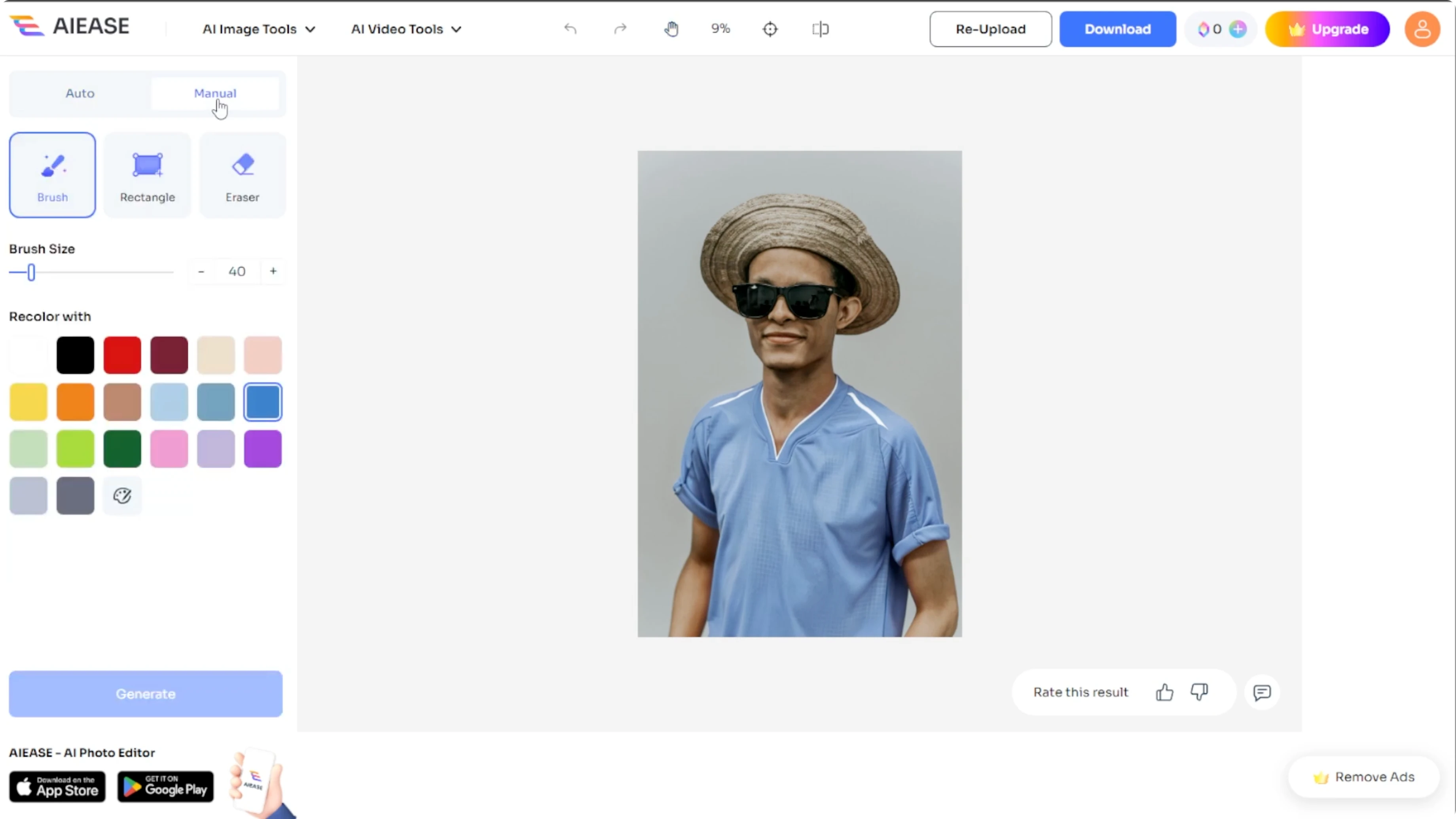
You can resize or rotate the rectangle with the corner handles.
Refine and color
Choose the eraser tool to refine your selection if needed.
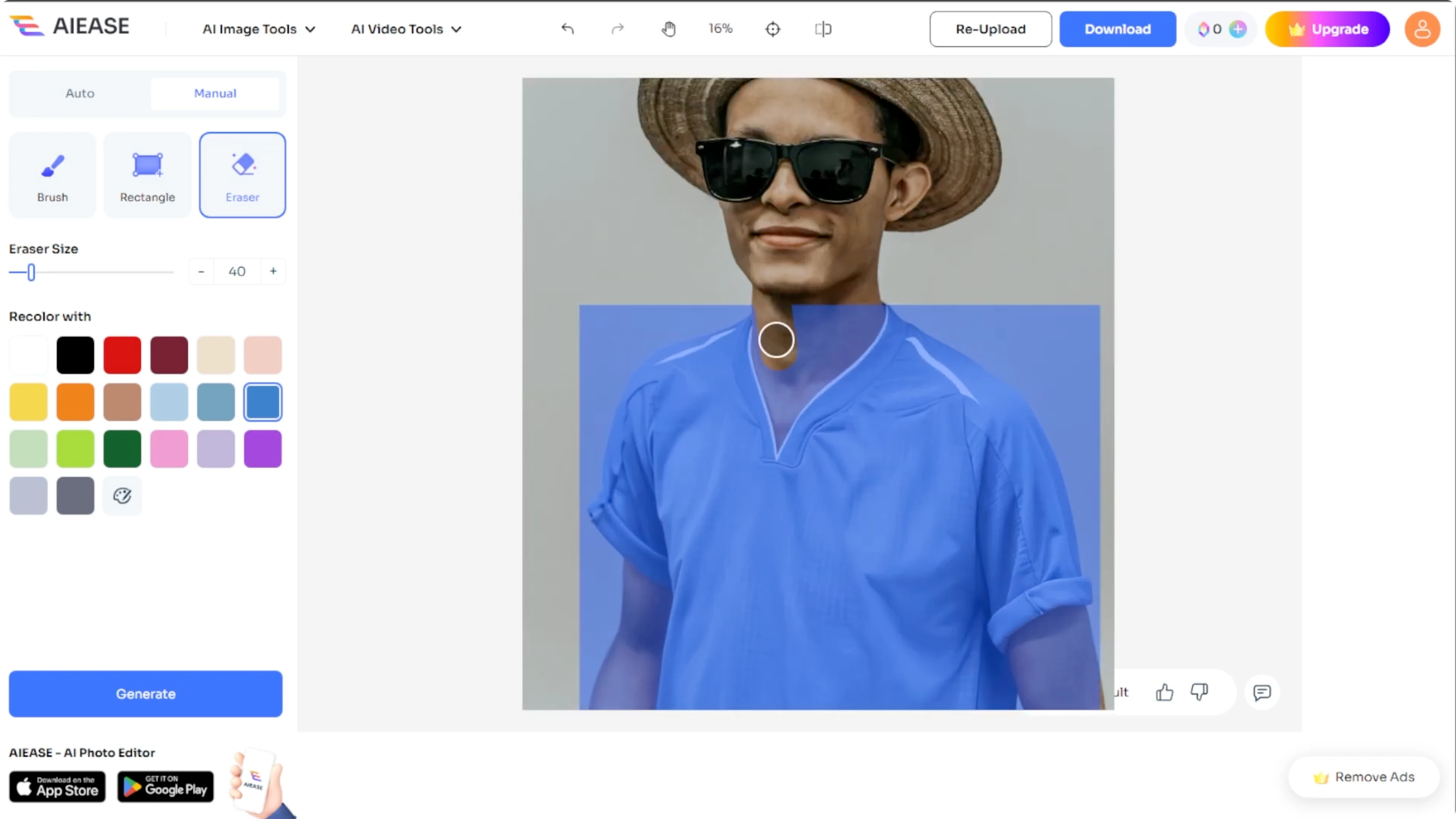
Choose your desired color just like in auto mode.
Generate
Click generate and let the AI handle the rest.
To go beyond recoloring and insert new elements, see how to add objects to a photo with generative fill.
Review and download
Once a new color is applied, review your changes.
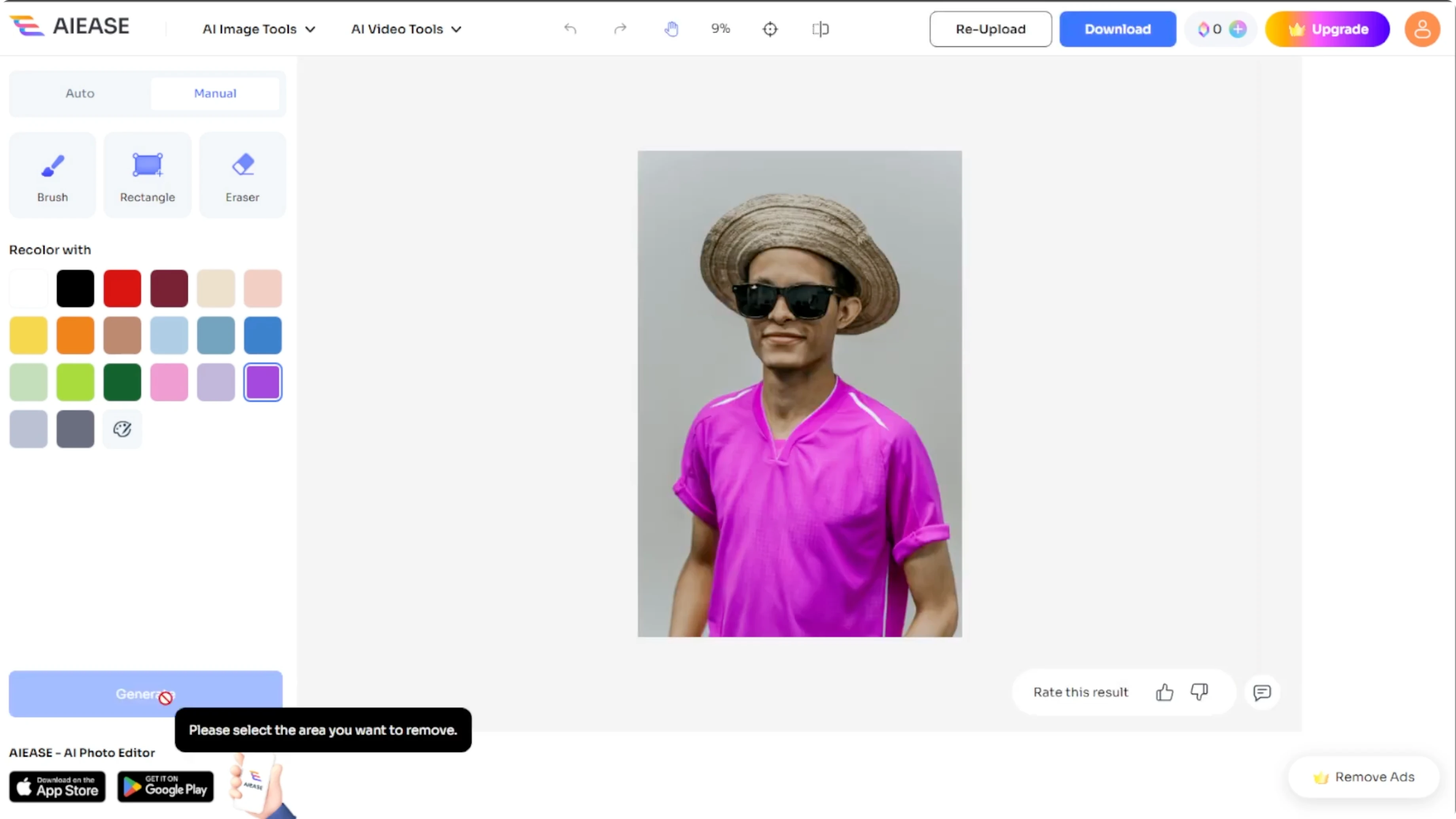
If you are happy with it, click the download button to save your photo directly to your device.
With this AI powered recolor tool, you can simply change the color of clothes, hair, and objects in any photo. Perfect for fashion previews, product mockups, or creative edits. If you work with apparel, you can also generate a virtual model for clothes to visualize outfits before production.
Final thoughts
Auto mode gives instant results with minimal effort, and manual mode offers precise control for complex edges. Hex codes help you match exact brand or product colors. Save the output when it matches your vision and move on to your next creative edit.
Recent Posts

How to Visualize Yourself as a Pixelized Character with AI?
How to Visualize Yourself as a Pixelized Character with AI?

How to Revive Faded Memories and Enhance Image Clarity with AI?
How to Revive Faded Memories and Enhance Image Clarity with AI?

How to Visualize Yourself as an Animal Crossing Character with AI?
How to Visualize Yourself as an Animal Crossing Character with AI?