How to Visualize Yourself with Facial Hair and Try Different Beard Styles with AI?
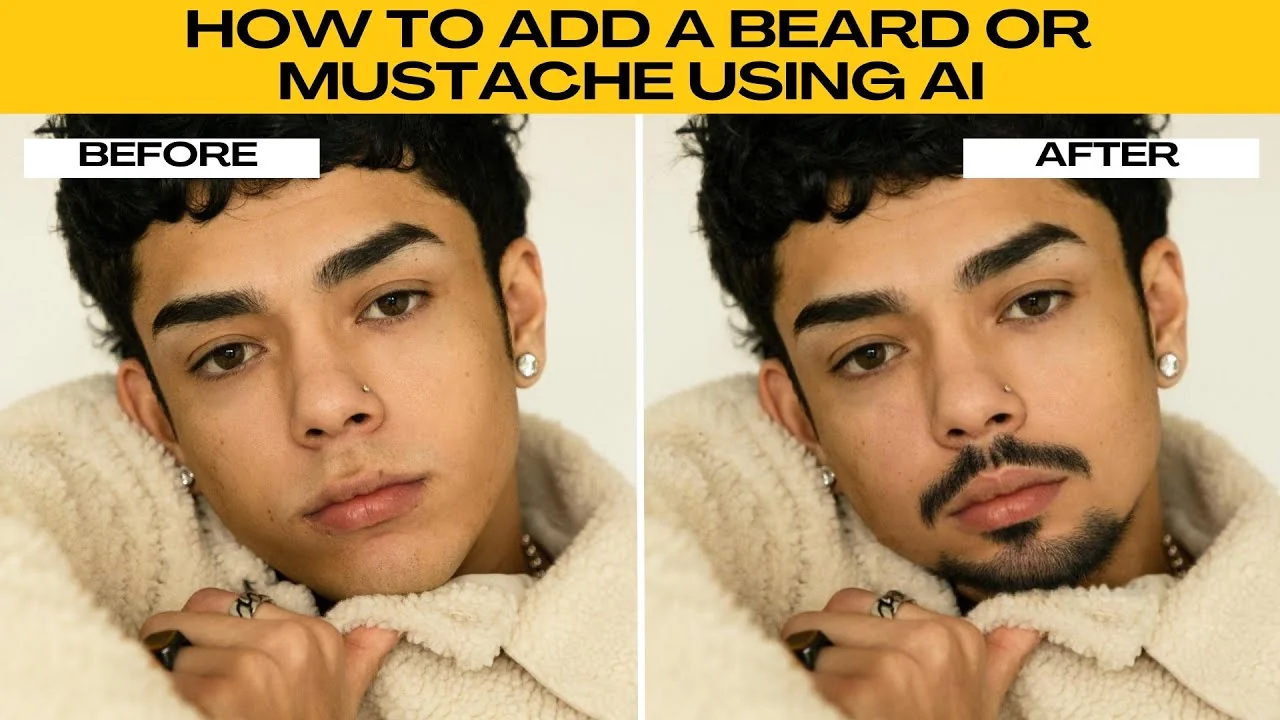
I will teach you how to use AI to add a beard or mustache to your portrait. If you are curious how you look with facial hair, you can use Photo AI beard filter, which makes it easy to preview yourself with a beard or a mustache in just a few clicks.
If you plan to do broader edits beyond facial hair, see our Icedit AI image editing overview here: Icedit AI image editing.
Add facial hair
Open the editor
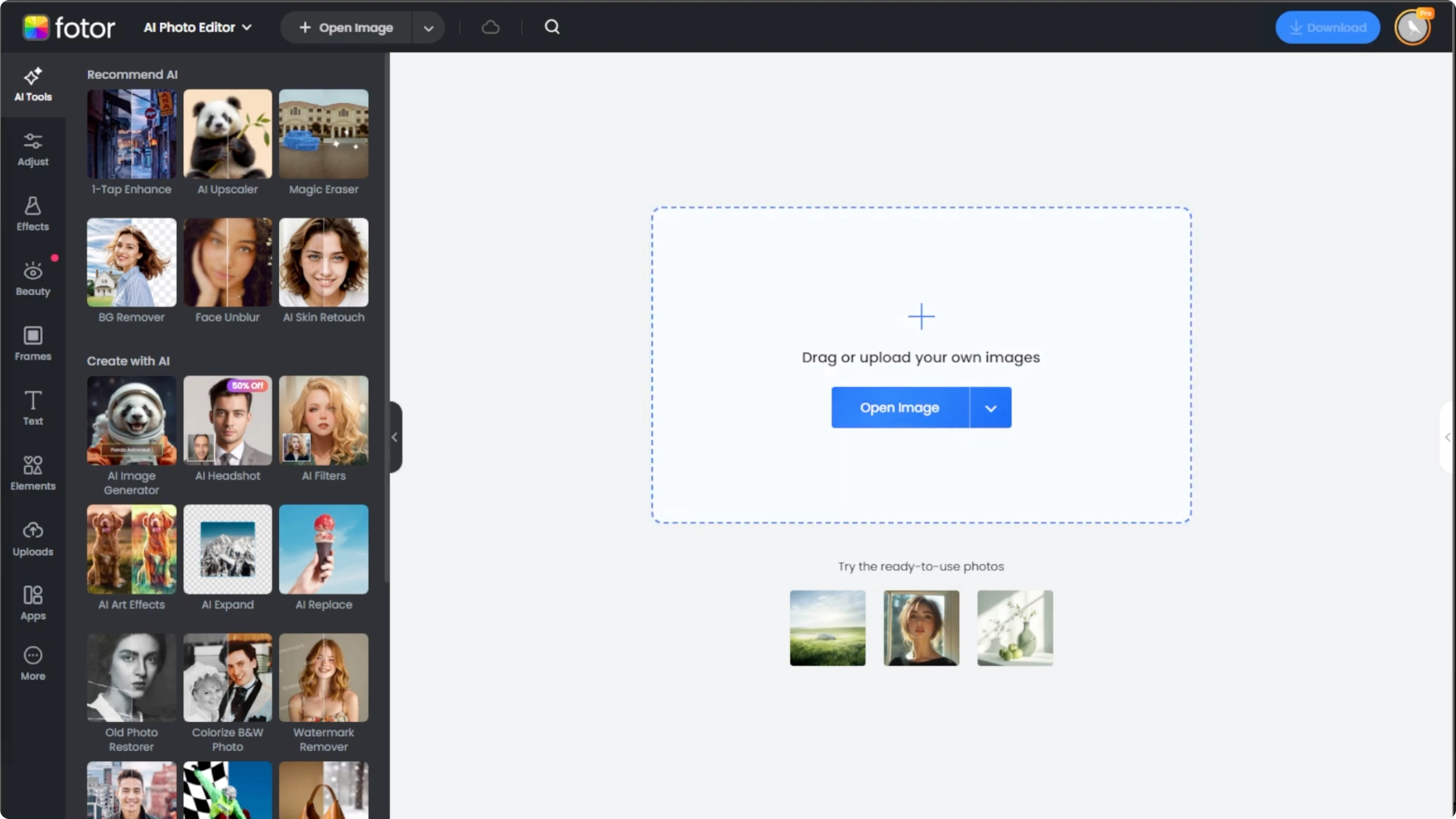
Go to Photo AI photo editor in your browser.
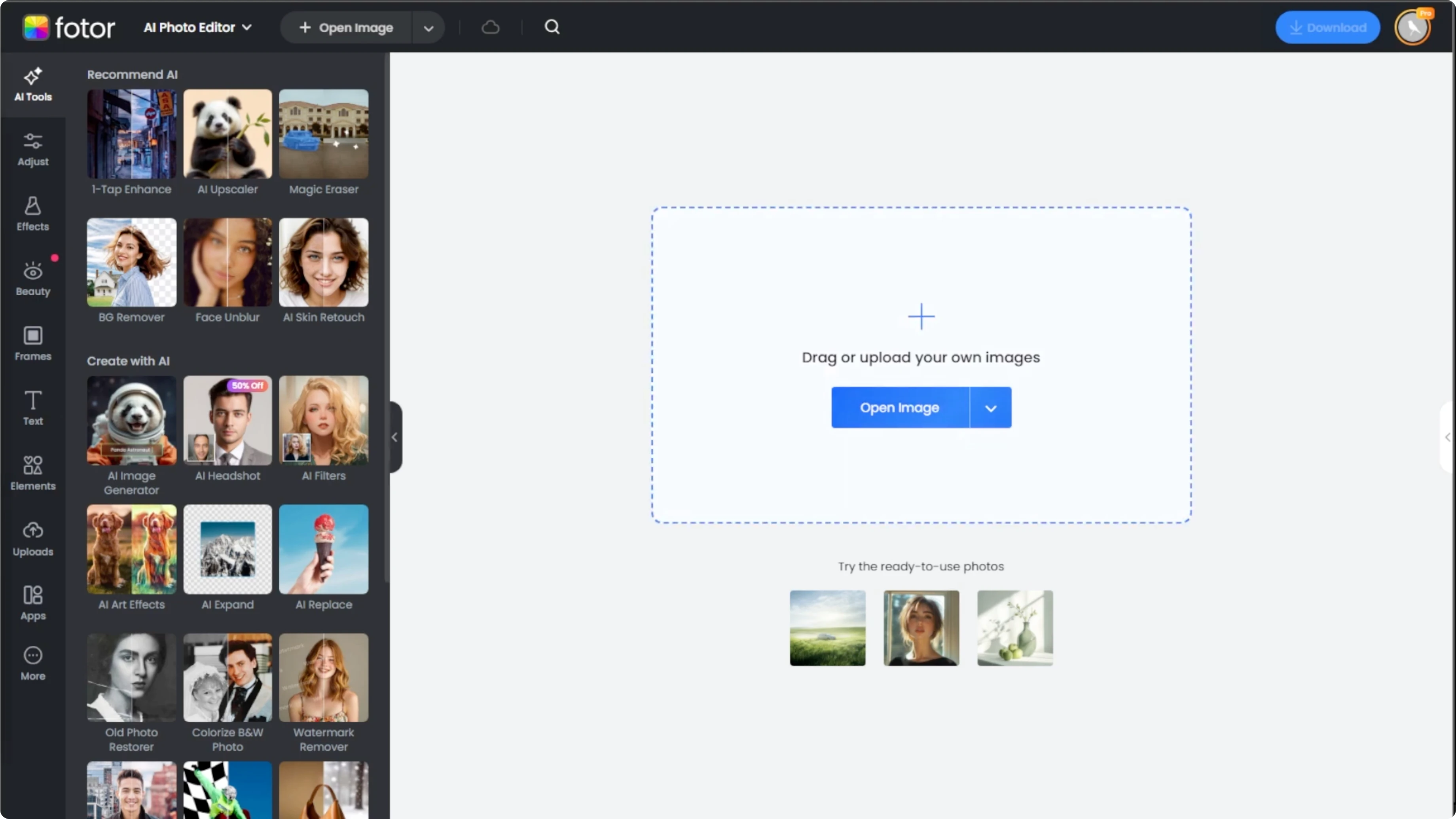
Upload your photo by clicking Upload Image or dragging it into the editor.
Choose the beard tool
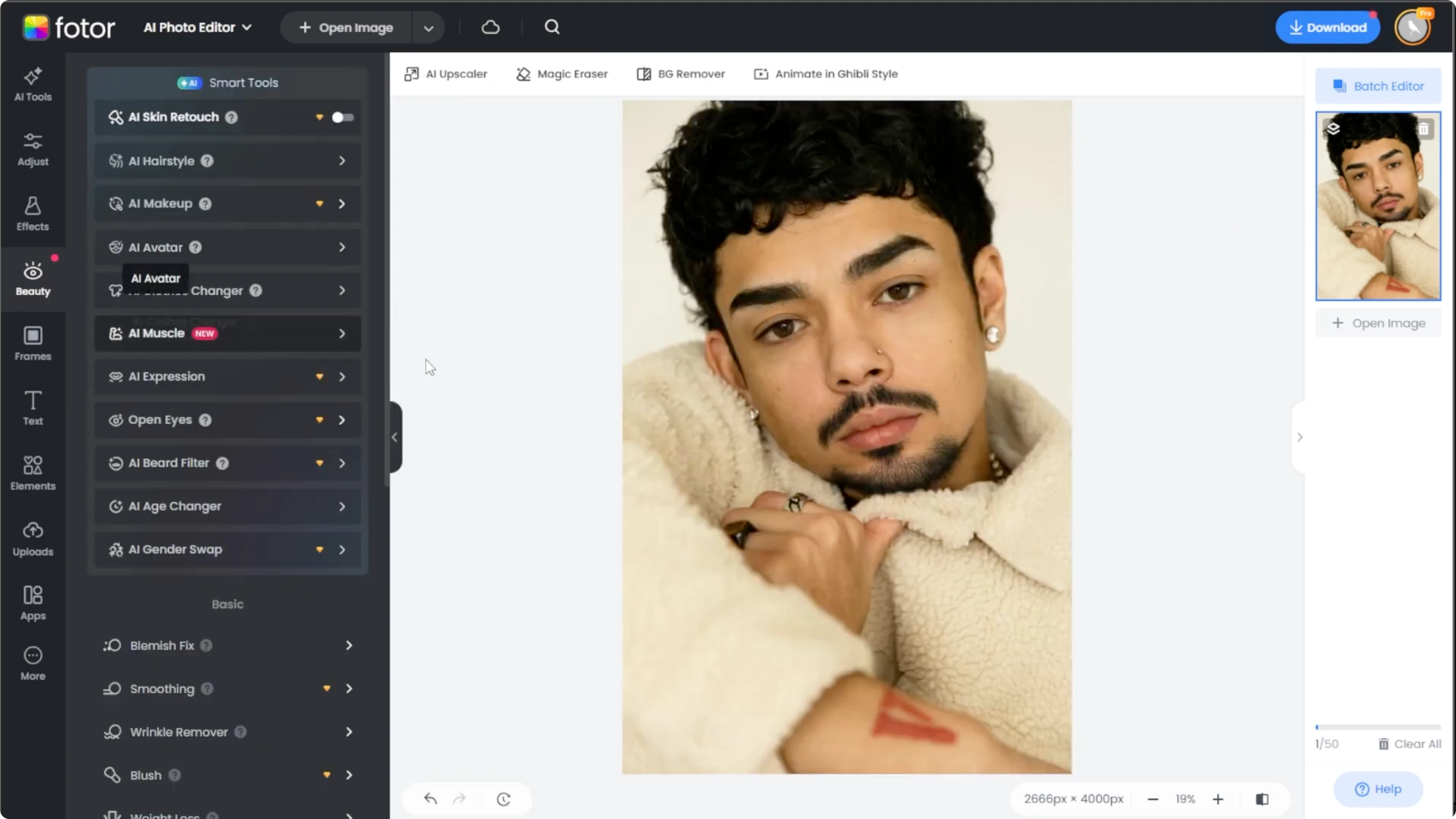
On the left panel, click the Beauty tab.
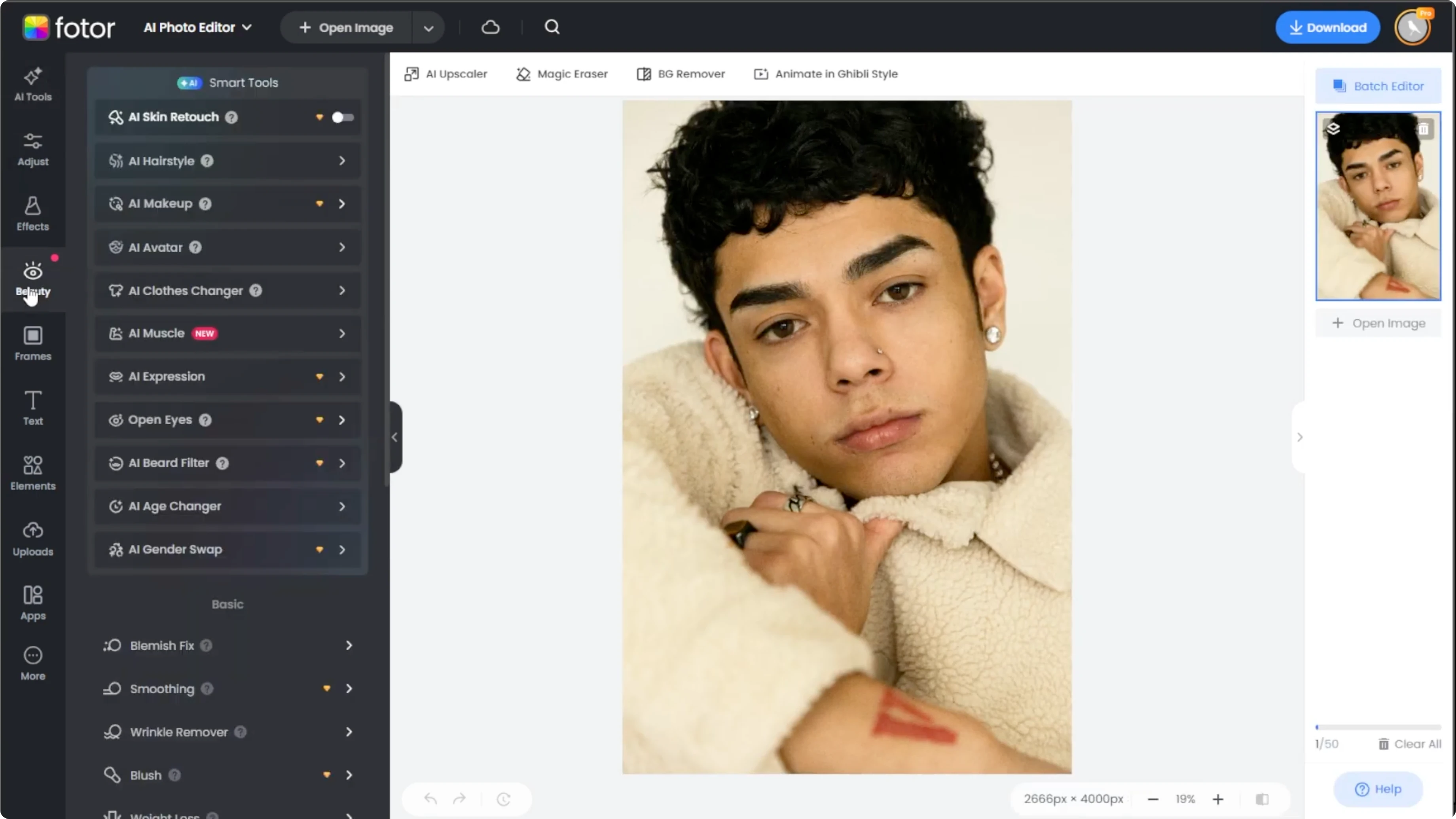
Under AI Smart Tools, select the AI Beard filter.
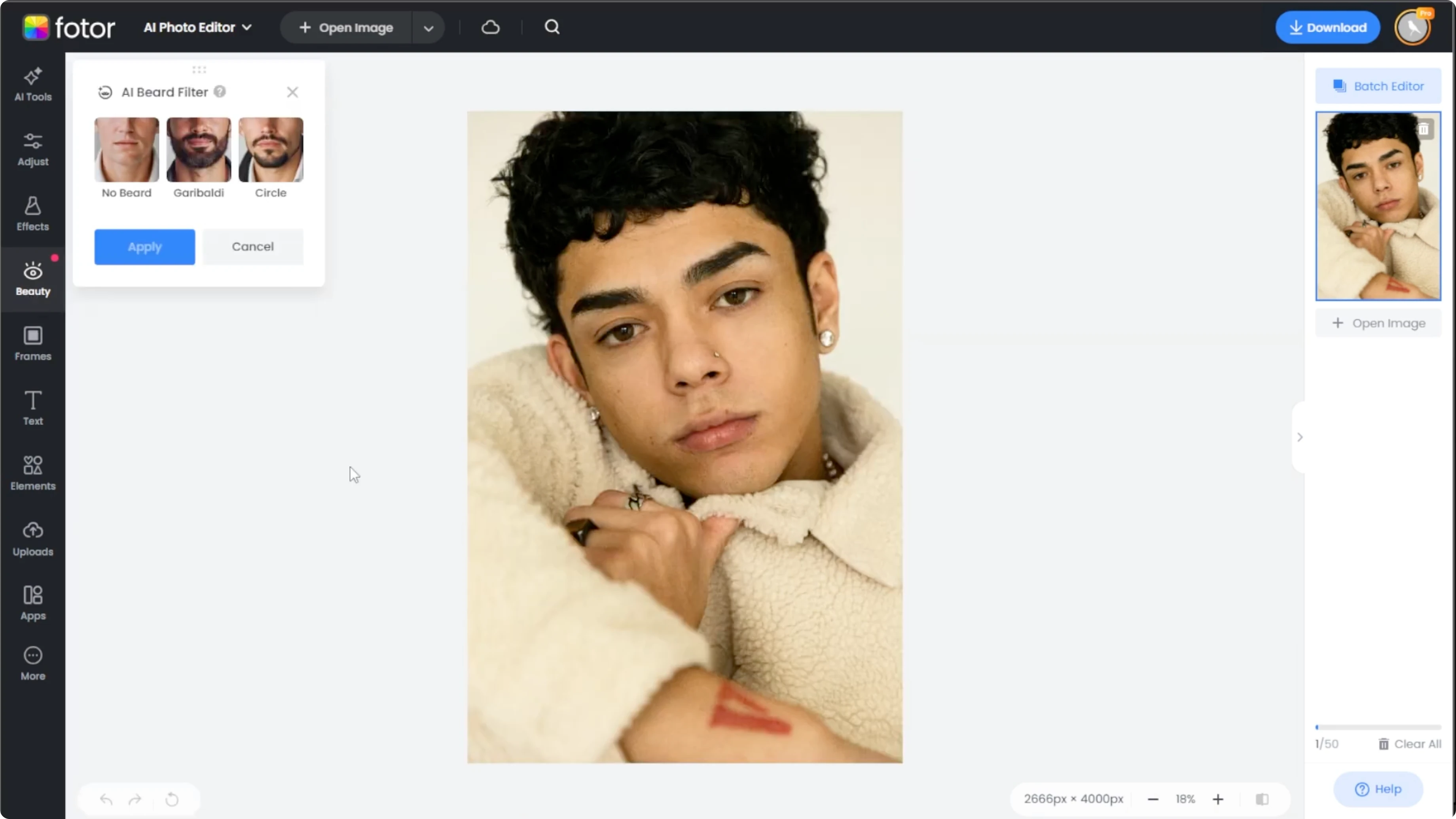
This is a pro feature, but you can activate a 7 day free trial to use it watermark free.
Pick a style
In the beard filter panel, you have two options.
Giraaldi, which is a full rounded beard with a mustache, and Circle, which is a connected mustache and a goatee.
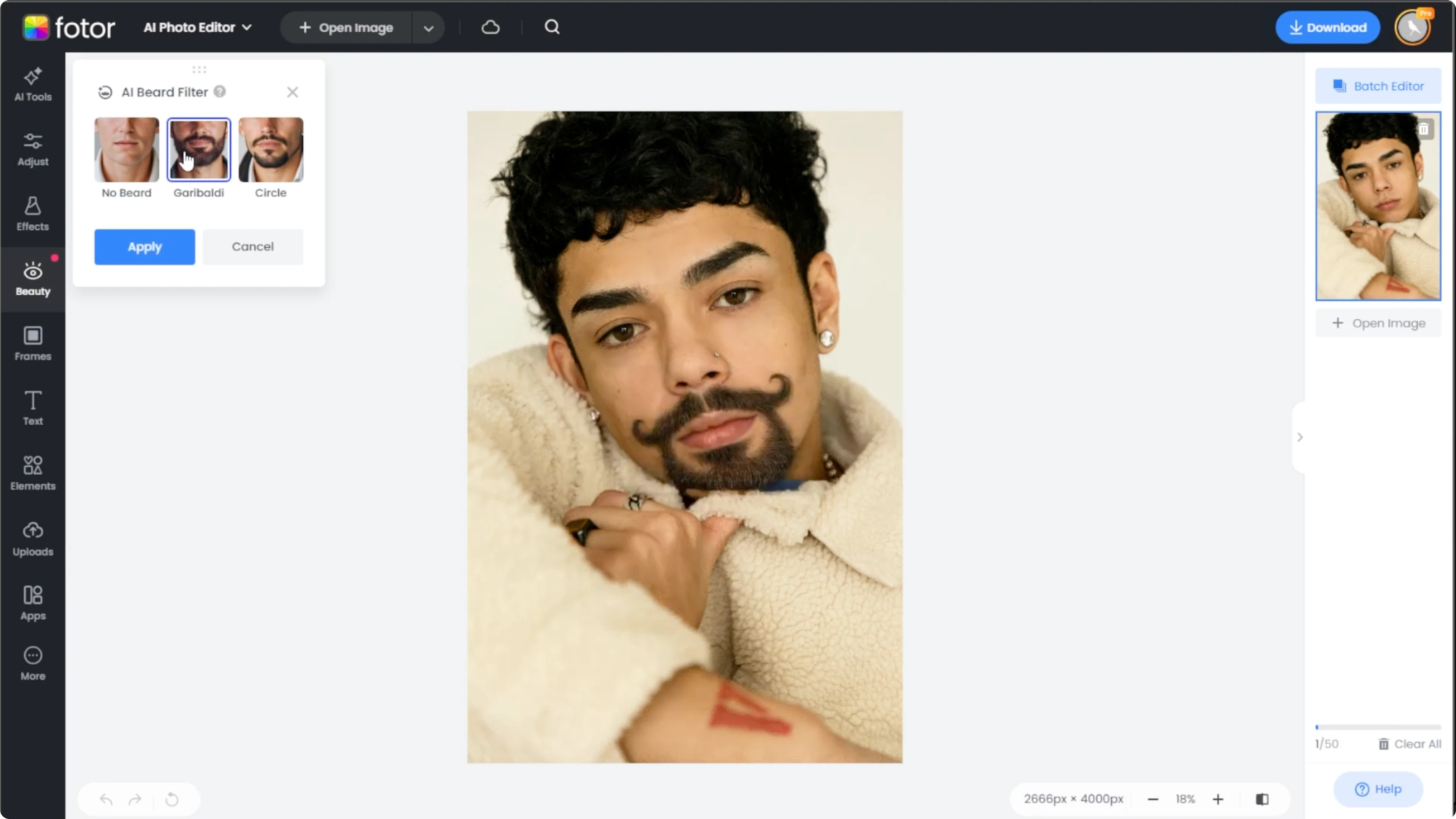
If you want to remove facial hair, select the No Beard option.
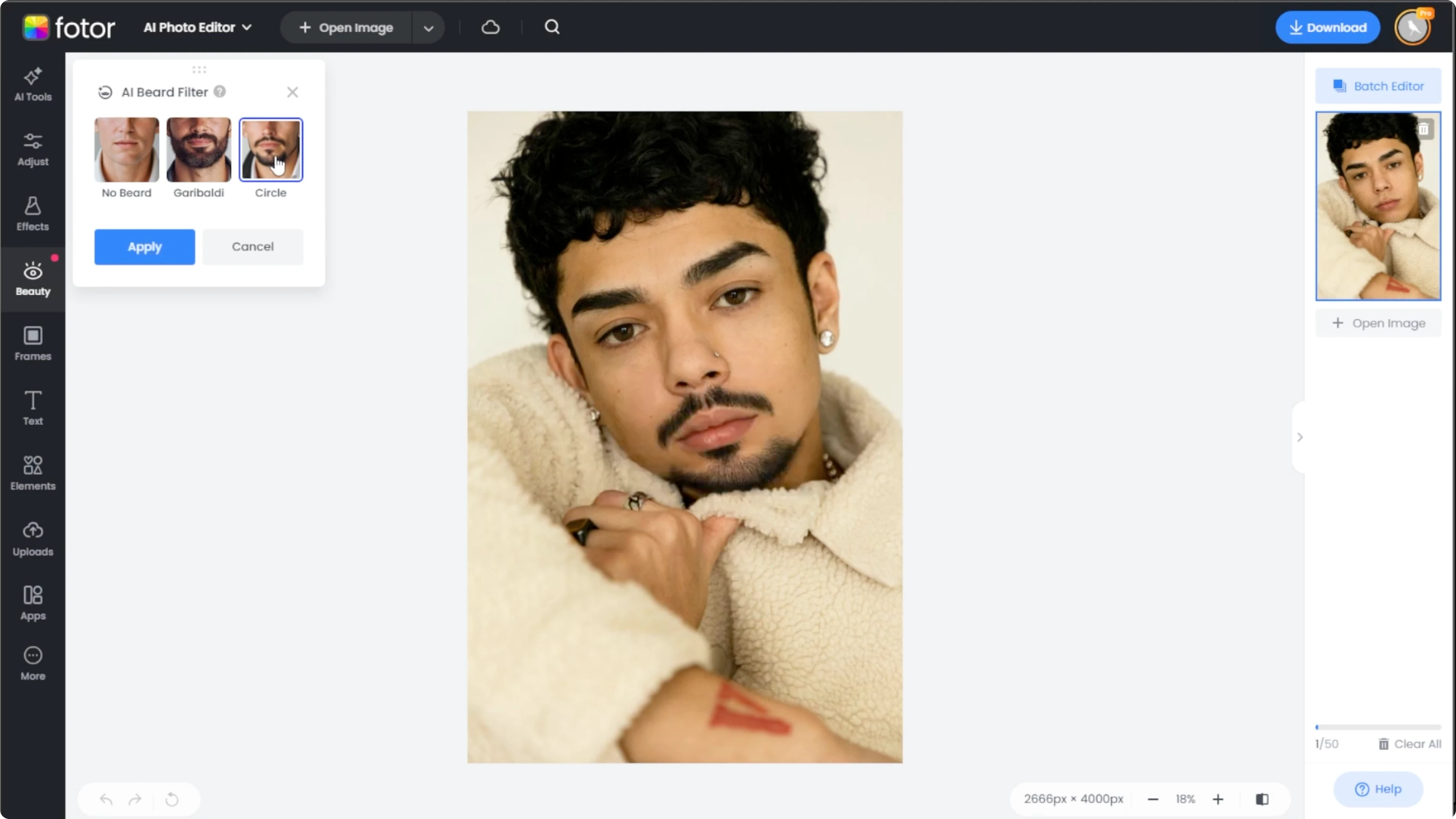
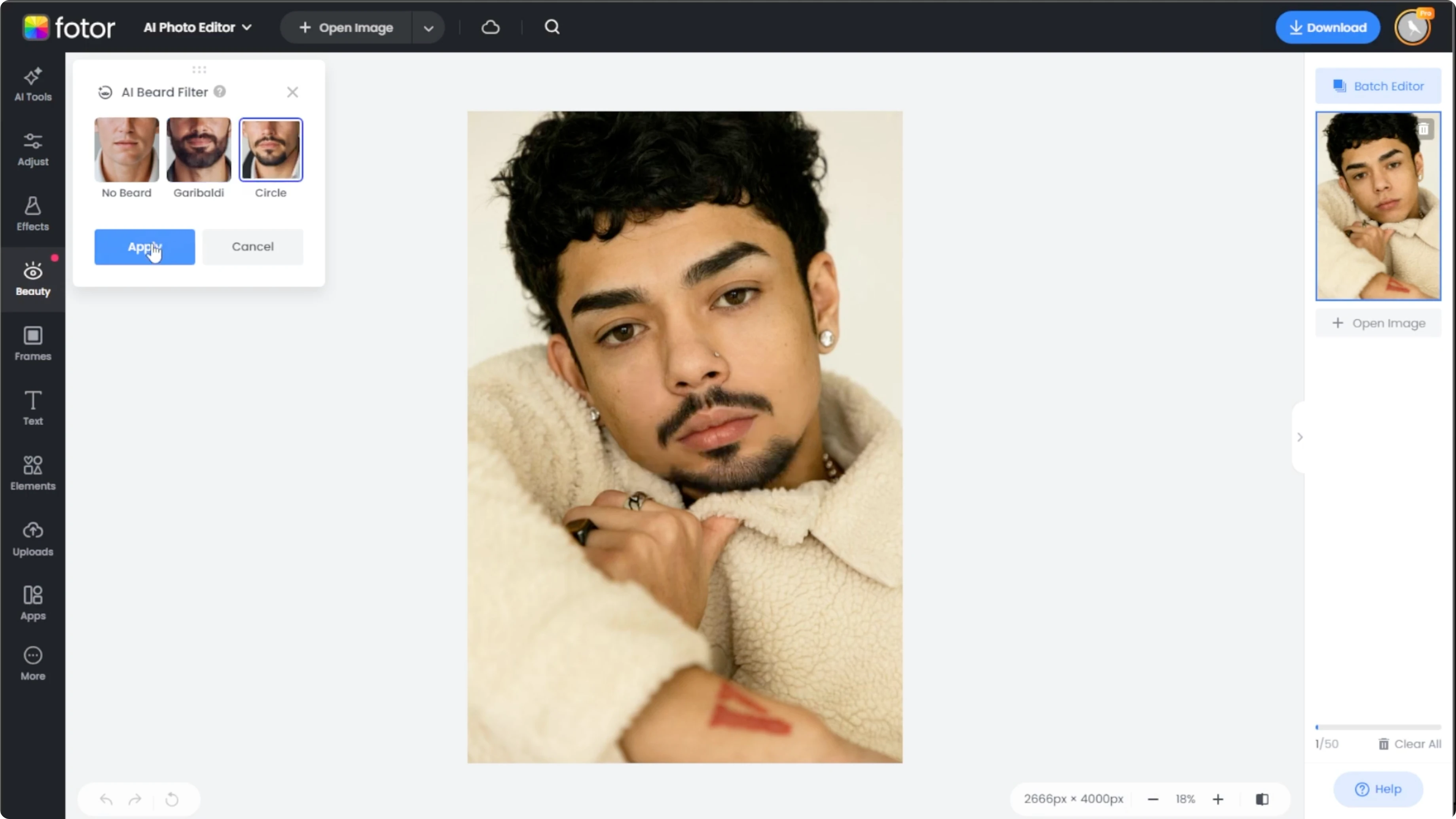
Click Apply once you have picked a style that you like.
If you want a playful look after testing facial hair, try turning your photo into a cartoon with this quick guide: turn yourself into a cartoon.
Compare and save
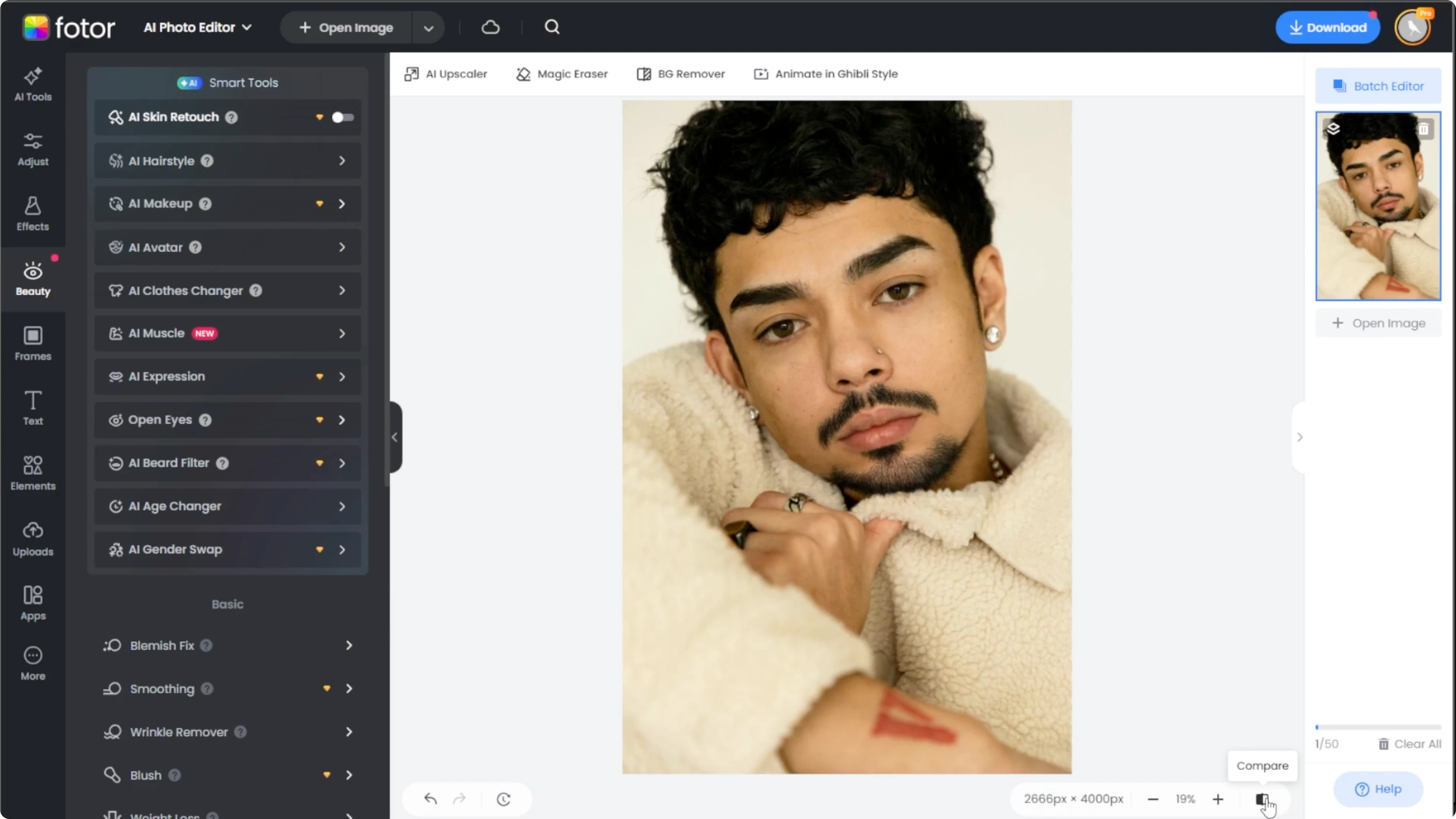
Use the Compare button in the bottom right corner to toggle between the original and the bearded version.
When you are satisfied with the result, click Download to save the image.
Tips for better results
Use a high quality front facing portrait.
Try both beard styles to see which fits your face shape.
If you want to keep experimenting, you can use the free trial to test other AI tools as well.
For body edits that pair well with portrait work, see how to add a muscular look with AI here: make yourself look muscular.
Final thoughts
The AI Beard filter gives you a quick way to preview a full beard, a connected goatee, or no facial hair at all. Start with a clear, front facing photo, test both styles, compare the result, and save the version that fits you best. Keep exploring with the free trial to see what other AI tools can add to your portrait workflow.
Recent Posts

How to Visualize Yourself as a Pixelized Character with AI?
How to Visualize Yourself as a Pixelized Character with AI?

How to Revive Faded Memories and Enhance Image Clarity with AI?
How to Revive Faded Memories and Enhance Image Clarity with AI?

How to Visualize Yourself as an Animal Crossing Character with AI?
How to Visualize Yourself as an Animal Crossing Character with AI?