How to Enhance Your Photos by Adding Jewelry, Hats, and Accessories with AI?
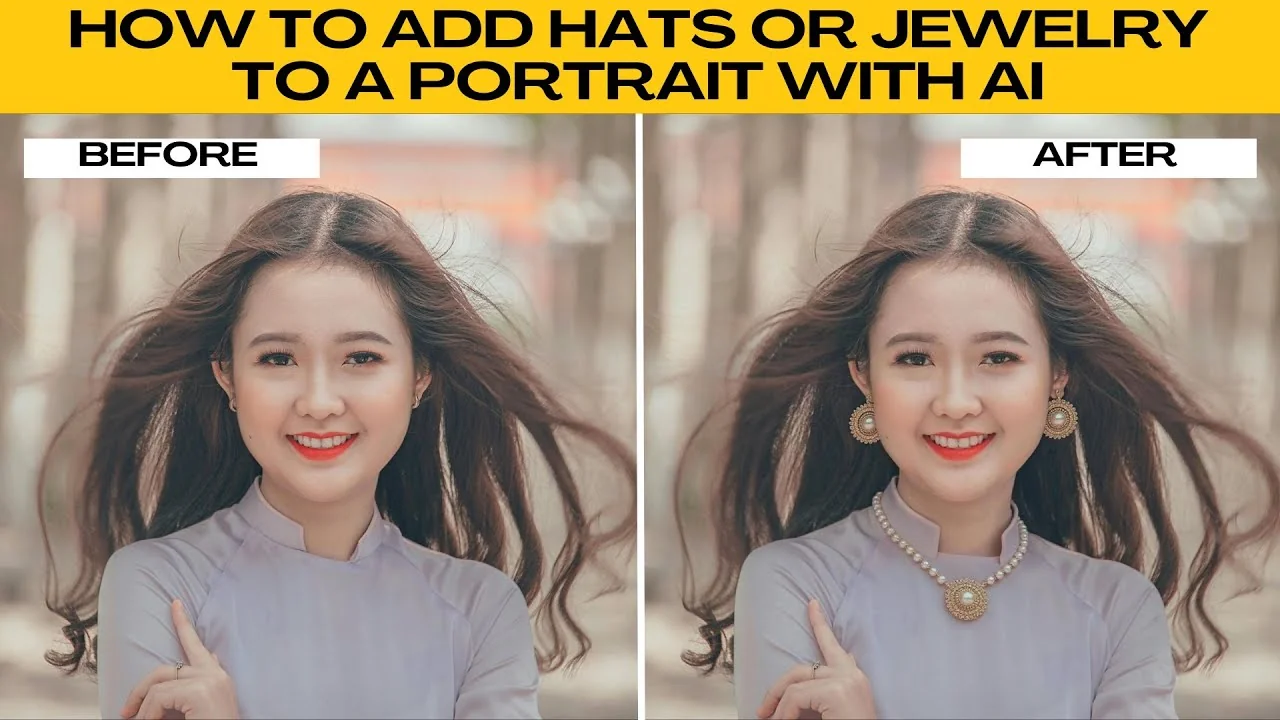
I will teach you how to add hats or jewelry to a portrait with AI. Follow these steps from start to finish.
Get set up
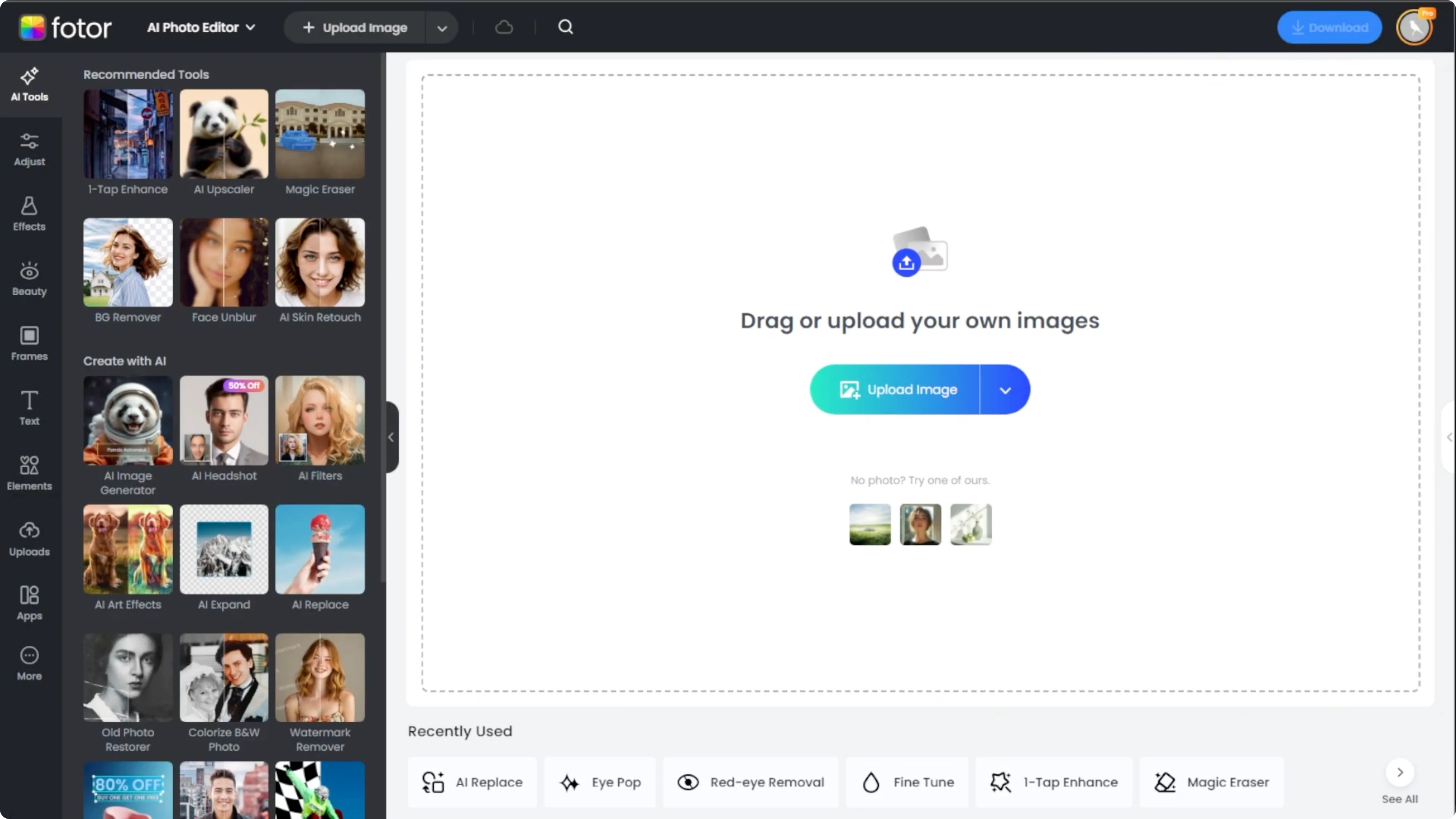
Go to Photos AI photo editor in your browser. Click upload or drag and drop your image to begin.
Open the tool
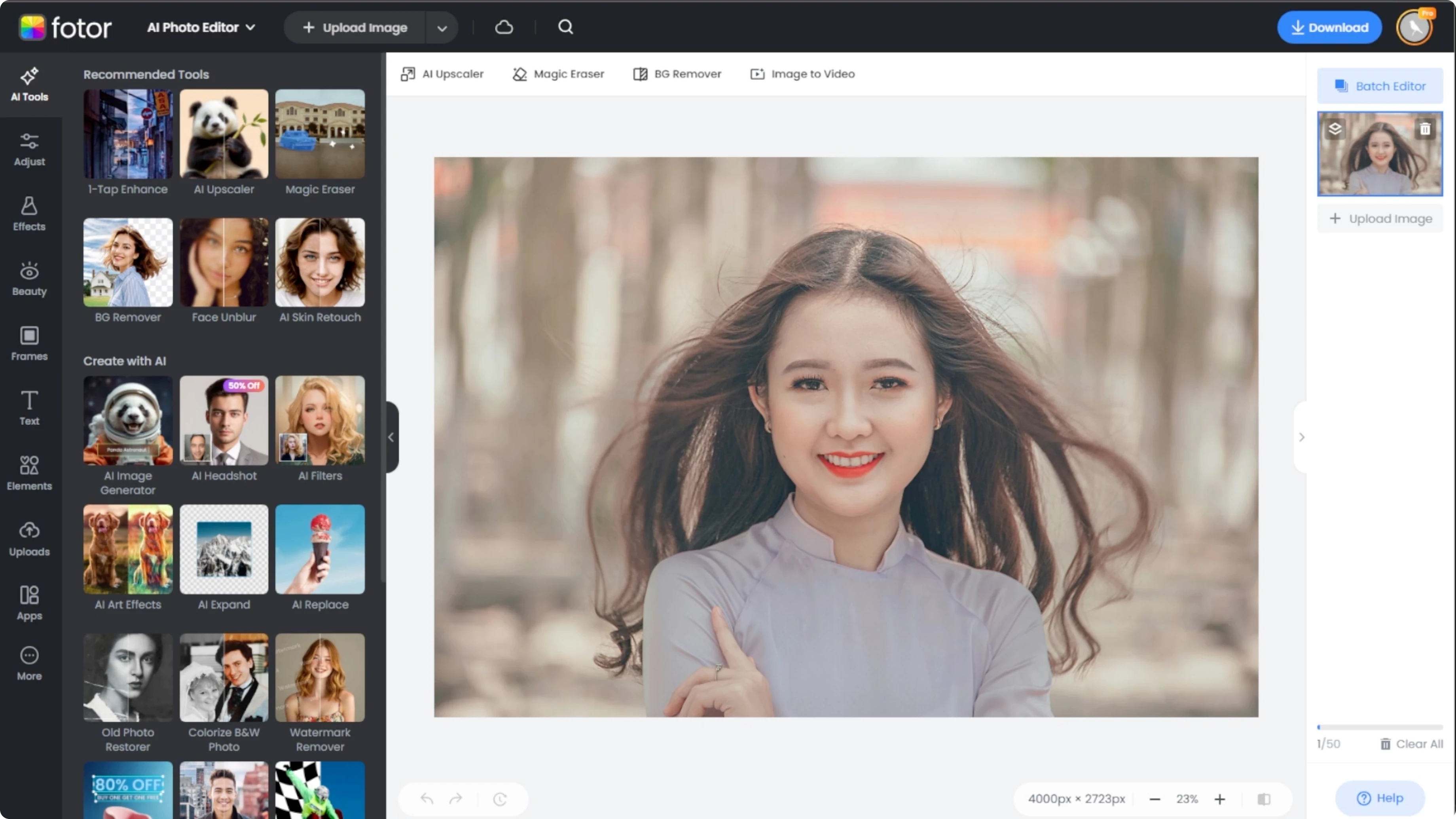
Access the AI replacer tool. From the left side toolbar, click on the AI tools tab. Scroll down and select the AI placer.
Read More: How To Change Your Hairstyle In Photos Using Ai
Select the area
Brush method
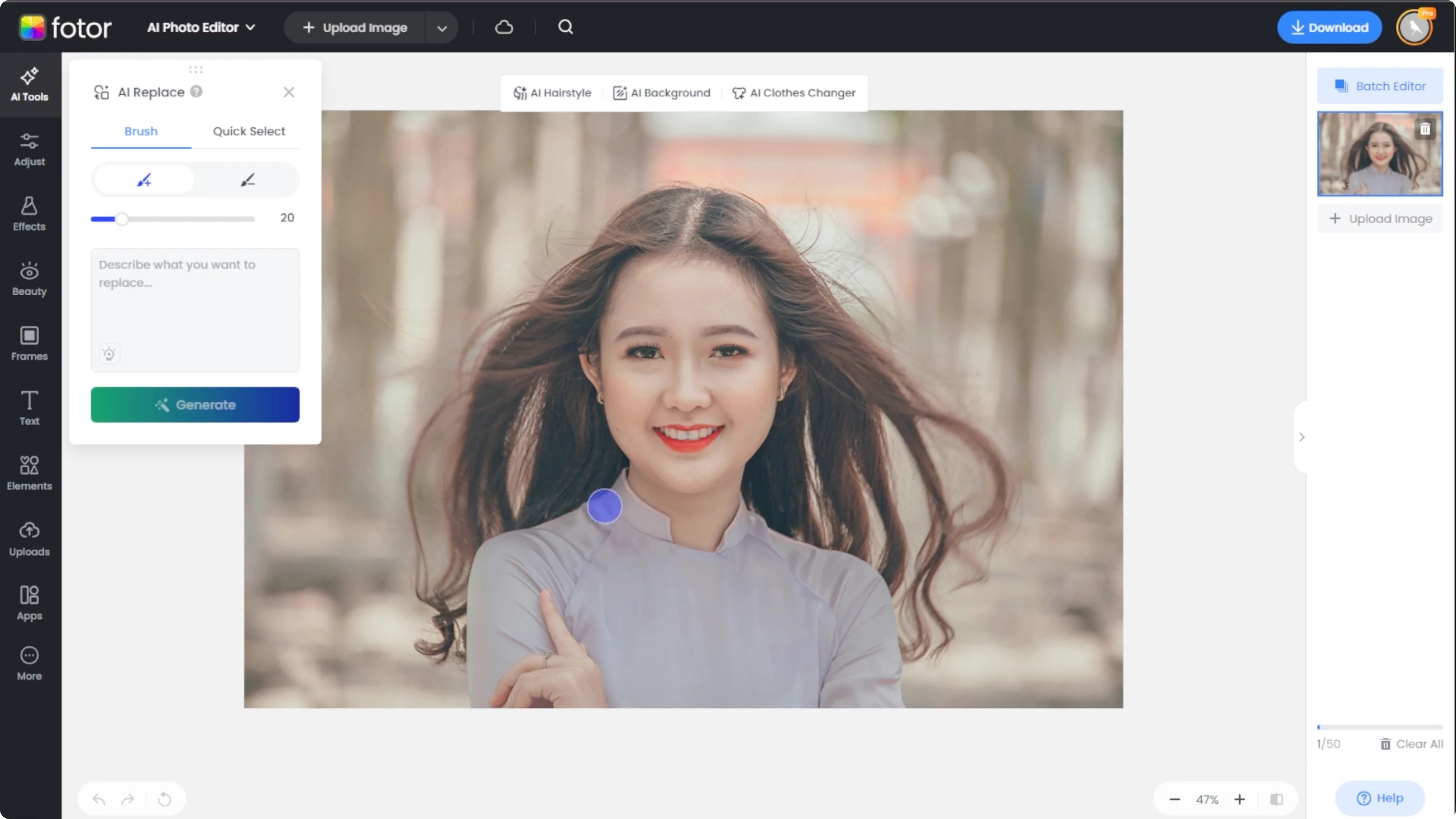
Use the brush tool for manual selection. Ensure your brush mode is set to add. Adjust the brush size for position.
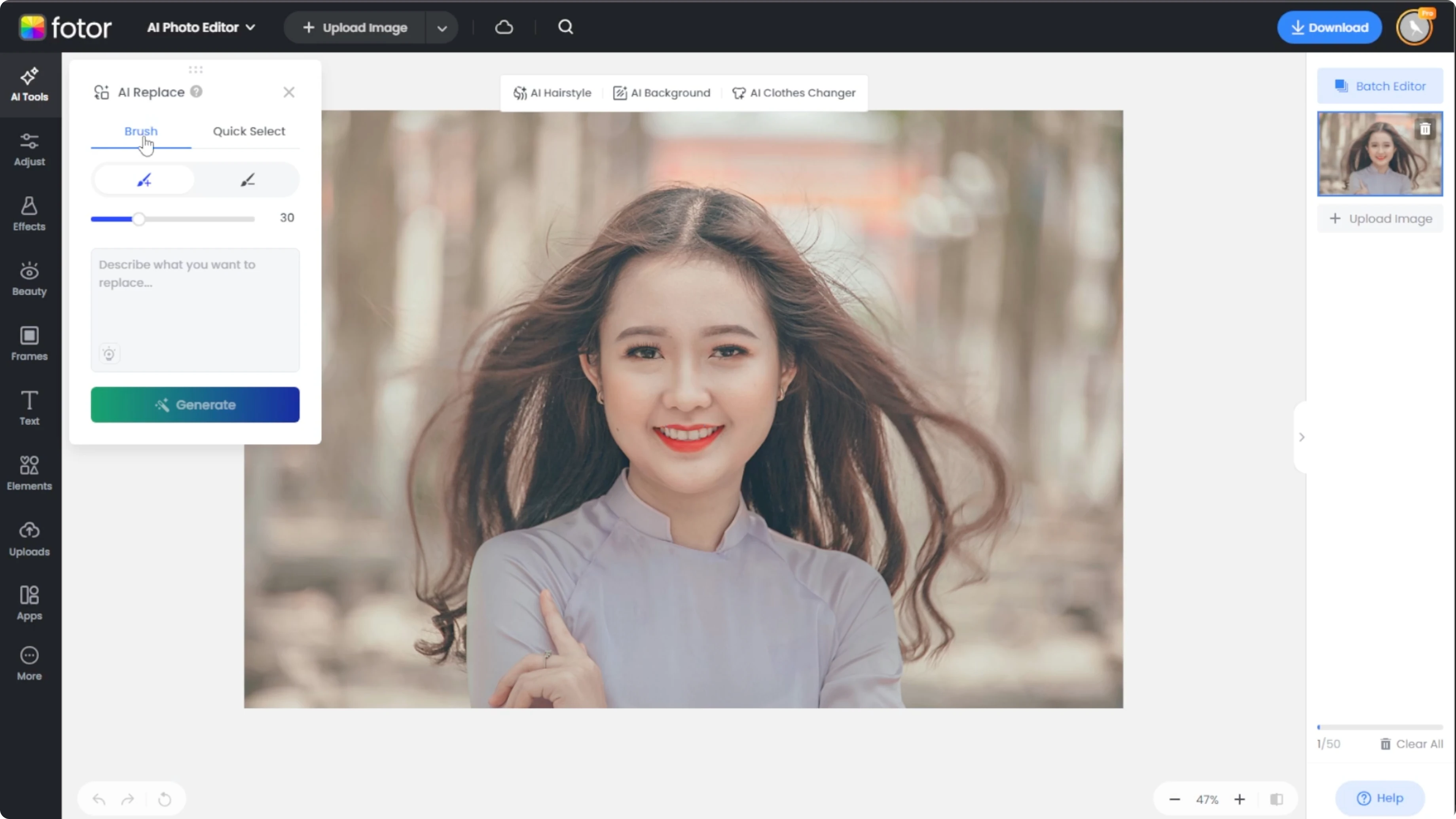
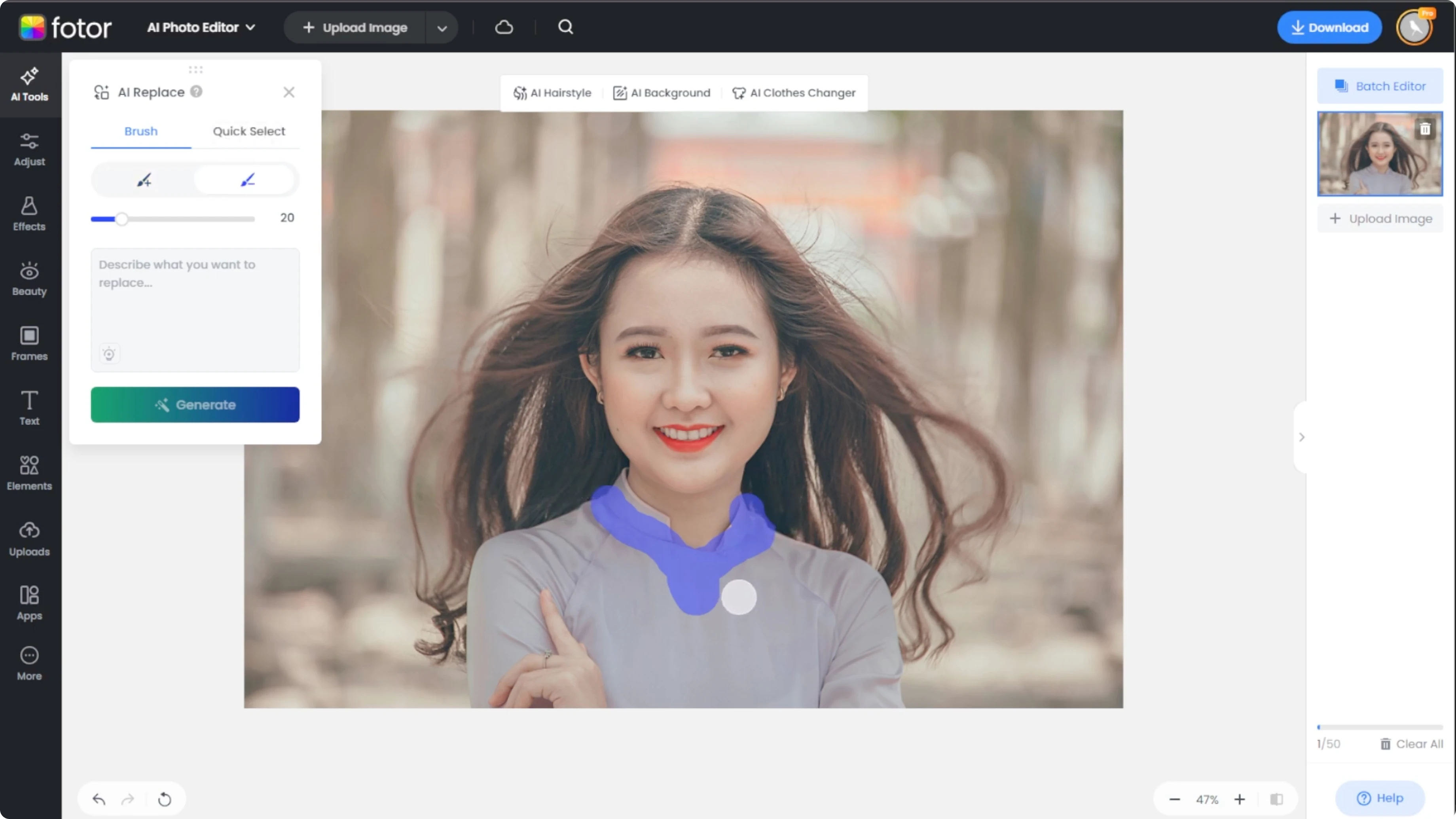
Carefully paint over the area where you want the hat or jewelry to appear. If you over select, switch to the subtract mode to refine the edges.
Quick selection
For replacing existing accessories, switch to the quick selection tool. Click on the hat or a piece of jewelry that you want to replace, and it will turn blue when selected.
Write the prompt
Below the selection, you will see a text box. Write a specific and creative prompt. The more detail you include, the better the result.
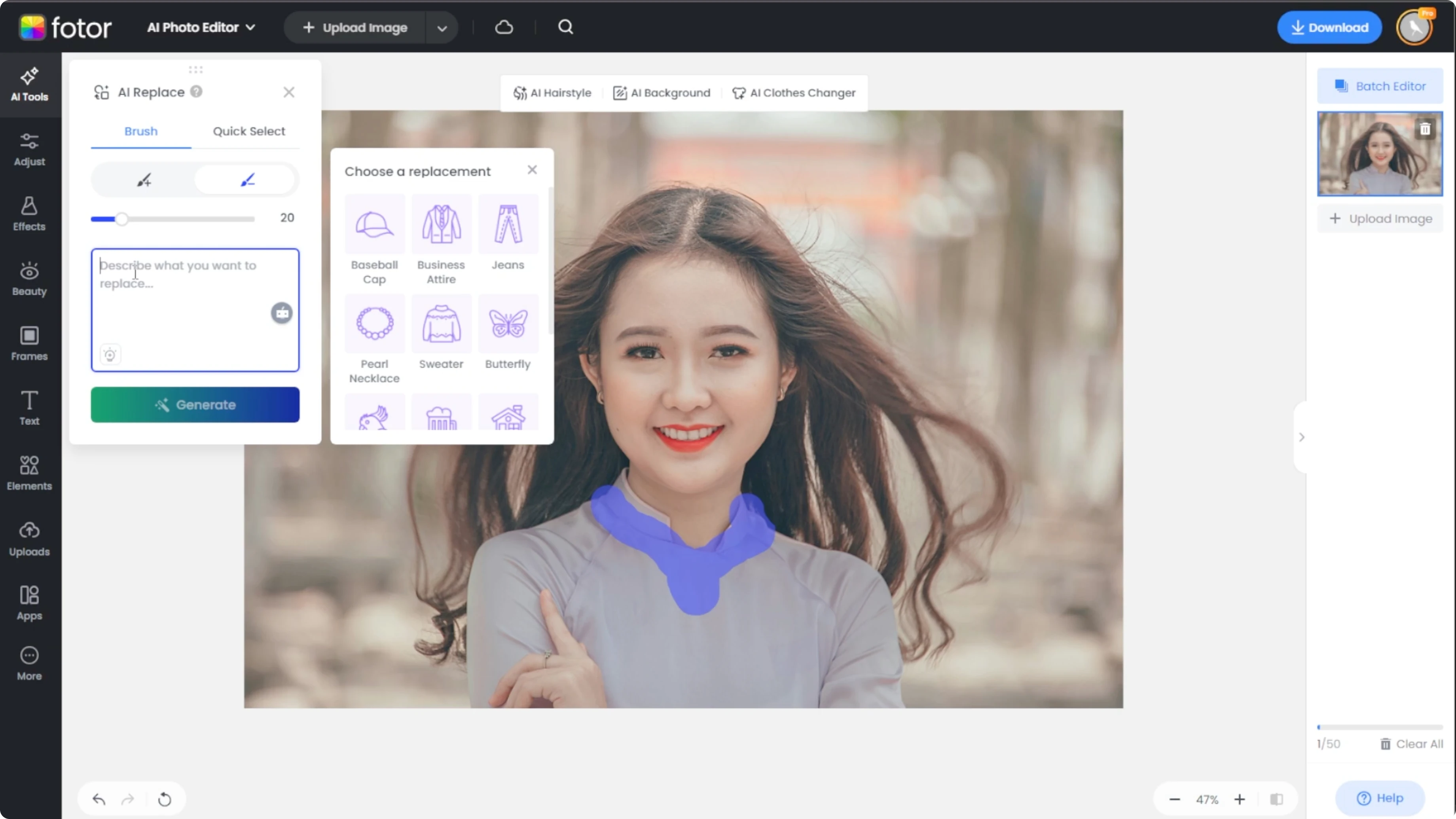
Example prompt:
silver hoop earrings, subtle shine, balanced proportion, fits the ear shape, studio lighting, matches skin tone
Read More: How To Convert Daytime Photos Into Night Scenes Using Ai
Generate and apply
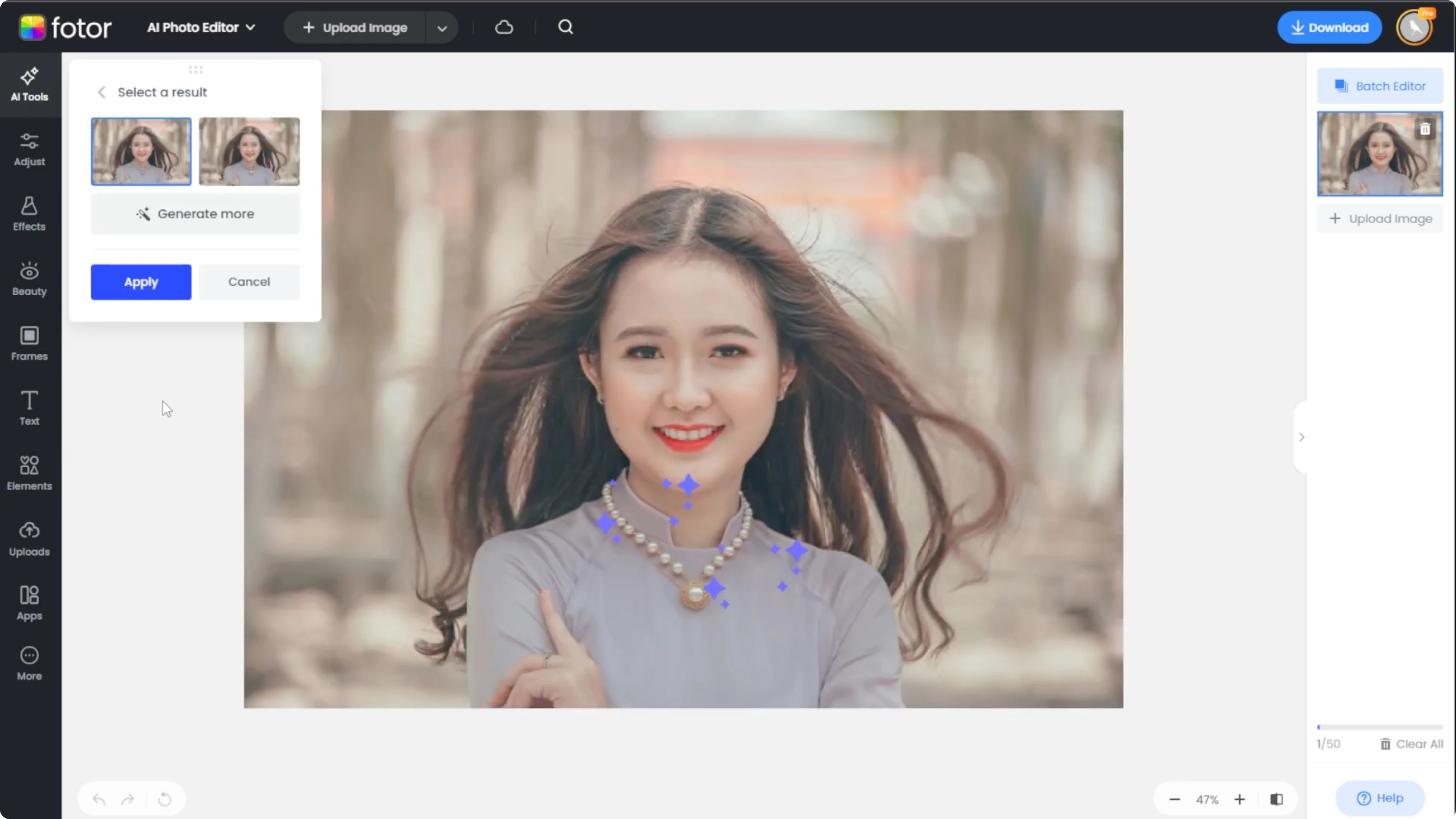
Click generate and wait 10 to 30 seconds and you will get two variations each time. If you are not satisfied, click generate more. Click apply once you are happy with the edit.
Compare and save
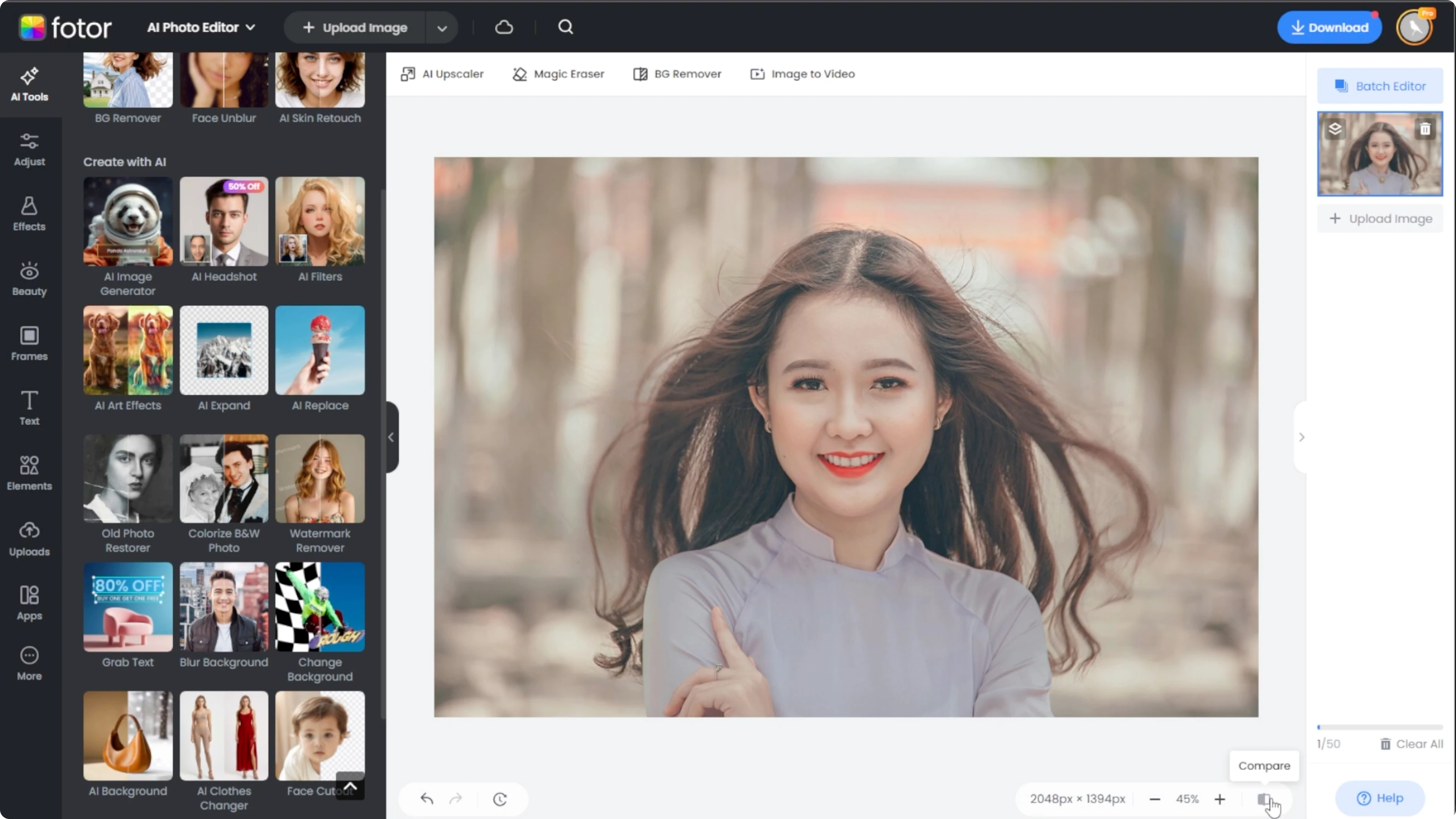
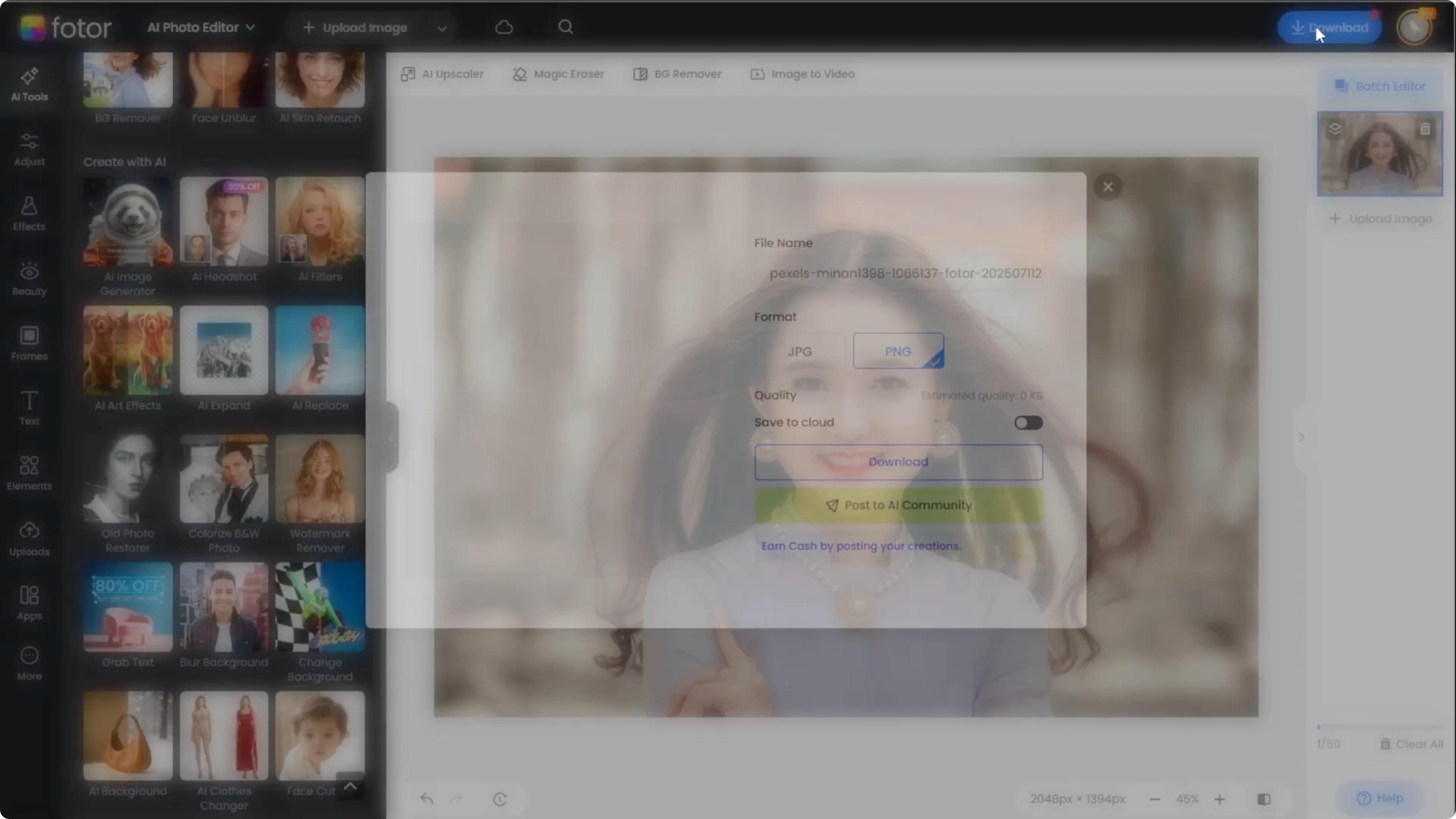
Use the compare button at the bottom left to toggle the before and after view. Click download to save your portrait with its new accessories.
Read More: See What Your Future Child Will Look Like Using Ai
Final thoughts
These steps let you place or replace hats and jewelry with precision. Keep your selection clean, write a detailed prompt, and review variations before applying.
Recent Posts

How to Visualize Yourself as a Pixelized Character with AI?
How to Visualize Yourself as a Pixelized Character with AI?

How to Revive Faded Memories and Enhance Image Clarity with AI?
How to Revive Faded Memories and Enhance Image Clarity with AI?

How to Visualize Yourself as an Animal Crossing Character with AI?
How to Visualize Yourself as an Animal Crossing Character with AI?