How to Visualize Your Future Child's Face by Blending Parent Photos with AI?
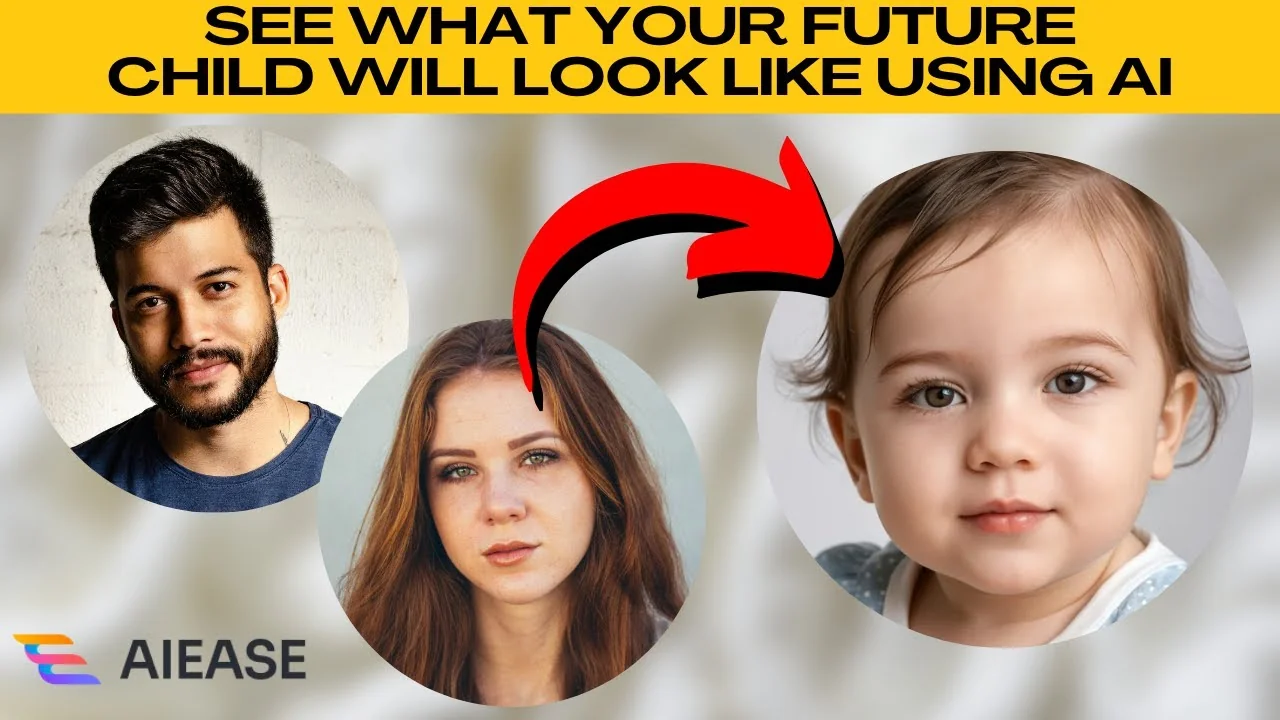
I will teach you how to see what your future child will look like using AIE, a free AI powered tool. You can upload photos of two parents and let artificial intelligence create a virtual prediction of your future baby. This is easy and intuitive.
Getting started
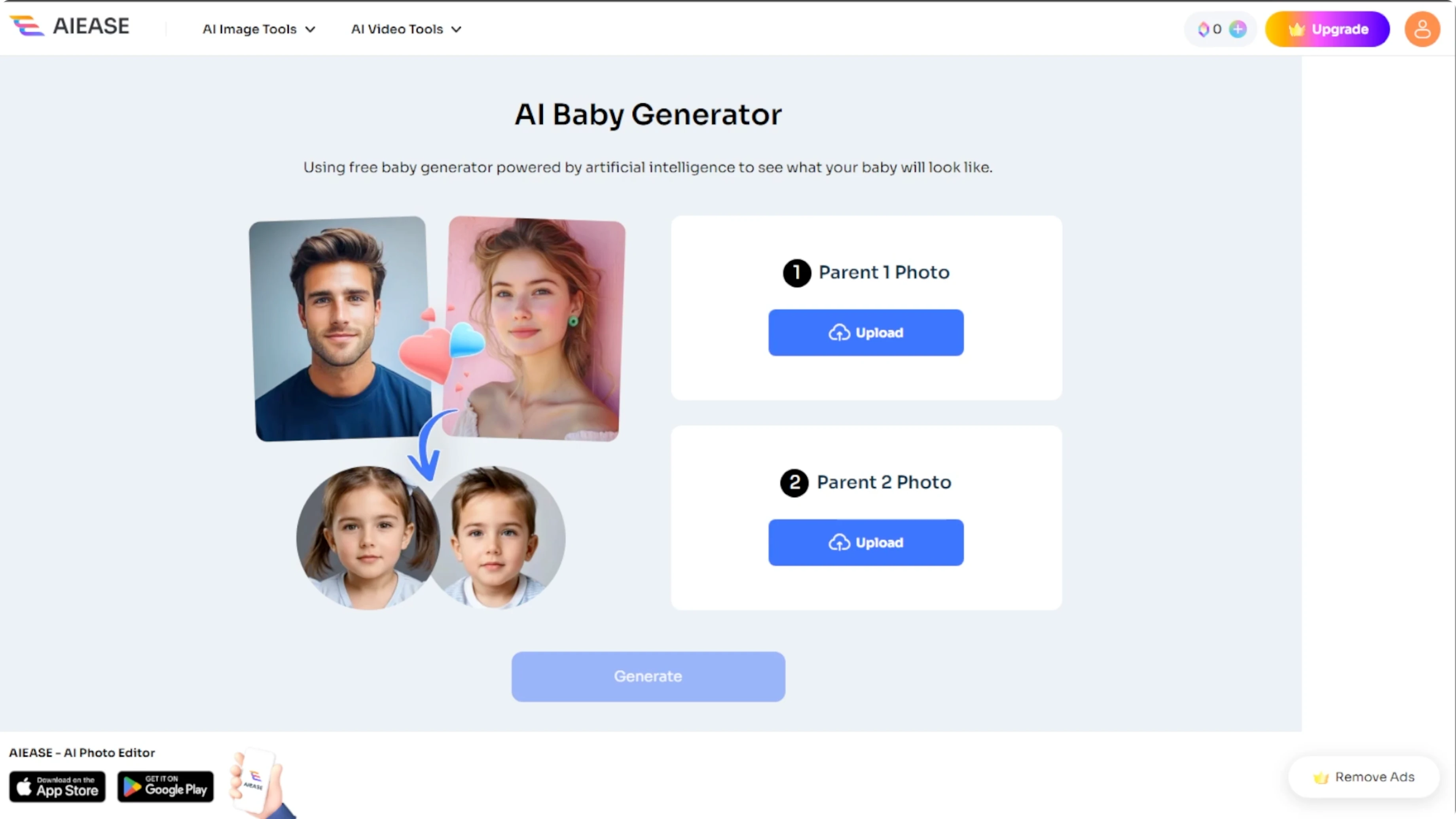
Open your browser and visit the AIE Baby Generator tool. Make sure you have clear photos of both parents ready.
Upload parent photos
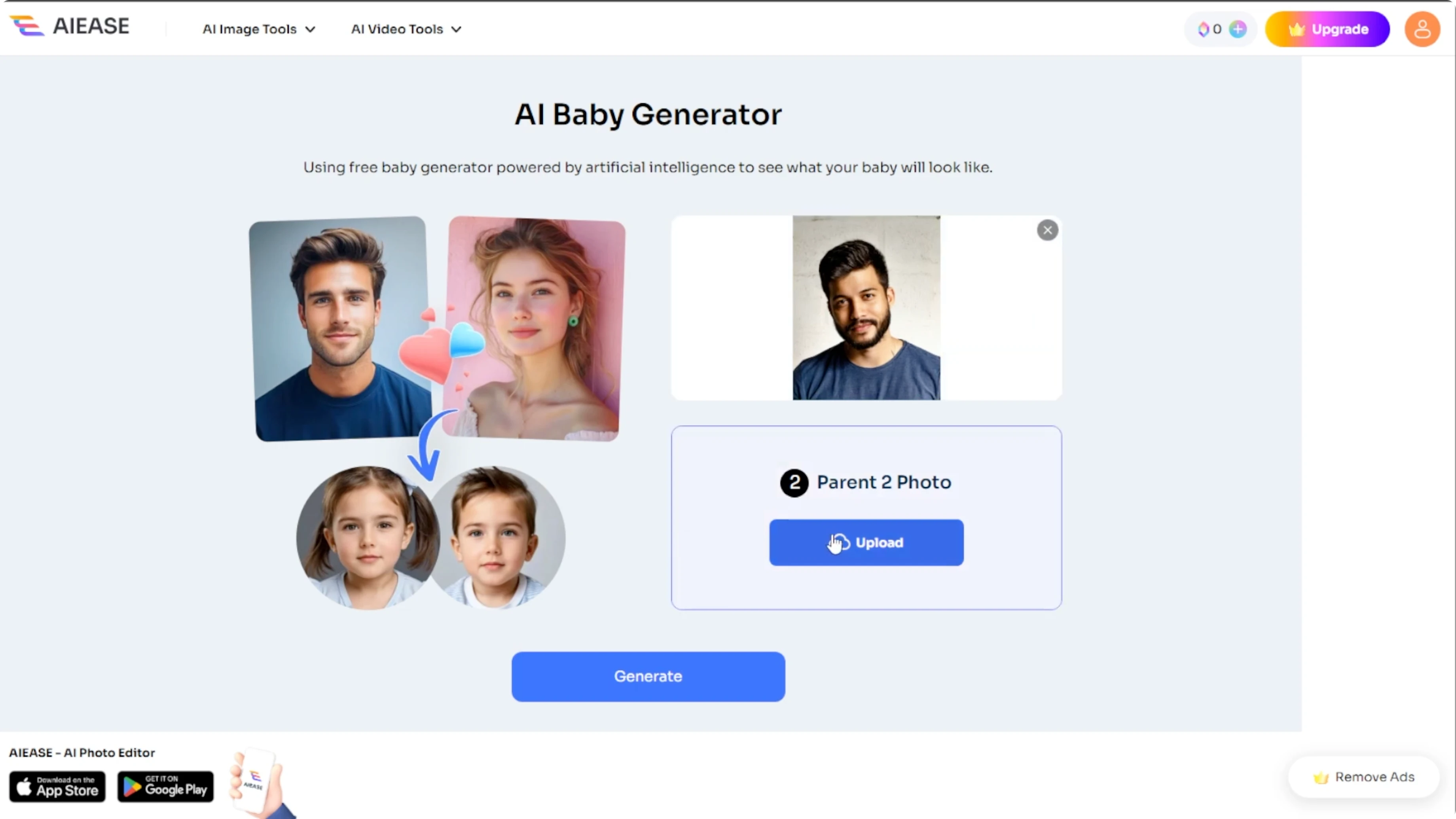
Upload the first parent's photo. You will see two upload buttons, one for each parent. Click the first upload button and select a photo of one parent.
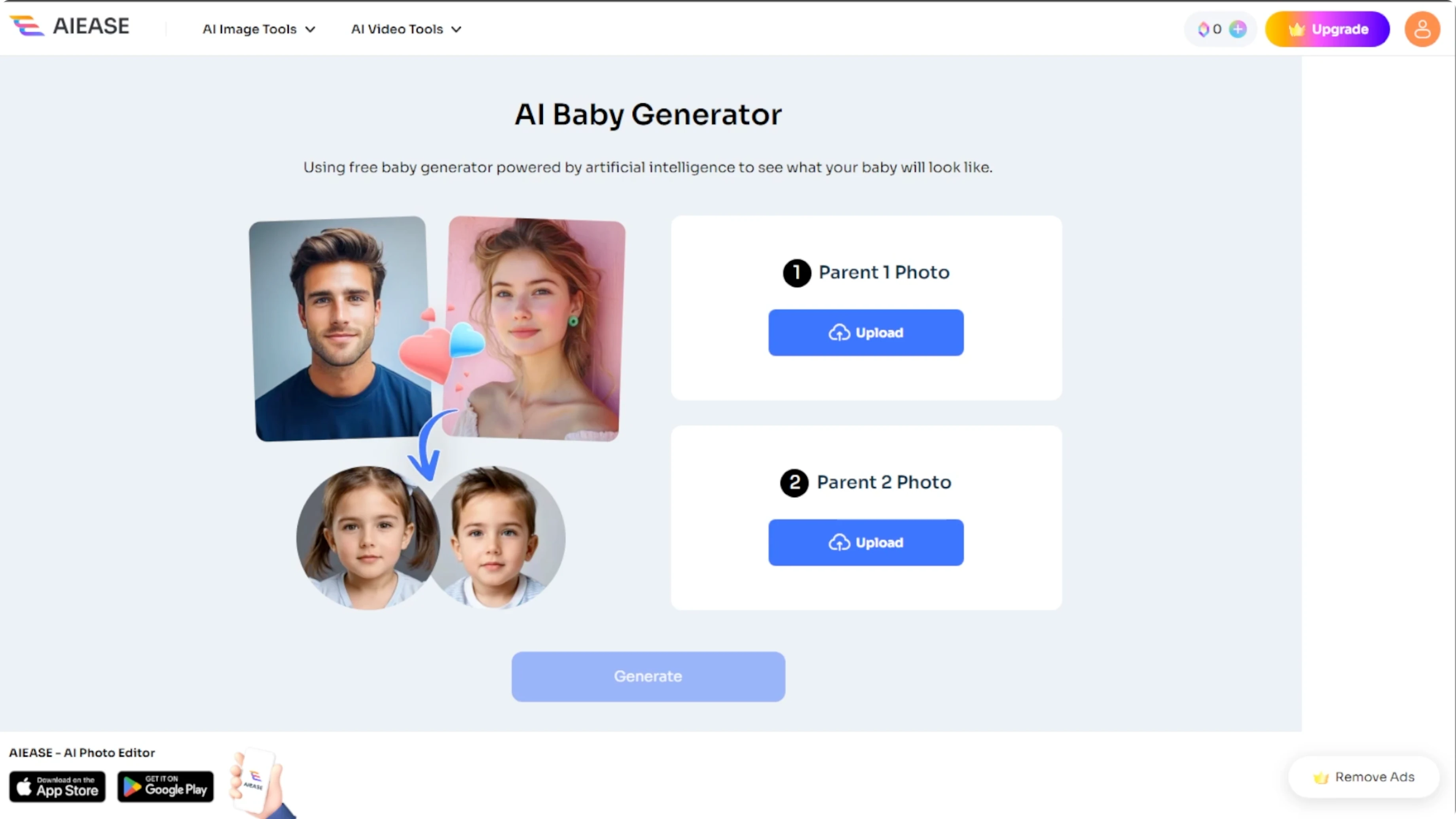
Use a clear front-facing image. Make sure the face is well lit and avoid sunglasses, masks, filters, or extreme angles.
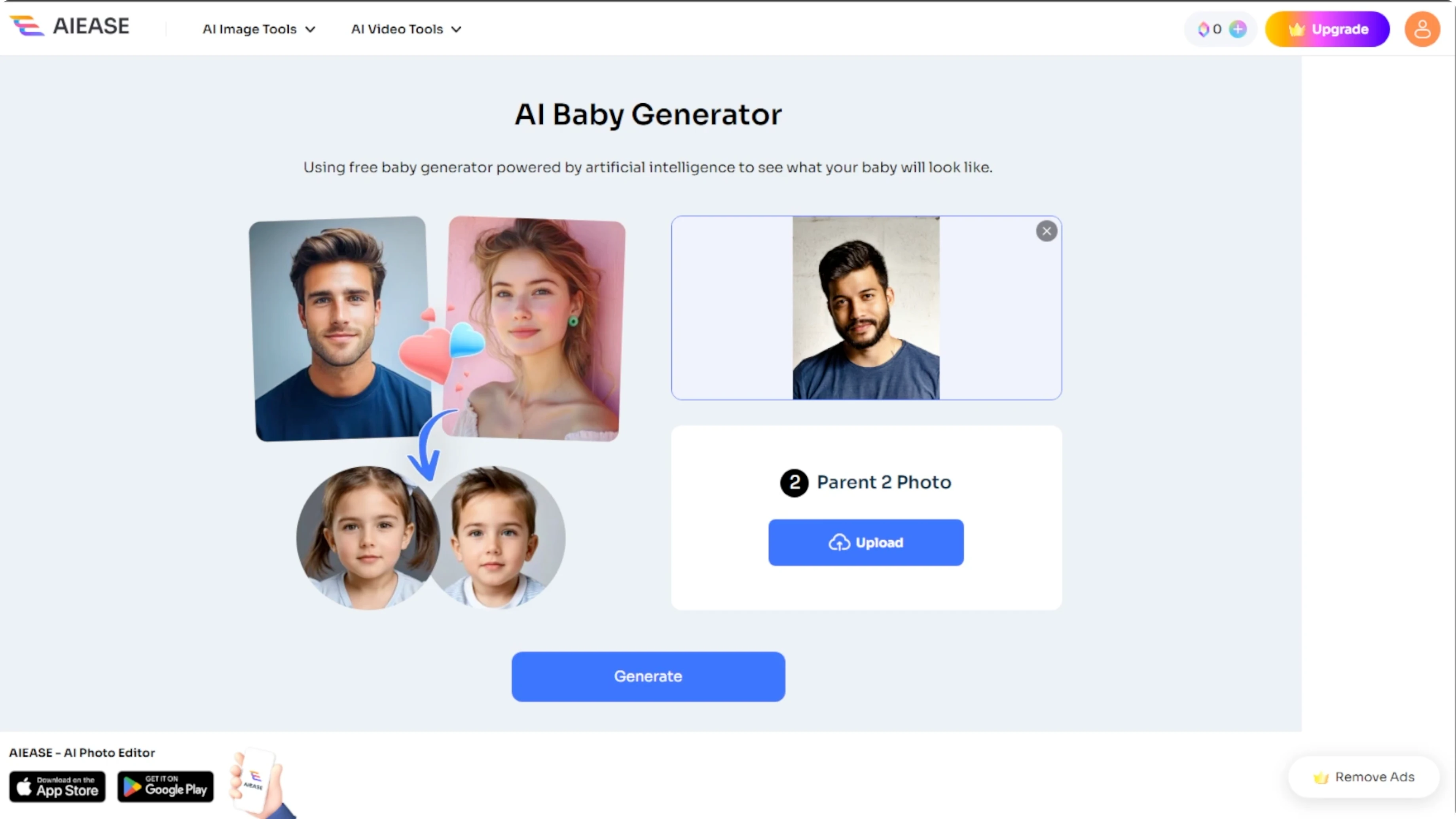
Repeat the process by clicking the second upload button and choose a photo of the other parent. The order does not matter. The AI will generate the same baby preview either way.
Generate the preview
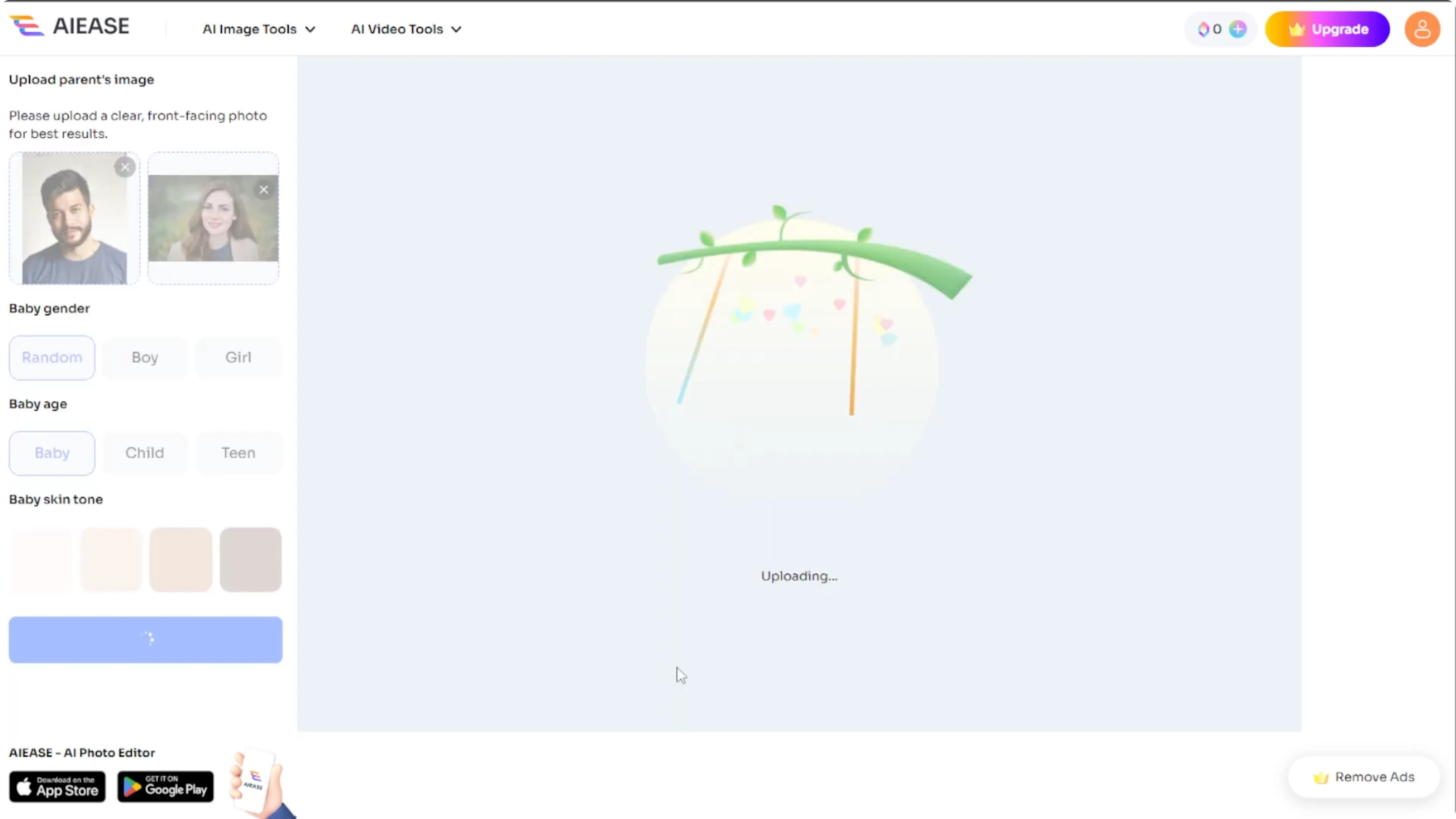
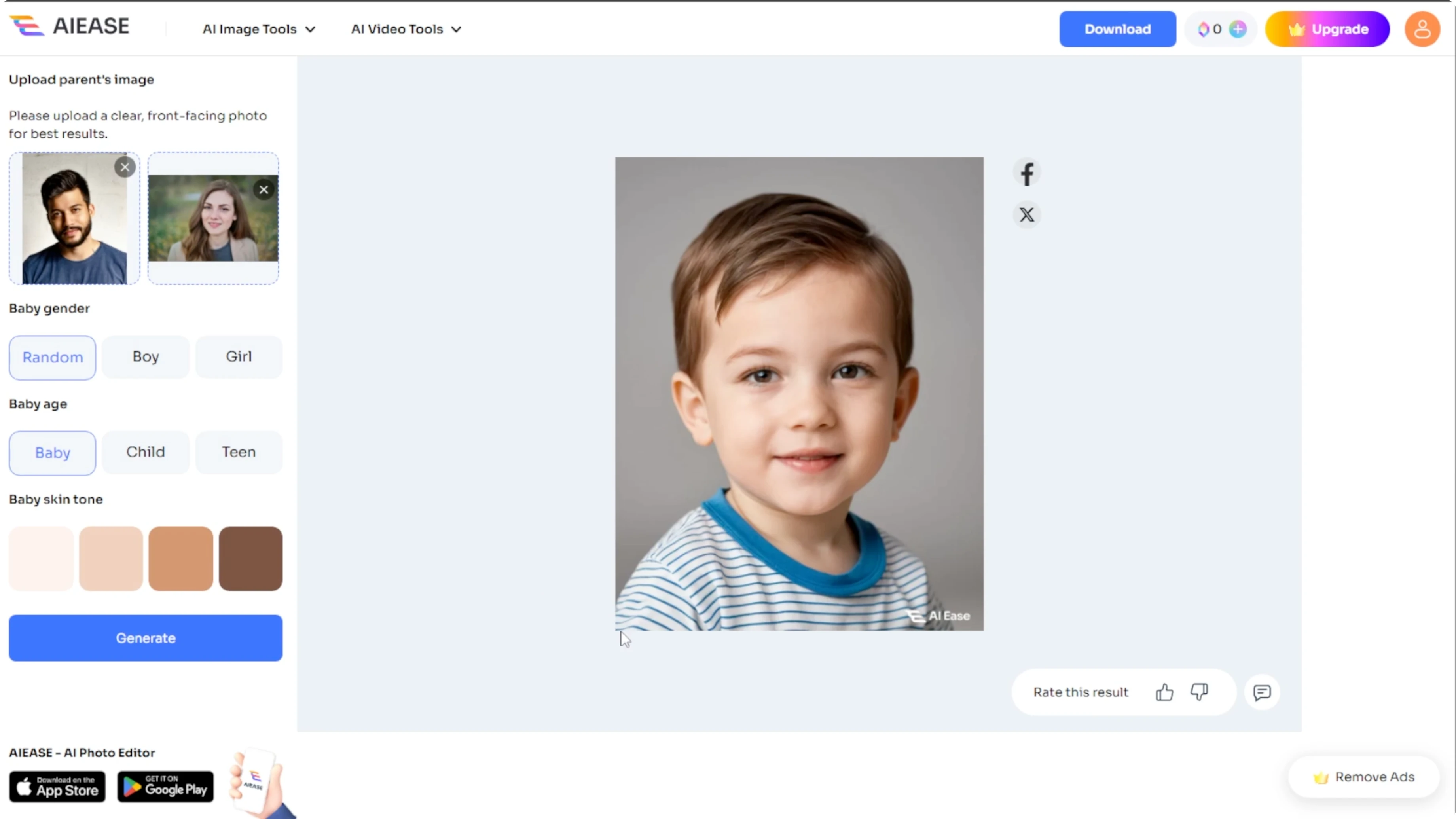
Once both images are uploaded, click the generate button. AIE will process the images using its AI model and show a preview of your future baby.
To refine the result after download, see AI image editing in Icedit.
Customize the result
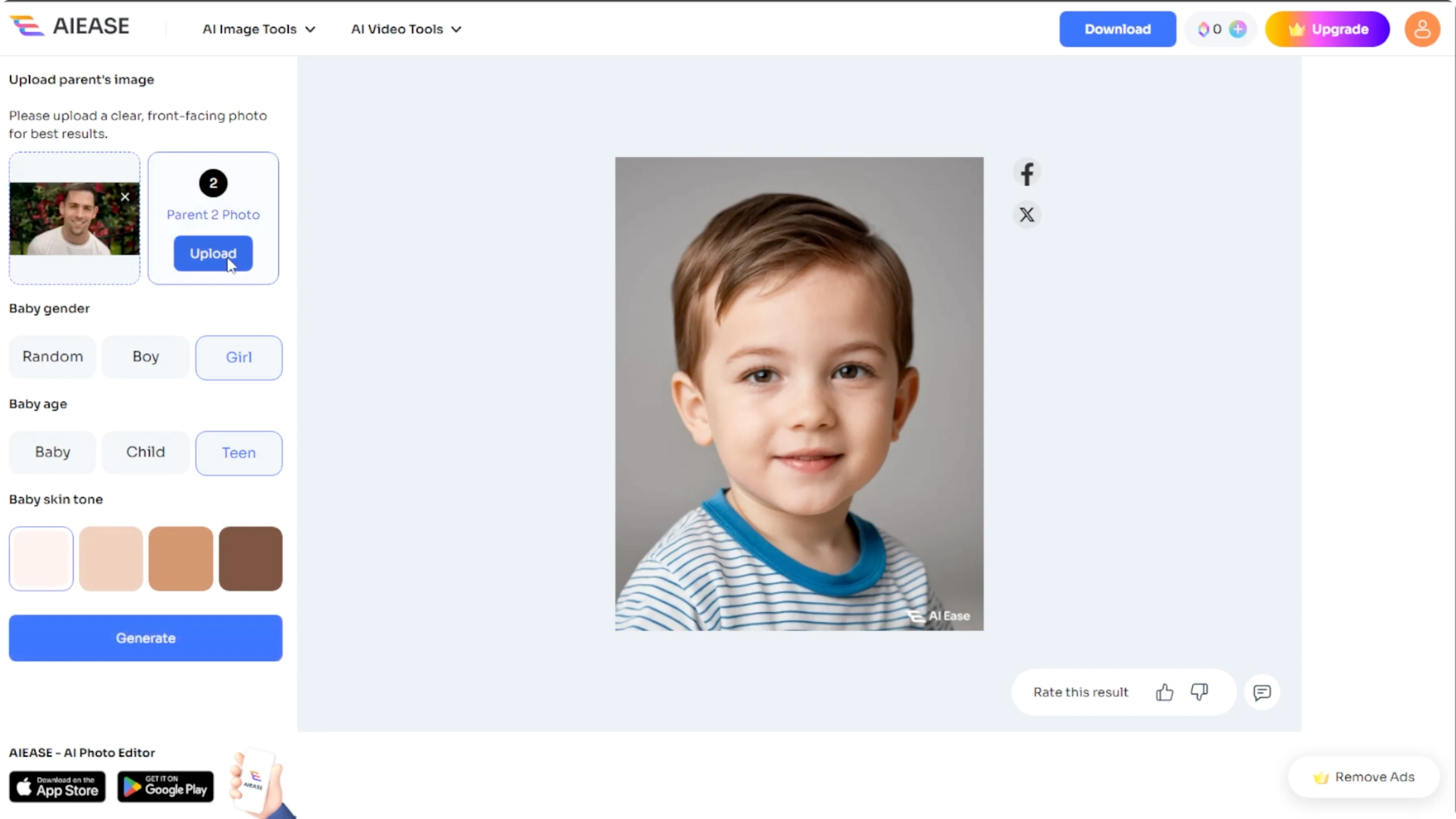
After the initial image is created, a customization panel appears on the left. You can change the baby's gender, select the baby's age, and adjust the skin tone. You can also re-upload or swap parent images.
Take note that you will need to upgrade your subscription if you want to regenerate the baby photo with your new settings. The initial preview is free, but personalization beyond that requires a premium plan.
For softer edges around the photo in Canva, see how to add blending edges in Canva.
Download the image
Once you are happy with the results, click the download button. The image will be saved to your computer with a watermark.
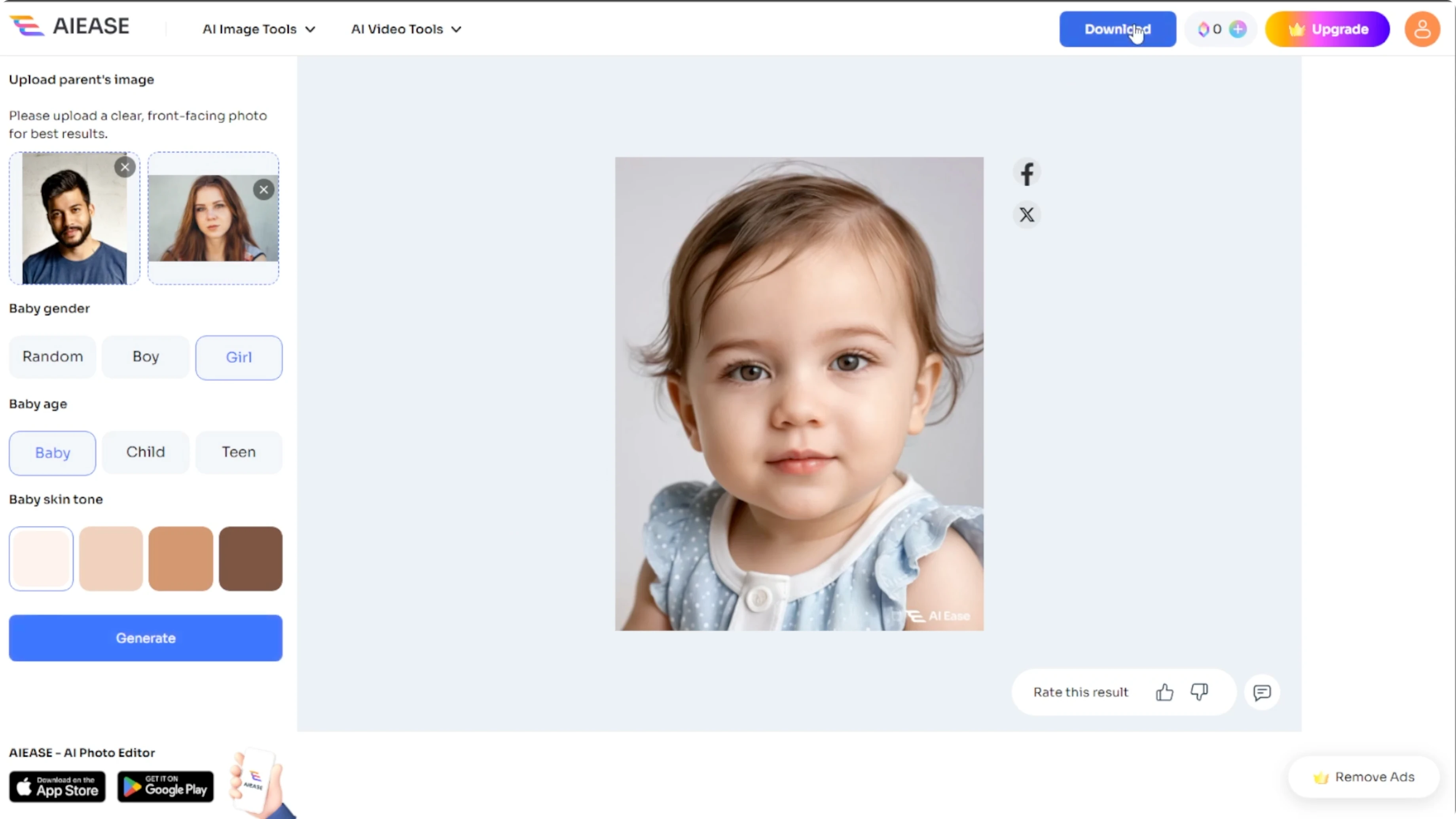
If you want a playful style for sharing, you can add a cartoon effect in Canva.
Final thoughts
With AIE's AI Baby Generator, you can get a fun preview in just a few clicks. This tool is fast, easy, and surprisingly accurate.
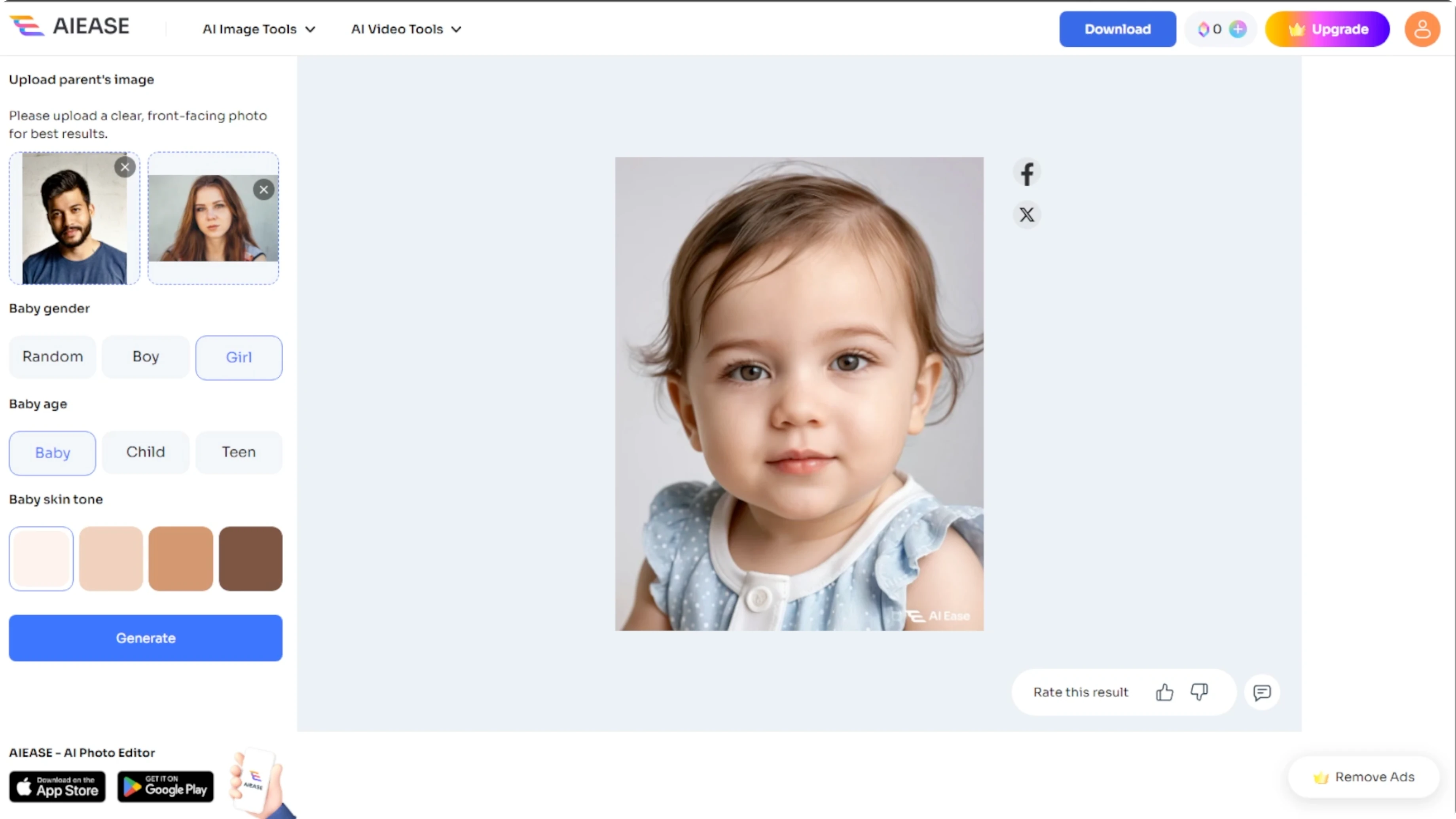
Do it for laughs, love, or curiosity, and enjoy your little digital bundle of joy. Use clear, well lit photos for the best result.
Recent Posts

How to Visualize Yourself as a Pixelized Character with AI?
How to Visualize Yourself as a Pixelized Character with AI?

How to Revive Faded Memories and Enhance Image Clarity with AI?
How to Revive Faded Memories and Enhance Image Clarity with AI?

How to Visualize Yourself as an Animal Crossing Character with AI?
How to Visualize Yourself as an Animal Crossing Character with AI?