How to Visualize Your Advertisement on an Outdoor Display with AI?
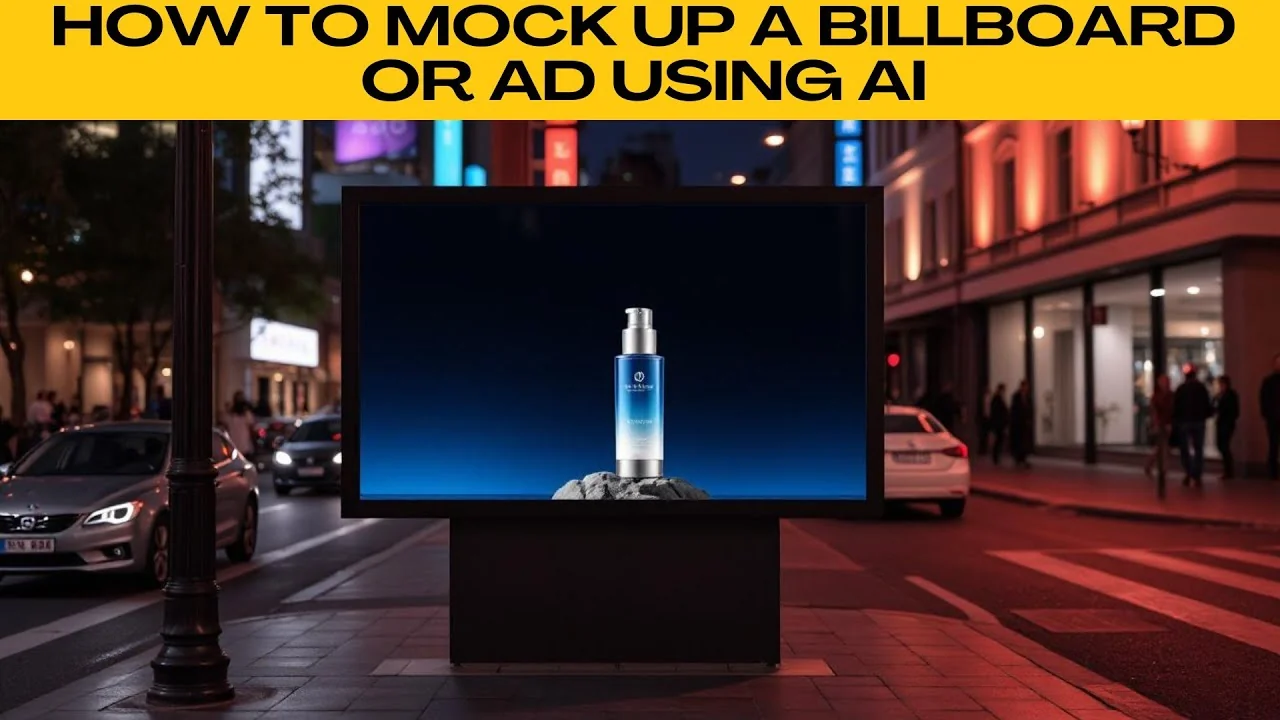
I will teach you how to mock up a billboard or ad using AI. Creating a professional looking billboard or advertisement mockup used to require photography, Photoshop skills, and time. With PhotoR's AI image generator, you can generate high quality stylized mockups simply by describing them in text.
For a different kind of promotional visual, learn how to place your image on a cover in our guide on creating a magazine cover with AI. This pairs well with billboard concepts when you want print and out of home previews. Both follow a similar prompt driven workflow.
Start from text to image
Open your web browser and go to the photo AI image generator. On the homepage, choose text to image to start generating a custom mockup from scratch. In the text box, type a detailed description of the billboard or ad that you want to create.
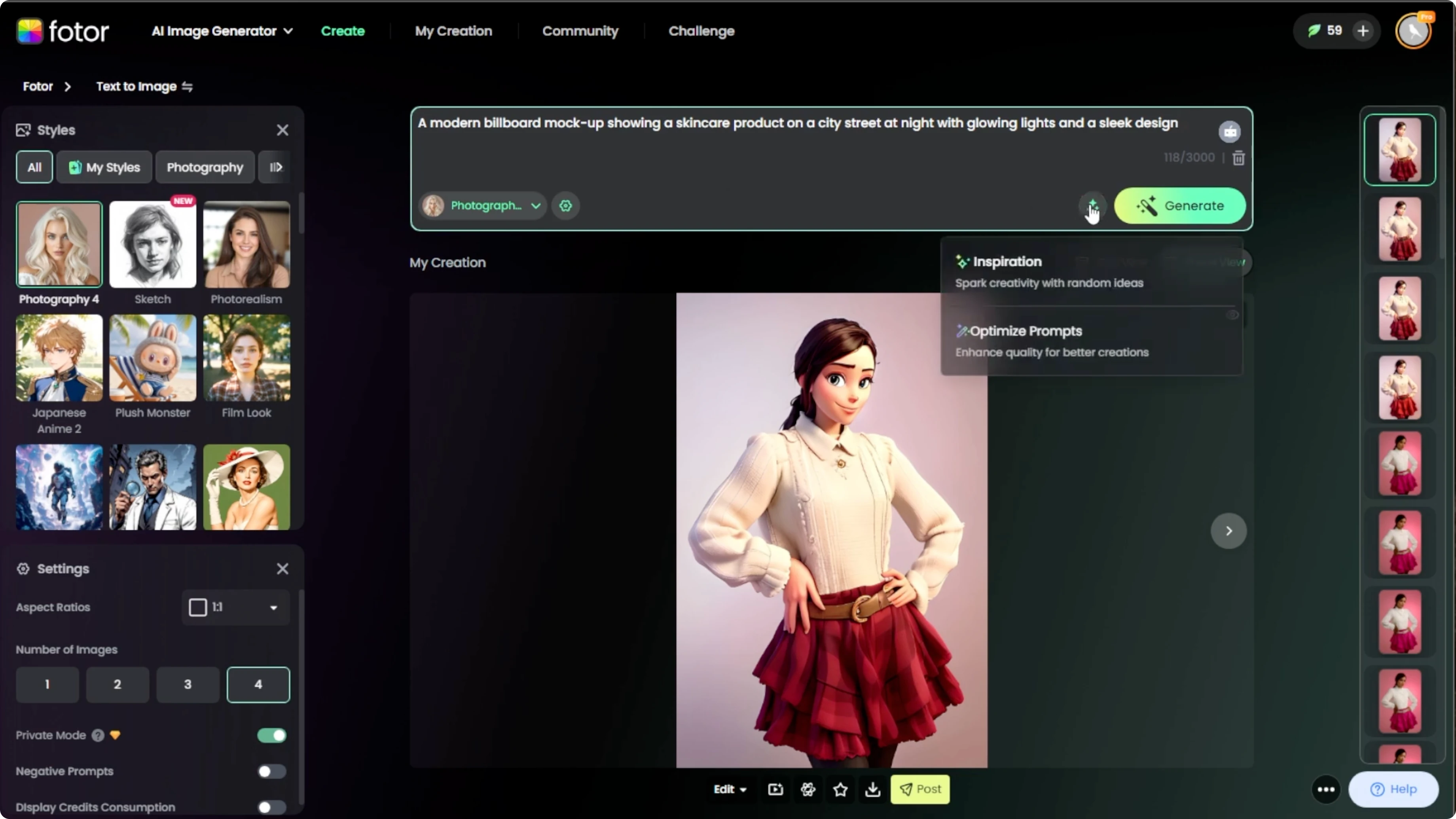
Be specific and descriptive. If you need help writing the prompt, click the icon next to the Generate button. Use it to explore prompt inspiration or click Enhance Prompt to improve your description automatically with AI suggestions.
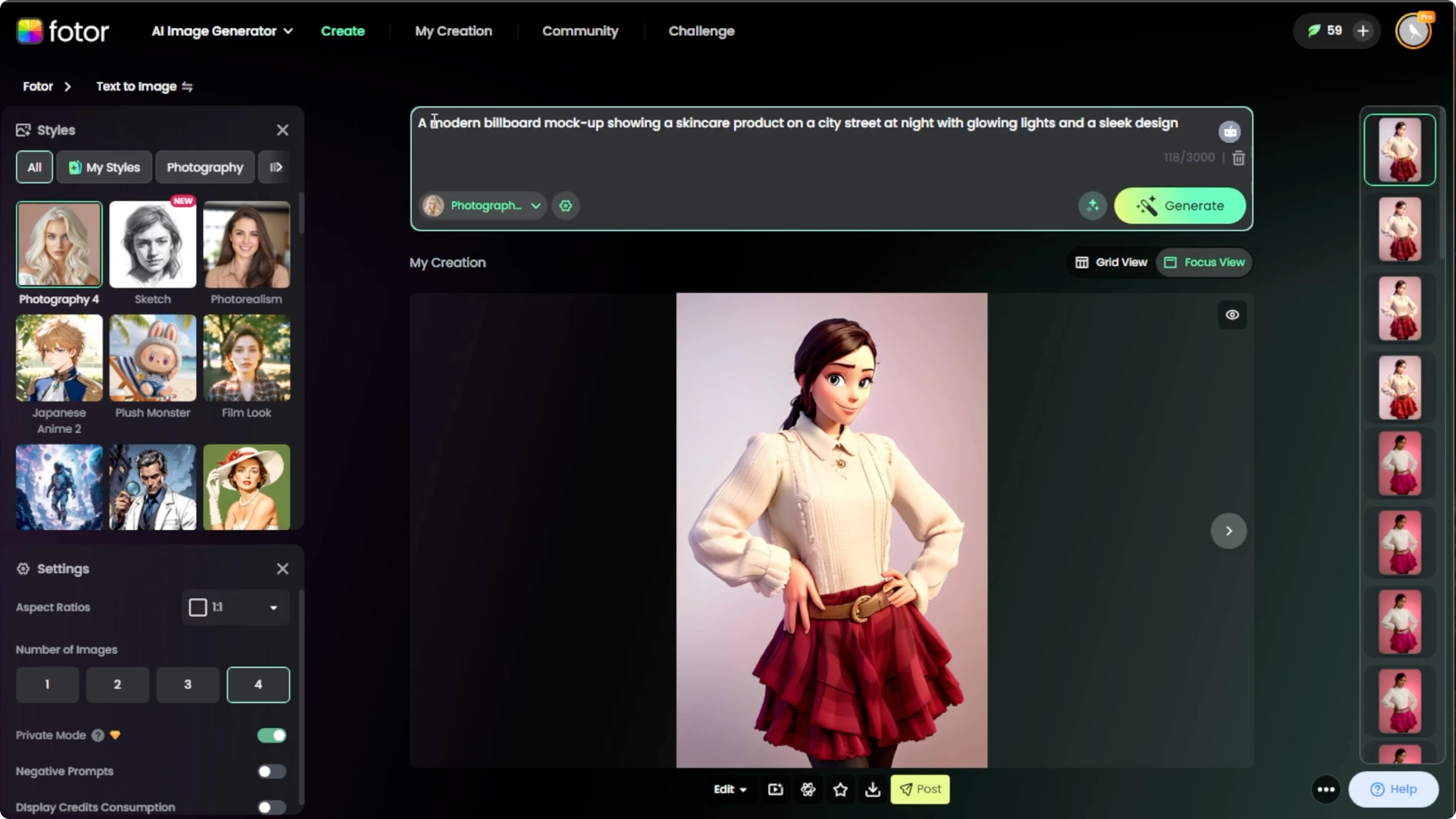
Type a detailed description of the billboard or ad that you want to create.
Be specific and descriptive before you click Generate.
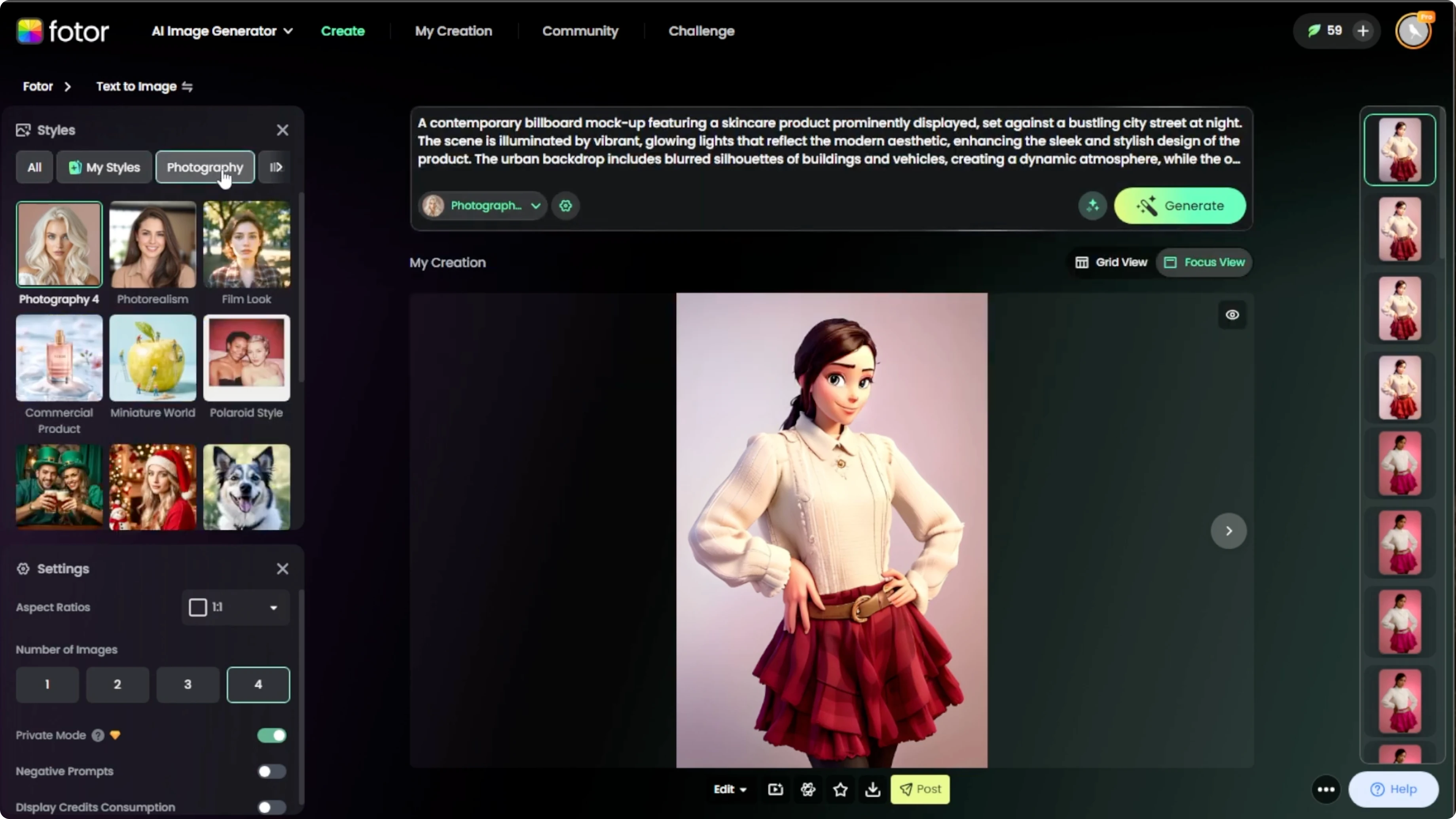
Choose a style
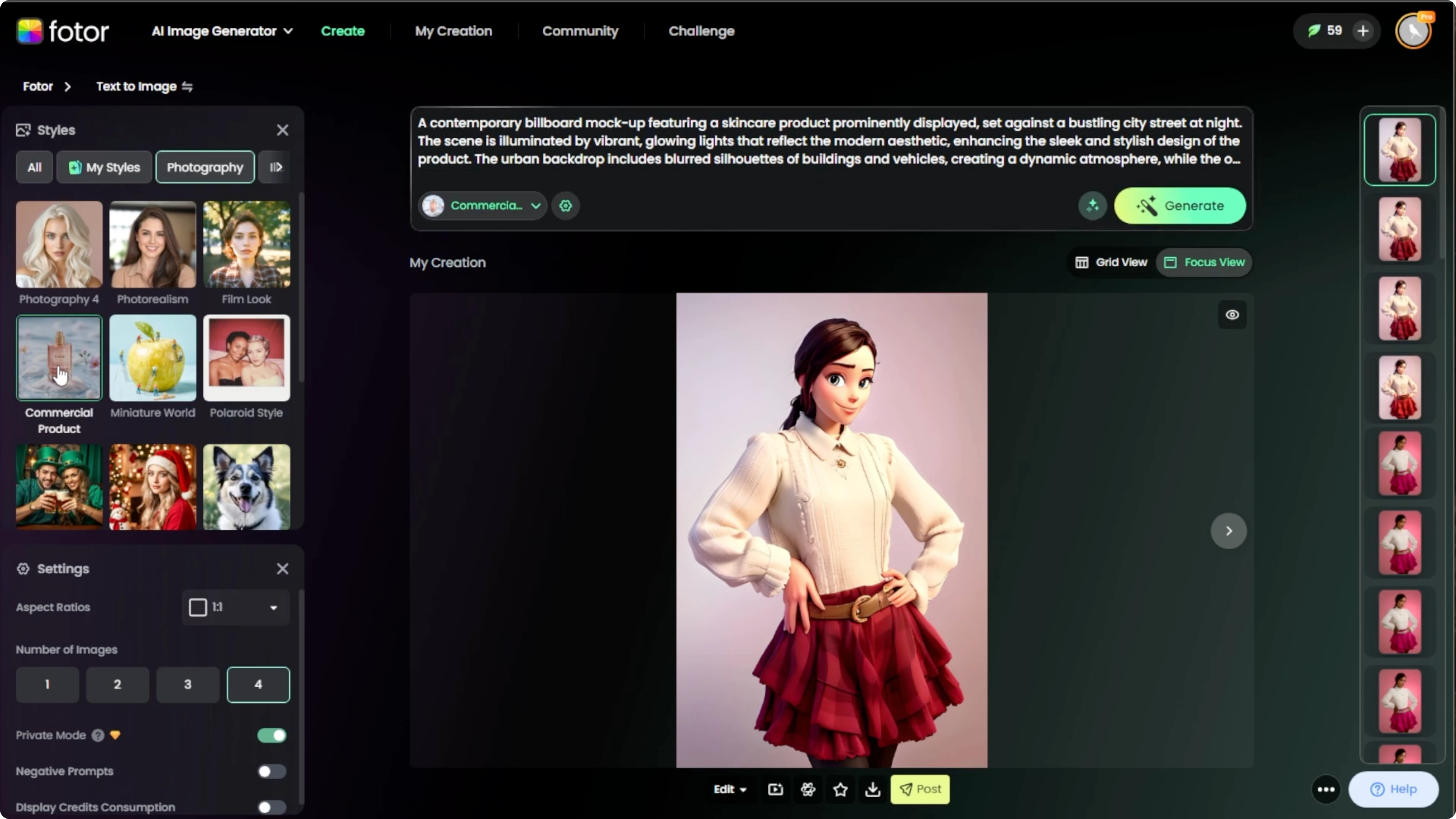
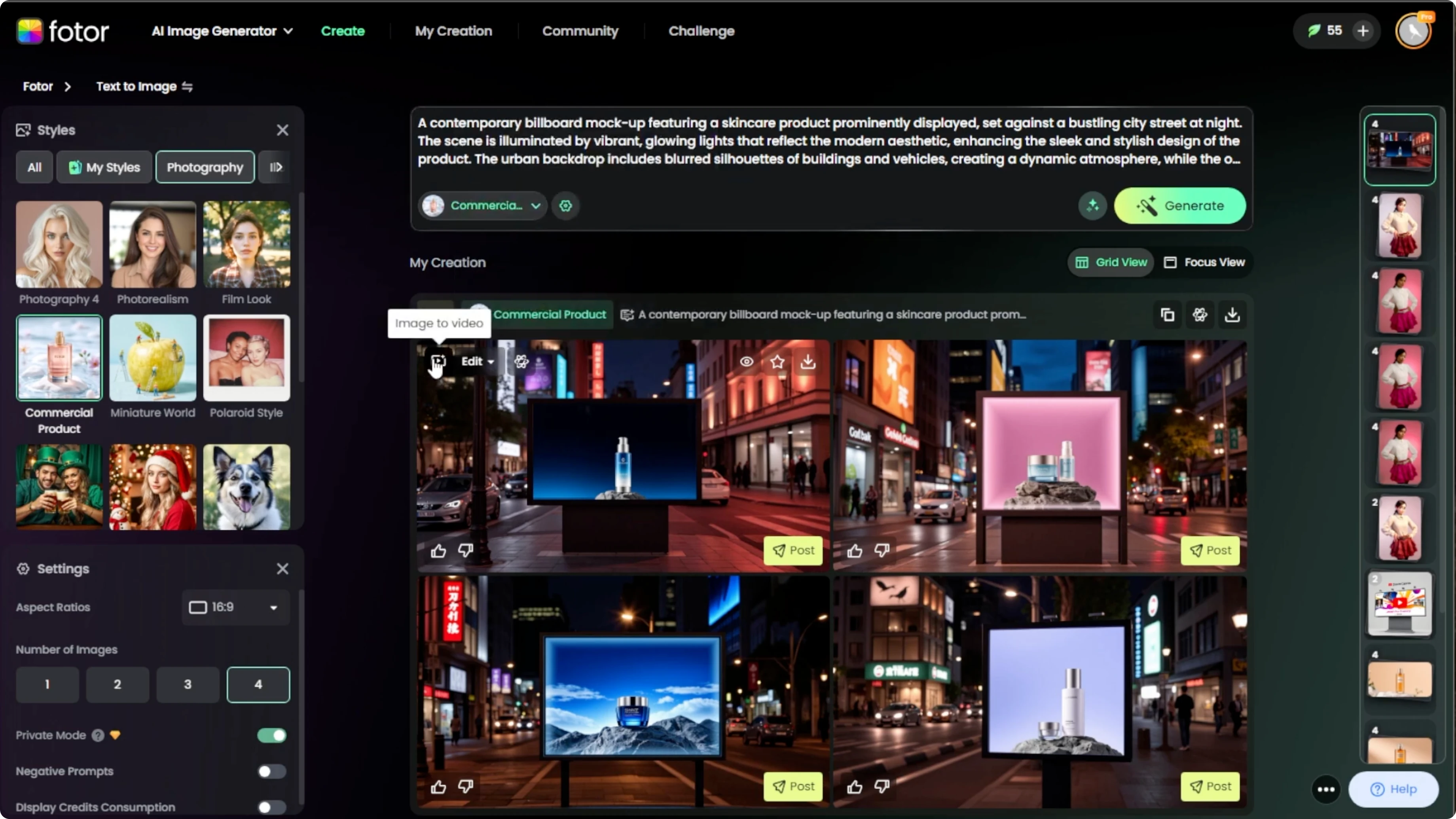
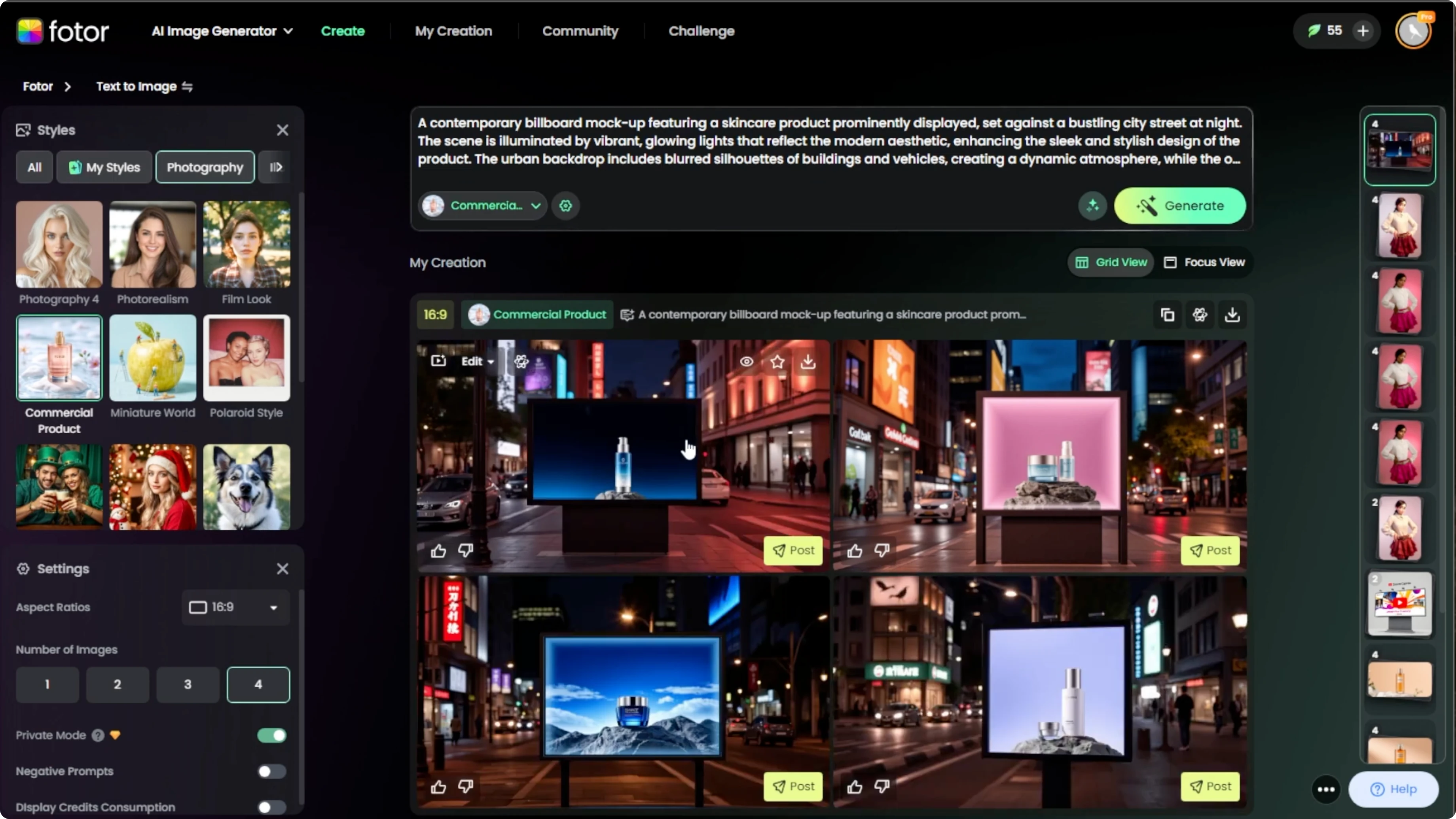
Below the prompt box, find the Photography Style dropdown. Select Commercial Product for a polished professional ad style rendering. This option helps the generator aim for clean lighting, product focus, and brand friendly composition.
Adjust image settings
Open the settings panel to customize the aspect ratio or number of images. Use 16x9 for horizontal billboards or 9x6 for vertical signs. Choose how many variations you want PhotoR to generate.
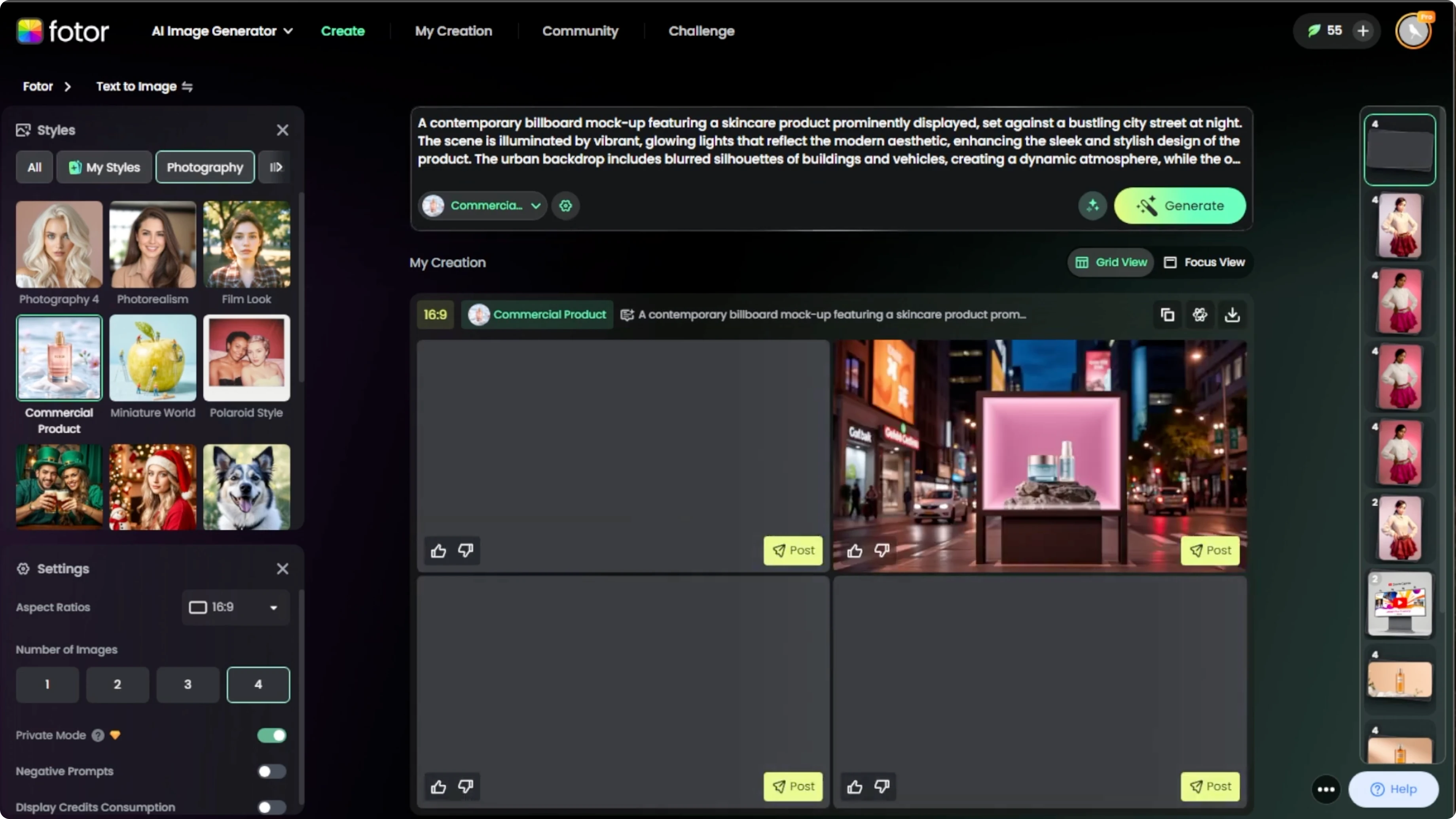
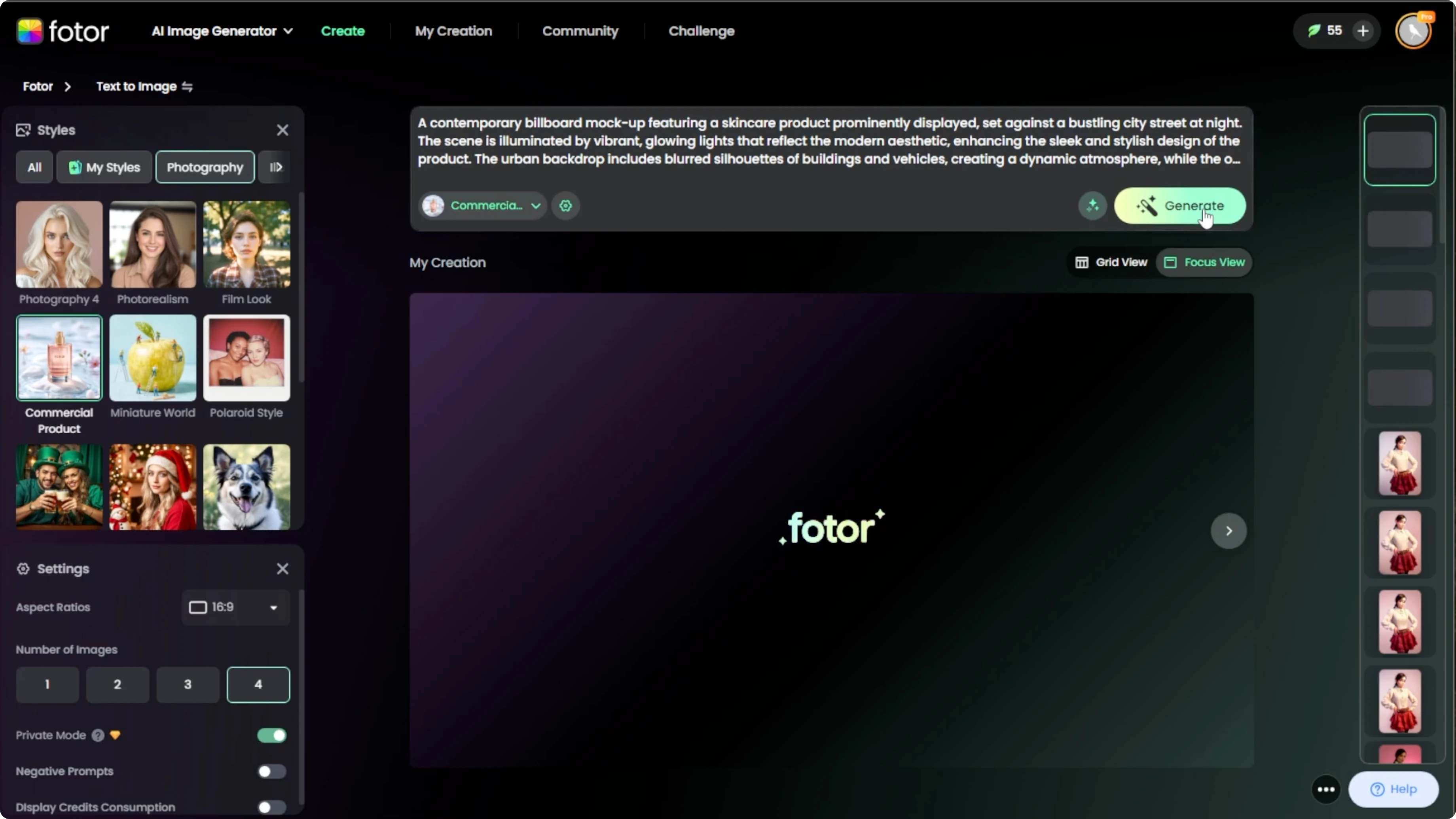
Generate results
Click the Generate button and wait a few moments while the AI processes your request. The tool creates ad style visuals based on your prompt, style, and settings. After the images have been generated, you will see them appear in a grid.
Download and edit
Hover over an image to reveal additional options. Download it individually or download all as a batch. You can also edit the image further using Photos photo editor or create a video from the image using Photos video tool, which is great for animated ad previews.
If your mockup involves people, try quick appearance changes to match your concept and see our guide on changing hairstyles in photos with AI. It is helpful when adapting portraits for ad variations. Small tweaks can align talent presentation with brand guidelines.
Final thoughts
This workflow turns a clear prompt into a polished billboard or ad mockup in minutes. Choose text to image, set Commercial Product style, adjust aspect ratio and variations, then generate and refine with editing or animation tools. The grid view, batch download, and in app editing make it easy to produce multiple ad options for review.
For creative experiments beyond ads, you can explore predictive fun with our walkthrough on seeing what a future child might look like using AI. These adjacent projects can inspire prompt ideas for characters, faces, and family centric campaigns. Use the same prompt first approach to keep results consistent and brand ready.
Recent Posts

How to Visualize Yourself as a Pixelized Character with AI?
How to Visualize Yourself as a Pixelized Character with AI?

How to Revive Faded Memories and Enhance Image Clarity with AI?
How to Revive Faded Memories and Enhance Image Clarity with AI?

How to Visualize Yourself as an Animal Crossing Character with AI?
How to Visualize Yourself as an Animal Crossing Character with AI?