How To Find Mockups on Canva
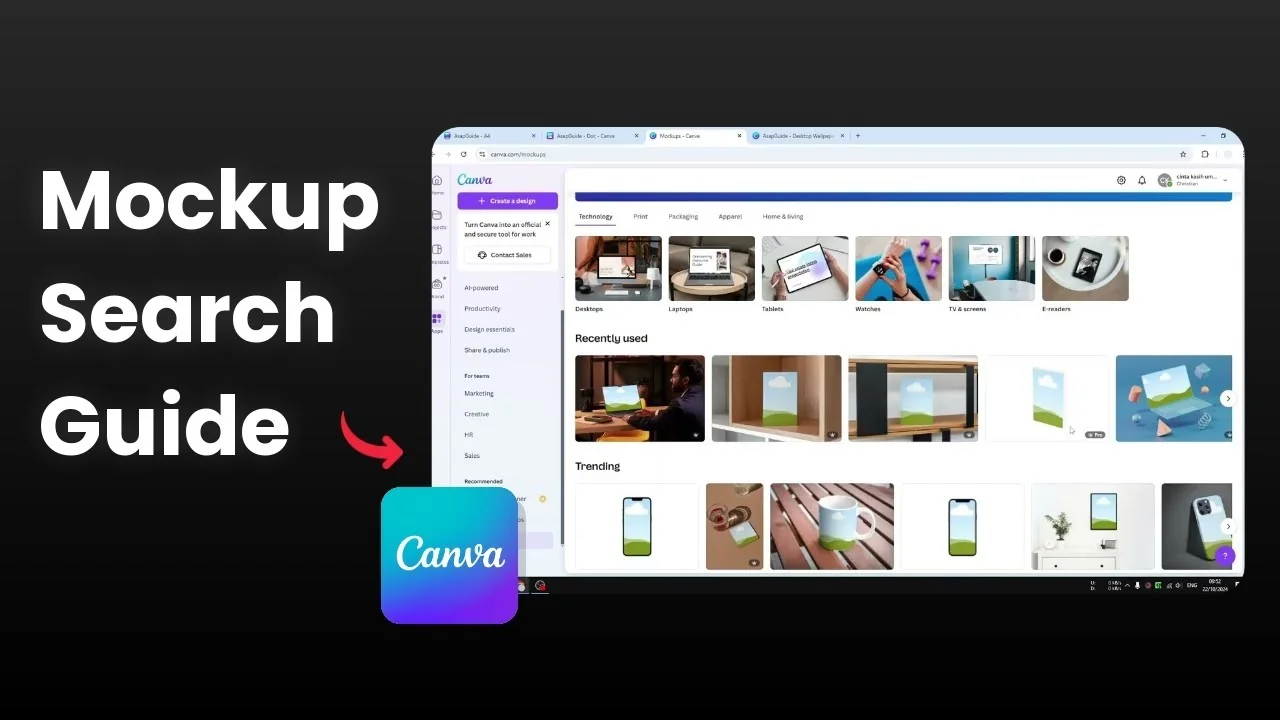
Canva is not only for designing a visual or a brochure. You can also create a mockup for the product itself. If you have an app or a logo that you want to put into a phone, a mug, or a bag, you can do that in Canva.
There are a lot of everyday items you can use and put your logo on. I find this very useful, especially if you are selling products on the internet. Here is how I find and use mockups in Canva.
Find Mockups on Canva from the Dashboard
Go to the Canva dashboard and open Apps.
Scroll down to the recommended section and open Mockups.
Choose any mockup category you need and open it.
You will see a lot of high quality mockups you can use for your design. There are desktops, laptops, tablets, watches, TVs, readers, and many everyday items. You will also find mugs, picture frames, books, and phone cases.
Click any mockup and upload your photo. Place your image into the mockup, adjust as needed, and download the final image. For book visuals, you can go further and make a 3D book cover in Canva.
Find Mockups on Canva in Elements
You can also find mockups inside any design. Open a design, go to Elements, and search for mockups.
Search something specific like iPhone mockup. You will find results under Frames, Graphics, Photos, and even Videos.
Frames method
The simplest option is Frames. Frames have a placeholder in the middle that accepts images.
Pick a frame you like and add it to your design. Search for a photo you want to place into the device or object.
If you want photos that match your brand, you can find photos by your brand colors. Pick a picture that looks great. Click and drag the image into the frame.
The frame will recognize the content and place it inside the placeholder automatically. This is the benefit of using Frames. You can insert images quickly and keep everything aligned.
Video mockups
You will also see video results. If you know how to keyframe, you can use a video for your mockup.
The frame option is still the most straightforward for most designs. It takes only a moment to swap images and test looks.
Final thoughts
There are many things you can do with these mockups. You can use either of these two methods to make your product look more attractive. If your logo or product name needs special characters, you can add accent marks in Canva.
Recent Posts

How to Visualize Yourself as a Pixelized Character with AI?
How to Visualize Yourself as a Pixelized Character with AI?

How to Revive Faded Memories and Enhance Image Clarity with AI?
How to Revive Faded Memories and Enhance Image Clarity with AI?

How to Visualize Yourself as an Animal Crossing Character with AI?
How to Visualize Yourself as an Animal Crossing Character with AI?