How To Duplicate Pages In Canva Tutorial
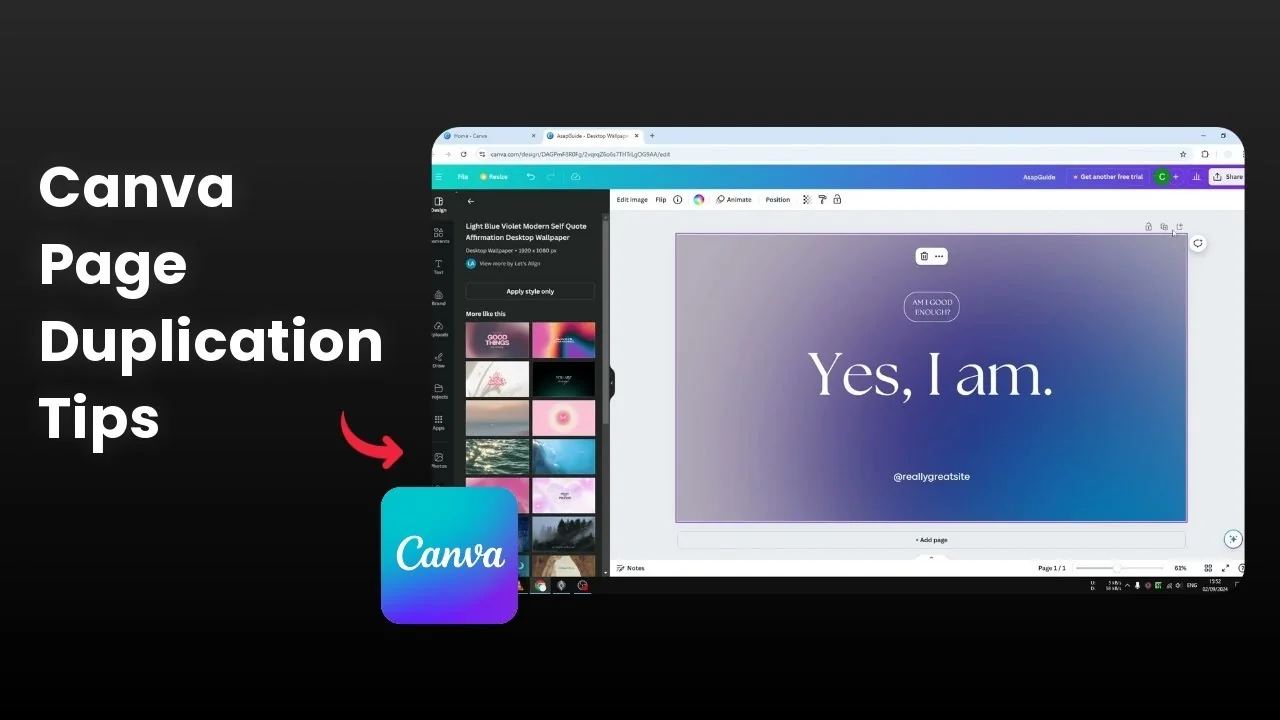
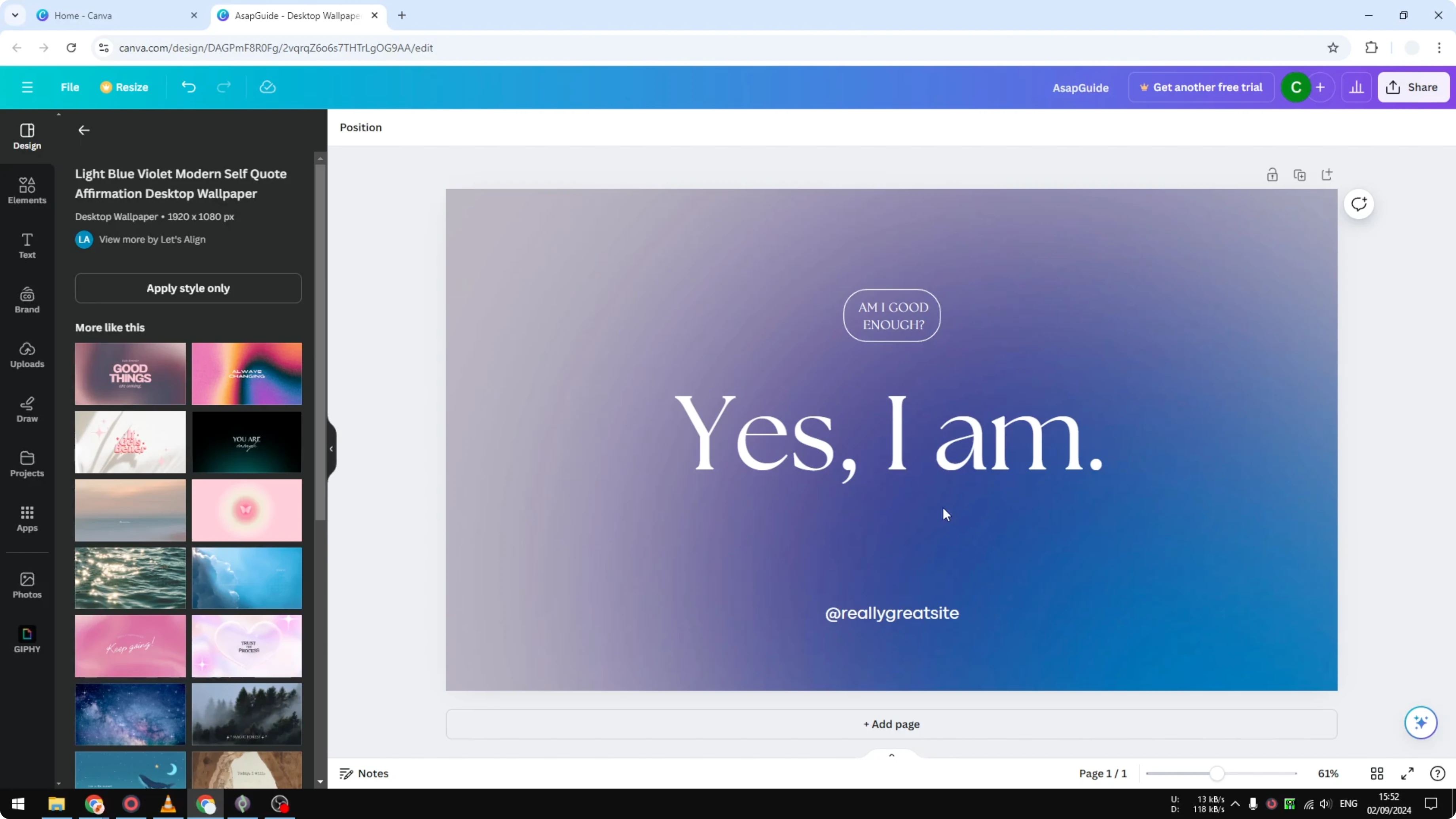
I want to show you how you can duplicate a page in your Canva document. I have this page and I want to create another version. I just want to change the text but I still want to keep the original.
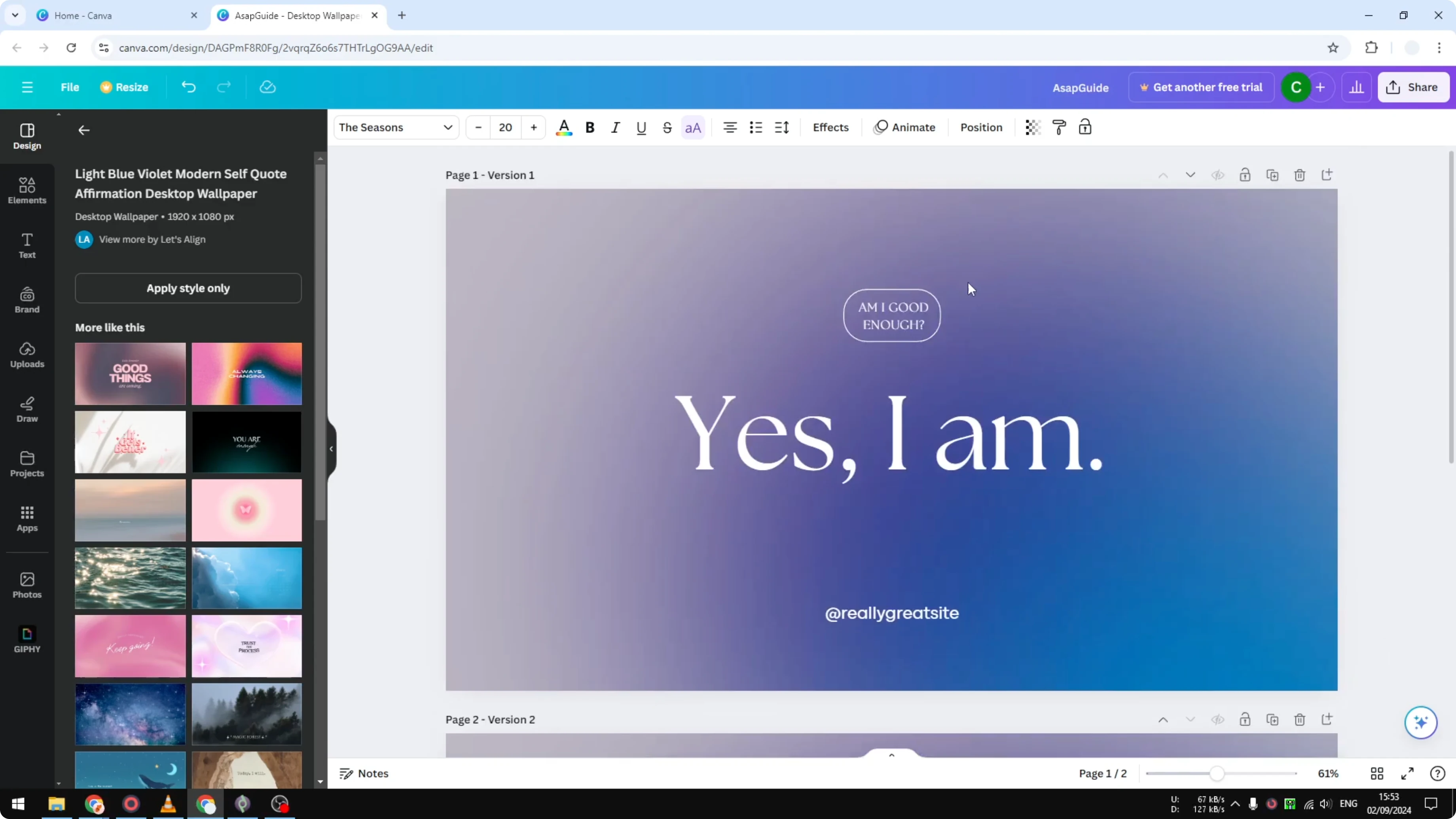
I have to duplicate this page. To access the feature, make sure you zoom out the document a little so you can see the top row menu. The Duplicate button is there.
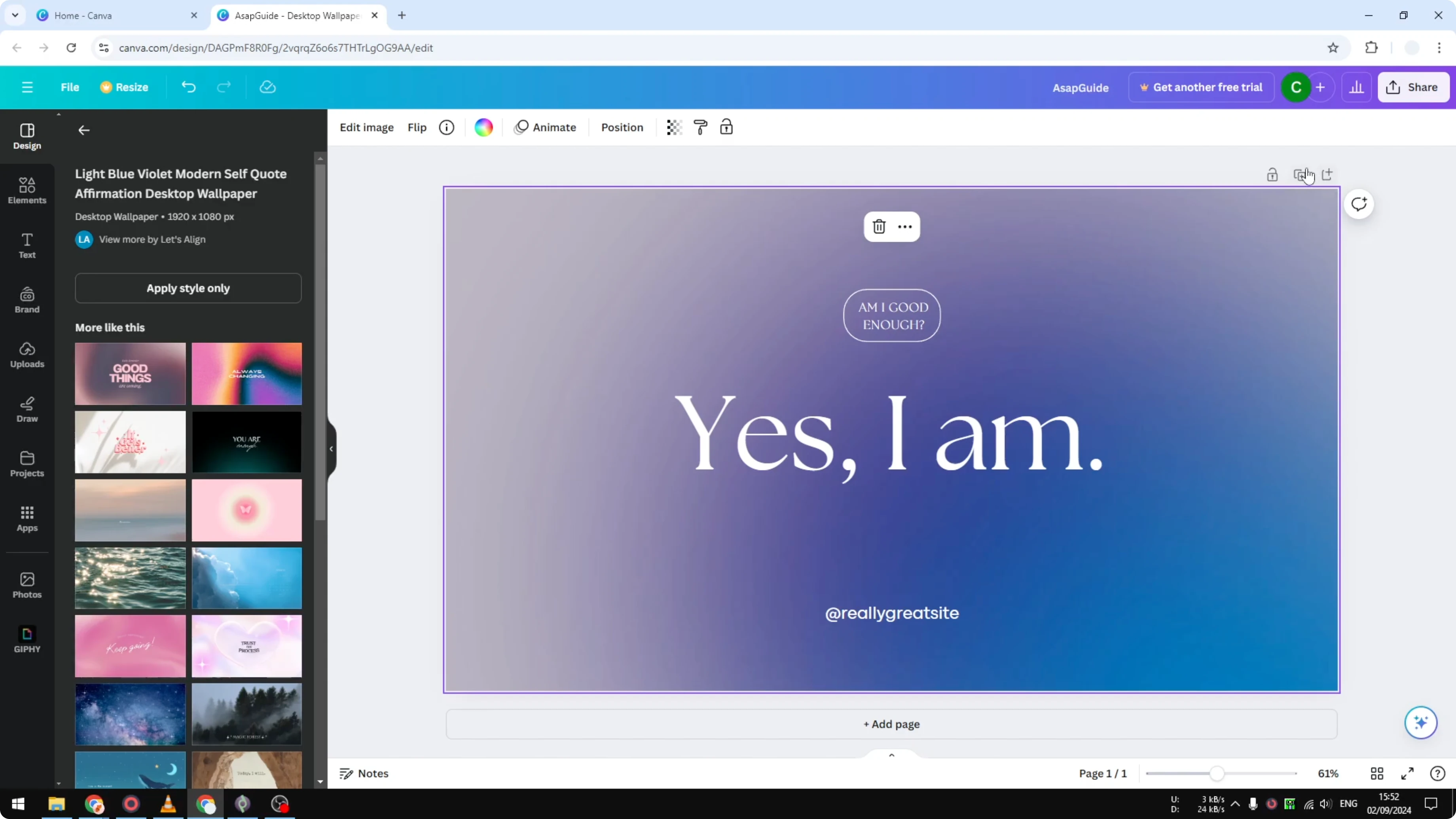
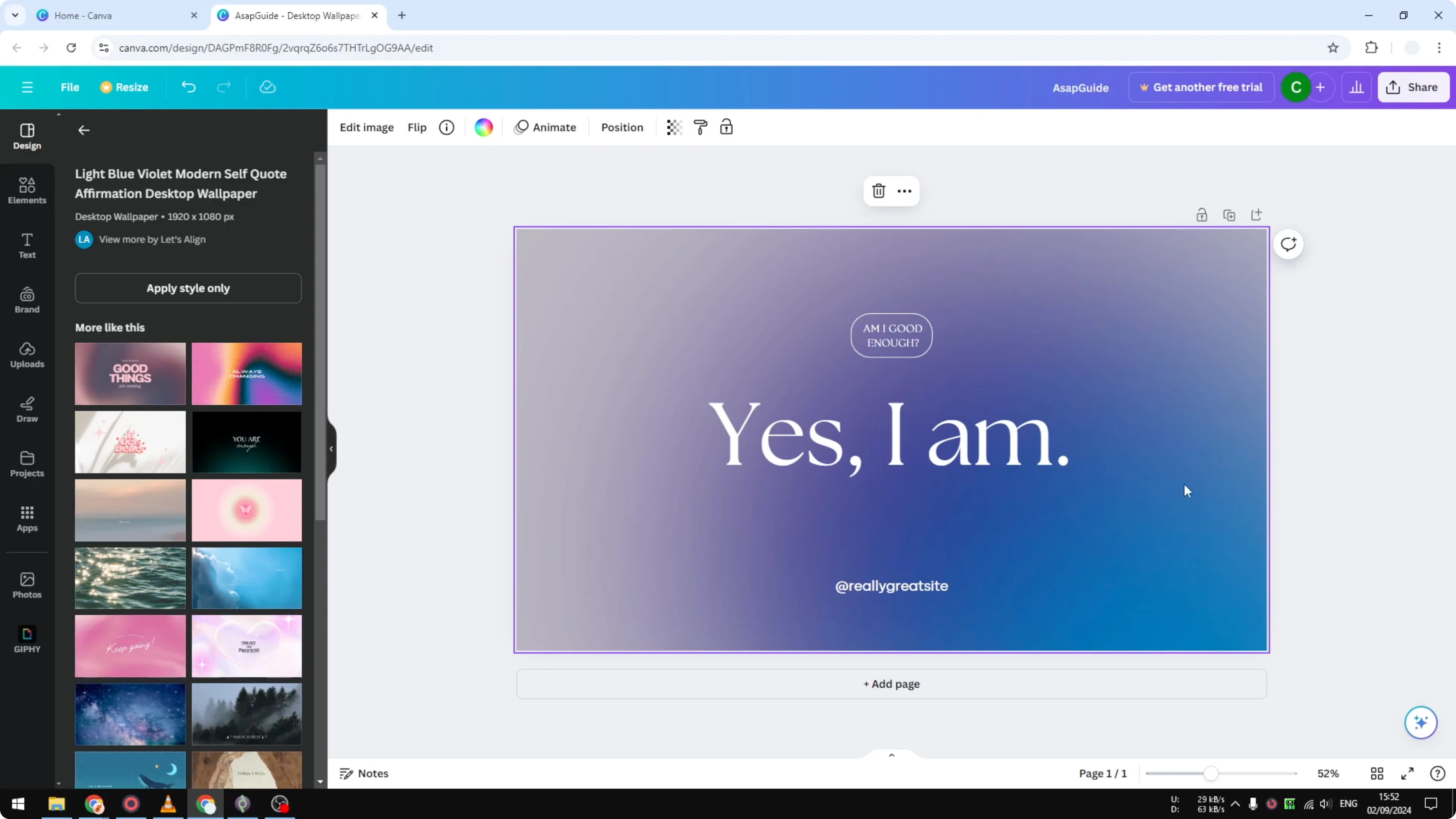
Click it and it will immediately duplicate that page. Now I have two pages that are exactly the same. For the second page I want to change the text to Am I strong enough.
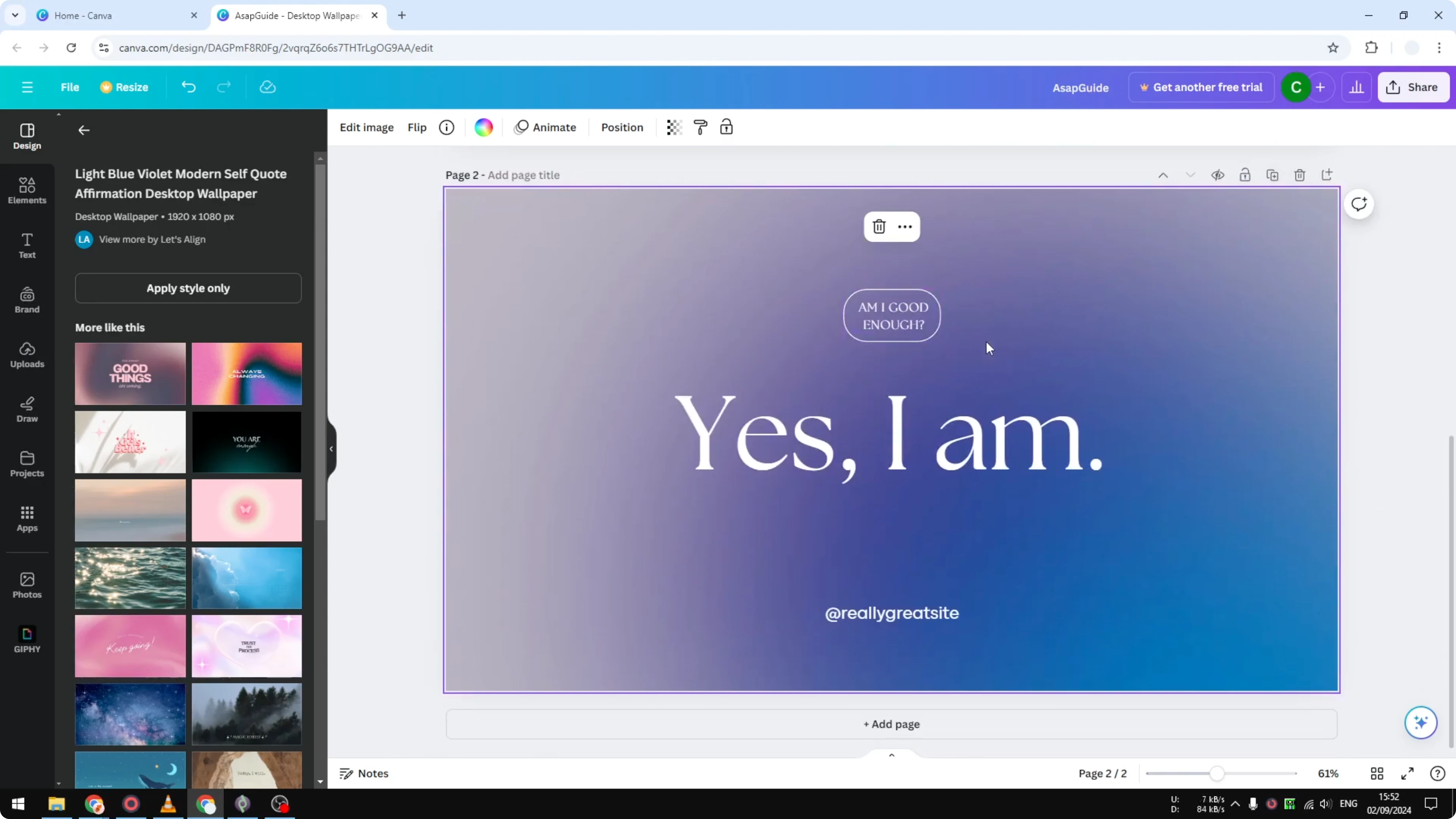
I will put it in the middle. We have the text changed, but there are other things I want to do. I highly recommend changing the title of the page.
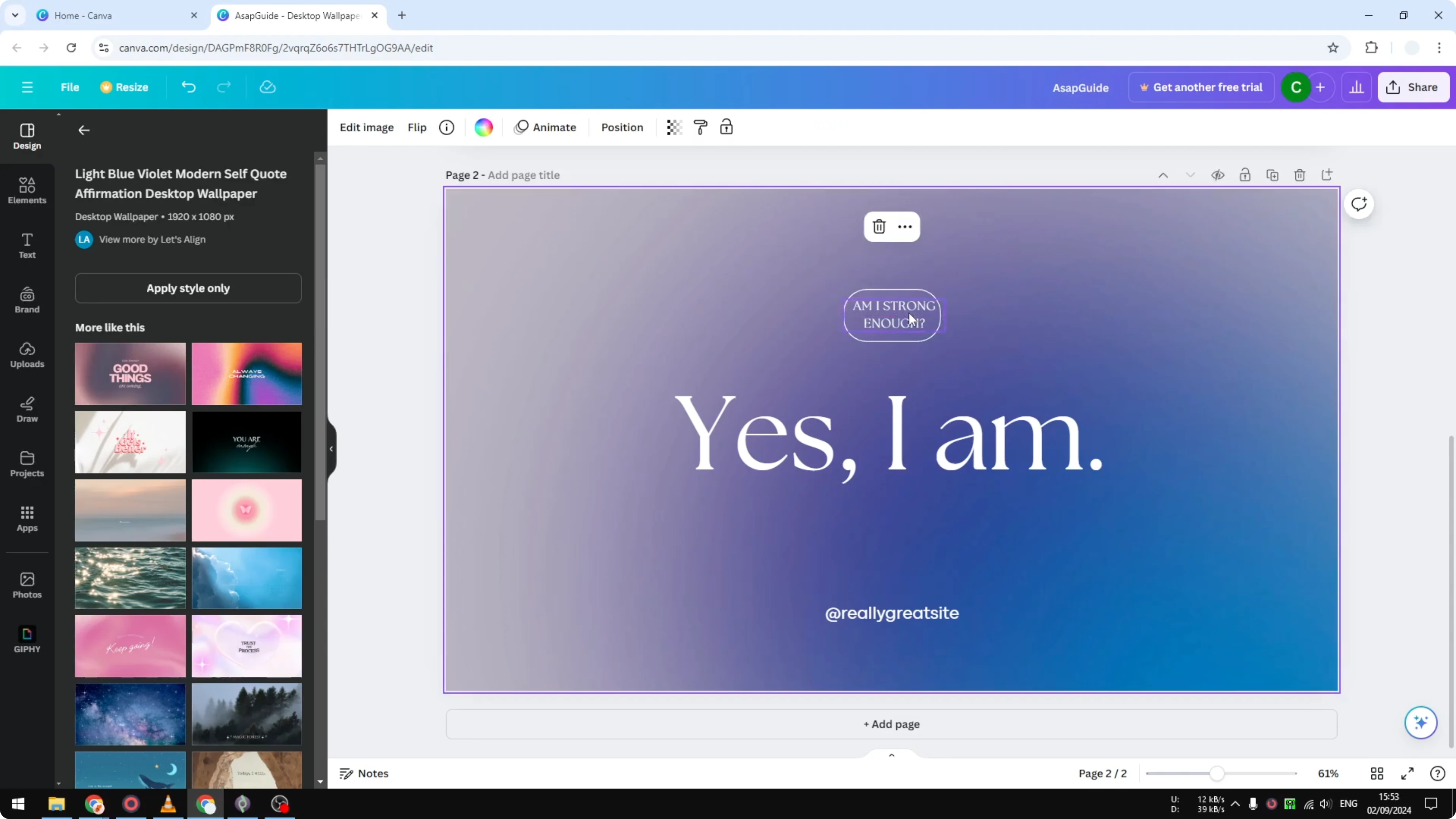
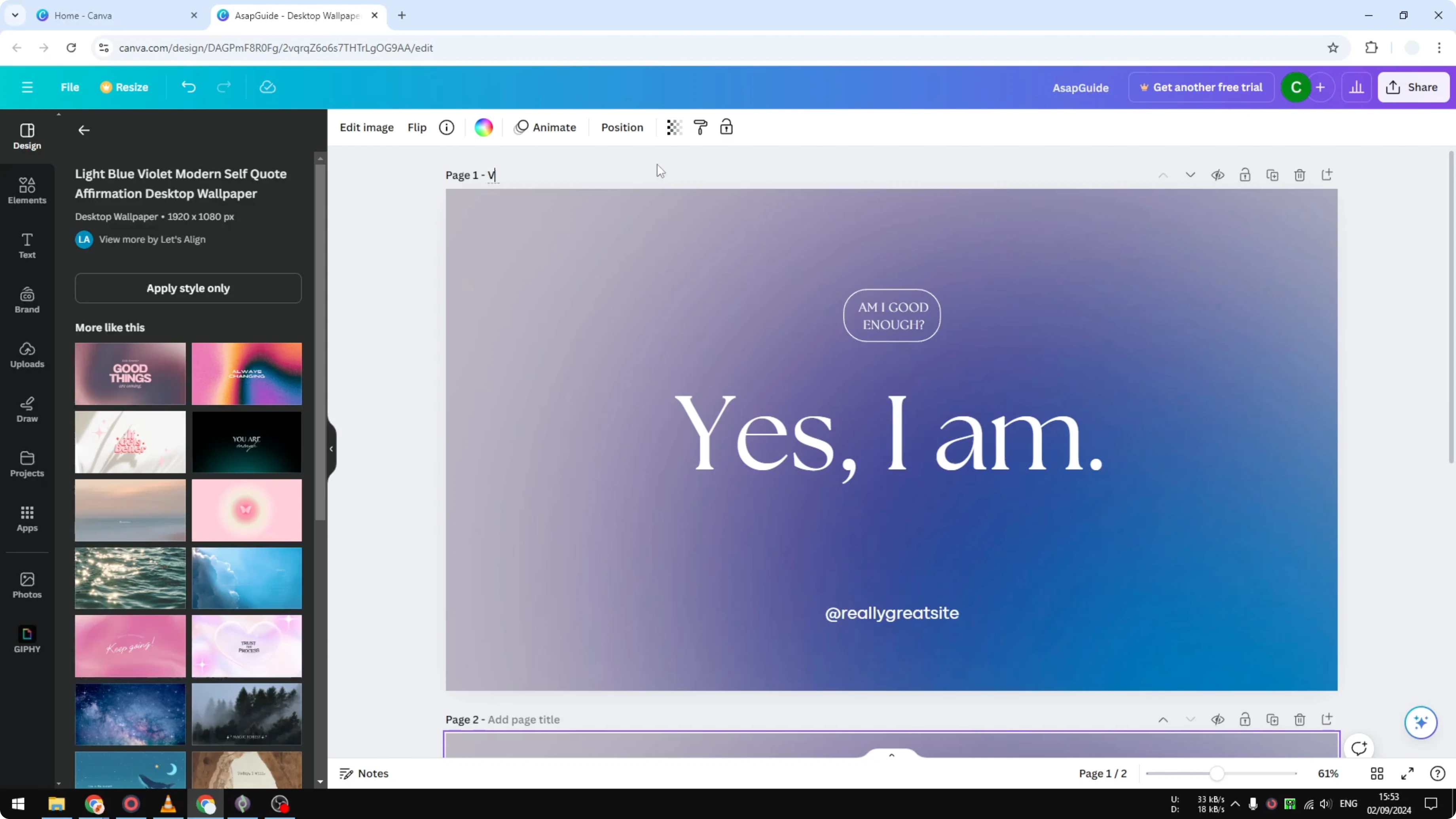
Label the first as version one and rename the second page to version two. This is a clever way to keep the document organized. I have two pages exactly the same except the text.
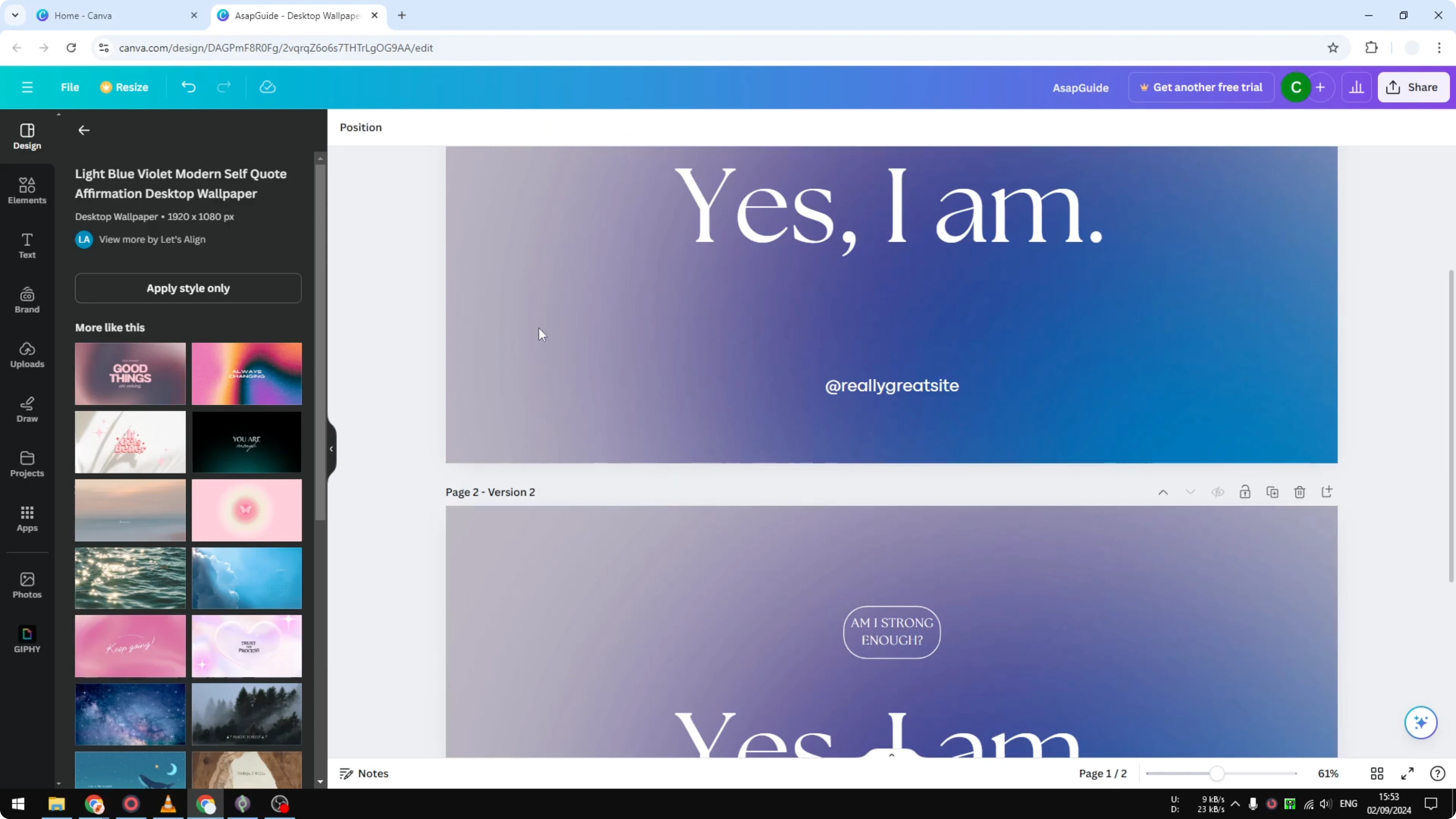
When you want to download, click Download and select the pages you want to save to your computer. That is how you duplicate a page in your Canva document.
Steps in Duplicate Pages In Canva Tutorial
Prepare the view
Open your Canva document. Zoom out slightly to reveal the top row menu. Locate the Duplicate button.
Read More: Create Lined Pages Canva
Make the duplicate
Click Duplicate to create a copy of the current page. You will see two pages that are exactly the same. Continue editing on the second page.
Edit the new page
Change the text on the second page to the new wording you want. Put the text in the middle if you want it centered. Adjust any other elements you need.
Read More: How To Rearrange Pages In Canva With Drag And Drop
Rename pages
Change the title of the first page to version one. Rename the second page to version two. This keeps your document well organized.
Export selected pages
Click Download. Select the specific pages you want to save to your computer. Export the file.
Read More: 3D Book Cover Canva
Final thoughts on Duplicate Pages In Canva Tutorial
Duplicating a page lets you create a new version while keeping the original intact. Zoom out, click Duplicate, edit the copy, and rename your pages for clarity. When you are ready, download only the pages you need.
Recent Posts

How to Visualize Yourself as a Pixelized Character with AI?
How to Visualize Yourself as a Pixelized Character with AI?

How to Revive Faded Memories and Enhance Image Clarity with AI?
How to Revive Faded Memories and Enhance Image Clarity with AI?

How to Visualize Yourself as an Animal Crossing Character with AI?
How to Visualize Yourself as an Animal Crossing Character with AI?