How to Draw Your Own Lines on Canva
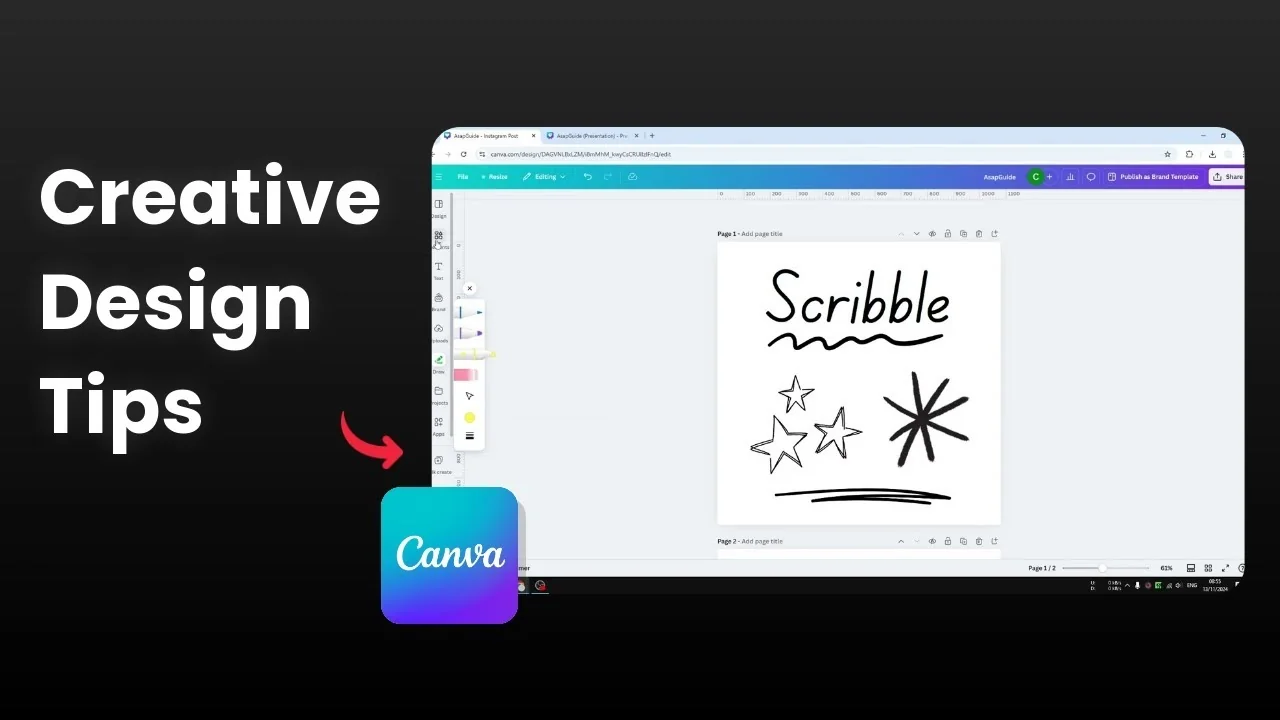
Canva has integrated a dedicated drawing app directly in the platform. You can start drawing your own line in your Canva design without switching to third party tools. If you want a custom line that is not available, the Draw feature makes it quick.
Get started with Draw Your Own Lines on Canva
Open the Draw menu
Go to Draw in the left sidebar.
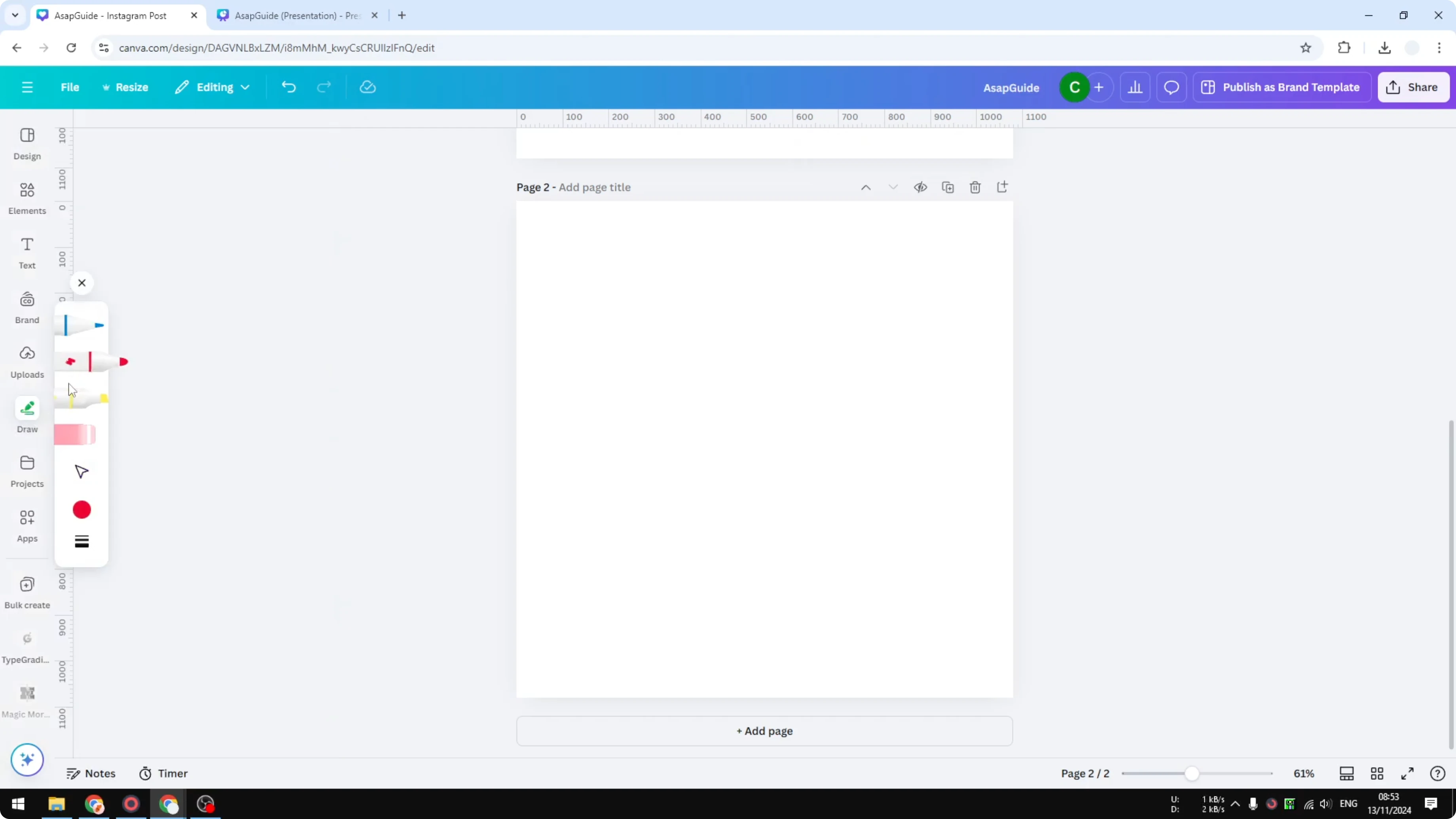
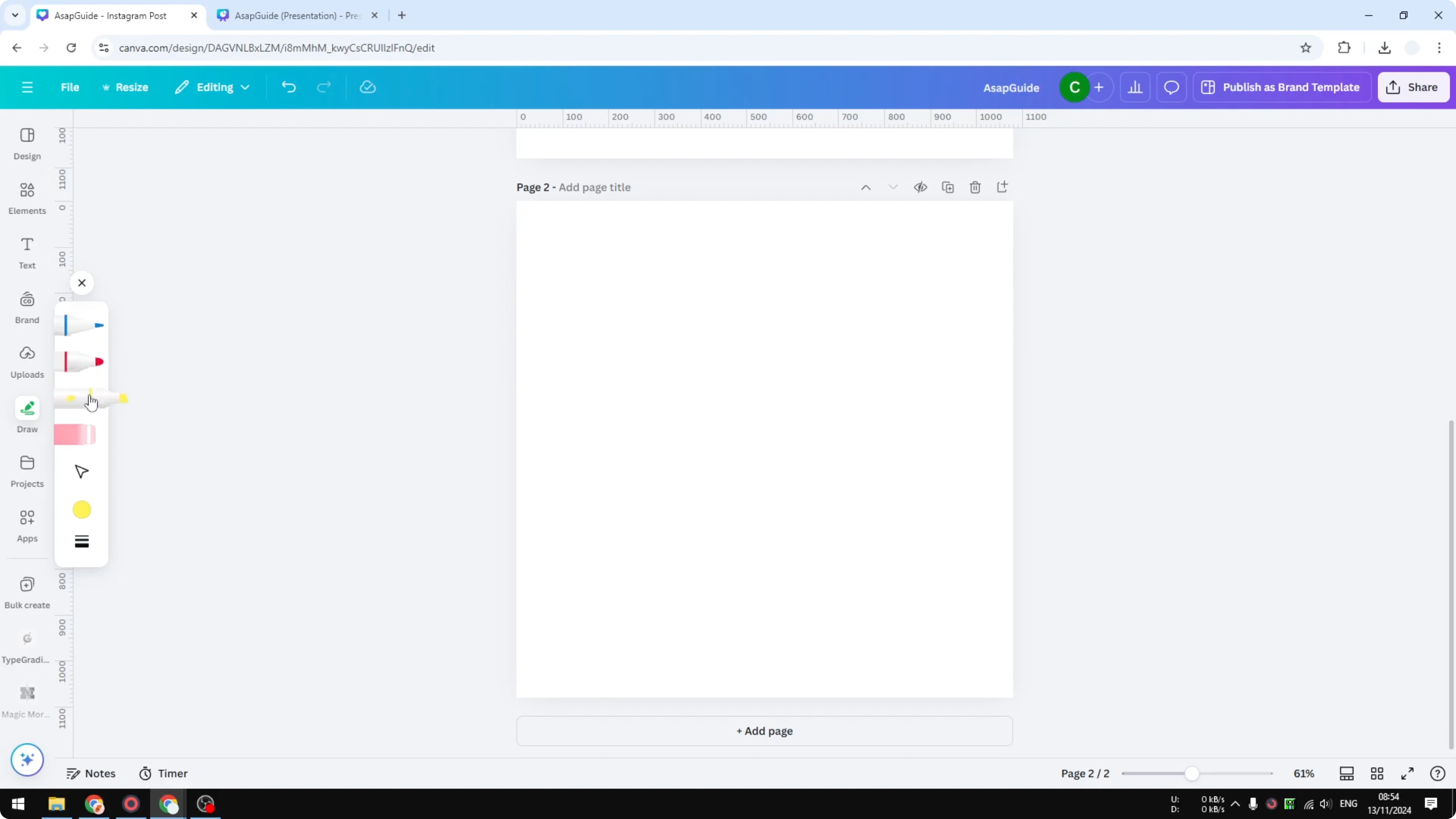
Pick a tool such as the marker or the highlighter.
Adjust tools for Draw Your Own Lines on Canva
Click the color picker and set a color, for example purple.
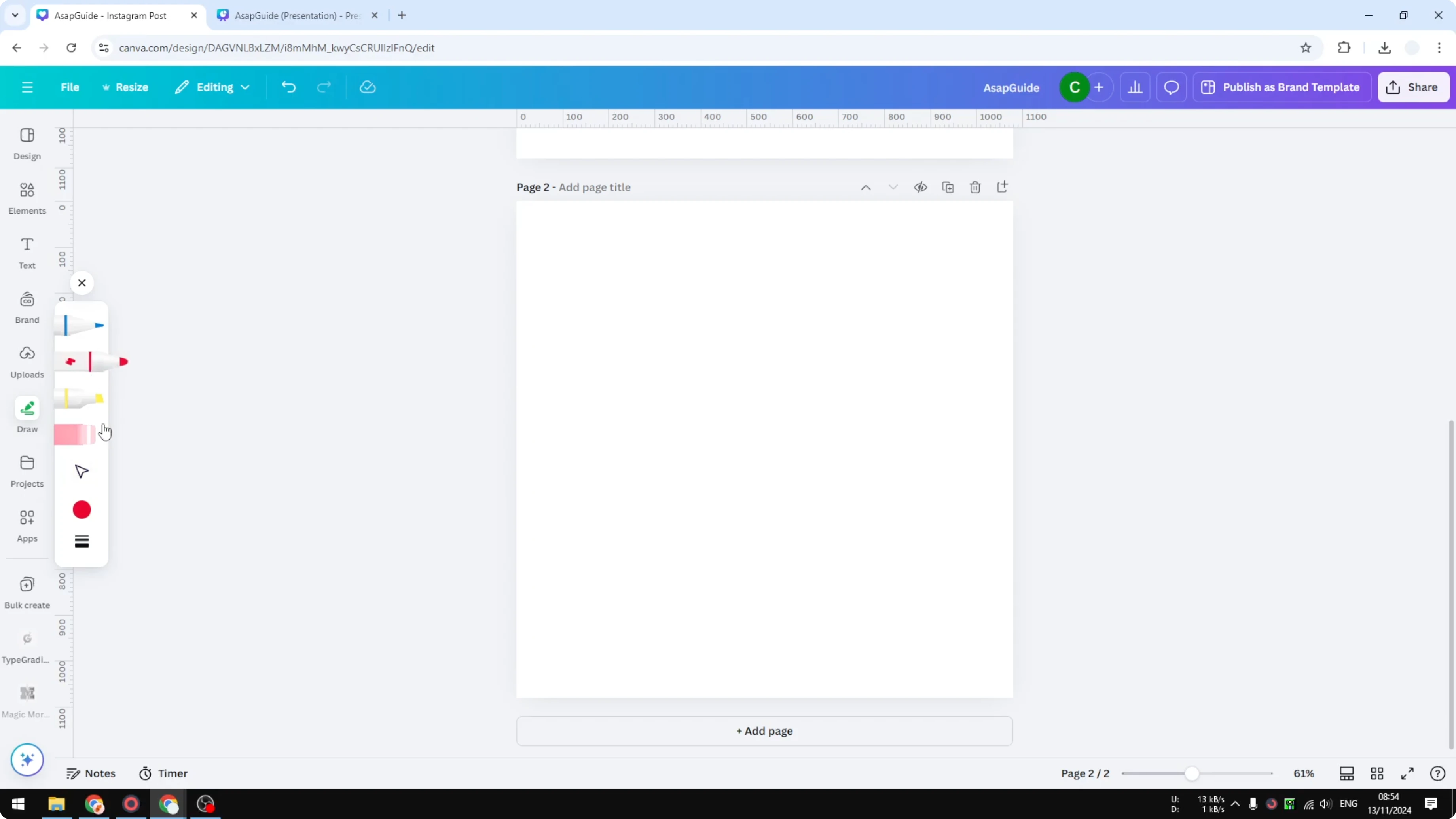
Adjust the weight to the thickness you want. I set it to 20.
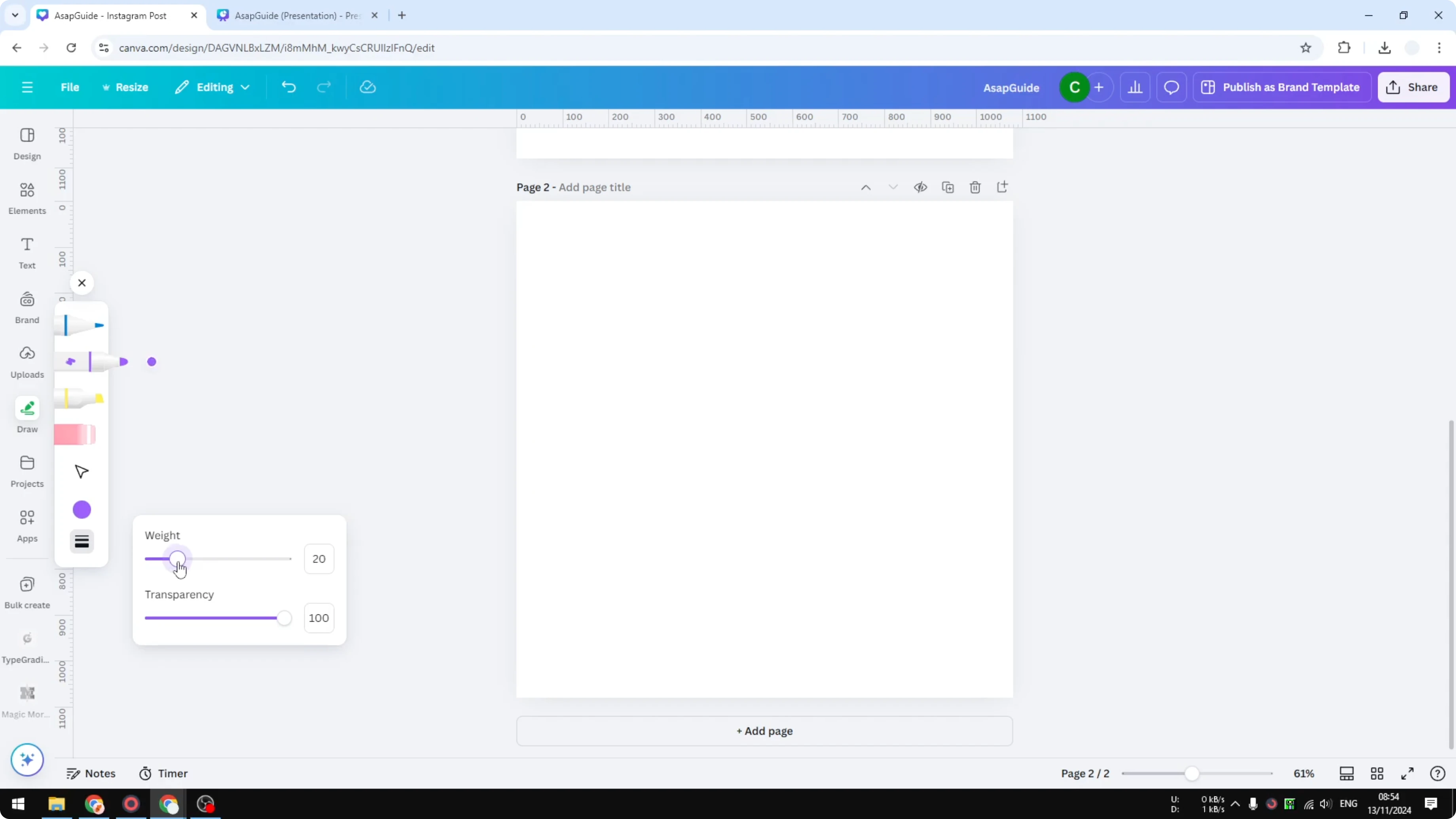
Adjust the transparency if you need a lighter look.
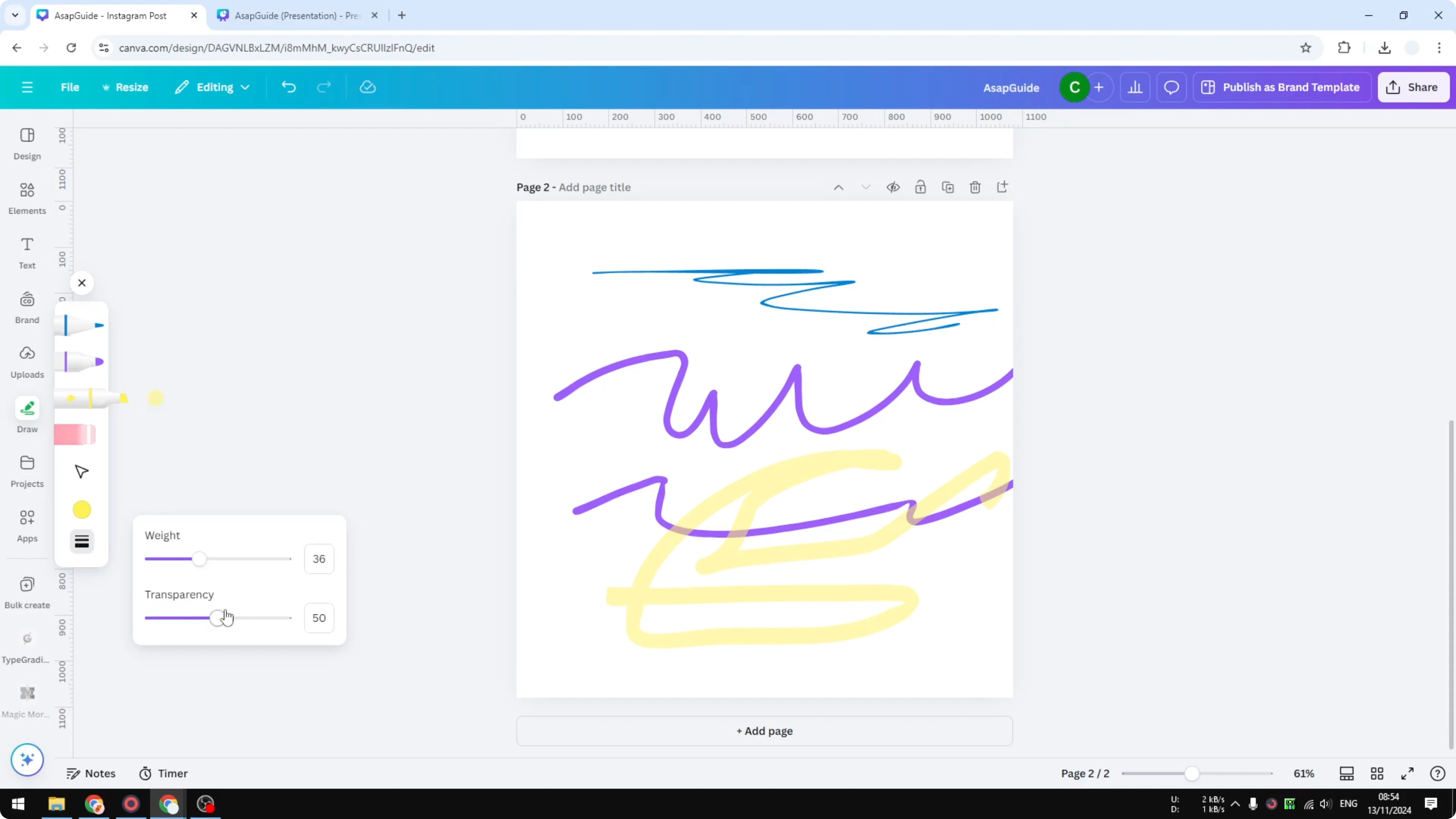
Start drawing your own line on the canvas.
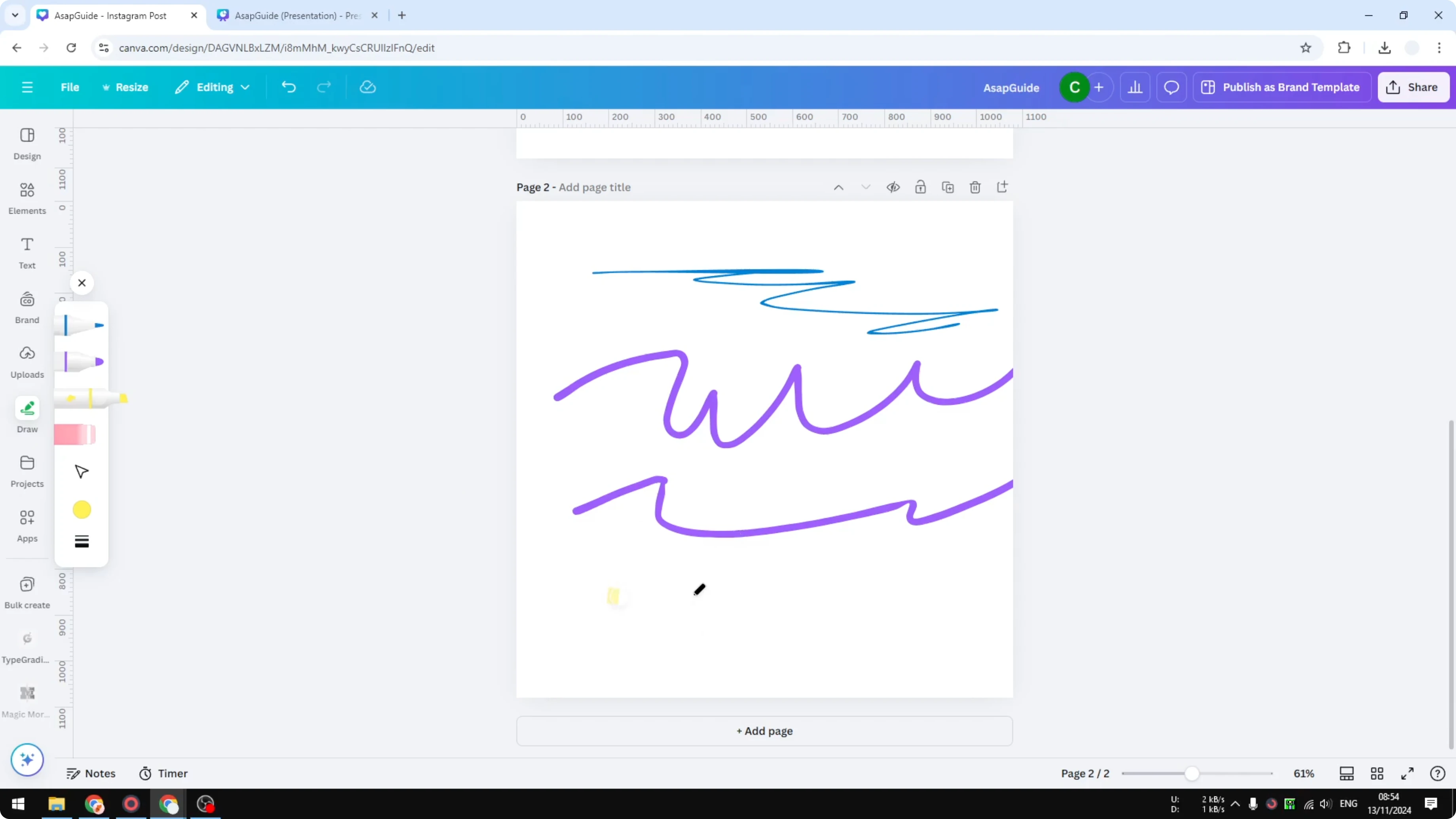
Switch to the highlighter if you want a softer stroke. The highlighter is a little transparent by default, and you can adjust the transparency for each tool.
If you are refining your brand style alongside hand-drawn accents, you can also upload your own font to keep typography consistent.
Stylus vs mouse for Draw Your Own Lines on Canva
If you do not have a stylus you are probably not going to get something that looks pretty, because using a mouse to draw is not exactly easy unless you are used to it. If you are not, I personally do not recommend that technique.
Use Elements instead of Draw Your Own Lines on Canva
Find scribble lines
Go to Elements.
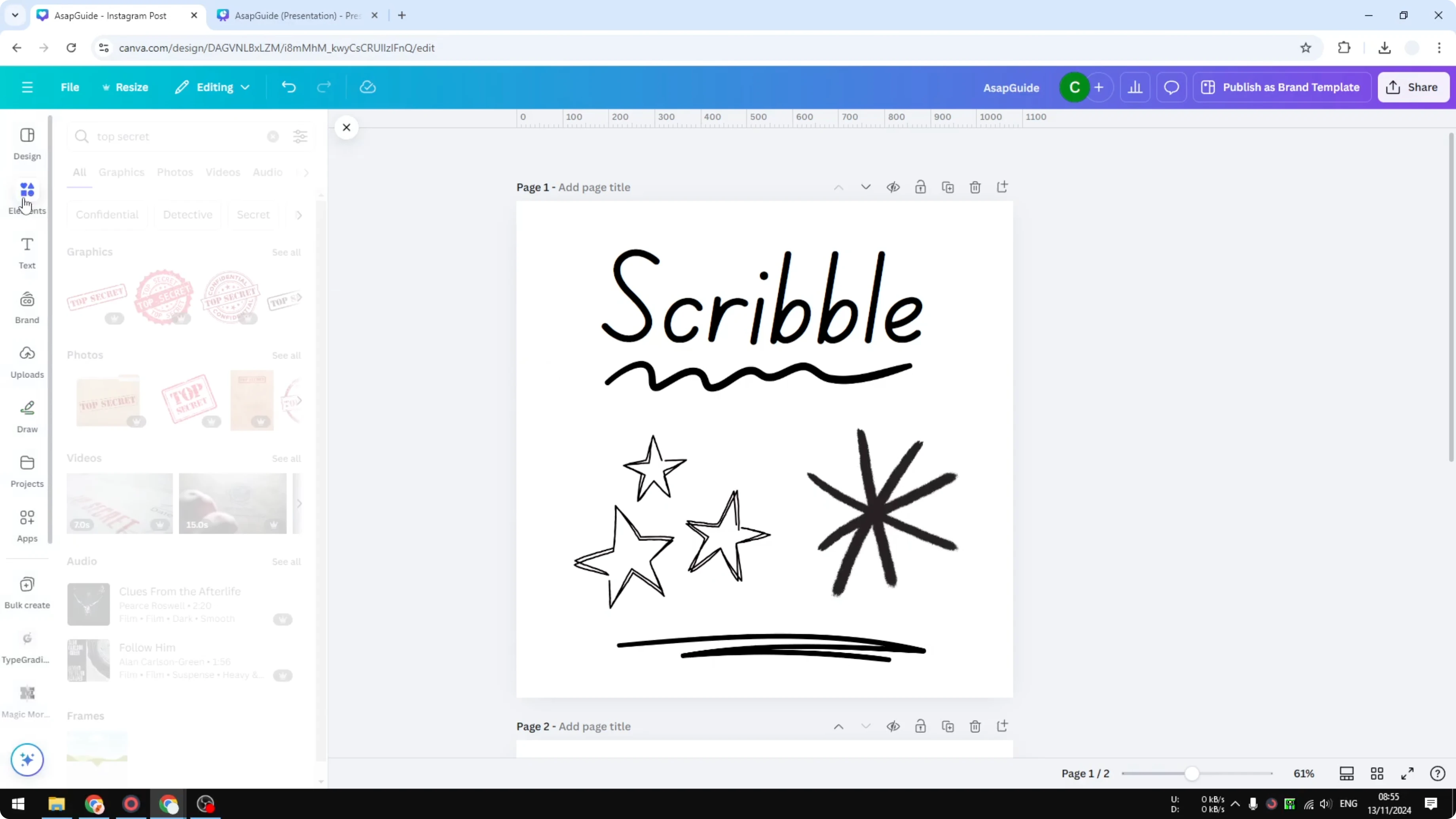
Search for "scribble lines".
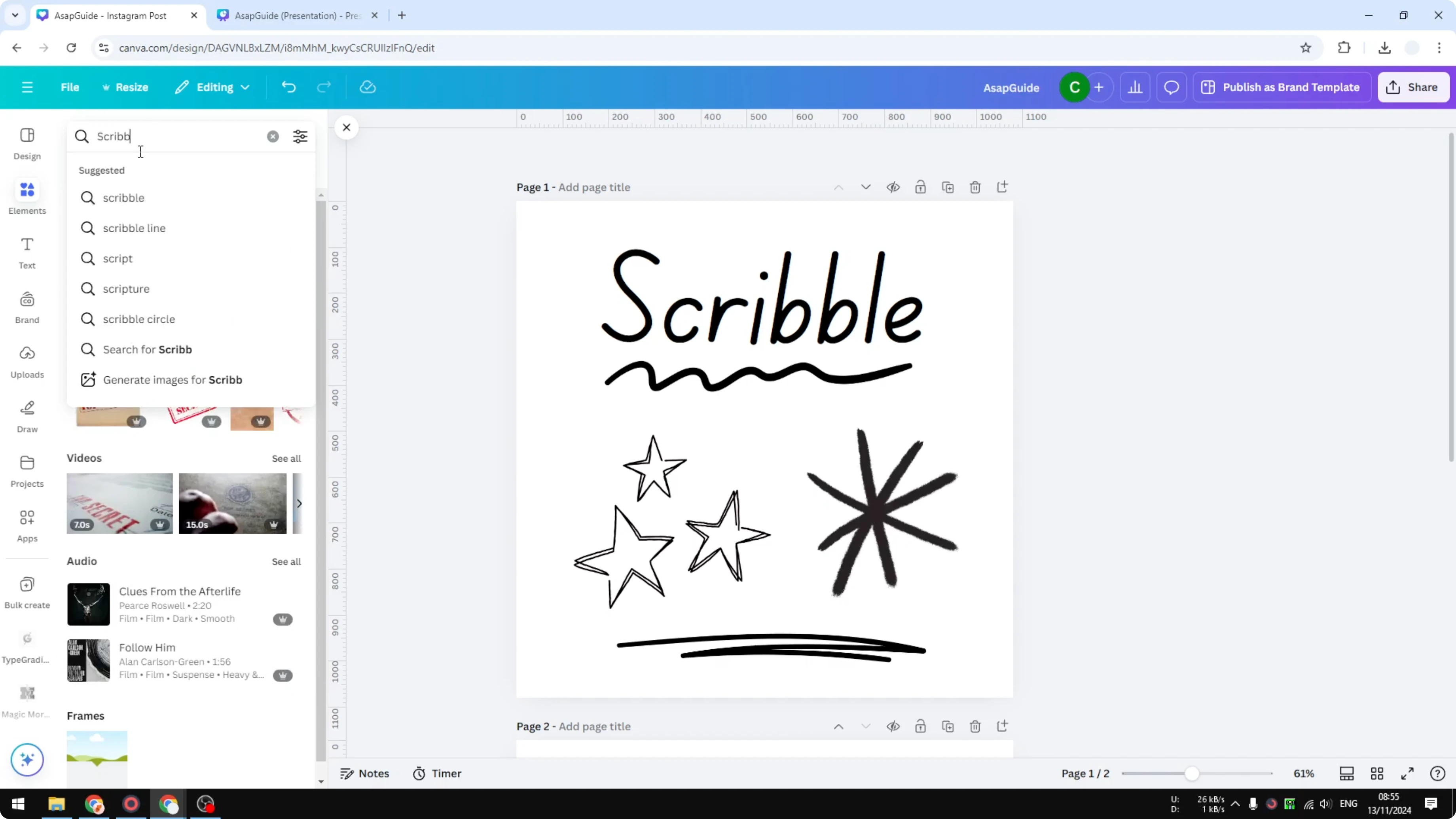
Open the Graphics tab to browse designs you can add to your document.
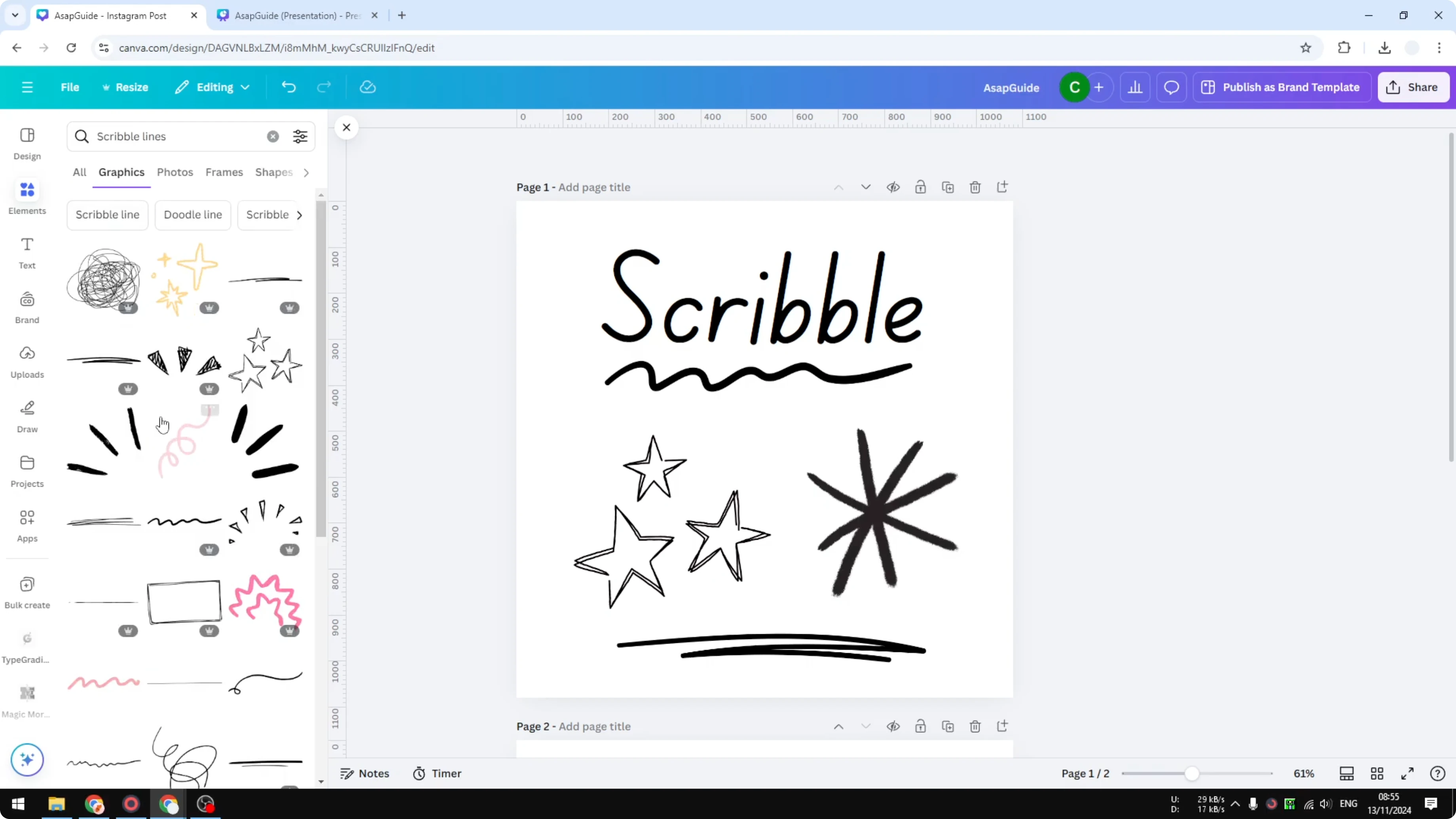
Insert and recolor
Add a line you like to your page.
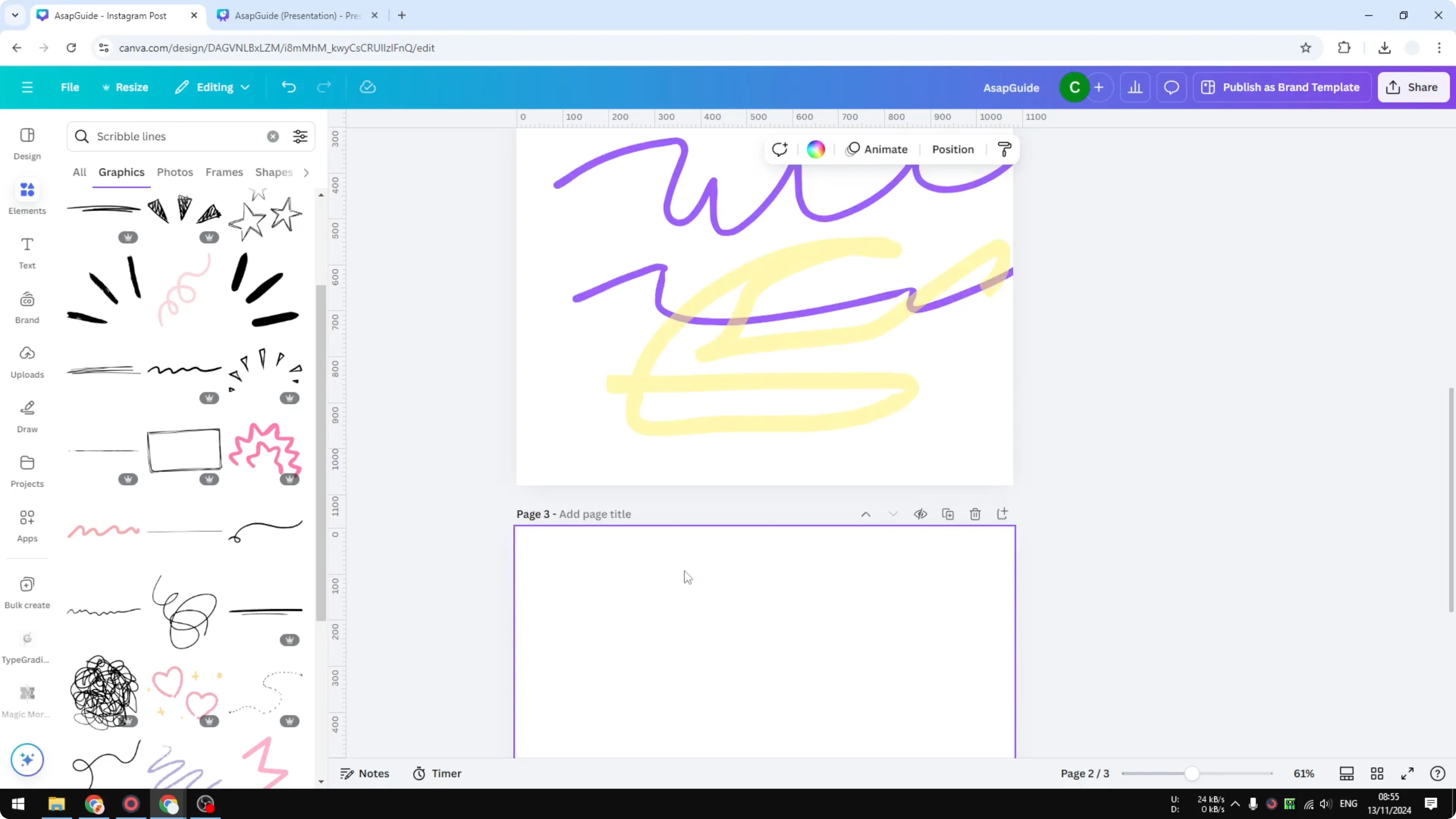
Check the color controls and change it to the color you want.
In my opinion this is way better and way easier than having to draw your own line, but you have to decide yourself if this method is the best for you.
If you are building a book cover or mockup, pair these graphics with a 3D book cover workflow for a polished presentation.
Final thoughts on Draw Your Own Lines on Canva
The Draw app lets you create custom lines right inside Canva, with quick controls for color, weight, and transparency. A stylus will give you far better results than a mouse, and the Elements library offers ready-made scribbles you can recolor in seconds. You can also combine hand-drawn lines with background text in Canva to build layered, eye-catching layouts.
Recent Posts

How to Visualize Yourself as a Pixelized Character with AI?
How to Visualize Yourself as a Pixelized Character with AI?

How to Revive Faded Memories and Enhance Image Clarity with AI?
How to Revive Faded Memories and Enhance Image Clarity with AI?

How to Visualize Yourself as an Animal Crossing Character with AI?
How to Visualize Yourself as an Animal Crossing Character with AI?