How to Create Rainbow Text in Canva

I’m going to show you how to create a rainbow text effect in Canva with two methods. The first one is quick and does not need any third-party app. The second creates a smoother blend that looks like a gradient.
If you only need a simple rainbow look, the first method is enough. If you want colors to blend from one to another, use the Gradient app in Canva. I’ll walk through both.
Create Rainbow Text in Canva: manual method
Type your text.
Select a single letter and change its color.
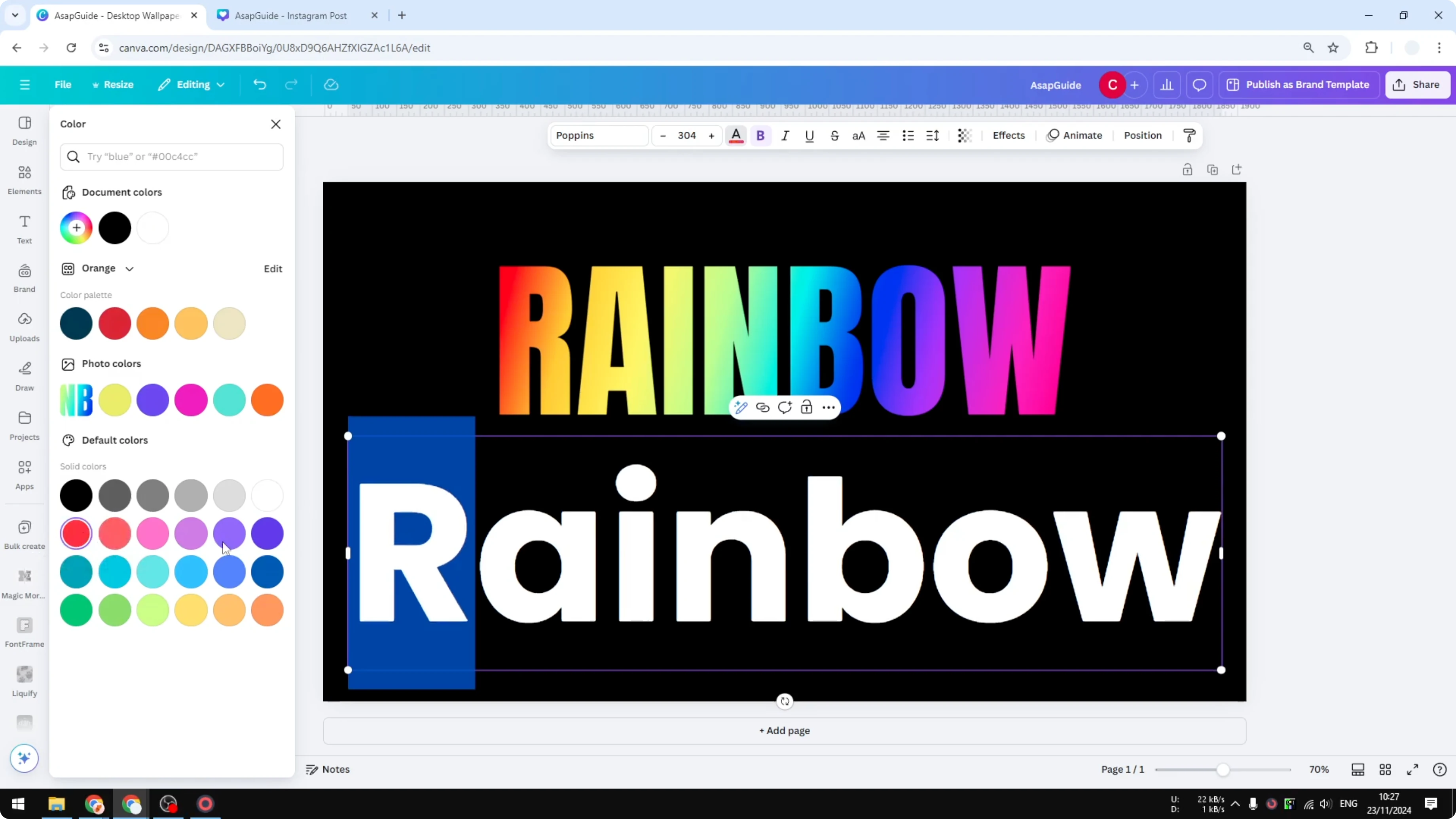
Repeat for each letter until the colors form a rainbow across the word.
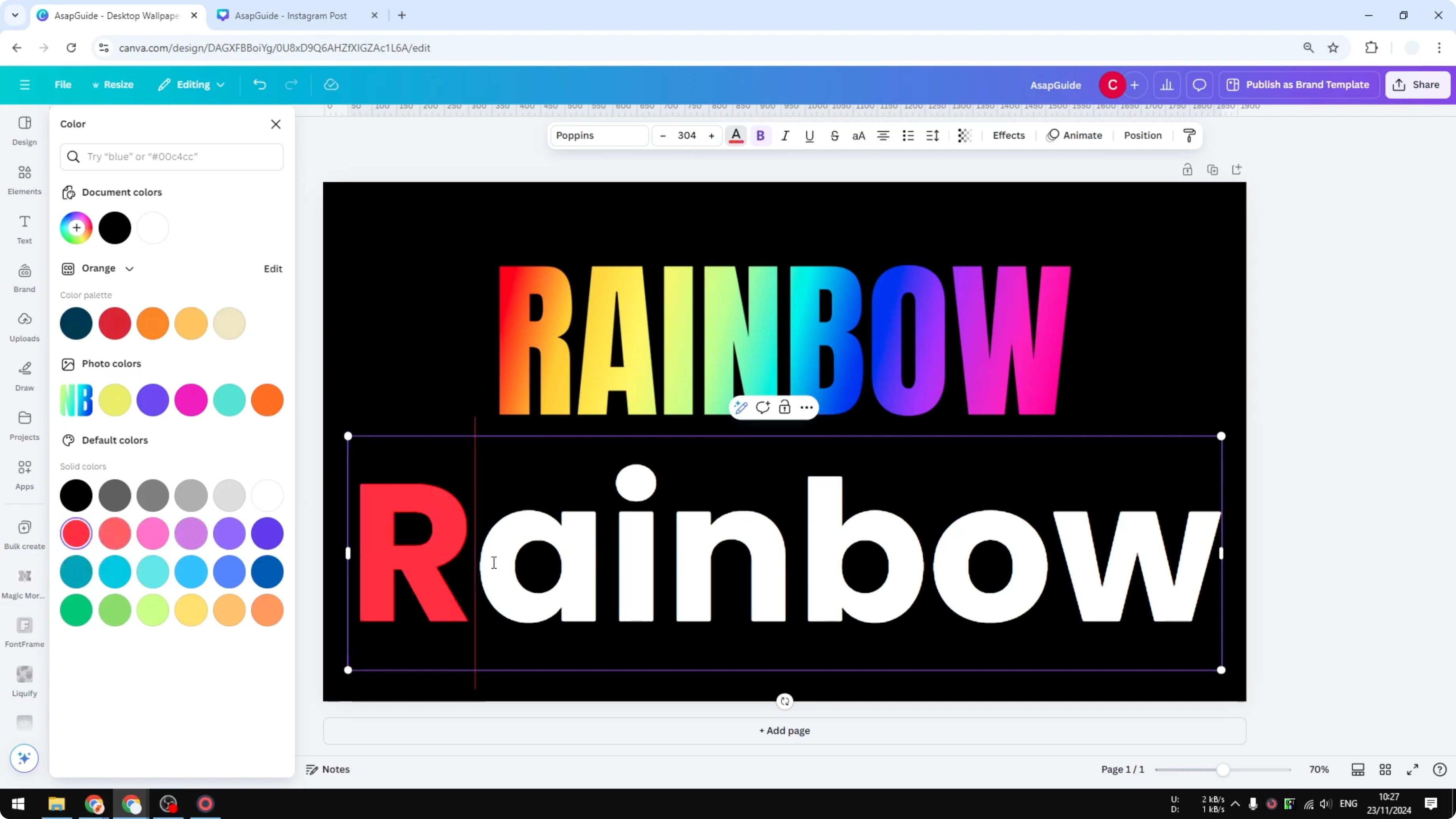
This is the easiest way to get a rainbow effect. It’s not always the best option, but it works well for a simple result. You can see how it helps when you just need quick color variety.
If you want a softer look beyond bold colors, consider a subtle fade. See how to do that in this guide to a faded text effect in Canva.
Create Rainbow Text in Canva: gradient method
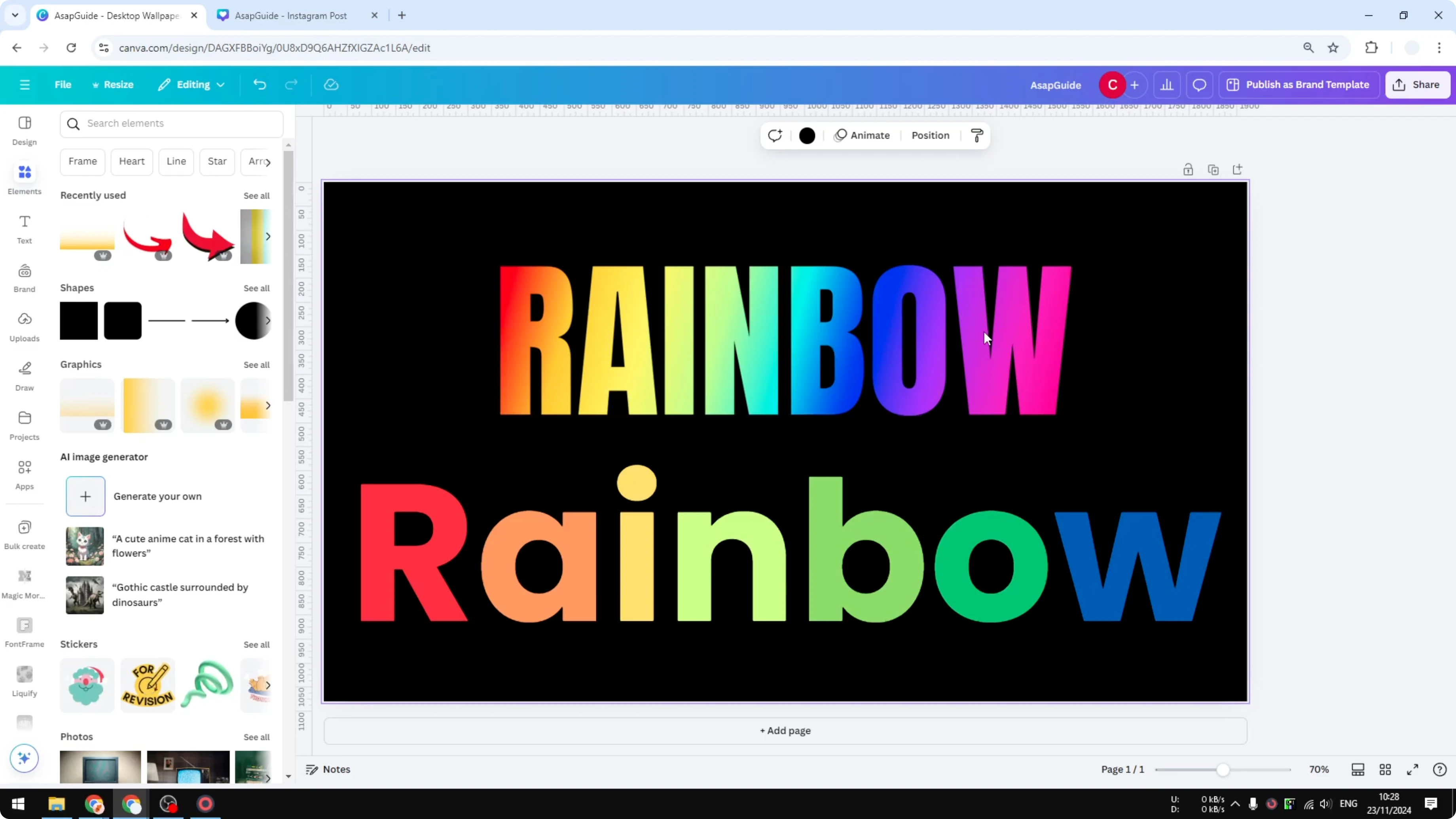
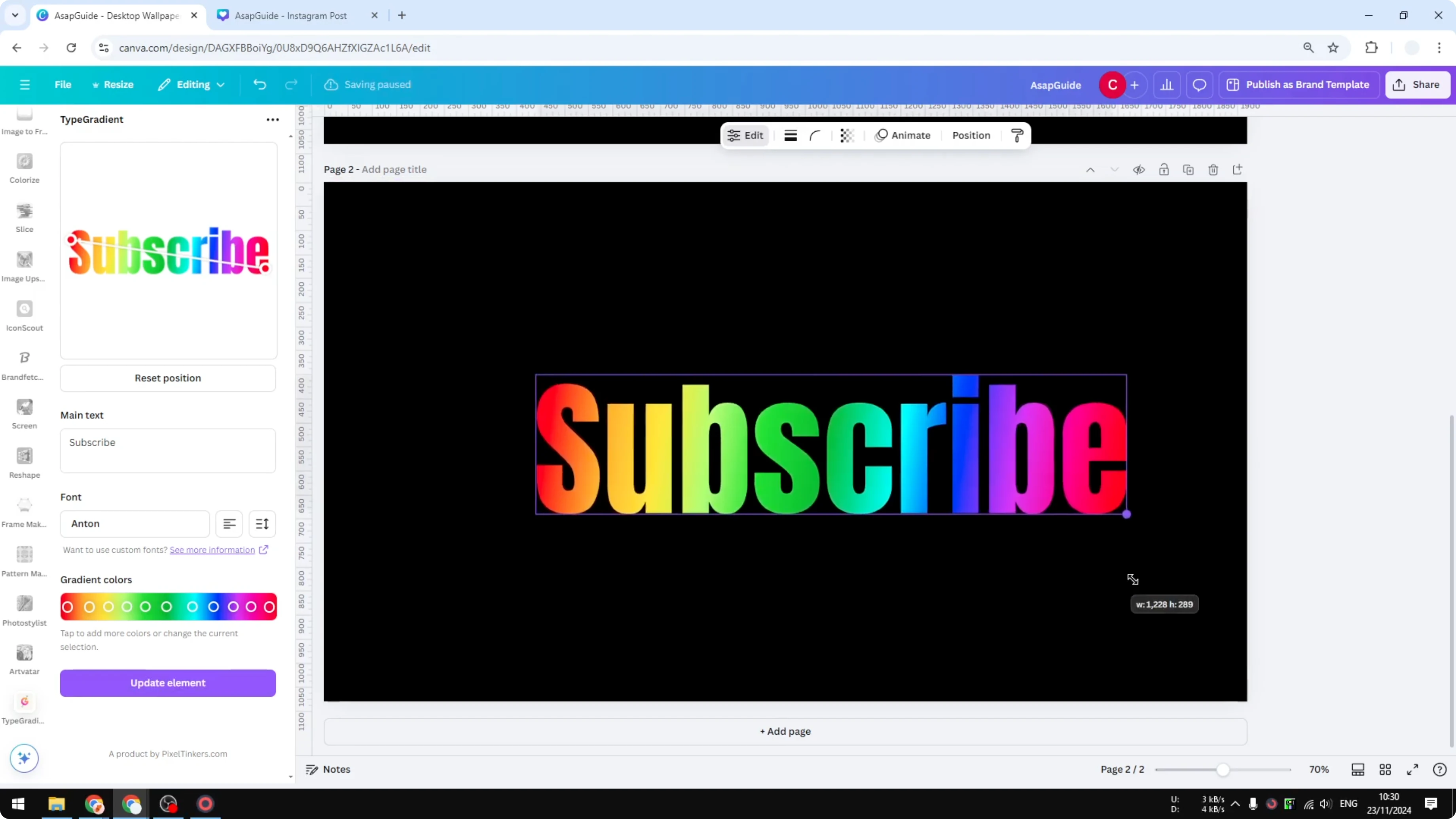
Set up the Gradient app
Add a new page.
Open Apps, search for Gradient, and open the app.
Adjust text and layout
Set the direction so the gradient flows the way you want.
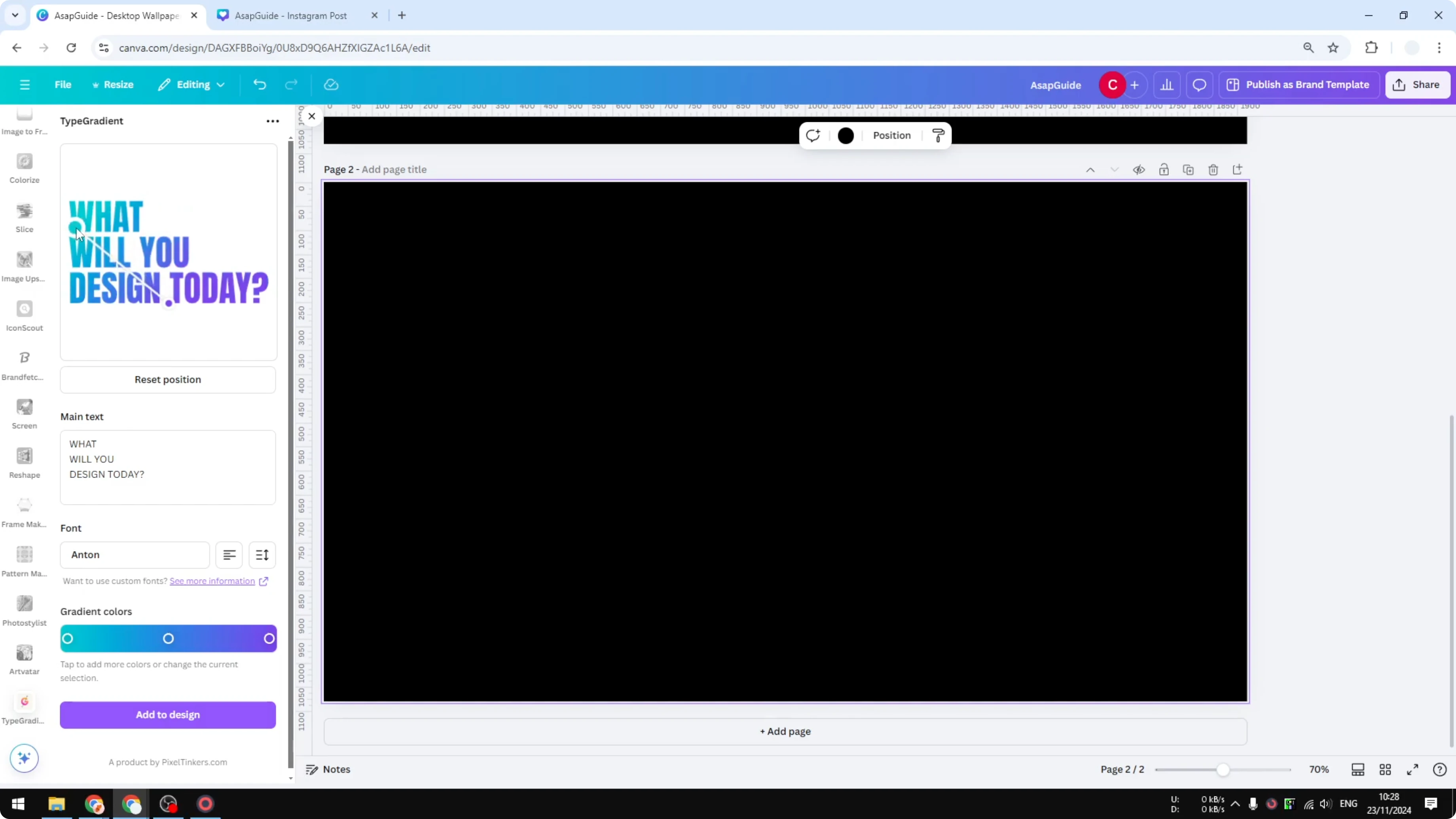
Enter your text. I’ll use “subscribe.”
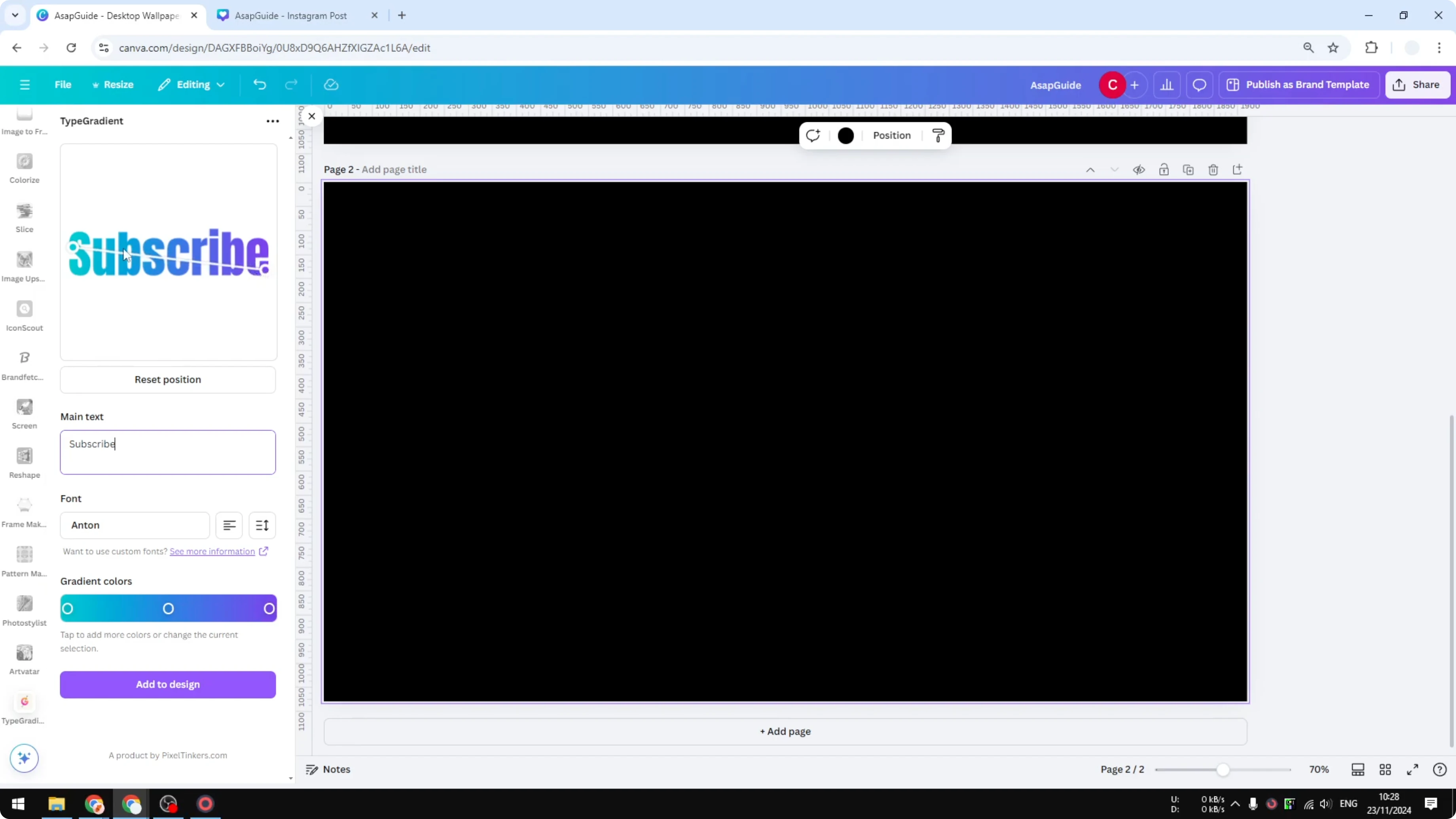
Adjust the position, pick a font or keep the default, and set alignment and line height.
Define the rainbow colors
Use the control points to set the colors that flow through your text. Each control point represents a color in the gradient.
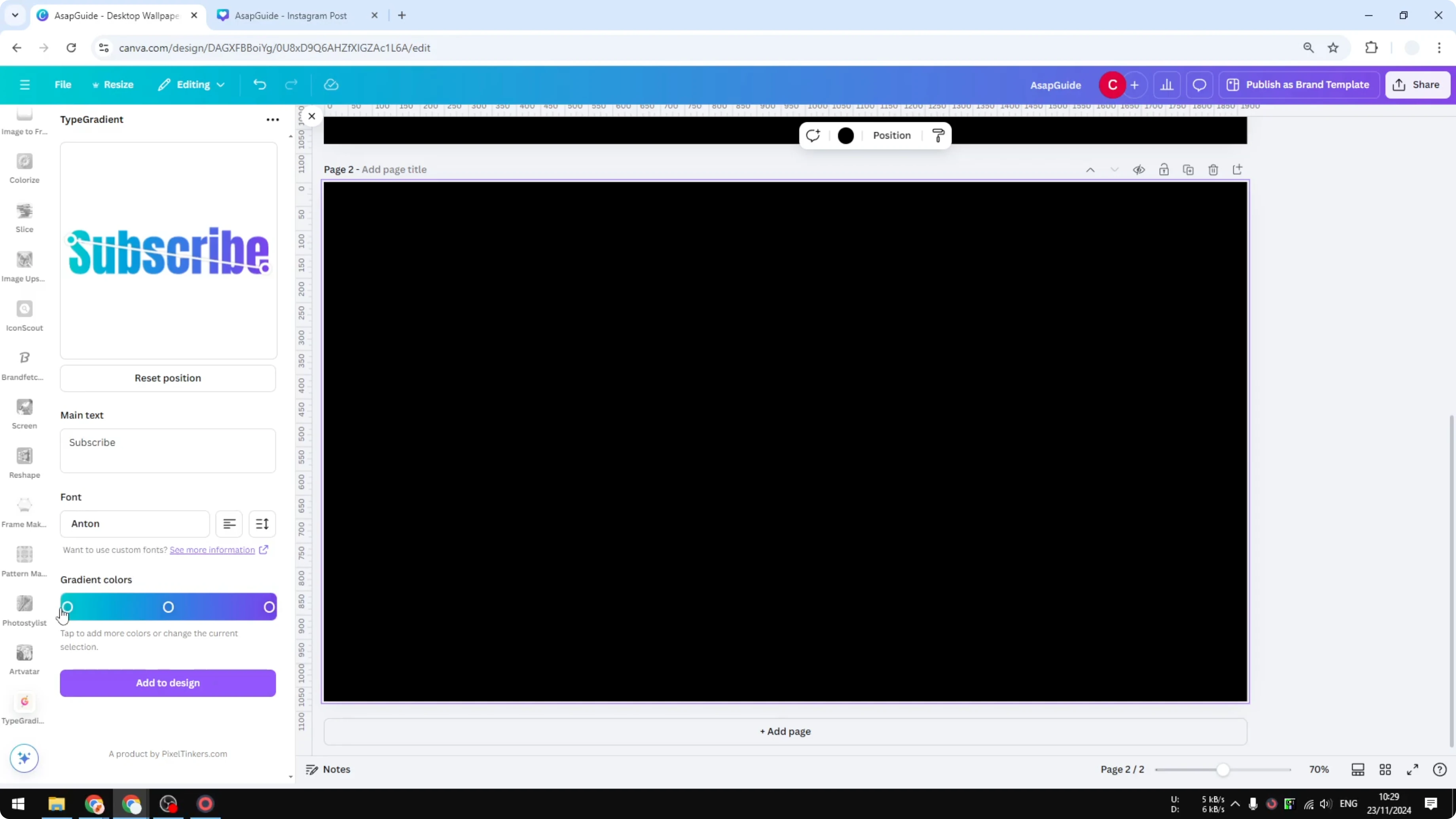
Set the first control point to red.
Change the next control point to orange.
Click anywhere on the line to add another control point, then set it to yellow.
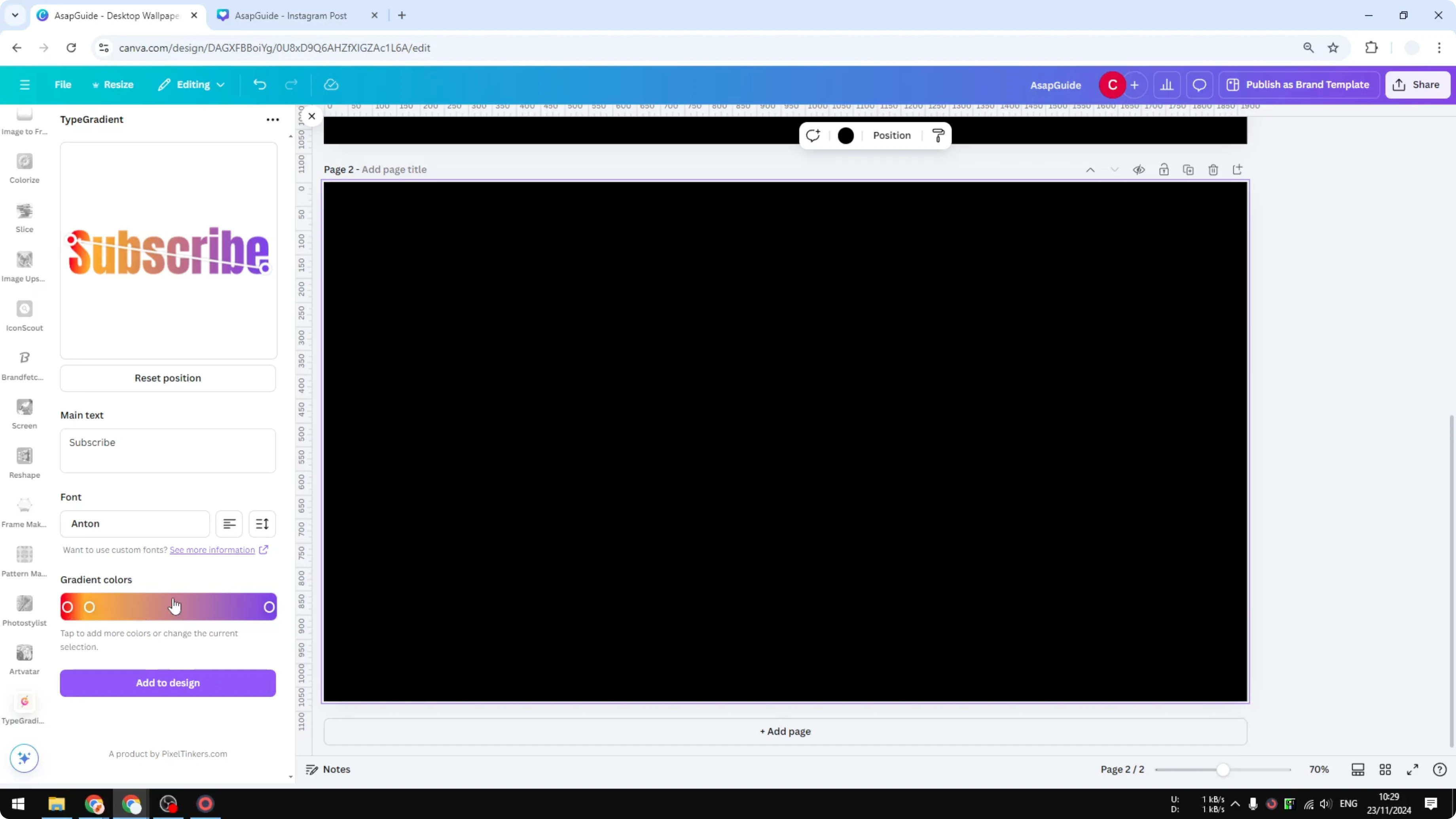
Add another and set it to light green.
Add another and set it to green, then another to a darker green.
Set the next ones to blue, light blue, and a darker blue.
Add pink, then finish with purple.
When your colors look right, click Add to design. The gradient text is inserted into your Canva document.
For a fun textured style instead of smooth color, you can learn how to make a grass text effect in Canva.
Final thoughts
You can create rainbow text in Canva by recoloring letters one by one or by using the Gradient app for a smooth blend. The manual route is fast, while the Gradient app gives you fine control over direction, colors, and spacing. If you’re working on layout polish too, you may find this guide to a clean justified text effect in Canva helpful.
Recent Posts

How to Visualize Yourself as a Pixelized Character with AI?
How to Visualize Yourself as a Pixelized Character with AI?

How to Revive Faded Memories and Enhance Image Clarity with AI?
How to Revive Faded Memories and Enhance Image Clarity with AI?

How to Visualize Yourself as an Animal Crossing Character with AI?
How to Visualize Yourself as an Animal Crossing Character with AI?