How to Create a Mind Map in Canva
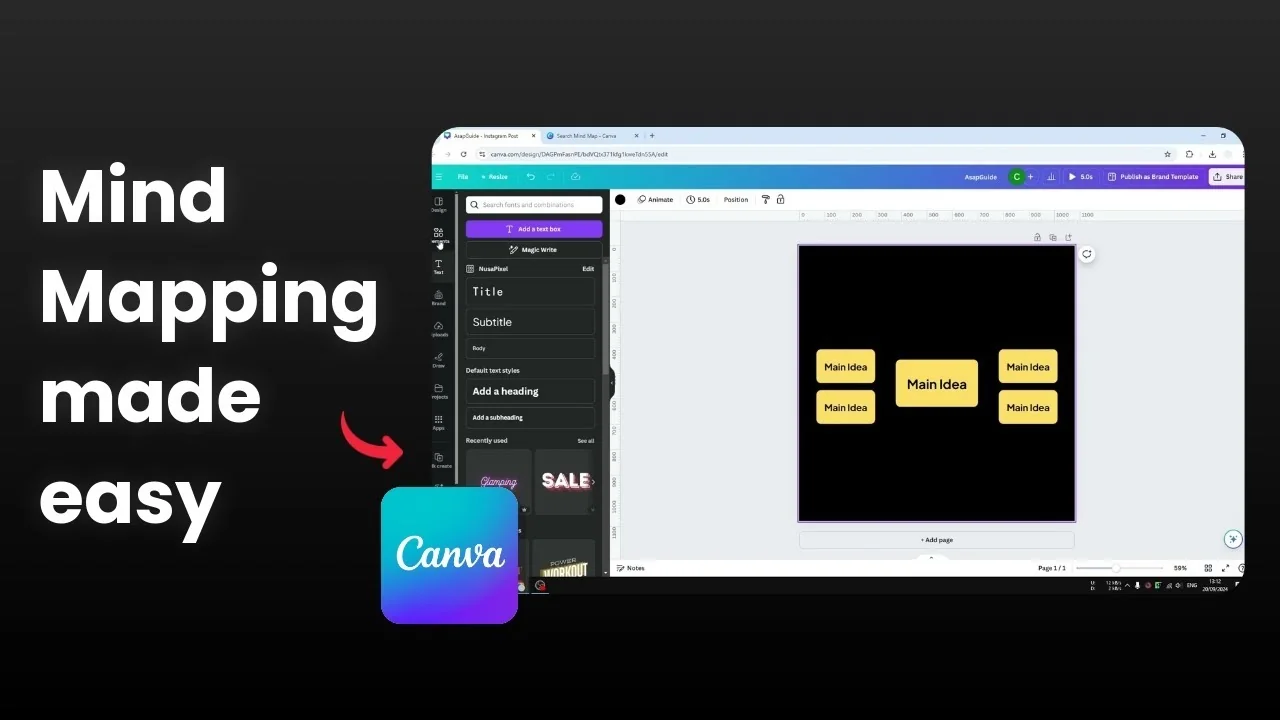
I will show you how you can easily create a mind map in Canva. Templates save time and look great, and you can still customize every part to fit your idea.
If you want more control, you can also build one from scratch. Both paths work, and the key is to keep your main idea clear and the branches simple.
Create a Mind Map in Canva: Templates
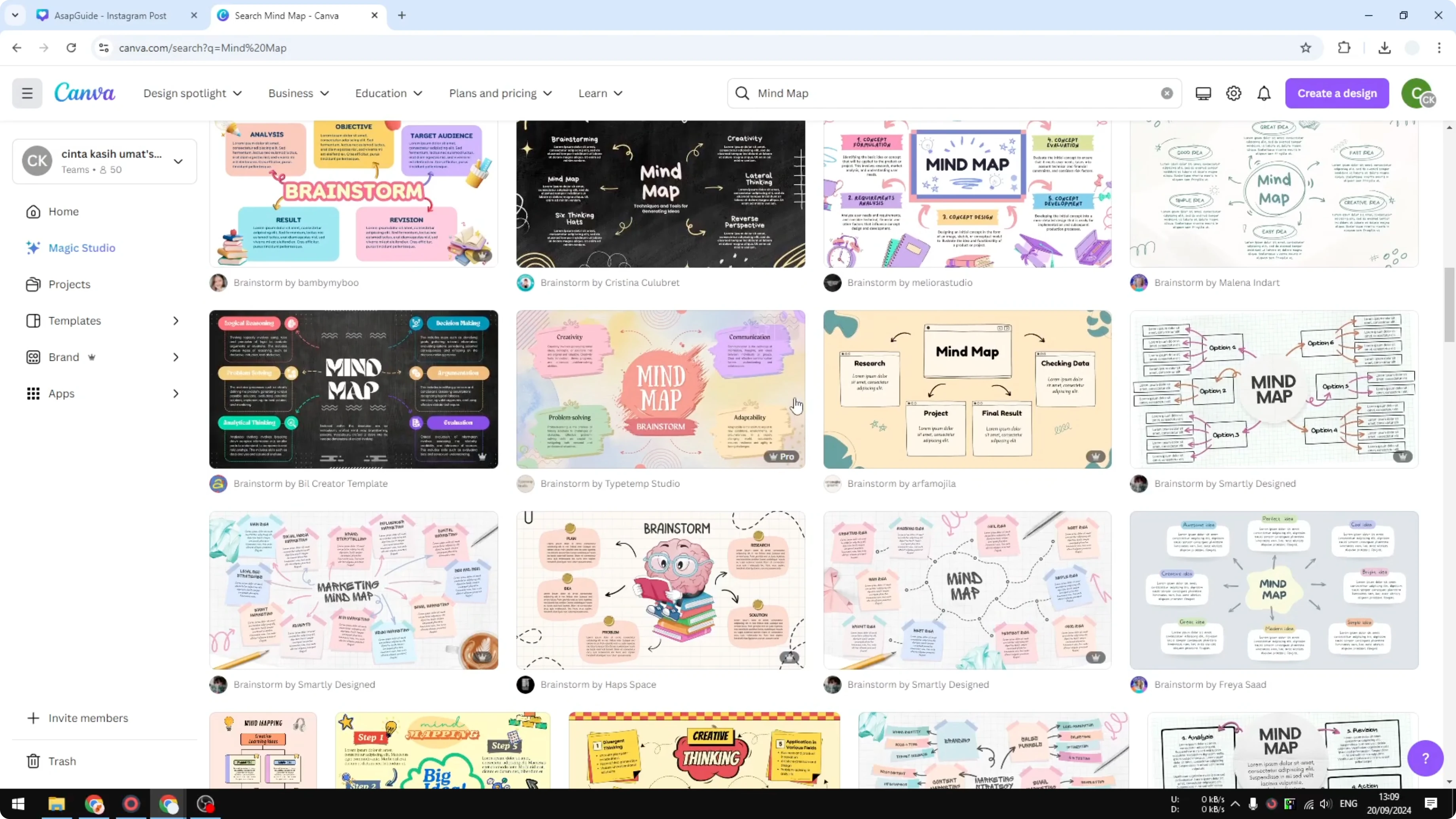
Go to your Canva homepage and search for mind map. Pick a template that looks good, and replace the text with your content.
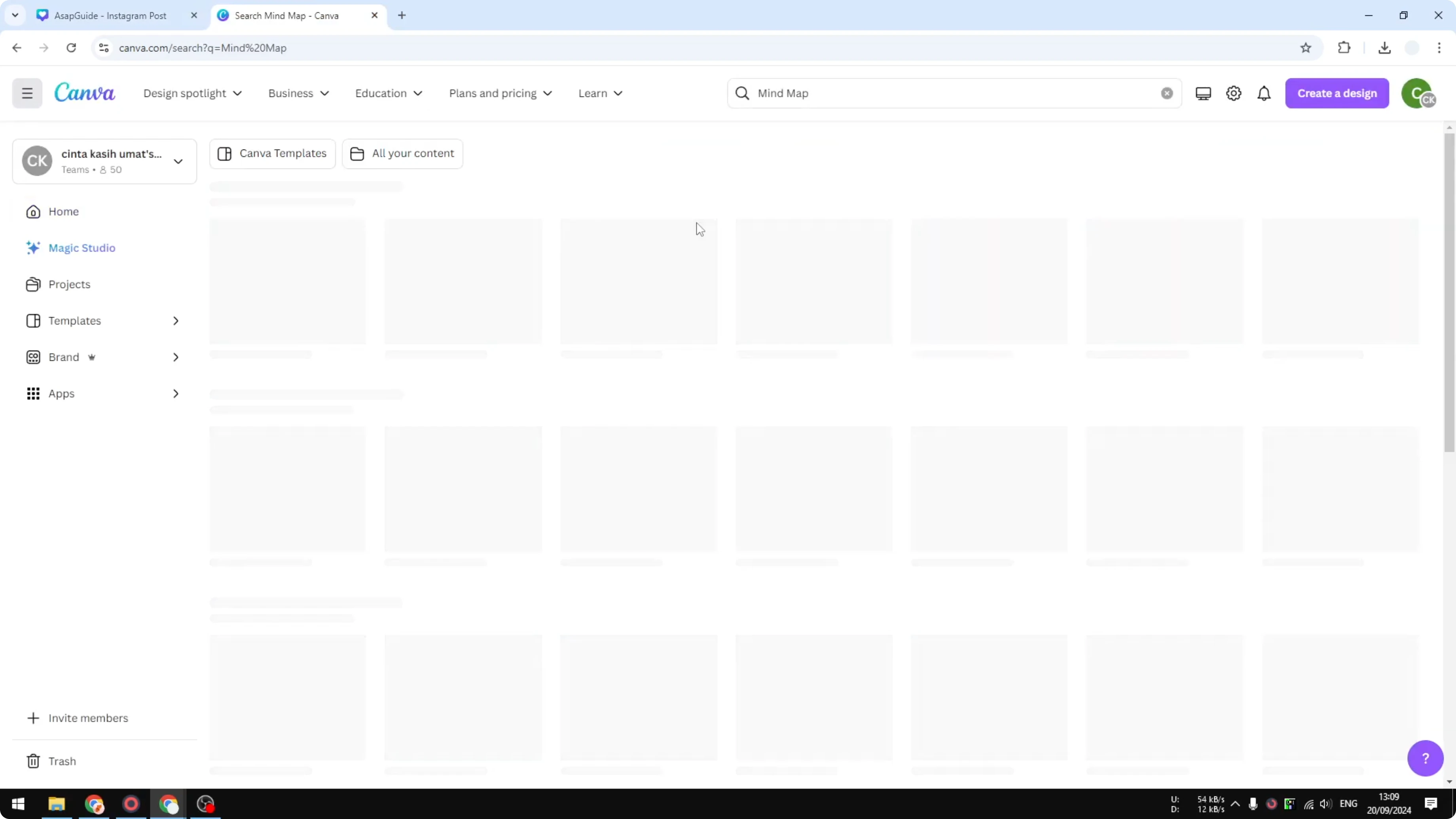
I recommend this method if you are a business owner or you are too busy to design everything. You can still tweak fonts, colors, and spacing to match your style. For a related layout style, see this bubble map in Canva.
Create a Mind Map in Canva: From Scratch
If you want to design your own mind map from scratch, here is a simple way to do it. Start clean, then build out your branches step by step.
Create a Mind Map in Canva: Shapes
Open a new document and go to Elements. Insert a shape, and choose either a square or a circle.
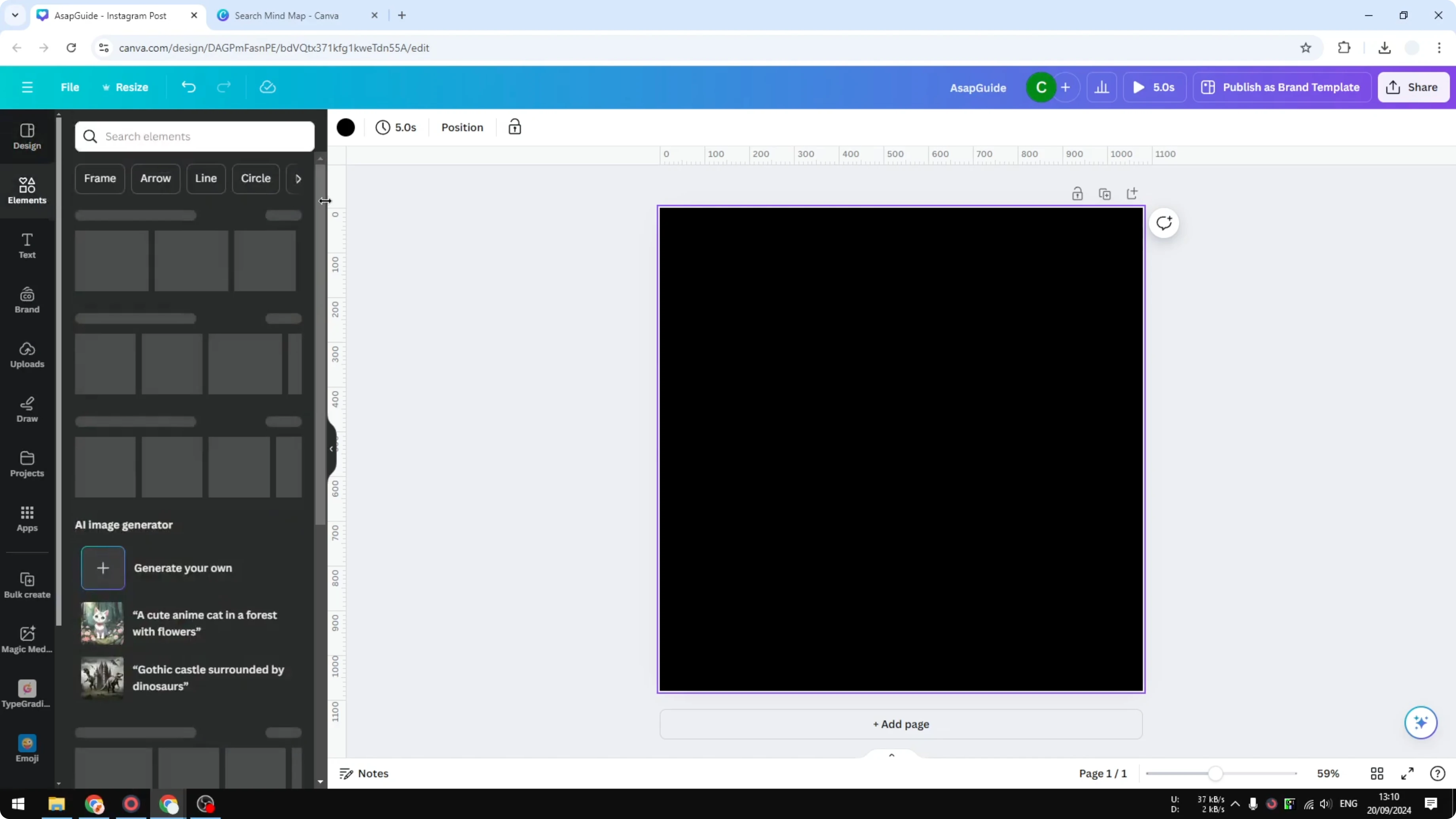
I prefer a square, and this will be the main map. This is the main idea, so place it in the center.
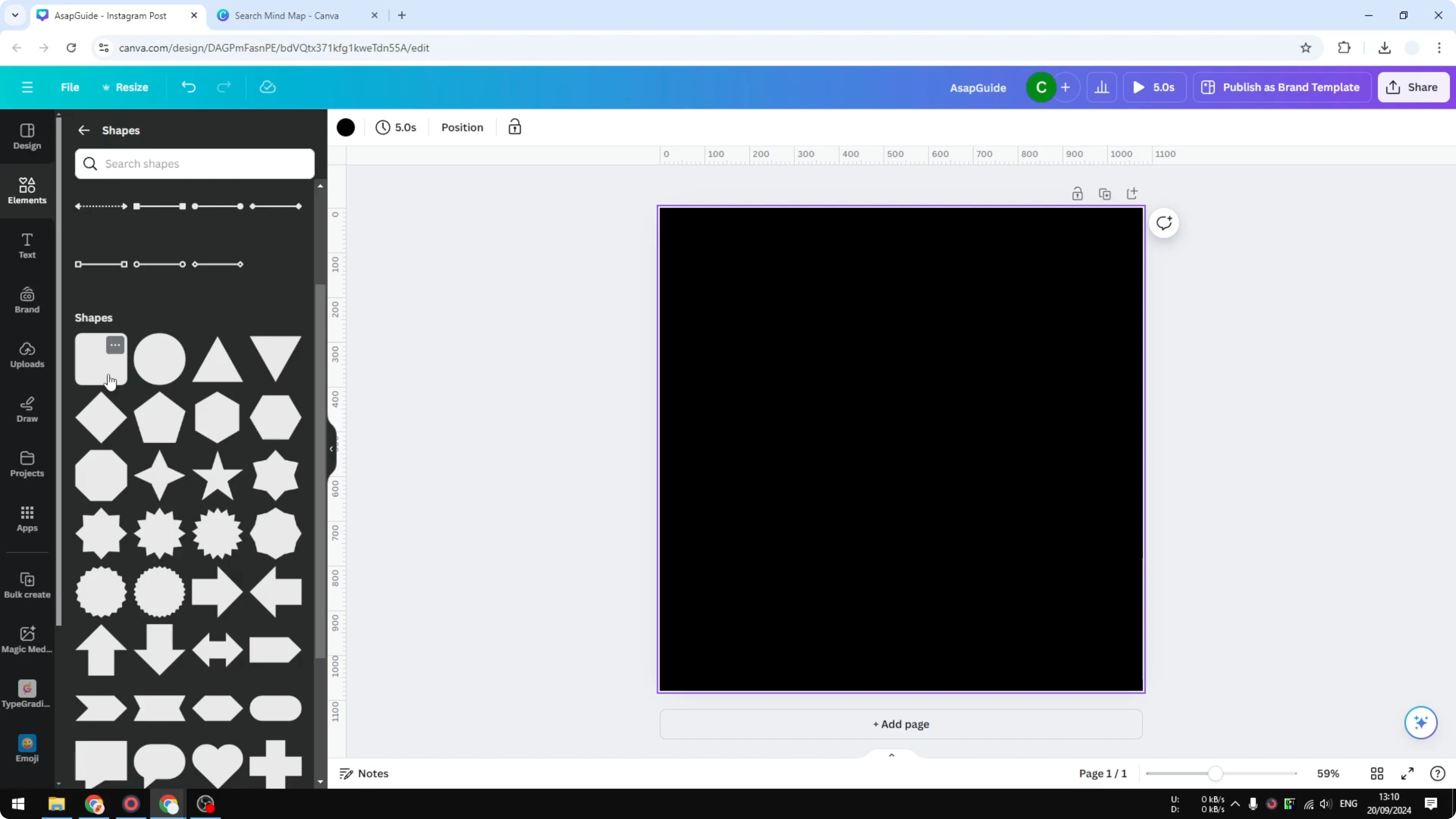
If you want to adjust the corners of the square, click the corner style option. Drag it to set how round the corners should be. Keep it subtle for a clean look.
Create a Mind Map in Canva: Text
Go to the Text menu and add a heading. You can type your main idea right away.
I do not like typing inside the shape, so I use a separate text box. Add the heading as a separate layer for easier styling and alignment.
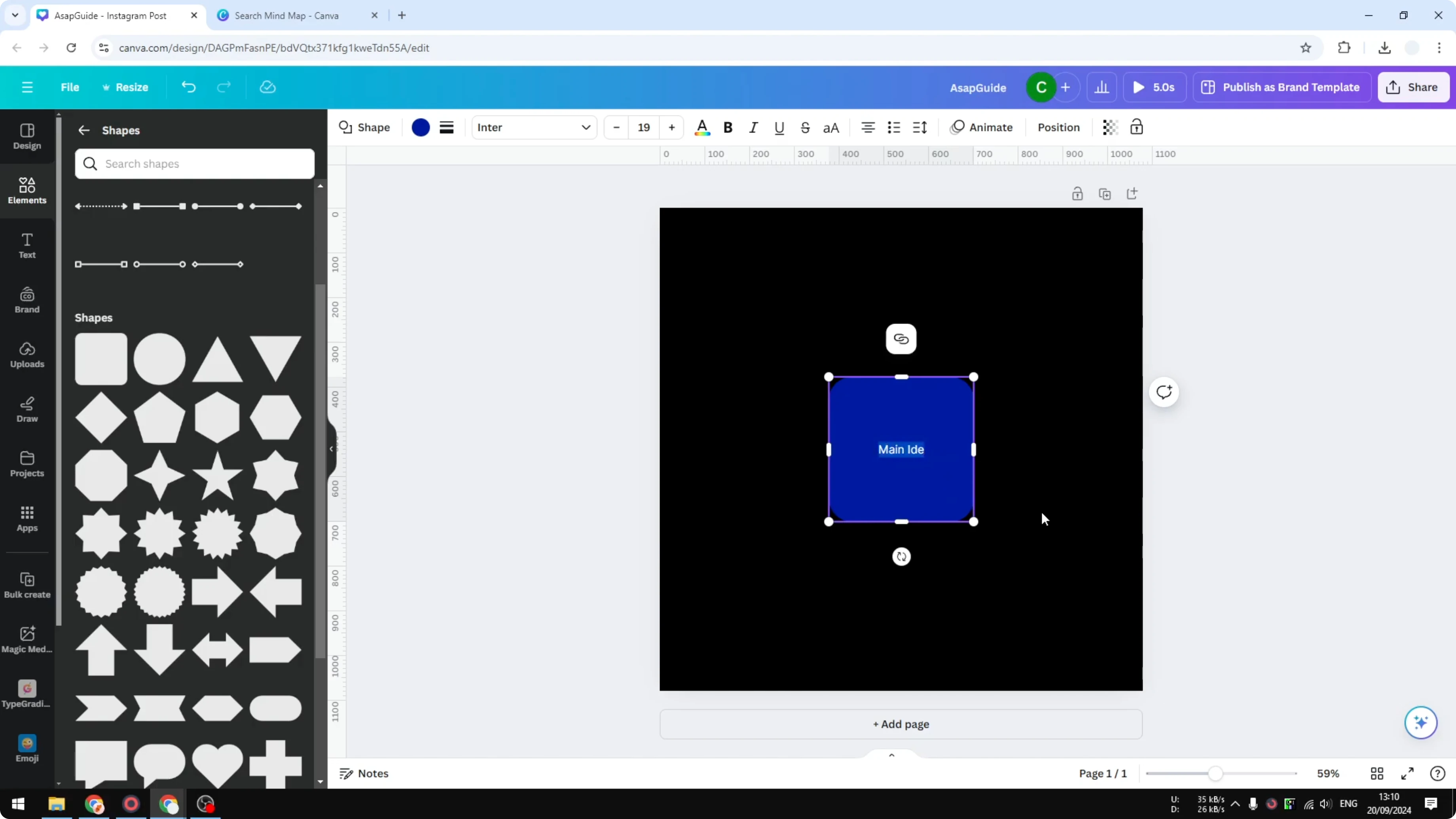
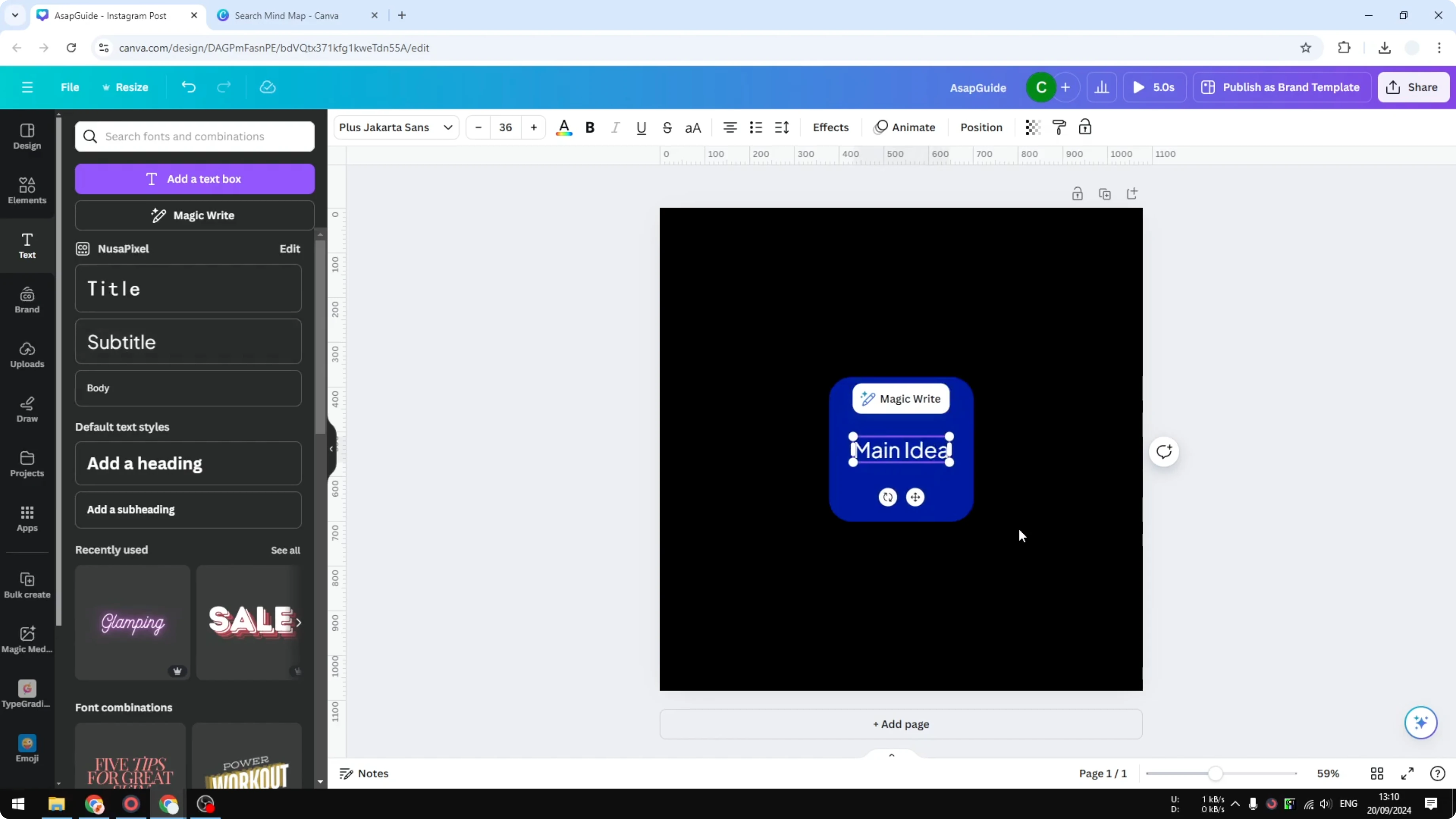
Change the color to something that looks more attractive. Make it bolder, increase the size to 38, and change the color to dark. This helps the main idea stand out.
If you want a more playful headline style later, try this balloon text effect. It can make key words pop without changing your layout. Keep it readable and consistent.
Create a Mind Map in Canva: Group and Duplicate
Select the shape and the heading, then group them. Grouping keeps your main idea together so you can move it easily.
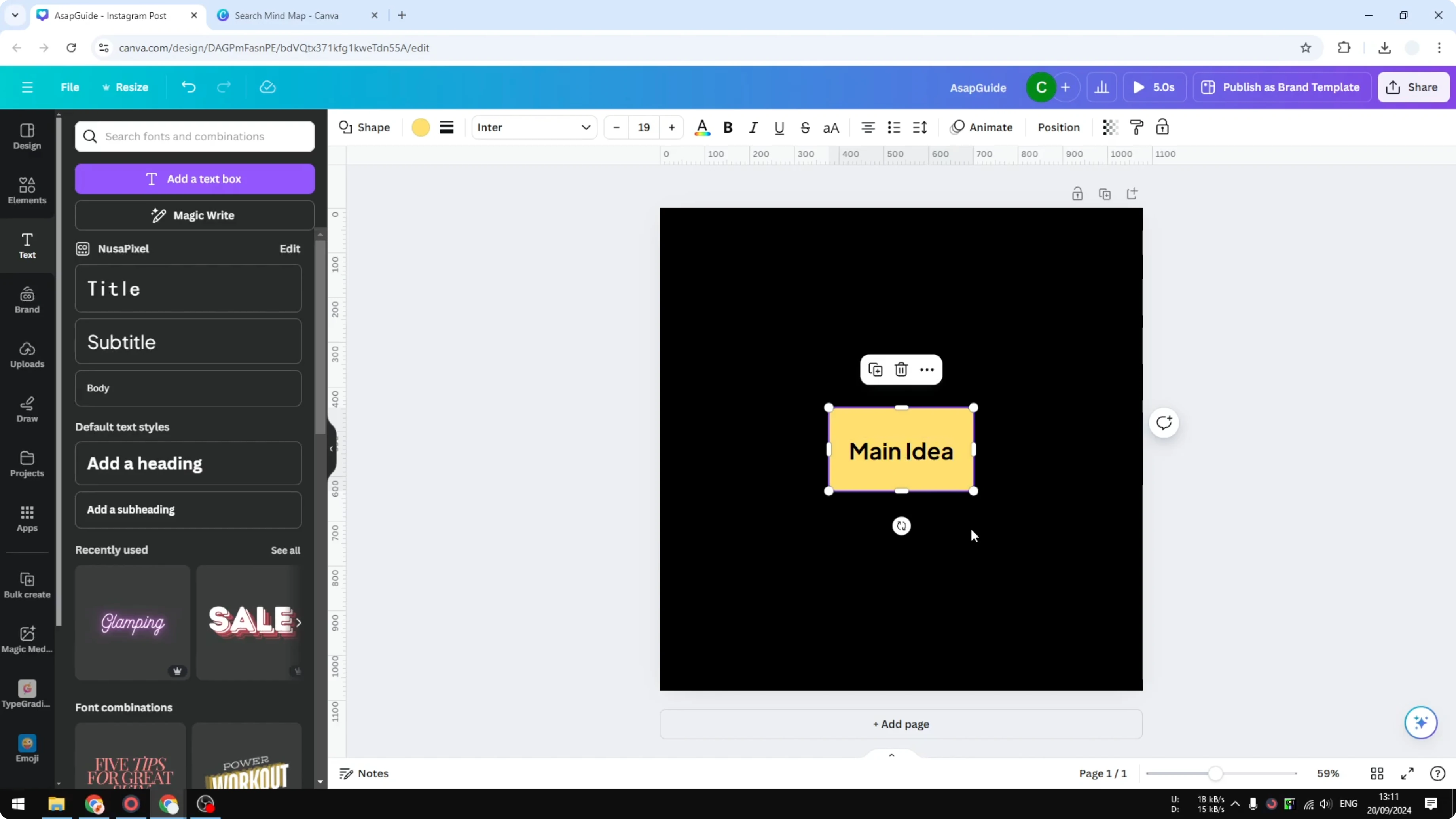
Create a duplicate for the surrounding ideas. The surrounding ideas are smaller, so reduce the size and place them around the center.
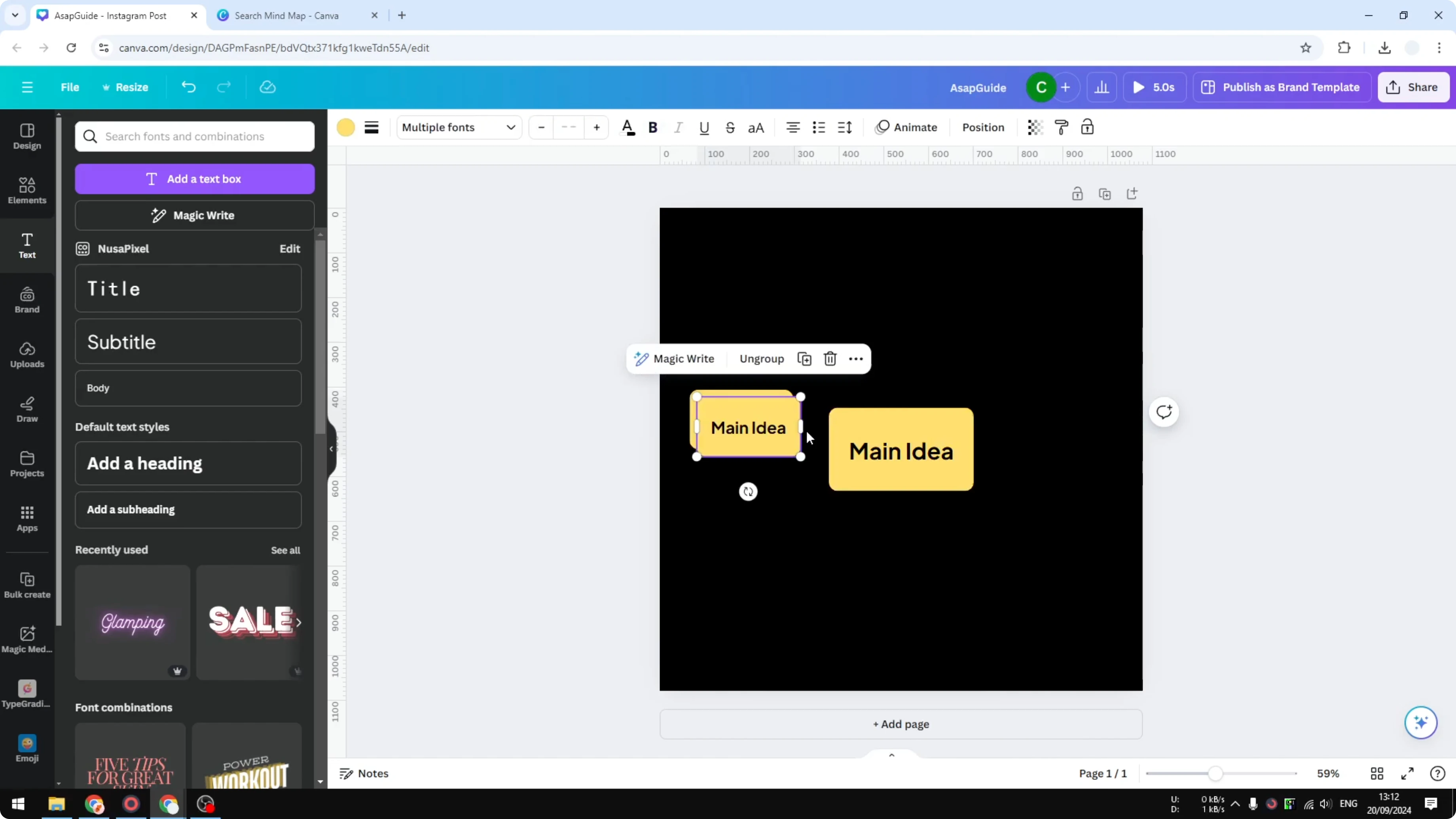
Duplicate again to add more branches. Place each smaller idea where it fits best around the main idea. Keep spacing even so the map feels balanced.
If you experiment with geometric accents in your design, learn how to build a clean 3D cube in Canva. It is a fun technique you can adapt for diagrams or visual highlights.
Create a Mind Map in Canva: Arrows and Connections
Go to the Elements menu again and choose an arrow. Make the arrow thicker so it is easy to see.
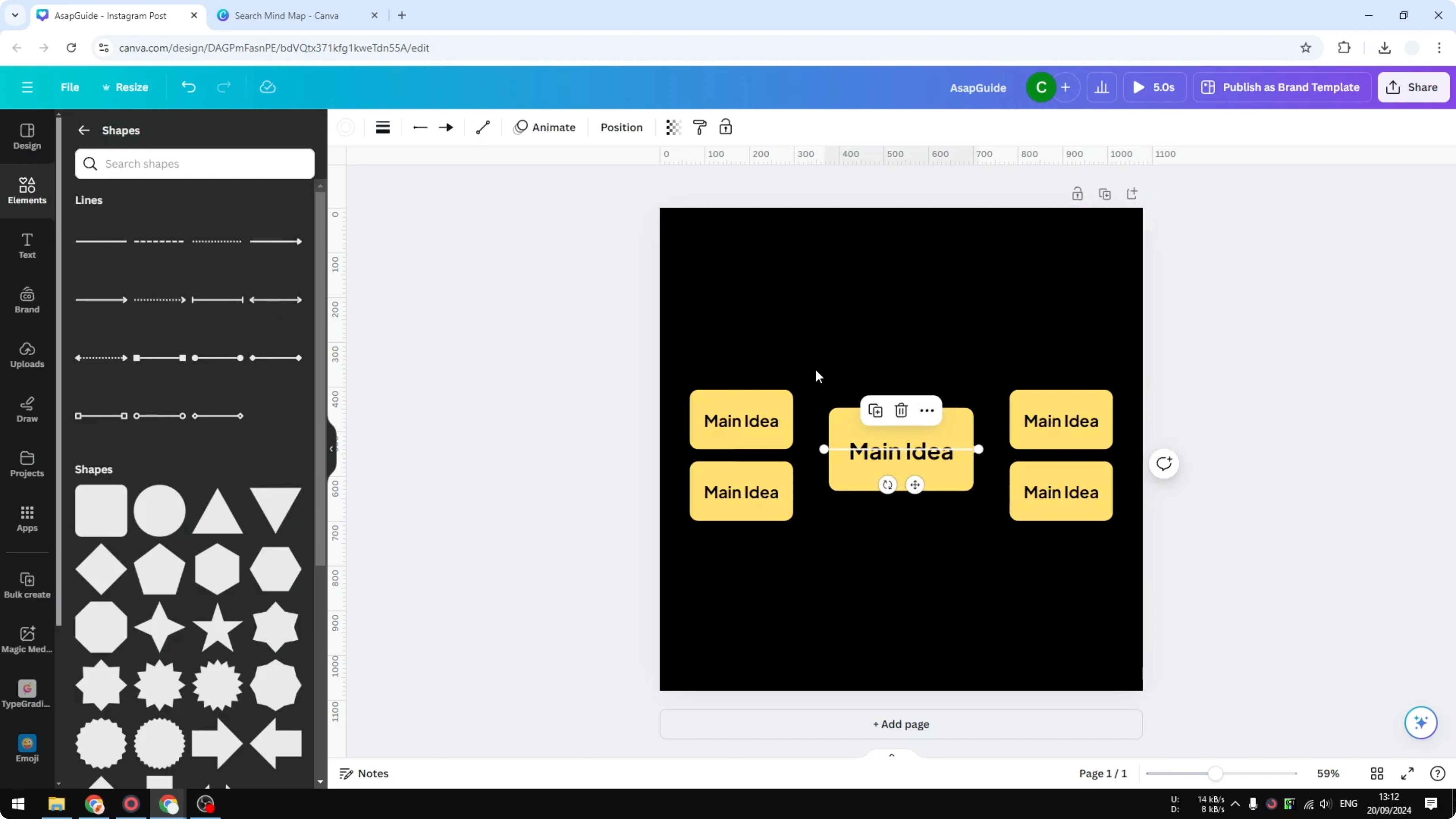
Set the color, adjust the line style if you need to, and pick the arrow type you like. I stick with the default arrow and connect each smaller idea to the main idea.
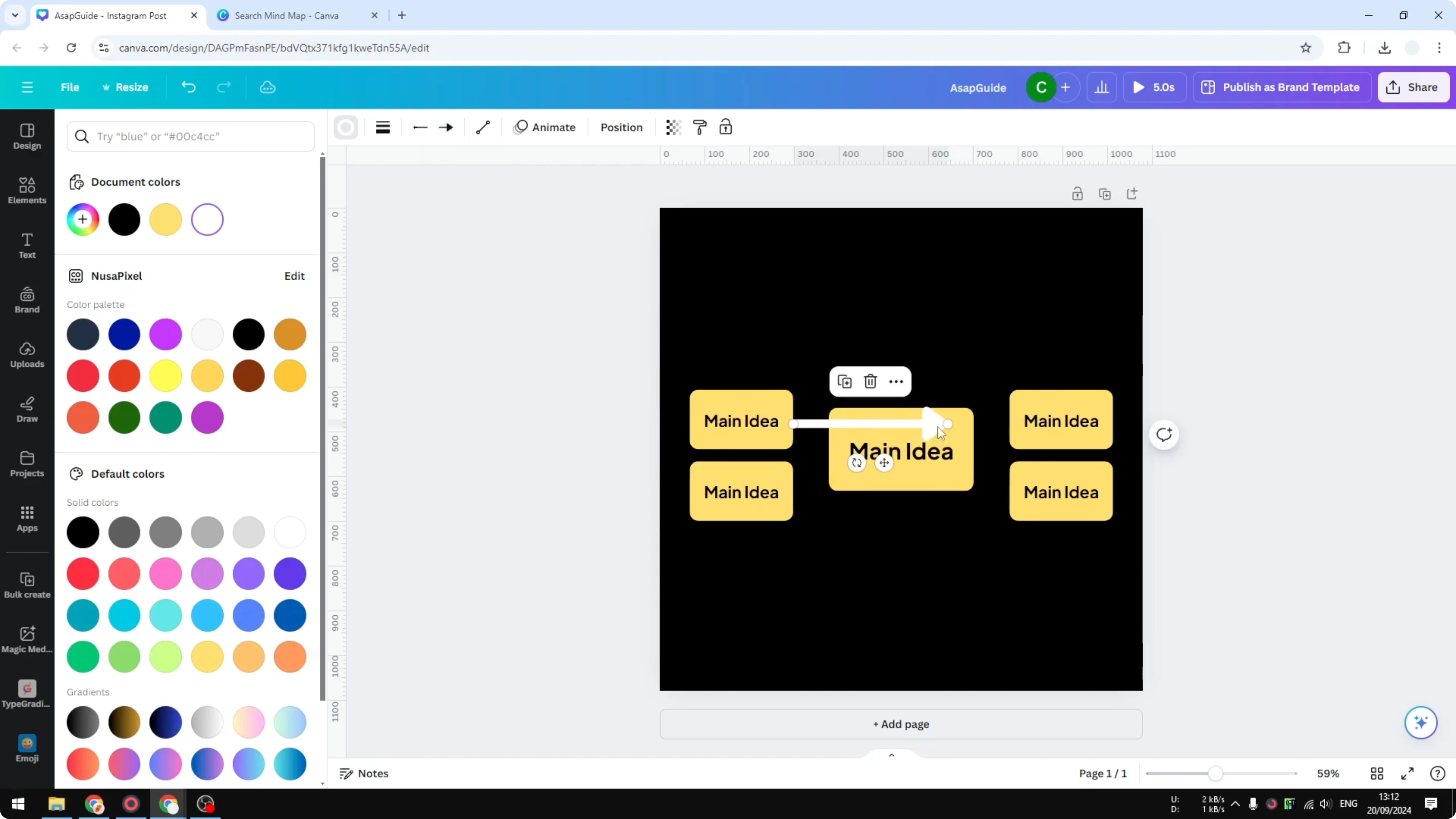
You can duplicate arrows for speed. Rotate them as needed and place them so they point cleanly from the center to each idea.
Create a Mind Map in Canva: Color Tweaks
Change colors to add contrast and make it more colorful. Use one color for the center and variations for branches to keep things readable.
Do a quick pass to align items and even out spacing. It might not be perfect, but this gives you the fundamental structure.
Final Thoughts
Templates are fast and flexible, and building from scratch gives you full control. Use simple shapes, a clear heading, grouped elements, and clean arrows.
Keep the main idea bold, the branches smaller, and the layout tidy. That is the core of creating a mind map in Canva.
Recent Posts
How to Visualize Yourself as a Pixelized Character with AI?
How to Visualize Yourself as a Pixelized Character with AI?
How to Revive Faded Memories and Enhance Image Clarity with AI?
How to Revive Faded Memories and Enhance Image Clarity with AI?
How to Visualize Yourself as an Animal Crossing Character with AI?
How to Visualize Yourself as an Animal Crossing Character with AI?