How to Create Balloon Text Effect in Canva
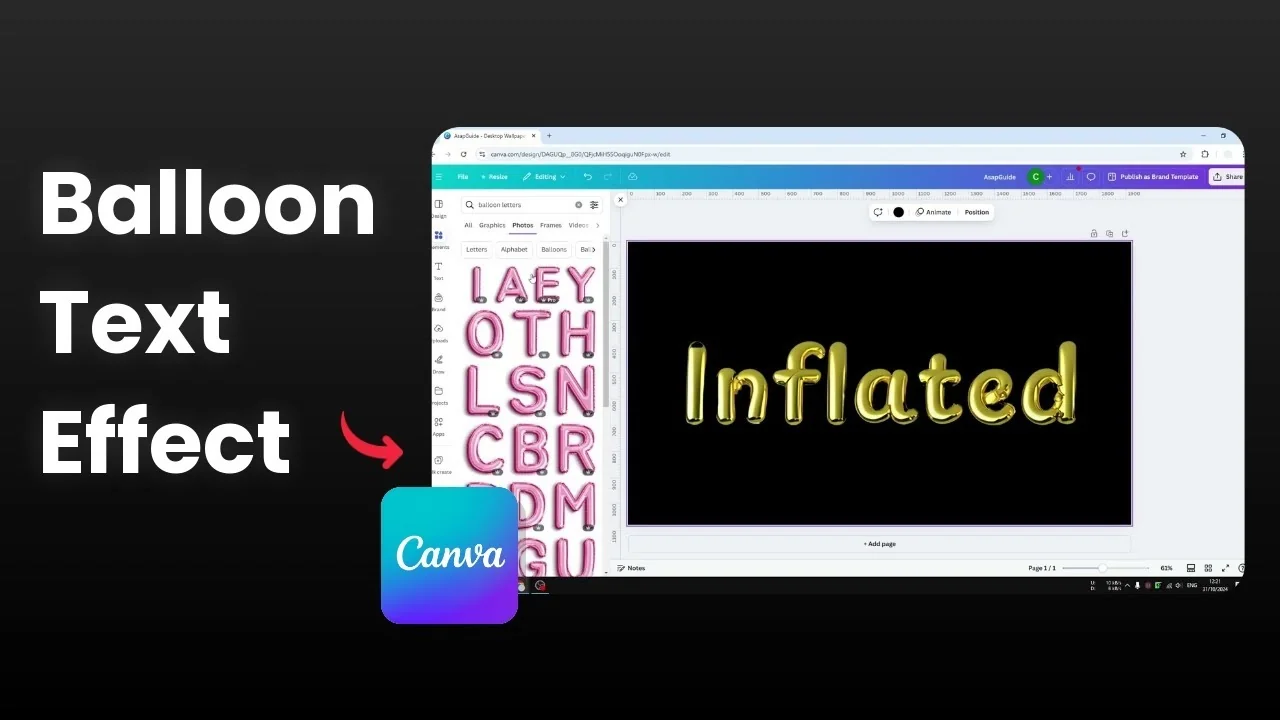
I’m going to show you how to create a balloon text effect in Canva. It isn’t difficult, and you can do it with two methods. The first doesn’t involve any app, and the second is easier and faster with a few caveats.
I recommend the second method for speed, and it’s what I used to create my example. If you prefer full manual control and don’t mind spending a little extra time, the first method works well too.
Create Balloon Text Effect in Canva
Manual method
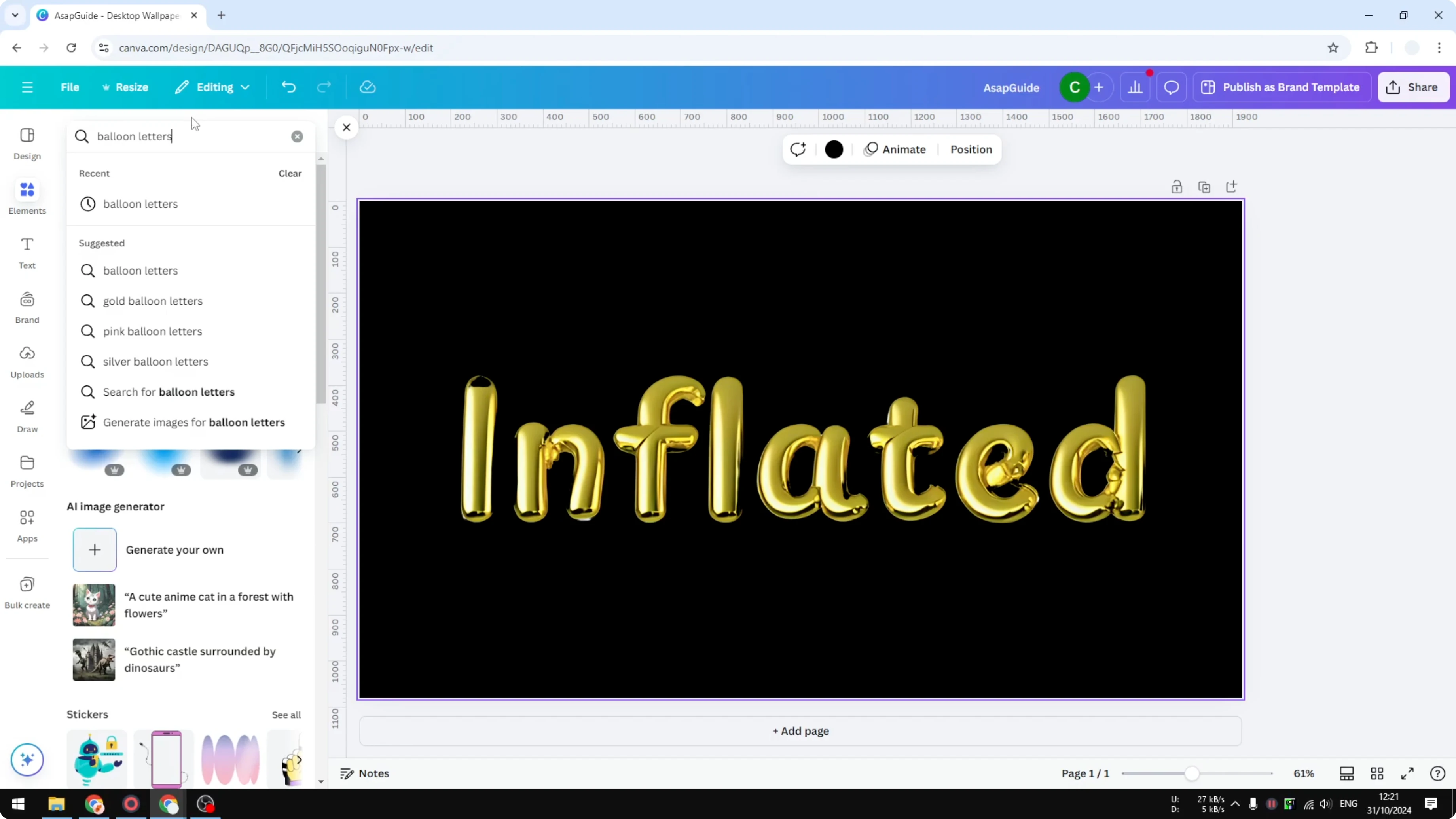
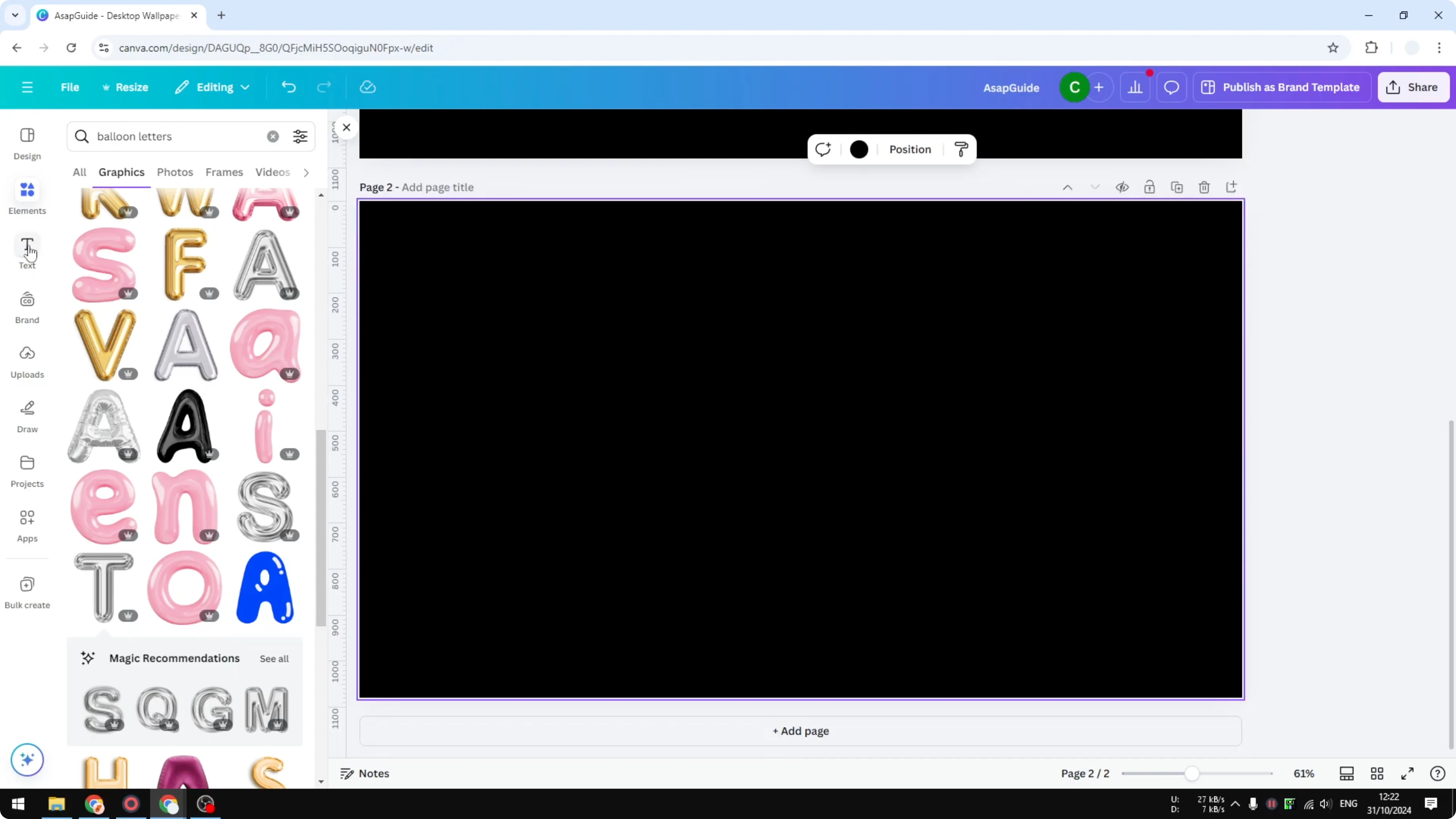
Go to the Elements section and search for balloon text or balloon letters. Letters is the better keyword.
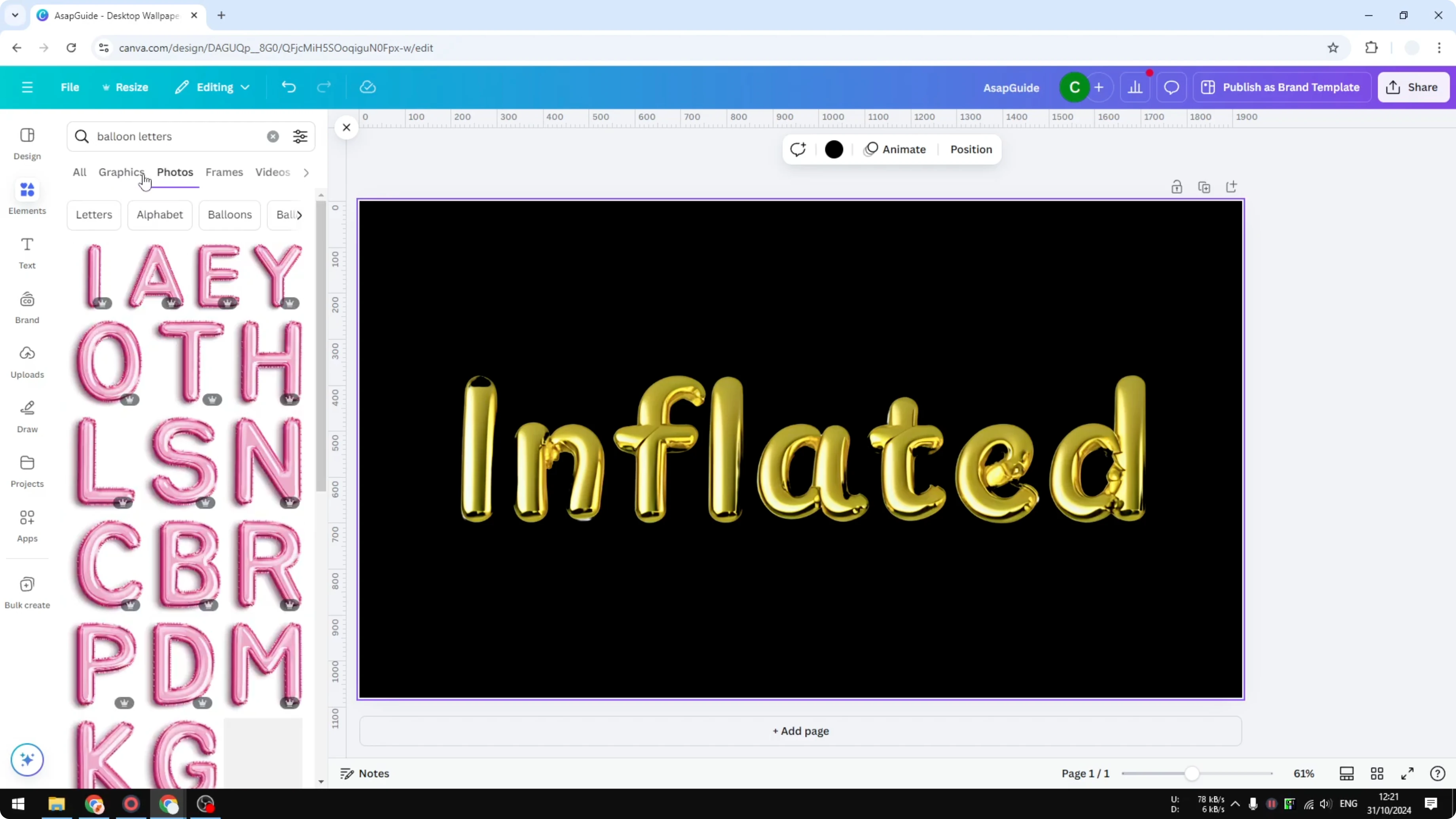
Open the Graphics and Photos tabs to see lots of letter options. Pick the letters you need.
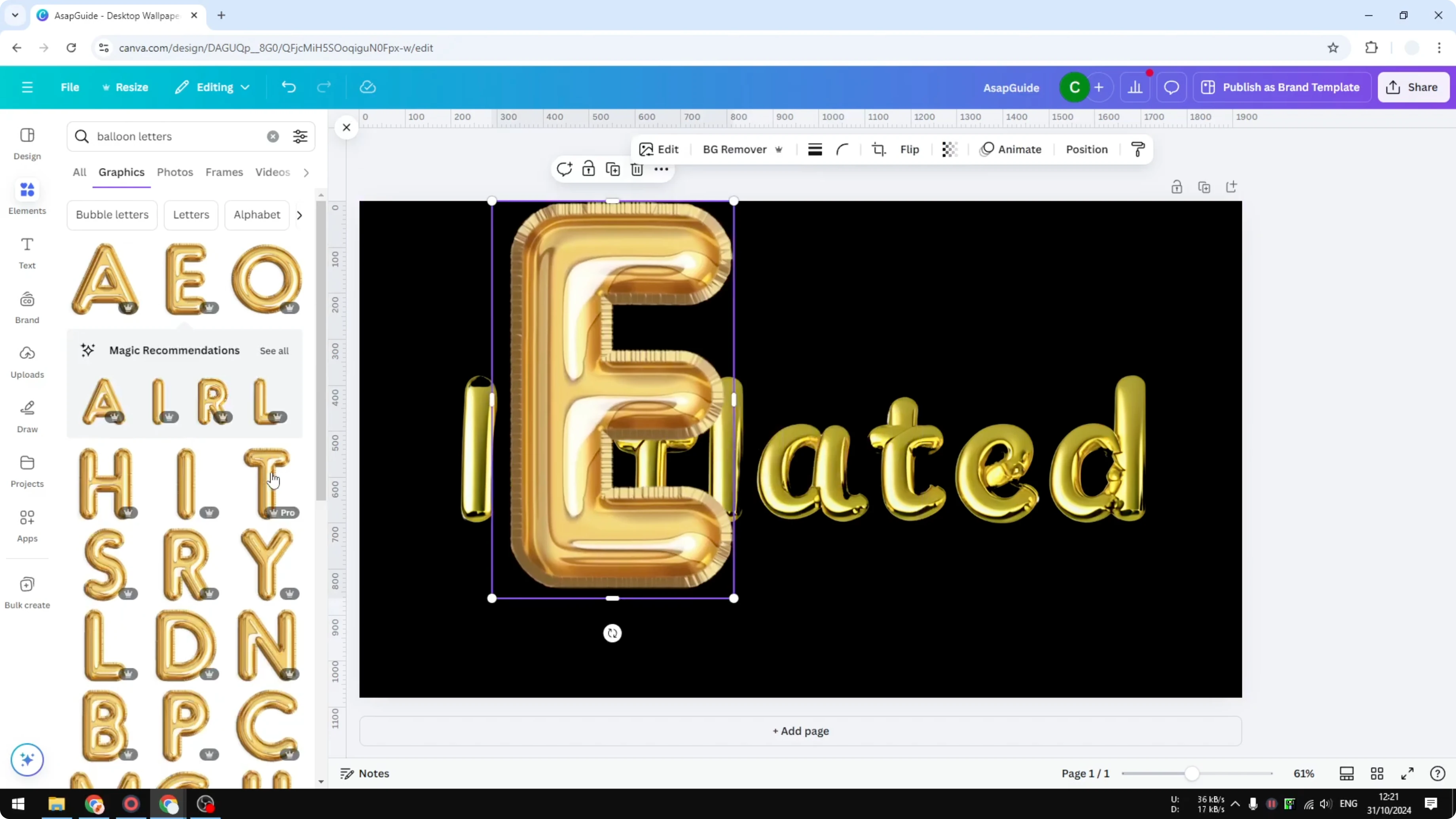
Place the first letter, then add the second letter, and keep adding letters to form your word. This isn’t difficult, but it gets time-consuming for longer text.
If you’re exploring other stylized typography, you might also like an echo text effect in Canva for layered depth.
Faster method with Magic Mark
I’m going to add a new page and insert a word like CBE. I change the font to match my design and make it bigger.
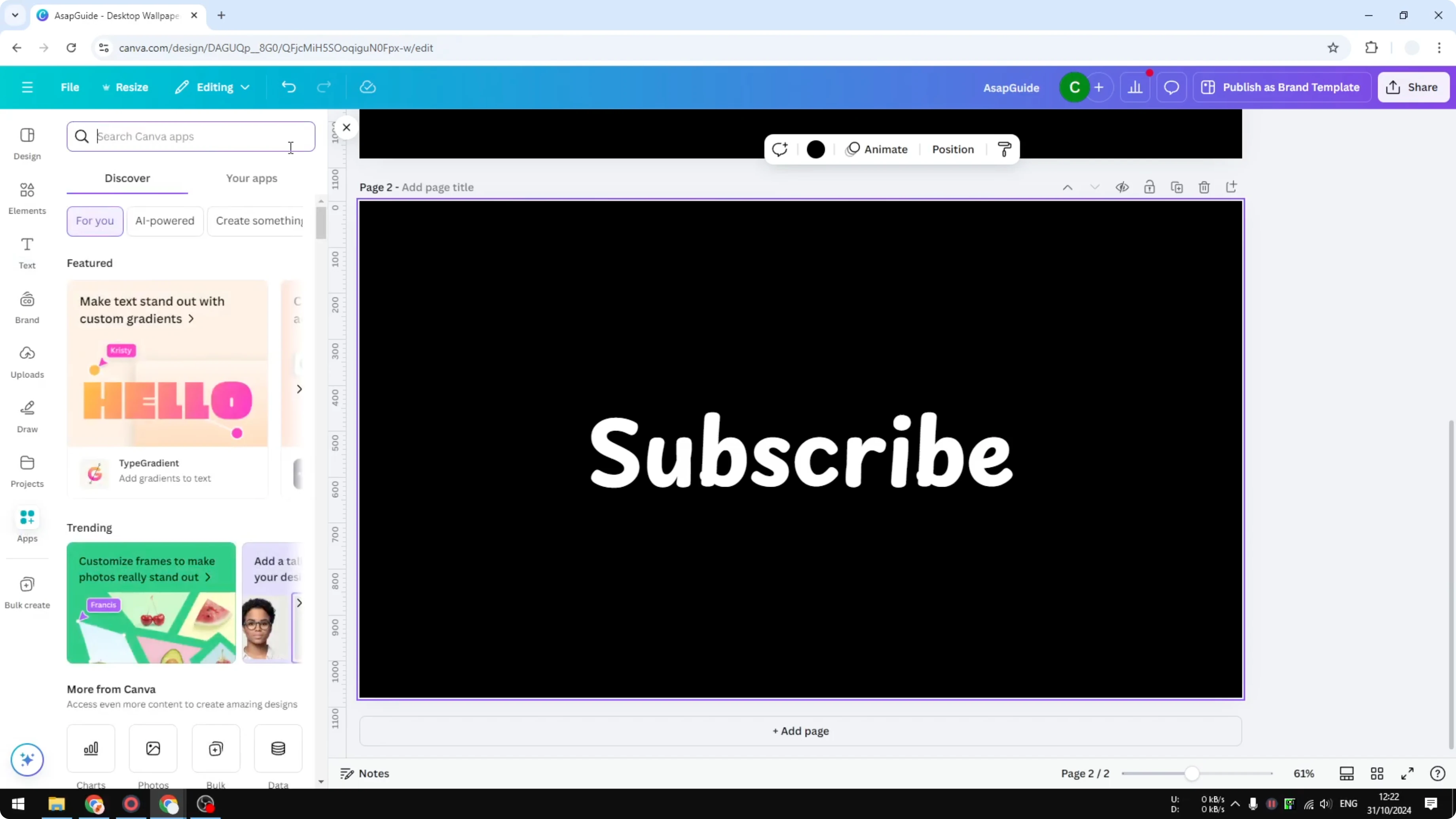
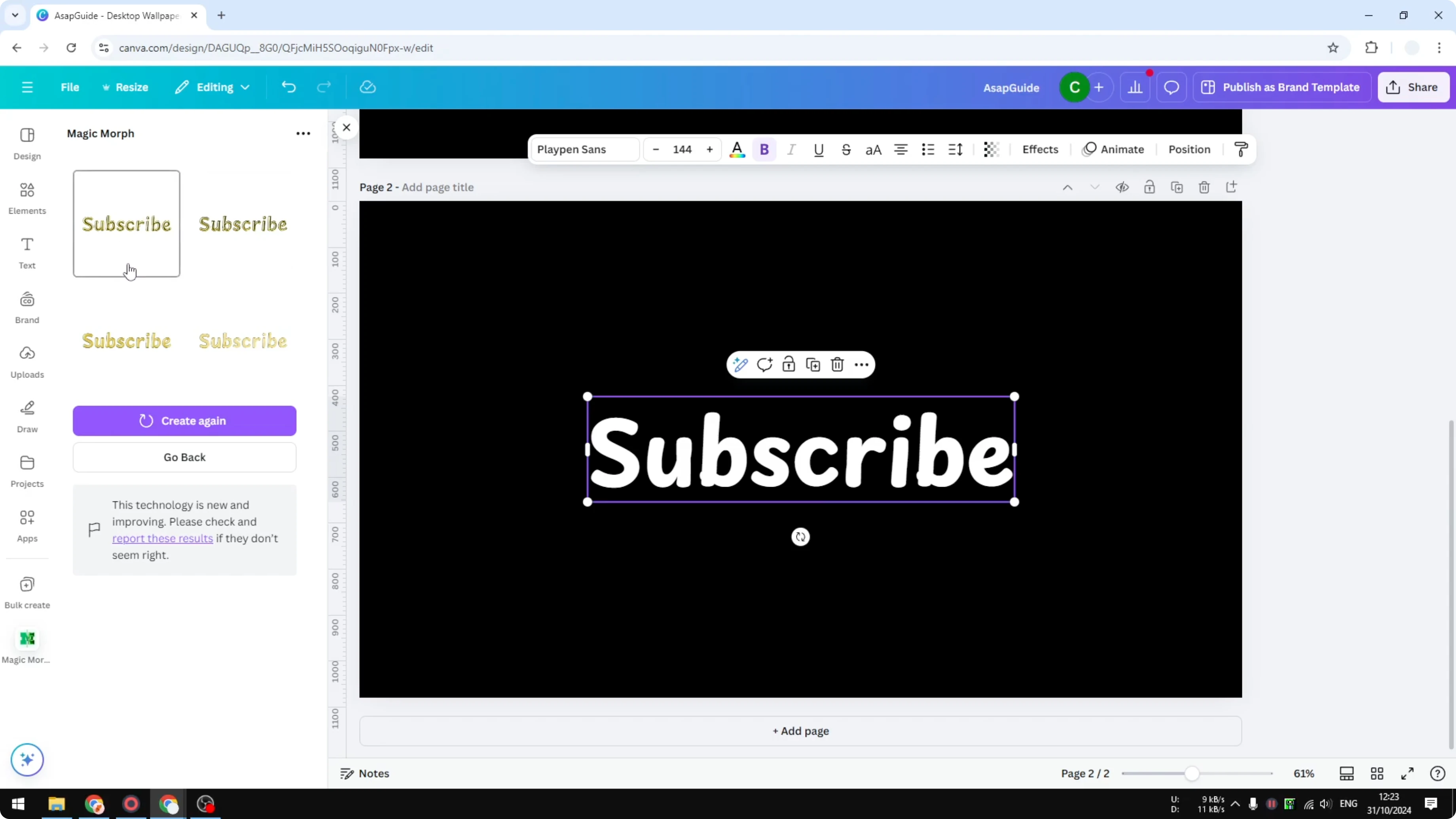
Open the Apps section and search for Magic Mark. This app is created by Canva, so open it.
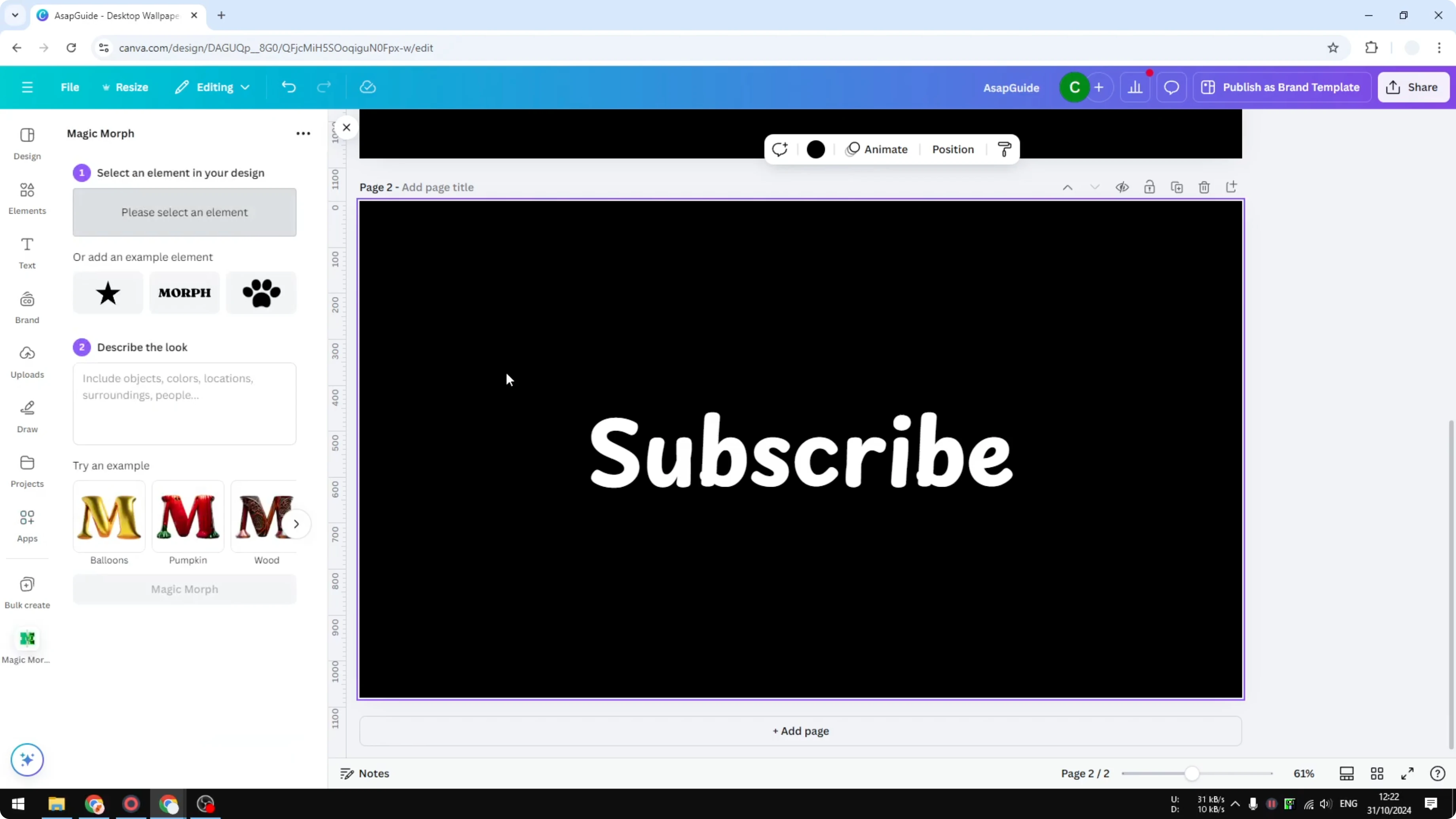
Click the text box you want to style. Describe the style you want, or pick a template from the app.
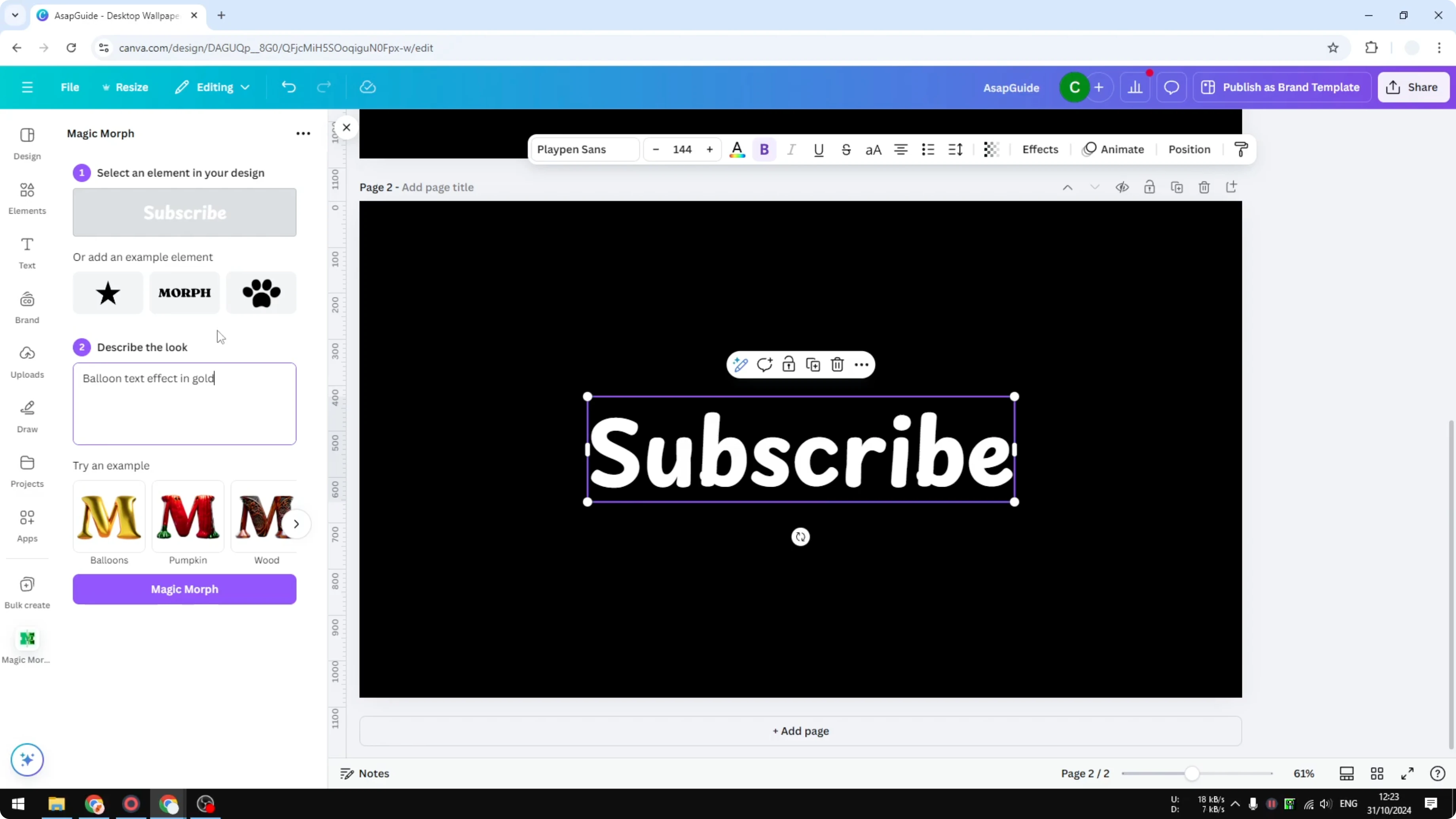
I write the prompt: balloon text effect in gold. With the text box selected, click Magic Mark.
The AI generates four different images you can choose from. It usually takes a few seconds, often less than 20 seconds.
Click any result to insert it into your design. This approach is faster and very useful when you have multiple text boxes or a long string of text you want to style consistently.
For a softer aesthetic after you apply the effect, see how to create a faded text effect that pairs well with metallic balloon lettering.
Final thoughts
Both methods work well to create a balloon text effect in Canva. The manual route gives you more granular placement, while Magic Mark speeds up the process and gives you multiple looks to pick from.
If you want an edgier style after trying balloons, take a look at this glitch text effect tutorial.
Recent Posts

How to Visualize Yourself as a Pixelized Character with AI?
How to Visualize Yourself as a Pixelized Character with AI?

How to Revive Faded Memories and Enhance Image Clarity with AI?
How to Revive Faded Memories and Enhance Image Clarity with AI?

How to Visualize Yourself as an Animal Crossing Character with AI?
How to Visualize Yourself as an Animal Crossing Character with AI?