How to Create 3D Cube in Canva
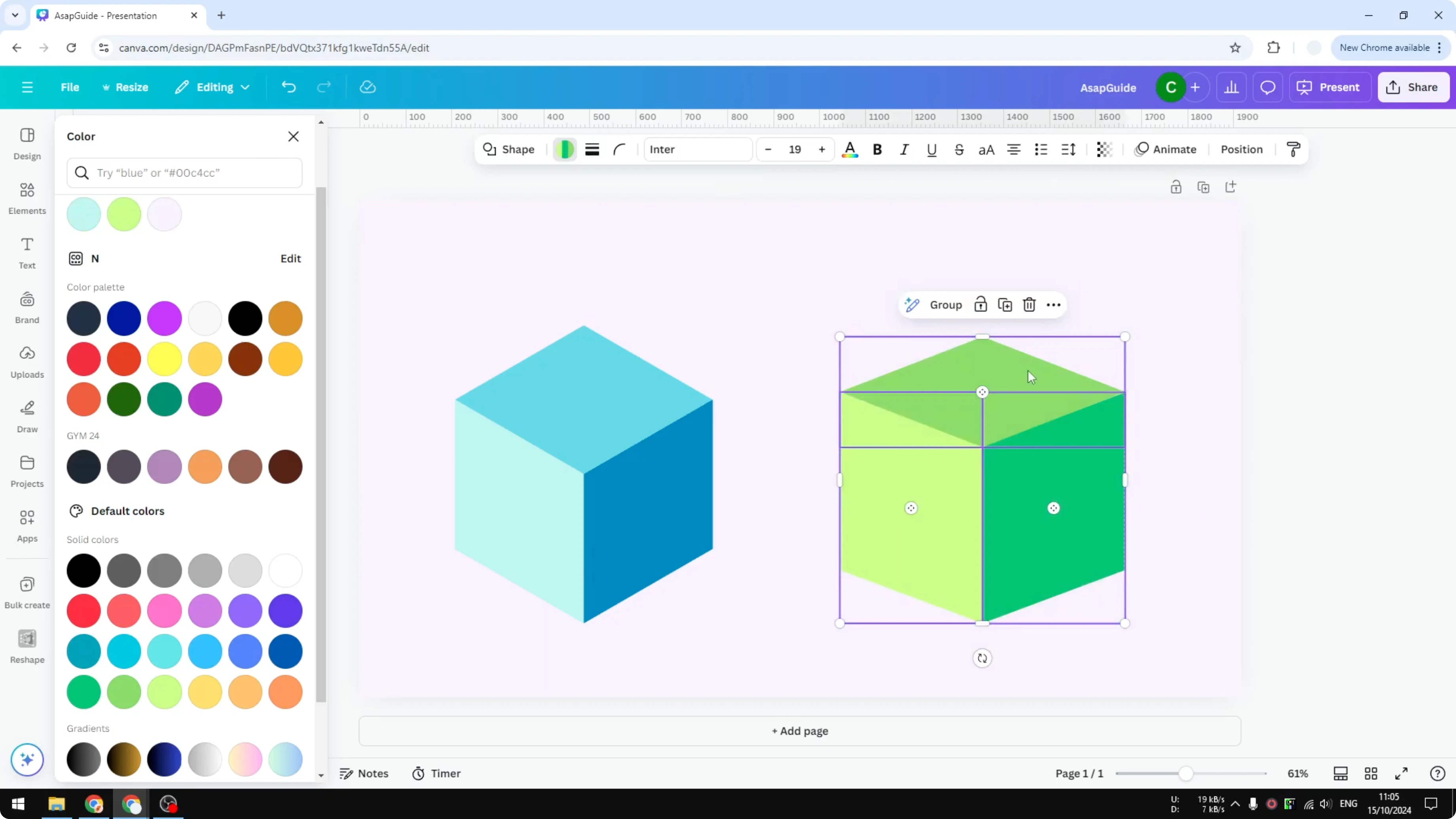
I’m going to show you a simple way to build a 3D looking cube in Canva using just 2D elements. In Canva you cannot draw a 3D object the way you can in Blender or other 3D software. This method arranges a few flat shapes so they read as a cube.
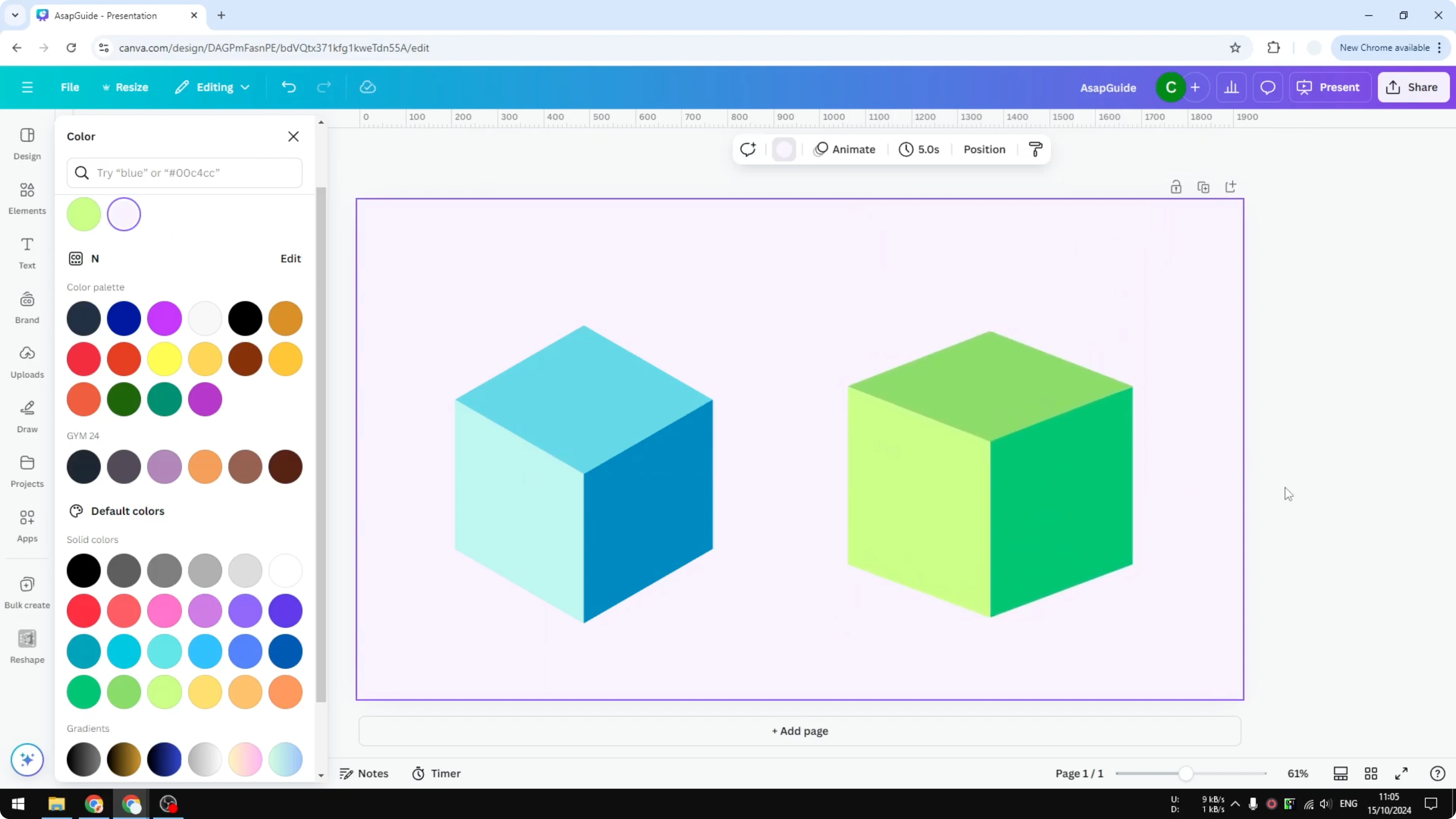
The cube shown at the start is not true 3D. It comes from the Canva library. You can go to Elements, search for Cube, and in Graphics you will find many cubes you can customize, but I’m going to build my own cube using basic shapes.
If you want another quick depth trick after this, try a practical 3D book cover tutorial to apply the same idea to covers and mockups.
Create 3D Cube in Canva: Start with shapes
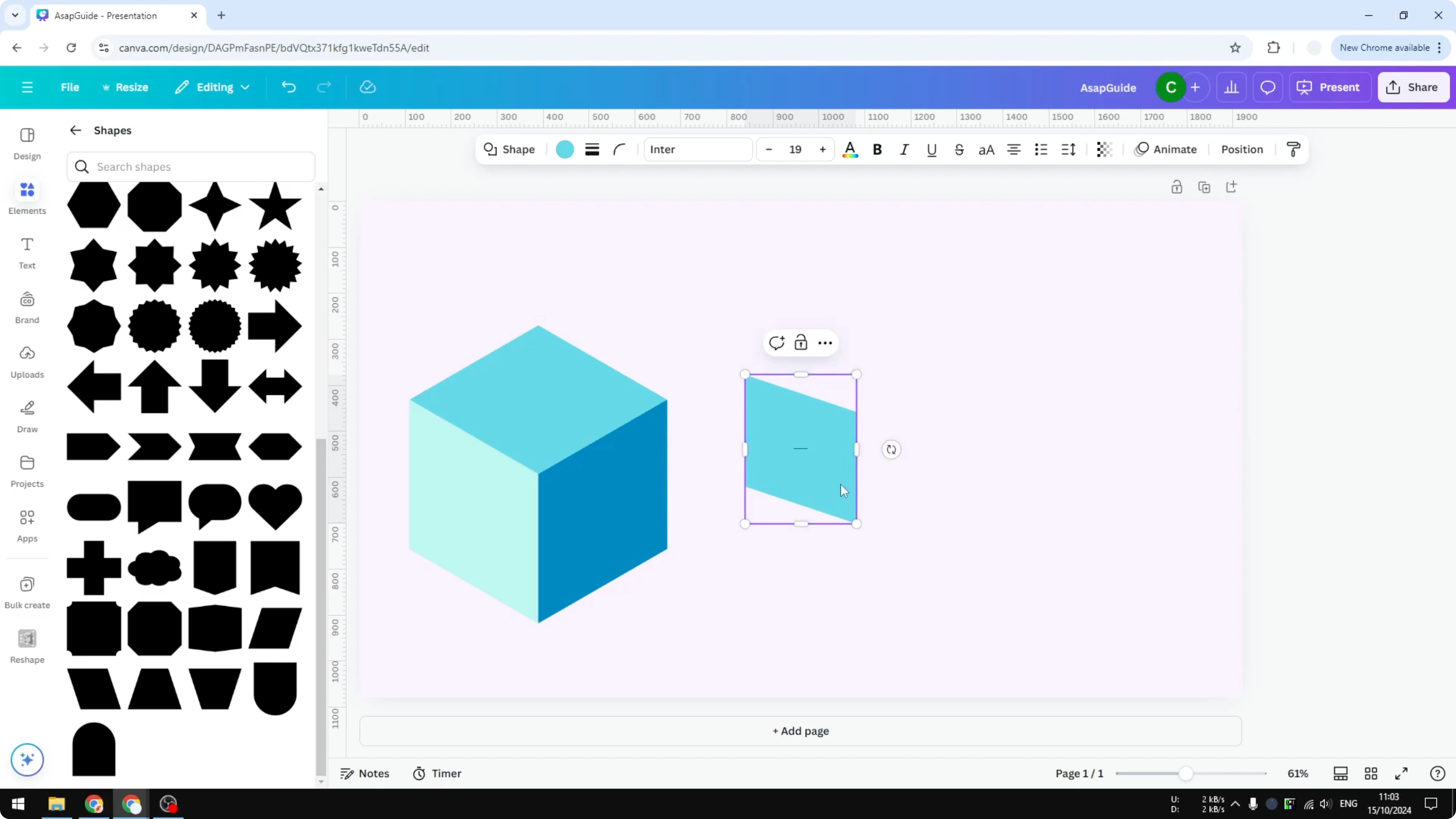
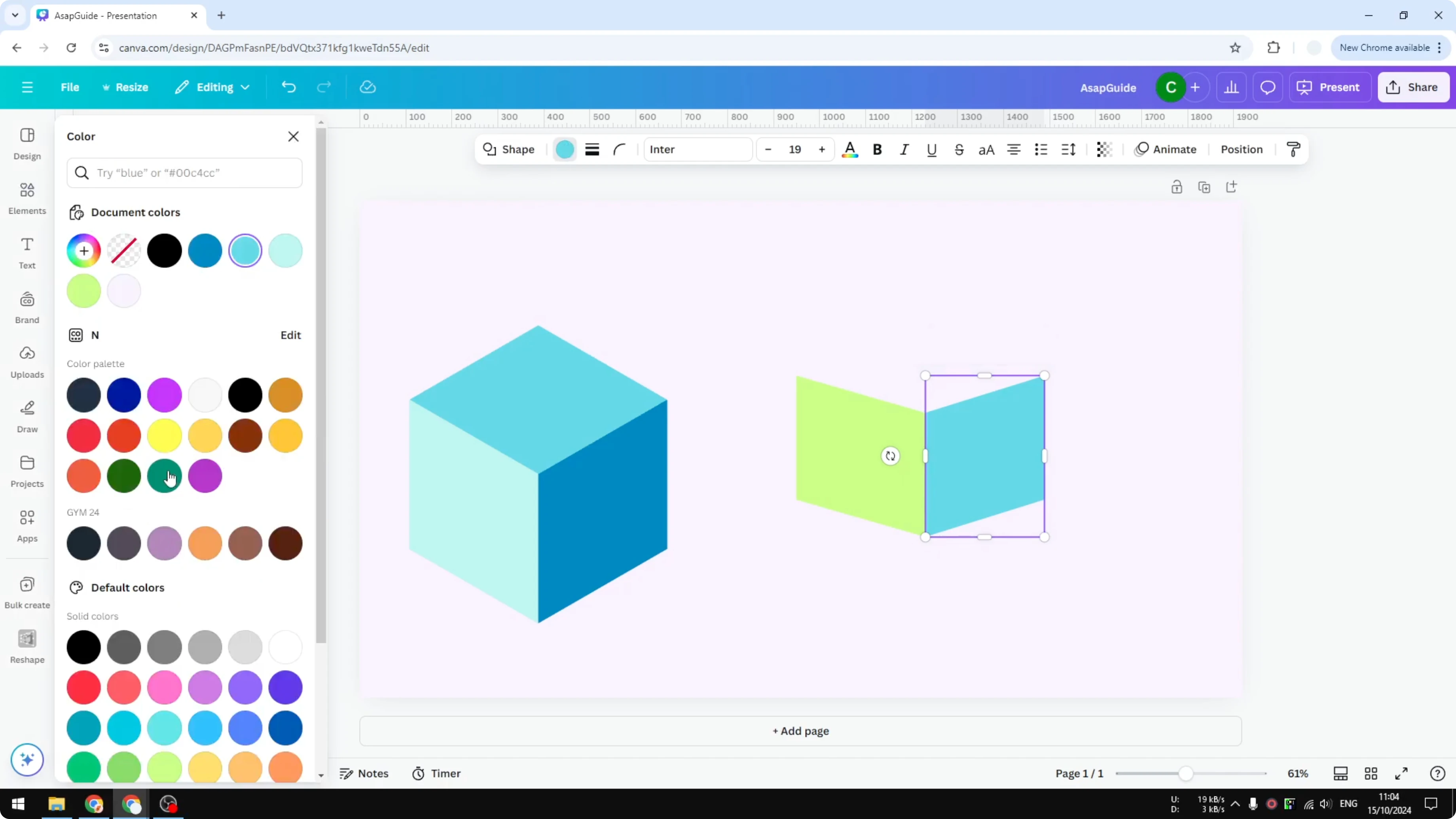
Open Elements and go to Shapes. Insert the first shape for the side of the cube. I forgot the exact name, but you can recognize it by the way it looks like one face of a cube.
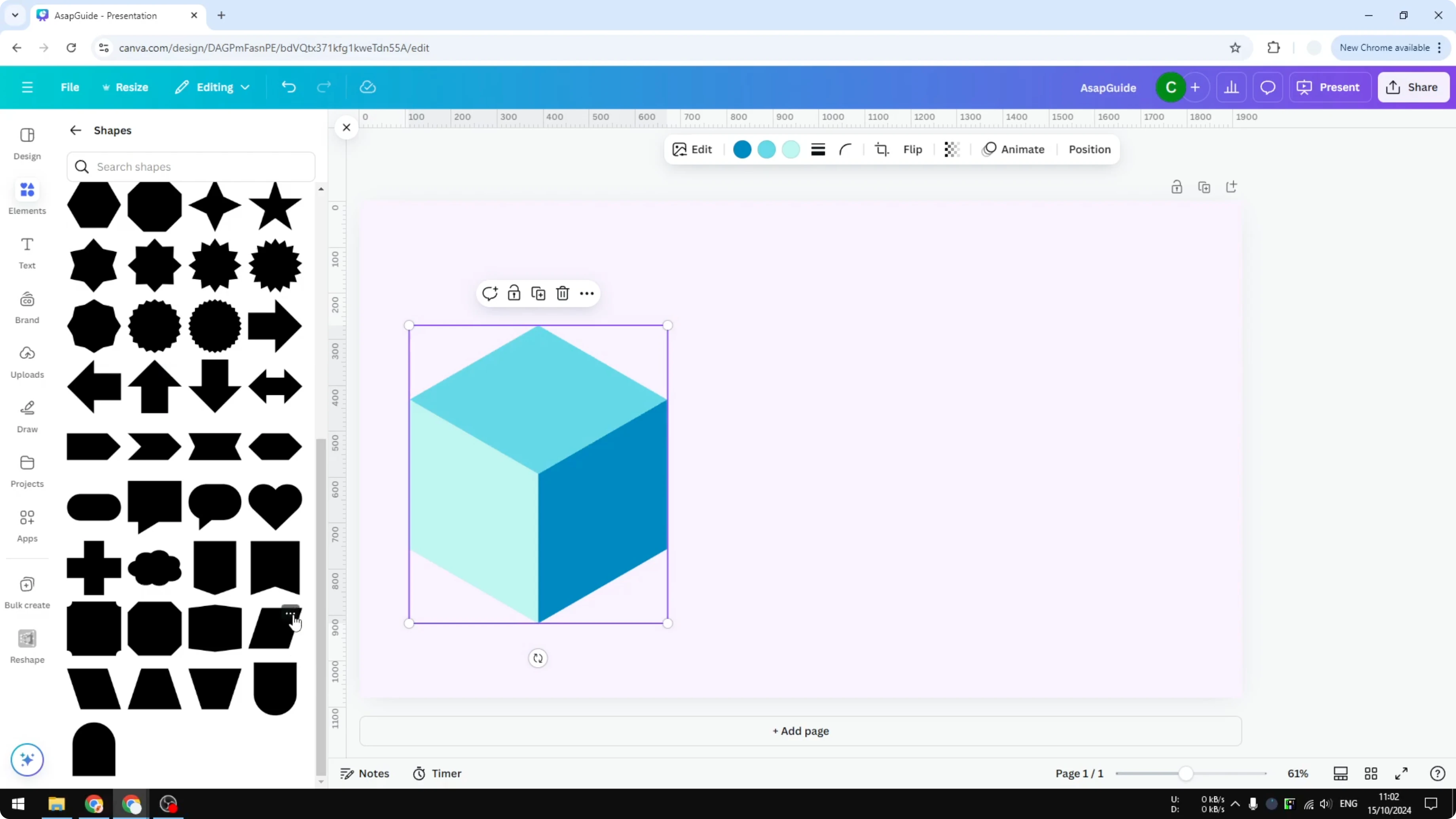
Rotate it 90 degrees to the left. Change the color to green. It looks very similar to the side of the library cube, even if the angle is a bit different.
Create 3D Cube in Canva: Add the second side
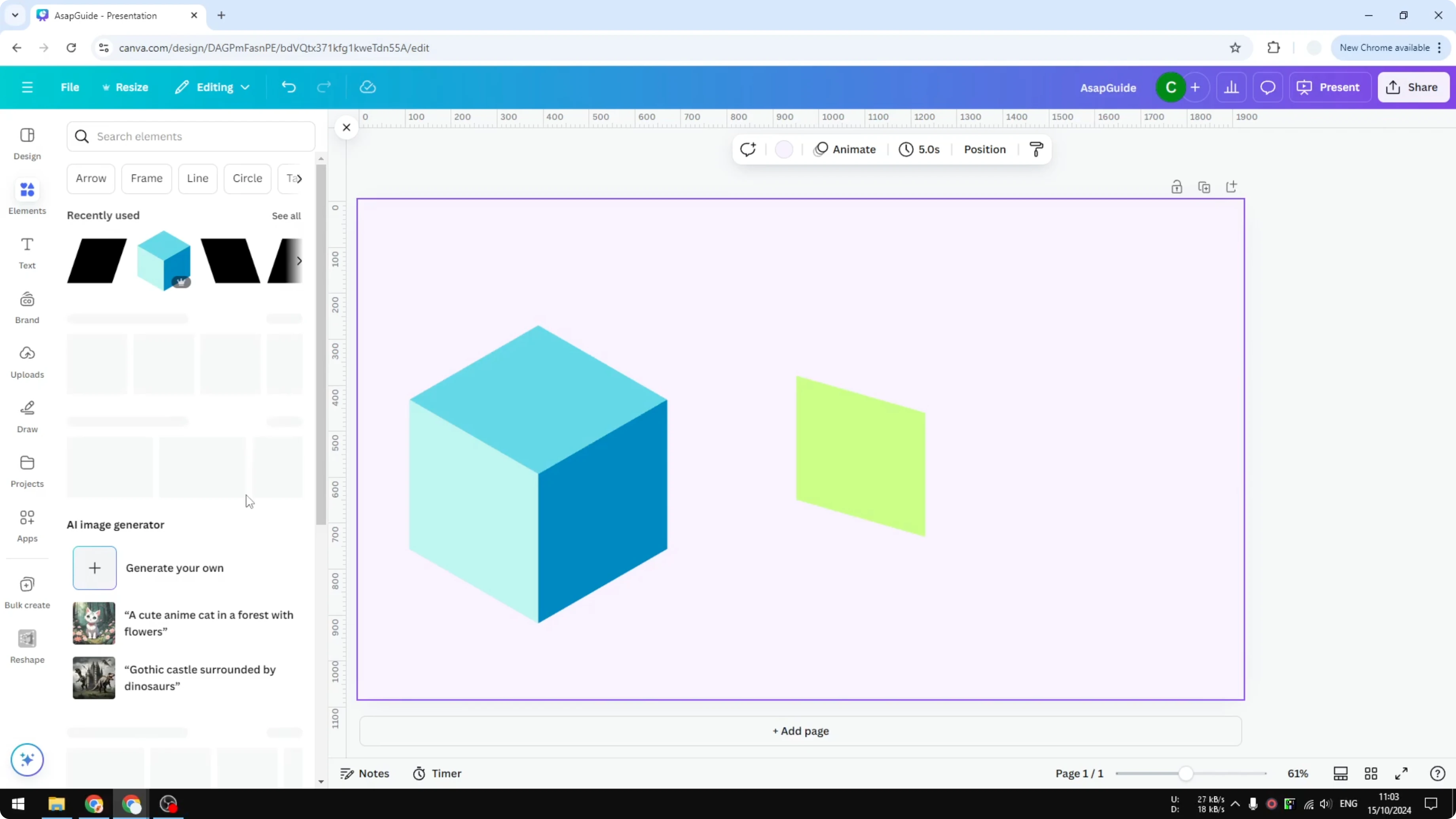
Insert the next shape for the opposite side. Rotate it 90 degrees to the right and make it similar in size to the first one. Change the color to a darker green to separate the faces.
If you want dimensional lettering to match your cube, try a playful balloon text effect in Canva and keep the same color palette.
Create 3D Cube in Canva: Add the top face
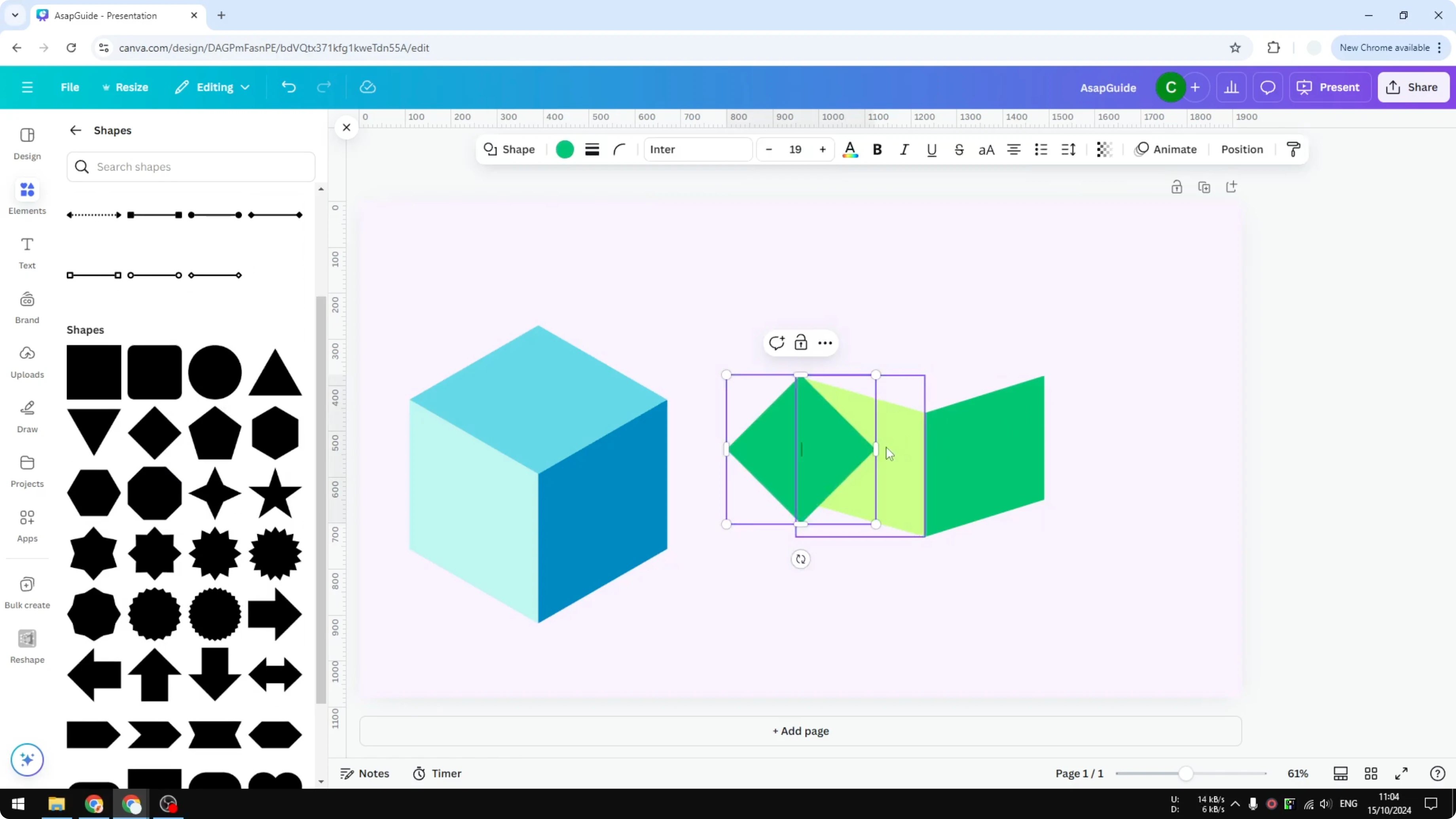
Insert the diamond shape and place it on top of the two side shapes. Change its color to green and make it wider so it covers the entire top. Adjust the sizes so the edges align and the proportions feel right.
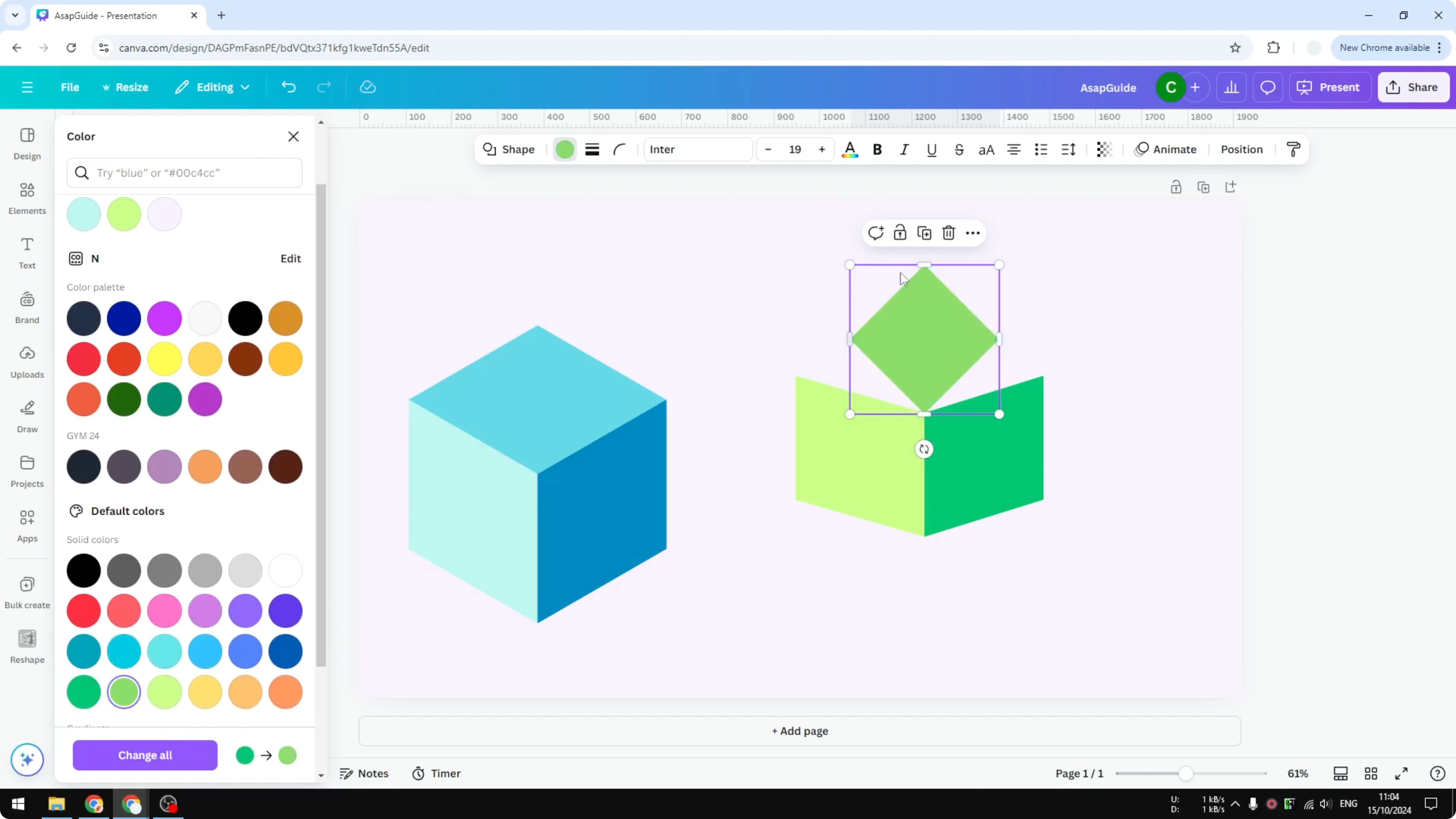
If the shapes do not match perfectly at first, resize and nudge them until the angles read as a single object. Make the grouped result smaller once you are happy with the proportions. The assembled result looks like a cube even though it is built from flat shapes.
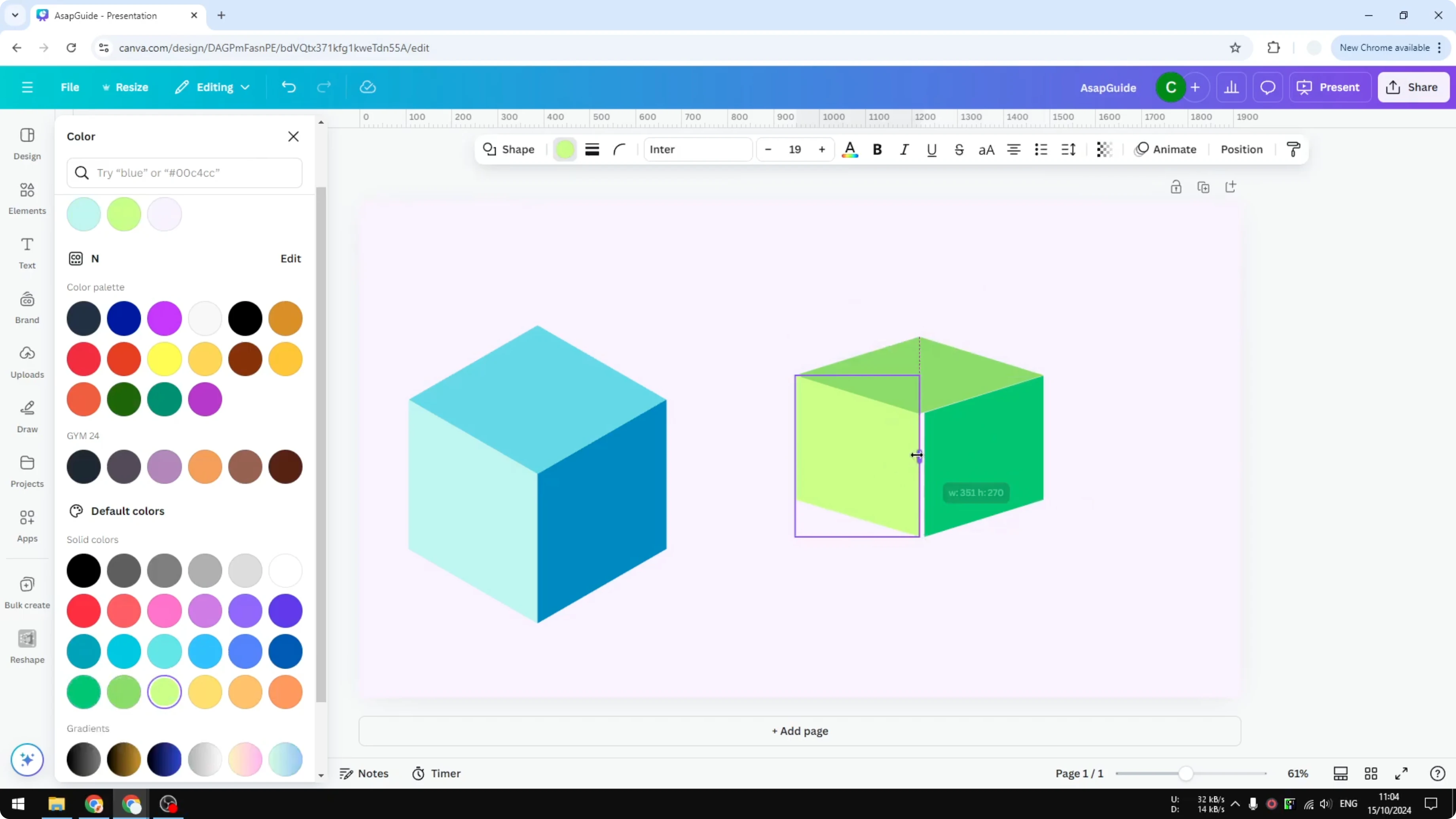
Create 3D Cube in Canva: Finish and group
Select all three shapes and group them. This lets you move and scale the cube easily as one object. You can duplicate the group to build a row of cubes or create simple isometric patterns.
For a soft background that adds depth to your scene, you can create a bokeh effect and place your cube on top for contrast.
Final thoughts
This approach uses three basic shapes and simple rotations to fake depth. Build the two sides first, then cap them with a diamond on top, color each face, and group. That is how you can draw your own 3D cube in Canva with clean, editable pieces.
Recent Posts

How to Visualize Yourself as a Pixelized Character with AI?
How to Visualize Yourself as a Pixelized Character with AI?

How to Revive Faded Memories and Enhance Image Clarity with AI?
How to Revive Faded Memories and Enhance Image Clarity with AI?

How to Visualize Yourself as an Animal Crossing Character with AI?
How to Visualize Yourself as an Animal Crossing Character with AI?