How to Create Glitter Letters in Canva
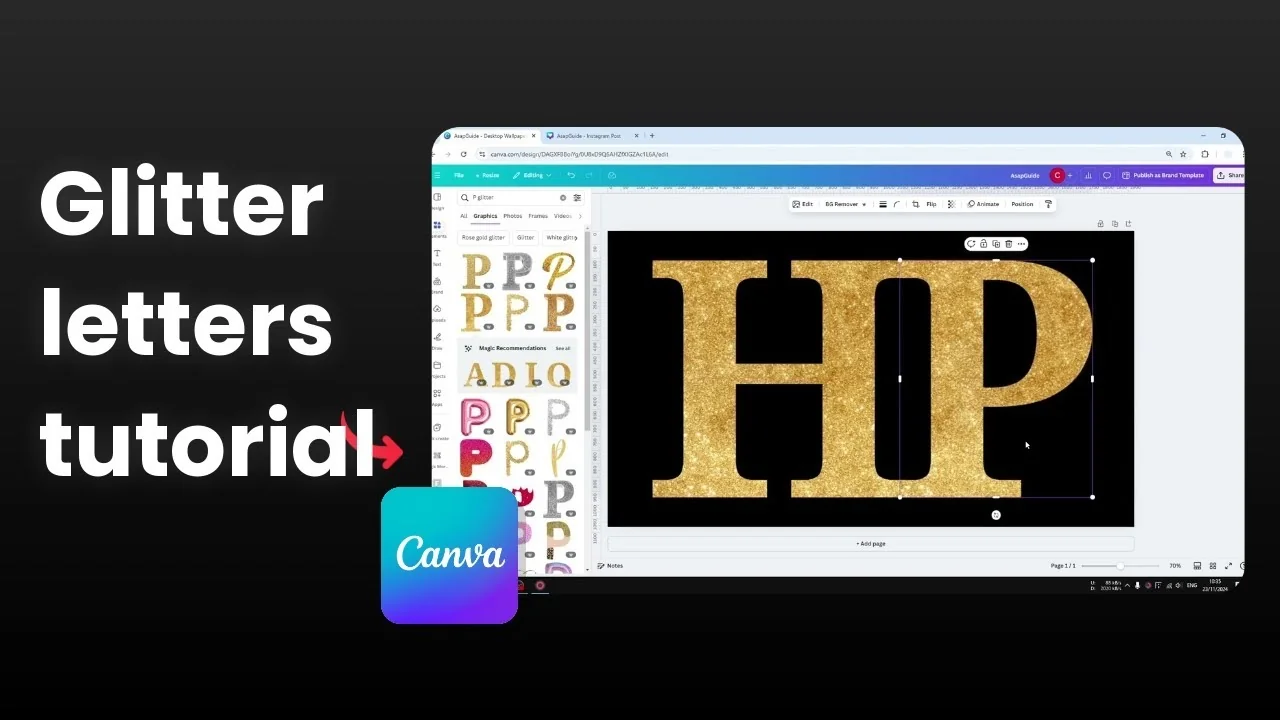
I’m going to show you how to create glitter letters in Canva, using two methods. The first fills letter-shaped frames with glitter textures. The second uses ready-made glitter letter graphics in Elements.
Both methods are quick, and you can mix colors or keep a single style across your whole word. Pick the one that gives you the control you need.
Create Glitter Letters in Canva: Frames
Frames are placeholders for photos or video, and some of them are shaped like letters. I use them to fill text with a glitter texture.
Go to Elements.
Search for "frame letter".
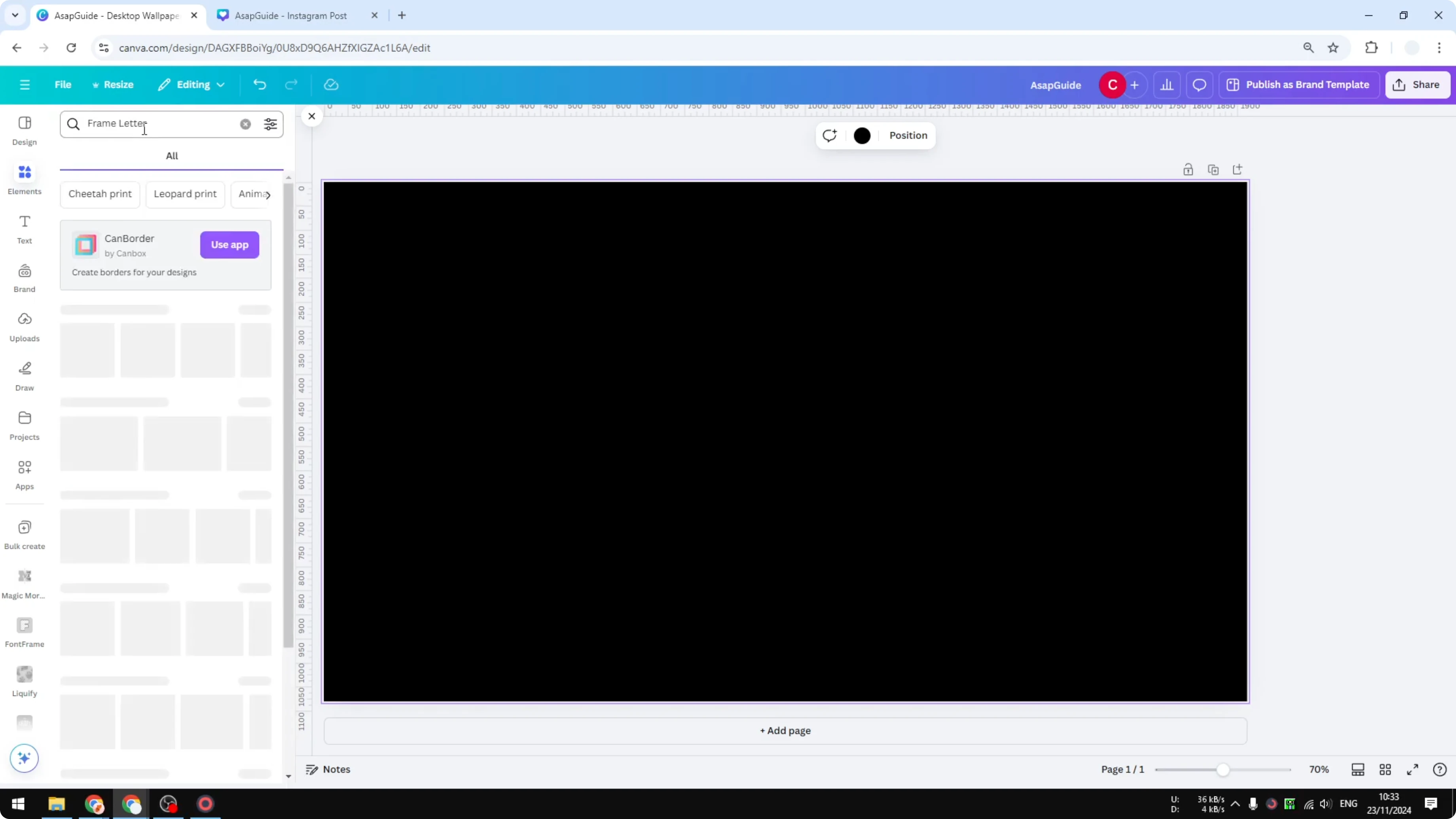
Click "See all" under Frames to reveal the alphabet.
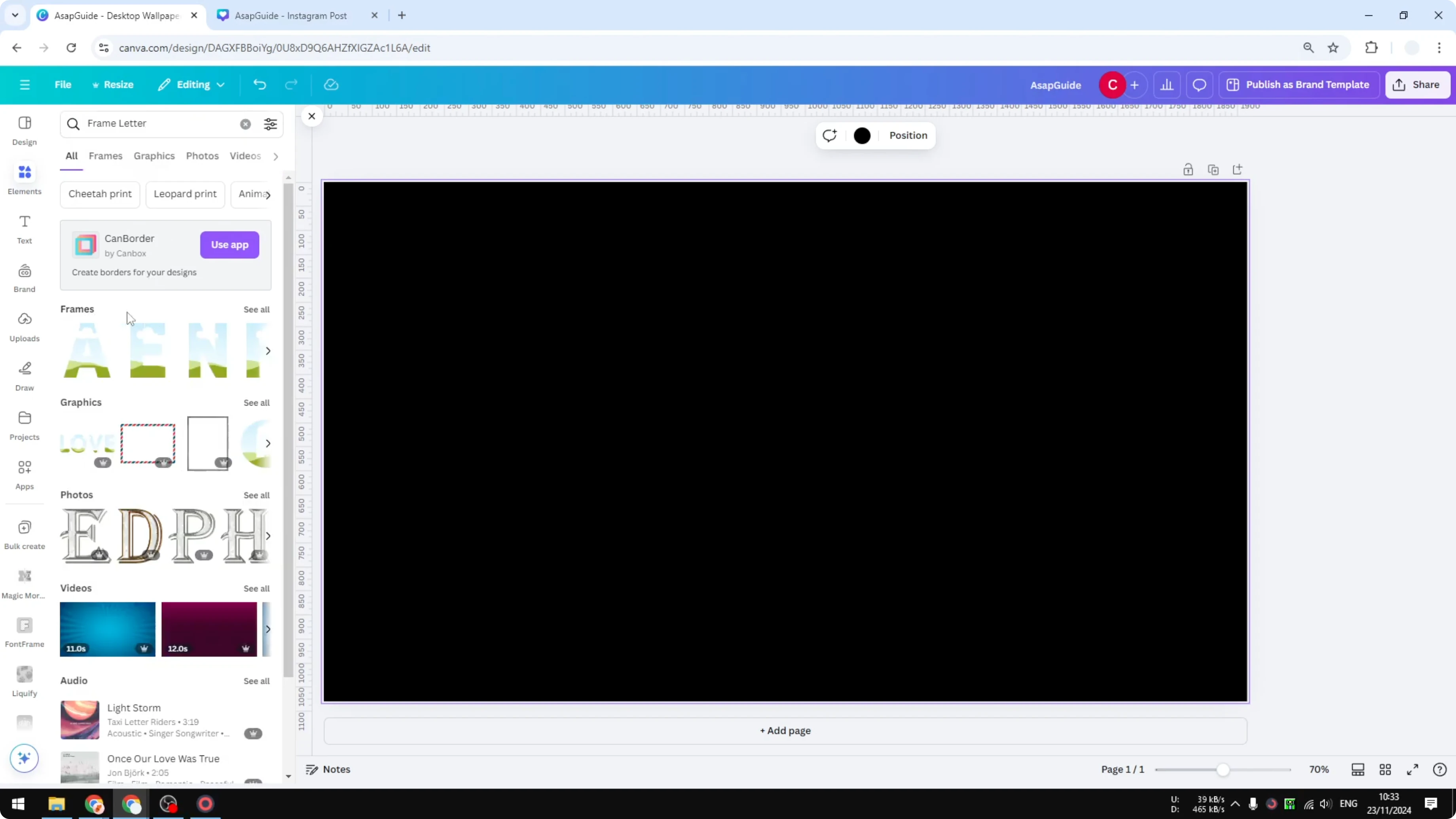
Add the letters you need, like A, B, and C.
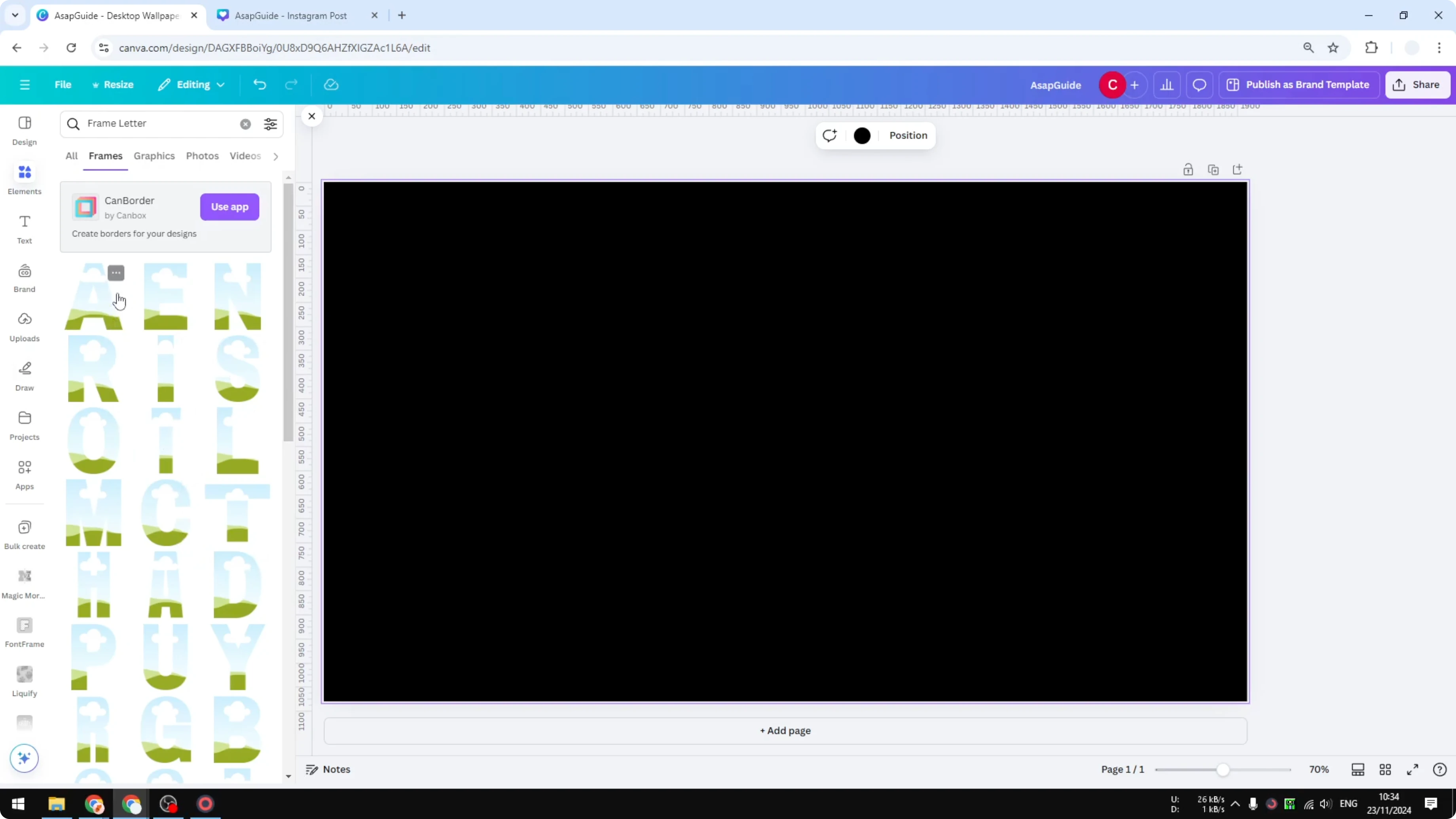
Search for "glitter texture".
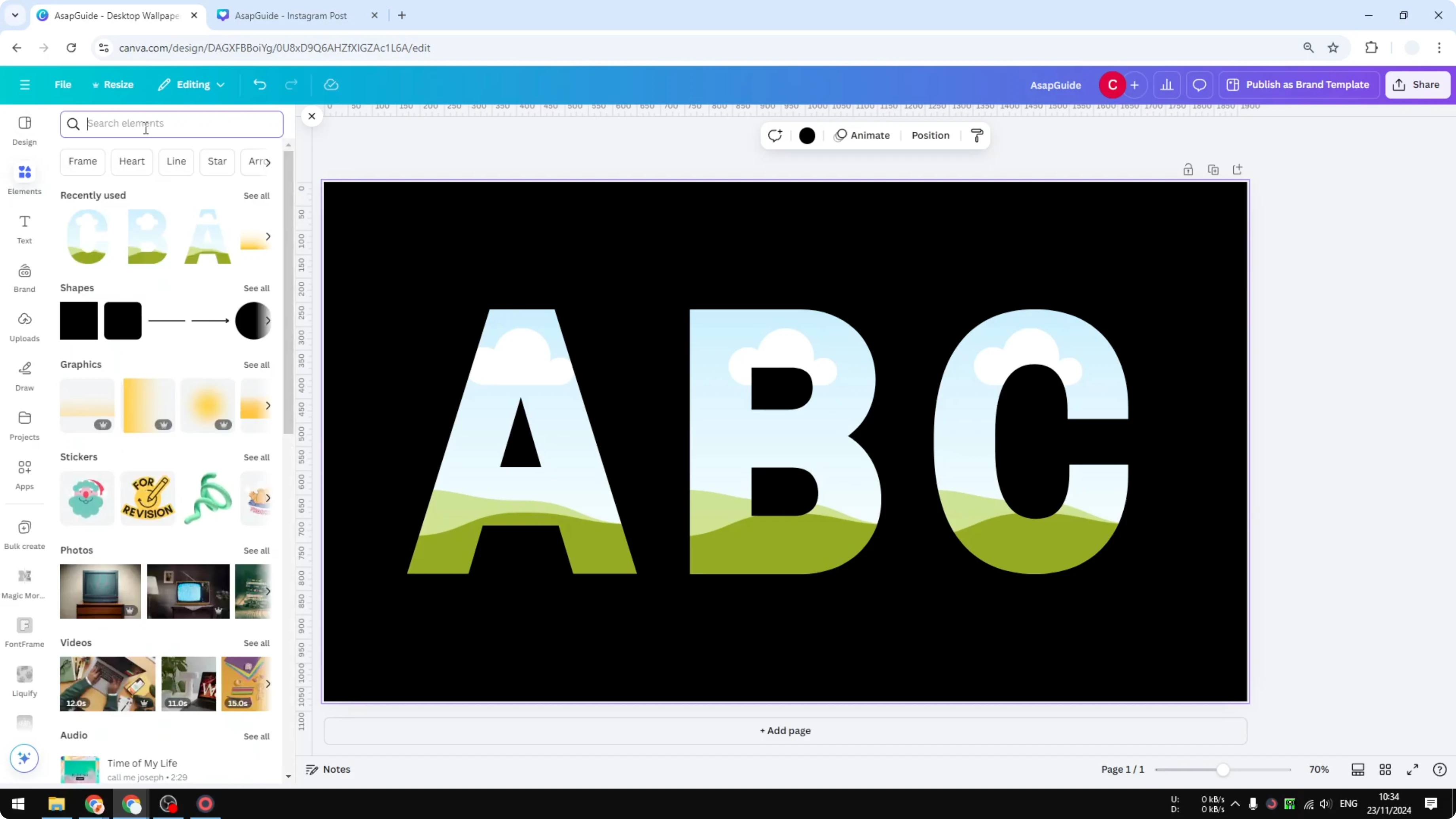
Switch to the Photos tab for the best results.
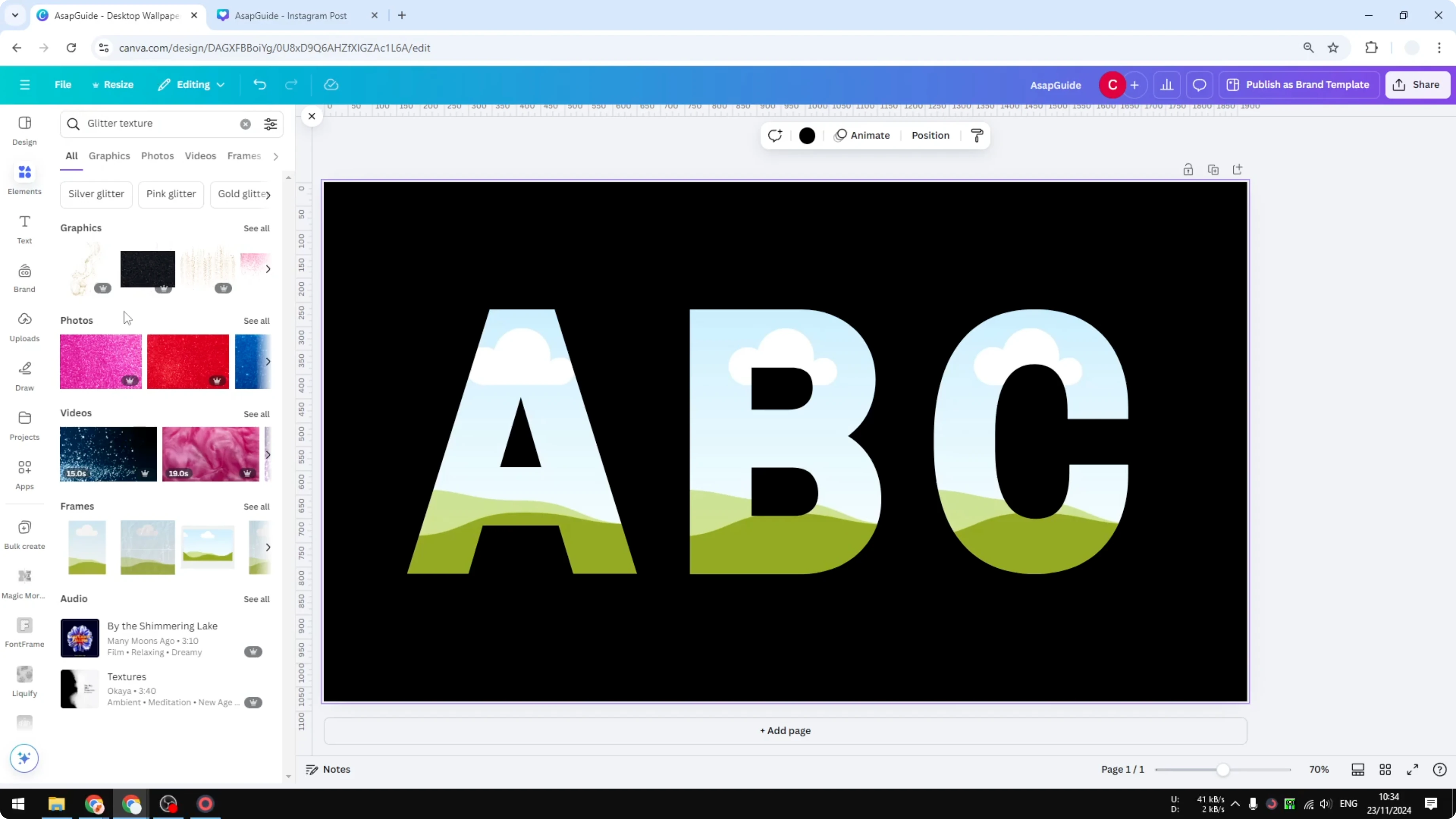
Drag a glitter photo onto each letter frame to fill it.
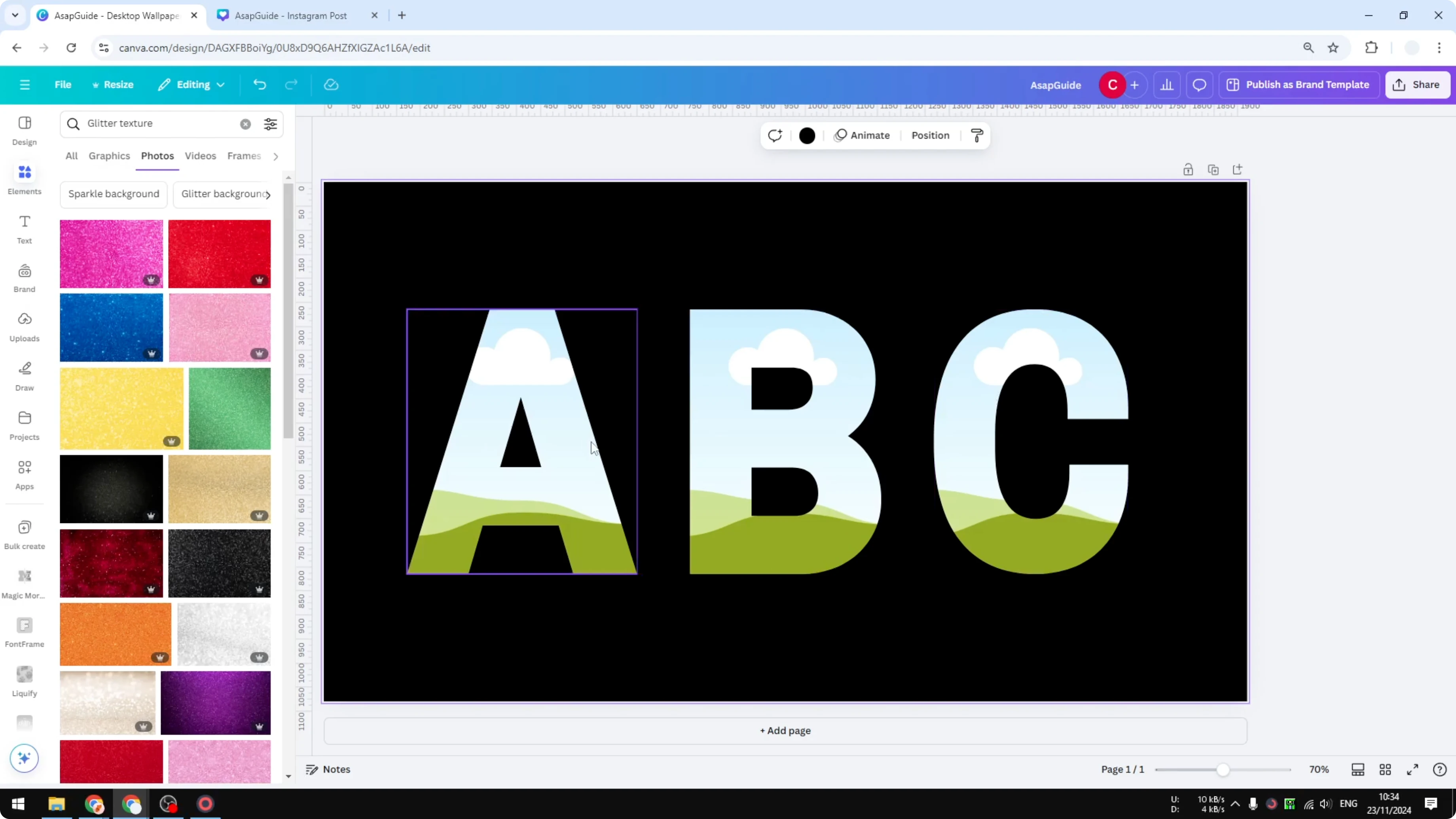
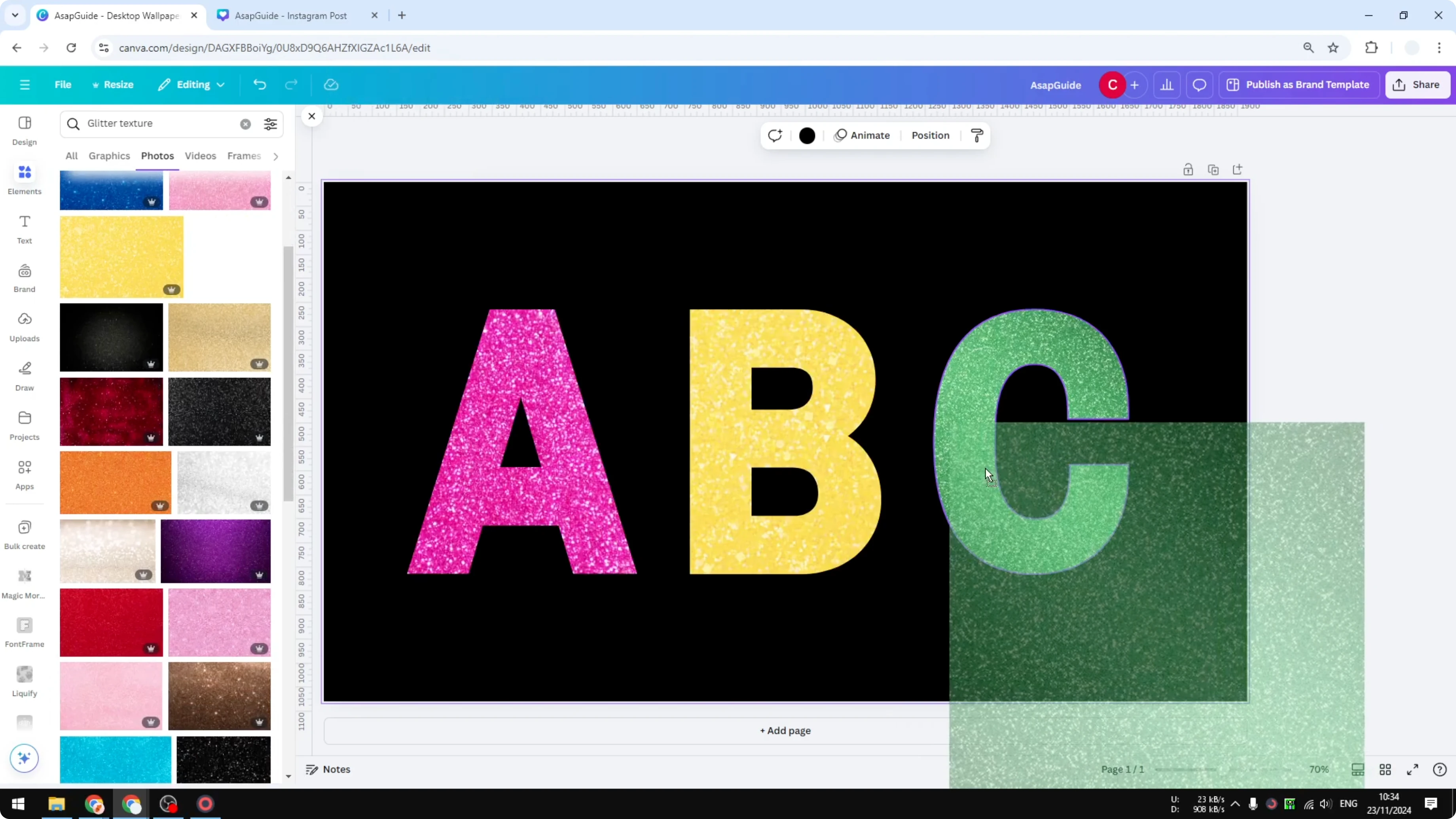
Pick colors you like, such as pink, or mix different colors across letters.
Double-click a filled letter to reposition the texture and choose the exact glitter area you want.
If you want sparkly backgrounds that complement your letters, learn how to create a bokeh effect in Canva and layer it behind your text.
Create Glitter Letters in Canva: Graphics
This method is slightly easier. You search for glitter letter graphics directly.
Stay in Elements.
Type a letter plus the word "glitter", for example "H glitter".
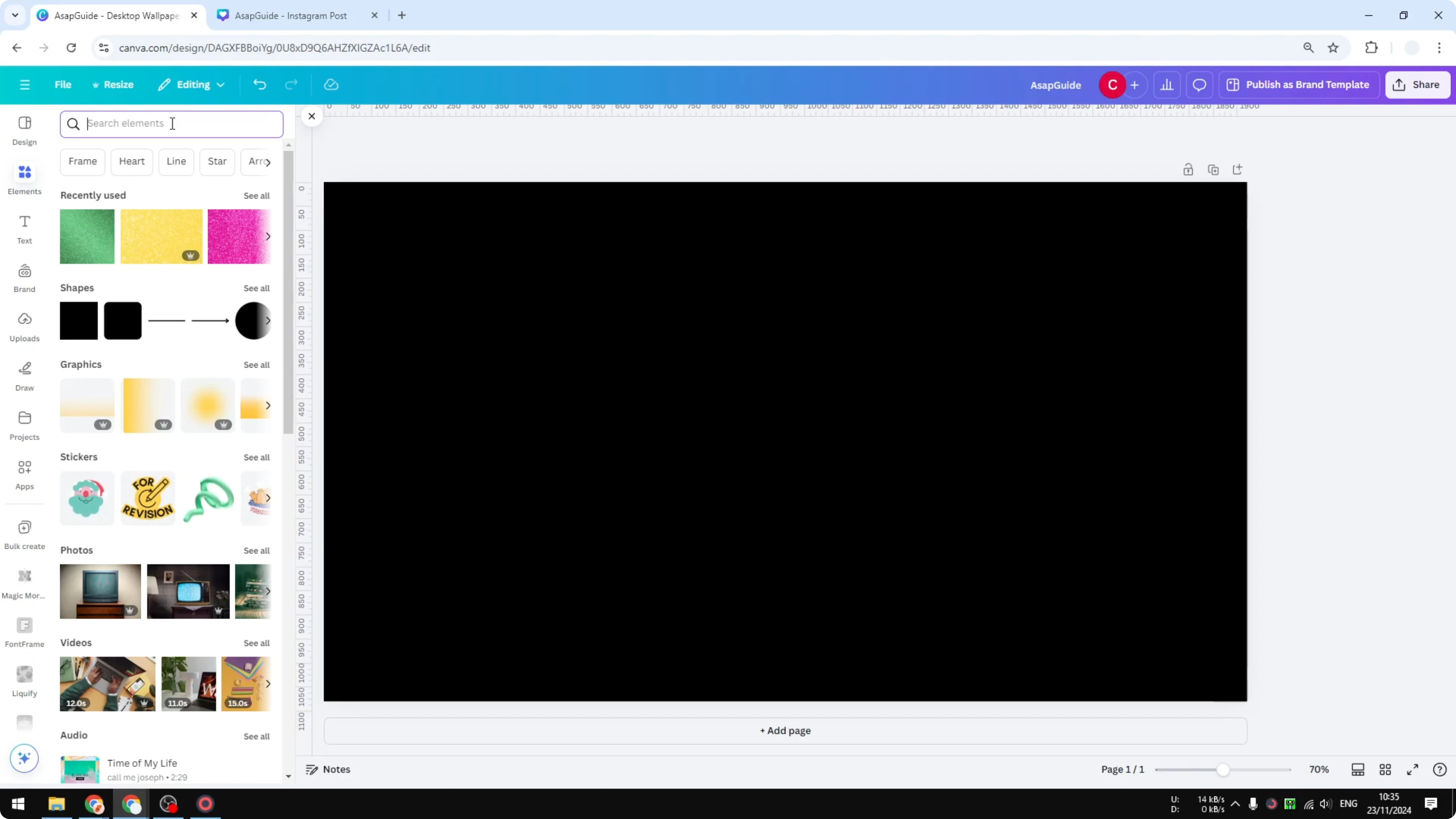
Open the Graphics results to see the available glitter letter styles.
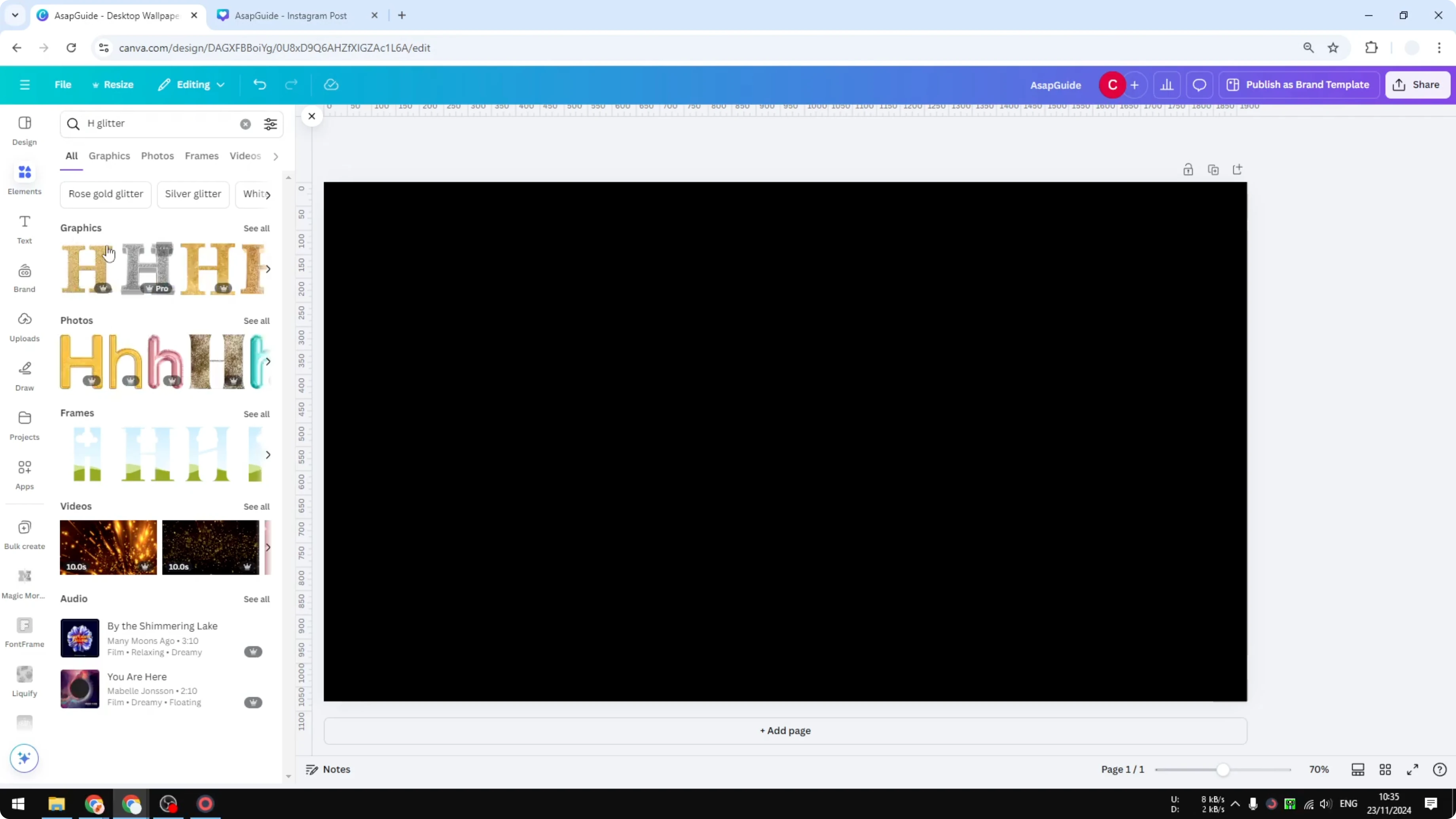
Use Magic Recommendations to surface the rest of the alphabet in the same style.
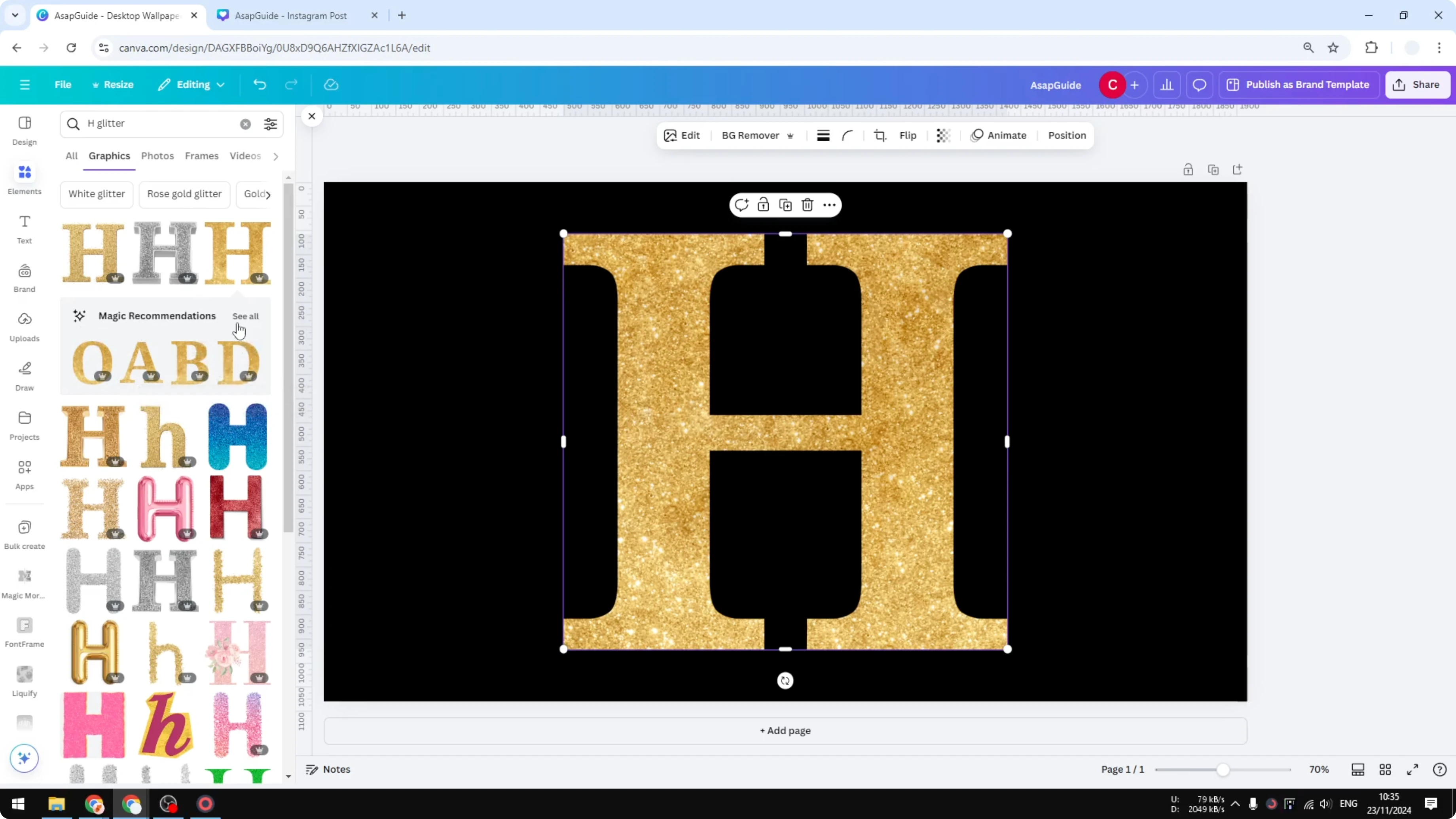
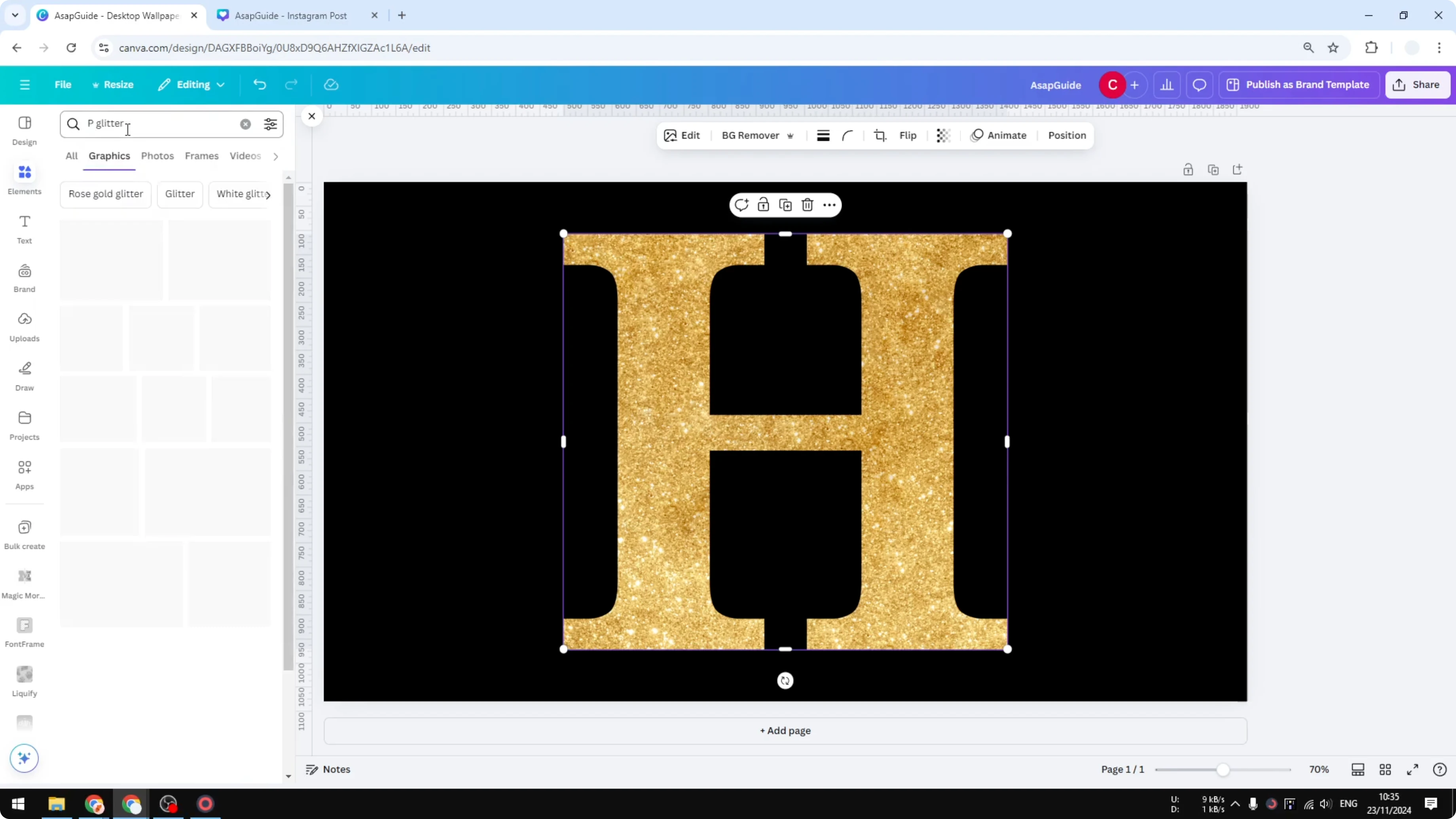
You can also type any other letter, like "P", to see similar options across styles.
If you prefer a softer look for headlines, you can also create a faded text effect in Canva and combine it with glitter accents.
Final Thoughts
Both methods make it simple to create glitter letters in Canva. Frames give you precise control over texture placement and color, while ready-made graphics are fast and keep the style consistent across letters.
If you want to turn glitter initials into branded browser tabs, here is how to create a favicon in Canva and export it properly.
Recent Posts

How to Visualize Yourself as a Pixelized Character with AI?
How to Visualize Yourself as a Pixelized Character with AI?

How to Revive Faded Memories and Enhance Image Clarity with AI?
How to Revive Faded Memories and Enhance Image Clarity with AI?

How to Visualize Yourself as an Animal Crossing Character with AI?
How to Visualize Yourself as an Animal Crossing Character with AI?