How to Create Genogram in Canva
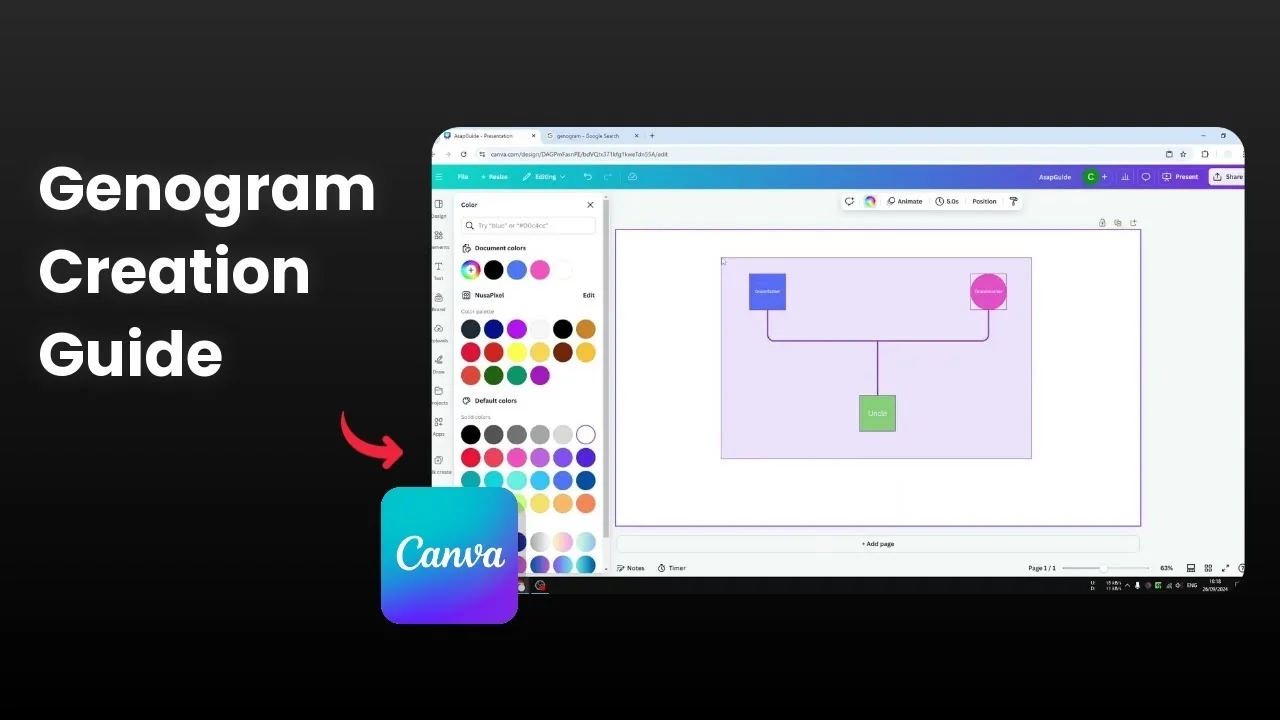
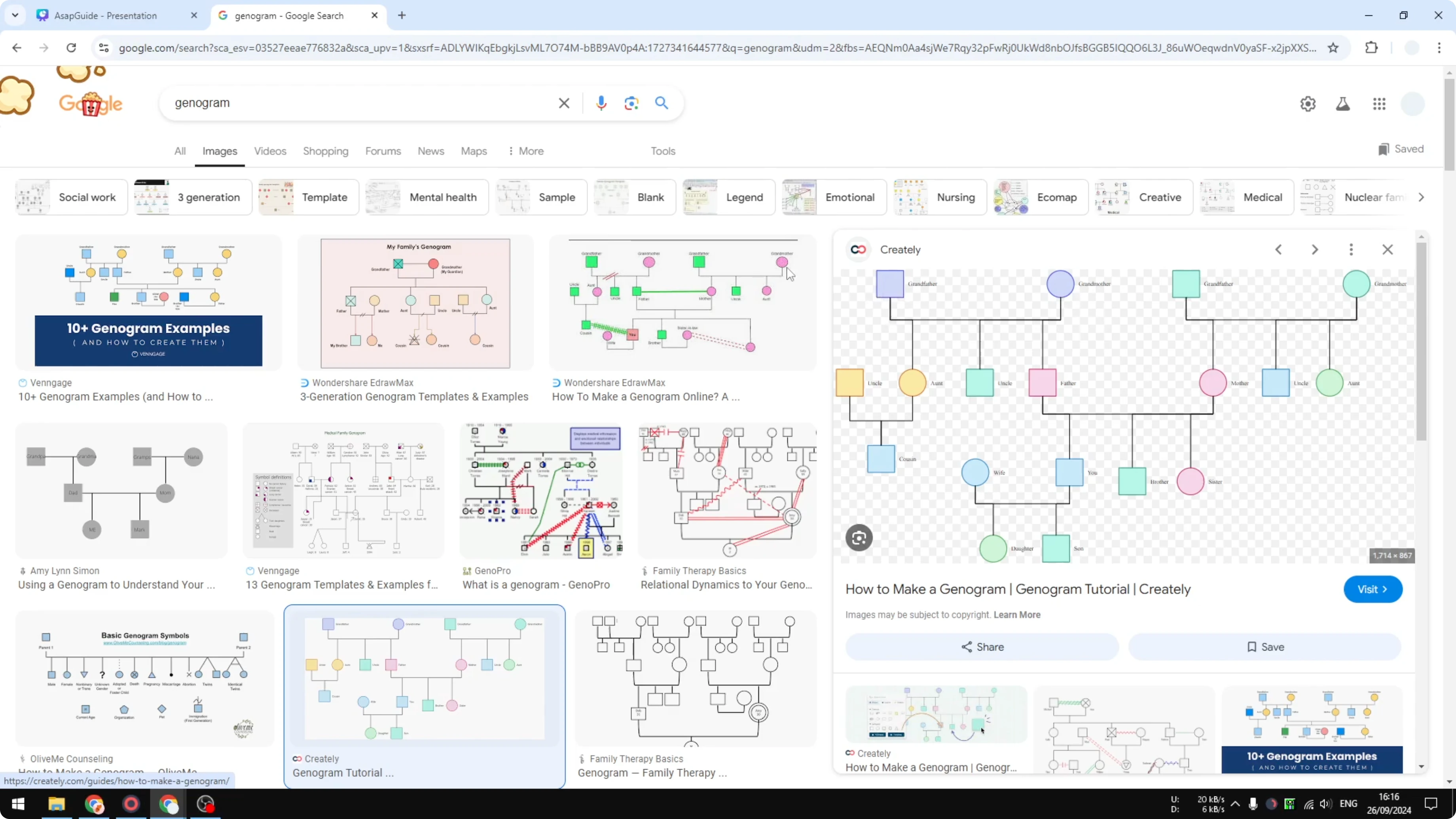
I will show you how you can Create Genogram in Canva. A genogram is similar to a family tree. The design is simple, with a few elements like a square, a circle, and lines that connect each member.
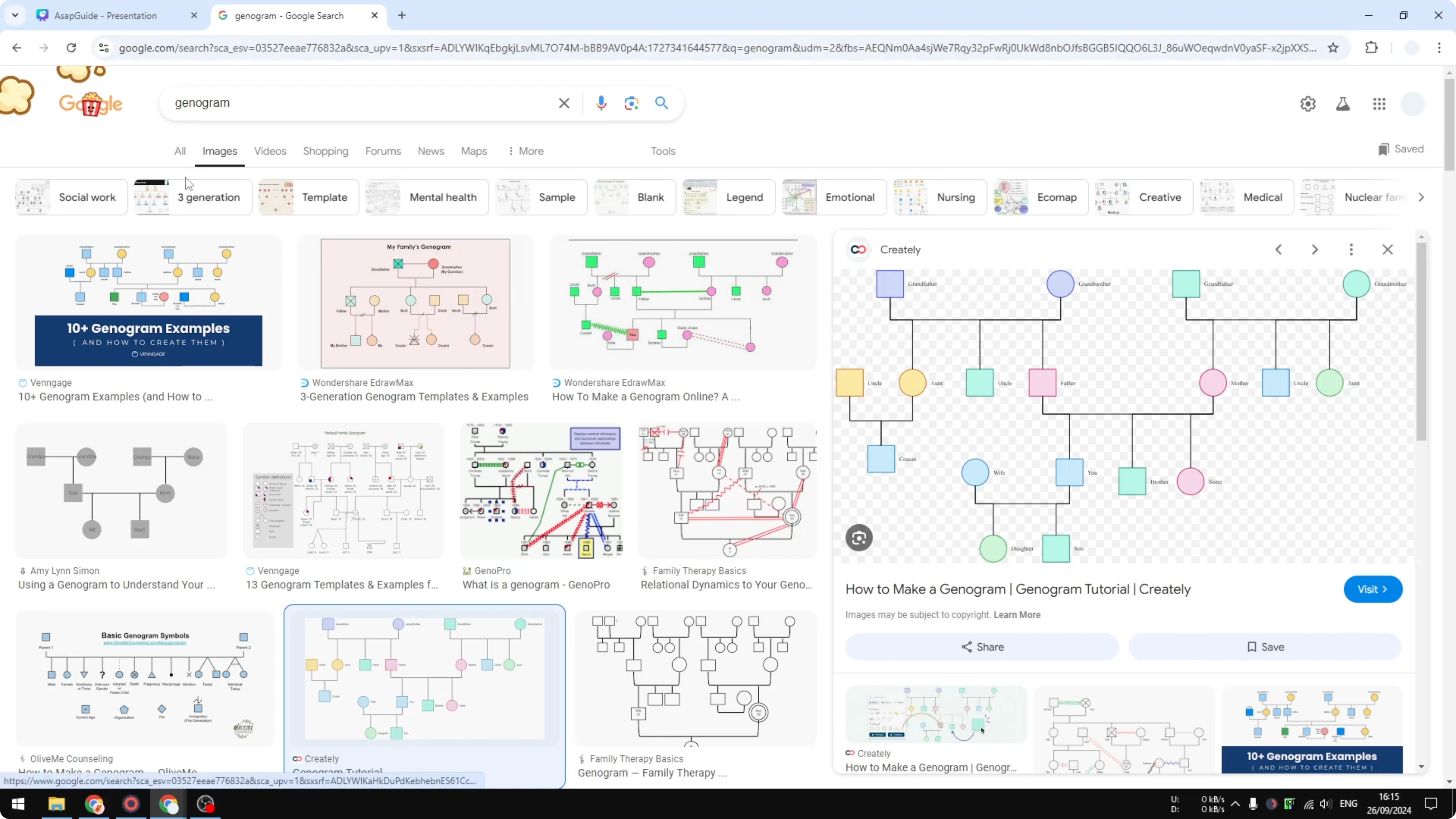
The layout is not difficult to create in Canva. You can find examples on Google Images. I will focus on the basics so you can build your own.
Why Create Genogram in Canva
You only need a few shapes and connectors. A square and a circle represent family members, and lines show relationships. Canva makes these elements easy to set up and adjust.
Read More: Create Bokeh Effect Canva
Set up the document to Create Genogram in Canva
Open a new document in Canva.
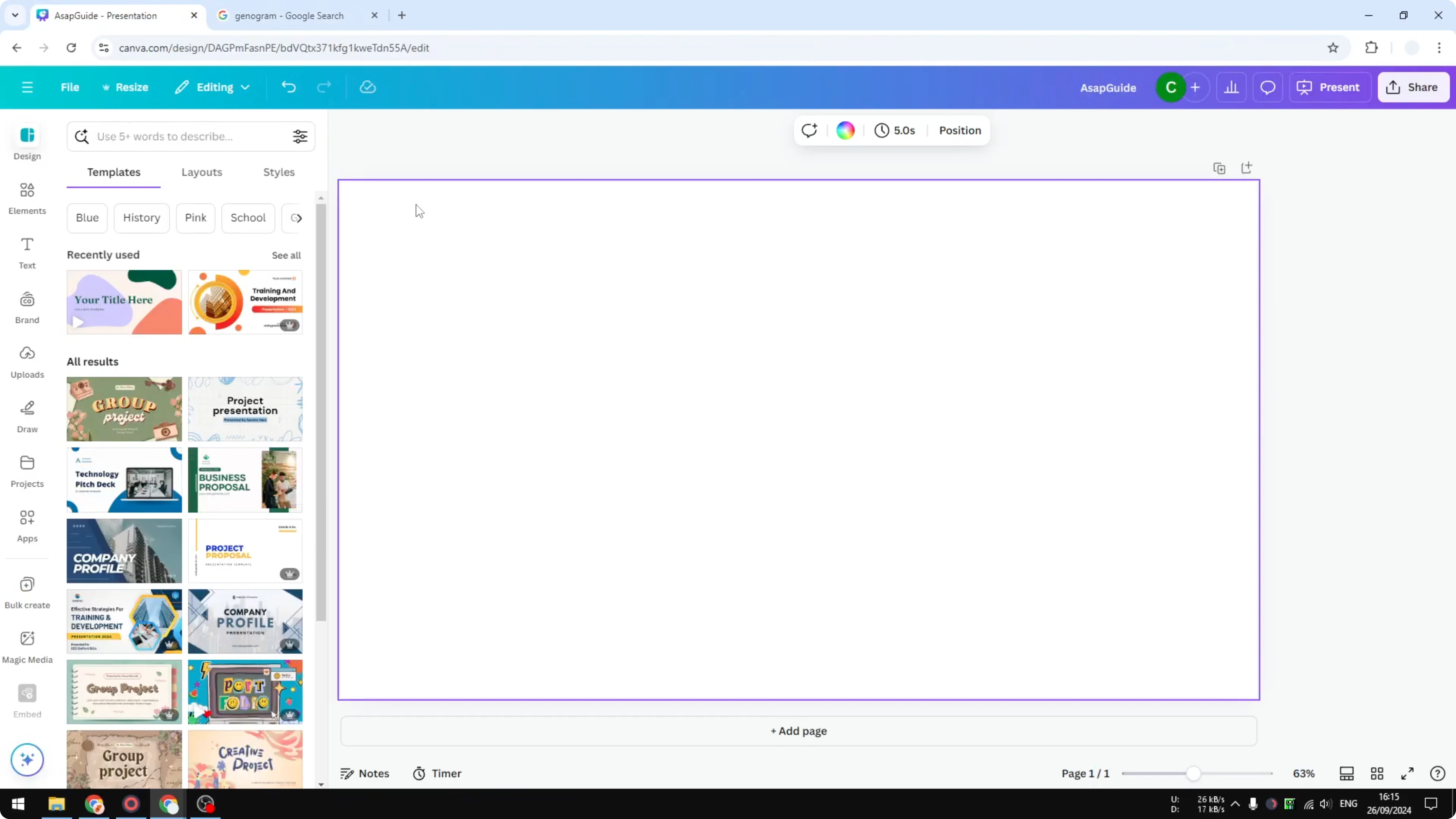
Use a rectangular document if your family tree is wide.
Make sure the canvas is big enough for your layout.
Add shapes for family members in Create Genogram in Canva
Go to Elements, then Shapes, and insert a square.
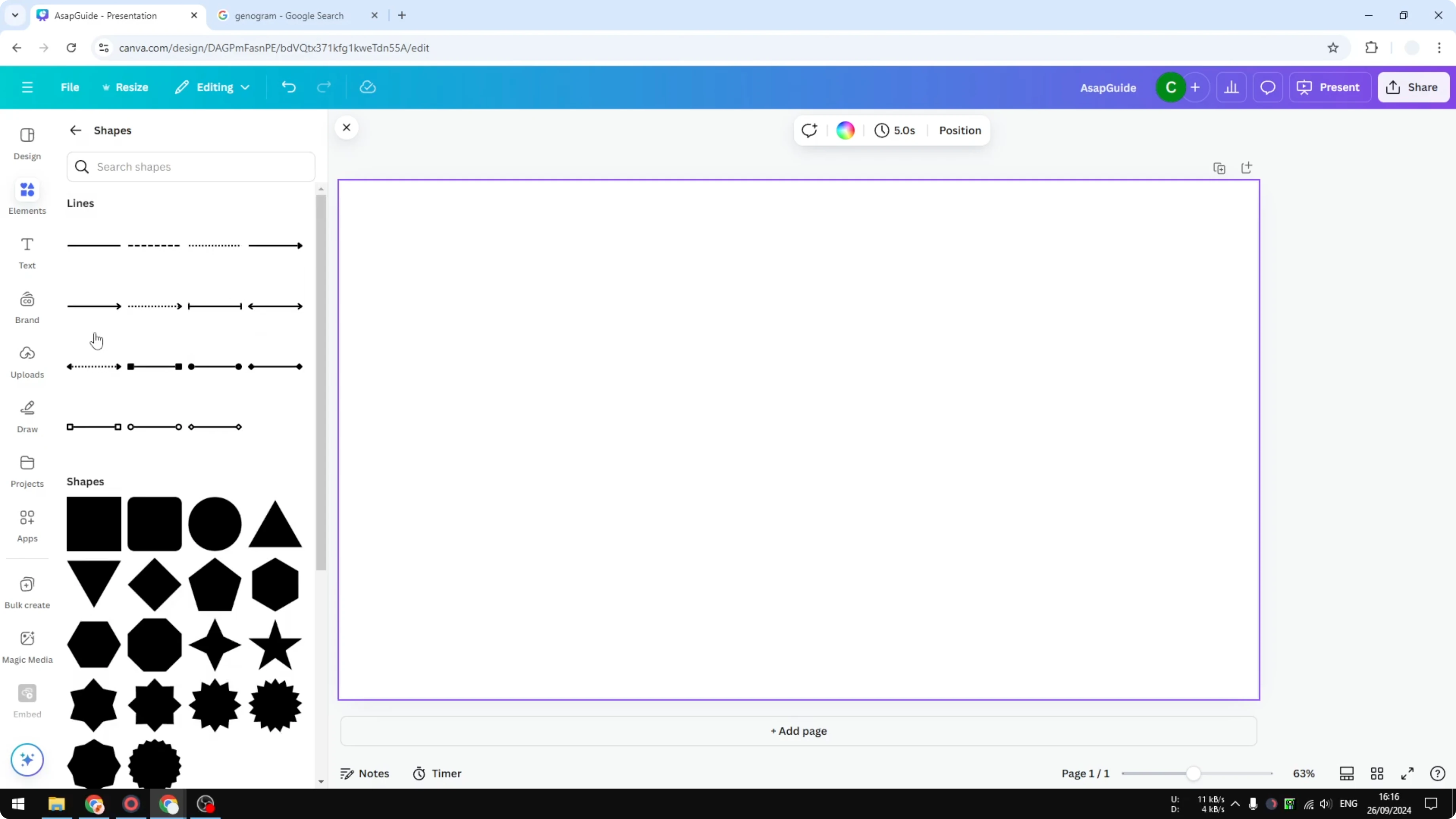
Squares usually represent a male family member, and I change it to blue.
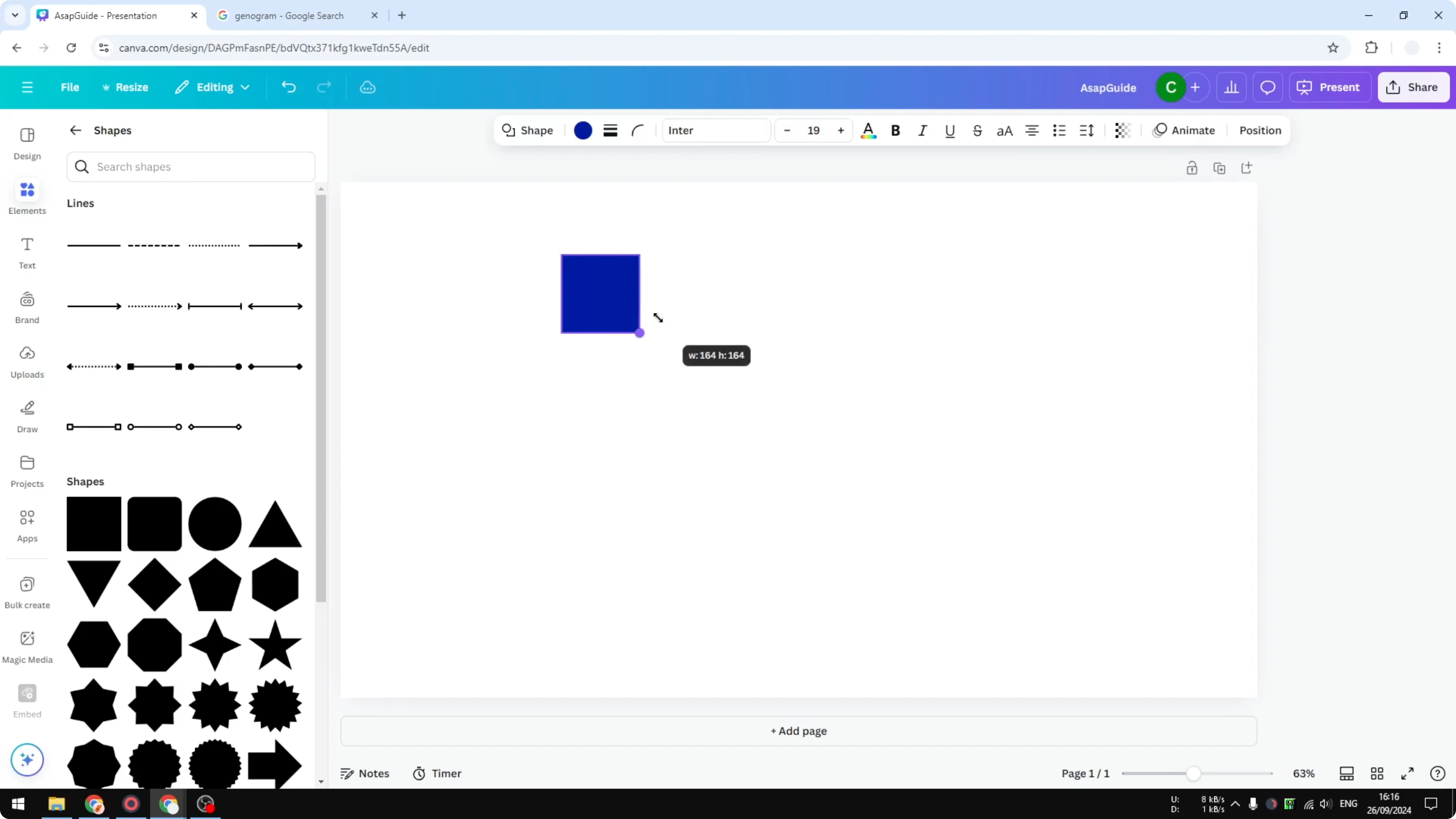
Go to Elements again, then Shapes, and insert a circle.
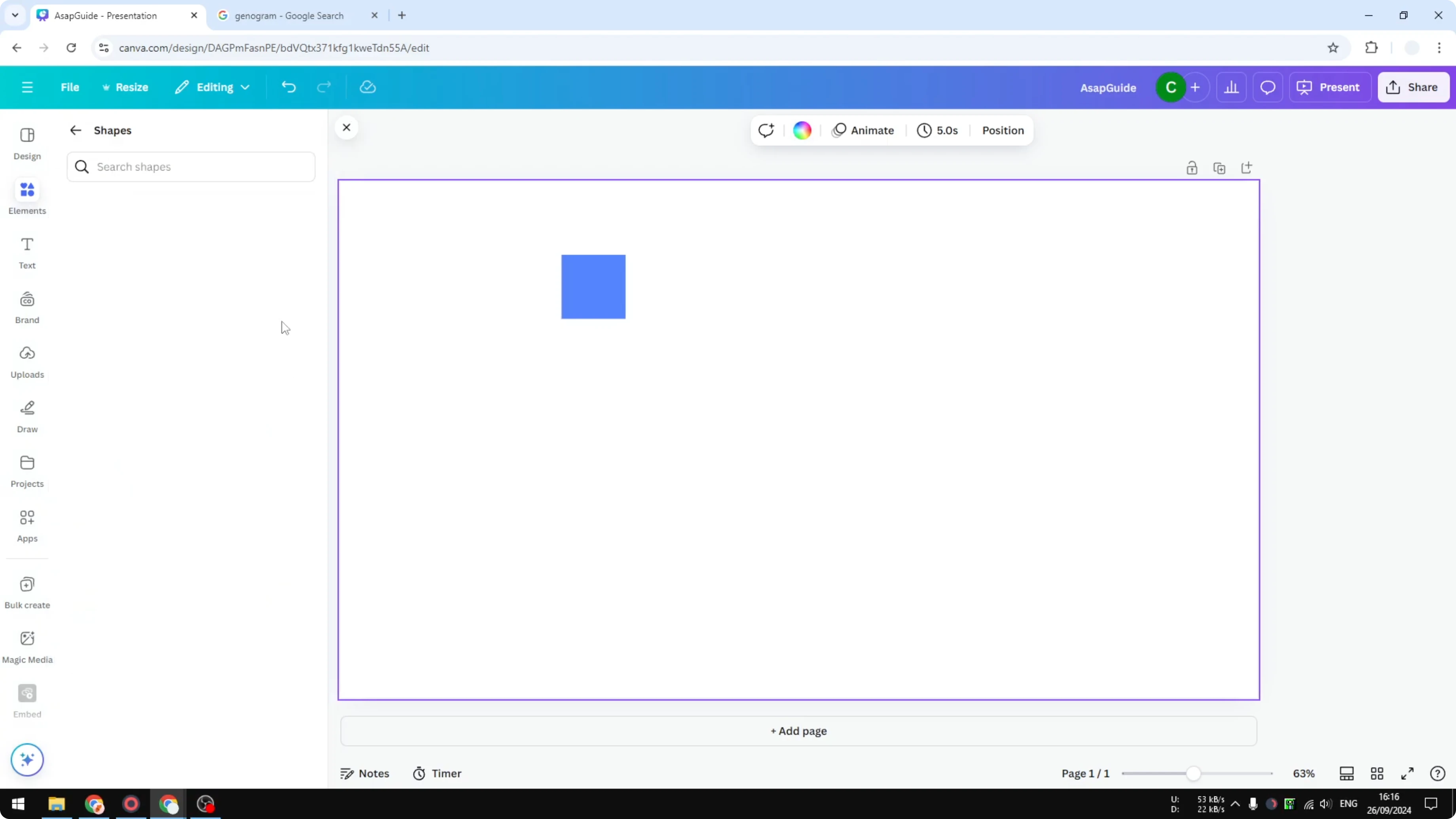
A circle usually represents a female family member like a grandmother or your mother.
You can change the color if you want to.
Read More: Create 3D Cube Canva
I am not creating the whole family tree here. I want to show you the basics. You can expand the complexity later.
Connect family members with lines in Create Genogram in Canva
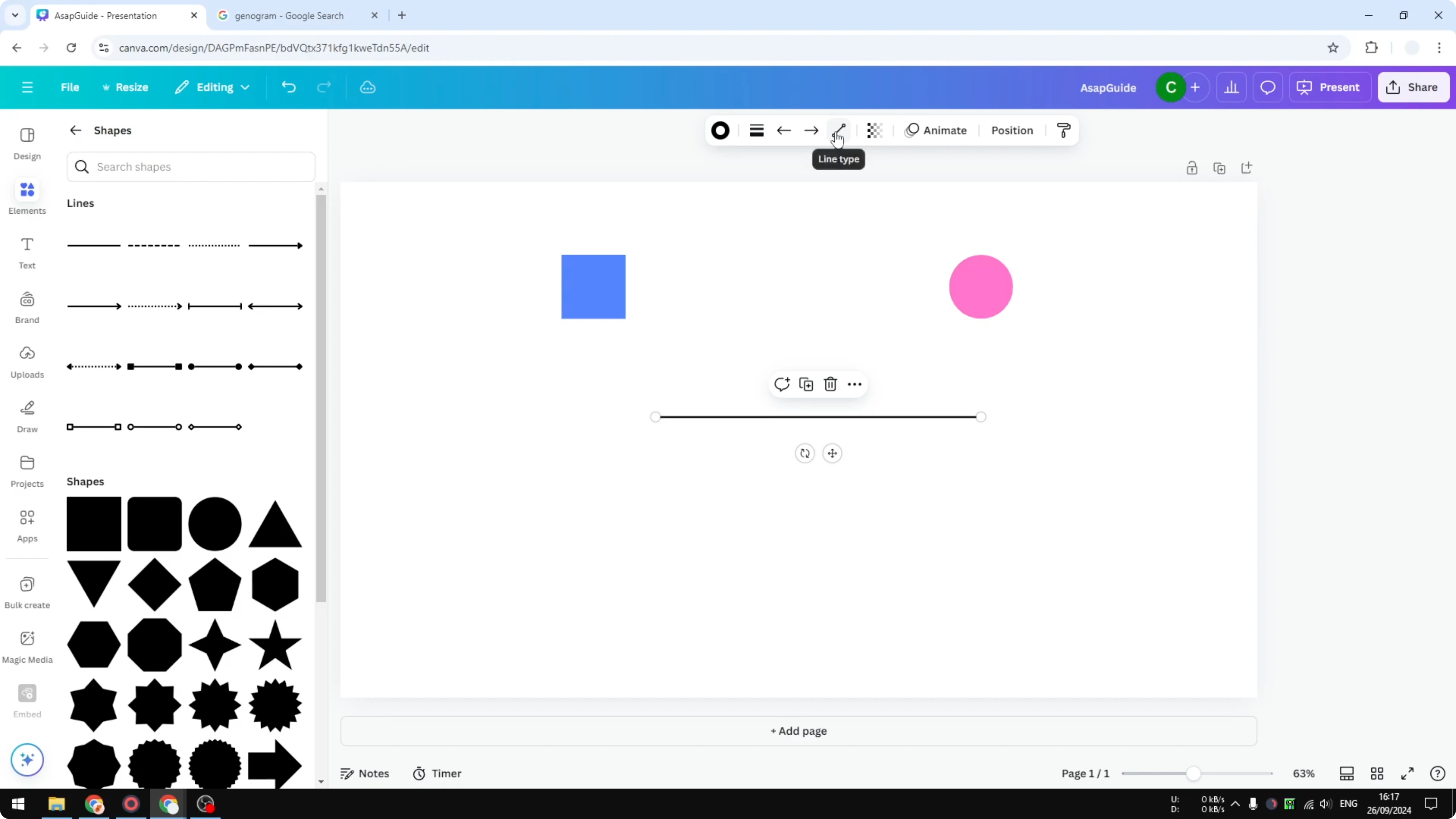
Go to Elements, then Shapes, and insert a line.
There are many line variations, and I select one that fits the layout.
On the line, open the line type and select elbow.
Click the dot on the Anchor Point and connect it to the shape you want.
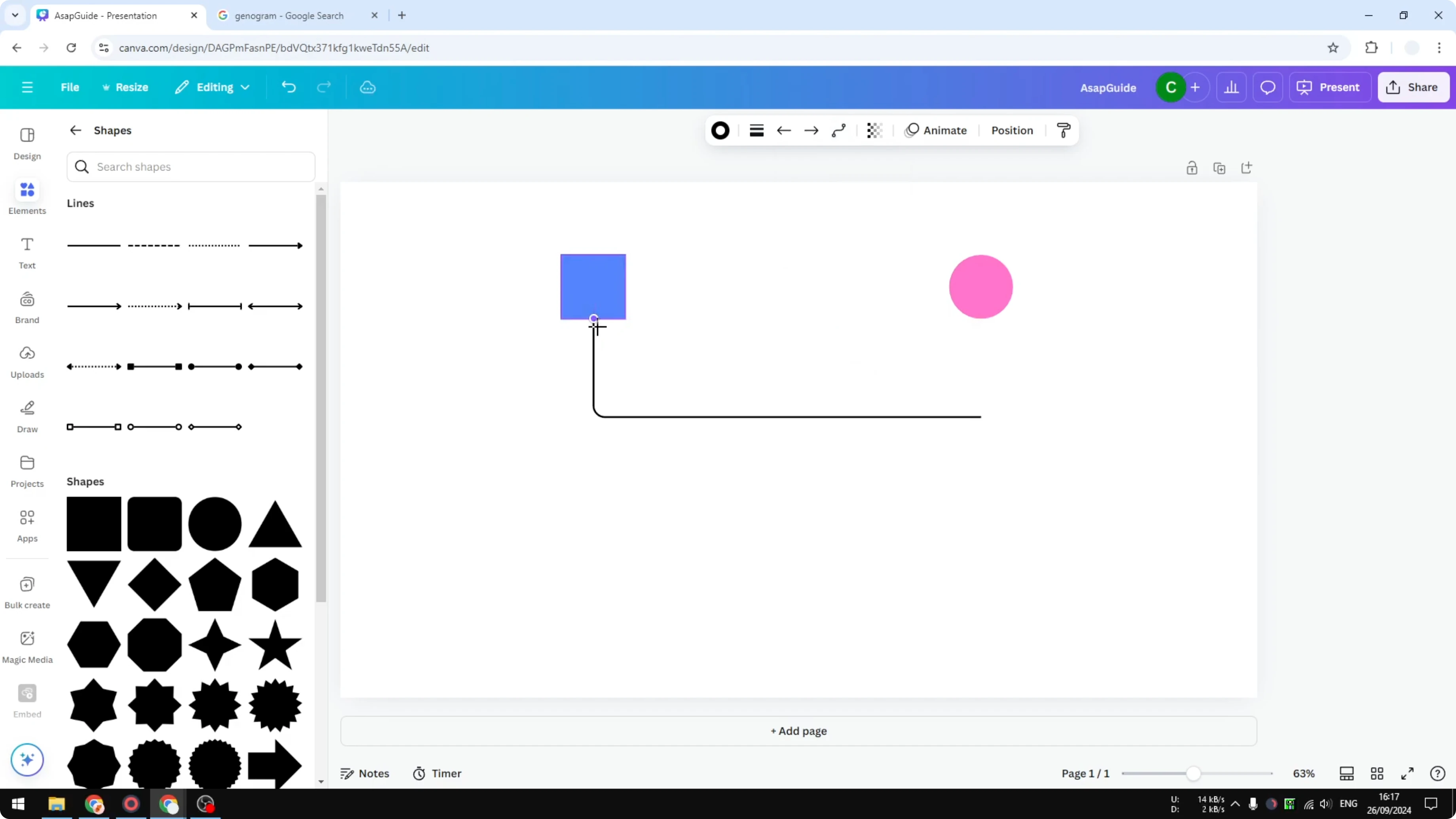
Adjust the thickness to make it narrower or wider.
Add more lines where needed to connect each member.
Copy a shape if you need another person and place it where it fits the structure.
Label each shape in Create Genogram in Canva
Add text inside a shape by double clicking on it.
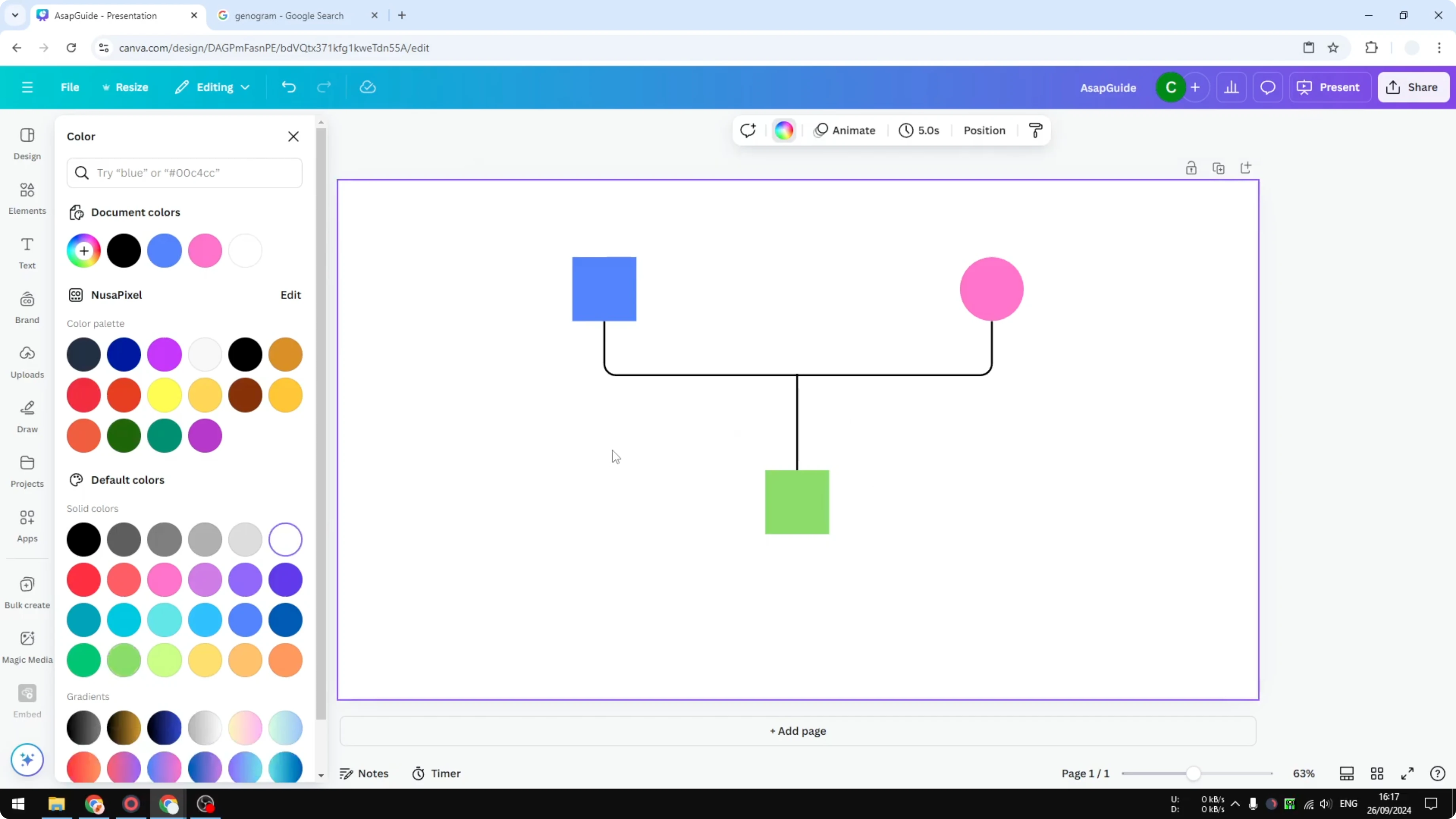
Type labels like grandfather, and make the text smaller to fit.
Do the same for grandmother and uncle.
Read More: Create Balloon Text Effect Canva
Expand the tree in Create Genogram in Canva
You can always expand the design and increase the complexity of the tree.
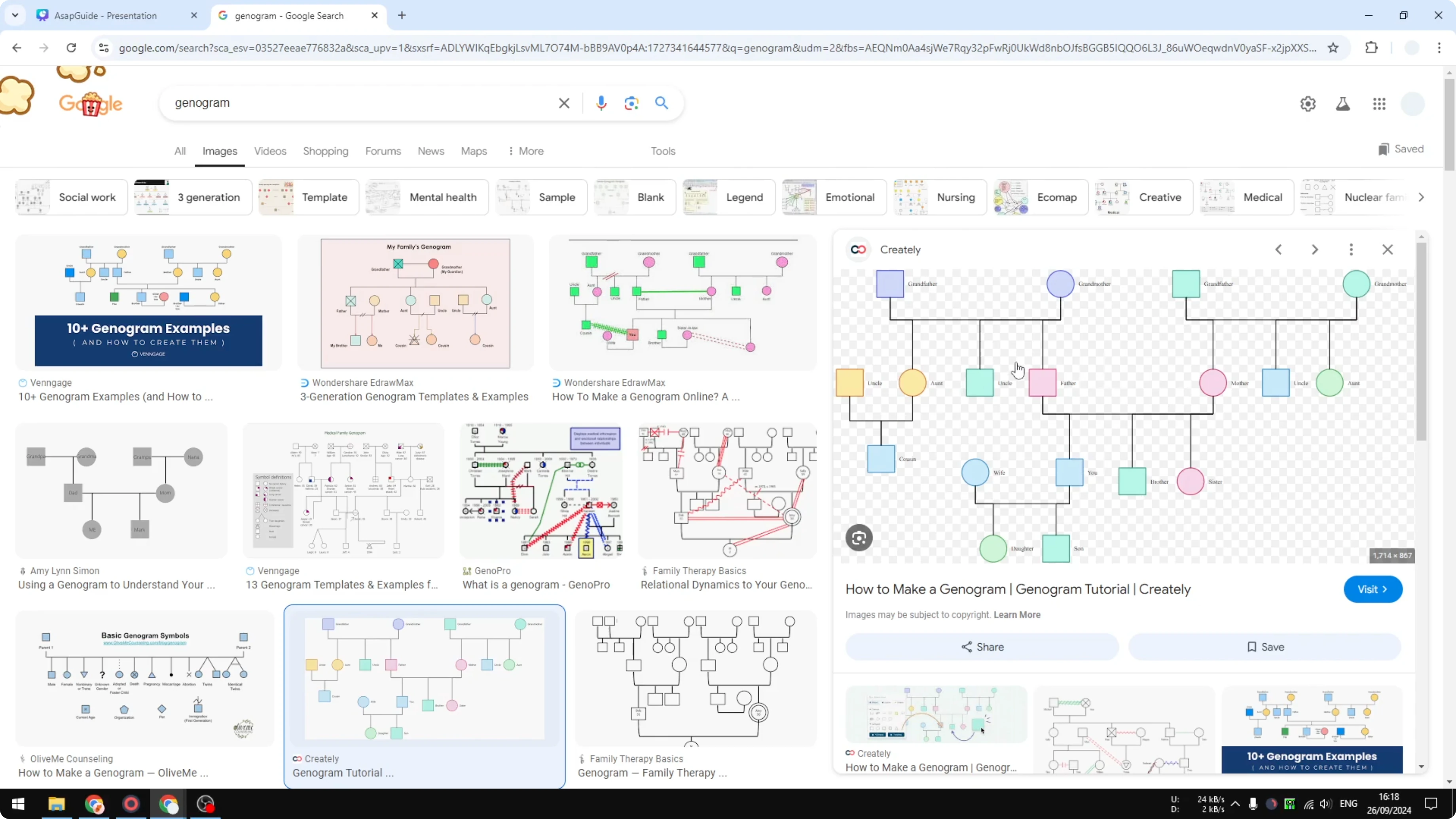
Add more shapes and connectors as your family structure grows.
These are the only elements you need to Create Genogram in Canva.
Final thoughts
A genogram in Canva comes together with a square, a circle, and lines. Set up a spacious document, place your shapes, connect them with elbow lines, and label each member. This simple structure gives you a clear family map you can refine over time.
Recent Posts

How to Visualize Yourself as a Pixelized Character with AI?
How to Visualize Yourself as a Pixelized Character with AI?

How to Revive Faded Memories and Enhance Image Clarity with AI?
How to Revive Faded Memories and Enhance Image Clarity with AI?

How to Visualize Yourself as an Animal Crossing Character with AI?
How to Visualize Yourself as an Animal Crossing Character with AI?