How to Create a Custom Arrow in Canva
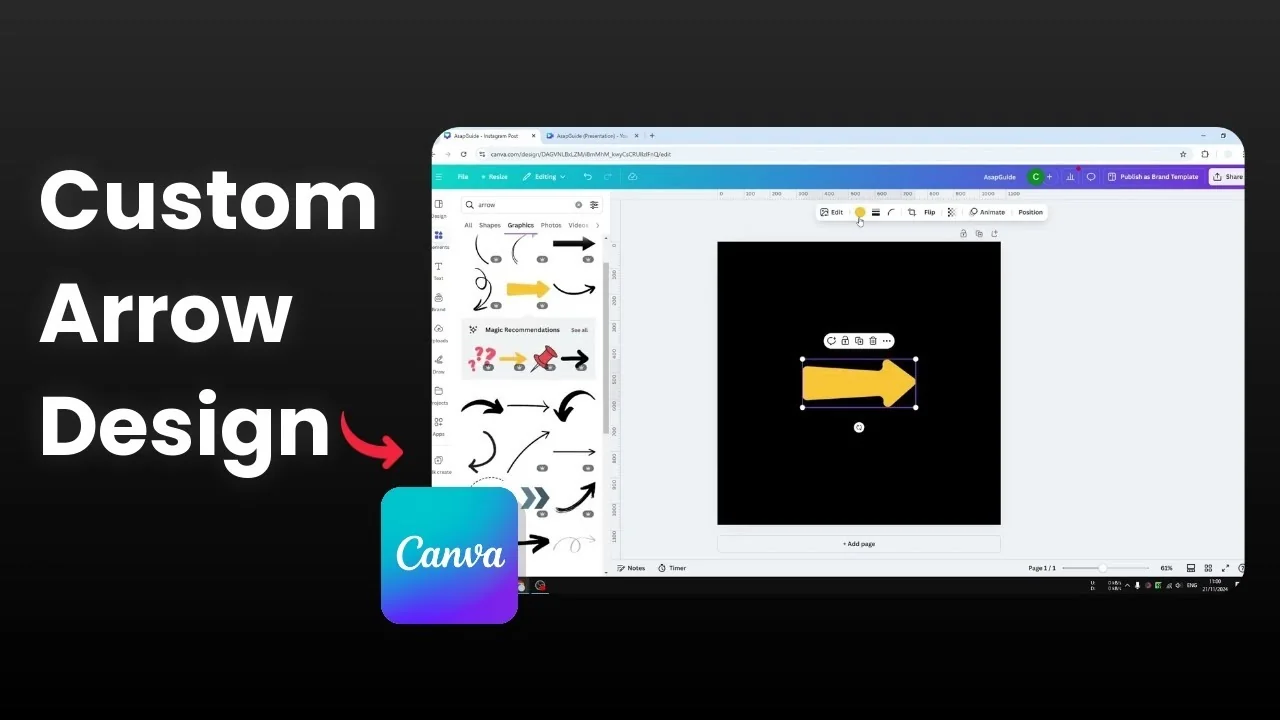
I’m going to show you how you can draw an arrow in Canva with three methods, from easy to fully customizable. The quickest way is to pull a graphic from Elements, and the most flexible way is to build your own from shapes.
I’ll walk through each approach and show how I tweak colors, rotate shapes, and adjust line weight to get a clean result.
Create a Custom Arrow in Canva
Quick option in Elements
The easiest way to get an arrow is by going to the Elements section.
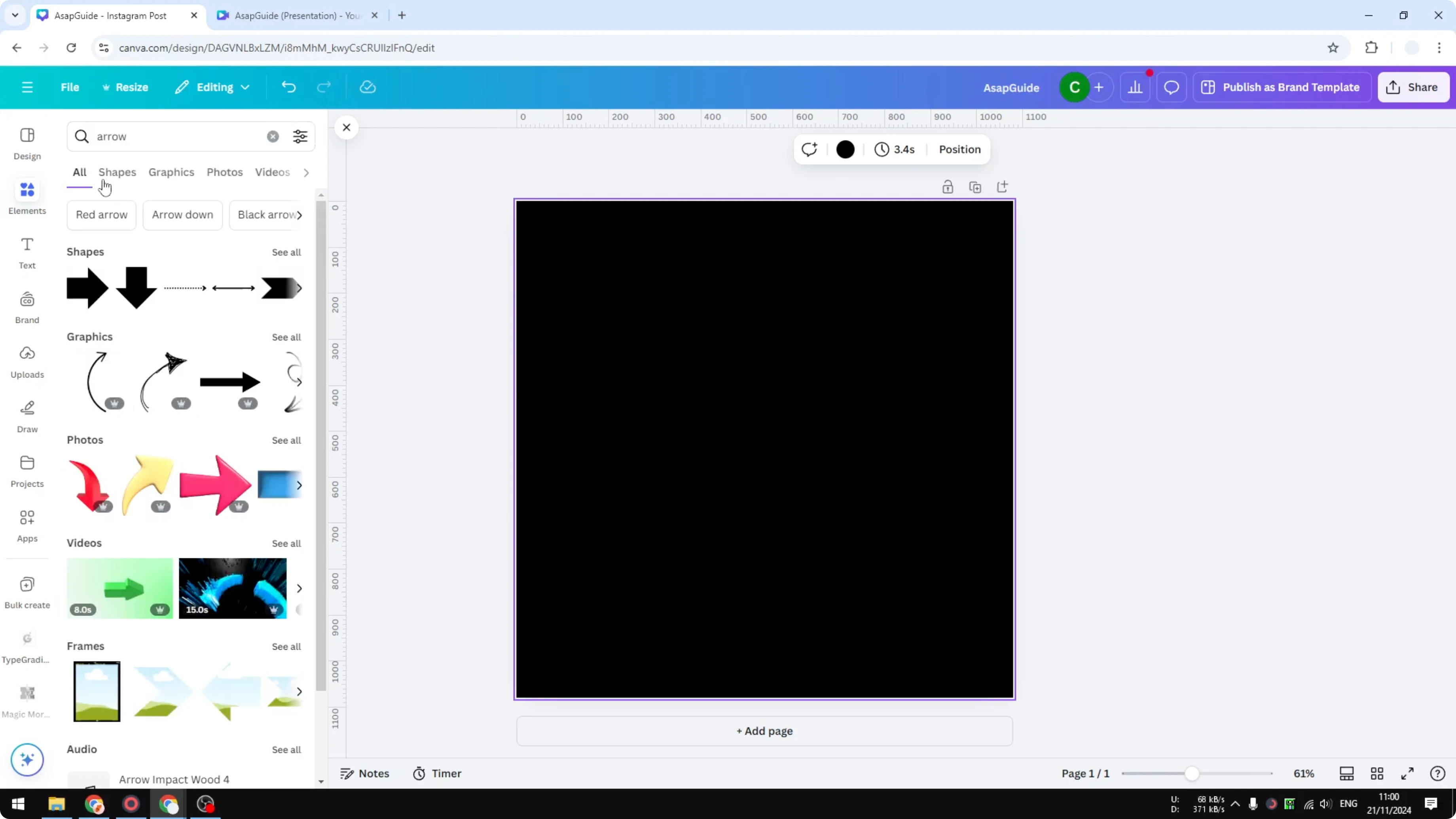
Search for “arrow,” then navigate to the Graphics section.

Pick a style you like, place it in your design, and customize it if the graphic supports color changes.

For example, if the arrow is orange, change it to a color that fits your design better.
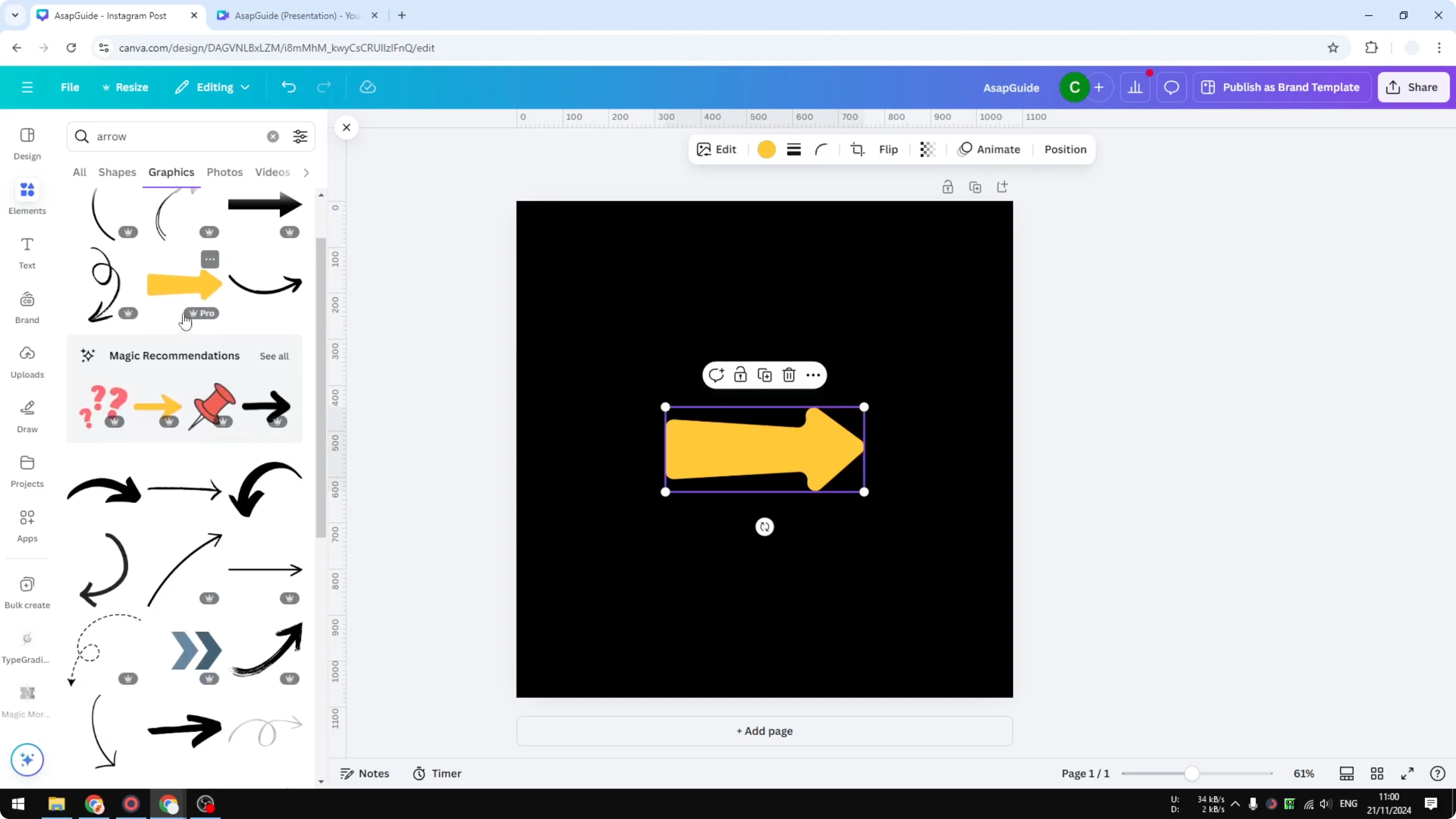
This is fast, and it helps your layout look more relevant and clean.
Read More: Create Faded Text Effect Canva
Hand-drawn with Draw
You can literally draw the arrow.
Open the Draw section and select the tool you want to use, like the Pen.

Set the color to white or any color you need.

Start drawing an arrow.
It might not be perfect without a stylus, but if you do have one, it’s easier to draw a proper arrow.
Read More: Create Bokeh Effect Canva
Build one from shapes
I personally prefer this third method because it gives me more control.
Go to Elements and open Shapes.

There are some arrow shapes there, but I want to create my own.

Line setup
Start with a Line.
Increase the weight a little bit.

Enable rounded points and make the line slightly longer.
Arrowhead
Insert a Triangle.
Change the color to white.

Rotate it to about 90 degrees.
Make it smaller and place it at the end of the line.
Add details
Go back to Elements and add a shape you want to include.

Change the color.
Place it where you want it and resize it a bit.
You get a nice arrow design that you won’t find in the template library.
It’s an arrow that is customizable and it’s my arrow that I designed in Canva.
You have to design this on your own, which is the beauty of this technique.
Heart variant
You can even use a heart shape if you want.
It’s popular in movies, with an arrow representing a heart.
Rotate the heart, place it, and adjust the size.
It didn’t look great for me at first, so I changed the color, and that worked better.
Read More: Create Favicon Canva
Final thoughts
You can create an arrow in Canva by grabbing a ready-made graphic, drawing one with the Draw tool, or building your own from shapes. The first method is the fastest, the second is great if you have a stylus, and the third gives you a custom look you can tweak as much as you want. Pick the approach that fits your project and style.
Recent Posts

How to Visualize Yourself as a Pixelized Character with AI?
How to Visualize Yourself as a Pixelized Character with AI?

How to Revive Faded Memories and Enhance Image Clarity with AI?
How to Revive Faded Memories and Enhance Image Clarity with AI?

How to Visualize Yourself as an Animal Crossing Character with AI?
How to Visualize Yourself as an Animal Crossing Character with AI?