How to Create Cool Neon Effect to Text in Canva
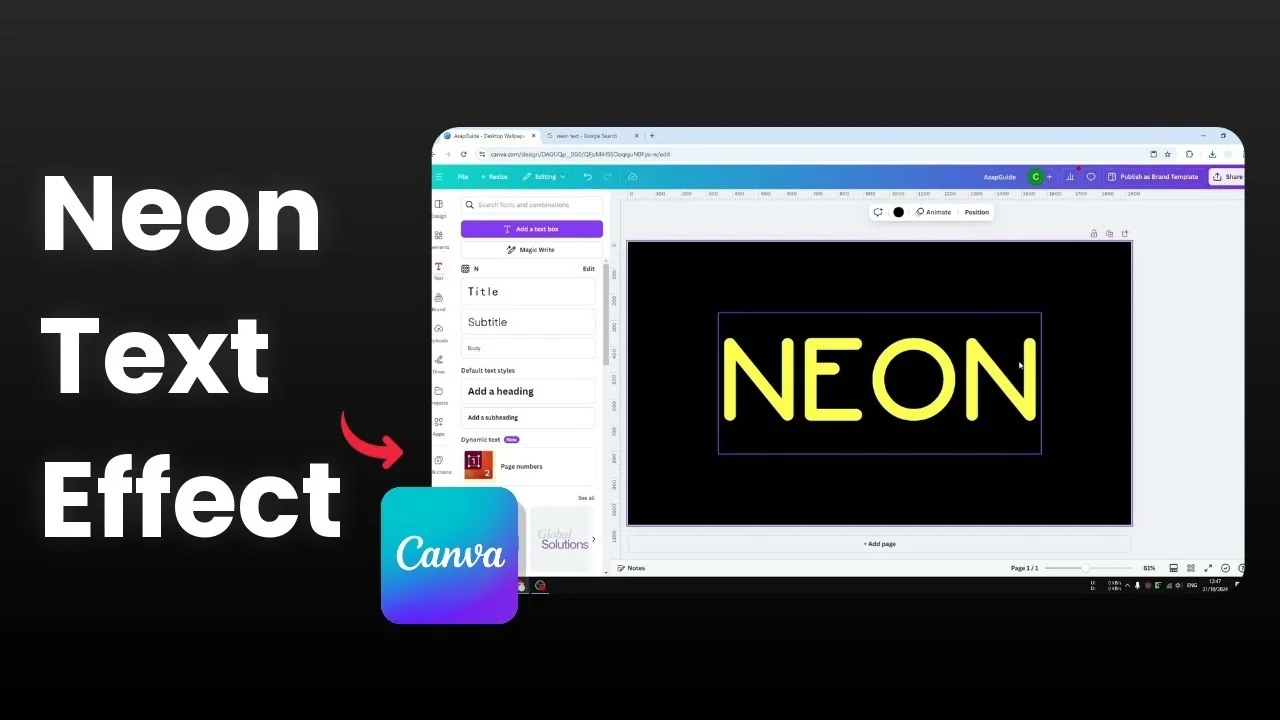
I’m going to show you how to create a really cool and realistic neon effect for text in Canva. You probably already know there is a Neon effect you can apply to a text box, and it works great for a lot of people. Real neon often has an empty inner area with the border glowing, and that variation can be hard to recreate in Canva.
Here’s how I create that look.
Create Cool Neon Effect to Text in Canva
Choose a rounded font
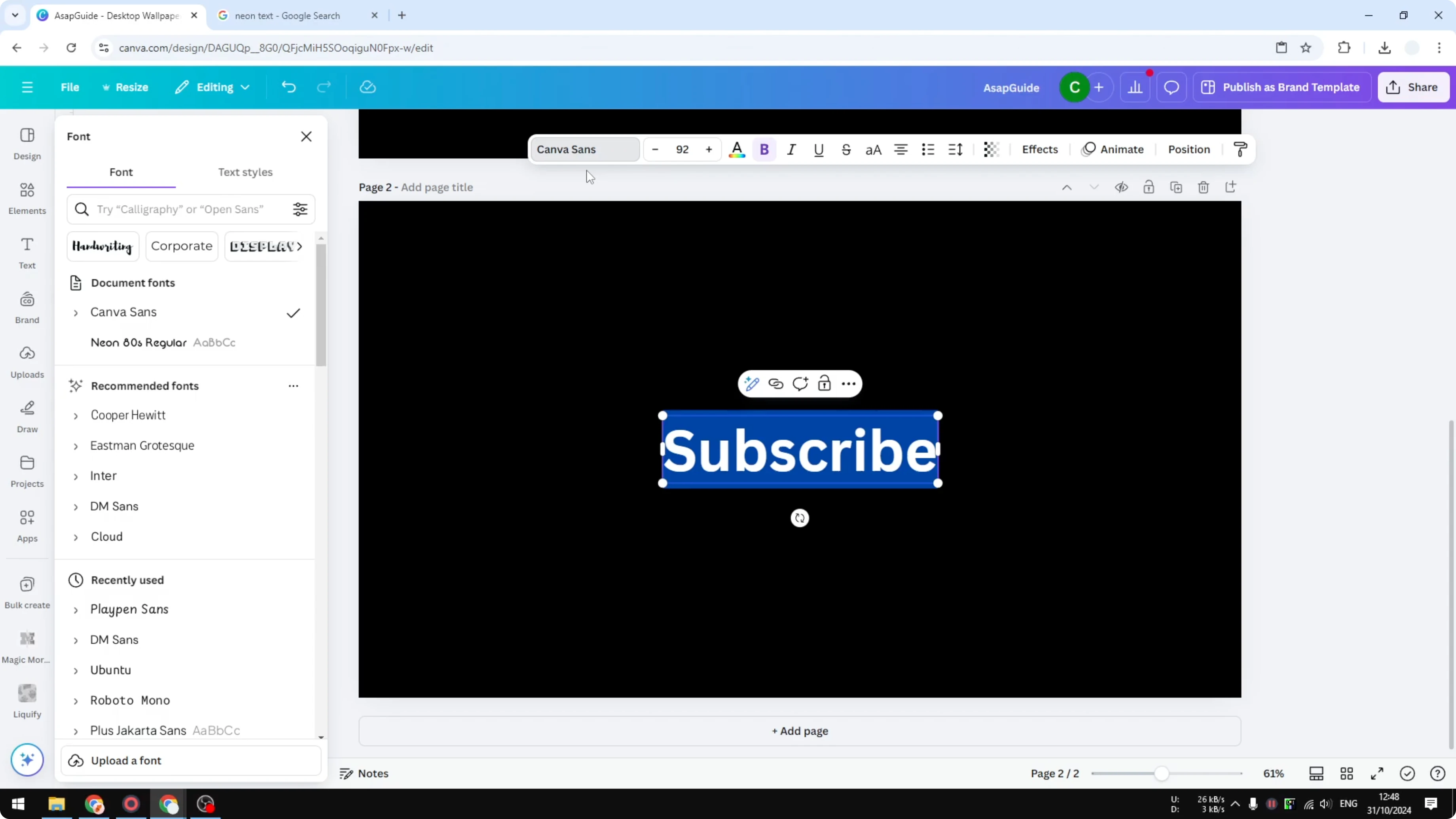
Add a new page and insert your text. I’ll use “Subscribe.”
Pick a font that feels right for neon. I recommend avoiding sharp edges - DM Sans looks good, but those sharp corners usually do not exist in a neon decoration, so choose something softer like Neon Egg Regular in Canva, which is what I’m using here. For another bold typography trick you can try later, see this echo text effect tutorial.
Set size, position, and base color
Make the text much larger and place it in the middle. Change the color now, because later you cannot change the neon color once the effect is built.
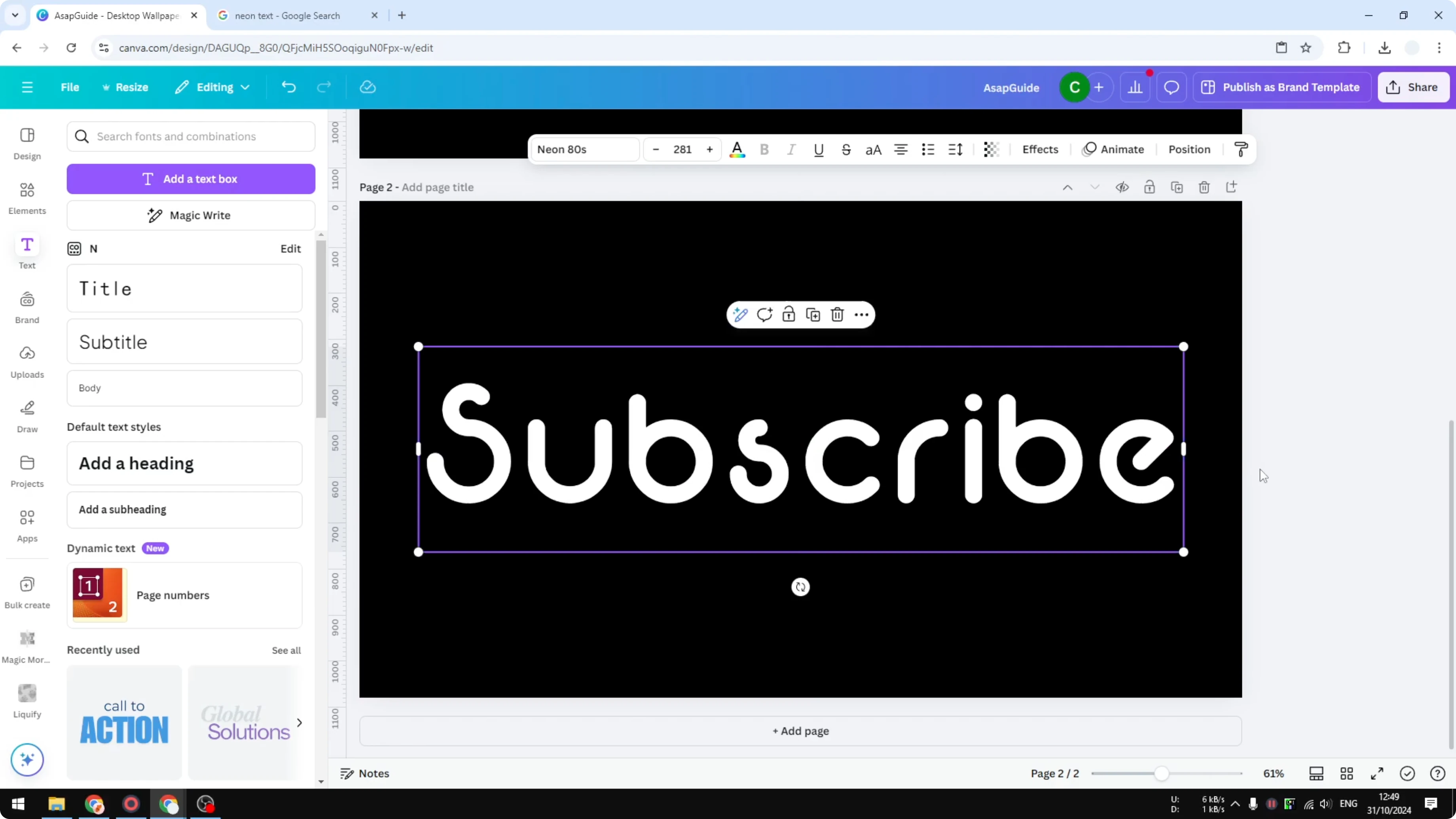
I’m applying a pink color.
Create the hollow outline
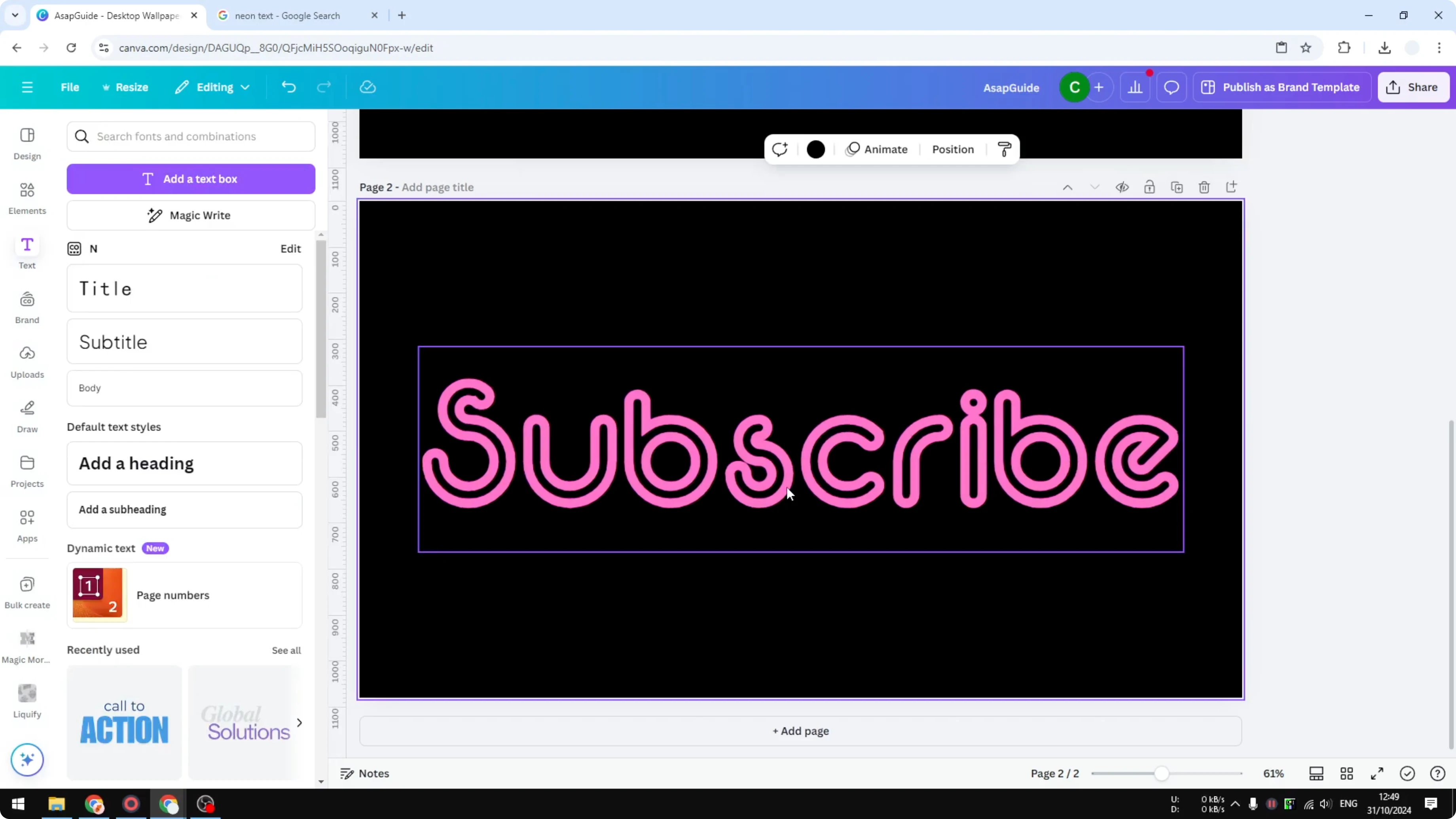
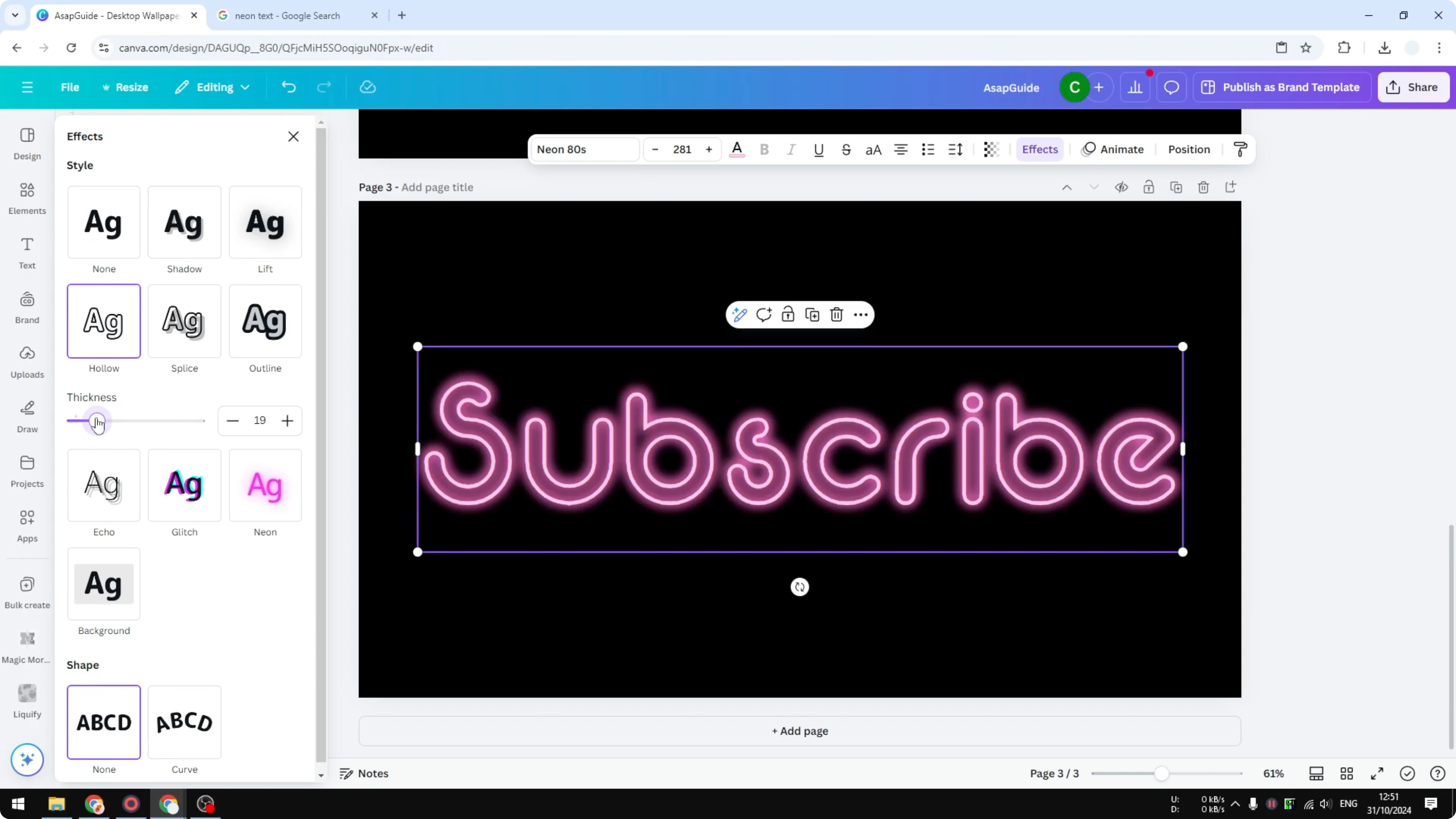
Go to Effects and enable the Hollow option. Adjust the thickness - I set it around 70.
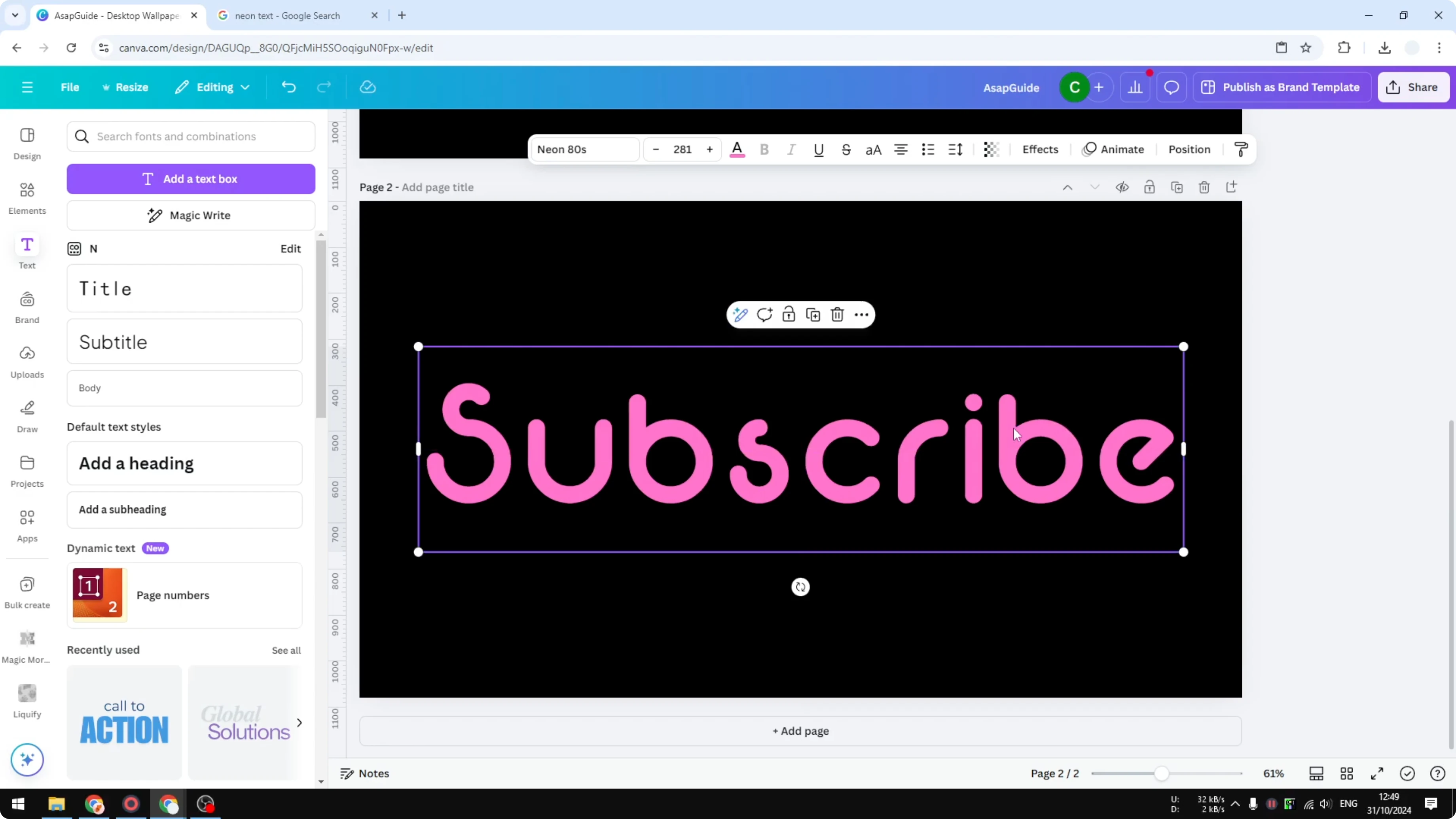
You should see a clean outline that will become the glowing tube.
Export as a transparent PNG
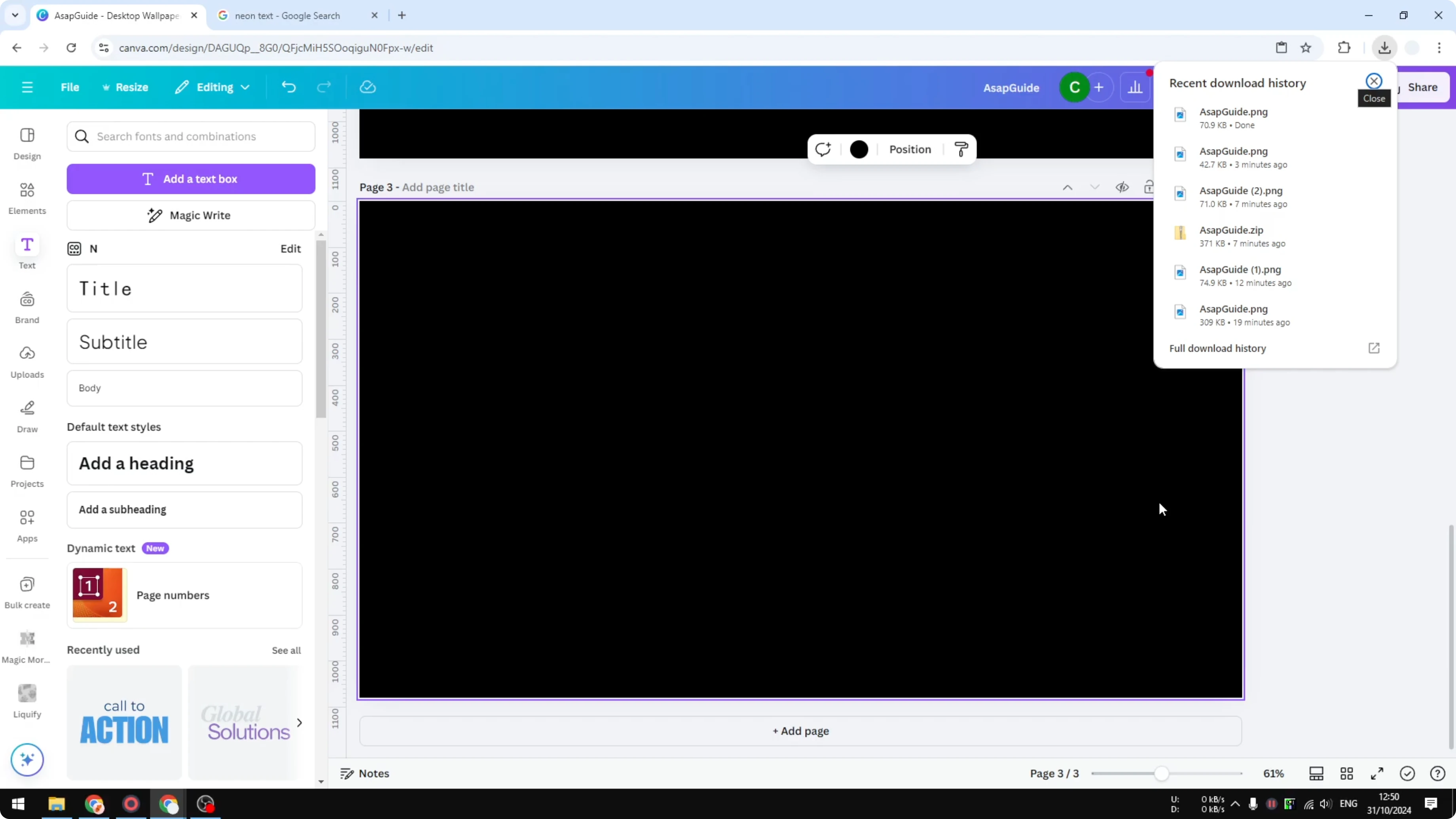
Download this text as an image. Choose PNG and enable Transparent background.
If your design has multiple pages, export only the page with the outlined text.
Reimport and add the glow
Add a new page and upload the PNG you just exported. Expand it to cover the entire canvas.
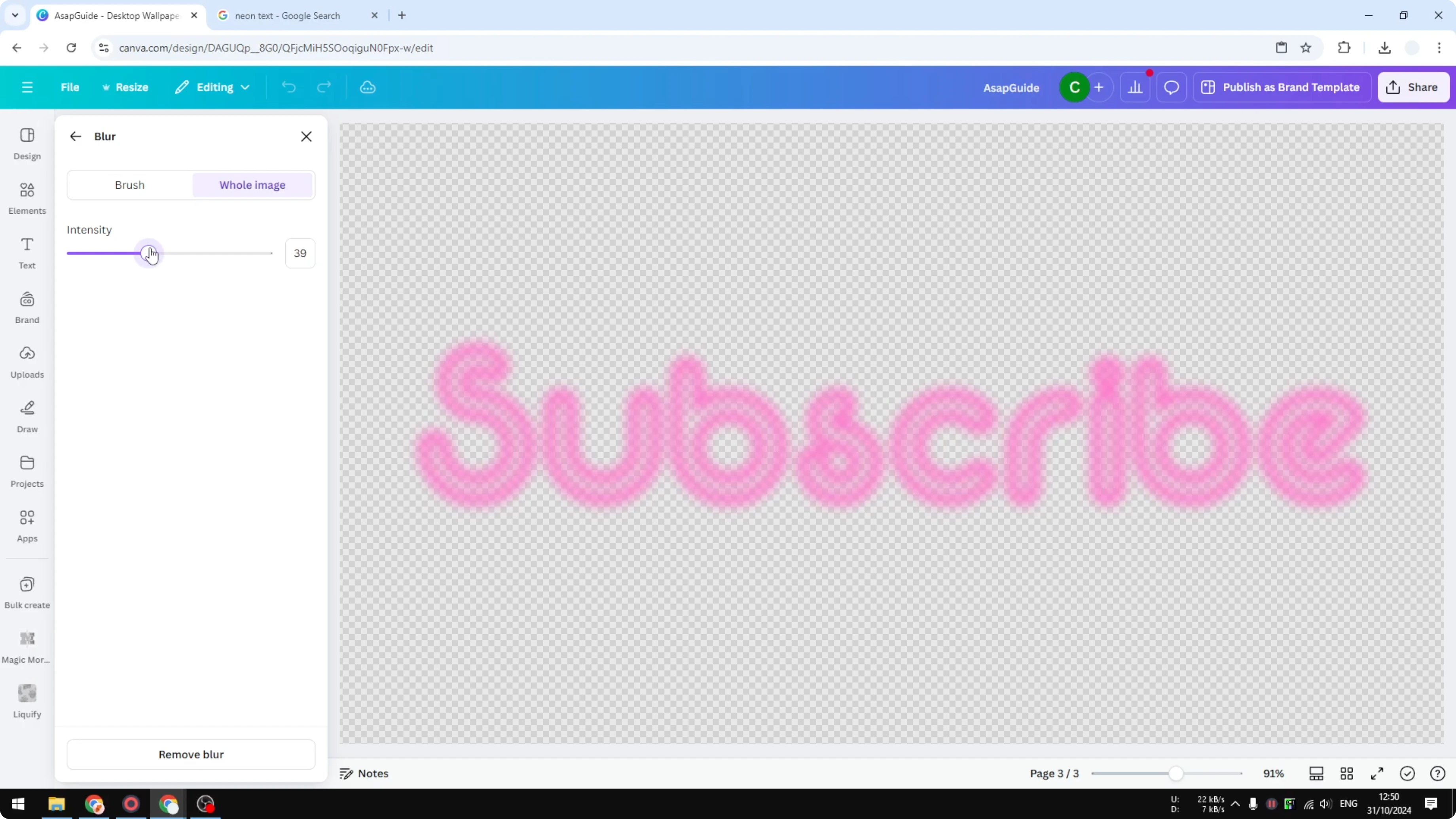
Because it is an image, you can edit it with image effects. Open the editor, choose Blur, switch to Whole image, and raise the intensity to around 40 to create a soft glow. If you prefer a softer, washed look on other projects, this guide to a faded text effect in Canva pairs nicely with neon-style mockups.
Add a bright inner core
Neon usually has a very bright light in the middle. Copy the outlined text and paste it on top as a crisp layer.
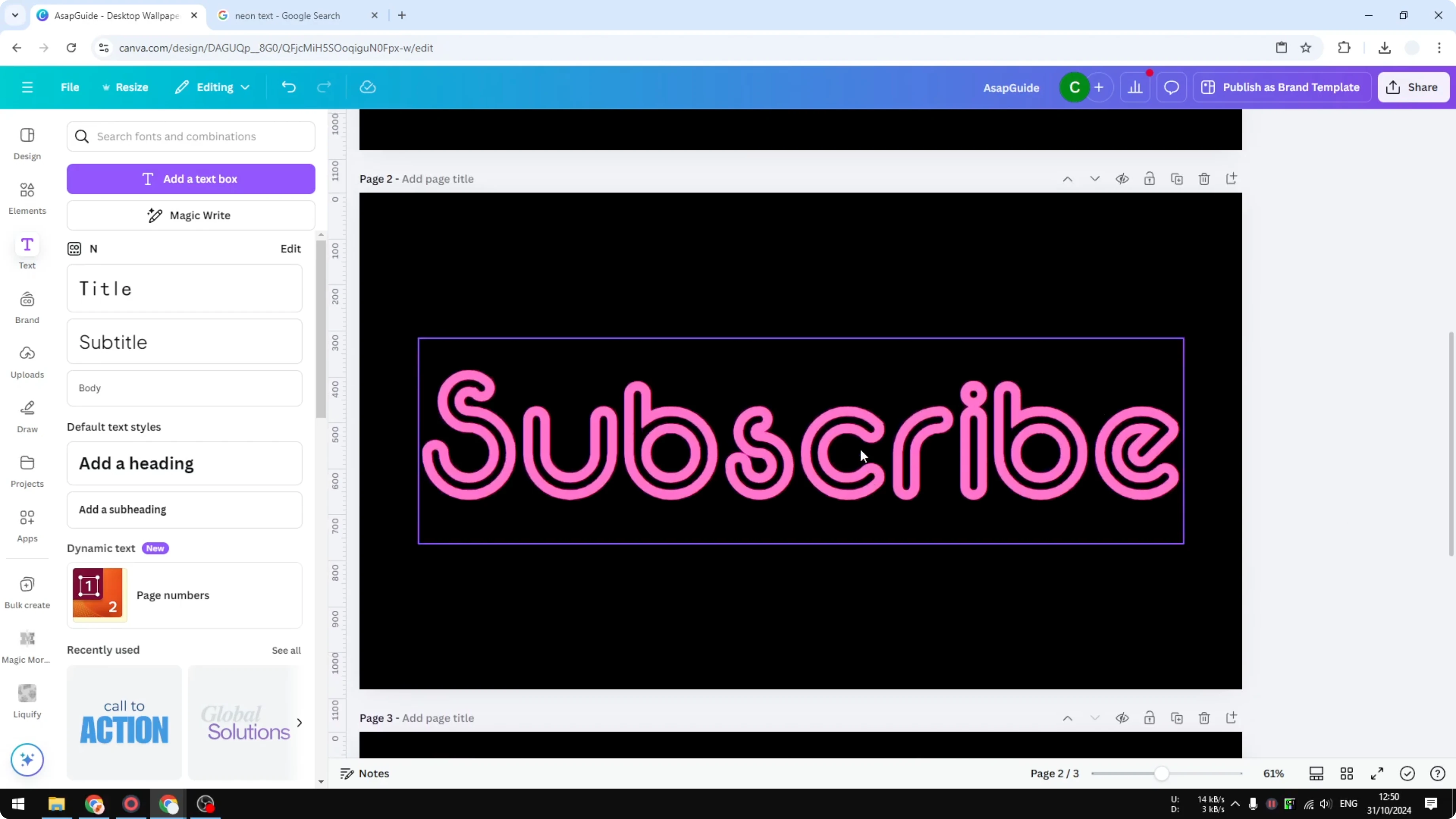
Make its color lighter - almost white - so the center reads as bright neon. Reduce the transparency slightly so you can see the glow behind it.
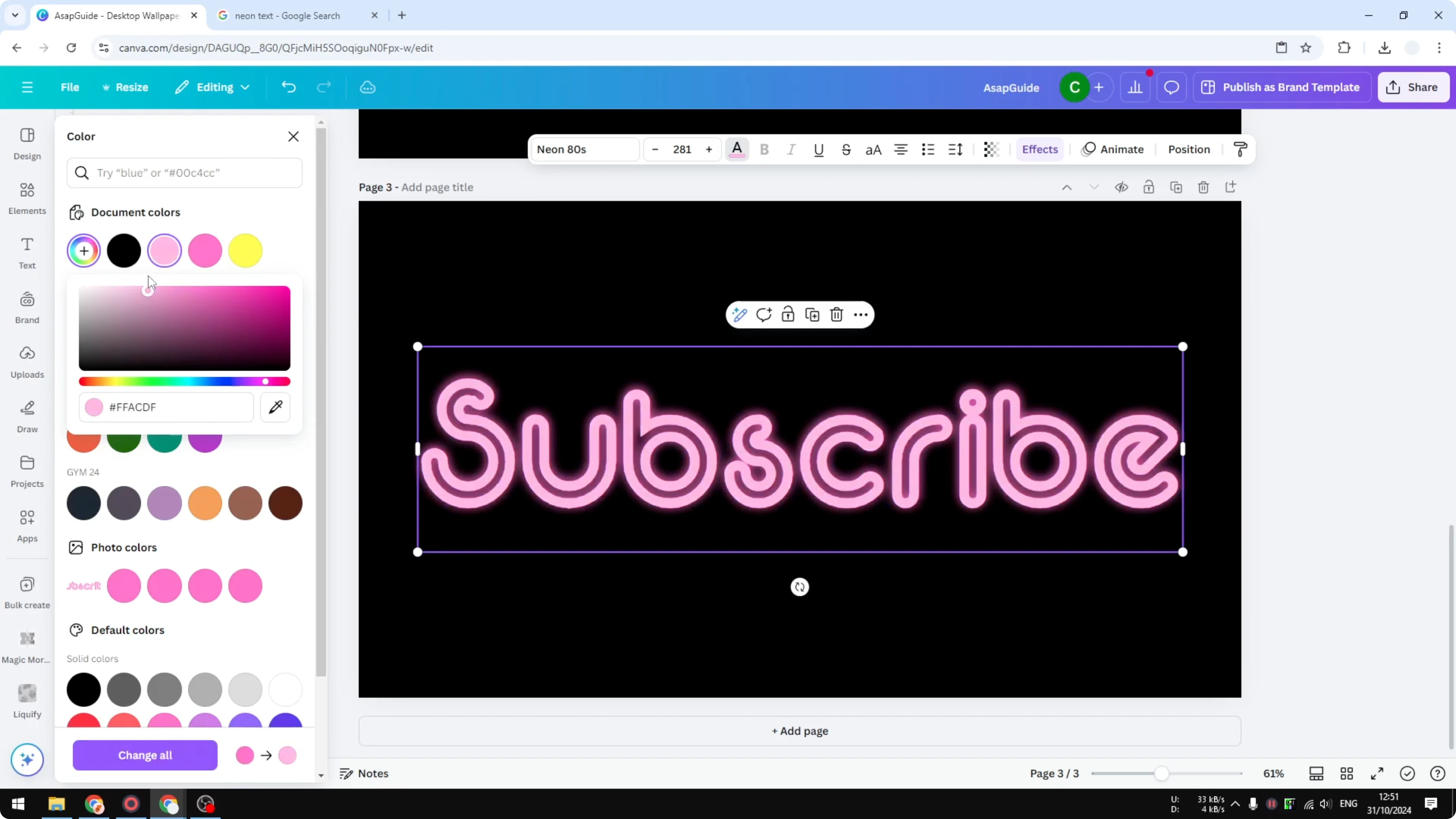
Final result
You’ll get a hollow neon tube with a strong glow and a bright inner core. This method makes the border glow while the inside stays open, which looks closer to real signage.
For a glitchy cyber look that complements neon, check out this glitch text effect walkthrough.
Final Thoughts
This approach gives you control over the neon’s color, outline thickness, and glow intensity. Set the color before exporting, blur the PNG for glow, and stack a lighter inner layer to finish the effect.
Tweak blur strength, outline thickness, and layer opacity until it looks right for your design.
Recent Posts

How to Visualize Yourself as a Pixelized Character with AI?
How to Visualize Yourself as a Pixelized Character with AI?

How to Revive Faded Memories and Enhance Image Clarity with AI?
How to Revive Faded Memories and Enhance Image Clarity with AI?

How to Visualize Yourself as an Animal Crossing Character with AI?
How to Visualize Yourself as an Animal Crossing Character with AI?