How to Connect Lines to Elements in Canva
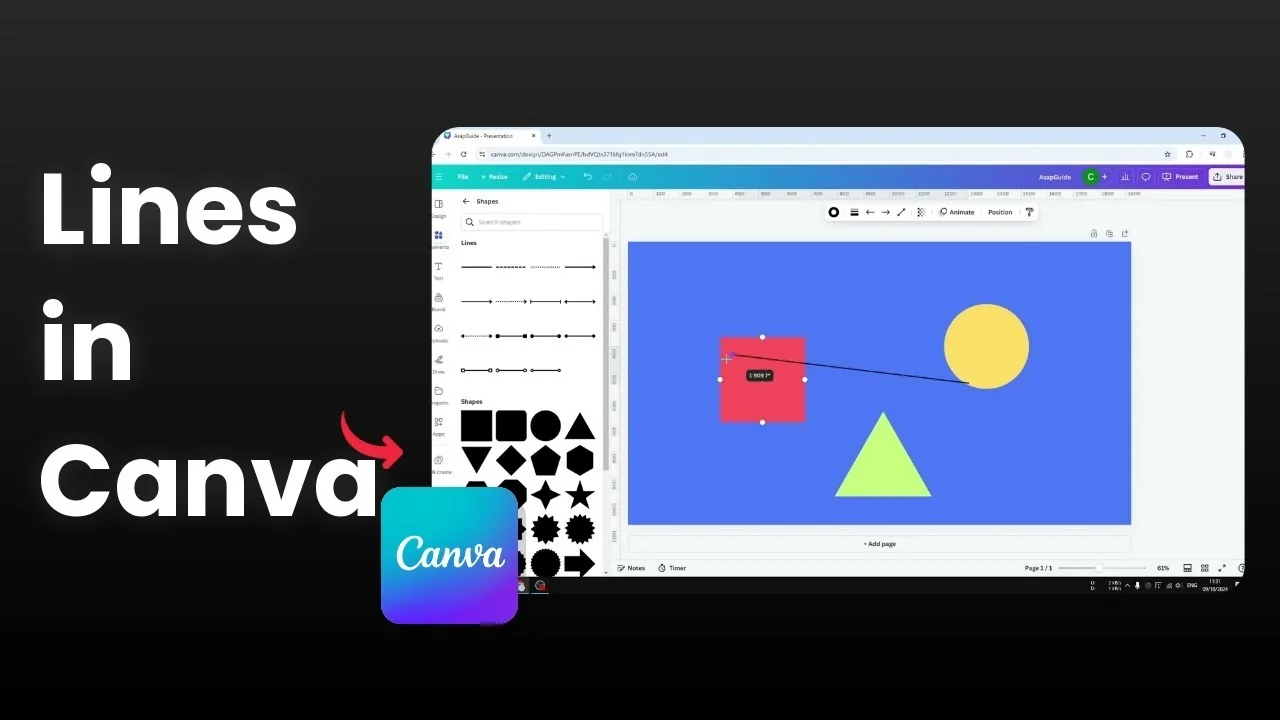
I’ll show you how you can connect lines with elements in Canva. This is very useful when you are trying to draw a chart, diagram, or family tree. It makes it easy to connect one element with another.
Canva has an advanced line feature that lets us create a structured line that looks clean and easy to follow. You can style it, bend it, and point it exactly where you want.
Connect Lines to Elements in Canva
Add a basic line
Go to the Elements section. Open Shapes, then look for the Lines area.
Pick a basic line. The displayed styles are largely the same, so it does not matter which one you select.
Click one end of the line and drag it to an anchor point available on your element. Usually there are four or maybe five anchor points that you can connect easily.
Those anchor points are just suggestions. You can always disconnect and attach the line to a different section of the element.
Connect the other end of the line to the second element at the anchor point you prefer. If you want to freehand your connectors, check out how to draw your own lines in Canva.
Style the line
Increase the line weight to make it clearer. I often set it to 12 to make it a bit thicker.
You can make the ends rounder. You can also switch the style to dots or dashes.
Change the color if you want to match your design. A simple white connector can look great on darker layouts. If you need extra icons or shapes to connect, learn how to search free elements in Canva.
Add elbows for cleaner routing
A straight line is not always the prettiest option when elements sit at different positions. An elbow makes the route easier to read.
Click the line, open the line type options, and select the elbow style. You will see control points that let you adjust the bend.
Move the elbow to make the turn bigger or smaller. Tweak it until the path looks clear and balanced.
Add arrowheads for flow direction
If you want a flow chart look, add arrowheads to the ends. This helps show direction from one element to another.
Add another line if needed. Set the weight to 12, connect each end to the appropriate anchor points, then add elbow routing.
Turn on arrowheads at the start or end of the line. Use arrows only where direction matters to keep the design clean. If you reuse the same styled connectors often, you can save elements to your Favorites for quick access.
Final thoughts
Connecting lines to elements in Canva is quick once you know where to find lines, how to snap to anchor points, and how to add elbows. Style the weight, ends, pattern, and color to match your layout.
Use elbows and arrowheads to keep complex diagrams readable. With these small adjustments, your charts and family trees will look tidy and easy to follow.
Recent Posts

How to Visualize Yourself as a Pixelized Character with AI?
How to Visualize Yourself as a Pixelized Character with AI?

How to Revive Faded Memories and Enhance Image Clarity with AI?
How to Revive Faded Memories and Enhance Image Clarity with AI?

How to Visualize Yourself as an Animal Crossing Character with AI?
How to Visualize Yourself as an Animal Crossing Character with AI?