How to Check Word Count on a Canva Design
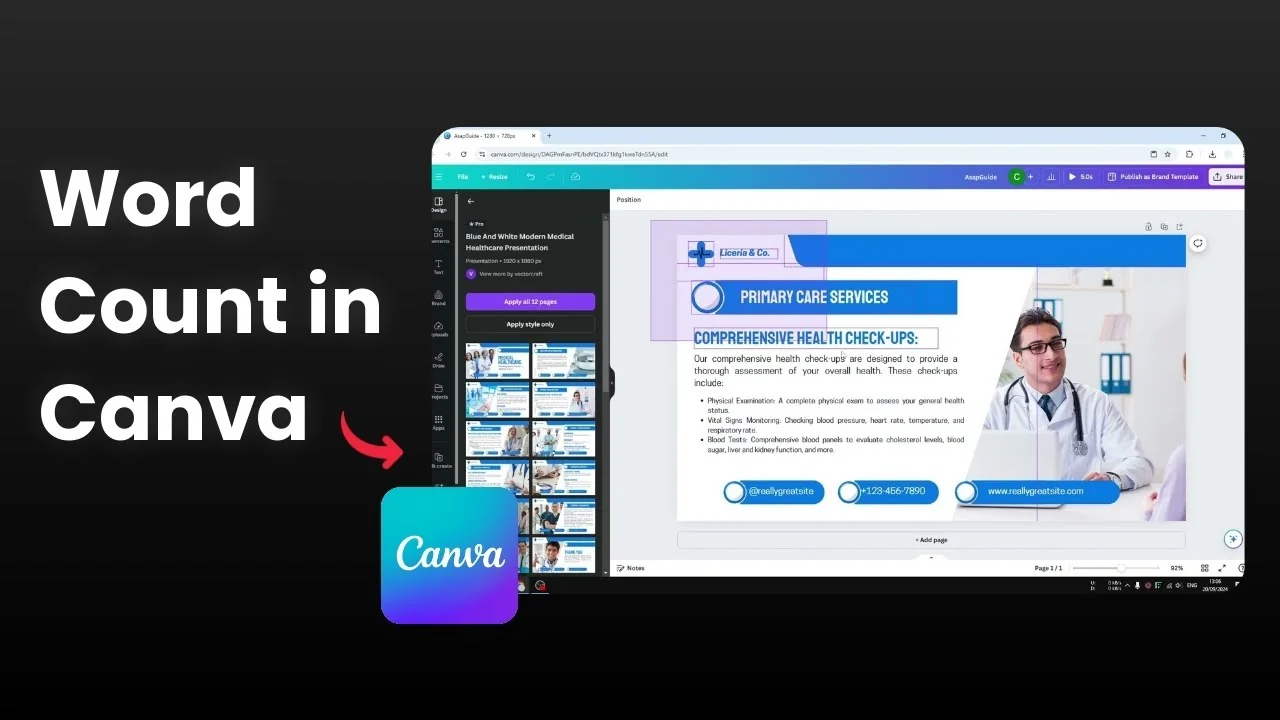
Counting words on a Canva page is tricky because Canva does not have a built-in word counter like Google Docs or Microsoft Word. You will not see any info about the number of words or characters on your design. Here is an easy way to check it without any plugin.

If you are preparing text-heavy layouts, it also helps to check your current design dimensions to keep layout choices consistent. You can quickly check your current design dimensions before finalizing your text.
Steps to Check Word Count on a Canva Design
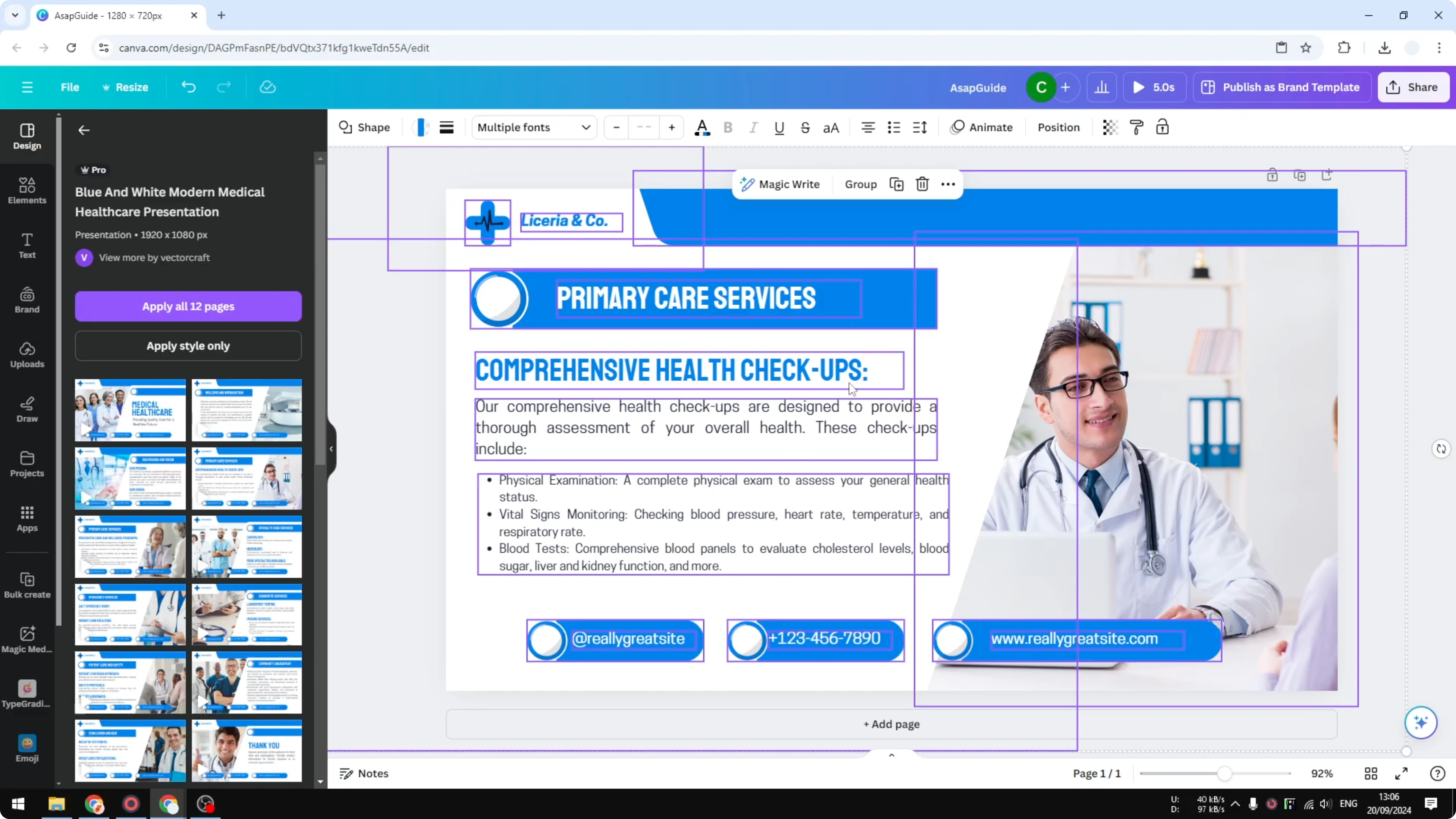
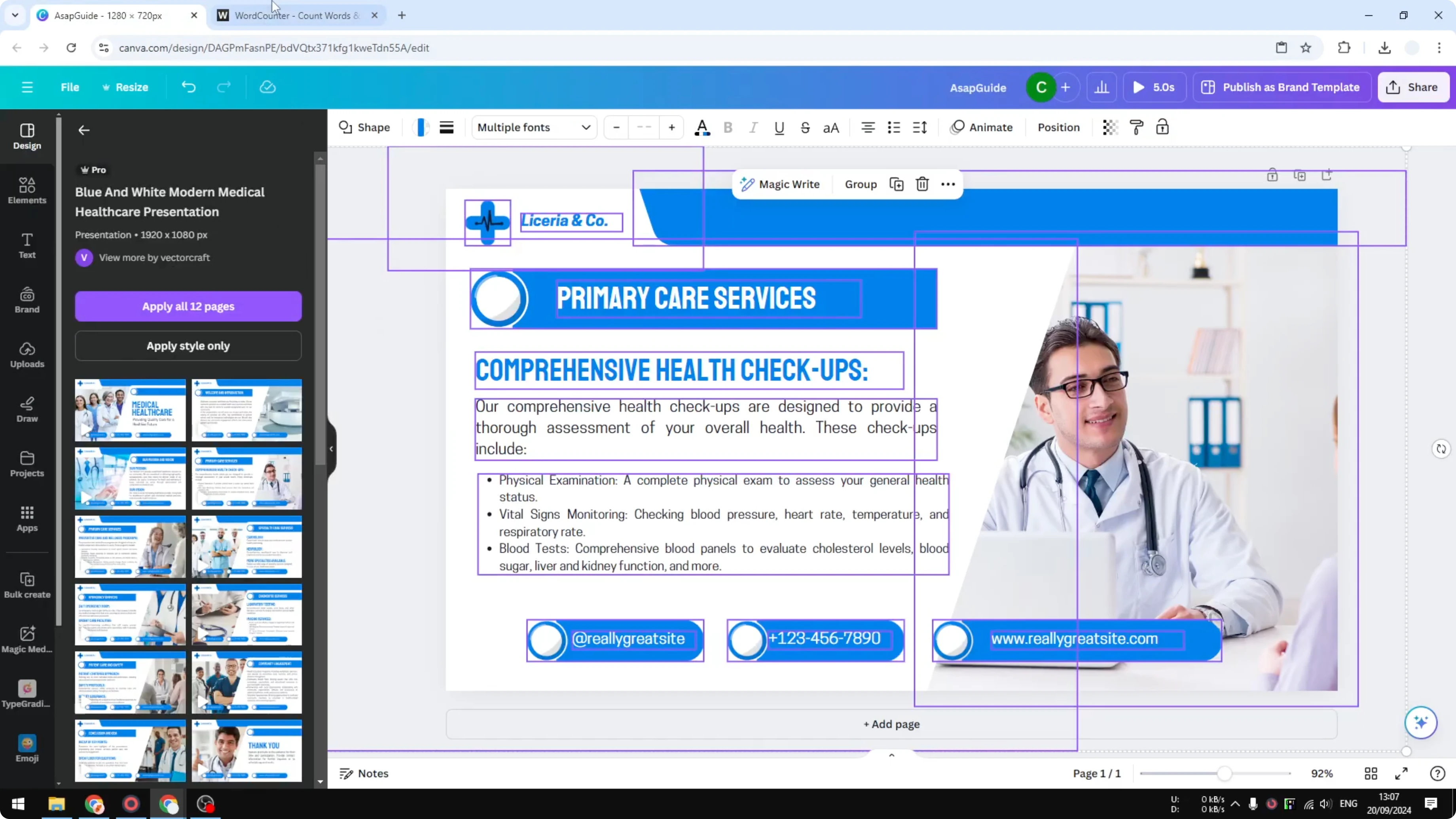
Select all elements on the page. Press Ctrl+A on Windows or Command+A on Mac.

You can also click and drag to cover all elements on the canvas. It does not matter if there are videos, photos, shapes, or other objects.

Copy everything you selected. Press Ctrl+C or right click and choose Copy.
Open a new browser tab and search for a free word counter tool. Any simple text box word counter will work.
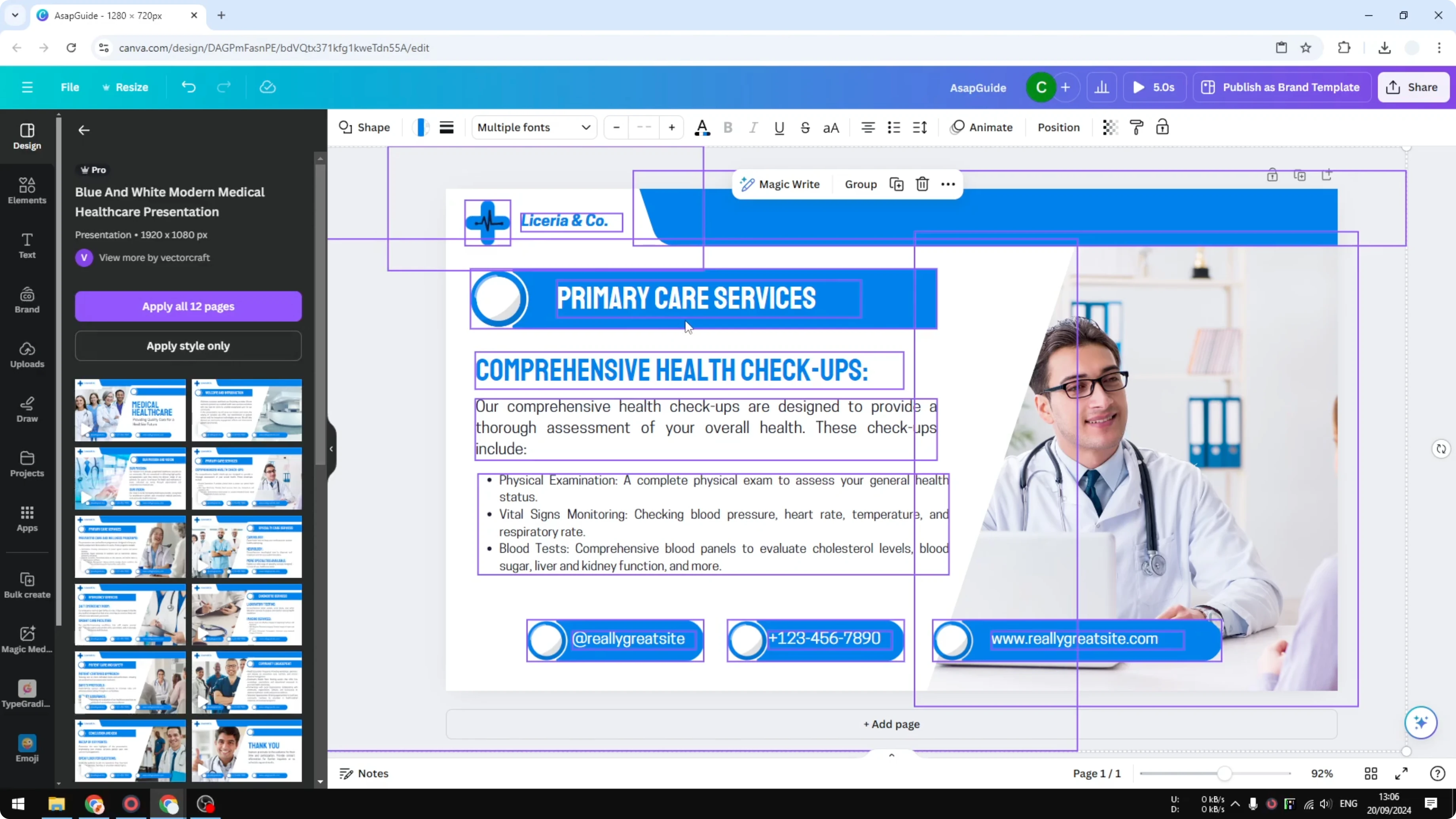
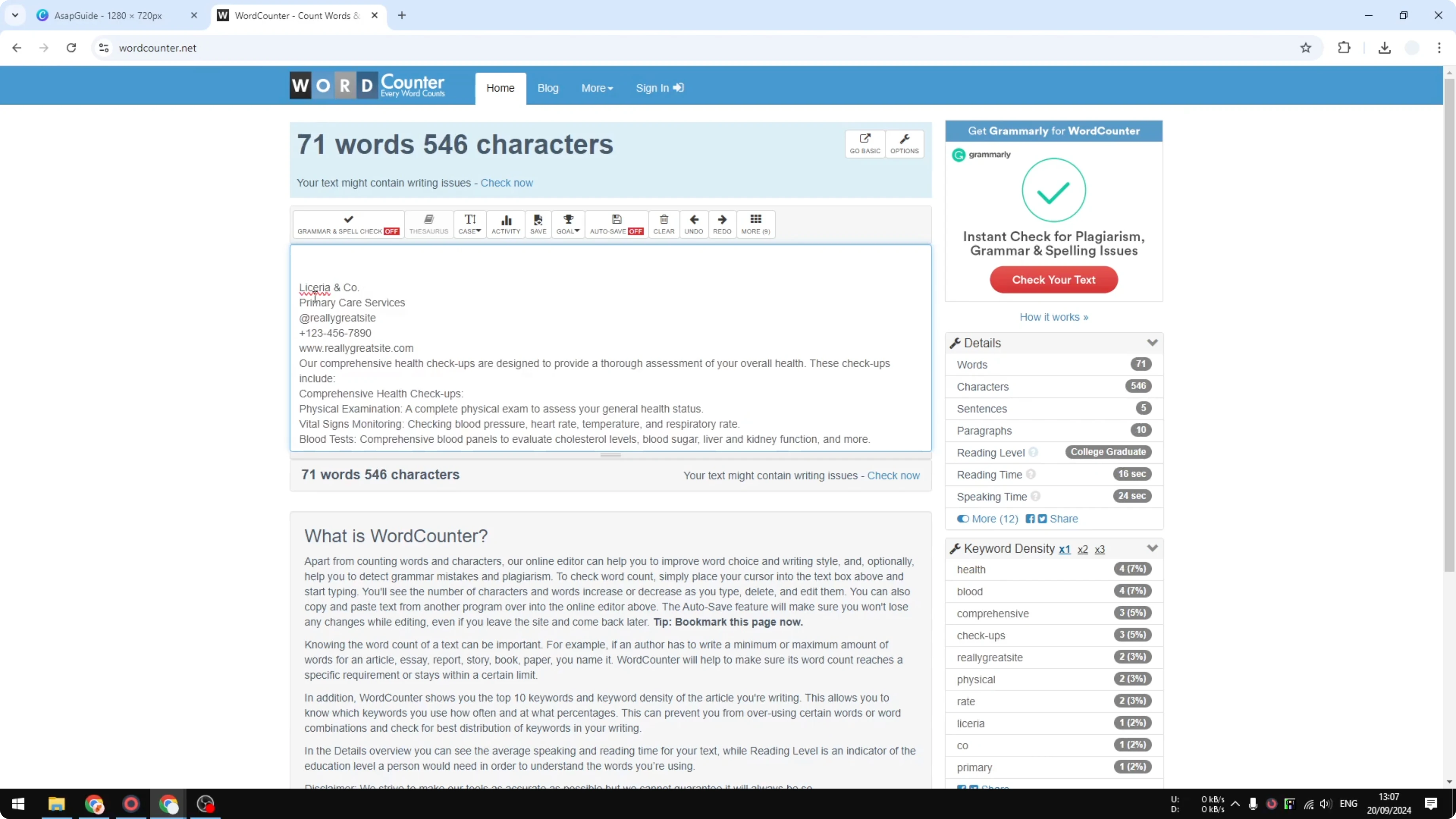
Paste the copied content into the word counter. Press Ctrl+V or use Paste from the context menu.
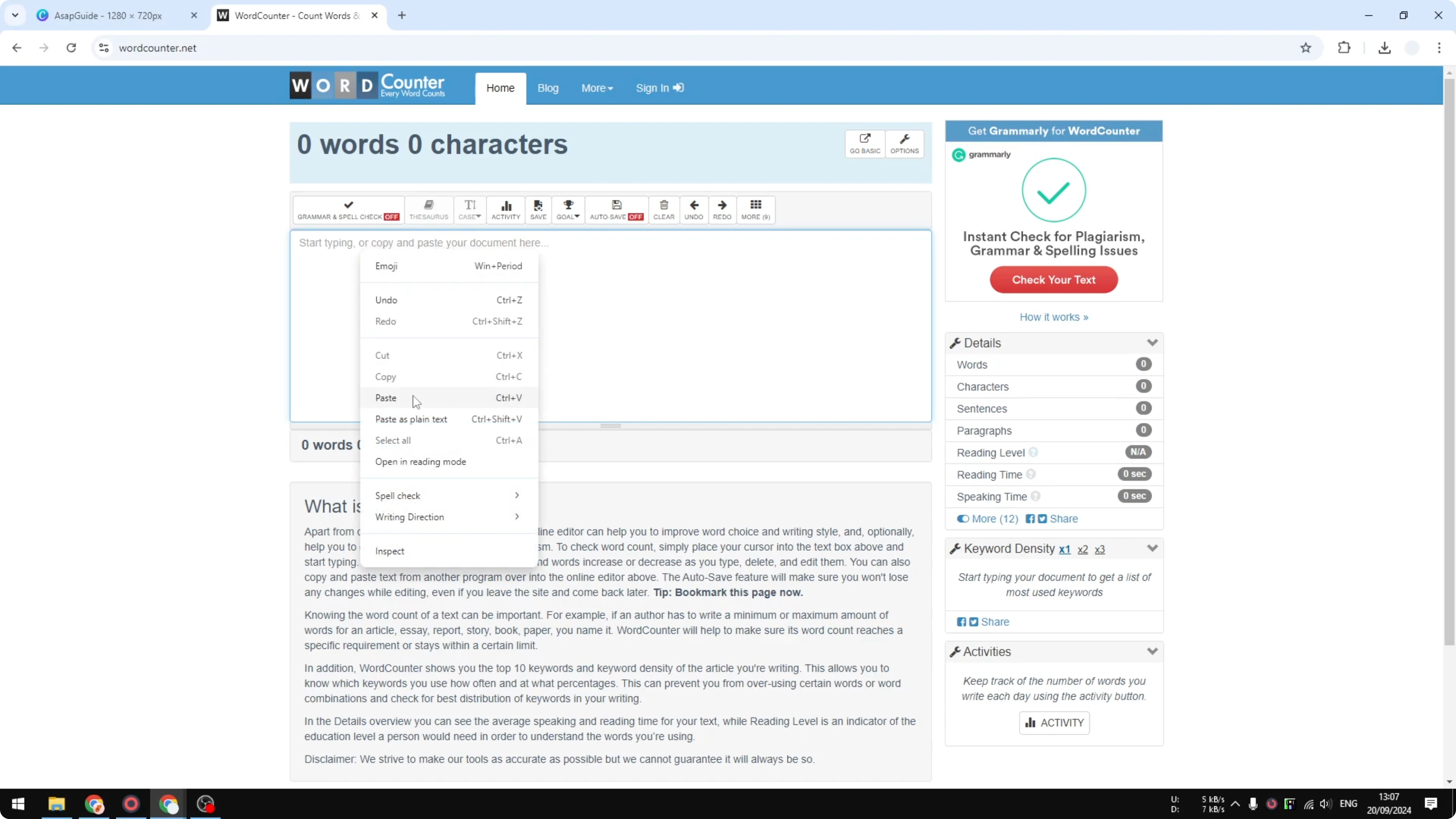
Only text will appear. There will be no photos, videos, shapes, or design objects, just text and numbers.
Check the result shown by the tool. For example, one of my pages showed 71 words after pasting the content.
Keyboard shortcuts

Windows:
- Select all: Ctrl+A
- Copy: Ctrl+C
- Paste: Ctrl+V

Mac:
- Select all: Command+A
- Copy: Command+C
- Paste: Command+V
Multi-page Check Word Count on a Canva Design
This approach can be challenging if your design has many pages. Repeat the copy and paste steps for each page and add up the totals.
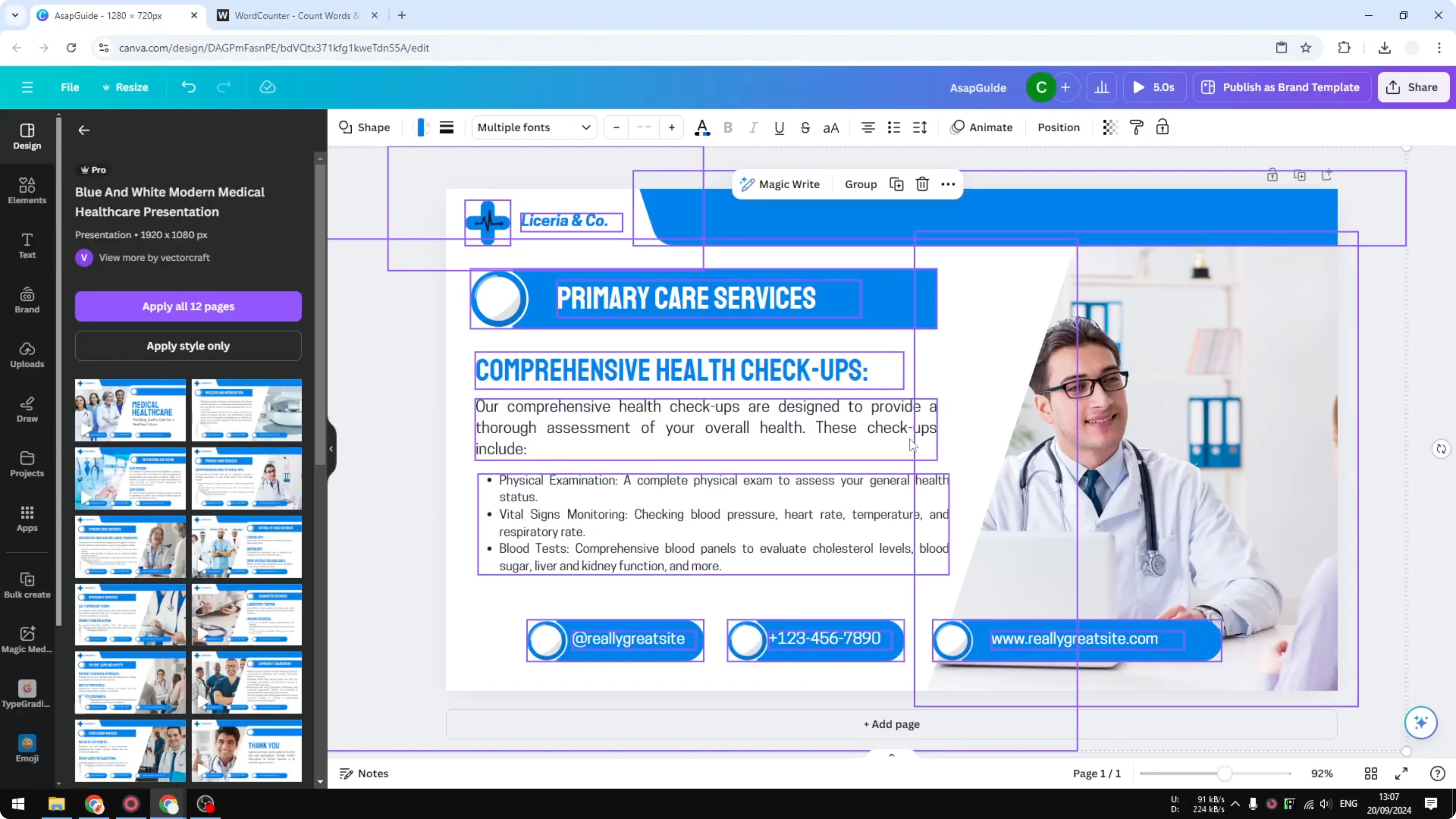
If you want to manage pages in a cleaner workspace, you can copy a page to a separate working file and process counts there. Here is how to copy a Canva page into another design for easier batching.
Alternative: Microsoft Word for Word Count
You can also paste the copied text into Microsoft Word and use its word count feature. If you need help moving text between the two tools, see how to paste Canva content into Microsoft Word quickly.
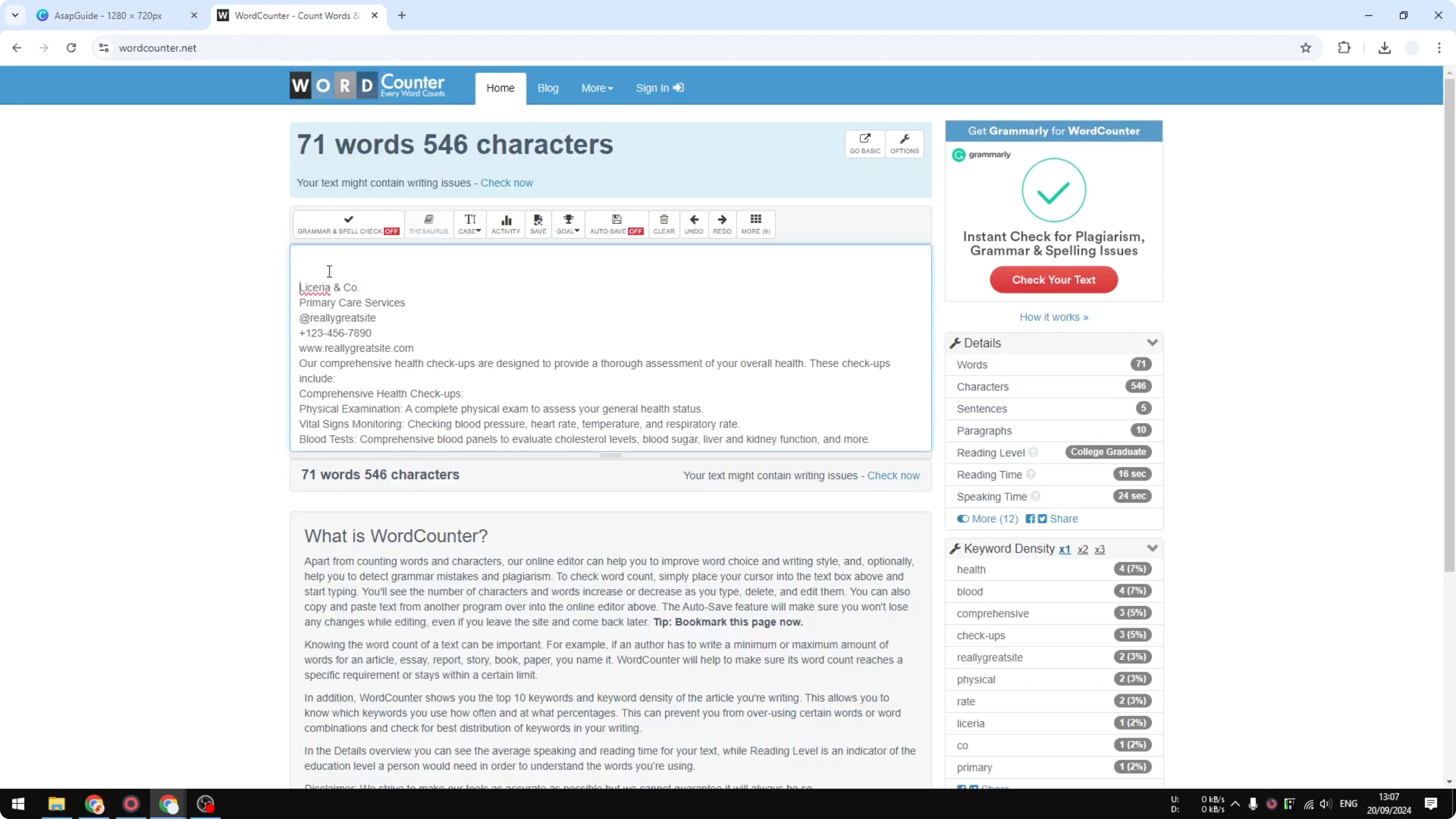
This method gives the same result as an online counter because only text is transferred. You will get a clear total with no design elements included.
Final Thoughts
Canva does not show word or character counts, but copying all elements and pasting into a word counter is quick and reliable. Only text makes it through the paste, which keeps the count accurate. For large projects, process page by page or organize pages in a separate file, and you will have precise totals in minutes.
Recent Posts

How to Visualize Yourself as a Pixelized Character with AI?
How to Visualize Yourself as a Pixelized Character with AI?
How to Revive Faded Memories and Enhance Image Clarity with AI?
How to Revive Faded Memories and Enhance Image Clarity with AI?

How to Visualize Yourself as an Animal Crossing Character with AI?
How to Visualize Yourself as an Animal Crossing Character with AI?