How to Change Color Palette of a Design in Canva
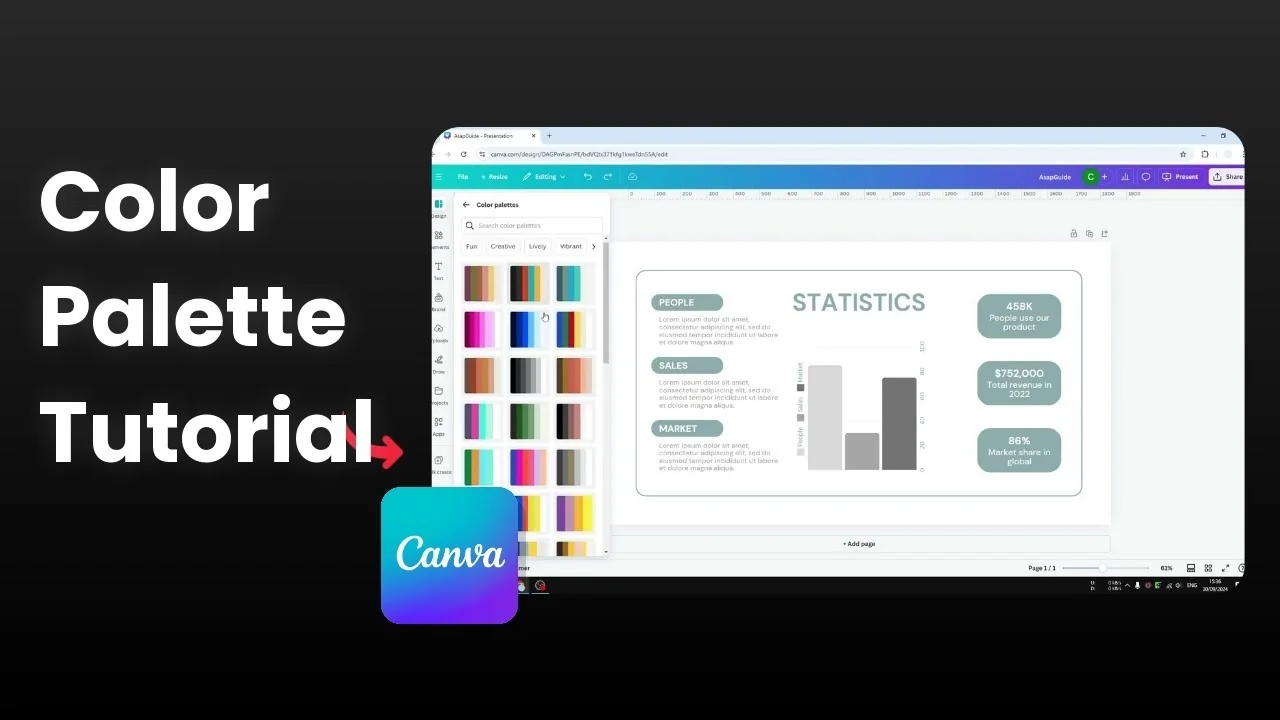
I will show you how you can change the color style or the color palette of any design in Canva. I have this template that I got from Canva. This is not something that I created.
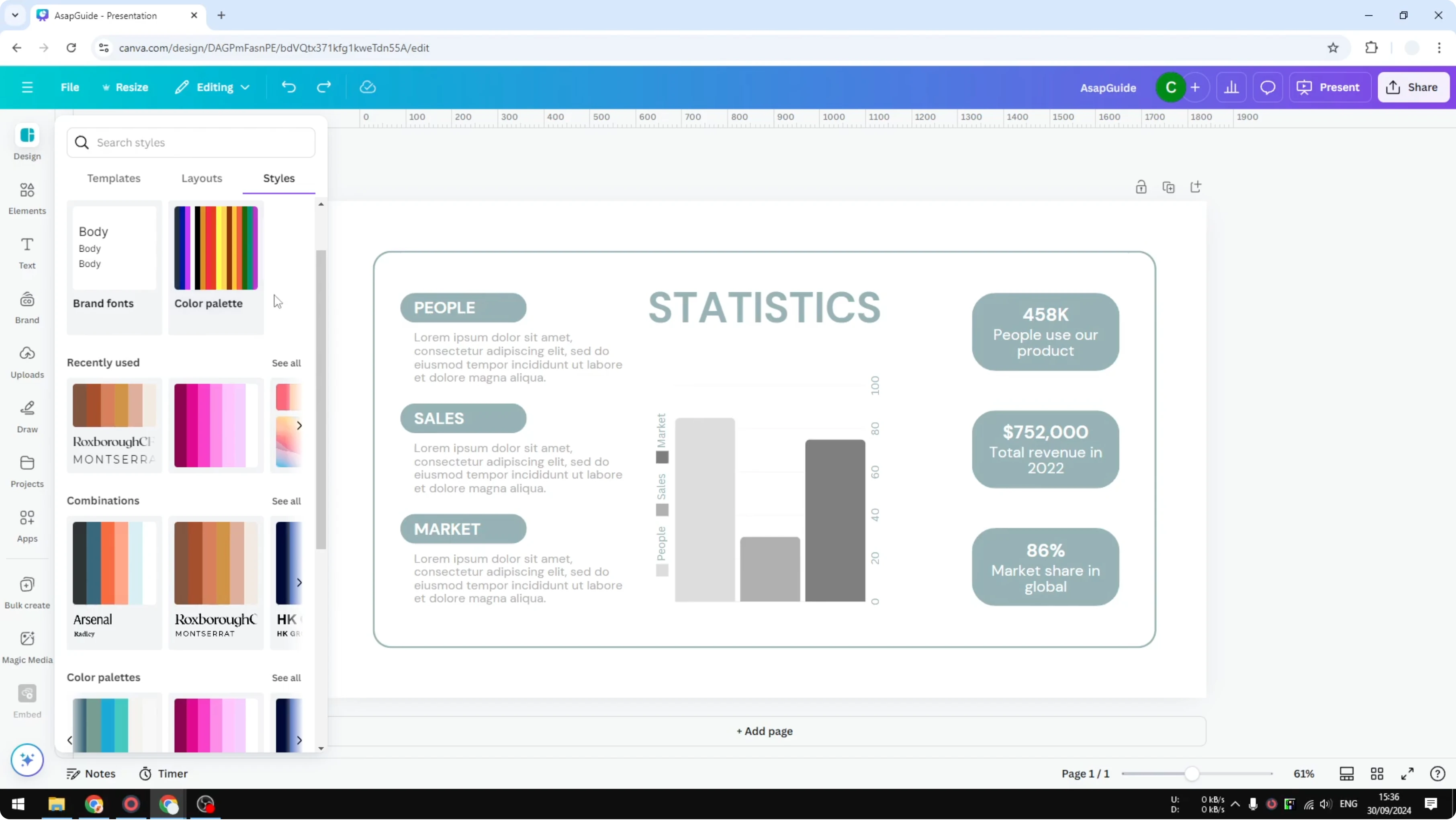
It has a green color that is minimalistic, which is all right, but I want to use something more vibrant. How do you actually change the color of these objects without having to do it manually. Canva lets you switch the style in one click.
If you only need to adjust the backdrop, see how to change the background color.
Change Color Palette of a Design in Canva
Quick method
Fortunately Canva allows you to change the style of a design very quickly. It is literally just one click away. You can switch entire palettes for your page at once.
Steps
Open your design in the editor.
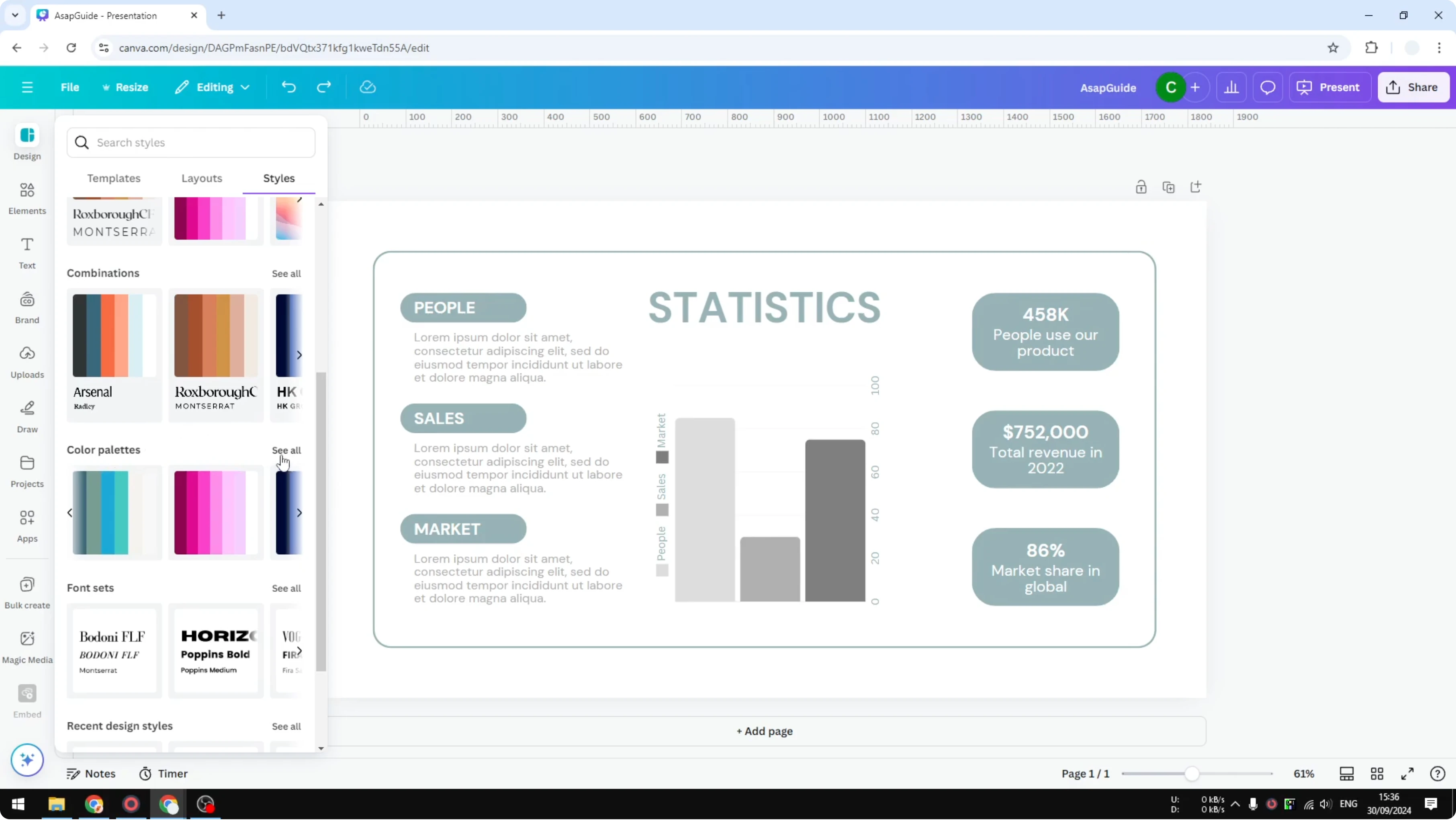
Go to the Design panel.
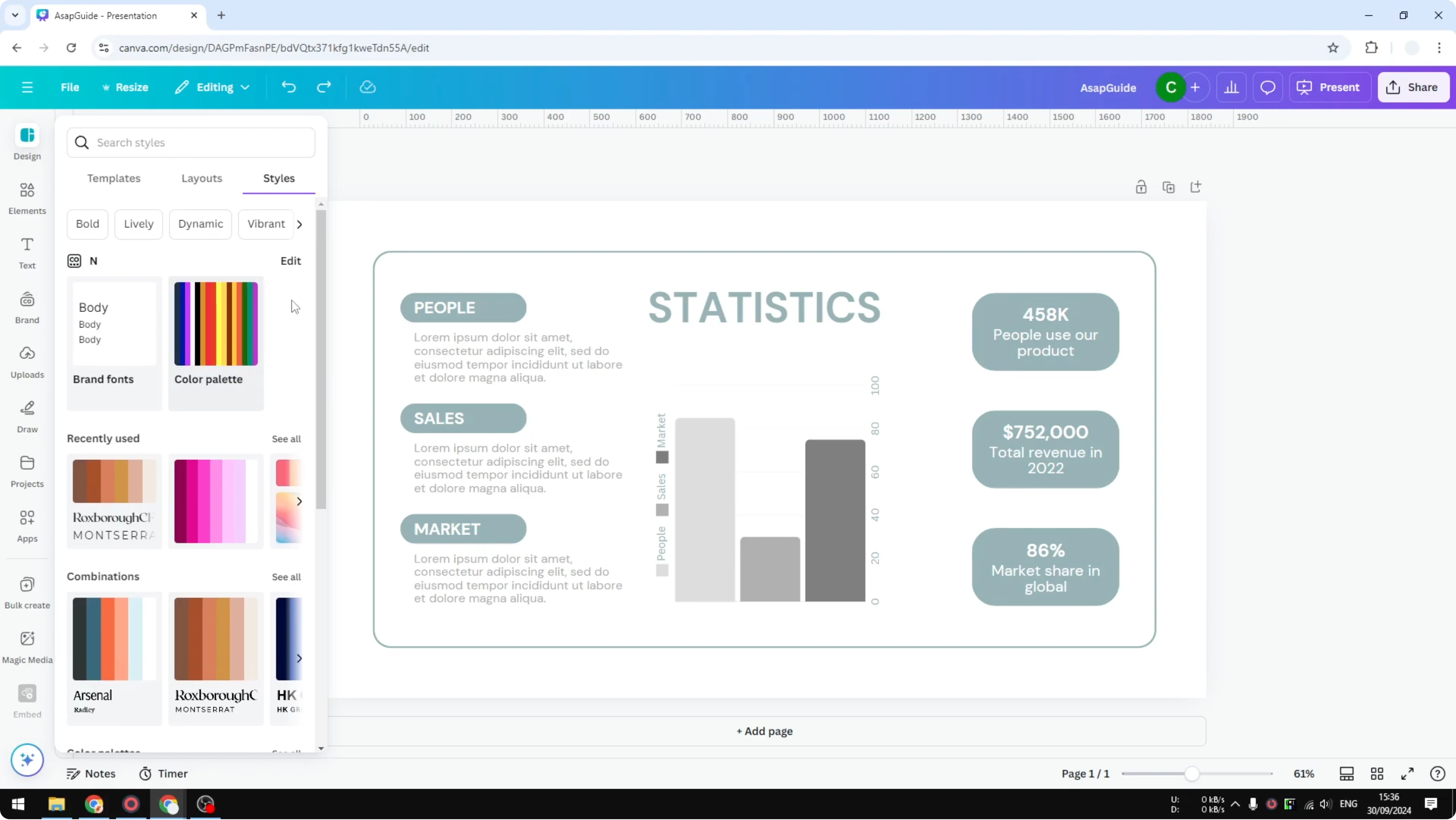
Click Styles.
Browse the available Color palettes. You will see plenty of styles you can copy for your design.
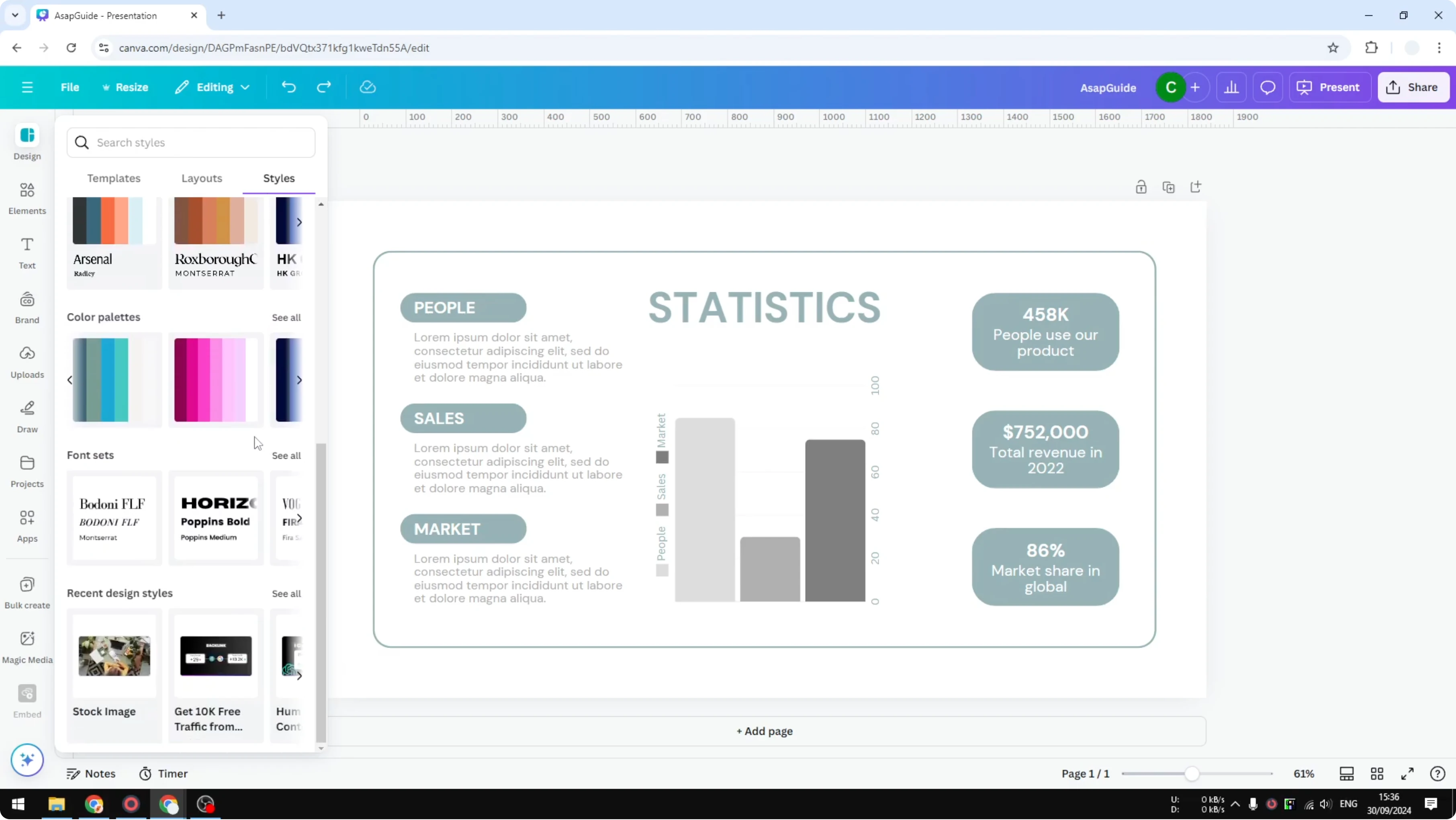
If you also want to change fonts, choose Combinations. This combines text and color in one apply.
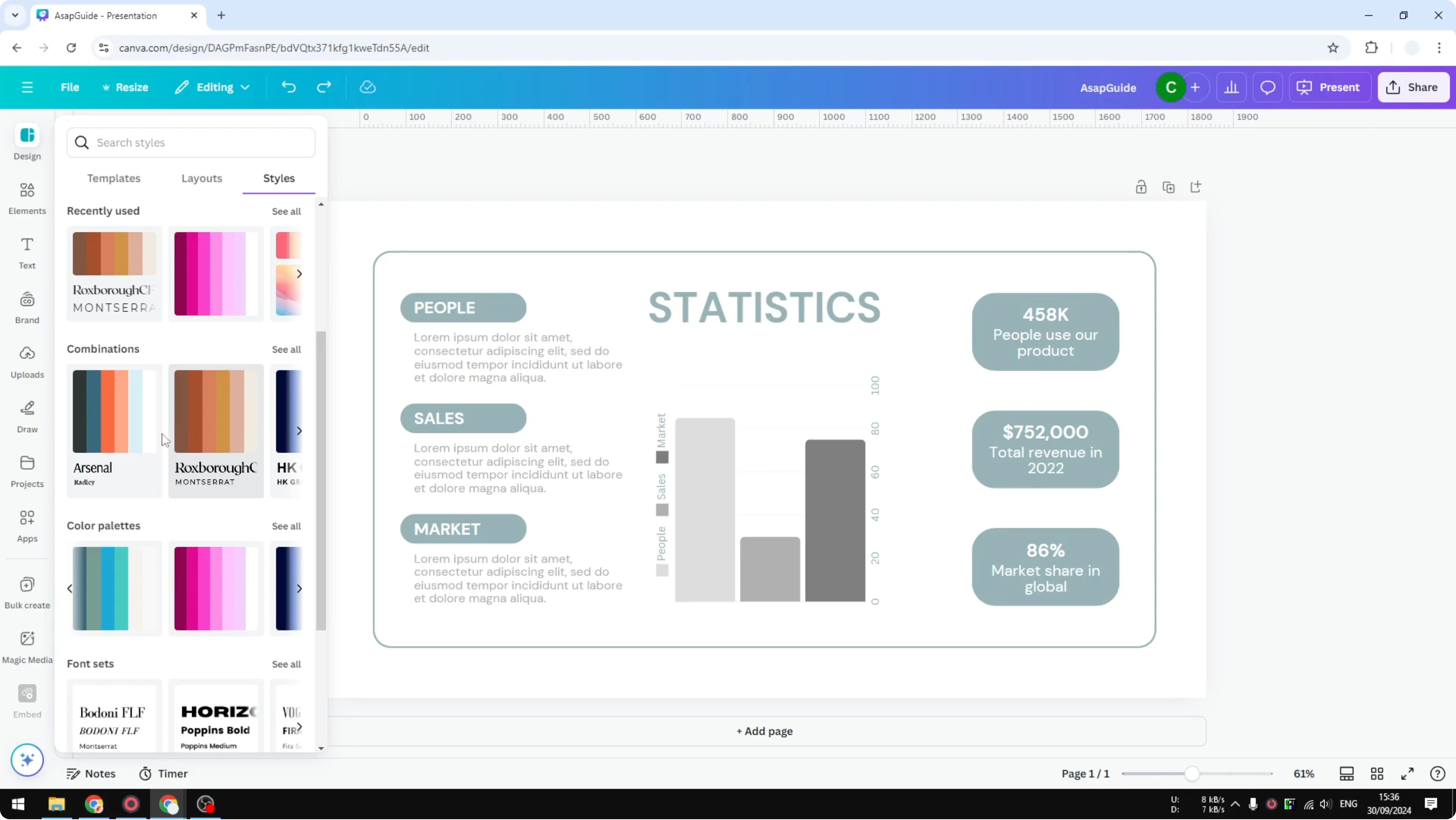
Use the Search field if you want to find a palette by name or mood.
I am going to change the color only. Open the color palettes and you will see a lot of options.
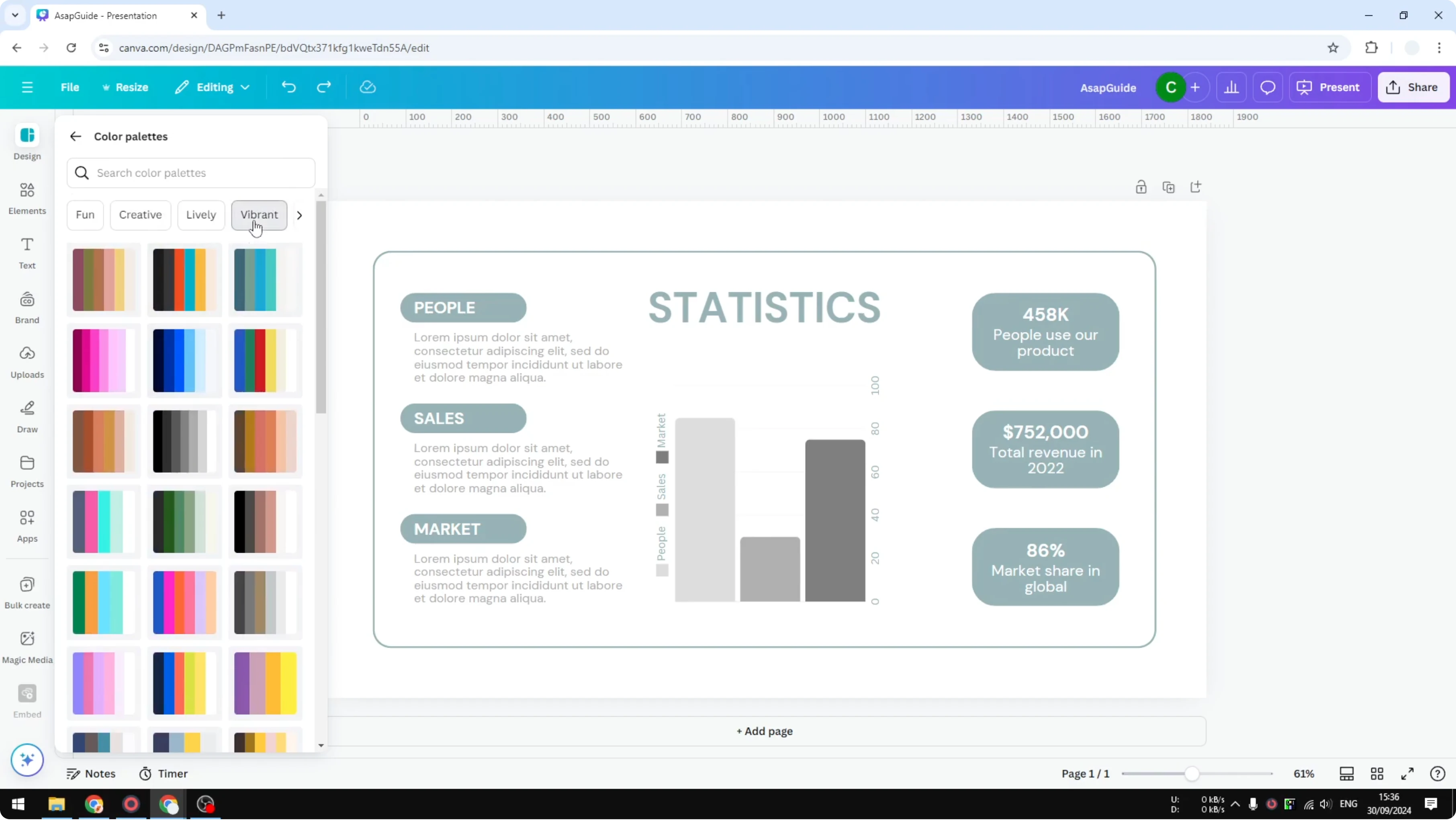
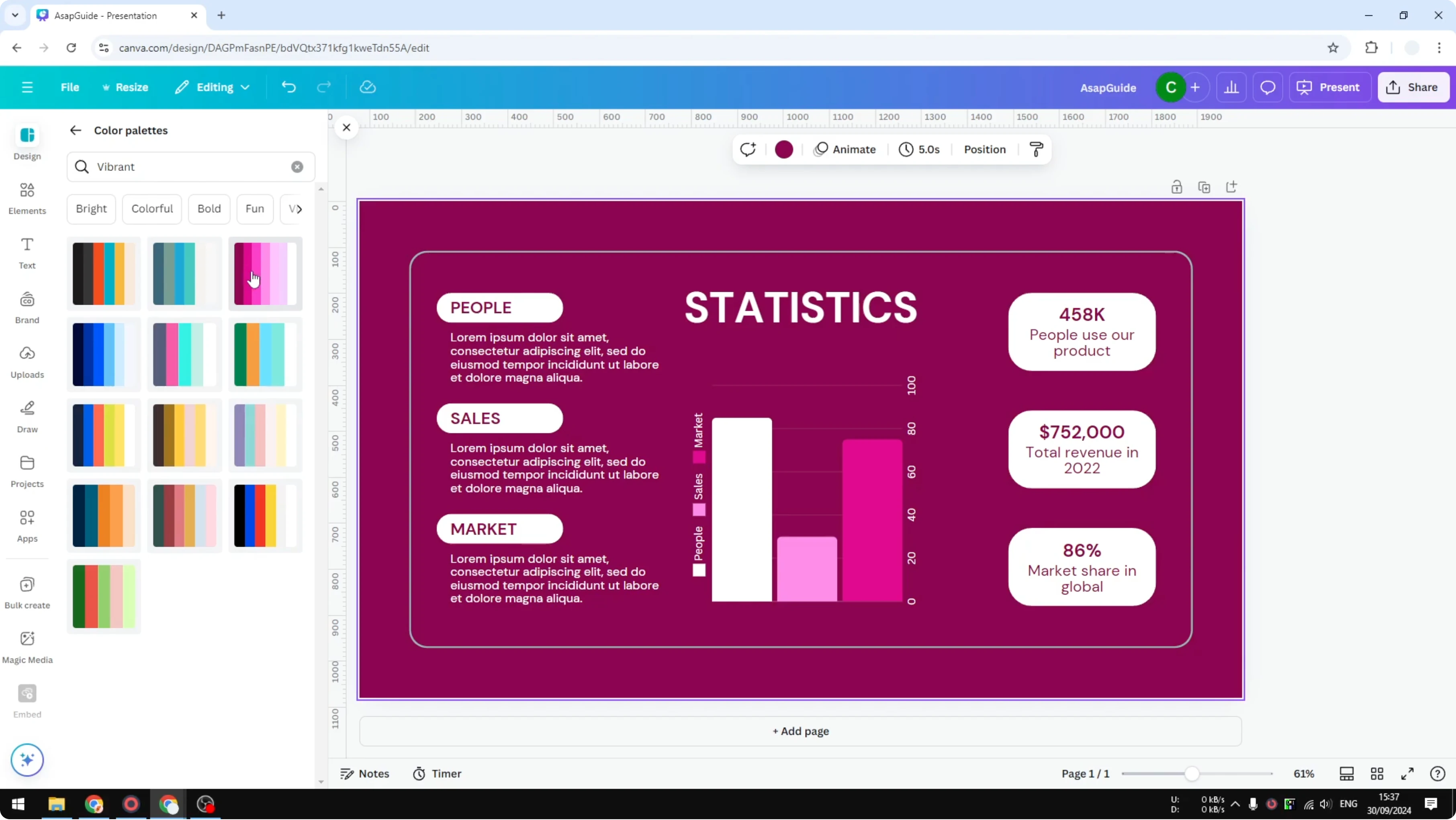
Filter by the Vibrant tag. I will select a pink palette and apply it.
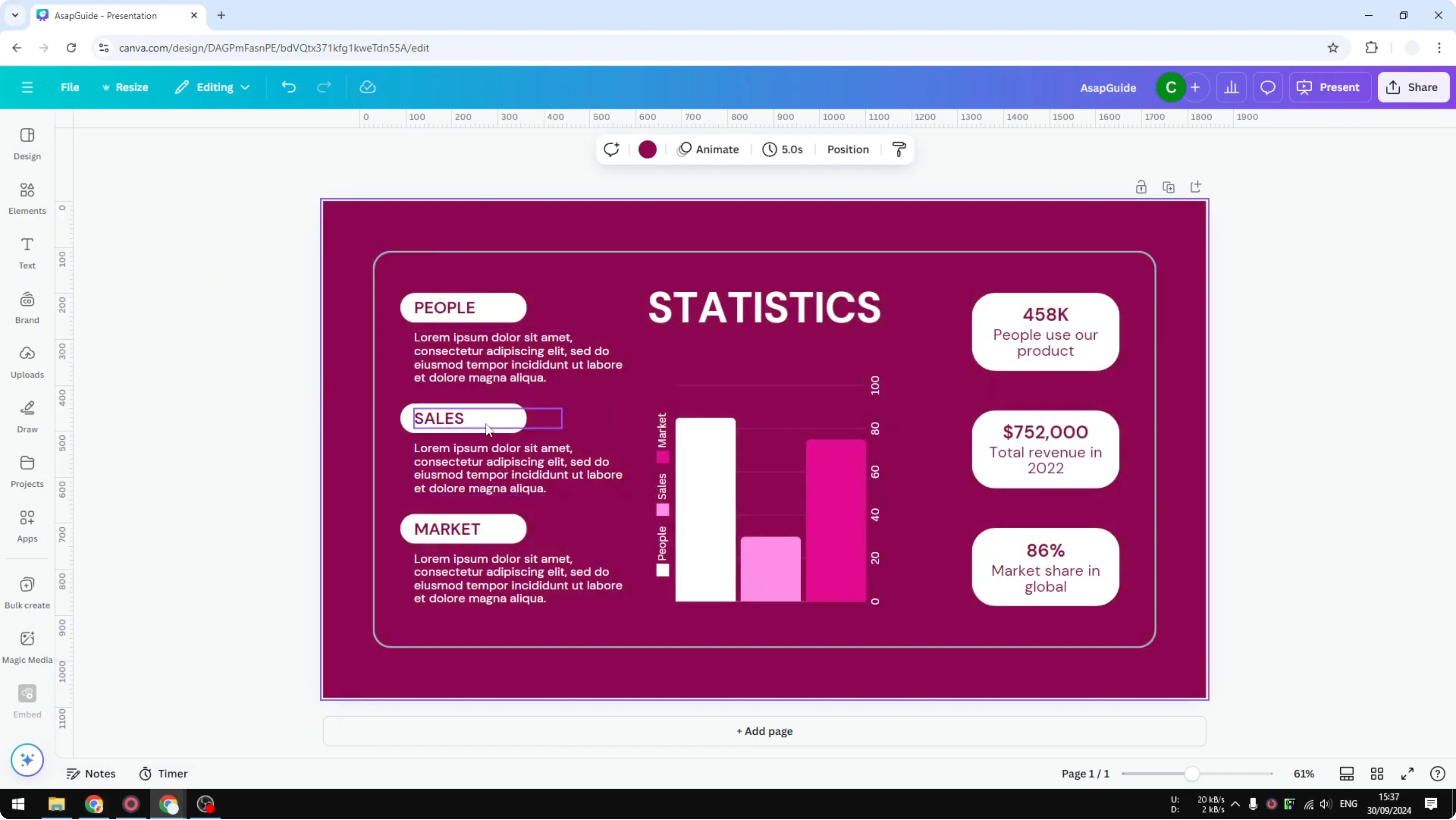
You will see the colors swap across the design instantly.
Randomize colors
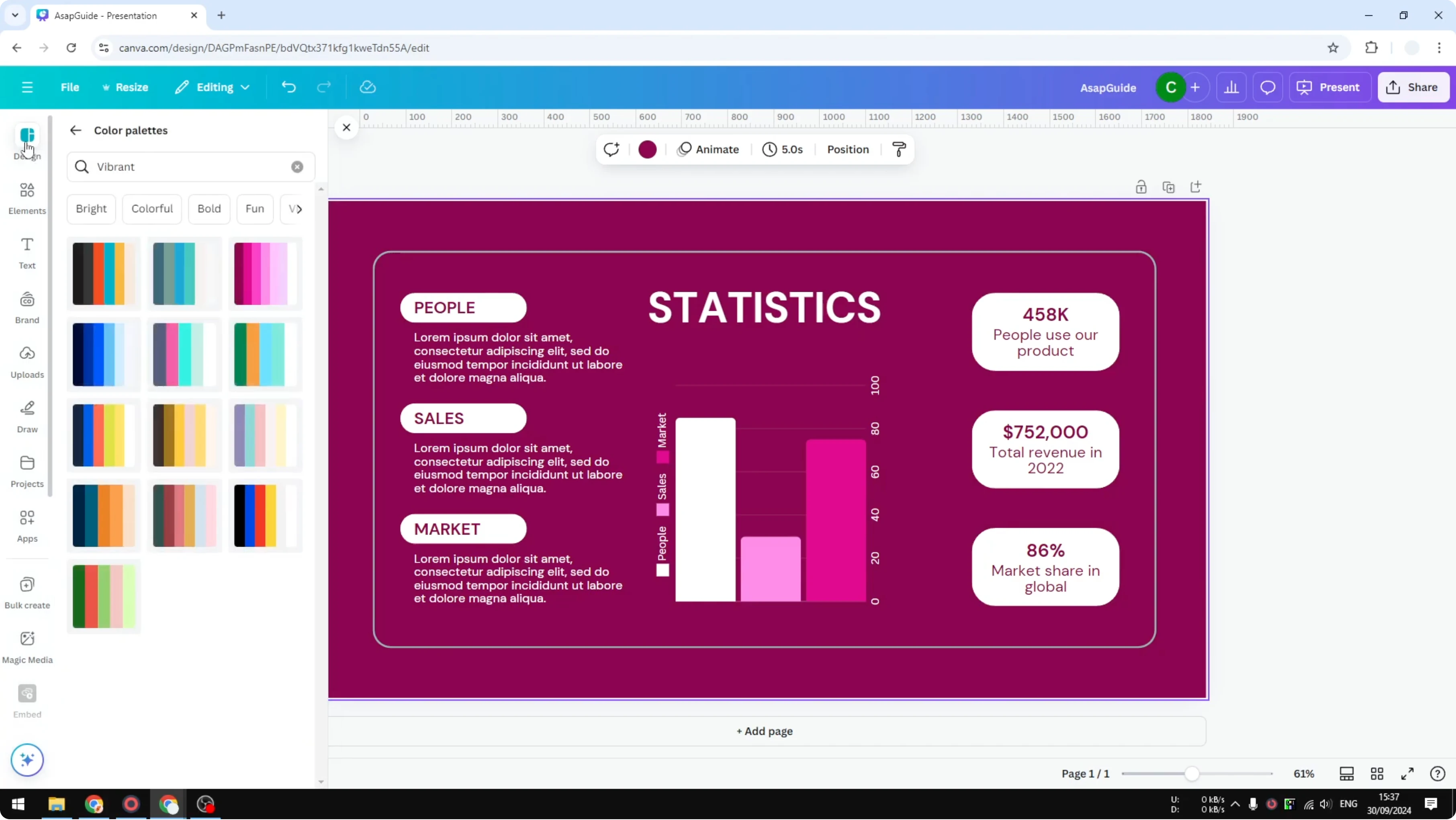
If you are not satisfied with the first result, you can randomize colors. Click the same palette again and Canva will adjust elements to a different arrangement. You can click as many times as you like until you get the one that you think is best for your case.
If you need to recolor a photo or an imported graphic, see how to change the color of an image.
Color and text together
There is also a section for your Brand styles if you have brand colors saved. You can apply a brand palette to keep everything consistent. If you prefer to change the text as well, Combinations will handle both in one go.
If you want to move from a single fill to a gradient look, see turn a solid color into a gradient.
Final thoughts
The fastest way to change the palette is through Design, Styles, then apply a color palette. Use the Vibrant tag to get brighter looks and click again to randomize until it fits your design. This simple method saves you from changing each object manually.
Recent Posts

How to Visualize Yourself as a Pixelized Character with AI?
How to Visualize Yourself as a Pixelized Character with AI?

How to Revive Faded Memories and Enhance Image Clarity with AI?
How to Revive Faded Memories and Enhance Image Clarity with AI?

How to Visualize Yourself as an Animal Crossing Character with AI?
How to Visualize Yourself as an Animal Crossing Character with AI?