How to Use Beat Sync in Canva
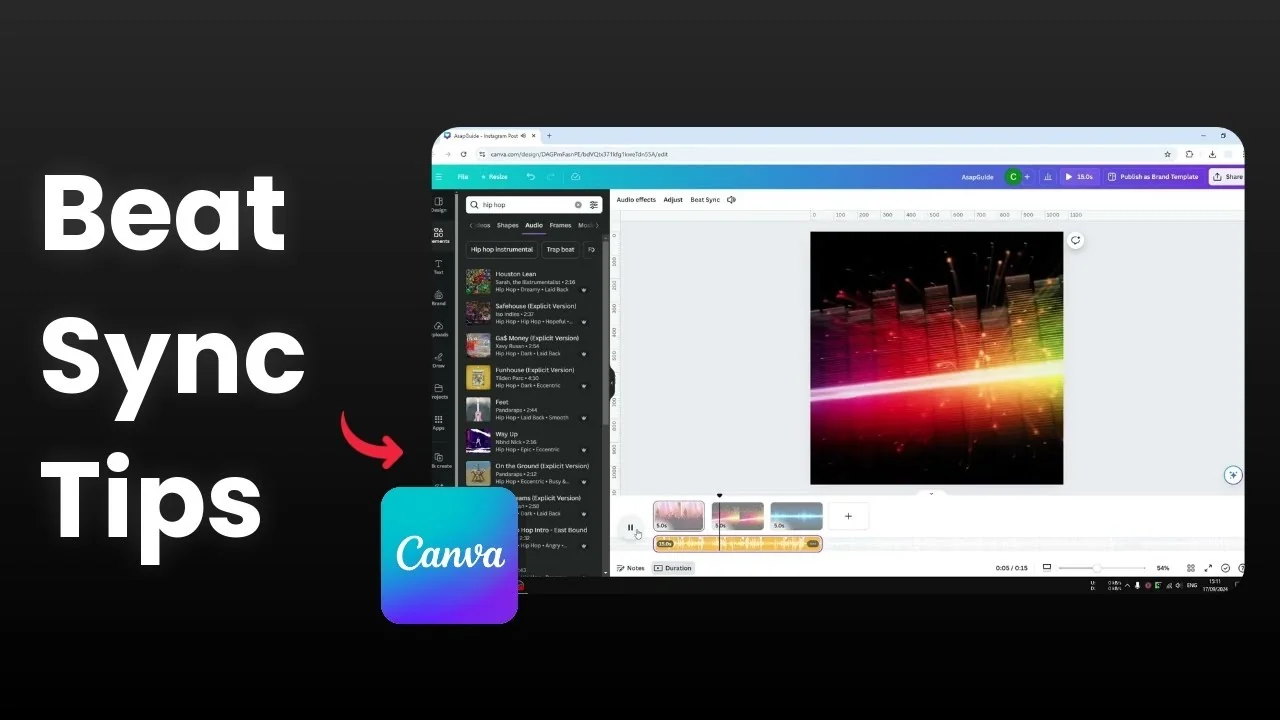
I will show you how you can use the Beat Sync feature in Canva. Beat Sync is an automated feature where Canva matches transitions between pages to the music beat. If there is a new beat, the page will change.
This is useful for a presentation or a document with multiple pages. I have three different pages that can be treated as a presentation. I am going to show you what Beat Sync really is and how you can use it.
Why Use Beat Sync in Canva
If Beat Sync is not enabled, each page will have 5 seconds. Sometimes it may be perfectly in sync with the beat but sometimes it is not. It is pretty much random.
To make a video or presentation more engaging, you want the transition between pages to be in sync with the audio. Beat Sync lets Canva adjust each page duration to hit the musical accents. The timing changes just enough to feel tight and musical.
Read More: Canva Video Timeline Use
Set Up Use Beat Sync in Canva
Choose audio for Use Beat Sync in Canva
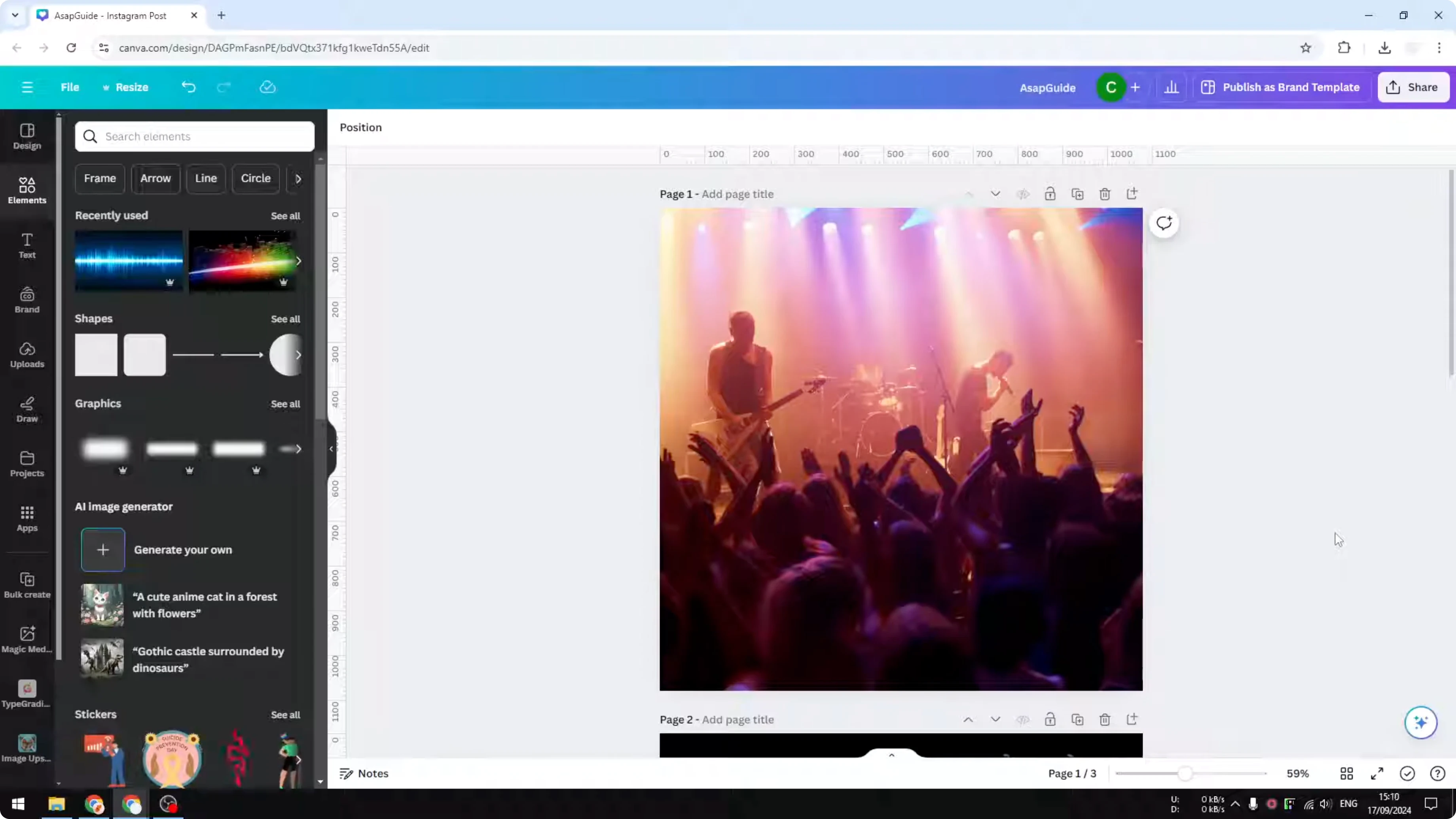
Visit the Elements section and search for hip hop music because hip hop usually has a lot of beats in it.
Navigate to the Audio section and select the audio.
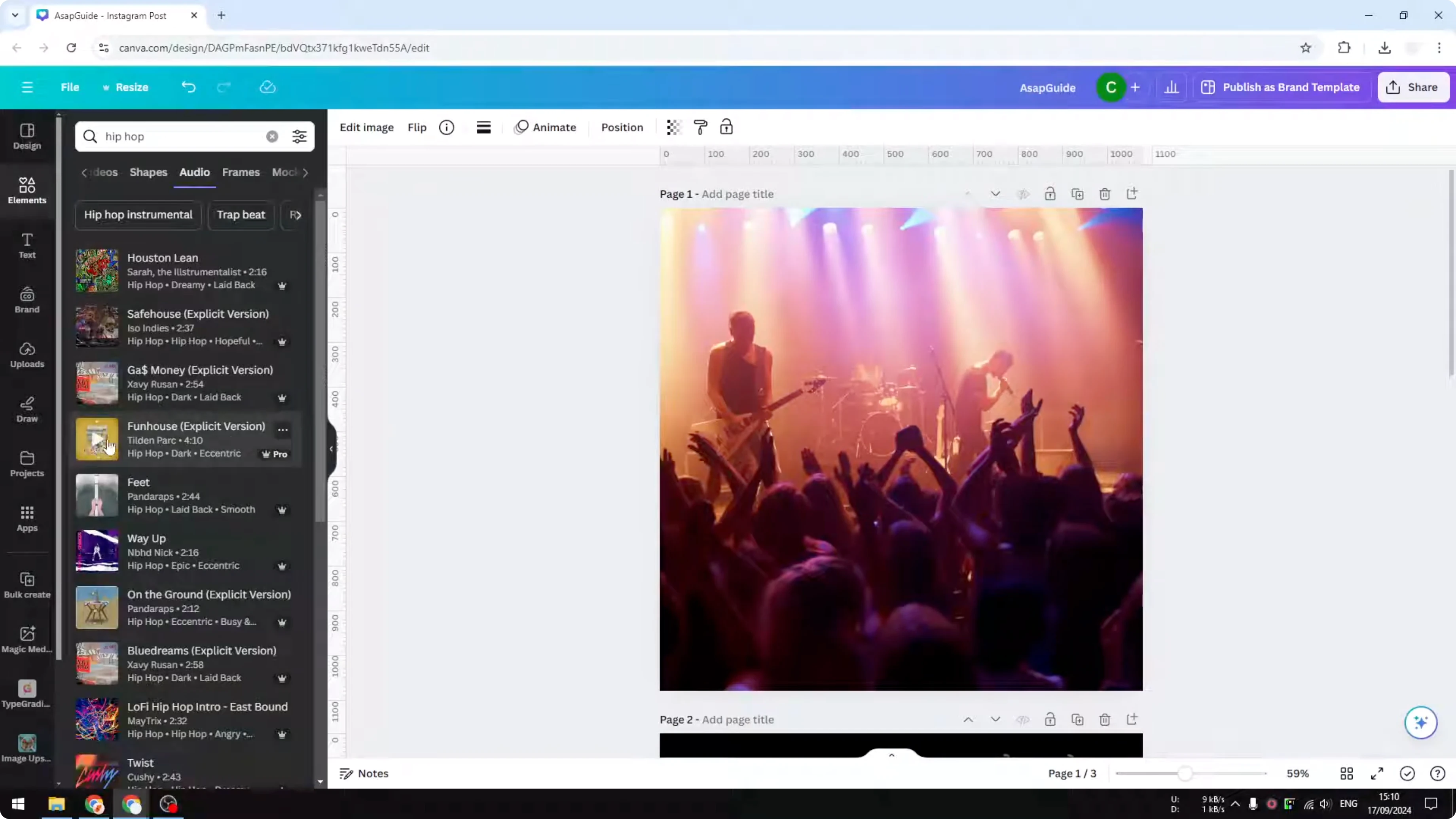
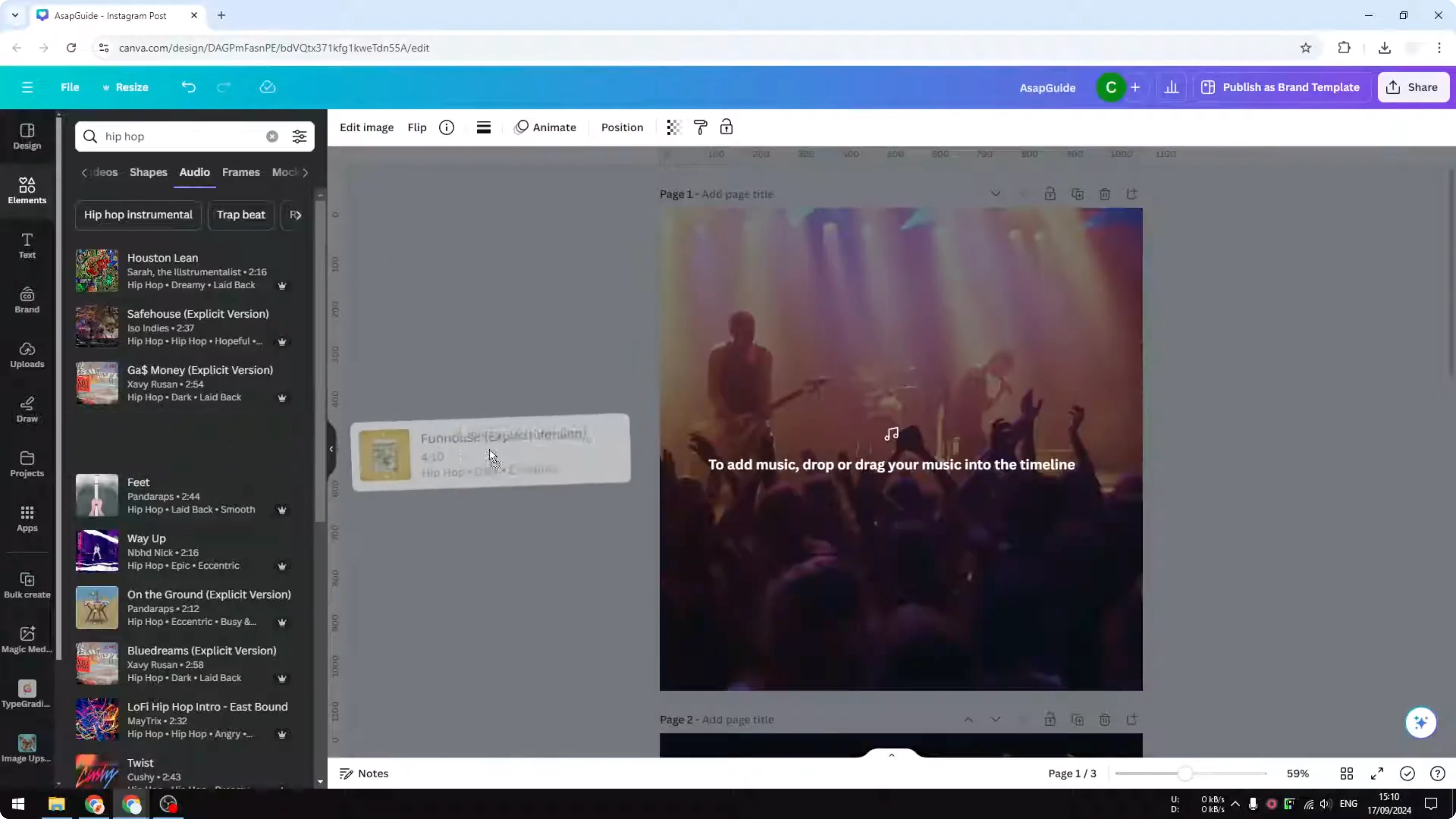
Click and drag to insert the music to the document.
You will see a new section appear showing the part of the music that will be audible during the presentation or when the video is played.
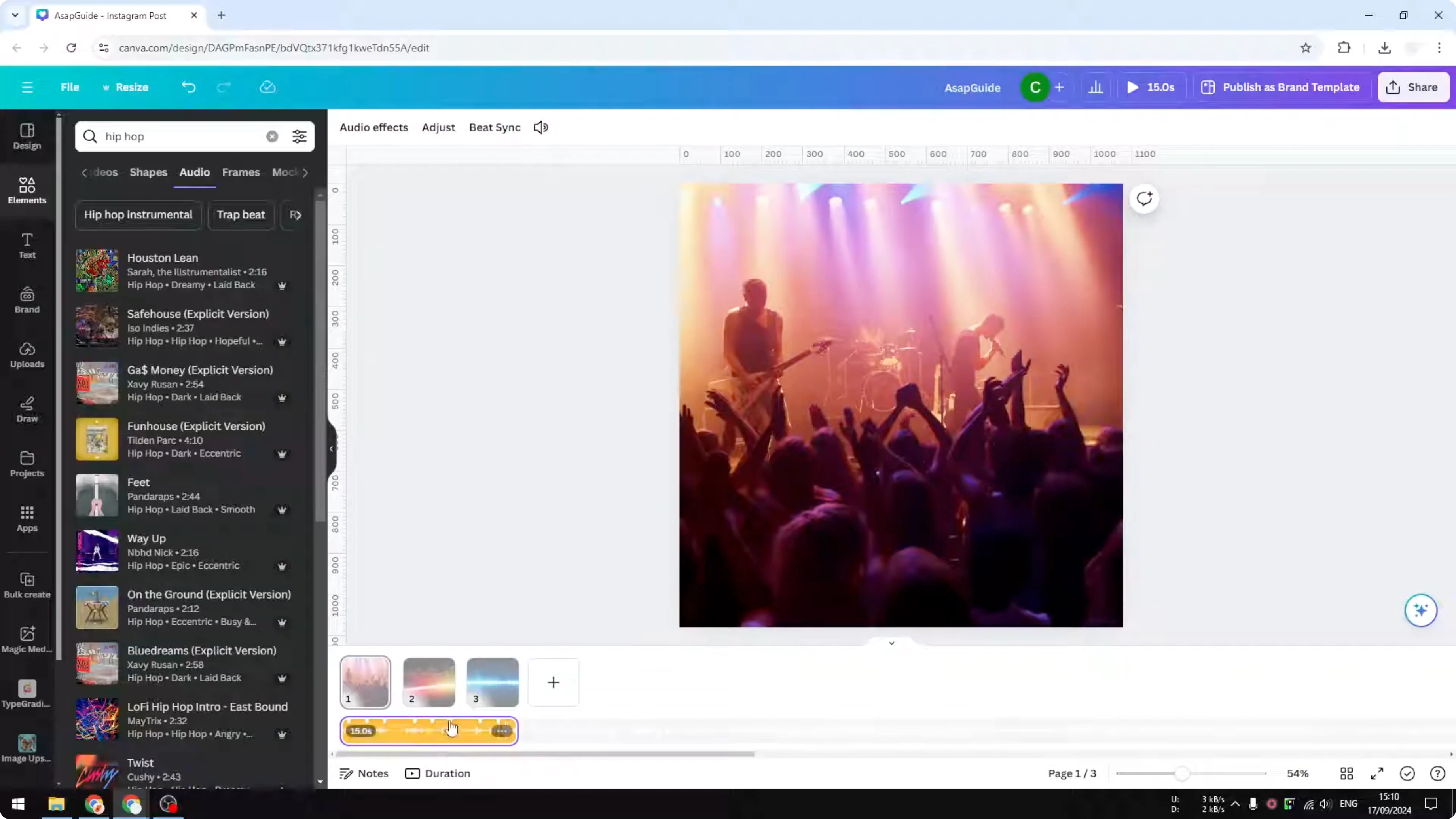
See timing before you Use Beat Sync in Canva
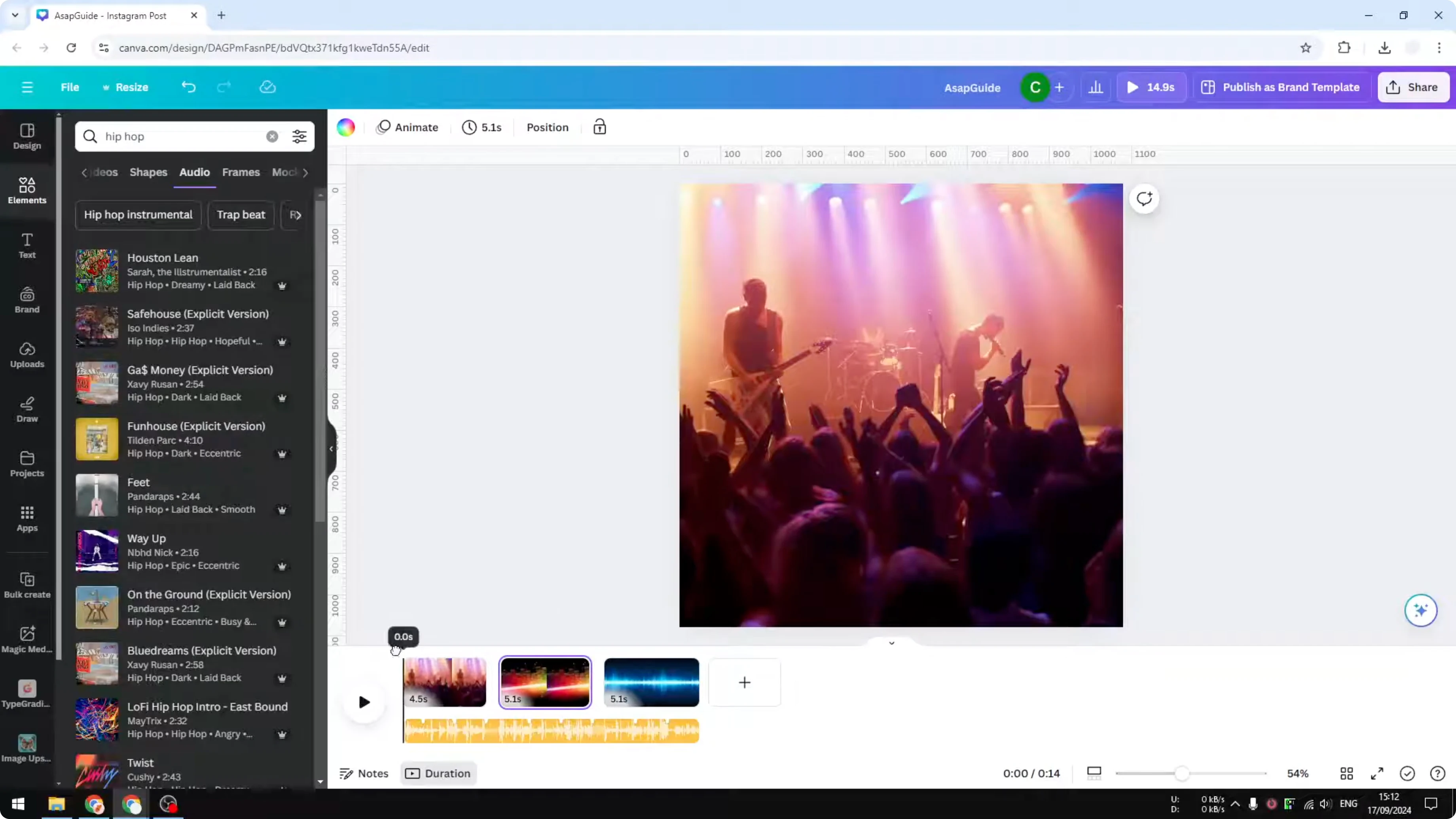
At first it is difficult to see the correlation between the beat and the page. You have to enable the duration menu, and then you will see that when there is a new beat, it will switch to another page.
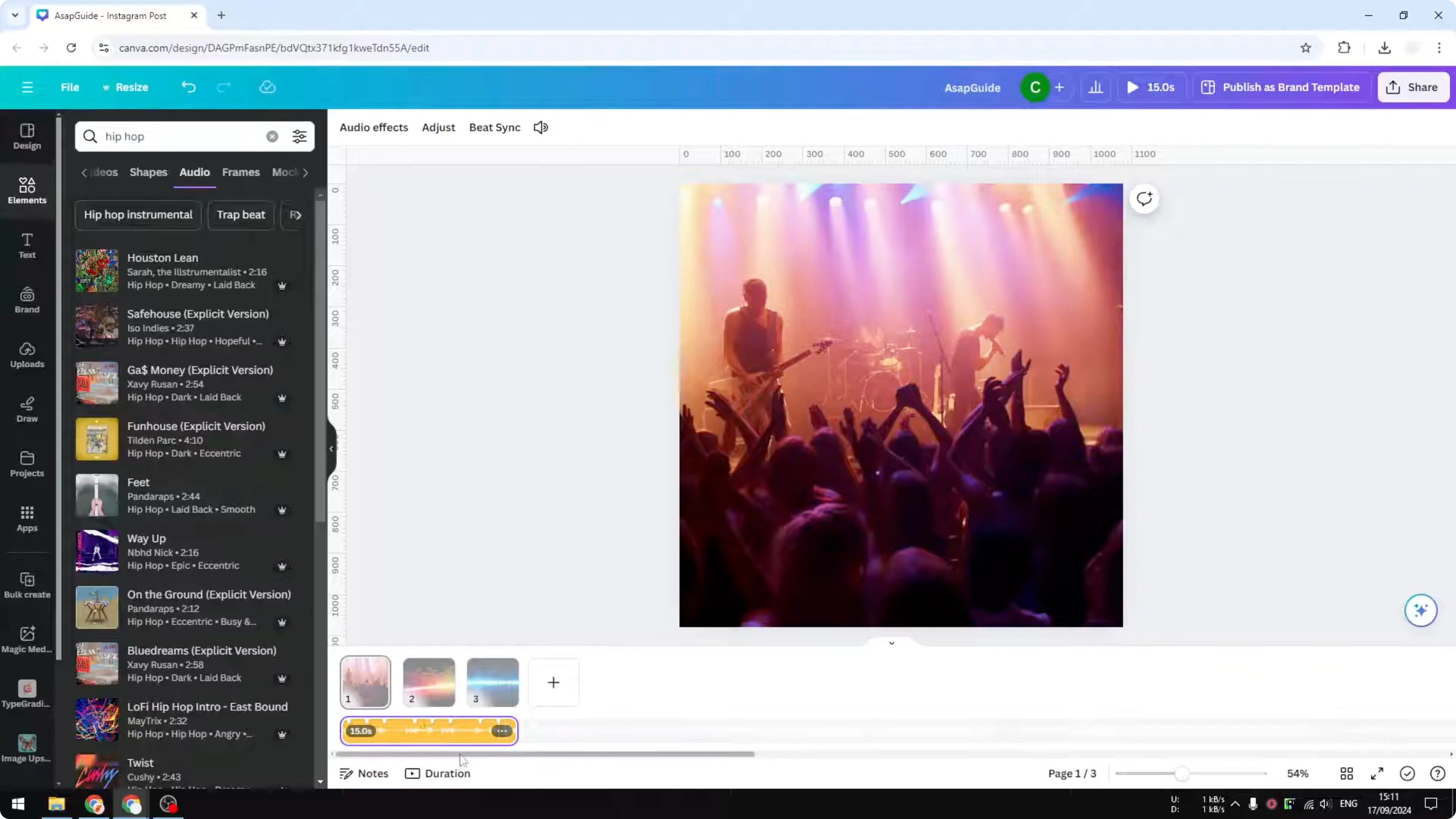
Right now Beat Sync is not yet enabled. Each page has 5 seconds, and the timing can line up by luck or miss the beat entirely. I pick the part of the audio that has a lot of beats or where the music starts.
Enable Beat Sync in Canva
Click on the audio file. Go to get sync and enable sync.
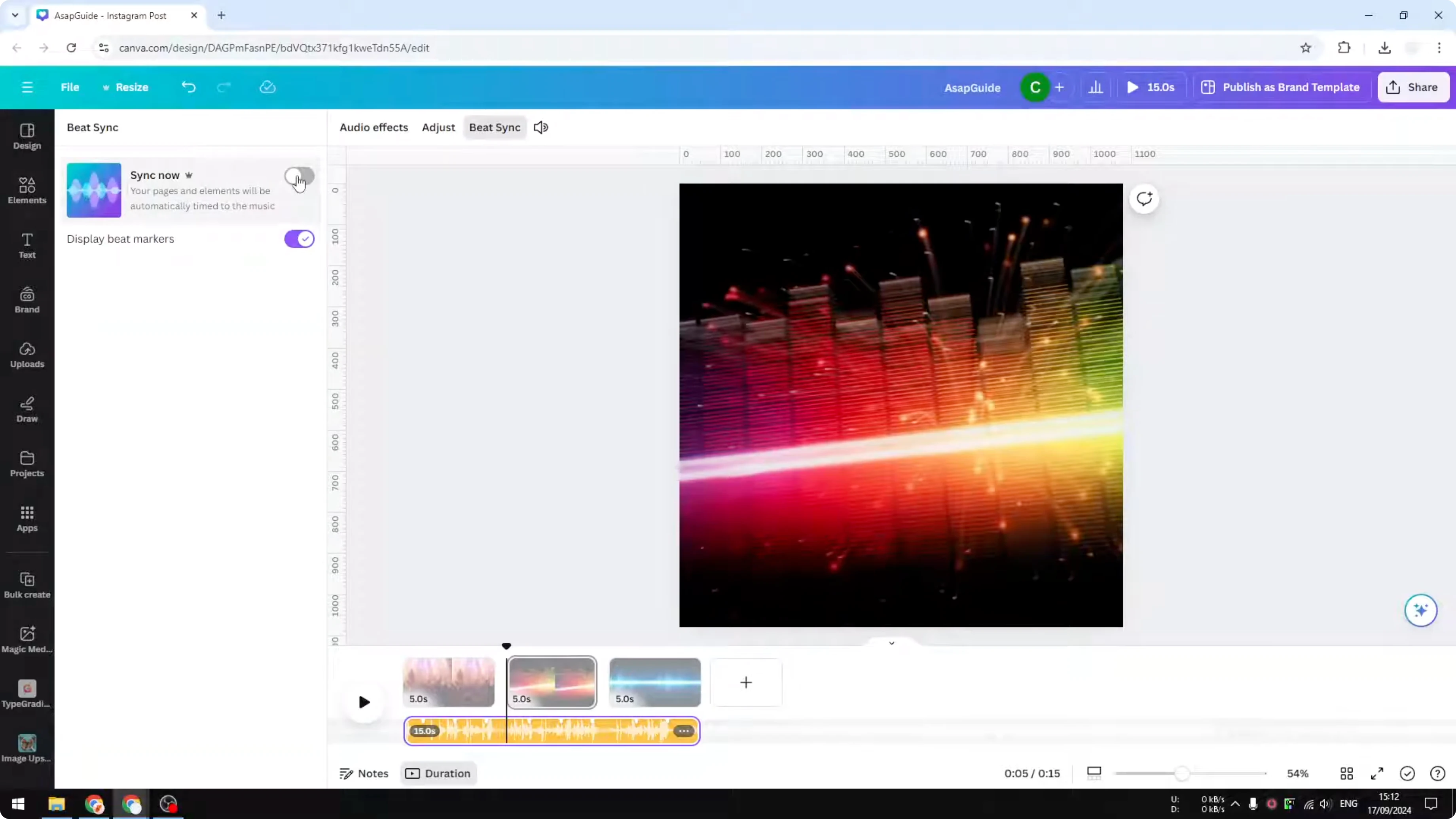
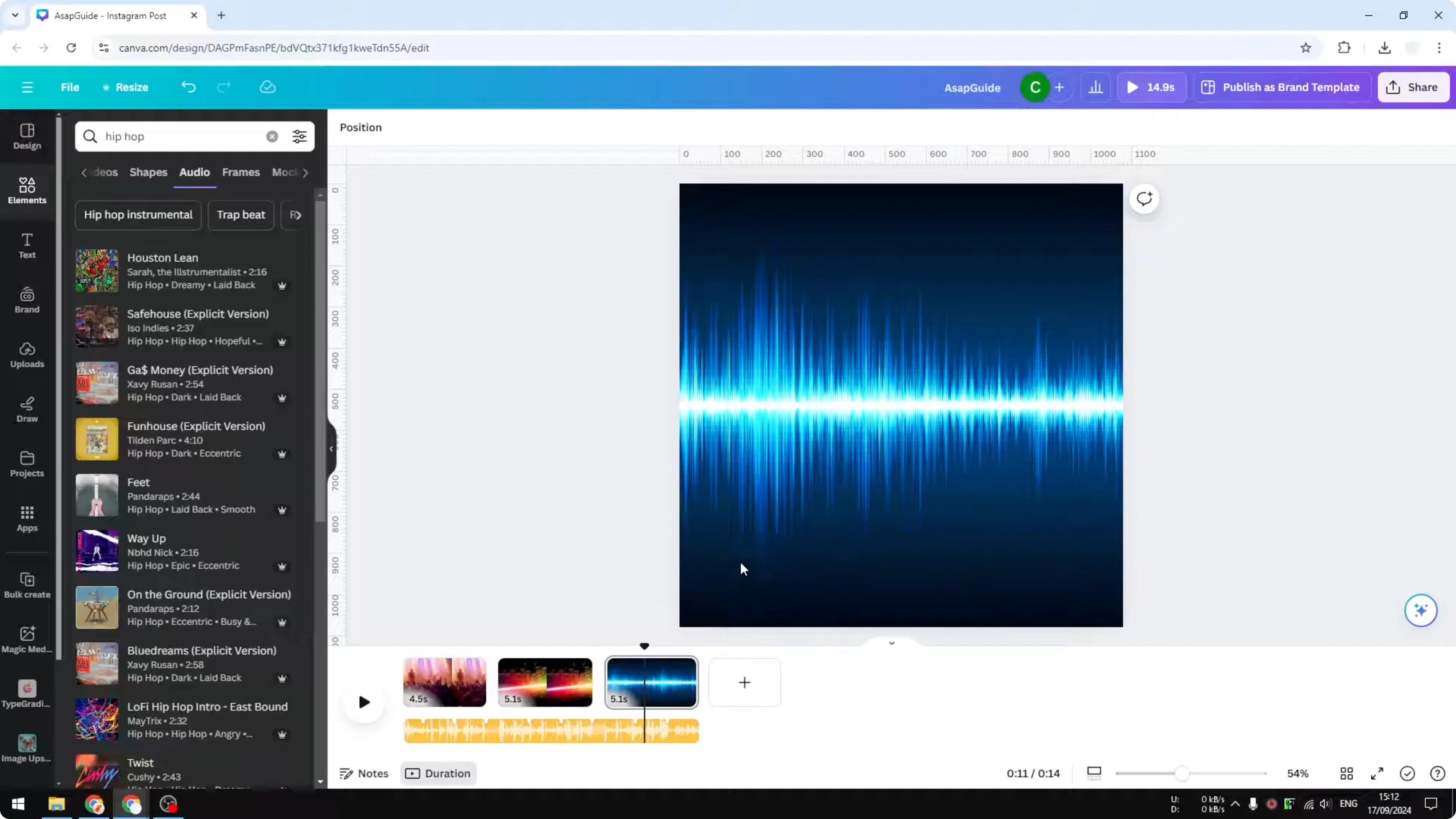
Now you can see that the duration changed a bit. Page number one has 4.5 seconds. Page two and three have 5.1 seconds.
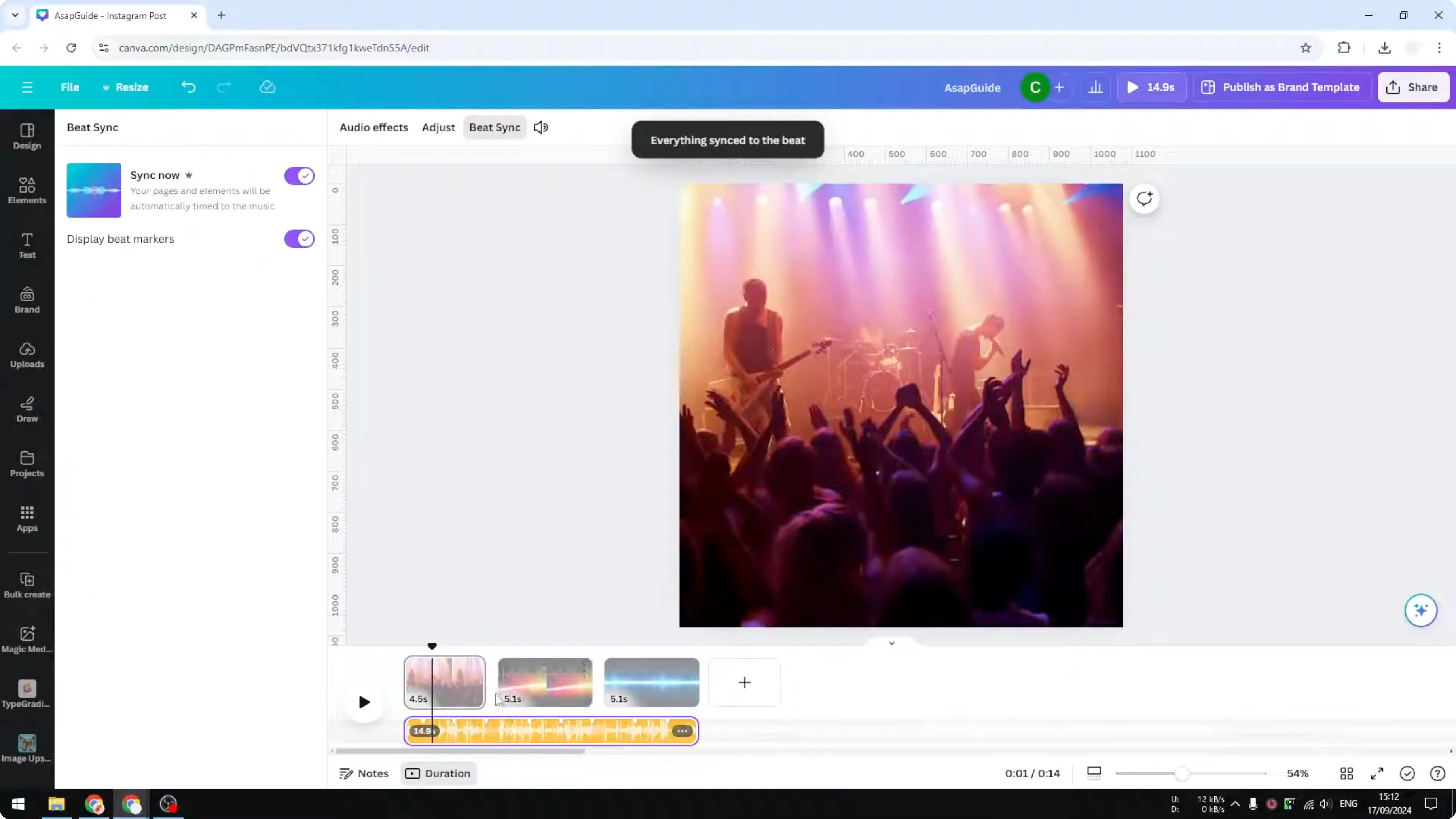
By default all of them have 5 seconds. Because of the synchronization with the audio, their duration changed. If you play it again, every time there is a new beat, it will transition to another page.
Read More: Magic Eraser Canva Use
Use Beat Sync in Canva for longer presentations
If you have a longer presentation with a lot more pages, this addition will make your presentation or your video more engaging. Beat Sync keeps the energy up and makes page changes feel intentional. It is a quick way to add rhythm without manual timing.
Read More: Use Chroma Key Canva
Final thoughts on Use Beat Sync in Canva
Beat Sync matches page transitions to music beats with a single toggle. Pick a beat heavy track, enable the duration view, then turn on sync and let Canva adjust each page. The result is tighter timing that feels musical with almost no manual work.
Recent Posts
How to Visualize Yourself as a Pixelized Character with AI?
How to Visualize Yourself as a Pixelized Character with AI?
How to Revive Faded Memories and Enhance Image Clarity with AI?
How to Revive Faded Memories and Enhance Image Clarity with AI?
How to Visualize Yourself as an Animal Crossing Character with AI?
How to Visualize Yourself as an Animal Crossing Character with AI?