How to Make an Aura Gradient in Canva
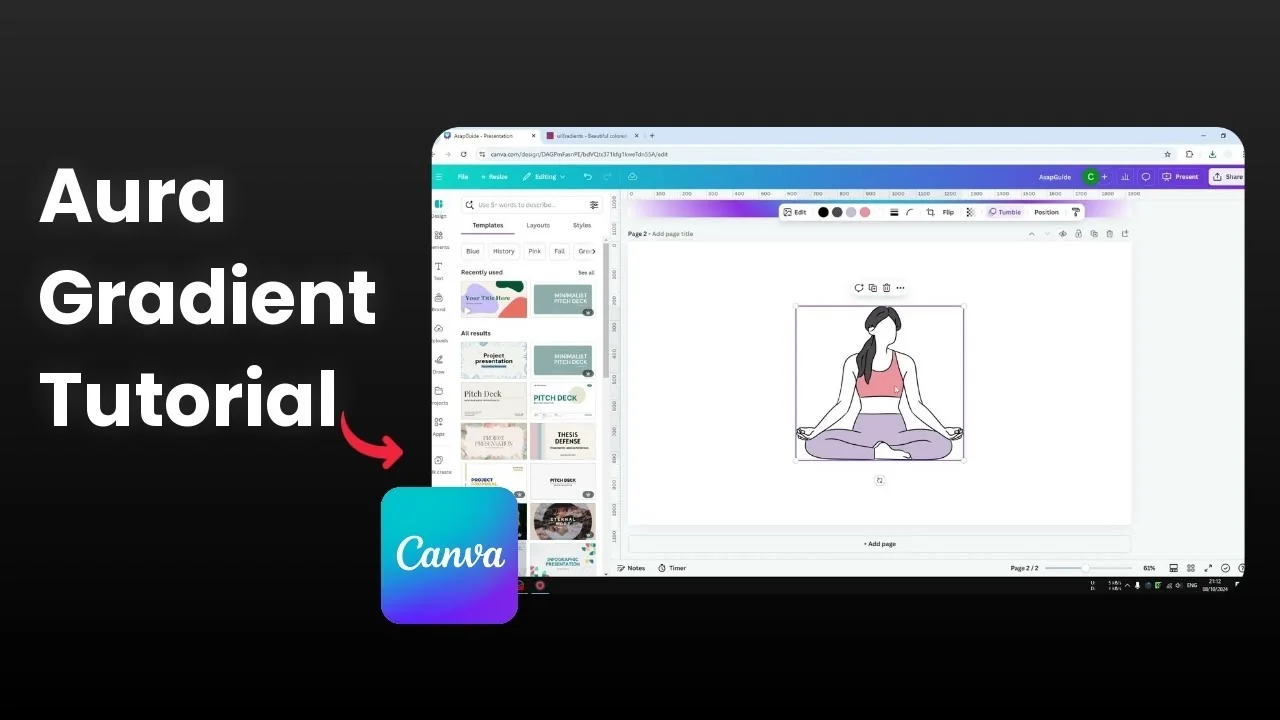
I create an aura gradient effect in Canva. It is a gradient that spreads from the center with one color in the middle that blends into others. You can use two to five colors and the effect looks beautiful in the right design.
Here is how I build it from scratch. I start in a blank document and make the gradient the background. Then I convert it into a movable object.
Make an Aura Gradient in Canva
Make an Aura Gradient in Canva: Set up
Open a blank new document.
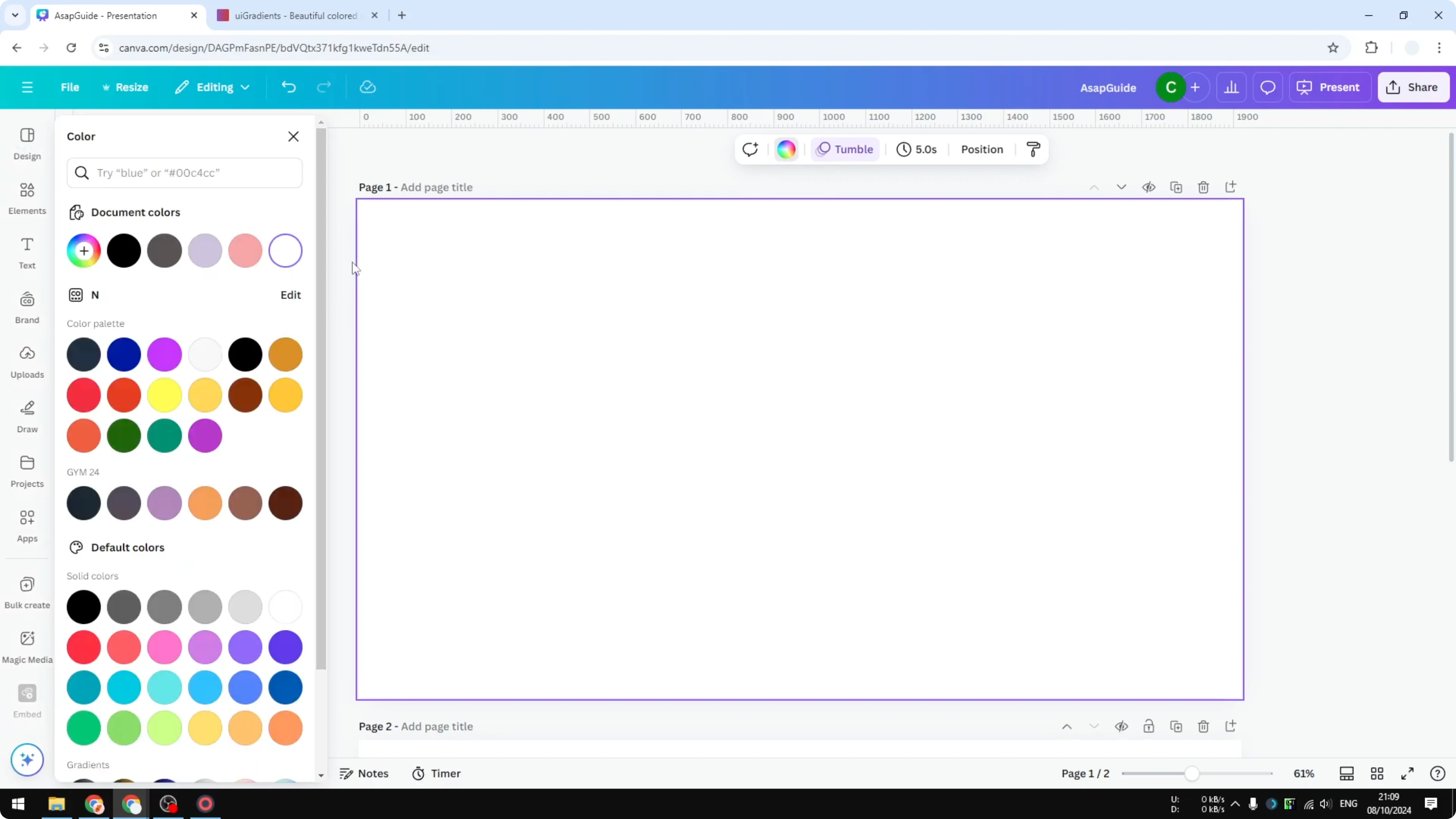
Click the background and select Background color.
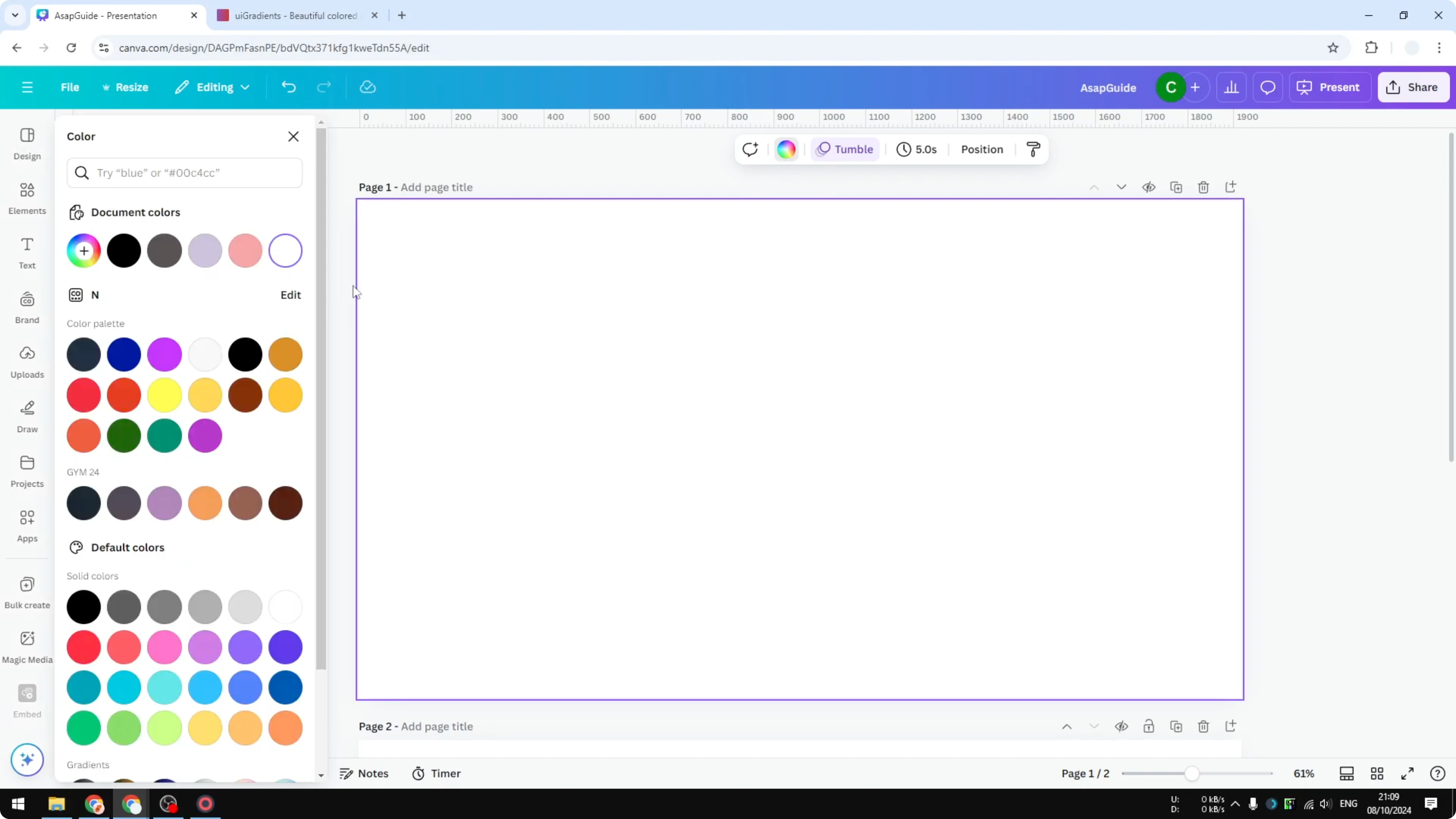
Add a new color because this is where I want the gradient effect.
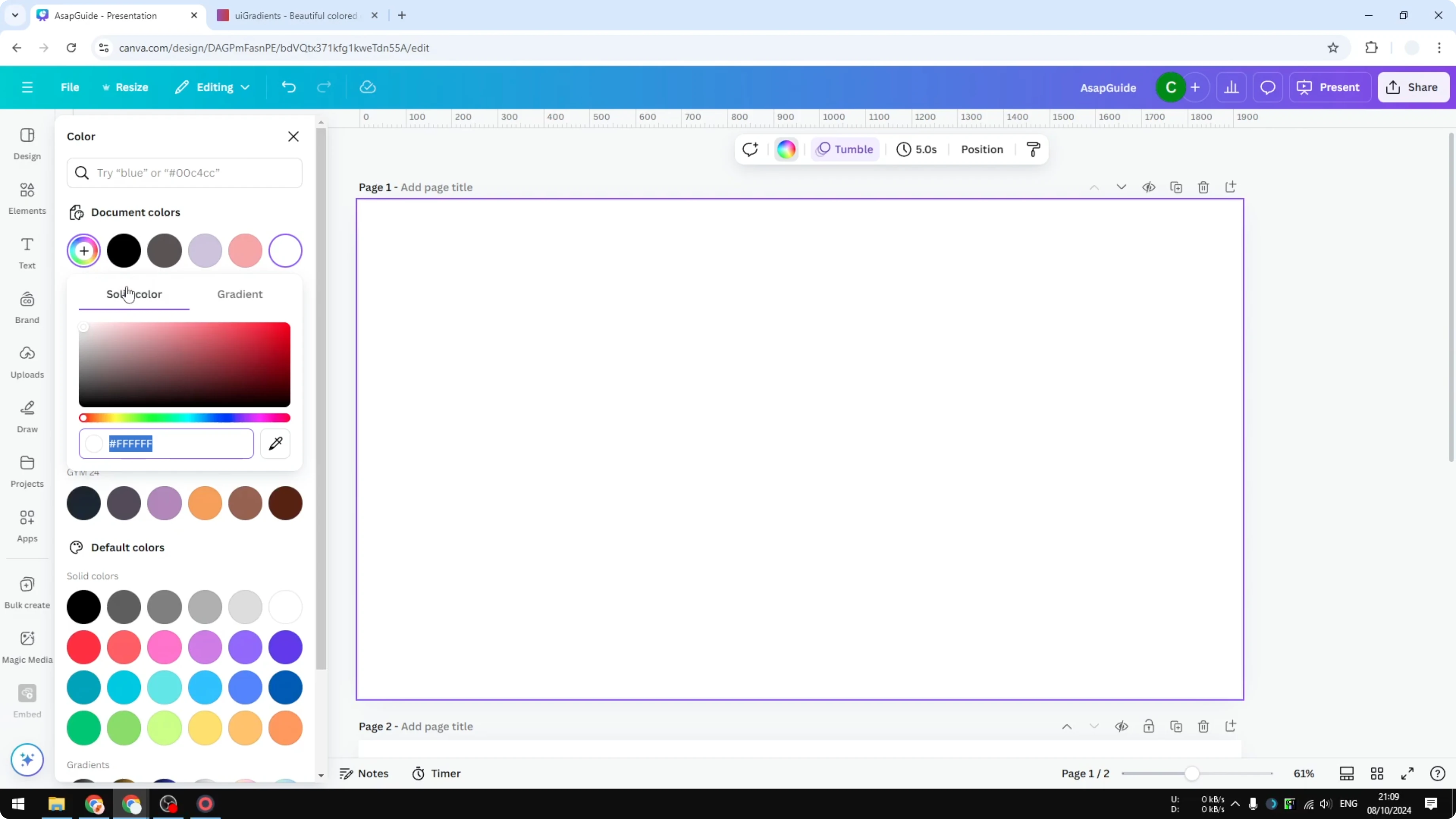
Make an Aura Gradient in Canva: Choose colors
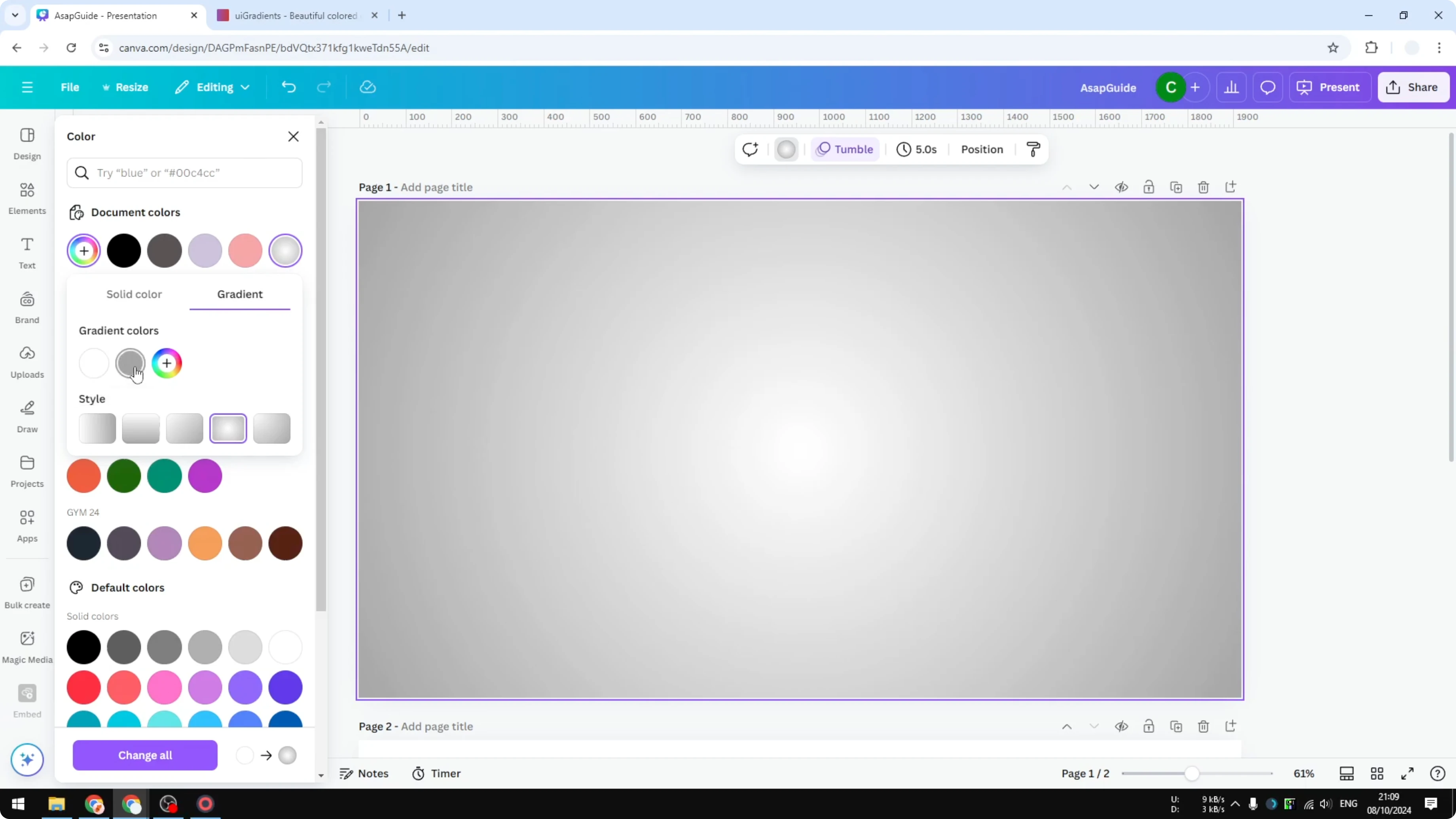
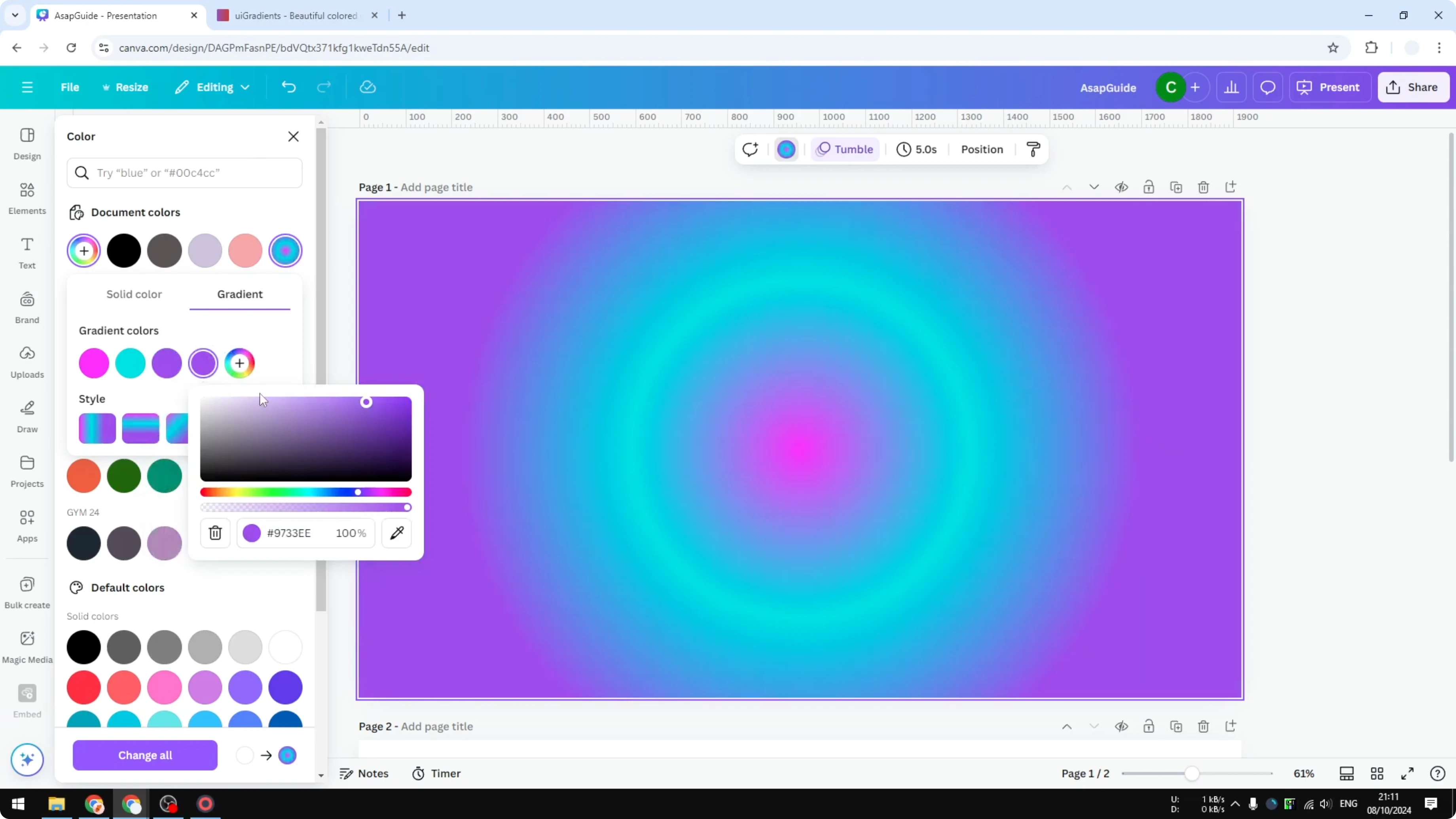
Open the gradient menu and select the circular gradient effect.
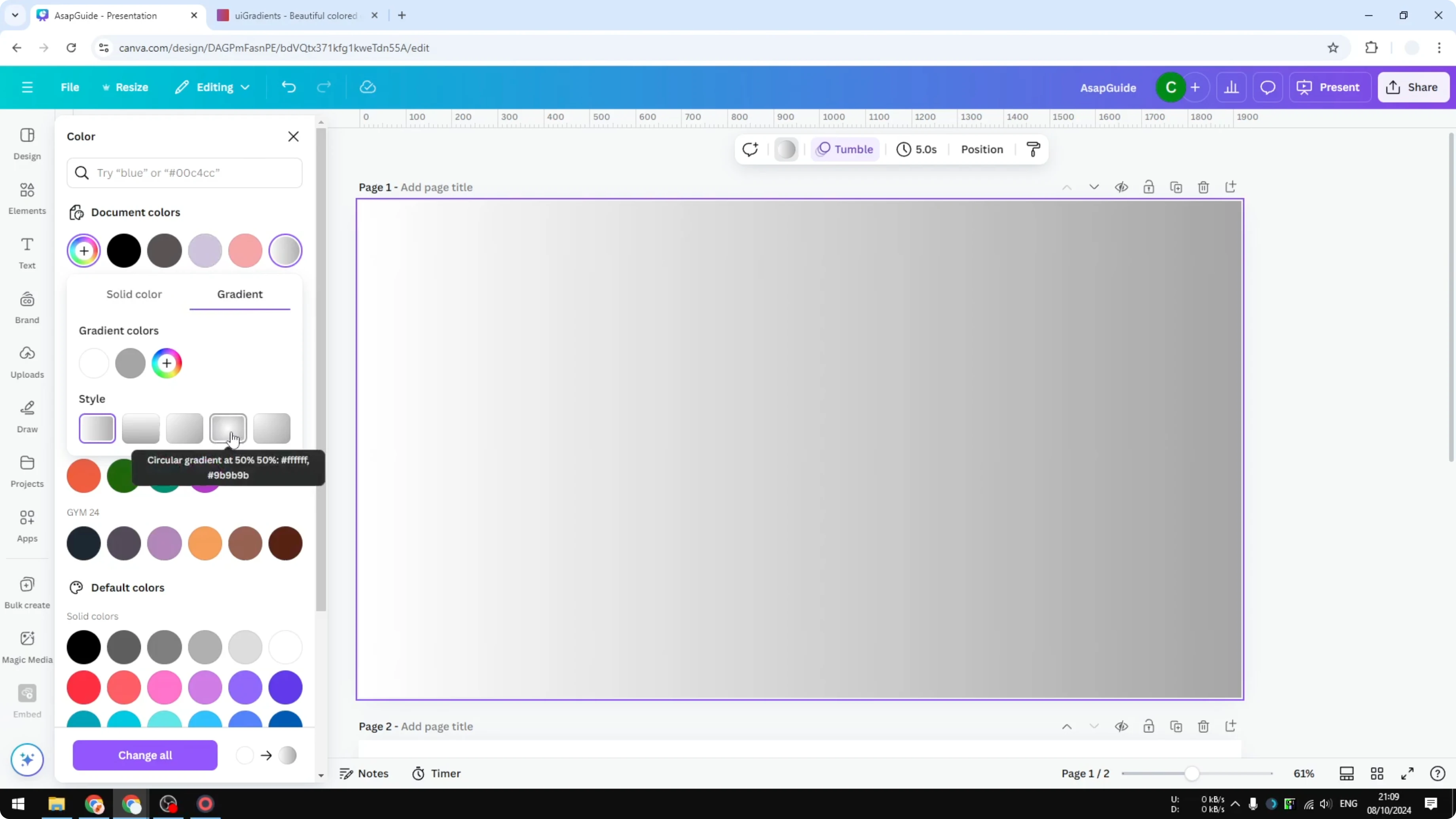
By default Canva shows white and gray, and you can start changing the colors.
You can use any colors, but I like palettes that are carefully selected by designers, and a site I recommend is uigradient dot com.
Pick a color you want to start with, copy the color code, and paste it into the color field.
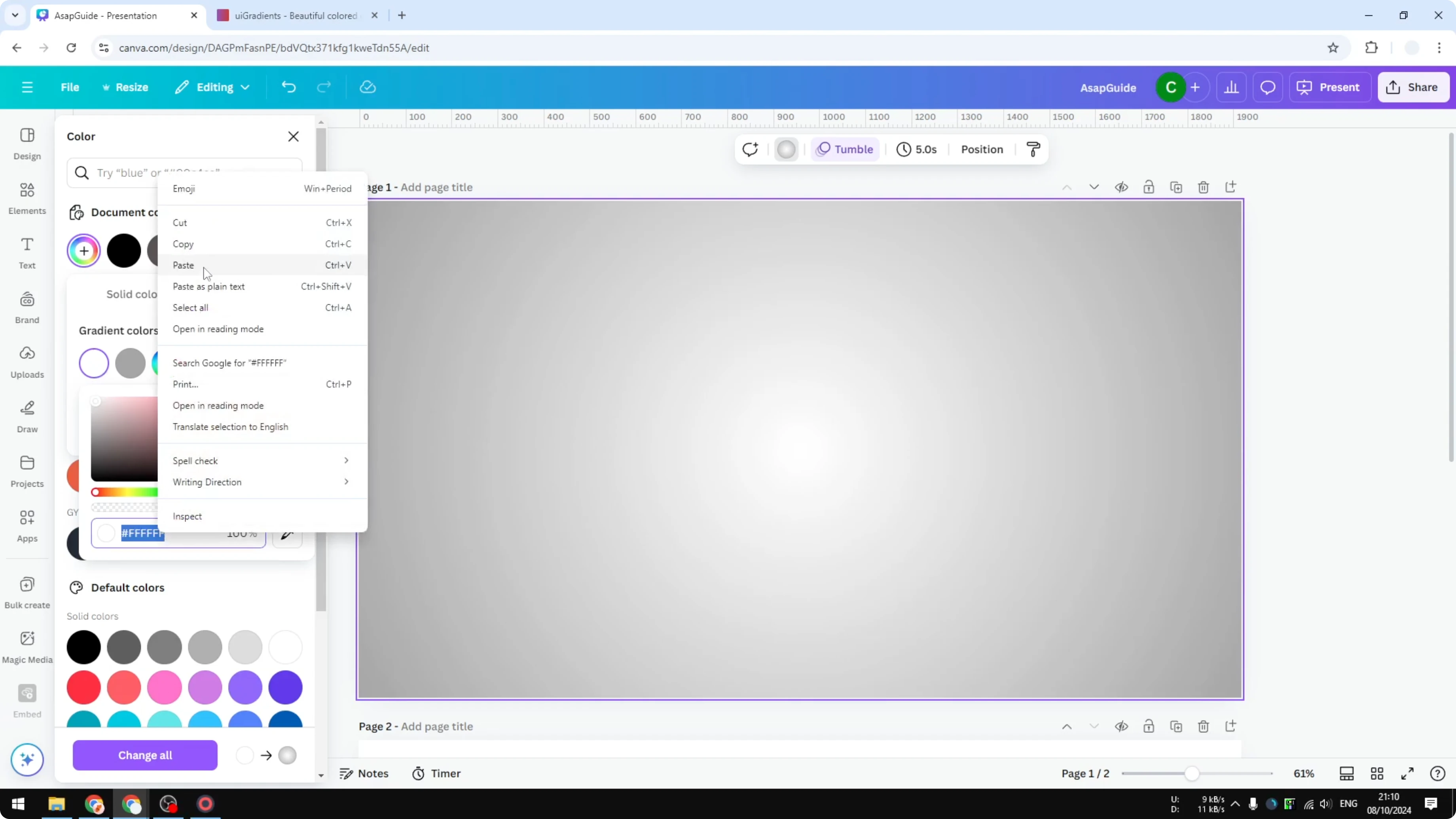
Apply the color and you will see the center start to glow.
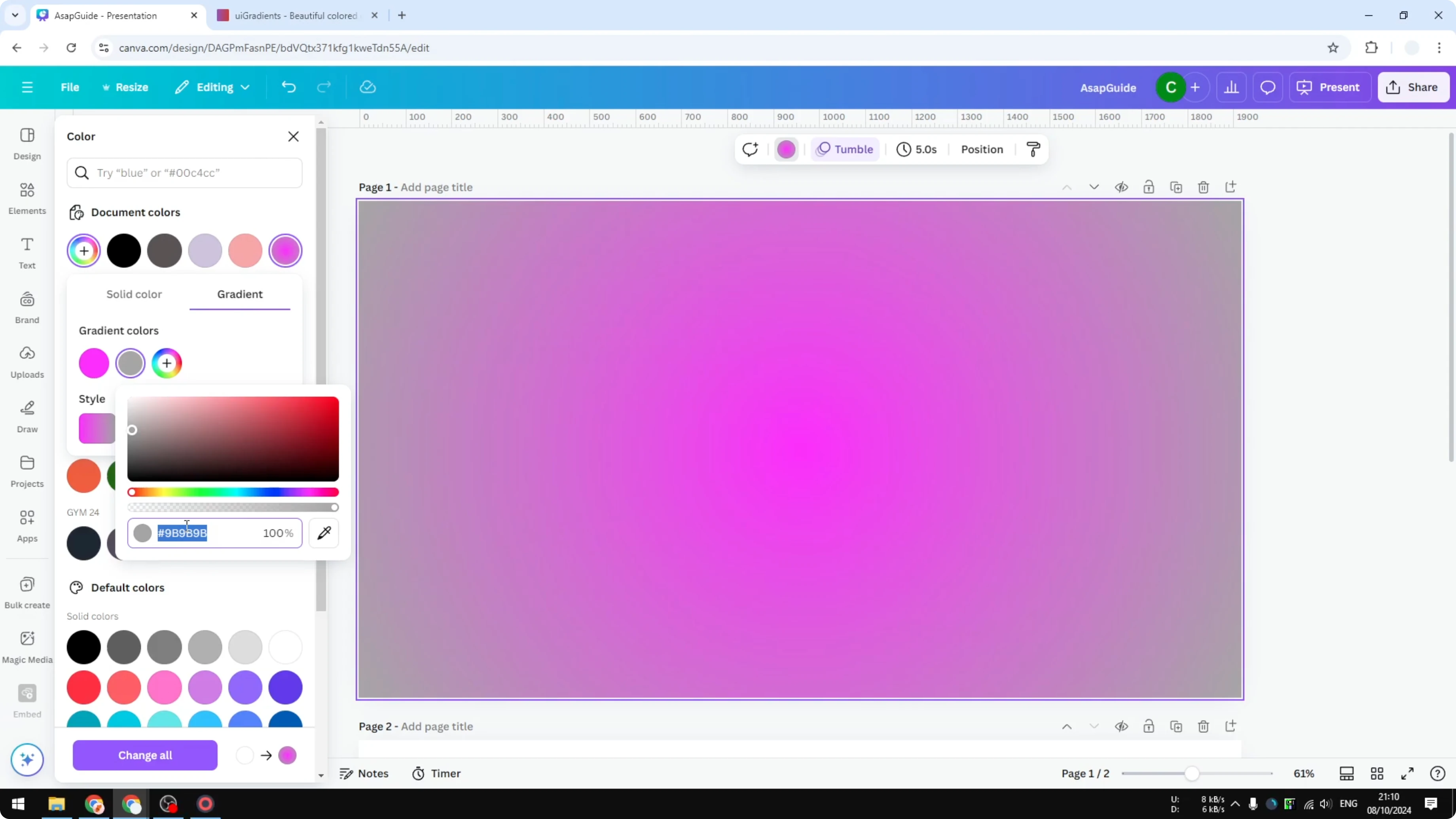
Add more colors if you want to extend the blend to two, three, or more tones.
I add a final color of white at the end, and I have a reason for this, just follow along.
Read More: Change Gradient Colors Canva
Make an Aura Gradient in Canva: Export as an image
I want this gradient to be movable and treated as an object in Canva.
Download it as an image by using Share, then Download.
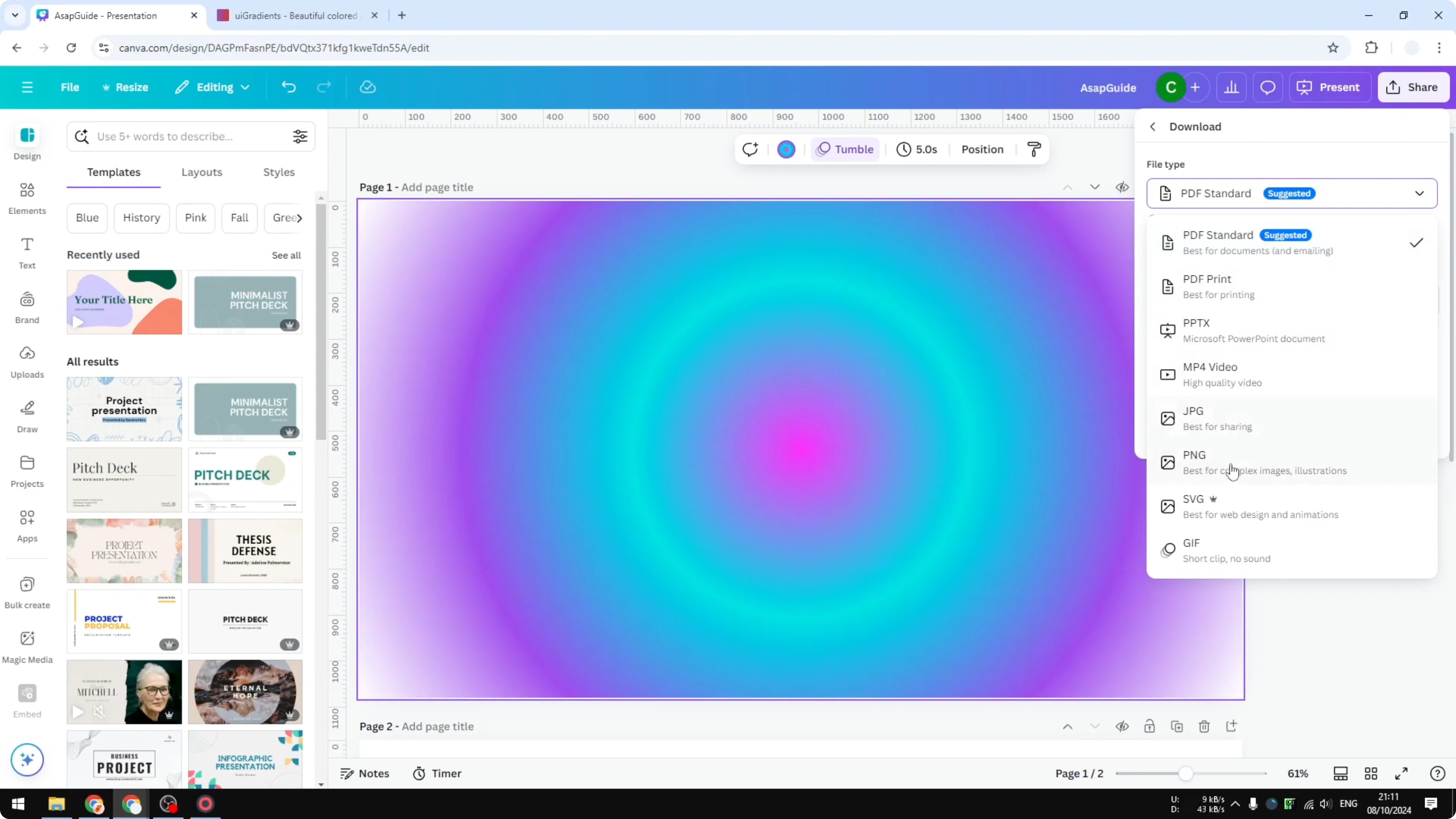
Select PNG, enable transparent background, keep the default size, choose the page you created, and download.
Read More: Change Solid Color Gradient Canva
Make an Aura Gradient in Canva: Upload and position
Upload the PNG back into your project.
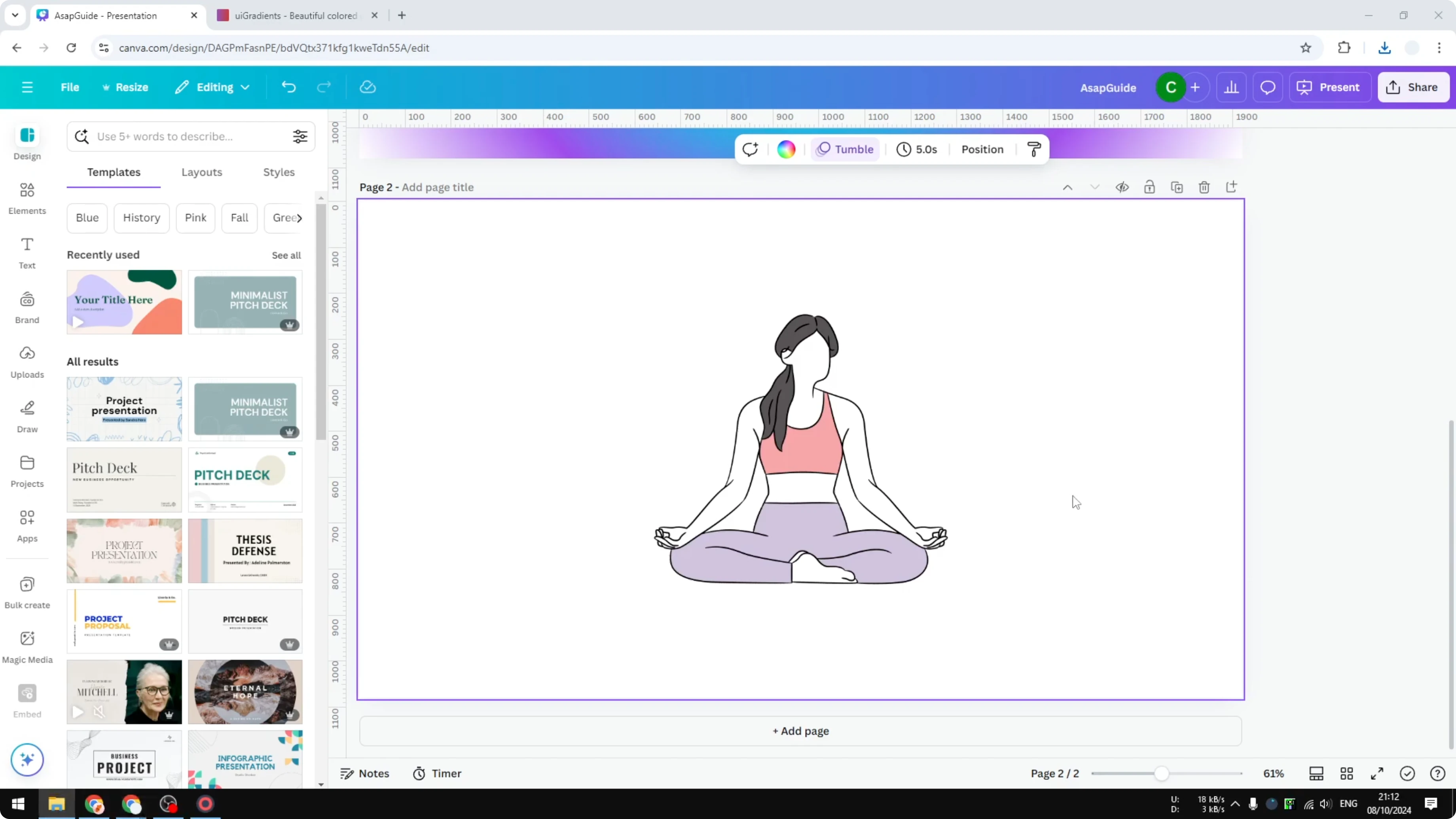
Place it on a new page or above your layout so you can control it like any other element.
Send it to the back to create a glowing effect behind your object, and adjust the size and position until it feels right.
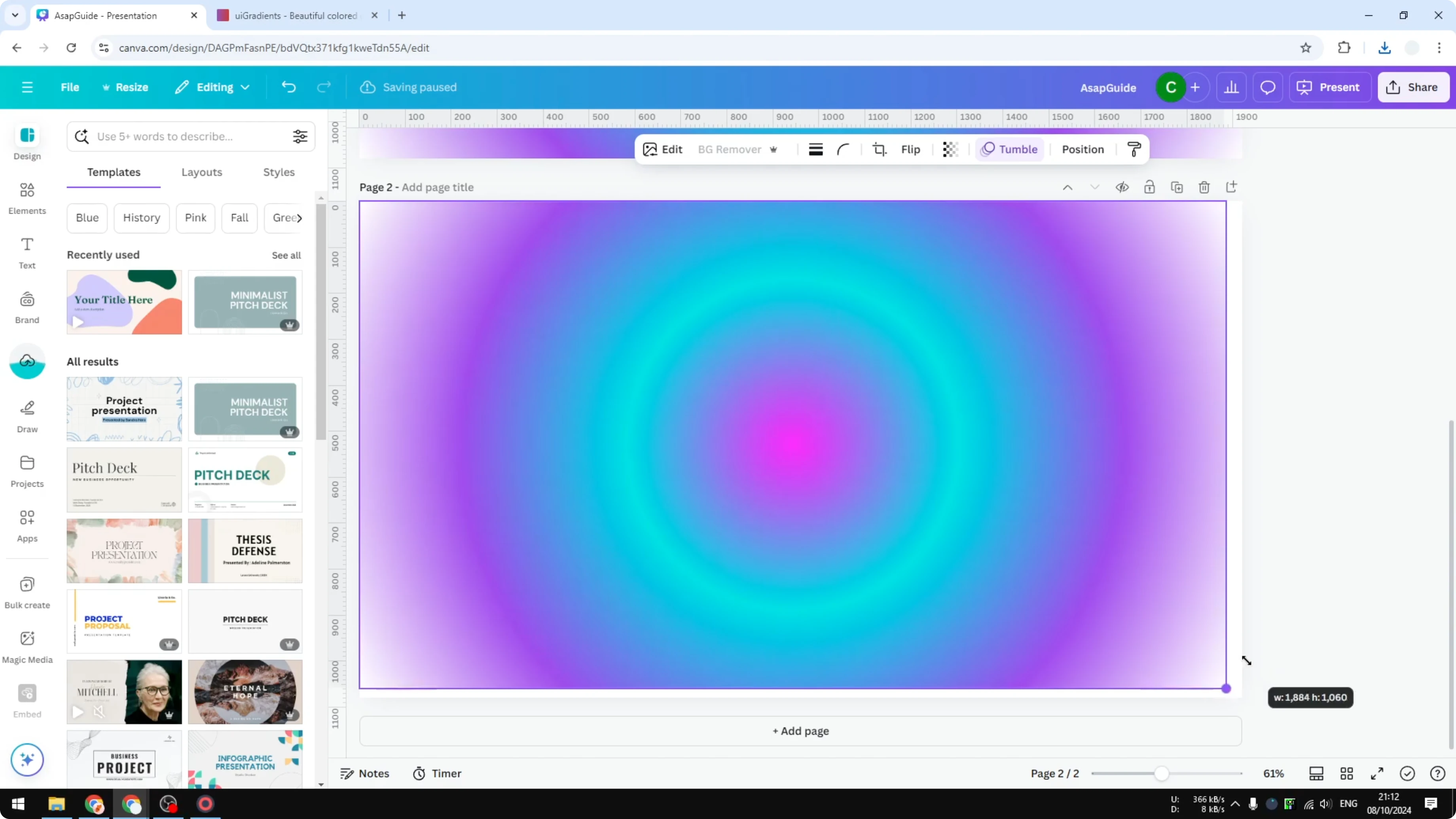
This may not be the prettiest color combination on the first try, but this is the exact technique I use to build a beautiful aura gradient effect in Canva.
Read More: Create Gradient Text Canva
Final thoughts on Make an Aura Gradient in Canva
An aura gradient is just a radial blend that starts at the center and expands through multiple colors. Build it on the background first, export as a transparent PNG, then reimport it so you can move it and place it behind your subject. Enable transparent background during export and keep a white stop in your gradient to help the glow feel natural.
Recent Posts

How to Visualize Yourself as a Pixelized Character with AI?
How to Visualize Yourself as a Pixelized Character with AI?

How to Revive Faded Memories and Enhance Image Clarity with AI?
How to Revive Faded Memories and Enhance Image Clarity with AI?

How to Visualize Yourself as an Animal Crossing Character with AI?
How to Visualize Yourself as an Animal Crossing Character with AI?