How to Add Transition in Canva Presentation
If you do not have a transition animation on your video or on your presentation slide in Canva, that media is going to look boring. It is not going to draw people’s attention. That is why it is a good idea to add a nice transition effect on your document or on your video.
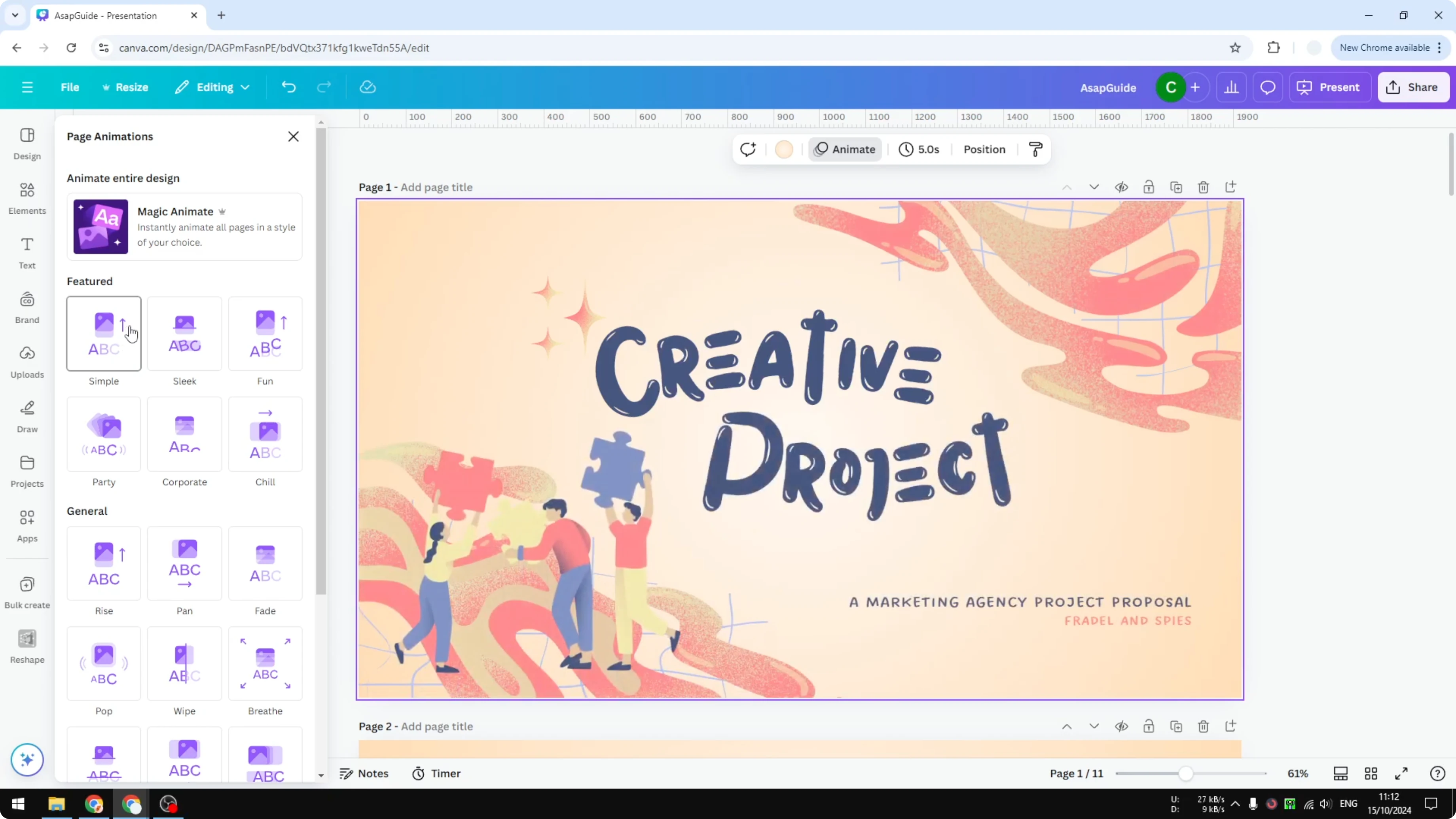
I have this presentation document in Canva. This is not the one that I created, I just used a template. There is no effect at all and it is probably not something people would like to see.
It looks boring and I think we can do better. We can add some transition effects. Here is how I do it.
Add Transition in Canva Presentation with the Animate panel
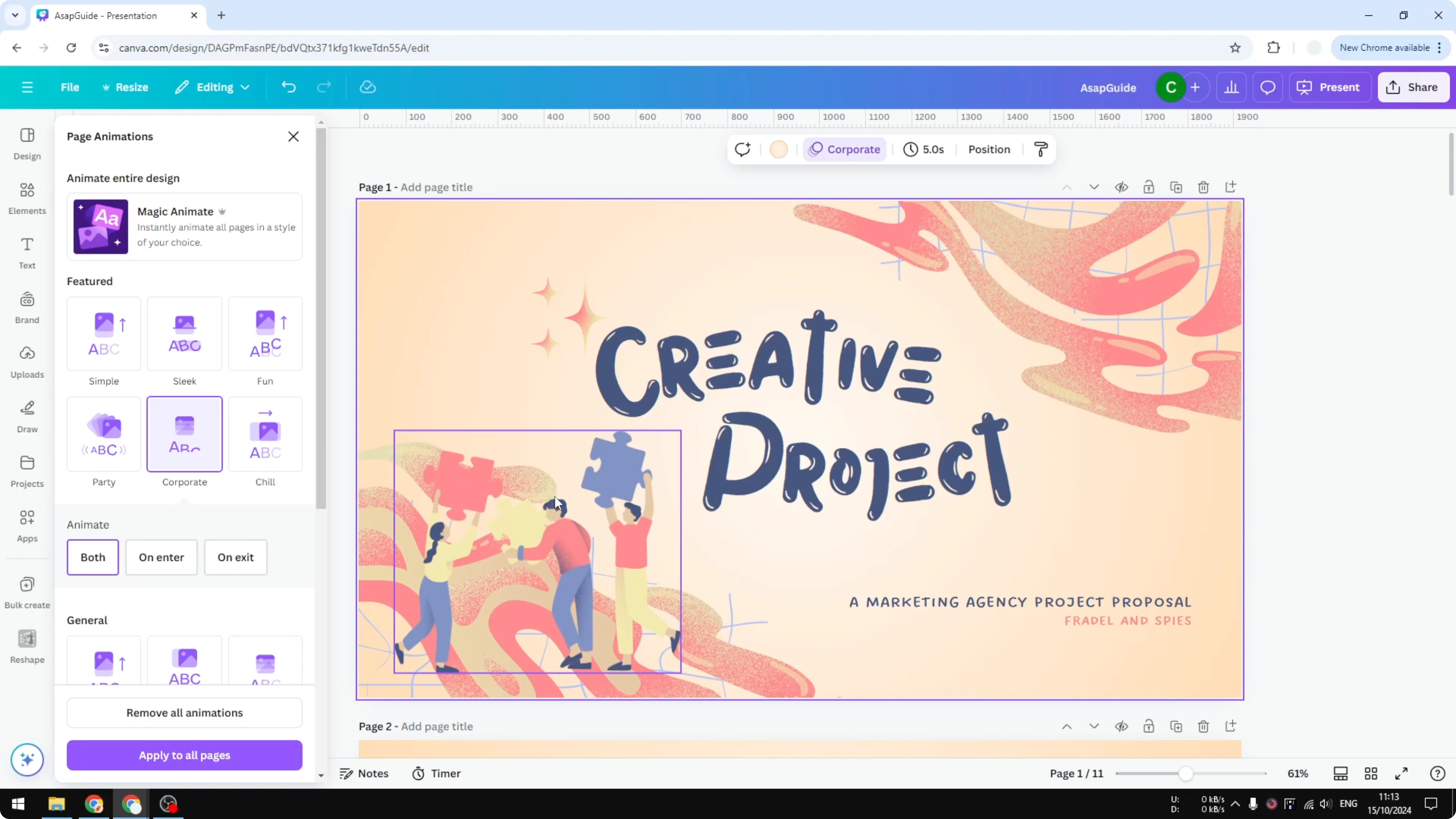
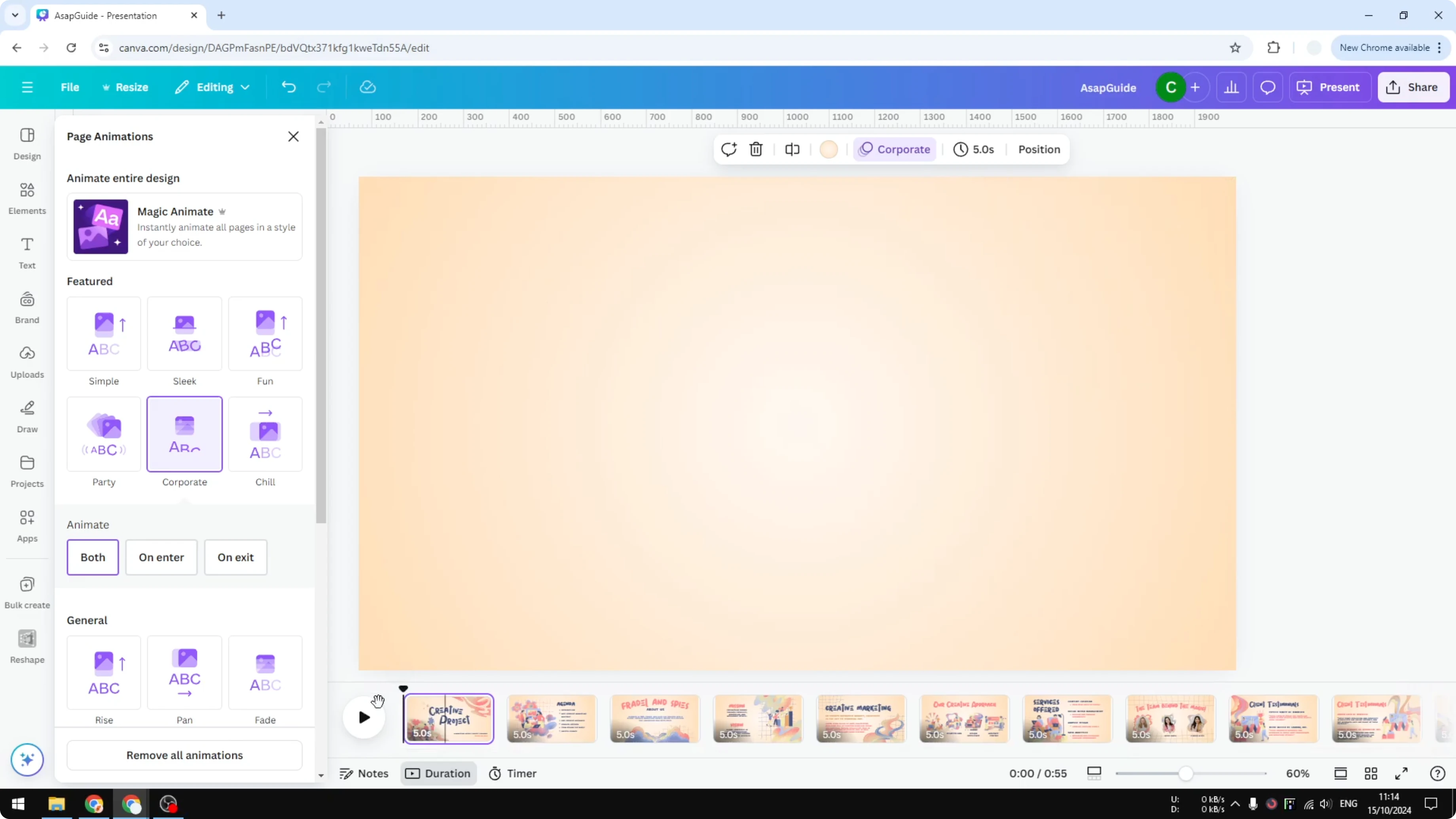
Open any slide in your presentation. Click Animate. You will see plenty of animation styles that you can apply to the page.
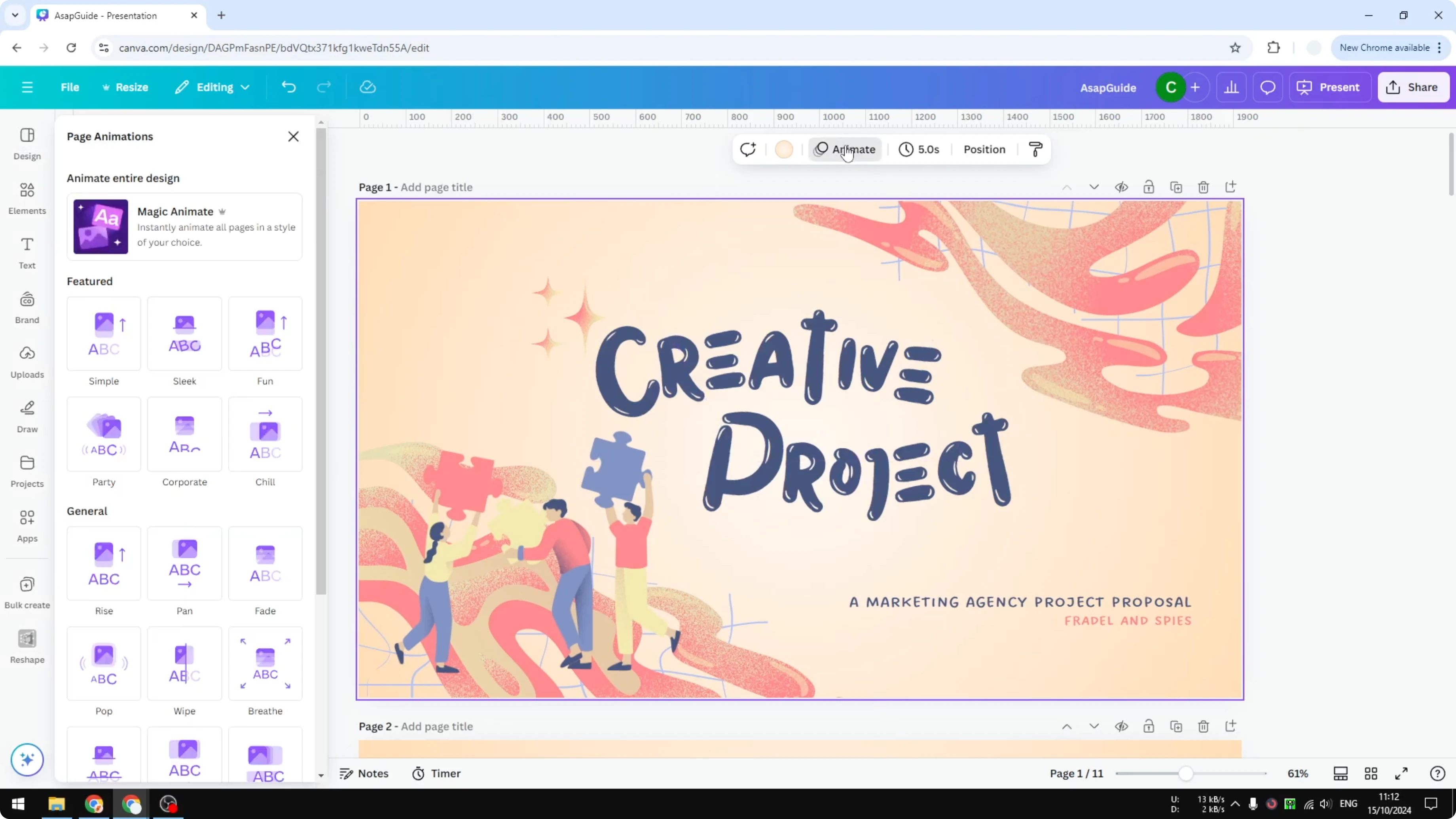
Let’s say I select Corporate. There is an option to apply the animation on enter, exit, or both. I select both.
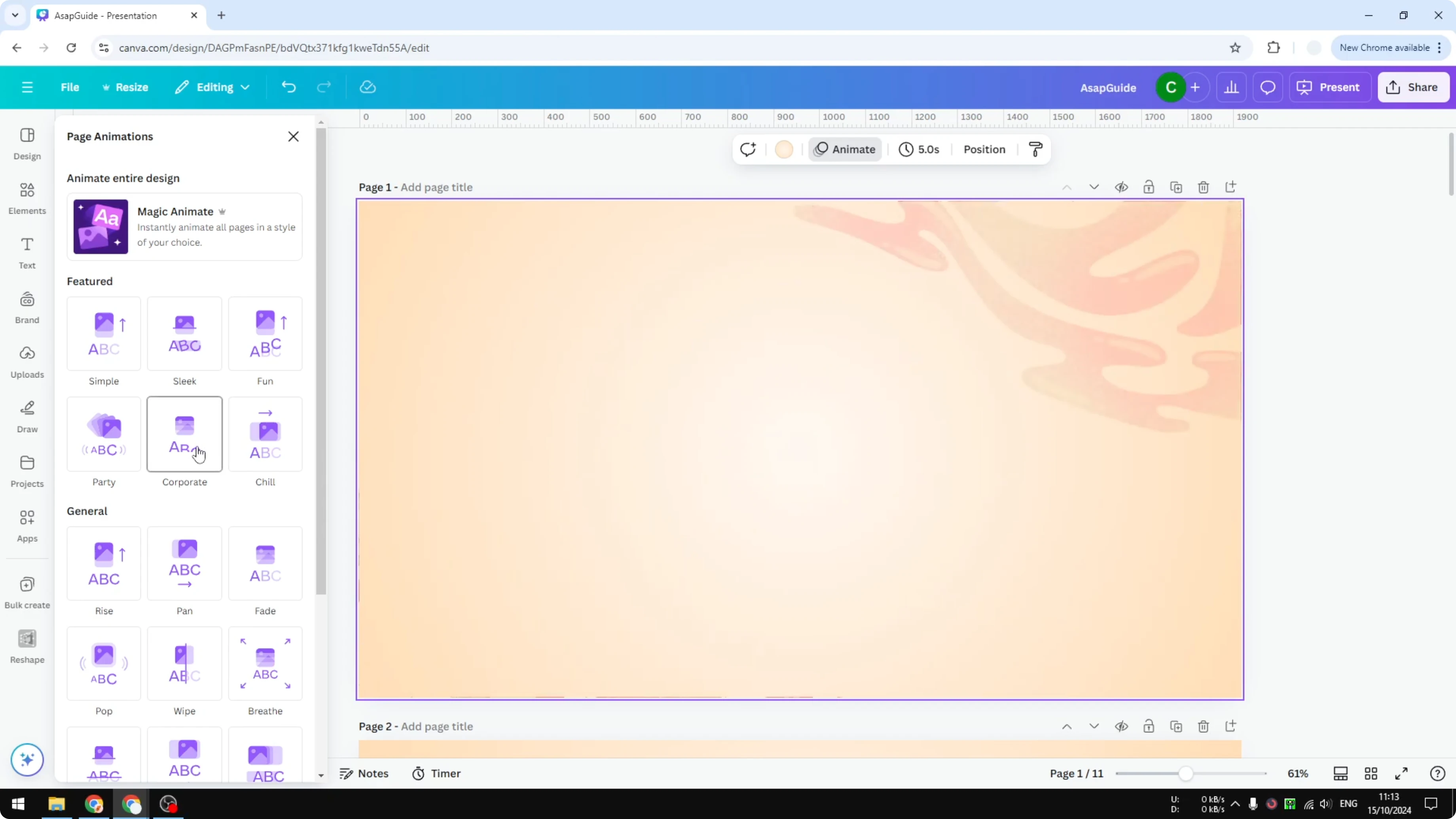
There is also an option to apply it to all pages. If you have tons of pages and you do not want to add the animation one by one, select this option. For motion ideas between clips, see this cool video transition in Canva guide.
Add Transition in Canva Presentation from the thumbnail view
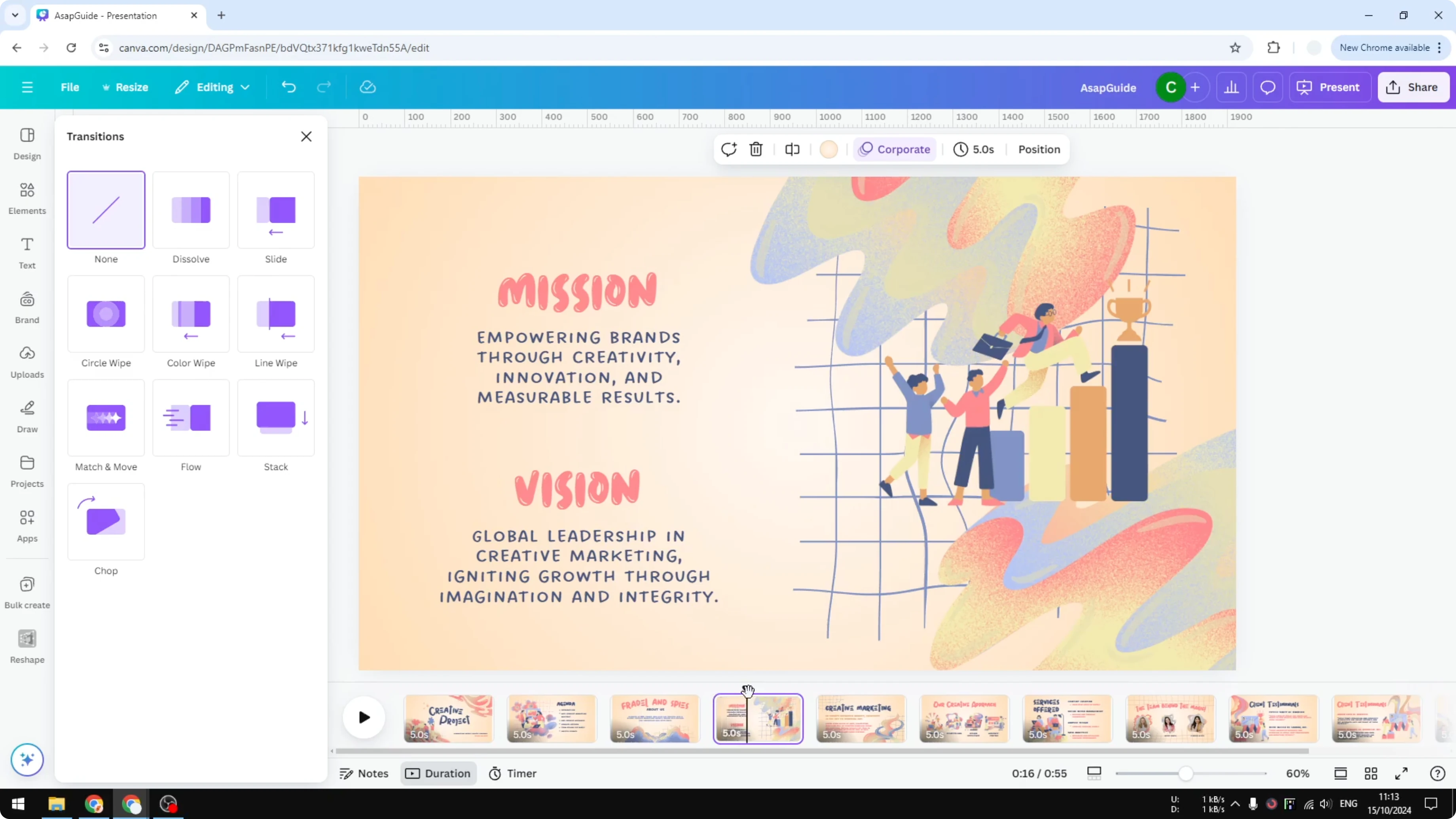
Go to the thumbnail view. I usually enable duration as well so I can play the animation later. Hover the cursor in the area between two pages or two slides.
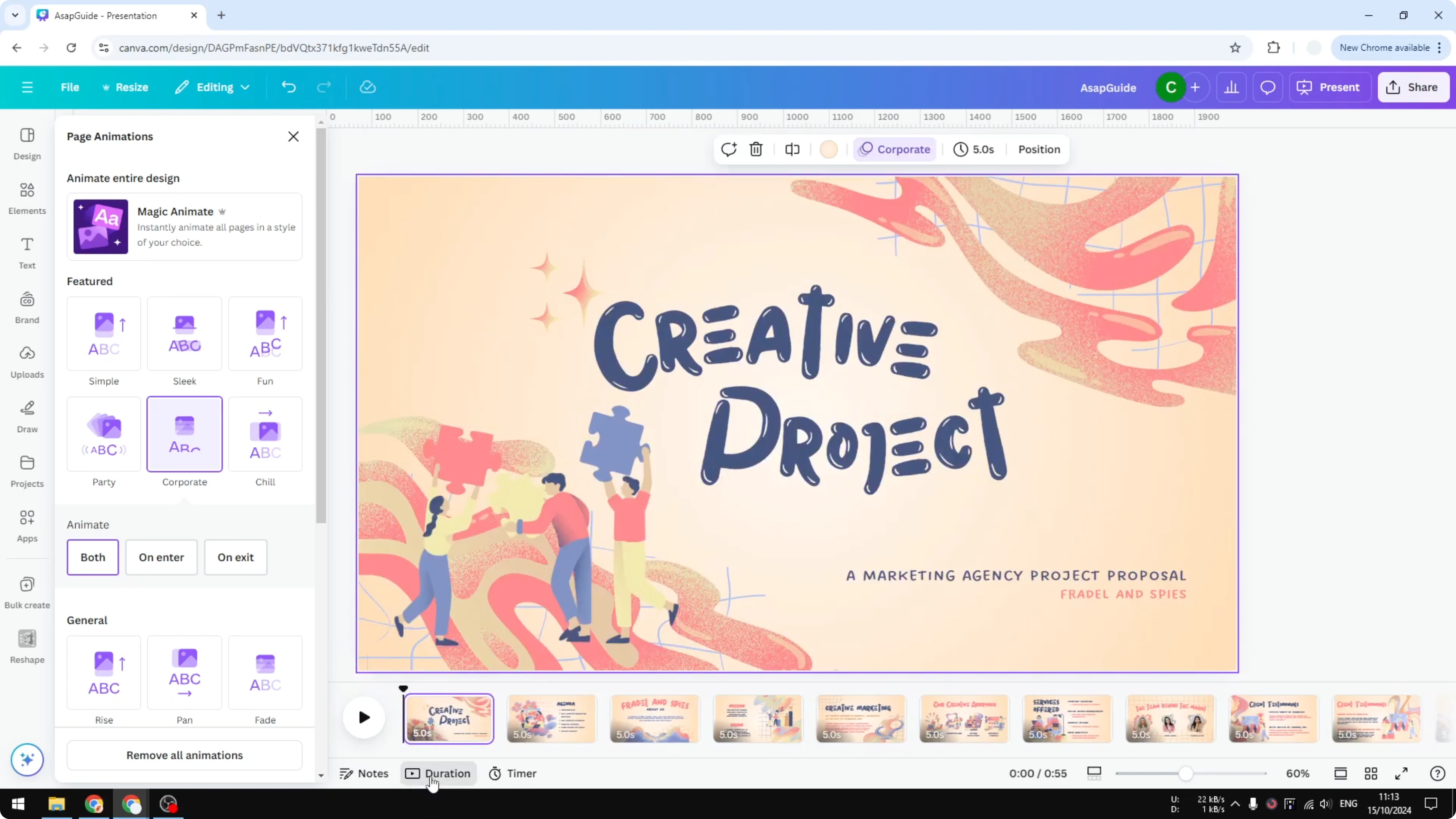
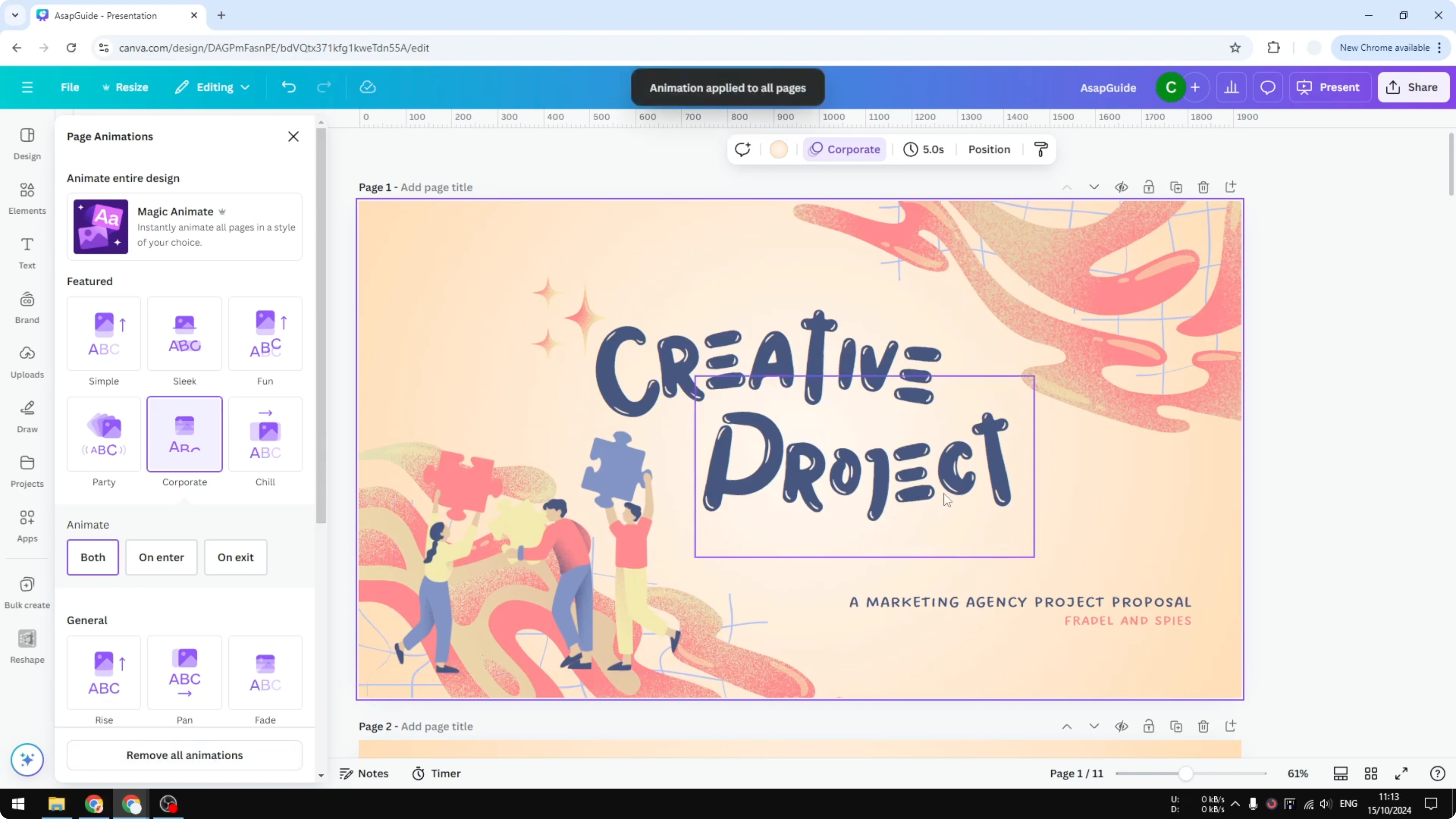
You will see an option to add transition. Click it and select your animation style for that transition. You can also click any page, press Control and A on the keyboard, and apply animation to all the slides.
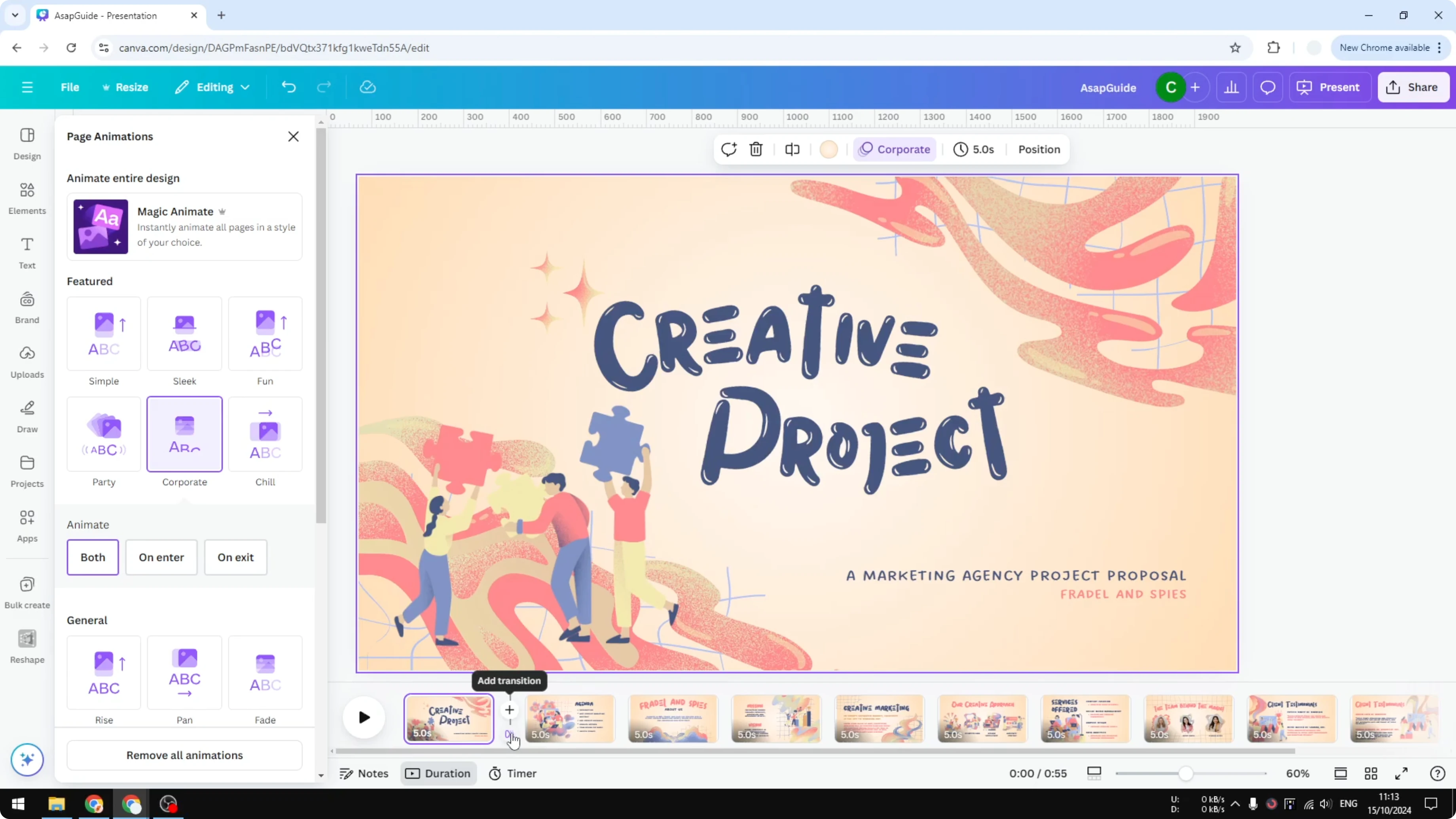
Ctrl + A
That selects all pages in the document. Apply the animation once and it updates across the deck. If your slides include names with accents, here is how to add accent marks in Canva.
Play and review in Add Transition in Canva Presentation
Put the playhead at the beginning. Play the entire animation of your presentation or your video in Canva. This is infinitely better compared to a presentation without any animation effect.
If your slides include images, here is how to add alt text to pictures in Canva.
Final thoughts on Add Transition in Canva Presentation
Transitions help your slides draw attention and feel better. Use the Animate panel for quick global changes or the thumbnail view for control from slide to slide. Apply enter and exit effects and preview the flow.
Recent Posts

How to Visualize Yourself as a Pixelized Character with AI?
How to Visualize Yourself as a Pixelized Character with AI?

How to Revive Faded Memories and Enhance Image Clarity with AI?
How to Revive Faded Memories and Enhance Image Clarity with AI?

How to Visualize Yourself as an Animal Crossing Character with AI?
How to Visualize Yourself as an Animal Crossing Character with AI?