How to Add a Cool Video Transition in Canva
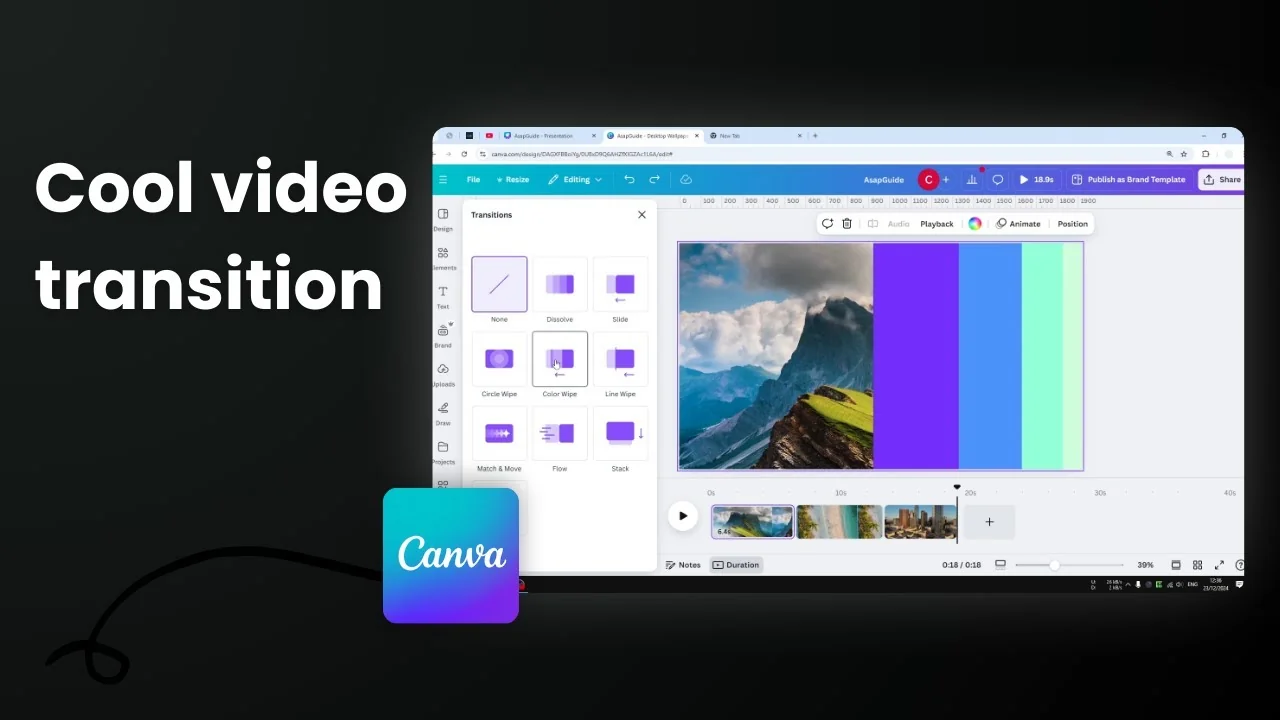
I’m going to show you how to add a transition between clips or pages in your Canva video design. I have a video project with three different clips, and between each clip there is no transition. If I play the video, you’ll see there is no transition between clips. It’s okay, but if you want the video to be slightly more interesting, adding transitions makes the whole video a lot smoother and the experience is better.
Add a Cool Video Transition in Canva
Follow these steps:
- Open the thumbnail view and the duration view.
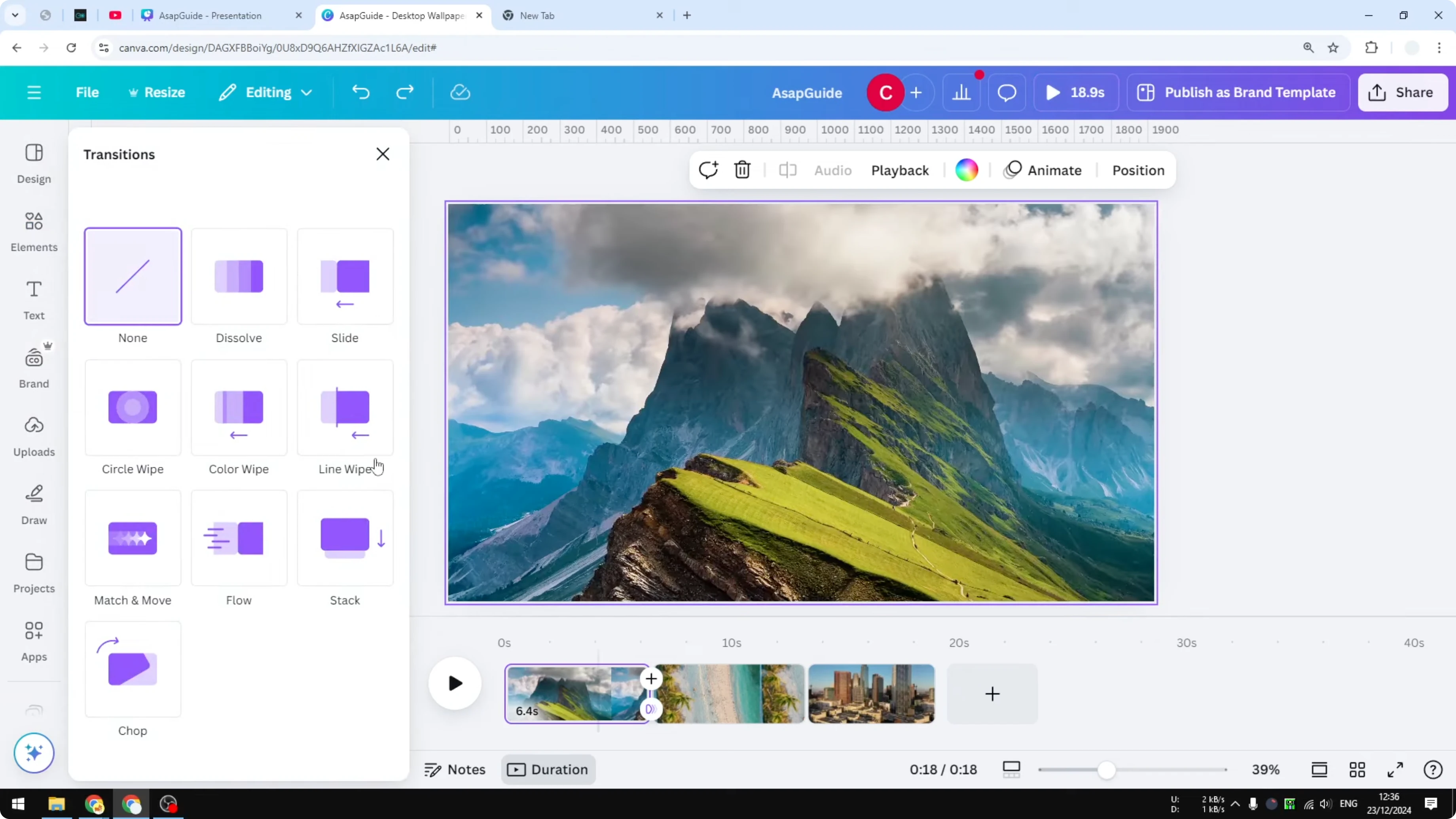
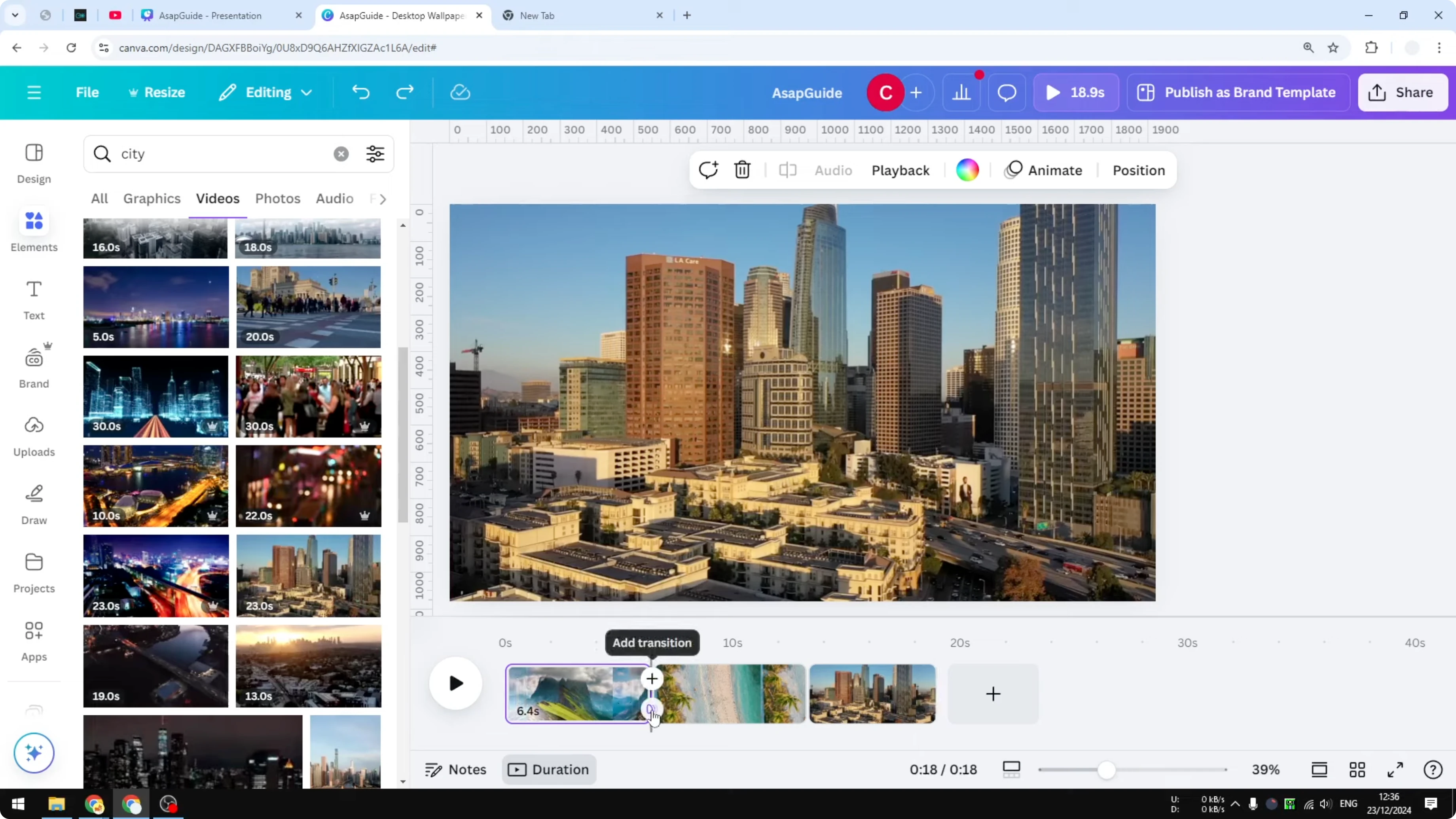
- Hover the cursor above the area between two clips. You’ll see an option that says Add transition. Click it.
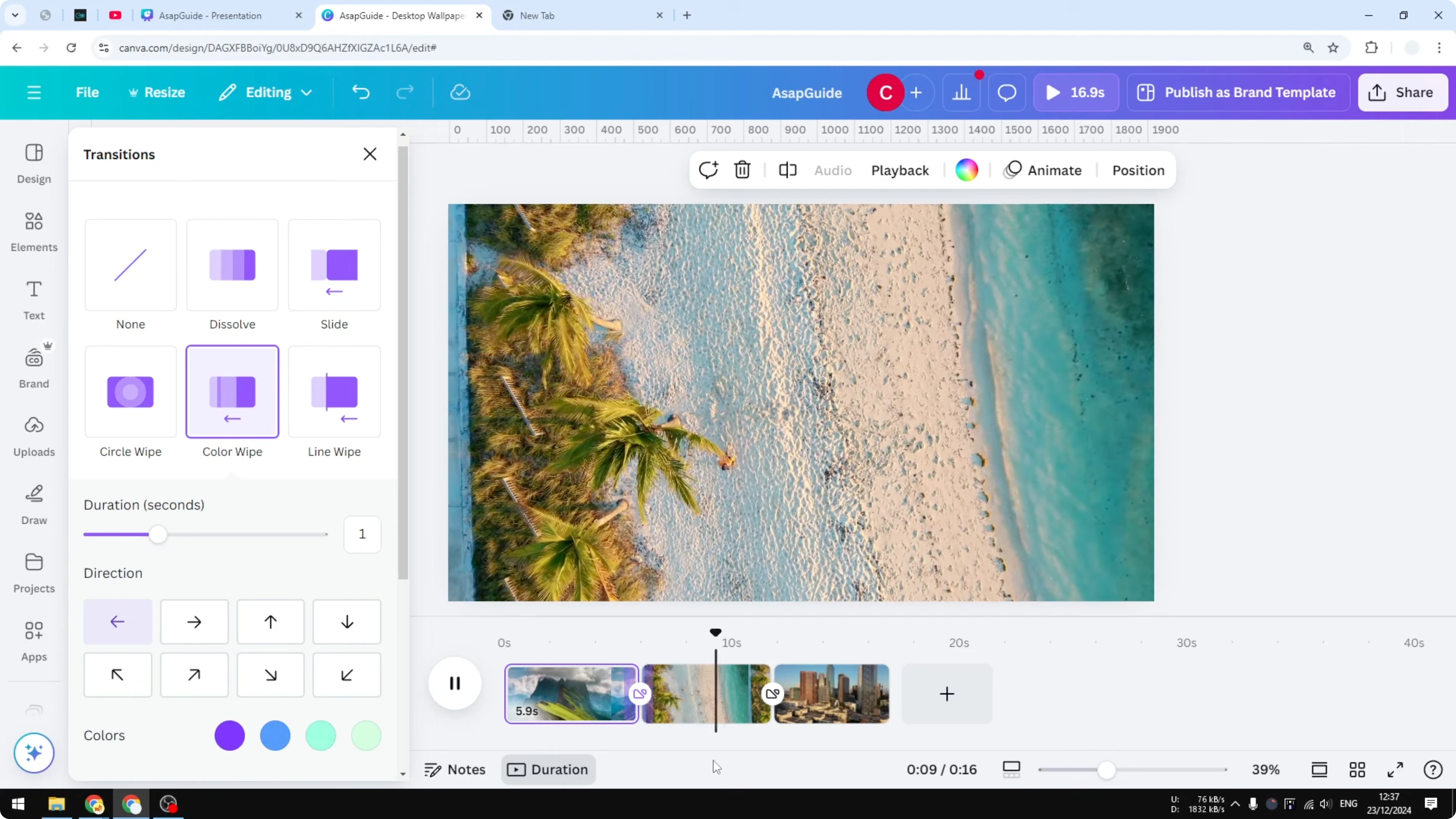
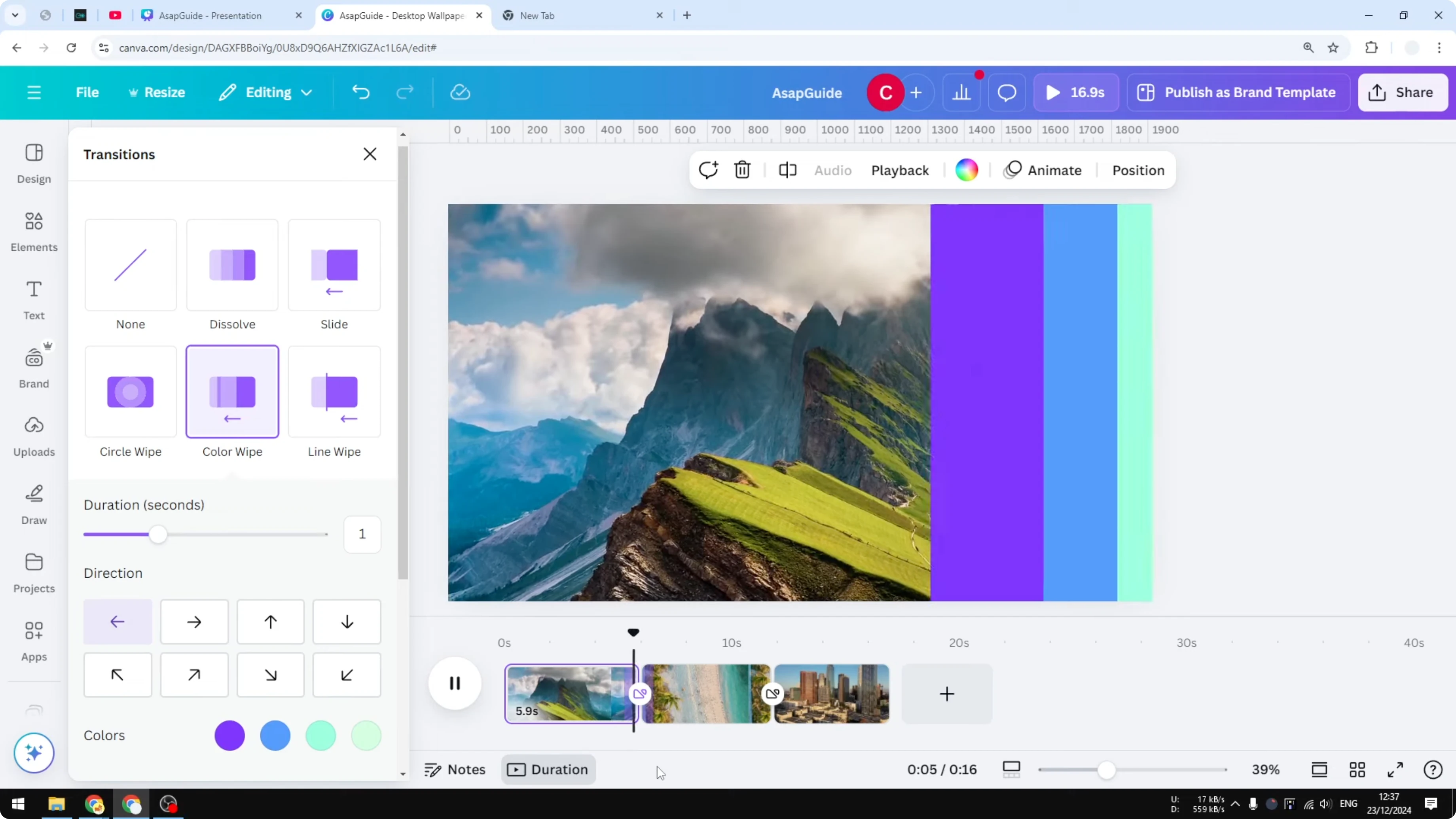
- You’ll see some preset animations you can use as a video transition. I’m going to select the one that I think is the most interesting. Let’s try Color Wipe.
- Customize the duration, the direction, and the color, which is very interesting.
- You can apply it to all pages. If you have a video with a lot of clips and you don’t want to manually add the transition, select this option so it will be applied to every transition or every gap between clips in your Canva video project.
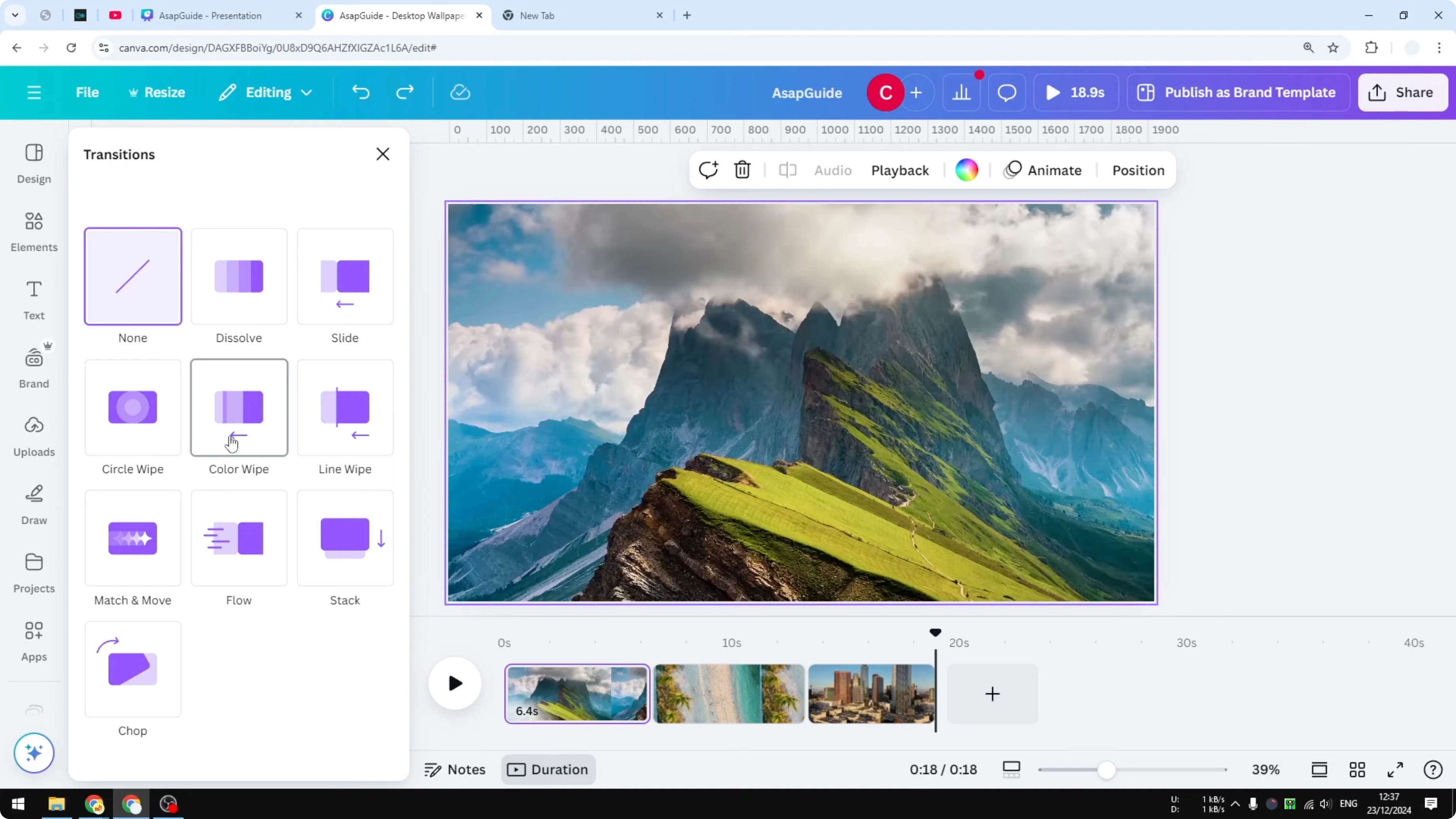
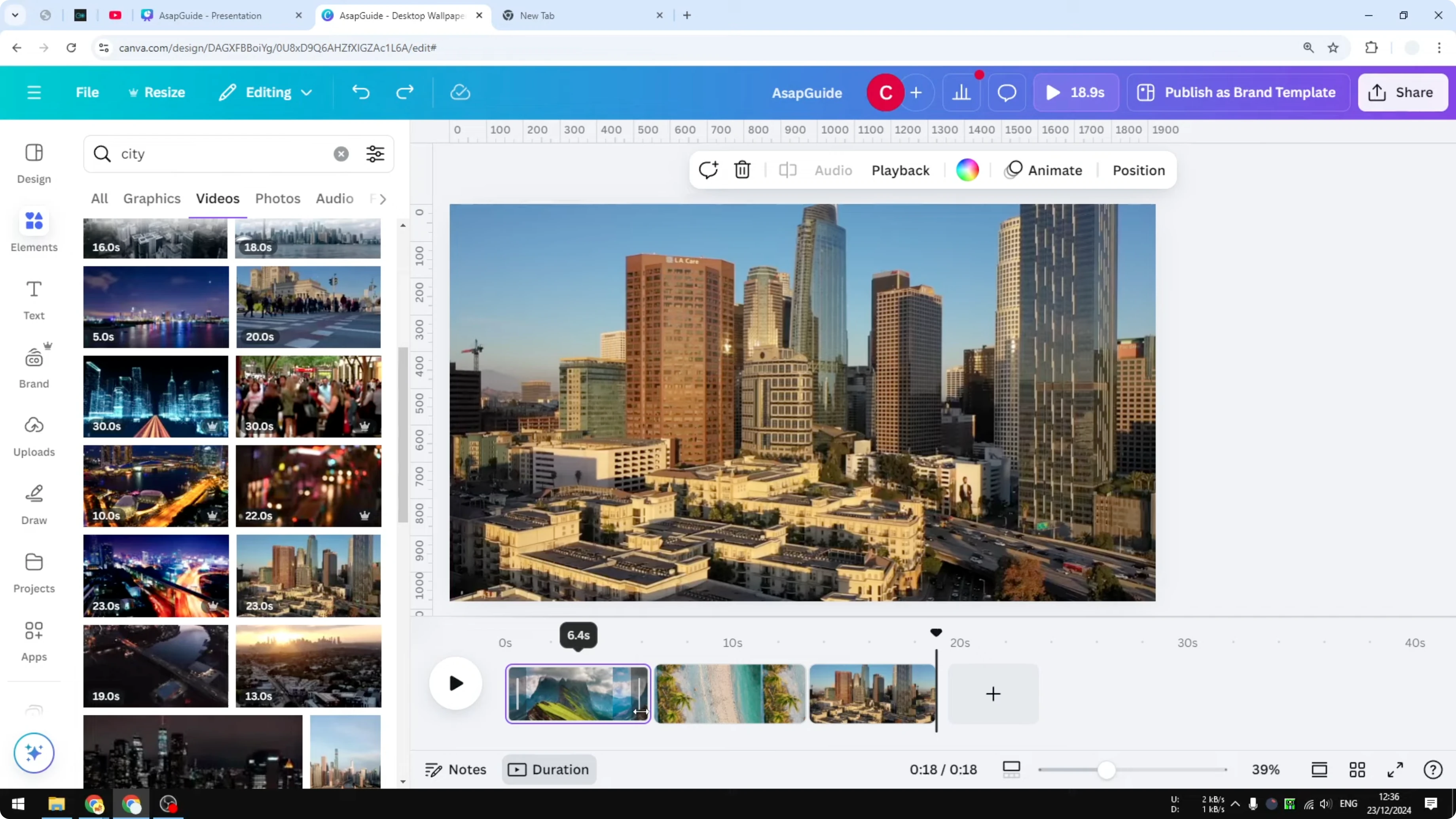
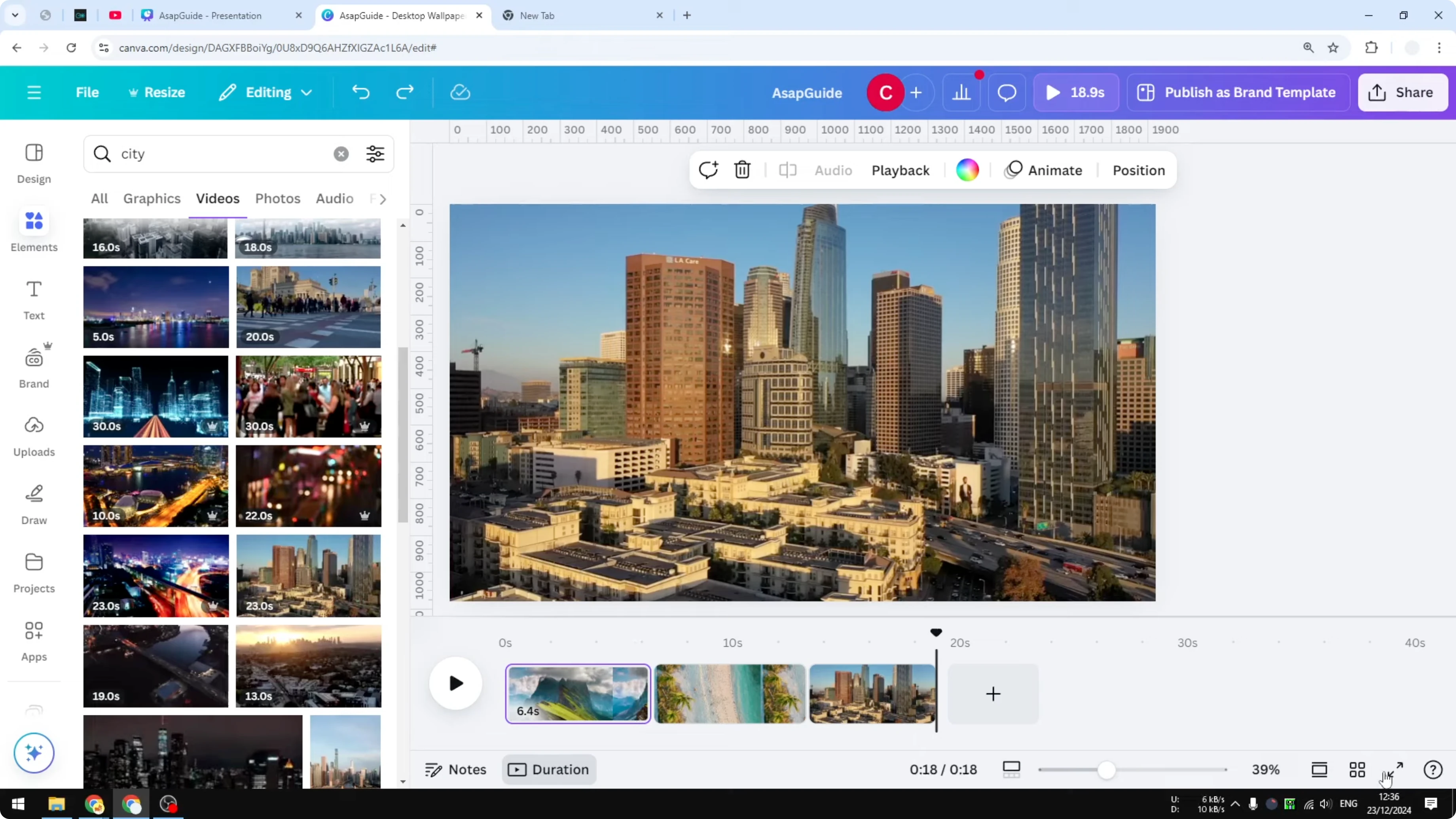
Play the video and you’ll see the transition between one clip and another. That’s pretty cool. That’s basically it - that’s how you can insert a transition between clips in Canva.
Final Thoughts
Transitions can make your Canva video feel smoother and more engaging. Add one between clips, customize its duration, direction, and color, and apply it to all pages if you have many clips.
Recent Posts

How to Visualize Yourself as a Pixelized Character with AI?
How to Visualize Yourself as a Pixelized Character with AI?

How to Revive Faded Memories and Enhance Image Clarity with AI?
How to Revive Faded Memories and Enhance Image Clarity with AI?

How to Visualize Yourself as an Animal Crossing Character with AI?
How to Visualize Yourself as an Animal Crossing Character with AI?