How to Add Neon Outline in Canva
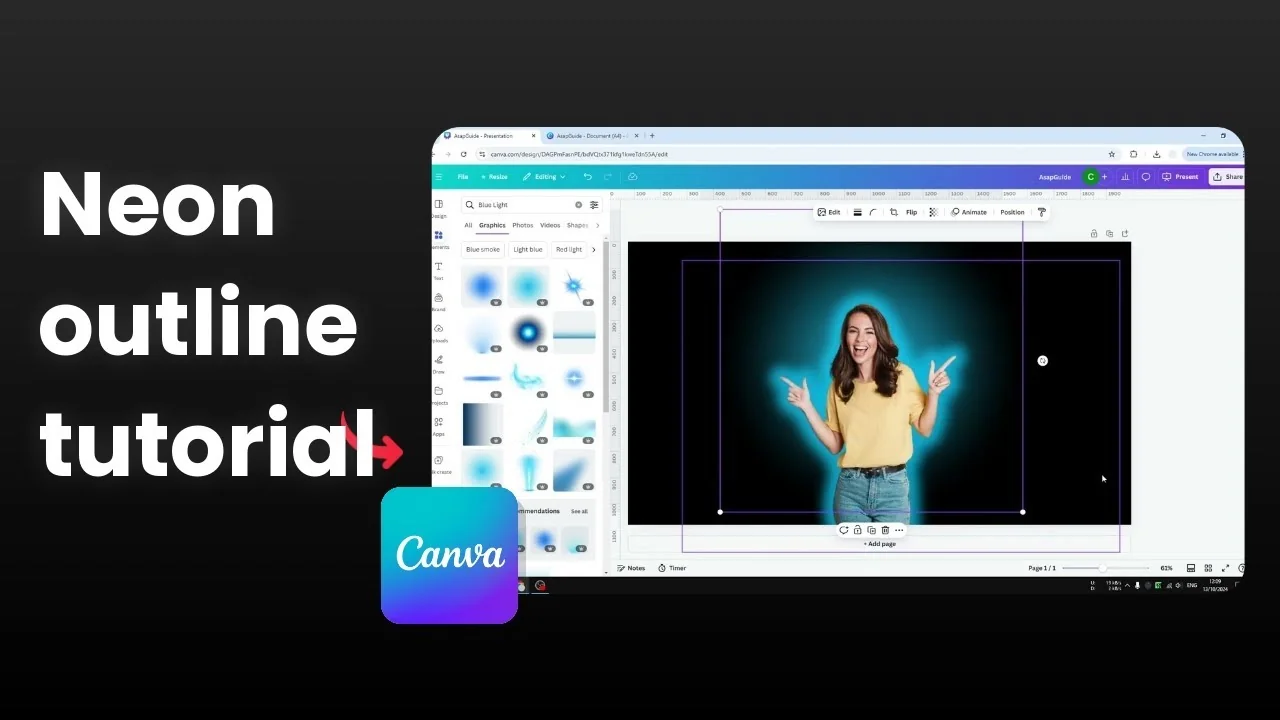
I will show you how to add a neon outline effect to a picture in Canva. The subject will have a lighting effect surrounding it, and it will make the content stand out. Here is how you can achieve that effect.
Add Neon Outline in Canva: Prepare Your Background
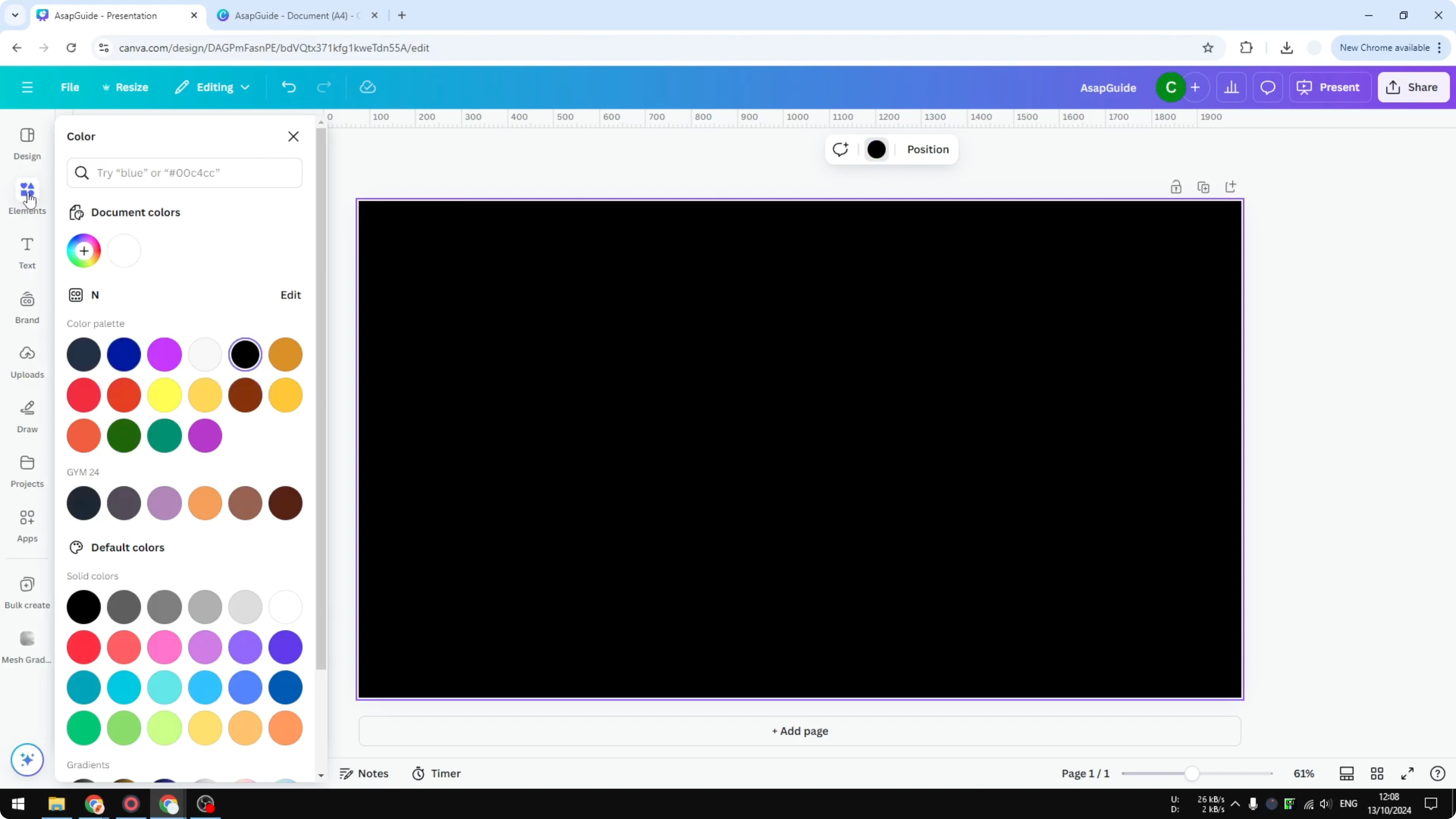
I do recommend using a dark background for the canvas. You can use a dark picture, a solid color, or gradient colors as long as it is dark. I am going to use a simple black background.
Add Neon Outline in Canva: Add Your Image
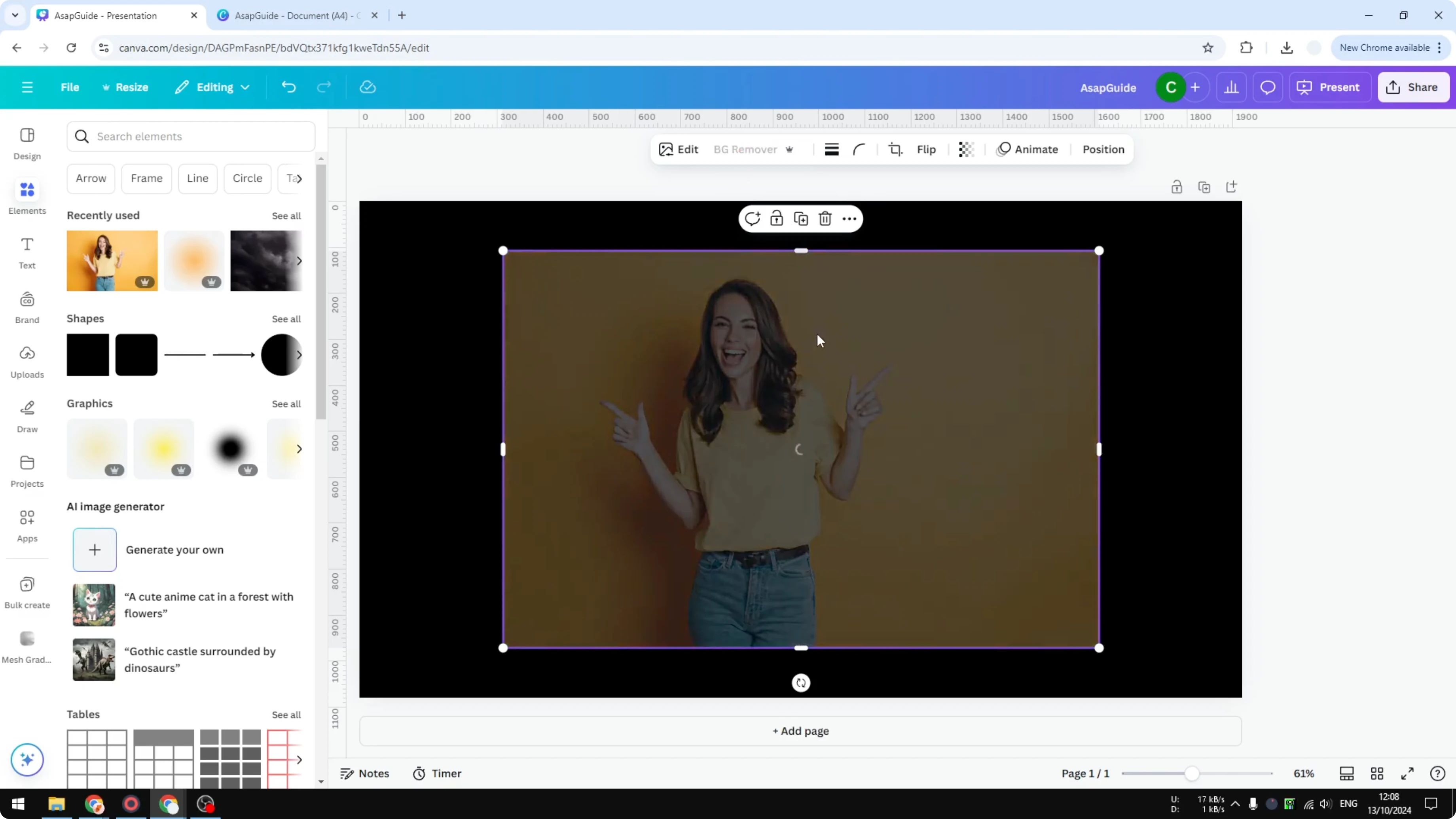
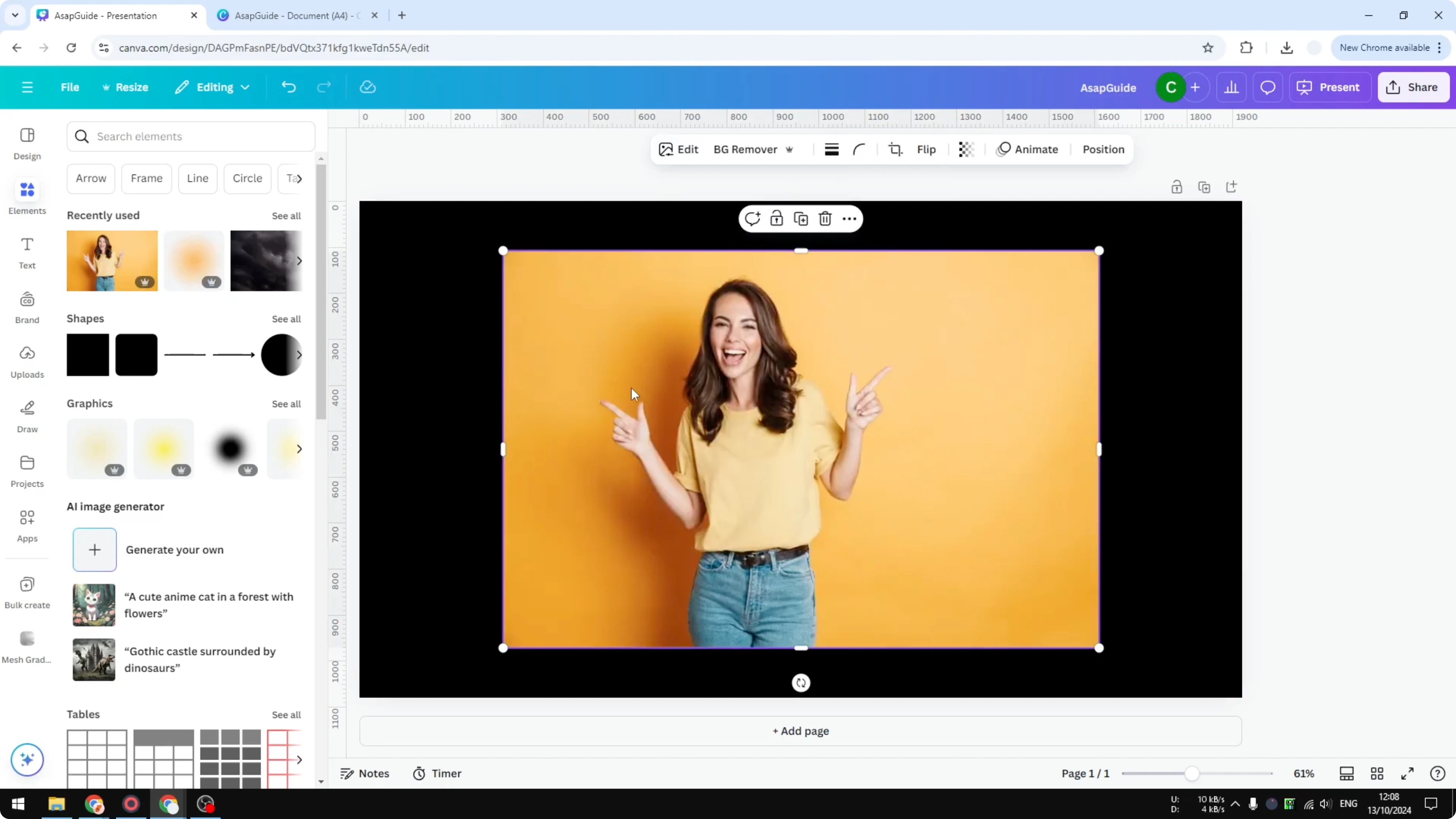
Go to Elements and search for a picture. If you have a picture on your computer, you can upload it to Canva. I am going to use an image from Elements.
Add Neon Outline in Canva: Remove the Background
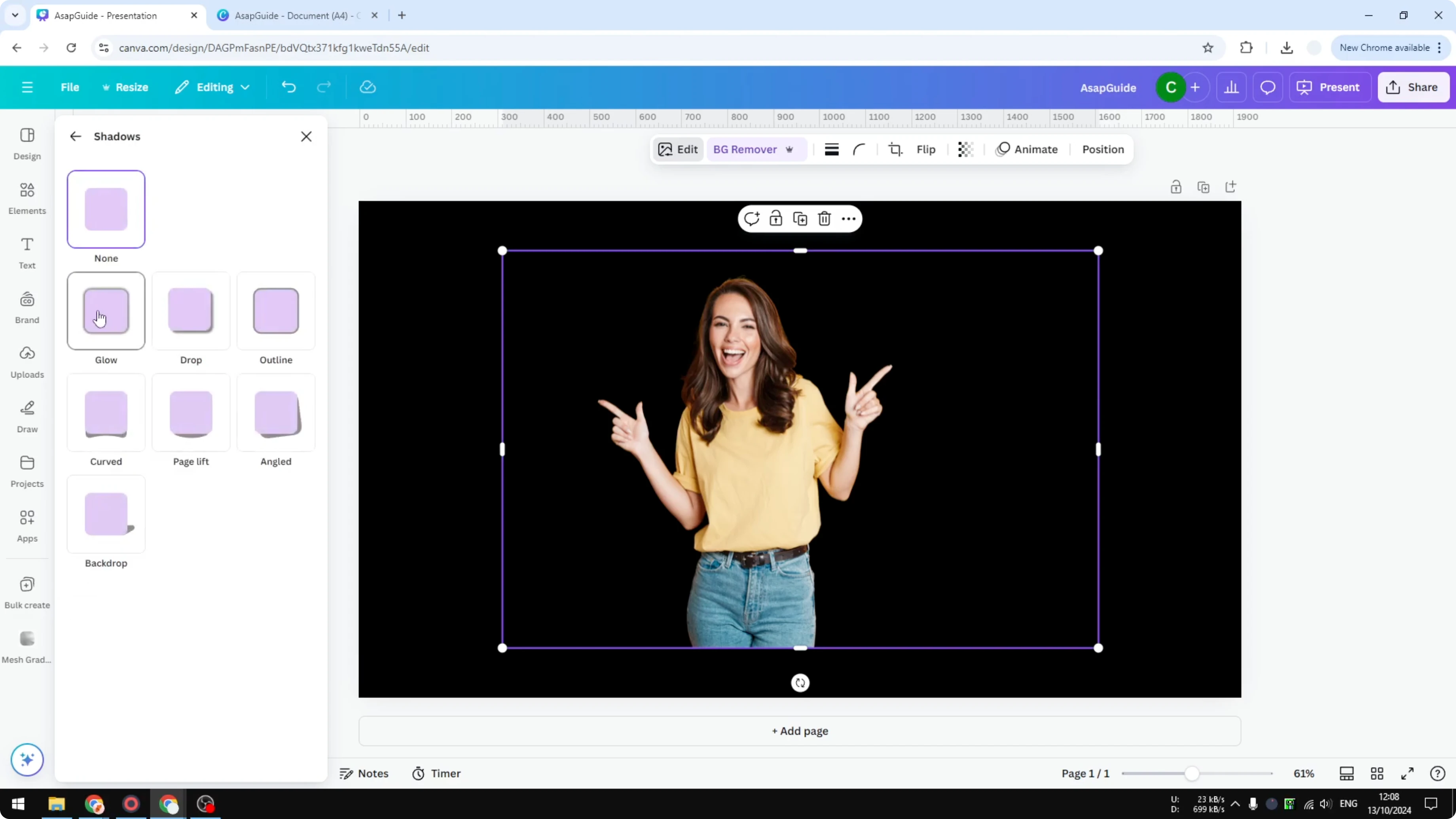
I want to remove the background so the neon effect is only applied to the main subject. Select the image, open Edit Image, then choose Background Remover. Wait for it to process and confirm the cutout.
Add Neon Outline in Canva: Add the Glow
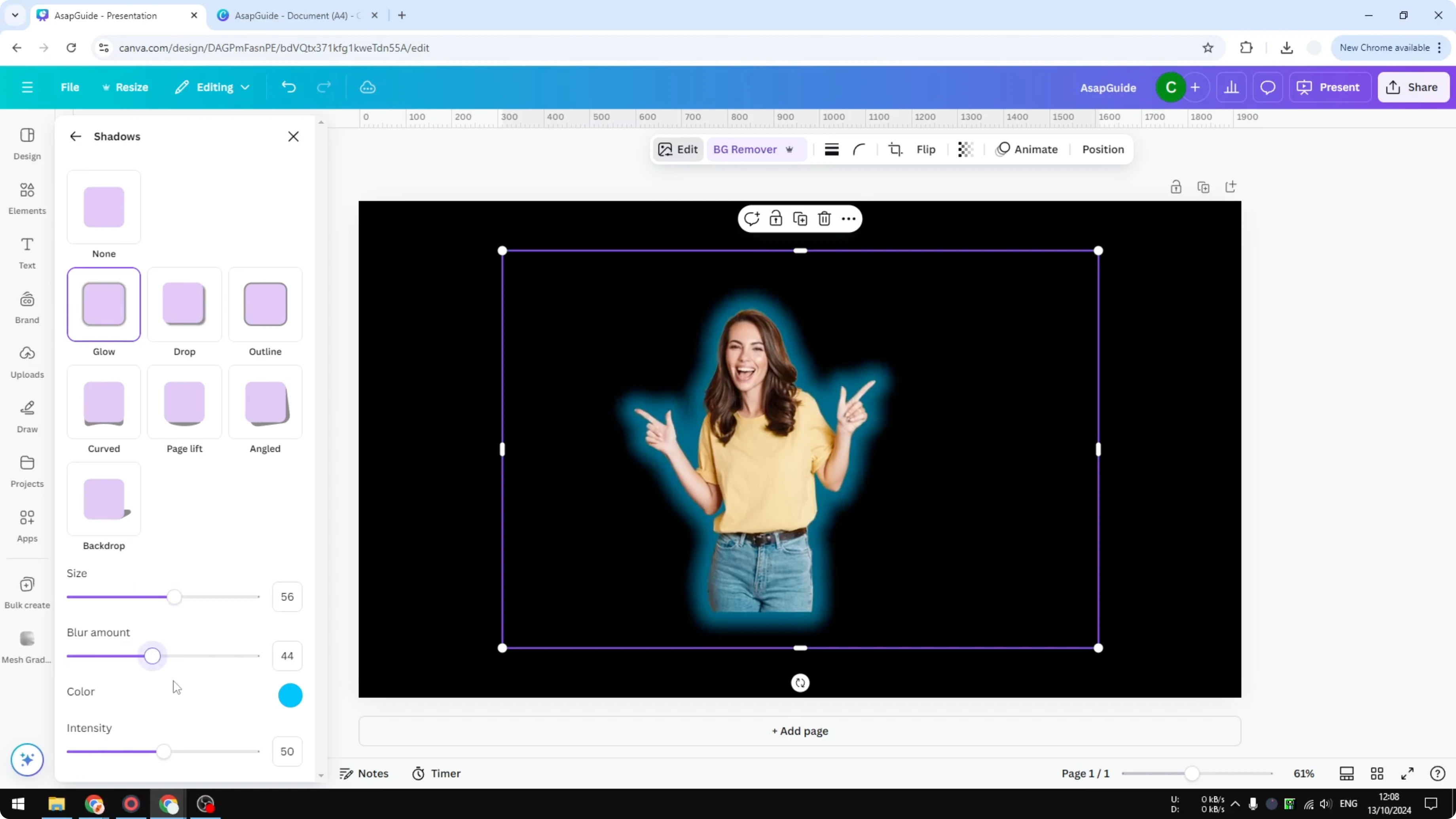
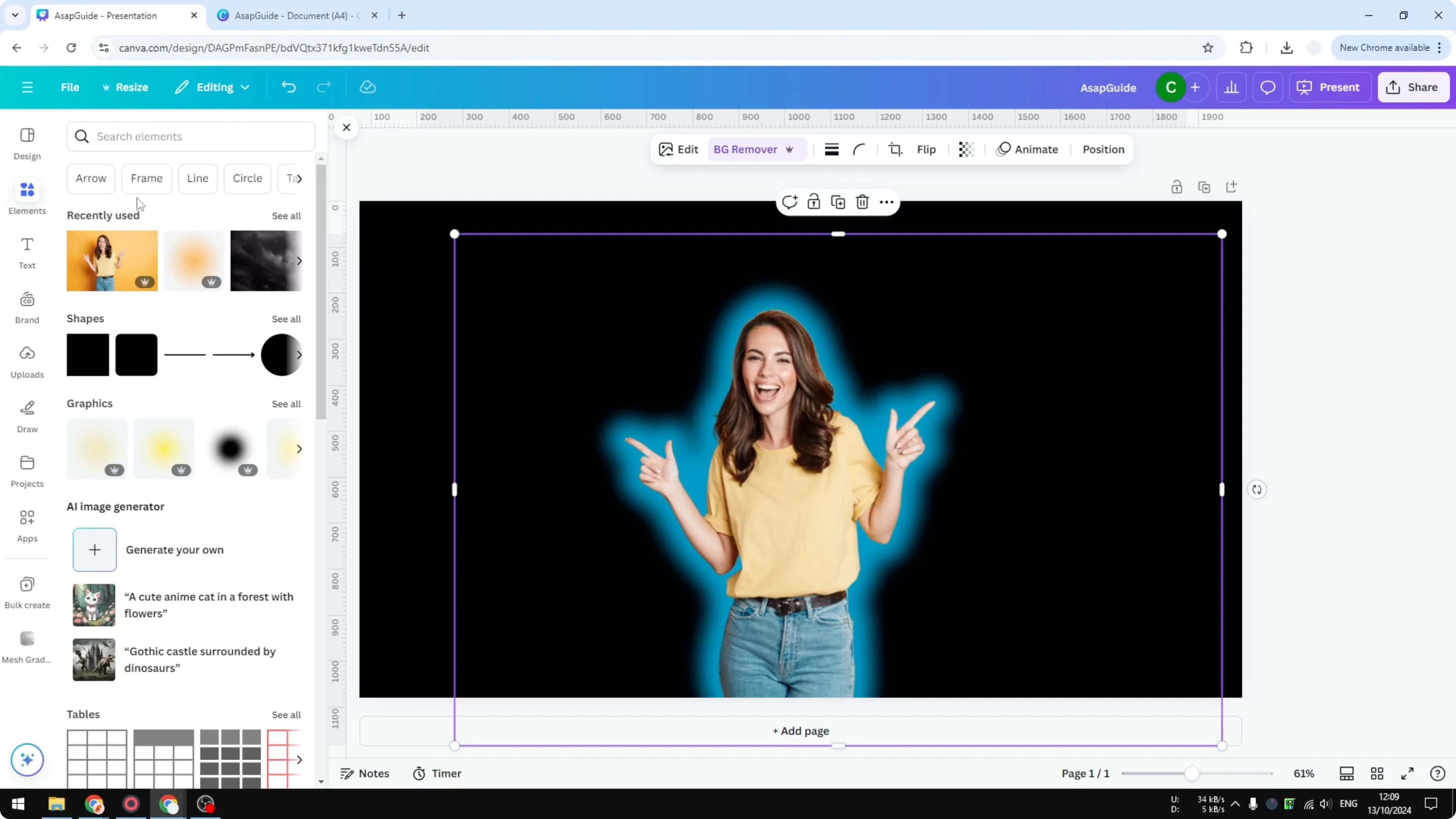
With the cutout selected, open Edit Image and choose FX. Select the Shadows option and click Glow. Change the color of the glow, I like blue for this look.
Adjust the size to taste and tune the settings until it looks right. Close the panel when you are done. You will get a subject with a neon ring surrounding it.
Read More: Add Outline Sticker Canva
Add Neon Outline in Canva: Enhance With Background Light
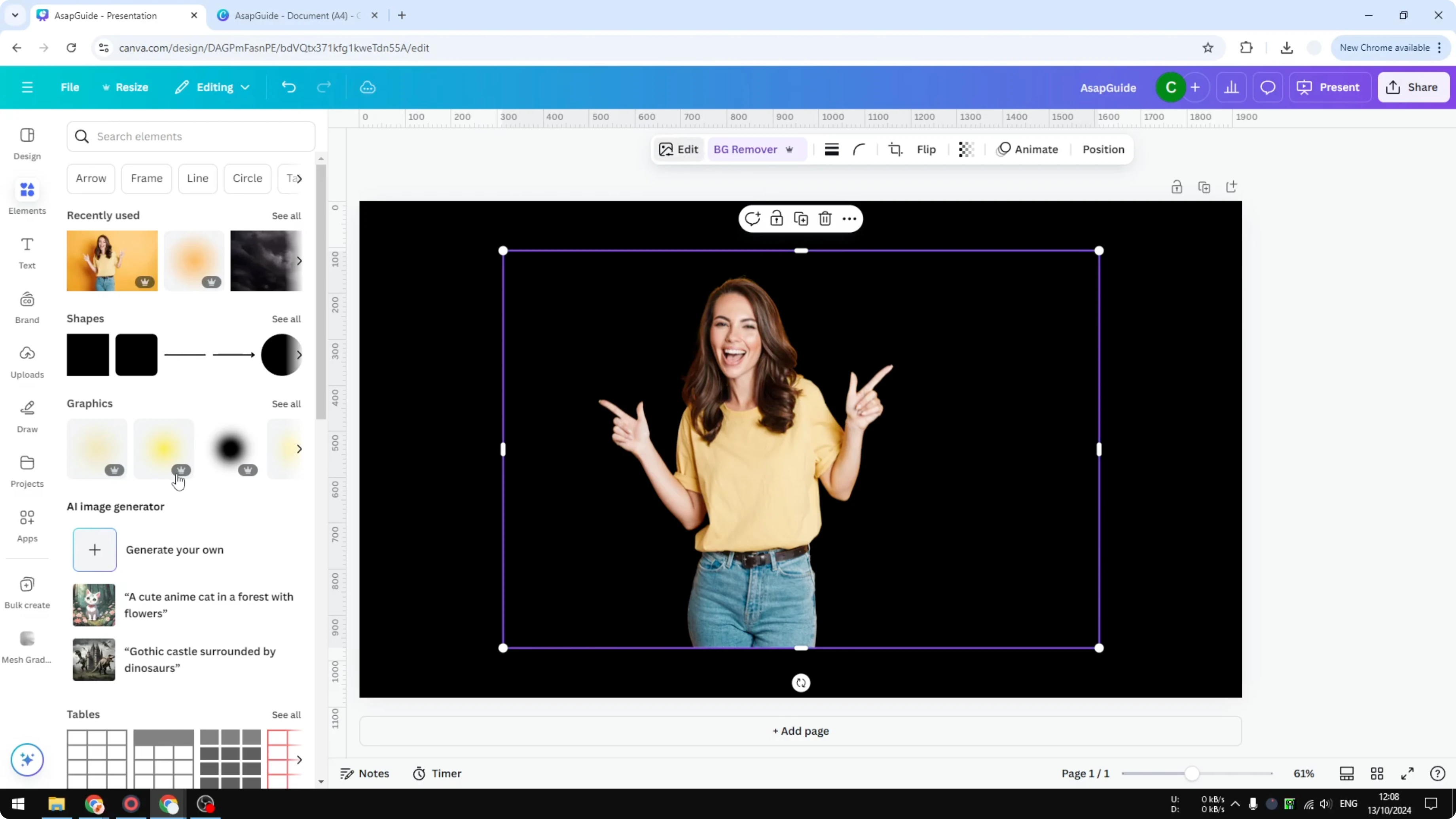
I am going to add something behind the subject to make it more attractive. Search for blue light and switch to the Graphics section. Add a light graphic behind the subject, make it bigger, and send it to the back.
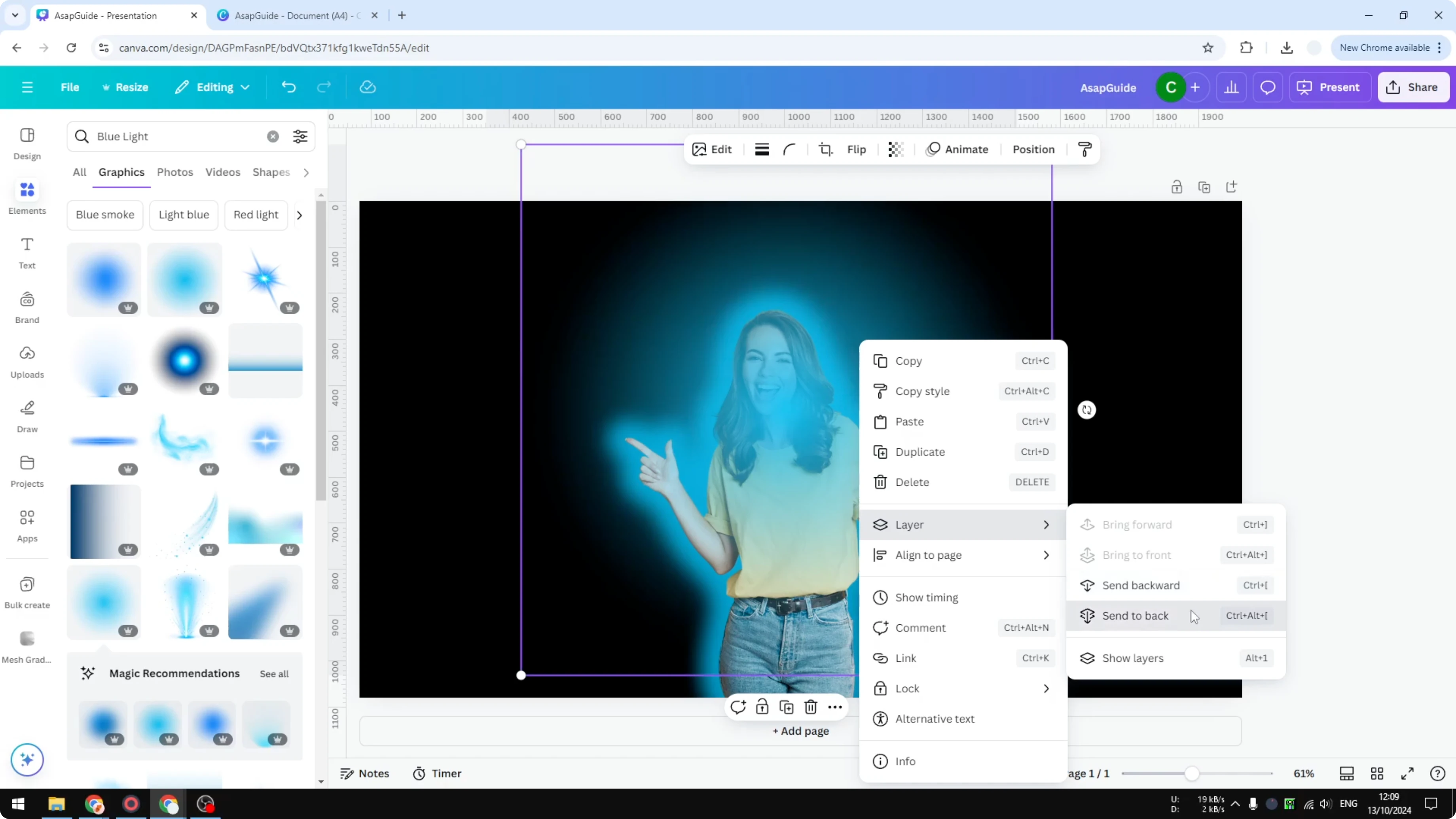
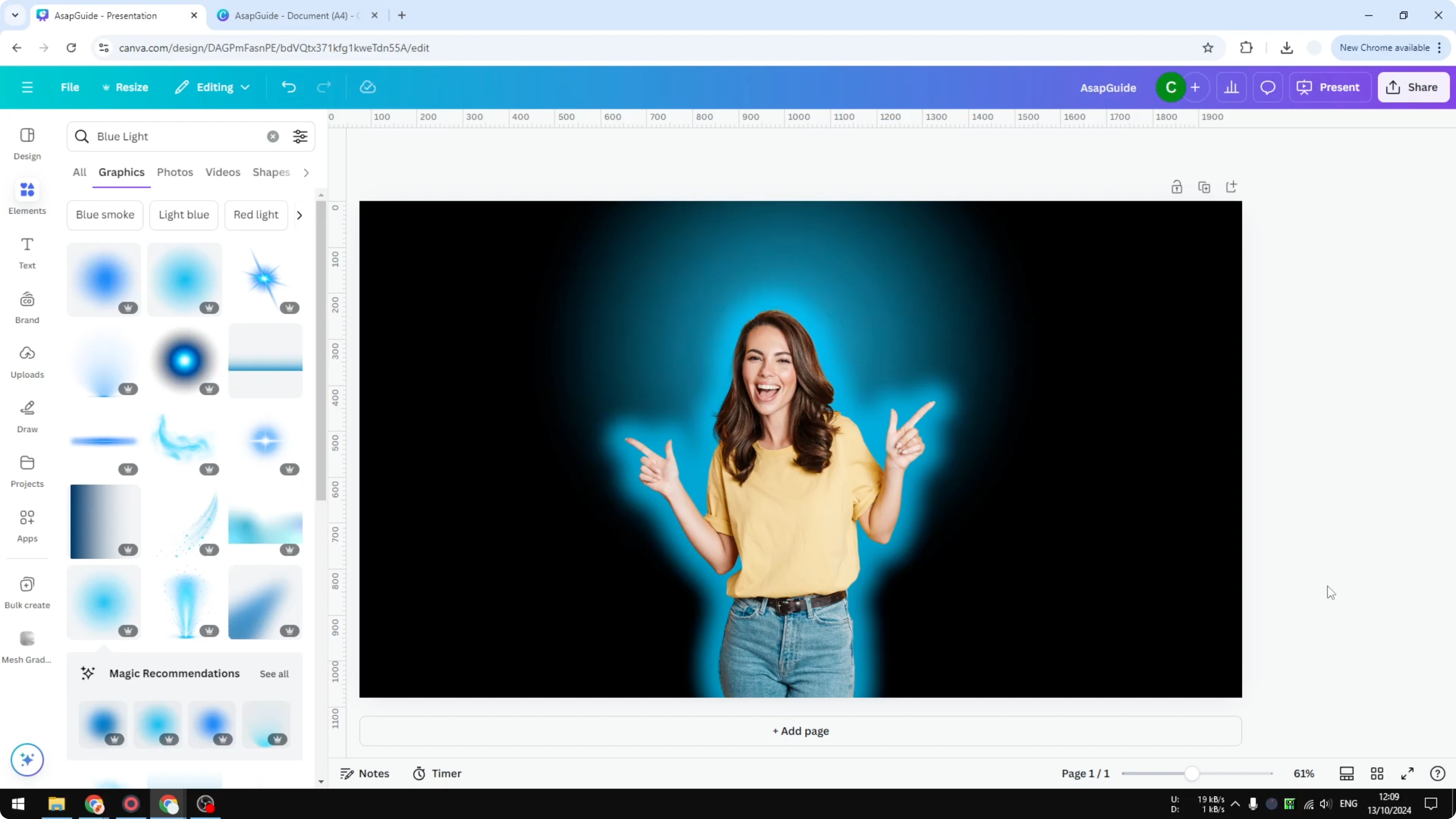
You will see the glow and the background light working together. This gives a clean subject cutout with a bright edge and a soft light behind. That is exactly how you can add a neon effect to your picture in Canva.
Read More: Add Alt Text Picture Canva
Read More: Add Accent Marks Canva
Final Thoughts on Add Neon Outline in Canva
Use a dark background, remove the background on your subject, and apply the Glow shadow for the neon edge. Pick a glow color, adjust the size, and add a subtle light graphic behind the subject for extra pop. You will have a strong neon outline that makes your content stand out.
Recent Posts

How to Visualize Yourself as a Pixelized Character with AI?
How to Visualize Yourself as a Pixelized Character with AI?

How to Revive Faded Memories and Enhance Image Clarity with AI?
How to Revive Faded Memories and Enhance Image Clarity with AI?

How to Visualize Yourself as an Animal Crossing Character with AI?
How to Visualize Yourself as an Animal Crossing Character with AI?