How to Add Hyperlinks in Canva Resume
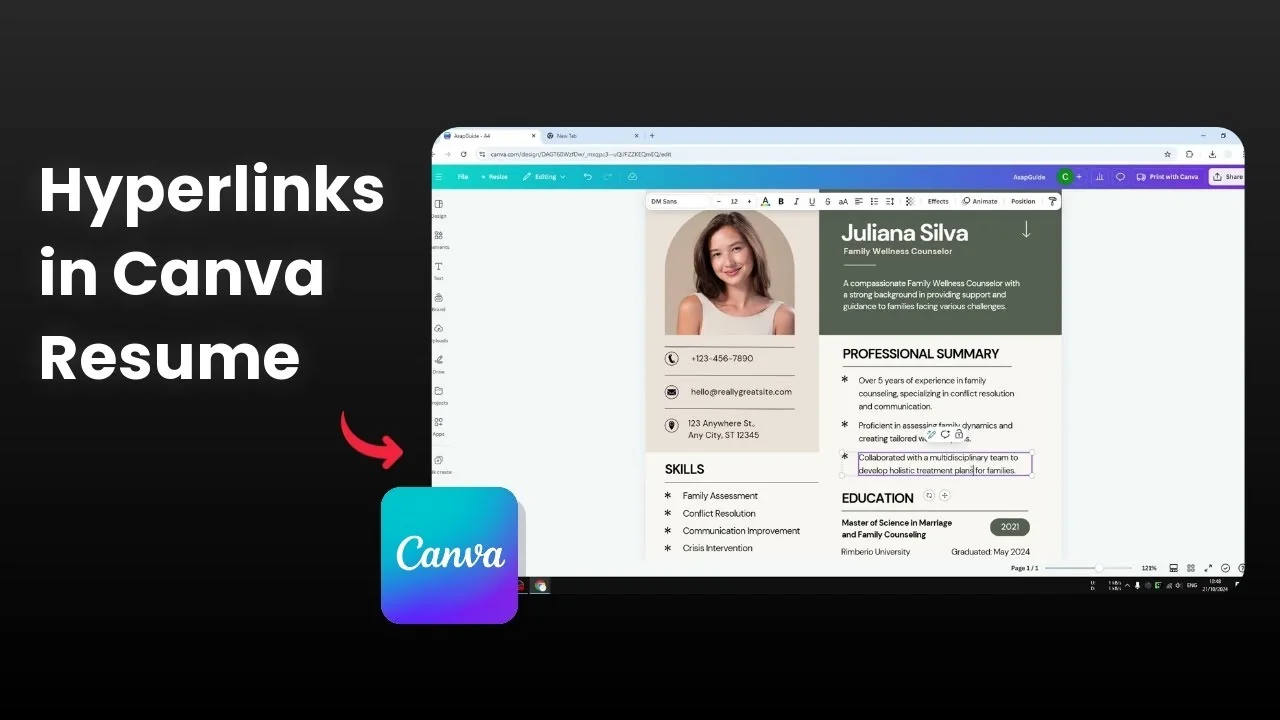
A simple hyperlink in a Canva resume makes your website or online profile clickable without any third party tool. I’ll show it with a sample document, and I want to add a hyperlink to the text that says “treatment plans.” This method works for any text on your page.

If you need more context before starting, see this quick guide on adding links in a Canva resume. It covers the same basics with helpful visuals. Keep that handy if you are new to Canva.
Add Hyperlinks in Canva Resume: link text
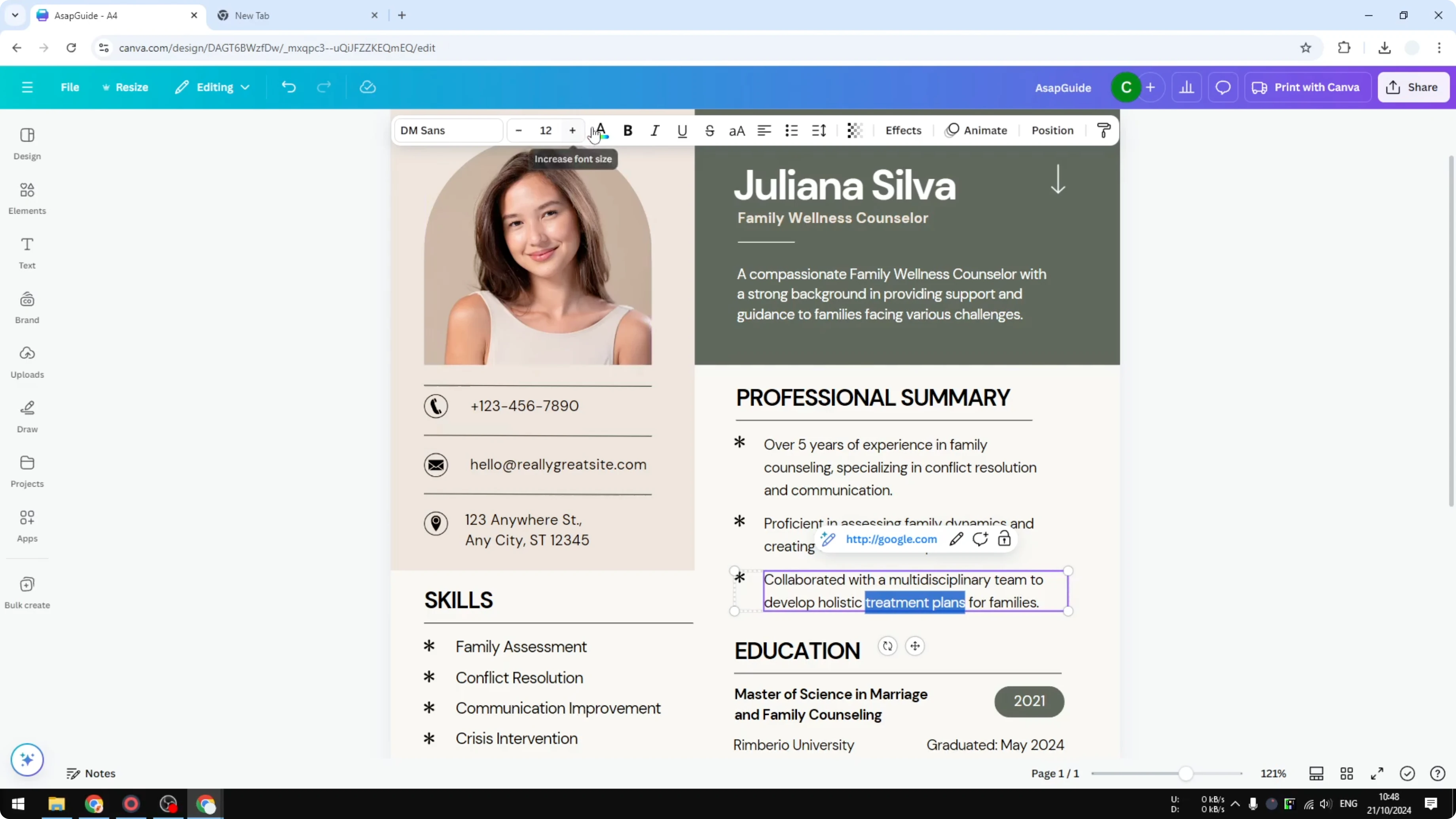
Select the text you want to make clickable. A toolbar appears, and you can click Link.
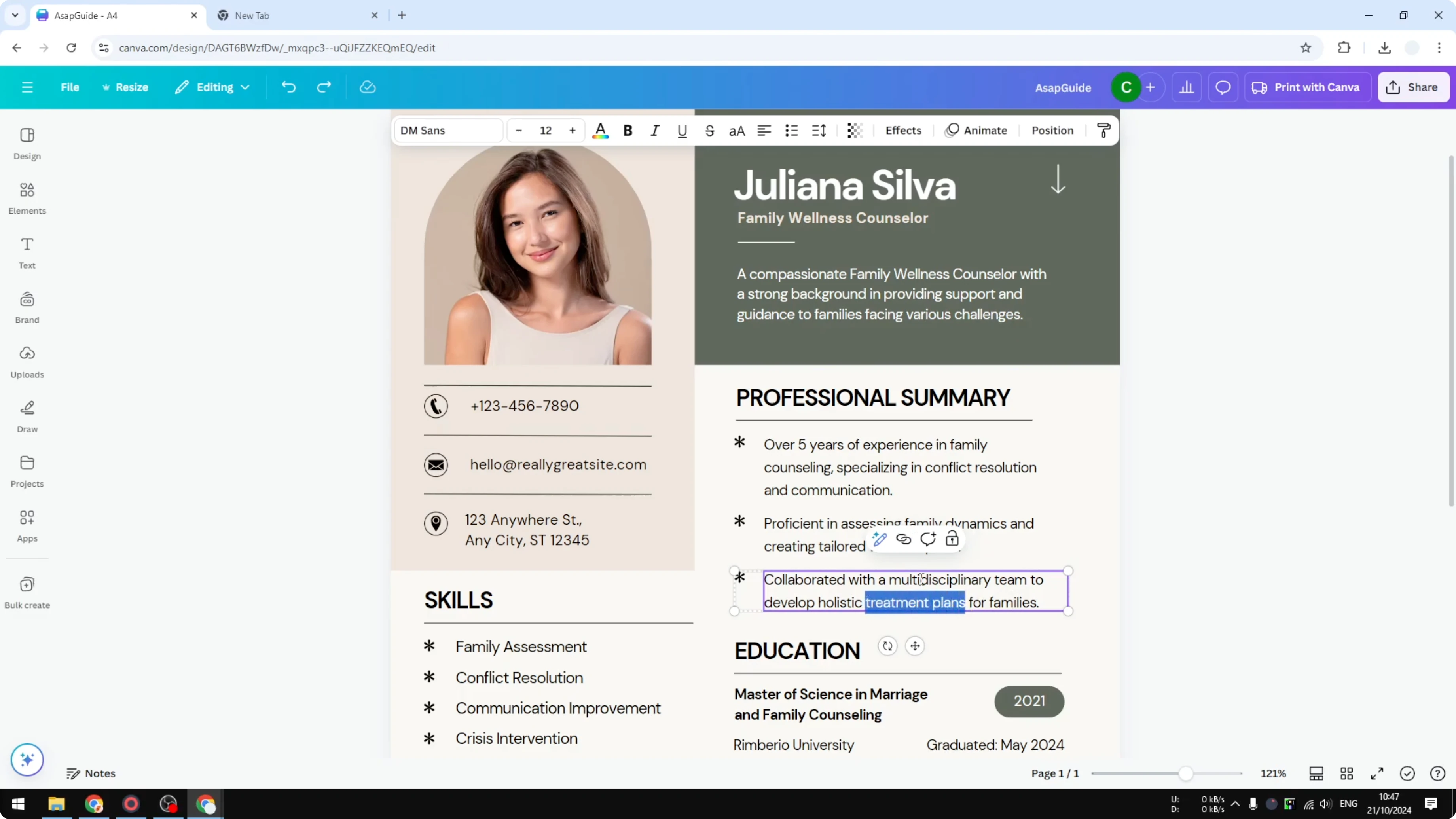
Paste or type the URL you want to use. Click Done.
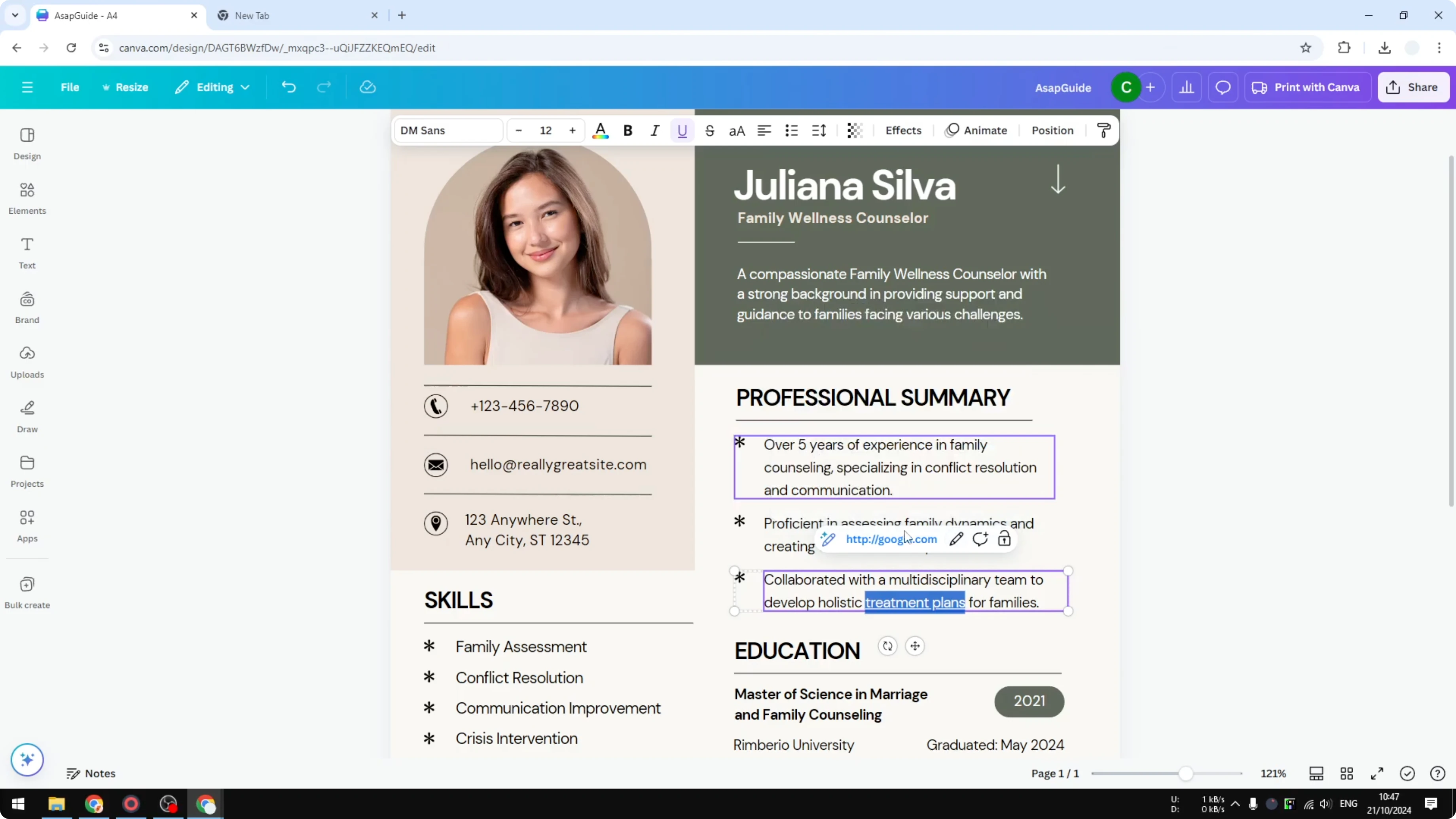
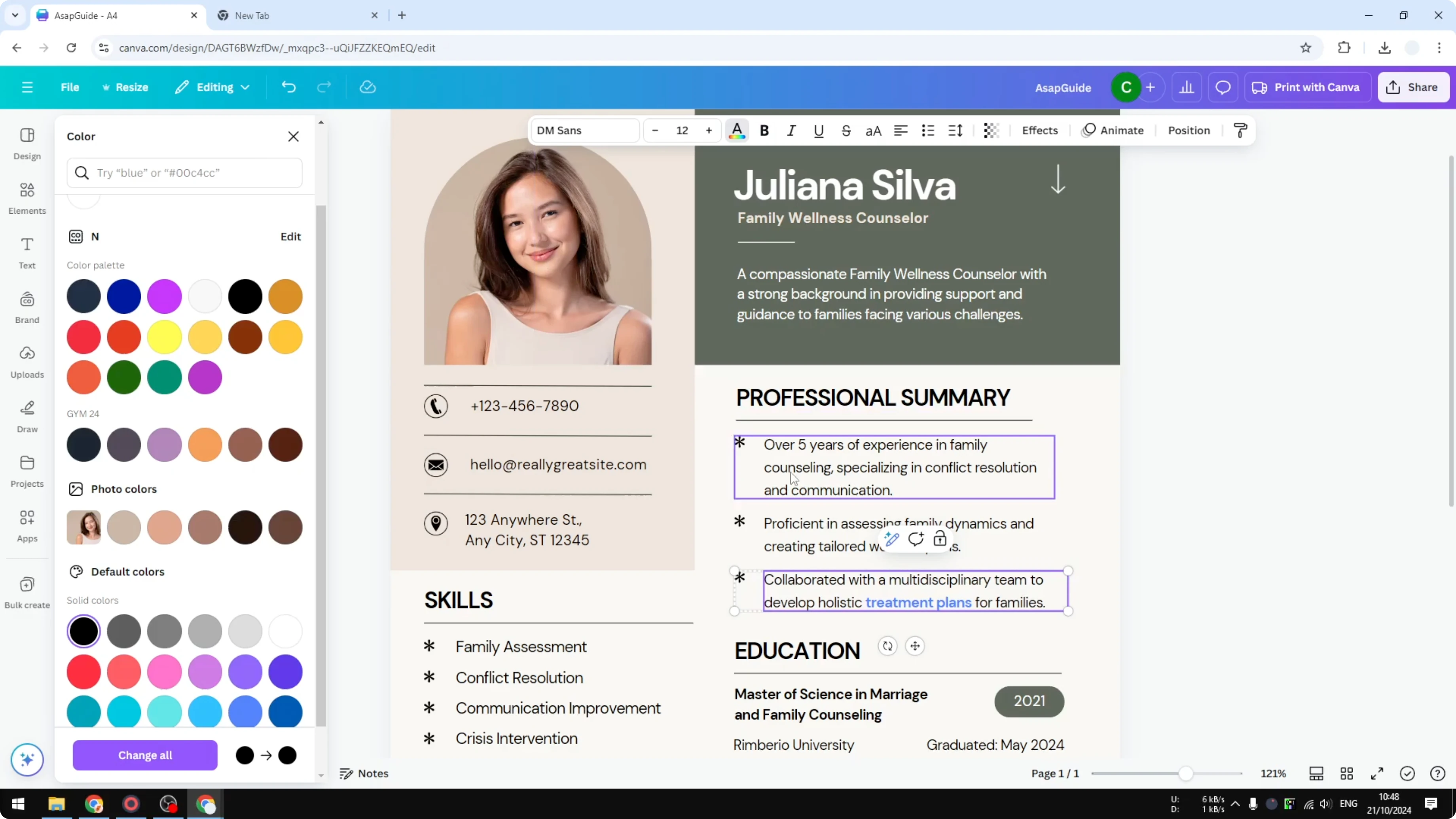
The text is now a link. If you do not like the underline, select the text and toggle Underline.
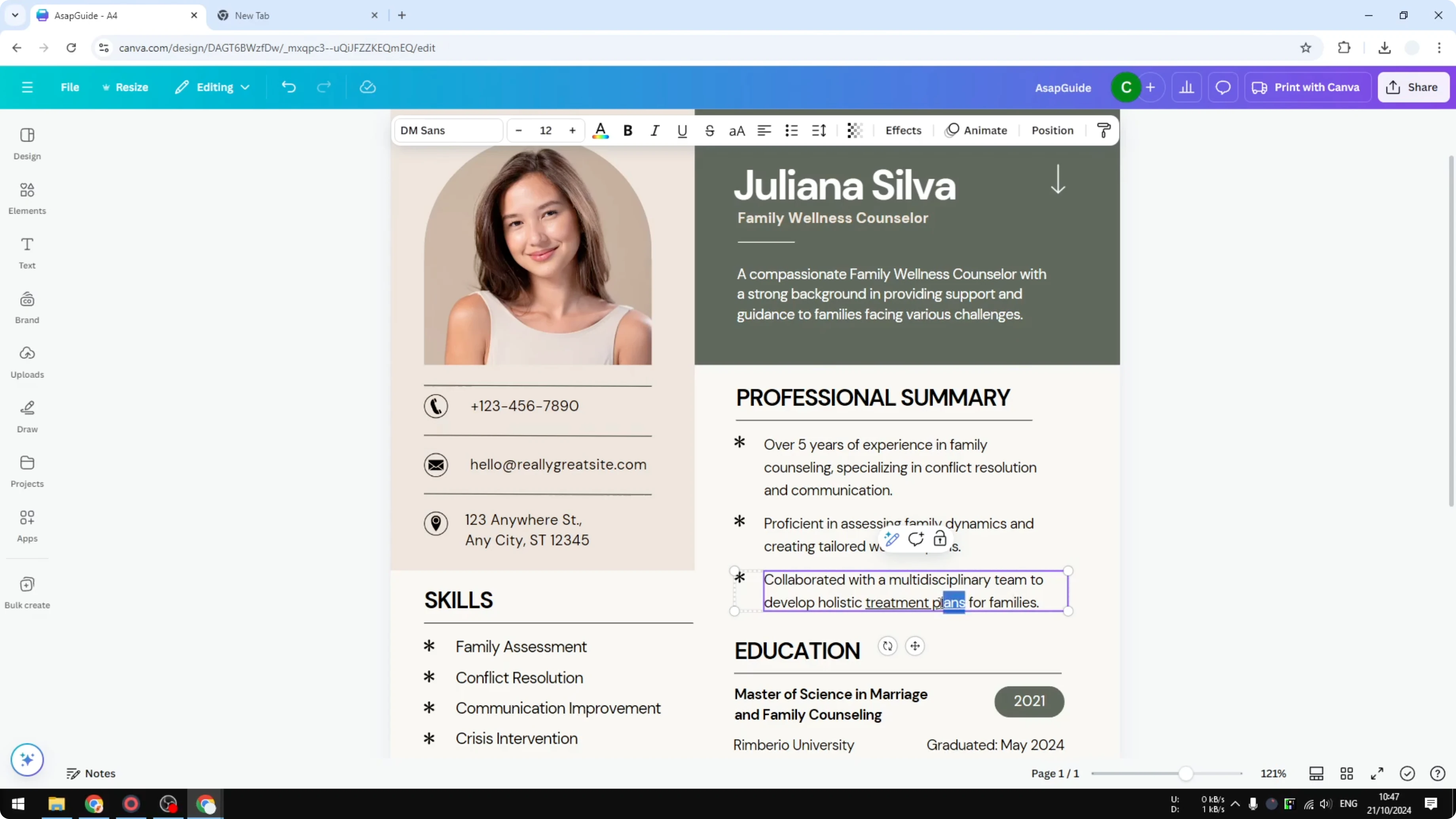
It is a good idea to distinguish links from regular text. If you hide the underline, change the color or make the link bold. That way people know it is something they can interact with.
If your name or any section needs special characters, you can also add accent marks in Canva to keep your resume text accurate. This helps names, roles, and locations display as intended. It keeps your links and labels consistent.
Add Hyperlinks in Canva Resume: link elements
You can add a link to more than just text. You can link a whole text box, a group, a shape, an icon, or a picture.
Right click the element and click Link. Paste the URL and click Done.
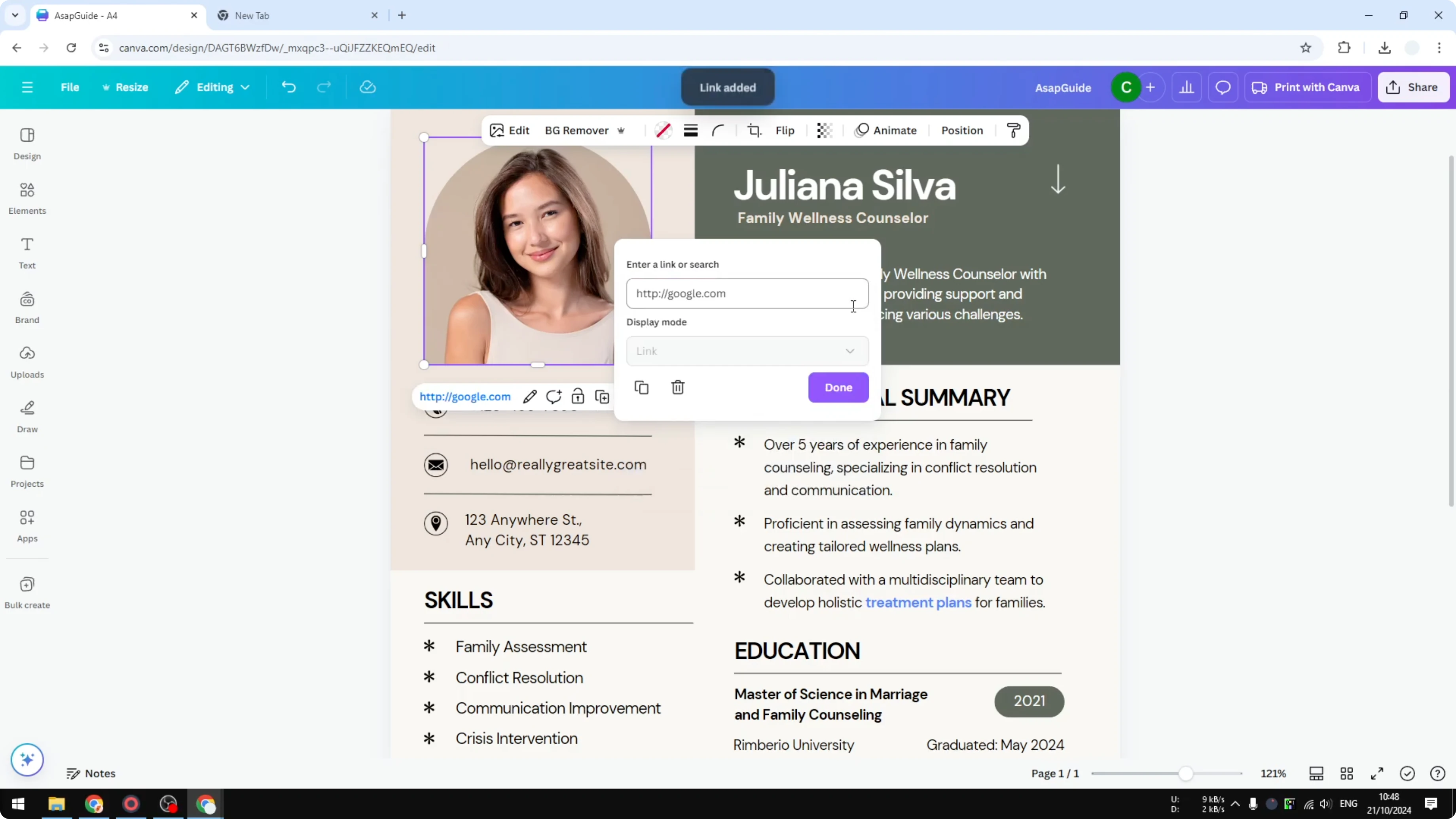
The image or shape becomes clickable in the exported file. This is useful for logos that point to a portfolio or for icons that open your email or website. It keeps the layout clean while still providing interactivity.
Add Hyperlinks in Canva Resume: export and test
Download the resume as a PDF. Open the PDF in your viewer.

Hover your cursor over the linked text or image. The cursor changes to show it is clickable.
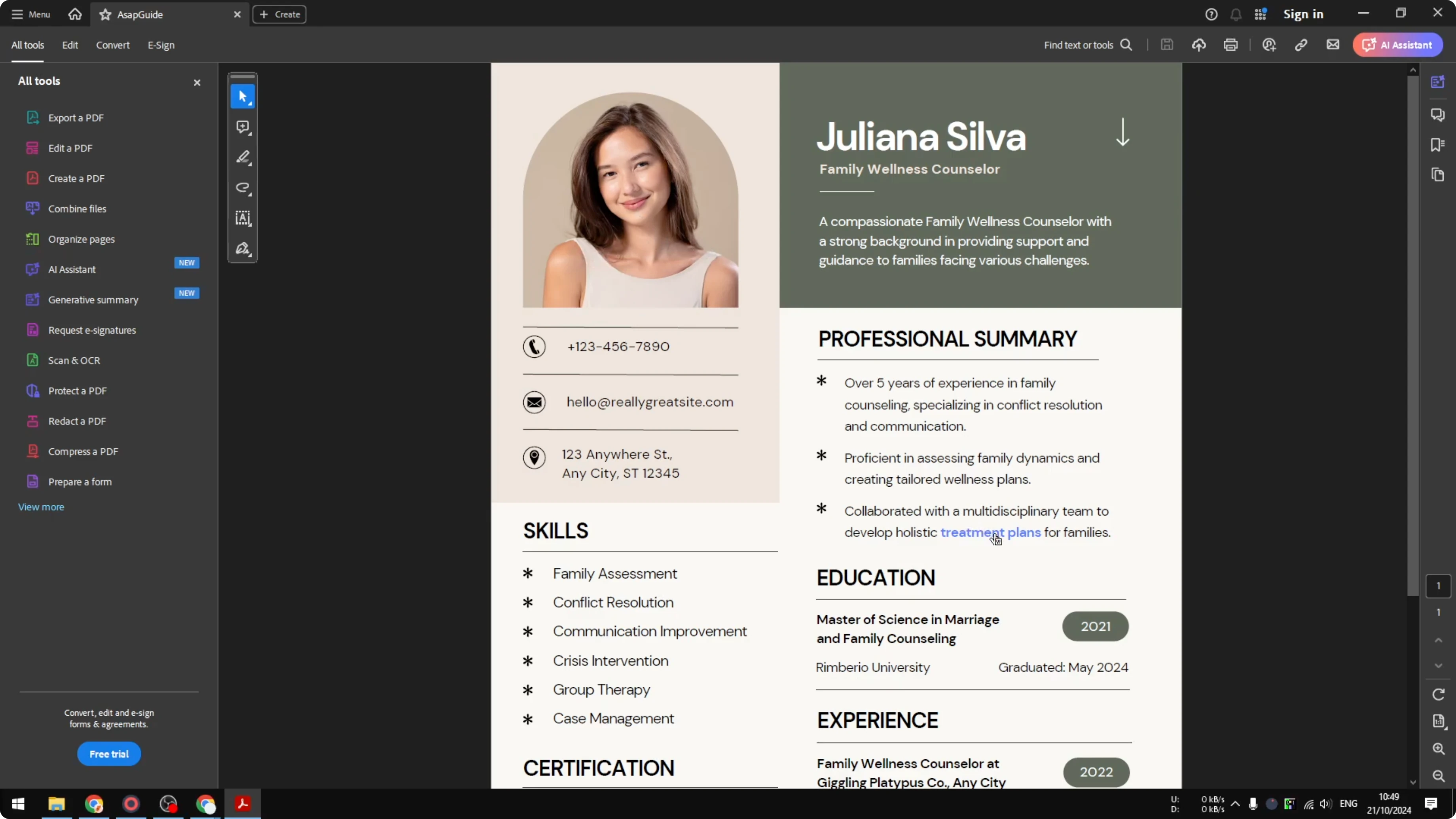
Click the link to confirm it opens the correct website. If your viewer asks for permission, click Allow. Repeat for every element you linked.
For accessibility, consider adding text alternatives to images used on your resume. You can learn how to add alt text to pictures in Canva so screen readers describe your visuals. This supports inclusive review processes.
Final thoughts on Add Hyperlinks in Canva Resume
Adding links in a Canva resume is quick and built in. Link text, shapes, and images, then export as PDF and test every link. Keep links visually distinct with color or bold so they are easy to spot.
Recent Posts

How to Visualize Yourself as a Pixelized Character with AI?
How to Visualize Yourself as a Pixelized Character with AI?

How to Revive Faded Memories and Enhance Image Clarity with AI?
How to Revive Faded Memories and Enhance Image Clarity with AI?

How to Visualize Yourself as an Animal Crossing Character with AI?
How to Visualize Yourself as an Animal Crossing Character with AI?